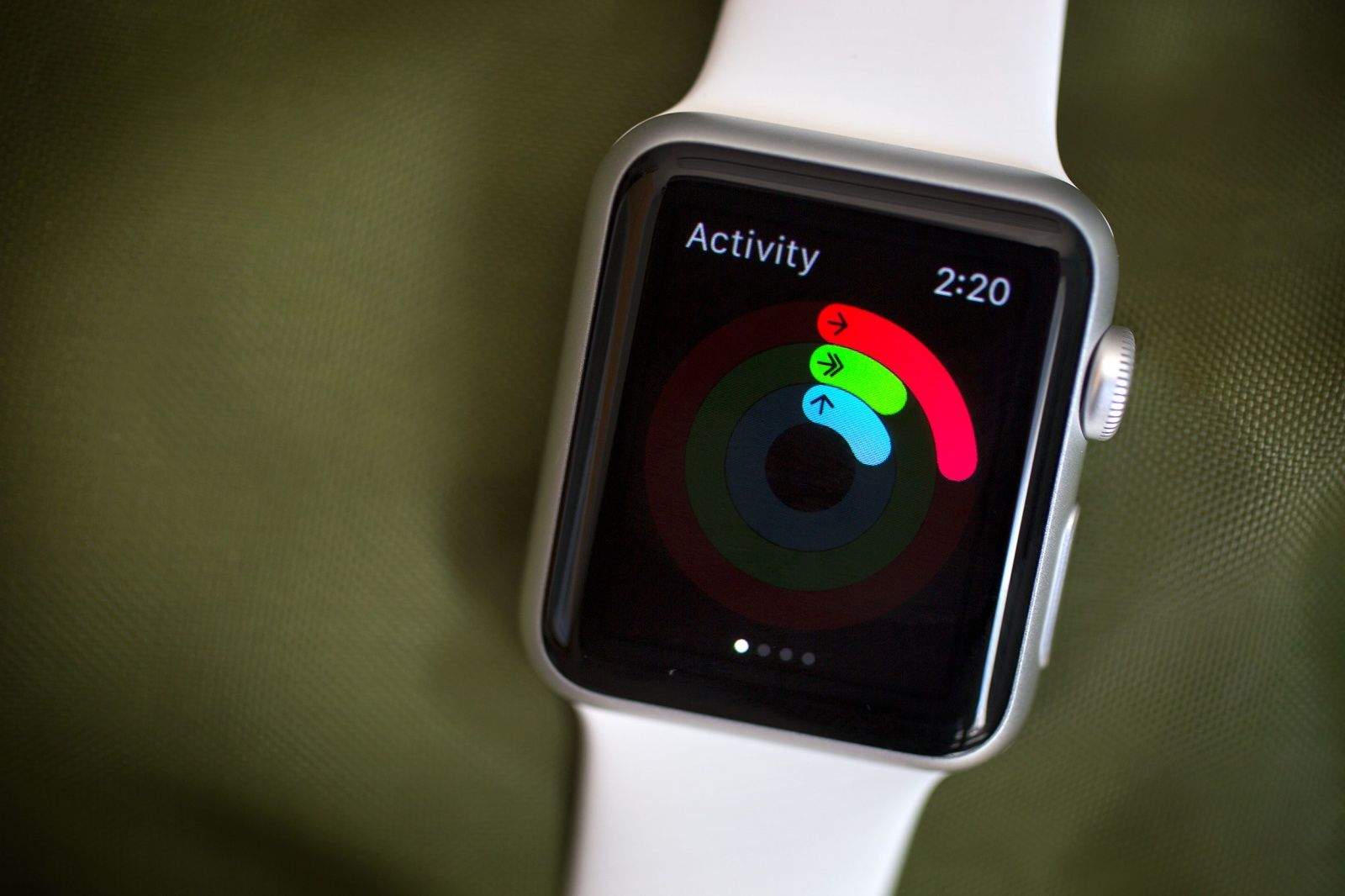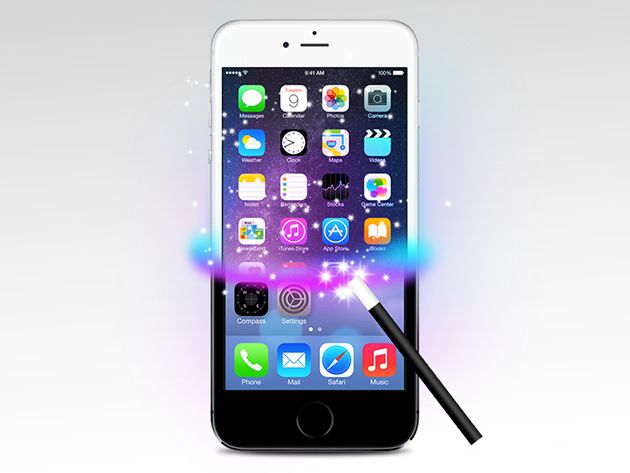
The phenomenal success of the iPhone 6 has catapulted Apple back to the spot of “world’s most valuable brand” in the 2015 BrandZ Top 100 Most Valuable Global Brands list, after it temporarily lost the title to Google last year.
According to organizers Millward Brown, Apple increased its brand value by a whopping 67 percent to $247 billion in the last year, compared to 2014’s winner Google, which achieved “only” a 9 percent value increase during that same time.