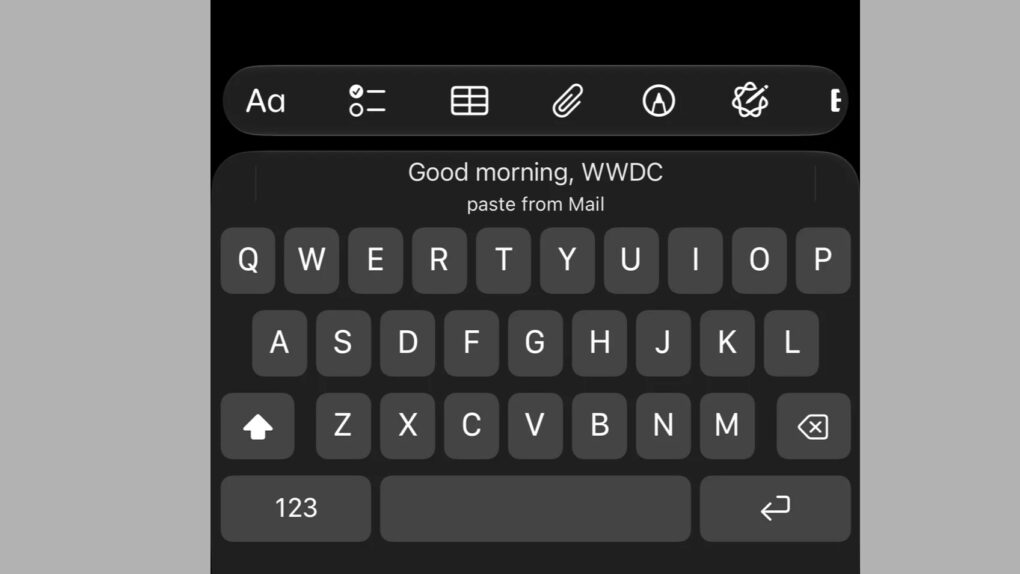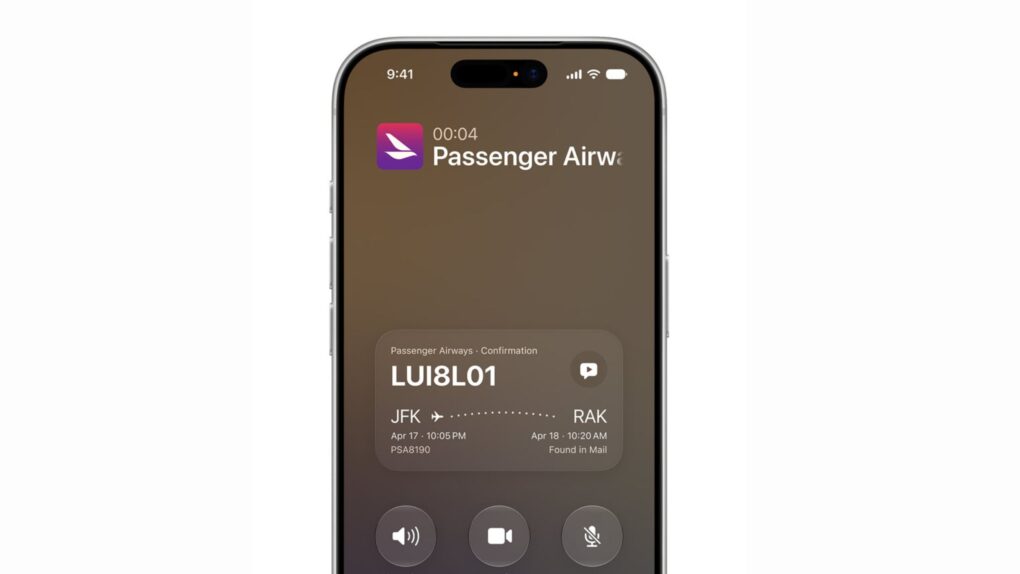
iOS 27’s Call Context feature is shaping up to be one of the most useful additions in Apple’s fall software update. The Phone app will automatically show confirmation codes, reservation details and other relevant info whenever you call a business.
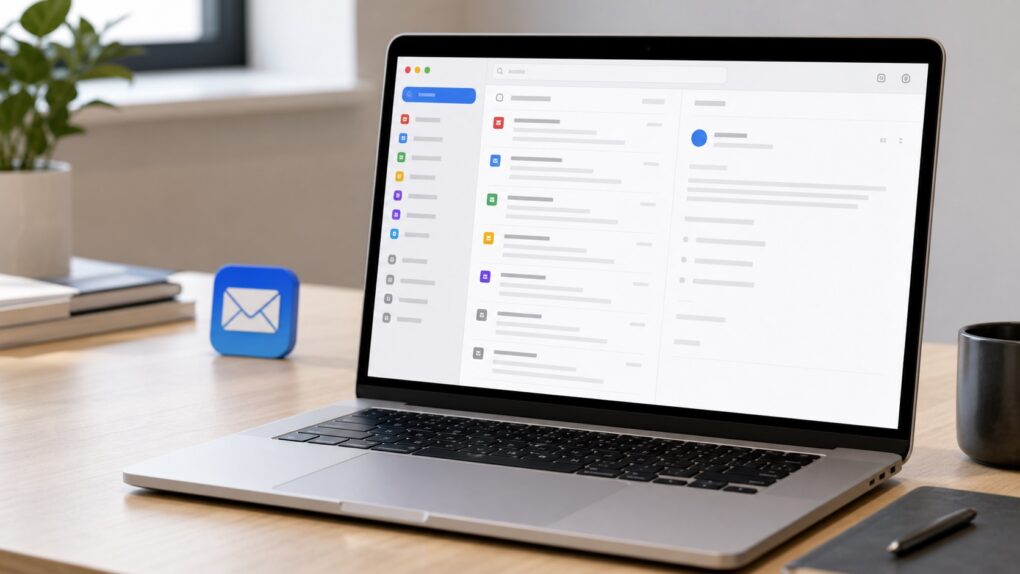
The feature works by pulling information straight from your Mail app, saving you the hassle of digging through your inbox in the middle of a customer service call. And Apple processes all of this locally, without sending anything to the cloud or a third party.

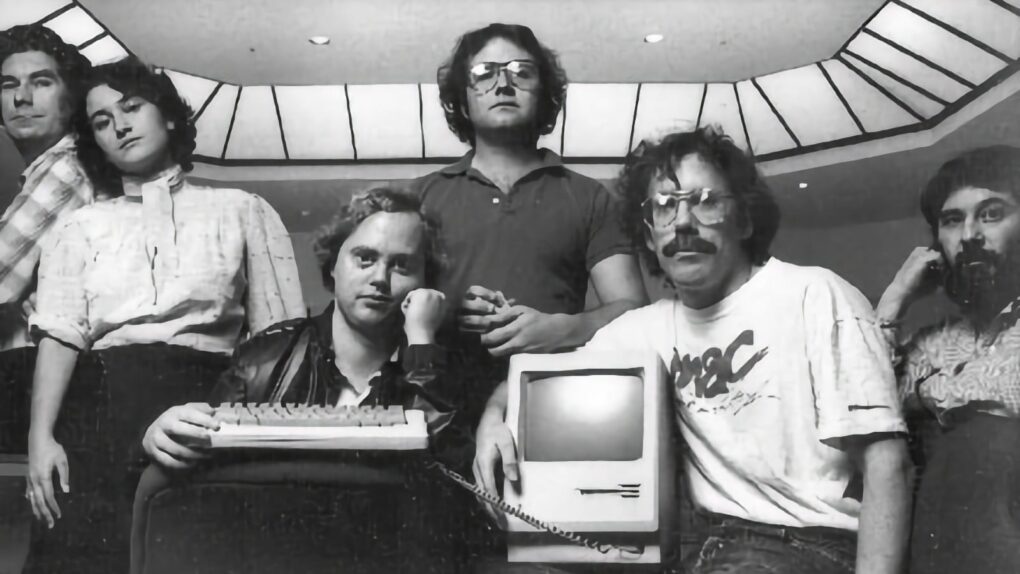
 July 27, 1955: Joanna Hoffman, who will join the original Macintosh and NeXT teams and become Steve Jobs’ first right-hand woman, is born in Poland.

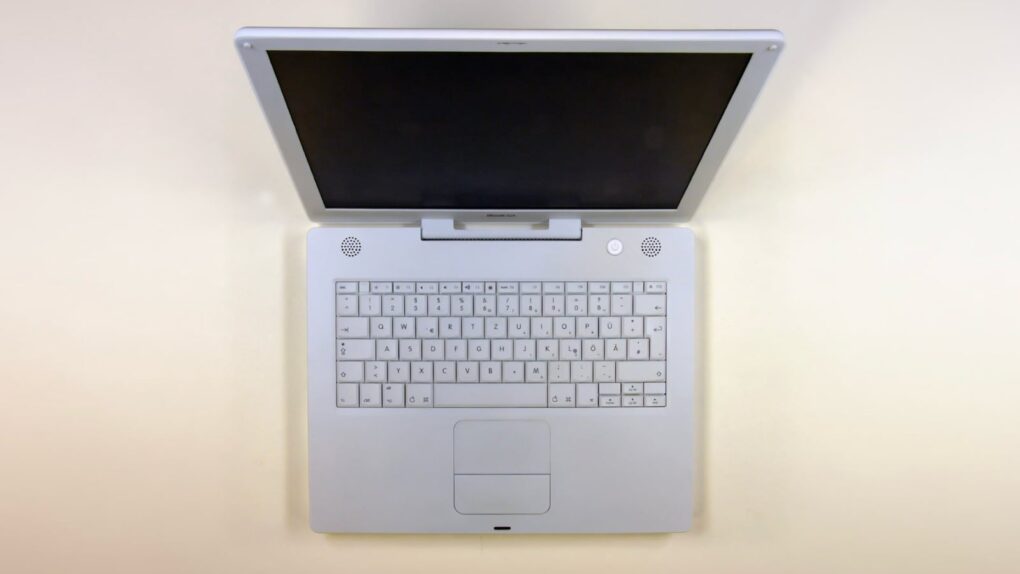
 July 26, 2005: Apple debuts the opaque white iBook G4, the last of its laptops to launch under the iBook name.
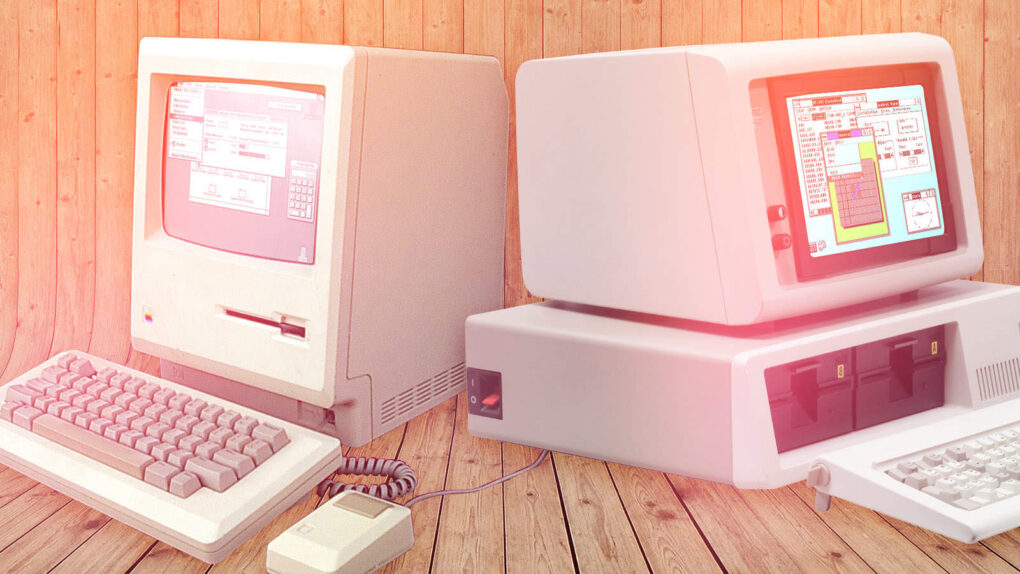
 July 25, 1989: Apple suffers a major setback in its copyright-infringement lawsuit against Microsoft for allegedly stealing the Mac’s “look and feel” to create Windows.

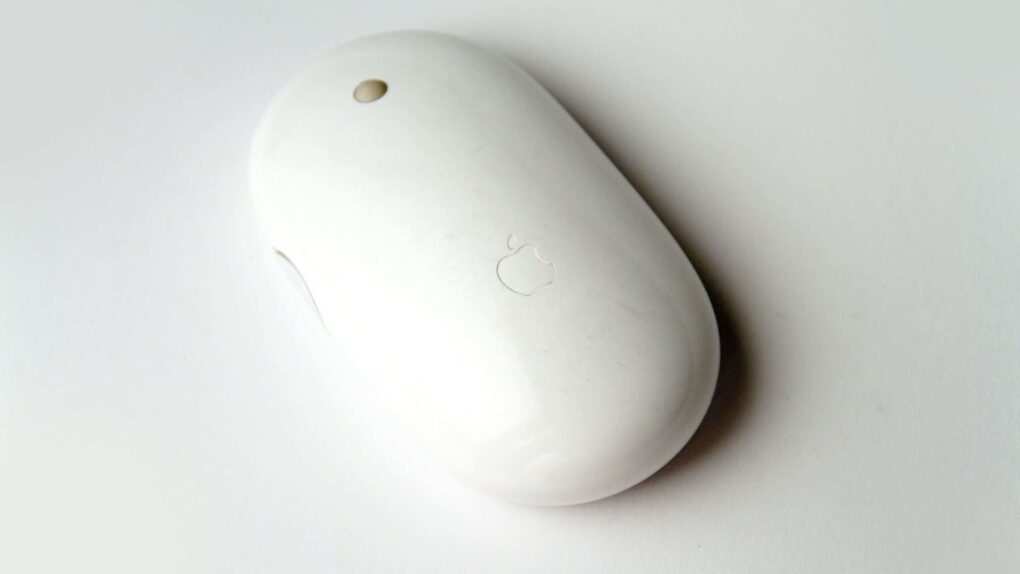
 July 24, 2006: The world gets its first glimpse of Apple’s new wireless Mighty Mouse, a multibutton Bluetooth device with super-accurate laser tracking.



 July 23, 2012: Looking for the perfect spokesman for