Apple TV gives beloved comedy Ted Lasso a soft reboot with season four, which premieres Wednesday. Image: Apple TV
Despite what really seemed like a series finale three years ago, Ted Lasso is back. Apple TV began streaming season four on Wednesday, reviving its Emmy-winning comedy with what amounts to a soft reboot rather than a direct continuation of the story.
Here’s what to look forward to as Ted, Coach Beard and all our favorites return.
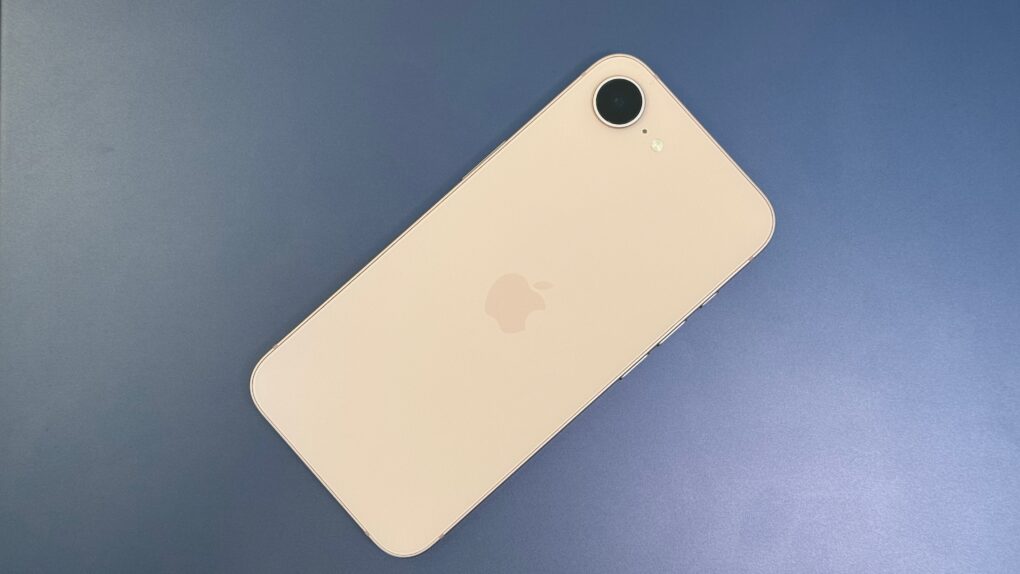
iPhone 18e rumors point to a strange new RAM configuration, even as most other specs carry over unchanged from the iPhone 17e. Photo: D. Griffin Jones/Cult of Mac
A handful of small but real changes are coming to Apple’s next budget iPhone, with iPhone 18e rumors pointing to a new chip and a RAM configuration nobody expected. None of it amounts to a redesign – this is still a budget phone, just slightly better.
The extra memory is the most interesting shift, but it comes with a catch. Most other specs, including the screen and camera, look set to carry over largely unchanged from the iPhone 17e. Here’s everything reported so far, and how solid each claim actually is.
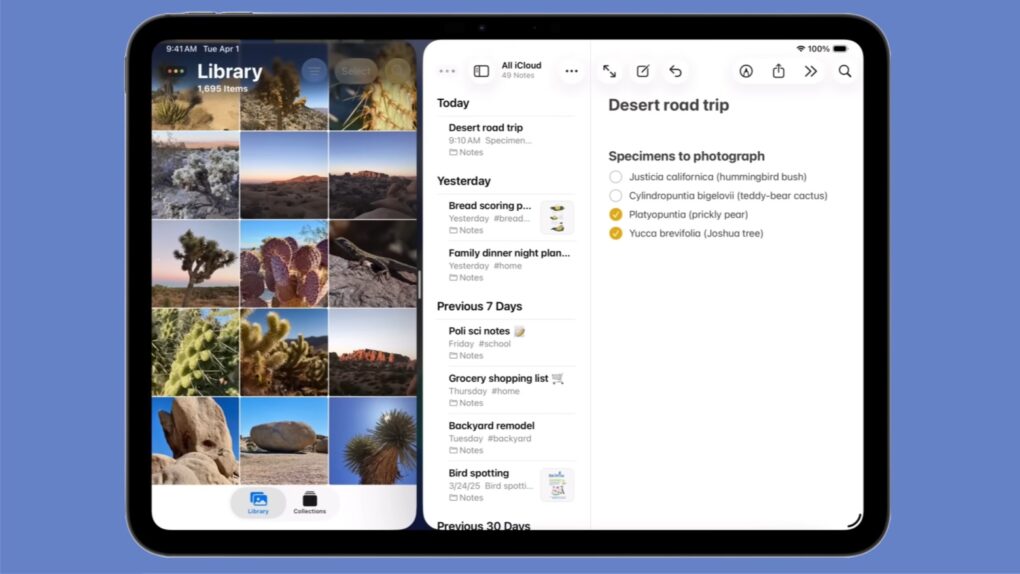
Installing iPadOS 26 doesn’t mean losing Split View from your iPad! Graphic: Apple
Apple kept the iPad’s Split View feature alongside the new multitasking stuff in iPadOS 26, despite what you might have read online. And setting it up is as easy as a couple of flicks of your finger.
Here’s how to keep using Split View on your iPad. Apple even made a video that demonstrates what to do.
★★★★★
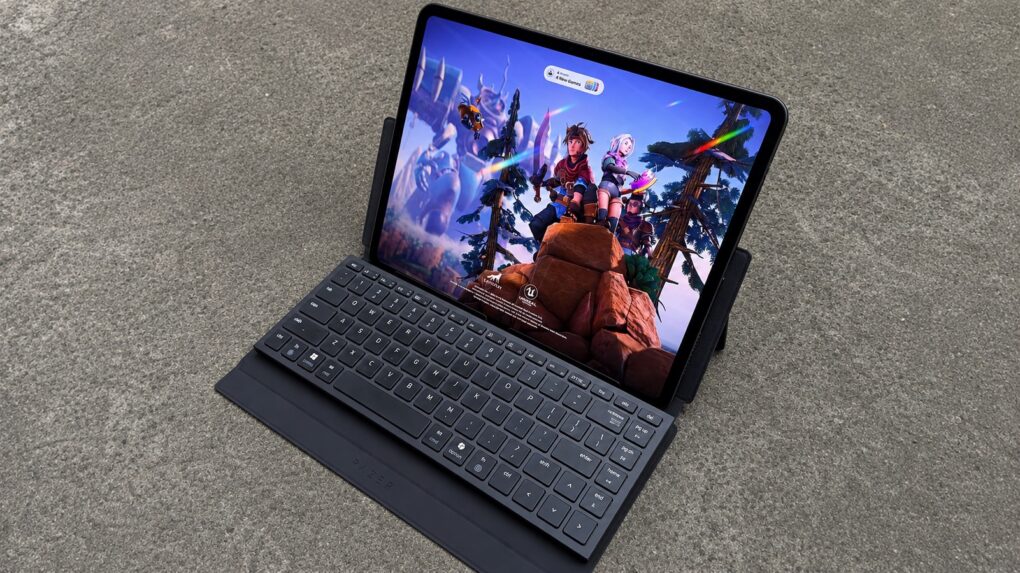
The Razer Travel Case Folio keyboard case and stand is designed for gamers as well as productivity on the go. Photo: Ed Hardy/Cult of Mac
The Razer Travel Case Folio is a combination keyboard case/stand created for gamers who need a keyboard while they game on the go with an iPad, Steam Deck or even an iPhone. And it’s also useful when you need to get some work done on your tablet.
Put a Razer Joro or an Apple Magic Keyboard into the folio, then deploy its built-in kickstand and it’s ready to prop up your tablet, gaming handheld, etc. for fun or productivity.
I tested the new accessory with my mobile setup. Here’s what I found.
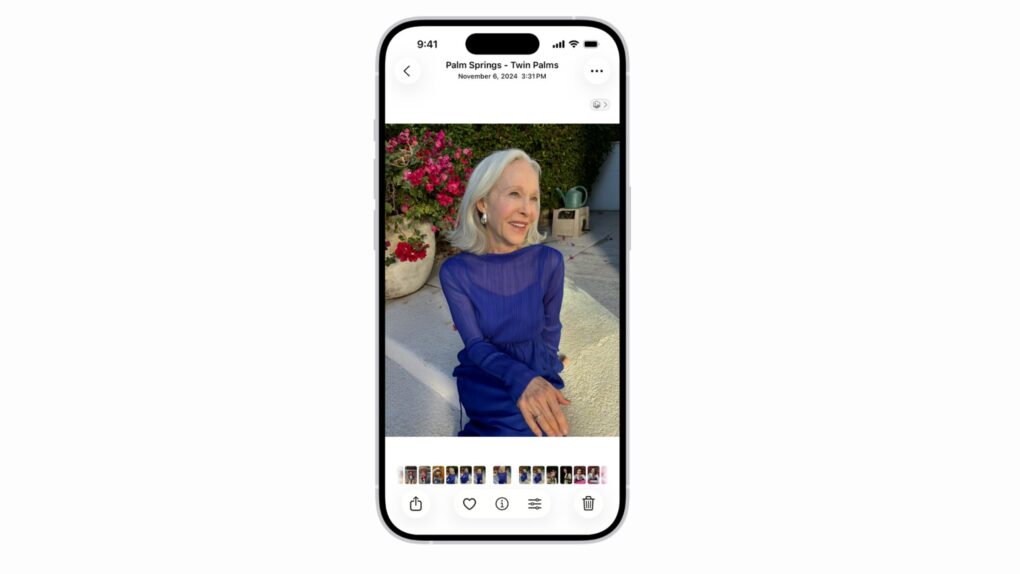
The Apple Photos lawsuit centers on the app’s People album face-recognition feature. Photo: Apple
Apple faces a $32.5 billion lawsuit over how its Photos app scans and stores faces. A federal judge cleared the case to proceed as a class action late last month, allowing millions of Illinois iPhone owners to join.
The case has been years in the making, and Apple has fought to shut it down at nearly every turn. Now it heads back to the court, with the company’s privacy practices on trial.
Turns out there is such a things as too many bug bounty reports going to Apple. Photo: Pexels CC
Apple decided to cap the number of bug bounty reports a researcher can have open at once. The move follows a flood of AI-generated “slop” that overwhelmed Apple’s internal security team this year.
But the cap almost backfired. A small Italian security firm had found a serious macOS flaw using ChatGPT, but they couldn’t report it because their group had already hit its new limit.
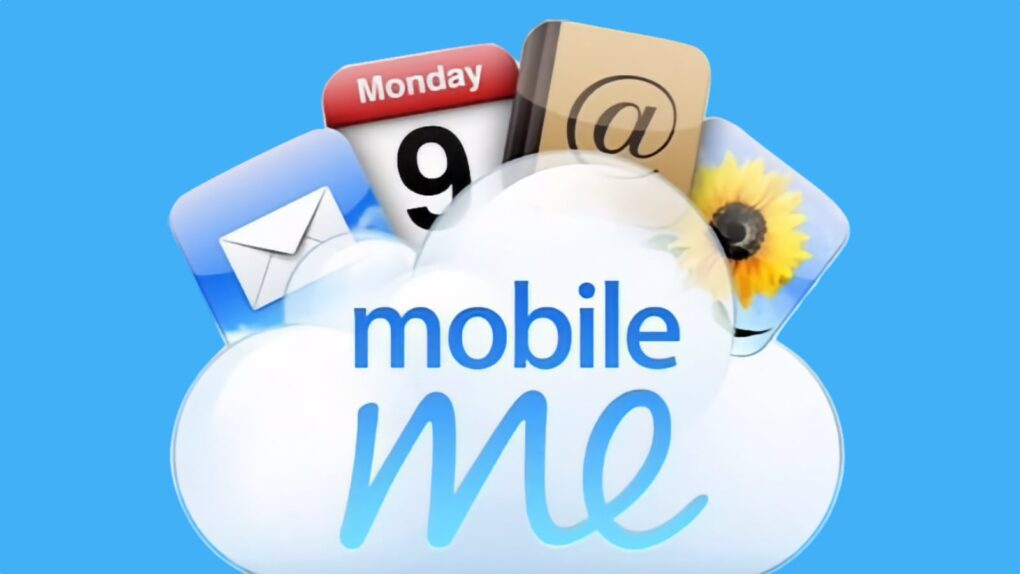
MobileMe was the failed precursor to iCloud. Image: Apple/Cult of Mac
August 4, 2008: In an internal memo, Apple CEO Steve Jobs owns up to mistakes in launching MobileMe. He spins the company’s bungled cloud service rollout as a learning opportunity.
“It was a mistake to launch MobileMe at the same time as iPhone 3G, iPhone 2.0 software and the App Store,” Jobs writes in an email to Apple employees. “We all had more than enough to do, and MobileMe could have been delayed without consequence.”
One of Apple's best productivity features may soon work with Windows. AI image: ChatGPT
Apple plans to bring one of the iPhone and Mac’s most useful ecosystem features — cross-device clipboard sync — to Windows PCs. Don’t expect it anytime soon, though, as the functionality likely won’t arrive until fall 2027 at the earliest.
Apple is not adding cross-device clipboard sync support for Windows PCs to iOS because it wants to, though. The feature stems from an interoperability request Microsoft submitted under the European Union’s Digital Markets Act.
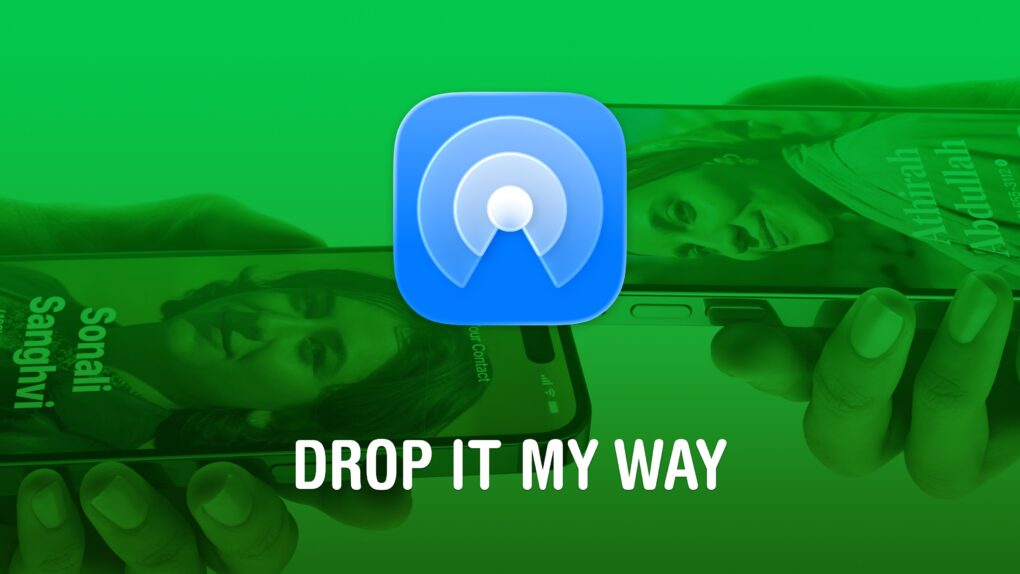
AirDrop is right up there with iMessage as a great Apple-exclusive feature. Learn how to use it. Image: D. Griffin Jones/Cult of Mac
If you want to know the fastest and easiest way to send someone photos, videos, files and so, so much more, you should know how to AirDrop. There’s no need to send an iMessage — Apple’s slick AirDrop feature will immediately send and open the content on someone else’s iPhone (or other Apple device). There’s no middle step.
AirDrop works iPhone-to-iPhone, iPhone-to-Mac, iPhone-to-iPad, Vision Pro-to-Mac — any combination and permutation of two Apple devices. And, if your friend has a Google Pixel 10, you can AirDrop with them, too!
Keep reading to find out everything you need to know about how to take advantage of AirDrop.
★★★★☆
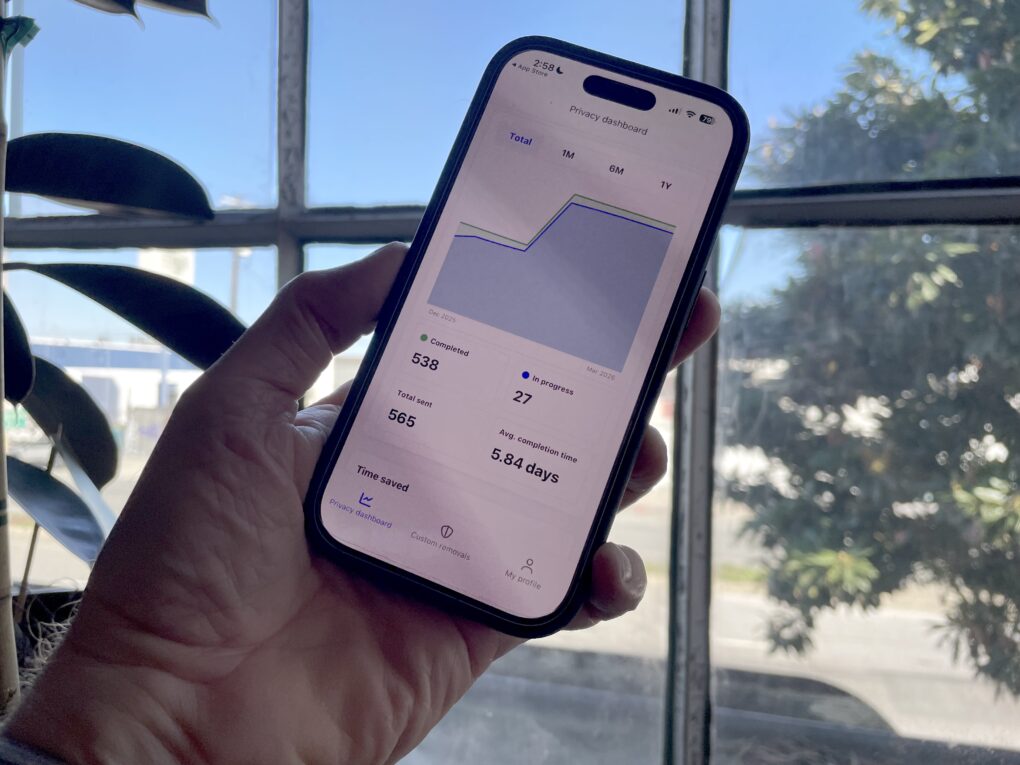
Incogni's personal data scrubbing service helped stop an elderly relative from getting scammed. Photo: Leander Kahney/Cult of Mac
When fraudsters targeted an elderly relative of mine last year, they scammed her out of thousands of dollars. We tried to stop them, without much success. But then we scrubbed her personal data from the internet using a service called Incogni.
Surprisingly, using this affordable data removal service made all the difference. Here’s how I stopped my relative from getting scammed.
Fitness features in Apple's rumored smart glasses could pick up where Vision Pro’s shelved workout plans left off. Photo: Pexels
A new job posting reveals that Apple is already thinking about how to bring fitness features to its long-rumored smart glasses.
The company is looking to hire a “strategic product design leader” for its Vision Products Group. The role focuses on shaping health, wellness and fitness experiences across future visionOS hardware.
All 62 Leagues Cup matches will stream live on Apple TV. Photo: Apple TV
The 2026 Leagues Cup tournament kicks off Tuesday, August 4. The month-long competition pits 18 Major League Soccer clubs against 18 teams from Mexico’s Liga MX, with all 62 matches streaming through Apple TV.
No separate subscription is required to enjoy the action – any Apple TV subscriber in 100 countries and regions can watch.
★★★★☆
Meet the small but mighty Chargeasap Miko. Photo: Rajesh Pandey/Cult of Mac
The Chargeasap Miko solves the biggest problem with tiny iPhone chargers: remembering to carry them in the first place.
Chargeasap calls it the world’s smallest 30W GaN charger, but the device’s dimunitive size isn’t its only strong point. The Miko packs several thoughtful design touches that help it stand out from the competition. Here’s how the tiny charger performs in real life.
Apple's sleekest MacBook is in short supply. Photo: D. Griffin Jones/Cult of Mac
Apple can’t keep up with the MacBook Air’s demand due to the ongoing DRAM and NAND shortage. It is supposedly “struggling to keep the laptop in stock.”
Entry-level MacBook Air configurations are only available for shipping in late August, while custom configurations are listed for September delivery.
Make your AI-generated writing sound ... human! Image: Cult of Mac Deals
AI writing tools work wonders, but AI detectors can flag your content if it leans too heavily on robo-prose. If you want your AI writing to be undetectable, you must edit all that content yourself, but it takes time to add the human touch. Sometimes, there just isn’t room in the schedule, but that’s OK. There’s a robot for that, too. You can use an AI humanizer like Undetectable Humanizer.
The Undetectable Humanizer transforms your AI-generated text into natural, human-like prose to help it bypass AI detection systems. This tool is a great get for writers, content creators and business owners who need to save as much time as they can when creating engaging content. A lifetime subscription to this effective AI humanizer’s pro plan is on sale now for $139.99 (regularly $2,880).
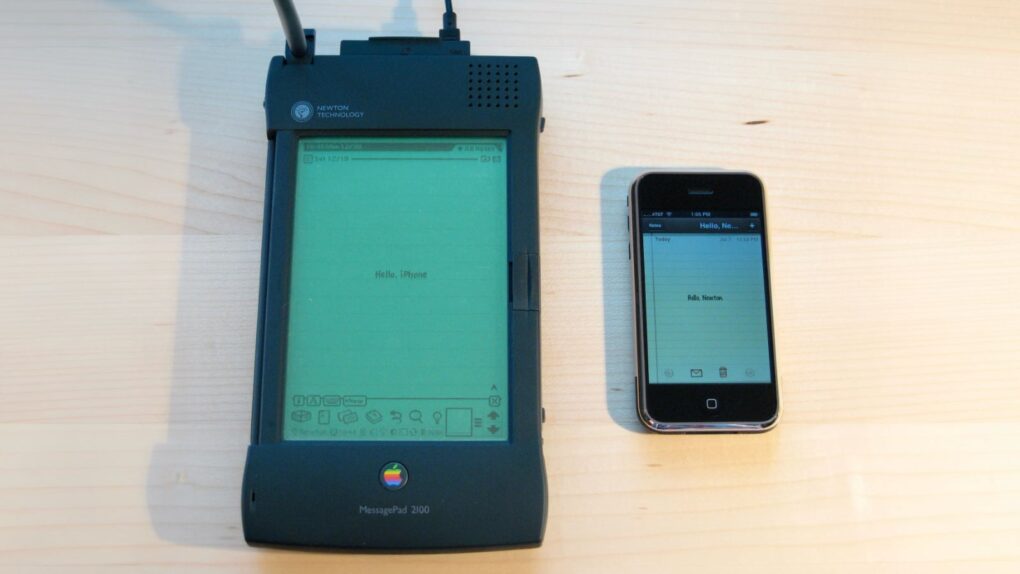
August 2, 1993: Apple launches the Newton MessagePad, the first product in the company’s line of handheld personal digital assistants. While it will become the most unfairly maligned product in Apple history, the Newton is a revolutionary device.
It predates Apple’s push toward app-based mobile devices 14 years later with the iPhone. And, while often dismissed as a failure, the Newton ranks near the top of the list of Apple’s most influential creations.
Rumors indicate the 2026 Mac mini won't be a standard "ship and ship" upgrade. Photo: Apple/Cult of Mac
Apple’s smallest desktop could get an unusual processor upgrade this fall. The 2026 Mac mini is reportedly moving to the basic M6 processor, but not the M6 Pro as would be expected.
Here’s everything the rumor mill says about Apple’s next Mac mini.
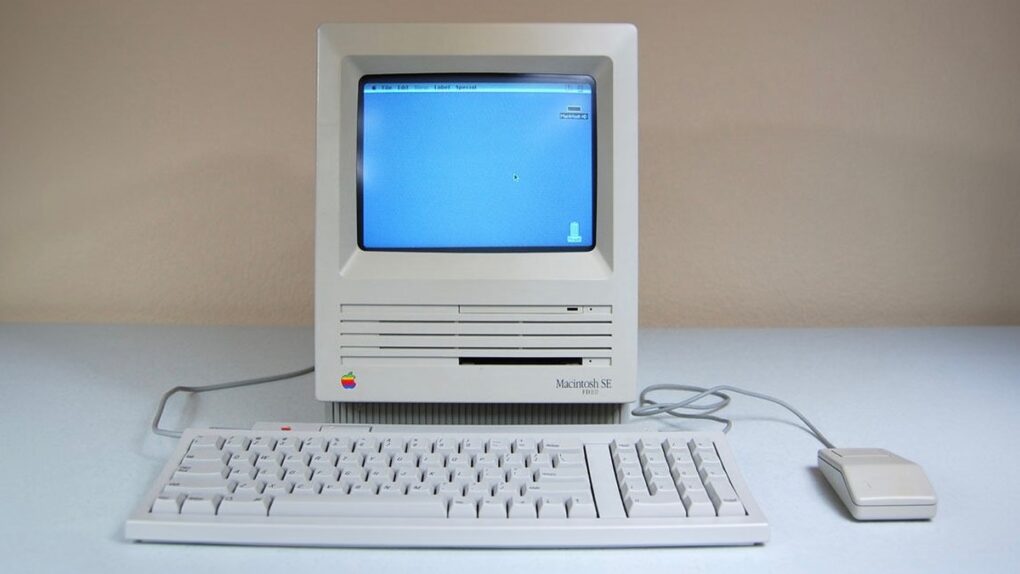
The Mac SE FDHD was a mouthful to say — but what a computer! Photo: Vetronic's Apple World
August 1, 1989: Apple gives the Macintosh SE a storage bump, courtesy of the new SuperDrive in the new Mac SE FDHD. The high-density floppy disks the SuperDrive uses offer an astonishing (for the time) 1.4MB of storage.
In terms of portable storage, it’s a big step up for most Mac owners. The HD floppy disks compare very favorably to the 400KB single-sided double-density (SSDD) disks and 800KB double-sided double-density (DDSD) disks in use at the time.
These small Mac tricks are big everyday time-savers. AI image: ChatGPT/Cult of Mac
After using Macs for years, I’ve come across several macOS features that most people overlook or quickly dismiss. But these incredibly useful Mac features have become an integral part of my daily workflow. They help me manage files, navigate my Mac more efficiently, breeze through repetitive text and more.
Even if you have been using macOS for years, chances are you are not using all of its features. And these should become part of your Mac repertoire.
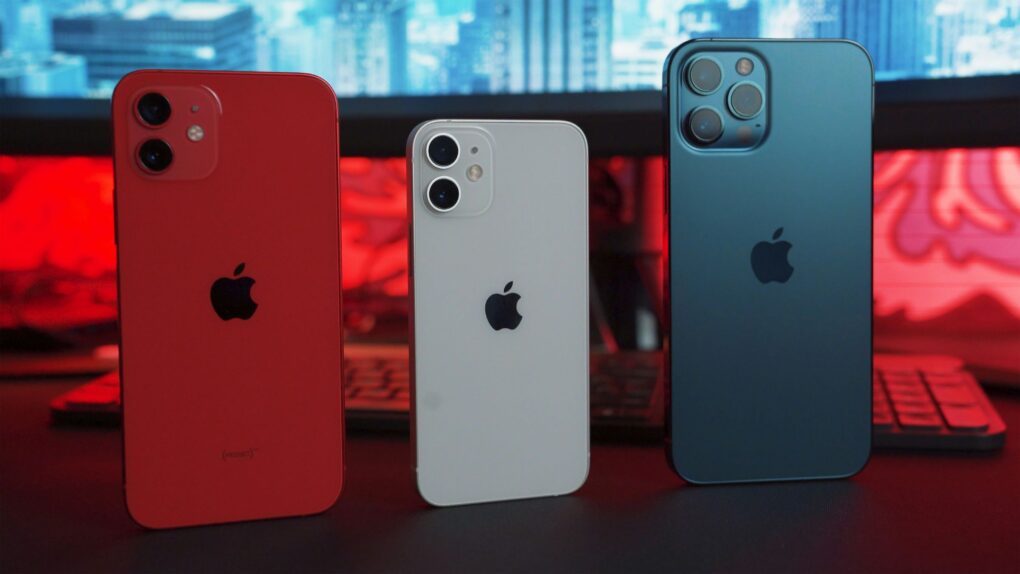
Buying an iPhone 18 or new Mac this fall could come with weeks of wait times. Photo: Unsplash
Availability of the iPhone 18 Pro series as well as new Macs and iPads could take a hit this fall. Apple admitted its supply chain is facing challenges.
The result could be lengthy wait times for this fall’s hottest new models. And an analyst warned that there could be price hikes for the iPhone 18 Pro and Pro Max, too.
Spotify Running Mode lets runners customize playlists by workout type, tempo and duration. Image: Spotify
Spotify’s new Running Mode can turn your next jog into a custom-built playlist. The feature builds listening sessions around your pace, workout style and the music you want to hear.
“Whether you’re training for a race, heading out for an easy jog, or just want a more motivating walk, Running Mode helps you spend less time hunting for the right music and more time moving,” Spotify said in a press release Thursday.
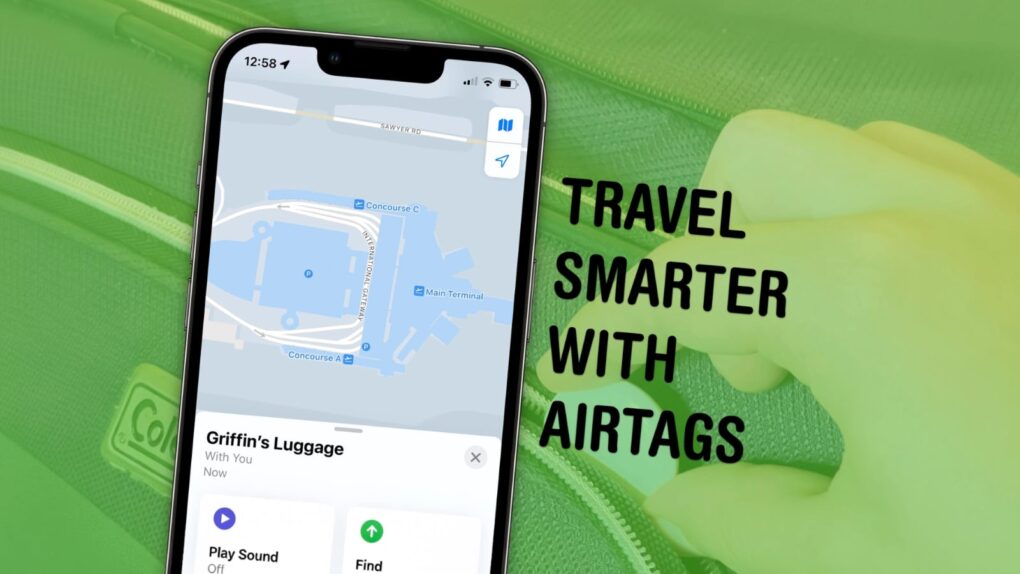
An AirTag in a bag can find a solution to an absolute calamity. Image: D. Griffin Jones/Cult of Mac
Traveling is a lot easier if you can keep track of your stuff with AirTags in your luggage. Placing one in your bag lets you make sure it’s with you all the way along your journey. And if the worst happens, an AirTag can help you quickly find a lost item.
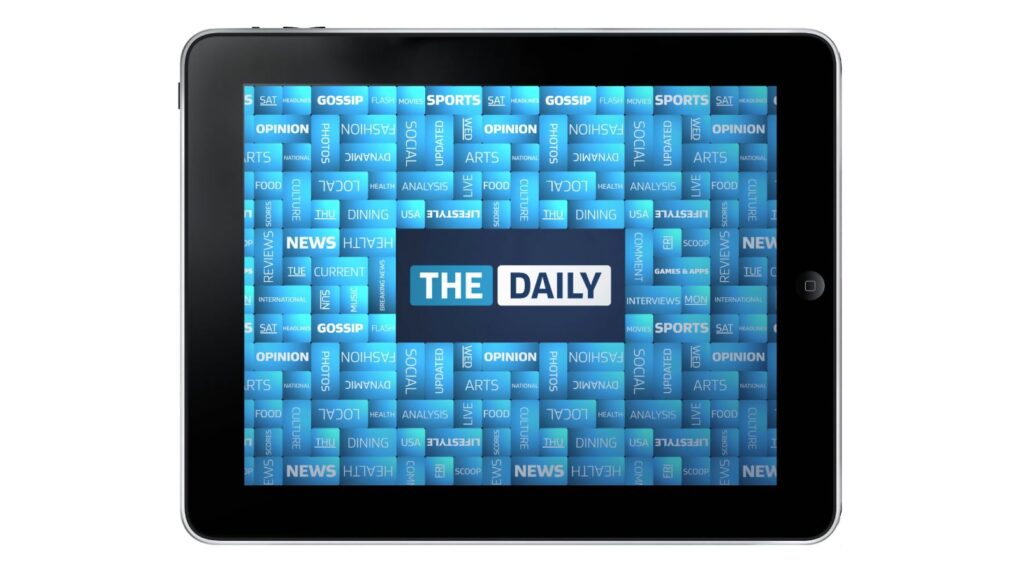
Designed exclusively for the iPad, The Daily was a great, but ultimately failed, experiment.
Photo: The Daily
July 31, 2012:The Daily, the world’s first iPad-only newspaper, lays off almost a third of its staff, signaling the demise of a bold publishing experiment.
The deep cuts — The Daily fires 50 of its 170 employees — affect mainly sports and editorial page staffers, although some production and design employees get the ax, too. The ominous move comes as News Corp places the iPad app “on watch” due to disappointing readership numbers.
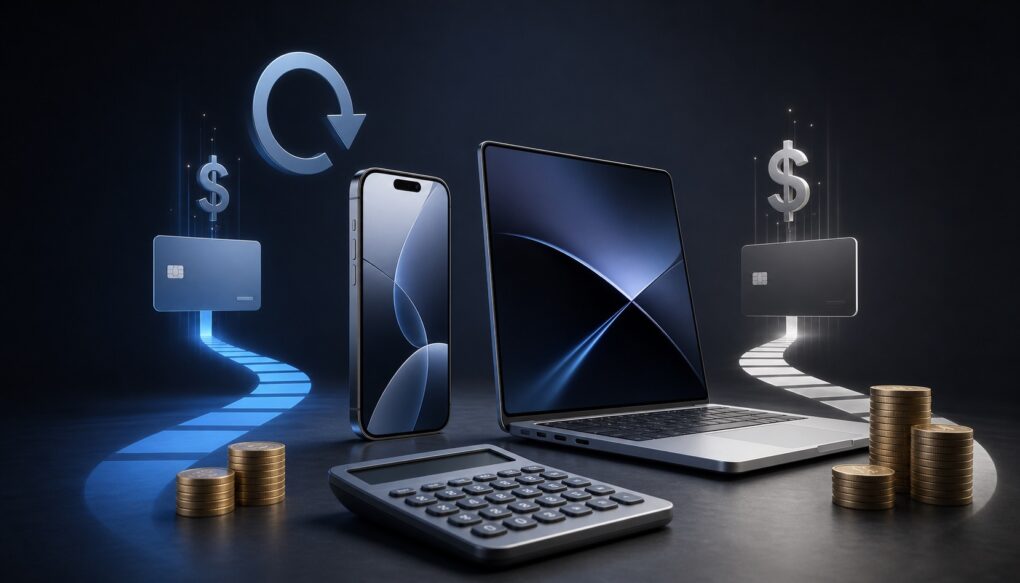
Lease now or buy outright? The math tells the real story. AI image: ChatGPT
Apple Upgrade makes getting a new iPhone or Mac look surprisingly affordable. You select your preferred device, lease term and then pay for it in monthly installments. At the end of the lease, you can buy the device outright or upgrade to a newer model.
But is Apple Upgrade really worth leasing your next iPhone or Mac? I did the math to find out.



 August 4, 2008: In an internal memo, Apple CEO Steve Jobs owns up to mistakes in launching MobileMe. He spins the company’s bungled cloud service rollout as a learning opportunity.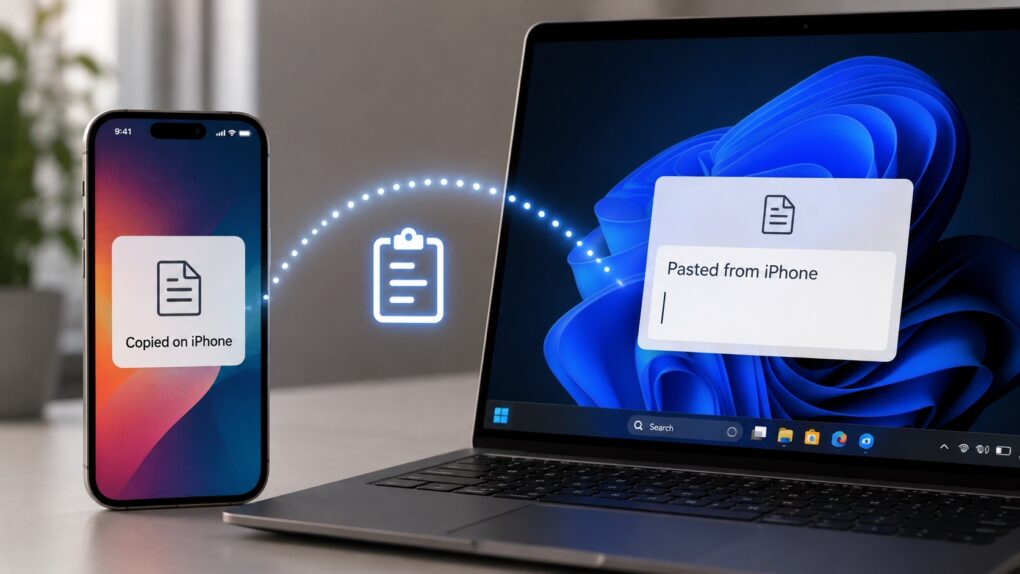



 August 3, 2009: Google CEO Eric Schmidt resigns from Apple’s board of directors amidst increasing competition between the two companies.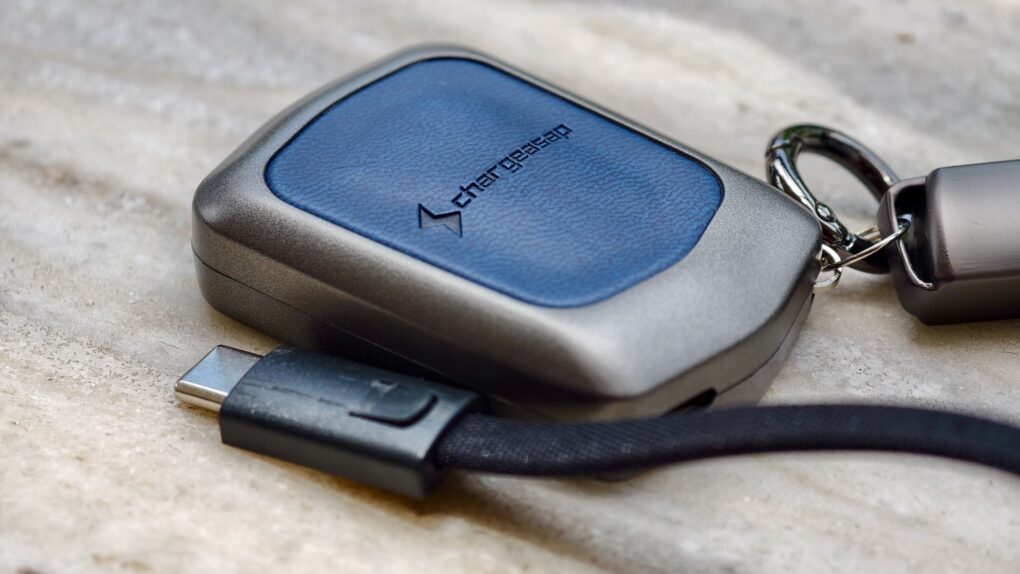


 August 2, 1993: Apple launches the Newton MessagePad, the first product in the company’s line of handheld personal digital assistants. While it will become the most unfairly maligned product in Apple history, the Newton is a revolutionary device.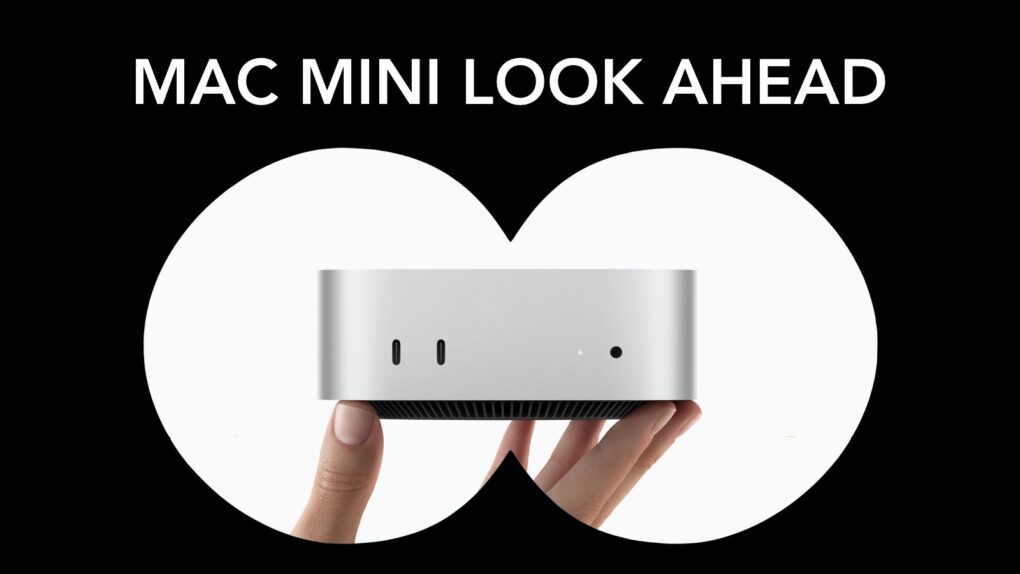
 August 1, 1989: Apple gives the Macintosh SE a storage bump, courtesy of the new SuperDrive in the new Mac SE FDHD. The high-density floppy disks the SuperDrive uses offer an astonishing (for the time) 1.4MB of storage.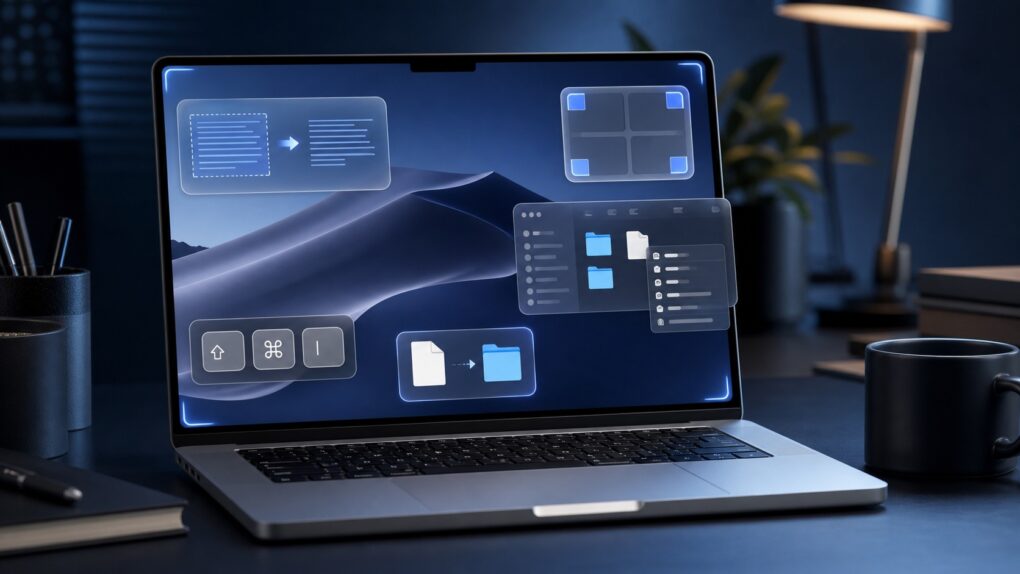

 July 31, 2012: The Daily, the world’s first iPad-only newspaper, lays off almost a third of its staff, signaling the demise of a bold publishing experiment.