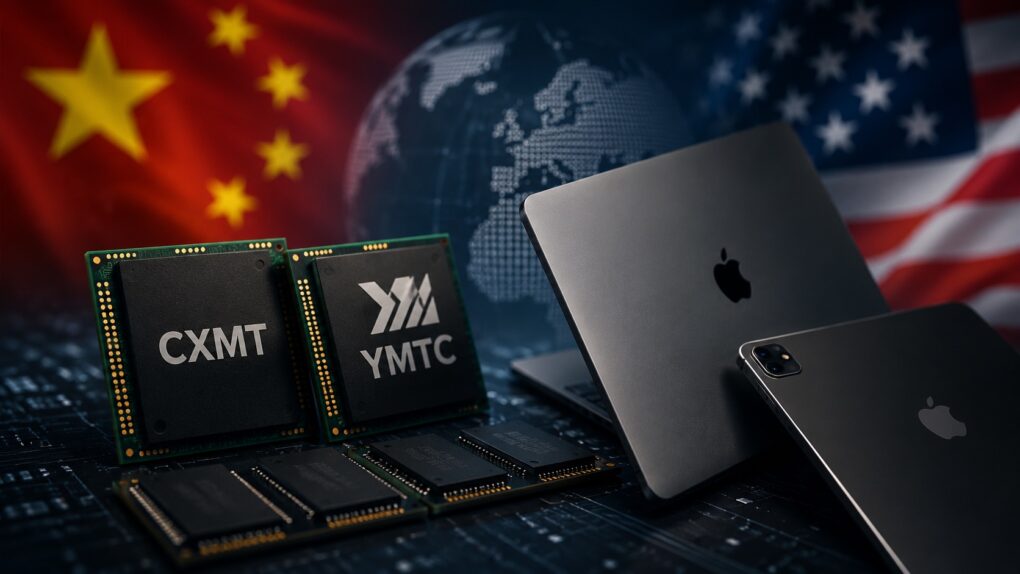
Chinese memory won't make Macs cheaper. AI image: ChatGPT
Despite its best efforts, Apple is not immune to the DRAM and NAND shortages and price hikes. This forced the company to substantially hike the prices of Macs and iPads.
To ease the memory crunch, Apple is considering sourcing memory from Chinese suppliers. But even if that happens, don’t expect the company’s products to become cheaper. The move is about securing a supply of critical components, not cutting prices.
Just try to wrap your head around these massive numbers. AI image: Midjourney/Cult of Mac
Apple posted yet another round of astonishing numbers when it revealed its latest quarterly earnings Thursday. Many of the numbers are so massive as to be practically inconceivable, but they provide a fascinating insight into the size — and the unbridled success — of Apple’s business.
In what will be his last earnings call, outgoing Apple CEO Tim Cook said the impressive numbers flow naturally from following Apple’s core values.
“Throughout all of it, we will remain guided by our North Star, building the best products and services to enable people to do magical things,” Cook said during Thursday’s call. “It’s a special privilege to be part of people’s lives in lasting and meaningful ways, helping them to create, connect, and experience the world around them.”
And it doesn’t hurt if you can generate enormous amounts of money as a result. Take a look at these Apple stats.
Siri AI is free, but for how long? Image: Apple/Cult of Mac
When Siri AI launches in the fall, the artificial intelligence-powered chatbot will be available at no extra cost on the devices that support it, but that could change in the future. Apple CEO Tim Cook raised the possibility on Thursday.
Apple posts its "strongest June quarter ever," with revenues powered by strong sales and tariff refunds. AI image: Midjourney/Cult of Mac
Apple’s boom continues. It just reported that revenue during its most recent financial quarter grew 16% year over year. That’s the ninth quarter in a row of revenue increases, and the third of double-digit increases.
“Today, Apple is proud to report our strongest June quarter ever, with double-digit revenue growth across iPhone, Mac and Services, and in every geographic segment,” said Tim Cook, Apple’s CEO, in a statement.
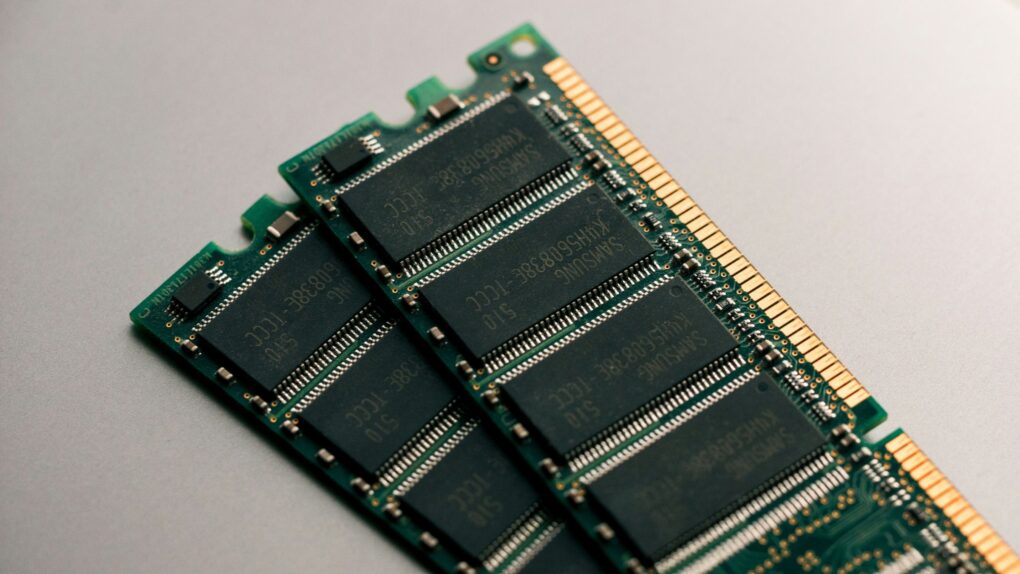
Senators say Apple’s push for Chinese memory chips could threaten U.S. national security. Photo: Unsplash
A bipartisan group of U.S. senators is pressuring Apple to abandon its pursuit of Chinese memory chips. In a new letter to Apple CEO Tim Cook, lawmakers warned that buying components from the two blacklisted suppliers could tie Cupertino to China’s military.
Apple is looking for a cheaper source of memory amid a global shortage. But the lawmakers say sourcing them from China is a step too far.
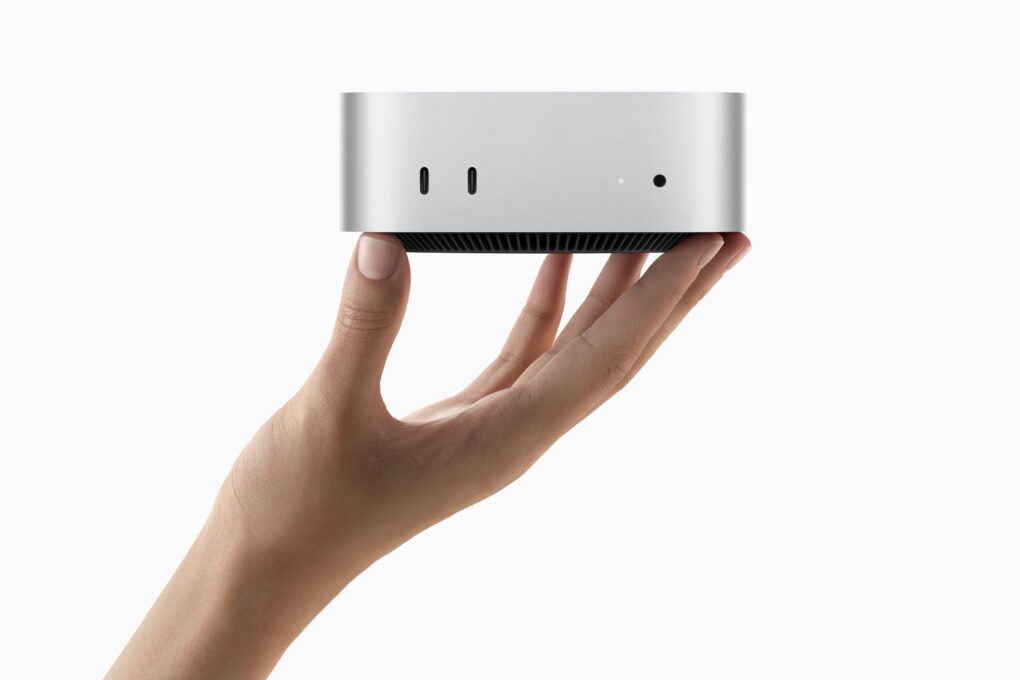
The Mac mini shortage has pushed wait times past four months for some configurations. Photo: Apple
The Mac mini shortage isn’t over. Three months after Apple CEO Tim Cook admitted that the company was caught off guard by demand, buyers are still stuck waiting.
Base models are easier to find now than they were in the spring, but bump up the memory, and you could wait months. Prices have climbed, too, thanks to the ongoing global memory chip shortage.
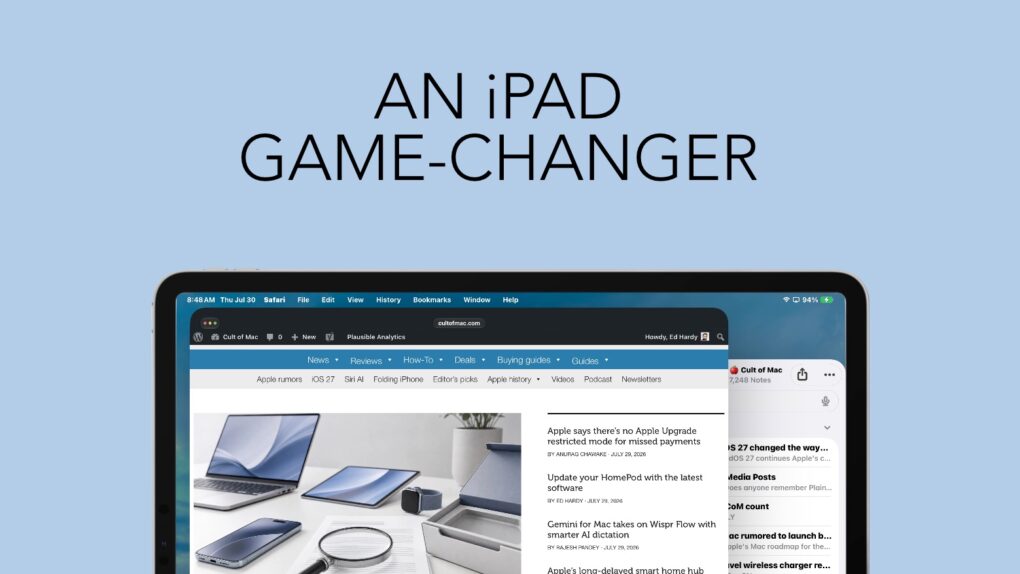
Bringing a familiar maOS feature to the iPad is a noticeable improvement. Graphic: Ed Hardy/Cult of Mac
iPadOS 27 continues Apple’s commitment to improving the iPad’s software. This time, another feature from macOS finds its way to Apple’s tablets, making them easier to use. And I love it.
Last year, Apple brought the macOS menu bar over to iPad. This year, iPadOS 27 makes it genuinely useful. It’s changed the way I use my iPad.
The Lisa became one of Apple's first flops. Photo: Auction Team Breker
July 30, 1979: Apple engineers begin work on the Lisa computer, the company’s first machine to come with a graphical user interface and mouse.
Incorporating technology that Apple co-founder Steve Jobs saw at Xerox PARC, the Lisa looks like a surefire hit. Things don’t turn out exactly like that, however.
★★★★☆
It's not a power bank, a telescope or a speaker. Nope, it's weirder. Photo: Ed Hardy/Cult of Mac
I have a case for my iPhone, a power bank, a wireless charger … plenty of other accessories. But when I heard about one gizmo, I literally laughed out loud. The idea was so ridiculous that I had to get it so I could relentlessly mock it on Cult of Mac.
The joke’s on me: Turns out I love it.
What is it? A USB-C fan. Sounds stupid, right? All it does is blow cool air in my face while I use my iPhone or iPad, but now I use it all the time. Here’s why.
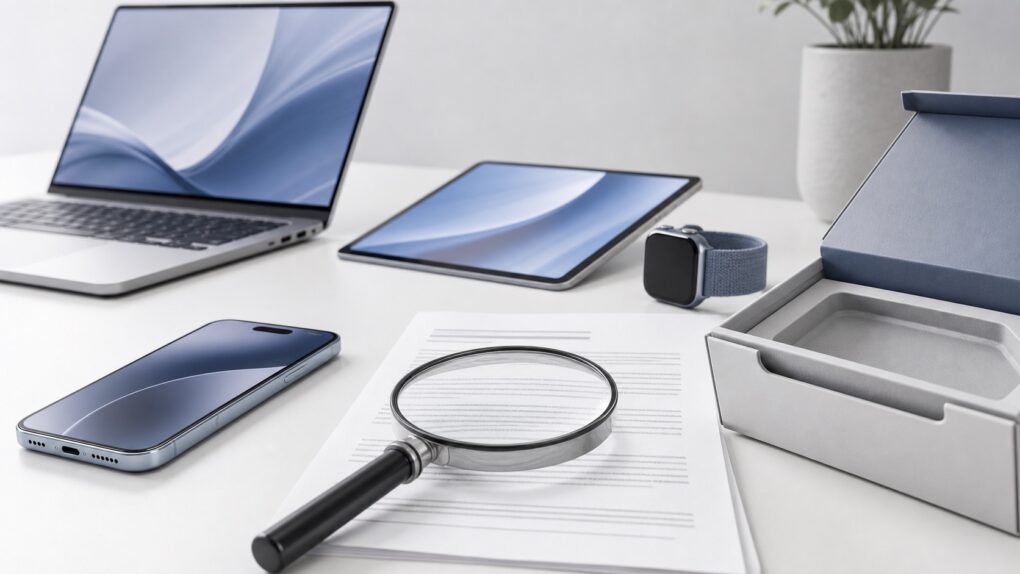
Apple Upgrade’s low monthly price comes with plenty of fine print. AI image: ChatGPT/Cult of Mac
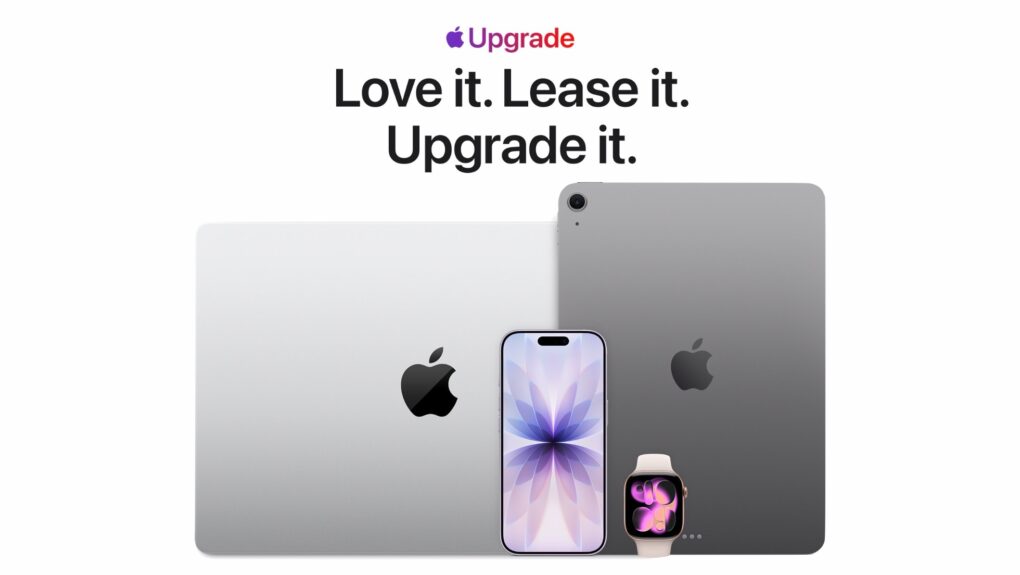
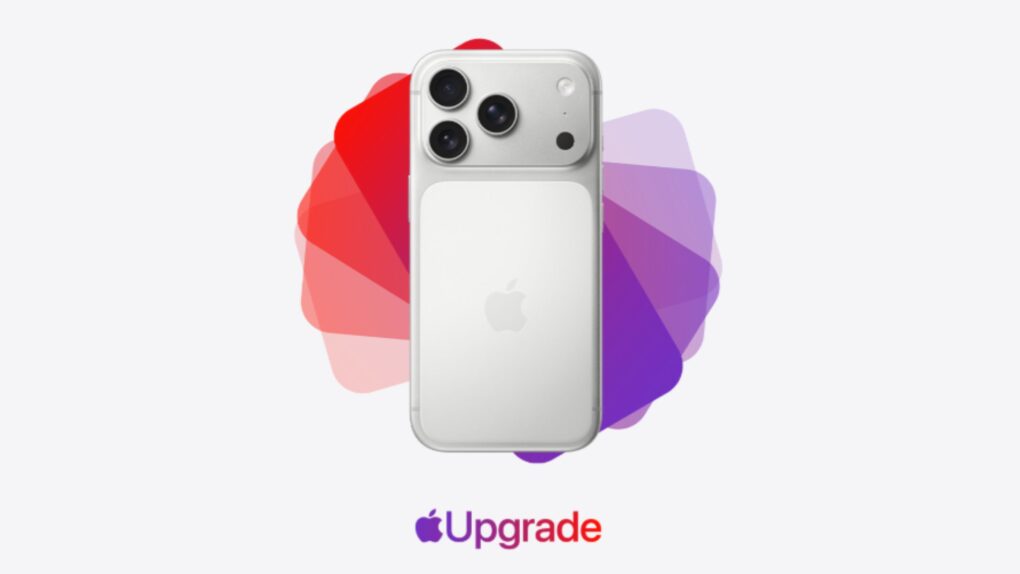
The new Apple Upgrade program makes a compelling first impression, enabling you to lease a new iPhone, Mac, Apple Watch or iPad at low monthly rates. You can lease a new iPhone for $17.99 per month or a Mac for as low as $24.99 per month.
However, the enticingly low lease price only tells part of the story. Before signing up for the Apple Upgrade program, you should examine the terms, restrictions and other factors in the fine print to see if leasing makes sense for you.
The Macintosh Centris 660av was astonishingly ahead of most rival computers at the time. Image: Apple
July 29, 1993: Apple releases the Macintosh Centris 660av, a computer packed with innovative audiovisual features. These include an AppleVision monitor with microphone and speakers, and a port that can work as a modem with a telecom adapter. It also comes with PlainTalk, the first Apple software to recognize and synthesize speech.
At the relatively low price of $2,489, this was one of the first great affordable multimedia Macs.
Gemini's Mac app gets two new features. AI image: Google/Apple/Gemini/Cult of Mac
Google upgraded the Gemini app for macOS to take on Wispr Flow and other AI-powered dictation apps. The update introduces the Intelligent dictation feature, which transcribes your spoken words into text in real time.
It also adds support for screen-aware reasoning, allowing Gemini to understand what’s on your screen.
HBO Max Shorts serves up a vertical, scrollable feed of AI-selected clips from the streamer’s library. Photo: HBO Max
HBO Max is testing a new video feed called HBO Max Shorts for select iPhone users in the United States. The feature uses an in-house AI tool to pick short clips from shows and movies, but the final call is still made by human editors.
The hook? The videos are vertical, not the usual horizontal orientation.
HBO Max Shorts lives behind a new icon in the app’s bottom navigation bar. Similar to TikTok, it offers a scrollable feed of trailers, clips and bonus content pulled from the streamer’s library.
Apple says the Apple Upgrade restricted mode fear sparked by iOS 27 code won’t come true. Photo: Apple
Missing a payment on your newly leased iPhone won’t nerf your device. Despite recent rumors, Apple confirmed that there’s no Apple Upgrade restricted mode.
The clarification caps a week of speculation over hidden iOS 27 code that described a system for restricting financed devices when payments went unpaid.
Apple gears up for its biggest smart home launch in years. AI image: ChatGPT/Cult of Mac
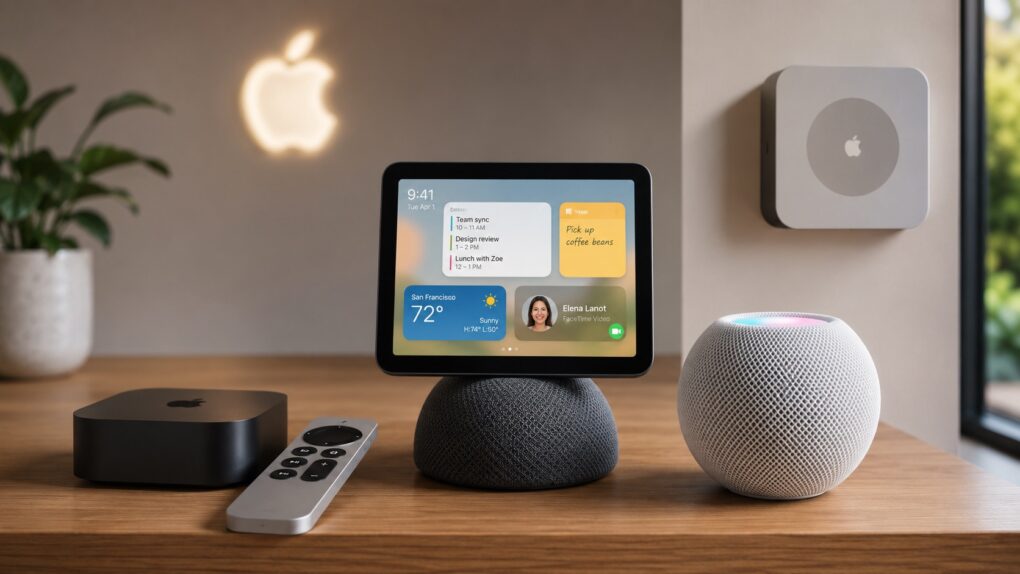
After years of lagging the competition, Apple is “nearly ready to launch” three new smart devices, according to a new report. An updated Apple TV and HomePod mini will debut as soon as this fall.
There’s also the long-rumored smart home hub, which could arrive anytime between October and early next year.
Apple keeps backporting fixes to older macOS versions even as macOS 27 Golden Gate nears its public debut. Image: Apple
If your Mac is still running macOS Sonoma or macOS Sequoia, the latest security updates aren’t optional. Apple released macOS Sonoma 14.8.8 and macOS Sequoia 15.7.8 on Monday, and together they patch nearly 140 security vulnerabilities.
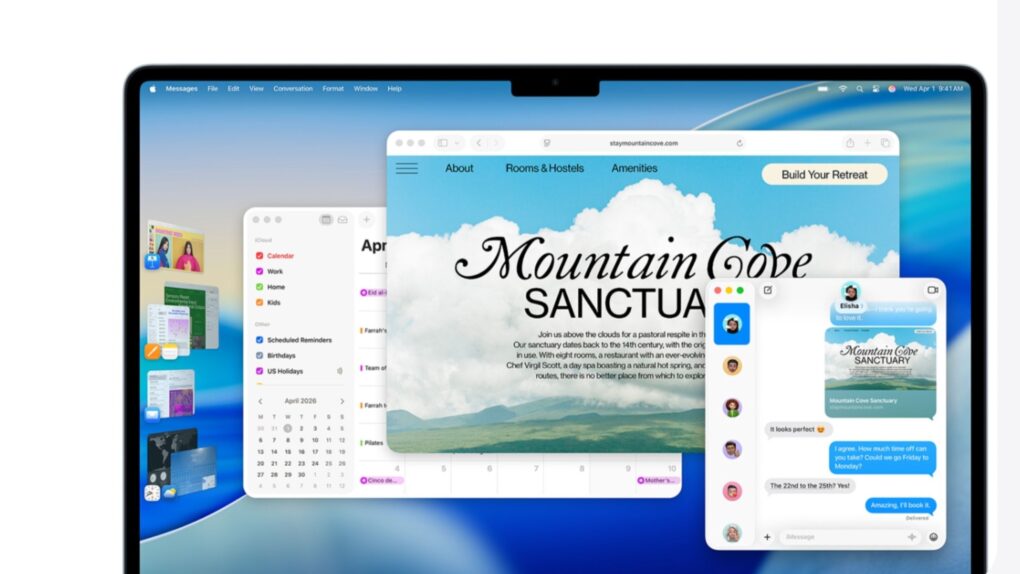
Your Mac won’t gain any new features. But these maintenance updates are still important for anyone who has yet to update to macOS Tahoe. Apple fixed several WebKit flaws that could expose your data when browsing the web.
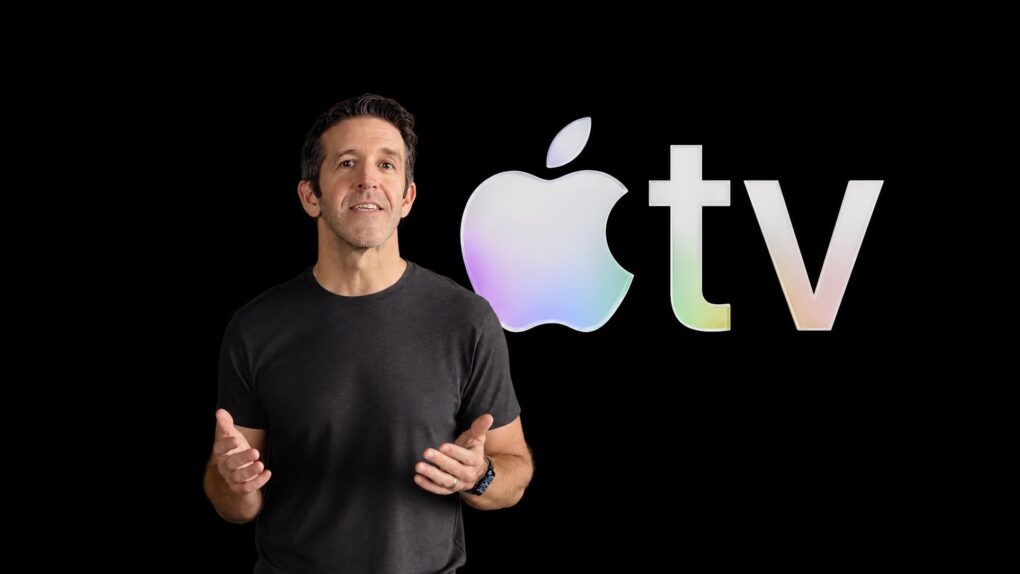
Incoming Apple CEO John Ternus is a fan of Apple TV. Image: Apple/Cult of Mac
Apple TV isn’t going anywhere once John Ternus takes over as CEO. This week, he praised the streaming service’s momentum and promised to keep building on it.
Ternus takes the reins from current Apple CEO Tim Cook on September 1. His comments suggest Apple’s entertainment push will remain a priority, even though the streaming service reportedly loses money each year.
A fake Sparrow Wallet app allegedly slipped past Apple’s App Store review process. Image: Sparrow Wallet
Three iPhone owners sued Apple last week over a fake Sparrow Wallet app they say they downloaded from the App Store. The plaintiffs say using the bogus app led to the theft of their Bitcoin, resulting in losses of roughly $1.8 million.
The lawsuit, Ramirez et al v. Apple, Inc., accuses Cupertino of failing to catch the scam app despite years of marketing the App Store as a safe place to download software.
Your AirPods and Bluetooth speaker compete for audio coming from your iPhone. You can settle the fight. Graphic: ChatGPT
You’re happily listening to music on your AirPods when the audio suddenly gets yanked away by a Bluetooth speaker. Don’t get frustrated. Make a quick tweak to your iPhone settings, and it’ll never happen again.
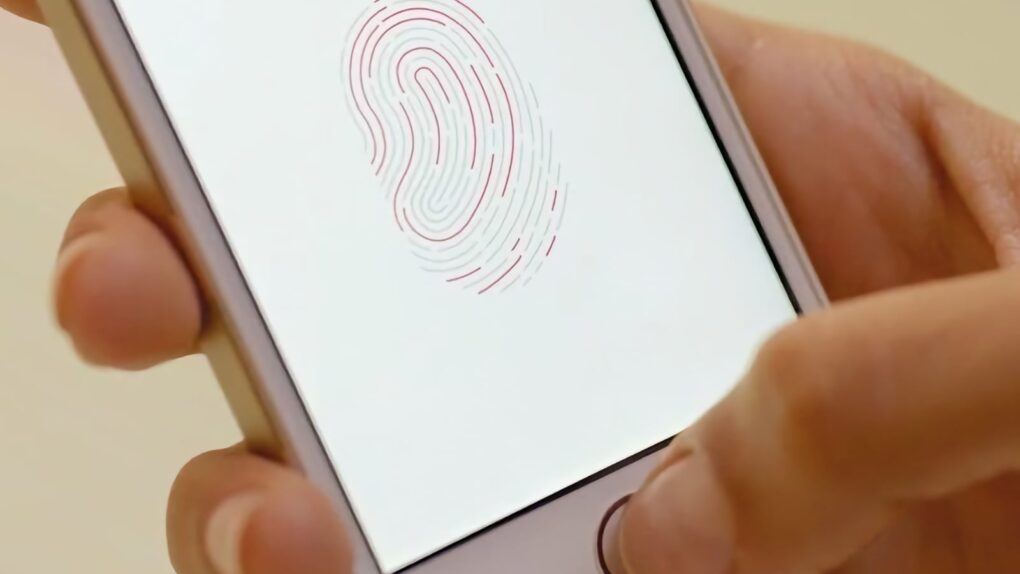
Touch ID represented a massive step forward for Apple. Photo: Apple
July 28, 2012: Apple buys biometrics company AuthenTec, acquiring the technology that will power Touch ID for authentication and secure payments on the iPhone and other devices.
With a price tag of $356 million, the deal gives Apple the right to use AuthenTec hardware, software and patents. In the short term, Apple engineers start working to build Touch ID sensors into the iPhone 5s. In the longer term, AuthenTec’s mobile wallet tech paves the way for Apple Pay.
Transform YouTube videos, podcast audio and unwieldy documents into info you can use. Image: Midjourney/Cult of Mac
GitMind turns PDFs, videos, podcasts, websites and notes into visual mind maps, summaries and diagrams. This AI-powered workspace turns information overload into something you can understand and digest much more easily.
It can produce instant summaries and transcripts of YouTube videos and audio content like podcasts, so you save time and walk away with an ordered list of key concepts. And right now, a lifetime subscription to GitMind costs just $49.99 (MSRP $169).
Apple Upgrade is a subscription-style leasing program for the latest Apple devices. Image: Apple/Cult of Mac
Apple just made it easier to stay on the latest hardware with the launch of Apple Upgrade, a new subscription-style leasing program that lets U.S. customers pay a monthly fee for an iPhone, Mac, iPad or Apple Watch.
The new service builds on the company’s old iPhone Upgrade Program by expanding to almost its entire product lineup, giving customers many more options when it’s time to move to a newer device.
“At Apple, we put the customer at the center of everything we do,” said Karen Rasmussen, Apple’s vice president of the Apple Store online in a press release Tuesday, “and we’re thrilled that Apple Upgrade offers our customers, both online and in-store, a more flexible way to pay for the products they love.”
YouTube Premium will soon come with Peacock Premium for free. Photo: YouTube Blog
YouTube Premium is already one of the best value-for-money subscriptions on the market. And it will soon get even better, with eligible YouTube Premium subscribers gaining access to Peacock Premium for free.
The bundle will be limited to YouTube Premium subscribers in the US.
Investors are once again bullish on Apple. Here's why. AI image: ChatGPT/Cult of Mac
After months of playing second fiddle to AI chipmaker Nvidia, Apple reclaimed the title of the world’s most valuable publicly traded company on Monday. A rally in Apple’s stock price over the last month resulted in the Mac maker sailing past Nvidia and all other rivals back to the top of the list. And if that wasn’t enough, Cupertino’s market capitalization is closing in on an astonishing $5 trillion!
AAPL is up about 30% in 2026 on investors’ changing attitudes about AI. Here’s what’s going on down on Wall Street, and why there is renewed confidence in Apple.
iOS 26.6 is here for your iPhone. Photo: Rajesh Pandey/Cult of Mac
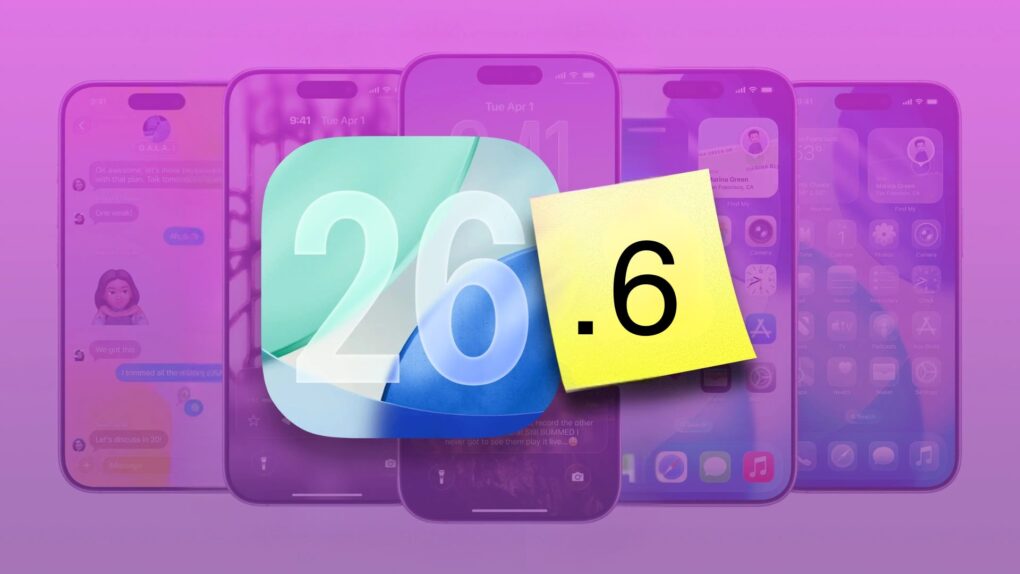
Following a few weeks of beta testing, Apple released iOS 26.6, iPadOS 26.6 and macOS 26.6 to the public on Monday. While the updates do not introduce any major new features or changes, iOS 26.6 is more important than it might initially appear.
According to Apple, iOS 26.6 includes more than 70 security updates. It also starts a process that proves very helpful if you plan to upgrade to iOS 27.


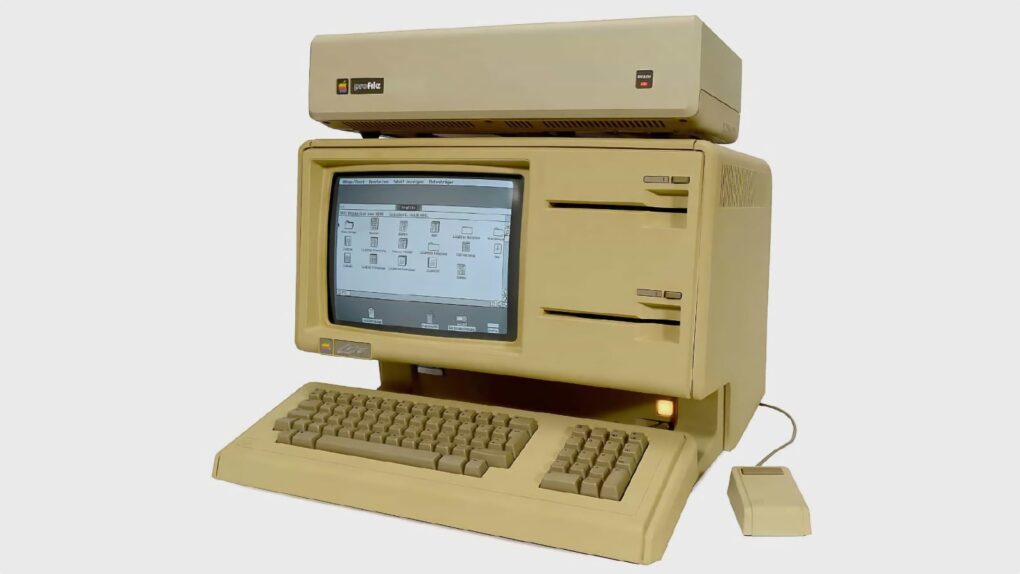
 July 30, 1979: Apple engineers begin work on the Lisa computer, the company’s first machine to come with a graphical user interface and mouse.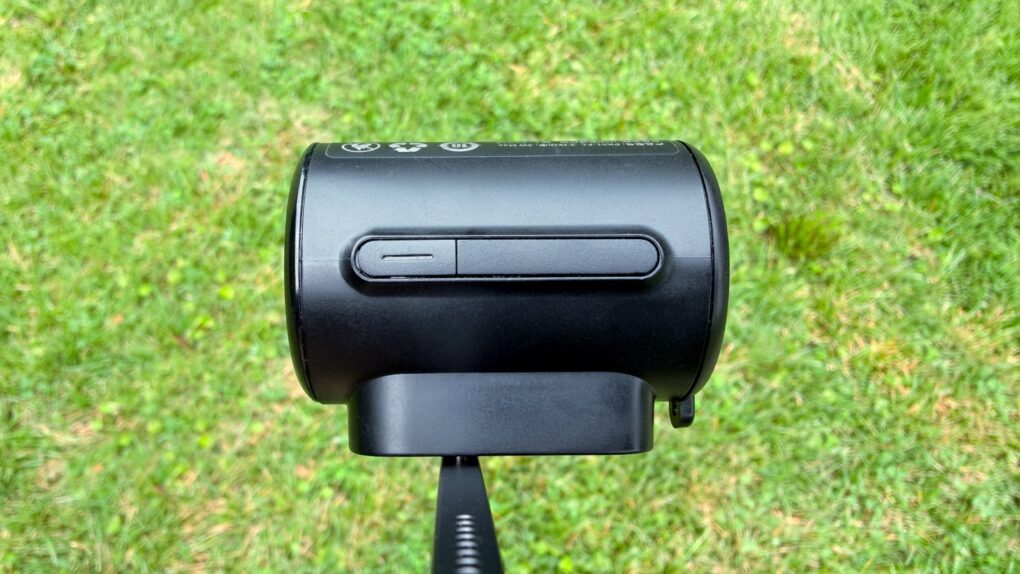

 July 29, 1993: Apple releases the Macintosh Centris 660av, a computer packed with innovative audiovisual features. These include an AppleVision monitor with microphone and speakers, and a port that can work as a modem with a telecom adapter. It also comes with PlainTalk, the first Apple software to recognize and synthesize speech.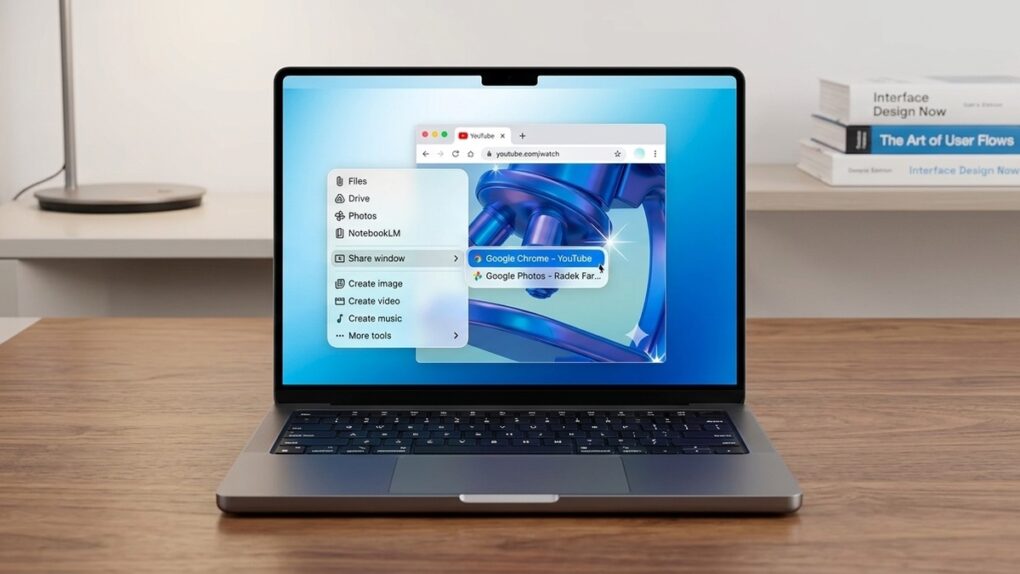


 July 28, 2012: Apple buys biometrics company AuthenTec, acquiring the technology that will power Touch ID for authentication and secure payments on the iPhone and other devices.