The streaming music service Spotify just increased its prices for new U.S. subscribers. The costs of most subscription options are now above those of its arch rival, Apple Music.
The new prices go into effect for current subscribers in July.
The streaming music service Spotify just increased its prices for new U.S. subscribers. The costs of most subscription options are now above those of its arch rival, Apple Music.
The new prices go into effect for current subscribers in July.


Apple will overhaul its Settings app across iOS 18, iPadOS 18 and macOS 15 when it unveils the updates at WWDC24, according to a report Friday. In other words, not everything at the big developers conference will be about AI.
Update: Control Center, which provides easy access to frequently used features on iPhones (as well as Macs and iPads), should see changes, too. Apple will upgrade it “with a new music widget and improvements to how it operates smart home appliances,” Bloomberg‘s Mark Gurman wrote over the weekend in his PowerOn newsletter.
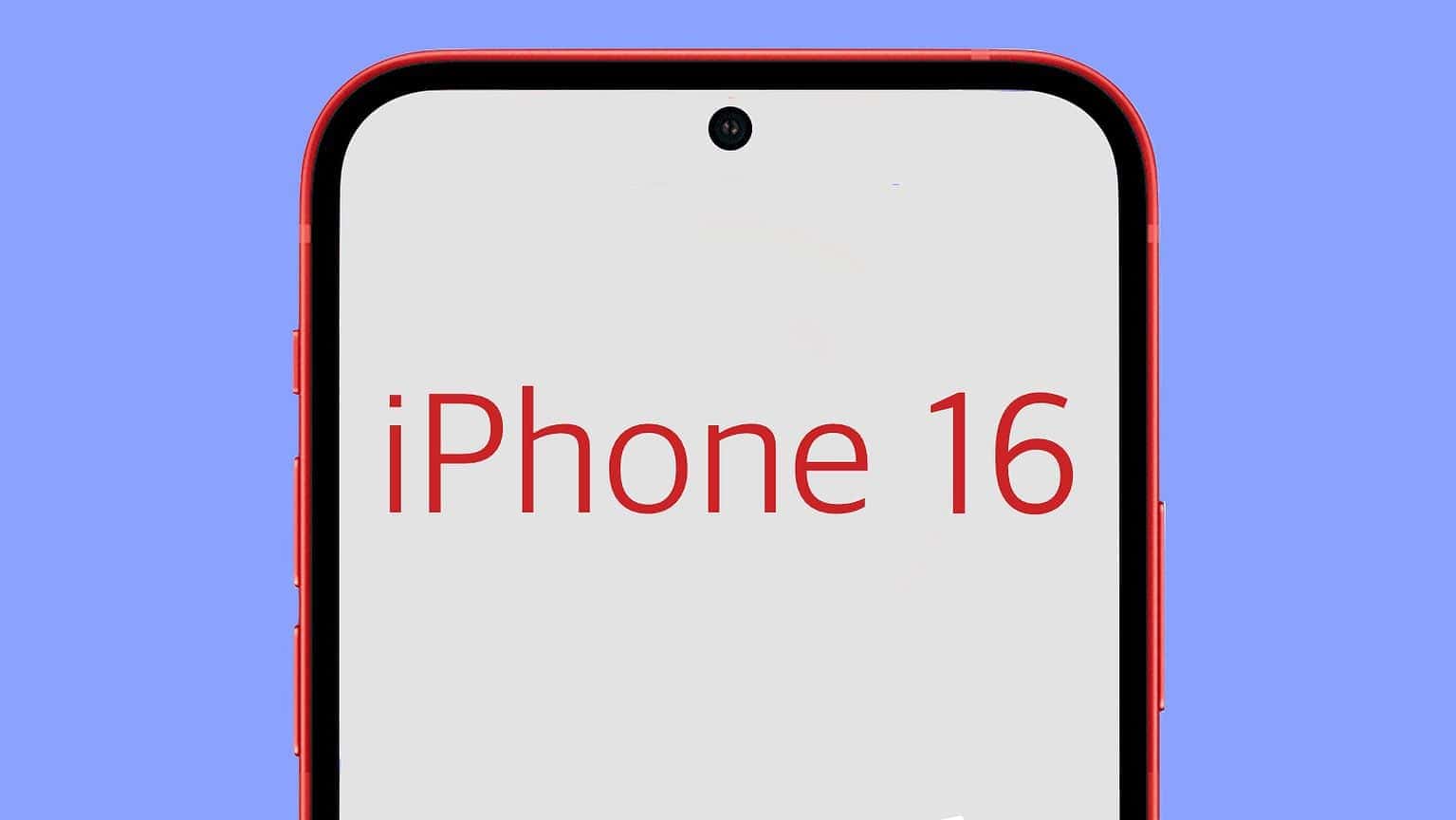
The iPhone 16 Pro could sport the world’s slimmest bezels on a smartphone. Its borders will apparently measure just 1.2mm, with the iPhone 16 Pro Max having even slimmer bezels at 1.15mm.
The slimmer bezels should help offset the size increase due to Apple using larger displays on its 2024 iPhones.
Don’t get your heart set on new Macs launching at WWDC24 next week. A generally reliable tipster predicts that that’ll be none unveiled at Apple’s developer conference.
And not just Macs. Supposedly the agenda includes no new hardware at all.

Kids (and adults) love to collect toys, but what if they could create their own? That’s precisely the point with the Toybox 3D printer deluxe bundle. This 3D printer for kids’ toys packs innovative technology into a simplified product that’s perfect for young minds.
Wanna get your own? We just cut the cost of this 3D toy printer to just $348.99 (regularly $439).
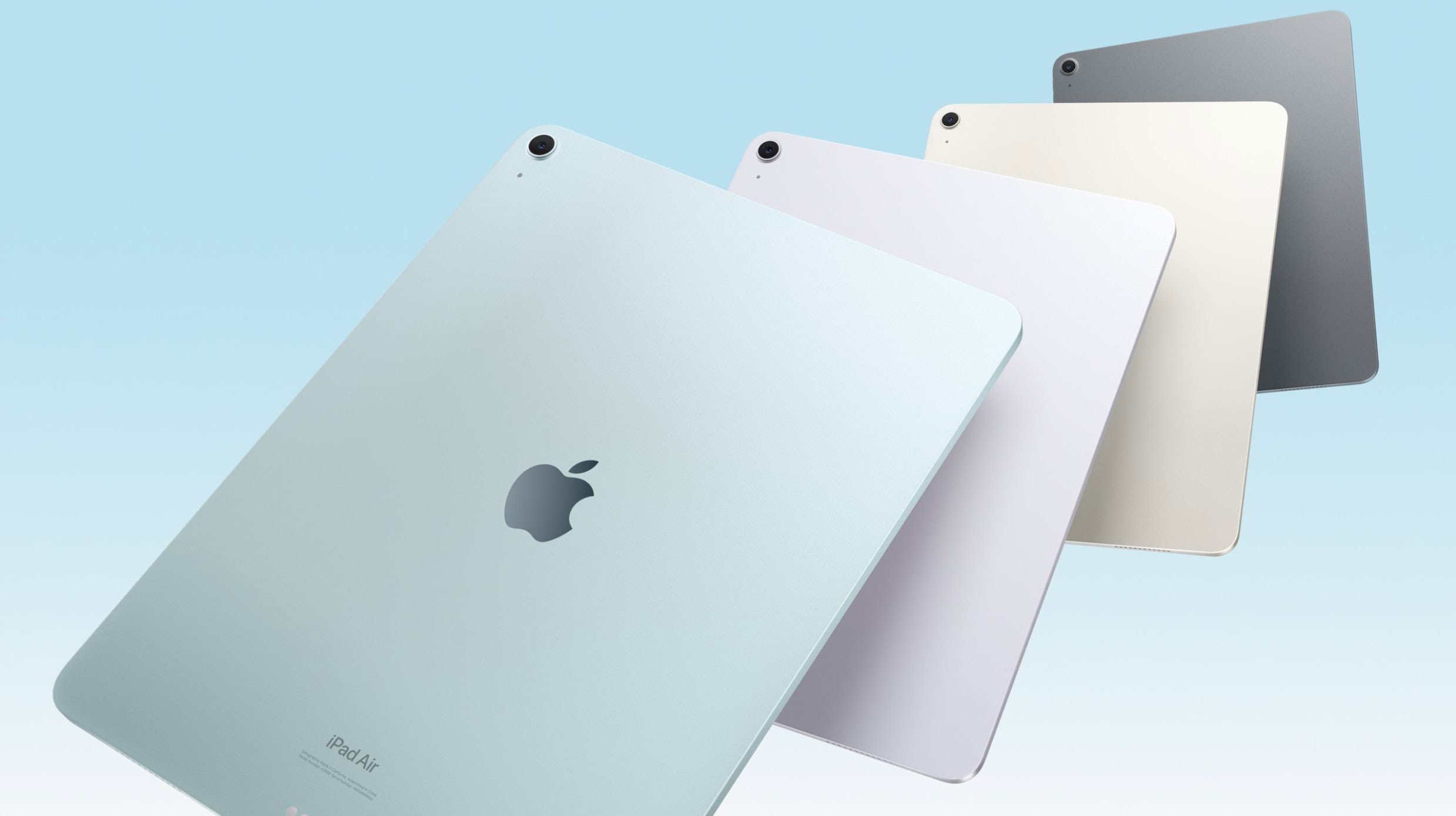
Apple’s 2024 iPad Air ships with a binned M2 chip featuring a 9-core GPU. The company’s original announcement claimed it packs a 10-core GPU.
The Cupertino giant silently updated the iPad Air’s tech specs page to reflect this change.

This week on Cult of Mac’s podcast: In the near future, your iPhone might look as wild and unique as you want it to. Home Screen customization options, rumored to arrive in iOS 18, could bring a new level of personality to iPhones. And then there’s the AI-generated emoji we’ve been hearing about.
Hold onto your hats, iPhone owners. Things are about to get weird!
Also on The CultCast:
Listen to this week’s episode of The CultCast in the Podcasts app or your favorite podcast app. (Be sure to subscribe and leave us a review if you like it!) Or watch the video live stream, embedded below.
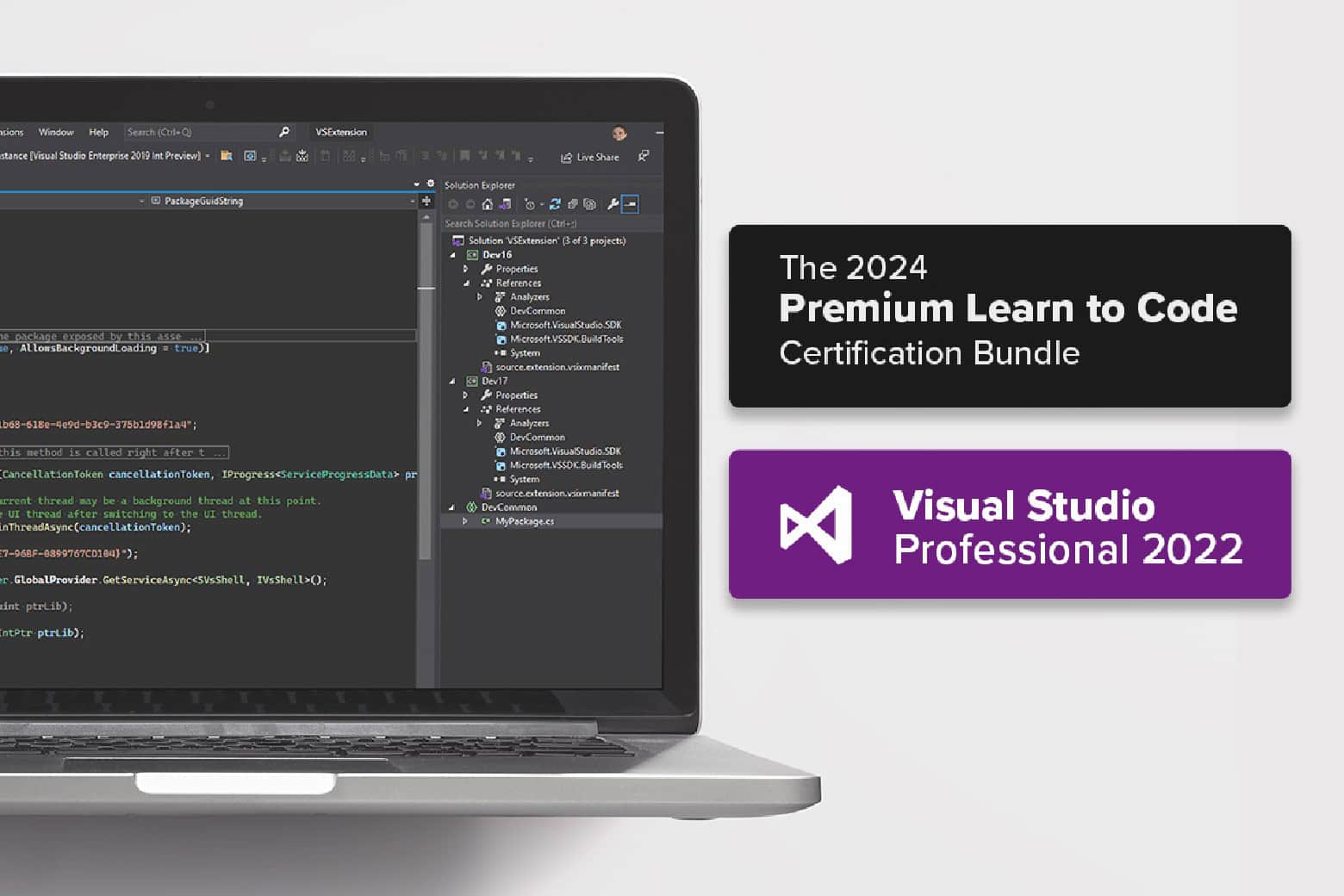
Build your own app (iOS, Android and/or Windows — or all three simultaneously) with Microsoft Visual Studio Professional 2022 and the 2024 Premium Learn to Code Certification Bundle.
This double deal features Microsoft Visual Studio Professional, an integrated development environment where you can code complex projects, along with video lectures teaching beginner coding. And you can get the whole thing for just $52.97 for a limited time.
 ★★★★☆
★★★★☆
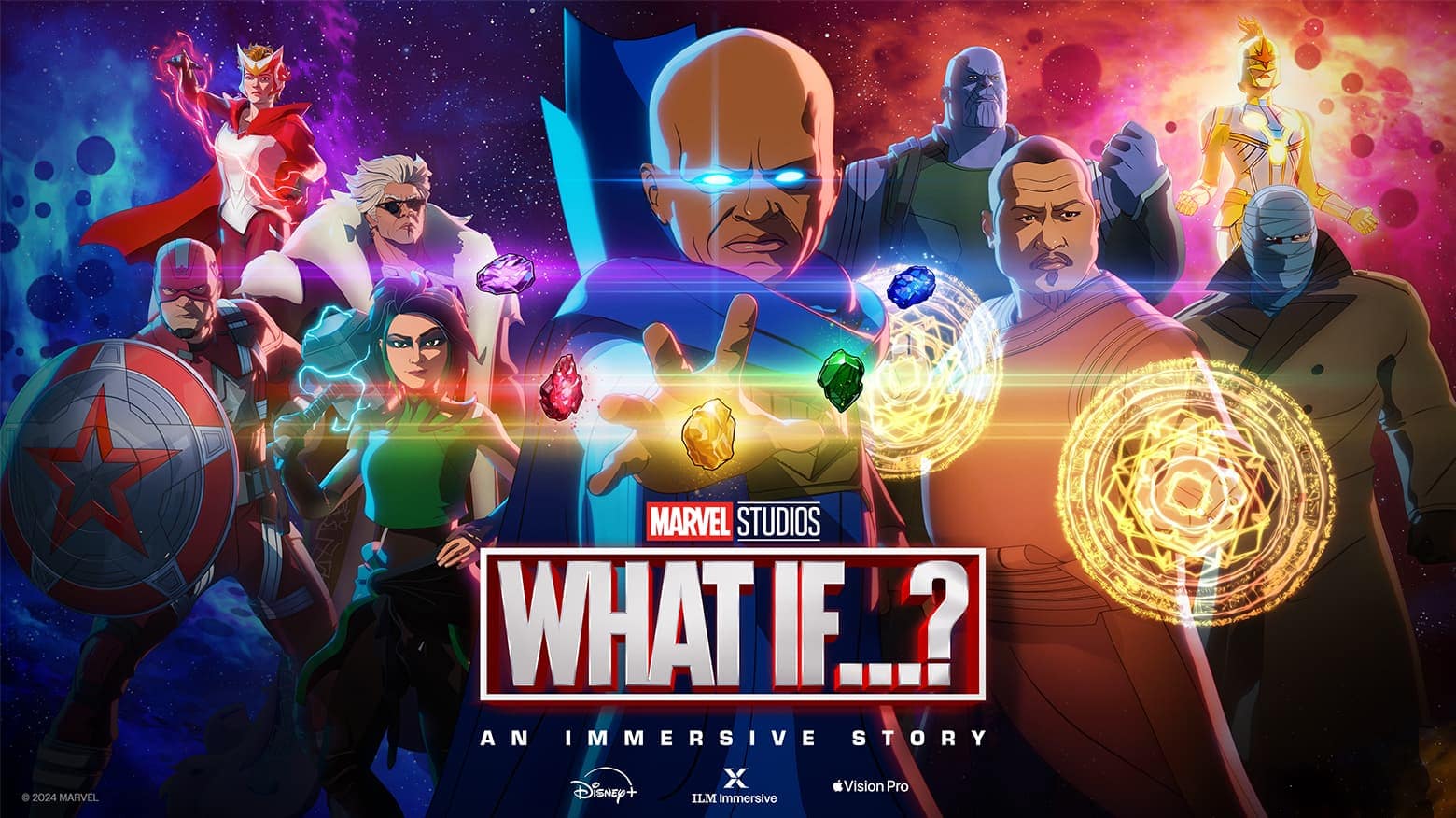
Marvel Studios’ new What If…? An Immersive Story is a free app for Apple’s Vision Pro headset that combines interactivity with storytelling in a brand-new way. Is it a game? Is it an episode of the What If…? animated TV series? It’s not entirely either. It’s an hour-long story where you’re the main character, casting spells with your hands and collecting the Infinity Stones.
If you aren’t a Marvel fan, you’ll find the story a bit drab. But if you want to see the bleeding edge of what’s possible in gaming when you can seamlessly switch between VR and AR with natural hand controls, you need to check it out.
It’s like no other game I’ve ever played.
Apple could add new text effects to iMessage in iOS 18. One of the effects reportedly includes the ability to animate individual words in a message. If you’re curious about how to bold text in iMessage, Apple has some useful tricks that can help make your messages stand out.
iMessage, Apple’s proprietary instant messaging service, already supports many message effects and animations to add some excitement to texts. The possible new text effects in iOS 18 should make things even more eye-catching and fun.
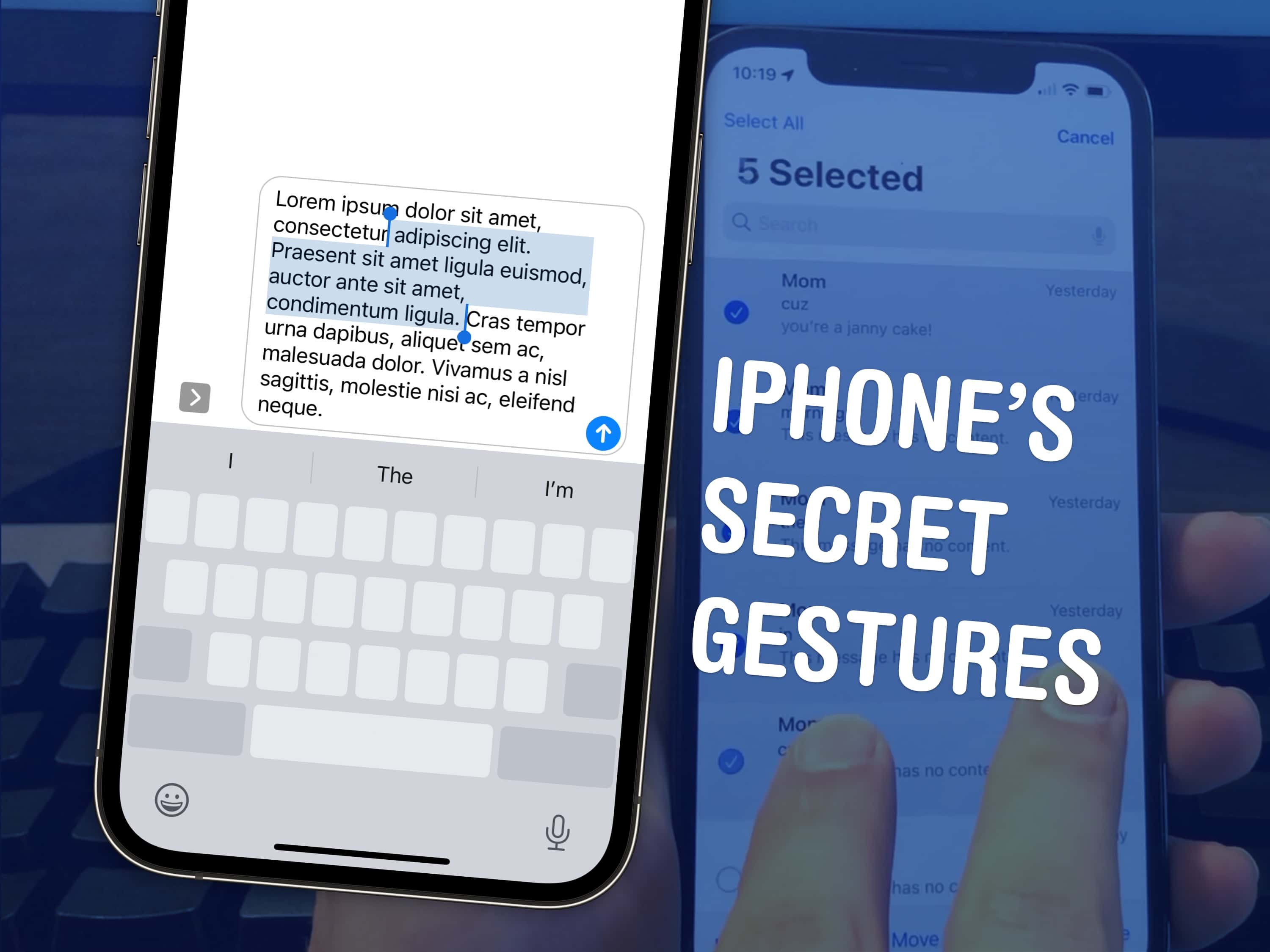
There are a few hidden gestures on your iPhone that you absolutely need to know. You’re typing out a long text on your iPhone and you need to go back to fix a typo. Tapping on the screen to move the cursor feels like a shot in the dark — but there’s a secret gesture to move around and select text.
Here are three top iPhone tips. Also in this article: how to select and delete a bunch of emails, text messages, anything in a list at once; and the secret gestures that undo and redo. Like, for example, if you accidentally delete a bunch of emails.

For years Keychron made its bones on good mechanical keyboards. Now it’s jumping into the scissor-switch game with a pair of Keychron ultra-slim keyboards that are direct Magic Keyboard competitors.
They looks the part, include solid features and beat Apple on price by a mile.

Some people don’t amp up the sound in their computer setups simply because they lack room for the speakers. So they just use their computer or monitor speakers. But what if somebody made tiny but powerful speakers that could fit almost anywhere? Somebody did — Gallo Acoustics Micro Speakers. And today’s Mac Studio setup uses them for rich sound.

People love Sonos audio gear for good reason. But they rarely find it on sale. For Father’s Day, however, it has launched a bonafide Sonos speaker sale, offering up to 25% off an array of speakers and audio sets like home-theater rigs.
In one case of a premium immersive audio set for your home theater, you save $520 (see below). With that one, your living room entertainment center will be the envy of the neighborhood.

You don’t need to wait for Apple to ship its rumored AI upgrades to try some similarly magical AI features. You can learn to use AI with this intro bundle that gives you the skills necessary to make the most of two of the most popular generative AI tools around: ChatGPT and Midjourney.
These two services boast astonishing capabilities for working with words and images. However, if you don’t know how to use them properly, you will never achieve the best possible results.
Get ahead of the curve and learn AI with the Introduction to AI: ChatGPT & Midjourney Overview Bundle, available now for just $49.99 (regularly $149.99). You don’t need an AI chatbot to tell you that’s a 66% discount.
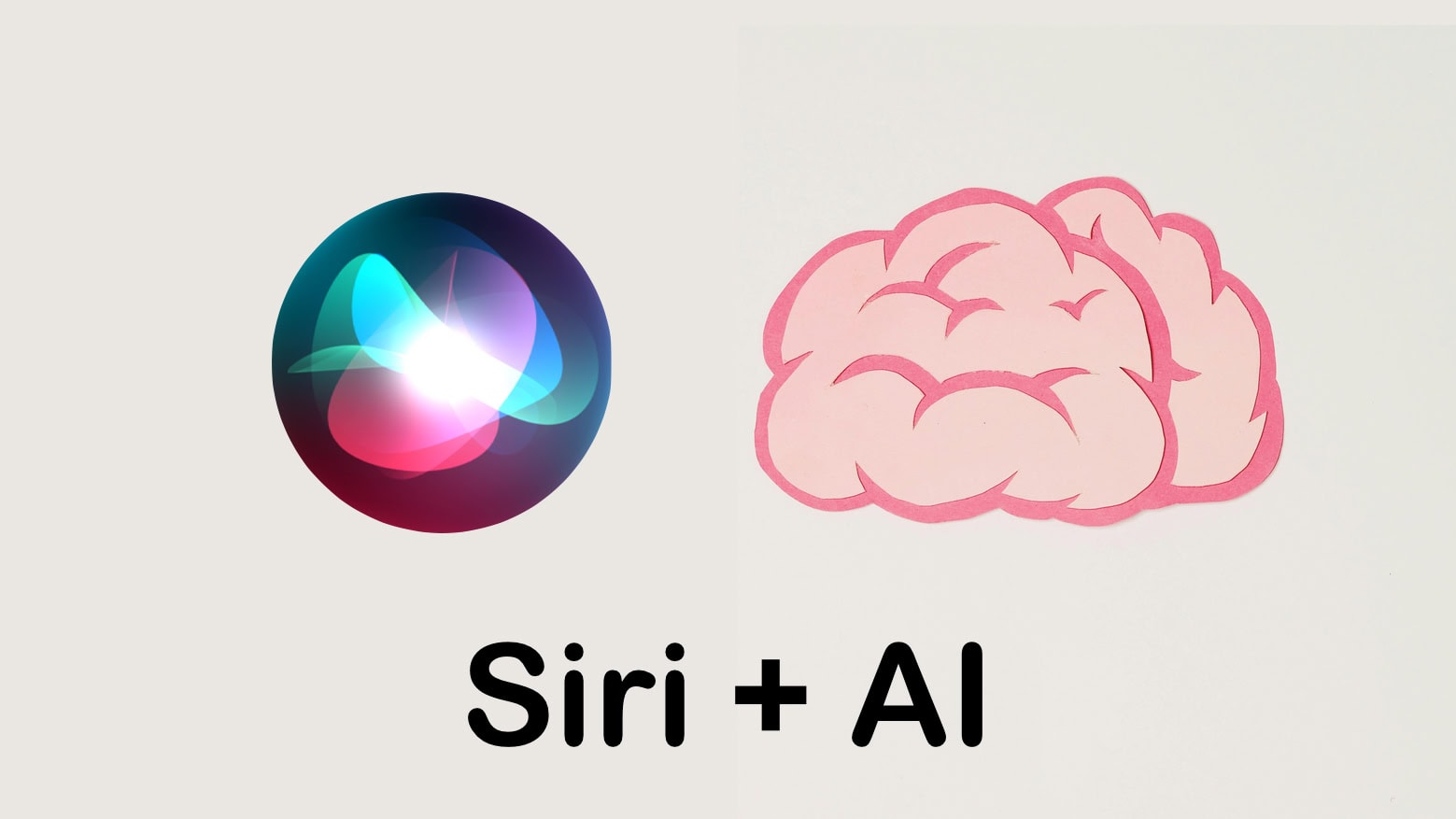
As a part of its AI upgrade, Siri in iOS 18 will reportedly enable control of individual apps through your voice. Apple has supposedly upgraded its voice assistant’s underlying architecture using LLMs to achieve this.
Additionally, Apple will process many basic AI tasks on-device in iOS 18 for faster response and a better user experience.
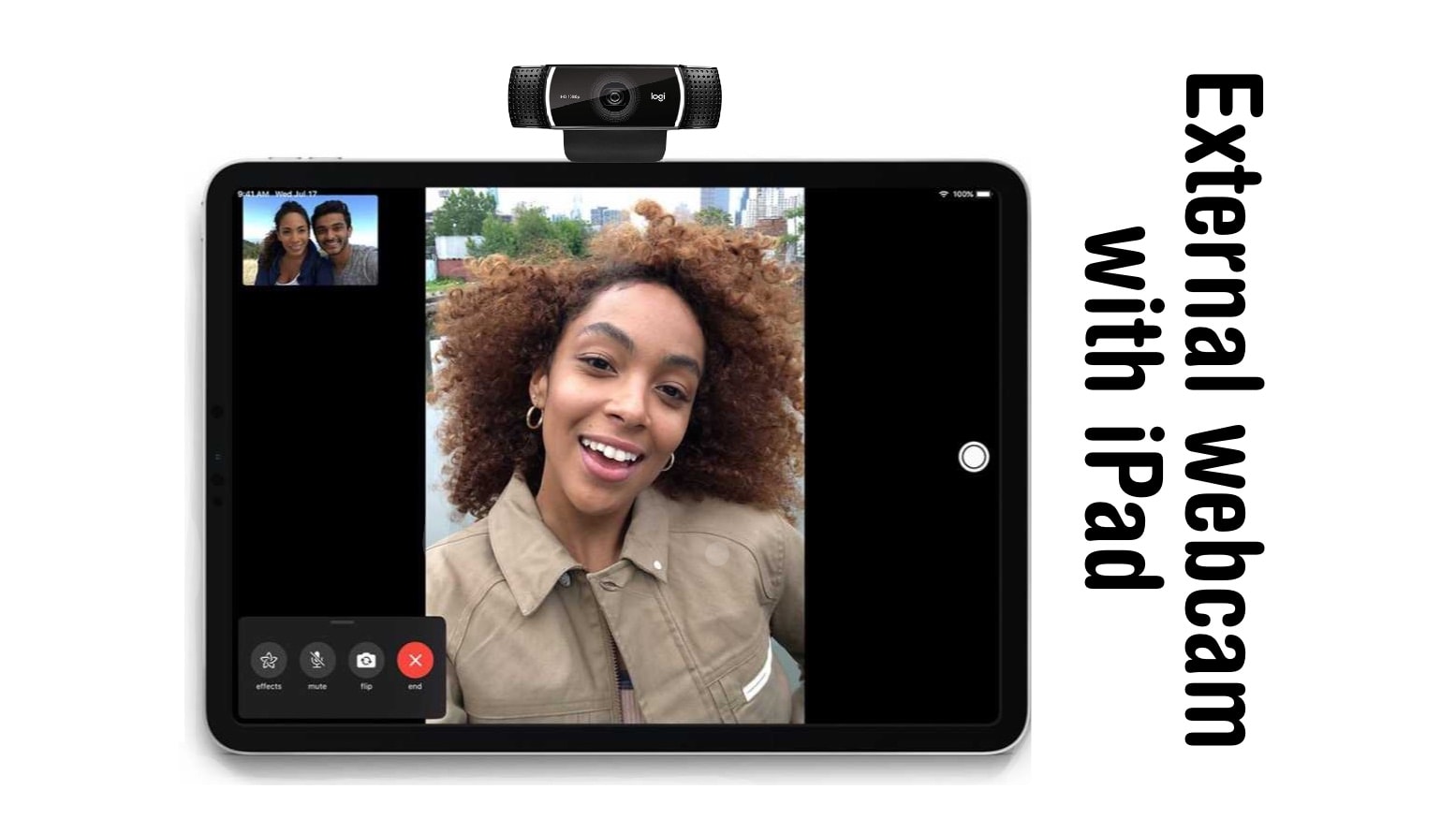
A trick you might have missed with the release of iPadOS 17 is support for external USB-C webcams. As good as the tablet’s front-facing camera is, it’s now possible to use a webcam with an iPad.
Here’s why you might be interested, and how to connect a webcam to your iPad with a USB-C port.

You don’t need to completely revamp your home to make it feel new and cool again. Just a dash of color can completely change the mood of any space, and that’s easy (and affordable) with this modern LED floor lamp that can be controlled via an app.
Meet the 55-inch RGB LED Remote Floor Lamp, a practical piece of home decor that can help you create the perfect ambiance with its dazzling range of smart lighting features. Right now, it’s only $49.97 (regularly $99) when you shop at Cult of Mac Deals.

Attention Beagle Scouts: Get ready for summer camp with the Camp Snoopy series trailer Apple TV+ dropped Wednesday. The Peanuts gang heads off to the woods soon. Kids and parents alike might get a kick out of it.
The series debuts on Apple TV+ June 14.

The new Satechi Thunderbolt 4 Docking Station with DisplayLink uses DisplayLink software to enable Mac users to connect with up to four external monitors, in addition to accessing 96W power delivery for a MacBook and realizing blazing-fast Thunderbolt 4 data transfer speeds, the company said Thursday. If you’re looking for a versatile port hub to expand your Mac’s connectivity, check out this 6-port hub from Zagg.
With Apple’s massive annual software confab known as WWDC24 coming up fast on June 10, the iPhone giant decided it’s time to rock out with a special WWDC24 Apple Music playlist. The WWDC24 Hello list of tunes features music by Billie Eilish, Good Neighbours, Glass Animals and other artists.
Check it out below! This probably won’t be as controversial as the streamer’s top 100 albums list and its surprising No. 1 pick.
Who says you have to shell out big bucks for something like Adobe Acrobat to get a great PDF editor? The much more affordable PDF Editor, PDF Book Reader stands out as a comprehensive, user-friendly app designed to transform how you interact with PDF documents. Available for iPhone and iPad, this advanced PDF editor offers a seamless blend of robust features tailored to meet the needs of professionals and casual users alike.
People have relied on the app for years, and it’s constantly updated to keep working well with iPhone, iPad, Mac, iMessage and Apple Vision Pro.
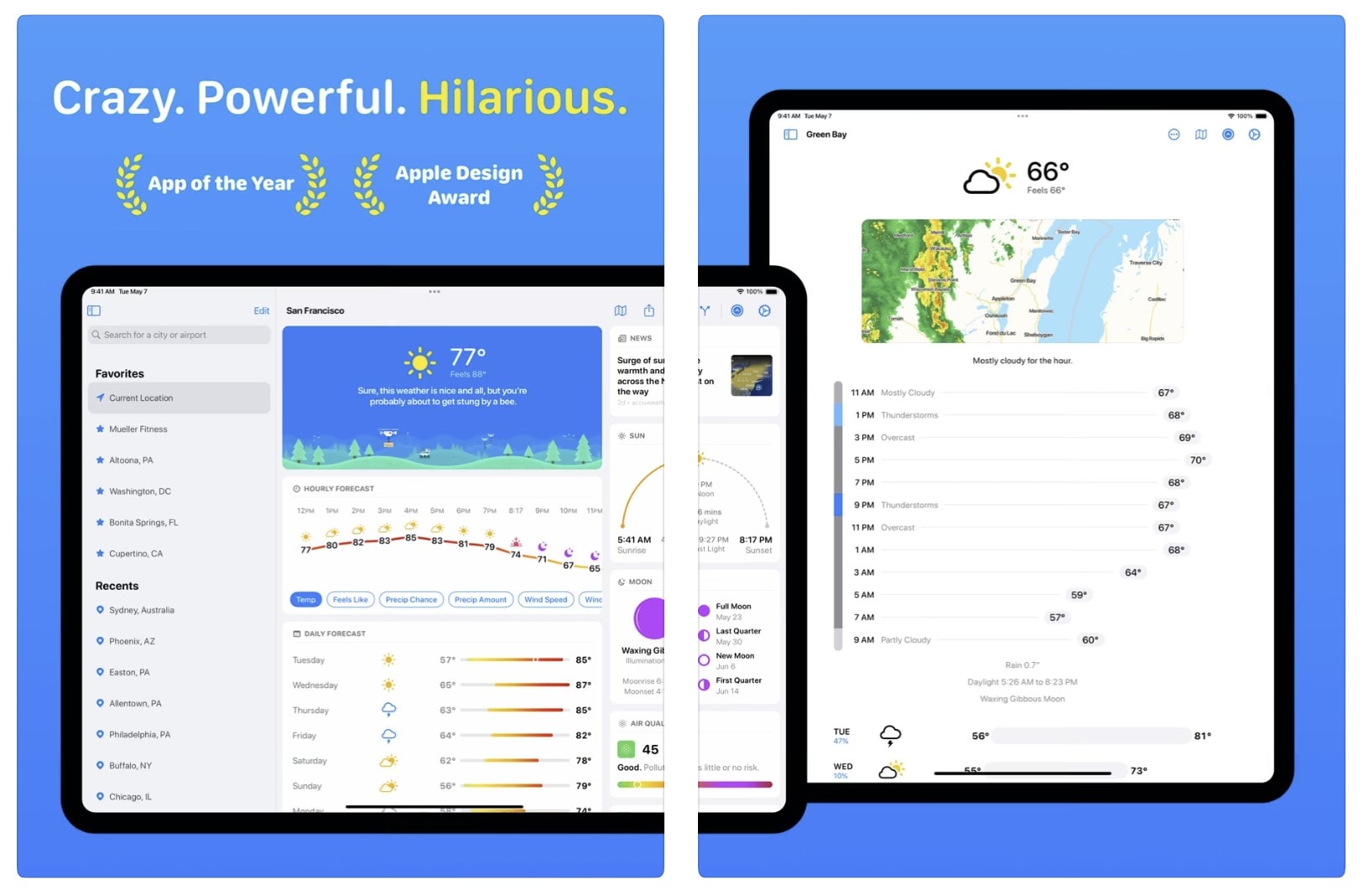

The latest major update to the popular and snarky Carrot Weather app brings a delightful array of new features and improvements. It adds a dynamic “garden that grows over time” as part of a redesigned interface, along with line charts for hourly and daily forecasts, integrated weather news from around the world and more.
But of course it will still call you a “meatbag” and act surprised you’re still alive if you haven’t opened it lately. New Carrot Weather 6.0 is now available for iPhone, iPad, Mac, Apple Watch and Vision Pro.

Mac users in the market for a new desktop keyboard have new options from Logitech. There are small and large models and an ergonomic one, too. Plus a mouse.
The additions to the lineup include MX Keys S for Mac, MX Keys S Combo for Mac, MX Anywhere 3S for Mac, MX Keys Mini for Mac (in Space Gray), and Ergo Series Wave Keys for Mac.

If you’re on the hunt for a general introduction to coding with an emphasis on programming for artificial intelligence, try this entry-level educational bundle while it’s on sale. It’s basically AI for beginners. The bundle includes a full 213-hour introduction to coding and AI. Plus, you can earn certificates that prove you successfully completed the coursework.
Get started in your coding and AI career with the 2024 Premium Learn to Code Certification Bundle for just $39.97.