Just one has a staggering amount of computing power compared to the Apollo 11 computer. Screenshot: Jonathan Morrison
The average joe won’t get their hands on the new iPhone XS until Friday, but a fortunate few got early access. That’s led to the first unboxing videos of Apple’s new flagship smartphone.
These offer quick, hands-on overviews of the iPhone XS Max and the smaller iPhone XS for people who just can’t wait until they get one themselves.
Is this Apple's secret iOS gesture-making machine? Photo: Charlie Sorrel/Cult of Mac
iOS 12 was clearly designed for an iPad where Face ID replaces the Home button. Apple has revamped the tablet’s gestures for iOS 12, bringing us an easy way to return to the Home screen, and an iPhone X-style gesture to access the Control Center.
If you’re a long-time iPad users, these changes will seem a little jarring at first. You’ll soon get used to them, though, and even learn to love them. The new Control Center gesture, in fact, is a lot better than the old one.
iPhone XS Max is just “a dollar a day.” Photo: ABC
Apple’s latest iPhone lineup is its most expensive yet, with prices starting at $999 for the iPhone XS and $1,099 for the iPhone XS Max. But Apple CEO Tim Cook doesn’t see a problem with that.
In an interview with Good Morning America this week, Cook again defended Apple’s price tags, talked about Apple Watch Series 4, and explained why some devices have avoided price hikes amidst America’s trade war with China.
Master your email inbox with this straightforward but powerful set of inbox management tools. Photo: Cult of Mac Deals
It’s way too easy to lose control of your inbox. Even if you practice good email hygiene, all the updates from work, friends, and advertisers makes for a constant struggle to stay on top, so many people just give up.
Will Facebook and Instagram follow suit? Photo: Jim Merithew/Cult of Mac
Twitter’s chronological timeline is back.
The algorithmic timeline that was first introduced in 2016 remains the default, but users can now revert to the non-algorithm sorting method that Twitter originally offered for years.
NeXTStep was an operating system ahead of its time. Image: NeXT
September 18, 1989: Steve Jobs’ company NeXT Inc. ships version 1.0 of NeXTStep, its object-oriented, multitasking operating system.
Incredibly advanced for its time, NeXTStep is described by The New York Times as “Macintosh on steroids.” In an ironic twist, the operating system Jobs plans to use to compete with Cupertino turns out to be one of the things that saves Apple a decade later.
Apple promised a speed increase from iOS 12. How well did it deliver? Photo: Apple
Since the day Apple first unveiled iOS 12 back in June the company has been saying that this new version of its mobile operating system be faster than any of its predecessors. Now that it’s out, we can test that promise.
We put a iPhone X running iOS 12 through benchmark tests and compared the results to this device running iOS 11. Spoiler: you’re going to like the results.
watchOS 5's animated faces bring new life to the Apple Watch Photo: Ste Smith/Cult of Mac
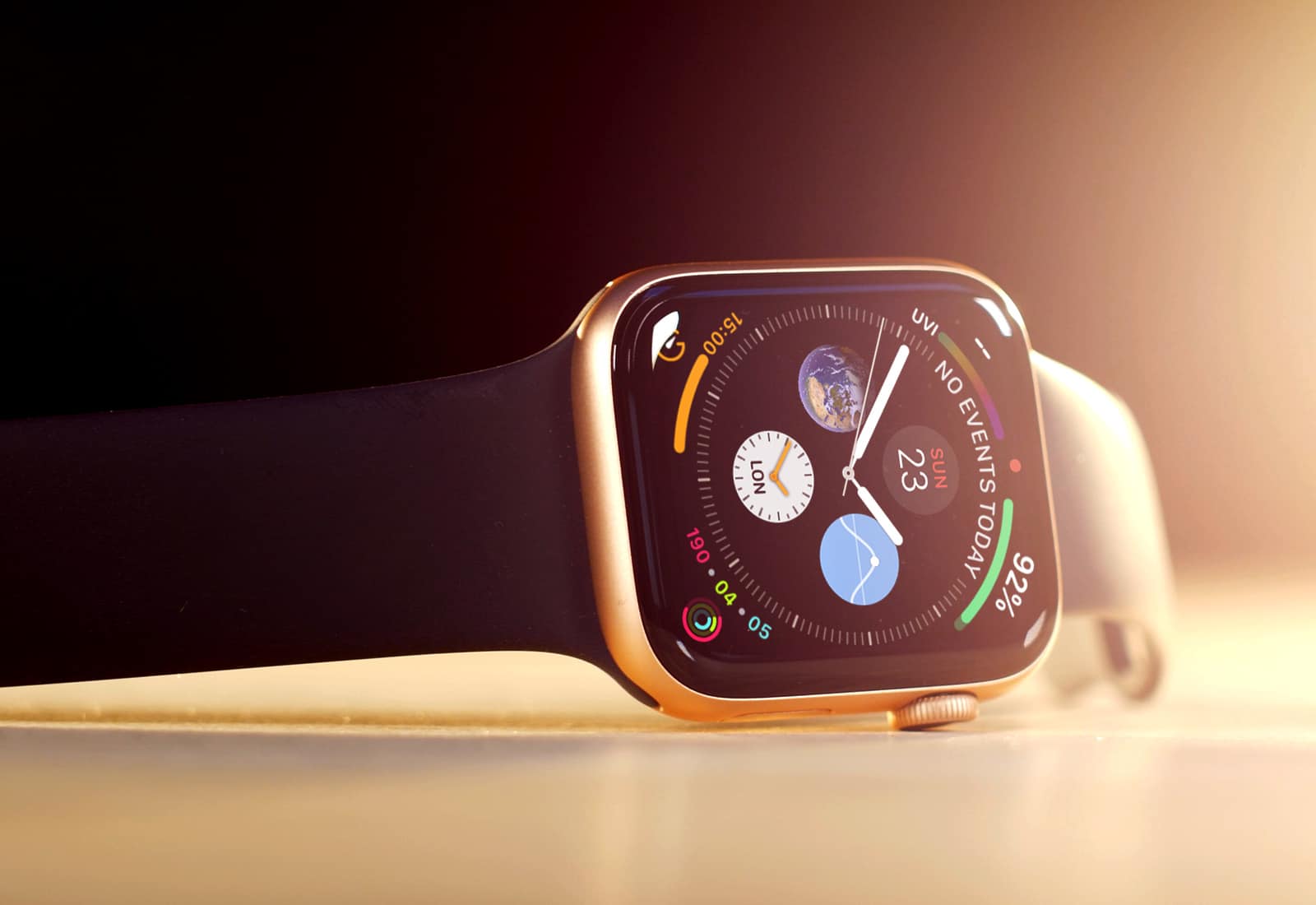
If you watched last week’s Apple Watch Series 4 unveiling and are dying for those new animated watch faces — but don’t want to buy a new watch — you’ll be happy to know that watchOS 5 brings the best of them to Apple Watch Series 1 and up.
They’re not quite as nice as what you’ll get with the new larger Series 4 watches coming Friday, but they’re still pretty great. Here’s a hands-on look at the new Apple Watch faces.
Shortcuts is Apple’s new automation app for iOS 12. It integrates with Siri and lets you build all kinds of amazing automated workflows, from shutting your house down when you go to sleep, to downloading videos from YouTube and saving the them to iCloud.
Shopping is about to become an even biggest focus on Instagram with a new update coming out today that makes it easier to find what your favorite accounts are peddling.
The photo-sharing app revealed that it is rolling out its Shopping in Stories feature to businesses in 46 countries today, allowing users to tap on an item to quickly learn about it and possibly purchase it through the business’ website.
You can now share links to your photos, including photos of grapefruits. Photo: Charlie Sorrel/Cult of Mac
iOS 12 adds a great new feature in the Photos app. Now, when you share a photo, you can choose to copy a link to that photo, and share that instead. This is a lot like sharing a file from Dropbox. You can even copy a link to a whole slew of files and share them by sending a single URL.
Shared photos are stored in iCloud, and the link is accessible to anyone that has it, for up to a month. Let’s see how it works.
Apple CEO Tim Cook has urged President Donald Trump to avoid tariffs with China. Photos: White House/Apple
The Trump administration is expected to spare three Apple products from the next round of tariffs, but escalating conflicts with China could still be a costly problem for the tech giant should a full-blown trade war ensue.
Bloomberg news, siting five unidentified sources, said a product code that covers the Apple Watch, AirPods, and HomePod smart speaker, is not listed among some $200 billion in Chinese products subject to a new 10 percent tariff expected to be announced later this week.
You can upgrade to Safari 12 right now, even if you're not running macOS Mojave. Photo: Apple
Turns out you don’t have to upgrade to macOS Mojave to enjoy the benefits of Safari 12. Apple just released it for two earlier versions: High Sierra and Sierra.
This browser update works hard to protect your privacy, and offers plenty of other improvements too.
iOS 12 Photos thinks that cabbages are melons. Photo: Charlie Sorrel/Cult of Mac
Photos already has a pretty decent search function on iOS 11. Thanks to Apple’s machine-learning tech, and AI categorization, you can search for thousands of “scenes.” These include the places you took the photo, but also anything from abacus to zucchini, people in the images, and times the images were taken.
This has gotten even better in iOS 12. You can still search on many thousands of categories and keywords, but now you can combine searches. For instance, you could search for several different people, and see photos only containing them all. OR you can combine search terms like Christmas, Food, and 2015, for instance. Let’s take a look.
Not every shortcut is worth taking. Photo: Charlie Sorrel/Cult of Mac
iOS 12 launches today, and there are a whole bunch of updates to apps that take advantage of the new features available in iOS 12. If you visit the App Store’s updates page, you’ll see that many apps are adding support for Siri Shortcuts. Shortcuts in iOS 12 can refer to several related new things, but in this case, Siri Shortcuts lets you interact with, and control apps just by talking.
For instance, say “Hey Siri, check my commute” to get a report of the disruptions, departures, and your ETA at work from Citymapper, or say “Show today,” and see a list of today’s tasks in Things app.
Apple's new Shortcuts automation app has to be downloaded separately from iOS 12. Photo: Ed Hardy/Cult of Mac
The full version of iOS 12 is now available for everyone. One of its cool new features is Siri Shortcuts, but those who want to automate functions on their iPhone also need to download a separate application from the App Store.
The new utility lets people create scripts that collect several actions together, then launch them with a voice command. The idea is to let you automate actions that you perform regularly.
DearMob iPhone Manager offers a flexible, streamlined alternative to iTunes. Screenshot: DearMob
This post is presented by DearMob iPhone Manager.
Apple has launched another new raft of iPhones and a shiny new mobile operating system, iOS 12. That means some cool new features, but also the pain of backing up and syncing on iTunes. That means the same old “all or nothing” approach, pressing “sync” and hoping it works. Apple is great in many ways, but giving us control over our mobile data isn’t one of them.
Downgrade from the iOS 12 Developer beta back to trusty 11.4. Photo: Ste Smith/Cult of Mac
There’s an awful lot of coverage of iOS 12 out there at the moment, including early reviews, lists of all the new features, and tutorials that show you how to install the update. But what if you’re already running iOS 12 and you deeply regret upgrading early? How do you downgrade to back to iOS 11.4?
New updates can sometimes be buggy. We think it’s pretty stable but if it’s messing with your iPhone or iPad in a big way there’s still a way to go back to iOS 11.4. That’s exactly what we’re going to show you how to do in our latest video. Check it out below.
iPhone XS sales were probably lower than Apple hoped. Still, the likely reason is another iPhone model. Photo: Apple
Apple started taking pre-orders for both iPhone XS series models on Friday. One analyst says sales of these new models weren’t as strong as the first weekend of the iPhone X.
It seems that interest in the more affordable iPhone XR is cutting into demand for Apple’s new flagship smartphones.
watchOS 5 turns Apple Watch into a walkie-talkie Photo: Ste Smith/Cult of Mac
Apple TV and Apple Watch owners received some new software goodies this morning in the form of tvOS 12 and watchOS 5, coinciding with the public launch of iOS 12.
While tvOS 12 only contains a couple of changes with new screensavers and Dolby Atmos support, watchOS 5 packs some big updates that make wearing an Apple Watch even more useful by turning it into a walkie-talkie, letting you compete with friends and more.
After months of beta testing, Apple finally released iOS 12 to the public, making it available as an over-the-air update. The new iPhone and iPad operating system comes with tons of new features and performance improvements that will make even older devices faster than ever. Best of all, if you have a device that can run iOS 11, iOS 12 will work on it — no problem.
Austin Mann is one of those lucky photographers who gets a new iPhone before the rest of us. Apple knows he will take it to some colorful location and make the kind of pictures that show off the camera’s upgrades.
Mann doesn’t disappoint with the iPhone XS, which he put to the test while on a recent assignment in Zanzibar.
You've got iOS 12. Here's how to make the most of it. Photo: Ed Hardy/Cult of Mac
iOS 12 is out now, and you probably already downloaded it and installed it on your device. But what does the new version of iOS actually do? Apple introduced Screen Time, the great new Do Not Disturb, and the powerful Siri Shortcuts at the WWDC 2018 keynote in June. But until you dig into them, you won’t have an idea how great these new features are, along with many more.
If only real online pranksters were like these guys! Photo: Hackers, United Artists
A security researcher discovered a new Safari vulnerability capable of crashing your Apple device. The vulnerability exists in the WebKit engine used to render pages in Apple’s web browser.