Mobile menu toggle

Newsstand - page 219

How to keep iOS gaming sessions from being interrupted

By

Stop getting interrupted when you're gaming. Photo: Rob LeFebvre

I’ve been playing Vainglory quite a bit lately, and the one thing that really distracts me and actually impacts my gameplay (when on my iPad 3) is notifications. They can make the game stutter, which wreaks havok on my ability to gank an enemy Joule from the bushes with my Krul.

Seriously, it’s annoying.

I turned on Do Not Disturb last week to try and get rid of these badges that annoy, but it never worked: I still got notifications from Facebook, Messages and other appss. I did some digging to find out why.

Pro tips for traveling with your MacBook

By

Keep your MacBook safe whilst on the move. Photo: Quentin Meulepas/Flickr
Keep your MacBook safe while you're on the move. Photo: Quentin Meulepas/Flickr

Being a workaholic means I’m always taking my MacBook with me wherever I travel, but carrying around a $2,000 machine is a constant risk. In today’s s video I show you everything you need to know to keep your MacBook safe while you’re on the move.

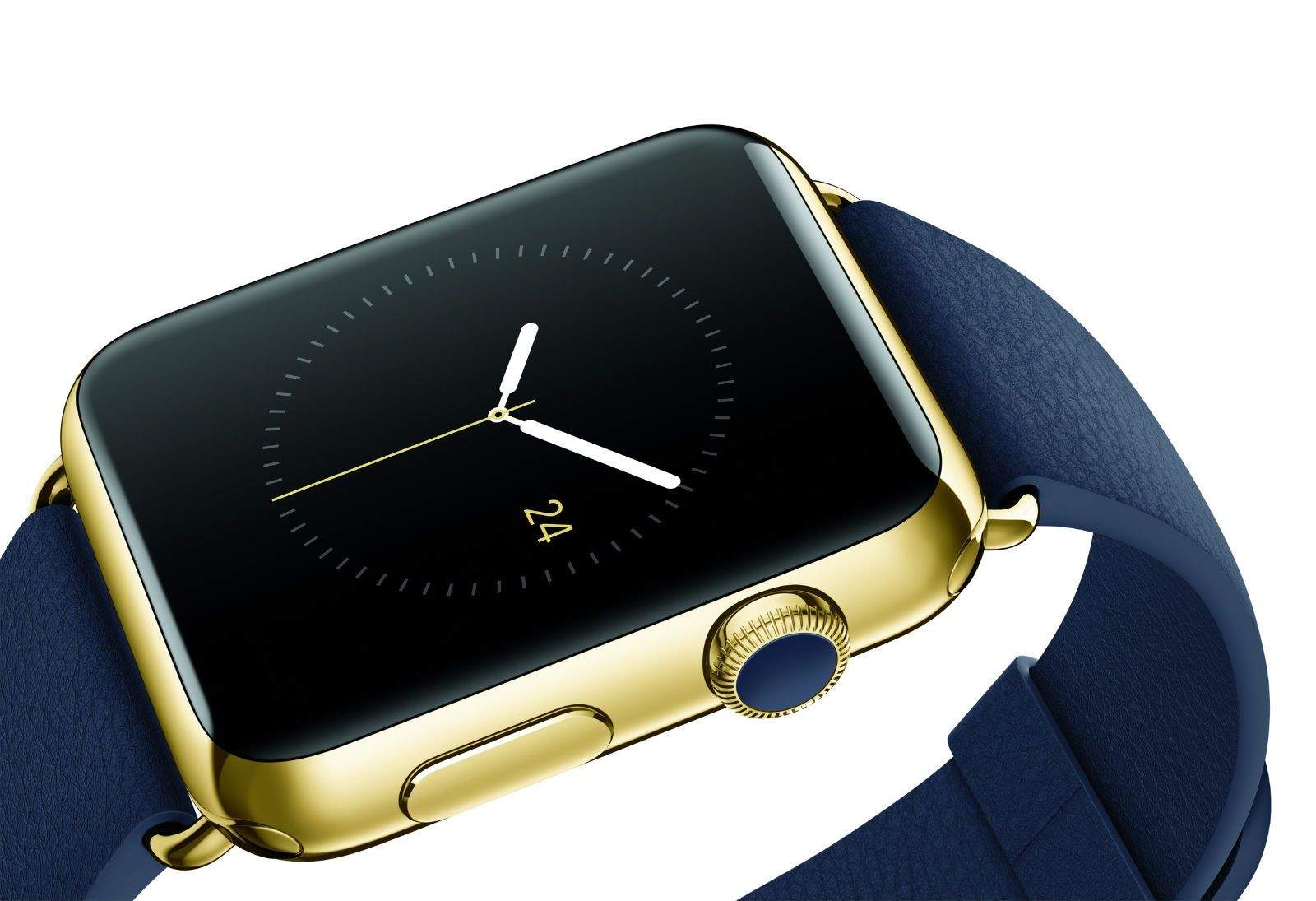
Gold Apple Watch looks great on my wrist. If only I could turn it on.

By

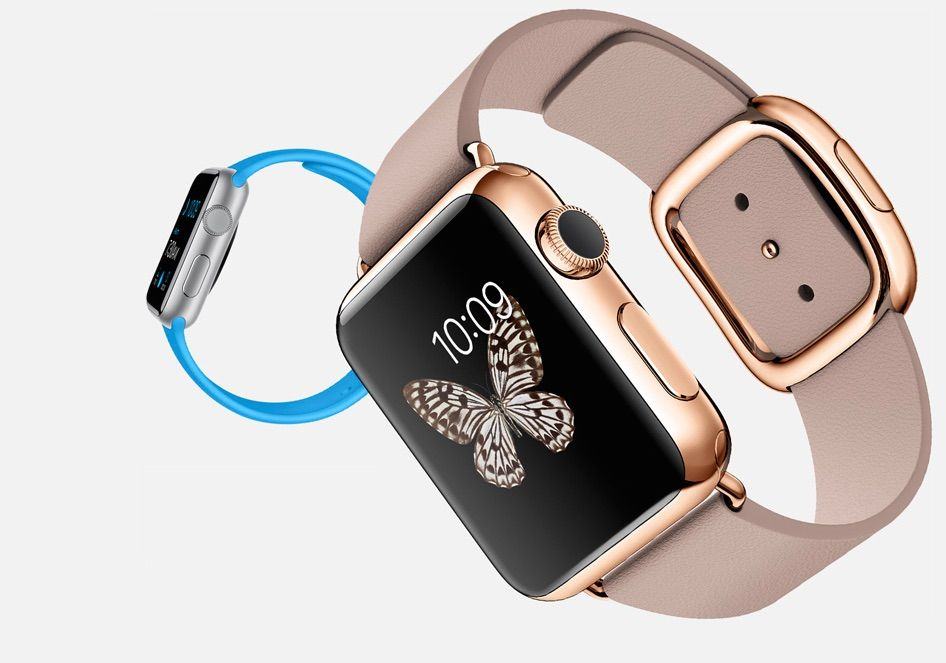
The $10,000 gold Apple Watch Edition, the first and only time I will probably every wear an expensive timepiece.
The $10,000 gold Apple Watch Edition, the first and only time I will probably ever wear an expensive time piece. Photo: David Pierini/Cult of Mac
Photo: David Pierini/Cult of Mac

CHICAGO — I grabbed the black suit jacket I was married in because I wasn’t sure how to dress for a private appointment to try on a $10,000 gold watch.

My look is challenging to class up. The clean-shaven head, long goatee and ample belly blend in better at a biker bar. But I felt halfway respectable-looking when I walked into the Apple Store in Chicago’s upscale Lincoln Park neighborhood for a Saturday morning hands-on showing of the Apple Watch Edition.

Not many Apple Stores are scheduling appointments for the 18-karat gold Edition, but the ones that do provide extra-special attention. I had a friendly guide, two floor supervisors who came by to shake my hand and thank me for my patience, and a couple of hawk-eyed security guards.

Apple Watch Edition is totally untouchable in 38 states

By

Apple Watch Edition
Coming soon to a wrist near you? Photo: Apple
Photo: Apple

Want to try on the super-fancy $10,000 Apple Watch Edition? You might have to do a bit of driving, because in a whopping 75 percent of the United States, it’s totally impossible to demo the solid gold Apple smartwatch.

Only 12 states (and the District of Columbia) have Apple Stores taking appointments to check out the Apple Watch Edition. That leaves 38 states that are apparently not fancy or fashionable enough to offer demos of the schmanciest Apple Watch of all. To see if you live in one of them, check out Cult of Mac’s handy map below, but be prepared to weep.

How an in-store Apple Watch demo will make you a believer

By

Apple Watch won't just be available from Apple Stores come August.
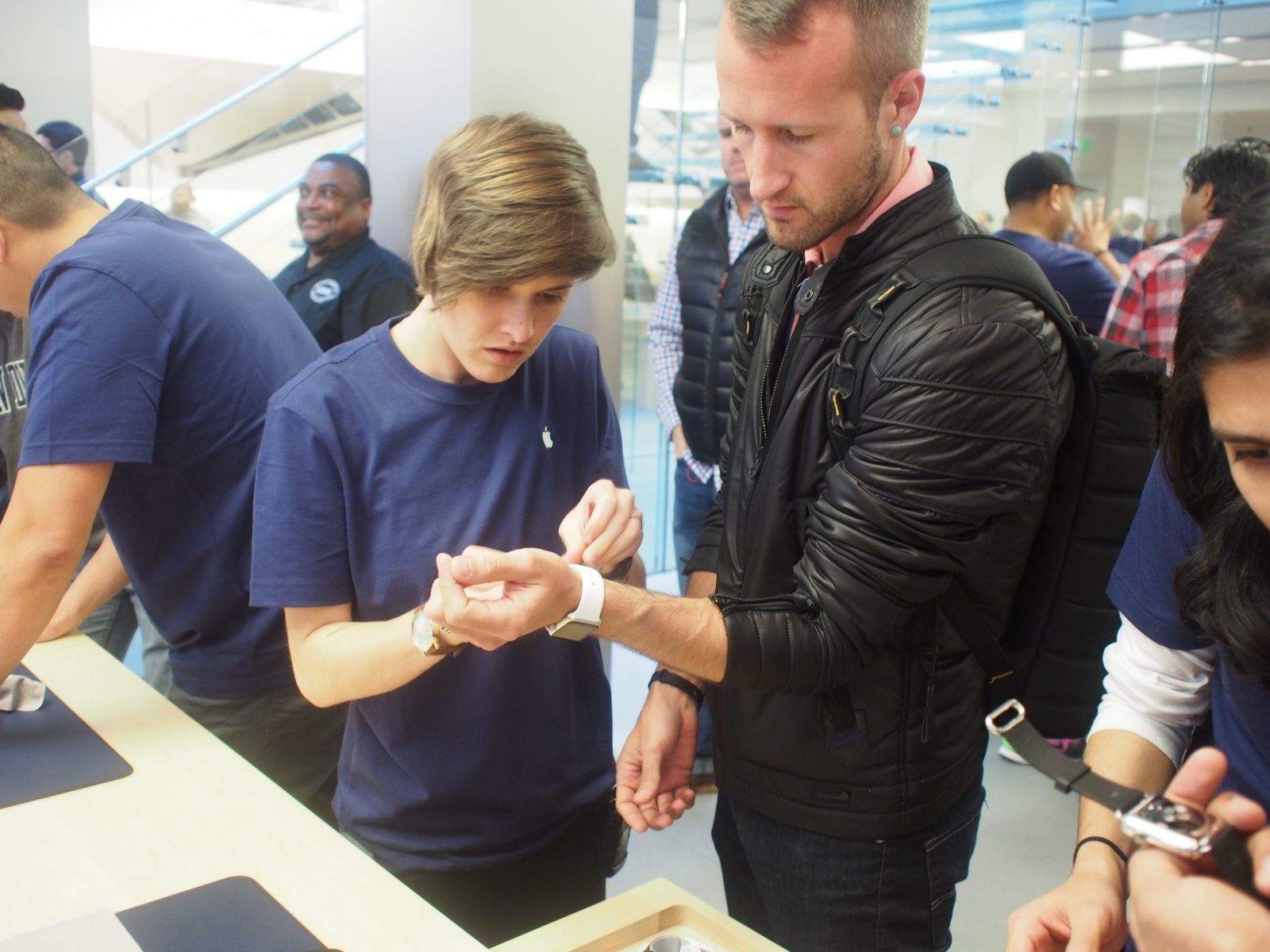
Apple is offering in-store Watch fittings to help customers figure out what watch to buy. We highly recommend it. There's a few surprises. Photo: Leander Kahney/Cult of Mac
Photo: Leander Kahney/Cult of Mac

SAN FRANCISCO — Like a lot of people, I took the midnight plunge and bought an Apple Watch before I’d even tried it on.

But today, I got to see the device I bought last night. I went down to the flagship Apple Store in San Francisco and tried on a range of watches.

I wish I’d done this before, because I might have ordered differently.

Why you really want to update iOS now (it’s not emojis)

By

Apple offers up to $1.5 million to anyone who spots a software flaw
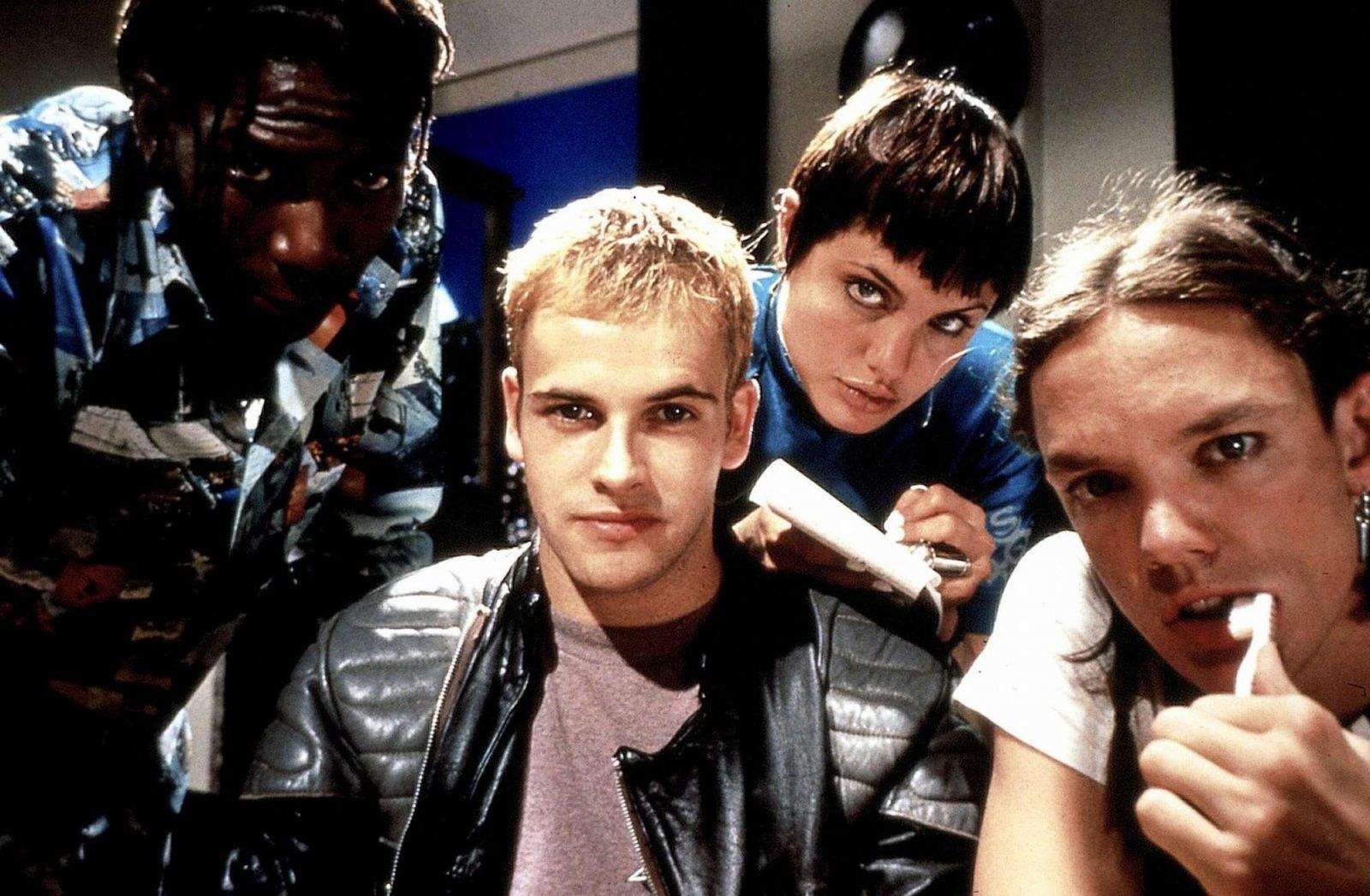
Artist's impression of the people potentially behind iOS vulnerability. Photo: Hackers, United Artists
Photo: United Artists

With reports that it can break elements of Touch ID, there are plenty of reasons to consider not upgrading to iOS 8.3, the latest version of Apple’s mobile OS.

But here’s a very good reason to: according to security researchers, the update fixes a vulnerability which has the potential to render your iPhone almost useless.

Apple Watch a hit on Chicago’s Magnificent Mile

By

Shannon Stroh, of Plymouth, Minn., tries on a Apple Watch at the downtown Chicago store. Photo: David Pierini/Cult of Mac
Shannon Stroh, of Plymouth, Minn., tries on an Apple Watch at the downtown Chicago store. Photo: David Pierini/Cult of Mac

CHICAGO — It didn’t matter that Mel Torgusen had already ordered her Apple Watch at 2 a.m.

She still had to be at the Apple Store on Chicago’s Magnificent Mile at 10 sharp — just to touch one.

“Ever since the announcement, I’ve been counting down the days,” said Torgusen, standing at one of a dozen stations the store had set up for prospective buyers to try the watch. “I’m an Apple person and I didn’t need to try it on to know I’d want one.”

A steady stream of the curious and devoted filed into the store Friday for the big Apple Watch preview. There were about 20 people who had signed up for the early appointments lined up outside the store when the doors opened. Others who did not schedule appointments for a personal tour went past a showcase of watches, then quickly registered for private showings.

What shipping delays? Pop stars already have their Apple Watch Editions

By

Apple is producing videos for some big name artists.
Yep, we're officially envious. Photo: Drake/Instagram
Photo: Drake/Instagram

Shipping dates on the Apple Watch may have already slipped back as far as August in some cases, but there’s one surefire way to get your hands on Apple’s hotly-anticipated wearable: be a big name celebrity.

As users around the world counted down the seconds until they could preorder an Apple Watch, both Katy Perry and Drake posted pictures to their Instagram accounts, showing themselves posing with their brand new Edition devices.

Is it too late for me to start a career in pop music?

10 reasons why the new MacBook isn’t for you

By

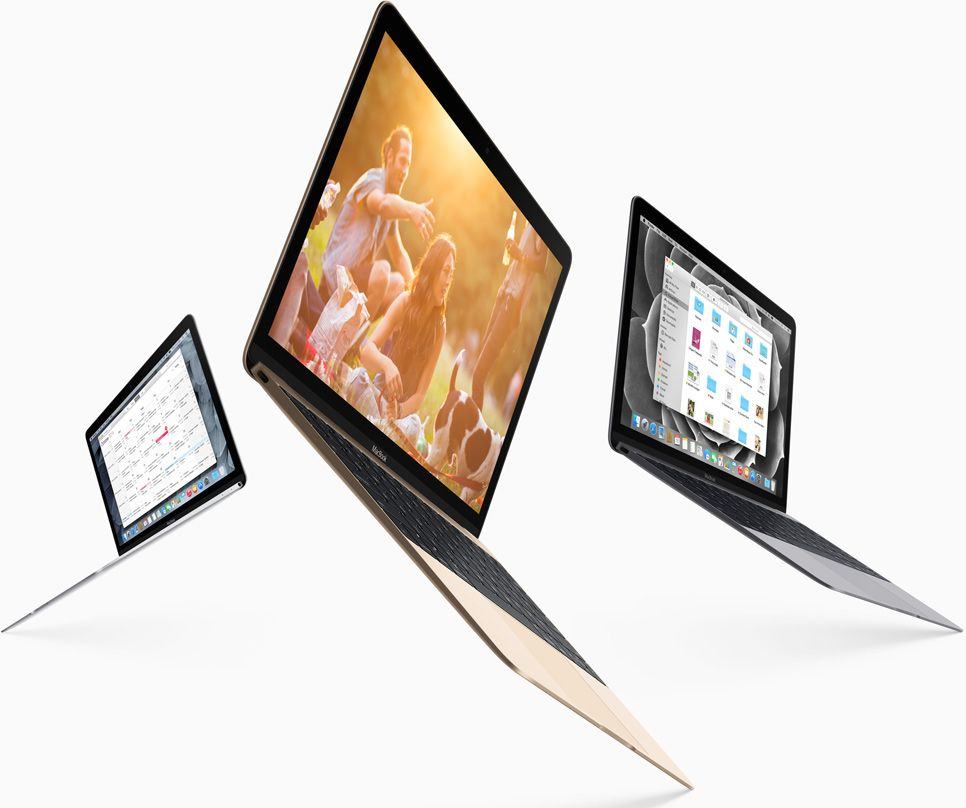
The new Macbook. Photo: Apple

The new MacBook goes on sale this week, and while the first reviews have raved about its incredible design, unbelievable thinness and jaw-dropping display, it’s probably not for you.

While early critiques might have alleviated concerns that the new MacBook’s CPU is about as powerful as a 2011 netbook, there are a few other issues you should know about before you rush to the Apple Store to snap up a shiny gold MacBook.

These are the new MacBook’s 10 biggest flaws:

First reviews: New MacBook is gorgeous, but limited 

By

Apple just released a new OS X beta. Photo: Apple
The new MacBook reviews are in. Photo: Apple

Apple Watch has been hogging so much of the tech spotlight lately that you could be forgiven for forgetting that Apple is also about to release a revolutionary new computer.

The first reviews of the new MacBook landed on the web to remind us that the first gold MacBook will be available to order tomorrow, too. According to the experts, it’s the most beautiful computer ever created. But should you buy it?

Here’s the good and the bad of the new MacBook.

Apple Watch will be available for sale online only at first

By

apple-watch
The company is preemptively trying to meet Watch demand by limiting orders to its online store. Photo: Apple

Apple is clearly expecting the Apple Watch to be a big hit, because it’s already limiting orders to just its online store.

In an effort to help meet expected demand, Apple has announced that you won’t be able to go into your local store and walk out with a Watch for the foreseeable future.

The definitive guide to preordering an Apple Watch

By

Apple Watch
Want to be among the first to strap on an Apple Watch? These tips will help. Photo: Apple

The Apple Watch launch might be Cupertino’s most innovative — and complicated — product rollout ever. Usually you just pick between a colors and tech specs, but for Apple’s “most personal device yet,” things aren’t so straightforward.

Even the actual purchasing process is different: Lining up at the store a couple days early isn’t going to help you this time, but this guide to buying an Apple Watch definitely will. It’s loaded with tips for beating the odds and wrapping an Apple Watch around your wrist on launch day.

Here’s everything you need to know about how to preorder and buy an Apple Watch.

(Editor’s note: This post has been updated and stickied to the top of Cult of Mac’s homepage. You’ll find fresh Apple news by scrolling down the page.)

The 17 best Apple Watch tidbits from early reviews

By

Apple Watch Edition
Early reviewers are in love with Apple Watch. Photo: Apple
Photo: Apple

The first wave of Apple Watch reviews landed this morning with the consensus that Apple has created the best smartwatch ever. Now whether you actually need a smartwatch is still being heavily debated, but the early Apple Watch reviews have highlighted some pretty compelling cases.

Reviews from tech news sites have praised Apple Watch for its innovative UI and incredible design. After slogging through the first reviews though, the most interesting insights I found about Apple Watch came from non-tech sites. What will it be like for normal, non-tech nerds to use Apple’s timepiece?

Here’s everything new I learned about Apple Watch from reading all the reviews:

iOS 8.3 is out with racially diverse emoji, new Siri languages, and more

By

A new day, a new iOS bug...
iOS 8.3 is here. Photo: Jim Merithew/Cult of Mac
Photo: Jim Merithew/Cult of Mac

Apple released the third major update to iOS 8 today with the public launch of 8.3, which brings a host of new features to iPhones and iPads.

The iOS 8.3 update is available as an over-the-air update or via iTunes. Some of the new features include racially diverse emoji, two-factor authentication for Google, new Siri languages, and tons of bug fixes.

Here’s a run down of the biggest features you’ll find:

OS X update brings Photos app and hundreds of new emojis

By

Photo: Apple
OS X just got better! Photo: Apple

Apple has released OS X 10.10.3 to the public. The update includes the all-new Photos app, which has been in beta for the last several weeks.

Hundreds of new emojis have also been added, along with improvements to Spotlight, Safari, Wi-Fi connectivity and more.

First reviews: You’ll love Apple Watch, but it’s gonna take some time

By

Photo:
The next big thing? Photo: Leander Kahney/Cult of Mac

The first reactions to the Apple Watch are hot off the presses and, to be honest, they’re pretty much what I was expecting.

There are some nice revelations (battery life isn’t as bad as we feared), some areas to improve on (activating the screen carries a lag, although Apple promises it can fix it though software updates), praise for how easy it is to manage notifications, and a general sense of reviewers trying desperately to figure out what the hell a smartwatch should try and do.

And concluding that — despite being unclear about quite what that is — Apple has done it pretty well.

Check out the highlights of the early hands-on impressions from Re/Code, the Wall Street Journal, David Pogue, and the other people lucky enough to get an early review unit:

Resident Evil: Revelations 2 squishes action and horror into a game sandwich

By

Resident Evil: Revelations 2
Hey, Barry's back! Photo: Capcom

The Resident Evil franchise has suffered a bit of an identity crisis in recent years, straying from its survival-horror roots toward something considerably more action-based. The latest entry, Resident Evil: Revelations 2, tries to have it both ways by splitting its four-chapter tale between two storylines. One features two frantic survivors struggling for resources, and the other has you playing as a heavily armed man of action.

It seems like mixing these two extremes would end up diluting them both, but somehow developer Capcom managed to take the best of both play styles and create something distinctive, harrowing and still damned scary.

How a sarcastic AI taskmaster came to rule the App Store

By

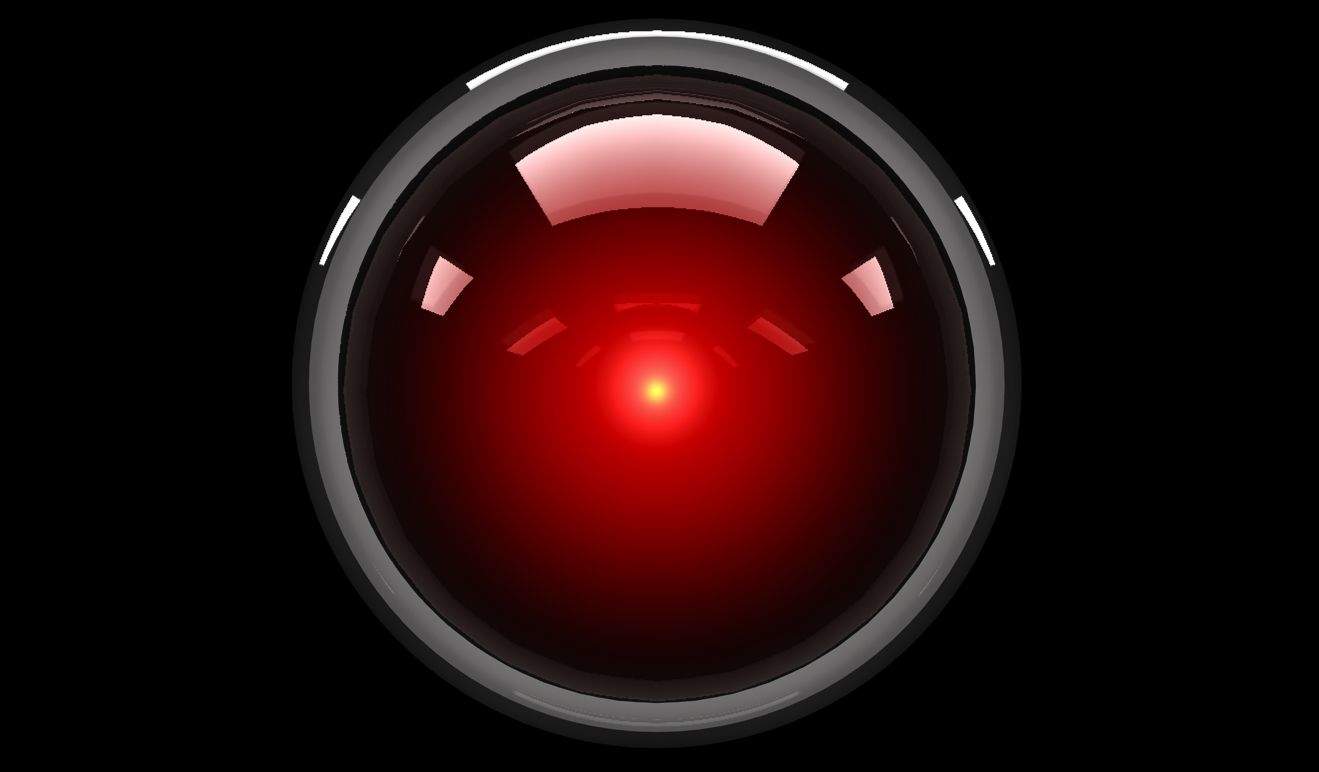
HAL 9000 is the spiritual antecedent of CARROT. Photo:
HAL 9000 is the spiritual antecedent of CARROT. Photo: Metro-Goldwyn-Mayer

Most apps are way too nice to us. “Don’t worry that you missed your 10,000 steps today,” they say. “There’s always tomorrow.”

CARROT apps are different. Whether you’re using a CARROT calorie counter or a CARROT weather forecaster, all the apps in the growing line have one thing in common: an hilariously sadistic AI character that serves as your in-app guide, dishing out harsh punishments if you miss your targets.

“So many of the apps out there are just cloyingly sweet, CARROT creator Brian Mueller tells Cult of Mac. “They’re always telling you that you’re doing a good job, no matter what you’re doing. I wondered what would happen if you did the opposite and created a sarcastic, irreverent personality who would yell at you if you don’t get stuff done. And, to my surprise, people really, really responded to it.”

New pictures reveal Apple Watch packaging and charging station

By

Photo: Cult of Mac
/Instagram

Just three days before Apple’s smartwatch will be on display in stores around the world, new pictures have revealed what Apple Watch packaging will look like.

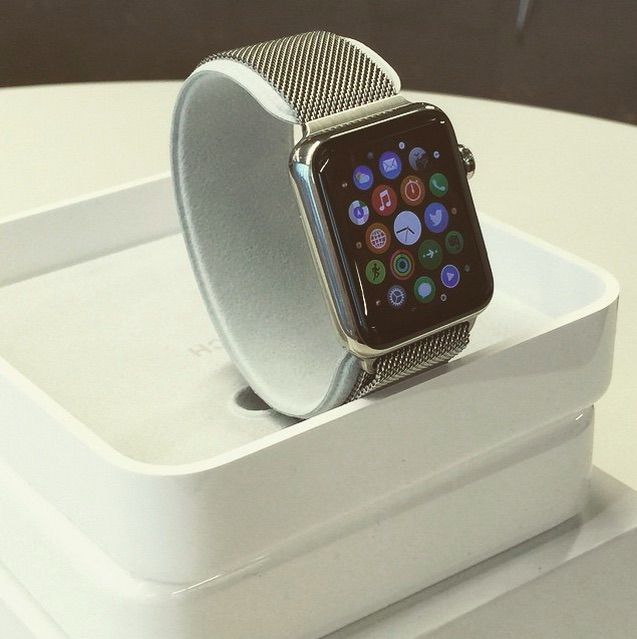
Images of the Apple Watch box, which doubles as a charging stand, were posted on Instagram today. With the first review units already out in the wild, we’re learning new details about the Apple Watch nearly every day, like how Apple Watch bands will be packaged.

Here’s a glimpse of the Apple Watch band boxes:

Dried-out husks of beloved Nintendo series head for smartphones

By

That's a...card game? Ugh. Photo: Level-5
That looks like a Professor Layton ... card game? Ugh. Photo: Level-5

Level-5, the game developer behind adored Nintendo 3DS gaming franchises Professor Layton and Fantasy Life, is making the rough transition to mobile devices.

At a press conference in Japan, Level-5 CEO Akihiro Hino said Layton 7, the next installment in the Professor Layton series, and Fantasy Life 2, sequel to the much-loved Fantasy Life sim game, would be coming to iOS and Android smartphones.

Unfortunately, both games show signs of becoming shallow mobile experiences, the biggest reason companies like Nintendo have cited as a reason not to bring handheld titles into the mobile arena.

My, how times have changed.

Armored whale action figure is no fluke

By

Mechawhales are the creation of 3D artist Hauke Scheer. Photo: Hauke Scheer
Mechawhales are the creation of 3-D artist Hauke Scheer. Photo: Hauke Scheer

If you want to skip out on posing for photos during the next family vacation, do what Hauke Scheer plans to do — use a 3-D-printed version of yourself as a stand-in.

The Scheer family might let him get away with it, since the fully articulated action figure of himself that he created is a pretty good likeness. The quality of his miniature plastic doppelganger — and the geeky scheme to get out of family portraits — tell you something about Scheer, 39, who earns a living making 3-D-printed figures of mechanized whales and other crazy characters from his home in Frankfurt, Germany.

“I am a total geek with a huge collection of comics, science fiction and fantasy movies and, of course, action figures,” Scheer, who runs Deep Fried Figures, told Cult of Mac. “I started sculpting my own figures during my early teenage years at a time when lots of characters I loved were not available in figure form. After a while, I realized it was even more fun to make characters of my own.”

Become a Safari search master with quick iOS tip

By

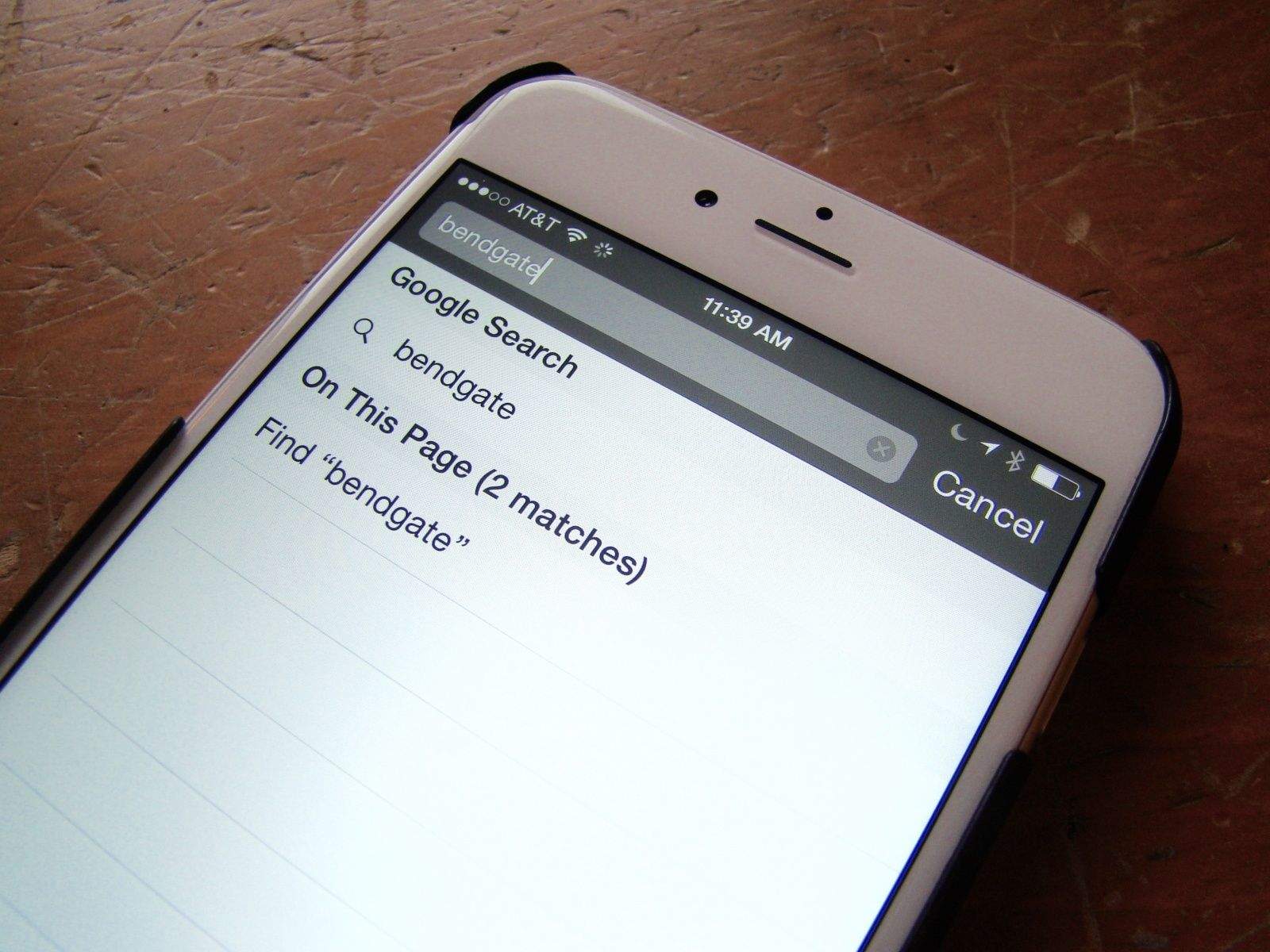
Searching within Safari pages is pretty easy, but well-hidden. Photo: Rob LeFebvre

On the Mac, it’s super-easy to search for a word or phrase within the currently loaded page. You simply hit Command-F on your keyboard and Safari, Chrome or any other web browser will open up a little field to type your search terms into.

But what about when you’re using mobile Safari on your iPhone or iPad? How do you find a specific word or phrase there?

It’s pretty simple, but not super-intuitive. Here’s our recipe for finding search terms on your iPhone’s version of Safari.

Top 10 Mac keyboard shortcuts everyone should know

By

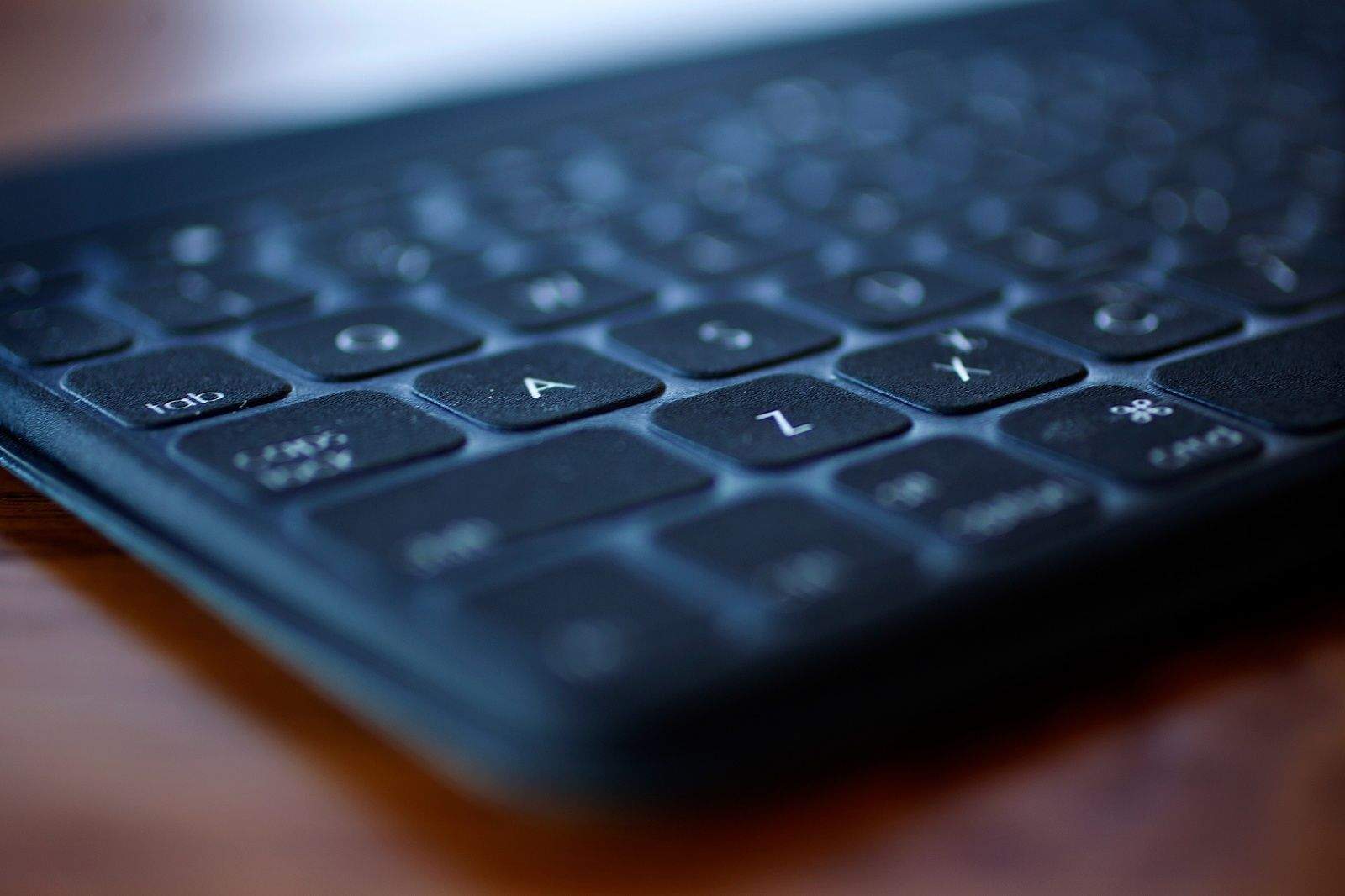
Using these simple keyboard tricks will make your life so much better. Photo: Jim Merithew/Cult of Mac
Using these simple keyboard tricks will make your life so much better.
Photo: Jim Merithew/Cult of Mac

Mastering a few crucial Mac keyboard shortcuts will make using your Apple computer easier and much more efficient. Cutting your reliance on your mouse will help you work more quickly, and you’ll undoubtedly impress your family, friends and co-workers to no end. You might even end up becoming the go-to Mac person in your office, and we all know how wonderful that will be.

Here are the top 10 Mac keyboard shortcut tricks you really need to memorize right now, whether you’re a Mac newbie or a veteran user who still uses the mouse for everything out of habit.