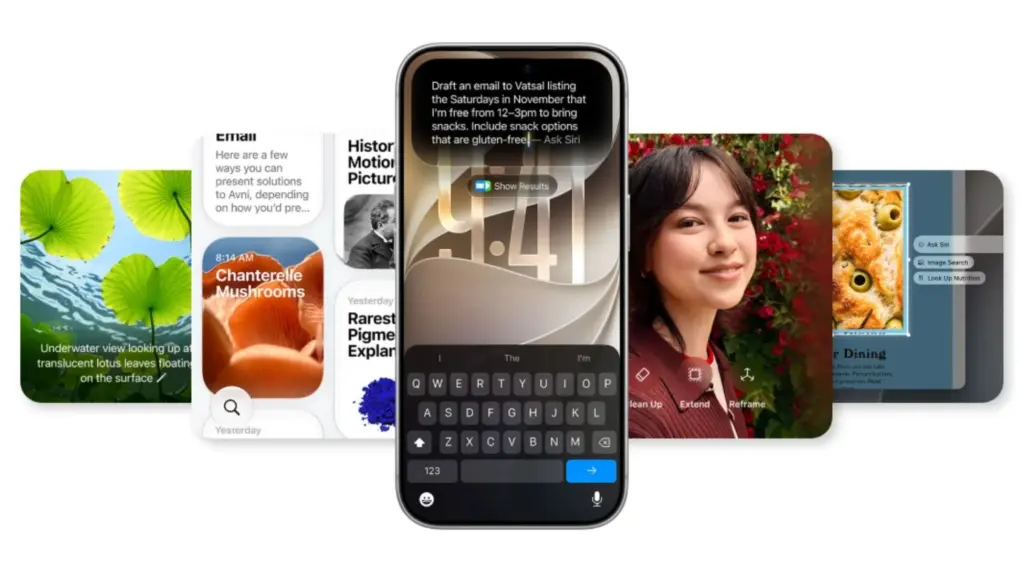
Apple has finally dropped the mandatory Siri AI waitlist in iOS 27. This means eligible iPhone users can now download and begin using it automatically.
There’s one catch: Apple can still queue you up when demand spikes. But after launching with a compulsory line, getting in is now quicker than ever.
The Siri AI waitlist now applies only during high demand
Apple introduced Siri AI alongside iOS 27, bringing the biggest overhaul to its digital assistant in years. The new Siri is more conversational and understands personal context, but initially came with a wait list. No longer,.
Apple updated its Siri AI support page this week to reflect the shift. If you tap “Try Siri AI (Beta)” in Settings, the page now says “will begin to download automatically.”
Before the change, the same page told users that tapping the button would add them to a waitlist. Wait times could vary, and the download only started when your turn came.
The queue hasn’t entirely vanished, though. Apple’s updated wording says you may be added to a waitlist if and when there’s a high demand.
The change comes less than two months after iOS 27 launched on September 14. Apple gated Siri AI behind the queue from day one. And while the support page doesn’t explain why Apple used a waitlist, the line likely helped manage server demand.
Siri AI still has some eligibility limits
Siri AI is still labeled as beta, with supported models including the iPhone 15 Pro and newer models.
Your device language and Siri language must also match one of the six supported languages. These include English, French, Japanese, Korean, Portuguese and Spanish.
Also, it isn’t available on iPhone or iPad in the EU, but Mac and Vision Pro users can get it there. Siri AI also doesn’t work with mainland China Apple accounts, and kids under 13 are out too.
Here’s how to turn on Siri AI
Getting Siri AI is easy. Here’s what to do.
Update to iOS 27, then open Settings and tap Siri. Choose Siri AI (Beta). If it’s off, turn it on first.
Follow the prompts to pick a voice, complete voice enrollment and review privacy settings. The download will automatically start.
Apple says expanded access will cost extra
Apple notes that server-based Apple Intelligence features, including Siri AI, have daily usage limits. The company also said expanded access to such features will be available for a fee in the future, but it hasn’t said when that will begin or listed pricing.
In the mean time, though, if the line kept you from trying the new Siri, there’s little reason to wait now.

Anurag Chawake is a tech-focused writer specializing in smartphones, apps and consumer technology. His interest in computers began during the Windows 98 era, eventually leading him to explore everything from operating systems to mobile devices and PC hardware. Anurag previously contributed to The Indian Express, covering Apple, Android, gaming and the broader technology landscape.