This 2019 MacBook Pro with an Intel chip won’t get macOS 27. Photo: Charlie Sorrel/Cult of Mac
The upcoming macOS 26 Tahoe is the last upgrade that will be compatible with Macs running Intel processors, Apple revealed at WWDC on Monday. The company continued to make OS upgrades for computers running those chips many years after the release of the last one, but that’s coming to an end in 2026.
As WWDC25 looms, rumors flow of more Apple app updates. Photo: Gemini
Apple reportedly is cooking up significant changes to core iPhone and iPad apps, with redesigned interfaces coming soon to the Phone, Safari, Camera and Messages apps. The company plans to reveal the app updates Monday during the WWDC25 keynote, alongside other sweeping changes to its operating systems.
The next major macOS release could pack bigger changes than anticipated. Illustration: ChatGPT
WWDC25 is nearly here, with iOS 19 and iPadOS 19 possibly set to steal the spotlight. However, the latest rumors indicate you shouldn’t count macOS 16 out just yet, as it might bring more upgrades than expected. It might not even be called macOS 16, if Apple’s rumored switch to year-based release names happens. (We’ll refer to it as macOS 16 until the big switch happens.)
With June 9 fast approaching, here’s a breakdown of what macOS 16 could bring to the table.
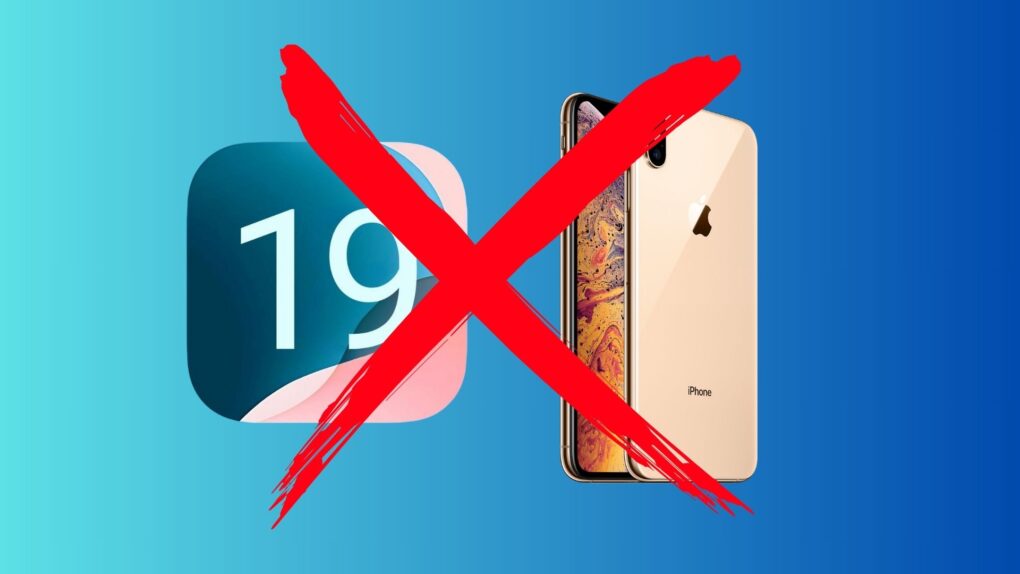
So your OS names are going to seem to leap forward to 26 soon. Photo: Rajesh Pandey/Cult of Mac
Apple might make a major change to the naming convention for all its operating systems this year, switching all OS version numbers to years, according to a new report. The switch, which Apple reportedly will roll out at WWDC25 on June 9, would bring consistency across all its operating systems for the first time.
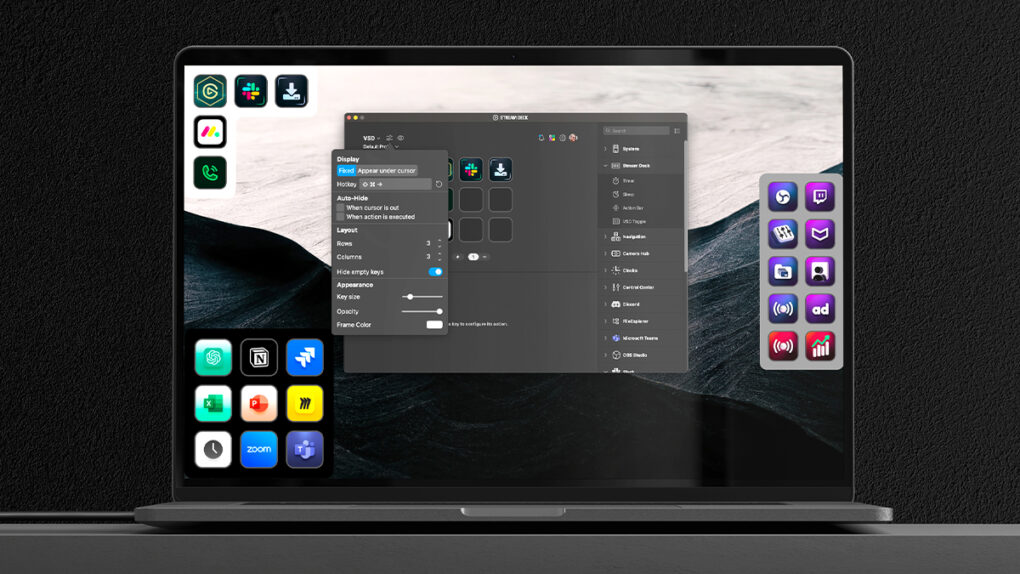
Elgato's new Virtual Stream Deck will let you put control right on your Mac's screen. Photo: Elgato/Corsair
Elgato, the Corsair-owned maker of popular content creation tools, announced a major expansion of its Stream Deck ecosystem Tuesday with a new “Stream Deck Everywhere” strategy unveiled at Computex. It includes four significant innovations designed to make the customizable control interface accessible to more users and workflows beyond its traditional creator audience. And that includes a Virtual Stream Deck you can put right on your Mac’s screen.
macOS 16 will change how your Mac's pasteboard works. Photo: ChatGPT
Apple informed developers of a major pasteboard change coming with macOS 16. It will alert users when apps read the pasteboard without direct user interaction.
The move will ensure apps cannot silently read the pasteboard in the background without you knowing about it.
Get ready for your first look at what's next for iOS, macOS and more. Image: Cult of Mac
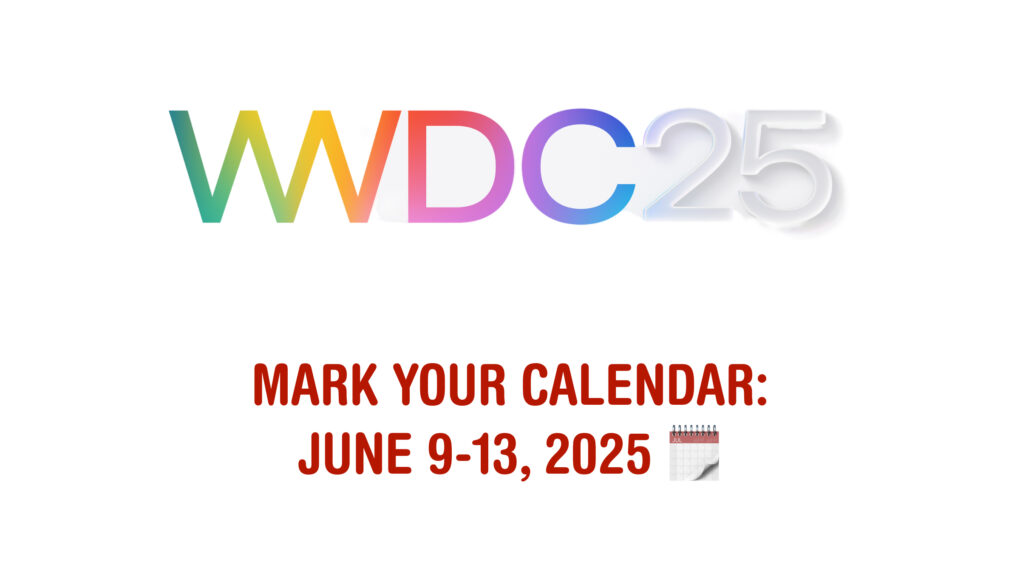
Apple revealed Tuesday that its annual Worldwide Developers Conference will kick off with a keynote on June 9. Apple traditionally uses WWDC to show off the next major upgrades for iOS, macOS and its other operating systems. WWDC25, which will run from June 9 to June 13, will be no different.
“We’re excited to mark another incredible year of WWDC with our global developer community,” said Susan Prescott, Apple’s vice president of Worldwide Developer Relations. “We can’t wait to share the latest tools and technologies that will empower developers and help them continue to innovate.”
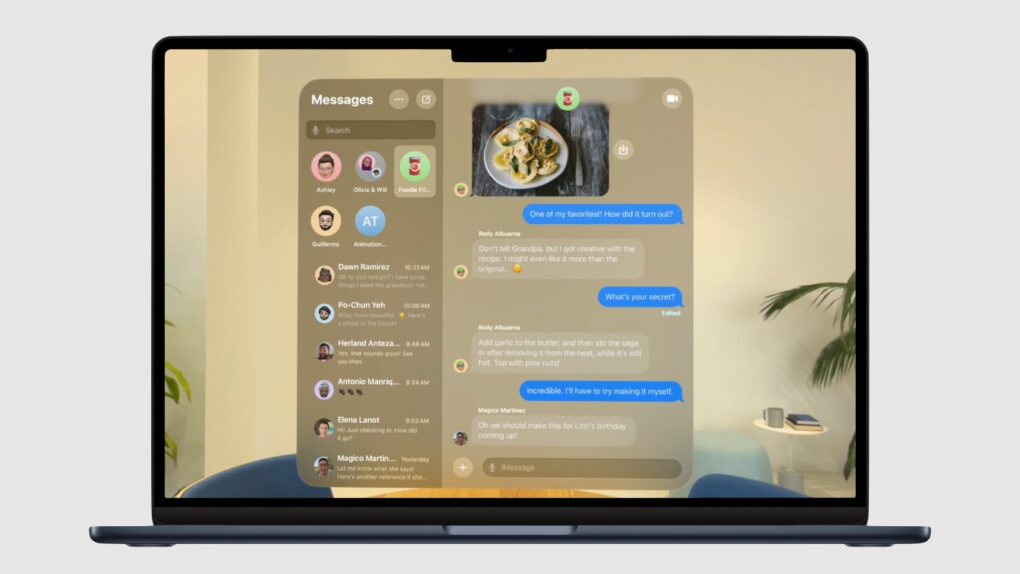
macOS 16 could look more like visionOS. Photo: Apple/Cult of Mac
Apple intends to massively transform the user interfaces for the iPhone, Mac and iPad later this year, according to a reliable source who says iOS 19, macOS 16 and iPadOS 19 could bring the most significant changes in years.
How will those changes affect the familiar look and feel of Apple’s devices? A software developer speculates that a pair of recently released Apple apps offer a sneak peek at the design overhaul reportedly coming in iOS 19 and macOS 16.
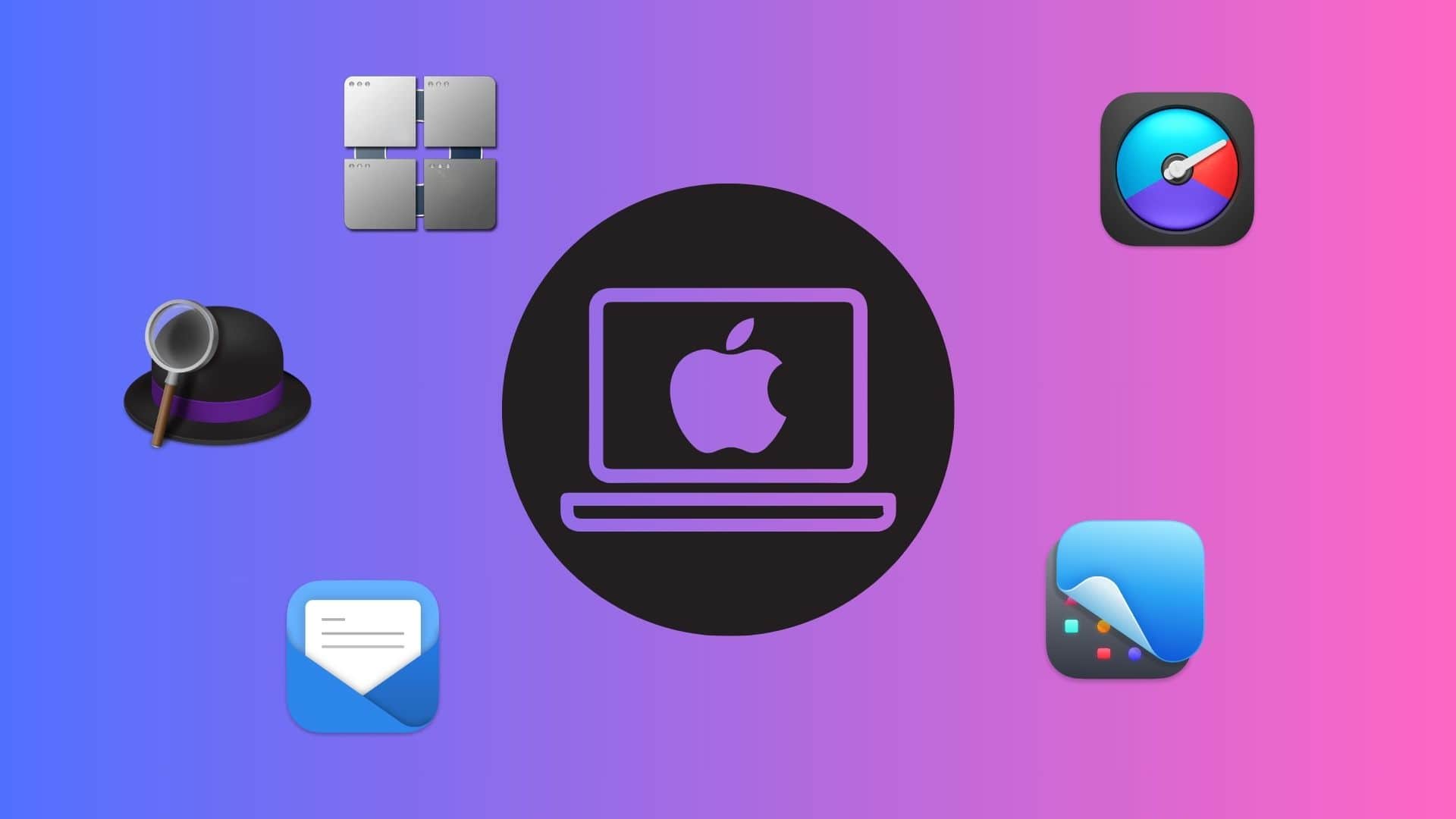
You should give these powerful Mac apps a try today. Graphics: Rajesh Pandey/CultofMac
As a longtime Mac power user, I’ve come to rely on a handful of essential apps that supercharge my workflow. These Mac productivity apps not only streamline my daily tasks but also simplify complex jobs, making my work faster and more efficient.
Check out my favorite Mac apps that I can’t recommend enough as a power user.
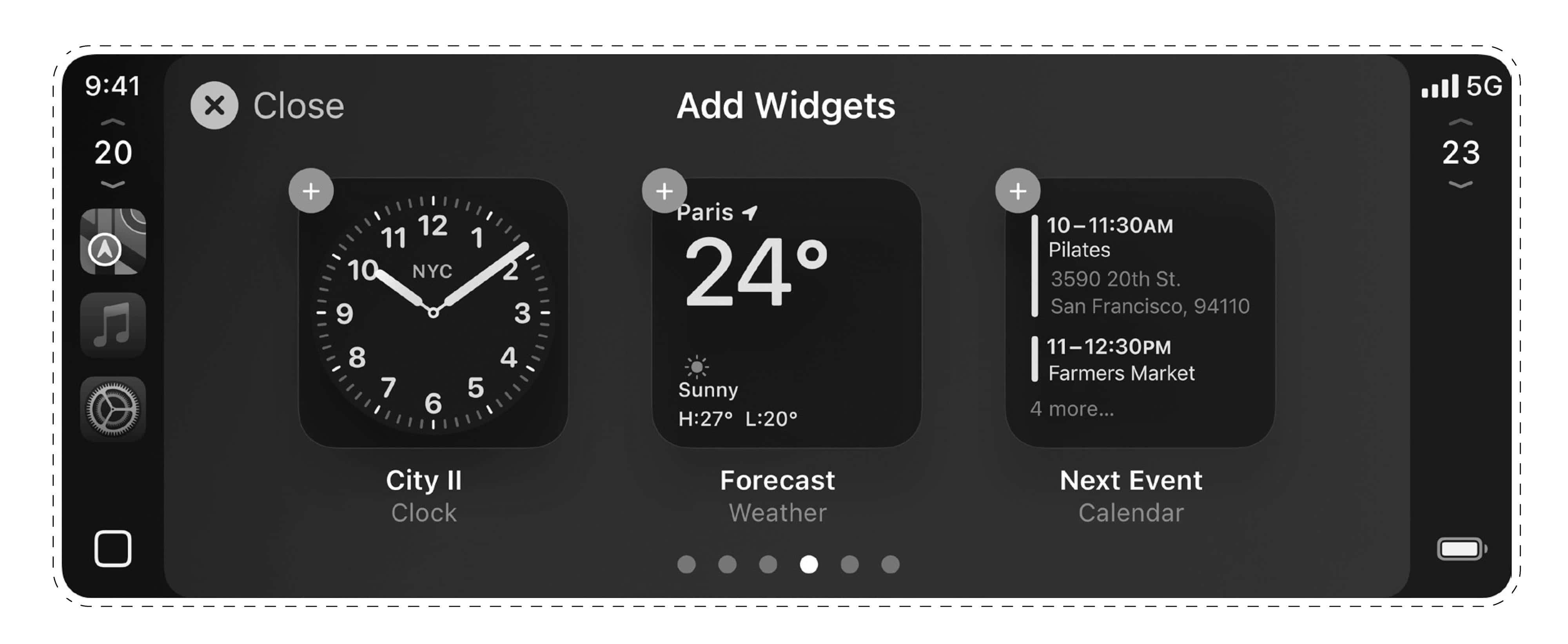
A selection of widgets might give CarPlay 2 an interface already familiar to iOS, iPadOS and macOS users. Photo: [email protected]
While Apple CarPlay 2’s expected 2024 release still hasn’t happened, newly leaked images Tuesday show a familiar widget-based interface that mirrors experiences across iOS, iPadOS and macOS devices.
The leaker is considered reliable. If the images prove genuine, they suggest a sensible drive by the iPhone giant to provide a seamless experience across the Apple ecosystem, even on the road.
False alarm! The Docker app for Mac is not a malware. Photo: Docker
Getting a “Malware Blocked” warning on booting your Mac or when starting Docker? You are not alone. Hundreds of Mac users worldwide report seeing a similar message on their machine over the last few days.
The error is due to an issue with Docker, a popular platform designed to build and run apps using containers.
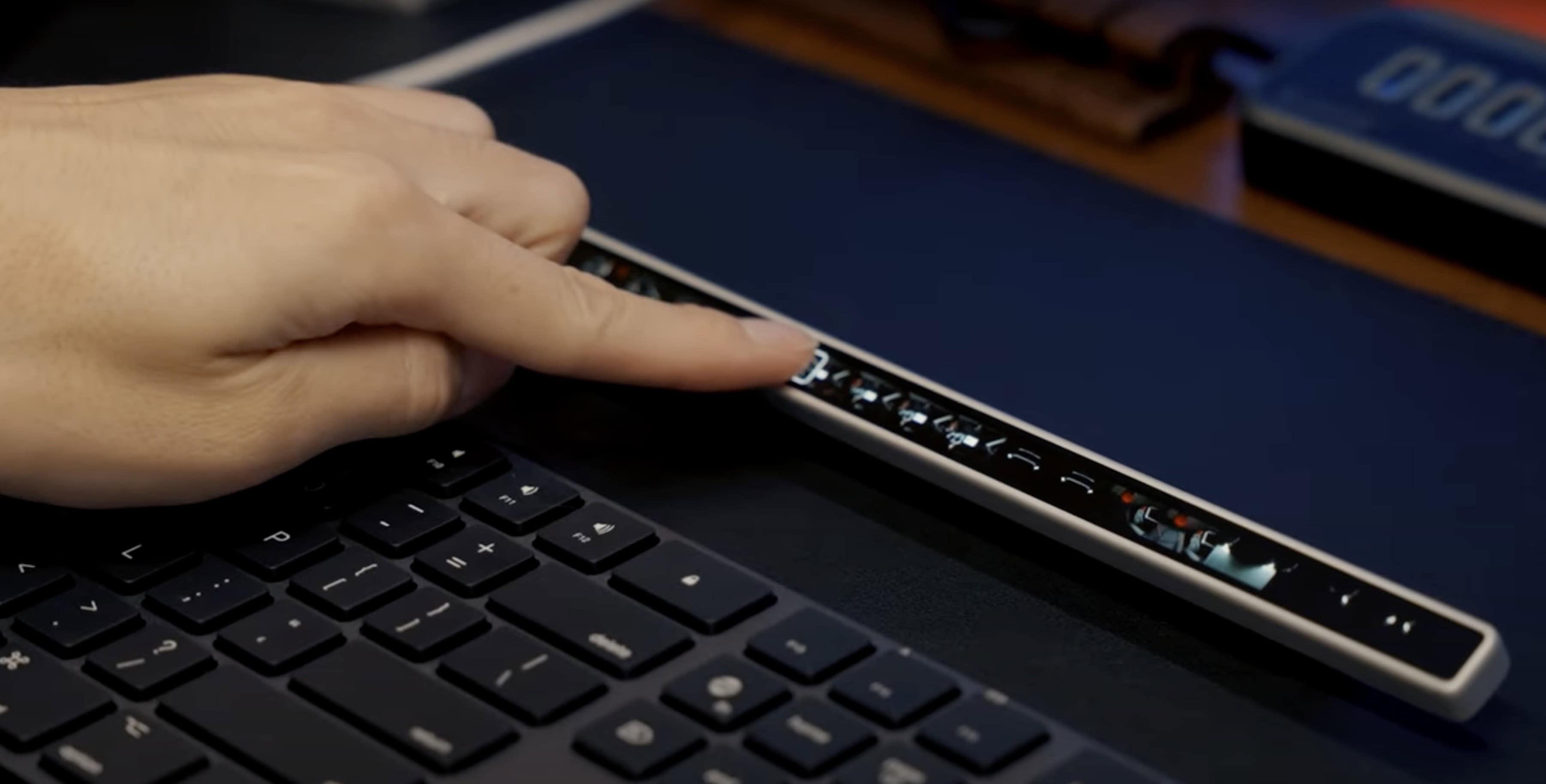
The standalone device features an OLED screen, USB-C connectivity and haptic feedback. Photo: Eniac Technology
A recently launched Kickstarter project aims to breathe fresh life into Apple’s discontinued Touch Bar concept, offering a more versatile and customizable solution for both Mac and Windows users. Flexbar, developed by Hong Kong startup Eniac Technology, reimagines the controversial MacBook Pro feature as a standalone accessory that promises to deliver on the Touch Bar’s original potential.
“The discontinuation of the original Touch Bar didn’t mean the concept was flawed — it simply wasn’t taken far enough to reach its full [potential],” the Eniac team said. “There’s something undeniable [about the idea]: the potential for a customizable, adaptive interface that could streamline workflows was immense. We decided to step in.”
Update: Eniac sent out a reminder Tuesday that Flexbar’s Kickstarter campaign ends Thursday (January 2, 2025), so time to participate is waning. You can still pledge to get one Flexbar for $179 $149, two for $358 $219 or three for $537 $299. And it appears the device will most likely go into regular production, as funding reached $284,612 by Tuesday, well over the campaign’s goal of $2,576.
Screen Sharing is a great way to give remote tech support. Image: Daniel Aragay/Wikimedia Commons/D. Griffin Jones/Cult of Mac
A little-known feature in macOS lets you share your Mac’s screen to someone else’s Mac directly from the Messages app — no third-party apps or downloads required. It’s great if you need to give tech support to a far-off family member in a pinch. Often, you just need to see what’s happening instead of counting on what your dear old father is trying to describe over the phone.
Get him to share his Mac’s screen with you, and you likely can solve his problem quickly. Even better, it’s not complicated setting up screen sharing on a Mac like it is on a PC. It takes only a few clicks in the Messages app. Let me show you all around this awesome hidden feature.
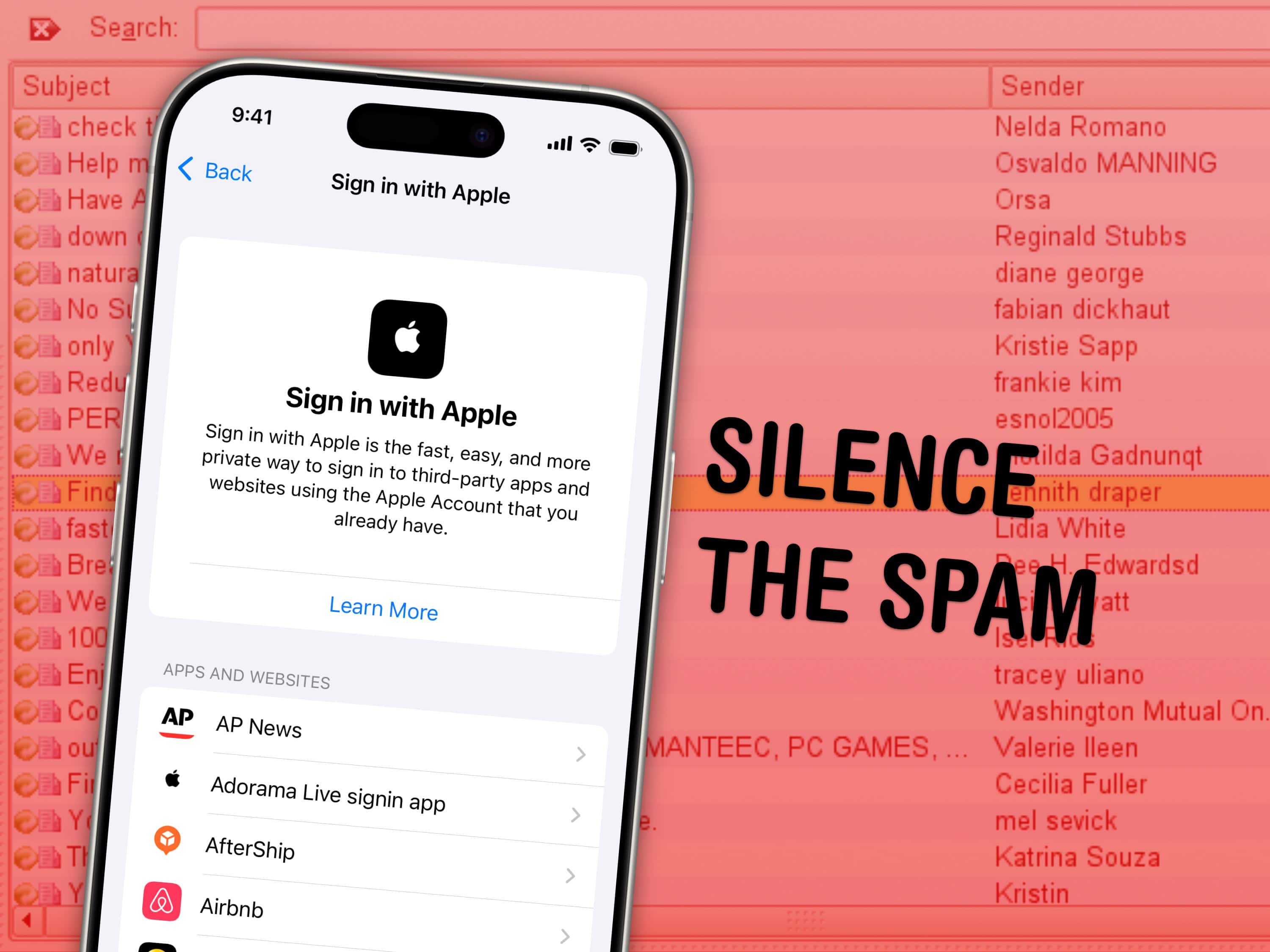
Apple’s privacy-focused features in Mail are really handy at keeping spam at bay, but you might still need to find that secret email address or delete an account after a while. Image: Ascánder/Wikimedia Commons/D. Griffin Jones/Cult of Mac
The Sign in with Apple feature, which lets you log into third-party accounts using your Apple ID while keeping your personal info private, is so easy to use that I utilize it everywhere. But that also means my disguised logins pile up, accumulating in the digital junk drawer that is iCloud Settings. If you ever need to manage or transfer yourApple purchases history, Apple now offers an option to migrate digital purchases between accounts.
I’ll show you where you can find, manage or delete these accounts. Perhaps you’re jumping ship from iPhone to Android, and you want to make sure you still have another way of signing into your Chipotle account.
The Hide My Email service is similar. It creates a temporary email address that forwards to your real one — handy if you’re signing up for a shady website, or if you need a public contact email. I’ll show you where you can create new ones and delete the old ones.
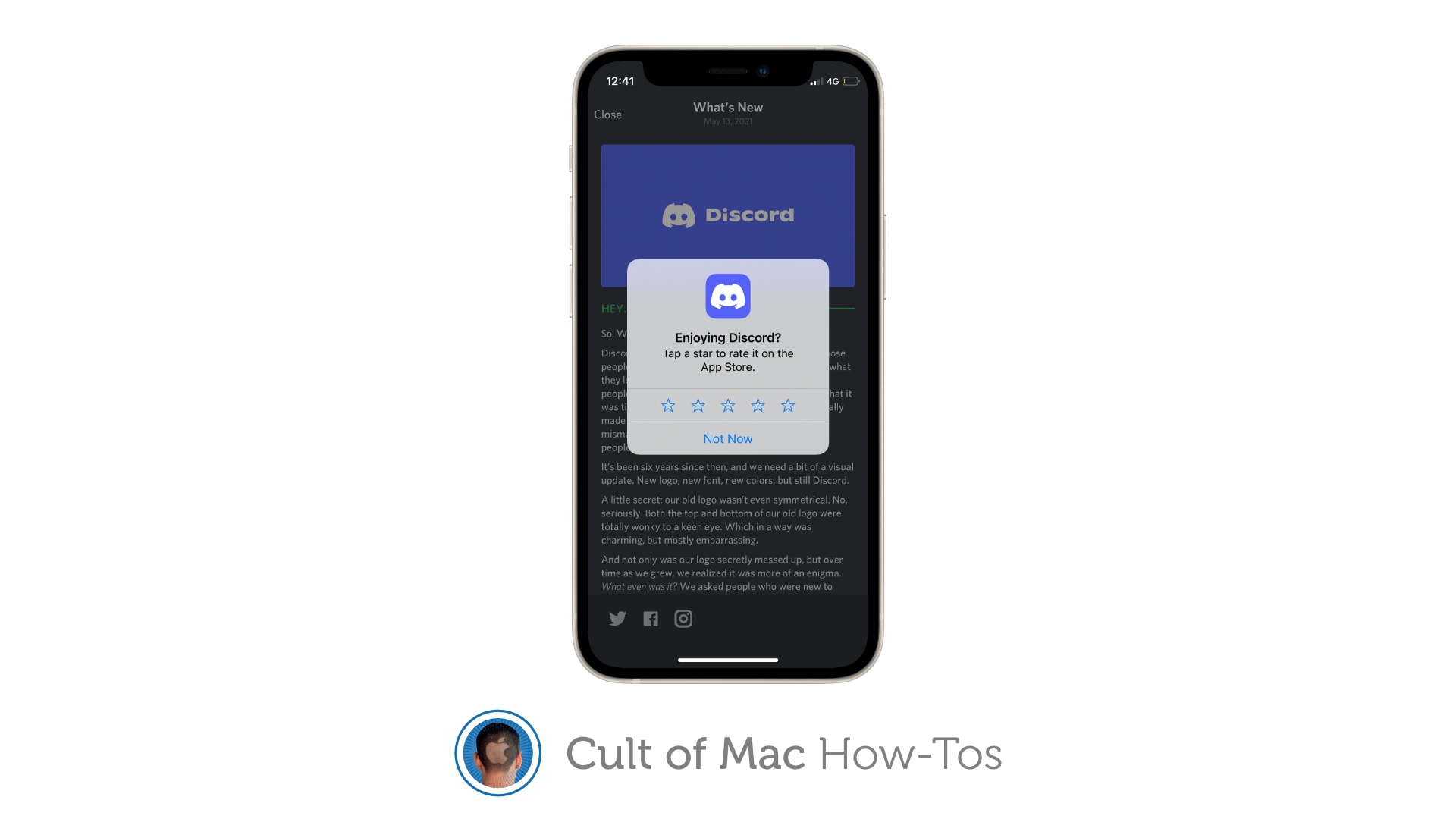
Never see another App Store rating popup. Image: Killian Bell/Cult of Mac
Sick of apps constantly asking you to rate them? There is a way you can block App Store rating requests completely on iPhone, iPad and Mac so that the pesky popups no longer appear. We’ll show you how.
★★★★☆
It looks like pretty much any M-series MacBook Pro since 2021, but this 14-inch M4 Pro MacBook Pro is a powerhouse. Photo: David Snow/Cult of Mac
I took the leap from the 2021 M1 Pro MacBook Pro to the new M4 Pro MacBook Pro. As you’ll see from my review, having used the M1 Pro model for the past couple of years, I was eager to see how Apple could improve on the already-impressive machine. And, despite the lack of redesign, I’m impressed, to say the least.
While the M1 Pro and M4 Pro laptops could be the same exact machine judging from the outside — same as all M-series MacBook Pro models — the new one takes some big steps forward in performance. That should future-proof me on this daily driver for at least a few years.
iOS 18.2 beta 1 gives developers a chance to test Genmoji and more. Image: Apple
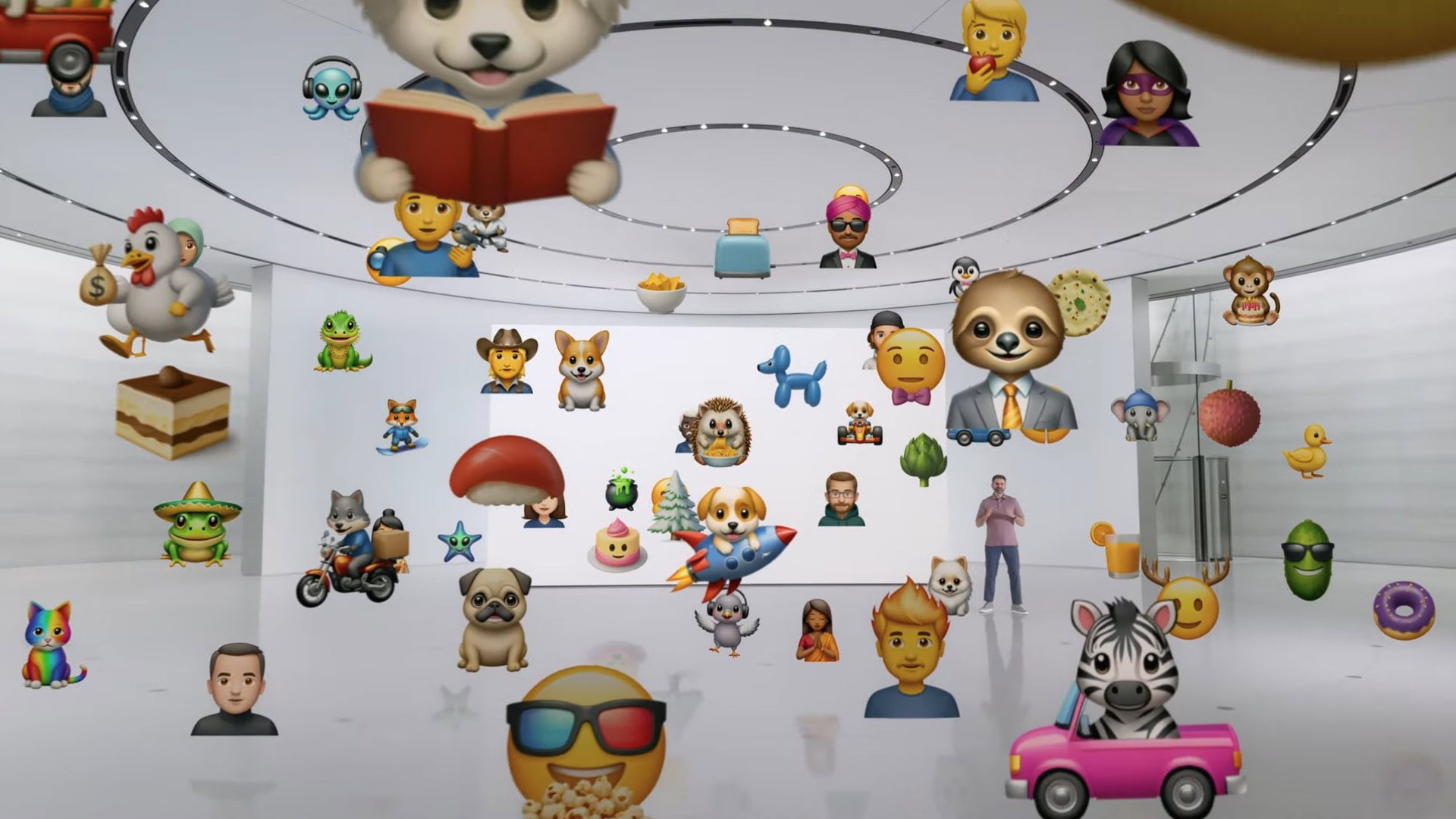
Apple seeded the initial beta of iOS 18.2, macOS Sequoia 15.2 and iPadOS 8.2 to developers on Wednesday, giving them their first opportunity to test the Image Playground app, Genmoji and more. Also on the list is perhaps the most controversial feature of Apple Intelligence: optional ChatGPT access.
Expect testing to end and the full launch before the end of the year.
The iOS 18.1 release candidate means Apple Intelligence for iPhone is about a week away. Image: Ed Hardy/Cult of Mac
Apple gave developers access to the release candidates of iOS 18.1, iPadOS 18.1 and macOS Sequoia 15.1 on Monday. This is the last round of testing before introducing them to the public, which means Apple Intelligence will finally launch in about a week.
Release candidates for tvOS 18.1 and visionOS 2.1 also went out. However, watchOS 11.1 RC is not yet available.
After a big announcement in June, Apple Intelligence is right around the corner. Screenshot: Apple
Apple’s big step into artificial intelligence is scheduled for this month, and a prediction from a generally reliable source may have just named the release date: October 28. This will reportedly be when new iOS, macOS and iPadOS versions usher in Apple Intelligence.
These AI capabilities were unveiled in June at the company’s developers conference and have been in public beta testing for weeks, so it’s now a waiting game for the full launch.
iOS 18.0.1 removes a bug that irritated many iPhone 16 users. Photo: Lewis Wallace/Cult of Mac
Apple released iOS 18.0.1 on Thursday to fix an annoying bug that made the touchscreen unresponsive on iPhone 16 and iPhone 16 Pro. The new iPadOS 18.0.1 corrects several problems, too, including one that bricked some M4 iPad Pro units when installing the original iPadOS 18 version.
In addition, macOS Sequoia 15.0.1 and visionOS 2.0.1 also arrived Thursday with minor bug fixes.
Turns out, it can be done — really easily. Image: D. Griffin Jones/Cult of Mac
So, you accidentally disabled Bluetooth on your Mac, and now you can’t use your wireless mouse or trackpad. You could dig out a wired mouse to reenable Bluetooth, but that’s a lot of effort. Instead, just use your keyboard to turn on Bluetooth on your Mac without a mouse.
We’ll show you how to get out of this computing pickle.
iOS 17.6.1 fixes a problem with Apple's Advanced Data Protection. Photo: Ed Hardy/Cult of Mac
Apple released iOS 17.6.1, iPadOS 17.6.1 and macOS Sonoma 14.6.1 on Wednesday. These are patches to fix a problem with Advanced Data Protection, a collection of tools to keep data and communications safe in the cloud.
While there are no new features, the updates are nevertheless important.
iOS 17.6 is one of six Apple operating system updates introduced on Monday. Photo: Ed Hardy/Cult of Mac
If you own an Apple device, it probably needs an operating system update. That includes iPhone, Mac, iPad Apple Watch … even Vision Pro. The hefty list of security-focused upgrades released Monday by Apple includes iOS 17.6, macOS Sonoma 14.6 and more.
They patch a list of more than two dozen vulnerabilities detailed on Apple’s security update page.
Real-world testing of Apple Intelligence starts with new betas. Photo: Ed Hardy/Cult of Mac
Apple Intelligence took a big step toward release on Monday. The AI-powered features unveiled at WWDC24 entered beta testing so developers can start trying them out in the real world.
They are part of the initial round of betas of iOS 18.1, macOS Sequoia 15.1 and iPadOS 18.1, which are expected to launch in October.
Finally, there's an easy way to convert videos and audio from all the popular platforms. Image: Open Media
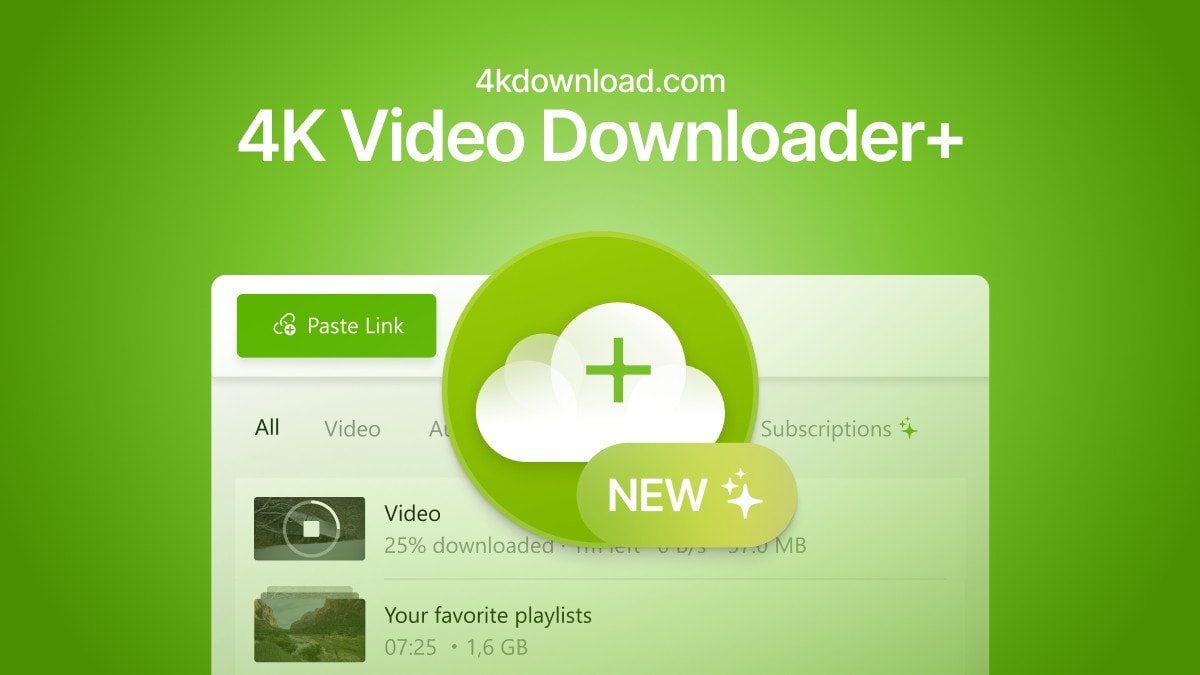
The easiest way to convert a YouTube video to an MP4 for free is with an app called 4K Video Downloader for Mac and PC. This tool gives you all kinds of options for converting video and audio from YouTube, TikTok, Facebook, Soundcloud, Twitch and more.
If you want to save videos or podcasts to your computer to include in a video of your own, this app is the easiest way to download the highest-quality original.
It has other uses, too. If you’re going on a flight, or if you simply have a slow internet connection, you can use it to download what you want to watch in advance. If you’re privacy-conscious but you still want to watch a TikTok sent to you by a friend, you can download the clip without visiting the website.