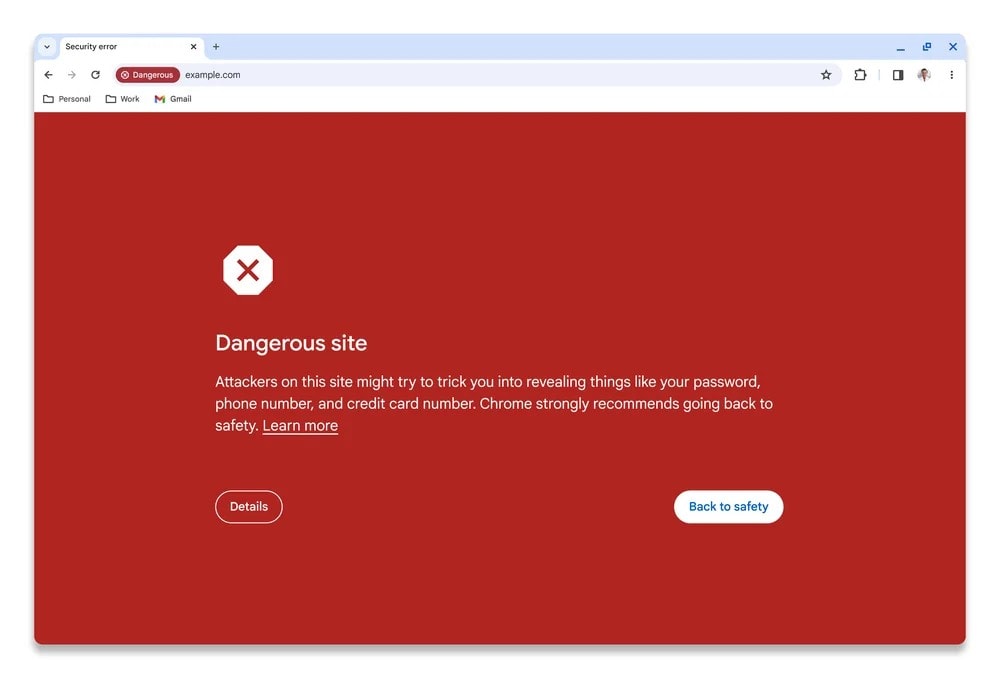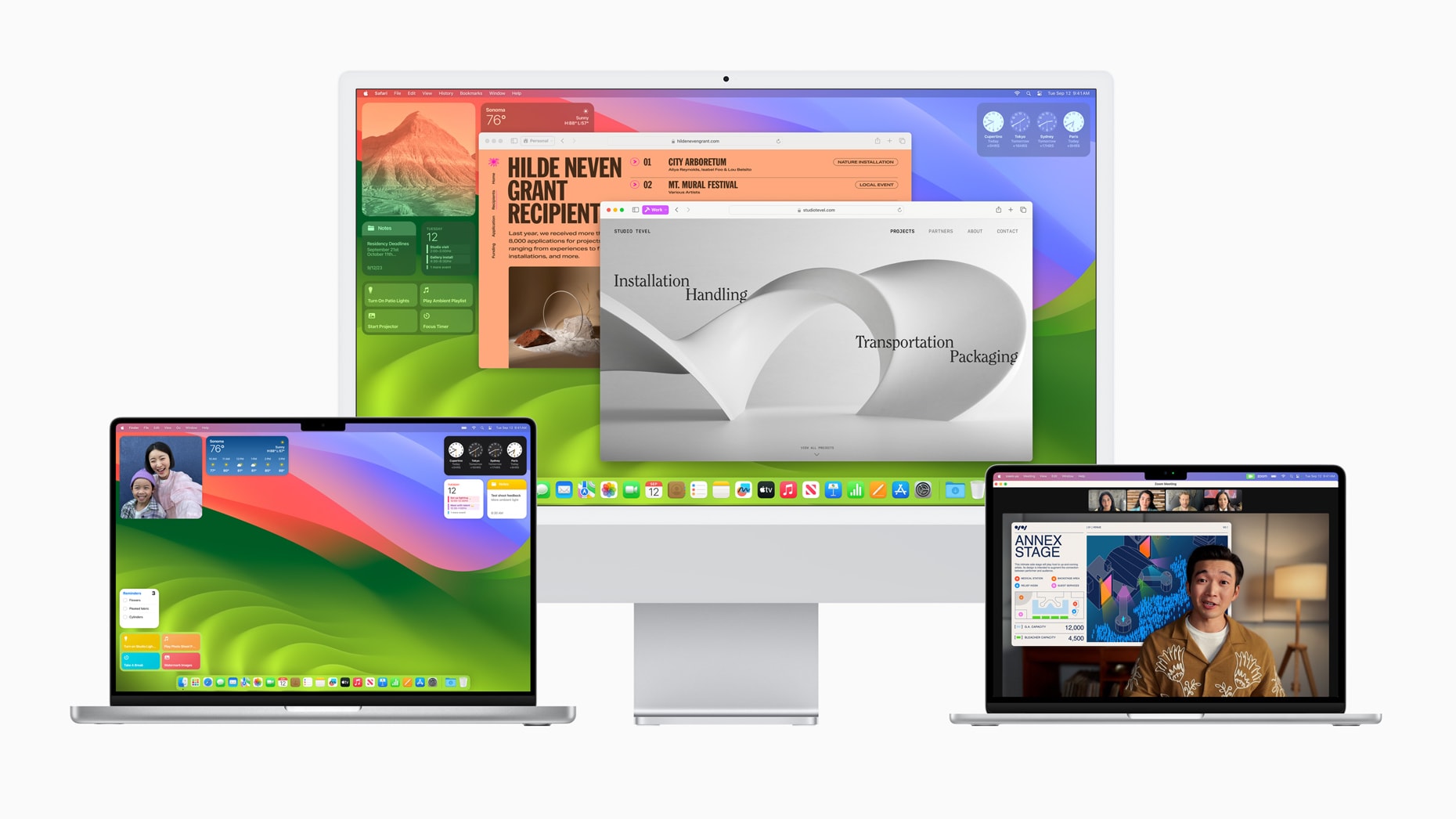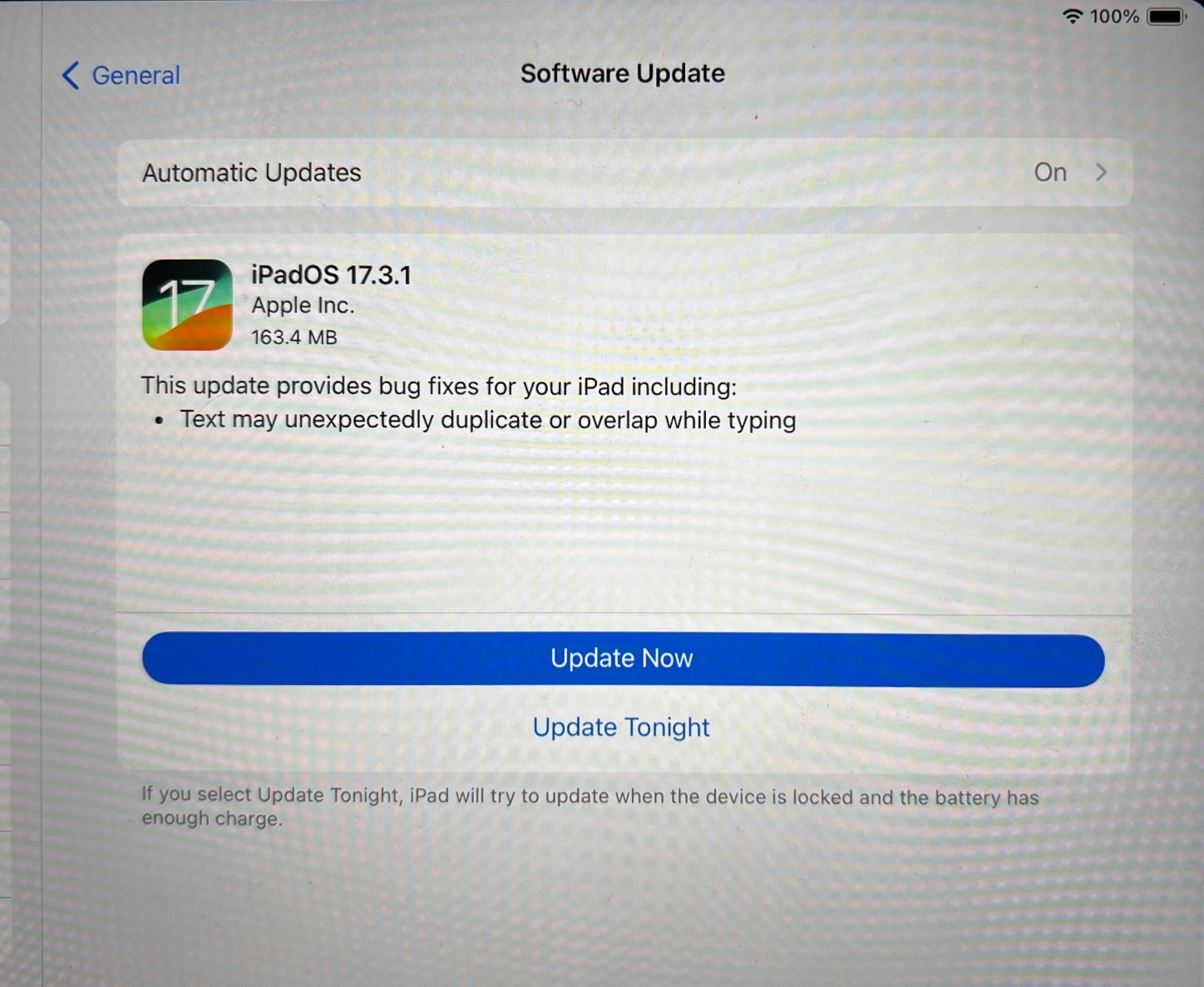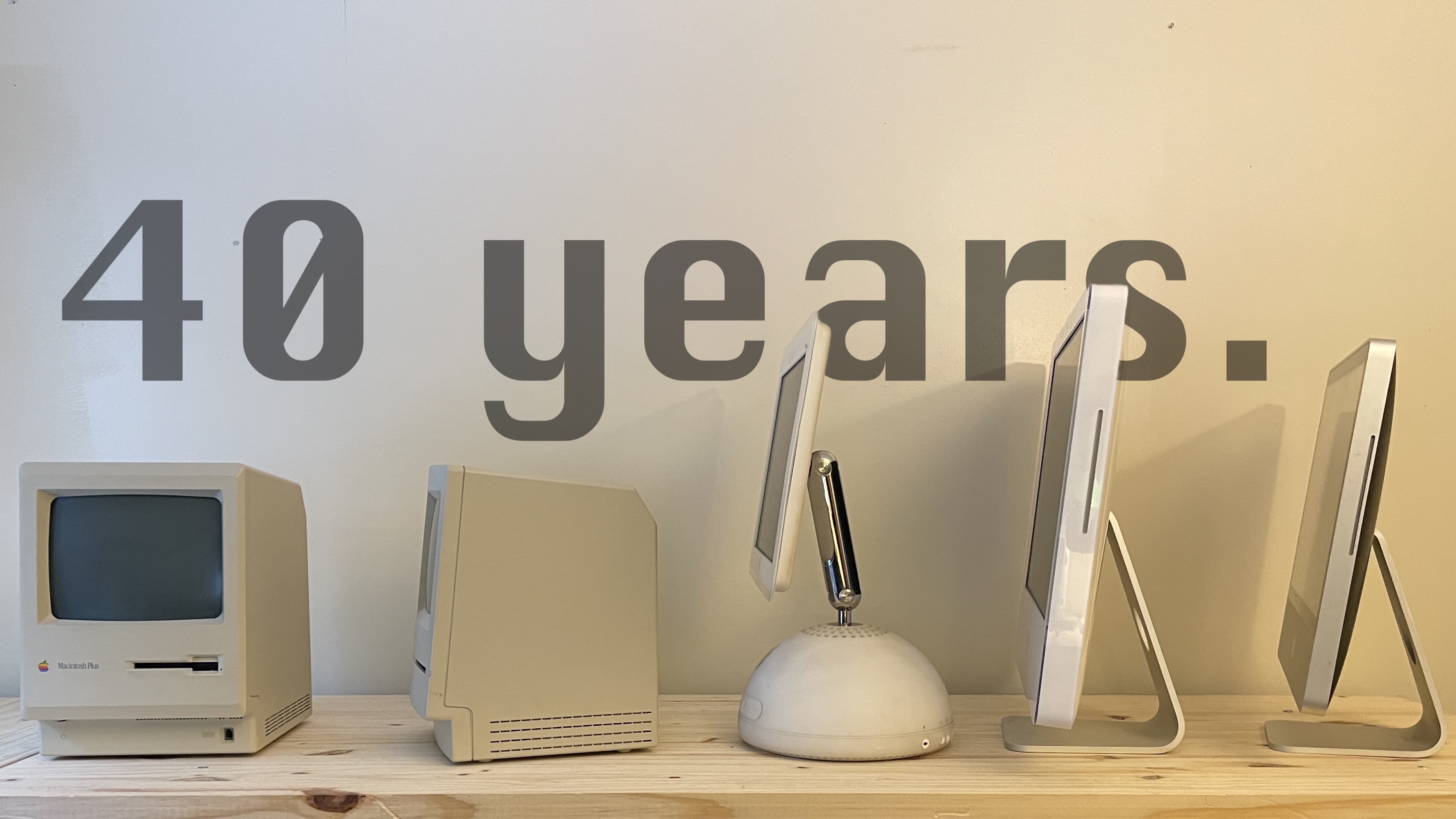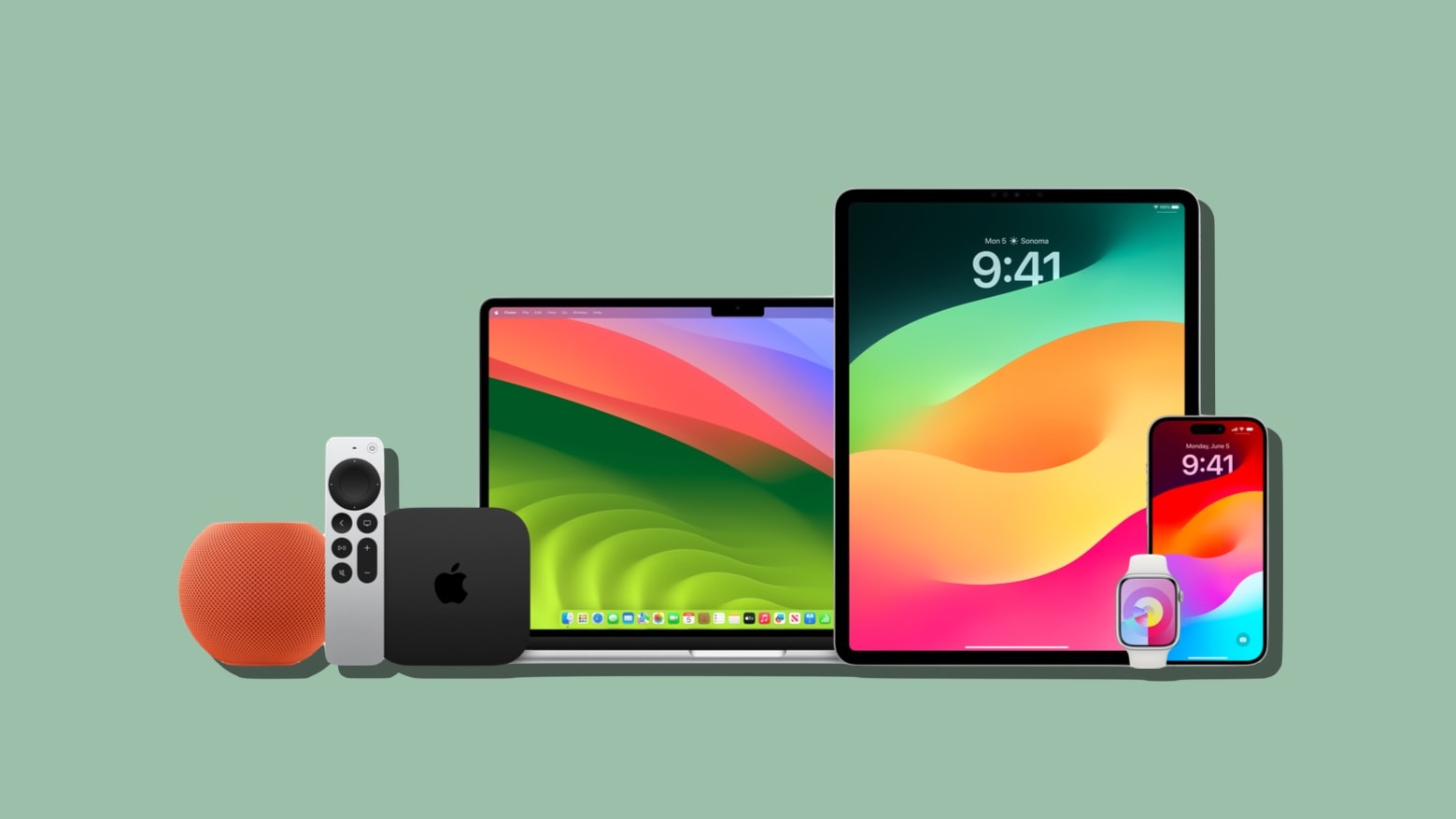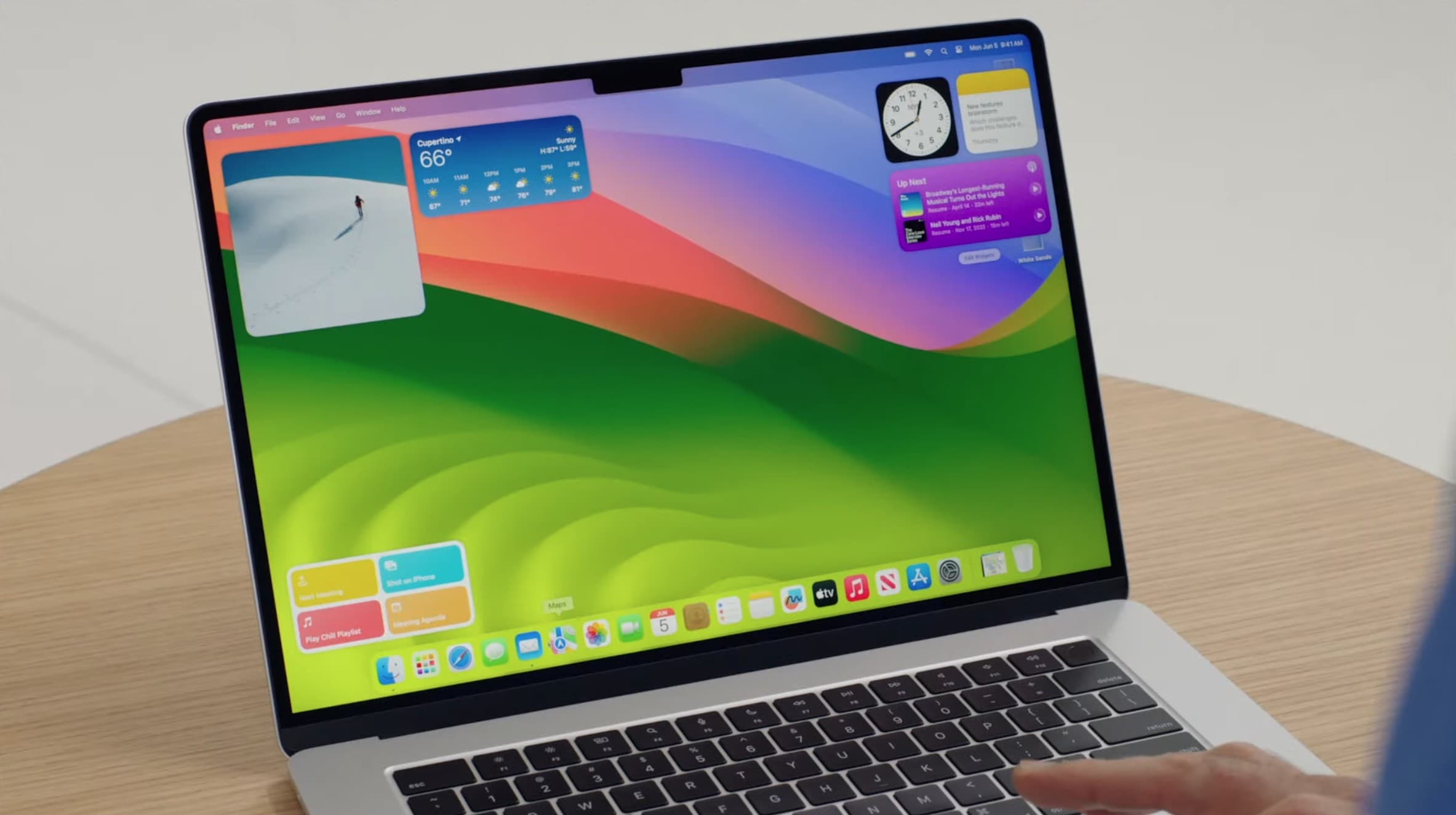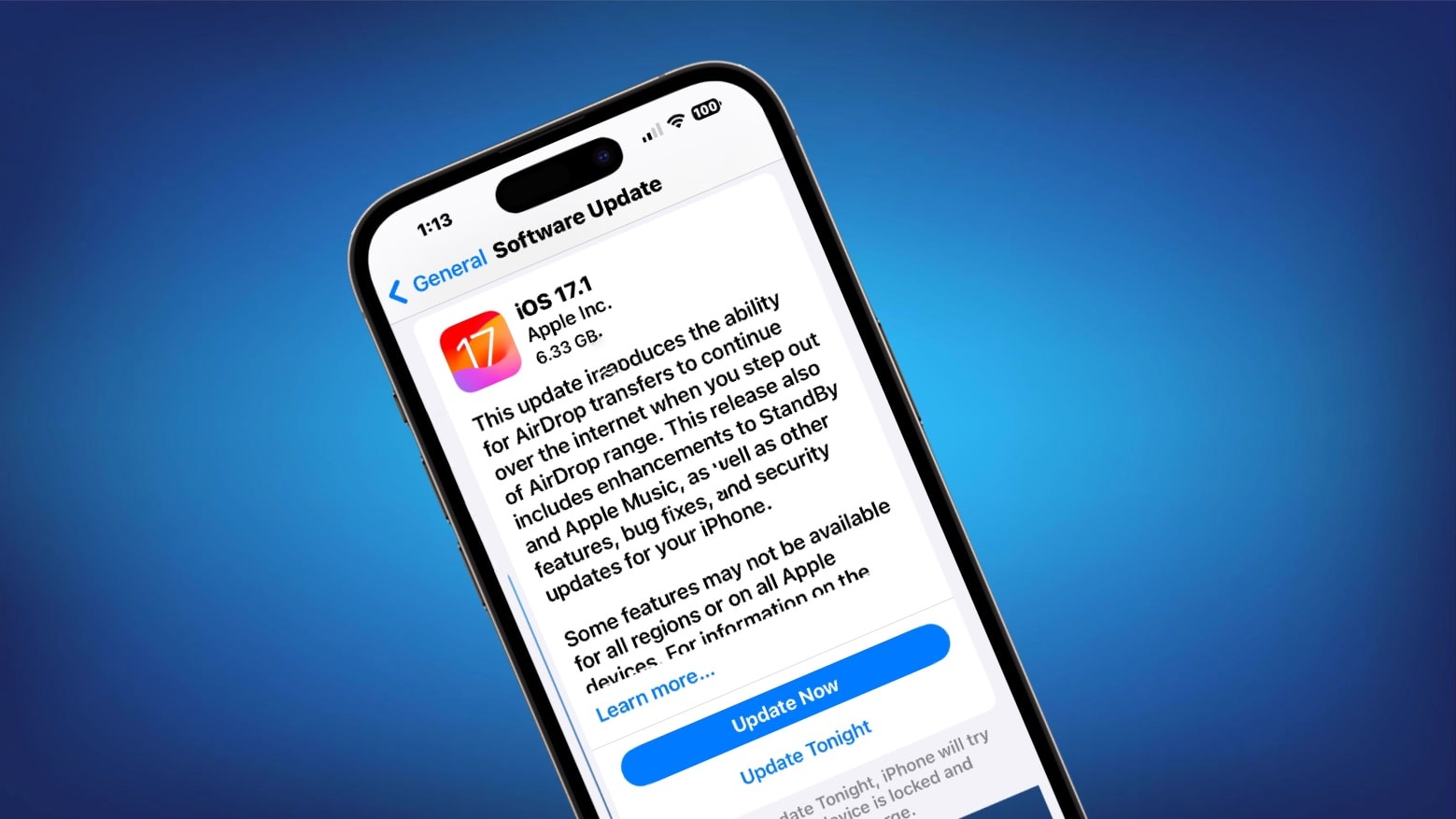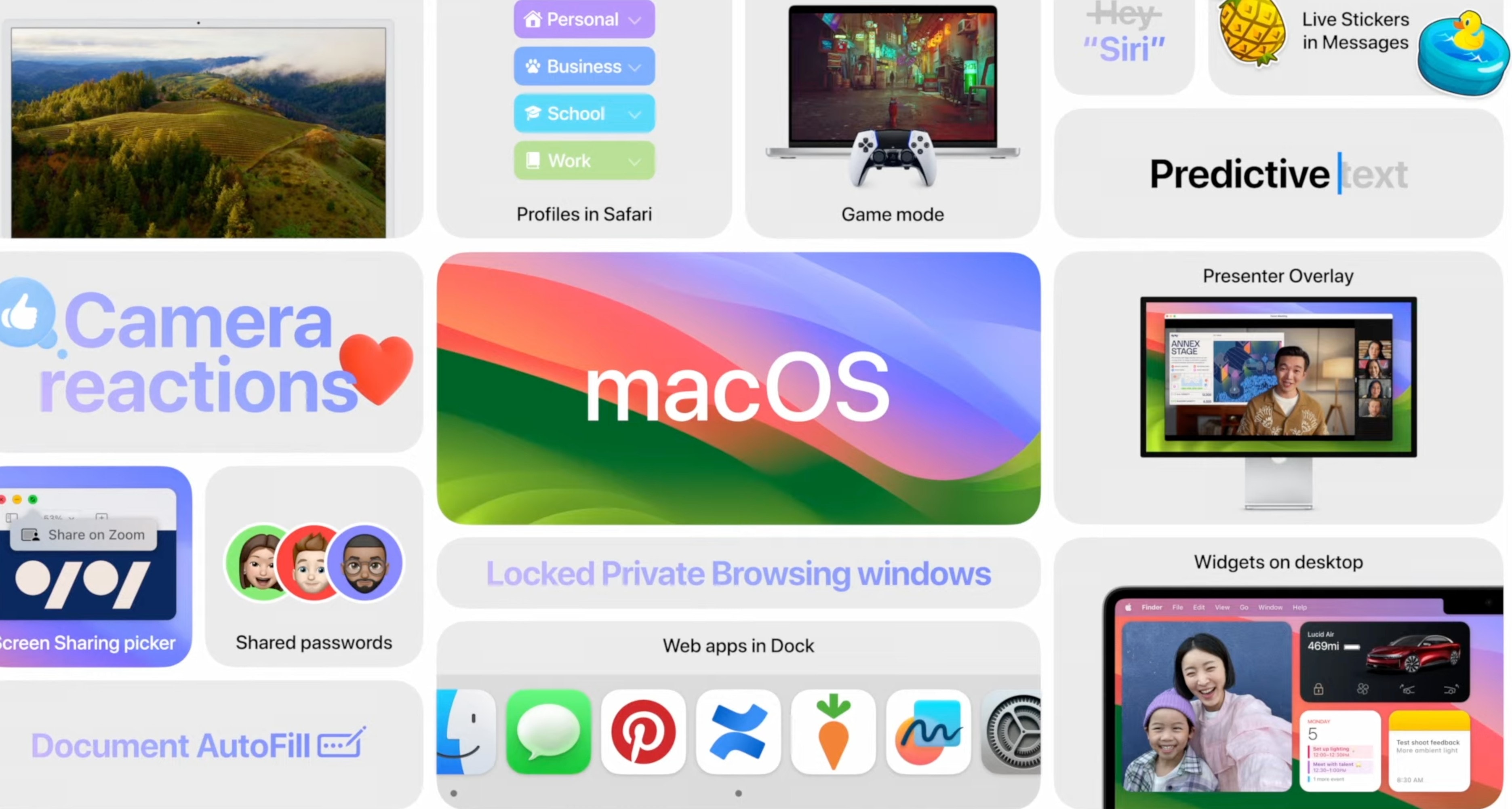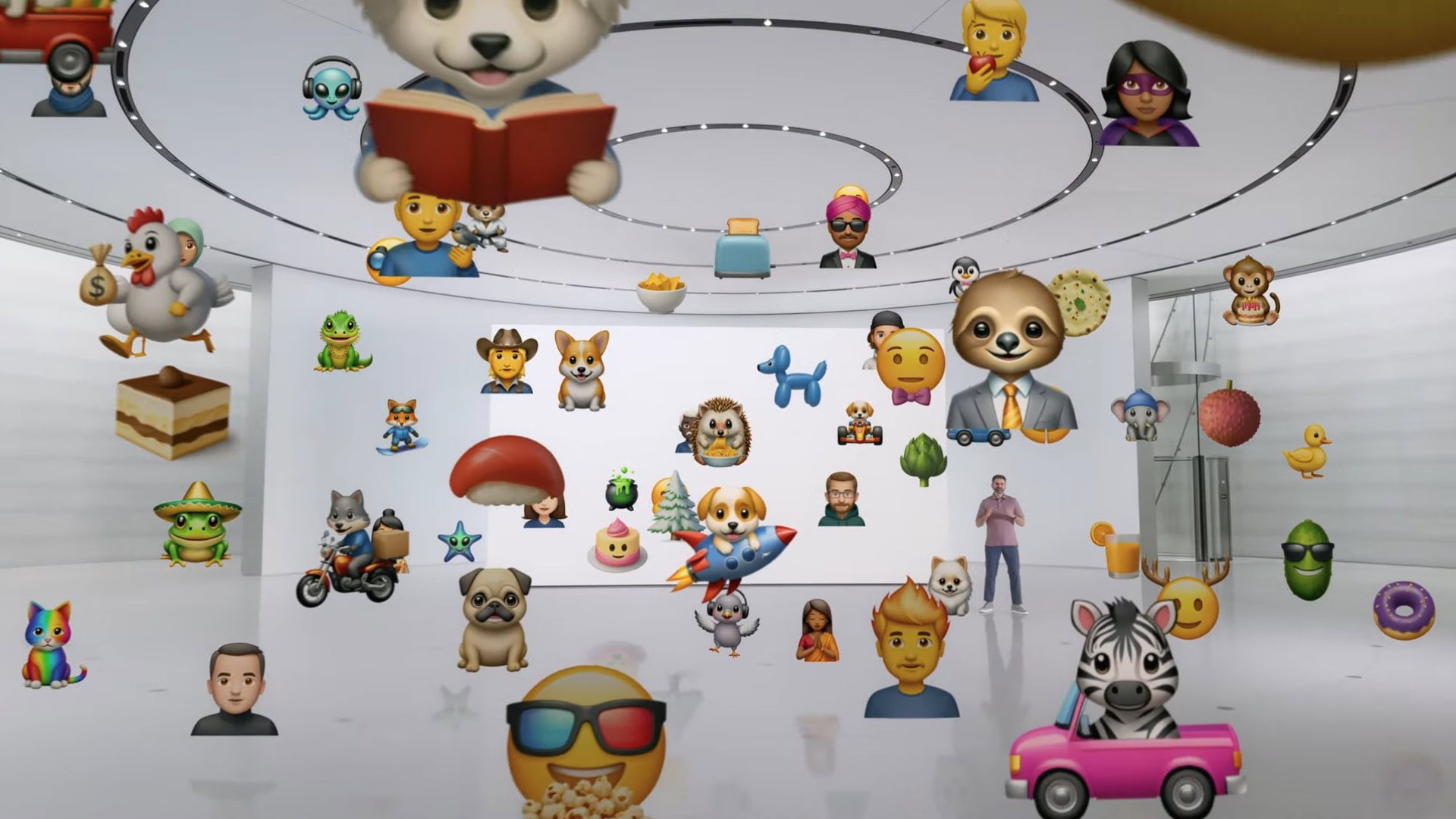
The Rapid Security Response patches that Apple released then withdrew have been fixed and re-released. Graphic: Cult of Mac
Apple’s on again/off again Rapid Security Response patches for iOS 16.5.1, macOS Ventura 13.4.1 and iPadOS 16.5.1 are once again available. These have been cleared of the bugs that caused Apple to withdraw them after the initial release.
The updated RSR patches are critical because they close a security hole that has been exploited by hackers.
The Rapid Security Response patches that Apple released then withdrew have been fixed and re-released. Graphic: Cult of Mac
Apple launched in mid July a trio of Rapid Security Responses to fix urgent security problems in iOS 16.5.1, macOS Ventura 13.4.1 and iPadOS 16.5.1. It was then forced to withdraw them, but they have since been debugged and re-released.
These are the latest entries in a relatively new system created to quickly fix security holes without requiring a full OS update.
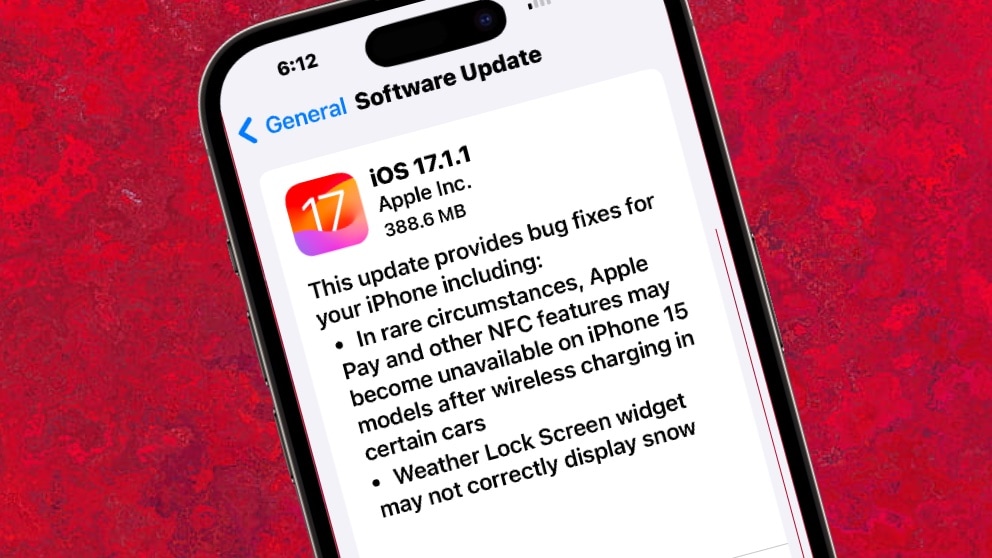
This Rapid Security Response patch is no longer available. Image: Cult of Mac
The Rapid Security Response patches released Monday for iOS 16.5.1, macOS Ventura 13.4.1 and iPadOS 16.5.1 have been pulled back by Apple. They made changes to WebKit, and reportedly were causing problems with some websites.
This isn’t ideal, as they were introduced to close a security hole that has been exploited by hackers.
Almost every Apple computer just got operating system updates designed to deal with pesky bugs. Photo: Cult of Mac/Egor Kamelev/Pexels
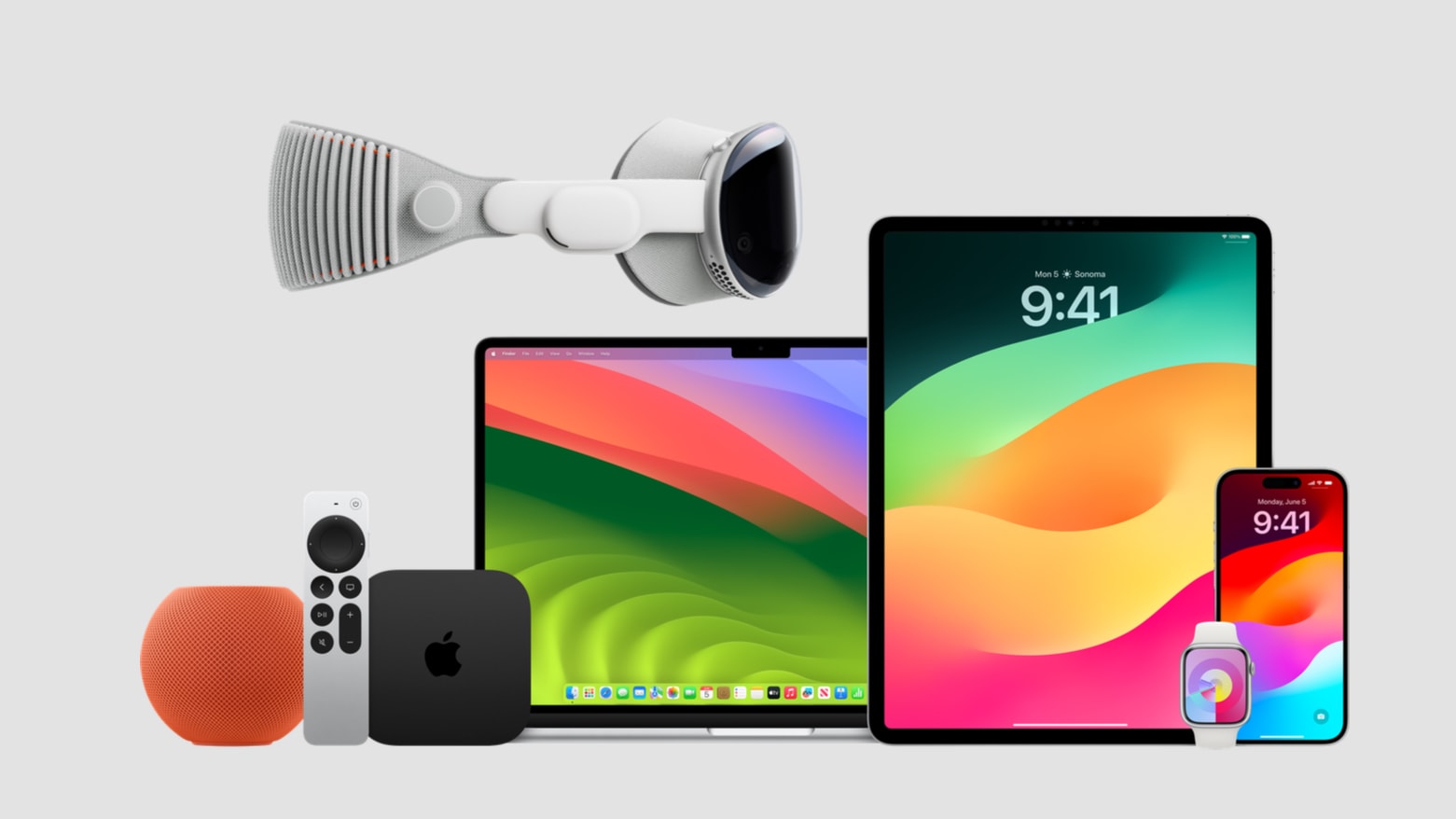
Apple just introduced a slew of operating system updates. That includes iOS 16.5.1, macOS 13.4.1, watchOS 9.5.2 and iPadOS 16.5.1, which fix bugs in the most recent versions.
But it also released bug-fix updates for older versions of the operating systems going back as far as 2020.
What hasn’t yet arrived on Wednesday are the much-anticipated second round of betas for iOS 17 and macOS Sonoma.
Apple didn’t have time to show you all the awesome features in iOS 17. Image: D. Griffin Jones/Cult of Mac
Despite dumping massive engineering resources into its brand-new visionOS platform for the Vision Pro headset, Apple is bringing loads of new features to iOS, iPadOS, macOS, watchOS and even tvOS this year. Headlining features include NameDrop, StandBy, Journal, Live Stickers, pet tagging in Photos and blurring unsolicited nude pictures.
However, Apple didn’t have time during its jam-packed WWDC23 keynote this week to cover all the new features. Now that iOS 17 is out, here are some of the hidden gems people have discovered in Apple’s latest operating systems.
Safari Private Browsing mode will soon get multiple new features to prevent online tracking. Photo: Killian Bell/Ed Hardy
Private Browsing mode in Apple Safari will soon get even more secure. It’ll be locked against someone else accessing it, and incorporate new tools to prevent websites from tracking users.
The additional privacy features are coming in iOS 17, macOS Sonoma and iPadOS 17, all of which were unveiled at WWDC23 this week.
Nearly every Apple device has a new beta out. Photo: Apple
With macOS Sonoma, iOS 17, iPadOS 17, watchOS 10 and tvOS 17 unveiled at WWDC23 on Monday, Apple made the initial betas available to developers. These are major updates for the various operating systems that run all Apple computers.
Beta testing will stretch through summer, with the full release of these OSs not coming until autumn.
Always reset your Mac before selling or passing it along to a friend. Photo: D. Griffin Jones/Cult of Mac
Selling your old Mac or passing it to a friend or family member? It is always a good idea to reset your Mac to factory settings before doing so.
This ensures the machine wipes clean all your data, so you won’t have to worry about any privacy problems. The best part is that Apple makes it very easy to reset a MacBook, iMac or Mac mini to its factory state.
iOS 16 and macOS 13 will still be around for months, even though we'll soon learn all about their replacements. Photo: Ed Hardy/Cult of Mac
The first betas of iOS 16.6 and macOS Ventura 13.5 went to developers on Friday. The same is true for iPadOS 16.6 beta 1, watchOS 9.6 beta 1 and tvOS 16.6 beta 1.
The timing might seem odd because Apple is expected to unveil iOS 17, macOS 14 and the replacements for its other operating systems in a couple of weeks, but this is normal.
Apple will bring Assistive Access, Live Speech and Personal Voice to iPad and iPhone. Photo: Apple
Just can’t wait for WWDC23? Apparently, Apple can’t either because it’s already starting announcing new features that will almost certainly be in iOS 17, iPadOS 17 and macOS 14.
These are aimed at those with disabilities, and include Live Speech and Personal Voice. These will allow those with speech disabilities to participate in conversations in a synthesized voice that sounds like the user.
iOS 16.5 will be out soon with a number of "nice to have" tweaks. Photo: Apple/Cult of Mac
The wait for iOS 16.5 is almost over. On Tuesday, Apple committed to releasing it “next week.” The same is true for watchOS 9.5.
Apple almost always introduces new versions of its operating systems simultaneously. So, those eager for macOS Ventura 13.4 and tvOS 16.5 should expect these updates soon, too. Especially as the release candidates for all these OS updates came out on Tuesday.
This free, open-source app makes it easy to fake your GPS location. Image: D. Griffin Jones/Cult of Mac
You can use a free Mac app called LocationSimulator to hide your real location on your iPhone. It works great as a Pokémon Go spoofer. Just set it up, then plug your phone into a Mac and tell it where you want to “be.” You don’t need to jailbreak your phone or install anything on it.
When using LocationSimulator, every app on your iPhone will use this new GPS location. It’s useful for maintaining privacy — for instance, if you’re posting screenshots online, it’ll mask your real home address. Developers can use it, too, for testing location features in their apps.
Best of all, you just need a Mac. LocationSimulator is free and open-source.
iOS 16.4.1 is ready for your iPhone. And there are macOS and iPadOS updates, too. Photo: Ed Hardy/Cult of Mac
iPhone, Mac and iPad users got fresh operating system updates on Friday. iOS 16.4.1, macOS 13.3.1 and iPadOS 16.4.1 fix a smattering of bugs on the devices — including some security vulnerabilities that Apple admits may have been exploited — but there are no new features.
At this time, there are no equivalent updates for Apple Watch or Apple TV.
Apple is already looking ahead to iOS 16.5 and macOS Ventura 13.4. Photo: Ed Hardy/Cult of Mac
Apple seeded the initial betas of iOS 16.5 and macOS Ventura 13.4 to the general public on Thursday. Developers were given access on Tuesday. Beta testing began almost immediately after the public release of the previous versions.
iPadOS 16.5 beta 1, watchOS 9.5 beta 1 and tvOS 16.5 beta 1 are also available to the public and to devs.
WWDC23 will happen June 5 through June 9, with loads of big announcements expected. Image: Apple
The official invitation to Apple’s Worldwide Developers Conference 2023 went out Wednesday, confirming we’ll get our first look at what’s on the company’s near-term agenda on June 5. Apple promises WWDC23 will bring an opportunity “to learn the latest about Apple platforms, technologies, and tools.”
In other words, expect new versions of iOS, macOS and more — including a possible first look at the company’s long-rumored AR/VR headset (along with the software that will power the device).
WWDC23 will kick off with a keynote on June 5 and run the rest of that week. Even in this post-pandemic world, the event will be mostly online. However, a fortunate few developers and students will be able to watch the video keynote from Apple Park.
The iOS 16.4 release candidate means the full version should reach iPhones everywhere before the end of March. Photo: Ed Hardy/Cult of Mac
Apple seeded the release candidates for iOS 16.4 and macOS Ventura 13.3 to developers on Tuesday, signaling that beta testing for these upcoming operating systems is almost over. The same is true for the release candidates for iPadOS 16.4, watchOS 9.4 and tvOS 16.4.
These will usher in new emoji, a better way for devs to work with betas, and other changes.
This is likely close to what the redesigned Apple TV for macOS app will look like. Concept: Ed Hardy/Cult of Mac
The Apple TV app for macOS is reportedly about to get a redesign that includes a left sidebar. That will apparently make it nearly identical to the iPad version.
The update might debut in macOS Ventura 13.3, which is currently in beta.
The long wait for iOS 16.4 beta 1 is over. The same goes for macOS Ventura 13.3 beta 1, plus there are new OS updates in testing for many other Apple devices. Photo: Ed Hardy/Cult of Mac
Apple finally seeded to developers iOS 16.4 beta 1 and macOS 13.3 beta 1 on Thursday, followed by releasing public beta versions on Friday. The same goes for the initial betas of iPadOS 16.4, watchOS 9.4 and tvOS 16.4.
The wait for new betas has been much longer than usual. The last round of new prerelease versions was in mid-January.
The new betas bring in a collection of new emoji, an improvement for Apple Pencil, a better way for devs to work with betas, and more changes.
iOS 16.3.1 is joined by macOS Ventura 13.2.1, iPadOS 16.3.1, watchOS 9.3.1 and tvOS 16.3.2. Photo: Ed Hardy/Cult of Mac
There are bug fix updates for every type of Apple device out Monday, including Mac and iPhone. Safe to say, if it has an Apple operating system, there’s an update. Don’t go looking for new features though. These are bug fix updates, including tweaks to iCloud, Siri and Crash Detection.
Nevertheless, the new versions are recommended for all users.
Is Apple spying on your private files? Betteridge’s Law prevails once again. Photo: mikemacmarketing/Wikimedia Commons
Claims that Apple is phoning home to analyze every image on your Mac have been proven false. Jeffrey Paul, security researcher and consultant, claimed early last week that his Mac was sending small bits of data to Apple every time he clicked on an image on his computer.
After Paul’s claims caused a bit of a stir, researchers got to the bottom of what was actually happening. Not only did they conclude the network activity was innocent — it was caused by a bug that’s already been patched in the latest macOS update.
Developers are getting a lot more options for app pricing. Photo: Apple
Apple said Tuesday the App Store is undergoing “the most comprehensive upgrade to pricing capabilities” since its launch, allowing prices to be set as low as 29 cents and as high as $10,000.
It will start offering developers 700 new price points to apply to the apps they sell, plus new tools to make international selling easier to manage.
In the future, expect Rapid Security Responses from Apple for iOS, macOS and iPadOS. Photo: Ed Hardy/Cult of Mac
A second round of ‘Rapid Security Response’ bug patches for the iOS 16.2 and iPadOS 16.2 betas were seeded to developers and other beta testers on Monday. At this point, Apple is testing the system for distributing these by releasing them for beta versions of the operating systems.
Once testing is over, these will allow Apple to fix security problems without releasing a full OS update.
No matter why a video is corrupted, Repairit may be able to fix it. Photo: Wondershare
This post on restoring corrupted video files is presented by Wondershare.
Finding out your videos got corrupted is a drag. It can happen for a variety of reasons, but the result is usually that you can’t enjoy the video. That is, unless you can fix it.
Wondershare Repairit is an easy-to-use app that can quickly fix damaged video files on your Mac or PC. Find out more about it, and see how to use the software to fix corrupted MP4 files, below.
A "how to" makes the process of setting up Time Machine to backup your Mac less intimidating. Image: Apple
Your Mac can automatically make copies of your files with Time Machine, software built into macOS. A new video walks anyone unfamiliar with the feature through the setup process.
Using Time Machine is highly recommended. Macs don’t fail often, but when they do it can be a disaster for the user if they don’t have backups of their important files.