Mobile menu toggle

macOS - page 22

Apple issues security updates for all devices

By

mac security
Apple released new security updates to keep malicious hackers out.
Photo: Cult of Mac

Apple issued a laundry list of updates on most of its operating systems to resolve what appears to be security soft spots.

Cupertino offered few specifics but the list includes macOS, tvOS, iOS, watch OS, Safari and iTunes and iCloud for Windows.

Don’t ditch Safari if you want the fastest browsing experience

By

macOS High Sierra
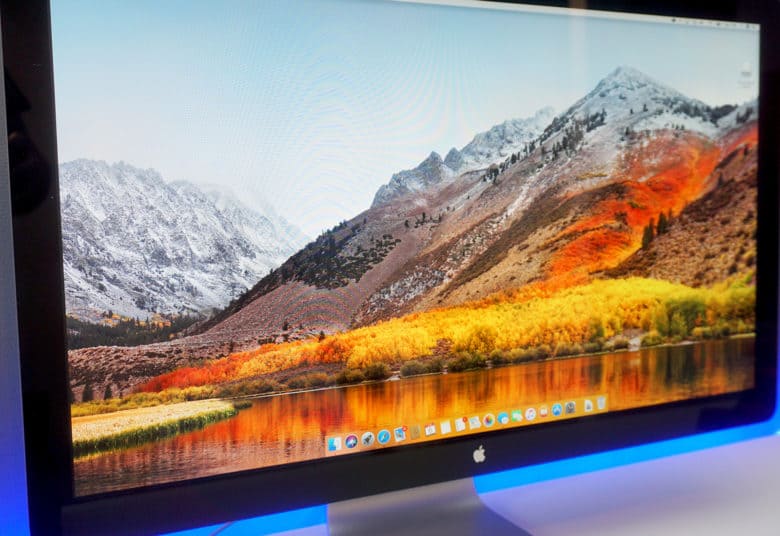
A new High Sierra beta is available now.
Photo: Ste Smith/Cult of Mac
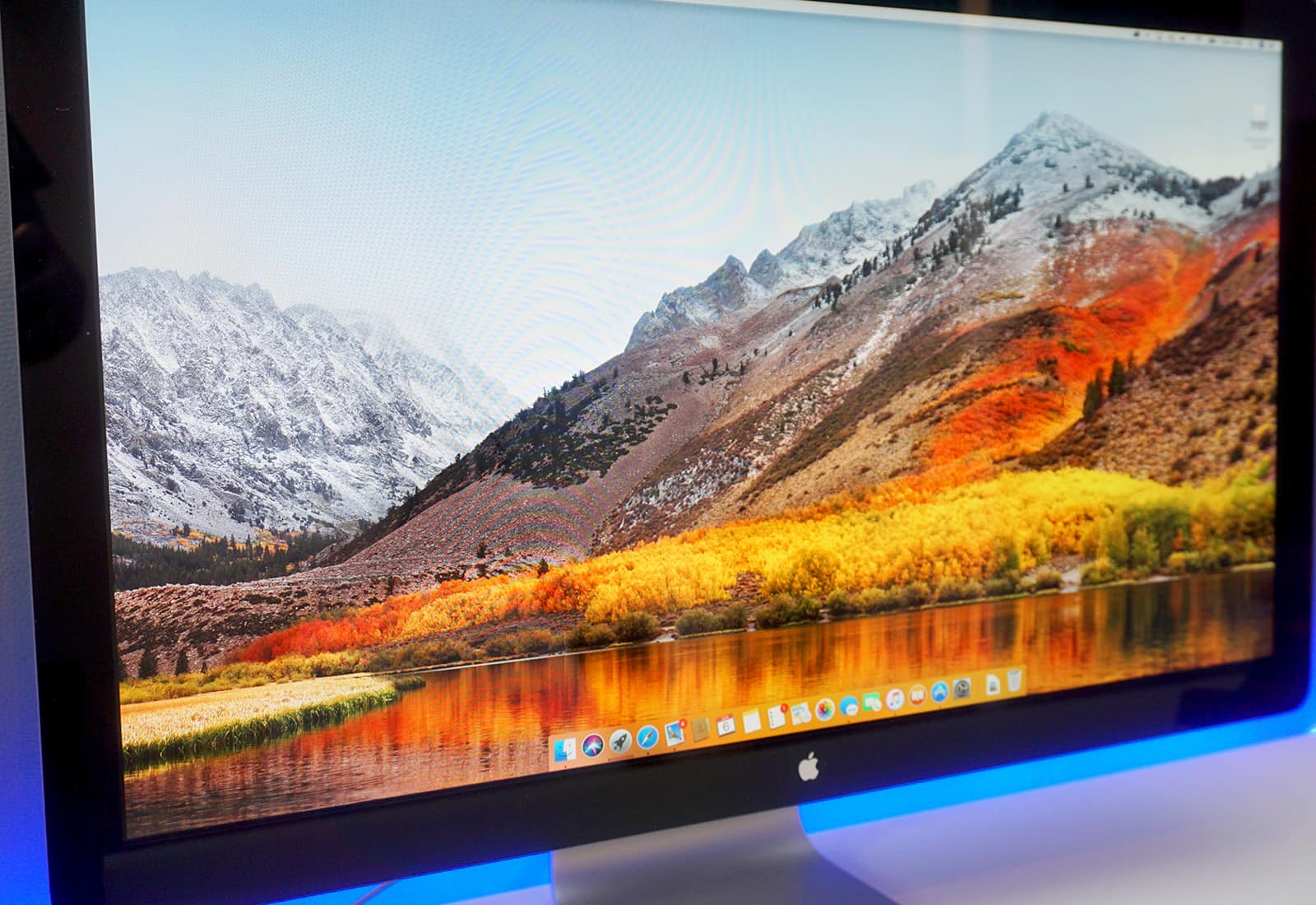
If you want the fastest possible web browsing experience on Mac, don’t sway from Safari.

Apple promises that Safari 11, which will debut in macOS High Sierra this fall, is “the world’s fastest desktop browser.” And tests show that it does not disappoint.

You can try iOS 11 public beta 2 (and you totally should)

By

The best gesture in iOS 11 isn't just for iPad.
Photo: Apple

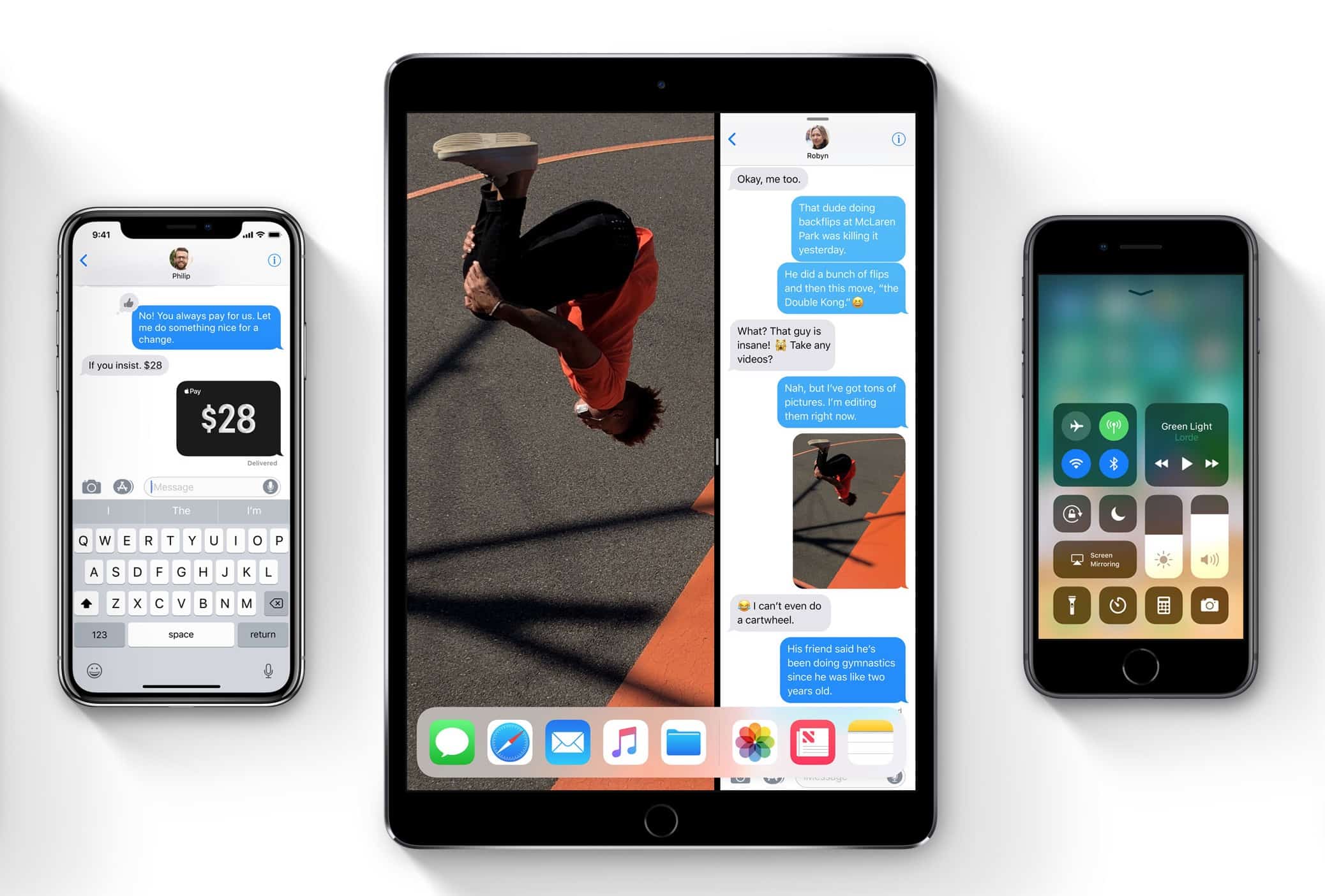
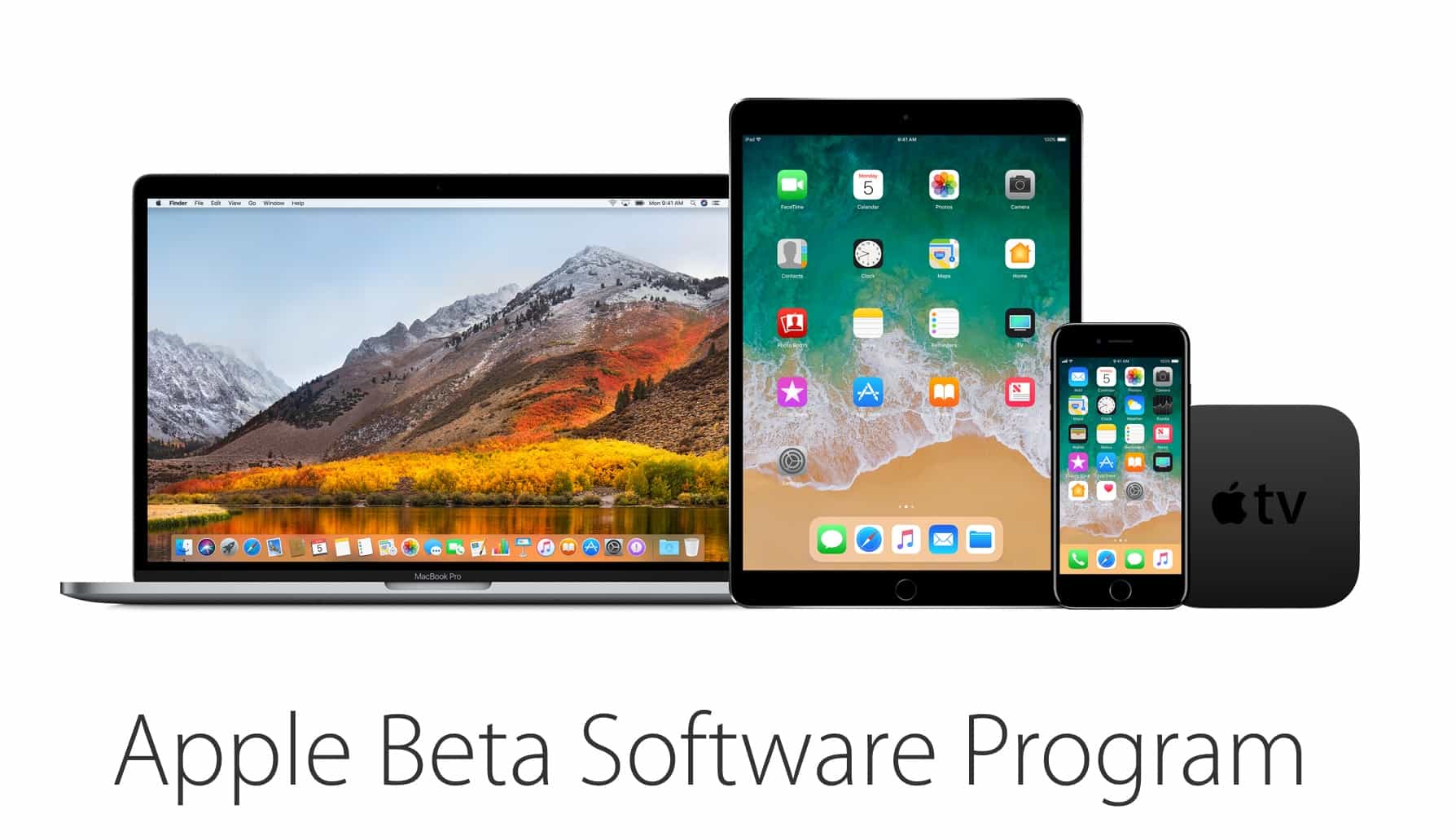
Members of Apple’s public beta software program can get their hands on the second public build of iOS 11 today.

The new beta build was made available this morning, bringing a host of performance improvements, UI changes and new features that take the iPhone and iPad to an all-new level. macOS High Sierra public beta 2, watchOS 4 beta 2 and tvOS 11 beta 2 are also available to download.

Now anyone can try macOS High Sierra

By

Apple Beta Software Program
Get in on the new betas while they're hot.
Photo: Apple

Public testers can finally get their first taste of Apple’s new operating system for Mac starting today with the release of the first public beta of macOS High Sierra.

Apple’s new operating system was unveiled earlier this month at WWDC 2017 where the company showed off macOS High Sierra’s new features and improved design. Developers have been testing the new software since June 5th, but now anyone can get macOS High Sierra which is being billed as Apple’s best desktop operating system ever.

Can’t find the right Mac apps? Let AI do it for you

By

Setapp recommendations
Setapp is now smart!
Photo: Setapp

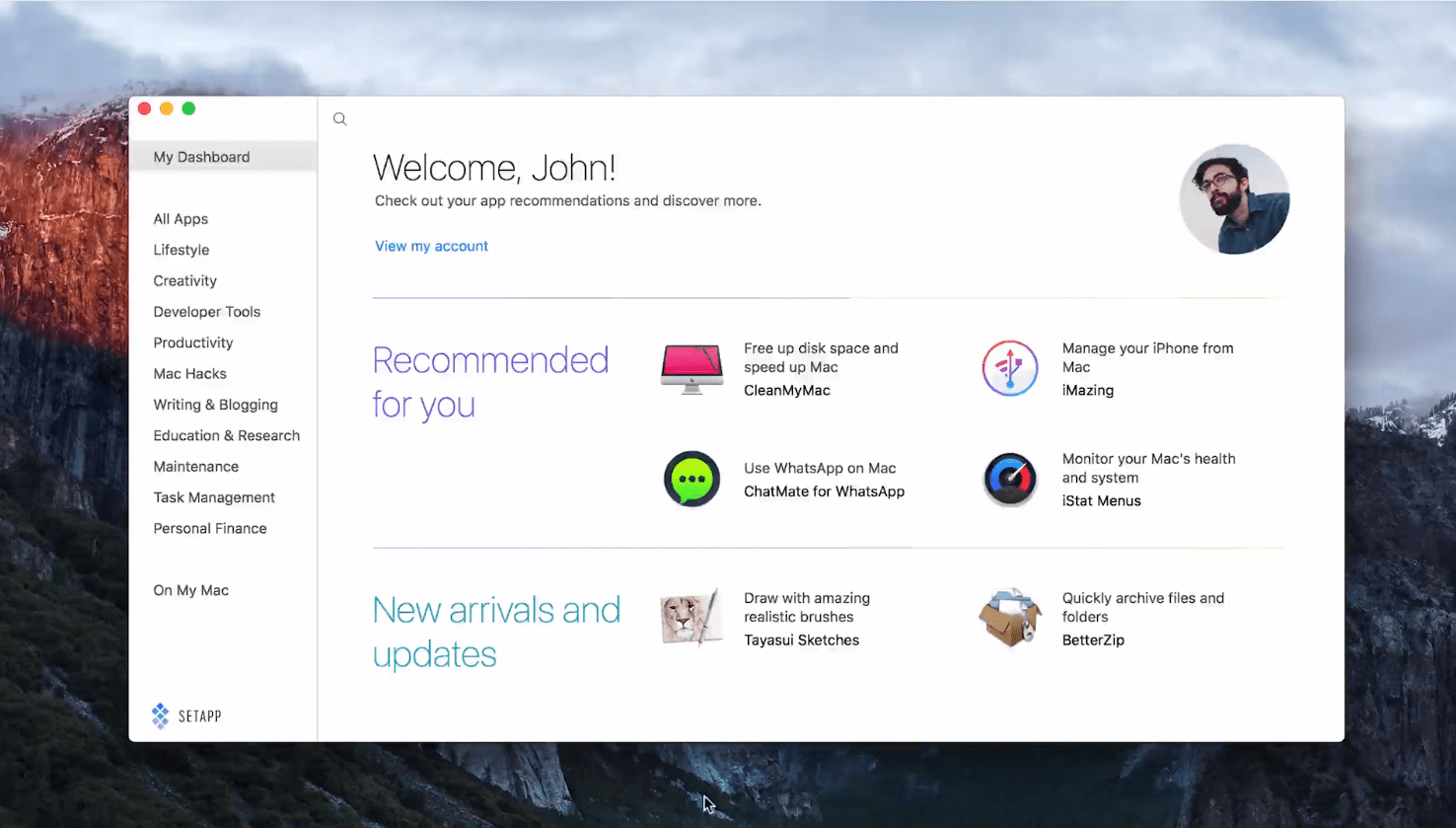
Sometimes you need an app to perform a certain task, but you don’t know where to find it. With the latest version of Setapp, you can get personal, hand-picked app recommendations based on how you use your Mac.

Finding the perfect software has never been easier!

Mac malware grows significantly in early 2017

By

Mac-malware-Jun-17
Mac's malware rise isn't a fluke.
Photo: McAfee Labs

As the Mac user base continues to grow, so does the malware threat.

McAfee Labs’ latest quarterly Threats Report was issued this week, revealing new macOS malware rose 53 percent during early 2017.

Microsoft beats Apple to fingerprint-scanning wireless keyboard

By

It's compatible with Mac ... but not as good.
Photo: Microsoft

Microsoft has beaten Apple to delivering a wireless keyboard with biometric security.

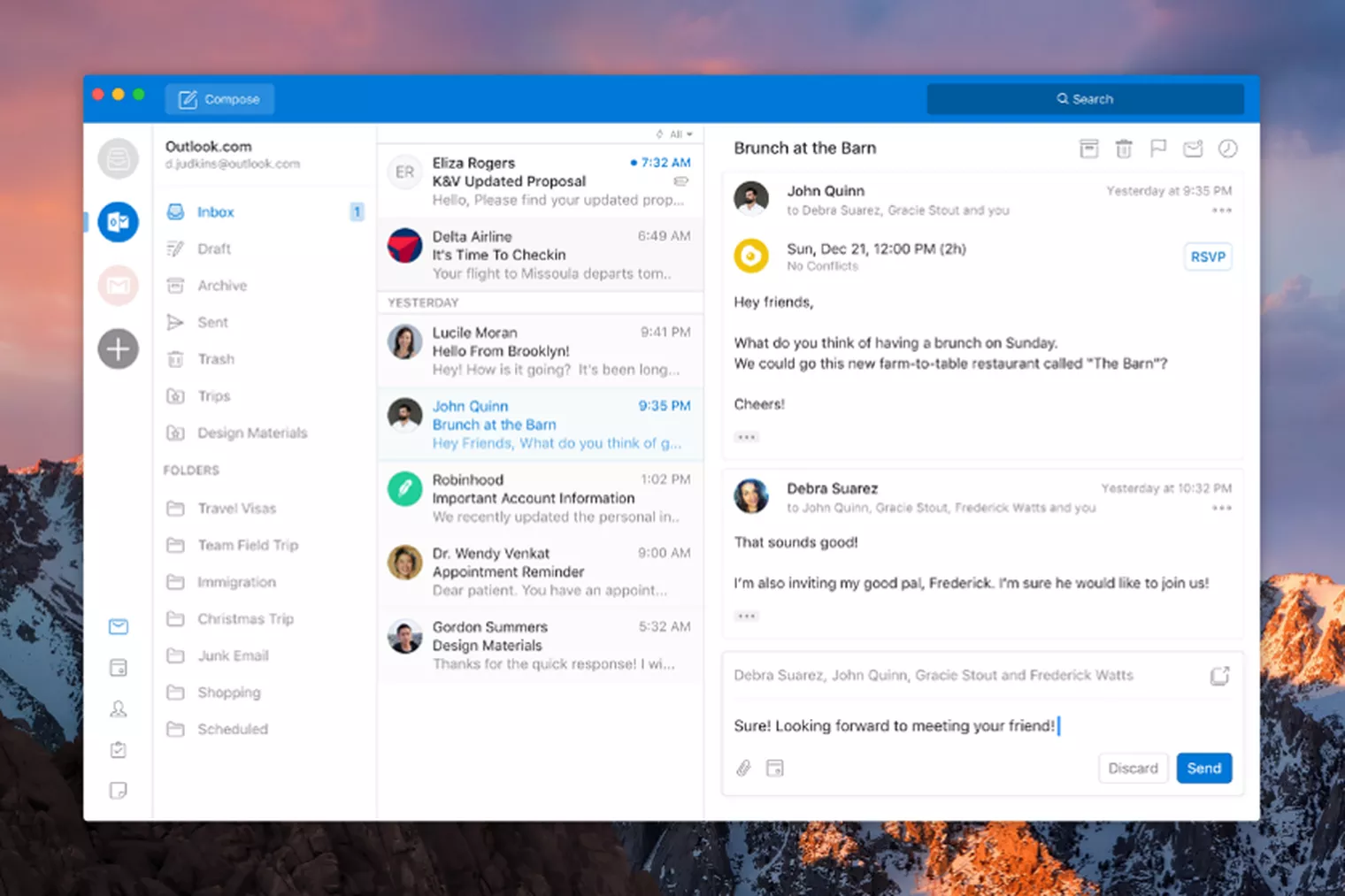
Its new Modern Keyboard is built out of aluminum to be slim and strong and features a hidden fingerprint scanner that makes login passwords a thing of the past. It’s also compatible with your Mac.

Devs reveal the good, bad and ugly about Mac App Store

By

Mac App Store
The email app BlueMail finds itself on the outside of the "closed garden."
Photo: Ste Smith/Cult of Mac
For users, the Mac App Store makes finding, purchasing, and downloading new software a breeze. But is the experience as enjoyable for the developers behind that software?

Setapp surveyed over 700 macOS developers to find out what they really think of Apple’s marketplace. The results give us an interesting insight into the challenges they face when choosing the Mac App Store, whether life is better without it, and how Apple has improved.

‘Best Firefox ever’ pours on the speed

By

Firefox is now more efficient than its rivals.
Photo: Mozilla

Mozilla is rolling out its “best Firefox ever,” promising a perfect balance between speed and efficiency.

Firefox version 54 finally uses multiple processes for improved performance just like its rivals, so a complex webpage in one tab won’t impact your experience in another. What’s more, it uses less memory than other browsers on macOS, Mozilla says.

Apple drops four new betas for its old platforms

By

Qualcomm patents
Apple's still got some iOS 10 bugs to kill.
Photo: Ste Smith/Cult of Mac
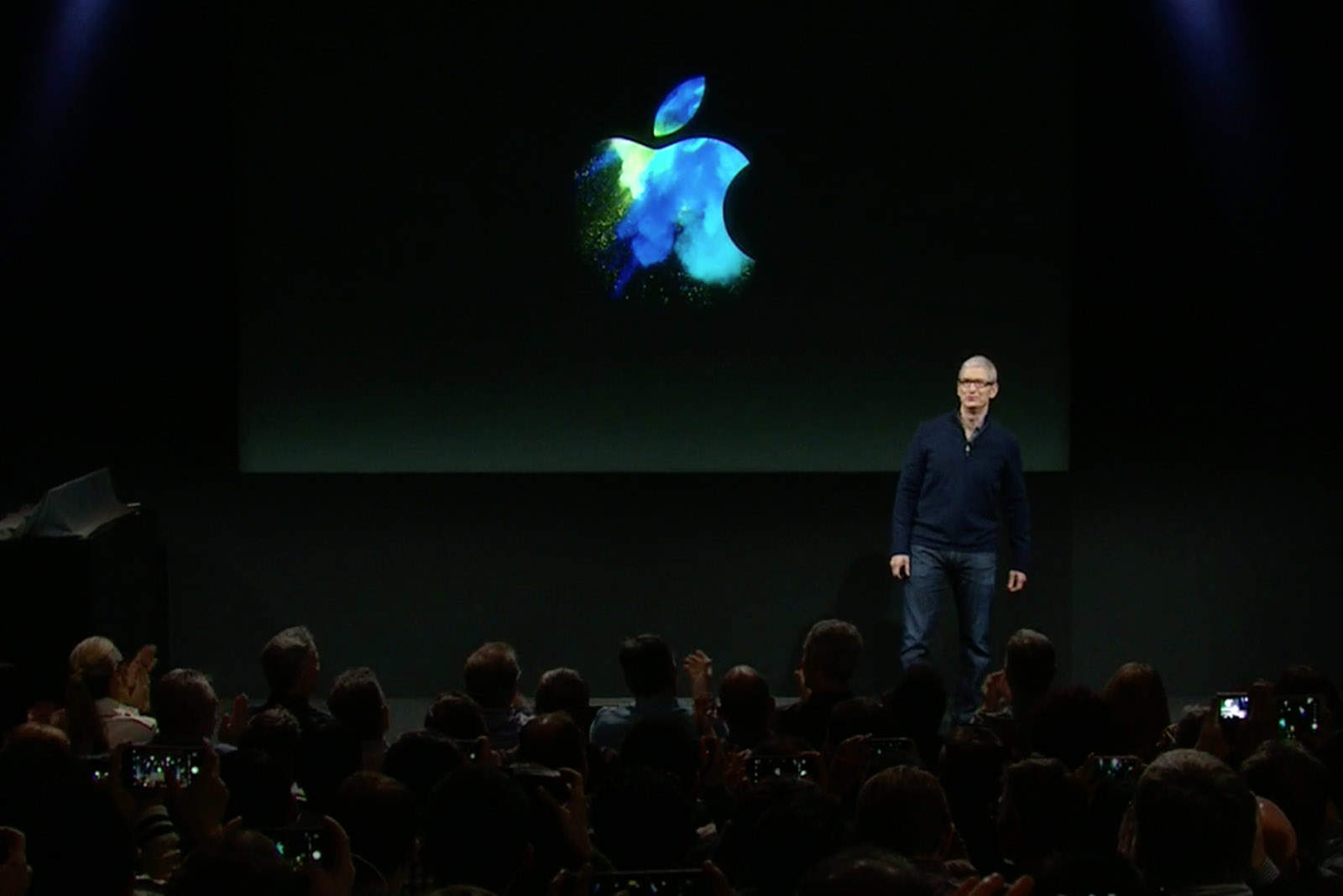
While Apple is busy working toward the public release of iOS 11 and macOS High Sierra, coding is still underway on the the last updates for all of Apple’s old platforms with the release of a new batch of beta updates today.

Do you speak Swift, Apple’s latest iOS programming language? [Deals]

By

The Complete Swift 3 Hacking Bundle
These courses will help you become fluent in Apple's latest coding language for iOS, Swift 3.
Photo: Cult of Mac Deals

iOS is still a vibrant and growing platform for some of the most exciting applications, and a great market to break into. But you can’t do that if you don’t sprechen Swift, the coding language that underpins iOS. Like any language, it’s best to learn through immersion.

Missed WWDC? You can catch up now on YouTube

By

Don't miss out on WWDC 2017!
Photo: Apple

If you missed Apple’s big WWDC keynote last week, you can catch up now on YouTube.

The entire event runs for just under two hours and 20 minutes, but the beauty of watching it later means you can skip forward to the most exciting announcements.

Is Apple back to its best following WWDC 2017? [Friday Night Fights]

By

Are you pleased with what you saw at WWDC 2017?
Photo: Ste Smith/Cult of Mac
This year’s WWDC keynote was an early Christmas for Apple fans. It delivered the big updates to iOS, macOS, and watchOS we were eagerly anticipating; a 10.5-inch iPad Pro; updated Macs with Intel Kaby Lake processors, plus nice surprises like the iMac Pro and HomePod.

Friday Night Fights bugBut is this Apple back at its best, or do we need more out of Cupertino? Are fancy software updates enough to breathe new life into boring hardware? Is Apple’s new push into virtual reality and machine learning too little, too late?

Join us in this week’s Friday Night Fight as we battle it out over a bumper WWDC!

Hands on: macOS High Sierra packs tons of surprising features

By

macOS update
macOS High Sierra brings powerful updates to the Mac.
Photo: Ste Smith/Cult of Mac
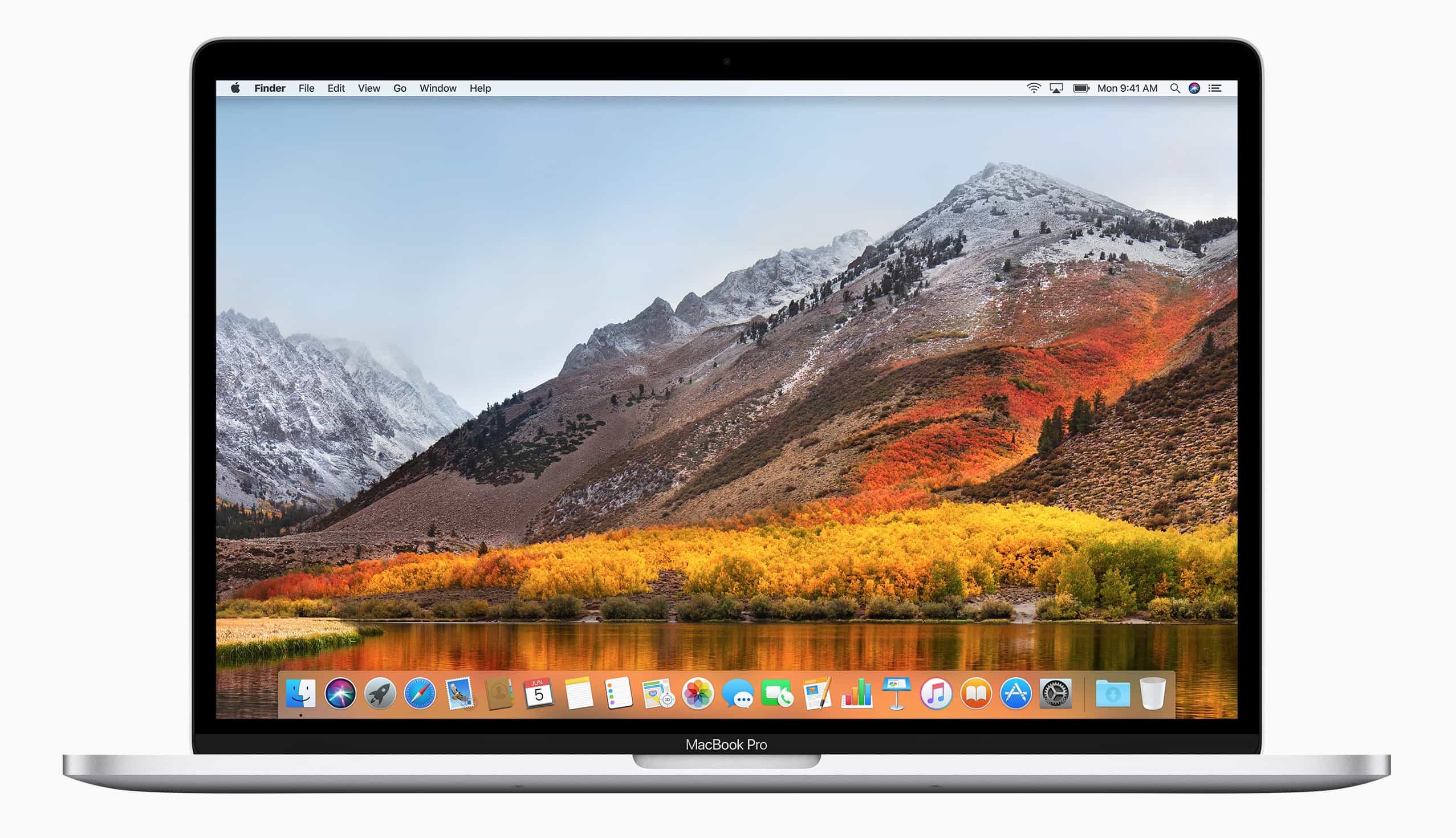
macOS High Sierra doesn’t pack as many updates as iOS 11, but Apple’s latest desktop software delivers plenty of new features worth drooling over.

After using the first High Sierra beta for the last few days, I’ve been blown away. Check out what’s new in the macOS High Sierra hands-on video below:

WWDC 2017’s biggest moments in sketchnotes

By

ipad-wwdc-keynote

All this week, illustrator and senior UX/UI designer Andy McNally will be sketchnoting Apple’s Worldwide Developers Conference for us.

My markers and pens worked overtime to capture all of the news and announcements in this year’s WWDC keynote. I captured three pages of notes on watchOS 4, macOS HighSierra, the iMac Pro, the new 10.5 inch iPad Pro, and iOS 11. The artist in me is excited about trying out the new iPad Pro to test the improved Apple Pencil latency. You can check out all of Apple’s announcements and details here.

Apple teases ‘seriously badass’ iMac Pro and other new Macs at WWDC

By

imac pro
The iMac Pro looks amazing!
Photo: Apple

Developers got treated to a new lineup of Macs today at WWDC 2017, including a sneak peek at a “seriously badass” iMac Pro coming later this year.

Apple updated both the iMac and MacBook Pro product lines with a bunch of new internal features. The new models bring brighter displays and more powerful CPUs that will make the Mac a VR gaming-machine — and they’re shipping today.

macOS High Sierra will turn your Mac into a blazing-fast VR machine

By

wwdc 2017
macOS High Sierra was one laid back macOS update.
Photo: Apple

Apple’s next major update to macOS will be named… High Sierra. Seriously.

But don’t get hung up on the name, because there’s plenty to be excited about, including big improvements to Safari and Mail, support for the new Apple File System, and other big changes that will make your Mac a blazing-fast virtual reality machine.

Are you excited for WWDC 2017? [Friday Night Fights]

By

x
Will Apple produce anything spectacular?
Photo: Ste Smith/Cult of Mac
Apple’s first major event of 2017 is right around the corner. WWDC will deliver our first previews of the next big upgrades to its software platforms, with the possibility of new hardware thrown in for good measure.

Friday Night Fights bugBut with three months left to wait for the iPhone 8, will the event really be all that exciting? Will Apple’s improvements to iOS and macOS be all that significant? And is anyone actually looking forward to a 10.5-inch iPad Pro?

Join us in this week’s Friday Night Fight as we discuss whether WWDC 2017 will be worth watching.

macOS 10.13 Wish List: What we want from Apple’s big update

By

macOS-dark-mode
A system-wide dark mode for macOS has been rumored for years.
Photo: Guilherme Rambo

There are less than two weeks until Apple introduces the next version of macOS at the WWDC. While the rumor mill has been busting out tons of hardware leaks, details have been scant on the software side of things.

Apple is expected to reveal some amazing features for the Mac with the new software update. We still don’t know everything that will be included in macOS 10.13, but of course, we have our own wish list of the features that we really hope make it onto the Mac.

This is what we want to see in Apple’s next big update:

WWDC over the years: How it became a tech juggernaut

By

7630600426_e9f56e770d_k
WWDC has been home to some seismic announcements over the years.
Photo: Daniel Spiess/Flickr CC

As Apple’s longest-running annual keynote event, it’s no surprise that WWDC has played host to some absolutely enormous announcements over the years.

From strategies that changed the company’s course to the debut of astonishing new products, here are our picks for the most important ones. Check out the list below.

Screens 4 for macOS brings new look, file transfers and more

By

Screens 4 has landed on macOS.
Photo: Edovia

Screens, arguably the finest and most attractive VNC client for Mac and iOS, is now even greater.

Its version 4 update for macOS brings a more polished user interface, the ability to transfer files between your devices, Touch Bar support for the new MacBook Pro, and more.