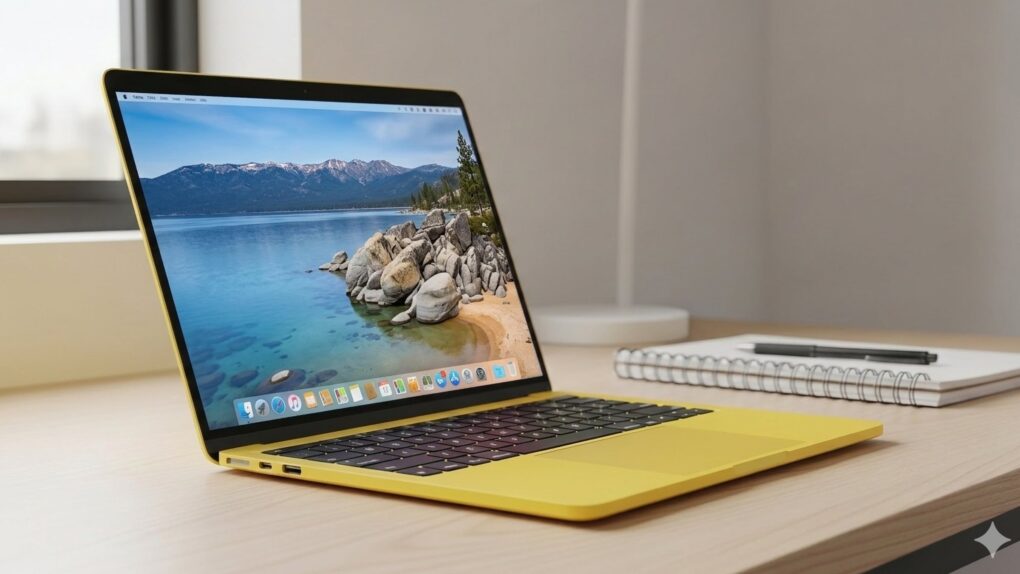
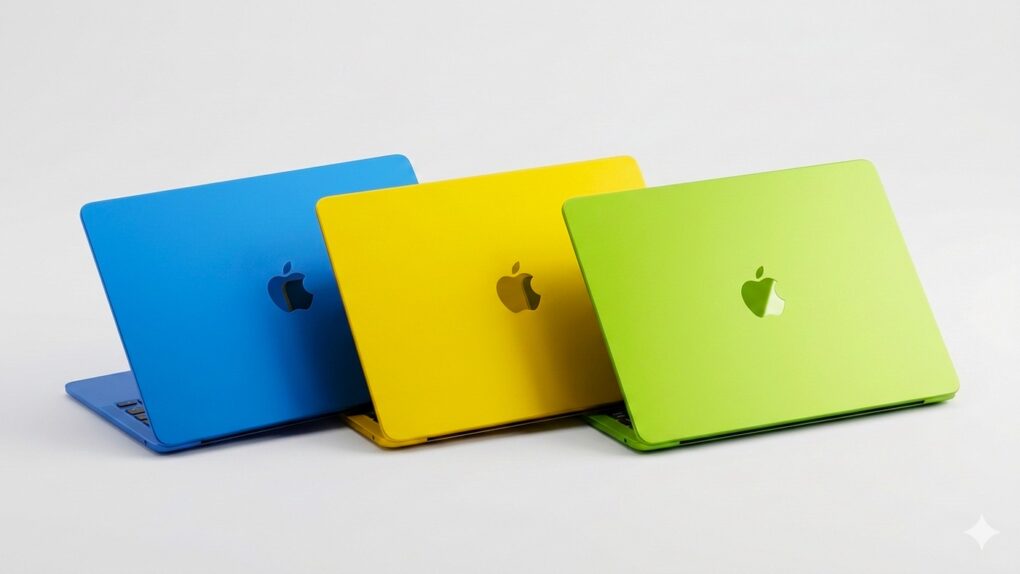
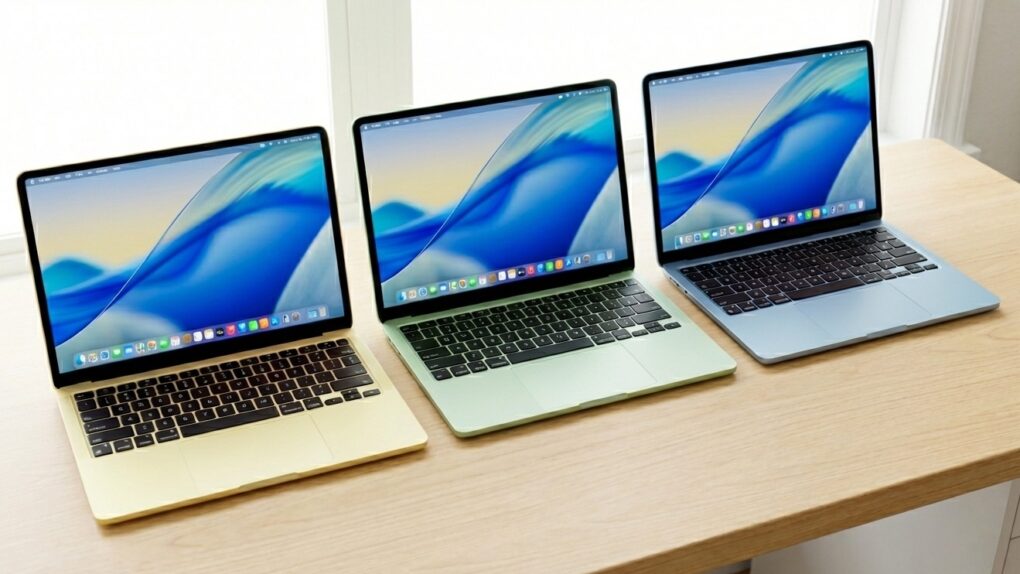
You can expect to see the MacBook Neo in many, many college dorm rooms. AI image: Apple/Gemini/Cult of Mac
You can stop worrying whether the new entry-level MacBook Neo is too slow to be useful. The first benchmark scores are out, and they confirm that Apple’s low-cost notebook offers all the performance needed by average computer users, even though it is powered by an A18 Pro chip with 8GB of RAM.
The computer is actually faster than a MacBook Pro model still widely in use. Here’s the proof.
One of the colors of the new comes in MacBook Neo appears much more popular than the others. Photo: Apple/Cult of Mac
The standout feature of the new MacBook Neo is its $599 price, but it seems a great many buyers are willing to pay more than that. Apple is already running out of pre-launch stock of the variant that comes with additional storage capacity, even though it adds 17% to the price.
Plus, there’s a standout color option. Only one of the four is popular enough that both the 256GB and 512GB version is already sold out.
Windows world hand-wringing over the affordable MacBook Neo has begun. Photo: Apple
Apple just did something that was, until very recently, almost unthinkable: It put a Mac laptop on sale for $599. And, no big surprise, the new MacBook Neo announced Wednesday already sparks concerns among PC mavens about hordes of users rushing to Apple. A new report from Windows land shows it.
“Windows OEMs are going to feel the heat, too,” the commentator wrote. “For years, OEMs have gotten away with shipping what can essentially be described as e-waste in this price bracket.”
MacBook Neo is great, but it misses out on these features. Photo: Apple/ChatGPT
To make the new MacBook Neo — Apple’s most affordable laptop yet at just $599 — the company obviously needed to make some compromises. To keep costs down, Apple removed or scaled back several features that come standard on the MacBook Air and MacBook Pro.
Every wise shopper should consider the limitations of the MacBook Neo before jumping on Apple’s fun-looking new laptop.
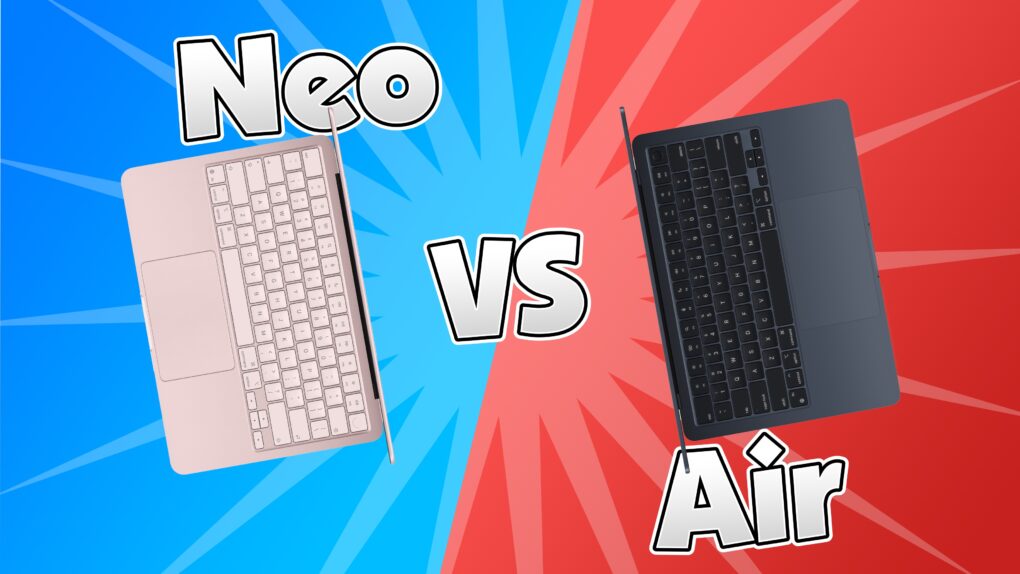
Which should you get? Image: Apple/D. Griffin Jones/Cult of Mac
The MacBook Neo is Apple’s newest low-end MacBook. Does that mean there’s no reason to buy a MacBook Air anymore? Would power users go straight for the MacBook Pro? I don’t think so. There are still plenty of reasons to buy Apple’s midrange MacBook Air vs. the MacBook Neo.
Apple did a good job differentiating the two computers — there’s no configuration of the Neo that overlaps with the Air. Picking between the two should be straightforward. If you want more than 512GB storage, 8GB of memory or support for multiple external displays, you should opt for the MacBook Air. If you don’t need that much power or high specs, the Neo will do just great for you.
Here are all the differences between the two laptops.
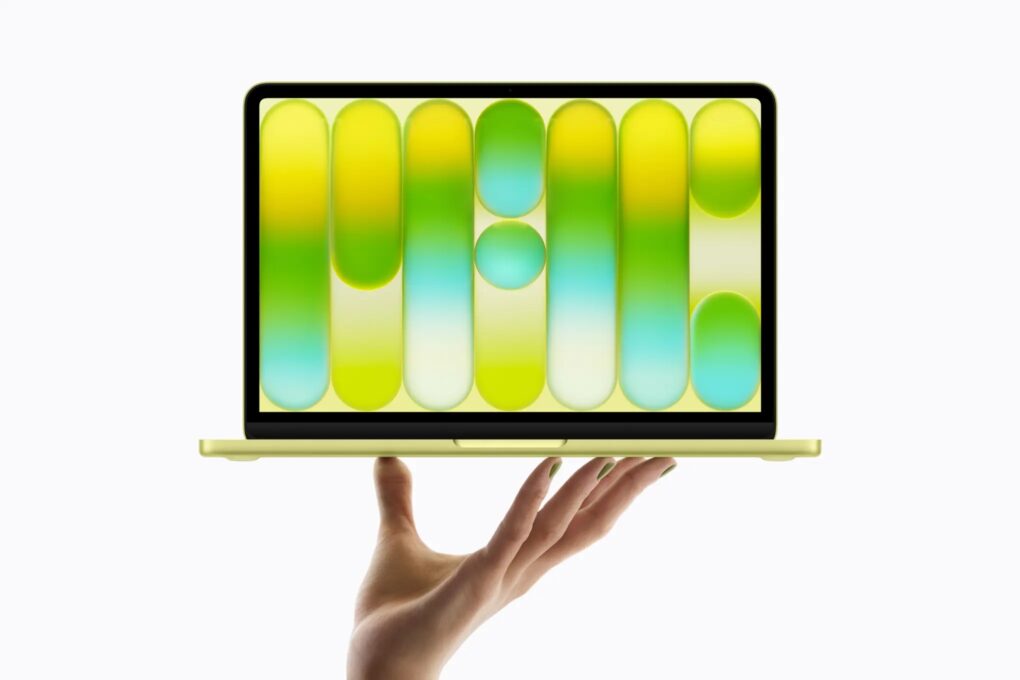
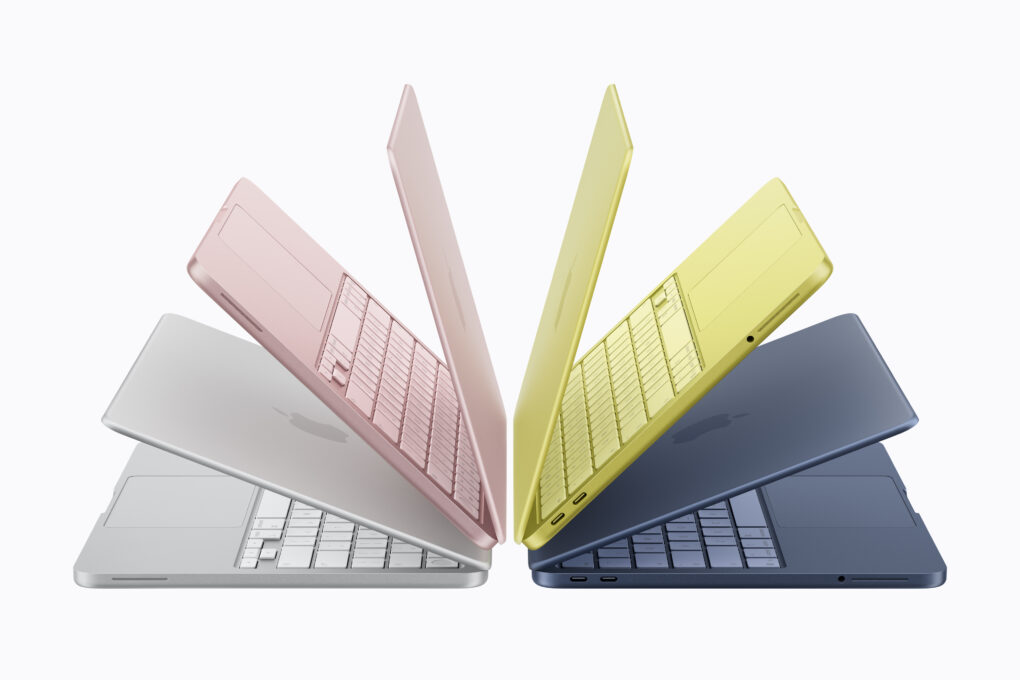
The supremely affordable MacBook Neo comes in four colors: silver, blush, citrus and indigo. Image: Apple
Apple introduced the MacBook Neo on Wednesday, unveiling the company’s most affordable laptop ever. It comes in four gorgeous, vibrant colors — silver, blush, indigo and citrus — and costs just $599 (or $499 with Apple’s education discount).
“We’re incredibly excited to introduce MacBook Neo, which delivers the magic of the Mac at a breakthrough price,” said John Ternus, Apple’s senior vice president of hardware engineering, in a press release. “MacBook Neo is a laptop only Apple could create. It features a durable aluminum design in four beautiful colors; Apple silicon-powered performance; all-day battery life. There is simply no other laptop like it.”
Apple’s just-announced MacBook Neo as well as the new M5 Pro/Max-equipped MacBook Pros, M4 iPad Air, M5 MacBook Air and iPhone 17e are now available for preorder. The new Studio Display and Studio Display XDR are also available to order starting Wednesday.
All devices will start shipping and hit retail stores starting March 11.
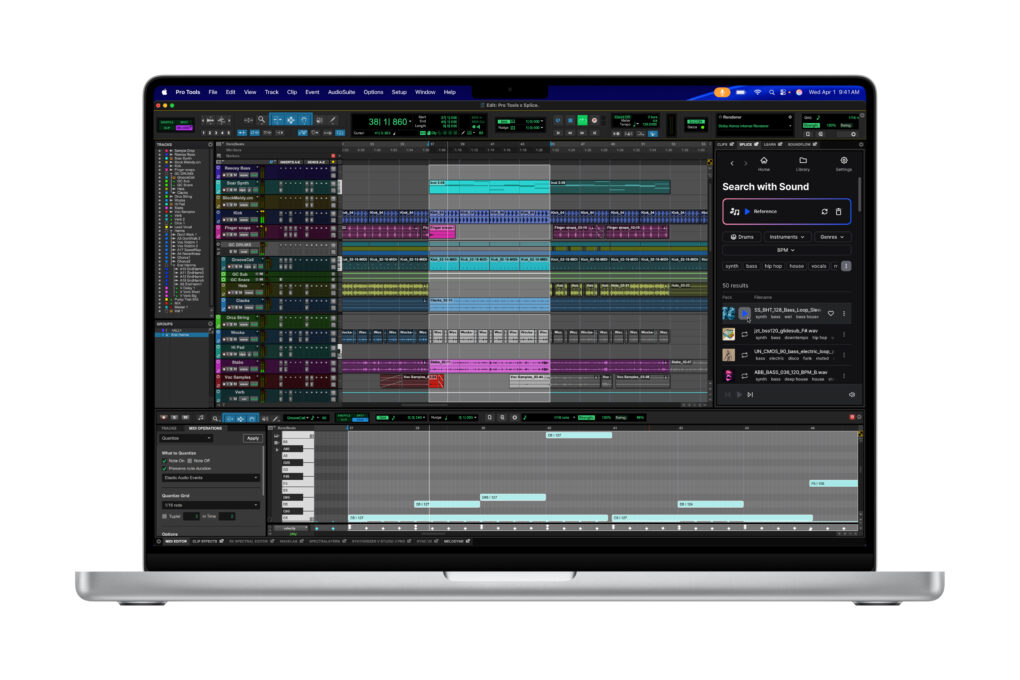
The high-end M5 MacBook Pros is ideal for sound design and composition, in powerful apps like Avid Pro Tools. Image: Apple
As of Tuesday, Apple has refreshed its entire MacBook lineup with M5 silicon. And while the new machines bring meaningful upgrades across the board, buyers should brace for higher prices than last year.
Whether you’re eyeing the new MacBook Air or the pro-grade MacBook Pro, here’s a breakdown of what to expect at every price point.
Apple's upcoming entry-level laptop, possibly called the "MacBook Neo," reportedly will come in a variety of eye-catching colors. AI image: Gemini/Cult of Mac
Update: Apple launched the MacBook Neo on Wednesday. Learn all about it:
It looks like Apple itself spoiled this week’s biggest product reveal: A new laptop called the “MacBook Neo” briefly appeared on the company’s website Tuesday.
Apple quickly deleted the info after it leaked. While not confirmed, the name seems like it would align with the rumored features of the entry-level laptop. Rumors indicate it will come in fun colors, with a price tag low enough to compete with Windows laptops.
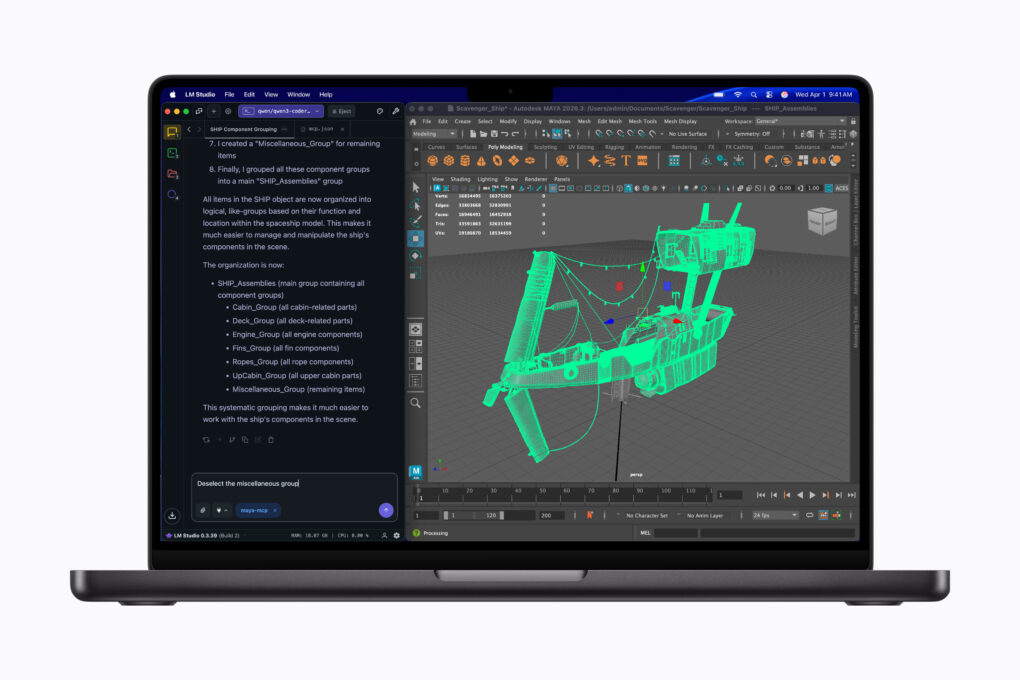
Run local LLMs and powerful 3D modeling software simultaneously on the MacBook Pro. Image: Apple
Apple’s long-rumored M5 Pro- and M5 Max-powered MacBook Pros are finally official. The new laptops look visually the same, but pack updated internals that promise a massive leap in performance.
“MacBook Pro with M5 Pro and M5 Max redefines what’s possible on a pro laptop, now up to 4x faster than the previous generation,” said John Ternus, Apple’s senior vice president of hardware engineering, in a press release Tuesday.
Apple's most popular laptop just got even better. Photo: Apple
Apple’s best-selling laptop got even better with Tuesday’s launch of the M5-powered MacBook Air. It features no major design changes, but it sports a faster processor than before, adds storage capacity and shifts to Apple’s N1 chip for improved connectivity.
“The new MacBook Air with M5 brings incredible performance and even more capability to the world’s most popular laptop,” said John Ternus, Apple’s senior vice president of Hardware Engineering. “With M5, MacBook Air powers through a wide range of tasks, from everyday productivity to creative workloads, and is even faster for AI.
“Now featuring double the starting storage, as well as Wi-Fi 7 and Bluetooth 6, in a sleek and durable design with long battery life, MacBook Air is the perfect laptop for anyone who values the unrivaled combination of performance and portability,” he added.
There’s huge anticipation for the budget MacBook that’s rumored to launch soon. But a critical question about the laptop has yet to be answered: Just how much will it cost? We already know it’ll be the most affordable macOS notebook ever, and there’s plenty of speculation about the exact cost.
There’s definitely a level that the price cannot go above if Apple wants the low-cost MacBook to succeed. Trouble is, the ongoing AI boom might force Apple to increase the cost of the device above its original plan. That raises questions about how successful the budget laptop will be.
The colorful budget MacBook could be the star of Apple's March product announcements. AI image: Gemini/Cult of Mac
Apple CEO Tim Cook confirmed Thursday what had previously been rumored: The company will launch new products starting Monday, March 2.
The graphic he posted on X hints at the new MacBooks that are expected to be among the announcements. Beyond notebooks, the iPhone 17e, revamped iPads and possibly more could all be unveiled in just a few days.
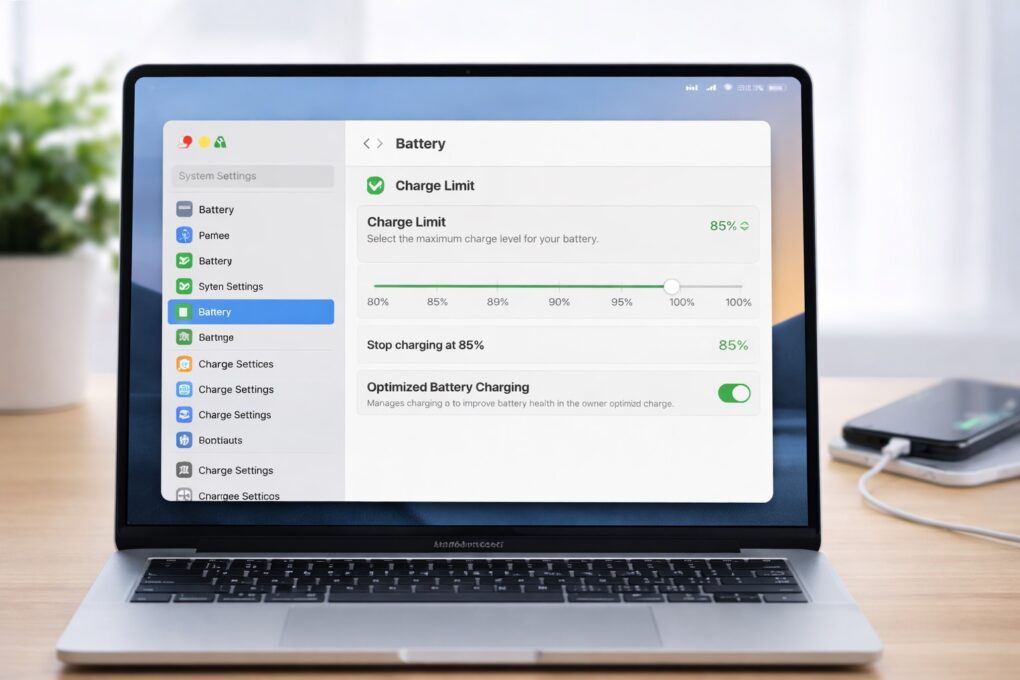
You can soon limit your MacBook's maximum battery charge. AI image: ChatGPT
With macOS Tahoe 26.4, Apple will finally bring a long-requested feature to Macs: a battery charge limiter. This will allow you to select the maximum charge level for your MacBook’s battery.
iPhones have offered a similar battery health feature for a few years now, making its absence on the Mac all the more noticeable.
The glowing Apple logo was such an iconic look. Bring it back! AI image: ChatGPT/Cult of Mac
With Apple reportedly redesigning the MacBook Pro, it’s time to bring back the beloved glowing Apple logo on the back of the laptop.
Not only is it an iconic look, reviving a signature feature from the MacBooks of old would make a statement that Apple has returned to making laptops as good as the ones made back in the days when you could easily recognize a MacBook from across the room by its glowing Apple logo.
We apparently won't be waiting until 2027 for an OLED MacBook Pro. AI image: ChatGPT/Cult of Mac
There’s good news Tuesday for those excited about the first MacBook Pro with an OLED display: A new report pegs the laptop’s launch for this fall. Some previous leaks indicated the device might not reach customers until next year.
Beyond the OLED screen — which should make the display noticeably better-looking — the 2026 MacBook Pro is rumored to feature a significant redesign, including a touchscreen.
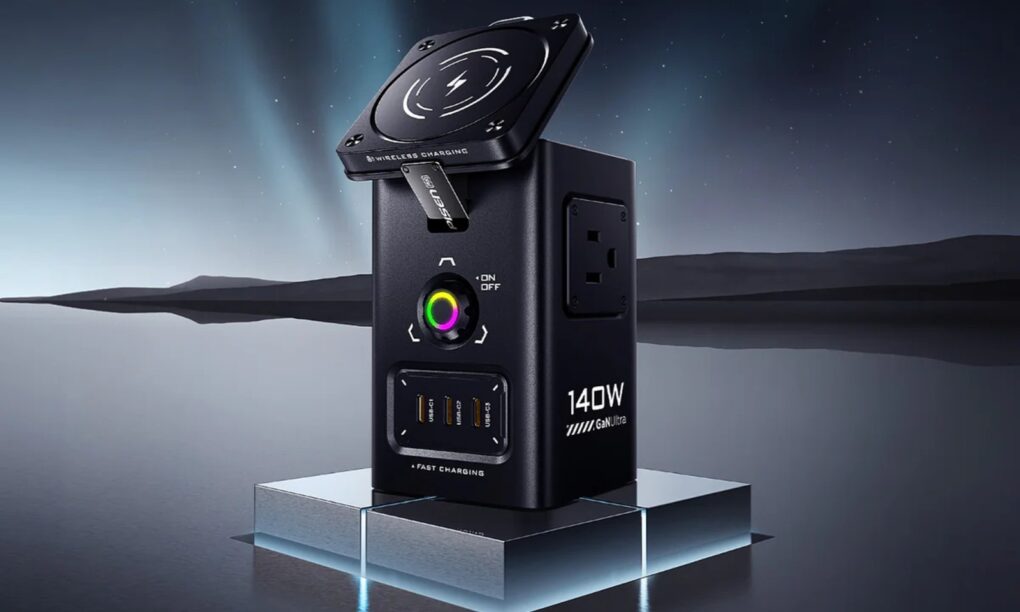
It has magnetic wireless charging, USB-C and USB-A charging and AC outlet charging via good ol' plugs. Photo: Pisen
The new Pisen Qi2 8-in-1 140W Mega Charging Hub — just launched on Amazon — offers Apple users a comprehensive desktop charging solution that combines wireless charging for iPhone and Apple Watch with high-power wired charging for MacBooks and iPads, the company said Thursday.
It features not only a Qi2 MagSafe charging platform for recent iPhones, but a magnetic Apple Watch charger, USB ports and even power outlets for plugs. And you can get it not only in basic black, but in a surprising yellow!
As a condo owner, I don't need more than Anker Solix C800 Plus (now called X) to keep the place going in a power outage. Photo: David Snow/Cult of Mac
Whether you’re working remotely from a coffee shop, camping with your MacBook or preparing for the next power outage, the Anker Solix C800 X Portable Power Station delivers reliable backup power for all your Apple devices. And it’s currently available as a killer deal with savings of $250.
Rising component costs could leave Apple no choice but to raise prices. AI image: ChatGPT/Cult of Mac
Apple likely will struggle to acquire a critical component for all its products this year. In fact, the whole electronics industry will face the same problem, and the competition will drive up prices, according to analysts.
What’s the missing product? RAM. Why is it so hard to get? AI. But the full story is more complex than those two basic facts.
Rumors predict 2026 will bring the first MacBook with a touchscreen. Image: ChatGPT
Apple will improve the MacBook line in multiple ways during 2026. We’re not talking the usual “chip and ship” updates — major changes are on the way. Really, there’s never been a better time to be in the market for a macOS laptop.
We can look forward to a complete redesign, possibly including a touchscreen. Plus, the most affordable MacBook ever is also reportedly coming next year.
There's no better time to buy a new laptop. Image: Cult of Mac
This Cyber Monday, you can find stellar discounts on a new MacBook. With Intel Macs aging out, there’s no better time to upgrade to the latest models that run on far-superior Apple silicon processors.
Whether you’re looking at the base MacBook Air or a specced-out MacBook Pro, you can rack up hundreds of dollars in savings by upgrading this week.
Take a look at these Cyber Monday deals on MacBooks and get ready to make your next big move.
Young students would be a major market for a budget MacBook. AI image: Google Gemini
The Mac isn’t carrying its weight. In fact, it’s Apple’s lowest-selling product line, sitting behind even the Apple Watch. And despite macOS being a standout platform, it lags far behind Windows where it matters: worldwide adoption.
Apple needs a fresh angle, and the rumored budget MacBook might be the first real chance to rewrite the Mac’s trajectory.
The rumored low-cost MacBook with an A19 chip could offer performance suited to students. Concept: Google Gemini
There’s skepticism about the low-cost MacBook that’s reportedly launching soon because it reportedly will run on an Apple A18 processor — the same one in current iPhones. But this chip is more powerful than you might realize.
I compared the performance of the A18 to Apple’s M-series Mac chips, and I think you’ll be surprised by how well the iPhone processor performed.
Don’t know how many external monitors your MacBook supports? We have the answer. Image: Google ChatGPT/Cult of Mac
You can be excused if you don’t know off the top of your head how many external monitors your MacBook supports. The number varies by model, processor version, and even whether the laptop is open or closed. Still, there’s a good chance it’s more than you think.
Now that notebooks with the new M4 family of processors are available, here’s an updated guide to how many external screens you can attach to your MacBook.