Got your fancy new MacBook Pro? Once you’re done admiring its all-new design and insanely fast chips, you’ll probably want to add some accessories that will help you make the most out of your new machine.
Here are seven essentials that will help you connect USB devices, backup your and transfer your data between difference devices, keep your MacBook Pro protected on the go, and more.
Got a 2016 or 2017 13-inch MacBook Pro? You can extend it's useable life with OWC Aura Pro NT storage. Photo: OWC
If you have a MacBook Pro of a certain age, you probably know what it’s like to run out of storage. These days, apps, macOS updates and big media files like videos require more space than ever before. But memory and storage provider OWC has your 2016-2017 13-inch MacBook Pro covered with its new Aura Pro NT NVMe solid state drive (SSD).
All six cells can be easily removed. Photo: iFixit
When the time comes to replace the battery inside your 2021 MacBook Pro, you can avoid the pricey repair shops. Apple has made this particular process significantly easier than it was on earlier MacBook models.
All six battery cells inside the new machines are easily accessible — with no need to remove the logic board first — and much easier to remove. The changes make for a fairly simply at-home repair for those who are brave enough.
The 2021 MacBook Pro can run Rise of the Tomb Raider as well as a top-tier Windows laptop. Photo: Ed Hardy/Cult of Mac
Apple’s M1 Pro and M1 Max processors in the new MacBook Pro offer powerful graphic performance. That’s intended for artists rendering video and other professional tasks, but tests show that it translates to excellent gaming performance.
Of course, that doesn’t remedy the lack of high-end games for Mac.
This isn’t something beyond man’s power to create. Apple could, and should, make a 16-inch MacBook Air. Concept: Ed Hardy/Cult of Mac
Some of the criticism leveled at the latest 16-inch MacBook Pro should inspire Apple to make a MacBook Air with the same size display. It would be the largest Air ever, but there seems to be a market for a very big, yet very slim, Mac notebook.
And that’s not something Apple offers in its current product lineup.
The 2021 MacBook Pro draws praise, and just a bit of criticism, from reviewers. Photo: Apple
The first reviews of the 2021 MacBook Pro just dropped, and they’re generally quite positive. There’s praise for the mini-LED display, the return of useful ports, and the sheer power of Apple’s new M1 Pro and M1 Max chips.
However, some reviewers harbor mixed feelings about the screen notch. Here’s a summary of comments about the features.
Was the Touch Bar out of touch with pro users’ needs? Photo: Graham Bower/Cult of Mac
The MacBook Pro’s Touch Bar was a technological marvel in its day. It brought the magic of multi-touch to macOS and, with its stand-alone T1 chipset, it put ARM-based Apple Silicon inside the MacBook when the M1 chip was still just a twinkle in Cupertino’s eye.
There’s no doubt it was a clever piece of engineering, but it proved unpopular with pro users. Many missed the tactile feedback of the traditional Escape key and function keys.
Apple rejigged things last year, shrinking the Touch Bar to make room for a physical escape key, but it was too little too late. Many will be glad to see the Touch Bar go, but I’m gonna miss that little sliver of multi-touch magic at the top of my keyboard.
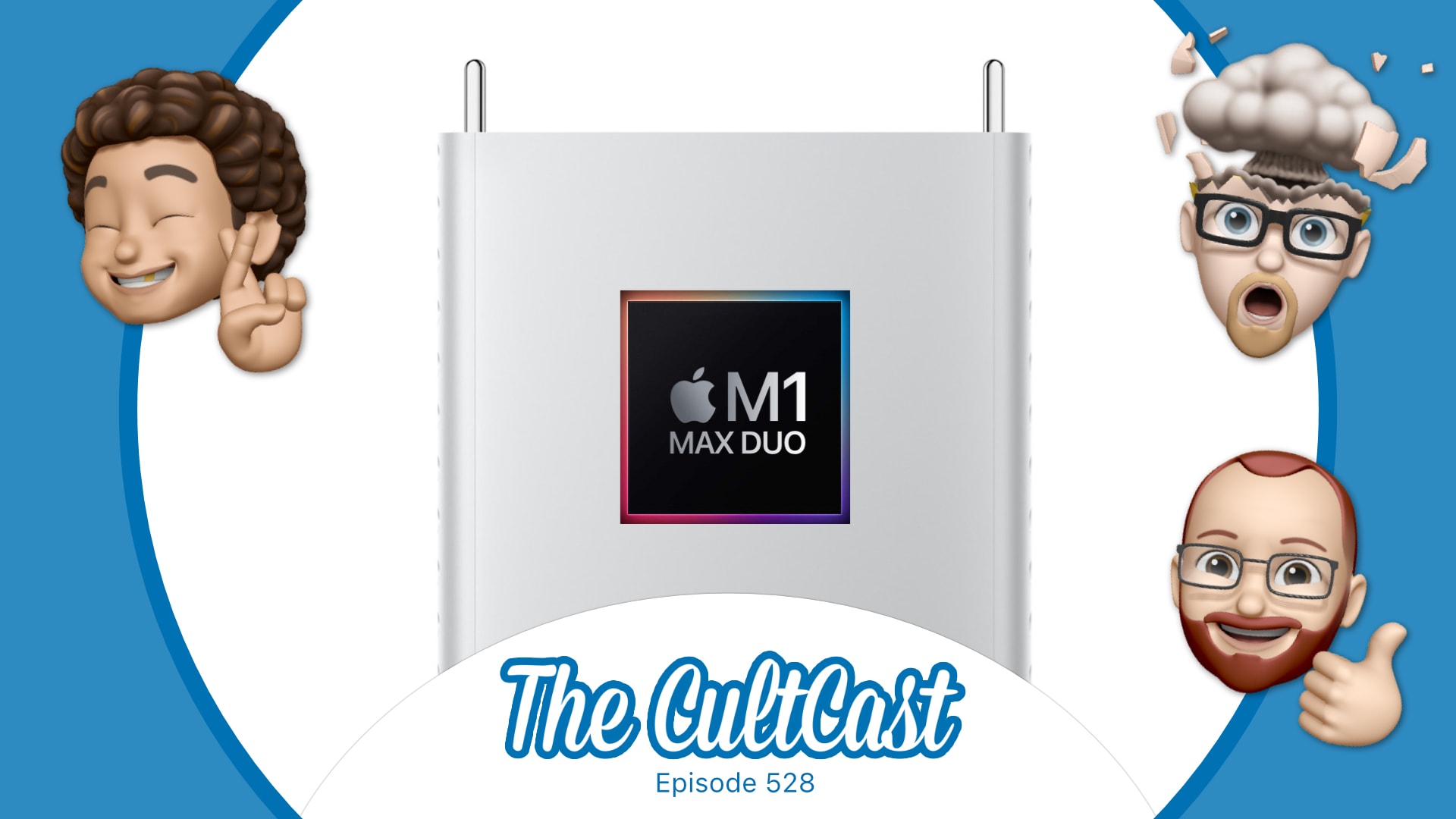
Apple's new chips sound truly astonishing. Image: Killian Bell/Cult of Mac
This week on Cult of Mac’s podcast: Erfon can’t stop gushing about the new MacBook Pros! (What a shocker.) Plus, he reveals what it felt like to get Sherlocked during Apple’s “Unleashed” event this week. (Spoiler alert: CultCloth sales shot through the roof!) And none of us can stop raving about the astonishing power of Apple’s new M1 Pro and M1 Max chips.
Also on The CultCast:
Awesome new third-gen AirPods.
Underwhelming new HomePod mini colors.
And a surprising Siri-only Apple Music Voice Plan.
Listen to this week’s episode of The CultCast in the Podcasts app or your favorite podcast app. (Be sure to subscribe and leave us a review if you like it!) Or watch the video livestream, embedded below.
We could be waiting until the middle of 2022 for the next MacBook Air refresh, but according to the latest rumor, it will be well worth the wait.
Apple’s next-generation ultraportable is expected to deliver a new mini-LED display and MagSafe connectivity — like the 2021 MacBook Pro — as well as a much more colorful design inspired by the 24-inch iMac.
The M1 Max chip will offer a ‘High Power Mode’ for really intensive tasks. Photo: Apple
Everyone should be familiar with Low Power Mode on their iPhone, but top-tier configurations of the new MacBook Pro will reportedly have “High Power Mode.” This will give the macOS notebook even better performance when taking on “resource-intensive tasks.”
But the feature will only be available in the 16-inch MacBook Pro with the M1 Max processor.
The HDMI port, MagSafe charger and SD card reader in the new 2021 MacBook Pro models prove Apple design is back on track. Photo: Apple
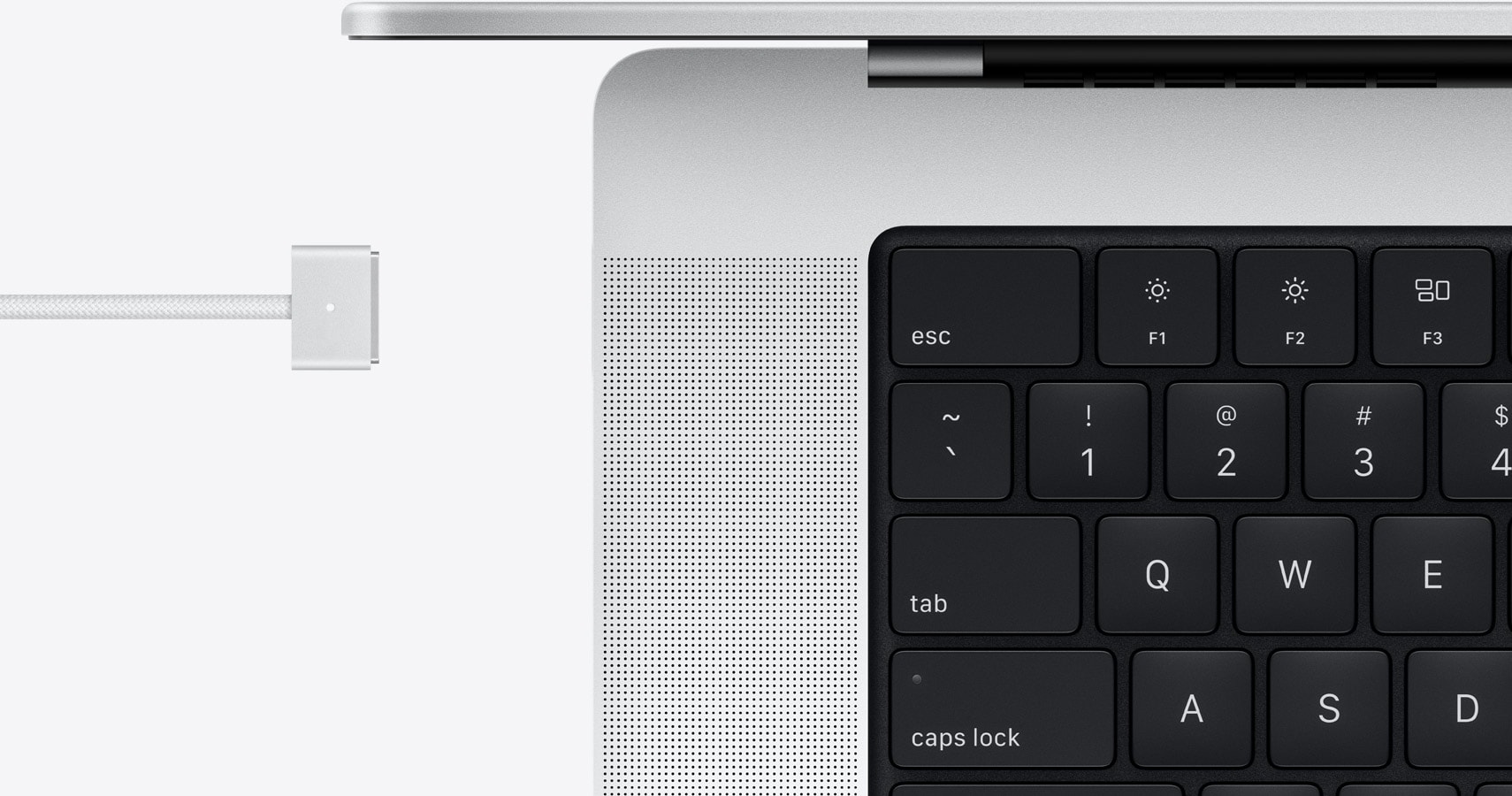
In 2016, Apple proudly unveiled a new MacBook Pro that rejected the HDMI port, the MagSafe charger and the SD card reader of the past. Fast forward to 2021, and the company just released new MacBook Pro models with an HDMI port, MagSafe and SD card reader.
Why the reversal? Apple’s head of design Jony Ive left in 2019 after decades with the company. His tendency to push form over function led Cupertino down the wrong path in many ways. And Apple is just now undoing mistakes Ive was responsible for. Like taking out ports that most buyers wanted.
Good news: the MacBook Pro notch doesn’t hinder cursor movement. Photo: Apple
The recently announced MacBook Pro models are the first with a screen notch. This raised questions about how the cursor handles the cutout. Will the cursor get stuck on the notch? Or will it pass through? Or automatically flow around?
Wonder no more: We have an official answer from Apple.
Apple Logic Pro running on the 2021 MacBook Pro shows a lot of dead space because there’s no support for the screen notch. Photo: Apple
The just-launched MacBook Pro models are the first with a screen notch. And this apparently came as a surprise to many of Apple’s own software developers as some of the company’s professional apps don’t support the screen cutouts. Which means they can’t fill the new Mac displays and must leave blank areas.
This won’t make it easier for Apple to convince third-party developers to fully support the latest macOS notebooks.
Spider-Man: Miles Morales on PlayStation 5. Photo: Marvel
MacBook Pro’s mind-blowing M1 Max chip could deliver even greater graphics than Sony’s newest PlayStation 5 console, according to early estimates. It has even more raw GPU power, at least on paper, with up to 32 graphics cores.
Apple already promised that it would offer “similar performance” to a “high-performance discrete GPU” in competing laptops. But whether Mac users actually get similar gaming experiences is another matter.
Send in your M1 MacBook Air or MacBook Pro for a juicy discount. Photo: Apple
Apple is offering a rather generous trade-in deal on the exciting new MacBook Pro, with up to $1,000 in credit available for those who send in an M1 MacBook Air or MacBook Pro. The credit could reduce the price of your new notebook to as little as $999 — or $1,499 if you opt for the larger 16-inch model.
The value of your existing machine depends on its condition and specifications, however, it seems RAM capacity doesn’t make a difference.
You can still get the 16-inch MacBook Pro before Christmas, if you hurry. Photo: Apple
You might find yourself waiting months to get the just-announced MacBook Pro. Order one of the standard configurations and it’ll arrive in this month or November at the latest. But upgrade the configuration and the wait time slips back to mid-December.
Anyone hoping to get a redesigned 14-inch or 16-inch MacBook Pro with the powerful new M1 Pro or M1 Max processor with a minimal wait should get their order in soon. Those who want a top-of-the-line configuration before Christmas really ought to hurry.
The lengthy wait for a major MacBook Pro refresh is over, and boy, was it worth it. Apple’s newest flagship notebook, unveiled Monday during the company’s big “Unleashed” event, features edge-to-edge Liquid Retina displays, insane M1 Pro and M1 Max chipsets, and all-new designs that bring back some important ports and features — including MagSafe charging.
The 2021 MacBook Pro lineup also bids farewell to the controversial Touch Bar, replacing it with a slightly revamped Magic Keyboard that goes back to physical keys (now full-size) for the function row. You can order yours today, with prices starting at $1,999.
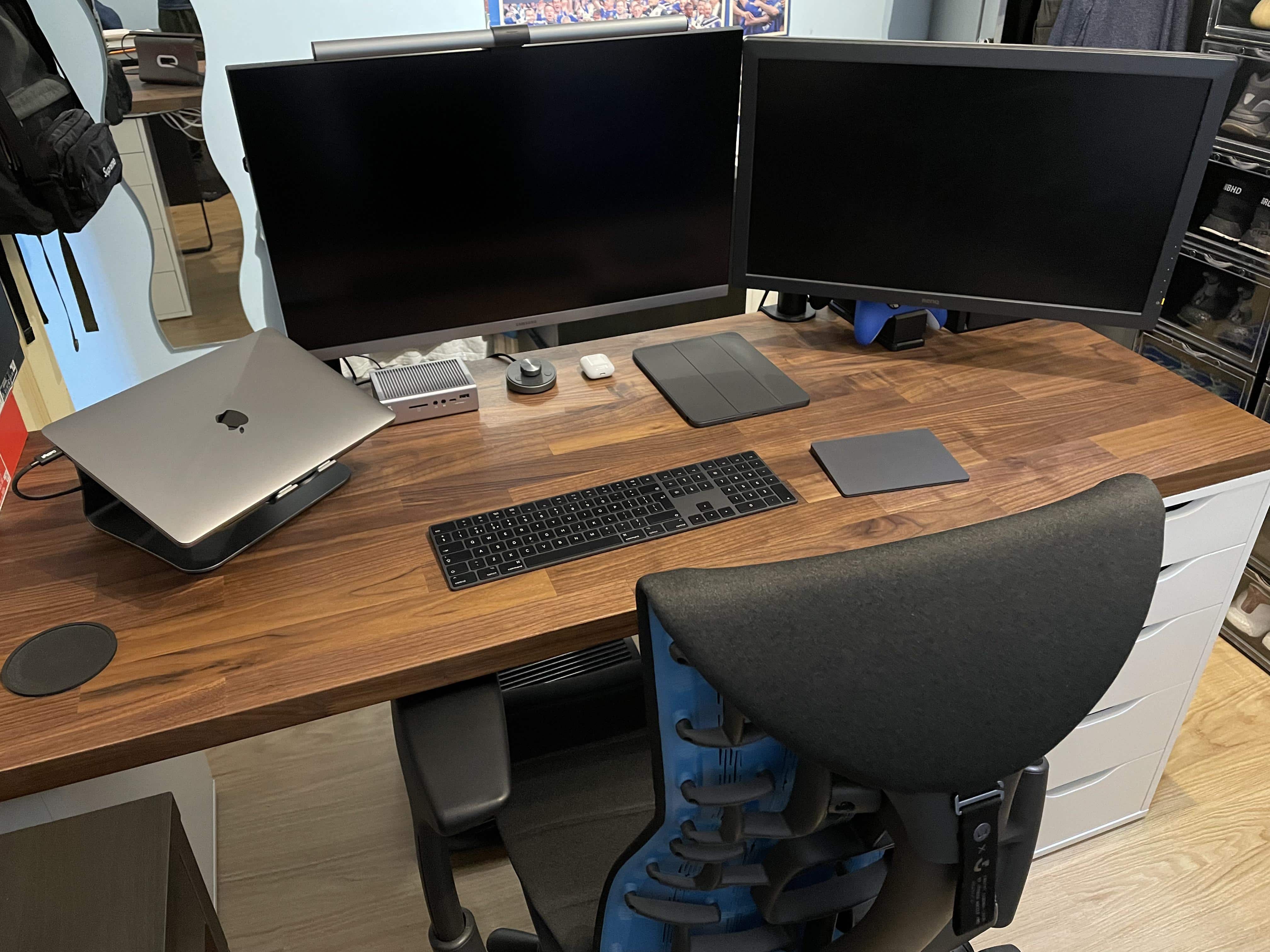
People wonder why one monitor isn't set vertically (portrait) rather than way up high. Well, there's a reason for that.
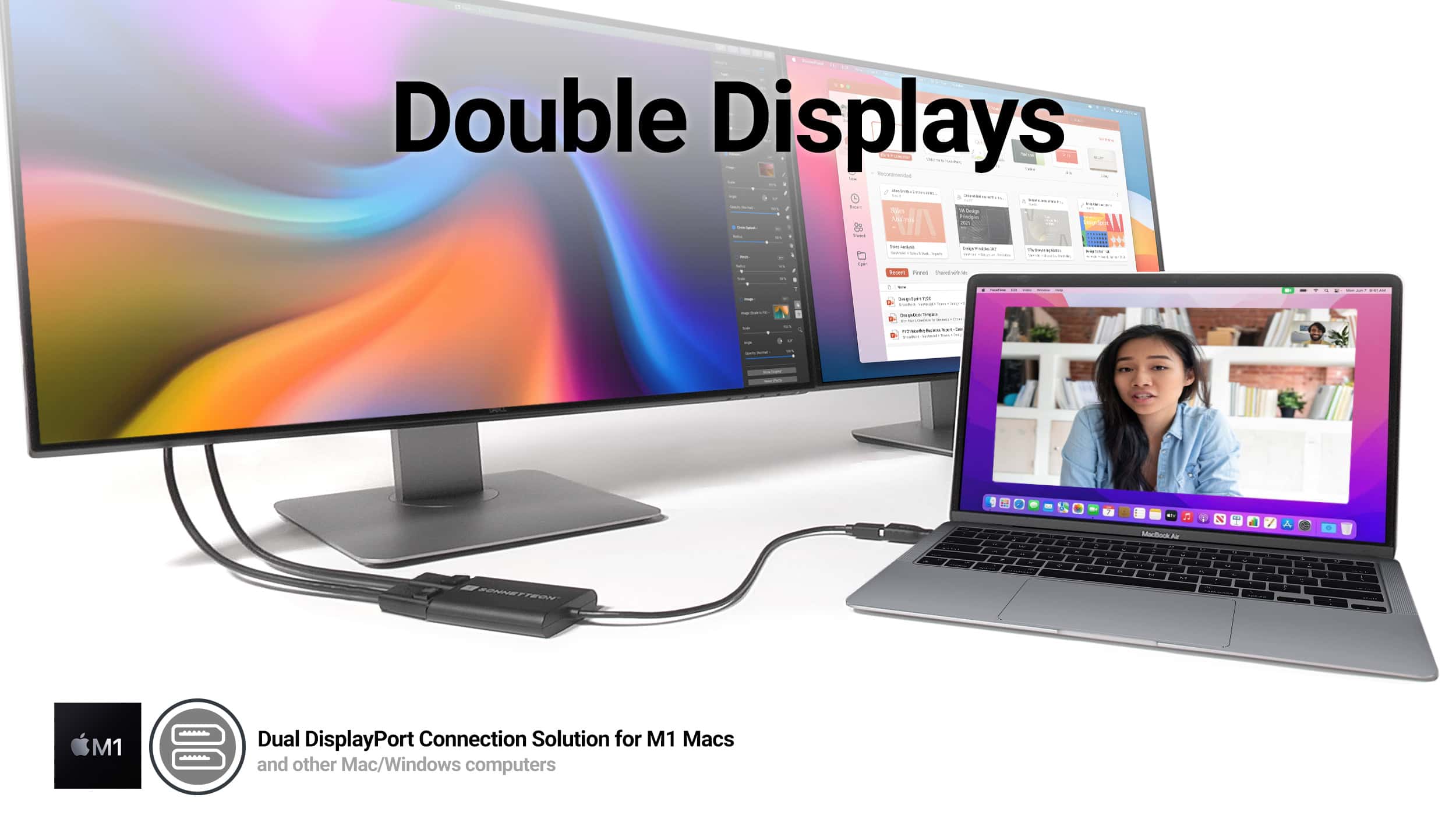
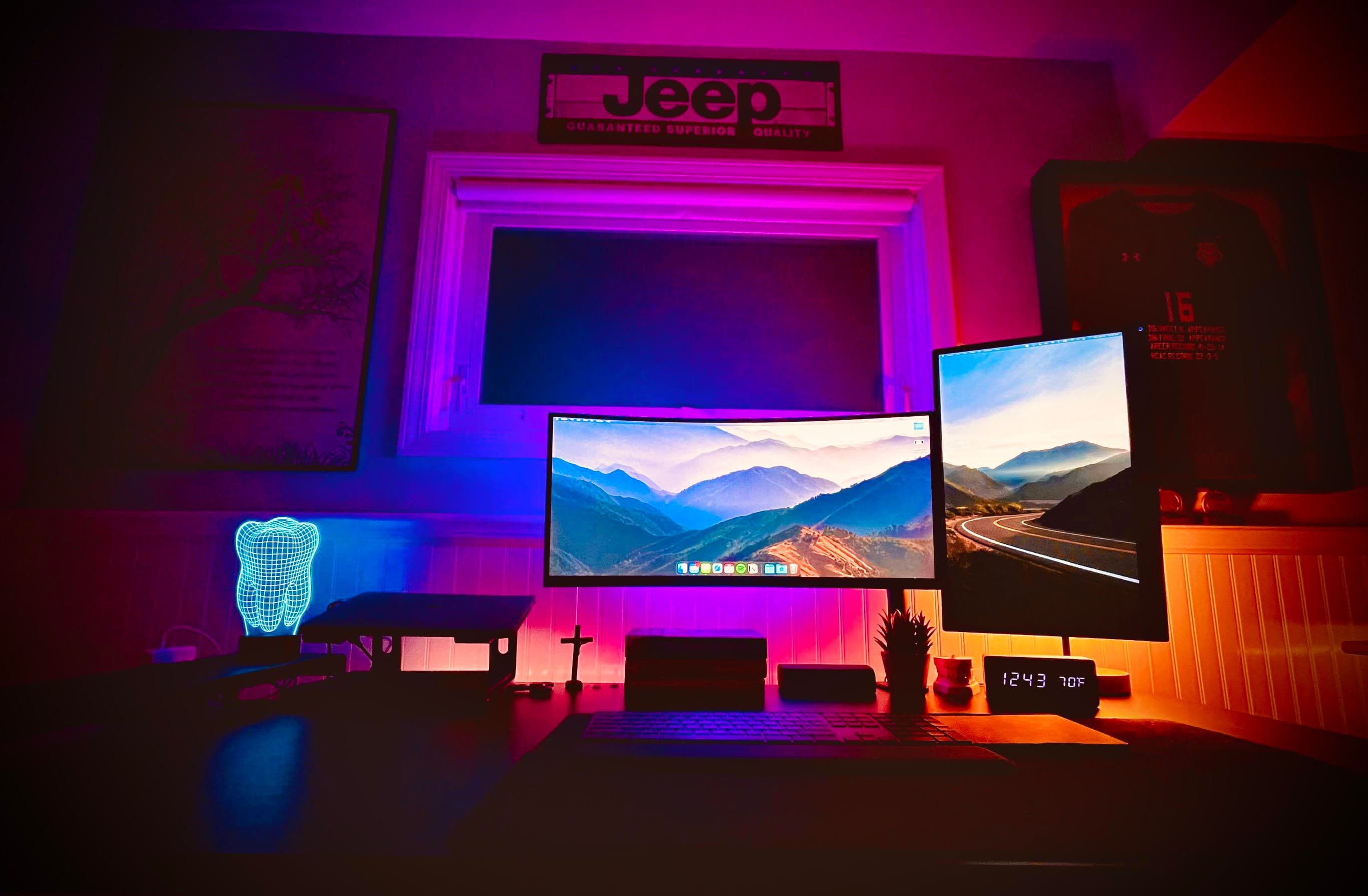
When you see people online showing off their computer setups with dual displays, you often see side-by-side horizontal monitors (landscape mode). Sometimes you see a horizontal screen and a vertical one (portrait mode). And sometimes you see stacked displays, with one landscape-oriented monitor mounted on top of another.
Sometimes you see the stack because of space issues, where there’s simply no room to either side of the setup. Other times you see a stack when someone wants to run four or five displays. And there are cases where the user couldn’t get one monitor to work in portrait mode, so they had to have both screens in landscape mode.
Apple will finally ditch the MacBook Pro’s controversial Touch Bar and replace it with a row of full-size function keys when it unveils its big refresh later today, according to a new report based on leaked schematics for the new device.
Apple first brought the Touch Bar to MacBook Pro in 2016, and despite it being a neat idea, it never really took off among power users or app developers. It seems most MacBook Pro owners try their best to ignore its existence.
Plenty of new Macs are possibly on the agenda for the Apple October event. Concepts: Ed Hardy/Cult of Mac/Antonio De Rosa
Apple’s “Unleashed” event on Monday is likely to bring what Mac fans have been eagerly anticipating for over a year: redesigned MacBook Pro models with upgraded displays and the return of traditional ports. But that’s just the start. We could see the debut of two more models, all powered by a new Apple M-series processor.
Here are the computers that leaks and rumors say are coming. But we could always be surprised. Again.
Are you ready for next week's Apple event? We can't wait! Image: Killian Bell/Cult of Mac
This week on Cult of Mac’s podcast: Finally! Here come the M1X Macs! We talk our predictions for Monday’s “Unleashed” Apple event!
Also on The CultCast:
A rumor says Apple is prepping a Nintendo Switch-like gaming console.
We reveal our favorite new(ish) shows on an all-new What We’re Into!
And in our weekly giveaway, we’ve got a five-piece iPhone 13 bundle from Smartish.
Listen to this week’s episode of The CultCast in the Podcasts app or your favorite podcast app. (Be sure to subscribe and leave us a review if you like it!) Or watch the video livestream, embedded below.
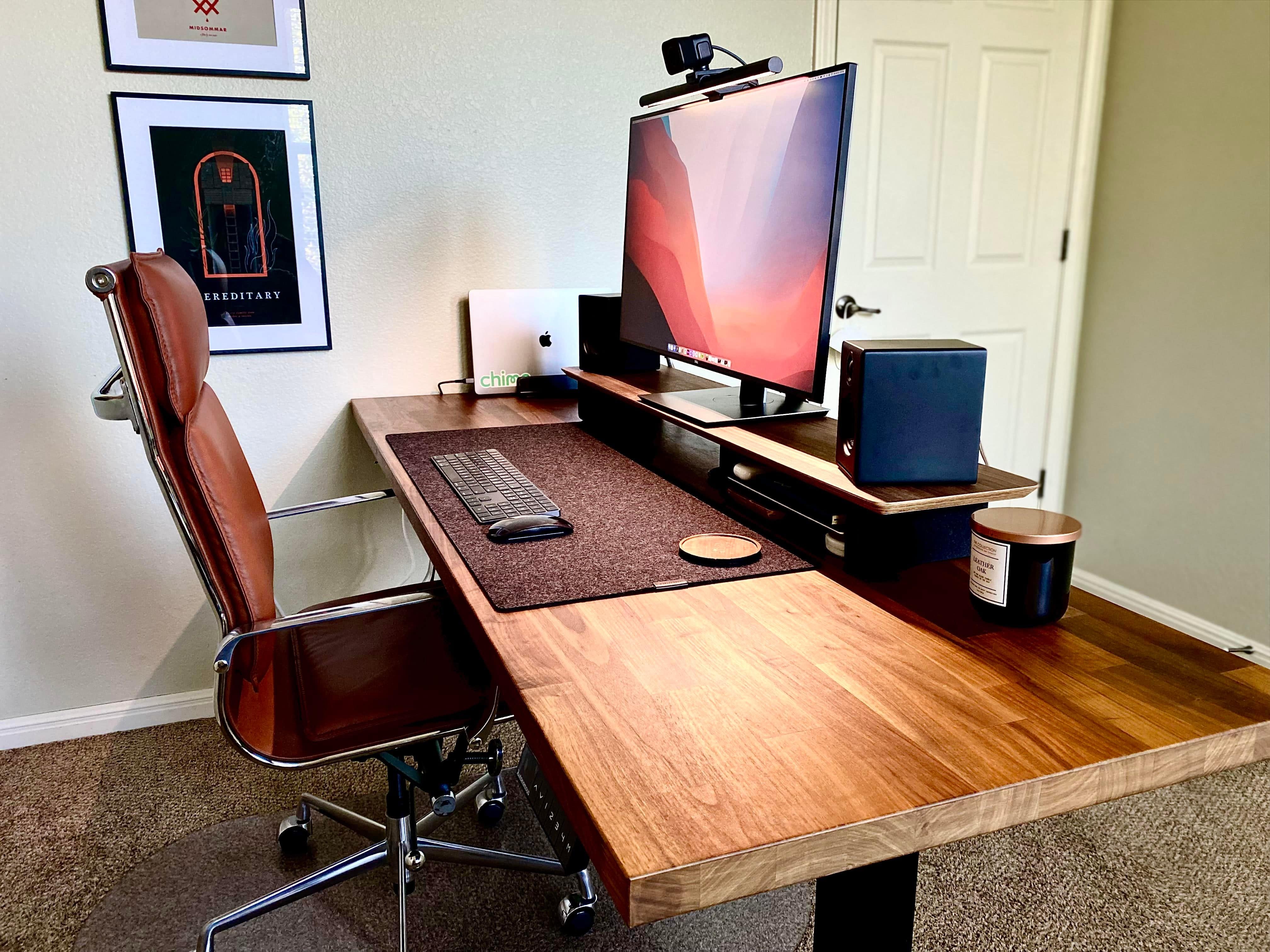
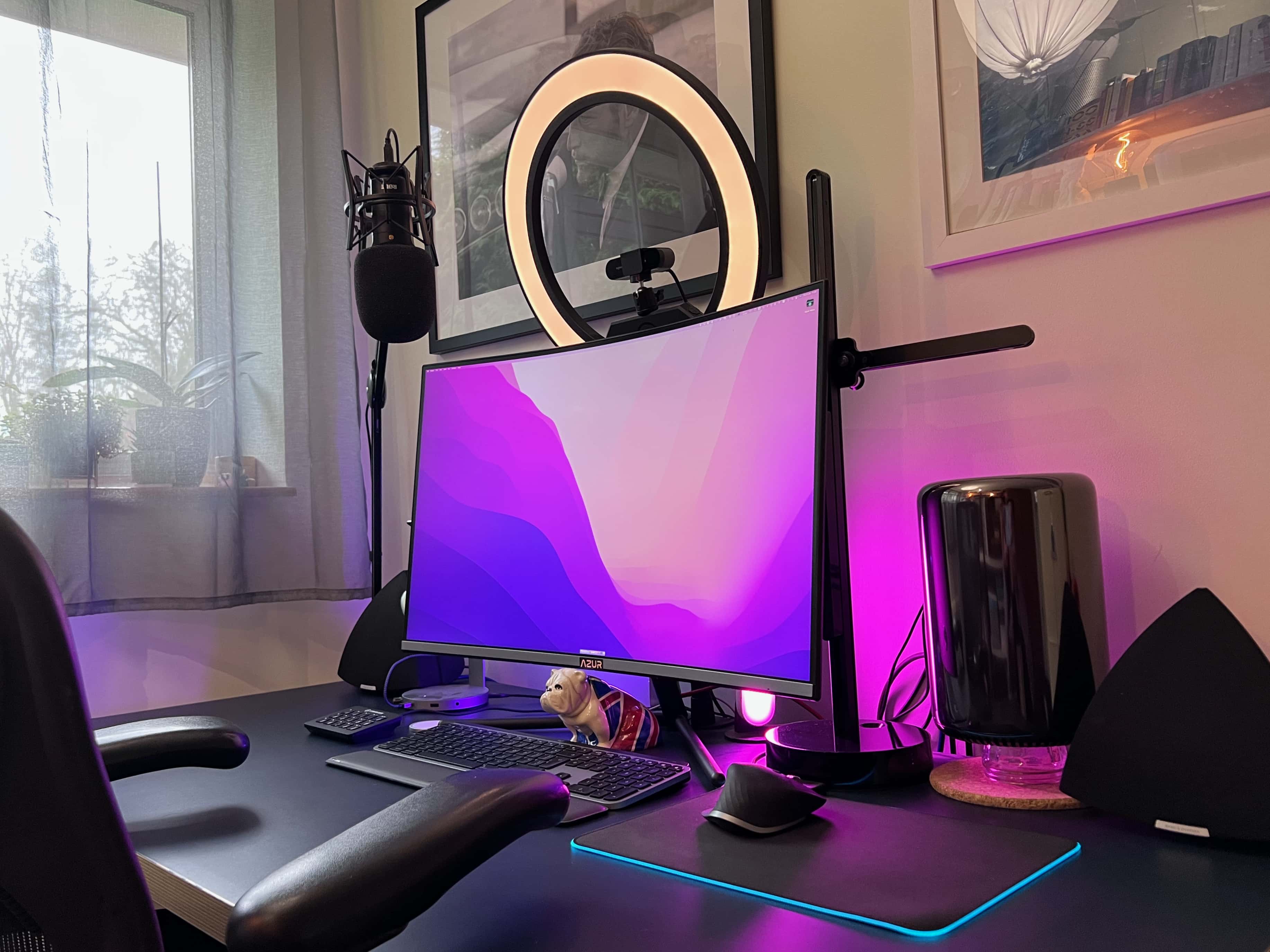
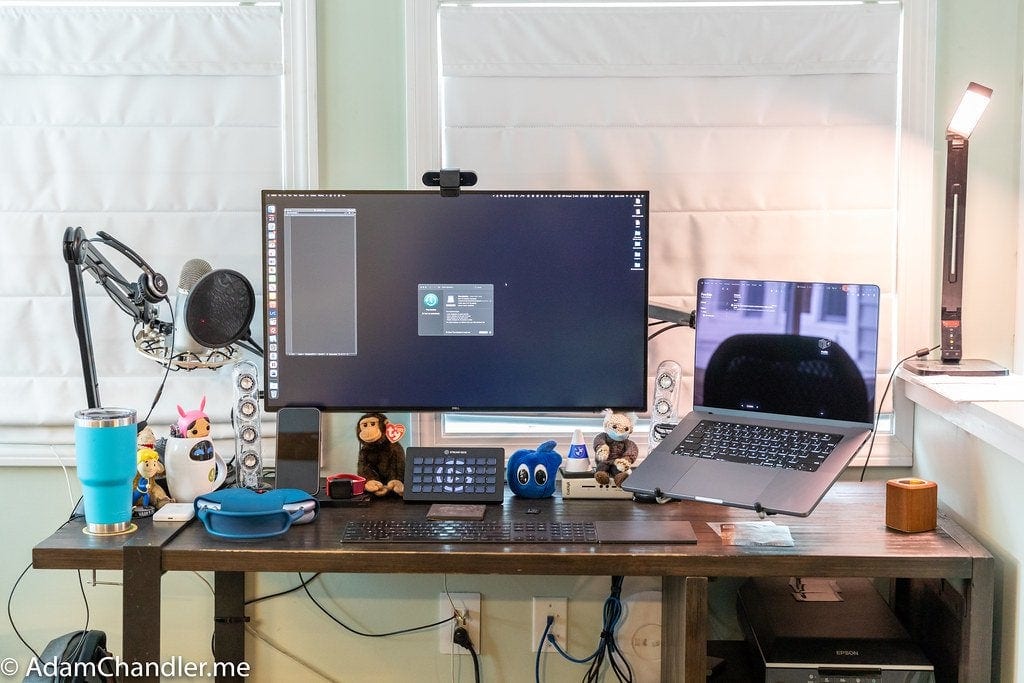
We see a lot of impressive computer setups in slick home offices here at Cult of MacSetups HQ, but few of them are nicer than one we just came across. As usual, we’ll share the gear list, below, as well as some of the tricks you can emulate to improve your own home workspace.
It kicks off at 10 a.m. PDT/1 p.m. EDT. Image: Apple/Cult of Mac
Apple’s next event is right around the corner, and it’s one you won’t want to miss if you’re a fan of the Mac. The “Unleashed” keynote is expected to bring a number of new Apple machines — all powered by an even faster “M1X” chip.
Just like recent Apple keynotes, this one will be streamed online, so you’ll be able to watch it in its entirety as it all unfolds. We’ll show you how.
A couple of big things might be on the docket for the Apple October event. Photo: Cult of Mac
Apple promises “big things” at its product event happening October 18. Although that’s the only official hint we have, leaks have revealed details on a couple of extra-large Macs that might fit the bill.
And there could be good news for fans of both MacBook and iMac at the “Unleashed” event.
A small, table-top standing desk, tiny monitors and right-angle adapters save space in a cramped London flat. Photo: [email protected]
Folks often endure work-from-home situations where space is at a premium. Maybe they have a big house full of kids and pets. Maybe they live a tiny studio apartment in a big, expensive city. In either case, sometimes the whole computer setup sits where they eat, and it has to go away at dinnertime. Today’s setup solved the problem by turning a dining table into an easy-stash U.K. office.