Mobile menu toggle

MacBook Pro - page 26

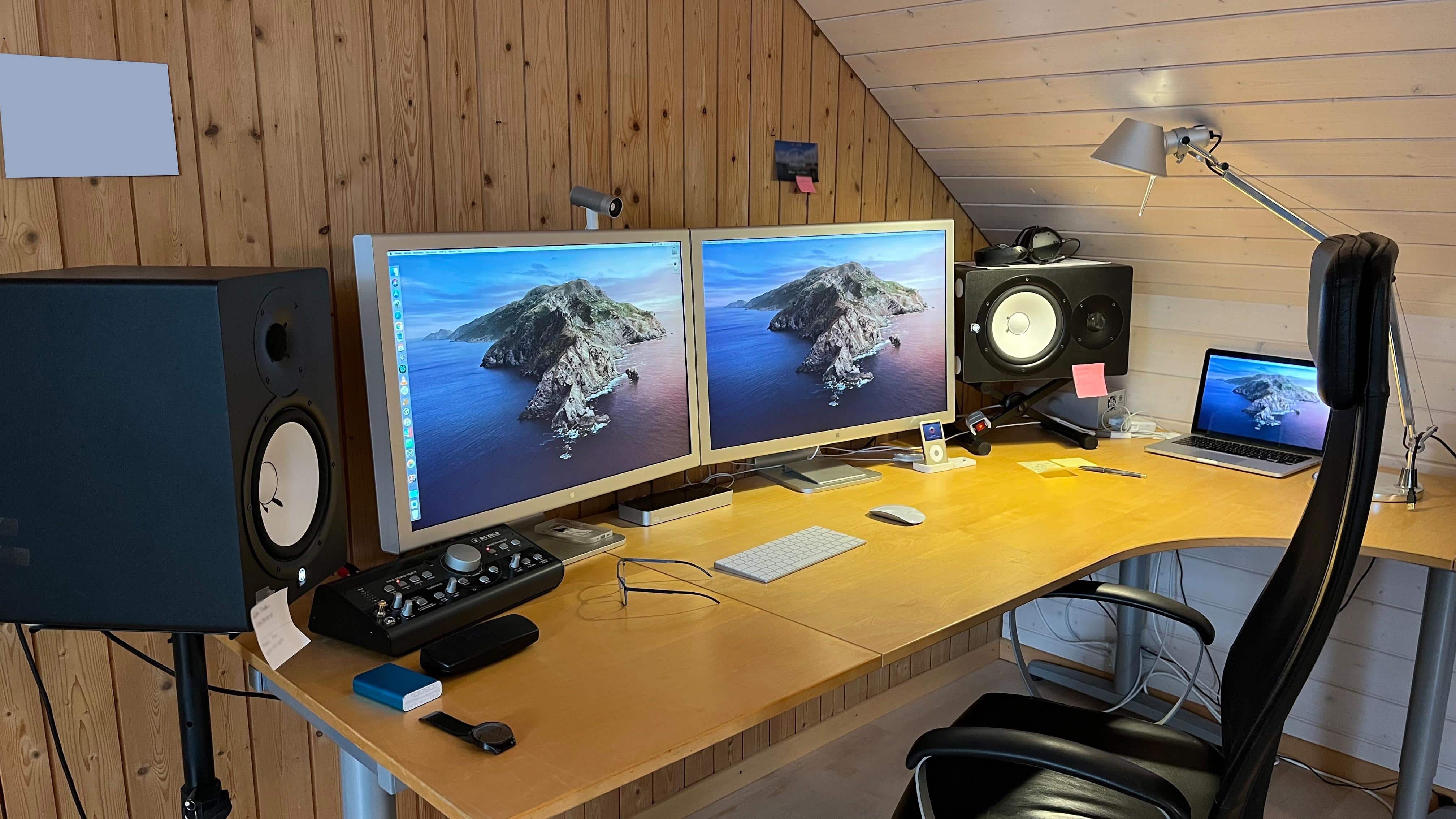
Where did you get that wonderful wallpaper? Here are 11 sources. [Setups]

By

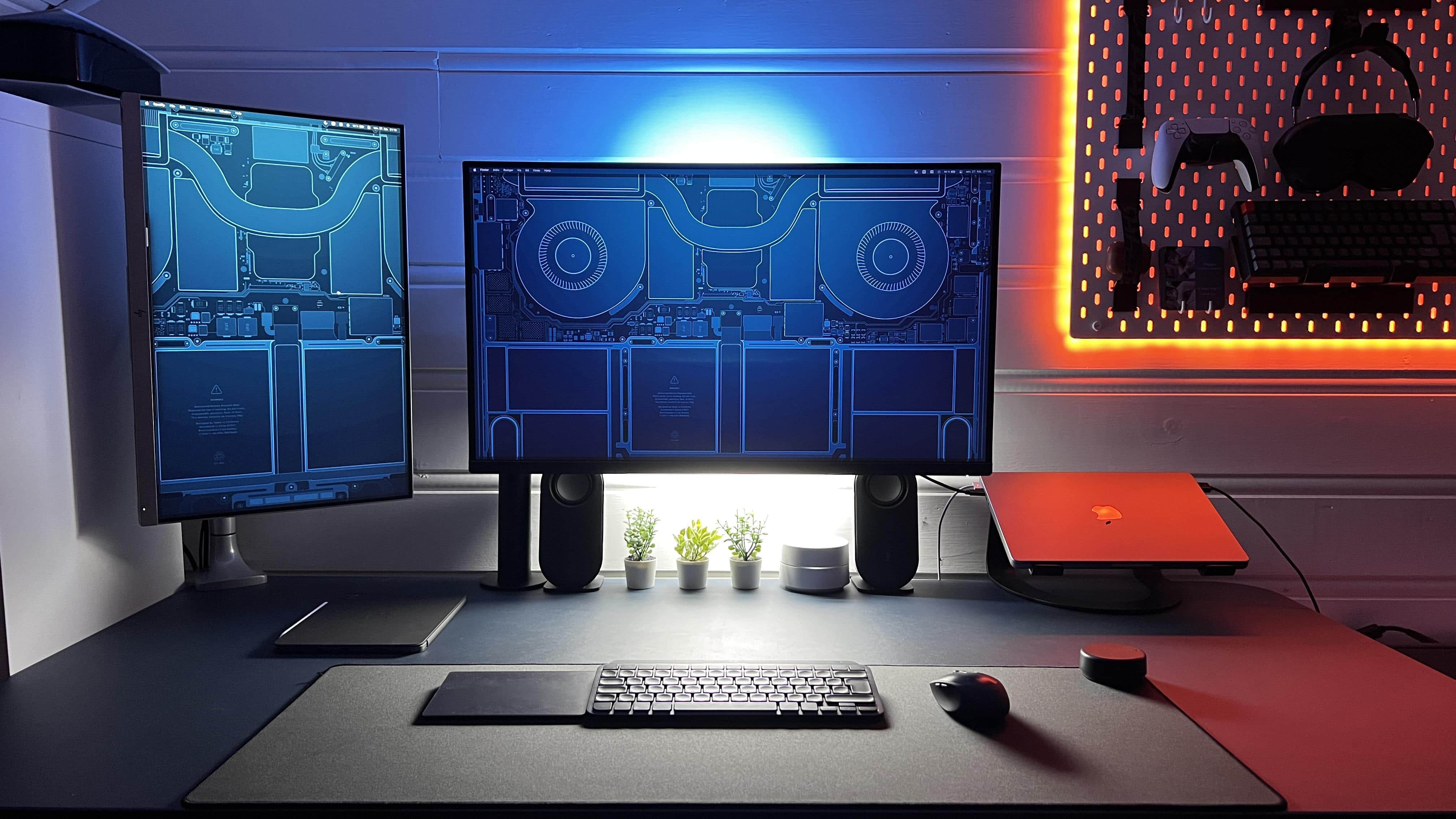
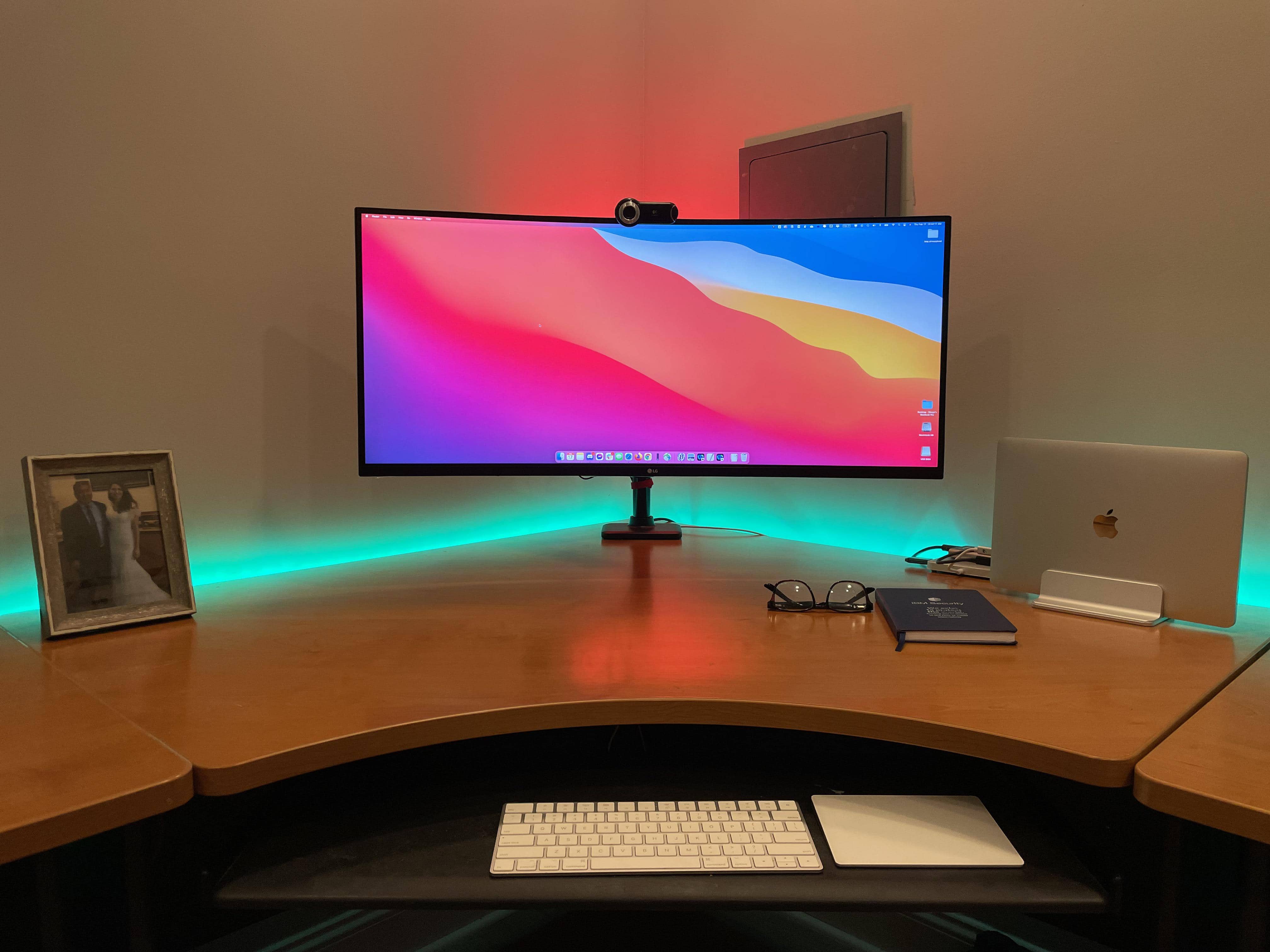
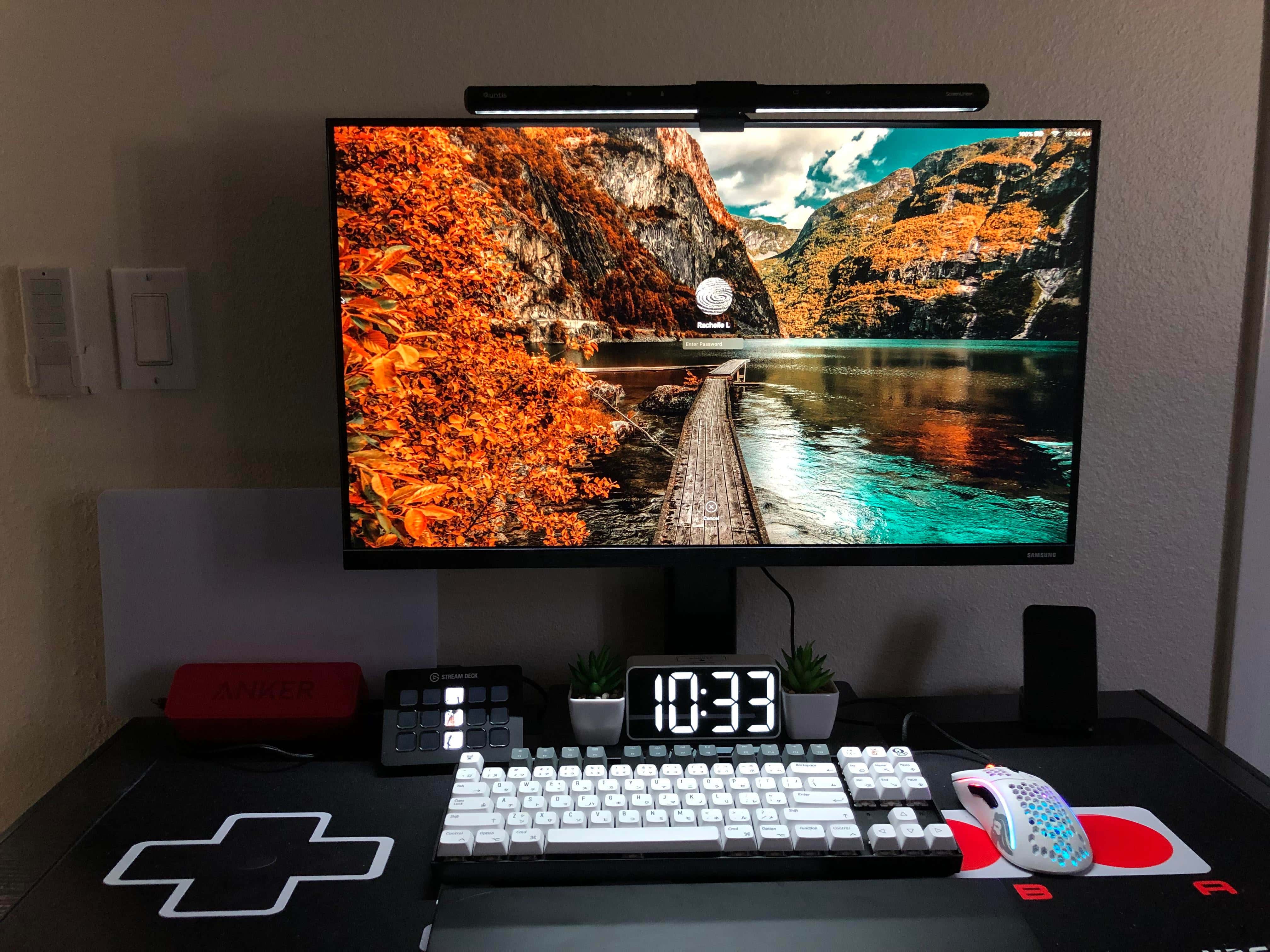
Fine setup, but where did you get that wallpaper?
Photo: [email protected]

One of the questions you see most in the comments sections of posts about computer setups on social media is: Where did you get that wallpaper? To many folks, the setup may be fine and dandy, but what they really care about is not so much the fancy hardware, but the imagery on the display that they might easily get for themselves.

Today’s setup is a prime example. It made us look back at 10 great wallpaper sources we’ve come across, below. That’s 11, actually, including today’s subject.

Would you go without an external keyboard and mouse? [Setups]

By

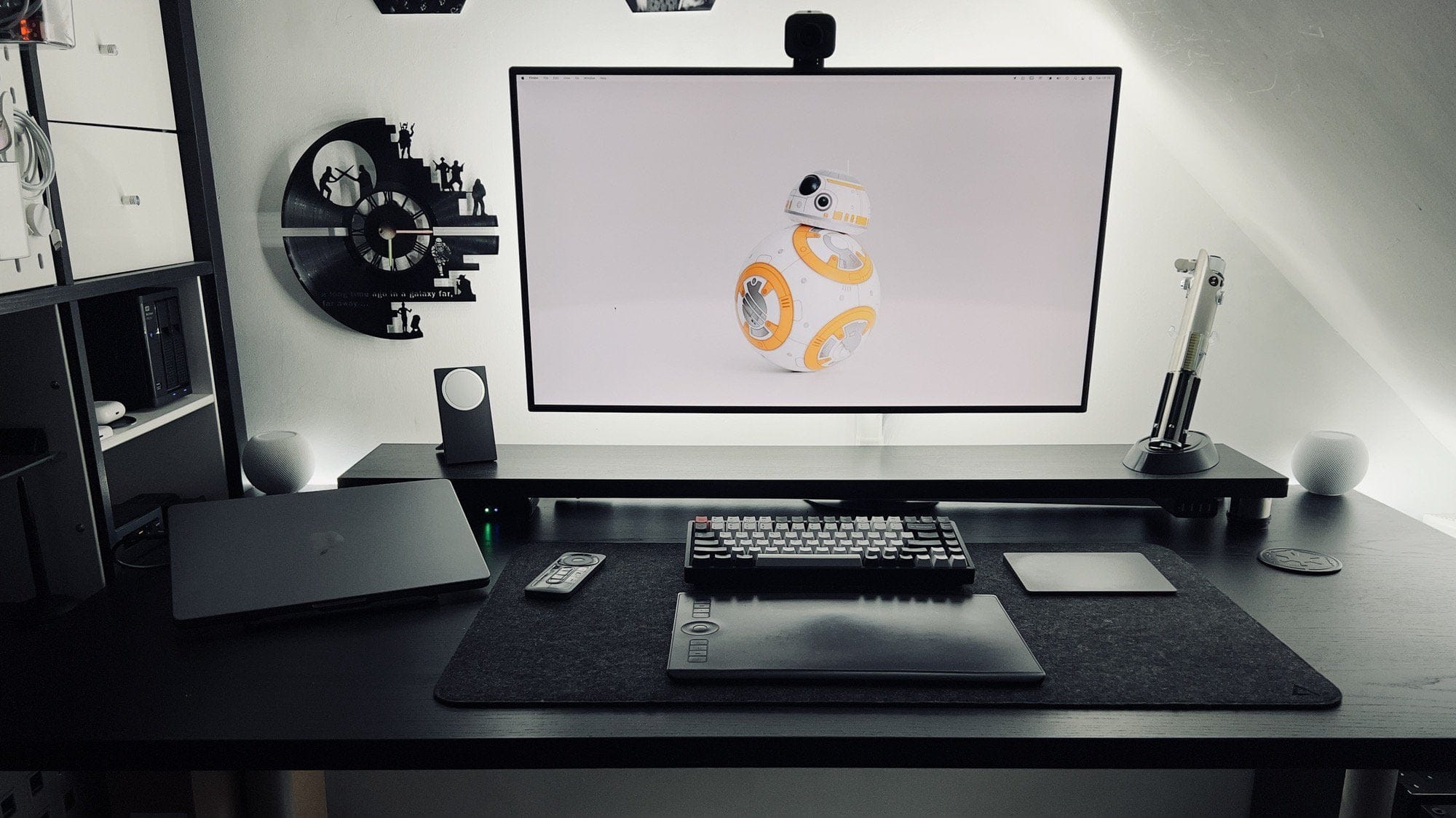
Would you make do with neither an external keyboard nor a mouse?
Photo: [email protected]

With the new M1 Pro and M1 Max MacBook Pro models selling like hotcakes, a lot of people are wondering how to incorporate their new laptops into their computer setups. Is it enough just to use the laptop, or should it be used with an external keyboard, mouse or trackpad, as well as an external monitor? If you’re setting up your Mac and find that Bluetooth is off, you may need to know how to turn Bluetooth on Mac without mouse or keyboard.

Developer squeezes primo sound out of a solid gaming rig [Setups]

By

Premium audio components make this setup a sonic powerhouse.
Photo: [email protected]

Premium computer setups for gaming are known for their eye-popping visuals, of course — but they need great sound, too. Today’s featured setup gets there with a killer display but also a raft of audio gear by companies like Aiyima, Burson, Kanto and Hifiman. The headphones, in particular, may make you green with envy.

Redditor IsTowel is a front-end developer and designer as well as a gamer. Their post about their “Working and listening station” outlines some pretty high-level gaming specs in a Mac and PC, dual-display setup — especially for stellar sound quality.

Build your dream workspace setup with HumanCentric’s ultimate giveaway

By

HumanCentric's ultimate giveaway could help you build the workspace setup of your dreams.
This giveaway could help you build the work-from-home setup of your dreams.
Photo: HumanCentric

This post on home office setups is brought to you by HumanCentric.

Itching to upgrade your work-from-home experience? HumanCentric, a desk accessories and workspace design brand based in Chicago, is giving away a bundle of three new products every Friday that will transform any home office. Each winner gets the company’s desk shelf system, laptop riser and headphone stand — three matching accessories that work together to level up both the look and productivity of any workspace.

Apple has big plans for 2022, including iPad Pro and MacBook Air overhauls

By

Apple in 2022
It could be another great year.
Image: Apple/Cult of Mac

Apple reportedly plans ambitious upgrades for a number of its hottest products in 2022, including major revamps for iPad Pro and MacBook Air — as well as an Apple silicon boost for the Mac Pro. Mac mini is also expected to see a refresh.

What’s more, the next-generation Apple Watch will come in a “ruggedized version aimed at extreme sports athletes.”

Connectivity tricks of a multi-display workstation [Setups]

By

Oh, what a difference three external displays make.
Photo: [email protected]

Not long ago we wrote about a person who fashioned an ergonomically healthy computer setup with little more than an M1 Pro MacBook. At the time, their fancy new display was still to-be-delivered, so they made-do without it. Now all the screens are in place and they make a magnificent workstation, with the MacBook running with one landscape-mode display and two portrait-mode monitors. It took some special connectivity tricks to make it happen.

16-inch MacBook Pro owners suffer strange MagSafe charging problems

By

2021 MacBook Pro MagSafe
Is your MacBook Pro charging properly?
Photo: Apple

Some 2021 16-inch MacBook Pro owners are being plagued by mysterious MagSafe charging problems.

A number of users say their machines fail to charge when they are powered off, with the LED light on the MagSafe charger flashing amber, indicating there is a charging problem. At least one has had their MacBook replaced.

Apple launches MacBook upgrade program for small businesses

By

Apple Mac Upgrade Program
Prices start at just $30 a month.
Image: Apple

Small businesses can now purchase new MacBooks for as little as $30 a month through Apple’s new Mac Notebook Upgrade Program.

The scheme, facilitated by Apple financing partner CIT, allows businesses partners to return or swap their machines after just three months if a new model is released. It’s a little like the iPhone Upgrade Program, but more flexible.

Headless ‘SlaBook Pro,’ or ‘MacStein,’ lives on with external monitor [Setups]

By

It lives! A
It lives! A "SlaBook Pro" is a screen-less MacBook Pro hooked up to an external monitor.
Photo: [email protected]

Ever wonder what to do if you damage your laptop’s screen? If you have no insurance or warranty coverage, is it simply time to lay that laptop to rest? No. Not necessarily. The rest of that laptop’s body can be reanimated like the creature from Frankenstein — only more productive, as you would expect from a Mac whose time has not yet come. Call it a “SlaBook” or maybe “MacStein.”

The best Cyber Monday deals on Apple’s hottest devices

By

Apple Cyber Monday deals
Enjoy the discounts before they disappear.
Image: Killian Bell/Cult of Mac

Black Friday is over for another year, but Cyber Monday has just begun, which means there’s still time to enjoy big discounts on Apple devices.

AirPods, Apple Watch, iPad and more are currently available at tasty discounts from third-party retailers like Amazon and Best Buy. And to make shopping a little easier, we rounded up all the best deals on Apple’s hottest gear.

Vintage Apple rig says ‘Hello, 1994’ from Romania [Setups]

By

A souped-up Apple SE/30 and a Portrait Display are core to Ciprian's vintage setup.
Photo: Bacioiu Ciprian

Bacioiu Constantin Ciprian, known online as “Zapa,” was born in Buzau, Romania, in 1991, not long after a revolution toppled communist rule there. He loved technology as a kid, but it was expensive and hard to get. And soon enough he realized how much he loved Apple products — especially those around in his youth.

Now a longtime resident of Bucharest, he designs and develops games to run on vintage equipment. And get a load of that retro setup!

Simple thermal mod makes M1 MacBook Air as fast as a MacBook Pro

By

M1 MacBook Air thermal mod
That's a big performance boost!
Image: High on Tech/Apple

Some M1 MacBook Air models pack exactly the same chipset as the 13-inch M1 MacBook Pro, but they don’t offer the same level of performance. Why? Because the MacBook Pro has a cooling fan and the MacBook Air doesn’t.

But with a quick and easy thermal mod, you can give the more affordable MacBook Air a rather significant speed boost that makes it very nearly as fast as its sibling. Check out the video below that explains it all.

Apple mulls MacBook with pop-up keyboard

By

Apple mulls MacBook with pop-up keyboard
This concept drawing gives a side view of the mechanism that could be used in a MacBook with a pop-up keyboard.
Photo: Apple/Cult of Mac

Suppose the keyboard of your MacBook rose up slightly and pivoted toward you when you opened the lid. That’s the idea described by a patent Apple was just awarded.

The concept has ergonomic benefits but also adds moving parts.

Smackdown: M1 MacBook Pro vs. $15,000 Mac Pro [The CultCast]

By

The CultCast: M1 MacBook Pro vs. Mac Pro: The results will shock you!
The results will shock you!
Photo: Killian Bell/Cult of Mac

This week on Cult of Mac’s podcast: Just how well does a new $3,500 M1 Max MacBook Pro perform against a $15,000 Mac Pro that’s only two years old? The results from the latest tests and benchmarks are simply insane.

Also on The CultCast:

  • Apple plans to make a totally autonomous car — with no steering wheel or pedals! And it might show up by 2025.
  • Leander’s Cult of Mac, 2nd Edition coffee table book is on sale for just $9.99.
  • And our favorite TV shows in an all-new “What We’re Into” segment.

Listen to this week’s episode of The CultCast in the Podcasts app or your favorite podcast app. (Be sure to subscribe and leave us a review if you like it!) Or watch the video livestream, embedded below.

Part 2: From PC pigsty to prim M1 Pro MacBook workstation [Setups]

By

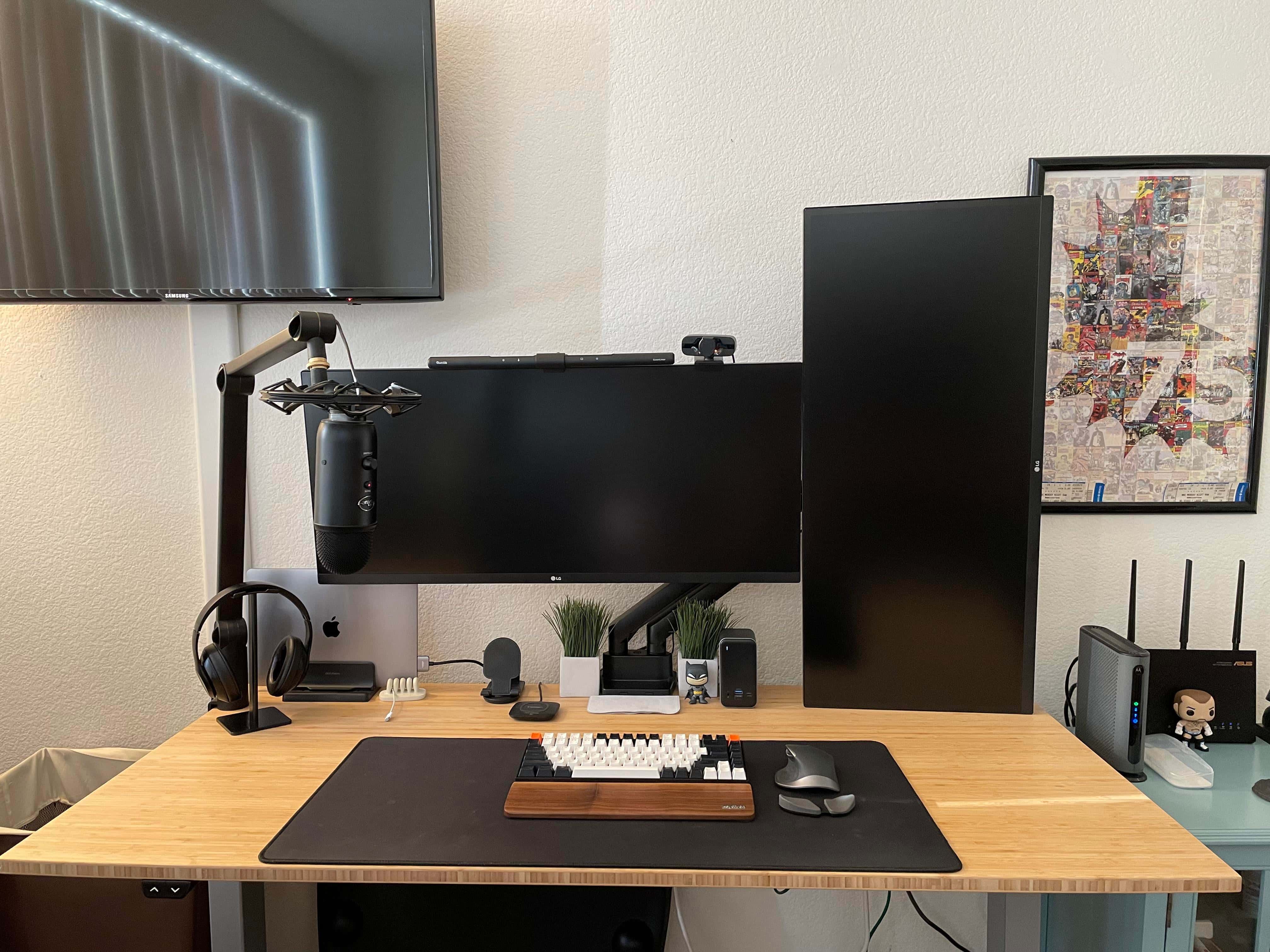
In round 2, I experiment with an open laptop stand, a mechanical keyboard with a wrist rest, a Magic Trackpad 2, an ergonomic mouse with a trackball and a monitor light bar.
Photo: David Snow/Cult of Mac

I wrote recently about the shameful squalor of my previous “setup” — basically a borrowed PC laptop perched on a pile of junk — and my effort to build something worthwhile around a gleaming new 14-inch M1 Pro MacBook. Well, like a lot of people in the throes of building a computer setup, I found that second-guessing haunted me into buying a whole lot of alternative gear.

You know, for testing purposes. Trial and error. Not because of my apparent shopping addiction. Or not much, anyway.

Keeping it weird with a ‘dual-display laptop’ and an ortholinear keyboard [Setups]

By

A portable monitor is mounted over the MacBook Pro's keyboard and an ortholinear-layout keyboard is the main input device.
Photo: [email protected]

We see a lot of dual- and multi-display workstations here at Setups Central, but we can’t recall seeing a “dual-display laptop” or a “laptop monitor stack.” Those are terms we made up for a second portable display mounted under a laptop’s screen and on top of its keyboard, as in today’s featured setup.

Are MacBook Pro’s MagSafe chargers really too strong? [The CultCast]

By

The CultCast Apple podcast: The new MacBook Pro's MagSafe might just be too strong!
The new MacBook Pro's MagSafe might just be too strong!
Image: Killian Bell/Cult of Mac

This week on Cult of Mac’s podcast: Reports of MagSafe connectors being too strong on the new MacBook Pros leave us scratching our heads. Is MagSafe-gate for real? It’s always something when Apple releases a killer new product….

Also on The CultCast:

  • Tech companies seem in a frenzy to get new MacBook Pros in their employees’ hands.
  • Apple storms into the MDM game.
  • And an all new Under Review!

Listen to this week’s episode of The CultCast in the Podcasts app or your favorite podcast app. (Be sure to subscribe and leave us a review if you like it!) Or watch the video livestream, embedded below.

The next Mac revolution: Companies rush to buy new M1 machines

By

Adobe Photoshop does support the MacBook Pro notch.
"Engineering hours are much more expensive than laptops."
Photo: Apple

The new MacBook Pro lineup is an exceptional upgrade over its predecessors, with new M1 Pro and M1 Max chipsets that offer more mobile computing power than ever before. And big companies are scrambling to reap the benefits.

The likes of Reddit, Twitter and others are rolling out 2021 MacBook Pro units to employees so that they can take advantage of the massive performance gains. “Engineering hours are much more expensive than laptops,” one said.

Apple spoils the one thing that made MacBook’s MagSafe charger so great

By

2021 MacBook Pro MagSafe
Is the new MagSafe charger too secure?
Photo: Apple

Apple brought back the MagSafe charger for its newest MacBook Pro models — much to the delight of long-time fans who have appreciated the proprietary charging port in the past. And although it might be faster now, Cupertino has spoiled one of the biggest things that made MagSafe charging so great.

2021 MacBook Pro adopters are taking to Reddit and other online forums to complain that MagSafe’s new magnets are too damn strong.

Going ‘ergo everything’ with an M1 MacBook Pro rig [Setups]

By

Ergonomic furniture and peripherals plus pleasing decor equal comfy setup.
Photo: [email protected]

Coincidentally, our last Setups post concerned itself with proper ergonomics, and today’s sticks with the theme. On Friday we wrote about a person making a comfortable and productive workstation out of little more than a laptop. This time, someone has gone “ergo everything” on an M1 MacBook Pro rig with a big external monitor and a nice set of peripherals, furniture and accessories.

No Face ID in MacBook Pro is a missed opportunity

By

No Face ID in MacBook Pro is a missed opportunity
There’d be far fewer complaints about the MacBook Pro notch if it included Face ID.
Graphic: Ed Hardy/Cult of Mac

Saying the 2021 MacBook Pro’s screen notch is controversial is putting it mildly. But Apple could have made it easier to bear. Building in Face ID would have better justified the display cutout — and also made the newest macOS notebooks easier to use.

Apple execs recently revealed why the MacBook Pro utilizes Touch ID instead of Face ID. And the reason is not convincing. The facial-recognition system is a better fit for MacBook than it is for any other Apple product — including ones it’s already built into.

2021 MacBook Pro owners suffer kernel crashes when playing HDR video

By

2021 MacBook Pro
That's not fun.
Photo: Apple

Some 2021 MacBook Pro owners are reporting that their new machines are susceptible to kernel crashes when playing HDR video on YouTube. The problem appears to be happening inside Safari and third-party web browsers.

It’s not yet clear what the root cause is — or if it will be fixed with the upcoming macOS 12.1 update, which is currently in beta testing ahead of its release.

M1 Max MacBook Pro slays a monster PC, and iMac Pro will be even better! [The CultCast]

By

If the M1 Max MacBook Pro slays monster PCs, what will the next iMac Pro be capable of? [The CultCast]
If an M1 Max in a laptop can destroy a specced-out PC, what will the next iMac Pro be capable of?
Image: Killian Bell/Cult of Mac

This week on Cult of Mac’s podcast: Just how well does an M1 Max-powered MacBook Pro perform against a monster PC built out of top-tier components? The results might blow your mind. Again. And what does that say about the rumored iMac Pro we’ll see next year?

Also on The CultCast:

  • Possible specs for next year’s iMac “Pro.”
  • Crash detection coming for drivers with iPhones/Apple Watches?
  • Our latest favorite TV shows and movies in an all-new What We’re Into!

Listen to this week’s episode of The CultCast in the Podcasts app or your favorite podcast app. (Be sure to subscribe and leave us a review if you like it!) Or watch the video livestream, embedded below.

M1 MacBook Air helps Apple shift a whopping 6.5 million notebooks in Q3

By

MacBook Air power
Despite chip supply problems, the MacBook business is booming.
Photo: Apple

Apple shipped a rather impressive 6.5 million notebooks last quarter, according to new data — thanks in large part to the success of the M1 MacBook Air. That figure makes Cupertino the fourth-largest laptop vendor in the world.

Although Lenovo, HP and Dell all shipped significantly more laptops than Apple during the three-month period, the MacBook-maker did see decent growth of 10% over the same quarter last year.

Those MacBook Pro benchmarks blow our minds [The CultCast]

By

The CultCast: M1 Pro and M1 Max benchmarks show what nasty beasts the MacBook Pros really are.
M1 Pro and M1 Max chips make the new MacBook Pros truly nasty beasts.
Imace: Killian Bell/Cult of Mac

This week on Cult of Mac’s podcast: The first MacBook Pro benchmarks and reviews reveal just how beefy these astonishing beasts really are. Powered by Apple’s outrageous new M1 Pro and M1 Max chips, these laptops blow away their predecessors — and basically blow our minds. Erfon is in awe!

Also on The CultCast:

  • MacBook Pros look very good for gaming, too.
  • Intel chief takes on an impossible mission.
  • Leander gives third-gen AirPods a listen (and he likes what he hears).

Listen to this week’s episode of The CultCast in Apple’s Podcasts app or your favorite podcast app. (Be sure to subscribe and leave us a review if you like it!) Or watch the video livestream, embedded below.