Transform your old Mac into a Chromebook with Chrome OS Flex Photo: Google
If you have an elderly Mac that’s not up to the demands of the latest macOS version, you can turn it into a Chromebook. All you need is Chrome OS Flex, an operating system Google created for older Macs and PCs.
The OS is still in beta, and targeted at businesses and schools. Nevertheless, it might become a way to bring some new life to your obsolete Mac.
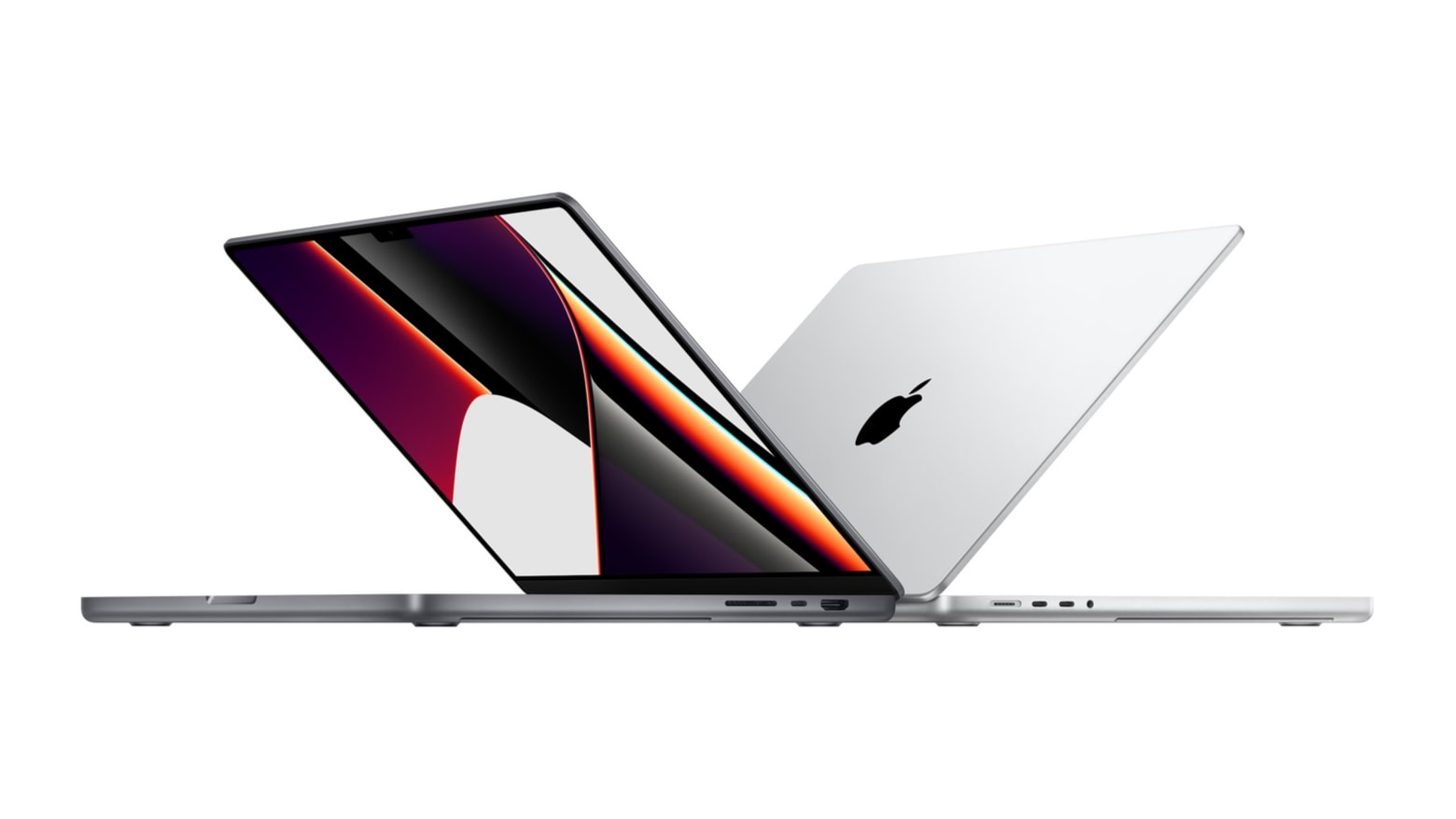
Apple is expected to introduce its first MacBook Pro with a next-generation M2 chipset in March, but it may not be the upgrade many fans are hoping for.
A new report, citing a “reliable source with close links to Apple’s supply chain,” claims the device will be identical to the 13-inch MacBook Pro — complete with Touch Bar. It is not expected to get a display upgrade.
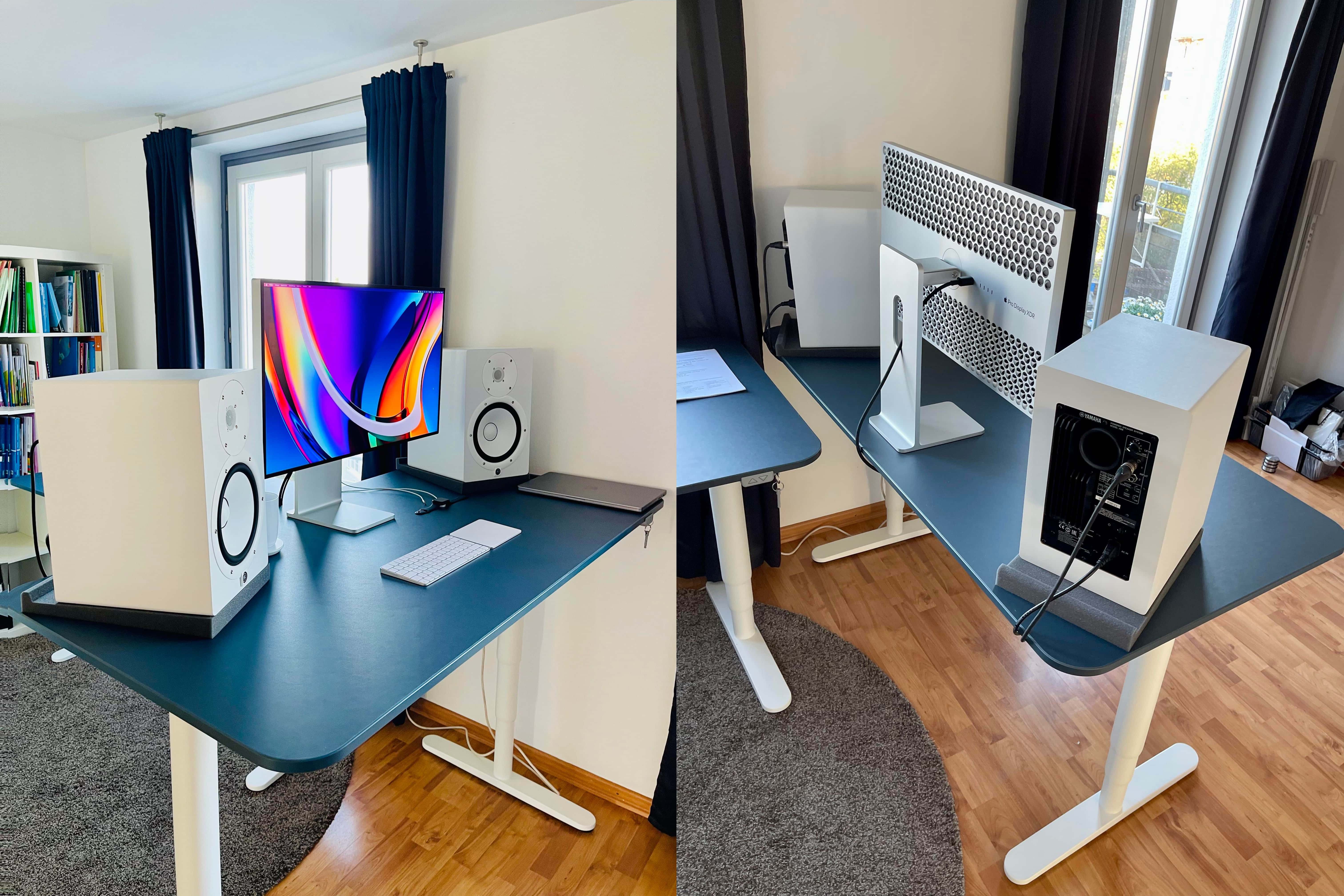
Which makes you swoon more, the 30-inch Cinema Displays or the mounted Yamaha powered speakers with the Mackie Big Knob controller? Photo: [email protected]
There’s something special about old Apple gear. Maybe that’s why it comes up fairly frequently in Cult of Mac‘s Setups coverage. One of the most-beloved classics in Apple’s storied history of beloved products is the Cinema Display. Today’s featured setup sports not one but two 30-inch Cinema Displays, the big stunners Steve Jobs introduced to an absolutely dazzled Worldwide Developers Conference audience in 2004.
So, naturally, questions came up about how to best use them with a newer Mac.
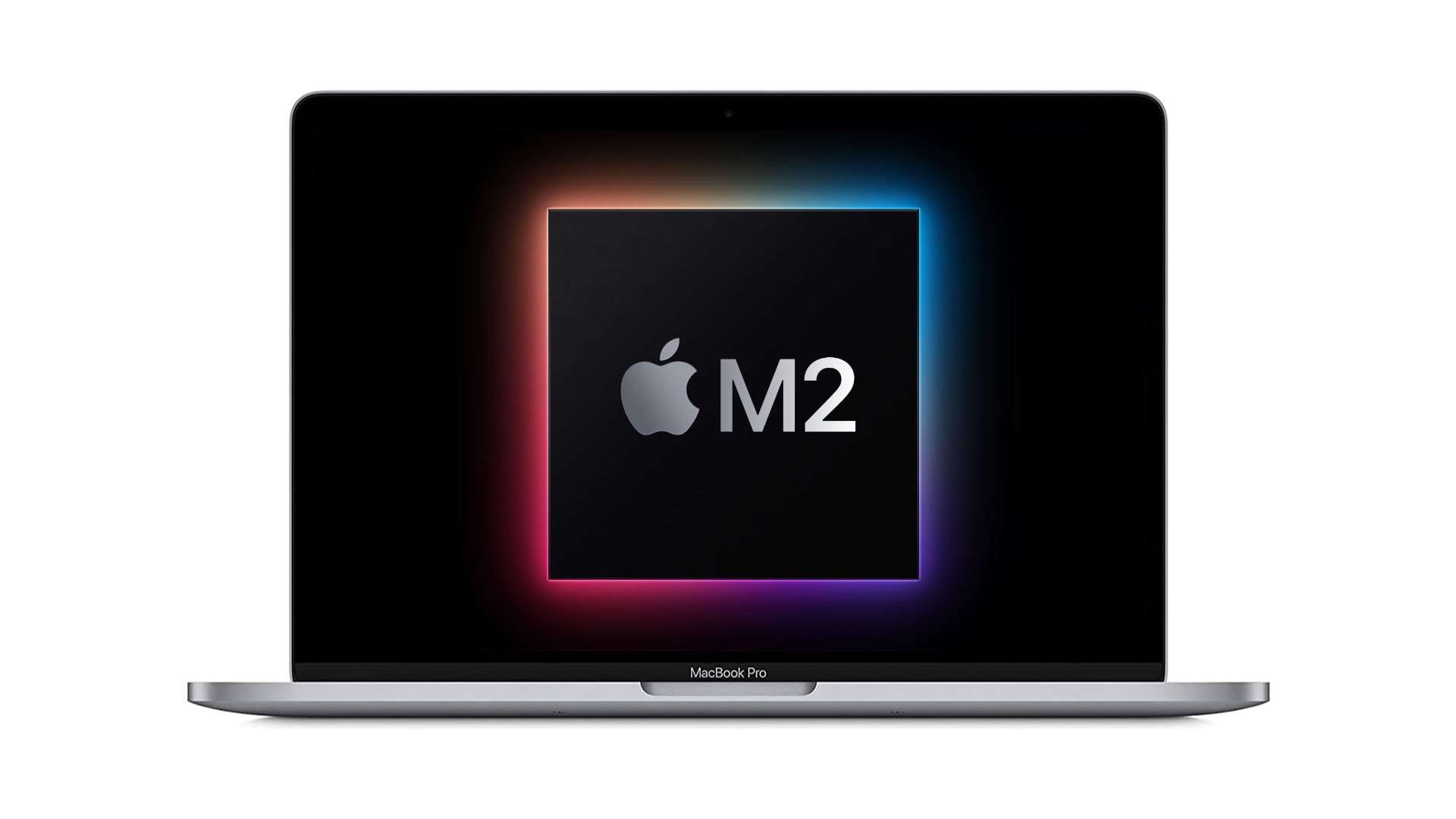
Is a new M2 chip right around the corner? Image: Apple/Cult of Mac
Regulatory filings for three new Mac models have been spotted ahead of Apple’s rumored spring event next month. Recent reports suggest Cupertino could be planning a new MacBook Pro with a next-generation “M2” chipset. Rumors also indicate Apple continues to work on a bigger iMac, a new MacBook Air and a new Mac mini.
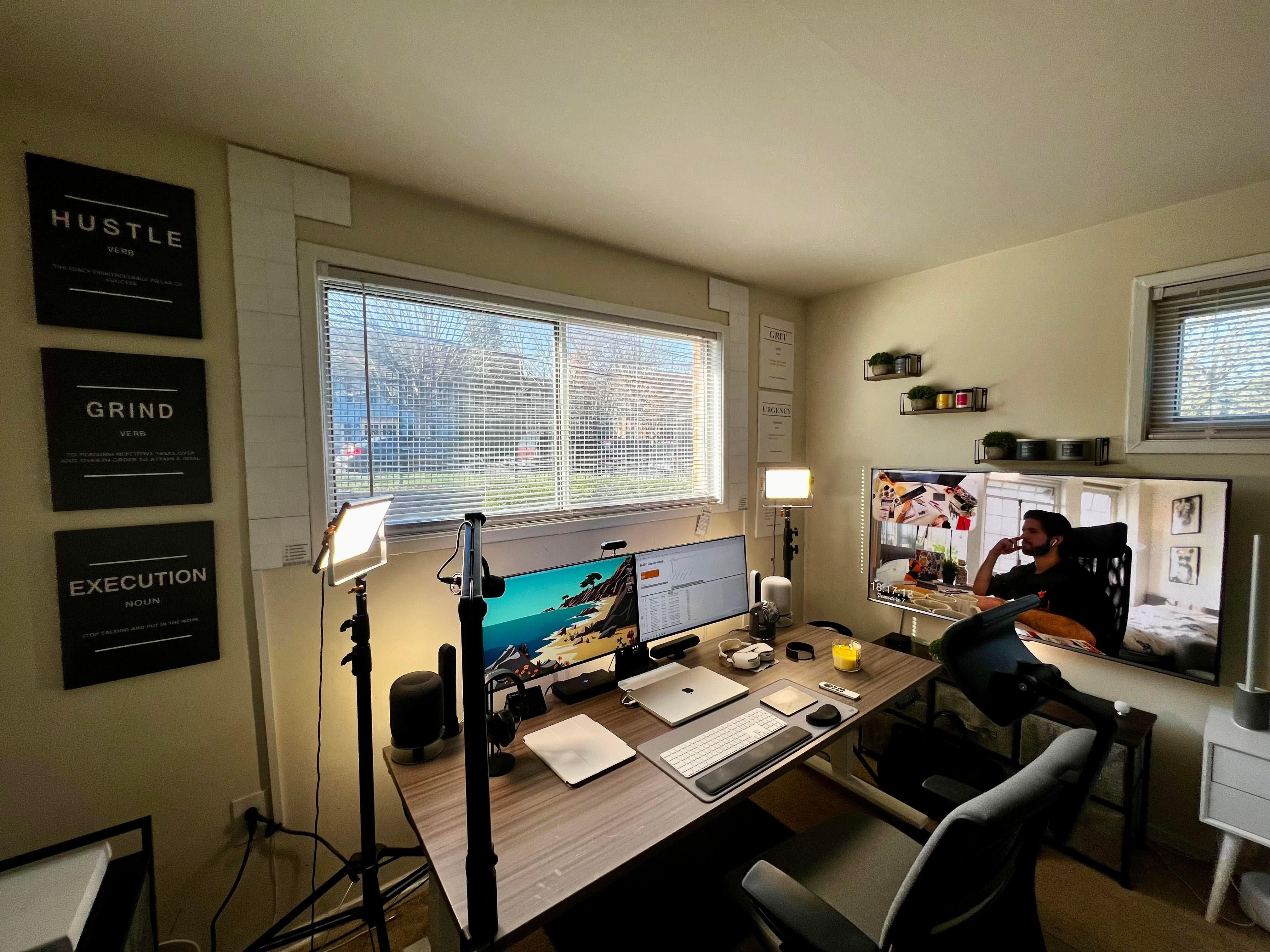
After seven years working at home, Derek Seaman built this computer setup. Photo: Derek Seaman
Blogger Derek Seaman may be an IT systems architect in his day job, but he also designs and builds advanced computer setups. That is, if his home office is any indication. Which it is.
He shared his MacBook Pro-driven workstation — actually, the whole room — with Cult of Mac recently.
Two items that set this setup apart are the iPad stand and the elevated Edifier speakers. Photo: [email protected]
When you spend loads of time at a desk, it’s natural to wonder how you might remain chained to it but still somehow get exercise. That’s why under-desk treadmills exist, of course. But can you really get things done while walking in place?
Today’s featured M1 MacBook Pro setup answers the question and offers up a couple of other tantalizing tidbits, like a killer iPad stand and affordable bookshelf speakers with isolation pads.
This thing bristles with 18 ports, the most ever on a Thunderbolt 4 dock, CalDigit said. Photo: CalDigit
CalDigit said Tuesday its newly released Thunderbolt Station 4 dock for MacBook Pro sports 18 ports — the most ever on a Thunderbolt 4 dock. The company said it’s also the only TB4 dock with 2.5 Gigabit Ethernet as well as 98W of charging power.
Could we get an M2 Mac earlier than expected? Photo: Apple
Apple’s next MacBook Pro upgrade could be right around the corner. Supply chain sources claim a new model with a next-generation M2 chip will be unveiled during Cupertino’s spring event next month.
Aside from the silicon upgrade, the new MacBook Pro is expected to employ the same internals as existing models. Apple suppliers reportedly kept production going during the Lunar New Year to prepare for the machine’s arrival.
This is the desktop in unprotected mode. Down, Fluffy! Photo: [email protected]
Anyone with a curious cat knows the desktop can be one of their favorite spots. Sometimes it’s like they’re trying to ensure you can’t work, as they sit or stretch out right on top of the keyboard or in front of the screen. And that’s just when you’re sitting there. Who knows what they do when you’re away. Other than dreaming up other ways to hasten your unemployment.
Lucky for you, today’s featured computer setup shows a simple method for protecting peripherals like input devices — keyboard, mouse, perhaps a trackpad — from pushy pets. And if you’ve got canines, take heart. It also works for dog slobber.
That display is not wall mounted. And it's not levitating, either. It just looks like it is. Photo: [email protected]
Who doesn’t love good optical illusions? And they’re especially cool when they result from an unexpected action that works as well as the expected action. Today’s featured computer setup surprised us with a floating display.
Thing is, though, the screen is not mounted on the wall. And it’s not levitating, either.
Connect two 4K displays to one port on your Mac with Sonnet's new adapters. Photo: Sonnet Technologies
If you want to run more than one display with your M1 MacBook Air or M1 MacBook Pro, Sonnet Technologies just made things easier. The company rolled out new dual-display adapters that let you hook up two 4K displays to your laptop using just one of its precious few ports.
Thanks to Edison bulbs and Govee light strips for all these colors. Photo: [email protected]
Some computer setups knock your socks off with lighting. It can be tasteful, warm, welcoming and conducive to work without eye strain. It can be bright, inventive and dazzling, like fantastic decorations. Or, as in today’s MacBook Pro-based featured setup, it can be either one of those, depending on both choice of settings and time of day.
The light show in today’s workstation derives from two sources, or schemes. One involves two very different table lamps. The other involves LED light strips.
Does this look like a designer's setup, or does this look like a designer's setup. Photo: [email protected]
Leave it to a digital product designer to work their magic in a tastefully pristine workstation with an absolute minimum of cable clutter. “Cable management gets a 10 out of 10,” one person said of today’s featured computer setup. And all that walnut wood doesn’t hurt, either.
But how did they manage to tame the cable monster?
Apple is preparing to launch the “widest array” of new products in its history, according to a new report. This fall is expected to bring new iPhone models, a more affordable MacBook Pro, and big refreshes for iMac and Mac Pro.
That’s in addition to a “revamped” MacBook Air, new AirPods Pro, and lots more. Apple is also said to be preparing an iPhone SE refresh for this spring.
A "monstrous" chip might power the next Mac Pro. Image: Killian Bell/Cult of Mac
This week on Cult of Mac’s podcast: Leaks, rumors and government filings give us an even clearer look at what Apple’s product pipeline looks like for 2022. We’re expecting big changes to the pro Mac lineups this year — including a hybrid Apple “Frankenchip” based on the M1 series.
Also on The CultCast:
Bye-bye, 13-inch MacBook Pro!
See you soon, new iPhone SE and iPad!
We’ll miss you, Apple discount “loophole” for teachers and students! (Post-show update: It’s back.)
Listen to this week’s episode of The CultCast in the Podcasts app or your favorite podcast app. (Be sure to subscribe and leave us a review if you like it!) Or watch the video livestream, embedded below.
In terms of proper ergonomics, the "before" photo set off some alarm bells. Photo: [email protected]
If your computer setup had three screens, including a MacBook Pro, an iPad and a 32-inch external monitor, would you make the iPad the center screen? Would you put your screened devices on stands, or leave them at or near table level? Today’s setup saw a transition that might actually save its owner from years of physical therapy.
“This is what neck pain would look like if it were a setup,” someone said about the “before” photo, above.
We're nearing the end of the 13-inch MacBook Pro era. Photo: Apple
Apple will scrap the 13-inch MacBook Pro this year after introducing a new 14-inch model with a next-generation “M2” chip, one tipster claims.
The company is also said to be planning a new entry-level iPad with a 10.2-inch display — the last iteration before a big redesign is rolled out in 2023 — that will offer super-speedy 5G connectivity for the first time.
Another trash can Mac Pro is still doing its thing. Here you see it elevated to help with cooling. Photo: Andrew-UK
Reader and technologist Andrew (last name redacted, so to speak) runs a “boutique AV, IT [and] cyber systems integration company from a home office” in London — though he supports sites worldwide. Clearly, he has a lot to do.
And he does it using a late-2013 Mac Pro he fondly said should be on the Death Star from Star Wars, plus a 2017 MacBook Pro he described to Cult of Mac as “perhaps the worst-constructed laptop I have ever owned.”
Mmm ... space gray Magic Keyboard and Magic Trackpad. What, no mouse? Photo: [email protected]
If Apple takes something away, people tend to want it more. We see this in the persistent coveting of space gray peripherals — Magic Trackpad, Magic Keyboard, Magic Mouse 2 — that the Cupertino tech giant stopped selling separately last year after the iMac Pro’s discontinuation.
Following the space gray iMac Pro’s launch in 2018 with matching peripherals exclusive to it, owners found they could sell the dark-hued input devices for mad money. So Apple jumped on that market, charging a slight premium over the silver versions, though not forever. But space gray gear still carries a certain cache.
Elago's 3-in-1 Charging Hub keeps your iPhone, Apple Watch and AirPods going. Photo: Elago
In a festive New Year’s promotion, Elago is offering every accessory in the Cult of Mac Store — hundreds of items, all in one place — at 15% off through January 7. No matter what Apple products you may have received as gifts over the holidays, there’s something for your in the sale. We cover some highlights below.
A new MacBook Pro replaced a 2019 27-inch iMac in this setup. Photo: [email protected]
The new M1 Macs are impressive — especially the newest of the new, the M1 Pro and M1 Max MacBooks. They’re so impressive, we see them replacing even late-model desktop Macs that have years of useful and even impressive life left in them. Such is the case with today’s year-end setup.
In a twist on the old phrase uttered at this time of year, “Out with the (not very) old, in with the (insanely great) new.”
That's a sweet ride in the center, there, under the 32-inch LG monitor. Photo: [email protected]
It’s Christmas Eve, and all we want for the holiday is a Porsche 911. It could be a gleaming new one, with a base price of a mere $99,200. It could be super-cool vintage one. Or it could even be a Lego one like the one featured in today’s MacBook Pro and iPad Pro-driven setup.
OK, given our paltry income, who are we kidding — we’d even take a die-cast 911, like the Matchbox cars of our youth.
Journey's tiny GaN2 charger is exceptionally small but delivers 30W of power to a variety of devices. Photo: Journey
This GaN2 charger post is presented by Journey, a brand of Alogic.
These days, you really don’t have to live with slow chargers for your iPhone, iPad, MacBook Pro and other devices. That’s because gallium nitride (GaN) technology makes it possible to pack components into small spaces, resulting in tiny but powerful charging gadgets like the Journey 30W USB-C Mini Charger.
It’s fast. It’ll charge almost anything. And because it’s one of the smallest chargers you can get, you can take it anywhere. Even better, Journey’s current promotion offers the little powerhouse for 30% off with the code BLACK30.
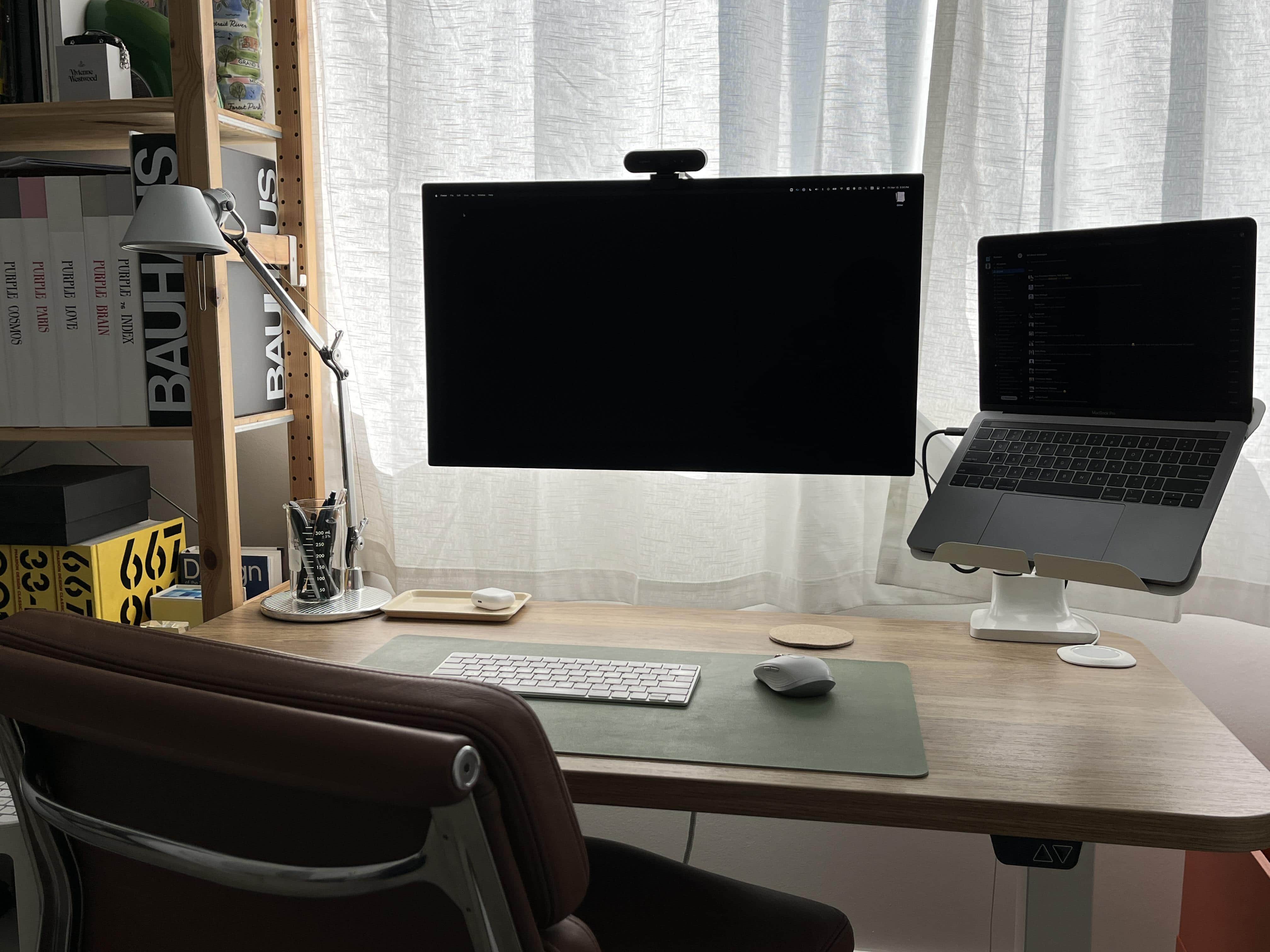
The Uplift standing desk and its accessories helped a lot with reducing cable clutter. Photo: [email protected]
OK, so no 2021 award for Most Fastidious Cable Management, mentioned in this article’s headline, exists — at least not around here. But if it did, we might hand it to the person behind today’s setup.
It centers on a 2020 13-inch MacBook Pro and a 32-inch LG 4K display. And it keeps cable clutter to an extreme minimum.
The new Echo 5 Thunderbolt 4 hub provides 85W of charging power. Photo: Sonnet Technologies
Sonnet Technologies rolled out its new Echo 5 Thunderbolt 4 Hub on Tuesday to enable Mac and iPad Pro users — or anyone with a Thunderbolt 3 or 4 port on their machine — to expand their connectivity to peripherals like displays, input devices and storage. And it offers a robust 85W of charging power.
When you get a computer or tablet and it has fewer ports than you’d like, hubs like this one can come in handy.