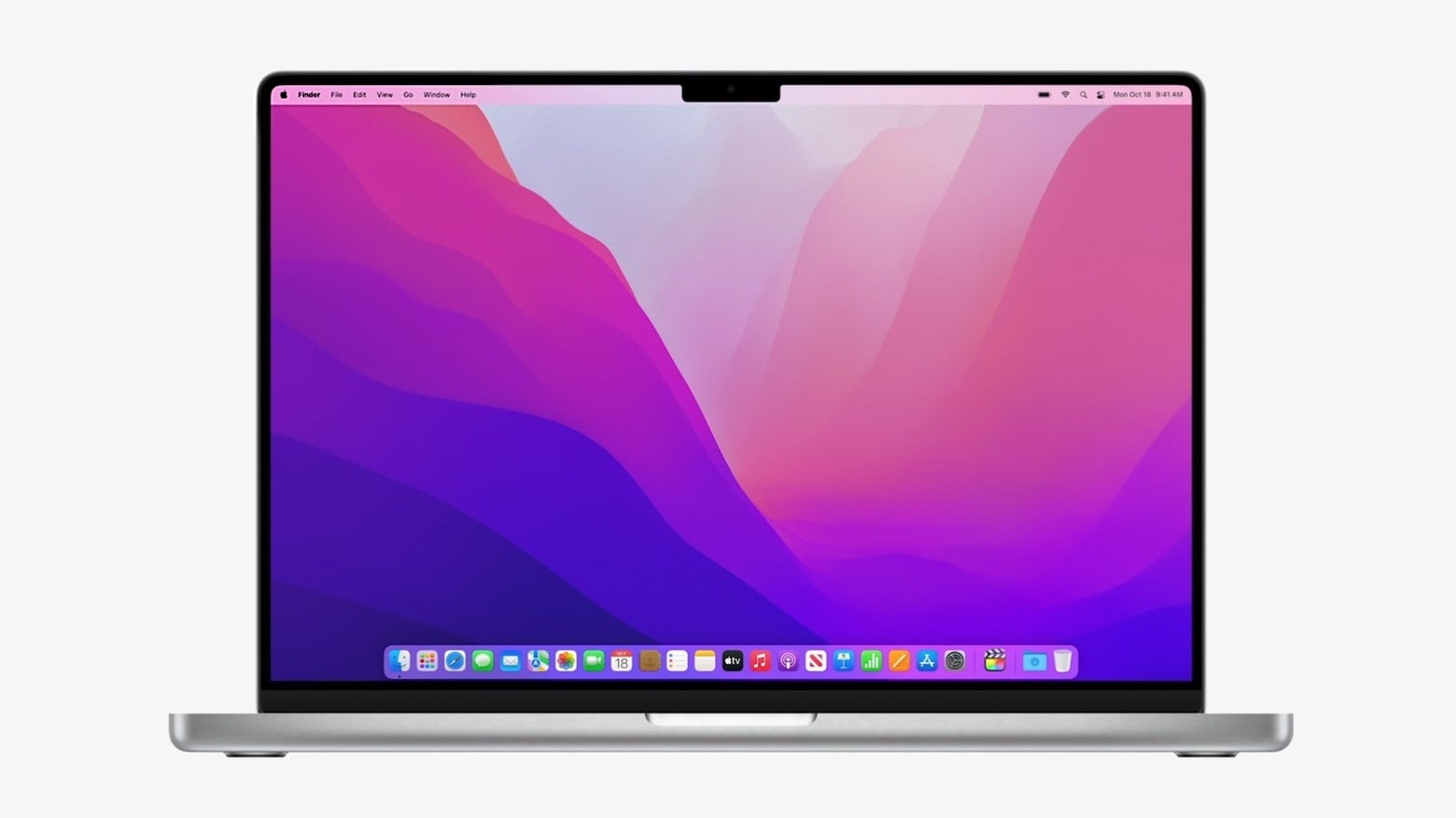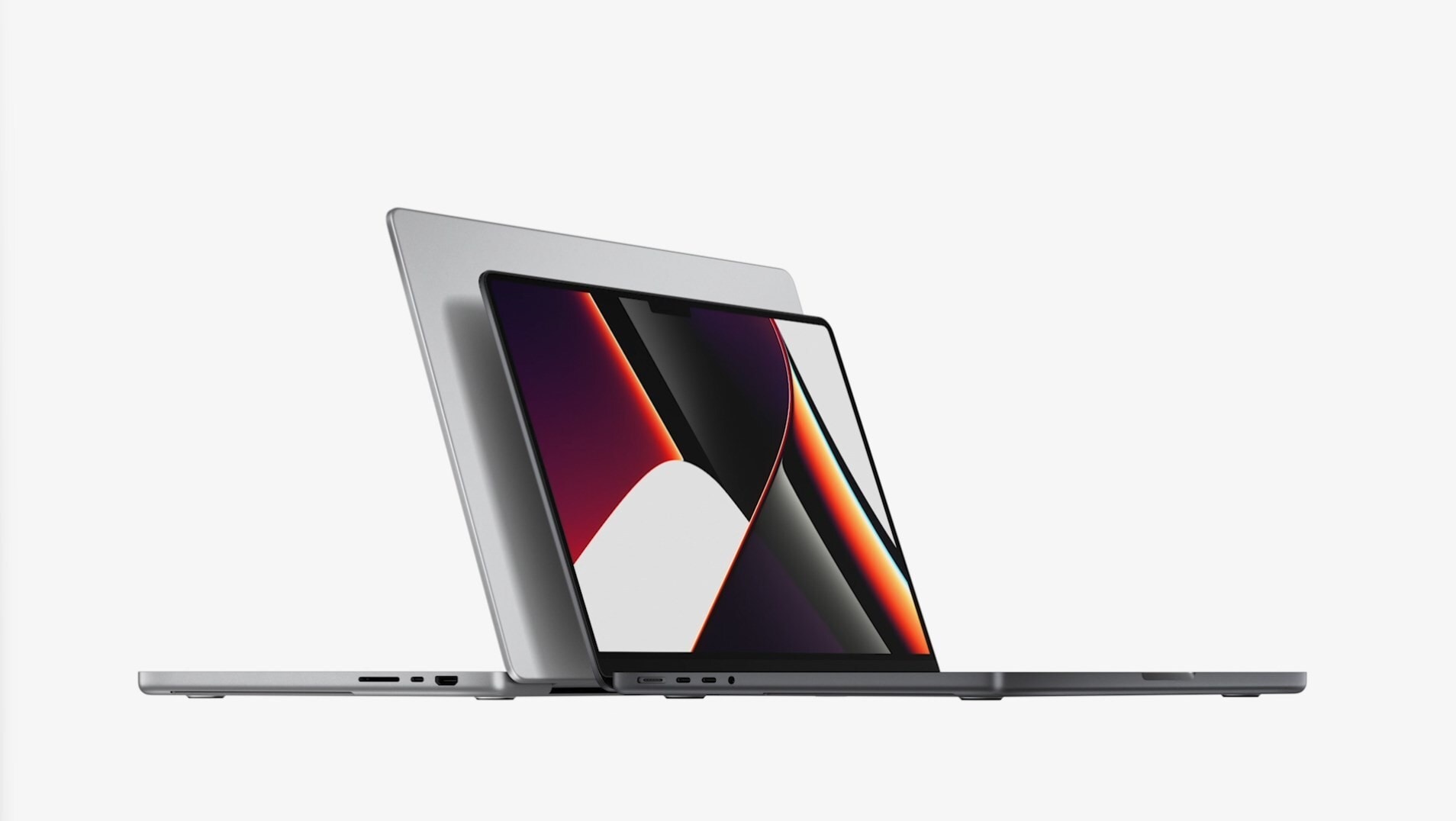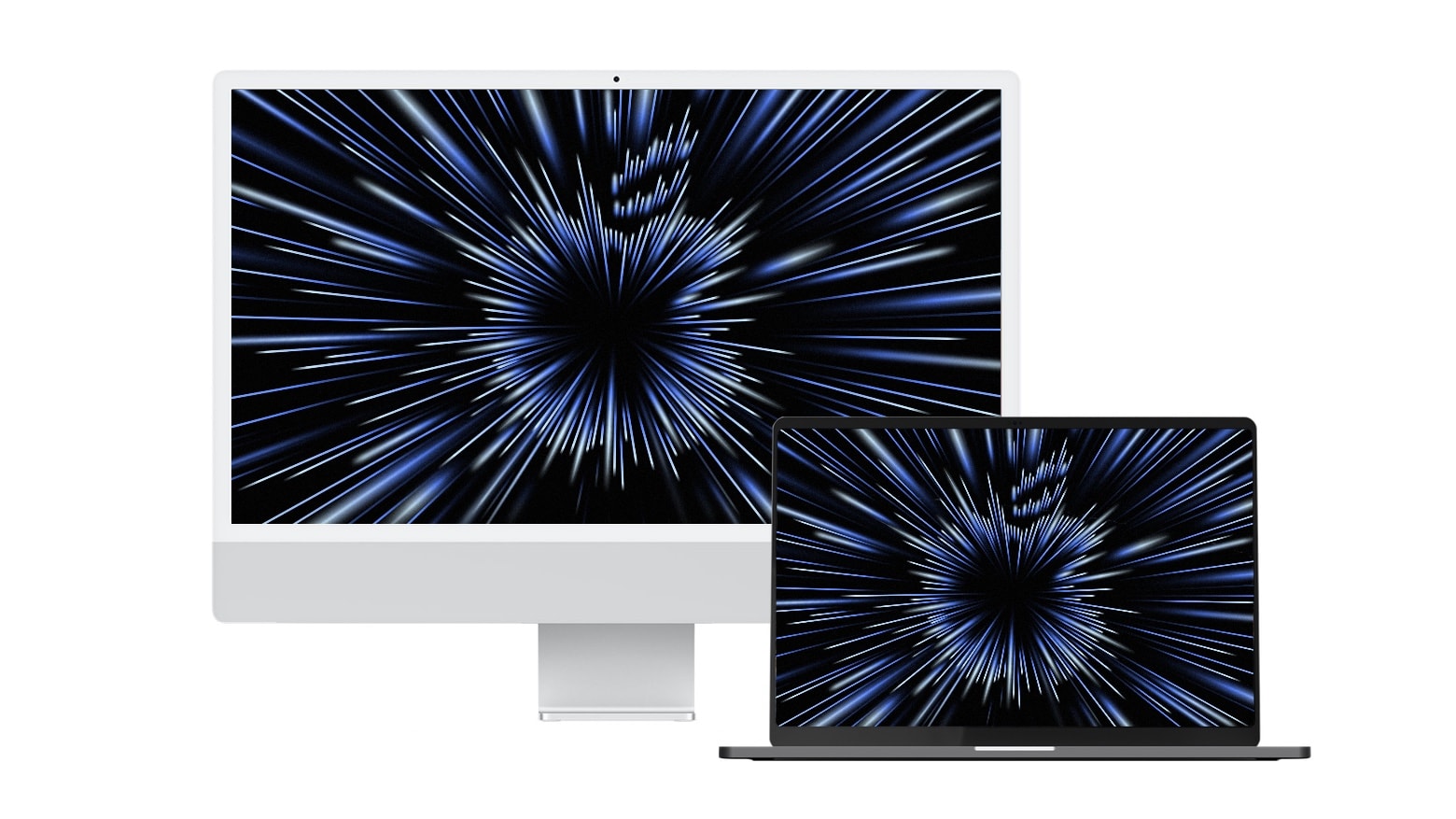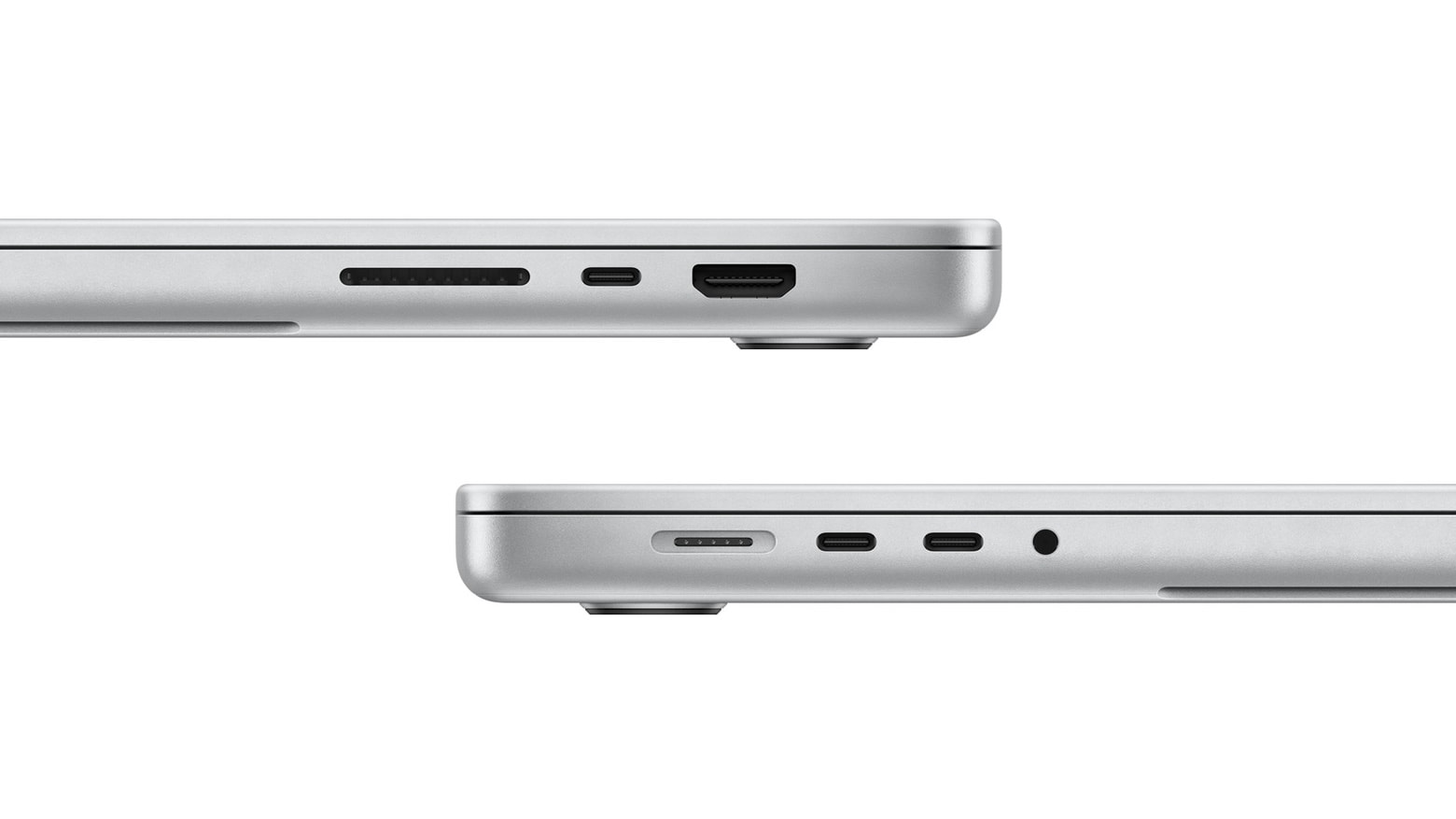
Good news: the MacBook Pro notch doesn’t hinder cursor movement. Photo: Apple
The recently announced MacBook Pro models are the first with a screen notch. This raised questions about how the cursor handles the cutout. Will the cursor get stuck on the notch? Or will it pass through? Or automatically flow around?
Wonder no more: We have an official answer from Apple.
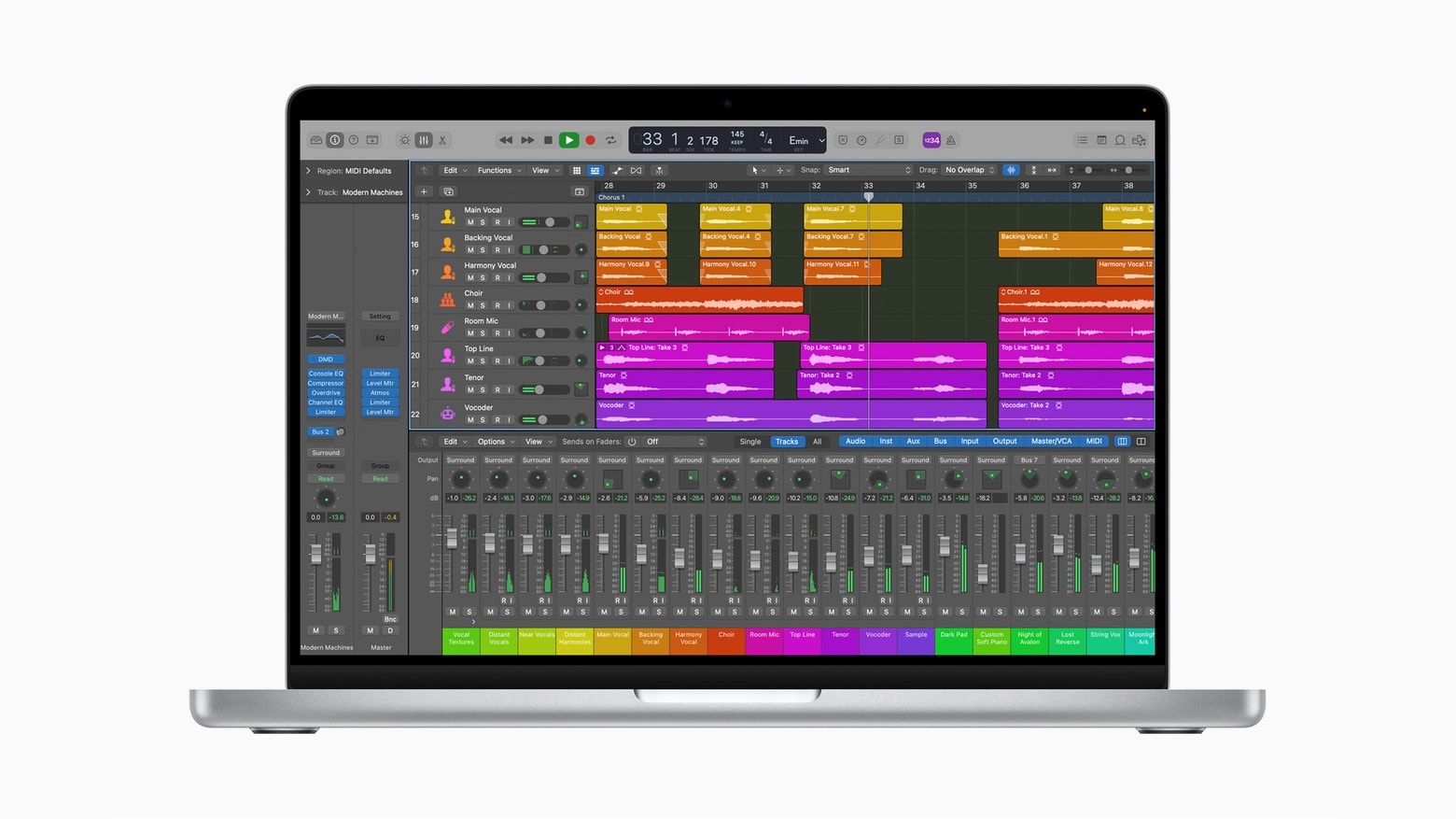
Apple Logic Pro running on the 2021 MacBook Pro shows a lot of dead space because there’s no support for the screen notch. Photo: Apple
The just-launched MacBook Pro models are the first with a screen notch. And this apparently came as a surprise to many of Apple’s own software developers as some of the company’s professional apps don’t support the screen cutouts. Which means they can’t fill the new Mac displays and must leave blank areas.
This won’t make it easier for Apple to convince third-party developers to fully support the latest macOS notebooks.
Spider-Man: Miles Morales on PlayStation 5. Photo: Marvel
MacBook Pro’s mind-blowing M1 Max chip could deliver even greater graphics than Sony’s newest PlayStation 5 console, according to early estimates. It has even more raw GPU power, at least on paper, with up to 32 graphics cores.
Apple already promised that it would offer “similar performance” to a “high-performance discrete GPU” in competing laptops. But whether Mac users actually get similar gaming experiences is another matter.
Send in your M1 MacBook Air or MacBook Pro for a juicy discount. Photo: Apple
Apple is offering a rather generous trade-in deal on the exciting new MacBook Pro, with up to $1,000 in credit available for those who send in an M1 MacBook Air or MacBook Pro. The credit could reduce the price of your new notebook to as little as $999 — or $1,499 if you opt for the larger 16-inch model.
The value of your existing machine depends on its condition and specifications, however, it seems RAM capacity doesn’t make a difference.
You can still get the 16-inch MacBook Pro before Christmas, if you hurry. Photo: Apple
You might find yourself waiting months to get the just-announced MacBook Pro. Order one of the standard configurations and it’ll arrive in this month or November at the latest. But upgrade the configuration and the wait time slips back to mid-December.
Anyone hoping to get a redesigned 14-inch or 16-inch MacBook Pro with the powerful new M1 Pro or M1 Max processor with a minimal wait should get their order in soon. Those who want a top-of-the-line configuration before Christmas really ought to hurry.
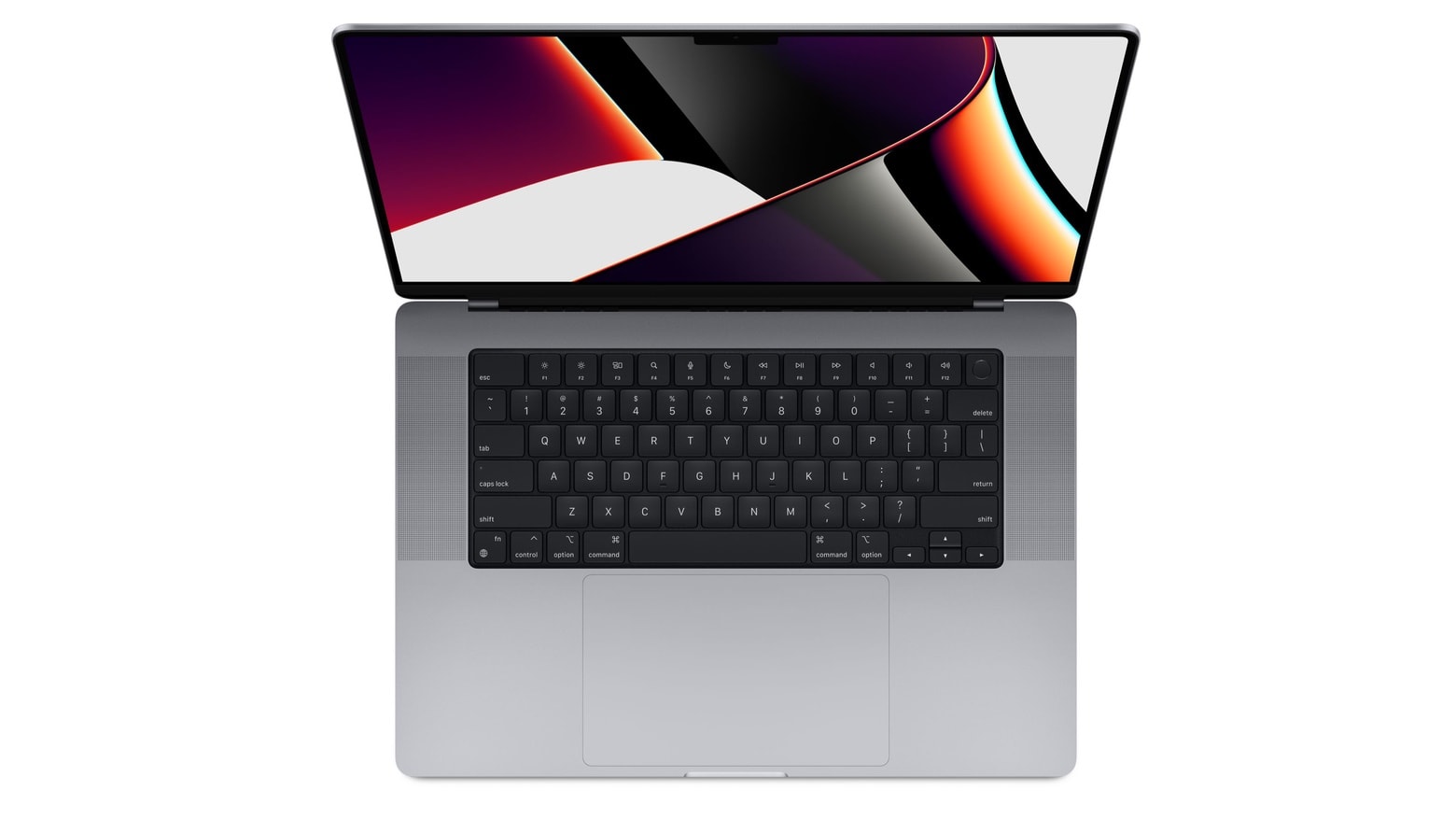
The lengthy wait for a major MacBook Pro refresh is over, and boy, was it worth it. Apple’s newest flagship notebook, unveiled Monday during the company’s big “Unleashed” event, features edge-to-edge Liquid Retina displays, insane M1 Pro and M1 Max chipsets, and all-new designs that bring back some important ports and features — including MagSafe charging.
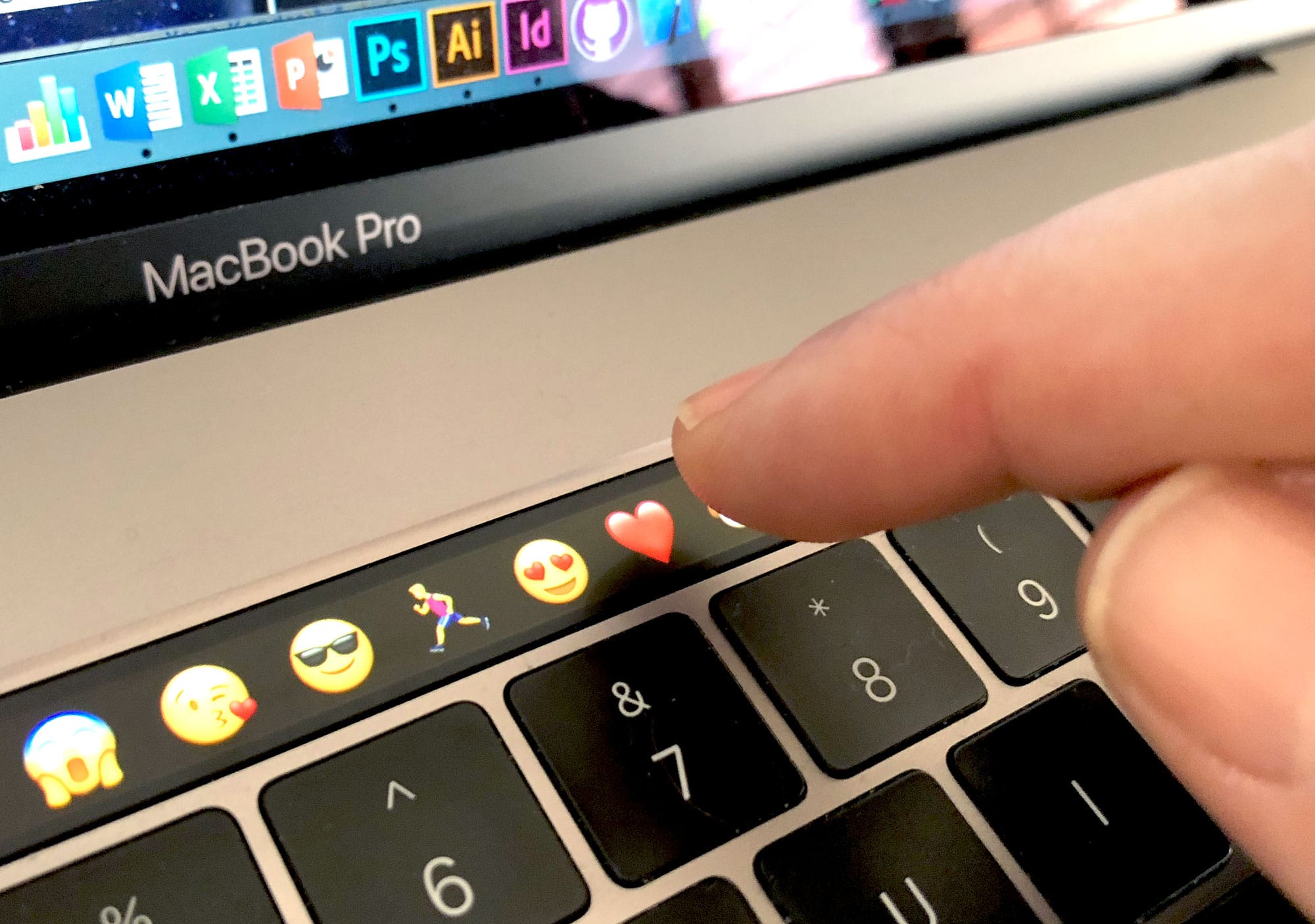
The 2021 MacBook Pro lineup also bids farewell to the controversial Touch Bar, replacing it with a slightly revamped Magic Keyboard that goes back to physical keys (now full-size) for the function row. You can order yours today, with prices starting at $1,999.
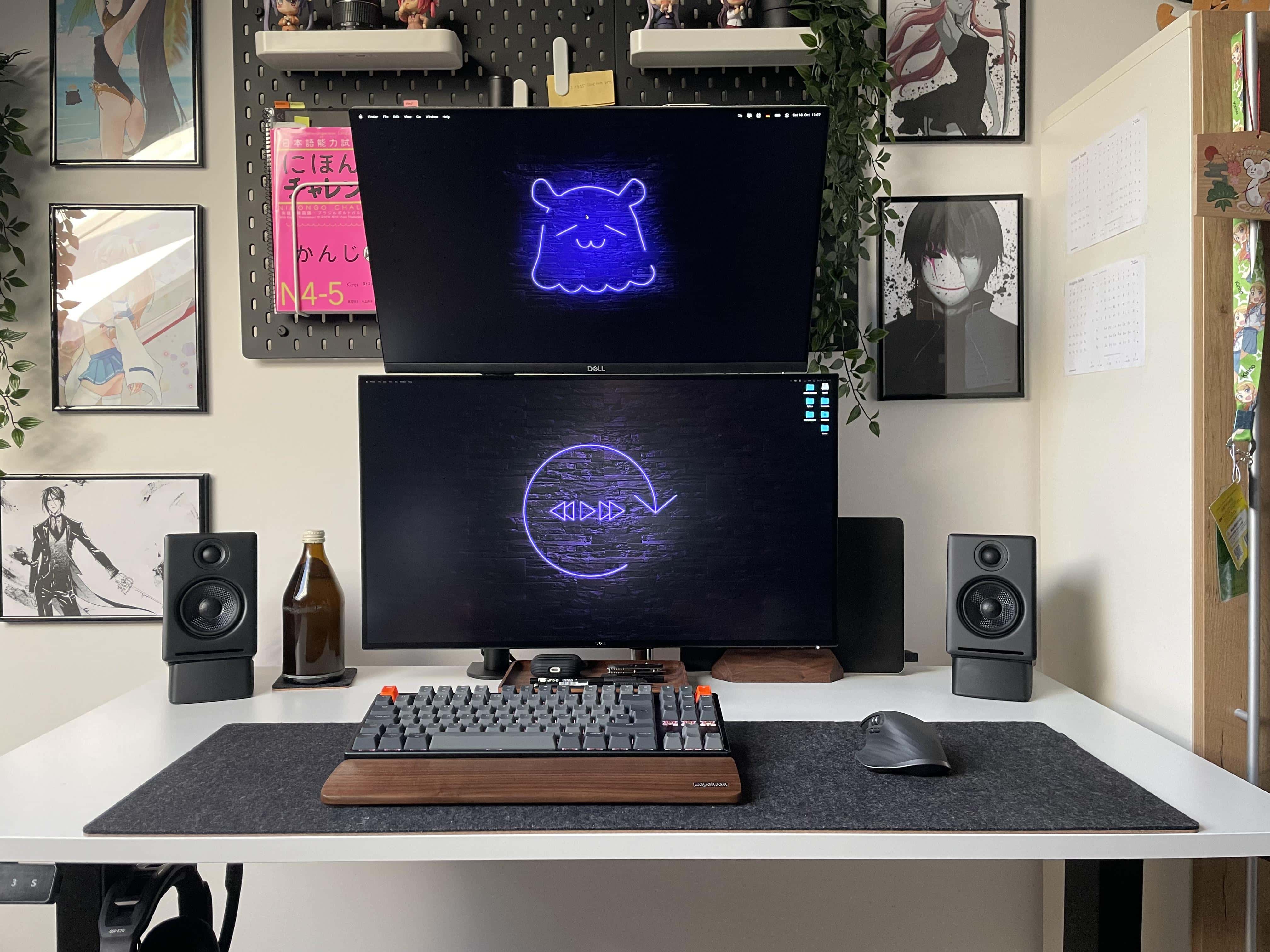
People wonder why one monitor isn't set vertically (portrait) rather than way up high. Well, there's a reason for that.
When you see people online showing off their computer setups with dual displays, you often see side-by-side horizontal monitors (landscape mode). Sometimes you see a horizontal screen and a vertical one (portrait mode). And sometimes you see stacked displays, with one landscape-oriented monitor mounted on top of another.
Sometimes you see the stack because of space issues, where there’s simply no room to either side of the setup. Other times you see a stack when someone wants to run four or five displays. And there are cases where the user couldn’t get one monitor to work in portrait mode, so they had to have both screens in landscape mode.
Apple will finally ditch the MacBook Pro’s controversial Touch Bar and replace it with a row of full-size function keys when it unveils its big refresh later today, according to a new report based on leaked schematics for the new device.
Apple first brought the Touch Bar to MacBook Pro in 2016, and despite it being a neat idea, it never really took off among power users or app developers. It seems most MacBook Pro owners try their best to ignore its existence.
Plenty of new Macs are possibly on the agenda for the Apple October event. Concepts: Ed Hardy/Cult of Mac/Antonio De Rosa
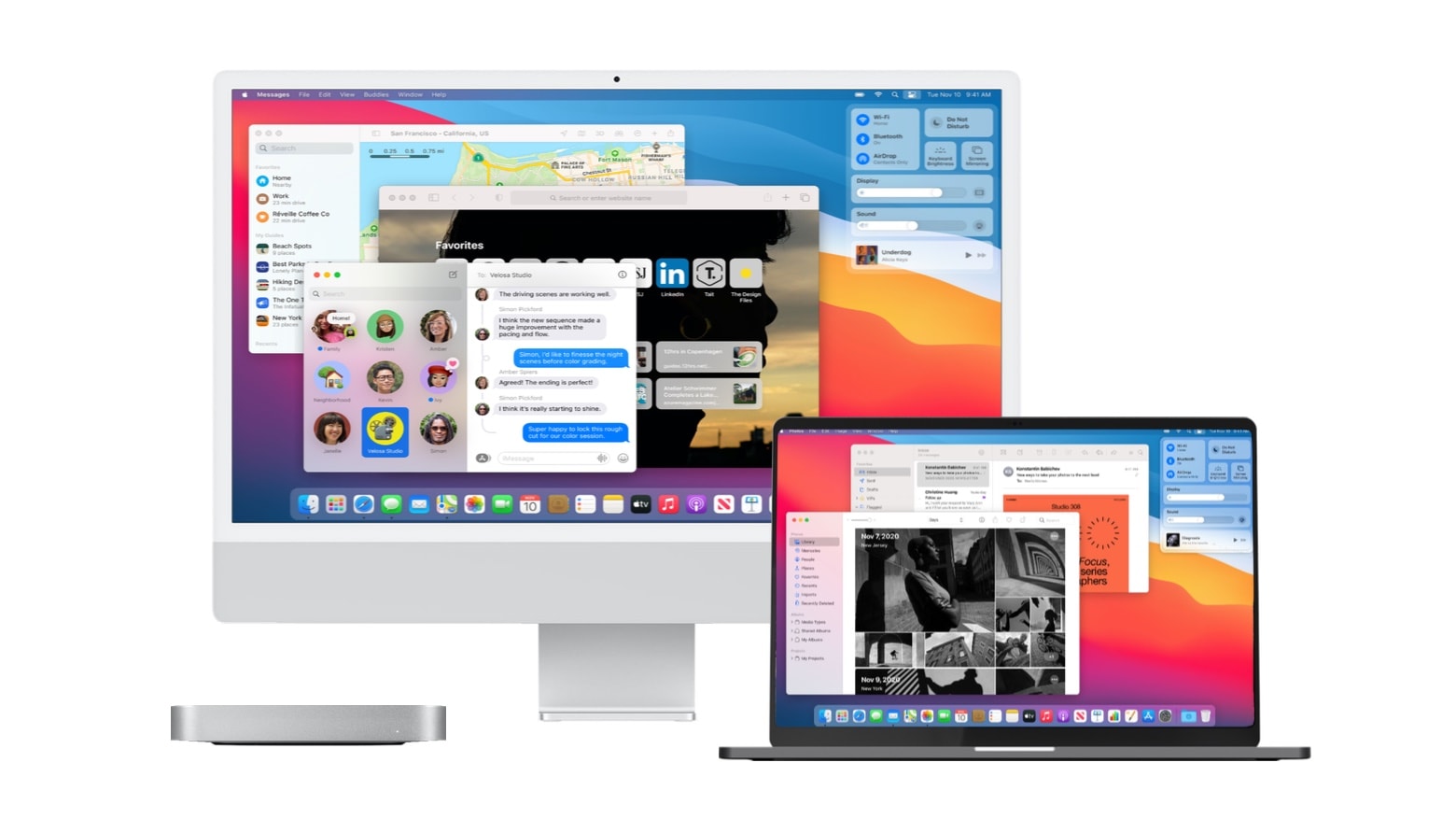
Apple’s “Unleashed” event on Monday is likely to bring what Mac fans have been eagerly anticipating for over a year: redesigned MacBook Pro models with upgraded displays and the return of traditional ports. But that’s just the start. We could see the debut of two more models, all powered by a new Apple M-series processor.
Here are the computers that leaks and rumors say are coming. But we could always be surprised. Again.
Are you ready for next week's Apple event? We can't wait! Image: Killian Bell/Cult of Mac
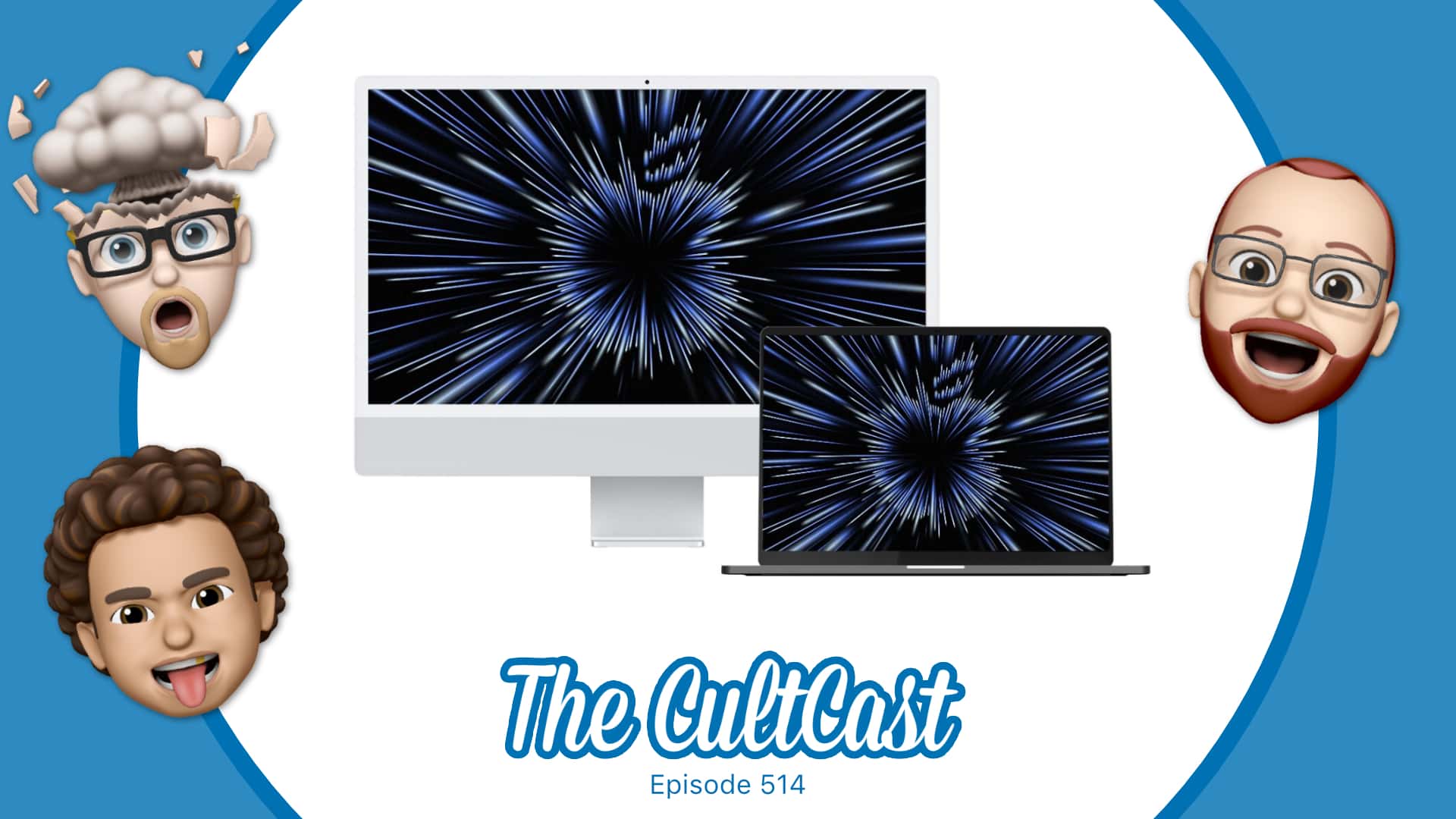
This week on Cult of Mac’s podcast: Finally! Here come the M1X Macs! We talk our predictions for Monday’s “Unleashed” Apple event!
Also on The CultCast:
A rumor says Apple is prepping a Nintendo Switch-like gaming console.
We reveal our favorite new(ish) shows on an all-new What We’re Into!
And in our weekly giveaway, we’ve got a five-piece iPhone 13 bundle from Smartish.
Listen to this week’s episode of The CultCast in the Podcasts app or your favorite podcast app. (Be sure to subscribe and leave us a review if you like it!) Or watch the video livestream, embedded below.
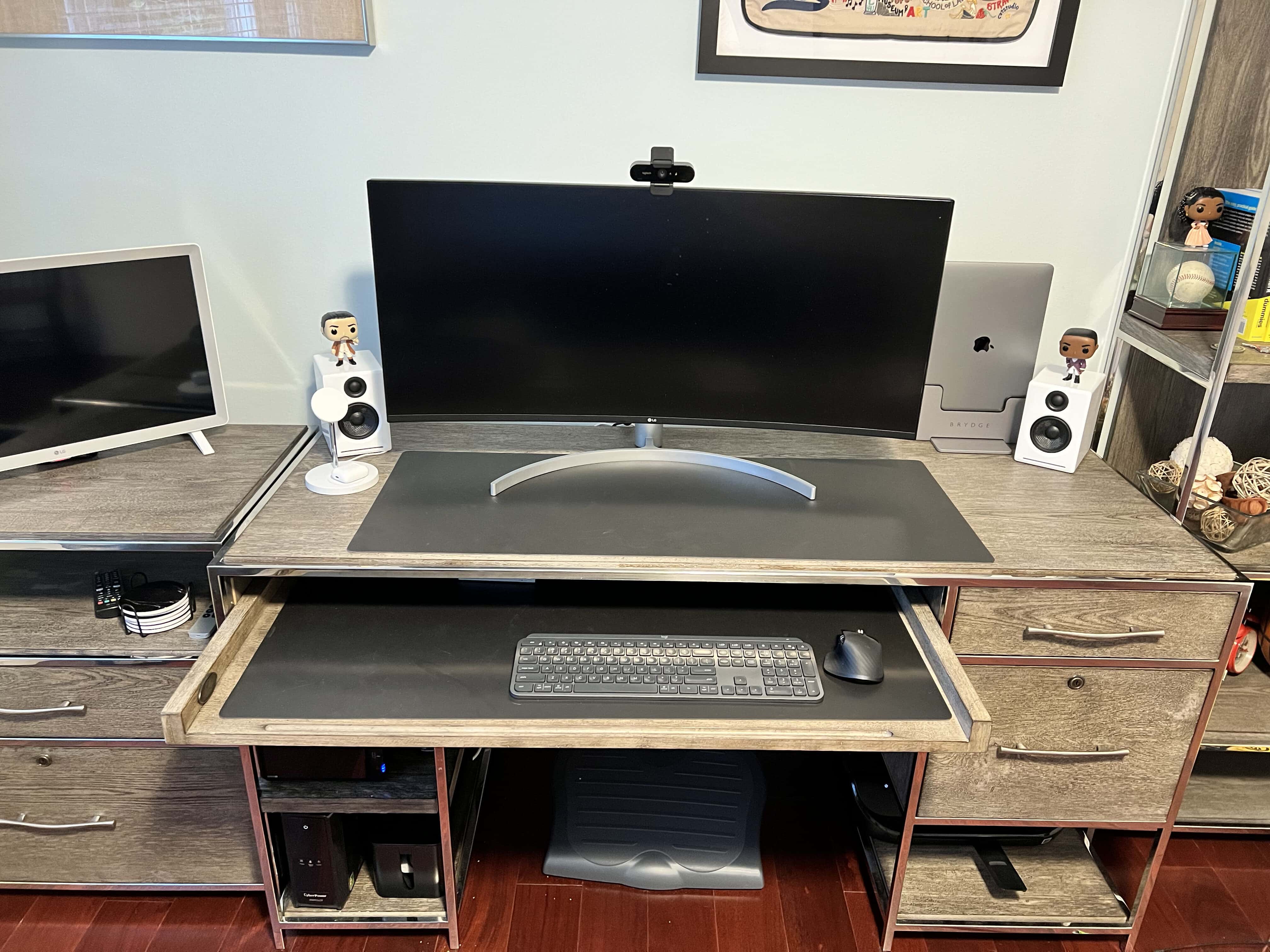
We see a lot of impressive computer setups in slick home offices here at Cult of MacSetups HQ, but few of them are nicer than one we just came across. As usual, we’ll share the gear list, below, as well as some of the tricks you can emulate to improve your own home workspace.
It kicks off at 10 a.m. PDT/1 p.m. EDT. Image: Apple/Cult of Mac
Apple’s next event is right around the corner, and it’s one you won’t want to miss if you’re a fan of the Mac. The “Unleashed” keynote is expected to bring a number of new Apple machines — all powered by an even faster “M1X” chip.
Just like recent Apple keynotes, this one will be streamed online, so you’ll be able to watch it in its entirety as it all unfolds. We’ll show you how.
A couple of big things might be on the docket for the Apple October event. Photo: Cult of Mac
Apple promises “big things” at its product event happening October 18. Although that’s the only official hint we have, leaks have revealed details on a couple of extra-large Macs that might fit the bill.
And there could be good news for fans of both MacBook and iMac at the “Unleashed” event.
A small, table-top standing desk, tiny monitors and right-angle adapters save space in a cramped London flat. Photo: [email protected]
Folks often endure work-from-home situations where space is at a premium. Maybe they have a big house full of kids and pets. Maybe they live a tiny studio apartment in a big, expensive city. In either case, sometimes the whole computer setup sits where they eat, and it has to go away at dinnertime. Today’s setup solved the problem by turning a dining table into an easy-stash U.K. office.
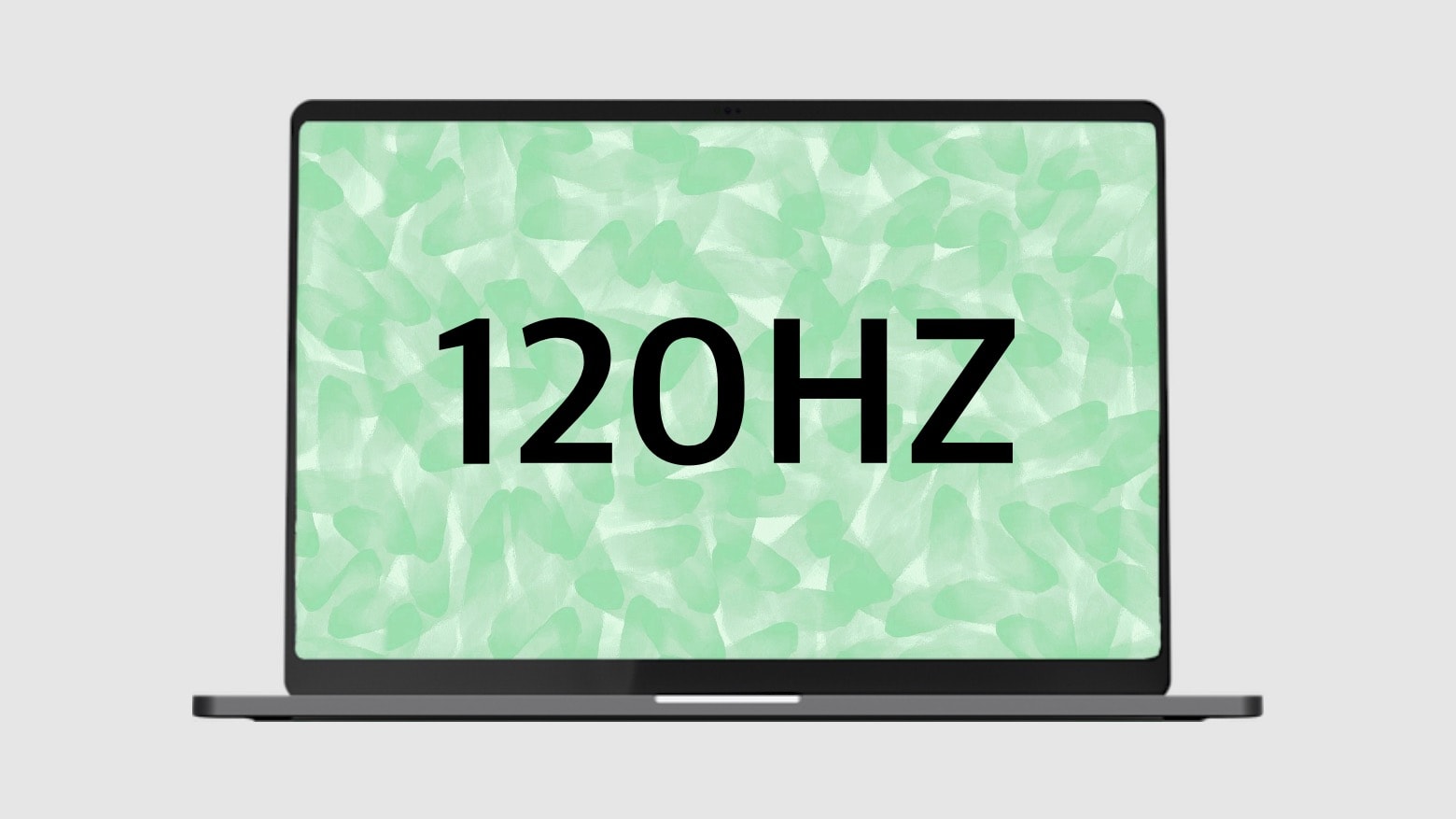
The 2021 MacBook Pro models could be the latest with 120Hz displays. Concept: Cult of Mac
The 16-inch and 14-inch MacBook Pro models expected soon will offer more storage and RAM that their most recent predecessor, according to a tipster. And an expert claims they’ll have 120Hz displays.
Both notebooks will have mini-LED screens and M1X processors, and are likely to be unveiled at the Apple event on October 18.
Multiple new Macs could be “Unleashed“ at the Apple October event. Photo: Apple
Apple sent out invites Tuesday to its much-anticipated October product launch event. The tagline is “Unleashed,” and the streaming event almost certainly will bring the debut of redesigned MacBooks and perhaps an iMac running an updated Apple processor.
Cupertino could squeeze some other new products onto the agenda as well. The event is scheduled for October 18 at 10 a.m. Pacific time. Here’s what to expect.
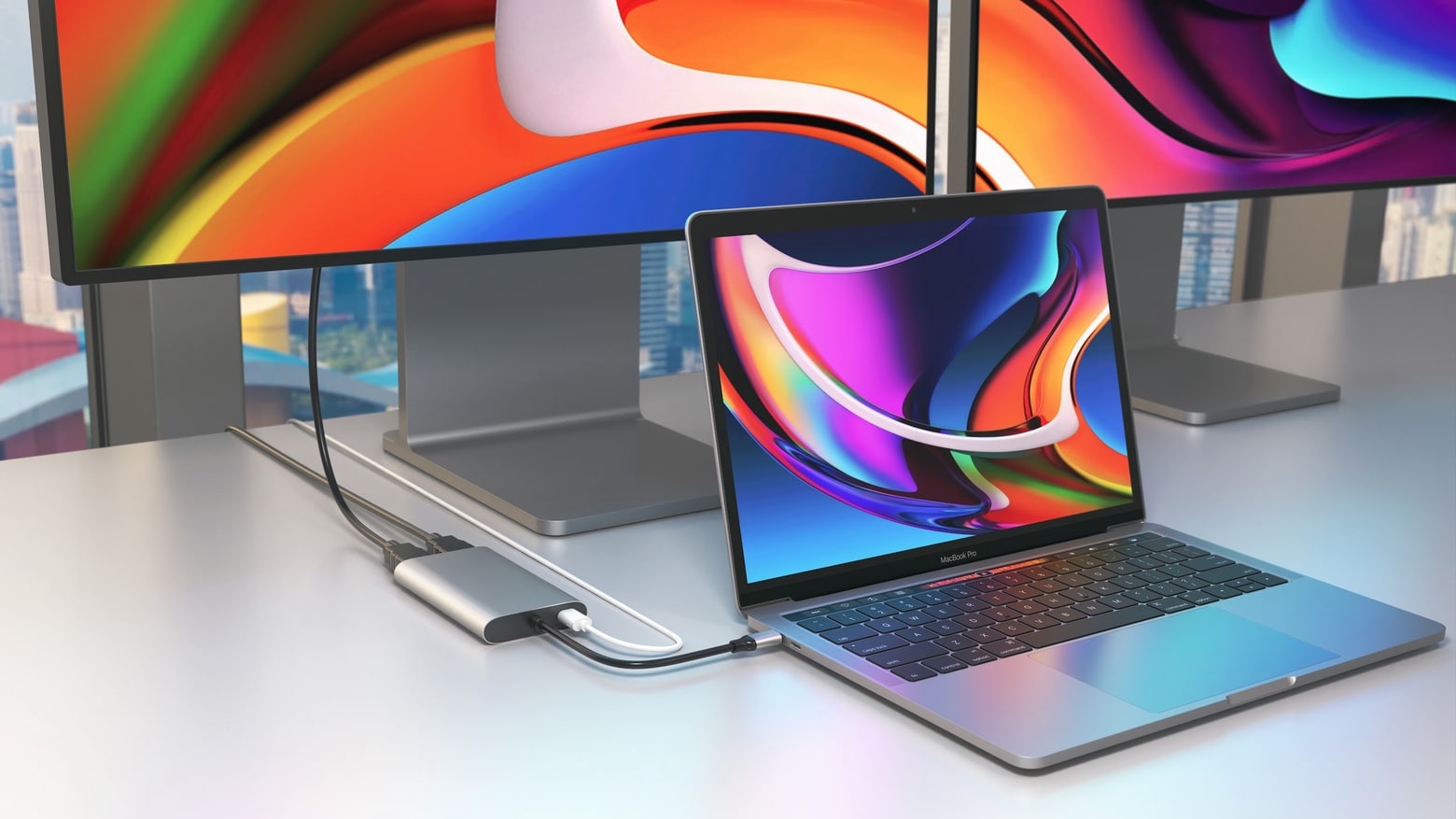
With the HyperDrive Dual 4K HDMI 3-in-1 USB-C Adapter you can easily connect a pair of displays to an M1 MacBook. Photo: Hyper
A pair of adapters just launched by Hyper let MacBooks with an Apple M1 processor connect to dual HDMI monitors. Apple says the macOS notebooks can only use one external display, but users found a workaround. And Hyper built this workaround into its latest accessories.
There’s a basic HyperDrive Dual 4K HDMI adapter, plus a second version that offers additional ports.
A decade after Steve Jobs' death, we take stock of his legacy. Image: Killian Bell/Cult of Mac, with photo by Ben Stanfield/Flickr CC
This week on Cult of Mac’s podcast: We reminisce about Steve Jobs and his lasting impact on Apple, a decade after his death. Plus, M1X MacBook Pros might be coming soon. And the Apple Watch Series 7 launch looks quite weird indeed.
Also on The CultCast:
Jony Ive pens a tribute to his friend, Steve Jobs.
Listen to this week’s episode of The CultCast in the Podcasts app or your favorite podcast app. (Be sure to subscribe and leave us a review if you like it!) Or watch the video livestream, embedded below.
Marc Drucker's WFH setup saves some cable clutter by using the monitor as a USB hub. Photo: Marc Drucker
Marc Drucker serves as an associate director and technical lead for a pharmaceutical company in Menlo Park, California. Having shifted fully to working from home, he found his computer setup — his WFH rig — running so well and looking so clean, he decided to send it in to Cult of Mac.
Among the words he used to describe his WFH rig were ideal and perfect. We talked to him about what works so well for him in his workstation and included his answers, below.
They finally got it just like they like it. How would yours look? Photo: [email protected]
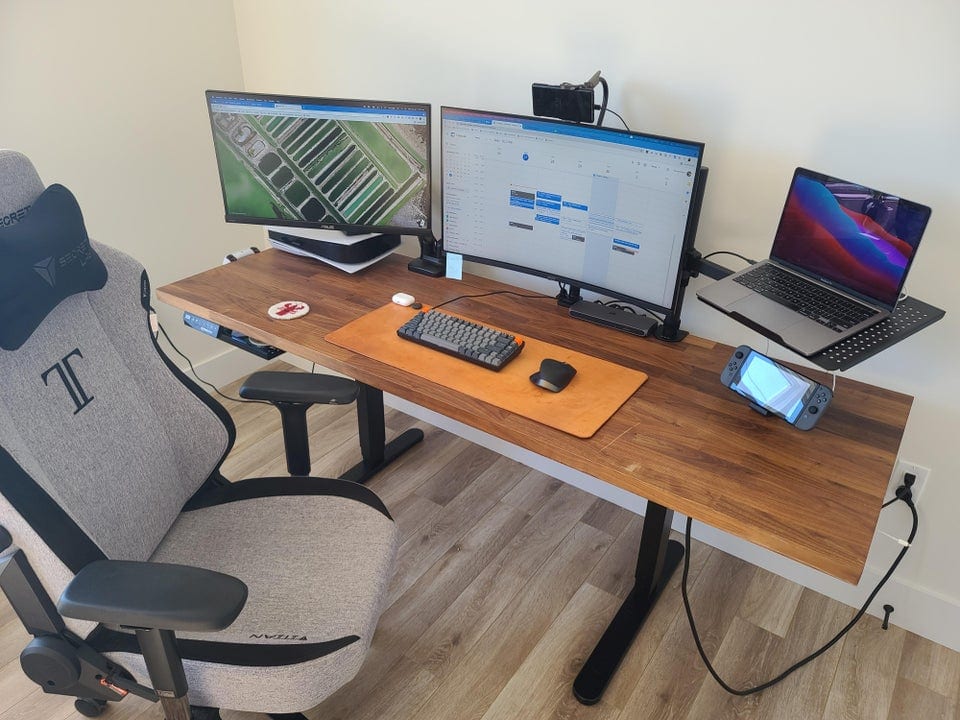
There’s nothing like toiling over a computer setup until you get it just how you like it. Of course, that can mean many different things to different people. Some folks’ setups are as austere as a monk’s workbench while others look like Mission Control on steroids.
Redditor PlaZma64 recently drew attention to their newly completed setup with a post entitled, “Finally got my setup how I like it.” It’s centered on a MacBook Pro, an iPad Pro and a slew of Apple peripherals.
Maybe "1 cord to rule them all," but not replace them all. Photo: [email protected]
You’ve got to love somebody bragging about getting their computer setup’s cable management down to one cord, because it’s never really one cord. They don’t mean it literally. It’s just that one cord to a hub or dock helped reduce their previously tangled mess of cables splaying out all over the place.
A finance and accounting student in Finland uses this computer setup. Photo: [email protected]
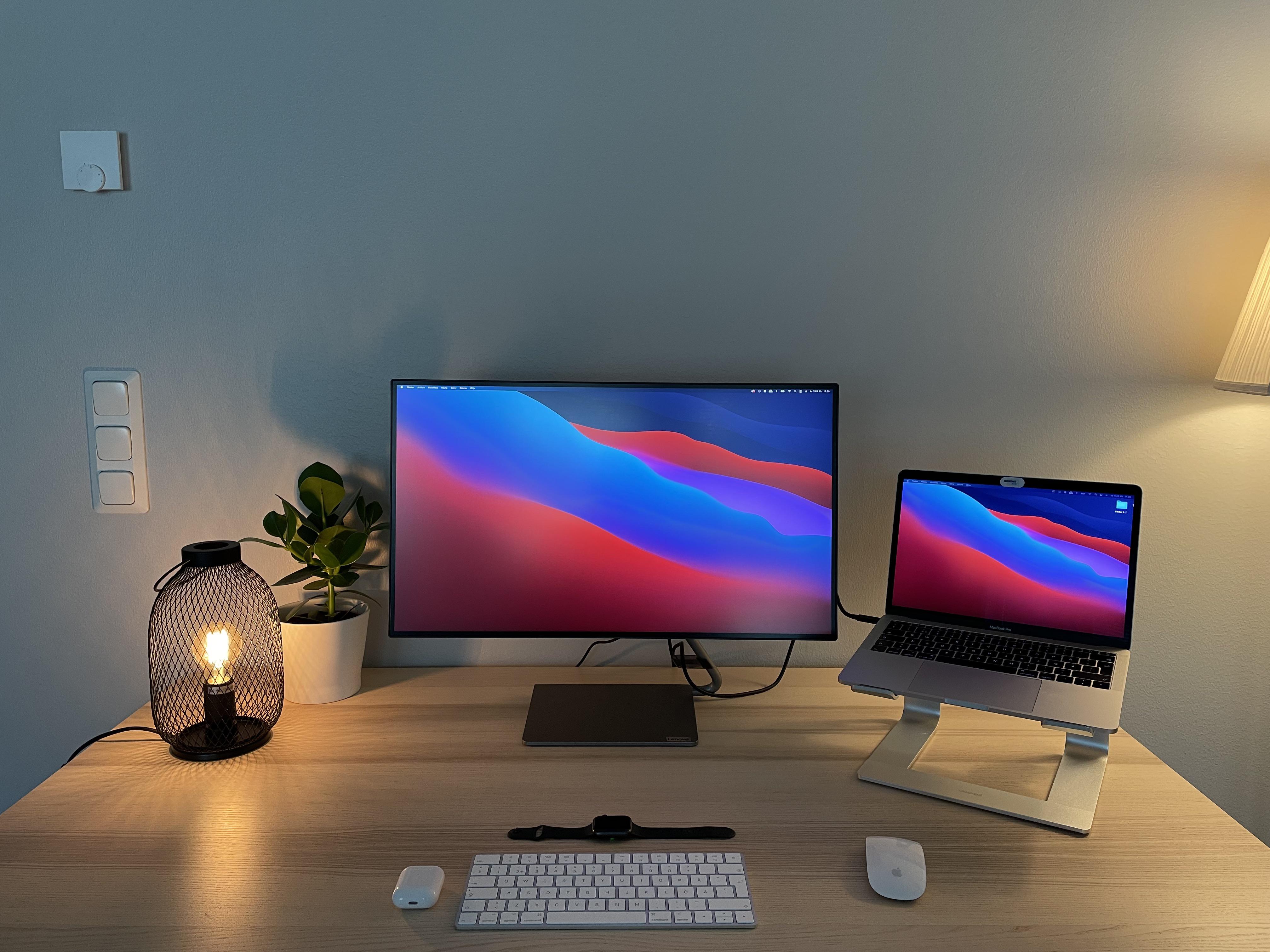
Finland-based student and photographer Lauri Rämä pores over finance and accounting texts in hopes of getting a Master’s degree. He uses his spare and simple MacBook Pro computer setup mainly for studying and editing, he said.
It seems more and more people swear by the Magic Trackpad and Magic Mouse combo. Photo: [email protected]
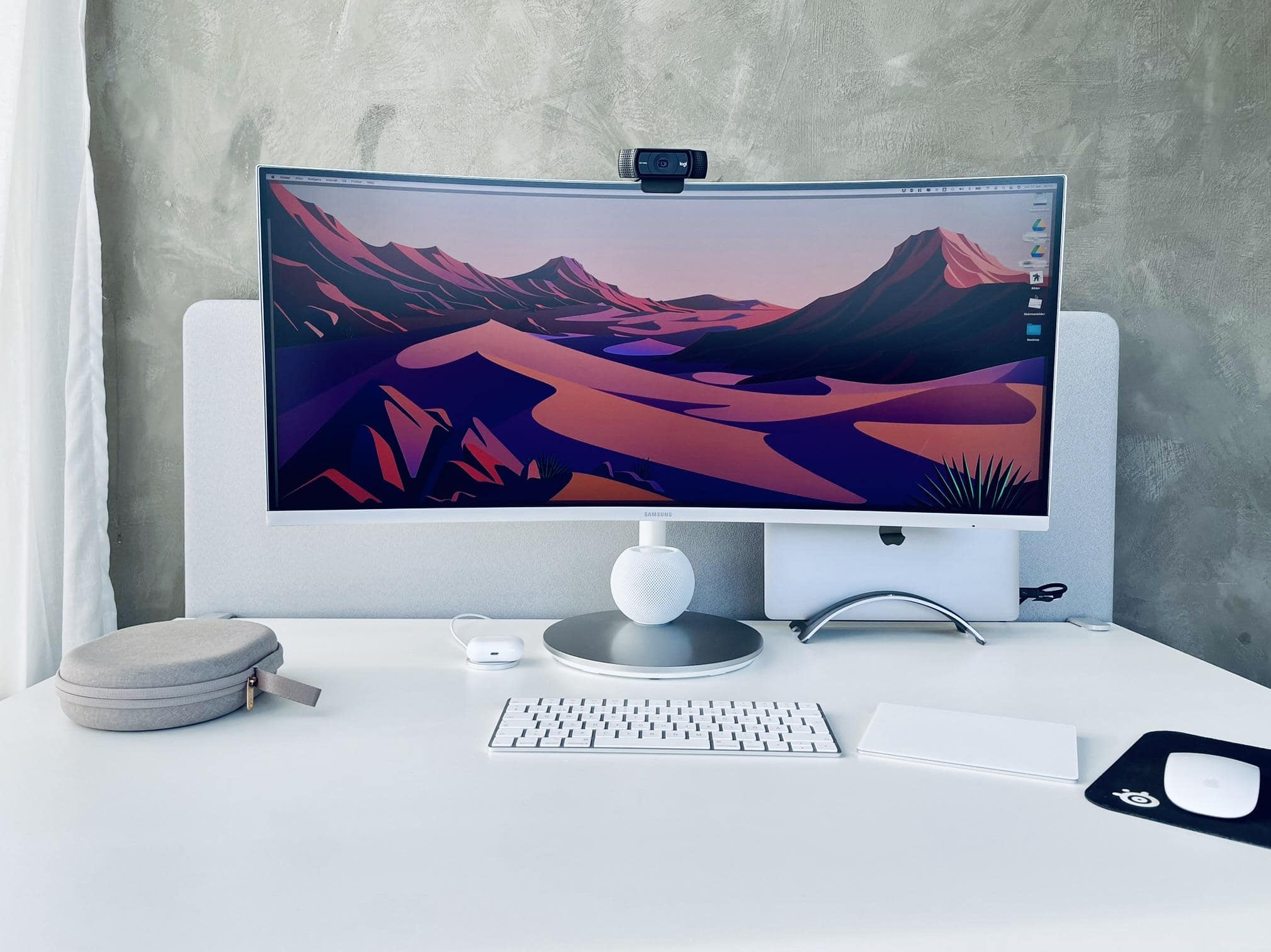
When you travel the online highways and byways in search of cool computer setups, you start to notice certain patterns. One is that lots of people seem to love Apple’s Magic Trackpad. Another is that plenty of folks hate the Magic Mouse. And a third seems to see a growing number of people absolutely love using a Magic Trackpad + mouse combo — which some onlookers find mystifying.
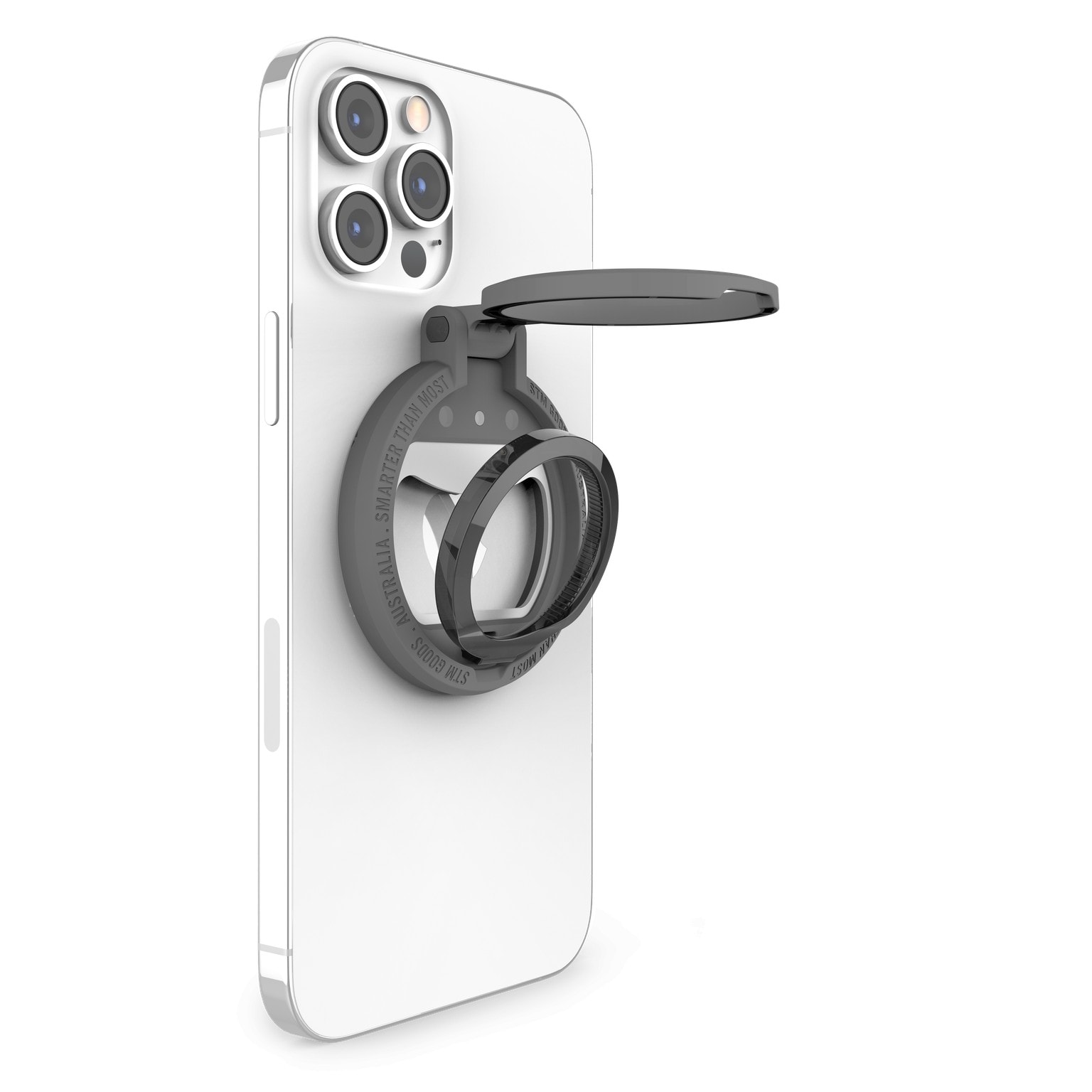
STM Goods MagLoop gives you clever options for handling your iPhone. Photo: STM Goods
Accessories brand STM Goods rolled out a new line of MagSafe-compatible accessories Friday that it said helps users keep organized while securely handling and quickly charging up their iPhones. They’re called the MagLoop, the MagArm and the MagPod.
The Apple Cinema Display is nice, but the Harmon Kardon SoundSticks really grab the eye. Photo: [email protected]
Sometimes on a Friday — or really any day of the week — we like to go back in time with an old-school cool Mac computer setup. That is, when we can find something on the retro side to feature. Luckily, today we found one.