Mobile menu toggle

Mac - page 27

Apple works on fix for Bluetooth fault affecting new Apple Silicon Macs

By

Apple M1 chip
Bluetooth glitch was a big ding against the new M1 Macs.
Photo: Apple

Apple is reportedly working on a macOS fix that will rectify a Bluetooth connectivity glitch affecting first-gen Apple Silicon Macs.

Users began reporting the problem when the first Macs powered by Apple’s new M1 chip shipped late last year.

Is this the future of Macs? [Cult of Mac Magazine 383]

By

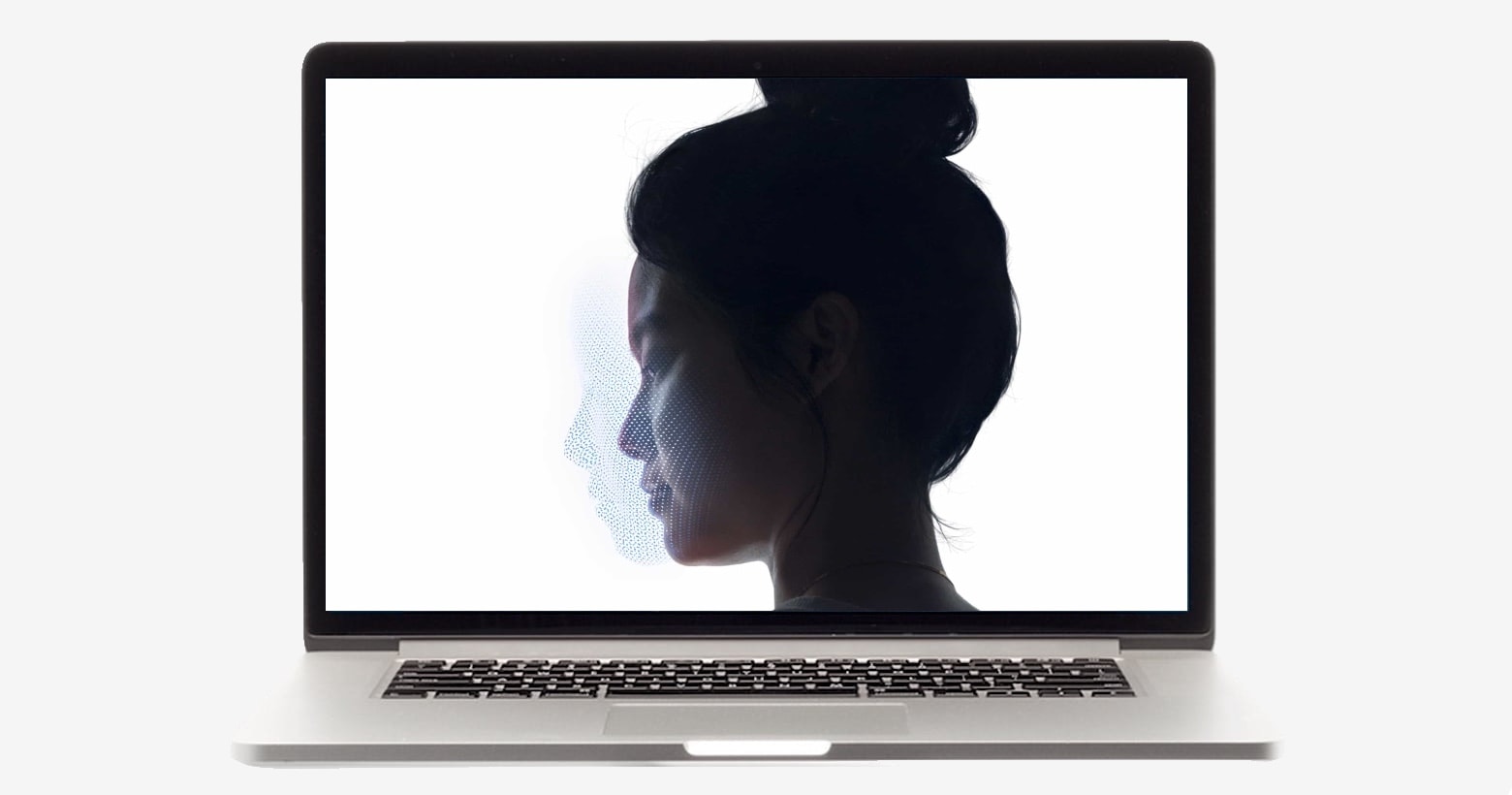
This augmented-reality Mac concept goes full Minority Report.
Cover: Leander Kahney/Cult of Mac

An augmented reality Mac powered by Apple glasses offers a glimpse of what computing might look like in the future.

Yes, it’s just a concept. But man, is it gorgeously detailed. We talked with concept designer Dominik Hofacker about his fascinating concept, and you can read all about it in this week’s free issue of Cult of Mac Magazine. Download it now to read on your iOS device, or get the links below.

We’ve also got the latest news and rumors on the the long-rumored Apple Car and AirTags (not to mention those Apple AR glasses that Hofacker is talking about). Plus, we’ve got how-tos and reviews (including a second take on AirPods Max and a look at the second anachronistic season of Dickinson on Apple TV+).

Adobe Flash Player is dead. Here’s how to remove it from your Mac.

By

How to remove Adobe Flash Player from your Mac
It's time to give Flash Player the boot.
Image: Adobe/Cult of Mac

At long last, Adobe Flash Player is finally dead. Not only do you no longer need to have it installed on your Mac, but as of January 12, Adobe will actually begin blocking Flash Player content from working at all.

We’ll show you how to remove Flash Player from your Mac right away.

Best apps to download now for your new Mac

By

Best apps for your new Mac
Your new Mac deserves these amazing apps.
Image: Killian Bell/Cult of Mac

If you were lucky enough to bag a new Mac for the holidays, you’re probably on the hunt for some awesome new apps to use on it. We’ve rounded up five of the best that we think every Mac owner should be using.

These apps will let you play any video, keep a close eye on precious storage space, extract important data from your iPhone and iPad backups, and more!

Get VideoProc Mac video editing and processing software at 60% off for Christmas

By

With Digiarty's VideoProc, your video editing tasks are covered.
With VideoProc, your video editing tasks are covered.
Image: Digiarty

This VideoProc Mac video editing post is presented by Digiarty.

When the holidays roll around, your impulse to make scads of digital videos and then doctor them up for friends and family may be stronger than ever this year. After all, lots of people will not see as many loved ones in person because of the COVID-19 pandemic. That makes it a good time to invest in fast, capable and easy-to-use video editing software at a great price. So rejoice, because Digiarty is offering Cult of Mac readers lifetime-use licenses for its VideoProc Mac editing and processing software at 60% off for Christmas.

Get an extra $15 when you sell your old Apple devices to Cult of Mac

By

iPhone 6 Plus
Just for Cyber Monday!
Photo: Ste Smith/Cult of Mac

Picked up a new Apple device at a big discount this weekend? Now it’s time to sell your old ones and make back some cash for the holidays. Cult of Mac is here to help with a sweet Cyber Monday buyback deal.

Sell your old Apple devices to us today and we’ll give you an extra $15 for each one. This deal ends at 11:59 p.m. on Tuesday, December 1, so take advantage of it while you can

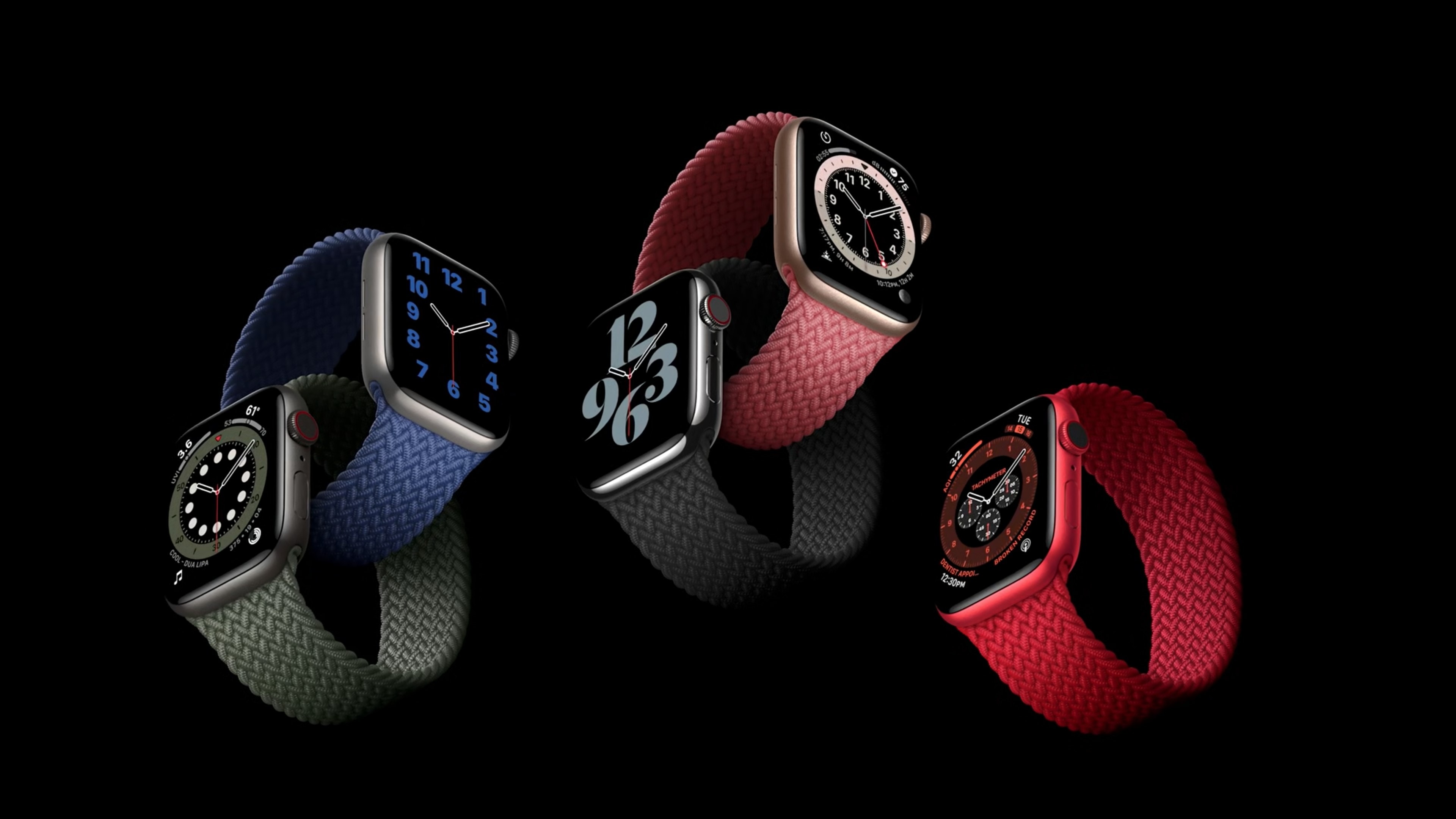
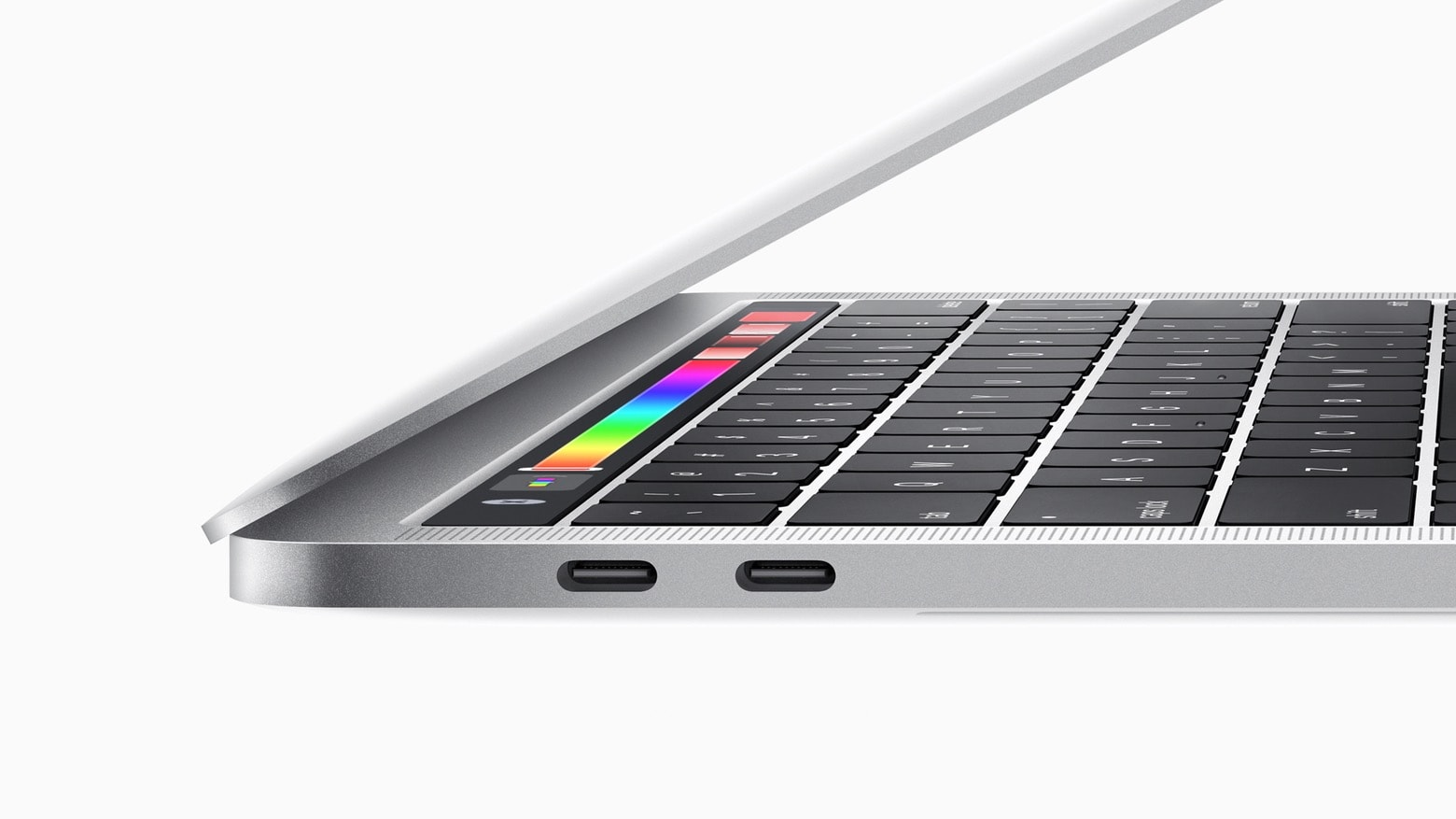
Apple Watch, MacBook tipped for big redesigns in late 2021

By

Monowear-Urban-Canvas-Apple-Watch-3
New iPads with mini-LED displays could come even sooner.
Photo: Adel Neal/Cult of Mac

Apple will introduce a redesigned Apple Watch and MacBook lineup in late 2021, according to one reliable analyst.

Ming-Chi Kuo of TF International Securities expects Apple’s next-generation wearable to bring “innovative health management functions.” He also told investors iPhone 12 is off to a strong start.

How to avoid macOS reinstallation errors on M1 Macs

By

reinstall errors on M1 Macs
How to reinstall macOS when things go wrong.
Image: Apple/Cult of Mac

Apple has confirmed that some M1 Mac owners may run into an error message when attempting to reinstall macOS on their new machine. If you’re one of them, there are some things you can do to avoid it.

These include using a bootable installer, rather than macOS Recovery, or initiating a reinstall from Terminal. We’ll show you how.

Apple M1 chip outperforms AMD, Nvidia graphics in new benchmarks

By

Apple M1 chip
Gaming is about to get a lot better on Mac.
Photo: Apple

Apple’s new M1 chipset has been blowing away rival Intel chips in CPU performance benchmarks, and it doesn’t stop there. It turns out Apple Silicon can give many graphics cards a run for their money, too.

New tests reveal the M1 easily outperforms the Nvidia GeForce GTX 1050 Ti and AMD Radeon RX 560 in graphics benchmarks. It could make gaming on a Mac better than ever.

It looks like it’s safe to upgrade to macOS Big Sur now

By

macOS Big Sur brings an iOS-style Control Center and other major changes to Mac.
Photo: Apple

It looks like Apple finally fixed the problems that stopped some Mac owners from updating to macOS Big Sur on launch day.

The message from Cupertino seems to be: If at first you didn’t succeed, try, try again.

macOS Big Sur arrives, ushering in huge changes for Macs

By

macOS Big Sur public release ushers in huge design changes
The wait is over. You can install macOS Big Sur today.
Photo: Apple

Apple released the final version of macOS Big Sur on Thursday. The new operating system offers the biggest design overhaul to the Mac user interface in nearly two decades. Plus, it brings big improvements to Apple’s bundled applications like Messages, Maps and Safari.

MacBook Air goes silent, insanely fast with Apple M1 chip

By

The MacBook Air packs performance boosts -- but no fan!
Photo: Apple

Apple’s hugely popular MacBook Air is now faster than 98% of all laptops, thanks to a brand-new M1 chip. The newest model, unveiled today during Apple’s “One More Thing” keynote, also features two times faster storage and vastly improved battery life.

What’s more, it’s the first MacBook Air that requires no fan, and it’s just as affordable as before. Order yours today!

macOS Big Sur unlocks the power of Apple Silicon chips

By

With macOS Big Sur, Apple takes things to the next level.
Photo: Apple

Apple’s new macOS operating system Big Sur is the first Mac operating system to be built with the new Apple Silicon M1 chip in mind. Big Sur brings with it a dramatic redesign and a host of big improvements to key apps like Messages, Maps and Safari.

The M1 chip optimization will also mean some massive speed improvements for top apps — including the ability for your Mac to immediately turn on when you wake it up, similar to the way an iPhone does when you pick it up.

And you don’t have long to wait.

New Apple M1 chip will make Macs faster, less power-hungry

By

Apple M1 chip
Apple's new M1 chip will blow your socks off.
Photo: Apple

Apple on Tuesday delivered on its promise to unveil the first Apple Silicon chip before the end of 2020. Its brand-new M1 system-on-chip (SoC) promises industry-leading performance and power efficiency for the fastest, most impressive Macs to date.

The M1 chip is the first 5-nanometer computer chip, packing a whopping 16 billion transistors and the world’s fastest CPU cores. It also features an 8-core GPU that’s “in a class of its own,” Apple says.

How to watch Apple’s ‘One More Thing’ event almost anywhere

By

Apple one more thing event
Get ready for kickoff at 10 a.m. Pacific.
Photo: Apple

Apple’s next big keynote of 2020 is less than a couple of hours away. We expect the “One more thing” event to bring the first Macs powered by Apple Silicon, new AirPods Studio headphones, and more.

When the keynote kicks off at 10 a.m. Pacific, you’ll be able to watch it live online from almost anywhere. We’ll tell you how.

Apple earnings: Can iPad and Mac pick up the iPhone slack again?

By

Apple earnings Q4 2020 will likely come down to iPad and Mac demand.
iPhone sales were likely weak last quarter so Apple earnings will depend a lot on Mac and iPad.
Photo: Cult of Mac

Weak iPhone sales likely pulled down Apple earnings in its last financial quarter. But the COVID-19 pandemic almost certainly pushed up demand for iPad and Mac. Still, total revenue is expected to be down slightly.

We’ll find out for sure Thursday when Cupertino announces its financial results from the July-through-September period.

T2 chip vulnerability could let local attackers hack Macs

By

The Apple T2 chip could be the source of mysterious crashes afflicting two of Apple's newest computers.
Apple introduced its T2 chips to Mac a couple of years ago.
Photo: IFIXIT

Security researcher Niels Hofmans of ironPeak has confirmed a T2 chip security flaw. These chips have been found in all new Macs made since 2018.

At its worst, the vulnerability — which is reportedly “unpatchable” — could allow an attacker to interfere with Macs in “classic evil maid” attacks involving an unintended computer. This might open the door for new ways for law enforcement to access suspects’ Macs to retrieve information, for example.

How to leave the macOS Big Sur beta program before public release

By

How to leave the macOS Big Sur beta
Don't be stuck with buggy beta releases.
Image: Cult of Mac

With the public release of macOS Big Sur right around the corner, it’s a good time to think about leaving the beta program — especially if you’ve been running the new release on your primary machine.

Dropping out ensures you get stable releases and quick fixes as soon as they’re available, and prevents potentially buggy future betas from being installed on your device. We’ll walk you through the process.