Mobile menu toggle

Mac - page 22

Apple slashes trade-in prices on a bunch of Android phones

By

Apple cuts Android trade-in prices
Some Mac and iPad models have also seen reductions.
Photo: Onur Binay/Unsplash

We have disappointing news for anyone currently thinking about swapping their Android smartphone for an iPhone. Apple just cut its trade-in prices for a bunch of popular handsets from Google and Samsung.

The reductions are pretty significant in most cases. A Galaxy S21+ 5G, previously worth up to $435 according to Apple, now fetches $325 max. The Galaxy Note 20 Ultra, previously valued at up to $545, will now get you only $405 at most.

Apple cut the trade-in values of some Mac and iPad models, too. Luckily, you have other options for recovering more cash from your old gear.

Safari bug leaks your browsing activity and Google account details

By

Safari 15 leaks browsing activity
Well, that's not good.
Image: Killian Bell/Cult of Mac

A newly discovered bug in Safari 15 allows any website to track your browsing activity and may even reveal your identity if you’re a Google user.

The vulnerability stems from Apple’s implementation of IndexedDB, a storage API widely supported by most modern browsers. And the problem affects users on Mac as well as iPhone and iPad. Here’s what you need to know.

Popular Humble games subscription drops support for Mac

By

Humble drops Mac
You have until January 31 to save your games.
Photo: Humble

Humble, the subscription service that offers a bunch of popular games for an affordable monthly fee, is dropping support for Mac and Linux.

Starting February 1, the company will roll out a new business model for Humble Choice, which will require a brand-new app that’s only available on Windows. You have until January 31 to download games you already own.

How to get the Dropbox beta with full Apple silicon support

By

Dropbox for Apple silicon
It's now available to all.
Image: Dropbox/Cult of Mac

The next-generation version of the Dropbox app for macOS, which finally adds native support for Apple silicon chips, is now available to all in beta.

It comes less than a week after Dropbox began testing Apple M1 support with a small number of users. You can try it out for yourself by enabling “early releases” in your account preferences. We’ll show you how.

Two secrets of super-clean desktops [Setups]

By

Dual, mounted monitors and an M1 hidden Mac mini make for a clean desktop.
Photo: [email protected]

We keep coming across two great secrets of super-clean desktops when it comes to computer setups. As shown in today’s featured setup, they’re both about creating significant amounts of open desk space in different ways — without losing any access to your gear or forfeiting any computing power.

And we’re not just talking about clearing away basic clutter, or even cable clutter, although that always helps. We’re talking about how you can get some of your main equipment up and off the desk so you have room in front of you. Redditor kurtvdpoel demonstrates the two excellent methods in his post, “Home office with Mac mini Apple M1.”

Dual M1 Mac and PS5 gaming rig boasts blazing-fast displays [Setups]

By

Dual M1 Mac and PS5 gaming rig boasts blazing-fast displays [Setups]: When you've got that need for speed ...
When you've got that need for speed ...
Photo: [email protected]

If you’re an avid gamer, or maybe just an aspiring one, it pays to know which displays and accessories will best serve your needs. Not just any display, input device and headset will keep up with today’s graphically rich games. The dual M1 Mac and Sony PlayStation 5 computer setup we look at today demonstrates some good choices you might consider.

Redditor smhppp uses an M1 Mac mini for personal uses, an M1 MacBook Air for work and a Sony PS5 for gaming. They showed their setup in a post entitled, “Current setup, spec in comments for those interested.” It’s one of those one-vertical-and-one horizontal-display setups so many people are trying lately.

Here’s what today’s top Mac apps might have looked like on Mac OS 9

By

Zoom on Mac OS 9
A taste of the past.
Image: Michael Feeney

Ever wondered what today’s most popular Mac apps might have looked like on earlier Macintosh machines? These incredible design concepts imagine the likes of Google Chrome, Spotify and Zoom running on the 22-year-old Mac OS 9.

Graphic designer Michael Feeney created the collection as part of his terrific (mac)OStalgia project. Check it out in the four-minute video below.

Apple tests improved Music app for Mac — here’s how to try it out now

By

Apple Music
It's a lot faster than before.
Image: Killian Bell/Cult of Mac

Apple is testing an improved version of its Music app that’s built to run entirely natively on Mac. Parts of the app, such as the music library, were native on macOS before, and now the rest of it is catching up for improved performance.

You can try out the new Music app now by installing the macOS 12.2 Monterey beta, which is available to all through Apple’s public Beta Software Program.

How to get Apple TV’s stunning new screen savers on your Mac

By

Get Apple TV's screen savers on your Mac
The Aerial app is completely free to use.
Image: Killian Bell/Cult of Mac

Apple’s new tvOS 15.2 update adds a bunch of stunning screen savers to Apple TV, including three from Scotland’s picturesque Isle of Skye and Loch Moidart, and another six from Iceland. And you can enjoy them all on Mac.

Thanks to a simple app built by developer John Coates, all tvOS wallpapers can be installed on macOS. We’ll show you how.

What Apple’s got up its sleeve for 2022 [The CultCast]

By

What Apple's got up its sleeve for 2022 [The CultCast]
This is where Apple's puck is going next year. Probably.
Image: Killian Bell/Cult of Mac

This week on Cult of Mac’s podcast: It sounds like Apple has some really big plans for 2022. We’re psyched about some things, skeptical about others, but definitely shining up our Apple Cards.

Also on The CultCast:

  • Snap Spectacles, as modeled by Alex E. Heath.
  • Anxiously awaiting the end of the “notch.”
  • AppleCare+ getting a fear-based boost?
  • More of our Gear of the Year picks.

Listen to this week’s episode of The CultCast in the Podcasts app or your favorite podcast app. (Be sure to subscribe and leave us a review if you like it!) Or watch the video livestream, embedded below.
Apple has big plans for 2022, including iPad Pro and MacBook Air overhauls

By

Apple in 2022
It could be another great year.
Image: Apple/Cult of Mac

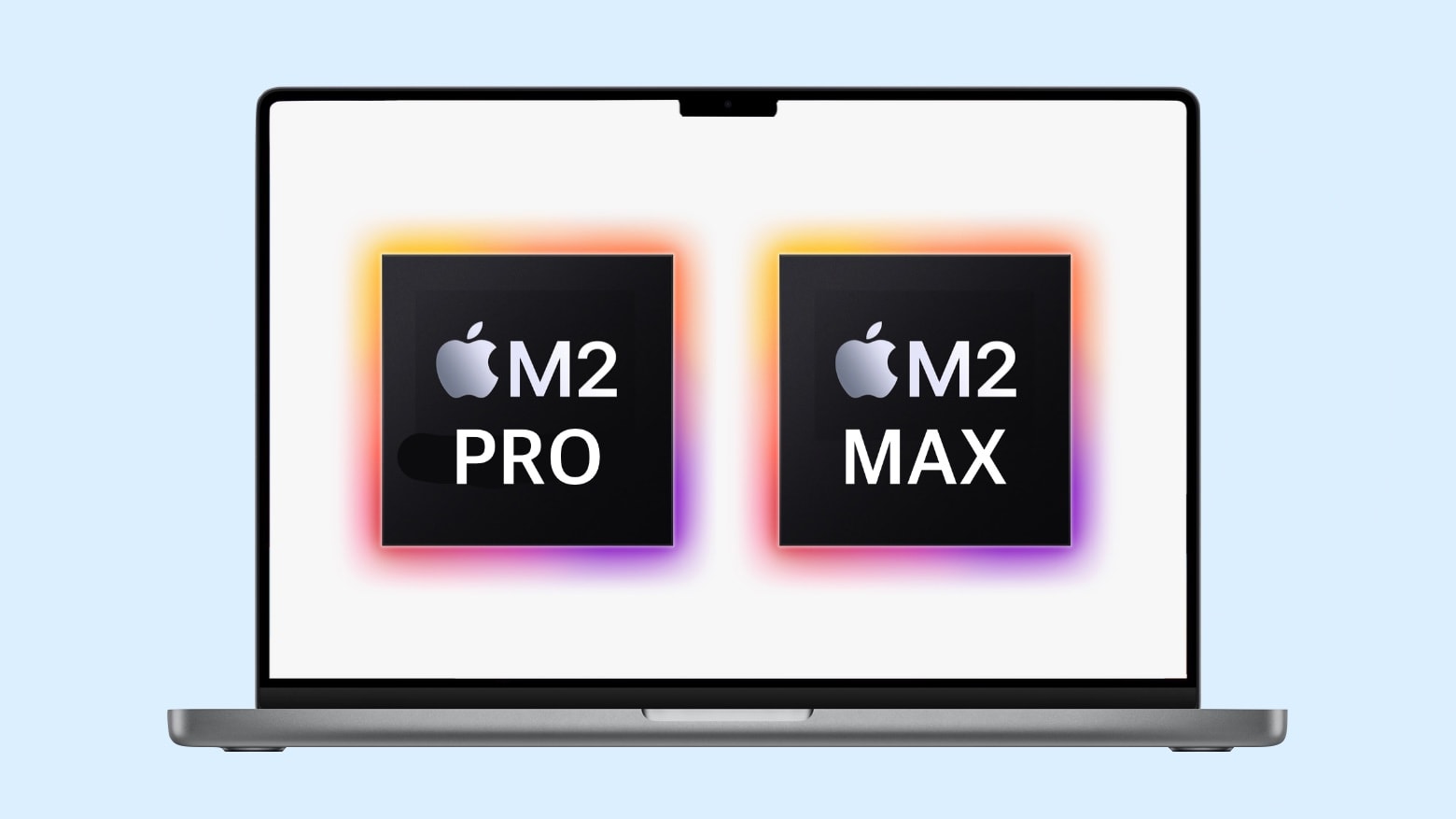
Apple reportedly plans ambitious upgrades for a number of its hottest products in 2022, including major revamps for iPad Pro and MacBook Air — as well as an Apple silicon boost for the Mac Pro. Mac mini is also expected to see a refresh.

What’s more, the next-generation Apple Watch will come in a “ruggedized version aimed at extreme sports athletes.”

Apple launches MacBook upgrade program for small businesses

By

Apple Mac Upgrade Program
Prices start at just $30 a month.
Image: Apple

Small businesses can now purchase new MacBooks for as little as $30 a month through Apple’s new Mac Notebook Upgrade Program.

The scheme, facilitated by Apple financing partner CIT, allows businesses partners to return or swap their machines after just three months if a new model is released. It’s a little like the iPhone Upgrade Program, but more flexible.

Maximize your iPhone trade-in by cutting Apple out of equation

By

Sell your old iPhone today
The quick and easy way to make the most from your old iPhone.
Photo: Aaron Yoo

Apple just gave customers another big reason to avoid its trade-in service by slashing prices on almost all iPhone models. Instead, sell your old handset to Cult of Mac to make more from it, and get real cash you can spend anywhere.

Find out how much your old iPhone is worth today in just a few simple steps, and secure your quote for 14 days.

Get up to $200 back when you shop at Apple this Black Friday

By

Apple Black Friday 2021
But you won't get real cash.
Photo: Apple

Apple is offering customers up to $200 back in Apple Store gift cards when they buy eligible products this Black Friday. Its four-day shopping event runs from November 26, and you can enjoy in in-store, online, and over the phone.

Find out what you’ll get back on certain products right here.

Apple’s simple Shortcuts change greatly improves cross-device support

By

Like Shortcuts? macOS Monterey's got 'em.
You no longer have to update storage locations for each Shortcut.
Photo: Apple

Apple’s newest betas for iOS, iPadOS and macOS make a simple Shortcuts change that greatly improves the user experience across different devices.

Shortcuts now know which storage folders to use automatically — depending on your device — negating the need to manually update them individually for different hardware.

WhatsApp said to be developing new Catalyst app for iPad and Mac

By

WhatsApp Catalyst app for iPad
It still doesn't have a release date yet.
Photo: WABetaInfo

WhatsApp is reportedly working on a new app that will work on both iPad and Mac. It’s thought to take advantage of Apple’s Catalyst platform, which makes it easier for developers to build universal applications.

The popular messaging service is already available on macOS, but this would be the first native WhatsApp client for iPad. WhatsApp has already started rolling out improved multi-device support that is less reliant on a smartphone.

Samsung is ditching its awesome DeX app for Mac

By

Samsung DeX on Mac
Well, that's a shame.
Image: Killian Bell/Cult of Mac

Samsung has confirmed that it is dropping support for its official DeX app for Mac (and Windows 7) in January.

The move means Galaxy smartphone owners will no longer be able to connect their device to a macOS machine to turn it into an Android-powered desktop. However, the awesome DeX feature itself isn’t going anywhere.

New Holiday Gift Guide offers buying tips for the Apple fan in your life

By

New Holiday Gift Guide 2021 offers buying tips for the Apple fan in your life
The Apple Holiday Gift Guide 2021 is out with plenty of suggestions for hard-to-buy-for people.
Image: Apple

The Apple Holiday Gift Guide 2021 is out with suggestions for phones, computers, audio accessories and exercise gear for a variety of people on your shopping list.

As a bonus, Apple is offering downloadable templates to make personalized holiday cards.

Apple brings its TestFlight platform to Mac for the first time

By

TestFlight lands on Mac
Download it today for free.
Screenshot: Cult of Mac

TestFlight, Apple’s own platform for distributing beta software, is now officially available on Mac for the first time. It gives developers the opportunity to invite up to 10,000 people to test early versions of their apps ahead of their release.

Apple first confirmed TestFlight would be coming to Mac back in June at WWDC. It was previously only available on iPhone and iPad.

Master Macs with one $25 course during our Pre-Black Friday Sale

By

Use your mac to the fullest for $25 during pre black Friday sale.Master Macs for $25 during the pre black Friday sale.
Learn everything you need to know about Macs with this affordable course bundle.
Photo: Cult of Mac Deals

It pays to know your way around a Mac. Whether you want to keep your home or office machines humming, or become a fully qualified tech professional with a lucrative new career, the Apple Certified Support Professional macOS 11 Course can teach you everything you need to know.

And during our Pre-Black Friday Sale, you can get this ACSP course for only $25.49 (regularly $295) if you use the code SAVE15NOV.

USB connectivity problems plague macOS Monterey users

By

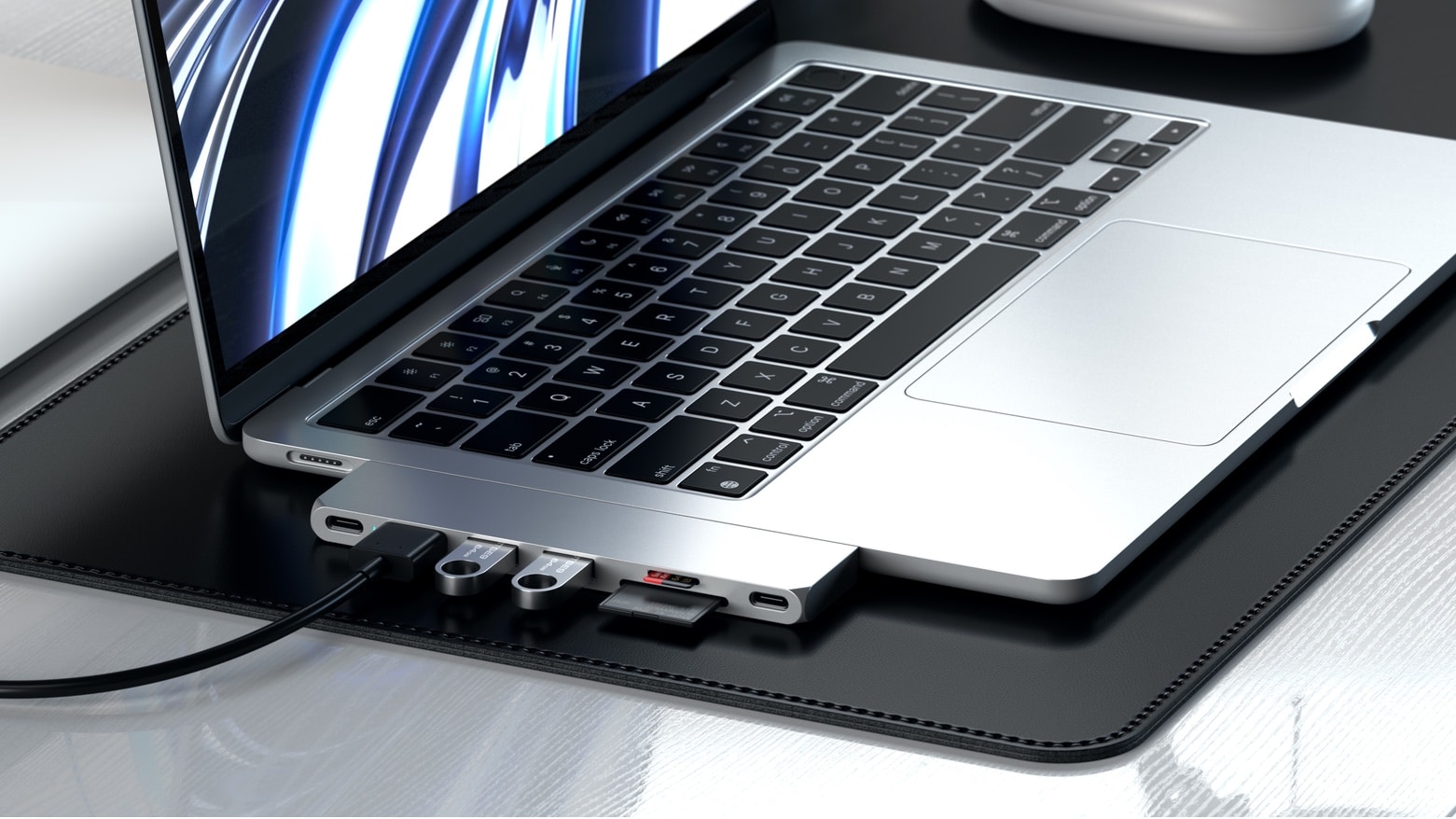
Satechi's portable USB-C hub is designed for home or travel.
Are your USB-C peripherals working properly under macOS Monterey?
Photo: Satechi

A growing number of reports from macOS Monterey users suggest Apple’s newest operating system has issues with USB-C hubs and some other USB peripherals — some of which do not work at all.

Some users say that while there USB-C hub is detected and most ports work as intended, USB 3.0 ports supposedly aren’t seen by macOS.

Apple’s $6 billion blues and other earnings revelations

By

Apple Q4 2021 earnings call: Supply chain woes cost Apple an estimated $6 billion in revenues last quarter.
Supply chain woes cost Apple an estimated $6 billion in revenues last quarter.
Photo: Alireza Khoddam/Unsplash CC/Cult of Mac

Apple made a record $20.6 billion in profits last quarter but is getting punished because $83.4 billion in revenue didn’t meet Wall Street analysts’ expectations. Turns out even the Cupertino juggernaut is not immune to supply chain problems — $6 billion worth of them.

Here’s the bad news — and the good — from Apple’s September 2021 earnings report and a Q&A session with analysts afterward.

The Touch Bar was doomed from the start. There was no escape.

By

Was the Touch Bar out of touch with pro users needs?
Was the Touch Bar out of touch with pro users’ needs?
Photo: Graham Bower/Cult of Mac

The MacBook Pro’s Touch Bar was a technological marvel in its day. It brought the magic of multi-touch to macOS and, with its stand-alone T1 chipset, it put ARM-based Apple Silicon inside the MacBook when the M1 chip was still just a twinkle in Cupertino’s eye.

There’s no doubt it was a clever piece of engineering, but it proved unpopular with pro users. Many missed the tactile feedback of the traditional Escape key and function keys.

Apple rejigged things last year, shrinking the Touch Bar to make room for a physical escape key, but it was too little too late. Many will be glad to see the Touch Bar go, but I’m gonna miss that little sliver of multi-touch magic at the top of my keyboard.

Oops, some of Apple’s own apps don’t support new MacBook Pro screen notch

By

Oops, some of Apple’s own apps don’t support new MacBook Pro screen notch
Apple Logic Pro running on the 2021 MacBook Pro shows a lot of dead space because there’s no support for the screen notch.
Photo: Apple

The just-launched MacBook Pro models are the first with a screen notch. And this apparently came as a surprise to many of Apple’s own software developers as some of the company’s professional apps don’t support the screen cutouts. Which means they can’t fill the new Mac displays and must leave blank areas.

This won’t make it easier for Apple to convince third-party developers to fully support the latest macOS notebooks.