Just a day after the much-anticipated JailbreakMe 3.0 website went live and over 1,000,000 iOS devices took advantage of the web-based hack, Apple has confirmed it will kill the exploit in an upcoming software update.
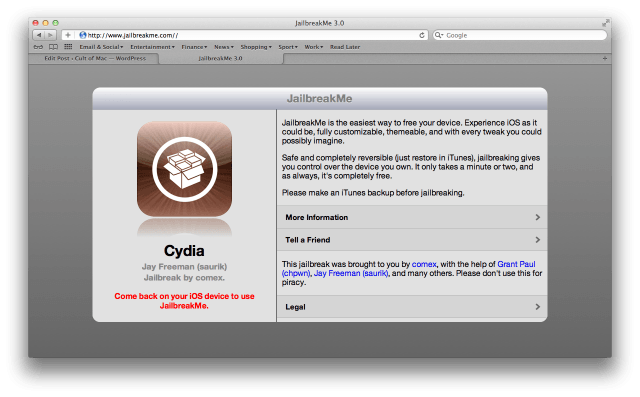
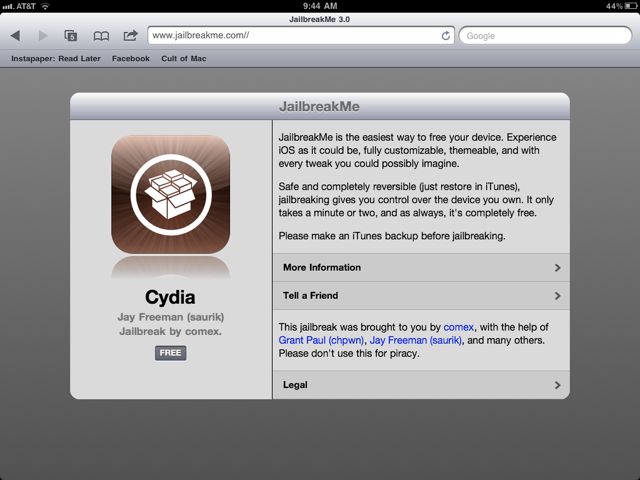
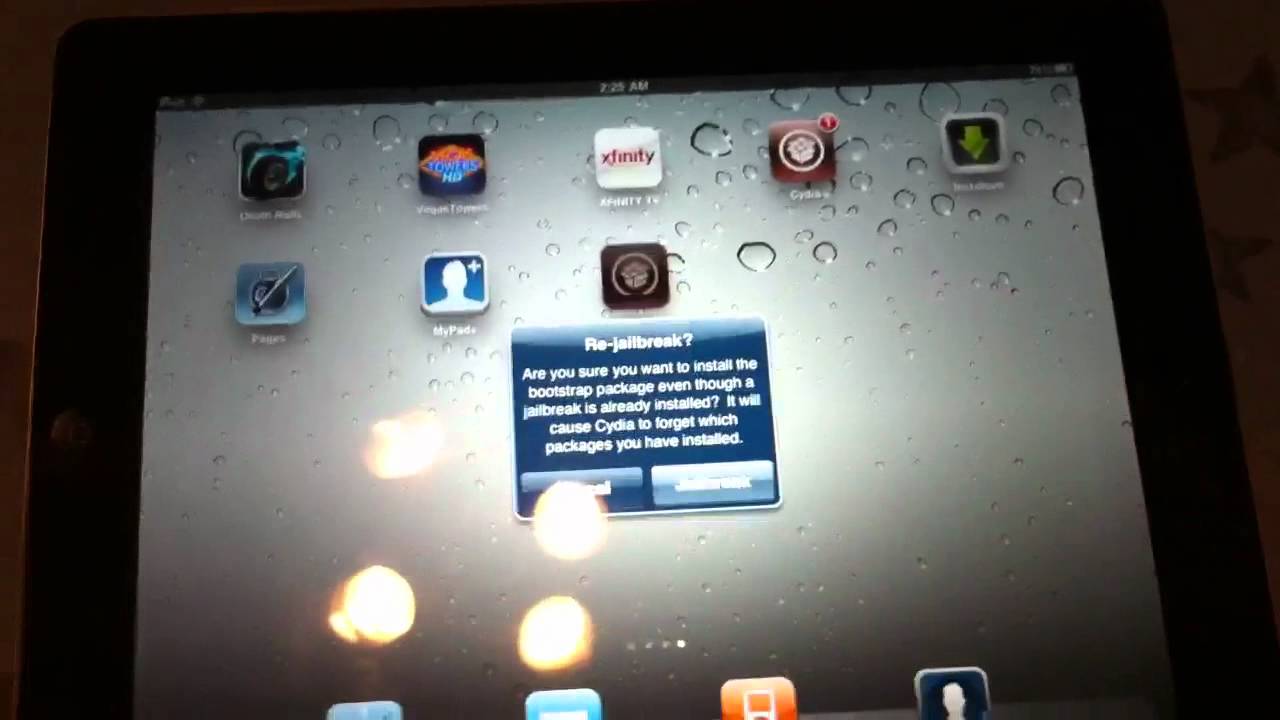
After months of waiting, Comex and the iPhone Dev Team have finally released JailbreakMe v3, allowing any iOS device running iOS 4.3.3 to be jailbroken just by visiting a simple web page.
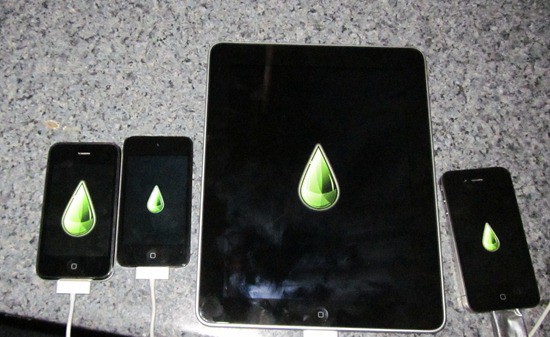
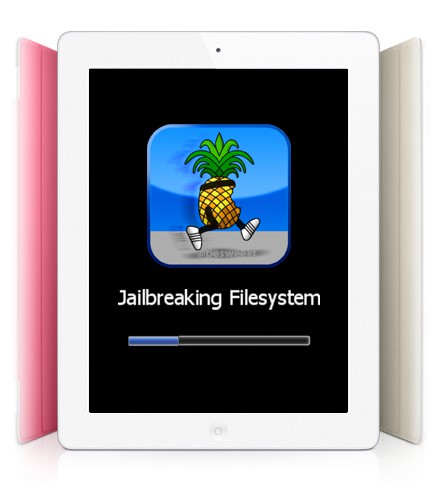
Even though this is as simple as jailbreaks get, though, there’s still stuff that can go wrong, so we’ve put together this handy guide for any would-be iPad jailbreakers. Here’s how to jailbreak your iPad or iPad 2 the right way.
After what seemed like a painfully long wait, Comex has finally relaunched JailbreakMe — the web-based unlock for (nearly) all iOS devices, including the iPad 2, running iOS 4.3.3.
While the release of JailbreakMe 3.0 is expected to be imminent, those of you struggling to wait any longer can now set up your own web-based jailbreak for all devices running iOS 4.3.3 and below. Here’s how!
JailbreakMe, undoubtedly the easiest method of jailbreaking an iOS device, is set to return imminently with version 3.0 — the all-purpose jailbreak for any device, including the iPad 2, running iOS 4.3.3 and below. Comex has updated the site for the second time in the past week, leading some to speculate the relaunch of the new service will be today.
For a few minutes this morning, a working version of Comex’s much anticipated Jailbreakme 3.0 hack was leaked to the web, allowing users who visited a special site on MobileSafari to jailbreak their iPad 2s running iOS 4.3.3.
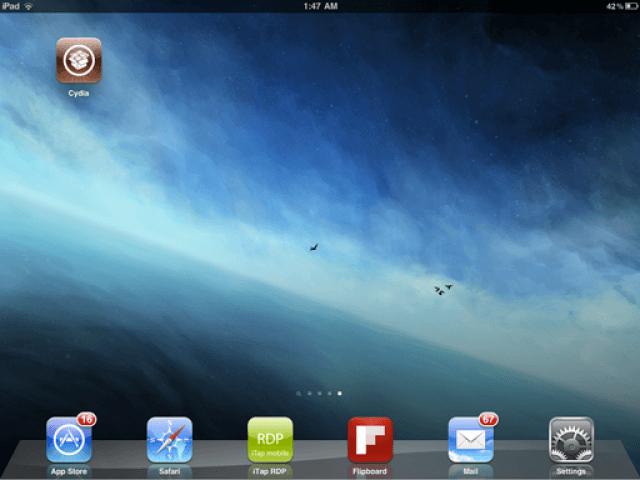
The leak’s since been taken down, but it was confirmed to work by multiple users to be a working jailbreak, and Cydia is now working on multiple iPad 2s through the userland exploit.
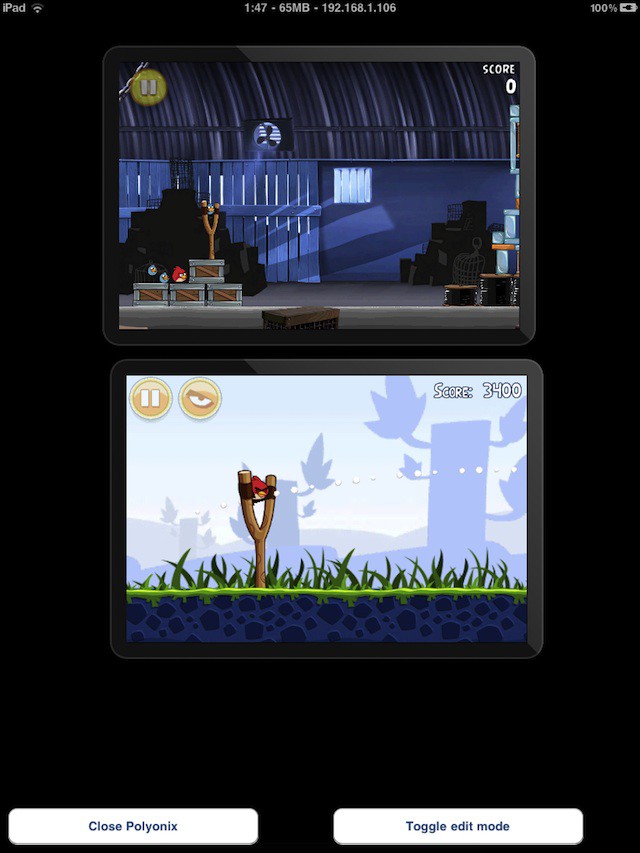
One of Windows 8’s key tablet features is the ability to run two apps on the same screen side-by-side. It’s a feature that iOS 5 has yet to adopt, but that hasn’t stopped one jailbreak dev from swiping the idea and creating a hack that can allow two or more iPhone apps to run side-by-side on any iPad. Sick.
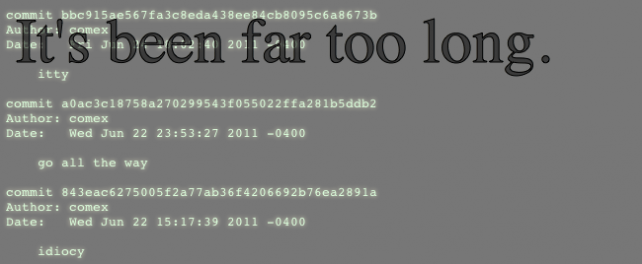
Undoubtedly the most simple jailbreak solution to ever be available for the iPhone is the JailbreakMe online exploit from Comex. Apple quickly patched this hack shortly after its release, but Comex has updated the JailbreakMe page with a teaser its upcoming relaunch… reminding people that this was a jailbreak a LONG time in the making.
Come iOS 5, Apple might finally win the war against jailbreakers. Even if the Dev Team prevails, though, Apple still might succeed in limiting jailbreaking to tethered exploits only, as well as finally axe the ability for users to downgrade to older versions of iOS.
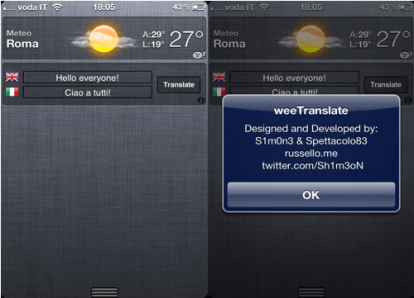
Since iOS 5 was released two weeks ago, jailbreak tweak developers have been hard at work creating third-party widgets that can be integrated into the new Notification Center. The latest is called WeeTranslate, and offers a quick and easy way to access Google Translate on your iPhone.
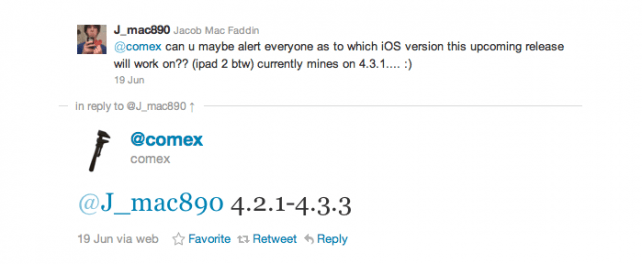
Jailbreak artist Comex has been hinting at plans to dust off Jailbreakme.com for a while now, allowing users on compatible iOS devices to jailbreak their systems just by loading the page in Mobile Safari. But what devices will be supported?
All of them running iOS 4.2.1 to iOS 4.3.3, for one. The iPad 2 for another. Hoorah!
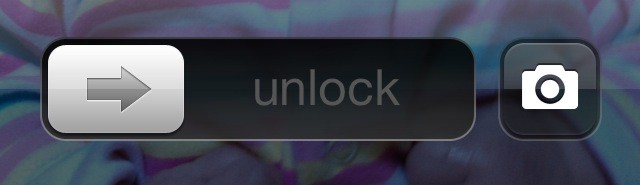
As we await the launch of iOS 5, jailbreak developers are creating new tweaks for the existing iOS 4 software that aims to provide us with a taste of the goodies we’ll be getting our hands on this fall. The latest is CameraLock — a great little utility that introduces a camera button to your lock screen.
Yesterday, we reported that in the first beta of iOS 5, Apple had removed gesturing functionality from first-gen iPad owners, making it impossible to navigate between apps on Apple’s breakout tablet with iOS 5’s four- and five-finger multitouch gestures.
Here’s the good news. You can get them back. The bad news? It takes a jailbreak to get it done.
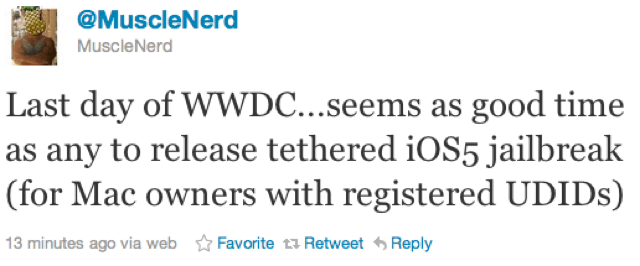
In honour of the final day of this year’s WWDC today, the iPhone Dev-Team may have a little treat in store for those of you have are running the first iOS 5 beta.
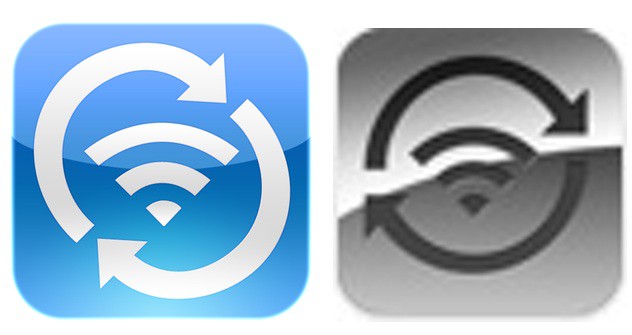
Greg Hughes' WIFi Sync app icon is on the left, Apple's official WiFi Sync icon is on the right.
When UK student and programmer Greg Hughes watched Monday’s WWDC keynote, he was surprised to see Apple rip off his ideas twice in the same feature. Not only had they taken his WiFi Sync Cydia app and baked it right into iTunes… they even stole his icon design.
It took the iPhone Dev-Team less than 24 hours to successfully perform a tethered jailbreak of the first iOS 5 beta, but hopes that an untethered jailbreak would be developed before iOS 5 goes public later this year have now been crushed.
Wow! That was fast. The first beta release of Apple’s iOS 5 firmware hasn’t even been available for 24 hours yet, and it has already been successfully jailbroken.
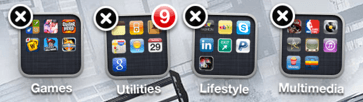
A new jailbreak tweak making its way into Cydia will enable users to delete home screen folders – and return all of the applications within them to the home screen – with a single tap.
The Chronic Dev Team are a wonderful and ingenious bunch of guys, but they aren’t exactly the most punctual of hackers. It’s common for it to take months for the latest version of iOS or the newest iDevice to be cracked. So when Chronic Dev Team member p0sixninja recently said that we were “weeks” away from an iPad 2 jailbreak, we were skeptical we’d actually see it anytime soon.
On the contrary, says the Chronic Dev Team. You can consider that a promise.
Can a $99 second-gen Apple TV operate under heavy load as a web server? With the death of the venerable XServ line, one hosting company is going to try to find out.
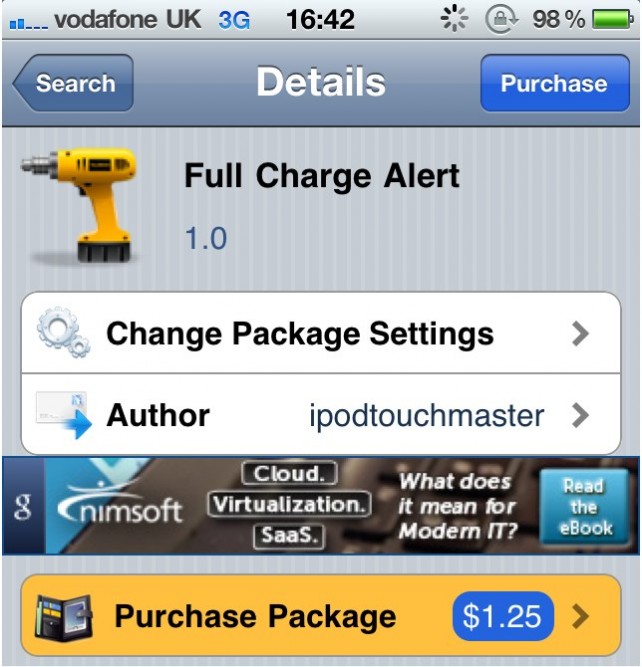
As jailbreak tweaks go, this one is probably the most simple, but it’s also rather handy. It’s never a good idea to continue to charge a battery way beyond its full charge, and this tweak ensures it doesn’t happen by alerting you when your device’s battery is full.
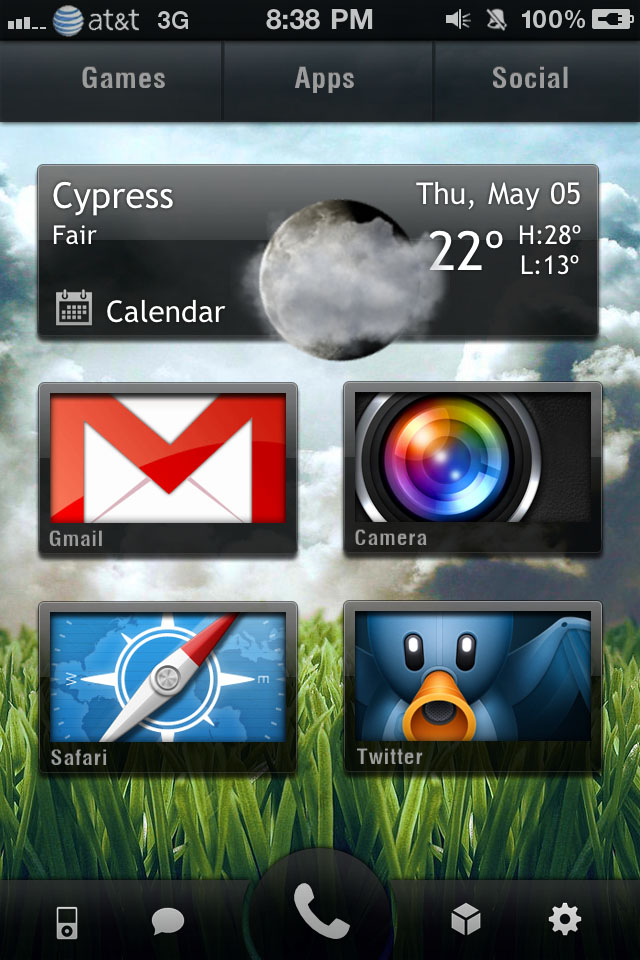
And they say iOS isn’t customizable… Fortunately for jailbreakers, it certainly is! DreamBoard, a $2.99 tweak that’s available in Cydia, will completely reinvent the way your home screens look. It’s very easy to use, and there are a number of different themes available. Check them out below!
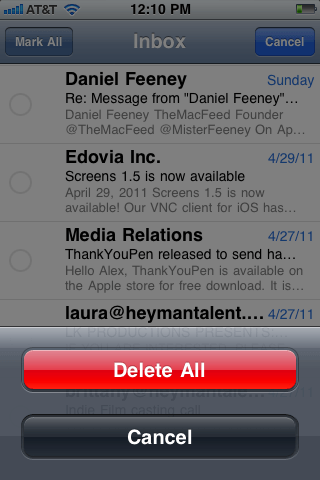
One of the biggest niggles with the iOS Mail application – for me – is that in order to delete multiple emails at once, you need to go through and select each individual message before you hit the delete button. I think that kind of defeats the object of having a multiple delete function; you might as well just delete them individually if you’ve got to touch them all anyway. However, a new jailbreak tweak called DeleteMail offers a solution to this problem.
Developed by Andrea Oliva, and now available in Cydia for $0.99, DeleteMail allows you to delete every single email in a particular mailbox in just two taps.
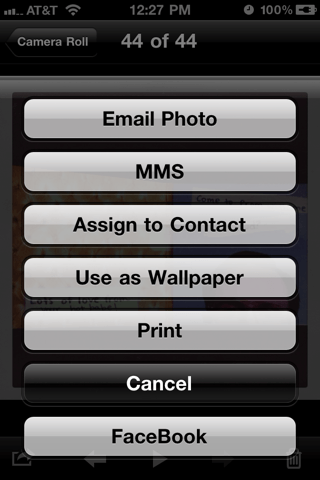
A new jailbreak tweak that’s just hit Cydia allows users to upload photos to Facebook directly from the photo library on their iOS device without having to use a dedicated application. Native FB Upload allows you to select your photo and send it to Facebook just as easily as you can to MobileMe.
While the App Store is full of Facebook applications that allow you to upload photos, this $1.99 tweak from Tyler Nettleton (@InfectionX) cuts out the middle man. Once installed you can select a photo in your camera roll, or any other photo album, and tap the ‘export’ button in the bottom left that you’d usually use to send an image via MMS, email, or to MobileMe. You’ll have a new option to upload to Facebook.