Mobile menu toggle

iPhone - page 64

How to run Windows XP on your iPhone or iPad without jailbreaking

By

How to run Windows XP on iPhone or iPad
The golden age of Windows.
Photo: Killian Bell/Cult of Mac

I bet you never imagined you might one day run Windows XP on an iPhone or iPad. But thanks to a brilliant app called UTM, it’s not only possible, but it is incredibly easy. You don’t even need to jailbreak.

We’ve already showed you how to use UTM to run Mac OS X on an iOS device. In this how-to, we’ll show you how to get set up with Windows XP. It’s even easier, requires less storage, and takes half the time.

Ready to return to the golden age of Windows?

How to run Mac OS X on your iPhone or iPad without jailbreaking

By

How to run Mac OS X on iPhone or iPad
A dream come true?
Photo: Killian Bell/Cult of Mac

It’s highly unlikely Apple will ever give us an iPad that runs macOS — and that’s OK. Because with a few tricks (that do not require a jailbreak), you can easily install Mac OS X on your iPad all by yourself.

The process won’t void your warranty or interfere with iPadOS in anyway. All you need is a copy of Mac OS X, an app that lets you run virtual machines, and plenty of storage space.

Check out our step-by-step guide to learn more.

How to get your $25 ‘Batterygate’ settlement from Apple

By

iPhone
Did you own an iPhone throttled by Apple? If so, you could get a $25 check.
Photo: andri333/Pixabay CC

If you owned an iPhone that took a performance hit after a controversial iOS update, Apple might owe you $25. The payments follow Apple’s settlement of a class-action lawsuit over “Batterygate.”

However, to get your check, your claim must be received by October 6, 2020. Find out how to apply for a Batterygate payment, and exactly what you need to qualify, below.

Laugh along as Apple takes on ‘the whole working-from-home thing’ in new video

By

Working from home can be a challenge, but not for the Underdogs.
Laugh along with Apple in ‘The whole working-from-home thing’ video.
Photo: Apple

Working from home is the new normal, and an Apple video released Monday shows a team using Mac, iPad and iPhone to collaborate on a rushed project.

But this is less an instructional “how to” video and more something we can all commiserate with as the team struggles with kids, cats and crazy coworkers to make a looming deadline.

Enjoy it now:

Send new downloads to App Library for a tidy Home screen in iOS 14 [Pro tip]

By

How to send new apps to App Library
Don't organize all your iPhone apps manually.
Image: Killian Bell/Cult of Mac
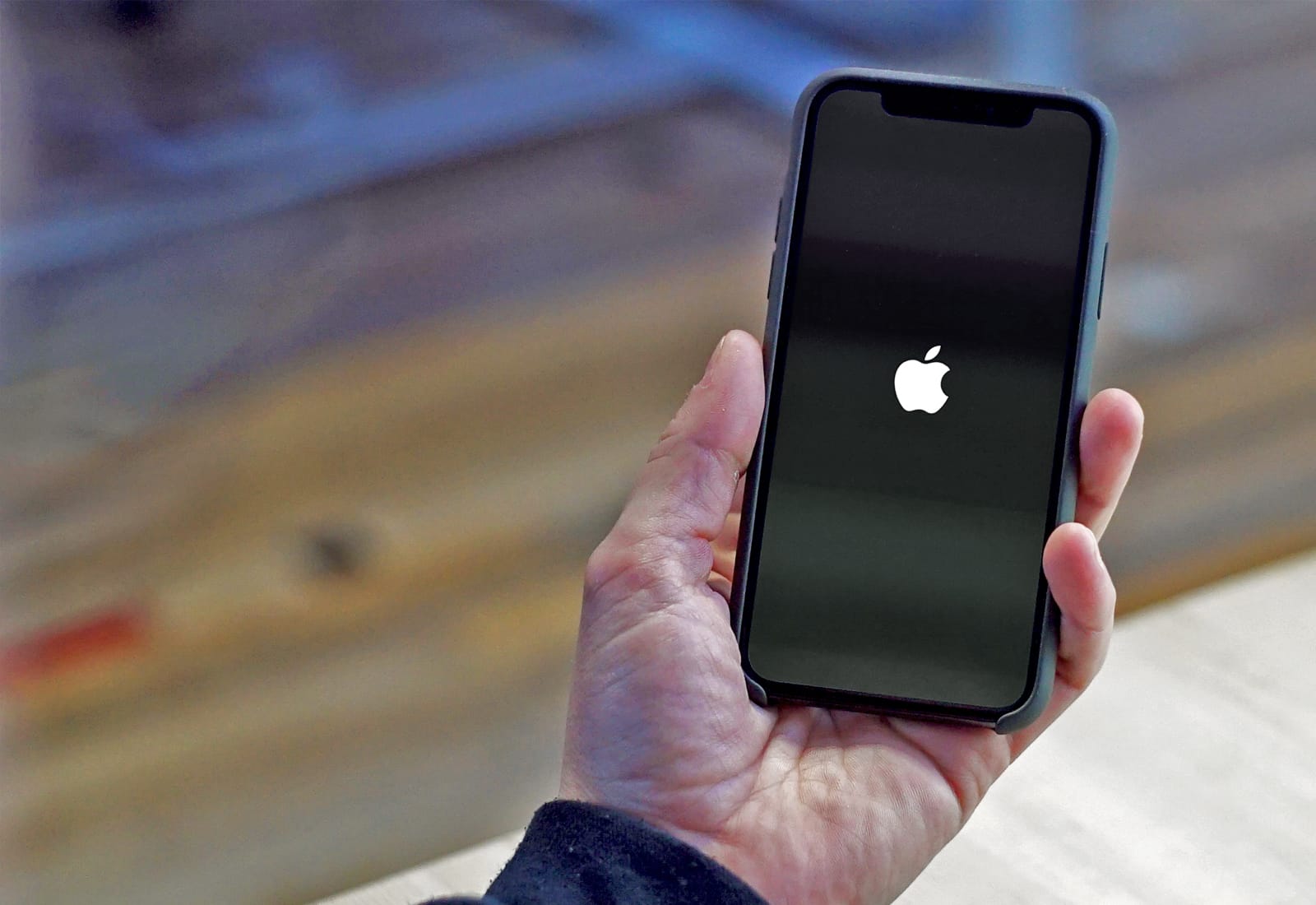
Pro-tip-4 iOS 14 makes it easier than ever to keep a tidy Home screen, thanks to the ability to hide Home screen pages and its brilliant new App Library. Here’s how to send new downloads to the App Library automatically so that you don’t have to worry about cleaning up yourself later on.

How to sort podcast episodes so they play in the right order

By

How to sort podcast episodes
You don't always want to hear the most recent episode first.
Image: Killian Bell/Cult of Mac
If you’re starting a new podcast that you want to listen to from the very beginning, you’ll need to change some settings to ensure that the Podcasts app doesn’t automatically play the latest episode first.

It’s a simple tweak that takes just a minute, and we’ll walk you through it in this step-by-step guide.

Save $55 on Twelve South’s stunning PowerPic charger for iPhone

By

Twelve South PowerPic
A wireless charging stand that never looks out of place.
Photo: Twelve South

Not every wireless charger is an ugly black box you’ll want to hide away. Check out Twelve South’s stunning PowerPic stand, which cleverly integrates wireless charging technology into a modern photo frame.

Get yours today on Amazon for just $34.99 — a generous $55 off the usual price.

Stunning concept video brings iPhone 12 rumors to life

By

iPhone 12 rumors mix in this concept video.
The real iPhone 12 ads could look much like this concept video.
Screenshot: ConceptsiPhone

A new concept video beautifully combines iPhone 12 rumors into a three-minute ballet of tech. Done in the same style as Apple advertisements, it offers an early glimpse of what the real ads might look like when the 2020 iPhone models arrive this fall.

Watch it now:

How to customize Home Screen widgets in iOS 14

By

How to use widgets in iOS 14
Make the most of widgets in iOS 14.
Image: Killian Bell/Cult of Mac

WWDC 2020iOS 14 will ship with a bunch of built-in widgets that put helpful information on your Home screen (with many more coming from third-party developers this fall), and most are customizable in some way.

Here’s how you can edit widgets so that they display the information that’s most relevant to you.

iOS 14’s new Home screen widgets aren’t as powerful as you might think

By

Home screen widgets in iOS 14
Widgets are awesome, but they're missing one thing.
Image: Killian Bell/Cult of Mac
WWDC 2020 For many iPhone users, the biggest and most exciting change in iOS 14 is the addition of Home screen widgets. It’s a feature we’ve been waiting years to get — and a feature Android has offered since the very beginning. But there’s something you should know before you start using them this fall.

iOS 14 Home screen widgets aren’t quite as powerful as you might think they are.

iPhone’s seesaw year in China continues as sales fell nearly 8% in May

By

iPhone sales are finally rebounding in China
iPhone sales fluctuate wildly in China in 2020.
Photo: Tim Cook/Weibo

The iPhone’s seesaw year in China continued in May as sales declined 7.7% from the previous month, CNBC reports. It suggests that the period of pent-up demand for the iPhone following lockdown may have worn off already. In total, Apple reportedly sold 3.6 million iPhones in China, down from 3.9 million one month earlier.

By comparison, Apple sales rose by a massive 160% month-on-month in April, after lockdown conditions in China eased up and Apple Stores were reopened. In February, iPhone sales in China declined by 60% as COVID-19 swept the country and hurt both supply and demand for Apple’s handsets.

Tap the back of your iPhone to activate handy shortcuts in iOS 14

By

Back Tap settings in iOS 14
A quicker, easier way to get things done.
Image: Killian Bell/Cult of Mac
WWDC 2020One of many hidden new features in iOS 14 is an option to set new shortcuts that are activated by tapping the back of your iPhone. It’s a new accessibility option that can be used for things like returning to the Home screen, snapping a screenshot, muting your device, and more. Here’s how it works.

Tim Cook talks WWDC secrets, taxes, and how the iPhone could help people change the world

By

Tim Cook talks to John Dickerson
Tim Cook's interview aired the day before WWDC.
Photo: CBS

Tim Cook talked taxes, WWDC secrets, and how the iPhone can play a small, but important role in changing the world for the better in an interview aired over the weekend on CBS Sunday Morning.

“I’m full of secrets and it’s hard not to overflow right now,” Cook said. “But I’ve been trained well.” On other topics, however, he was a lot more open.

Apple’s first foldable phone could feature 2 displays joined by hinges

By

Microsoft Surface Neo
Apple's foldable iPhone could take a similar approach to Microsoft's Surface Neo.
Screenshot: Microsoft

Apple’s “foldable” iPhone will use dual displays to get around the foldable screen problem that plagues other folding phones like Samsung’s beleaguered Galaxy Fold, claims Apple leaker Jon Prosser.

“The current prototype has two separate display panels on a hinge,” Prosser wrote in a tweet Monday. He claims the foldable iPhone prototype boasts “round, stainless steel edges like current iPhone 11 design” and features no notch. Instead, there is a “tiny forehead” on the outer display that houses the Face ID sensors.

Find a lost iPhone in the dark by using Apple Watch to light up its camera flash [Pro tip]

By

How to light up iPhone's flash from Apple Watch.
Track down an iPhone faster at night.
Photo: Killian Bell/Cult of Mac
Pro-tip-4Finding a lost iPhone isn’t too difficult if you own an Apple Watch. By simply tapping a button in Control Center, you can play a sound that will help you locate your mislaid device. It’s also possible to light up iPhone’s LED flash.

The trick can make it easier to find a lost iPhone in a dark room. This pro tip will show you how to use it.

9 new iPhone models, a new Mac head for certification before WWDC

By

iMac
The wait for a new iMac could soon be over.
Photo: Apple

A bunch of new Apple products have appeared in the Eurasian Economic Commission database ahead of their official debuts. There are nine new iPhone models and a new Mac, all of which are expected in 2020.

Many Apple fans will be hoping the mystery Mac is an all-new iMac that’s expected to appear at WWDC 2020 later this month.