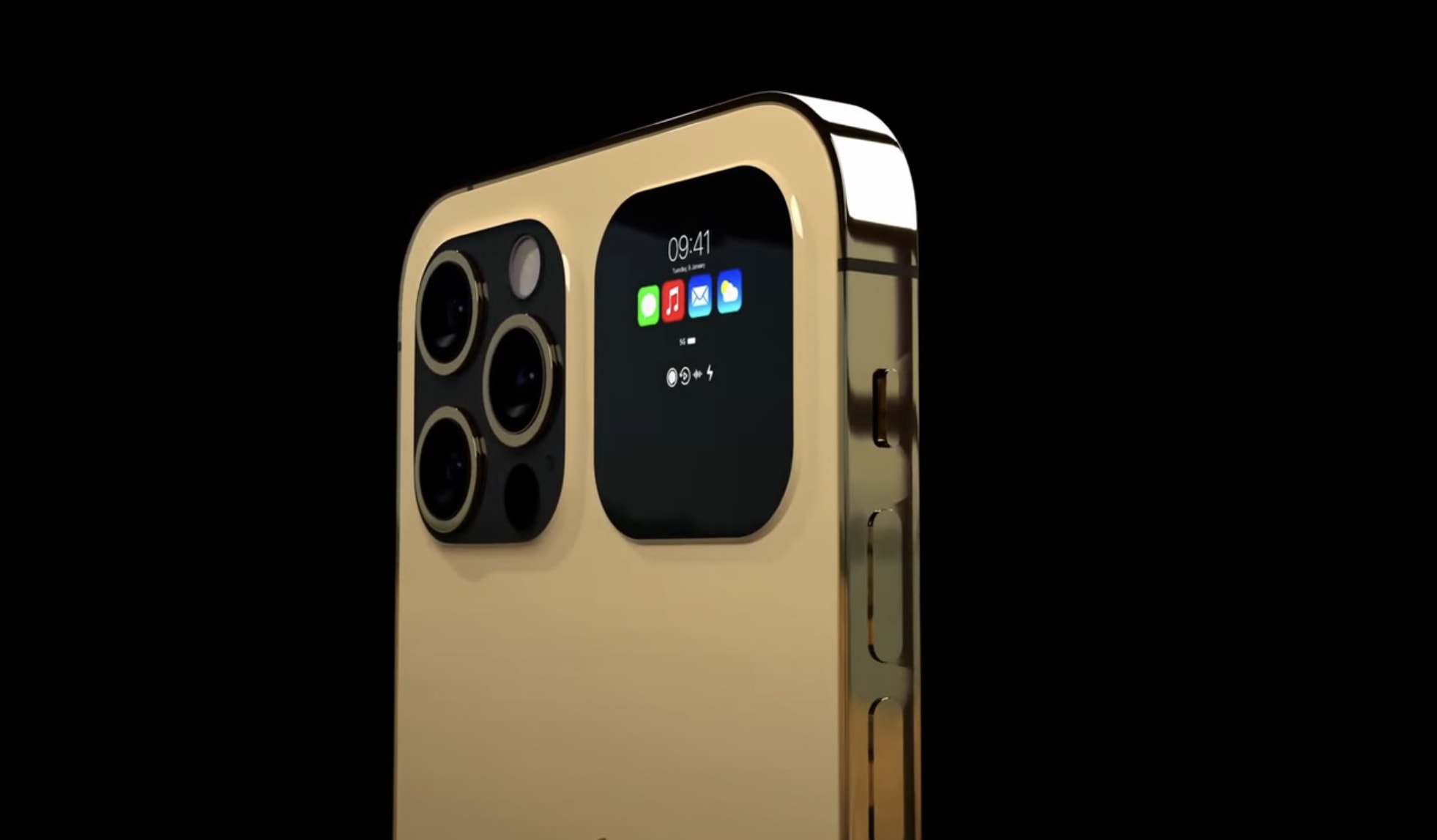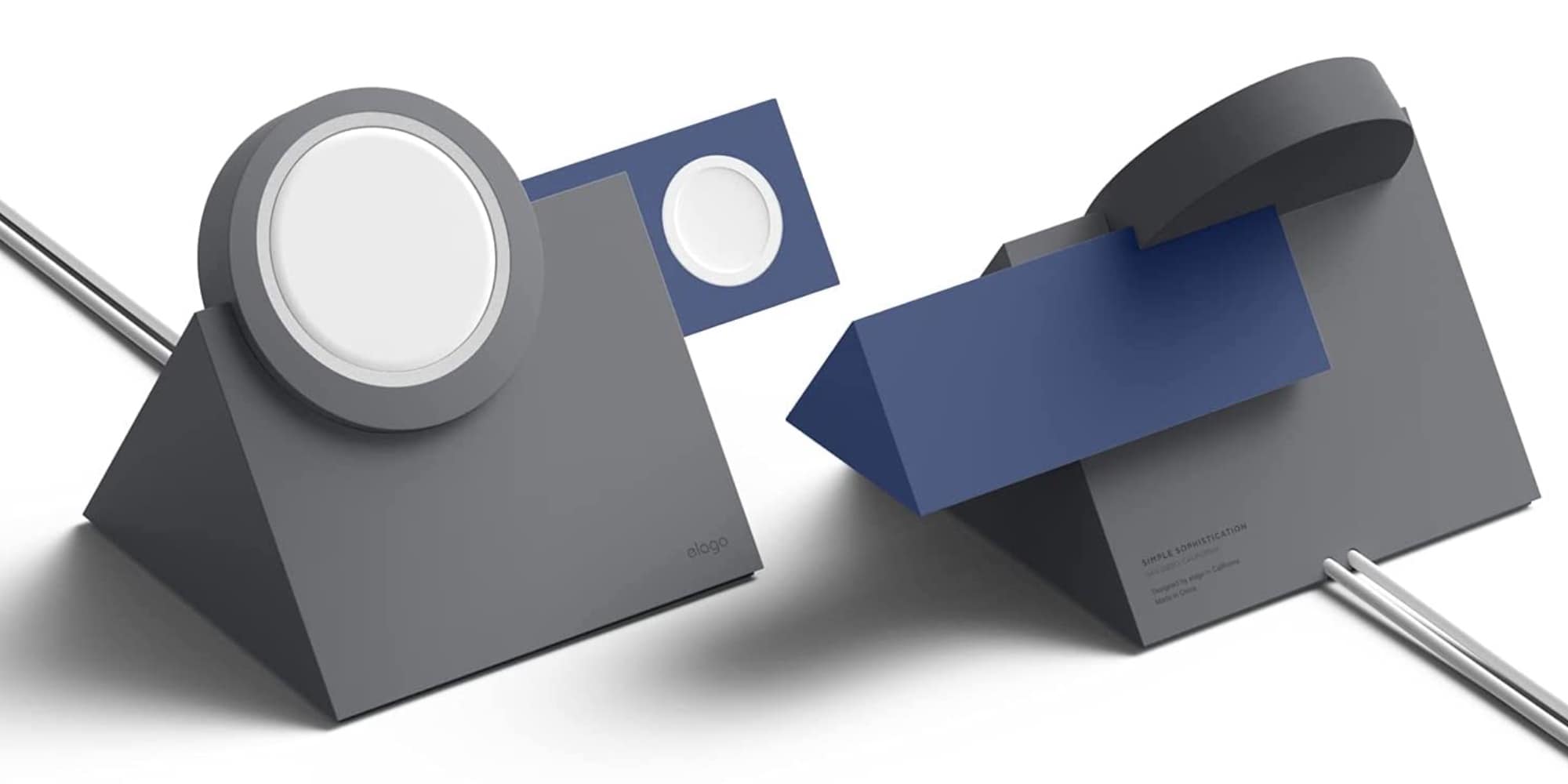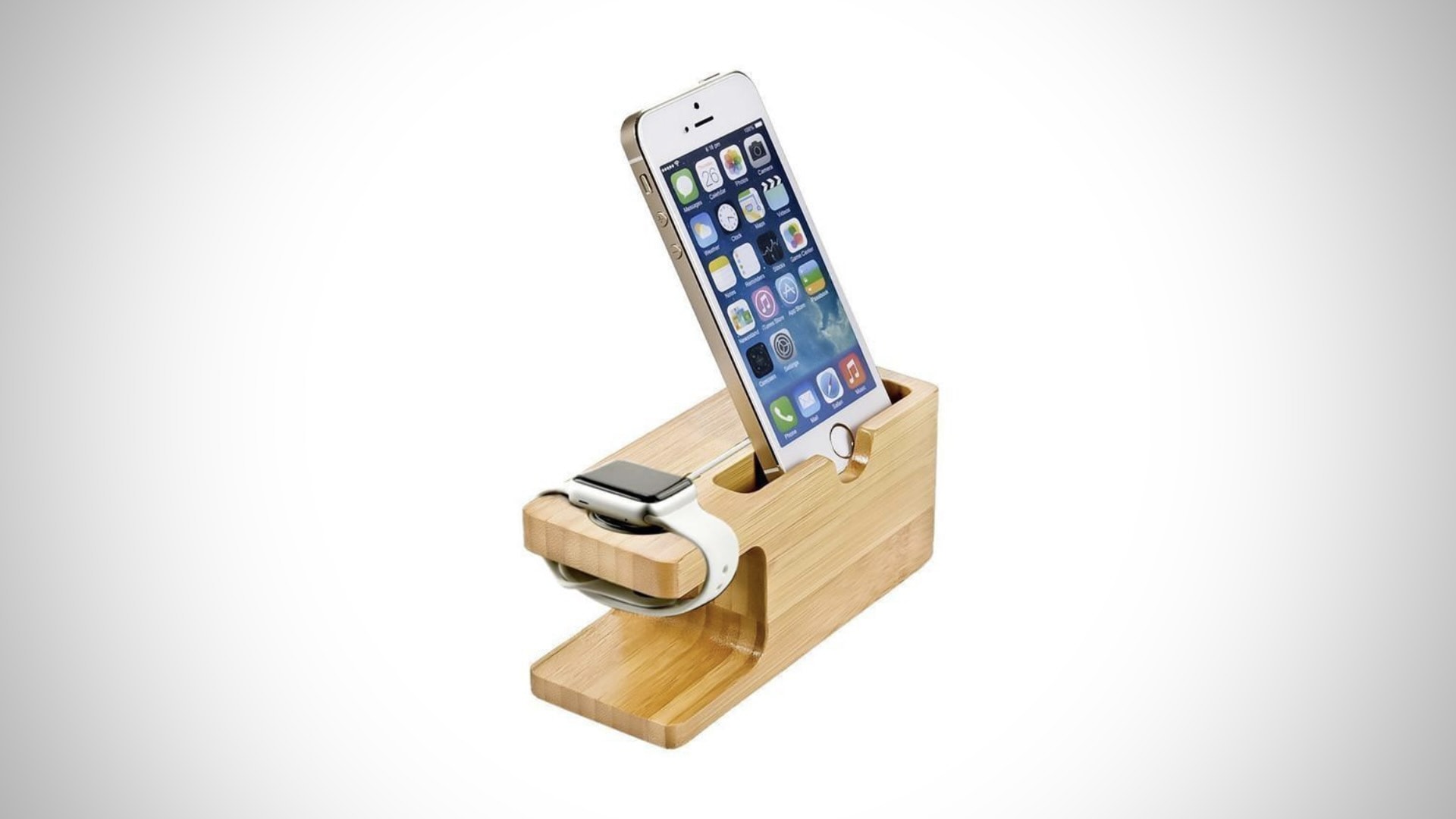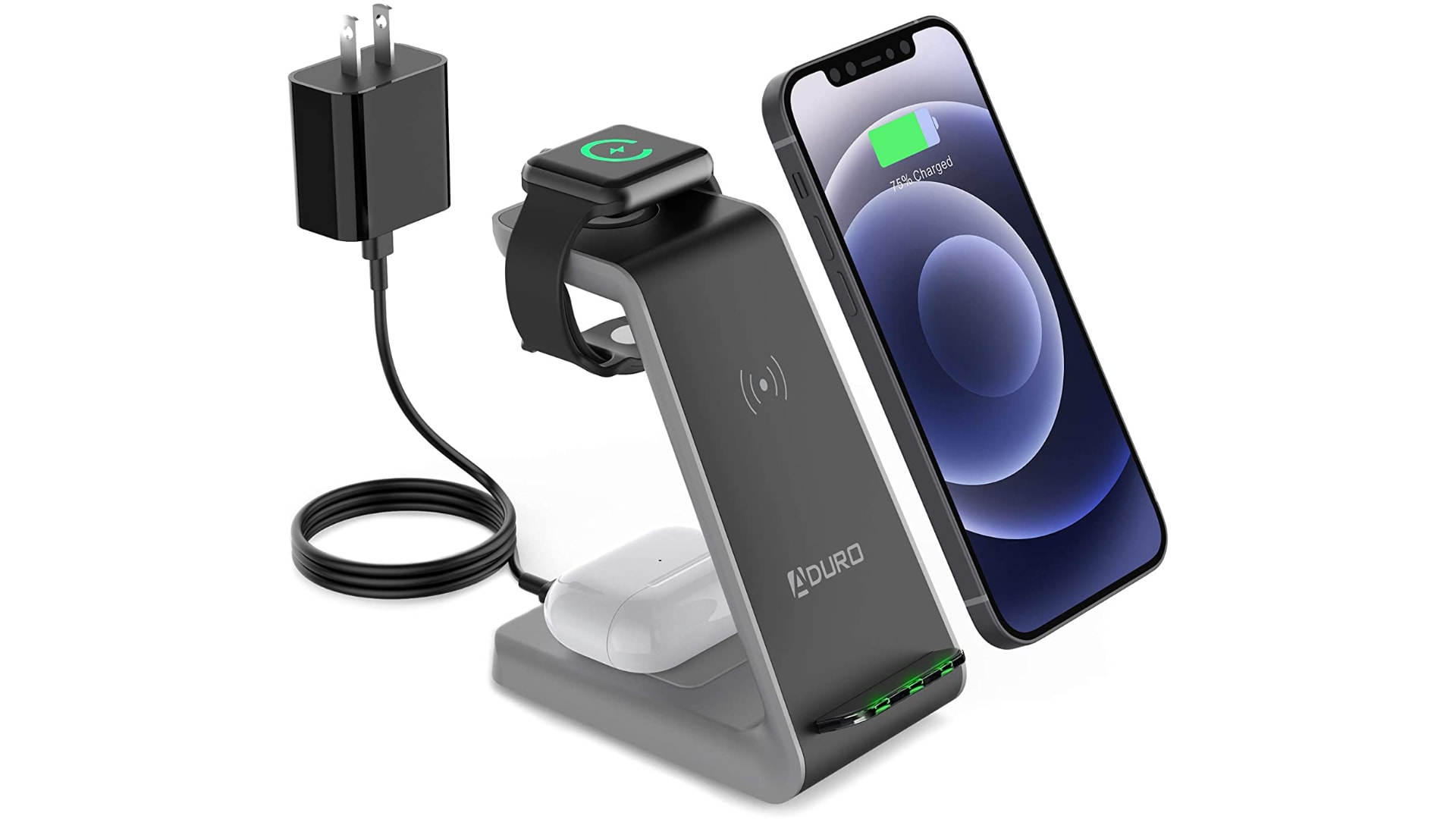
You can also save 36% on a matching wood charger. Photo: Limited77
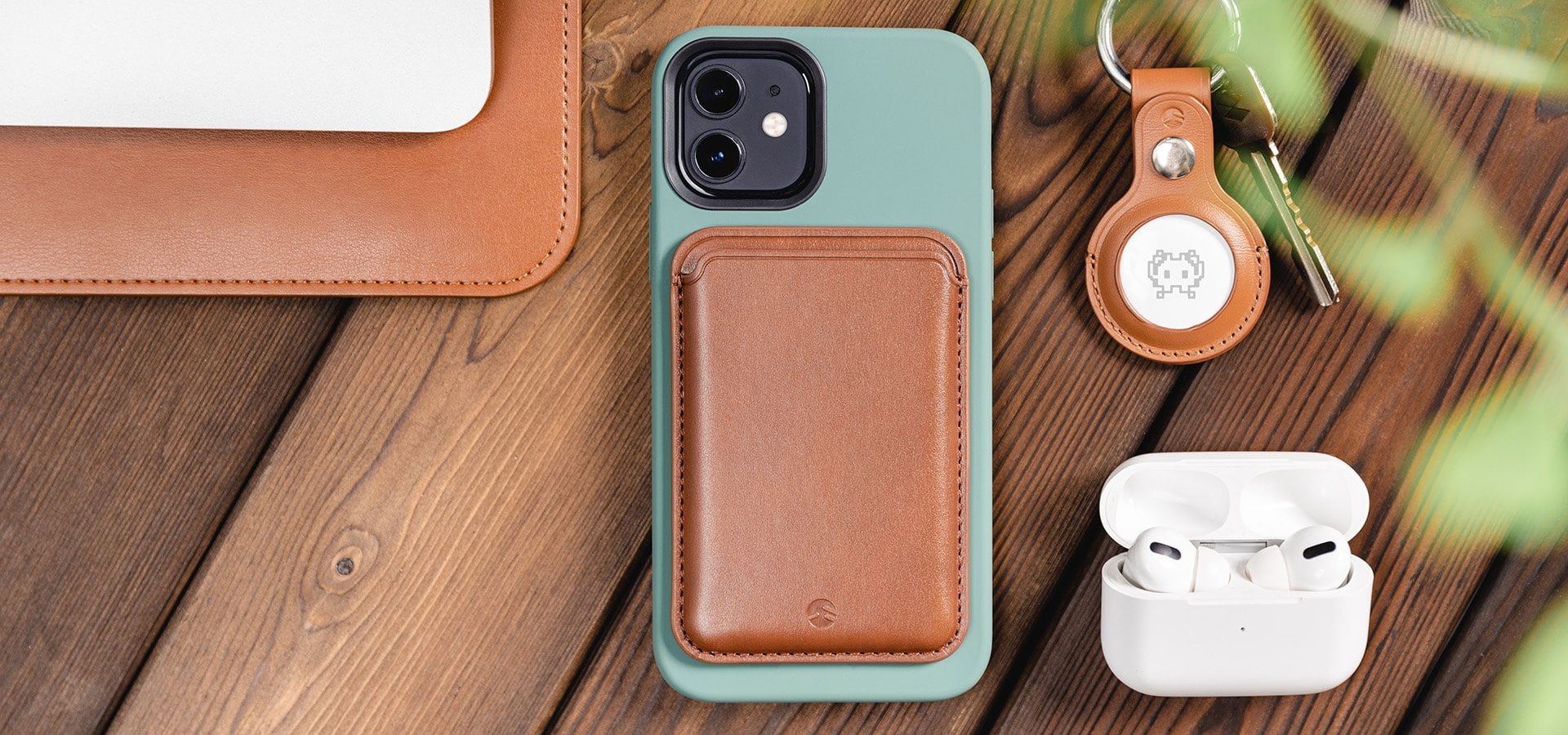
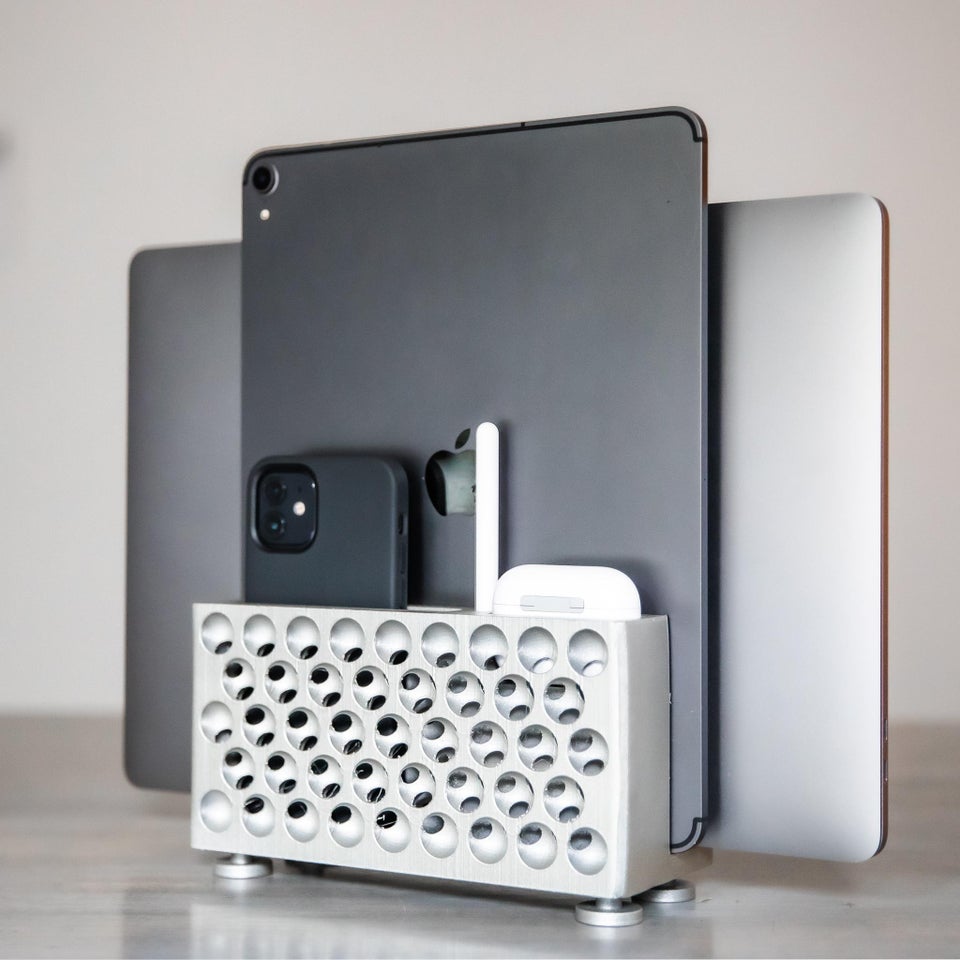
Limited77’s sweet lineup of wood cases for iPhone just hit the Cult of Mac Store, and you can get yours at a reduced price for a limited time. There are two awesome designs to choose from, with prices starting at just $25. Bag yours before the discount disappears!
Get a better view in the dark. Image: Killian Bell/Cult of Mac
We want to help you master Control Center, one of the most powerful and underutilized features on Apple devices. Cult of Mac’sControl Center Pro Tips series will show you how to make the most of this useful toolbox on iPhone, iPad, Apple Watch and Mac.
Searching for something in a dark room? You can turn your iPhone, iPad and even your Apple Watch into a flashlight with just one tap inside Control Center. We’ll show you how.
Don't miss the chance to save important info. Image: Killian Bell/Cult of Mac
We want to help you master Control Center, one of the most powerful and underutilized features on Apple devices. Cult of Mac’sControl Center Pro Tips series will show you how to make the most of this useful toolbox on iPhone, iPad, Apple Watch and Mac.
Did you know you can quickly capture a voice memo or audio recording with a simple Control Center shortcut? It’ll save you having to hunt down the Voice Memos app, or from having to place another unnecessary icon on your Home screen that you might not need every single day.
Managing wireless devices can be easy with Control Center. Image: Killian Bell/Cult of Mac
We want to help you master Control Center, one of the most powerful and underutilized features on Apple devices. Cult of Mac’sControl Center Pro Tips series will show you how to make the most of this useful toolbox on iPhone, iPad, Apple Watch and Mac.
Quickly connect to Bluetooth devices by using Control Center on iPhone, iPad, and Mac. You won’t need to fiddle around inside Settings or System Preferences — just a couple of taps is all it takes to start pairing.
The quickest, easiest way to silence your device. Image: Killian Bell/Cult of Mac
We want to help you master Control Center, one of the most powerful and underutilized features on Apple devices. Cult of Mac’s Control Center Pro Tips series will show you how to make the most of this useful toolbox on iPhone, iPad, Apple Watch and Mac.
Heading into an important meeting and need your iPhone to keep quiet? Don’t worry about turning off your device or messing around inside the Settings app; toggle Do Not Disturb mode with one tap in Control Center.
Don't waste your time inside System Preferences. Image: Killian Bell/Cult of Mac
We want to help you master Control Center, one of the most powerful and underutilized features on Apple devices. Cult of Mac’s Control Center Pro Tips series will show you how to make the most of this useful toolbox on iPhone, iPad, Apple Watch and Mac.
Need to disable True Tone on your iPhone, iPad, or Mac? You could open the Settings app and dig around inside there for a few minutes until you find what you need. Or you could toggle the feature in an instant right inside Control Center.
Enable Low Power Mode to get you through a long day. Image: Killian Bell/Cult of Mac
We want to help you master Control Center, one of the most powerful and underutilized features on Apple devices. Cult of Mac’s Control Center Pro Tips series will show you how to make the most of this useful toolbox on iPhone, iPad, Apple Watch and Mac.
Worried your iPhone or iPad battery isn’t going to last you all day? Activate Low Power Mode inside Control Center to minimize how much energy your device is consuming when it’s not being used. It’s super-simple to use, won’t get in your way, and it makes a big difference.
We’ll show you how and explain a similar feature — Power Reserve — that you can activate on Apple Watch.
There's no need for the Calculator to take up Home screen space. Image: Killian Bell/Cult of Mac
We want to help you master Control Center, one of the most powerful and underutilized features on Apple devices. Cult of Mac’s Control Center Pro Tips series will show you how to make the most of this useful toolbox on iPhone, iPad, Apple Watch and Mac.
You don’t need to keep the Calculator app on your iPhone’s Home screen just to make it easy to find when you need it. Add it to Control Center instead and you’ll be ready to do math anywhere, anytime with just a swipe and a tap.
There's no need to dig around inside the Settings app. Image: Killian Bell/Cult of Mac
We want to help you master Control Center, one of the most powerful and underutilized features on Apple devices. Cult of Mac’s Control Center Pro Tips series will show you how to make the most of this useful toolbox on iPhone, iPad, Apple Watch and Mac.
There’s no need to dig around inside the Settings app to activate Dark Mode on your iPhone, iPad or Mac. Simply add the Dark Mode button to Control Center and you can quickly toggle it on or off in just a tap.
We’ll show you how in this Control Center pro tip.
The dedicated Code Scanner app is ready when you need it.
We want to help you master Control Center, one of the most powerful and underutilized features on Apple devices. Cult of Mac’s Control Center Pro Tips series will show you how to make the most of this useful toolbox on iPhone, iPad, Apple Watch and Mac.
Need to scan a QR code in a jiffy? Add a handy code reader to Control Center on iPhone and iPad that’s quick and easy to find in just a swipe. We’ll show you how.
And follow along with real-time lyrics. Image: Killian Bell/Cult of Mac
We want to help you master Control Center, one of the most powerful and underutilized features on Apple devices. Cult of Mac’s Control Center Pro Tips series will show you how to make the most of this useful toolbox on iPhone, iPad, Apple Watch and Mac.
When you’re listening to a song you dig, but you have no idea of its name or the artist who recorded it, you can use Control Center on your iPhone or iPad to identify the track in an instant.
It’s the simplest way to invoke Shazam, the powerful music-recognition tool built into iOS, aside from asking Siri to name that tune (which you probably don’t want to do in certain situations). We’ll show you how.
iOS 14.5 gives us the ability to unlock iPhone with an Apple Watch for the first time. It’s perfect for those who can’t get Face ID to work when wearing a mask.
Don't squint to read text on your iPhone and iPad. Image: Killian Bell/Cult of Mac
We want to help you master Control Center, one of the most powerful and underutilized features on Apple devices. Cult of Mac’sControl Center Pro Tips series will show you how to make the most of this useful toolbox on iPhone, iPad, Apple Watch and Mac.
Left your reading glasses at home? Switch system text sizes on the fly using Control Center to make text messages, emails, websites, and more easier to read on iPhone and iPad. We’ll show you how.
Capture sweet gameplays, top tips, and more. Image: Killian Bell/Cult of Mac
We want to help you master Control Center, one of the most powerful and underutilized features on Apple devices. Cult of Mac’sControl Center Pro Tips series will show you how to make the most of this useful toolbox on iPhone, iPad, Apple Watch and Mac.
Want to capture what’s happening on the screen of your iPhone or iPad. Apple’s built-in screen recording feature makes that incredibly easy, and you can activate it with just one tap inside Control Center.
The quick and easy way to change connections. Image: Killian Bell/Cult of Mac
We want to help you master Control Center, one of the most powerful and underutilized features on Apple devices. Cult of Mac’sControl Center Pro Tips series will show you how to make the most of this useful toolbox on iPhone, iPad, Apple Watch and Mac.
There’s no need to mess around inside System Preferences or the Settings app when you want to change Wi-Fi networks. Open Control Center on your Apple device and make the switch in a snap.
We’ll show you how on iPhone, iPad, Apple Watch, and Mac.
With a little bit of tweaking, Control Center can be a lot more useful. Image: Killian Bell/Cult of Mac
We want to help you master Control Center, one of the most powerful and underutilized features on Apple devices. Cult of Mac’sControl Center Pro Tips series will show you how to make the most of this useful toolbox on iPhone, iPad, Apple Watch and Mac.
On iPhone, iPad, Apple Watch and Mac, the Control Center puts vital tools at your fingertips. And while most people probably are familiar with some preset options, like Airplane Mode and Do Not Disturb, a world of customization awaits anyone willing to spend a few minutes digging deeper into this underutilized tool set.
All week long, we’ll show you how to get the most out of Control Center — and thus squeeze even more sweet utility out of your Apple devices. With this series of quick and simple Control Center tips, we’ll show you how to add useful buttons that make common tasks easier than ever.
No bigger than a USB flash drive, this high-speed portable SSD works with all your Apple gear thanks to its USB-C, Lightning and USB-A connectors. It weighs just 17 grams, making it the ultimate data storage device for travelers, digital nomads or anyone else who needs massive backup in a tiny size. Find out more about Rapid SSD.
You don't even need the newest Apple TV (but you do need an iPhone with Face ID). Image: Apple
Apple just added a brand-new feature to Apple TV that works with your iPhone to color calibrate your TV. It’s really simple to use and the results can be terrific. What’s more, you don’t need the newest Apple TV.
The new Color Balance tool is available on Apple TV models released in 2015 or later. Here’s how to use it.
Find out how much your old iPhone is really worth. Photo: Killian Bell/Cult of Mac
iPhone 12 and 12 mini is now available to preorder in purple for the first time. If the new color option has encouraged you to upgrade, it’s time to turn your old model into fast upgrade cash.
Sell your old iPhone (and other Apple devices) to Cult of Mac today and we’ll send you a fat stack of cash to make your upgrade more affordable.
Transparent iPhone cases don’t have to be boring. Limited77’s awesome range, new to the Cult of Mac Store, features unique designs that help your iPhone stand out from the pack.
They’re also slim but ultra-protective, and available at up to 22% off the usual price for a limited time. Bag yours before the discounts disappear.
iPad and iPhone users will soon begin testing Xbox Cloud Gaming, allowing them to play 100+ console-quality games. Photo: Microsoft
Lucky beta testers will get first access to Xbox Cloud Gaming this week. This allows subscribers to play 100+ console-quality games on an iPad or iPhone.
Miss power chargers from your iPhone box? The environment doesn't. Photo: Marco Verch/Flickr CC
Apple has saved 861,000 metric tons of copper, tin, and zinc ore by removing power adapters from iPhones, starting last year. That’s one of the tidbits from Apple’s factoid-studded Environmental Progress Report, released Friday.
It showcases how Apple is working toward its efforts of achieving net carbon neutrality across its whole supply chain by 2030. As Apple notes, that includes “How [an Apple product is] designed, how it’s made, how it’s shipped, how it’s used, [and] how it’s recycled.”
Say "Hey Google, find my phone." Image: Google/Cult of Mac
Google just added the ability to locate lost iPhones using the Google Assistant. It’s a super-handy feature for those who own a Google smart speaker or display, and it’s very easy to set up. We’ll show you how.
The notch was introduced in 2017 with the iPhone X. Artists concept: Cult of Mac
This year’s iPhone notch looks set to get a bit smaller, with the latest evidence for this being an image posted to Twitter by user DuanRui, who frequently posts material shared on Chinese social media.
While not guaranteed to be genuine, the image does depict an iPhone display with slimmer — in width, not height — notch. Apple introduced the distinctive iPhone notch in 2017 with the iPhone X’s edge-to-edge display. It contains the Face ID sensing tech, front camera, and speaker.
Ready for the next iteration of Face ID? Photo: Apple
Apple will debut an under-display Face ID setup to debut in 2023, TF International Securities analyst Ming-Chi Kuo claims in a Wednesday report to clients, seen by Cult of Mac.
Kuo doesn’t elaborate on the feature but, provided he’s accurate, this could potentially mean the end of the “notch” which has been a part of the iPhone design dating back to 2017’s iPhone X.
iPhone 12 mini was a great phone. Trouble is that it didn't sell. Photo: Lyle Kahney/Cult of Mac
The iPhone mini looks unlikely to last longer than one more generation, based on a Wednesday report from a reliable Apple tipster.
Looking forward to the 2022 iPhone, TFI International Securities analyst Ming-Chi Kuo suggests Apple will continue its recent pattern of releasing four models. However, these will include higher-end 6.7-inch and 6.1-inch iPhones like the current Pro lineup, and lower-end models in the same sizes.
The 5.4-inch iPhone mini sounds like it’ll be nowhere to be found.