Apple’s official MagSafe Charger just hit its lowest price yet after Amazon slashed $11.86 off its usual price for a limited time only.
Bag yours today — in time for your iPhone 13 upgrade — for just $27.14 before the discount disappears.
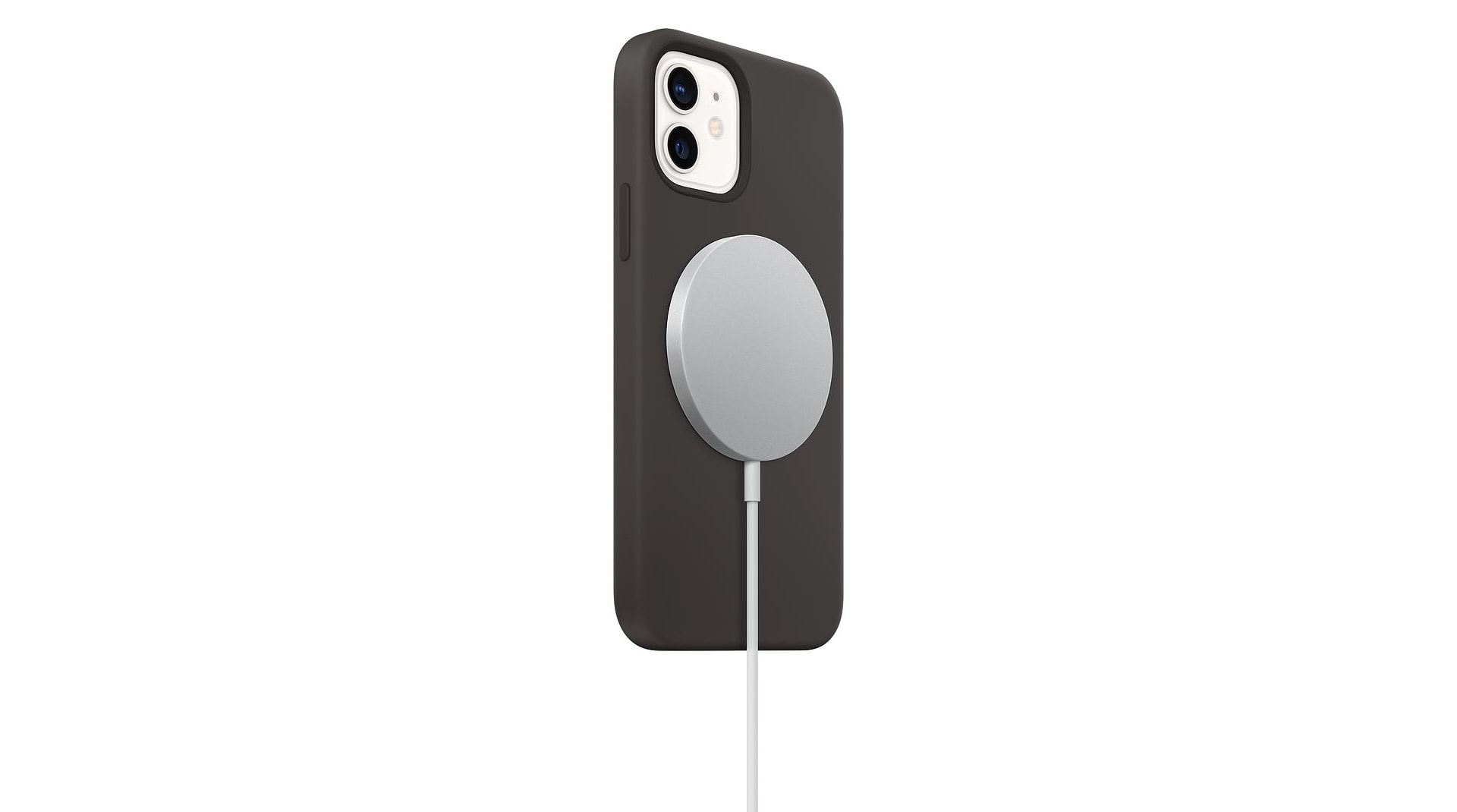
Apple’s official MagSafe Charger just hit its lowest price yet after Amazon slashed $11.86 off its usual price for a limited time only.
Bag yours today — in time for your iPhone 13 upgrade — for just $27.14 before the discount disappears.


iPhone models that can’t install iOS 14 or iOS 15 can still get protection from the infamous Pegasus spyware thanks to iOS 12.5.5. Apple released this update Thursday for devices as old as the iPhone 5s to close a security hole in active use by hackers.
The same update can also be installed on older iPad and iPod touch models.
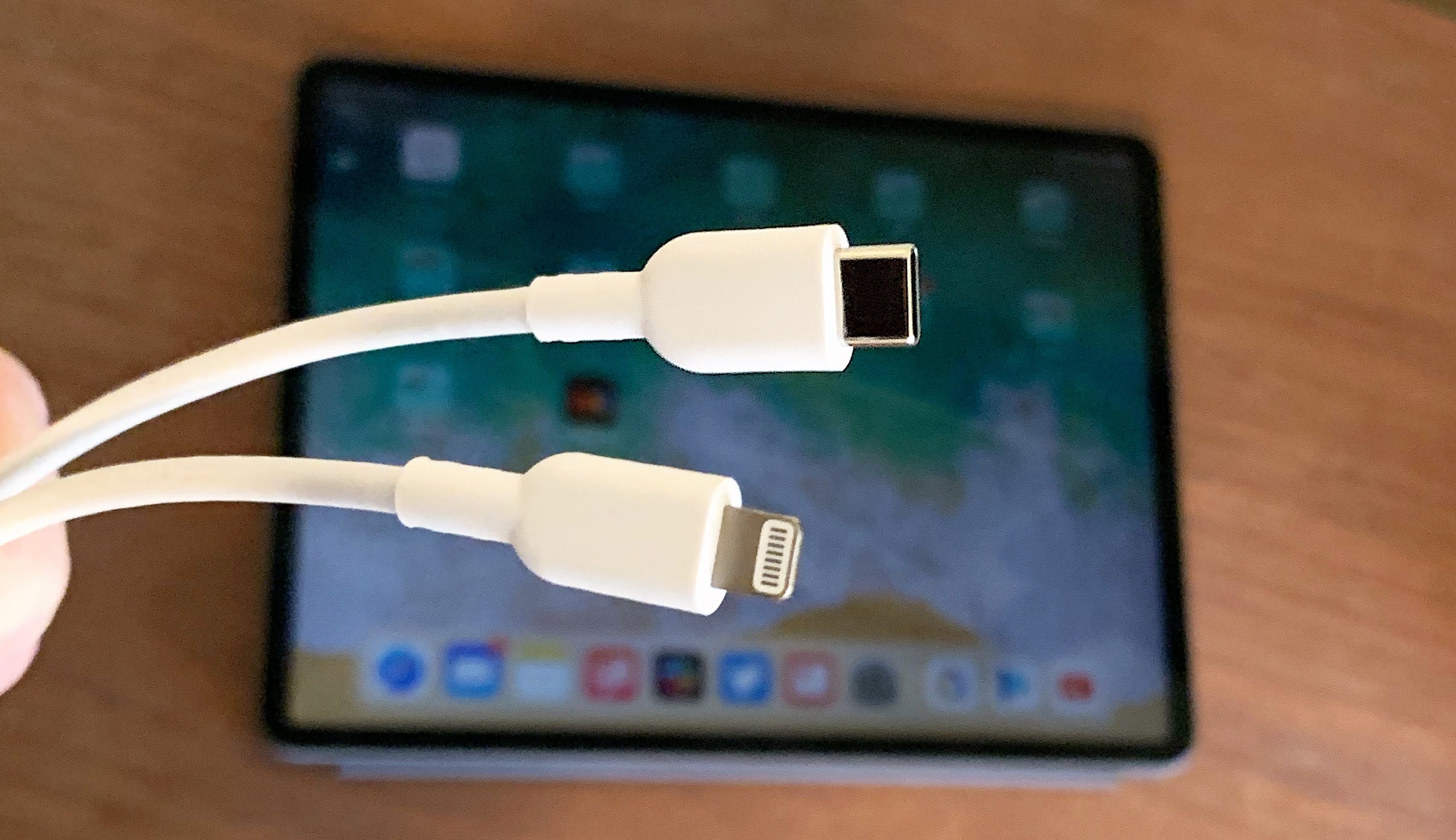
The European Commission put forward legislation Thursday that would make USB-C the standard port for all smartphones and tablets. The move seems aimed directly at Apple and the Lightning port used in iPhone and the budget iPad. But it also would affect super-cheap Android handsets that still use micro-USB.
The proposal also would unbundle the sale of chargers from the sale of electronic devices.
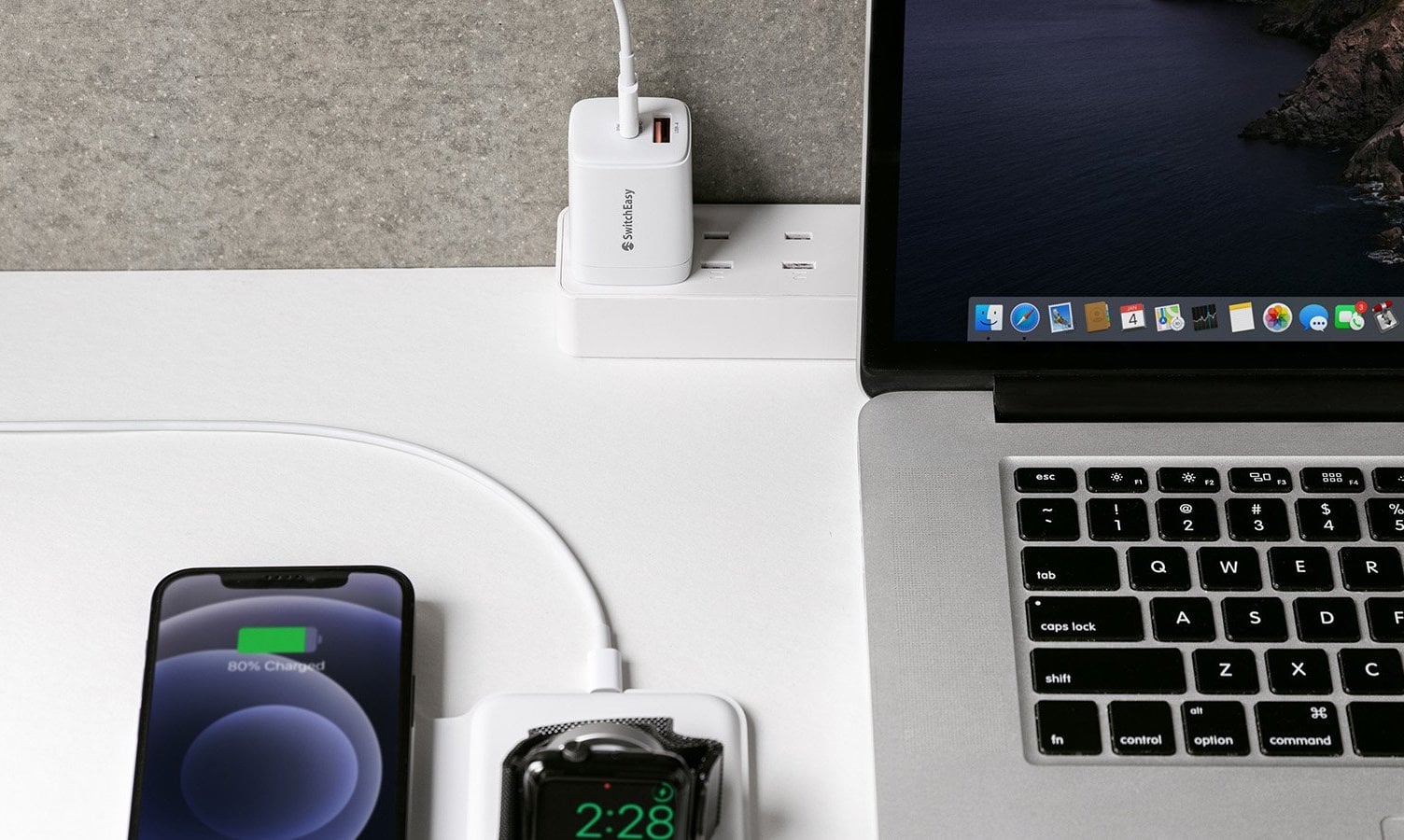
Getting a new iPhone on Friday? You might need a charging adapter to go with it now that Apple no longer includes one in the box. Check out the handy PowerBuddy from SwitchEasy. It delivers 20W of power, packs USB-A and USB-C ports, and sports a compact design you can take anywhere.
It’s also 20% off in the Cult of Mac Store for a limited time.
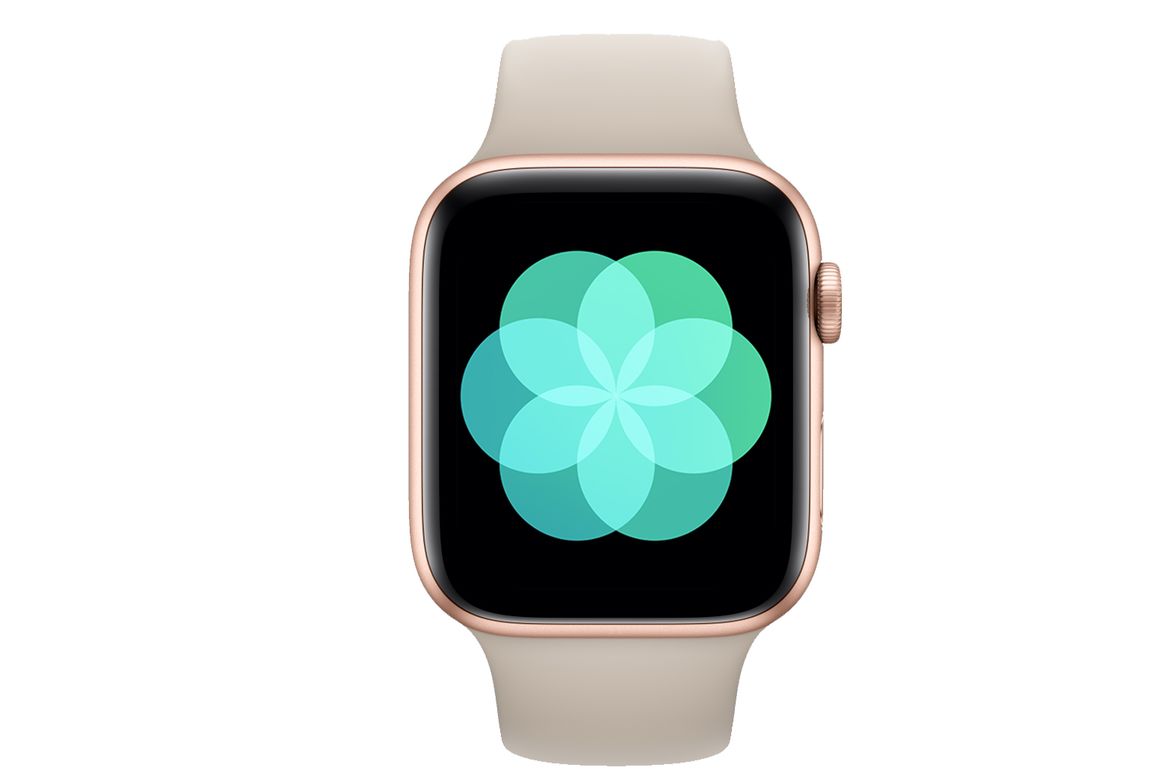
Apple is developing new iPhone and Apple Watch software tracking user health data to try to detect signs of depression and cognitive decline in users. The work is a joint effort with partners, The Wall Street Journal and other media outlets reported Tuesday.
It’s no longer possible to downgrade to iOS or iPadOS 14.7.1 if you’ve already updated your iPhone or iPad to a newer version of Apple’s firmware.
Cupertino stopped signing the update, first rolled out in July, after releasing iOS and iPadOS 15 to everyone on Monday. The move prevents users from reverting to the earlier build, but it won’t affect devices still running iOS 14.7.1.

Apple today kicked off a new promotion that offers six months of free Apple Music when you buy AirPods or select Beats headphones. It’s available only to new Apple Music subscribers who claim within 90 days of their purchase.
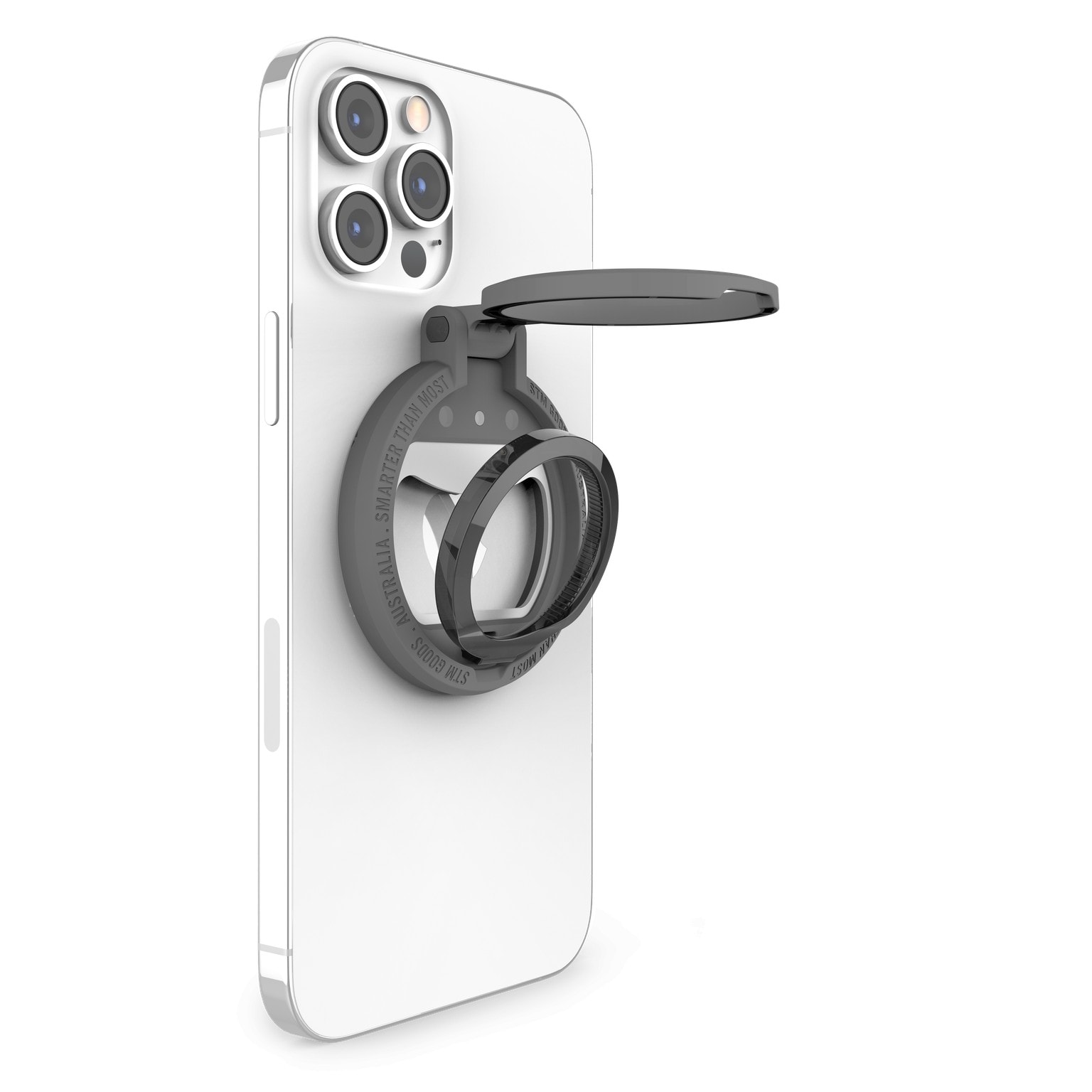
Accessories brand STM Goods rolled out a new line of MagSafe-compatible accessories Friday that it said helps users keep organized while securely handling and quickly charging up their iPhones. They’re called the MagLoop, the MagArm and the MagPod.
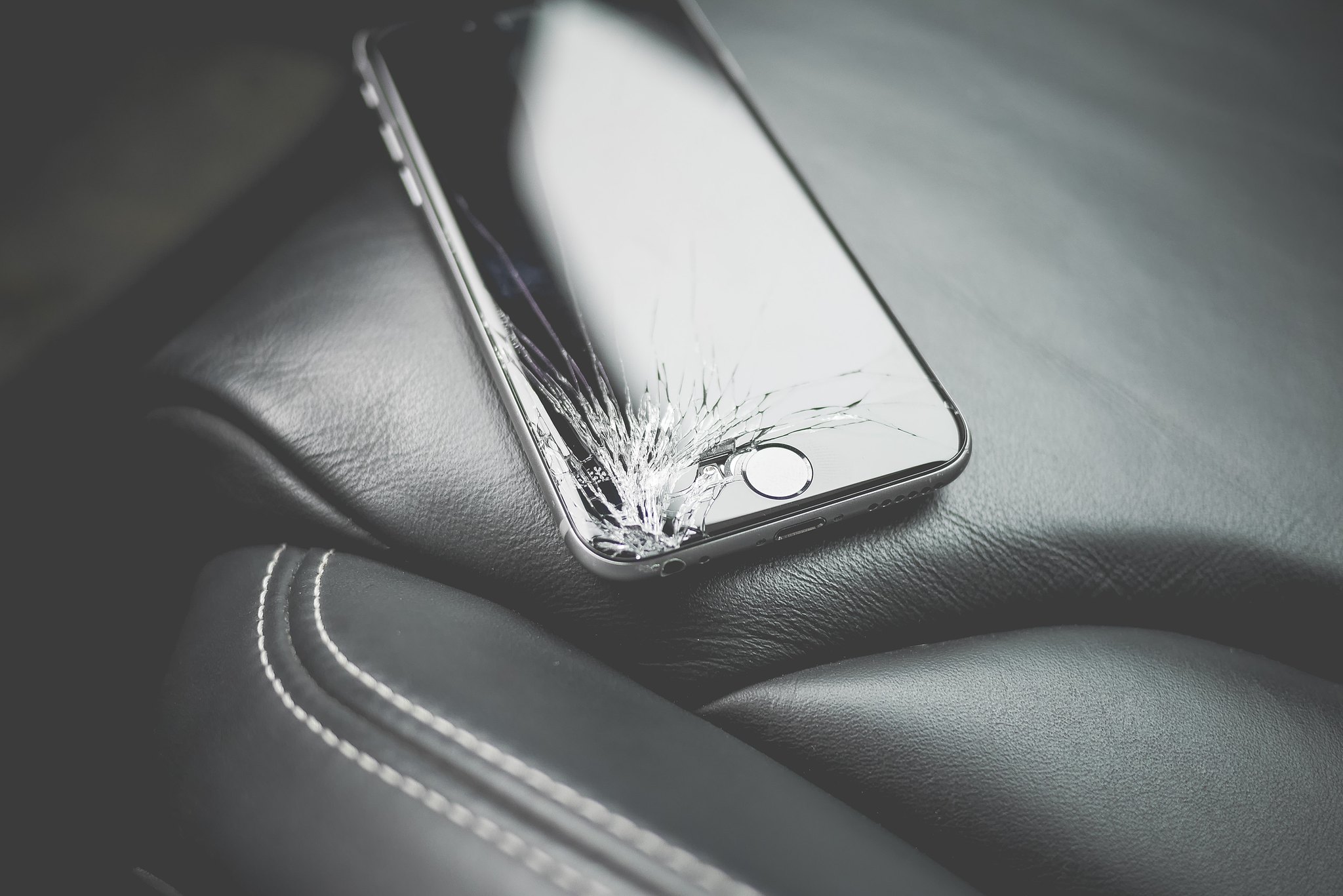
Apple’s new iPhone 13 and 13 Pro will be available to preorder this Friday, and just like their predecessors, they’re not cheap. But there is a quick and easy way you can make your upgrade more affordable.
Sell your old iPhone (and other Apple devices) to Cult of Mac today and we’ll send you a fat stack of cash that you can put toward the newest model. We also have a promo code that will get you an extra $20.
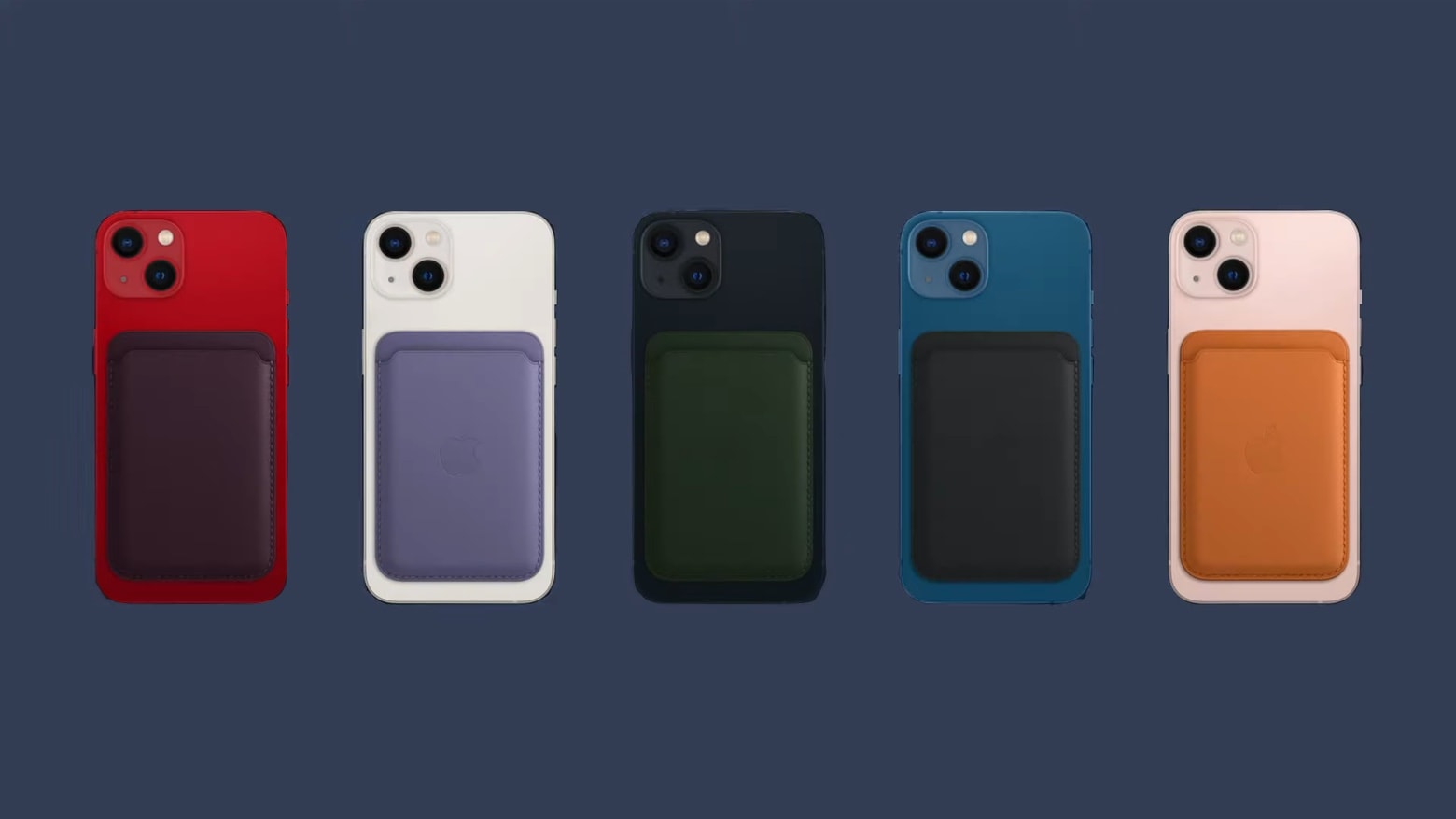
Apple’s newest leather iPhone MagSafe wallet has a trick: The handset can show the user the last place the wallet was attached. This should make finding the clip-on accessory easier.
But it’s short of actually building an AirTag tracker into the wallet.
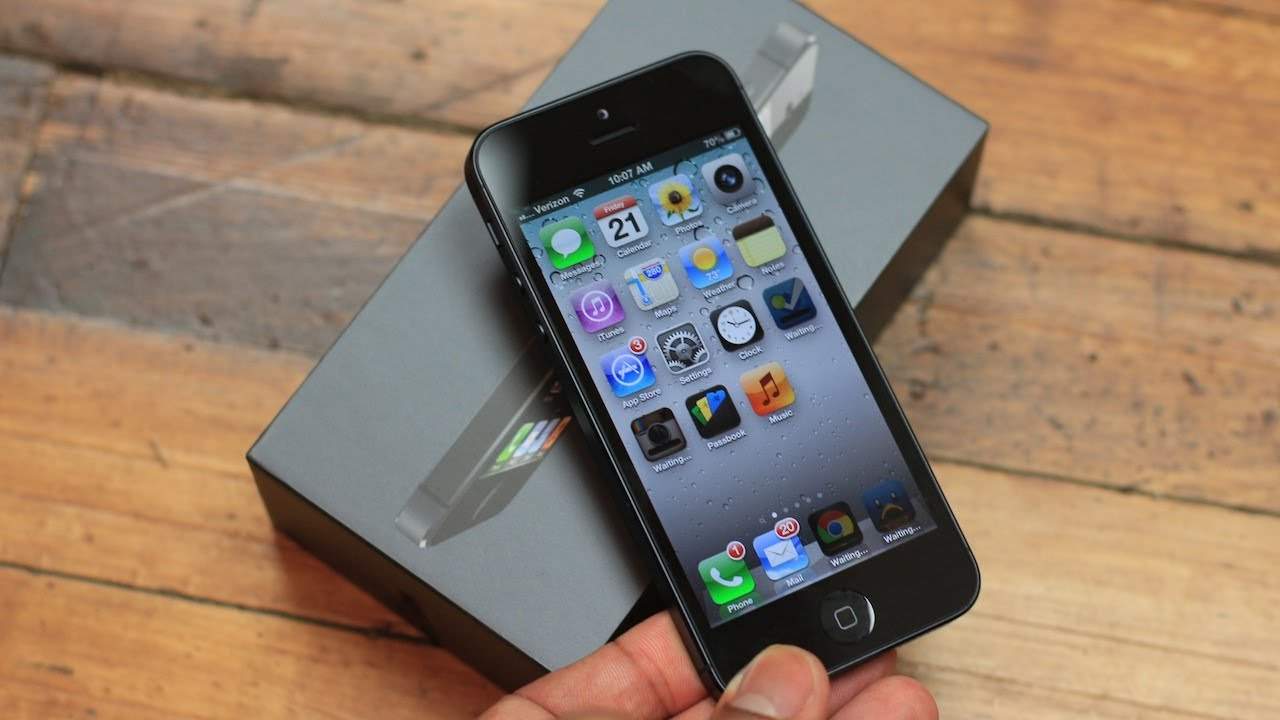
 September 12, 2012: Apple introduces the iPhone 5, with a super-slim form factor that makes it the thinnest smartphone in the world.
The new iPhone also brings impressive upgrades such as a greatly improved display and the Lightning port. Despite some controversy, it proves a massive hit.
This week on the Cult of Mac podcast: iPhone 13, iPhone 13 Pro, Apple Watch Series 7, AirPods 3 and … more? We’re talking hardware predictions for next Tuesday’s big California Streaming event.
Also on The CultCast this week:
Listen to this week’s episode of The CultCast in the Podcasts app or your favorite podcast app. (Be sure to subscribe and leave us a review if you like it!) Or watch the video livestream, embedded below.
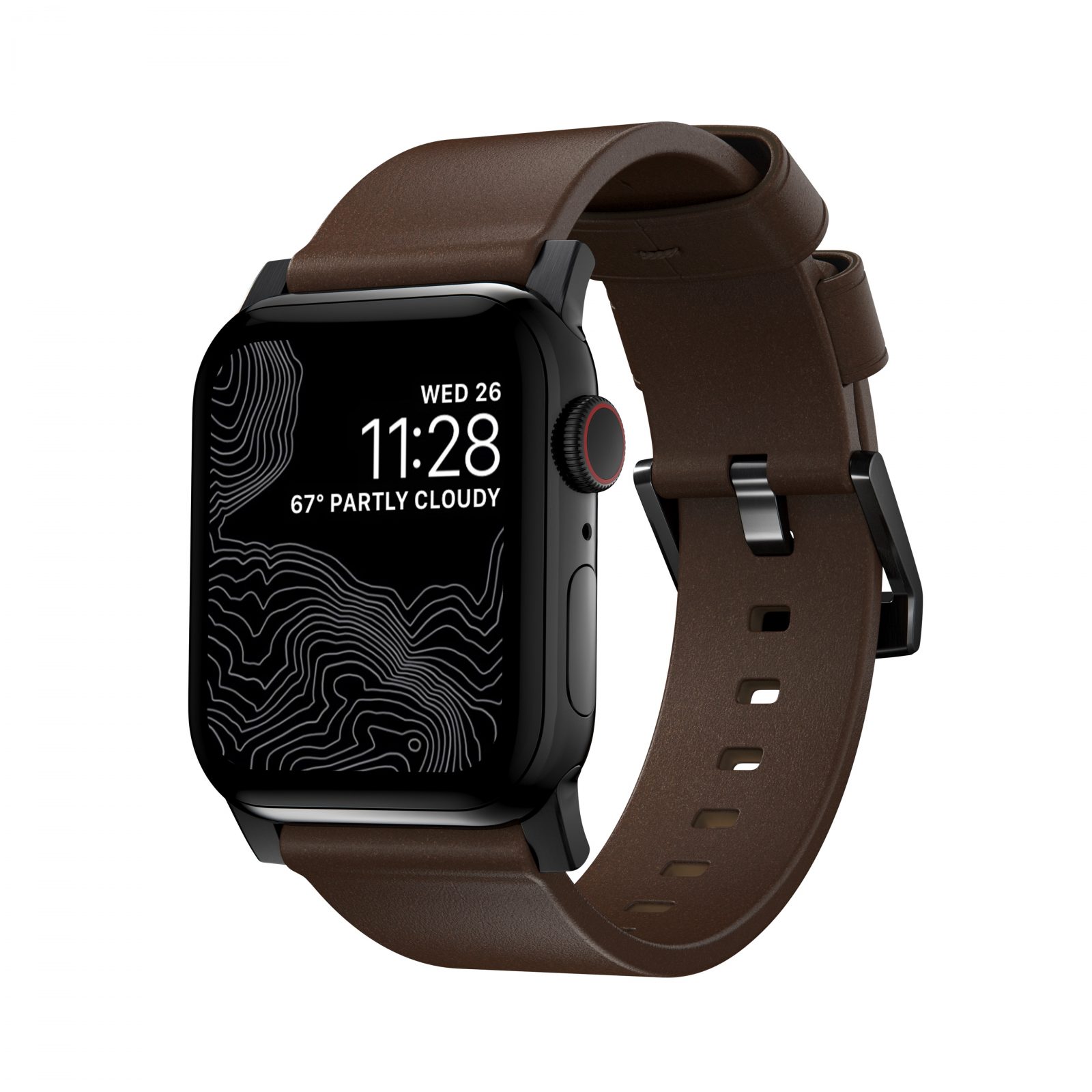
Unless you just emerged from a cave or a doomsday bunker, you probably know everyone expects Apple to announce new products releases next week — most likely including the Apple Watch 7.
If you’re considering selling, trading, giving away or returning your Apple Watch for that or any reason, we’ll show you how to factory reset it first.

Microsoft is testing new firmware for Xbox Controllers that makes using them with iPhone and iPad even better. The update adds Bluetooth Low Energy support, and allows you to pair both an Xbox console and iOS device so that switching between the two is easier than ever before.

It’s probably best not to get too excited for under-display Face ID in next year’s iPhone 14. Despite Wednesday’s big leak hinting at the upgrade for 2022, one analyst warns the technology is still very much a work in progress.
In recent years, manufacturers have been working to put front-facing cameras behind their smartphone displays in an effort to eliminate notches and holes. And the results, perhaps unsurprisingly, have been a mixed bag.
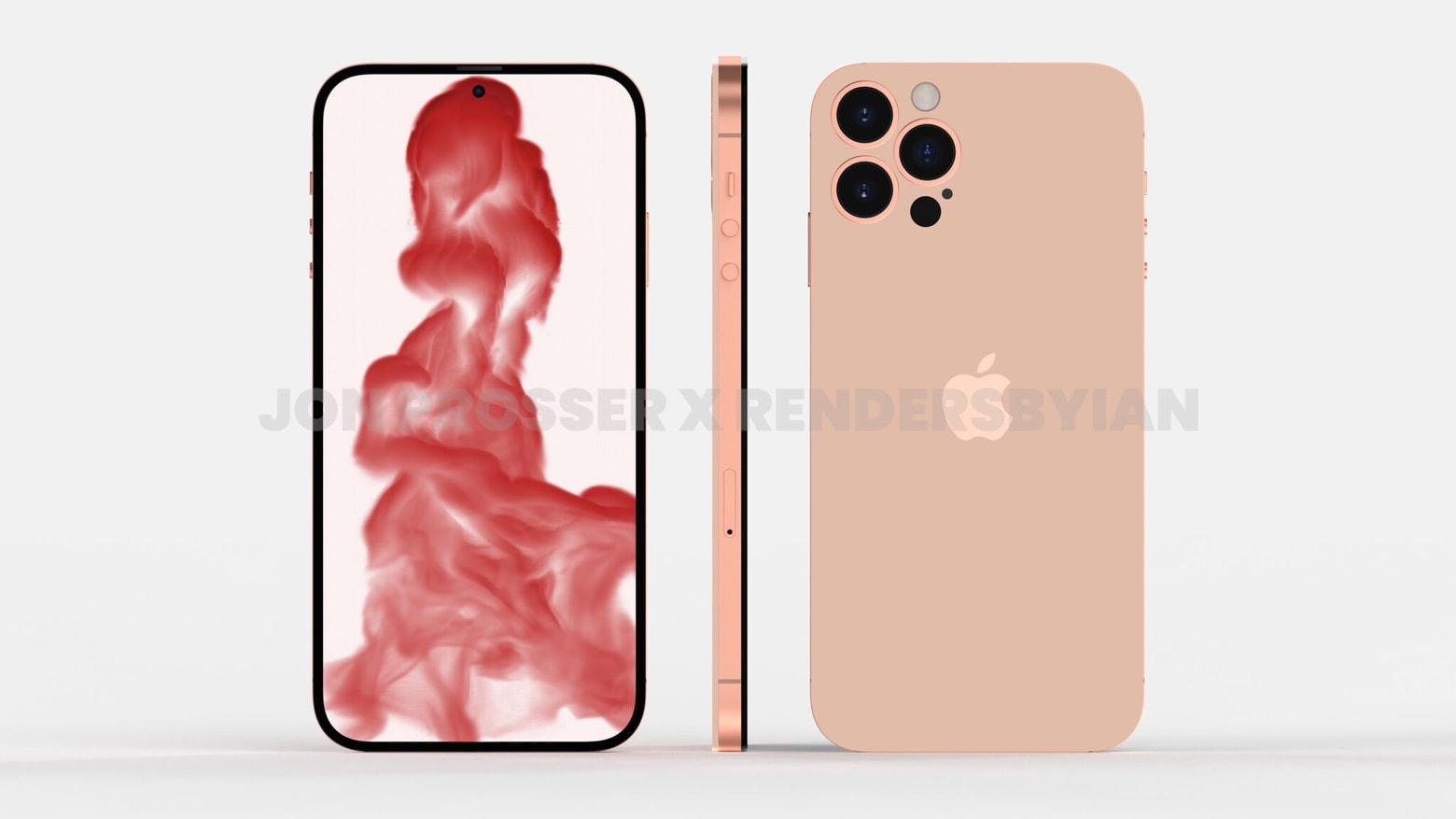
Jon Prosser’s iPhone 14 leak is every Apple fan’s dream — and Tim Cook’s biggest nightmare.
The audacious revelation, dropped Wednesday morning via Prosser’s YouTube channel, Front Page Tech, showcased what next year’s iPhone 14 Pro Max might look like.
The exclusive iPhone 14 renders look so sweet that they might give pause to anyone contemplating buying an iPhone 13 later this month. That’s the nightmare part of this equation — and likely the part that makes Prosser nervous. Angry Apple executives might unleash all the company’s massive legal resources to stop him. And maybe even exact revenge.
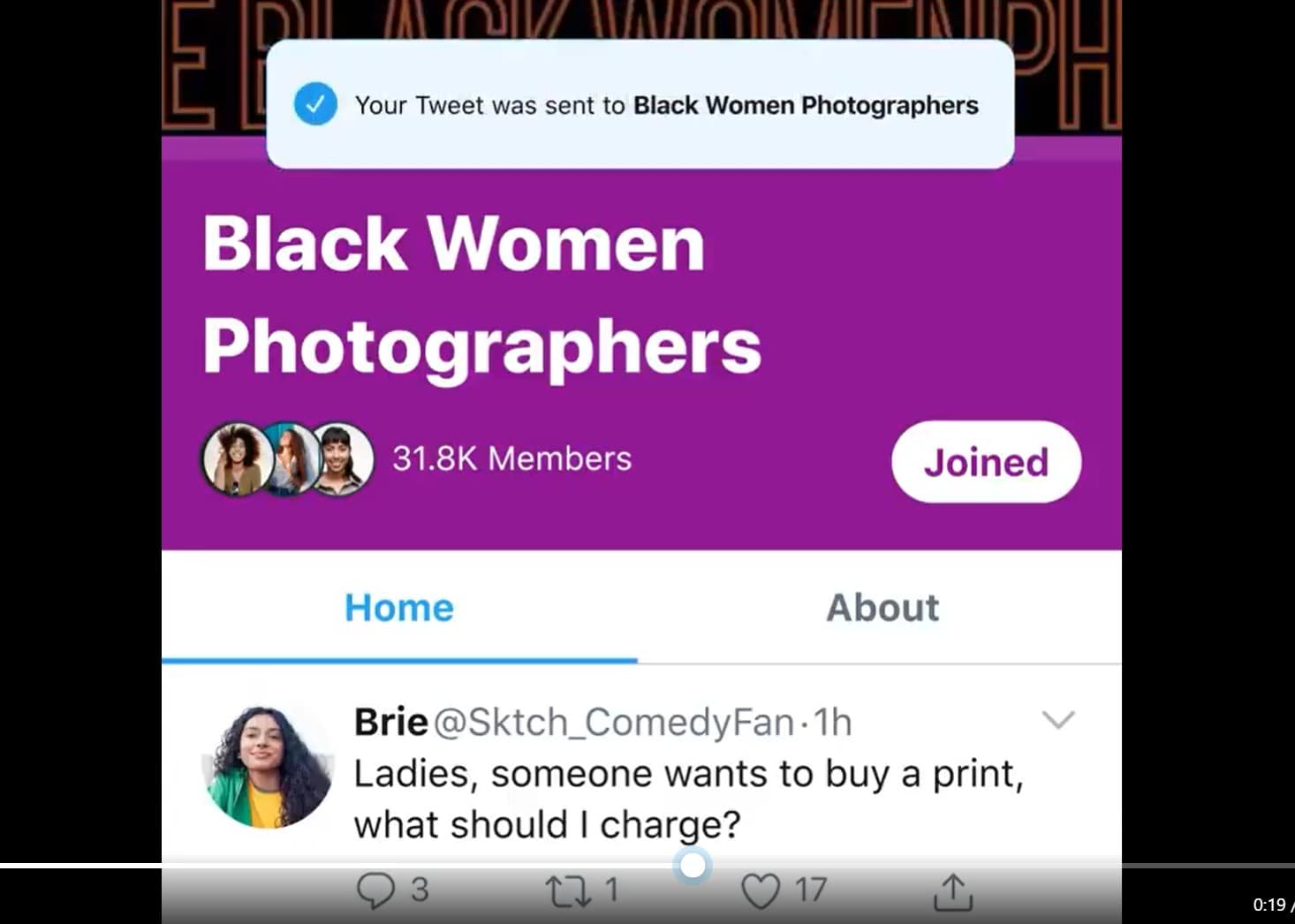
Twitter is testing a new feature called “Communities” via an invitation-only roll-out on iOS and the web, with Android to follow at some unspecified point. It will help users find and join groups with shared interests and direct tweets to them.
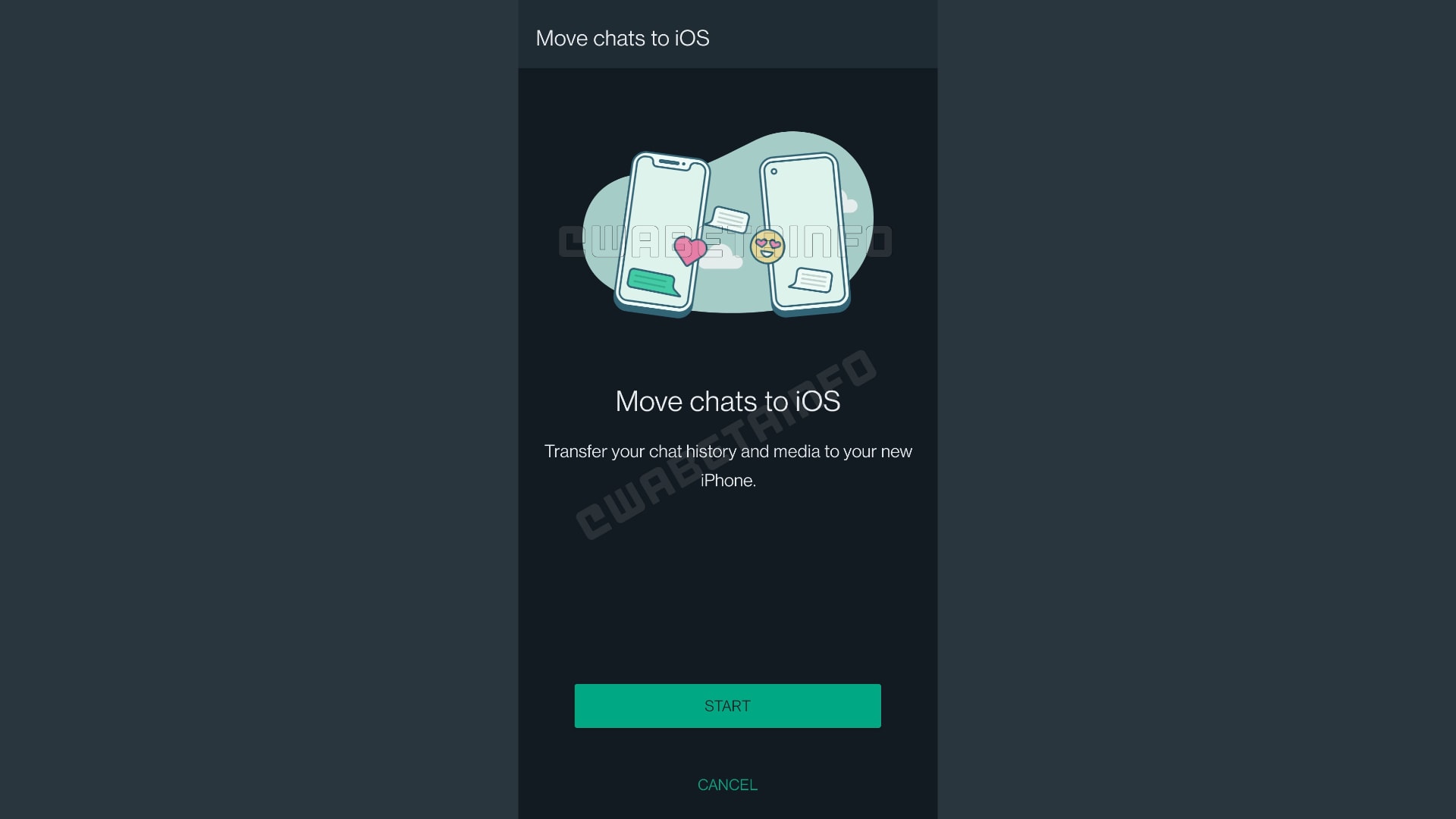
Switching from Android to iPhone could soon be a little bit easier. WhatsApp is working on a new tool that will allow users to transfer all their chat data from Google’s platform to iOS, according to a new beta version of the app.
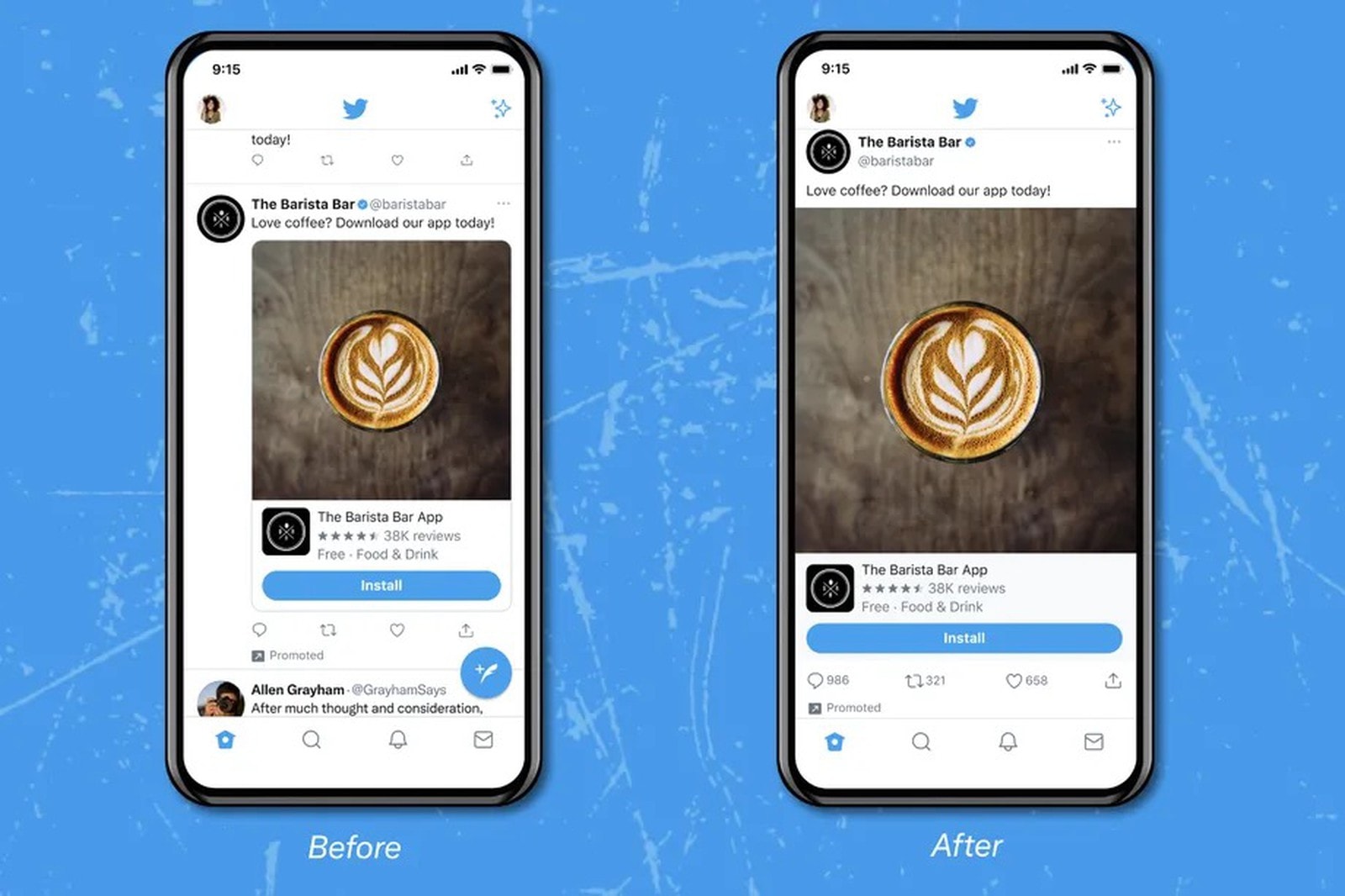
Twitter looks set to finally take full advantage of the larger displays packed into modern smartphones. It is currently testing a new edge-to-edge interface that gives you a better look at images and videos in your timeline.
A new teaser video posted by Twitter on Twitter, and embedded below for your enjoyment, offers an early glimpse at what’s to come.
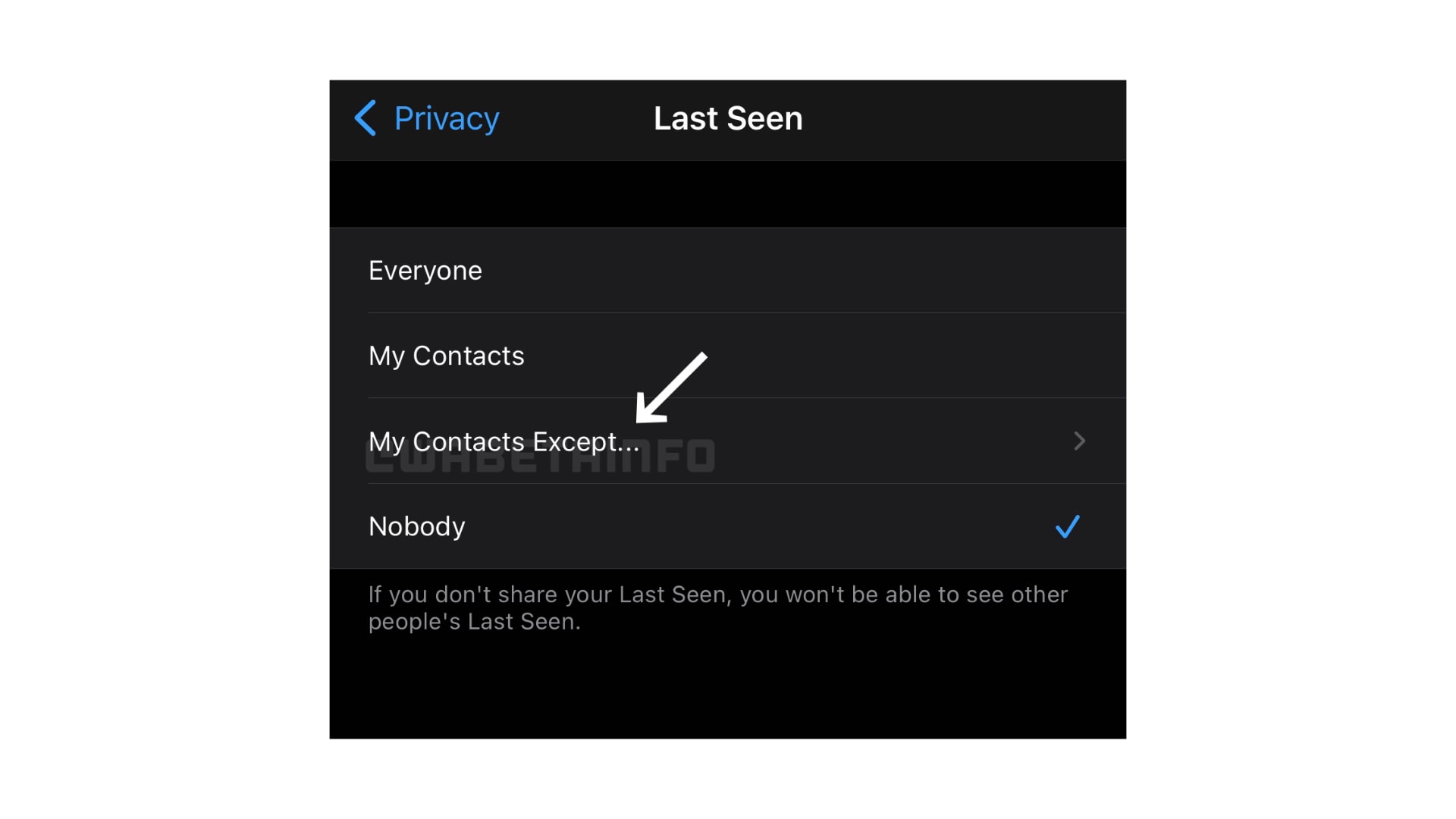
WhatsApp could soon give users the ability to hide their “last seen” status from individual contacts. Evidence of the change has already popped up in WhatsApp beta releases ahead of its rollout on Android and iOS.

Apple will ask iPhone and iPad users for their permission to show personalized ads within its own apps in iOS and iPadOS 15.
A new popup appears when opening the App Store for the first time after installing one of Apple’s latest betas. It says personalized ads “help you discover apps, products and services that are relevant to you.”

Apple’s most popular devices could get even more expensive next year, with chip-maker TSMC said to be planning its biggest price increase in more than a decade. The move could also affect companies like Nvidia and Qualcomm.
Sources are blaming the price hike on a number of factors, including higher material costs and the ongoing chip shortage, which has encouraged some device vendors to buy up more components than they actually need.
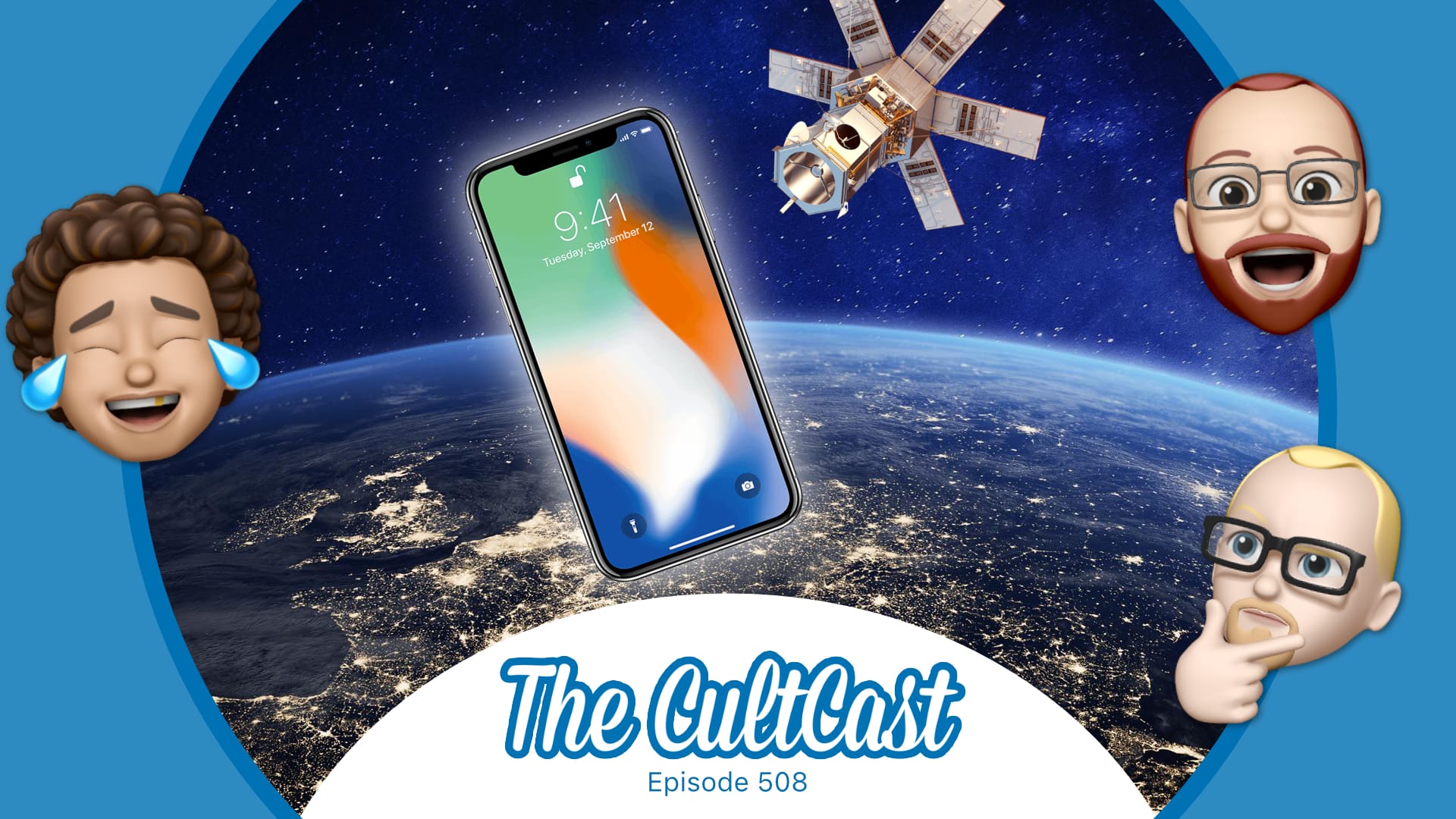
This week on Cult of Mac’s podcast: It sounds like iPhone 13 will come with a secret satellite trick that will give you signal anywhere on Earth! The feature might not prove as groundbreaking as it initially seemed, but it still sounds like a lifesaver.
Also on The CultCast:
Listen to this week’s episode of The CultCast in the Podcasts app or your favorite podcast app. (Be sure to subscribe and leave us a review if you like it!) Or watch the video livestream, embedded below.
Apple will relax App Store rules for “reader” apps that let users access previously purchased content and subscriptions for books, magazines, music and more, the company said Wednesday.
The move closes an investigation by the Japan Fair Trade Commission, and will apply to all reader apps on the App Store — in all countries. The agreement with the JFTC also paves the way for users to create and manage accounts inside iOS apps.
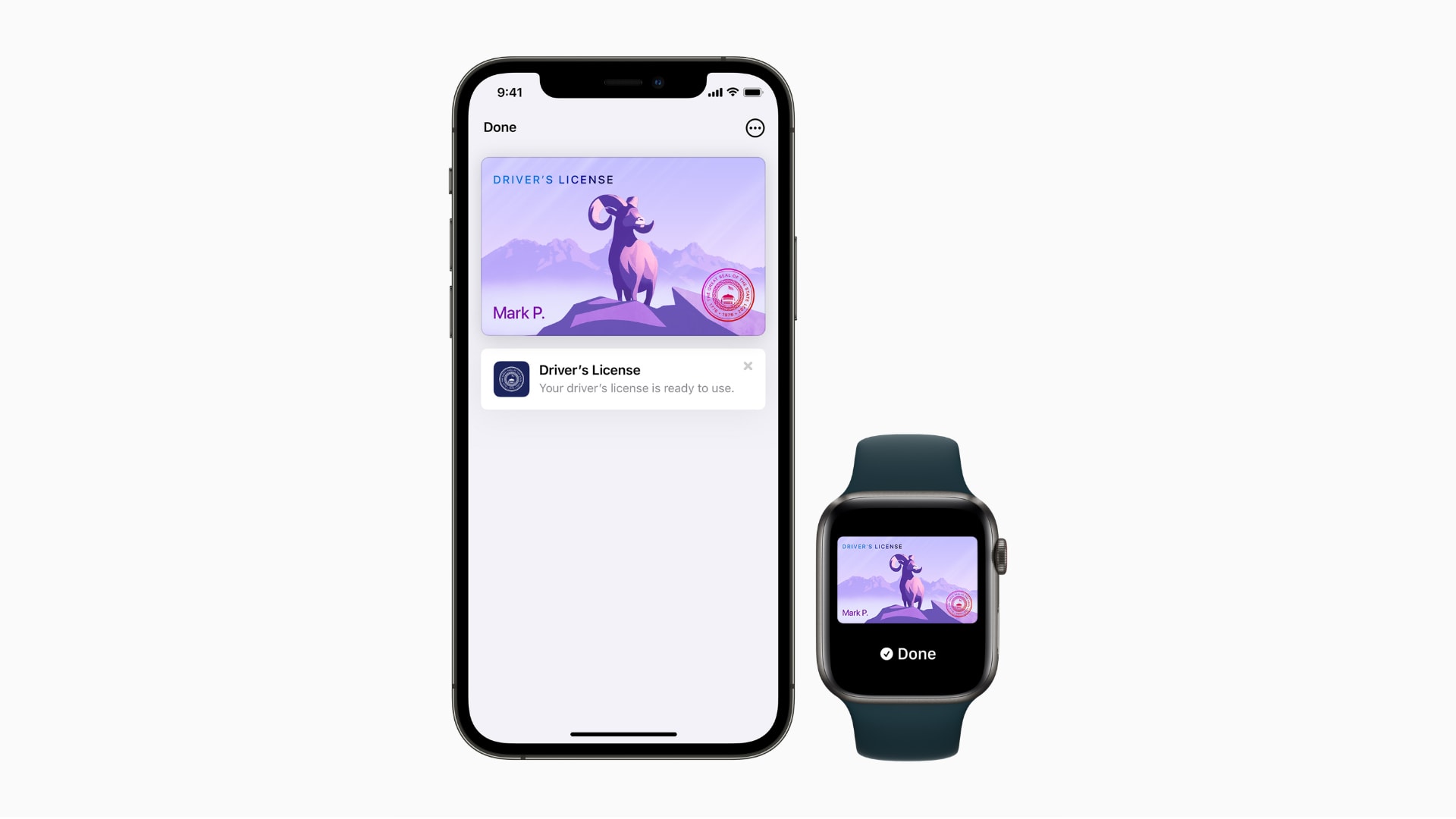
Apple on Wednesday confirmed the first states that will adopt digital driver’s licenses and IDs in Apple Wallet. Residents of Arizona and Georgia will be able to take advantage of the feature first, with six other states to follow.
The Transportation Security Administration will enable select security checkpoints and lanes at participating airports as the first locations customers can use their driver’s license or state ID in Wallet, Apple added.