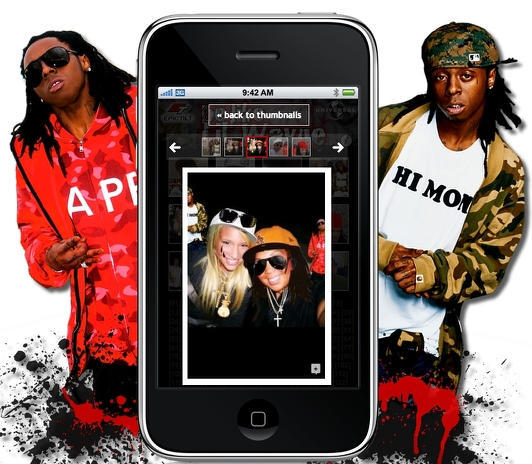
It’s probably a good bet Phil Schiller is not going to introduce an iPhone with a built-in video camera in a few weeks at Macworld. In the meantime, Sol Lipman and 12seconds.tv have created a 99¢ app for the iPhone that lets you take 3 photos (either on the fly or choose from your camera roll), record 12 seconds of audio, which it ties into a multimedia masterpiece “video slideshow” you can then share with your friends and an unsuspecting world.
Slideshows are automatically uploaded to servers at 12seconds.tv, where users have an account from which they can manage their body of work. Every video has its own page (sort of like Flickr) and any video can be emailed, downloaded or embedded.
One of the 12seconds dev team told us, “we tried hard to keep the app simple and straightforward and fun.” From all appearances, they have succeeded. The slideshows make effective use of the “Ken Burns effect” that will be familiar to anyone who’s made a slideshow in iPhoto, and the recording quality of the iPhone’s microphone is surprisingly good.
Another consideration behind limiting the final output to twelve seconds was that “twelve seconds is about the ideal amount of time for most user-generated content,” according to David Speiser, who consulted with Lipman on development of the app. “The goal is to keep the barrier for consumption really low – no matter how badly a video might suck, you know you’ll never waste more than twelve seconds of your life watching it.”