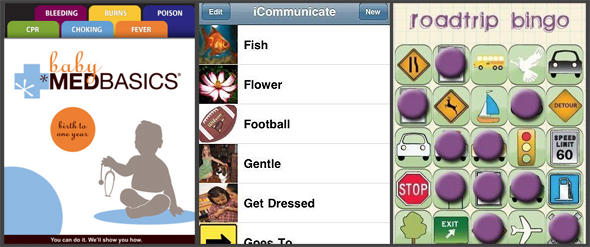
Mothers possess skills varied and wide, and recent research shows Moms are particularly adept at using their iPhones. The Huffington Post has developed a list of Top iPhone Apps for Moms, By Moms:
Never underestimate a mom with an iPhone. Research from Greystripe [PDF] show that moms love iPhone apps, and are downloading apps in various categories from games to productivity.
While most mobile developers are men, a growing number of opportunistic women are venturing into app development to create apps catered to other women. And many of these women are part of a group called Moms with Apps, a collaborative group of family-friendly developers who share best practices on making and marketing mobile apps.
HuffPo’s list includes some nicely done iPhone and iPod touch apps that deal with emergency infant medical care, learning sign language, communicating with autistic children, and – helpful for Moms, Dads and chauffeurs of all kinds – roadtrip bingo.
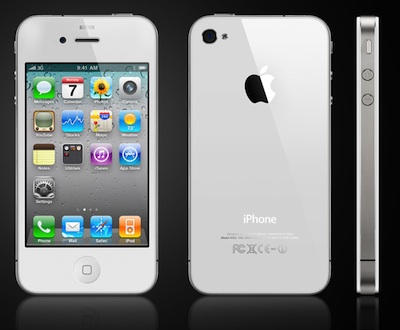
From the consumer end, the hold-up on the white iPhone 4 has been pretty inexplicable. Exactly how hard can it be for Apple to get the white iPhone 4 right? They release multi-colored gadgets all the time, with no problem whatsoever. What’s the difference here?
Over at the Street, there’s an unconfirmed explanation being floated that actually makes a good deal of sense.
Because both the front and back of the iPhone 4 is made of glass, Apple has to be very careful about light leaking out of the seams and through the backplate of the handset, since they can’t just slap another layer of coating to fill the gaps. On the black iPhone 4, this isn’t as big of a problem, but the white iPhone 4’s back is naturally more transparent than the black’s. Hence the delay.
I’m no engineer, but that seems to grok. It certainly makes more sense to me than the other theory: that Apple had delayed the white iPhone 4 to secretly fix the antenna design.
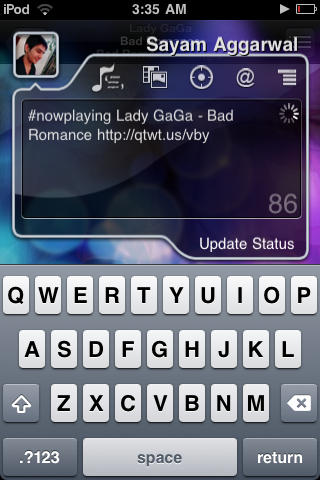
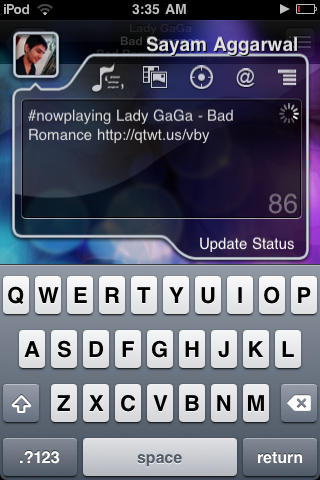
If you’re getting around now to jailbreaking your iPhone and love social media, think about adding qTweeter to your app arsenal.
There are plenty of awesome Twitter and Facebook iPhone apps, but Cult of Mac finds qTweeter a must-have because you can broadcast social media updates just by pulling the app down from the status bar, and, say, vent about your co-worker while reading a particularly annoying email (not that we would, of course), rave about a new band you’re listening to the track or ask the peanut gallery what you should have for dinner by sending them a link to a take-out menu from a web page.
This $4.99 app has been one of our favorites since it launched in 2009. Here’s Cult of Mac’s quick guide to getting you started with it.
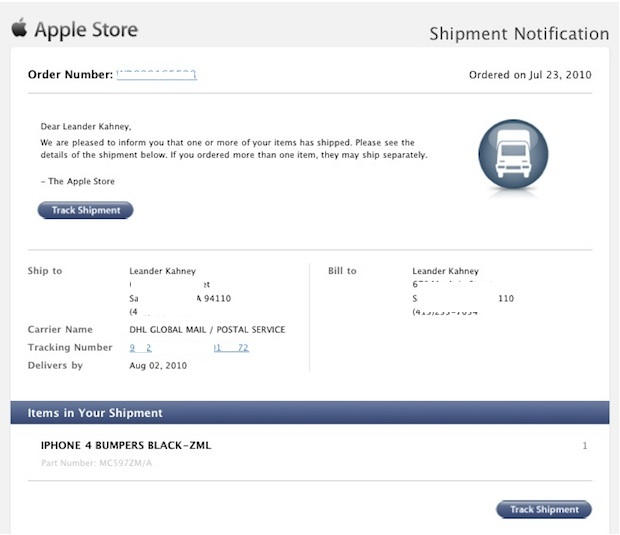
We’ve received multiple reports from readers that their free iPhone 4 Bumper cases are already in the mail, despite initial delivery dates in August or September.
I just got an email from Apple saying my own free Bumper case is winging its way to San Francisco. It is due to be delivered August 3, according to the tracking data. Apple initially said the free case would be delivered in September.
If you type a lot on your iPhone and haven’t upgraded to iOS4, BTstack available on Cydia is worth checking out.
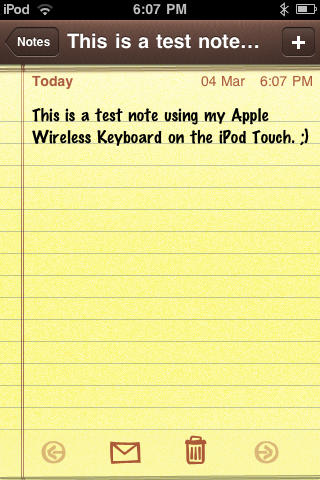
The iPhone’s on-screen keyboard and auto-correction are great, but if you write long missives or are used to hammering out complex messages on a keyboard, you’ve probably wanted to use an external keyboard to get your point across at one time or another.
This is where BTstack keyboard comes in: it’s a simple paid application that lets you hook up most external Bluetooth HID keyboards to your iPhone or iPod Touch. Keep in mind that it doesn’t support more sophisticated commands for your mobile opus (selection, copy/paste, etc.) but it works like a charm for straight typing. Here’s Cult of Mac’s quick guide to get you started.
Although seventeen more countries will be getting the iPhone 4 at the end of this week, South Korea’s not one of them… and it’s getting a lot of airplay in Seoul, with Steve Jobs being explicitly called a liar by the South Korean press.
The issue isn’t really the delay, so much, but a comment by Steve Jobs saying: “It’s going to take us a little longer to get government approval [for the iPhone 4 in South Korea].”
In actuality, government approval doesn’t seem to be the issue. In fact, the Korean government says that the iPhone 4 has yet to be submitted for approval to the proper channels, either by Apple or their local carrier partner, KT Corp.
The government statement has sparked some confrontational headlines. “Jobs lied, didn’t he?” one local newspaper wrote.
Are you one of the millions of AT&T customers afflicted by terrible 3G upload speeds brought about by buggy Alcatel-Lucent HSUPA hardware? AT&T has announced that they have begun working on a fix.
Good news, but of course, this is AT&T, and after taking several weeks to examine the problem, they will be proceeding with the fix at their usual glacial pace: it will take an additional two to three weeks to fully resolve.
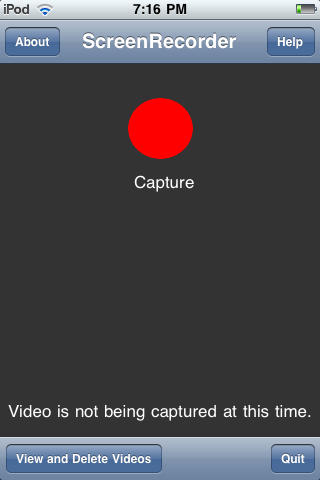
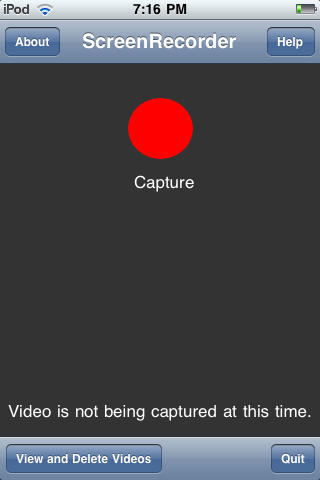
Your life is on your iPhone, so if you want to share it with friends, family and co-workers, what’s better than capturing what’s on your iPhone screen? ScreenRecorder for iPhone is a Cydia application that captures your iPhone screen — be it a tutorial, demo or demonstration — with the tap of a finger. Here’s Cult of Mac’s step-by-step guide of how this paid app works.
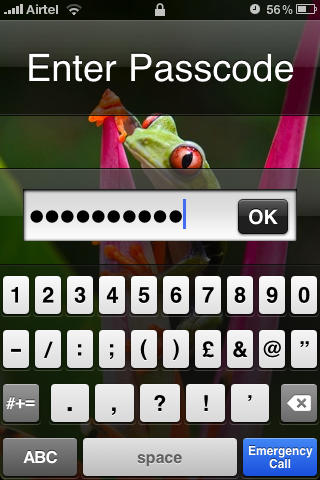
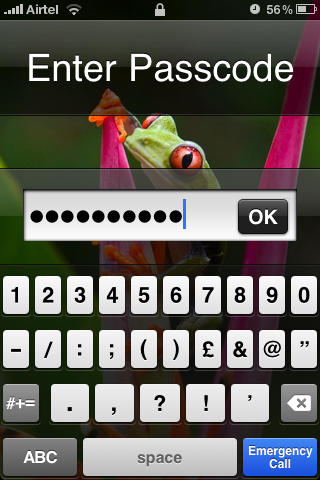
Although the iPhone does allow you to setup a lockscreen passcode, it doesn’t give much flexibility in choosing one, allowing you to set only a four-digit passcode. If that doesn’t pass your security test, here’s how to set passcode your ex won’t be able to guess. NB: If you haven’t upgraded to iOS4, this tutorial on setting up a lockscreen passcode is for you.
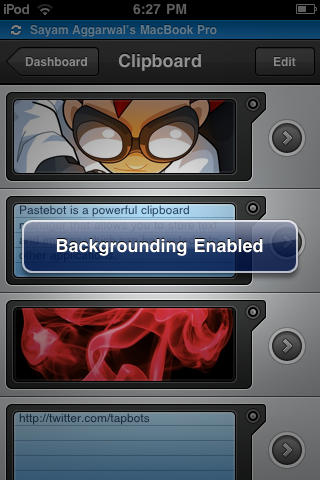
The Backgrounder app makes running multiple apps on your iPhone easier than juggling your daily schedule. Do keep in mind that running too many apps will slow down your device and suck the life out of its battery a lot quicker.
Still, Backgrounder is a great gratis app we’re glad to have handy. Here’s Cult of Mac’s guide to how it works.
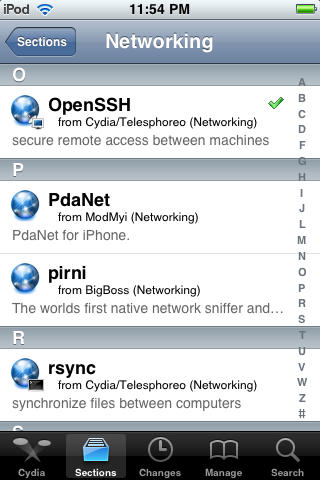
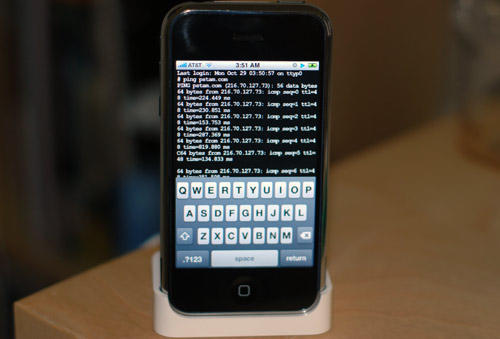
Unless you jailbreak your iPhone, the file system will remain off limits as Apple intended. Even so, many people who jailbreak their phones stop with Cydia. There are, however, a few reasons you might want access to the file system on your device. SSH allows you to do just that using a Wi-Fi connection and a suitable Mac or PC client.
It can come in handy should you need to install something that’s not directly available on Cydia, think beta apps, etc.
Here’s Cult of Mac’s how-to guide to get you started.
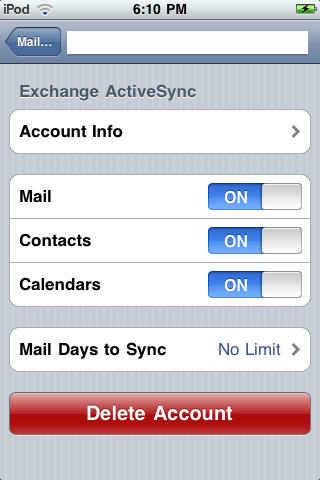
If you haven’t upgraded to iOS4, this app will allow you to access multiple Microsoft Exchange accounts on your iPhone, keeping your work and personal email and calendar info etc. always at hand. Here’s Cult of Mac’s how-to guide to getting started using the AddExchange application which allows you to add multiple Exchange accounts available from Cydia.
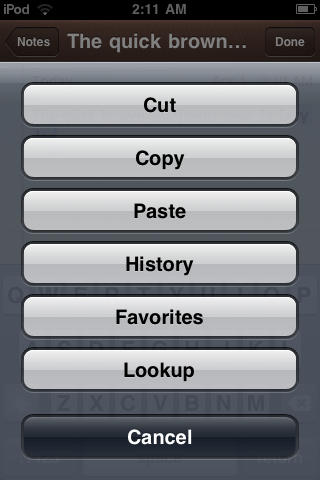
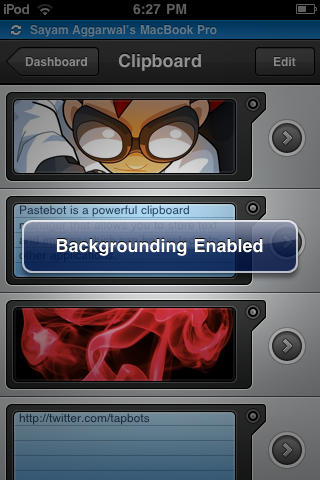
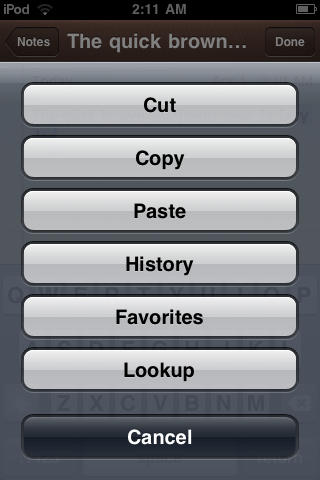
The iPhone, as Steve Jobs pointed out in his 4.0 keynote, currently has the best implementation of Copy/Paste feature of all smartphone platforms. However, it still does lack some feature like a history of the clips you’ve copied, web search for selected text, etc. If you add a Cydia app called Action Menu Plus Pack, which retails for $2.99, you can easily add those as well. Here’s Cult of Mac’s how-to guide for installing and using the app.
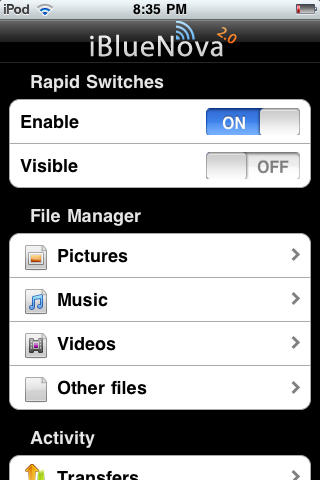
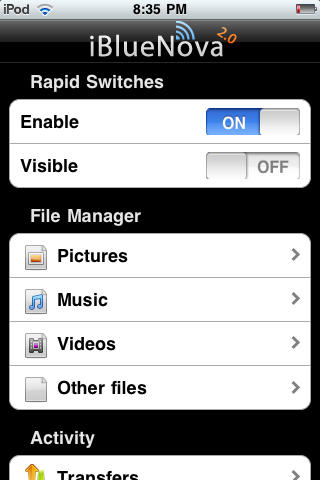
From the earliest iPhone and iPod Touch models, Apple opted to disable OBEX — aka Bluetooth file transfers on its devices for security reasons. Now, thanks to iBlueNova, a Cydia app well worth the $5.99 price tag, you can transfer files — music, pics, etc., — to and from your iDevices. Here’s Cult of Mac’s how-to guide to get you started.
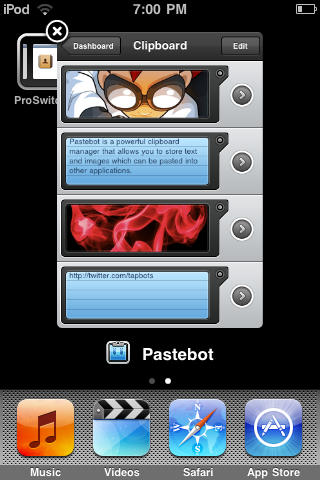
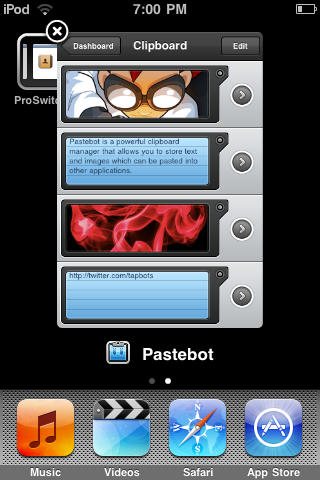
Thanks to iOS4, Apple now offers its own solution for switching between applications. If you’re using an older operating system, try this method for getting some multi-tasking on your Apple device using the handy ‘ProSwitcher’ app, which gets the job done using minimal memory to keep your device speedy as you pause that epic game to check out the weather.
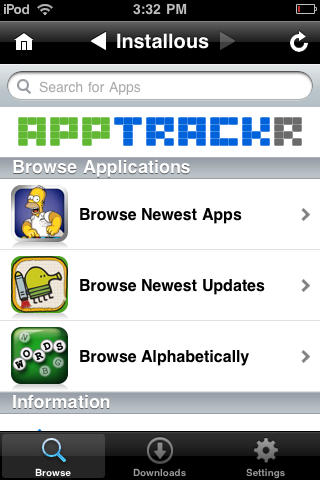
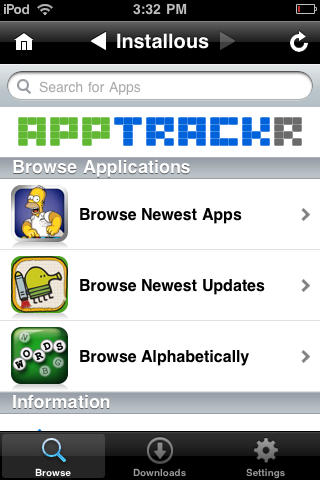
UPDATE: I was initially a little surprised by the vociferous reaction to this post about installing Installous, an unofficial App Store for pirated apps. The instructions are a quick Google search away and we’re hardly the first to publish an Installous how-to.
I guess we raised a few red flags — like putting “How To Pirate Apps” in the headline and including a half-hearted disclaimer. The intent was for it to be part of a comprehensive Jailbreaking Superguide that deals with all the things people want to do when they jailbreak their devices, including playing around with Installous.
The intent for the Superguide is to be straightforward and frank — a one-stop shop for everything people want to know about jailbreaking. We don’t condone piracy, but it’s a fact that a lot of people jailbreak their devices to experiment with things like Installous. I find it dishonest and hypocritical when publications skirt around issues like this; like publishing BitTorrent guides and pretending that no one’s going to download a pirated movie.
However, it’s obviously disingenuous to say we condemn piracy in a post that shows readers how to pirate software. Personally, I’ve always believed publishing information is one thing and acting on that information is another. I’ve always liked publications that informed me about things we’re not supposed to do. I can then make my own moral decision whether to act on that information or not.
But while pirating is something people indisputably do when jailbreaking, it was a misstep for us to actually include a comprehensive DIY. Whatever our intentions, it teeters on advocacy, and was thoughtlessly disrespectful to the many app developers out there who make their livings off of programs we admire and think people should pay for.
As our readers have pointed out in comments and on Twitter, we crossed a line here. CultofMac.com isn’t some modern-day Anarchist Cookbook. We support developers and enjoy their many wonderful creations. Saying there are ways out there to install cracked apps is one thing, showing people how to do it is another.
So my apologies to readers for misjudging this, and to developers for being insensitive and opportunistic.
Also, please don’t attack the author, Sayam. This was my idea, not his. He’s a freelance writer and I commissioned him to write it, so please don’t be mean to him.
— Leander.
PS: The BitTorrent link to “pirate” copies of my Cult of Mac book posted in the comments is actually a publisher-sanctioned seed. No Starch Press turned it into an e-book and seeded it. So please help yourself, it’s free and legal.
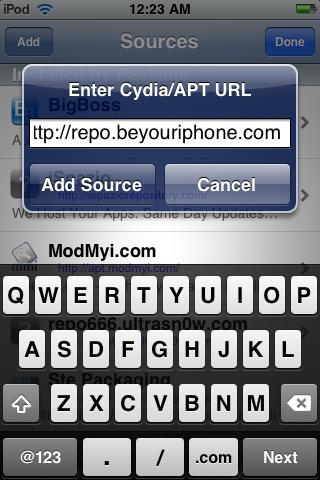
Although the Cydia app offers an extensive soup-to-nuts package, every once in awhile you might find it useful to add a source to the ones already available. Here’s Cult of Mac’s guide on how to add a source to Cydia.
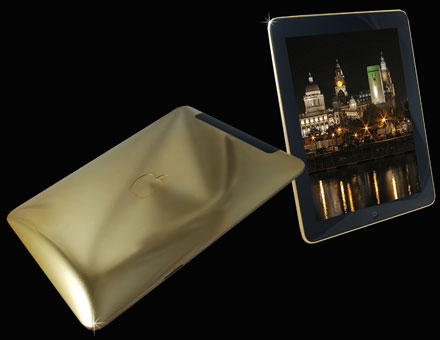
Got a spare $170,000 lying around? If so, UK jeweler Stuart Hughes will sell you an iPad covered in solid gold that weighs a hefty 5.5lbs.
The 64GB 3G iPad is covered in 2.5 kilograms of solid 24ct gold. “A magnificent combination of top of the industry technology and unrivalled craftsmanship was involved in creating this masterpiece,” the jeweler says. The iPad will be limited to 25 units.
Stuart Hughes sells a bunch of other blinged-up gizmos, including a $33,000 iPhone 4 covered in 150 grams of 24ct gold. It’s a 32GB model without a SIM lock. The gold doubles its weight to about 290 grams. It includes a hand-finished wallet made from Ostrich foot.
No word on whether the gold improves reception, but investing in gold has never been hotter.
Back in the day the entertainment industry tried to stop consumers from videotaping TV shows to watch at a later time. But the courts and Congress said taping TV shows is a non-infringing use of copyrighted works: it is “fair use.”
Now, the Copyright Office has determined that Apple locking the iPhone to prevent it running unapproved apps is an unfair restriction on consumers’ fair use rights.
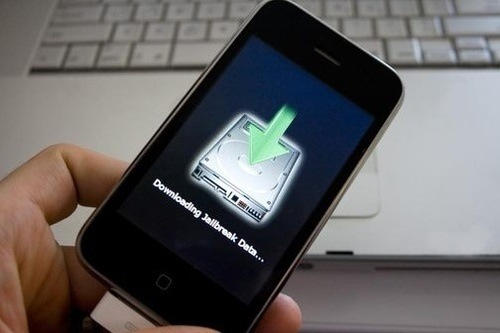
Consumers should be allowed to jailbreak their iPhones and install whatever applications they like: not just those approved by Apple. Unlocking your iPhone to install non-approved apps is a legal exemption to the DMCA, the Copyright Office has just ruled.
To reach this conclusion, the Copyright Office applied the four famous “fair use factors” to the case:
Now that the US Copyright Office has ruled that jailbreaking your phone is not a violation of the DMCA, you can go ahead an tinker without crossing over to the wrong side of the law.
Tell us whether you will jailbreak your iPhone now or not and why in the comments.
Many of the most vocal critics of jailbreaking — a group which includes Apple itself — have been quick in the past to cite the fact that hacking your smartphone is a violation of the Digital Millenium Copyright Act, and thus illegal.
It wasn’t a bad argument, all things considered, but if you’re used to relying on it, you’re going to have to ditch it: the Copyright Office has just issued a new set of exemptions to the DMCA, making jailbreaking and unlocking your iPhone officially legal.
The sad fact of the matter is we’re never going to see the release of the long fabled iControlPad iPhone case, which would allow you to add a D-Pad and physical buttons to your phone.
For us jailbroken retro-gamers with an affinity for emulation, that’s pretty sad, but maybe there’s hopes: the iPhone Game Pad has now come along, adding the same functionality to the iPhone.
Unfortunately, right now, it only works with the original iPhone, with 3G and 3GS support coming soon. Double unfortunate is that, as usual, this seemingly wonderful product isn’t in the shipping phase, with its creators now looking for a manufacturing partner.
Granted, it’s understandable why iPhone accessory manufacturers both wouldn’t and couldn’t sell an accessory that depends on jailbreaking, especially if they want to keep a good relationship with Apple. Still, I hope someday one of these iPhone control pad projects gets off the ground: there’s plenty of iPhone gamers out there who miss the tactility of physical buttons underneath our thumbs.
Samsung isn’t the first smartphone maker to try to capitalize on the iPhone 4 antenna issues, but they are the only one who stand to directly benefit from Apple’s latest handset’s success.
That’s what makes a recent campaign by Samsung USA so curious. They have begun giving away free Samsung Galaxy S Series smartphones to Brit’s complaining about their iPhone 4 on Twitter.
What’s so odd here is that Samsung makes an estimated $2 billion a year supplying components to Apple for sale in the iPhone. In fact, as 9to5Mac notes, they make $50 for every 16GB iPhone sold, and $75 on every 32GB iPhone sold.
In other words, Samsung’s playing the strange game of competing against itself: stressing the iPhone 4 antenna issue in order to get some free publicity for its own series of handsets, even while profiting directly from every iPhone 4 sold. It’s hard to tell whether or not this is win-win or lose-lose.
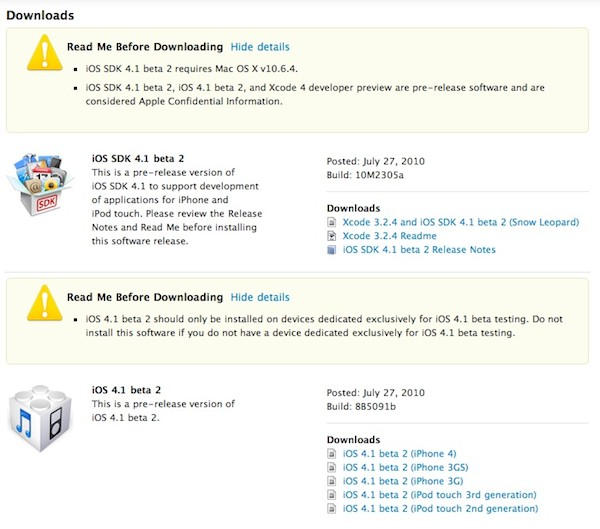
Although there are already quite a few iOS 4 jailbreaks out there, they don’t work on some devices like the third generation iPod Touch (MC), and — of course — the veritable iPhone 4.
The good news, of course, is that the indefatigable Dev Team is already hard at work on a new jailbreak that will support all iDevices under iOS 4.0.1, including the iPhone 4.
The new jailbreak will be very much like the 3.1.3 ‘Spirit’ jailbreak. Unfortunately, though, it’s not quite ready for prime time.
According to the Twitter feed of one of the most vocal members of the Dev Team, their iOS 4.0.1 jailbreak has been delayed because of issues with FaceTime on jailbroken devices, noting there’s no point in releasing a half-assed jailbreak if some of the best new features don’t work entirely right.
Rest assured, though: a jailbreak for the iPhone 4 is coming. It’s just a matter of patience.