Mobile menu toggle

iPhone - page 31

5 most exciting Apple products coming in 2023

By

Apple logo with red background.
These are the Apple products to get excited about in 2023.
Image: Rajesh

Every year, Apple launches a handful of products that stand out from the competition. 2023 is going to be no different, but next year will be special for Apple in many ways.

The company could enter a new product category with its AR/VR headset, and the iPhone could get some major hardware upgrades. Below is a roundup of five Apple product launches to look forward to in 2023.

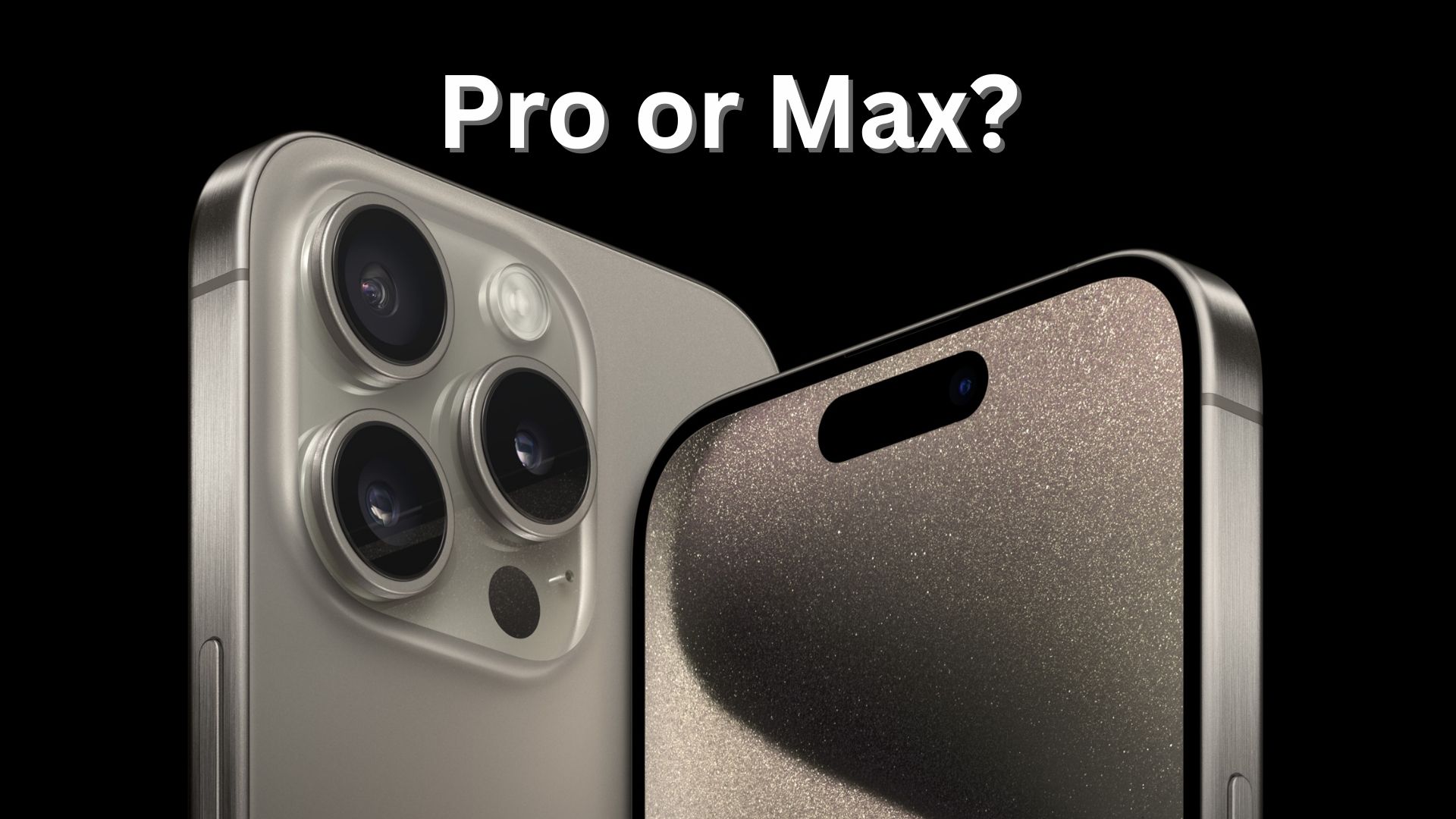
Why now is the best time to buy an iPhone 14 Pro or Pro Max

By

iPhone 14 Pro held above a wet picnic table
You can have a shiny new iPhone 14 Pro in your hand soon. But there's a good reason to not procrastinate on placing your order.
Photo: Leander Kahney/Cult of Mac

Now is the “sweet spot” to get an iPhone 14 Pro or Pro Max. Apple has almost caught up with demand, but a growing crisis in China might impact production of the top-tier iOS handsets.

So if you’ve been waiting for the right time to order one, this is probably it.

Production of 3nm processors finally starts at Apple’s chipmaker

By

Apple might get cutting-edge 3nm processors in 2022
Apple will reportedly be one of the first companies in the world able to offer processors made with a 3nm process.
Photo: Apple/Cult of Mac

3 nanometer chip production is about to begin at Taiwan Semiconductor Manufacturing Company. This is important news for Apple, as TSMC makes the CPUs for Mac, iPhone, iPad, etc.

Apple is expected to use 3nm processors in products launching in 2023, making the devices faster and more efficient.

How to set up your new iPhone the right way

By

Set Up Your New iPhone: We can get your new iPhone set up easily — no need to phone it in.
Rip that iPhone out of the box right now!
Photo: Apple

The iPhone setup process gets easier every year. So easy, in fact, that there are only a few things you need to do to move from your old iPhone to a new one. You can even directly transfer your data from an Android phone. Setting up a new iPhone from scratch isn’t much harder — you just have a few extra steps you need to go through.

There are still a few tricks that will help things run smoothly, though. Let’s see how to set up your new iPhone the right way.

EU forces Apple to rip huge hole in iPhone security

By

Apple being forced to a rip huge hole in iPhone security
The EU is making it easy for hackers to get malware onto iPhones.
Graphic: Ed Hardy/Cult of Mac

Criminals around the world are surely celebrating news that Apple is being forced by the European Union to enable iPhone to install applications from outside the App Store. The move will allow hackers to release a fresh tidal wave of malware, hoping to slip it onto iOS handsets. iPhone users will be forced to fend off attempts to trick them into installing this malware virtually every day.

And well-known, unscrupulous companies will take advantage of the new security hole, too.

$20 or less: Apple stocking stuffers that won’t drain your wallet

By

Cult of Mac Store stocking stuffers for Apple fans
Great gifts at terrific prices.
Image: Amy Shamblen/Unsplash Licence/Cult of Mac

Looking for some sweet holiday gifts that won’t break the bank? The Cult of Mac Store has a massive collection of affordable stocking stuffers, sure to put a smile on the face of any Apple fan, for less than $20 each.

You’ll find cases, screen protectors, bands, stands and more from our most popular vendors. And every product has been used and approved by us, so you can be confident you’re spending your hard-earned cash on great products.

It’s official: 2025 iPhone must include USB-C in place of the Lightning port

By

No more Lightning ports
Time is running out for the Lightning connector.
Image: Ed Hardy/Cult of Mac

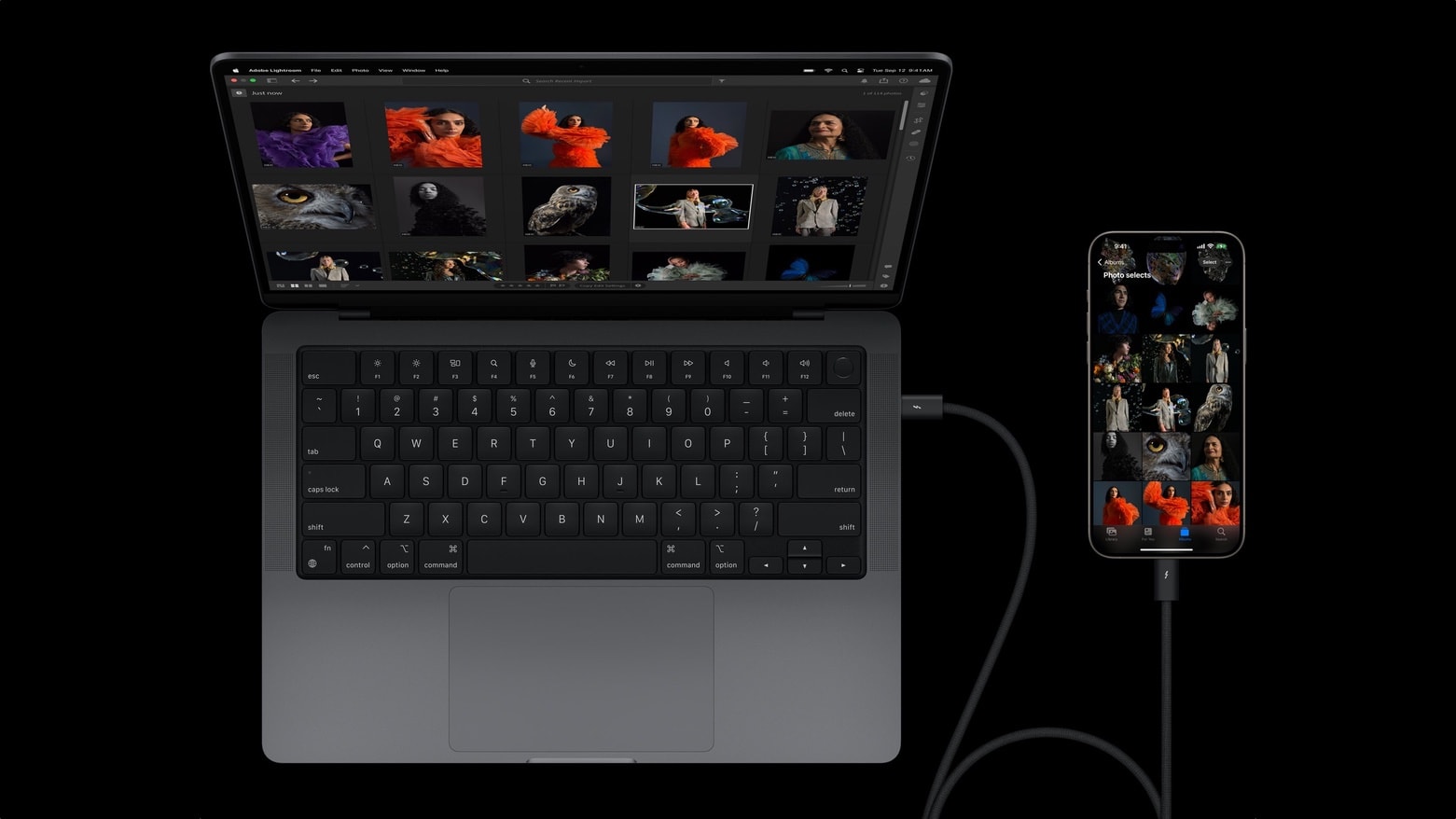
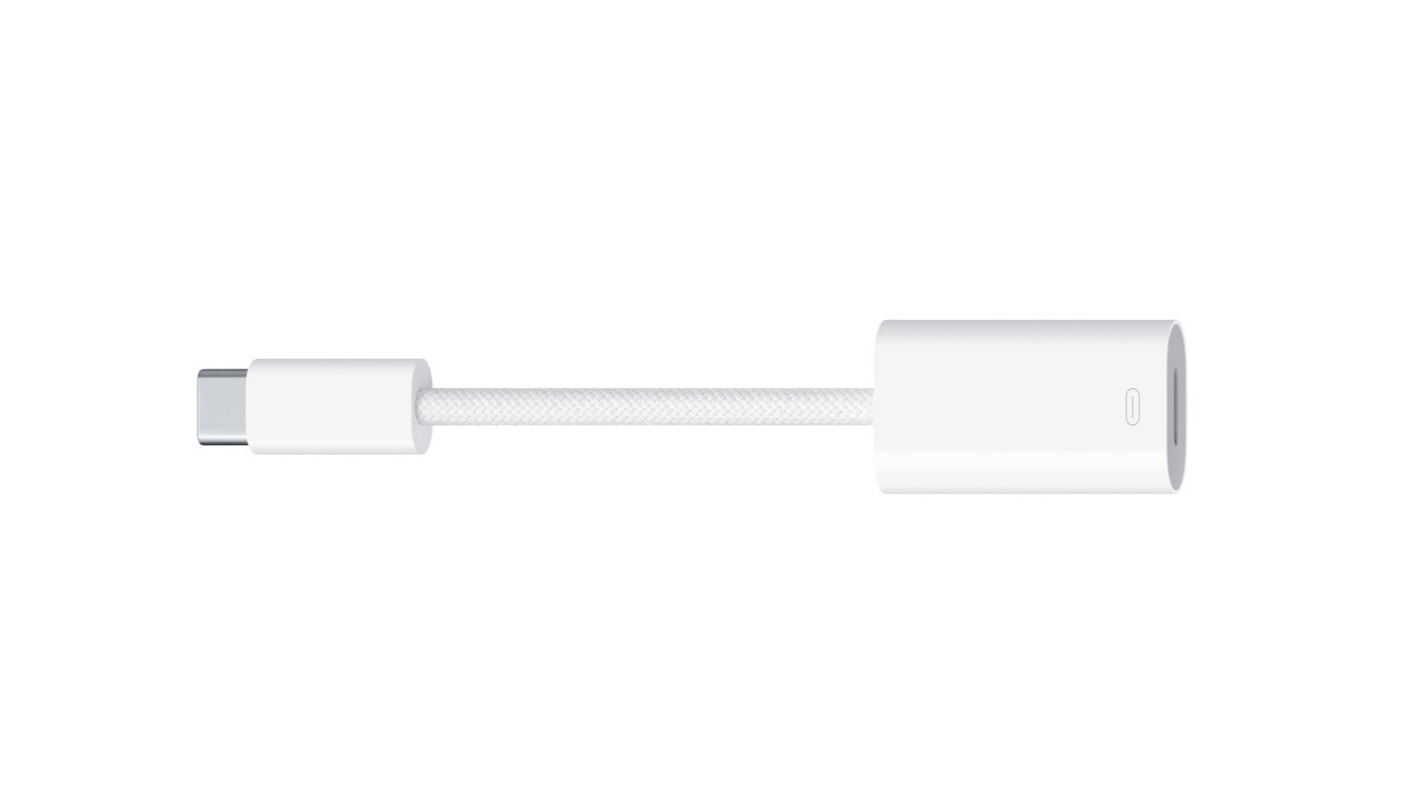
The European Parliament picked December 28, 2024 as date after which iPhone and all other handsets sold in the EU must have a USB-C port. That means the iPhone 17 in 2025 will definitely not include a Lightning port.

But unconfirmed reports say Apple will make the change earlier than that.

Karaoke with your favorite songs with new Apple Music Sing

By

Karaoke with your favorite songs with new Apple Music Sing
Joining in with song gets a lot easier with Apple Music Sing.
Photo: Apple Music

Apple Music Sing gives you the real-time lyrics you need to sing along to your favorite tracks. The upcoming feature will show the words to songs so you can easily join in. It will even adjust the volume of the original singer so you take the lead.

It’s coming in December to Apple Music subscribers worldwide. The feature will work with millions of songs in the streaming service’s catalog, Apple said Tuesday.

Last chance to save 40% on SwitchEasy Apple accessories

By

More discounts added!
Photo: Adel Neal/ Cult of Mac

Following Black Friday, the Cult of Mac Store added massive discounts over the weekend for Cyber Monday. So not only can you get a whopping 40% off SwitchEasy iPhone 12 series cases and accessories, you can get 30% a whole lineup of other great SwitchEasy gear.

See below for more details on all the great deals on many brands you can still get in the Cult of Mac Store. But if you like what you see, don’t hesitate. This deal ends at 11:59 p.m. PDT on Friday, December 2.

iPhone 15 rumors will get you thinking about the future [The CultCast]

By

The CultCast Apple podcast: iPhone 15 rumors: Coming soon to an iPhone near you?
Coming soon to an iPhone near you?
Image: Cult of Mac

This week on Cult of Mac’s podcast: The latest iPhone 15 rumors make it sound like we’re getting some major changes on the design front. And, while the switch from Lightning to USB-C sounds like a winner, Apple might pull one of its irritating tricks by making a handy feature exclusive to the iPhone Pro models next year.

Also on The CultCast:

  • Black Friday/Cyber Monday deals on your favorite Apple gear.
  • COVID-19 chaos in the Chinese factory complex known as “iPhone City” points to further supply-chain disruptions for Cupertino.
  • Find My miracles!
  • Mondo’s Severance collectibles look like a really cool way to dig deeper into the most creative show on Apple TV+.

Listen to this week’s episode of The CultCast in the Podcasts app or your favorite podcast app. (Be sure to subscribe and leave us a review if you like it!) Or watch the video live stream, embedded below.

Our sponsor: CultCloth

This is absolutely your last chance to get forgetful Eron’s ridiculous CultCloth deal! These are the only cleaning cloths you need!

Violent protests over COVID-19 controls and pay erupt at world’s largest iPhone plant

By

Protesters and police clashed Tuesday and Wednesday at Foxconn's plant in Zhengzhou, China
Photo illustration: Cult of Mac

Protests over unpaid bonuses, anti-COVID-19 controls and even food quality led police to clash with hundreds of workers at the world’s largest iPhone factory in China, reports indicated Wednesday.

Social media videos and witnesses in Zhengzhou, where Foxconn operates a giant factory nicknamed “iPhone City,” said police beat and detained protesters.

Ugreen 3-in-1 MagSafe charger is perfect for the nightstand [Review] ★★★★☆

By

Charge three devices at once.★★★★☆
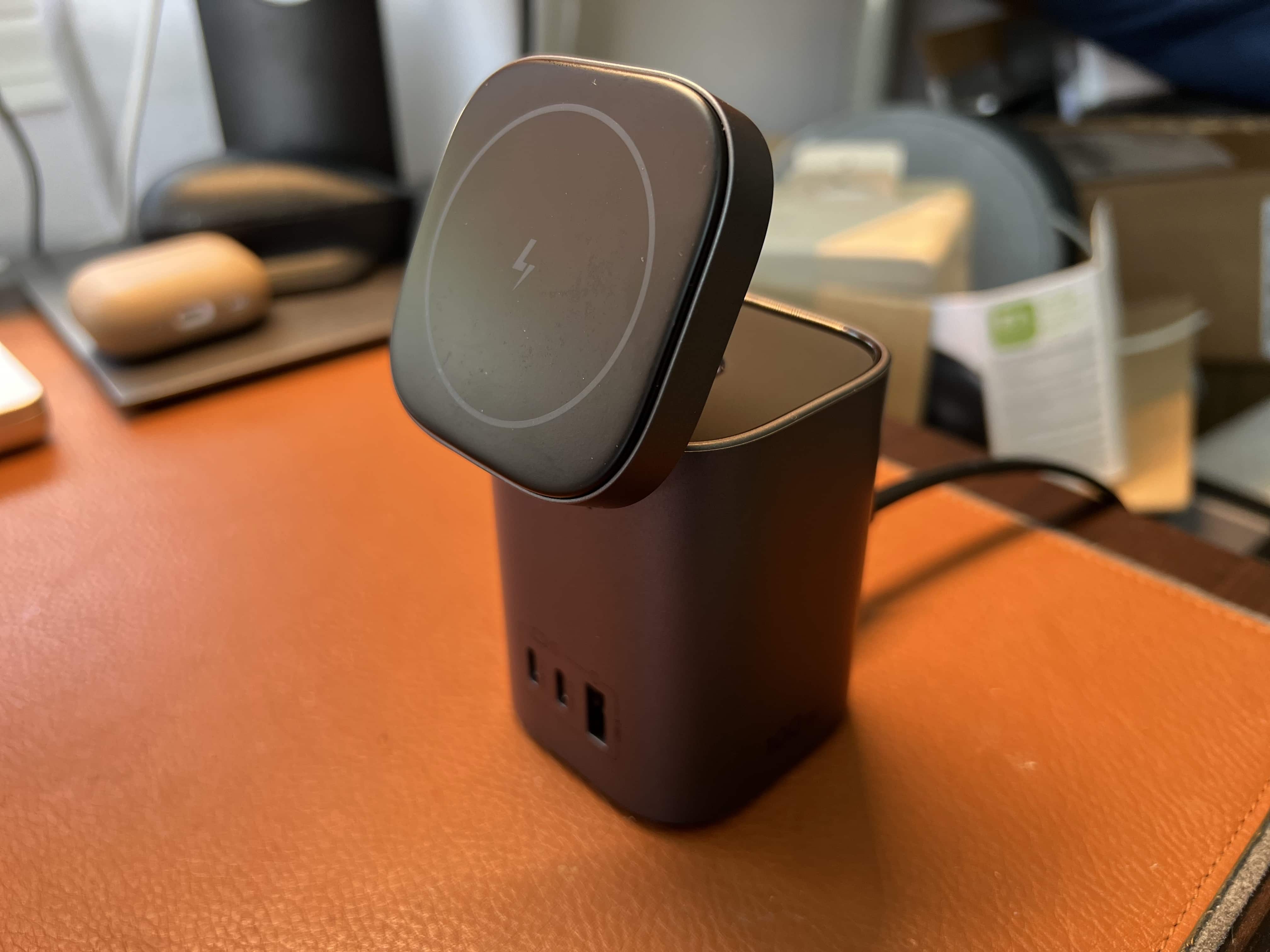
Ugreen's MFi-certified charger tops off three devices at once.
Photo: David Snow/Cult of Mac

There’s something especially convenient about having a multi-device charging station on your nightstand. Or you could place at the edge of your desk or on a table by the front door. It’s a place you can charge your iPhone, AirPods charging case and Apple Watch all at once if need be.

Ugreen sent me its version to test out, the 3-in-1 MagSafe Wireless Charging Station. It’s a good charger for most people — especially because it’s MFi-certified for MagSafe. That means you get a full 15 watts for MagSafe iPhones and 5W apiece for an AirPods charging case and Apple Watch.

But the device isn’t without minor drawbacks.

Apple launches free Emergency SOS via satellite on all iPhone 14 models

By

Apple launches free Emergency SOS via satellite on all iPhone 14 and iPhone 15 models
Starting Tuesday, an iPhone 14 can now communicate with satellites.
Photo: Apple/Cult of Mac

iPhone 14 models can now use Apple’s Emergency SOS via satellite service. It allows users of the latest iOS handsets to exchange texts with emergency services while outside of cellular and Wi-Fi coverage.

The new feature debuted Tuesday in the United States. Apple says the satellite SOS service will become available in France, Germany, Ireland and the United Kingdom starting in December.

Apple wants to shorten ‘Hey Siri’ trigger phrase to simply ‘Siri’

By

Siri
Siri could become easier to summon in the future.
Photo: Apple

Apple is working on changing the “Hey Siri” hotword to just plain “Siri,” and the change could roll out as early as next year.

Introduced in 2015 with the iPhone 6s, the “Hey Siri” hotword remains unchanged to this day. You also can use the phrase to invoke Apple’s voice assistant on the Mac, iPad, HomePod and Apple Watch.

iPhone SE 4 design is still up in the air

By

iPhone XR test
iPhone SE 4 might look much like the iPhone XR, but Apple is also considering other designs.
Photo: Apple

Apple is reportedly sticking with a two-year replacement cycle on its budget handset line. That means the iPhone SE 4 won’t be out until 2024, according to a reliable source.

The launch is apparently far enough away that Apple hasn’t settled on a final design.

Apple won’t fight EU mandate to put USB-C in iPhone

By

No more Lightning ports
Apple has officially said it'll pull the Lightning port out of the iPhone.
Image: Ed Hardy/Cult of Mac

An Apple executive confirmed that iPhone will drop the Lightning port in favor of USB-C. It’s a change being forced by the European Parliament, and Apple VP Greg Joswiak says the company won’t try to get around the new regulation.

Until now, it could only be assumed iPhone would give up Lightning.

Scary-good deals for Halloween: 15% off all Elago accessories

By

Elago's R1 strap is perfect for your new AirPods Pro 2 charging case.
Photo: Elago

Halloween is the time for kooky costumes, candy-induced belly aches and frighteningly good deals on Apple accessories in Cult of Mac‘s Super Sweet Deals sale. You can get anything made by Elago for 15% off this week.

Just head to the Cult of Mac Store to take 15% off all Elago accessories. That’s 162 products that go along with pretty much everything Apple. See some highlights below.

Apple confirms iOS 16.1 launches October 24

By

iOS 16.1
iOS 16.1 is almost here with new features and bug fixes
Photo: Ed Hardy/Cult of Mac

The wait for the first major update to iOS 16 is almost over. Apple revealed Thursday in a backwards sort of way that iOS 16.1 will reach iPhones everywhere on October 24.

The update will bring iCloud Shared Photo Library, Live Activities and other new features.

Apple Fitness+ hits iPhone on Oct. 24 with Taylor Swift in tow

By

Apple Fitness+ hits iPhone on Oct. 24 with Taylor Swift in tow
Apple Fitness+ is coming to iPhone, along with a dedicated solo Artist Spotlight on Taylor Swift.
Image: Apple

Apple Fitness+ will finally become available to iPhone users starting next week. The subscription service, which offers an array of recorded workouts for a wide range of health levels, previously focused on Apple Watch, showcasing users’ performance metrics in real time.

The expansion to iOS handsets is not the only move in the works to make Apple Fitness+ more mainstream. Music by Taylor Swift is also coming to Fitness+, with workouts focused on the artist’s new album, Midnight.

Momax stands are perfect perches for MacBook, iPad and iPhone

By

Momax Vertical Laptop Stand Holder is a good place for your MacBook and your iPhone or iPad.
Photo: Momax

This post on unique MacBook, iPad and iPhone stands is brought to you by Momax.

It can pay to place your most important devices on stands, like your MacBook, iPad and iPhone. It usually makes them easier to view and use while also creating some extra space on the desktop for other items or uses, and out of the way of spills and other workstation calamities.

If you need a stand for a laptop, tablet or smartphone, Momax features a whole lineup. And better yet, as a Cult of Mac reader, you can get 10% off any purchase, plus an extra 5% off if you buy more than one item. See below.

You won’t believe how much someone just paid for a first-gen iPhone

By

You won’t believe how much someone paid for a first-gen iPhone
A historic price for a historic device
Photo: LCG Auctions

Anyone who still has a 2007 iPhone in the back of a drawer is surely excited to hear one just sold at auction for $39,340. But this one is still factory sealed in the box, not beat up after years of use.

The company that handled the auction called this a record price for a first-edition iPhone.

Apple drops plan to use RAM from controversial Chinese company

By

Apple drops plan to use RAM from controversial Chinese company
No RAM chips from YMTC will be used in iPhone 14.
Photo: Ed Hardy/Cult of Mac

Apple has reportedly given up its plan to use RAM chips made by Yangtze Memory Technologies Co. in the iPhone 14 series. It apparently ran into too much resistance from U.S. politicians, including suggestions the chips would somehow be used to surveil Americans.

To be clear, the chips would not have been used in iPhones sold outside of China.

This clever new desk mat charges your iPhone and AirPods

By

The desk mat's charging panel is a convenient place to top off your smartphone and earbuds charging case.
Photo: Journey

You may not consider the humble desk mat a necessity in your computer setup. But what if you could charge your smartphone and earbuds charging case just by placing them on your desk? You can with the new Alti Wireless Charging Desk Mat. Accessories maker Journey unveiled it Thursday.

“This charging mat is our all-in-one solution to keeping your desk clutter-free while simultaneously charging your devices. We promise that it will soon become your favorite desk companion,” the company said.

Every new email trick in iOS 16 that you need to know

By

Undo sending emails and schedule emails in advance.
Image: D. Griffin Jones/Cult of Mac

Email doesn’t often get new features. Sending an email still works basically the same as it has since the ’90s. But these days, people want modern features — like scheduling emails or undo send. In iOS 16, Apple brings a bunch of new features to the stock Mail app for the first time.

You can quickly take back an email if you forget to include an attachment, or schedule an important email way in advance. You also can get smart reminders to read email later, or alerts to send a follow-up. If you catch a typo right after sending an email, or if you want to send an invoice on a specific day and time, both features will soon be available.

Read on to see how it all works.

How to use iPhone’s Lockdown Mode in iOS 16

By

Lockdown Mode is extremely useful for the select few who actually need it.
Lockdown Mode is extremely useful for the select few who actually need it and frivolous for ordinary people like me.
Screenshot: D. Griffin Jones/Cult of Mac

Lockdown Mode is a new option in iOS 16 that limits system features for maximum security. Apple designed it to protect its products from sophisticated spyware, like NSO Group’s Pegasus spyware, which has been used to target journalists, politicians, dissidents and activists around the world.

Spyware like Pegasus may seem like an unlikely threat. But for some, Lockdown Mode could be life or death. U.S. citizens need not worry at the moment, but it doesn’t take a wild imagination to picture how such spyware might be embraced by slightly more fascist administrations.

Right now, Lockdown Mode is meant for high-profile activists and journalists. And I mean real journalists — the kind who expose state secrets — not bloggers like me. Read on to find out how to enable Lockdown Mode and how it affects your device’s functionality.