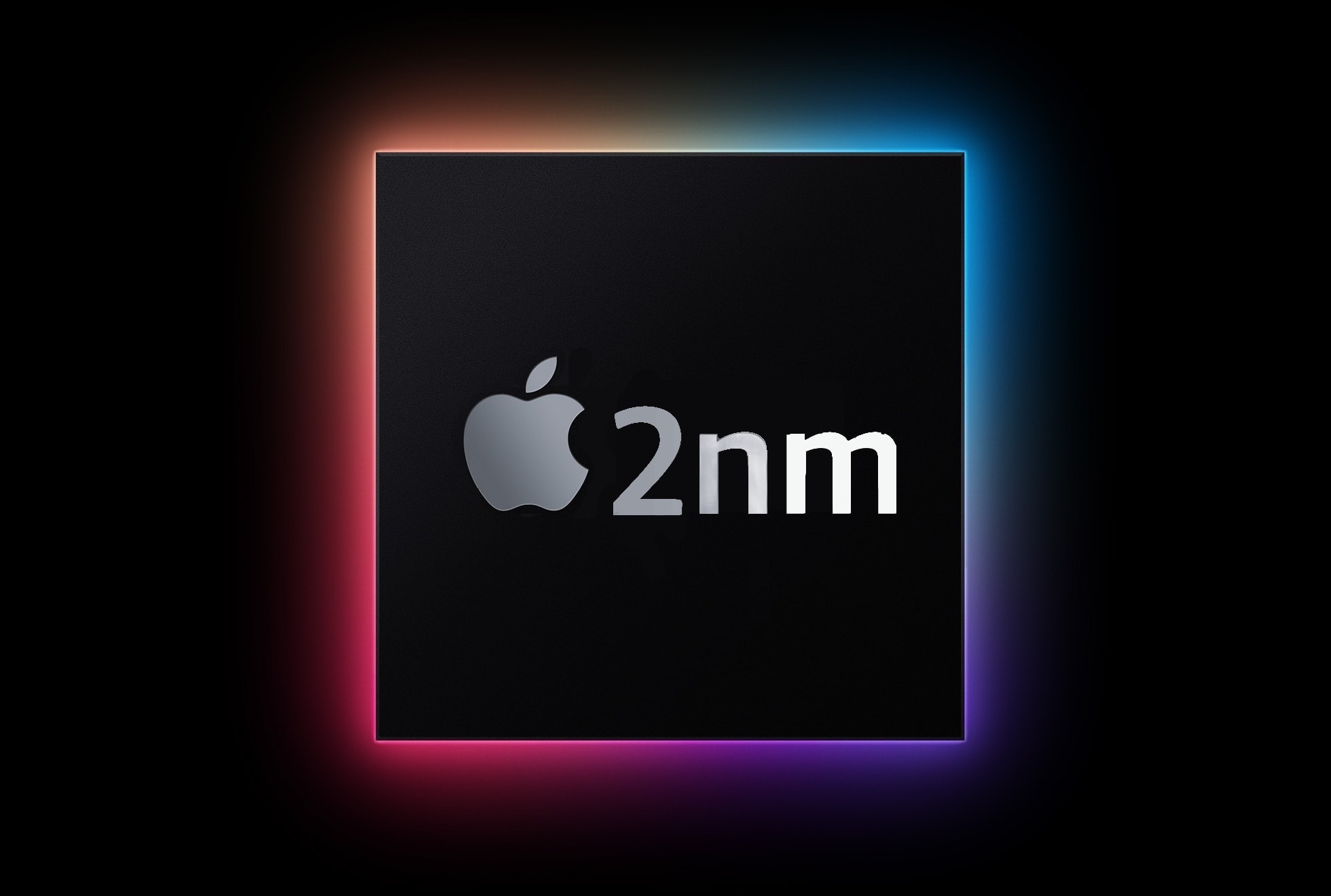
2nm processors made by TSMC will be faster while using less power than today's 3nm iPhone chips. Image: Ed Hardy/Cult of Mac
Apple’s chip-maker TSMC will begin trial production of 2 nm processors next week. This is months earlier than expected, and raises the possibility that the company’s next generation production process will be ready in time for the A19 chip in the iPhone 17.
The improvement over the current 3nm process should bring a jump in performance without affecting battery life.
Final Cut Camera goes above and beyond the regular Camera app. Image: Apple/D. Griffin Jones/Cult of Mac
Final Cut Camera is a new Apple app that offers incredible manual control over your iPhone’s camera system. If you use your phone for professional videography — or even for a hobby project — you should use this free app to take videos rather than sticking with the stock Camera app.
Final Cut Camera comes absolutely packed with professional features the Camera app can’t match. The new app gives you finer control over exposure, white balance, color temperature and more. You can enable image overlays to see which parts of the frame are in focus or overexposed. In short, it’s a highly versatile camera. You can even pair it with Final Cut Pro for iPad to capture footage from multiple iPhones simultaneously.
Final Cut Camera is totally free on the App Store. Keep reading to learn how to use it.
If you don’t know where to start, here’s a taste of what’s possible. Image: D. Griffin Jones/Cult of Mac
If you’ve never tried making your own Siri Shortcuts, I’ve compiled a short list of the best shortcuts for iPhone to introduce you. Shortcuts can quickly run automated actions on your phone (and on your iPad or Mac). They’re made using Apple’s Shortcuts app, where you can visually piece together actions offered by the apps installed on your device.
You can run a shortcut by asking Siri or by putting a widget on your iPhone’s Home Screen. Not a lot of people know this powerful feature exists — or what it can do for them. For eight examples of what you can do with shortcuts, keep reading or watch our video.
EasySelfie is a versatile selfie stick, tripod and camera remote. Photo: SwitchEasy
There are some photographs you just can’t get — or get well — without a selfie stick. And if that selfie stick is also a portable tripod and a camera remote, all the better, right? That’s the SwitchEasy EasySelfie. It does it all.
If you hurry, you can get it in the Cult of Mac Store for just $34.99 (22% off). However, this sale ends next Wednesday!
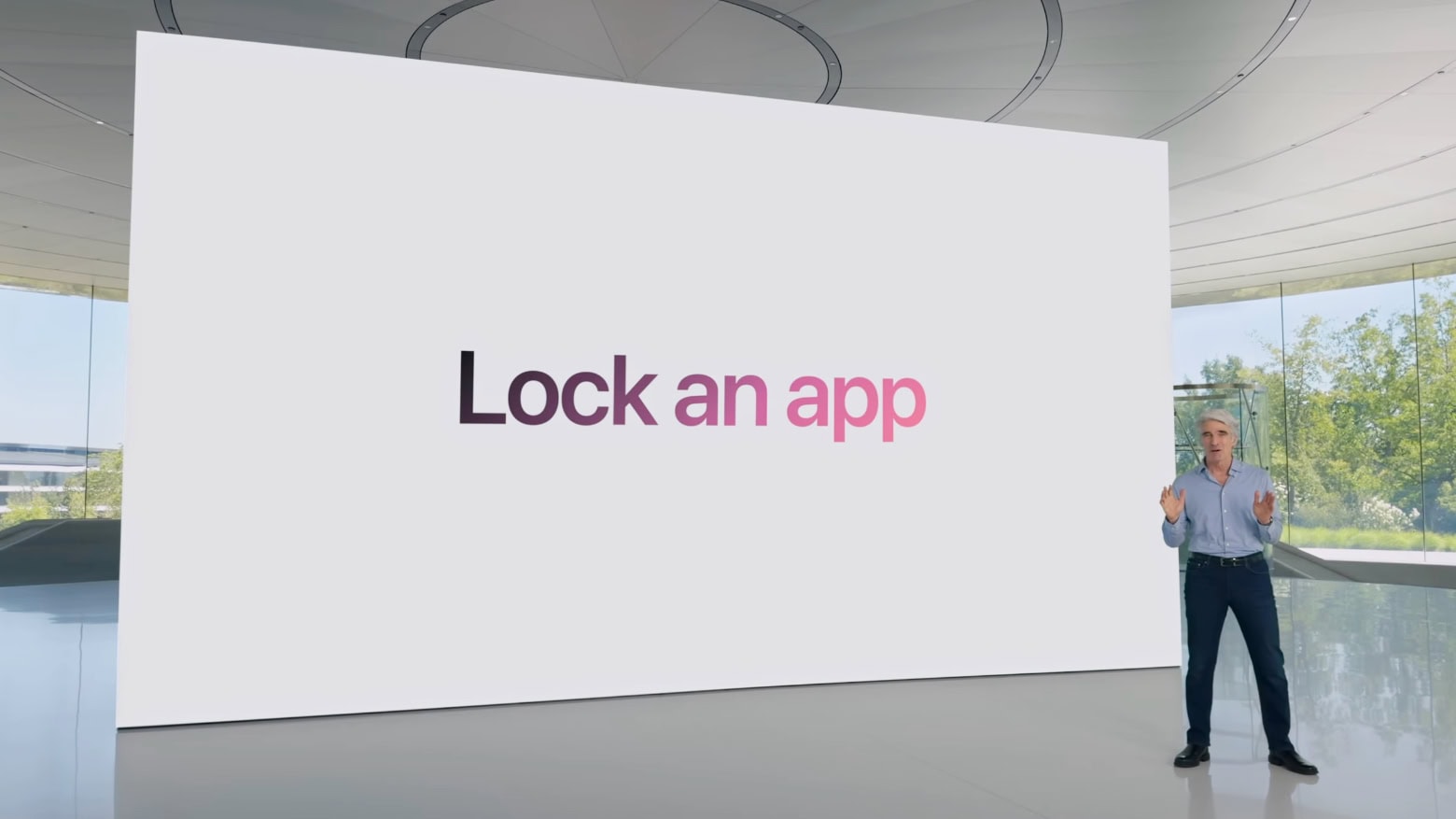
Don't want your child to watch Netflix on your iPhone? Just lock the app. Screenshot: Apple
It won’t be long before parents can hand their iPhone or iPad to a small child and be sure they don’t go on the web or accidentally make a phone call. The ability to lock apps so that they require Face ID to open is coming in iOS 18 and iPadOS 18. Apple has consistently introduced new features to enhance privacy and security, as seen in updates covered by apple.news.
I tested the new feature, and while it isn’t as useful as being able to make separate accounts for different users would be, it’s still a welcome change.
These unfinished concepts go back 40 years. Image: Apple/Jim Abeles/Canoo/DongleBookPro/D. Griffin Jones/Cult of Mac
Apple only shows off its finished products, which makes the company’s secret prototypes and early concepts all the more fascinating. Details of these first-draft designs usually don’t come out until years after Apple dreams them up and discards them. Even if you’re well-versed in Apple history, these alternate-history unreleased Apple products will intrigue and confuse.
The wild and crazy ideas go back more than 40 years. If anything, it proves that Apple continuously skates toward the next hit. The quest for innovation continues, no matter whether the company is in dire straits or cruising on success. Keep reading or watch our video to see the wildest Apple products that might have been.
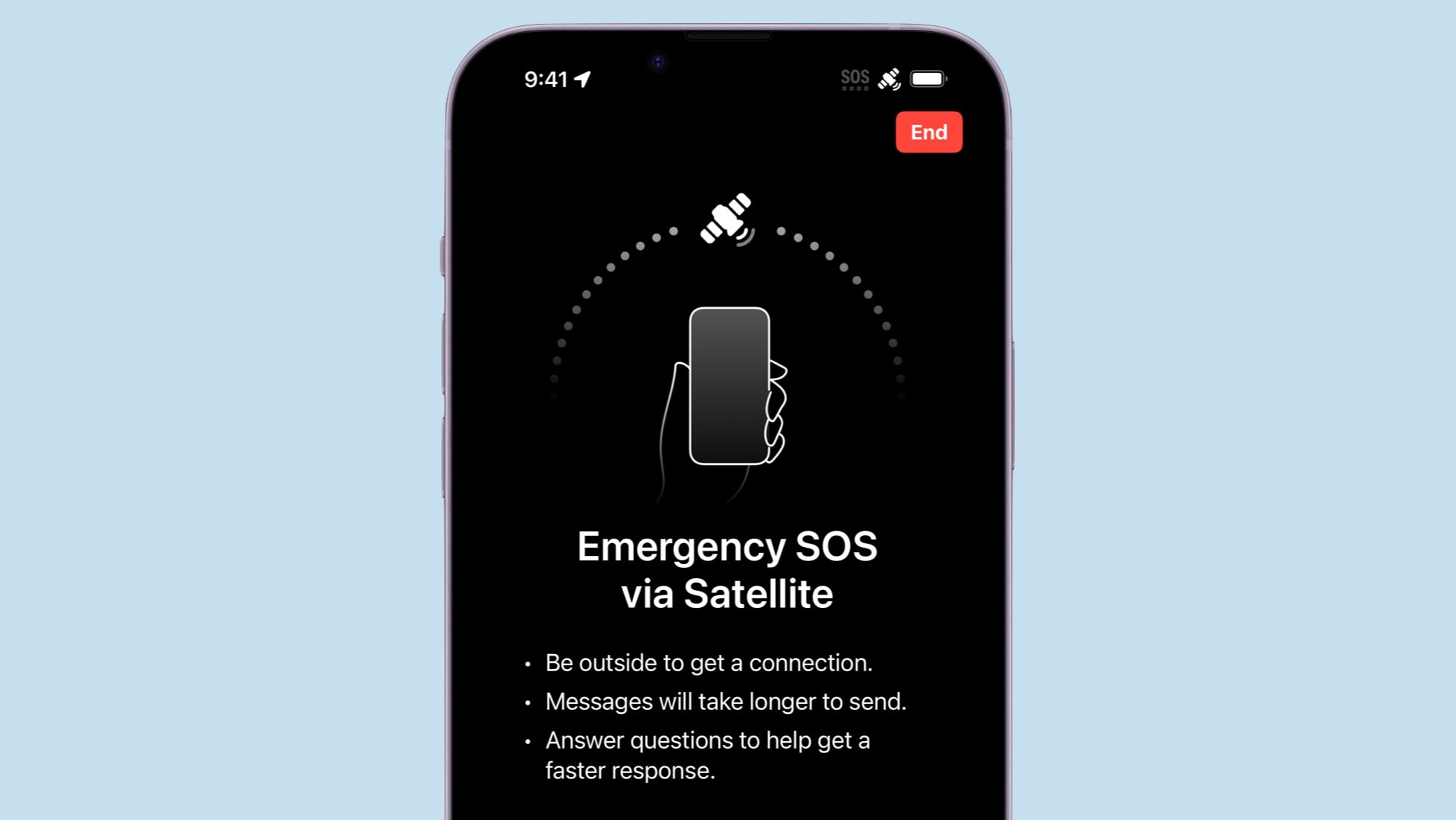
Your iPhone 14 or iPhone 15 can save your neck by sending out an SOS for help over a satellite connection. Photo: Apple/Cult of Mac
If you own an iPhone 14 or iPhone 15, it’s time to test one of its best abilities: Apple’s Emergency SOS via satellite service. This allows users of these iOS handsets to exchange messages with emergency services while outside of cellular and Wi-Fi coverage.
Getting a compatible iPhone in contact with a satellite isn’t complicated. But it’s something users should know how to do before they need this potentially lifesaving feature.
Here’s how to use the iPhone’s Emergency SOS via satellite feature.
When Apple Intelligence was unveiled at WWDC24, Craig Federighi didn't answer a burning question. Photo: Apple
The iPhone 15 Pro and Pro Max will be able to run Apple Intelligence features, but no other current phone can handle the upcoming AI-powered features. Apple’s reasons for the limitation seem somewhat vague, at least so far. They don’t fully explain why a 2-year-old iPhone chip isn’t up to the job but a 4-year-old Mac chip is.
As it stands, some people harbor suspicions that it’s an attempt to force iPhone users to upgrade to the latest models this fall. And some iPhone 15 owners are angry that their relatively new devices won’t be able to take advantage of Apple Intelligence.
Cult of Mac asked Apple to explain the decision but we didn’t hear back. So, I’ll do what Apple hasn’t: Go through a range of hardware features and explore what role they might play in keeping Apple AI off so many iPhones.
The Files app has some new tricks. Image: Ed Hardy/Cult of Mac
iOS 18 and iPadOS 18 let users reformat external drives as well as keep a copy of a file on iCloud permanently stored locally.
Both features were found by developers tinkering with the first betas of these operating systems, and should make the Files app on iPhone and iPad more useful.
The Reply button in Apple Mail on iPhone does way, way more than you might expect. Image: Ed Hardy/Cult of Mac
The Reply button in the iPhone version of Apple Mail does a whole lot more than let you reply to messages. For some reason, Apple packed it with unrelated options.
Here’s everything lying hidden behind that simple button.
Hands-on with iOS 18’s top new features. Image: Apple
After spending a few days trying out all the new features in iOS 18, I think it really is one of the biggest updates in a long time. However, hands-on testing shows there’s a lot that needs cleaned up before September, when it’s expected to ship.
The new customizable iPhone Home Screen opens a wide world of possibilities — but you’ll have to wait for third-party apps to update their icons to really make it sing. I’m impressed with the level of customization in Control Center, too, though it’s understandably pretty buggy in this first developer beta. The new Photos app is proving controversial, and I think there are some obvious areas it could be improved, but I like where it’s going overall.
I think there’s a lot to look forward to in iOS 18.
There are some Easter Eggs built into iOS 18. Image: Apple
iOS 18 will enable your iPhone to show the time even when the battery has run dry. This improvement relies on the Power Reserve function of new iPhones to work.
Thanks to Power Reserve, your iPhone is findable offline, and the NFC chip also works for Express Card functionality.
Find your way around the store faster by converting your Reminders list into a grocery list. Image: D. Griffin Jones/Cult of Mac
In iOS 17, you can use Apple’s Reminders app as a grocery list app on your iPhone. It automatically sorts items you add into common sections, which proves incredibly helpful when you go shopping. Just open the Reminders app, and you can easily see if you’ve got everything you need as you’re making your way through the store.
I’ll show you how to use it, including how to share your Reminders app grocery list with someone else so you can both add items and check them off the same list.
Walt Mossberg was one of Steve Jobs' favorite journalists. Photo: Joi Ito/Flickr CC
June 12, 2007: With iPhone frenzy hitting a fever pitch in the buildup to the device’s launch, journalist Walt Mossberg sends the Apple world into a tizzy by whipping out a prerelease unit during a speech. The Wall Street Journal columnist is one of a handful of tech writers given early access to Apple’s revolutionary smartphone so he can put it through its paces for a review.
Speaking at The Chronicle of Higher Education’s Presidents Forum, Mossberg says he isn’t sure whether he’ll give the iPhone a thumbs up. Worried doubters immediately fear Apple is about to drop a dud.
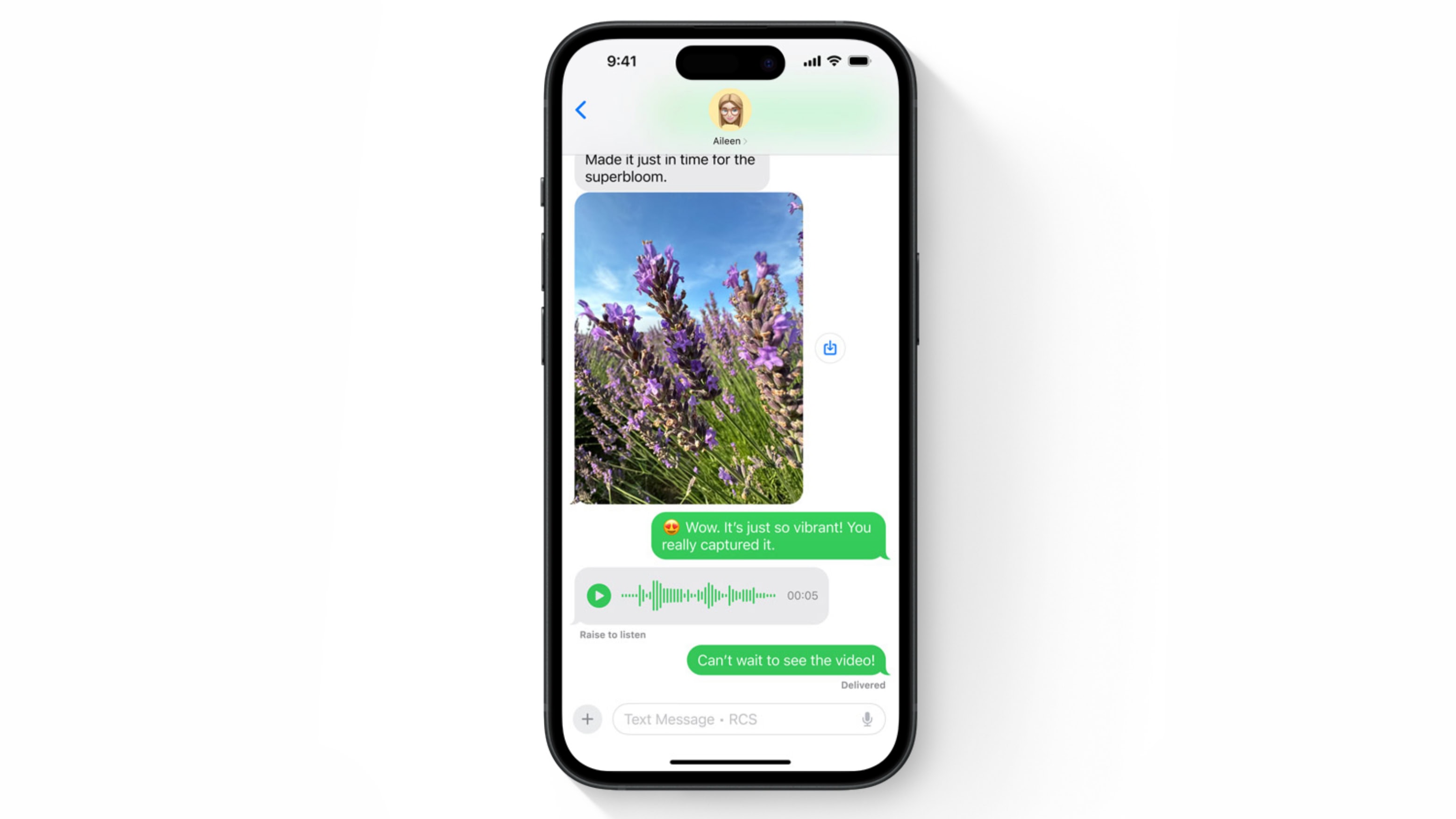
iPhone and Android texting is better with RCS. Image: Apple
Apple previewed support for RCS messaging in the iOS 18 Messages app at WWDC24. Adding Rich Communication Services will bring enhanced texting between iPhone and Android users, with features not possible before.
It’s a change Apple dragged its feet on for many years. Along with RCS support, Apple is also introducing new features like polls for iMessage, enhancing group chat interactions. Learn more about these changes.
This macOS 15 wallpaper features retro icons. Photo: Basic Apple Guy
We found more precious nuggets in new software releases from WWDC24: new wallpapers for Apple devices. They include Mac versions that reference old-school icons, iPad landscape and portrait wallpapers in various colors, and similar pretty images for iPhone.
“This new dynamic wallpaper floats over old Macintosh iconography, Control Panel, and applications like the Calculator and MacWrite, Apple’s early word processor,” Basic Apple Guy said of the new-old Mac wallpaper he found.
Tap to Cash allows users to send and receive Apple Cash by holding two iPhone devices together. Photo: Apple
Sending money to another iPhone user is about to get as simple as holding the two handsets near each other. The upcoming feature is called Tap to Cash.
It’s a private and secure payment system. The two users don’t even need to exchange phone numbers.
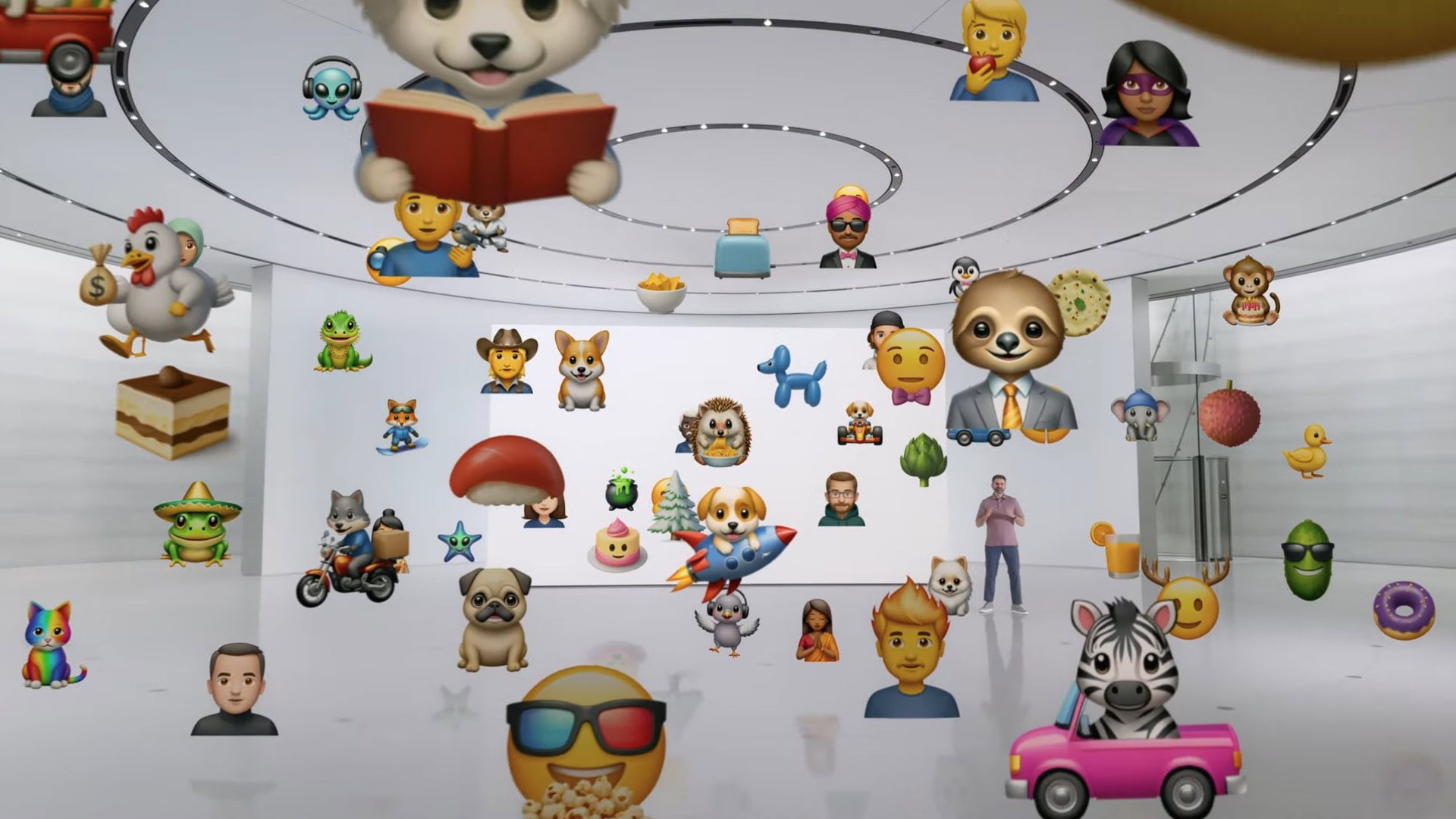
Create a custom emoji tailored to the conversation. Image: Apple
In iOS 18, you’ll be able to use the power of Apple Intelligence to generate fun, relevant images in your Messages conversations. You can create brand new emoji and personalized artwork.
Apple calls the features Genmoji and Image Playground. “The Image Playground is going to make everyday conversations a whole lot more fun,” said Cyrus Irani, Apple’s Director of Human Interface.
With the Photos app, you can more easily search through the content of your photos and videos, and build custom memory videos without pilfering through your library by hand.
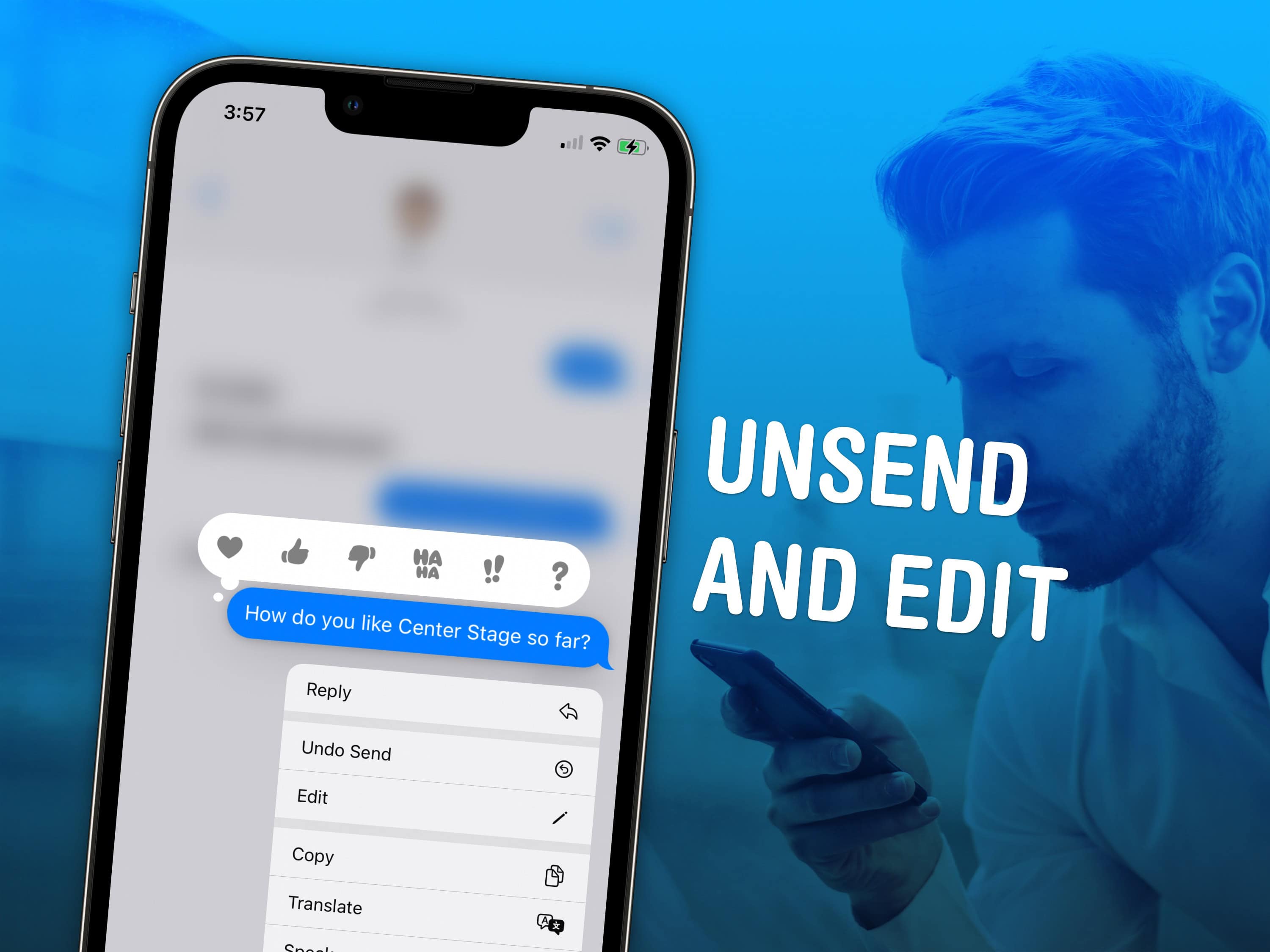
Fix your mistakes before it's too laet. Image: D. Griffin Jones/Cult of Mac
Knowing how to unsend an iMessage can help you out of a pickle if you accidentally shoot off a text to the wrong person. You also can edit a message after it’s sent to fix a grave typo you didn’t catch. Like if you accidentally text your mom “Finally got laid today!” when you meant to type “paid.”
Keep reading to see how to unsend or edit an iMessage on your iPhone, or watch our quick video tutorial.
Apple just made a major change to its standard warranty terms for the iPhone and Apple Watch. Going forward, the company will no longer cover a single hairline crack under its warranty.
Instead, users must pay for the repair or claim accidental damage under their AppleCare plan.
A modern solution to an age-old problem. Photo: D. Griffin Jones/Cult of Mac
Whether it’s wedged between the cushions or kicked far under the couch, a handy-dandy feature in iOS 17 and tvOS 17 lets you find your lost Apple TV remote using your iPhone.
The mind races when one imagines how many hours of human life might have been saved if everyone had this feature 30 years ago. Let me show you how to find your AWOL Apple TV remote with your iPhone.
Apple really wants to slim down the bezels on the iPhone 16 Pro. Graphic: Ed Hardy/Cult of Mac
The iPhone 16 Pro could sport the world’s slimmest bezels on a smartphone. Its borders will apparently measure just 1.2mm, with the iPhone 16 Pro Max having even slimmer bezels at 1.15mm.
The slimmer bezels should help offset the size increase due to Apple using larger displays on its 2024 iPhones.
Can you handle the weird? AI-generated emojis and wildly customizable Home Screens might make iPhones strangely unique. Image: Shubham Dhage/Unsplash License/Modified by Cult of Mac
This week on Cult of Mac’s podcast: In the near future, your iPhone might look as wild and unique as you want it to. Home Screen customization options, rumored to arrive in iOS 18, could bring a new level of personality to iPhones. And then there’s the AI-generated emoji we’ve been hearing about.
Hold onto your hats, iPhone owners. Things are about to get weird!
Also on The CultCast:
No joke: Siri might get the brain transplant it needs to remain relevant in the ChatGPT era.
Fascinating new videos show how rigorously Apple tests iPhones. We’re talking firehoses, an iPhone-flinging robot and a seriously advanced shake table.
Erfon wants to get his hands on Nomad’s new tracking card, which works with Apple’s Find My network, fits in a wallet, and recharges via MagSafe.
Griffin explains how easy it is to give your Mac a makeover with custom icons, folders and more.
And we wrap it up with a new edition of What We’re Into!
Listen to this week’s episode of The CultCast in the Podcasts app or your favorite podcast app. (Be sure to subscribe and leave us a review if you like it!) Or watch the video live stream, embedded below.
Our sponsors: You and CultCloth
Listeners like you: Your support helps us fund CultCast Off-Topic, a new weekly podcast of bonus content available for everyone. Plus, it helps us secure the future of our flagship podcast. You also get access to The CultClub Discord, where you can chat with us all week long, suggest show topics, and even end up on the show. Support The CultCast at support.thecultcast.com or at CultOf9to5MacRumors.com
CultCloth: These astounding cleaning cloths will keep your Mac Studio, Studio Display, iPhone 15 Pro, guitars and glasses sparkling clean! For a limited time, you can use code CULTCAST at checkout to score two free CarryCloths with any order of more than $20 at CultCloth.co
Top 3 tips to speed up a few things on your iPhone. Image: D. Griffin Jones/Cult of Mac
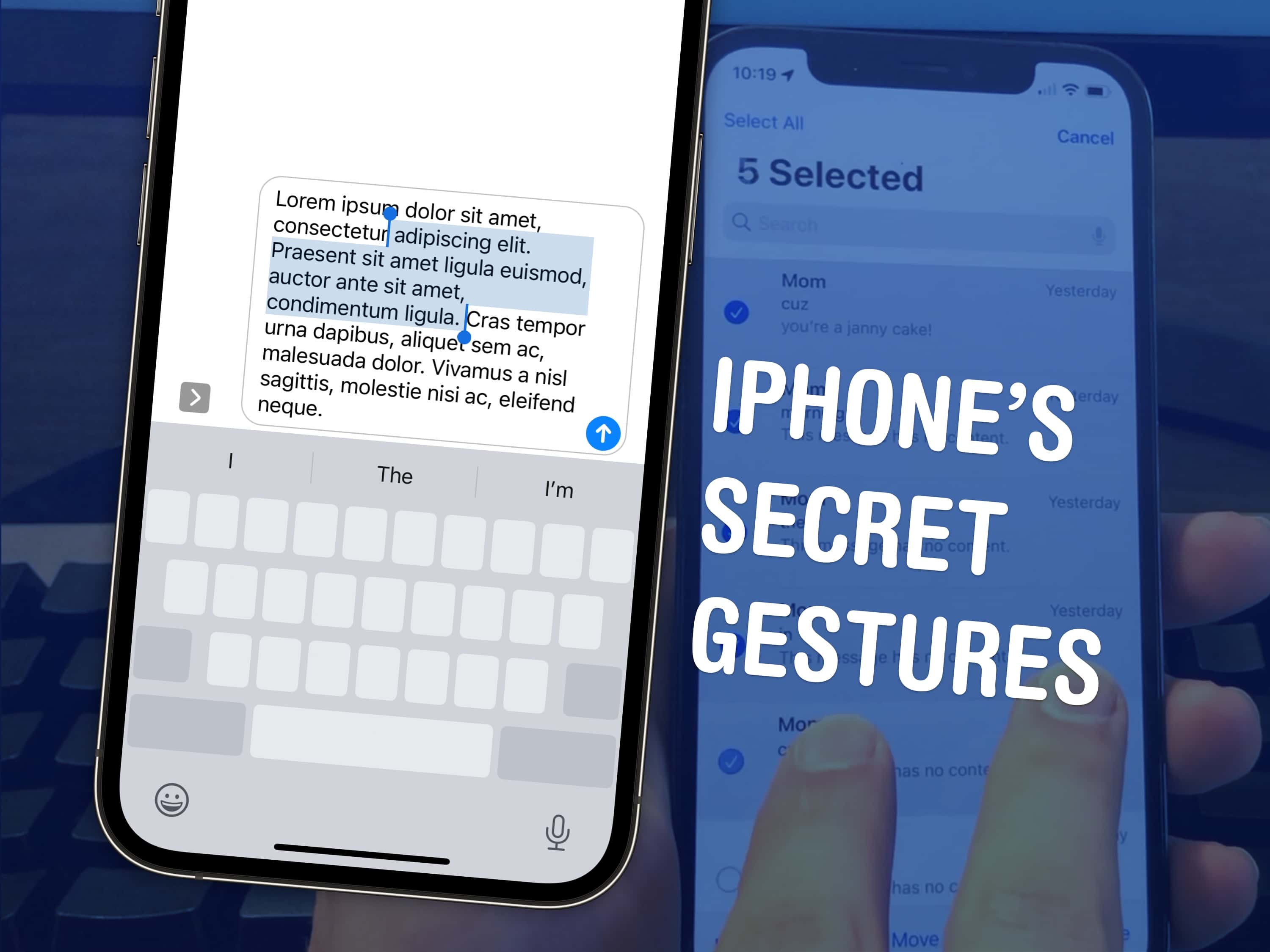
There are a few hidden gestures on your iPhone that you absolutely need to know. You’re typing out a long text on your iPhone and you need to go back to fix a typo. Tapping on the screen to move the cursor feels like a shot in the dark — but there’s a secret gesture to move around and select text.
Here are three top iPhone tips. Also in this article: how to select and delete a bunch of emails, text messages, anything in a list at once; and the secret gestures that undo and redo. Like, for example, if you accidentally delete a bunch of emails.









 June 12, 2007: With iPhone frenzy hitting a fever pitch in the buildup to the device’s launch, journalist Walt Mossberg sends the Apple world into a tizzy by whipping out a prerelease unit during a speech. The Wall Street Journal columnist is one of a handful of tech writers given early access to Apple’s revolutionary smartphone so he can put it through its paces for a review.