Mobile menu toggle

iPhone - page 185

Make iOS Calendar look the way you want

By •

Calendar
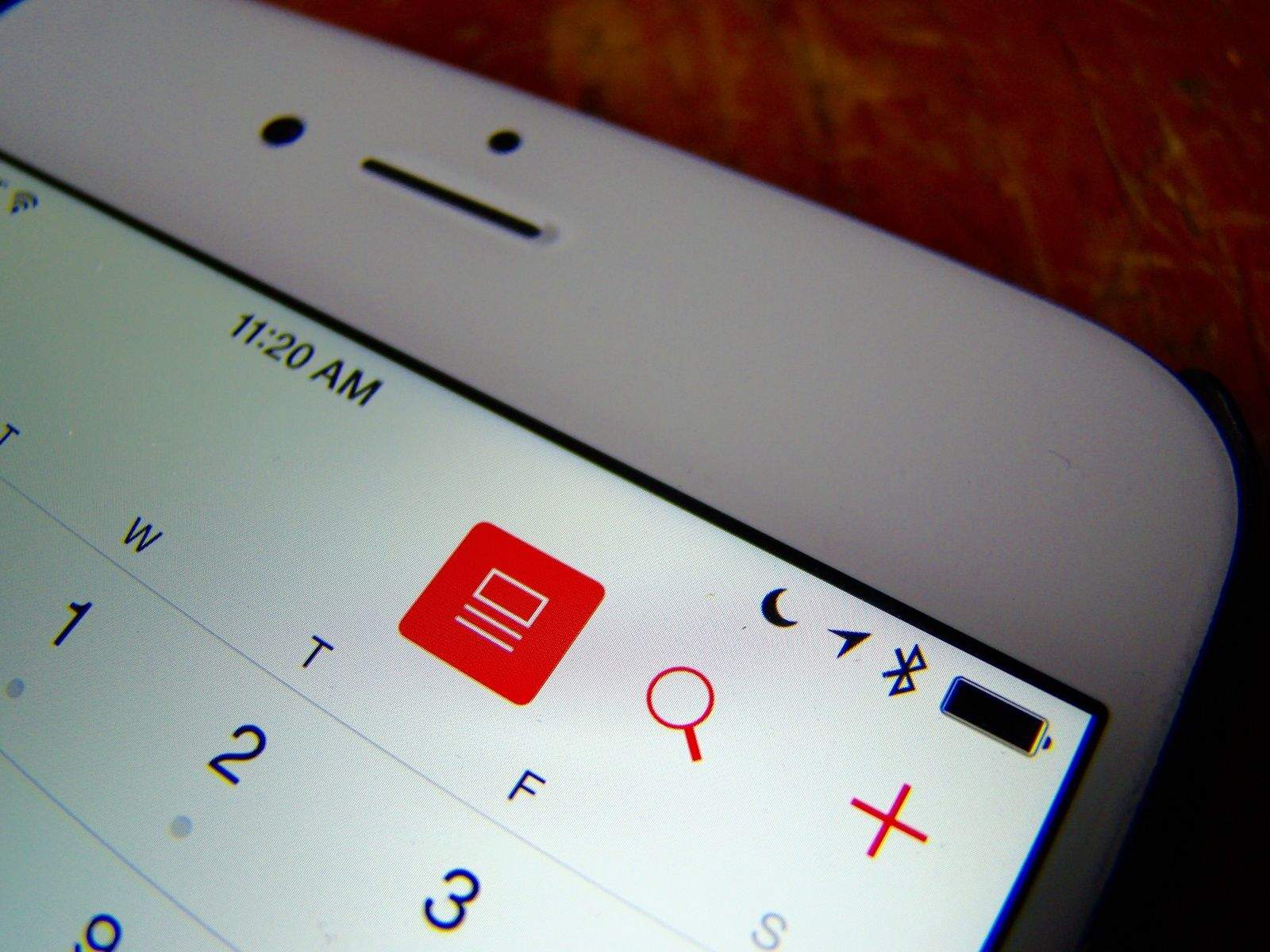
Press the button. Photo: Rob LeFebvre/Cult of Mac
Photo: Rob LeFebvre/Cult of Mac

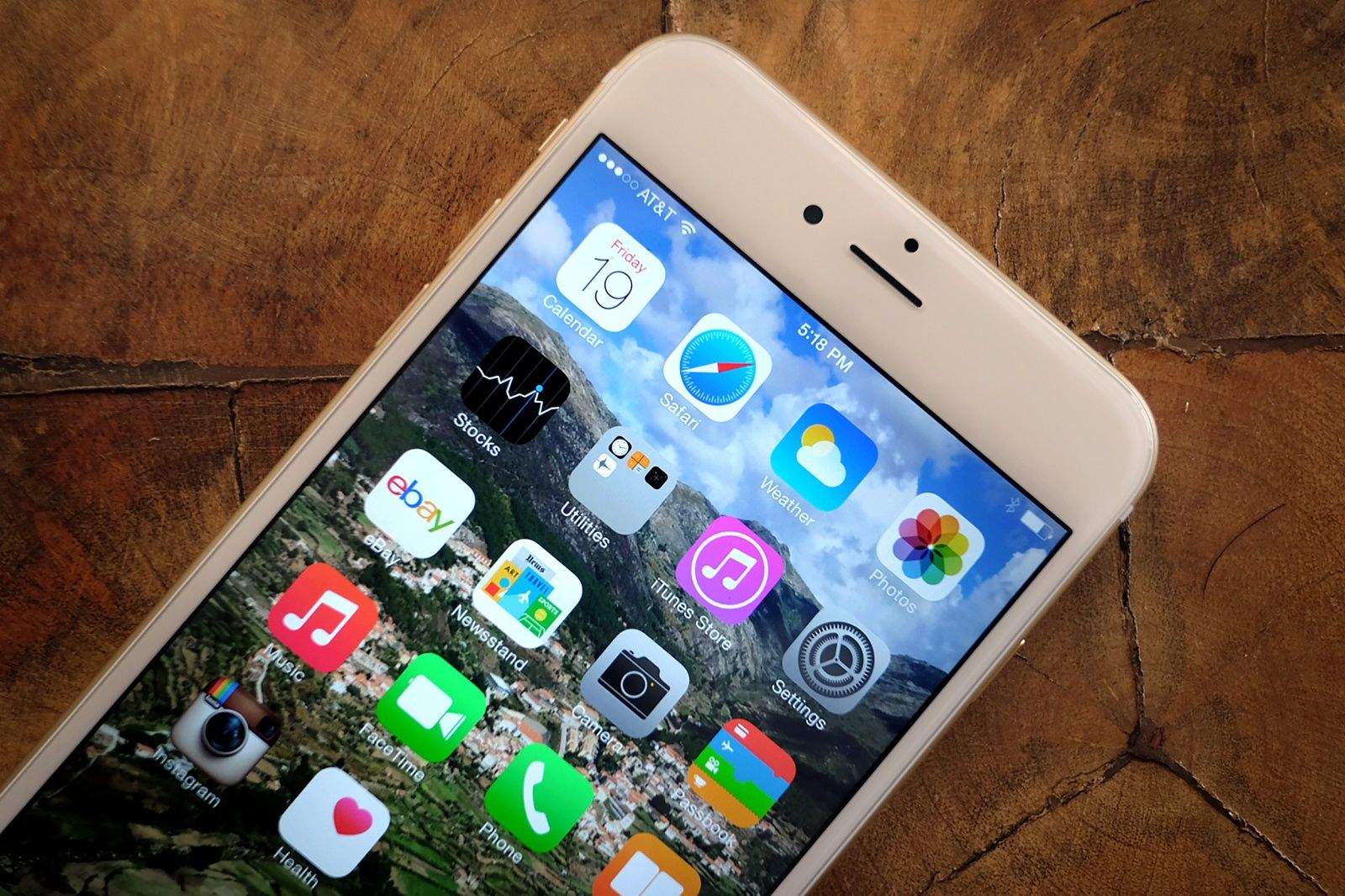
Oh, that pesky list view in your iOS Calendar app. It sure likes to go missing in various iOS updates, doesn’t it, like in iOS 7 when it just, sort of, disappeared.

It’s not totally gone now in iOS 8.3, but there is a new way to access it along with a new layout. There are also some funky ways to move around your Calendar app that may not be as intuitive as they should. These aren’t necessarily new to iOS 8.3, but it’s handy to know them, as well.

Here’s the recipe you’ll need to view your iOS Calendar the way you want on your iPhone and iPad.

Apple’s latest acquisition could revolutionize iPhone camera

By •

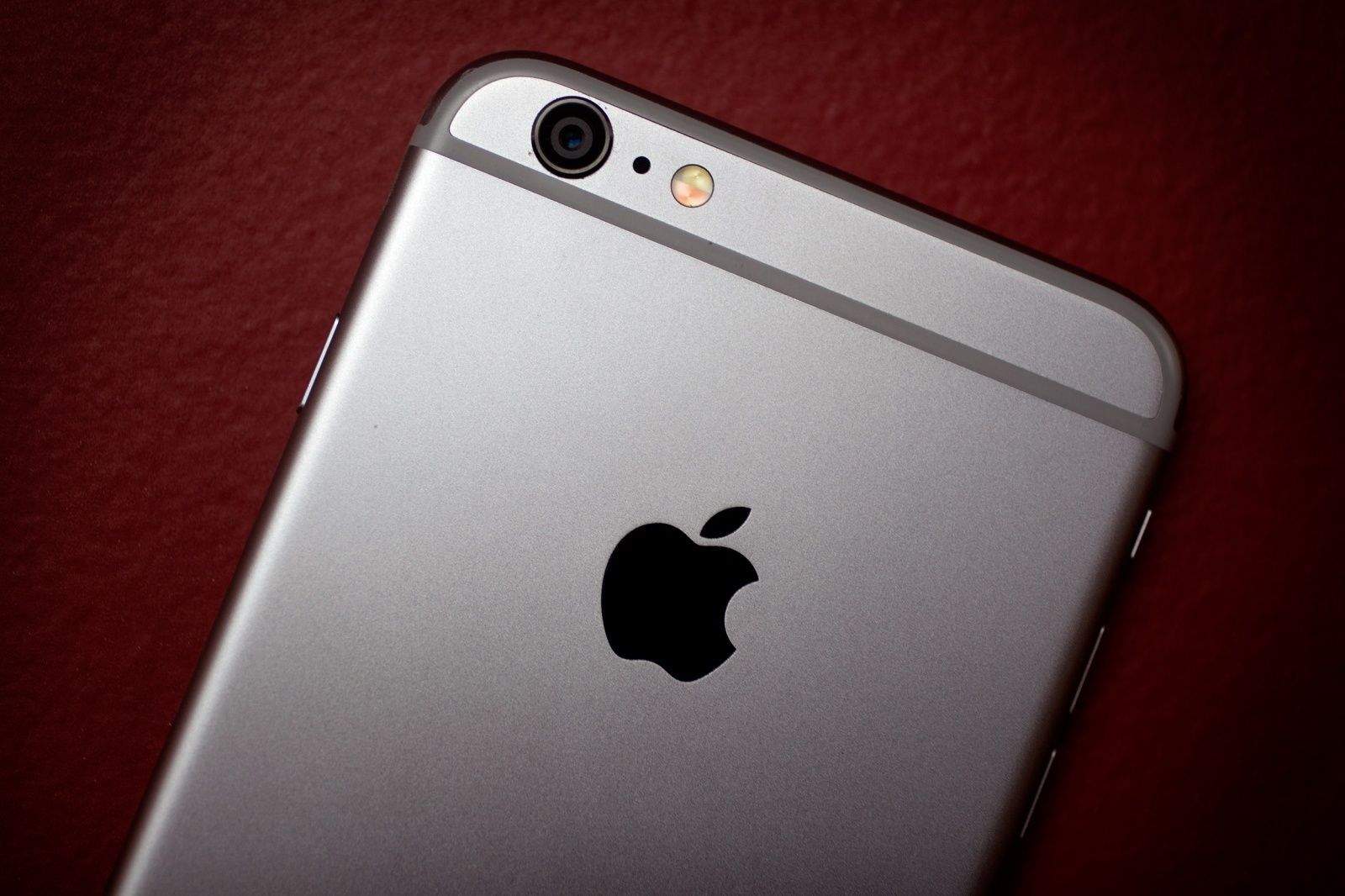
Get ready for a major camera upgrade for the iPhone 6s.
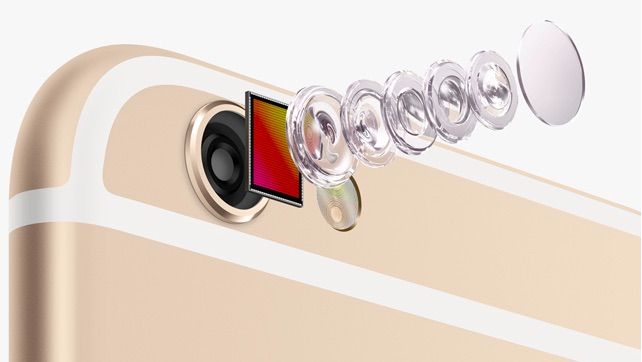
What tech advances will the next iPhone camera bring? Photo: Apple
Photo: Apple

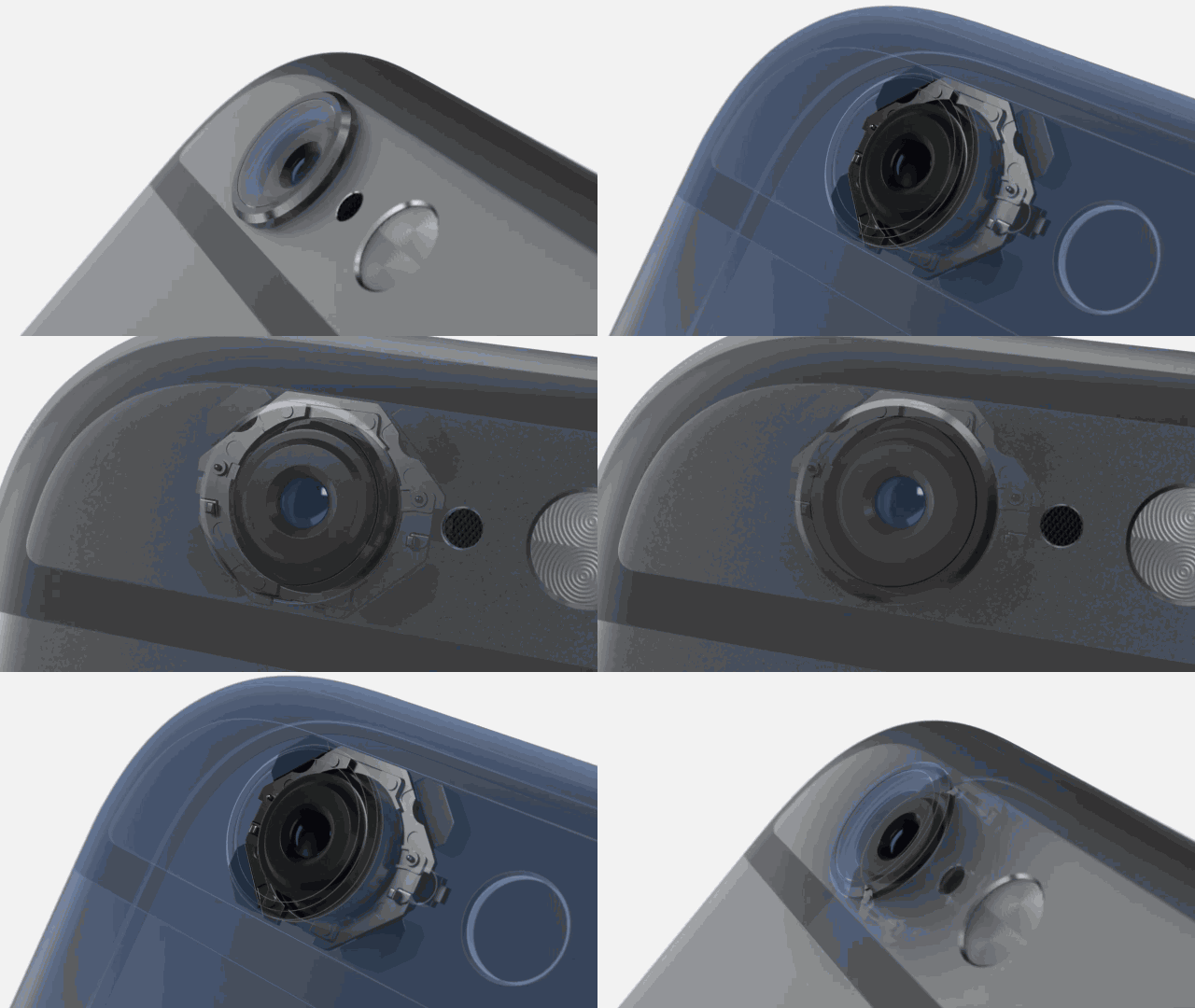
Apple is looking to ramp up its camera technology with the acquisition of Israeli company LinX.

The two companies reached a deal that will see Apple paying about $20 million for the startup, but if the company’s multi-aperture cameras are actually as stunning as advertised, future iPhones could gain SLR-quality images.

Future iPhones could advise your friends to quit bugging you

By •

iPhone patent would take a note out of the I.M. playbook. Photo: Kiwihen

The iPhone is more advanced than it’s ever been, but there’s one thing Apple’s smartphone can do no better than the Nokia 3310 I had when I was a teenager: stop you getting calls at inappropriate times.

That may be about to change, however, as a newly-published patent describes an Instant Message-type system whereby future iPhones could automatically broadcast their user’s status — essentially advising others on whether it’s a good time to ring or not.

Foxconn is buying up to 60,000 used iPhones per day to sell in China

By •

Customs officials in China caught this man trying to smuggle 94 iPhones into the country. Photo: Sina News
Foxconn is buying more iPhones per day than even this guy can carry. Photo: Sina News

Looking for more evidence that China is set to take over from the U.S. as Apple’s biggest market?

According to a report from the Chinese-language news outlet Tencent, Foxconn is currently buying 50,000-60,000 second-hand iPhones per day through worldwide channels, and then selling these on to the Chinese market.

Roughly 80 percent of the iPhones are said to sell through stores in Hong Kong.

Twitter now supports your slo-mo iPhone videos

By •

BBC Earth Unplugged/YouTube
Meet the world's most deadly tongue. Photo: BBC

Shooting ultra slo-mo videos are one of my favorite things about the iPhone 6 Plus, and thanks to Twitter, it’s now far easier to share them via social media.

That’s because the micro-blogging network now supports the posting and embedding of slow-motion iPhone clips; opening up whole new possibilities when it comes to making sure that video of your office work party, your pet running across a field, or your kid practicing skateboard stunts looks as dramatic as possible.

Slow-motion enthusiasts like director John Woo are going to have a field day…

Become a Safari search master with quick iOS tip

By •

Searching within Safari pages is pretty easy, but well-hidden. Photo: Rob LeFebvre

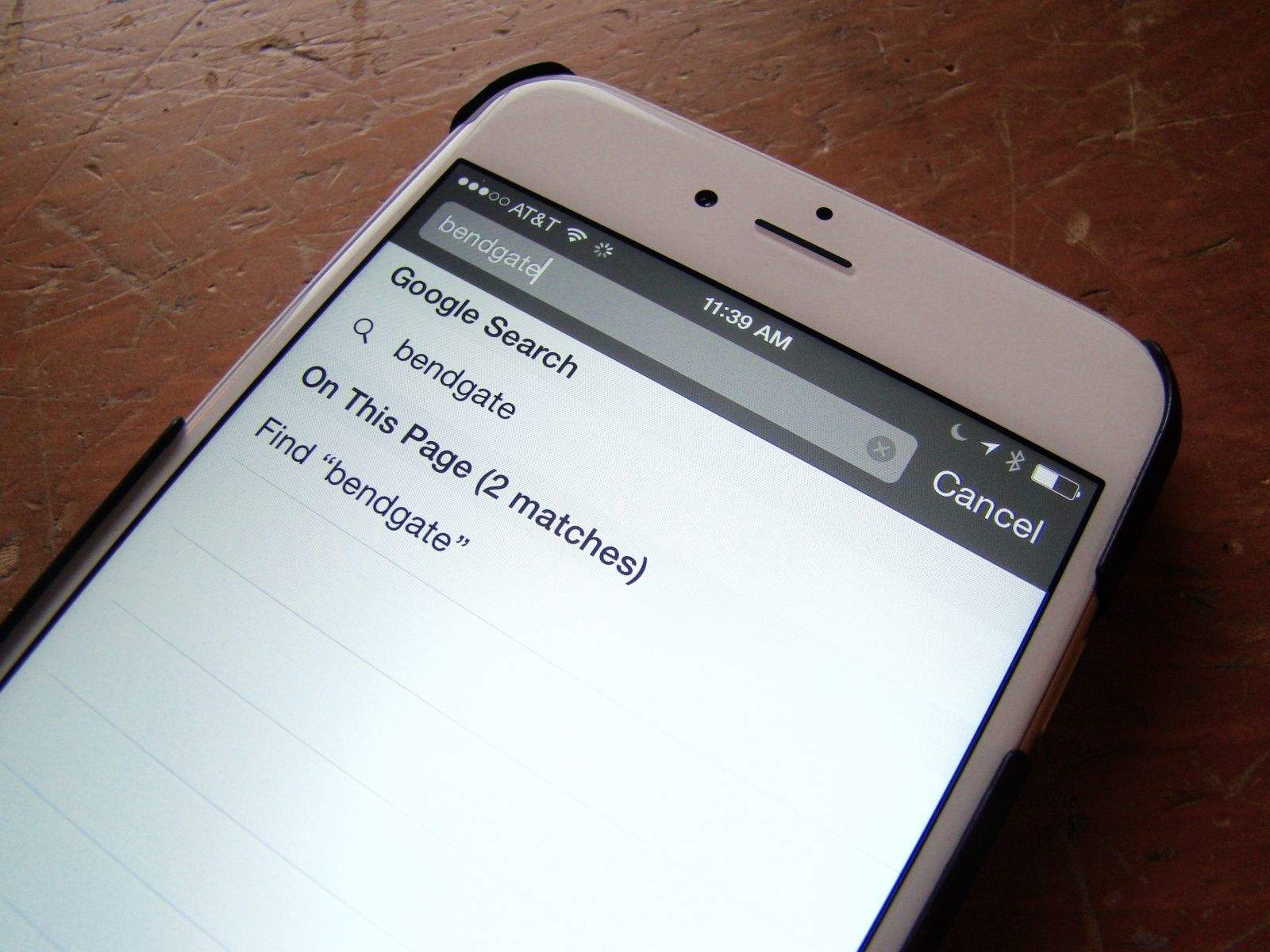
On the Mac, it’s super-easy to search for a word or phrase within the currently loaded page. You simply hit Command-F on your keyboard and Safari, Chrome or any other web browser will open up a little field to type your search terms into.

But what about when you’re using mobile Safari on your iPhone or iPad? How do you find a specific word or phrase there?

It’s pretty simple, but not super-intuitive. Here’s our recipe for finding search terms on your iPhone’s version of Safari.

Samsung paid 500 fake fans to attend Galaxy S6 China launch

By •

Samsung is after more of Apple's iPhone business.
Samsung's still using cheap tricks to catch up to Apple. Photo: Jim Merithew/Cult of Mac
Photo: Jim Merithew/Cult of Mac

Update: Samsung has denied the report, claiming that all invitees were “formally invited to the Shanghai Culture Square where the event took place.”

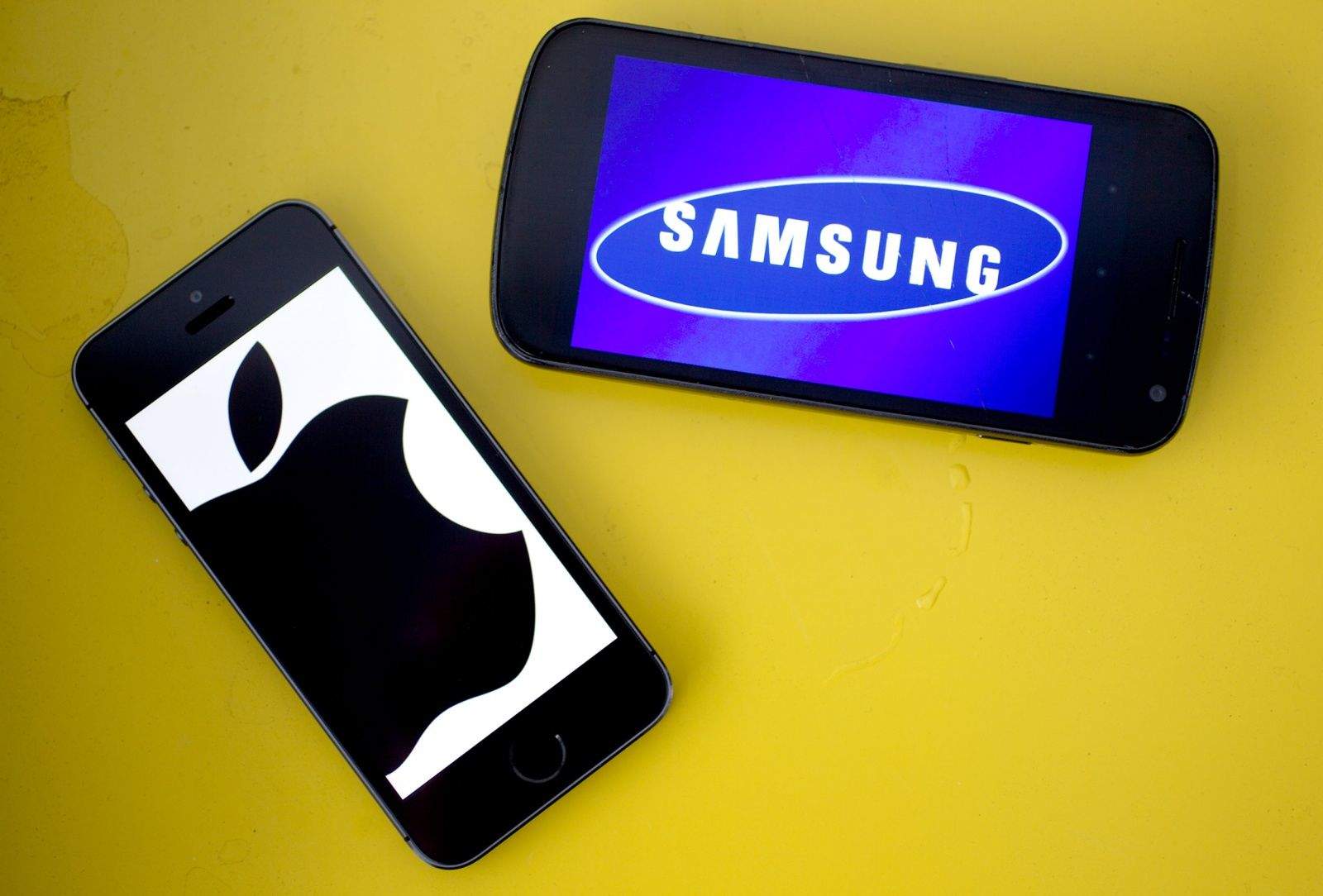
Samsung is trying to match the iPhone 6 in every way with the launch on the Galaxy S6. That includes pre-launch hype with over 1,000 people at events clamoring for a look at the new flagship phone, but in Samsung’s case, it has to pay for fans to show up.

Over 500 fake fans were paid to attend Samsung’s launch event for the Galaxy S6 in China on Friday. The total attendance reached around 1,000, but with the meager $4.80 Samsung shelled out to anyone under who looked like a student under 30, and could sit through one hour of the keynote.

Get your lost iOS files back fast with FonePaw iPhone Data Recovery

By •

Sponsor Reviews for FonePaw iPhone Data Recovery
iPhone Data Recovery makes it simple to restore lost iOS files. Photo: FonePaw

This post is brought to you by FonePaw, creator of iPhone Data Recovery.

Accidentally delete important iPhone files? Encounter a fatal failure while jailbreaking your iOS device? Experience a hardware or system malfunction? iPhone Data Recovery can snap you out of this all-to-common data nightmare quickly.

The easy-to-use Mac software is designed to help you recover deleted photos, videos, messages, contacts, call history, notes, etc., either directly from your phone or by extracting and restoring files from iTunes or iCloud. All you need to do is plug your mobile device into your Mac and click “Start Scan.”

Stolen iPhone leads blogger to China, stardom and unlikely bromance

By •

Brother Orange is huge in China. Photo: Matt Stopera/Buzzfeed

Matt Stopera had his iPhone stolen last February from his favorite bar in New York City. Like most of us, he was upset, but not overly so. Matt got a new phone and went about his life.

A year later, odd pictures of a Chinese man standing in front of an orange tree started appearing on his new iPhone, via iCloud.

Unlike most of us, Matt is a blogger on Buzzfeed. He wrote up a quick post on the site about the photos appearing on his iOS device, and got some attention for it. What happened next is nothing short of amazing.

Factory-worker-turned-Apple-supplier is named China’s richest woman

By •

Foxconn employees accused of $43 million iPhone scam
Tim Cook meets a worker at the Foxconn factory during a recent trip. Photo: Apple
Photo: Apple

Here’s a pretty incredible story: The CEO of Apple touchscreen glass supplier Lens Technology has been named China’s richest woman, after demand for her company’s output saw shares climb 10 percent in a single day.

What’s impressive isn’t just that an Apple supplier rakes in enough cash to accumulate a $7.1 billion fortune, however, but rather the journey that 44-year-old Zhou Qunfei has taken to get there. Prior to getting into the glass manufacturing business as an executive in 2004, Qunfei worked on the factory line for another glass-maker in tech manufacturing hub Shenzhen.

Apple faces investigation by International Trade Commission

By •

Ericsson wants to stop Apple selling iPhones in the United States. Photo: Jim Merithew/Cult of Mac

The Apple-Ericsson confrontation continues to heat up. The U.S. International Trade Commission says it will investigate Apple, based on two complaints alleging that Cupertino illegally infringed on Ericsson patents.

Ericsson previously asked the ITC to block Apple products, such as the iPhone, from selling in the United States while the case is being investigated.

On your marks: iPhone 6 and Galaxy S6 face off in speed test

By •

post-317601-image-421b50ab4a82ca2a5067ca6e20cd0395-jpg

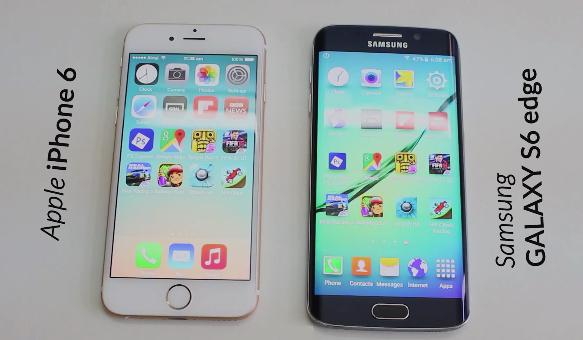
Speed isn’t the only reason to buy a smartphone, but it’s certainly interesting to see how Samsung’s new Galaxy S6 stacks up against Apple’s bestselling iPhone 6.

Thanks to YouTube user Android GameE, we have our first speed test of what, undoubtedly, will be many. Given the fact that Apple’s latest iPhone has been the most successful in the company’s history, while Samsung is banking on its S6 to turn around its ailing mobile division, it certainly makes for interesting viewing.

Who wins? Check out the video below.

‘Leaked’ photo offers first glimpse of colorful iPhone 6c

By •

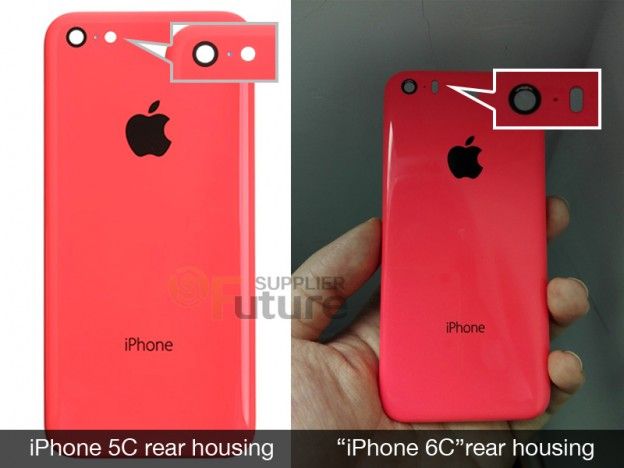
Is this the future iPhone 6c?  Photo: Future Supplier
Is this the future iPhone 6c? Photo: Future Supplier

Apple decided to kill the iPhone C lineup when it debuted the iPhone 6 and 6 Plus, but the colorful plastic cases could be making a comeback in 2015, based on an alleged leak out of Apple’s supply chain.

A new 4-inch iPhone 6c might debut alongside the iPhone 6s this fall, according to leaked images that show an iPhone rear shell similar in size to the iPhone 5c. But this design may come with a few tweaks.

Check it out:

Apple will now adopt your Android when you swap it for an iPhone

By •

post-317503-image-03107e9e60e4611ec786622dc6c26ce9-jpg

Apple’s selling more iPhones than at any point in its history, but that doesn’t mean it’s not looking to grow its user base even more.

To achieve this, the company today launched its new smartphone trade-in program at brick-and-mortar Apple Stores — allowing owners of selected Android, BlackBerry or Windows Phone handsets to swap their existing devices for credit that can be used toward buying an iPhone.

Create a more secure iPhone passcode with special characters

By •

There has to be a safer solution.
Make your iPhone even more secure with special characters. Photo: Jim Merithew/Cult of Mac
Photo: Jim Merithew/Cult of Mac

Sure, you’ve got Touch ID set up on your iPhone 6, but you’ll still need a passcode to keep your iPhone secure. If you have an older iPhone without Touch ID, or your fingerprint isn’t recognized for any reason, you’ll need to fall back on a passcode.

If you want to make your passcode even more secure, try using our recipe for a code with special characters instead of a simple number-based solution.

Apple doubles down on emojis in latest iOS 8.3 beta

By •

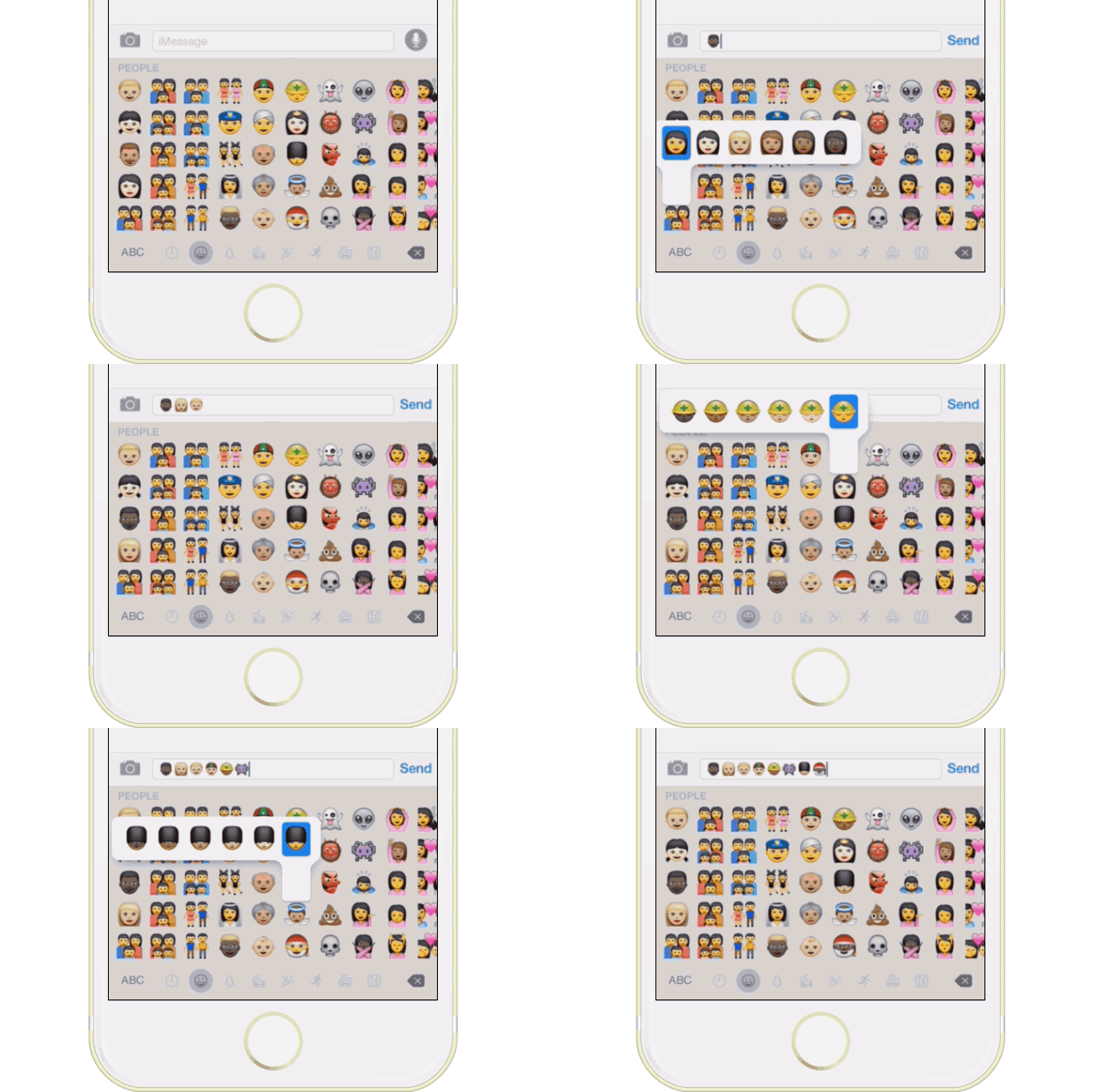
Selecting just the right skin tone is now even easier. Photo: Buster Hein/Cult of Mac

Apple continues to tweak its emoji keyboard in the latest iOS 8.3 beta, the fourth iOS beta so far to make its way to developers to test and try out new features.

The new options organize the skin tone modifiers — which debuted in beta 2 of iOS 8.3 — into tap and hold menus, making things just a bit easier to utilize while streamlining the process as well.

In addition, all the yellow-colored Emoji people that previously had brown hair now have yellow hair, as you can see in the image below.

How to mark all iMessages as read on your iPhone

By •

Apple's iMessage platform is in legal trouble.
Too many unread iMessages? Try this simple trick. Photo: Jim Merithew/Cult of Mac
Photo: Photo: Jim Merithew/Cult of Mac

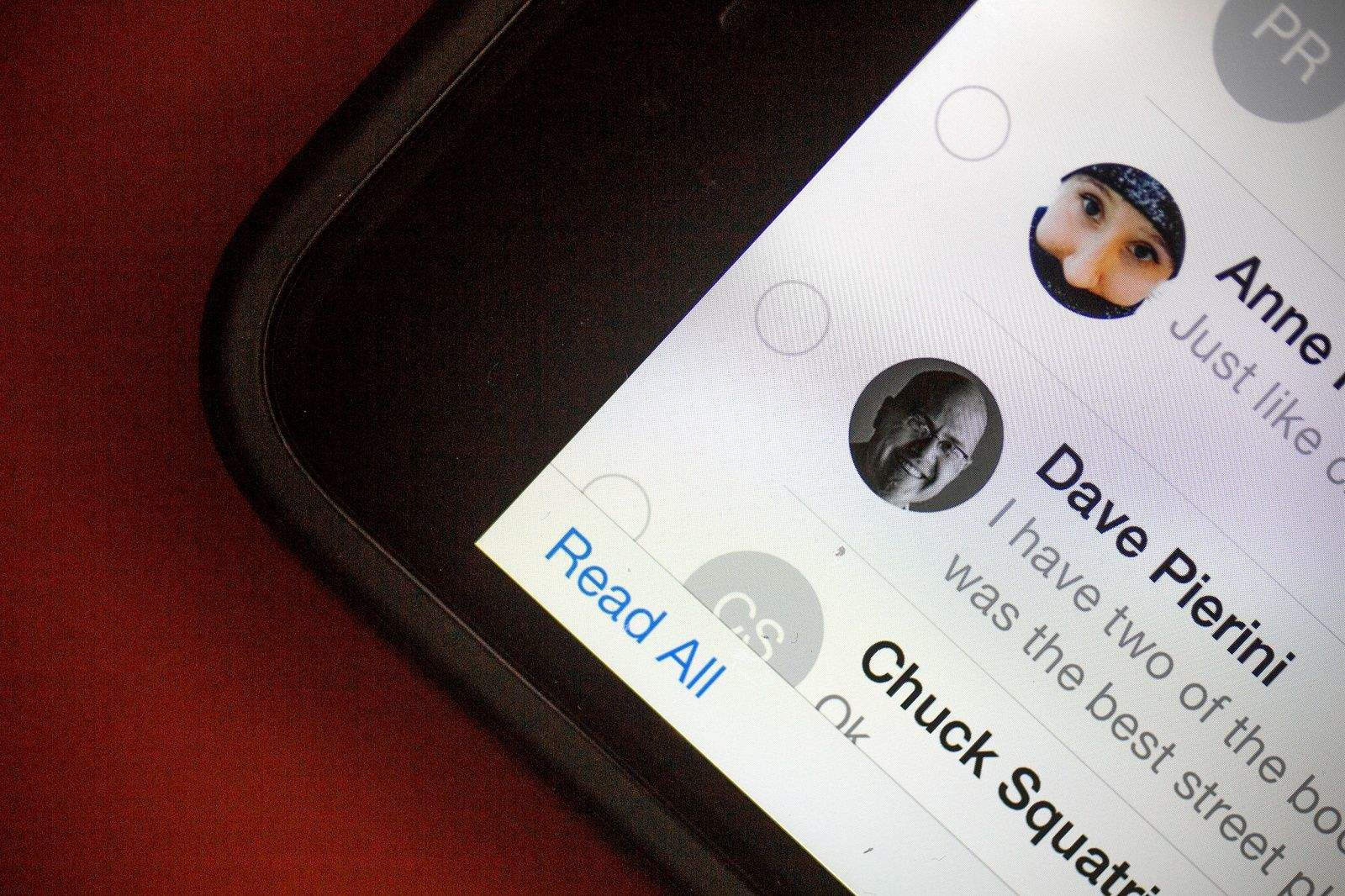
If you’re like me, you’ve got a ton of unread iMessages on your iPhone and tapping through them all just to get rid of your app badge anxiety seems like a bit too much effort.

Apple has your back, though, with a nicely designed way to mark all your iMessages as read. It might not be apparent at first glance where to find this magic trick. Here’s how.

Charli XCX’s new music video looks like an Apple ad

By •

Her iPhone's so fancy, but you already know that. Photo: Officialcharlixcx

Lesser brands like Samsung have to splash some serious cash to give the impression that they’re cool pieces of technology, but Apple’s so ubiquitous that pop stars are seemingly lining up to feature its products in their music videos.

The latest to create an unofficial Apple ad is pop songstress Charli XCX (a.k.a. the girl who sang the hook on Iggy Azalea’s “Fancy”). In her new video “Famous” — debuted as part of this week’s YouTube Music Award Show — Charli dances around her bedroom texting and watching videos on her iPhone and iPad, before both devices run out of battery, at which point she’s whisked off on a surreal adventure.

Check it out below:

Apple seeds new iOS 8.3 betas to developers and public

By •

A new day, a new iOS bug...
iOS 8.3 is here. Photo: Jim Merithew/Cult of Mac
Photo: Jim Merithew/Cult of Mac

The fourth beta of iOS 8.3 was released to developers today, less than two weeks after Apple dropped the third beta.

Previous betas have added new features like racially diverse emoji, two-factor authentication support for Google, and an option to download free apps without entering your password. The second public beta of iOS 8.3 was also made available to participants of Apple’s public beta testing program.

Along with the iOS 8.3 betas, Apple also released Xcode 6.3 beta 4 with Swift 1.2. The betas are available in the iOS Dev Center or as an over-the-air update if you already have the third beta installed. The release notes don’t mention any major new features, but we’ll let you know what we find once it’s installed.

Here are the direct download links:

Steve Jobs had to be convinced that multi-touch was the future

By •

How much is your smartphone spying on you? Photo: Jim Merithew/Cult of Mac
Where would the iPhone and iPad be without multi-touch? Photo: Jim Merithew/Cult of Mac

Steve Jobs may have had an astonishing ability to predict where tech was going next, but he very nearly missed out on the iPhone and iPad altogether.

That’s because — according to a quote from Jony Ive in today’s freshly-released biography, Becoming Steve Jobs — Apple’s late CEO didn’t see “any value to the idea” of multi-touch: the breakthrough touchscreen technology which makes iOS regulars like “pinch-to-zoom” possible.

And it was left up to Ive and a few other core Apple employees to save it.

Twitter injects autoplaying video ads into iOS app

By •

Twitter
Twitter is testing auto-playing video. Photo: Jim Merithew/Cult of Mac
Photo: Jim Merithew/Cult of Mac

Twitter is looking to take a swipe at YouTube’s viral video crown by adding a new feature that will automatically play videos in your timeline.

Starting today, some Twitter users in the U.S. on iPhone and iPad may see videos that start playing, whether you want them to or not. This goes for videos ads and users uploaded videos alike, as the company tests whether people are more likely to sit through a video if the action’s already started.

Hidden iOS 8 trick lets you change words to ALL CAPS with a tap

By •

Shouting can be an important part of your internet experience. Photo: Rob LeFebvre/Cult of Mac

Sometimes you just need to emphasize something. One of the best ways to do so when you’re texting is to make the words you really need to get across in all capitals. Or maybe you just want to shout at someone, and an ALL CAPS sentence will certainly get that across for you.

Before now, I’ve always just deleted the word I was trying to emphasize and re-typed it after double-tapping the Shift key in iOS (for Caps Lock). Now, however, it looks like you can change the case of the word after you’ve typed it without deleting anything.

Here’s how.