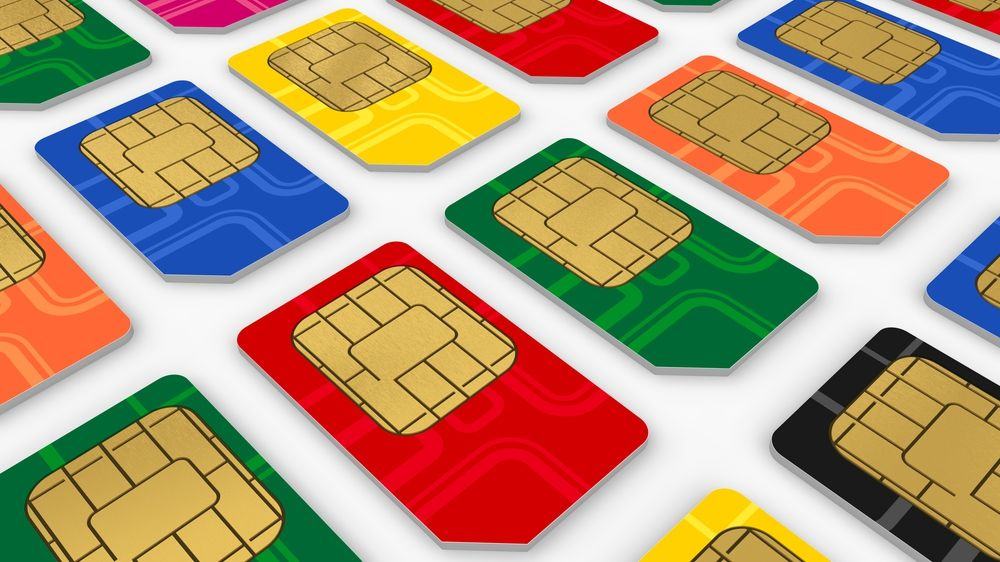
The NSA has just hacked 2 billion SIM cards around the globe. Photo: Wikicommons
That iPhone in your hands? It’s been compromised by the National Security Agency through its SIM card, and government spies can access your phone through a backdoor installed on it without even needing a court order.
Sound scary? It is, and it’s the latest bombshell to be dropped by American whistleblower Edward Snowden.
The iPhone has been killing it in Japan lately. Apple’s smartphone marketshare in the tech-obsessed country is continuing to dominate year-over-year, even though the company had a hard time giving out iPhones just five years ago.
With the iPhone 6’s bigger screen, the company is making more of an inroads than ever, but according to a report from Reuters, smartphones in Japan are facing stiff from competition from an unlikely suspect: flip-phones.
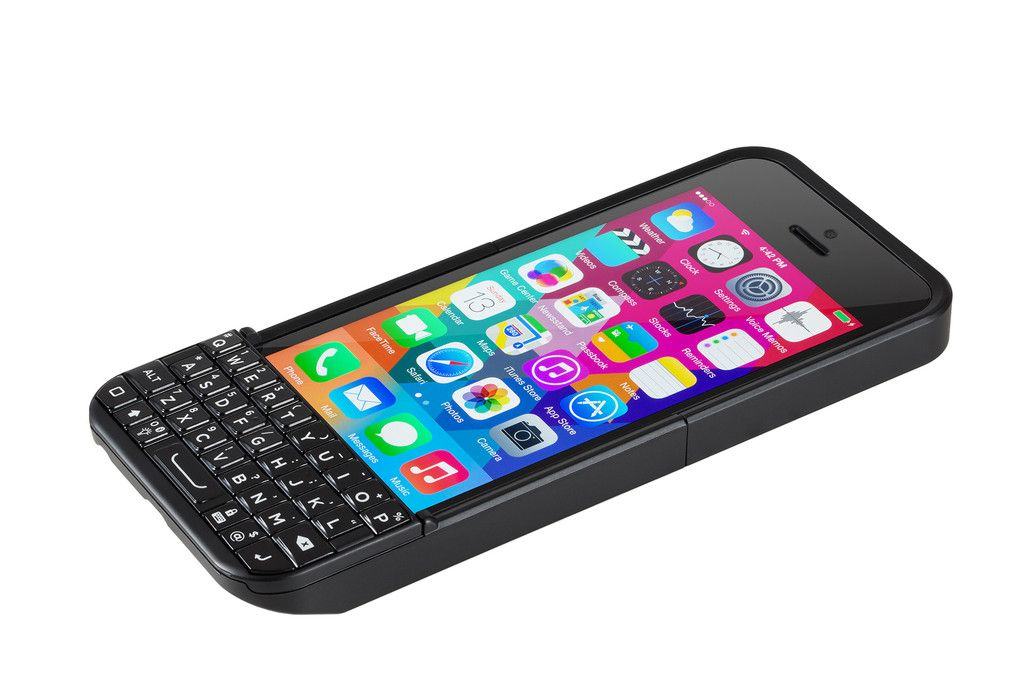
The new Typo Keyboard for the iPhone 6 was supposed to have fixed any infringement issues committed by its predecessor, but that is apparently not the case. This week BlackBerry filed another lawsuit against Typo, claiming the case maker “slavishly copied” its keyboard design “down to the smallest detail.”
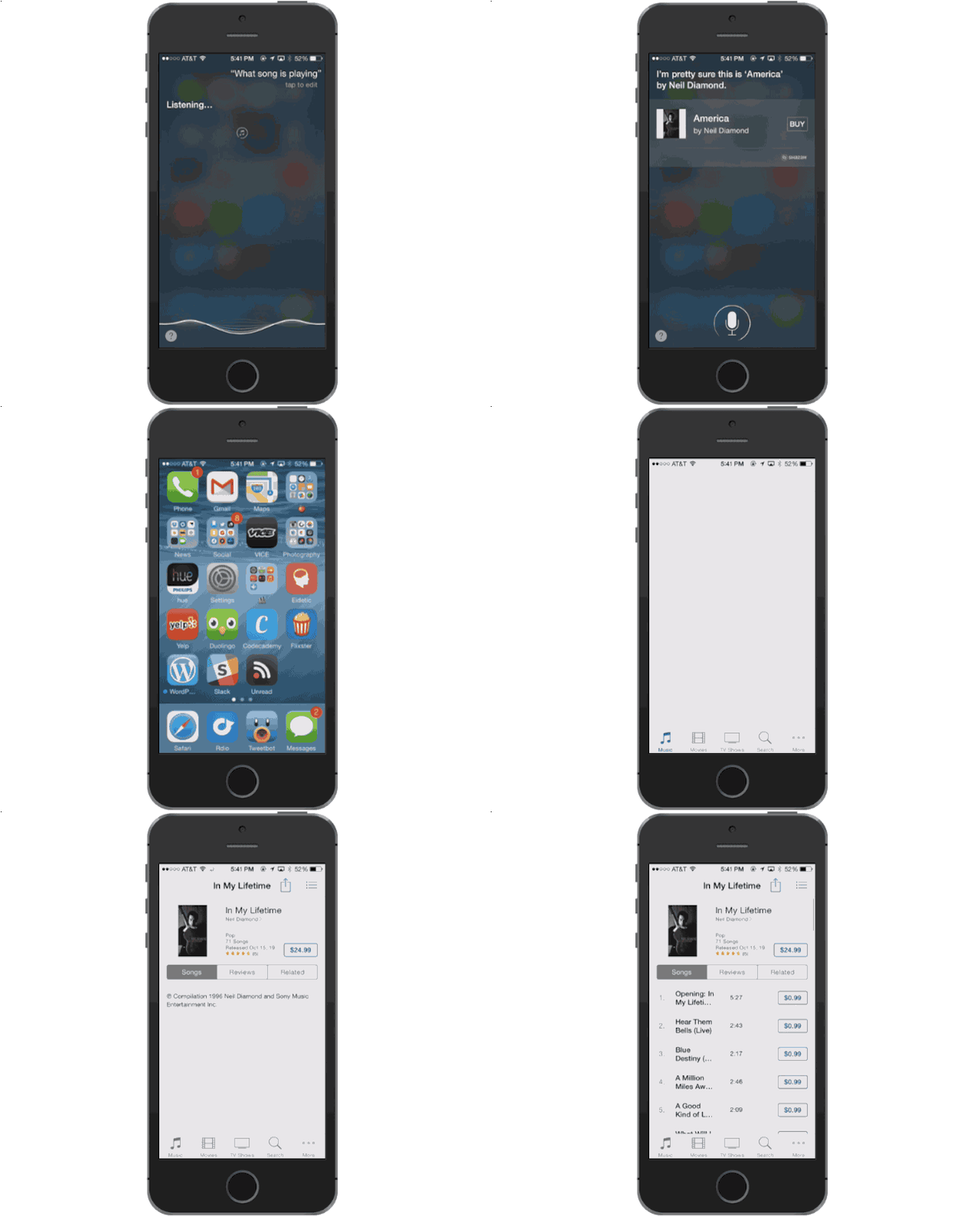
Want to see all the songs you've found via Siri or iTunes Radio? Photo: Buster Hein/Cult of Mac
iOS 8 includes Shazam — a magical technology that gives your iPhone the power to listen to a song and tell you what it is. In the car, at a movie theater, or even at a crowded bar, you can just ask Siri, “What song is playing?” or hold your home button for a few seconds, and your iPhone will use Shazam tech to tell you exactly what song is in your environment. You can also (surprise) buy the song you just recognized via a little button in the results screen.
But what if you want to buy it later? Or remember what song was playing at the bar last night when that cute girl gave you her number? You can easily do just that with a quick trip to iTunes on your iPhone.
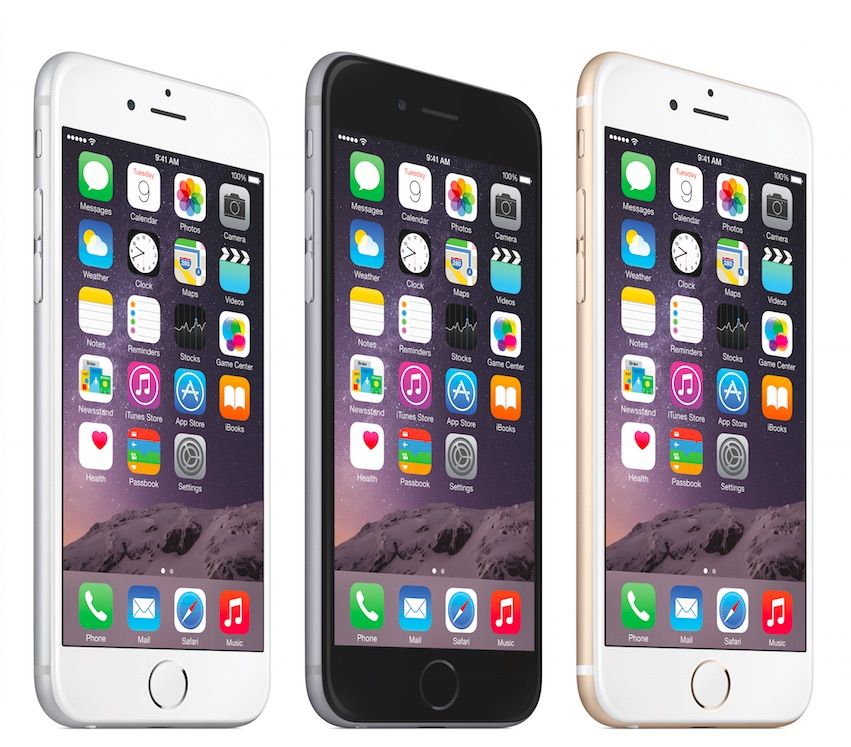
In its opening weekend, the iPhone 6 sold 39 units every single second. Photo: Apple Photo: Apple
Any way you slice it, the iPhone 6 has been a phenomenal hit for Apple: the kind of record-shattering sales phenomenon that would seem once-in-a-lifetime, were it not for the fact that Apple will probably beat its own record within a couple of years.
As is well known by now, between the iPhone 6 and 6 Plus, Apple sold a whopping 10 million units in just the first weekend of its next generation handset: a gigantic increase versus the 5,000,000 units the iPhone 5 sold in its first few days, or the paltry 525,000 that Apple managed to sell of its original iPhone back in 2007.
If you’re like me, these numbers are kind of hard to imagine in real-world sales terms. Fortunately, a new webpage aims to put these figures in context, by breaking down exactly how many handsets Apple sold every second of its iPhone opening weekends.
What would an Apple car look like? Concept art: Josh Baré/DeviantArt CC Photo:
If Apple really is working on a car, what would it look like? And what would we want it to look like and do?
The growing chorus of rumors about Apple’s possible automotive ambitions — and the hard facts about the car designers it’s already recruited — don’t prove Cupertino is working on a car. But if Apple is staffing up to transform the transportation industry, what features might it deliver in its human-transport device?
Here’s what we’d like to see in the very first iCar.
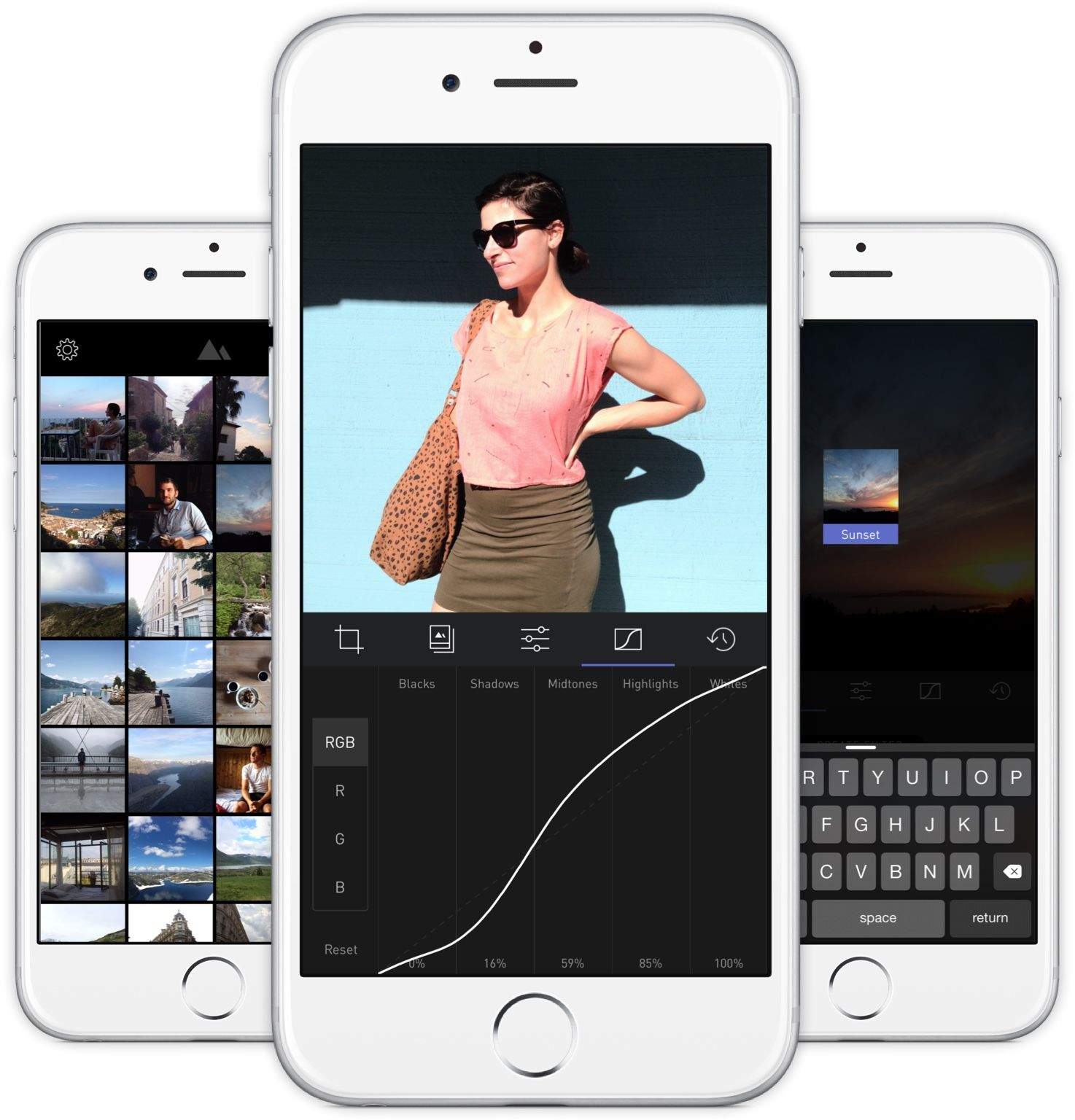
We compared Darkroom to having Adobe Lightroom on your iPhone in our full review, and it’s not hard to understand why Apple featured it on the front of the App Store.
If you’re looking for an excellent, full-featured photo editor for iOS that can let you make your own filters, this is the ticket.
Adobe’s Lightroom app for iOS is actually pretty good, but you have to pay for a Creative Cloud subscription to use it.
What if you could have the power of an editing suite like Lightroom without all of the extra fuss? You want just one app for editing pictures on the go, but it needs to be easy to use and full featured.
Enter Darkroom, the hottest new photography app for iPhone.
Drop in crime rate? There's an app for that. Photo: Jim Merithew/Cult of Mac
As highly-desirable and premium-priced tech goodies, it’s no surprise that iPhones have previously been among the most stolen items we carry around on a regular basis. In fact, police have even correlated spikes in crime rate to the launch of new iPhone models — suggesting that it’s not just upstanding citizens who keep an eye on the blogosphere.
That all changed when Apple added its Activation Lock feature with iOS 7, allowing users to locate, lock and even wipe their iPhones remotely in the event that they are stolen. Based on that, a new report claims that the number of stolen iPhones fell significantly in major cities around the world between September 2013, when Activation Lock was introduced, and one year later.
Life at Apple has been phenomenal ever since Tim Cook took over as CEO. AAPL shares are up 120 percent. 750 million iOS devices have been sold. $100 billion was returned to shareholders. And Apple just became the first $700 billion company in history.
To celebrate a successful 2014 campaign, Cook sat down with Goldman Sachs President Gary Cohn today to talk about how Apple achieved its unbelievable results, as well as what other tricks the company has up its sleeves.
Here are the 12 biggest revelations from Cook’s Goldman Sachs tech conference appearance:
Nothing tops the iPhone for college students. Photo: Jim Merithew/Cult of Mac Photo: Jim Merithew/Cult of Mac
Going to college is supposed to be all about going to parties, drinking heavily, hooking up and maybe squeezing in a few classes if you find the time. But when it comes to college students today, it turns out what they really want most is an iPhone.
Researchers at Student Monitor asked 1,200 U.S. undergraduates last fall to choose “what’s in” among students from a list of 77 options. Not only did students rank the iPhone as more popular than coffee, texting, drinking beer and college football, but Apple’s smartphone somehow managed to top the collegiate tradition of “hooking up” to take the No. 1 spot.
The iPad didn’t do too bad in the survey either, topping Instagram, laptops and selfies. Here’s the rundown on what college students ranked as most important:
Apple shattered records again this quarter. Illustration: Cult of Mac
Things couldn’t be going better for Apple on the iPhone front. The company just posted the most profitable quarter ever in the history of corporations thanks to strong iPhone sales. And according to the latest report from Cannacord, Apple is basically the only company in the world making money off smartphones.
Apple accounted for 93% of smartphone profits in Q4 2014 reports Canaccord Genuity’s Mike Walkley who has also raised his target price on AAPL shares up to $145. That’s bad news for LG, Samsung, HTC and anyone else that makes smartphones, and to make it even worse, Cannacord estimates one third of all smartphone users will own an iPhone by the end of 2018.
See the full breakdown of profits per company below:
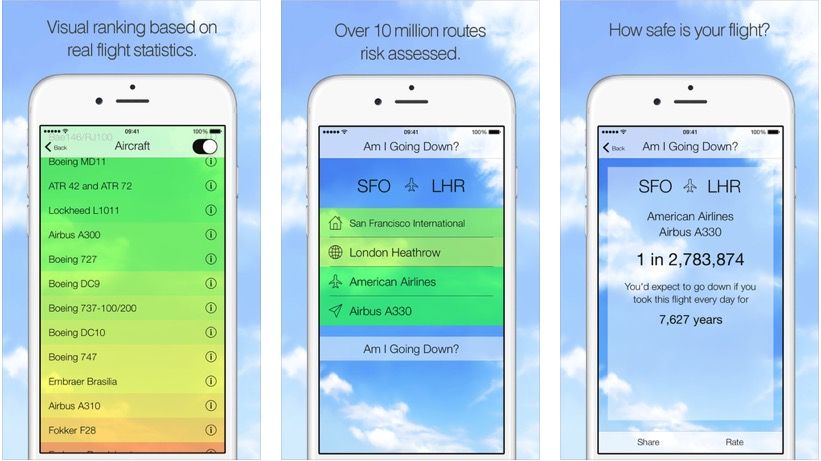
Of course, that’s not true at all. There’s statistically almost zero chance at all of you dying in a plane crash, no matter how often you fly. And now there’s an app, specifically dedicated to assuaging your fears of dying in an aircraft.
The Verdict: Definitely. In fact, we've been hearing this same rumor for about two years now. It looks like the biggest hurdle for an Apple TV update is the company just doesn't have the relationships with content providers, like Dish and others do.
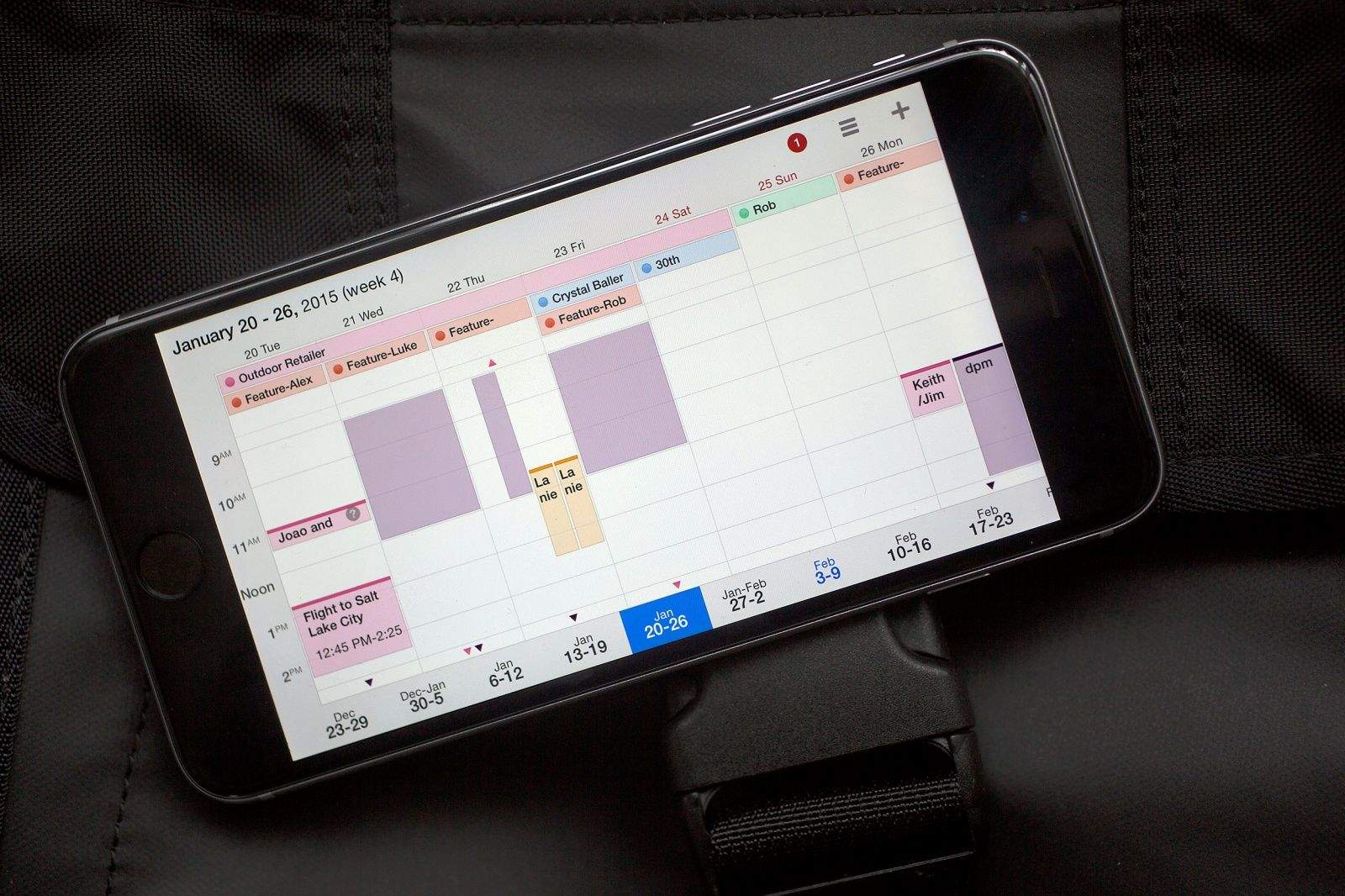
The one calendar app to rule them all. Photo: Jim Merithew/Cult of Mac Photo:
Update: This story has been modified to more accurately describe the sync capabilities of Fantastical 2, and we’ll have a how-to up on getting Google and iOS to play nice soon.
Readdle’s calendar app, Calendars 5, brings all the natural-language and sync goodness of other high-end calendar apps, along with support for your Google or iOS calendar, to your iPhone and iPad at the same time in one $3 app. Plus? When you add an event to Calendars 5, it shows up on your Google Calendar (or iOS Calendar if you roll that way).
Two-way sync? Natural-language event creation? iOS Reminders support? Recurring events? Invitations? Apple or Google Maps integration? Works offline or online?
This is gonna be your new favorite calendar app, if it isn’t already.
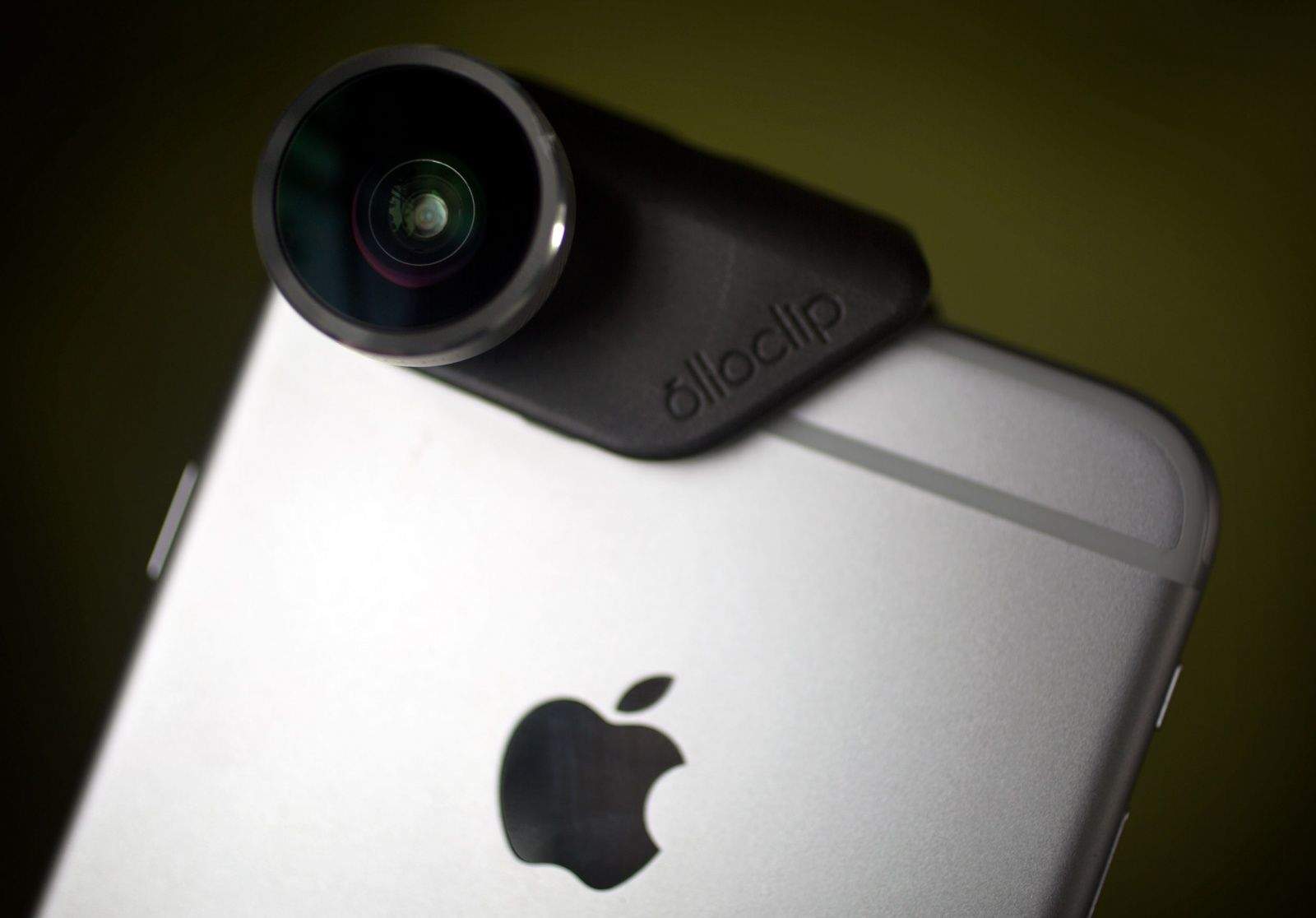
The Olloclip clipped onto an iPhone 6 Plus. Photo: Jim Merithew/Cult of Mac Photo: Jim Merithew/ Cult of Mac
Like millions of photography fans, the iPhone is my main camera. In fact, ever since my Nikon D600 took a suicidal, lens-first dive off a cliff and into a waterfall, my iPhone has become my only camera.
I’m always trying to eke out a little extra performance from my iPhone’s tiny camera sensor with new apps, tripods and lenses. Over the last three months, Cult of Mac has been testing various lenses for the iPhone 6 in a search for the best aftermarket glass. I’ve narrowed the field down to two top choices: the new Olloclip and Moment’s mountable lens system.
Unfortunately, iPhone 6 users can’t actually use both the Olloclip and Moment lenses at the same time. But if you’ve been considering getting new photo gear for your iPhone 6, we’re ready to break down the pros and cons of these aftermarket accessories.
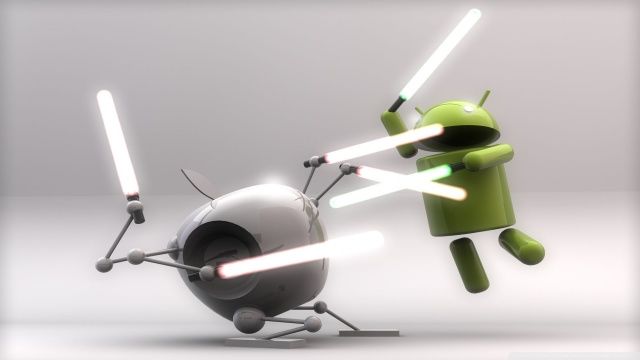
Coming off a monster financial quarter, things are pretty good in Cupertino right now. But if Tim Cook didn’t have enough to smile about over his morning coffee, here’s one more: Apple has overtaken U.S. sales of Android devices for the first time since 2012.
According to figures pulled by market research team Kantar Worldpanel ComTech, the holiday quarter was a massive one for Apple as far as market share goes — with iOS devices picking up 47.7 percent of sales, compared to Android’s 47.6 percent.
The iPhone's processor is about to get supercharged. Photo: iFixit
ARM holdings, the company behind the mobile processor architecture that powers the iPhone and iPad, unveiled its next generation processor blueprints today that it says will increase performance three fold compared to its current designs.
The new Cortex-A72 chips aimed at smartphone and tablets will make their debut next year — just in time for the iPhone 7 — and also use 75% less power while maintaining the same level of performance as today’s ARM processors, paving the way for thinner, more powerful iPhones in the future.
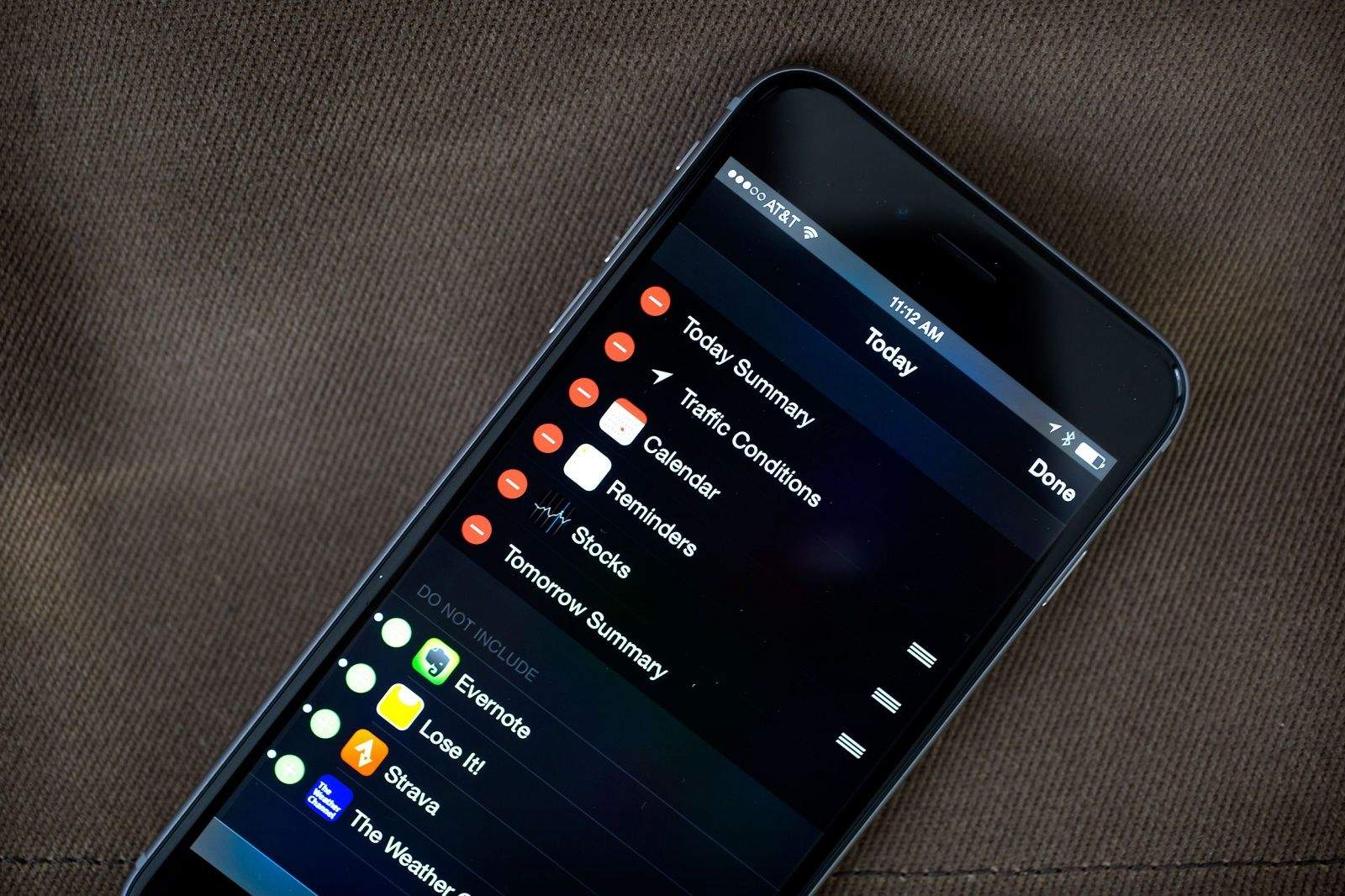
Make the Notification Center your own with widgets. Photo: Jim Merithew/Cult of Mac
Swipe down from the top of your iPhone (or iPad) screen and you’ll see the new iOS 8 Notification Center. It’s got two sections — Notifications on the right and Today on the left. Tap on the Today button and you’ll see all the new widgets arrayed in their default order.
You can add your calendar, weather, stocks and any one of hundreds of third-party app that has widget support.
The great thing is that you’re not stuck with the default order, or even the default apps — this part of Notification Center is totally customizable. Here’s how to make it your own.
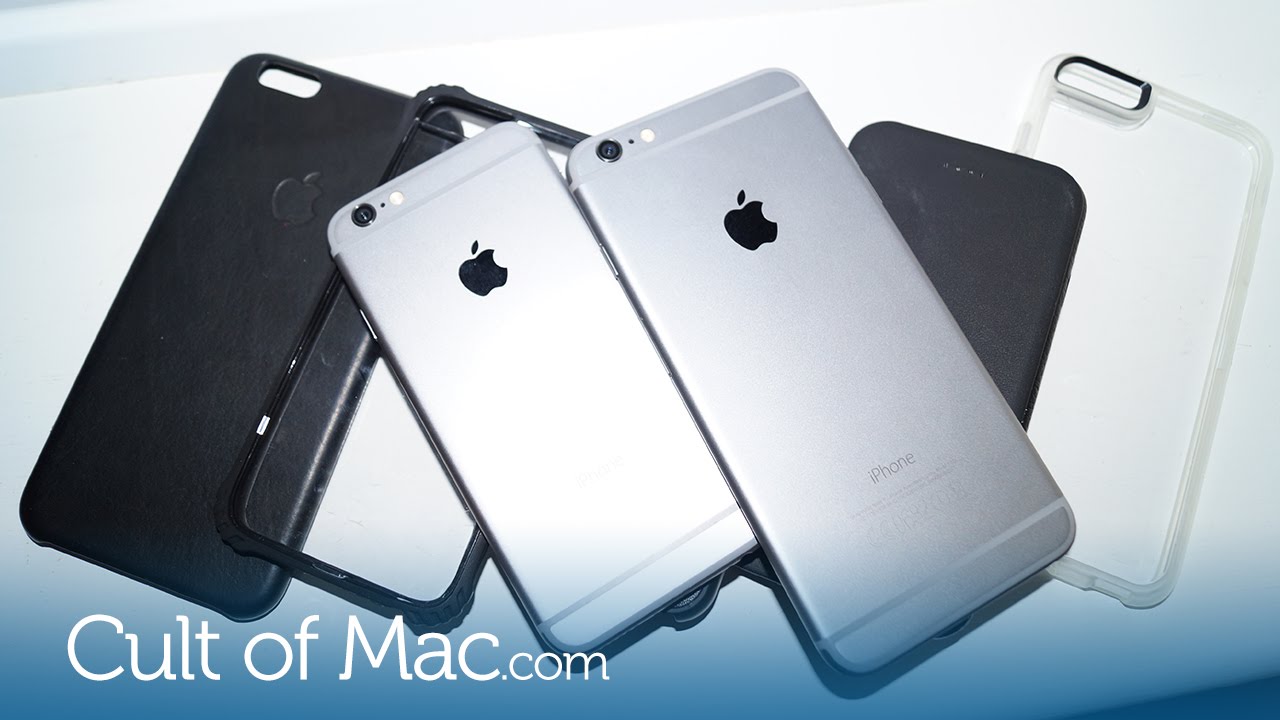
iPhones are expensive, and leaving your new, shiny iPhone 6 or 6 Plus without a case on is akin to driving a car without insurance. Why risk it?
In today’s video, I run down my five favorite cases for Apple’s current-generation iPhones, selecting the ones that will keep your phone both safe and stylish at the same time.
Do you really need to carry all of these photos around with you? Photo: Rob LeFebvre/Cult of Mac
We all need to get rid of photos from our iPhones from time to time, and iOS 8 makes it pretty simple to select a single or group of photos and delete. Deleting a photo at a time is all well and good, as is tapping a bunch of them and then deleting. But what if you want to just seriously delete a whole ton of them at once?
There’s a better way to bulk delete photos from your iPhone (or iPad), and it takes a lot of the tapping out of the process. Here’s how to do it.
This Batmobile is the one every iPhone owner deserves. Photo: Soap Studio
I don’t care who you are. I don’t care if you don’t even like Batman. This beautiful, remote-controlled, iPhone-compatible Batmobile? It’s the toy that Gotham — hell, everybody! — deserves.
The iPhone has gotten considerably better over the years, but which iPhone is the loudest?
iClarified ran the numbers in a recent video, in which a decibel meter was placed beneath the speaker of every Apple handset so far while they played sound at maximum volume.
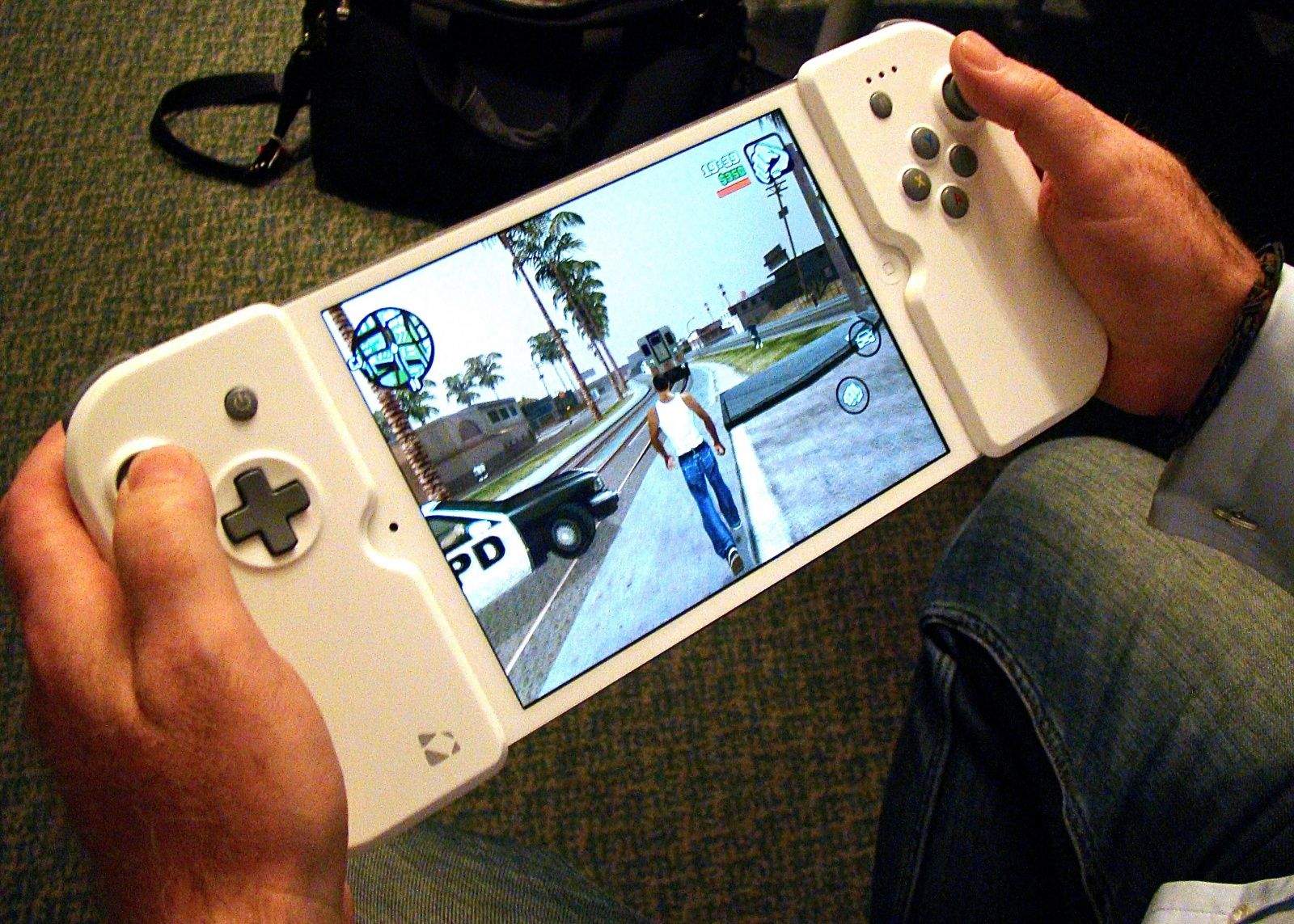
Apple's patent cover a Wikipad GameVice-style accessory capable of attaching to your iOS device. Photo: Rob LeFebvre/Cult of Mac
What is it with Apple and the gaming-related patents as of late?
Just weeks after the publishing of an Apple patent showing a concealed gaming joystick capable of being hidden in future iPhones, today the U.S. Patent and Trademarks Office has revealed another Apple invention related to a snap-on gaming controller for iOS devices.
As with the joystick patent, the idea here is to allow gamers to fully capitalize on the present golden age of iOS gaming, without having to block parts of the screen using their fingers for multitouch controls.
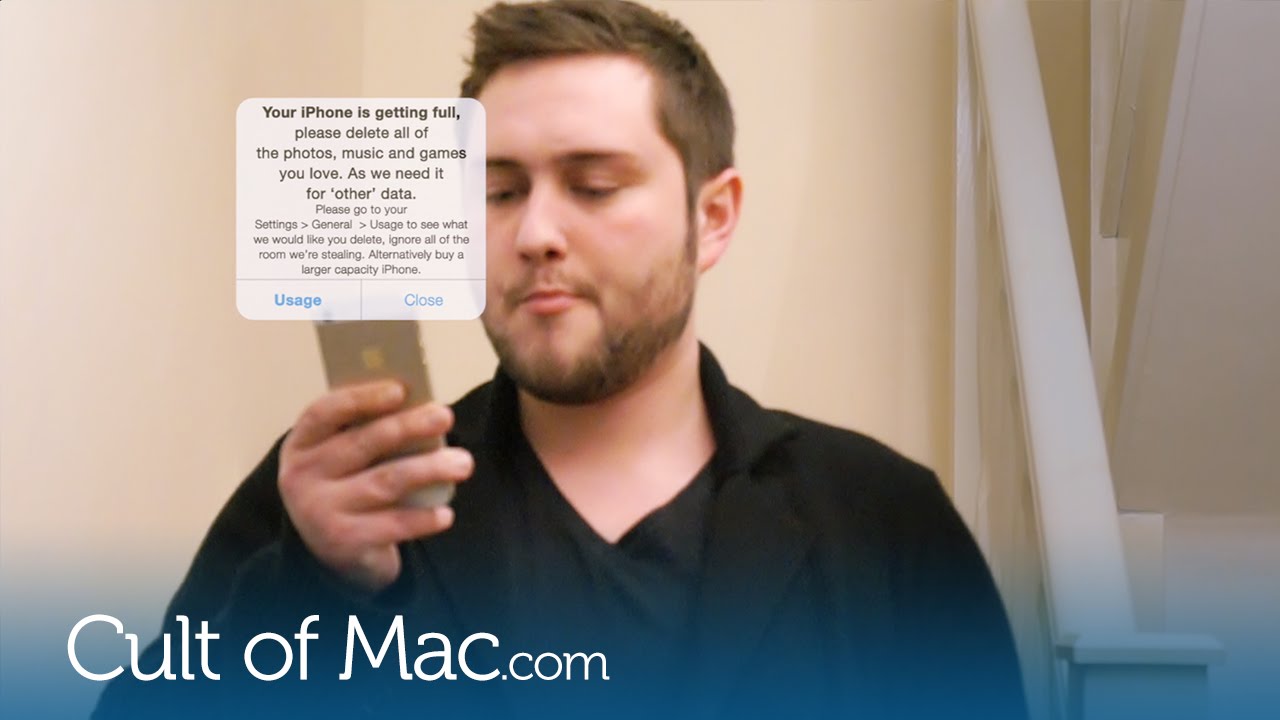
There’s nothing more frustrating than a beautiful iPhone that has zero GB of storage left. Especially when you see that a lot of room is actually taken up by a mysterious “other” section that just seems to grow bigger over time.
In today’s handy video, I’m going to show you a few quick methods to clear your phone of unnecessary files, giving you more room for favorite albums, pictures and apps.
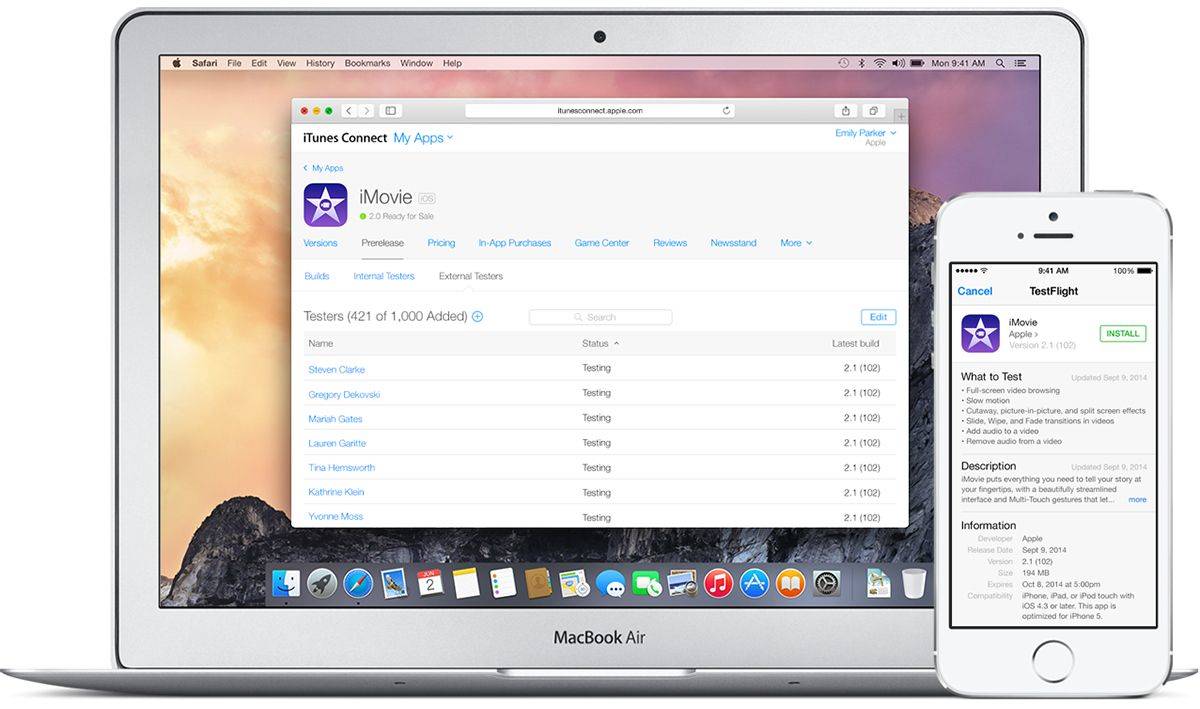
Apple acquired TestFlight maker Burtsly last year and quickly added it to iOS in an effort to improve the iOS beta testing experience for both developers and testers. Now Apple plans to close the independent site TestFlightapp.com to Android users and everyone else, forcing iPhone and iPad owners to only test apps through the official TestFlight iOS app.