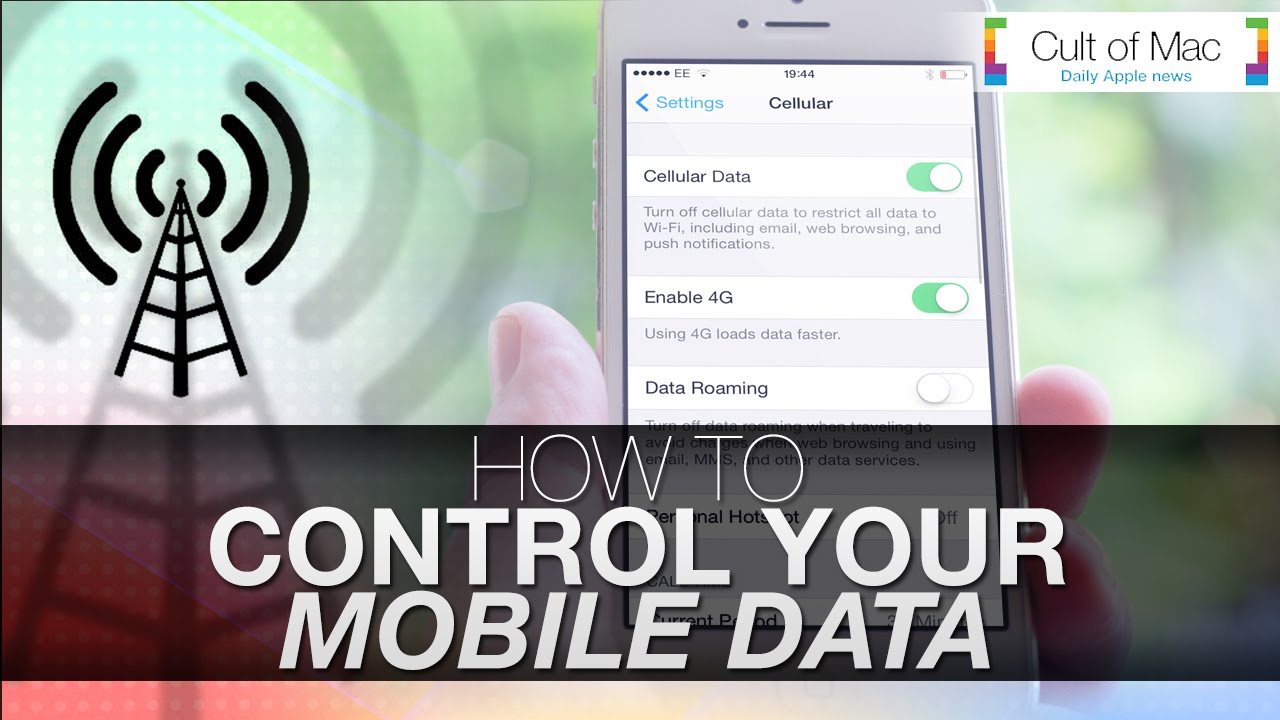
When surfing the web or using one of your favorite applications, chances are your iPhone is burning through mobile data. Unless you have unlimited data on your wireless plan, this can quickly become a costly habit. Luckily, it’s easy to control your data on iOS no matter who your carrier is.
In today’s video, we show you how to manage data on your device so you can avoid a hefty bill.
Subscribe to Cult of Mac TV on YouTube to catch all our latest videos.

Joshua Smith is a video reviewer for Cult of Mac, and the founder of the technology news and review service “TechBytes W/ Jsmith”. Joshua created TechBytes to revolutionize the way tech news is delivered. Smith feels that being a part of the Cult of Mac staff and family is the best position for elevating his career in the field of technology journalism. You can follow Joshua on Twitter by simply clicking the attached link.

3 responses to “Take control of your data (and wallet) with these iOS tips”
Don’t get me wrong, but this is the last Joshua’s tip video I watch. Everytime I found out that is a very basic tip… For regular users they really don’t add information… My suggestion, warn it is a basic tip.
Hey @krikaoli:disqus thanks for watching the video. I encourage you to keep viewing. My videos are meant to inform the information for those new to iOS and those who are advanced at using it. Even if you may know these things already a reminder is always great as with so many things going on sometimes you can forget about features that are already there. I appreciate your support!
Very true my friend, but it would be much better with you put a hint so that we can know if it is a a basic tip or more “advanced”. Anyway you are a great communicator.