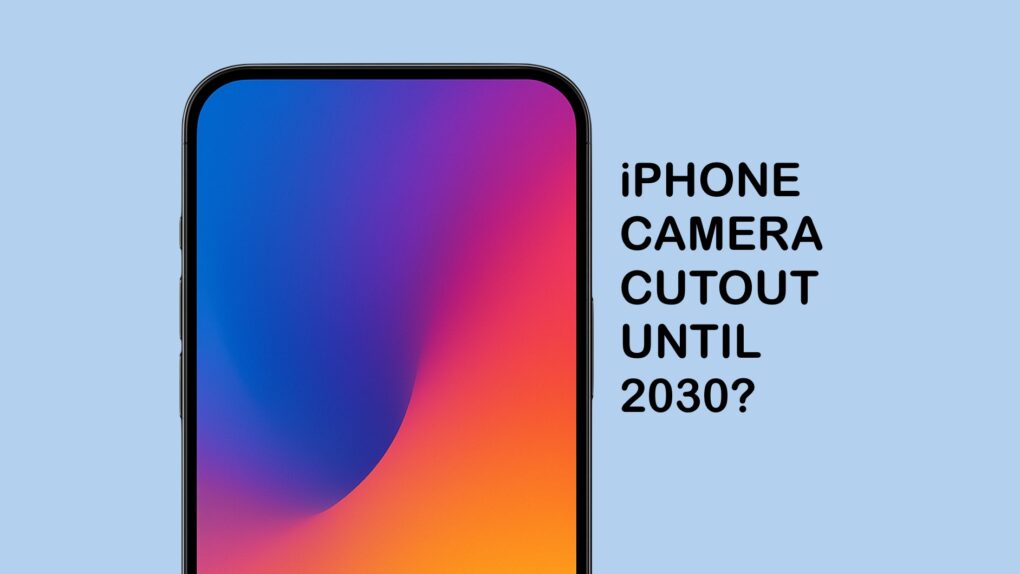
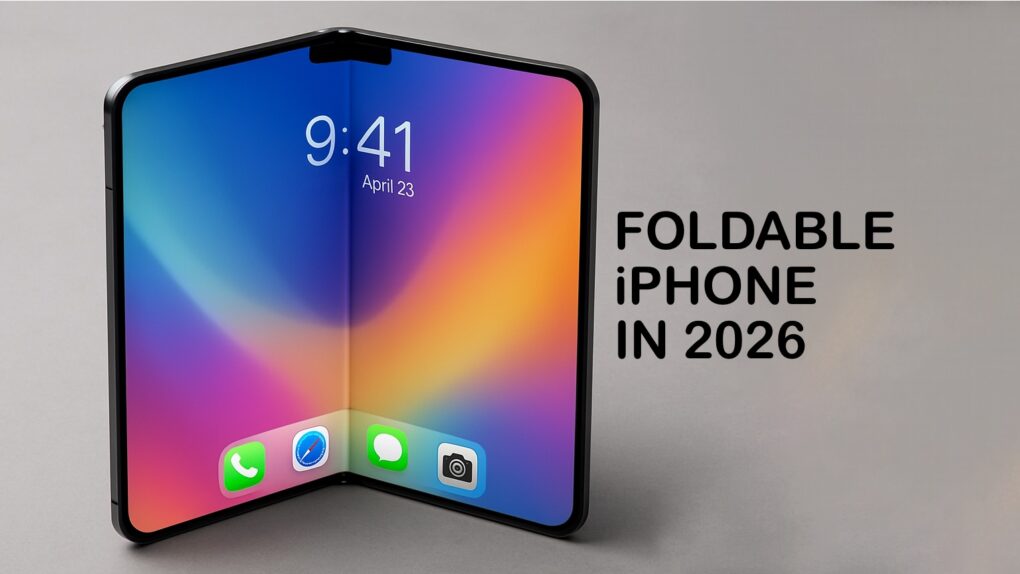
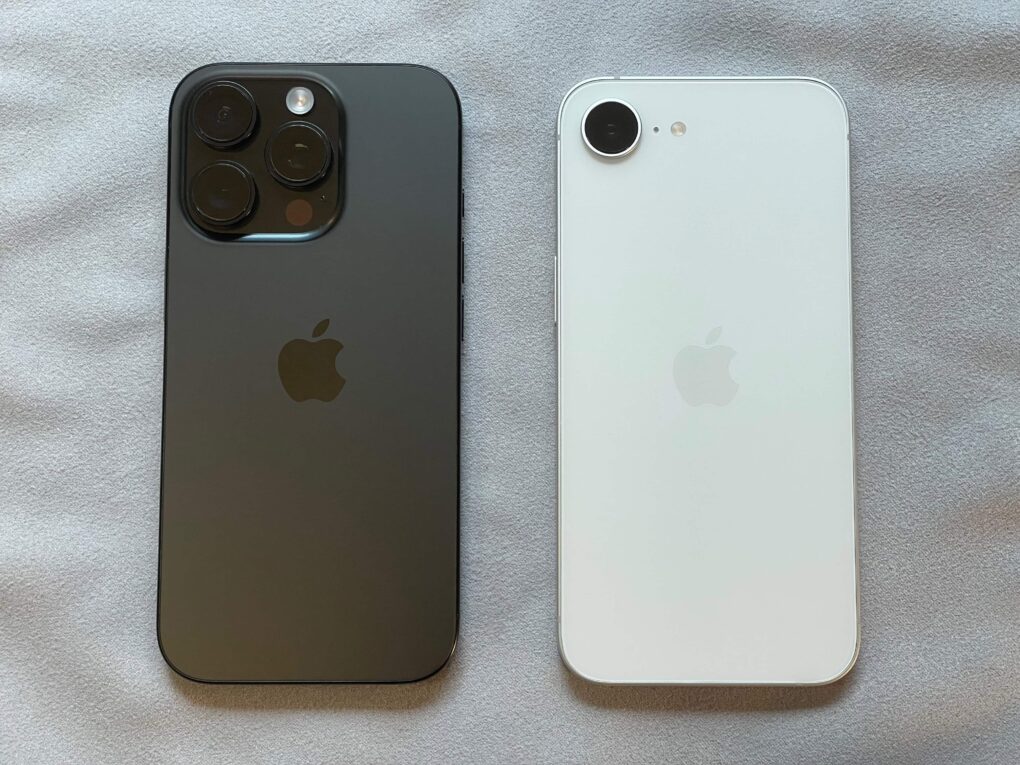
The iPhone screen cutout isn’t going away anytime soon. Image: ChatGPT/Cult of Mac
The gradual process of reducing the size of the iPhone screen cutout that’s been ongoing for years will continue, but the front-facing camera will remain visible until 2030, according to a reliable source of leaked Apple info.
Getting the various scanners to work well from behind the iPhone’s OLED panel isn’t a trivial task.
A folding iPhone might be in short supply for a long time. AI concept: ChatGPT/Cult of Mac
Production of the long-awaited iPhone with a folding screen begins in a few months, according to a trusted analyst. But Apple supposedly plans to make only a few million of them, indicating the company expects this to be a niche product.
Previous reports indicate the price for the folding iPhone could be around $2,000 — about what similar Androids with foldable screens cost. High cost keeps this entire class of handsets out of the hands of average users, and so far it doesn’t seem like Apple has a solution.
See yesterday's weather or if it's unusually hot this season. Image: D. Griffin Jones/Cult of Mac
You can see the past week’s weather on your iPhone in the Apple Weather app. It shows all kinds of detailed weather data — not just temperature and rain, but wind, humidity, visibility, pressure and more.
You also can easily see how that info compares to the average weather data to see if this is an unusually heavy winter or a particularly hot summer. Apple Weather even shows you details on the phase of the moon, all in iOS 17.
Special cameras mounted on Formula One cars capture intense racing action in F1: The Movie. Photo: Apple TV+
When director Joseph Kosinski and cinematographer Claudio Miranda set out to film the upcoming Apple Original film F1: The Movie, they faced a unique challenge. How could they capture authentic point-of-view racing footage from inside Formula One cars without compromising the vehicles’ precise engineering specifications? The solution required Apple to build something that never existed before — a custom camera module using iPhone components that could withstand the extreme conditions of professional racing, according to new report. And so were born custom iPhone cameras in F1.
I’ve spent the week hands-on with iOS 26, living with its stunning new design and incredible features. I really love the direction iOS is going — even if there are a lot of kinks that need to be worked out before its September release.
Liquid Glass, the flashy new user interface, is gorgeous. Loads of people will love the new Lock Screen and Home Screen features, like Spatial Scenes and clear icons. A few other features may need some tweaking, however, like the new Camera app and Phone app.
Should you install it yourself? God no, it’s a buggy mess. You should definitely not install it on your daily driver. But should you be excited to get it in September, after Apple irons out the kinks? Absolutely. Keep reading or watch our video for a hands-on look at the joys (and annoyances) of iOS 26.
Your next iPhone could be assembled in India, not China. Photo: Cult of Mac
We’ll have to stop thinking of the iPhone as a product made in China — nearly all Apple’s handsets for sale in the United States are reportedly now assembled in India.
It’s part of Apple’s effort to reduce paying the tariffs President Donald Trump places on most products imported into the U.S., especially ones that come from China.
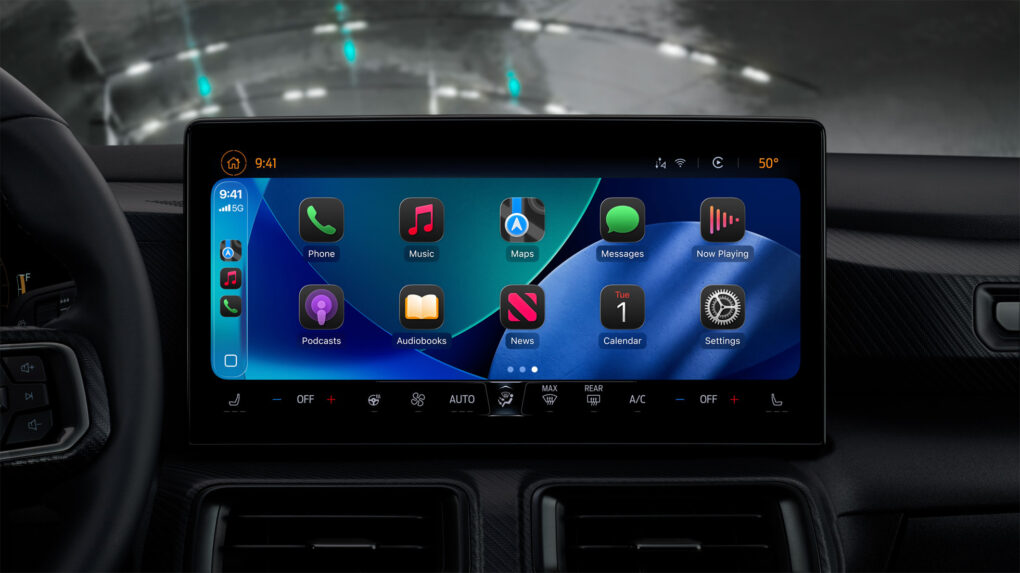
Soon this same CarPlay screen will be able to show videos when the car is parked. Photo: Apple
In a significant policy shift, Apple will let iPhone users stream videos directly to their CarPlay screens for the first time since the platform’s launch. With iOS 26, showcased at WWDC25, the tech giant introduced AirPlay video functionality for CarPlay. So you can stream video from apps in the car — but only when you’re parked.
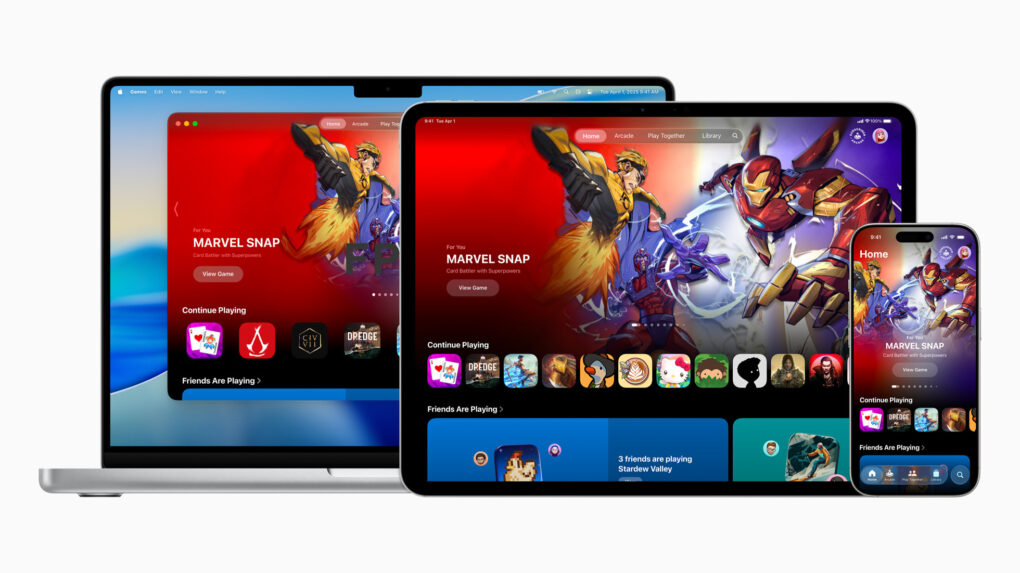
The Apple Games app is a new all-in-one destination for games and playing with friends on iPhone, iPad, and Mac. Photo: Apple
A major new addition to Apple’s software lineup at WWDC25, the Games app, centralizes gaming experiences across all Apple devices, the iPhone giant said Monday. And it adds powerful social features that turn even single-player games into shared experiences with friends.
“The Games app is going to be a game changer for playing on iPhone, iPad and Mac,” said Tim Garbos, creative director and cofounder of game brand Triband. “The app makes it easy for us to create moments just for groups of friends. The new challenges feature works great and feels natural for our games on Apple Arcade, including our latest release, What the Clash?, and we’ve been having a lot of fun with it!”
iOS 26 introduces a new Adaptive Power mode for a longer iPhone battery life. Photo: Apple
iOS 26 adds a new Adaptive Power Mode to newer iPhones to extend their battery life under heavy load. It will achieve this by lowering the display brightness and making other under-the-hood changes.
Additionally, iOS 26 revamps the Battery Usage menu, providing more details about power consumption from various apps.
The Phone app gets smarter and powerful in iOS 26. Photo: Apple
Apple reinvents the act of making, taking and dodging phone calls with the updated Phone app in iOS 26, thanks to a bold new design and the addition of several cutting-edge features. They include Call Screening and Hold Assist, enabling you to screen unwanted calls before answering them.
“This year, we’re giving you the option to choose a new, unified layout that brings your favorites, recents and voicemails,” said Darin Adler, Apple’s vice president of internet technologies, during Monday’s WWDC25 keynote video. “So, your most used features are right at your fingertips without having to switch views.”
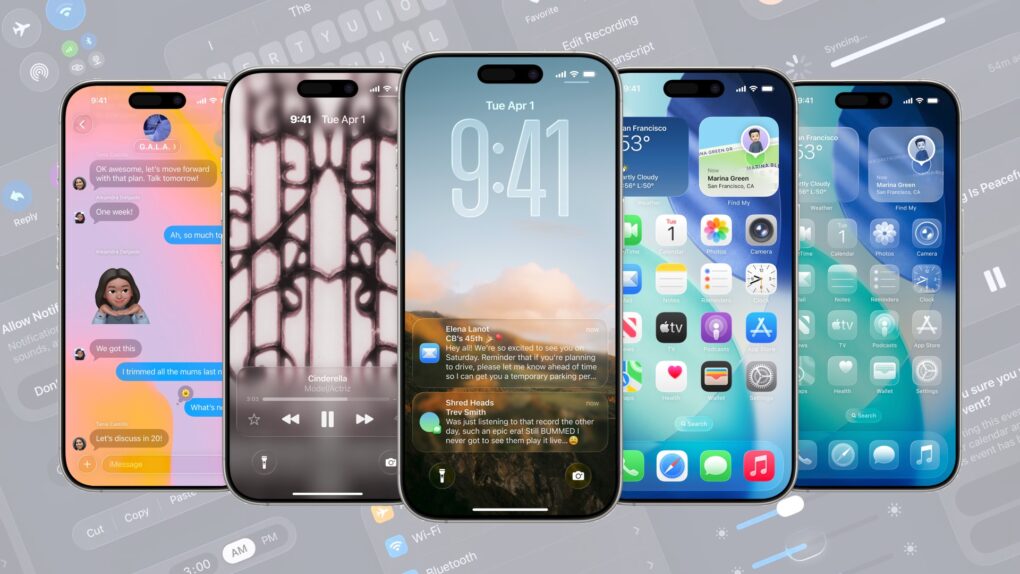
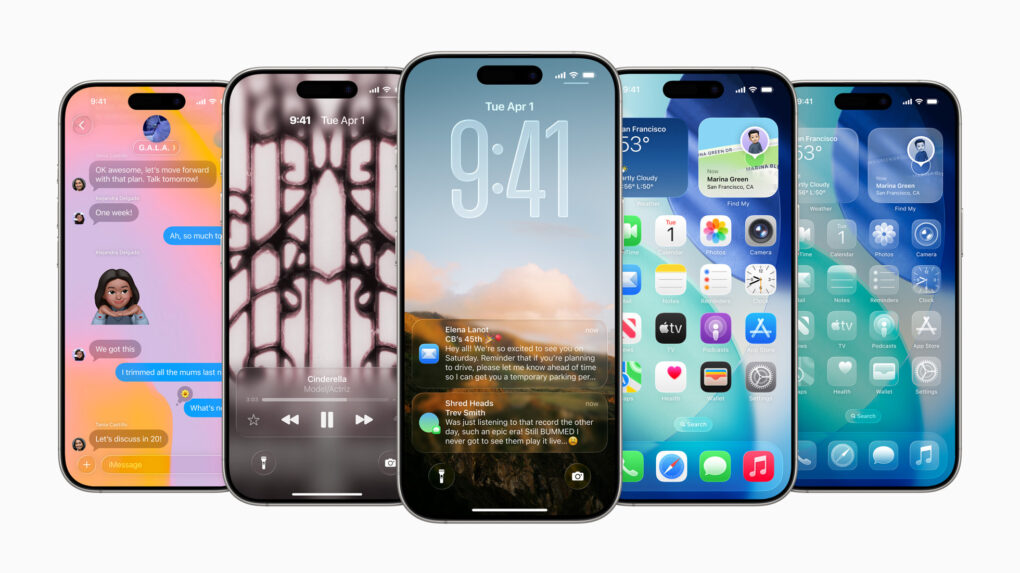
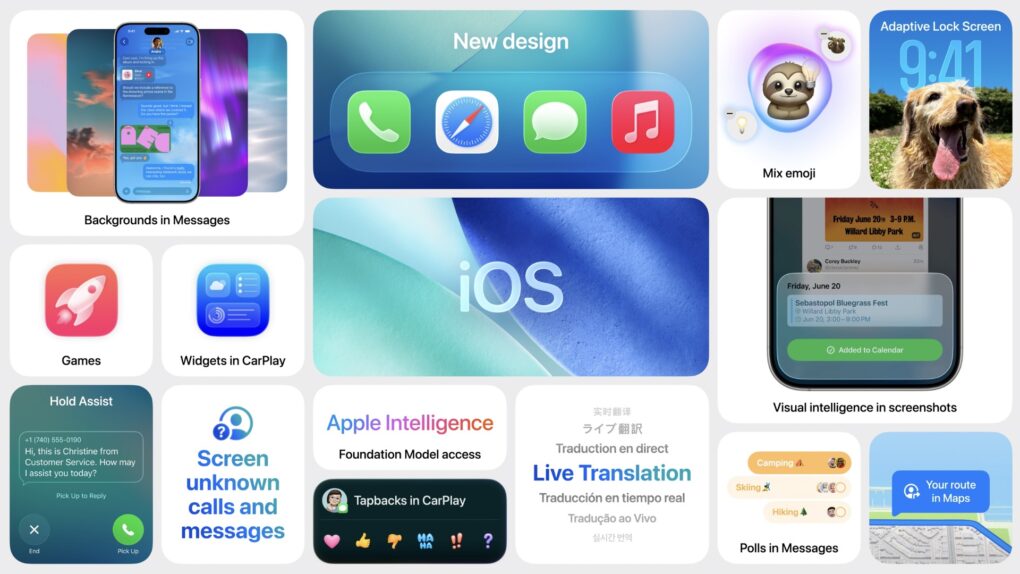
The big iOS 26 update brings a beautiful new design, intelligent experiences and various other improvements to the apps users rely on every day. Photo: Apple
With Monday’s iOS 26 announcement at WWDC25, Apple transforms how users interact with their iPhones through big design changes headlined by the striking look of “Liquid Glass,” enhanced AI capabilities and improved cross-platform integration with helpful changes to core apps like Phone, Messages and more. All in all, iOS 26 represents Apple’s boldest OS step forward in years.
“iOS 26 shines with the gorgeous new design and meaningful improvements to the features users rely on every day, making iPhone even more helpful,” said Craig Federighi, Apple’s senior vice president of Software Engineering. “Experiences are more expressive and personal, from the Lock Screen and Home Screen, to new capabilities across Phone and Messages that help users focus on the connections that matter most.”
“And with powerful new Apple Intelligence capabilities integrated across the system, users can get things done easier than ever,” he added.
Straighten out images that were taken slightly askew. Image: D. Griffin Jones/Cult of Mac
If you’re traveling this summer, there’s a neat editing trick to get spectacular shots of landmarks or murals. On the iPhone, you can crop, skew and rotate a photo using the Photos app’s advanced editing tools to make adjustments you might not have thought were possible.
You can quickly fix the perspective or angle a picture was taken from, correct the fisheye distortion on an ultra-wide photo and more. You can also precisely rotate and skew the perspective, for those times when you don’t realize until it’s too late that your shot is slightly to the side or slightly off-center.
The best part is you can can fix it all directly in the Photos app. Here’s how.
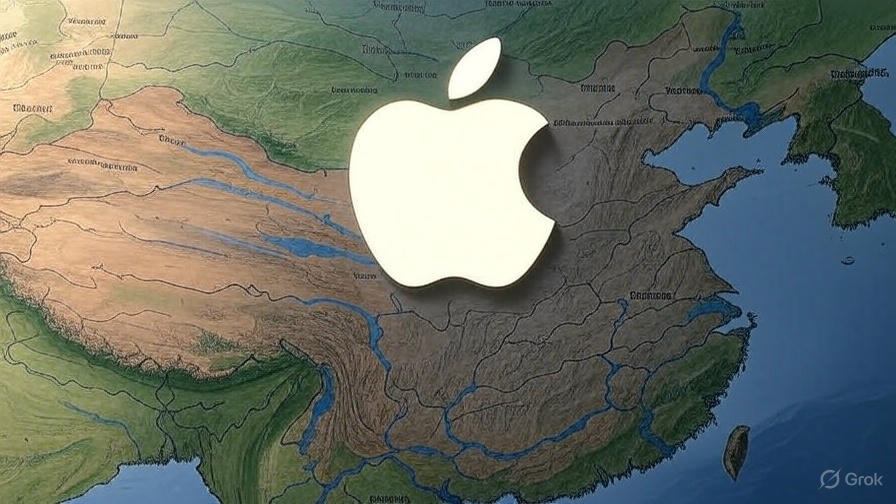
A regulatory mess and political uncertainty delay the rollout of Apple Intelligence in China. Photo: Grok
Apple’s much-anticipated launch of Apple Intelligence in China has been indefinitely delayed as the company’s AI partnership with Alibaba faces regulatory roadblocks tied to the intensifying trade war between the United States and China, according to a new report.
The A20 chip will arrive in 2026 with the iPhone 18 generation. Image: D. Griffin Jones/Cult of Mac
Apple’s A20 chip, which likely will power the iPhone 18 Pro and folding iPhone, reportedly will use a new technology that integrates RAM inside the chip. Bringing the memory closer to the CPU, GPU and Neural Engine might provide significant boosts in performance, battery life and thermal efficiency.
Set up Game Center and you can compete with friends in the games you both play. Image: Apple/D. Griffin Jones/Cult of Mac
Apple’s Game Center service lets you compete with friends and unlock achievements in the games you play. You can see where you rank among your friends — and globally. Achievements will give you a list of missions to accomplish to prove your mastery of the game. You can even play live multiplayer games on all your separate devices using SharePlay.
WWDC25 won’t be as Apple Intelligence-packed as last year. Image: Apple/D. Griffin Jones/Cult of Mac
Apple doesn’t have as many Apple Intelligence features to announce at WWDC25 as it did during last year’s developer conference. However, a handful of new AI features should arrive, including Apple Intelligence-generated Shortcuts automations, an Apple Intelligence API for developers, and AI-powered health tips. Apple’s foundation language model itself will also be improved, with versions in four different sizes currently in testing.
Here’s what to expect on Apple Intelligence next Monday during the WWDC25 keynote.
Freeform is a weird and very underrated Apple app. Image: D. Griffin Jones/Cult of Mac
Apple’s Freeform app for iPhone, iPad, Mac and Vision Pro is a digital whiteboard you can use to brainstorm or gather ideas in one infinitely scrolling canvas.
You can use Freeform to throw together ideas with a colleague. You could build a presentation using Freeform’s scenes, kind of like using Prezi. Or, you can use Freeform as a drawing app with your iPad and Apple Pencil.
Freeform comes with all kinds of features for adding text boxes, rich links, drawings, clip art, sticky notes, files, photos, videos and more. It’s a great way to build a mood board or connect big ideas.
That's quite an iPhone camera rig tracking that infected dude. Photo: Sony Pictures Entertainment
Danny Boyle will soon bring the infected back to the big screen in ways that would make any iPhone cinematographer jealous. The acclaimed director behind the original 28 Days Later returns for the long-awaited sequel 28 Years Later. And he uses cutting-edge iPhone technology alongside traditional filmmaking techniques to create what he calls a “poor man’s bullet time” effect (a la The Matrix movies), according to a new report.
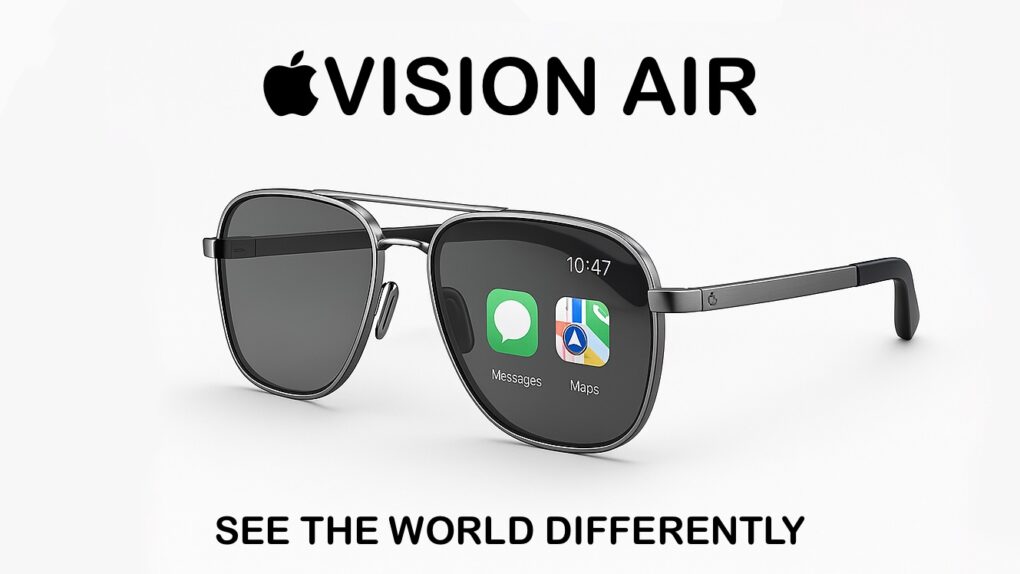
Apple Vision Air could be the iPhone replacement. Eventually. AI concept: ChatGPT/Cult of Mac
Apple makes the bestselling phone, smartwatch and wireless headphones, and is fantastically profitable as a result. But if it can’t develop the Next Big Thing, it could easily be out of business in 10 years. But there’s no cause for concern — Apple is already working on the product that’ll replace the iPhone: smart glasses.
Even better, Apple is taking two approaches for developing smart glasses, which should go a long way toward ensuring that it makes the definitive version of the must-have computer of the 2030s.
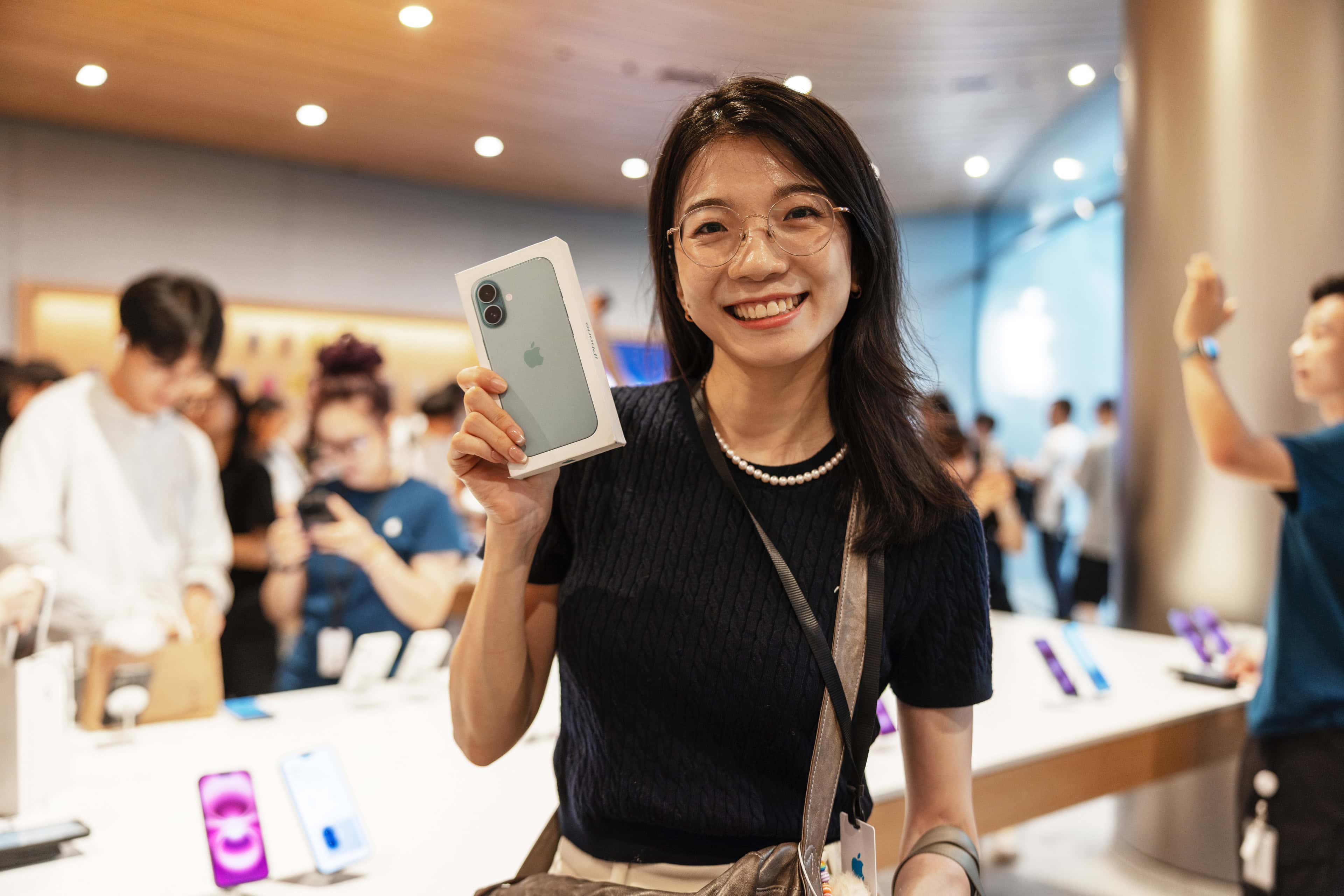
More people around the world buy the iPhone 16 than any other model. Photo: Apple
The iPhone 16 is the bestselling smartphone in the world, according to a market research firm. In fact, the global list of the top five bestselling handsets in the first quarter of 2025 includes four iPhones and one Samsung model in the bottom slot.
According to the analysts, the iPhone 16 base model outsold either of the Pro variants in Q1.
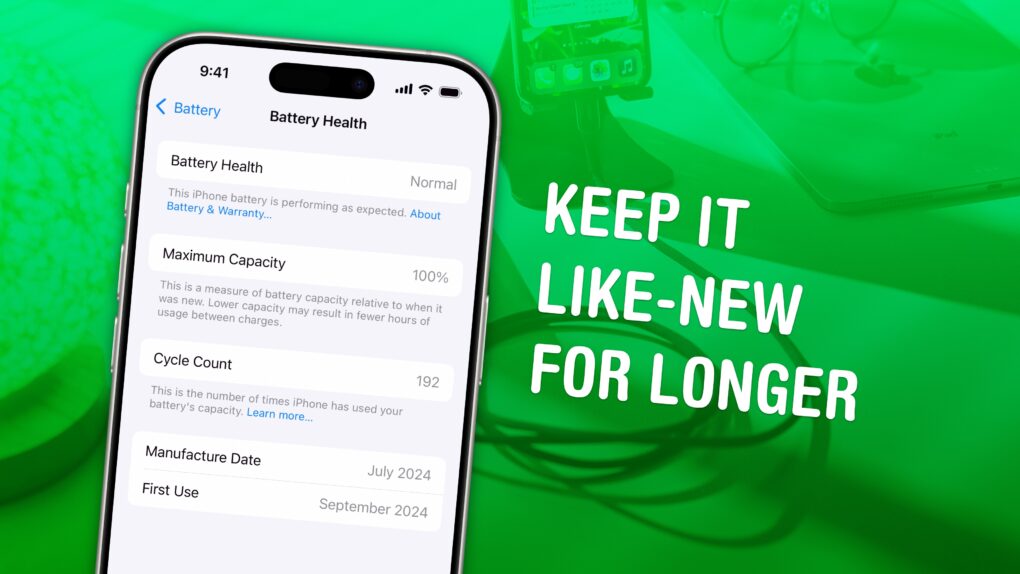
Maximize your long-term battery health. Image: D. Griffin Jones/Cult of Mac
Adopting a few smart habits can preserve your iPhone battery health, greatly extending the device’s useful lifespan.
By simply tweaking how you use and charge your device, you can keep your battery from going bad, which is often cited as a reason to upgrade to a new iPhone. Just make these easy lifestyle changes, and your iPhone should last longer in the long term.
Keep reading or watch our video to find out how to boost your iPhone battery health.
A well-connected supply chain analyst thinks that, from a profitability standpoint, it’s better for Apple to absorb the 25% tariff on iPhones. But the bigger concern is the growing political pressure from the U.S. president.
Now's the time to trade in your old iPhone at Apple. Maybe get a nice iPhone 16 Pro or iPhone 16e? Photo: D. Griffin Jones/Cult of Mac
iPhone trade-in values get a boost from now through June 18 when you turn over your old iPhone online or in an Apple Store, the Cupertino tech giant said Friday. The monetary increases are modest, but hey, every dollar counts. So now, or anytime Apple raises iPhone trade-in values, is the time to refresh your handset with a shiny new one from the iPhone 16 lineup.
President Trump threatened Apple CEO Tim Cook with an iPhone-specific tariff. Illustration: ChatGPT
President Donald Trump renewed his call on Friday that the iPhone be made in the United States, and threatened Apple with a special 25% tariff if the device gets assembled anywhere else.
Previously, Apple seemed caught up in Trump’s trade war with China, as so many of its products are assembled there. But now Trump’s ire turned specifically on Apple, causing him to threaten import taxes on its products alone.
It amounts to a big update. Photo: Rajesh Pandey/Cult of Mac
Rumors swirling ahead of WWDC25 give us a decent idea about what to expect in iOS 19. The new operating system, which Apple will showcase when its annual developer conference kicks off June 9, shapes up as one of the more significant iPhone software updates lately.
The iOS 19 overhaul promises to transform how users interact with their devices through big design changes, enhanced AI capabilities and improved cross-platform integration.