Mobile menu toggle

iPhone - page 144

Apple’s move into India ‘almost a done deal’

By •

iPhone in India
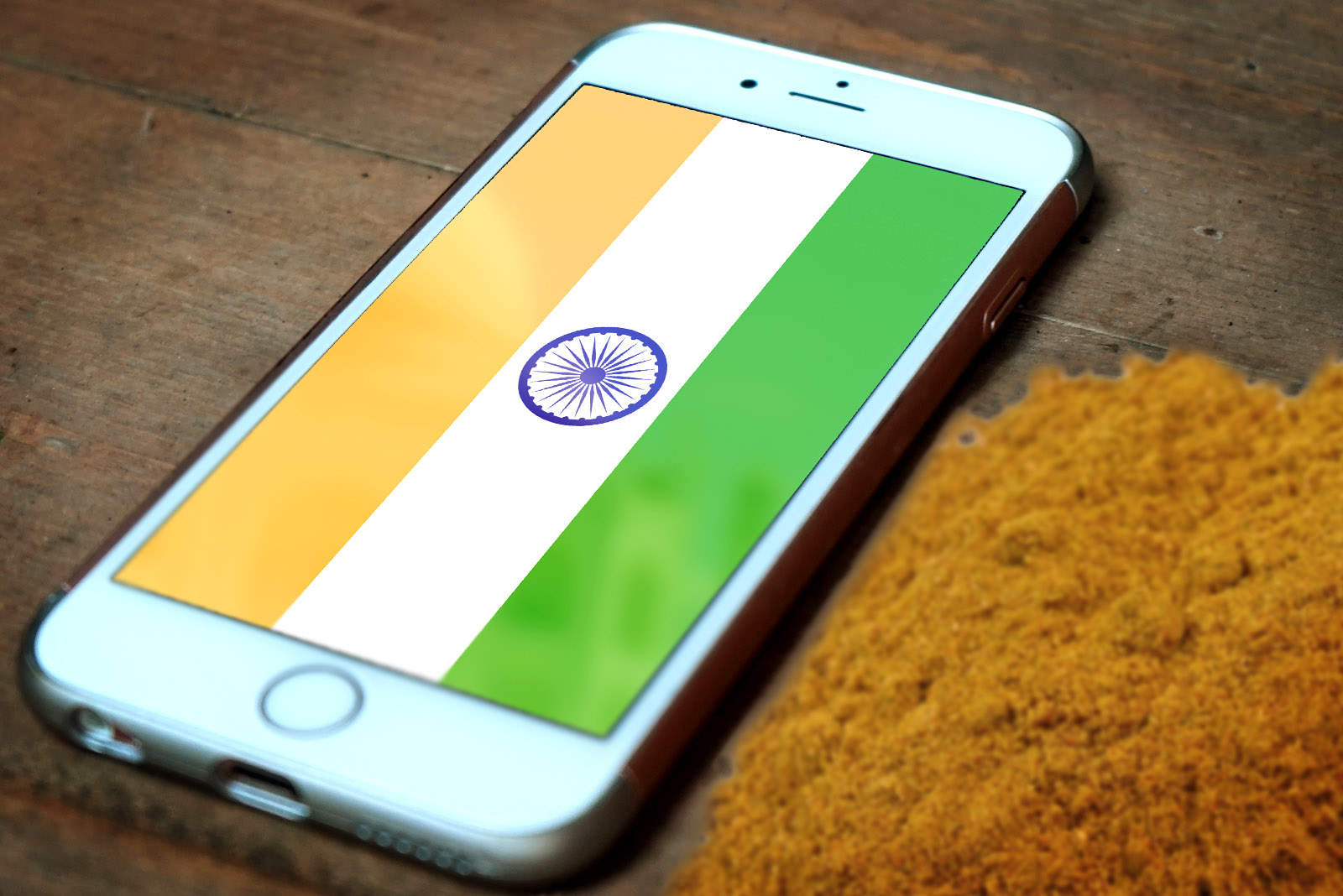
iPhones will soon be made in India.
Photo: CC: Aasif Iqbal J/Flickr

Apple is close to finalizing its negotiations with the Indian government over a local manufacturing facility, according to a new report.

The company confirmed on Wednesday that it had enjoyed a “constructive” meeting with Indian officials after issuing a list of demands for its move. Now a source with knowledge of the matter says “it’s almost a done deal.”

Put Apple history on your wall with super-nerdy patent posters

By •

Apple Mac Poster
Pop art for the tech generation.
Photo: Ste Smith/Cult of Mac

Kitting out your dream geek-room, but don’t know what to put on the walls? Well, have no fear because Retro Patents are here — and they’ve got some unique Apple posters to sell you.

Giving a new lease of life to the original patent illustrations for devices like the iPhone and Macintosh 128K (both of which celebrated their birthdays this month), each $25 print includes the names of its inventors, U.S. Patent & Trademark Office reference number, product name, and the date of the original patent filing.

Apple has ‘constructive’ meeting with India over local factory

By •

Apple supplier is increasing its ability to build masses of iPhones in India
Apple's plans to set up shop in India are slowly but surely moving forward.
Photo: Ste Smith/Cult of Mac

Apple has confirmed it has had a “constructive” meeting with the Indian government over plans to open a local manufacturing facility.

Its statement comes less than a week after the company issued a list of demands that included lengthy tax breaks and a waiver on customs duties.

Take iPhone deep sea diving, bring MagSafe back to MacBook, and more [Crowdfund Roundup]

By •

Crowdfund Roundup
Help turn these awesome ideas into reality!
Photo: Ste Smith/Cult of Mac

Your iPhone 7 is already water-resistant, but it’s not designed for deep sea diving. Fortunately, LenzO is, and it’ll let you snap stunning pictures in water up to 100 meter deep.

It’s just one of the awesome picks in this week’s Crowdfund Roundup. We’ve also got an adapter that brings MagSafe back to your MacBook, a wearable Lightning cable that you won’t lose, the world’s smallest 4K action camera, and more!

How to get the most out of Instagram

By •

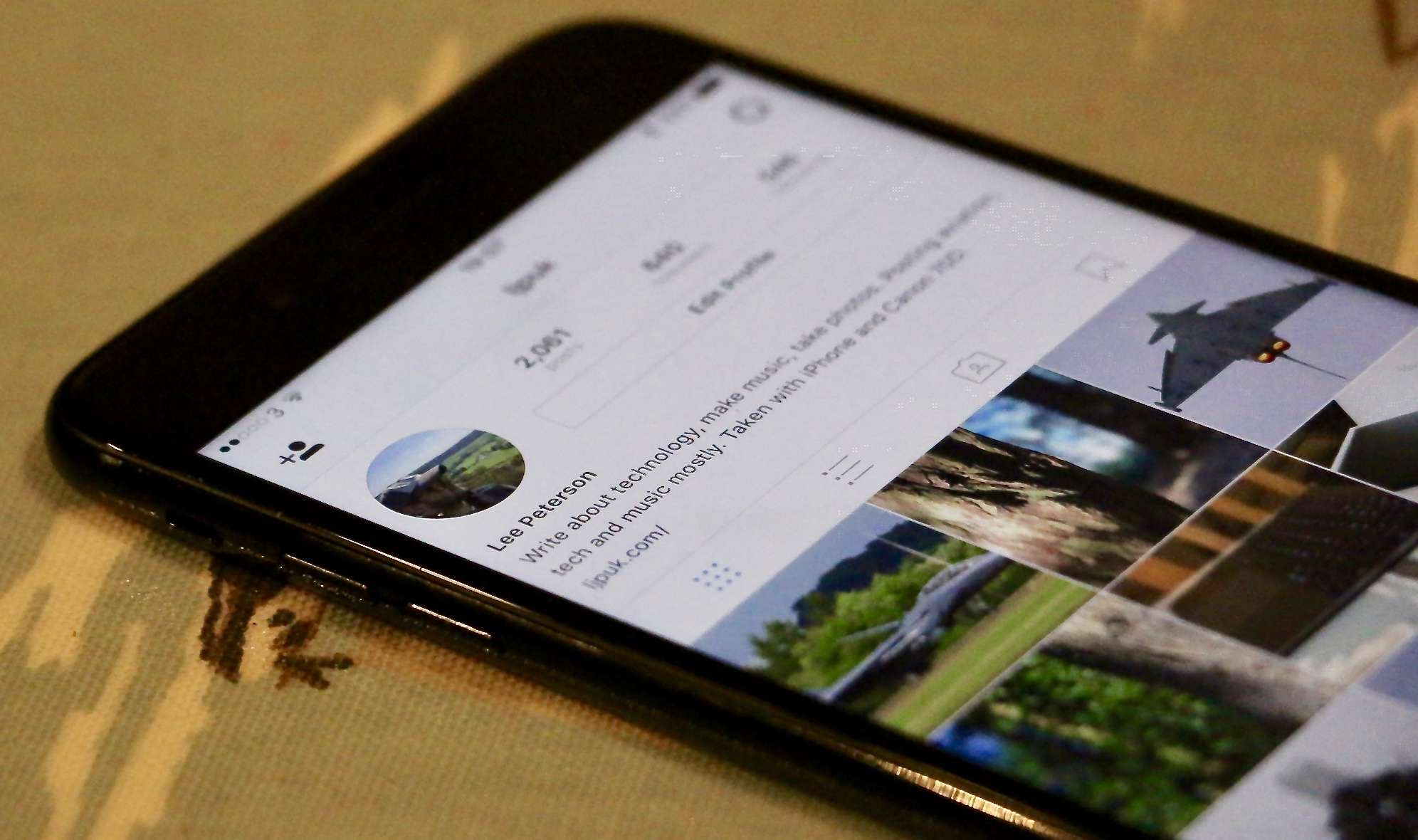
These Instagram tips will help you connect with photographers who share your interests.
We don’t want to see photos from everyone we follow.
Photo: Lee Peterson/Cult of Mac

Instagram isn’t simply a social network for sharing images. Used properly, it’s a powerful tool for connecting with like-minded photographers and getting feedback about your images.

I’m passionate about photography, and finding communities I can engage with is really important when it comes to helping me improve and get ideas for new projects. These Instagram tips and tricks, which I use on a daily basis, can really help you grow as a photographer.

New iOS controllers give you that Nintendo Switch feeling

By •

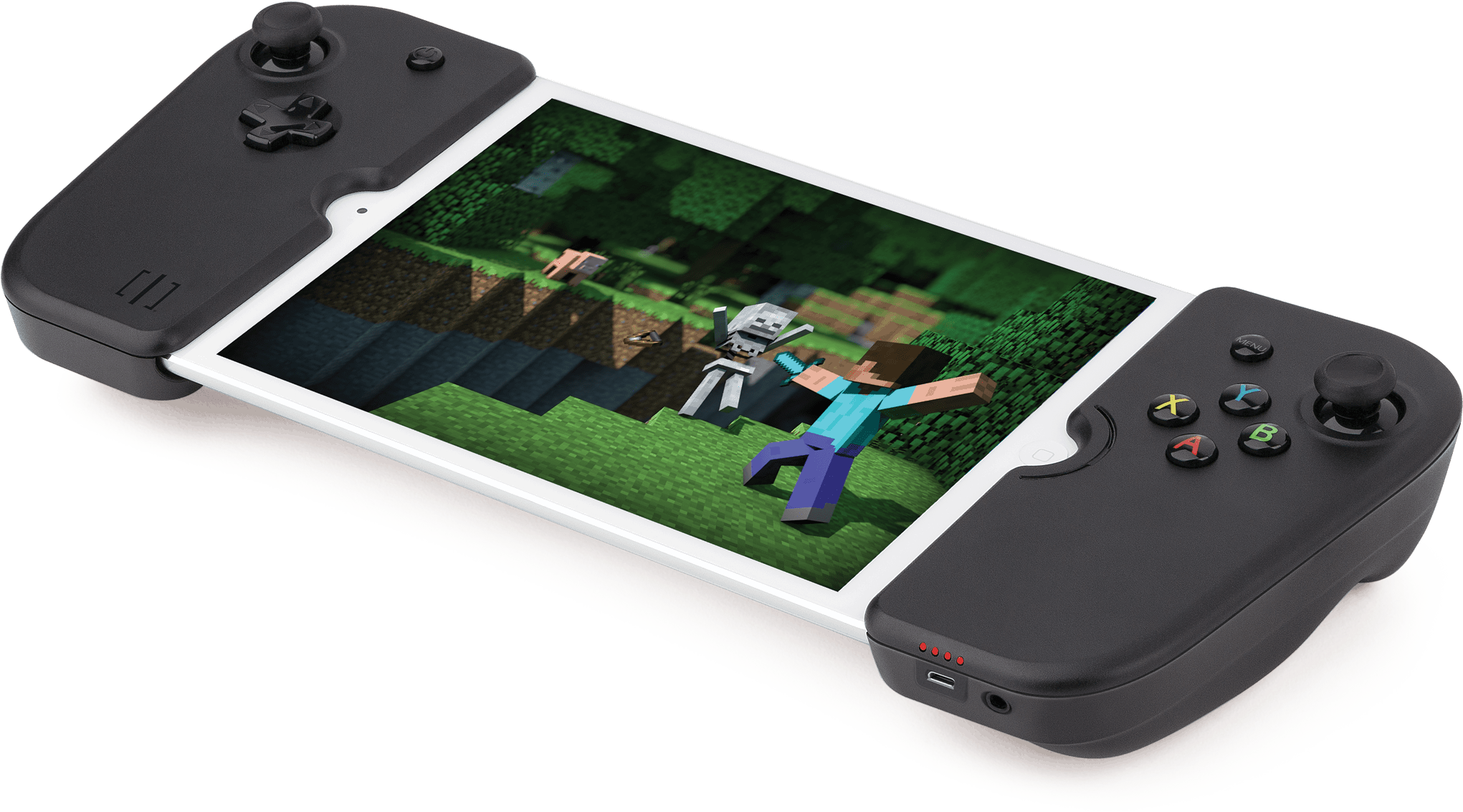
GV140-Minecraft-min
The new Gamevice controller for iPad mini.
Photo: Gamevice

If you like the idea of the new Nintendo Switch but you do all your gaming on iOS, the latest controllers from Gamevice are going to be right up your alley.

Like Nintendo’s latest console, they slap physical buttons and analog sticks onto the sides of your iPhone and iPad. They’re also powered by your iOS device so there’s no need to charge a battery, and they bring the headphone jack back to your iPhone 7.

Anyone can get in shape in 2017 with the CultFit Home Workout

By •

Get fit in the privacy of your own home using everyday objects
Photo: Graham Bower/Cult of Mac

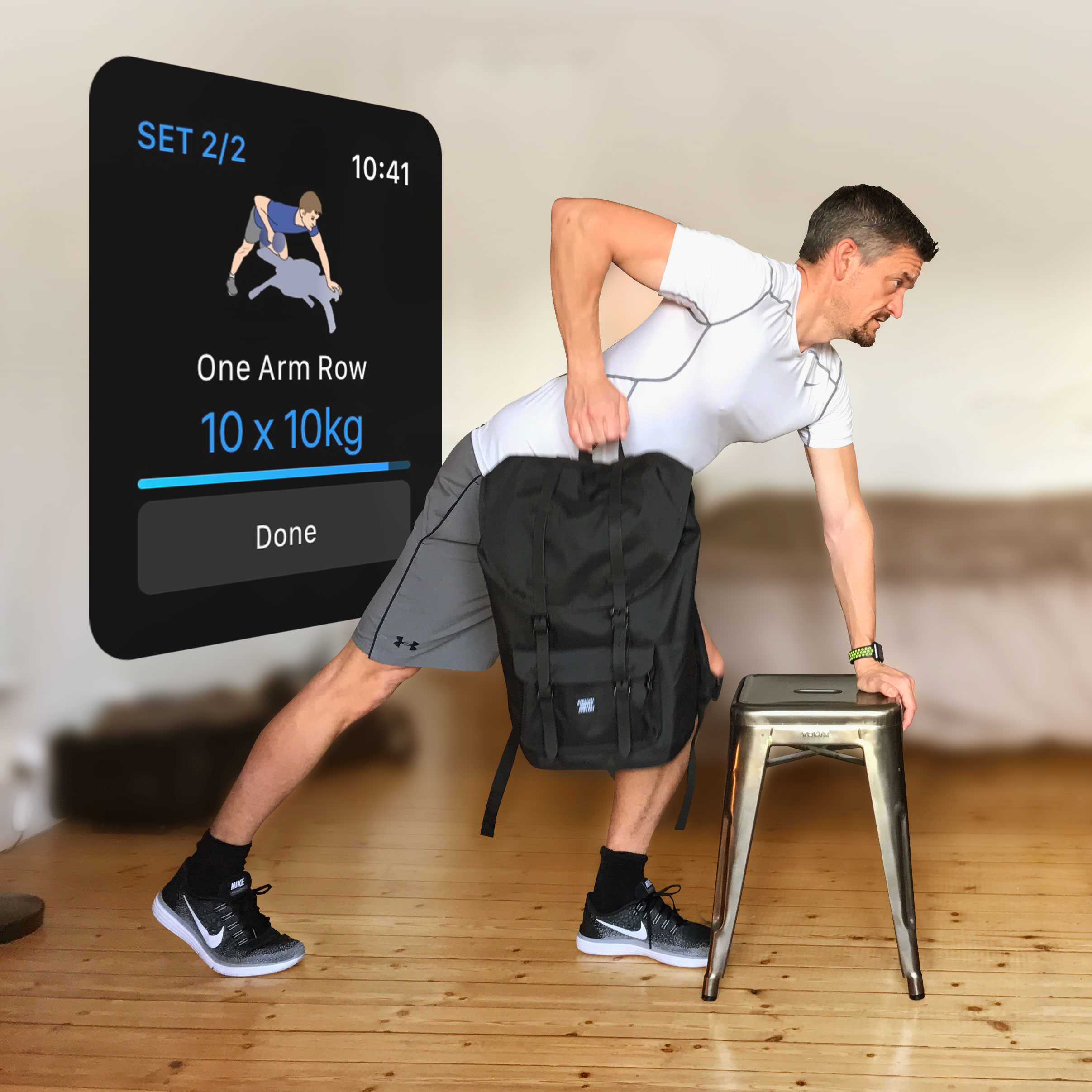
CultFit Home Workout If your New Year’s resolution is to get in shape in 2017, but you spend all your waking hours in front of your MacBook, we’ve got the answer: our new CultFit Home Workout.
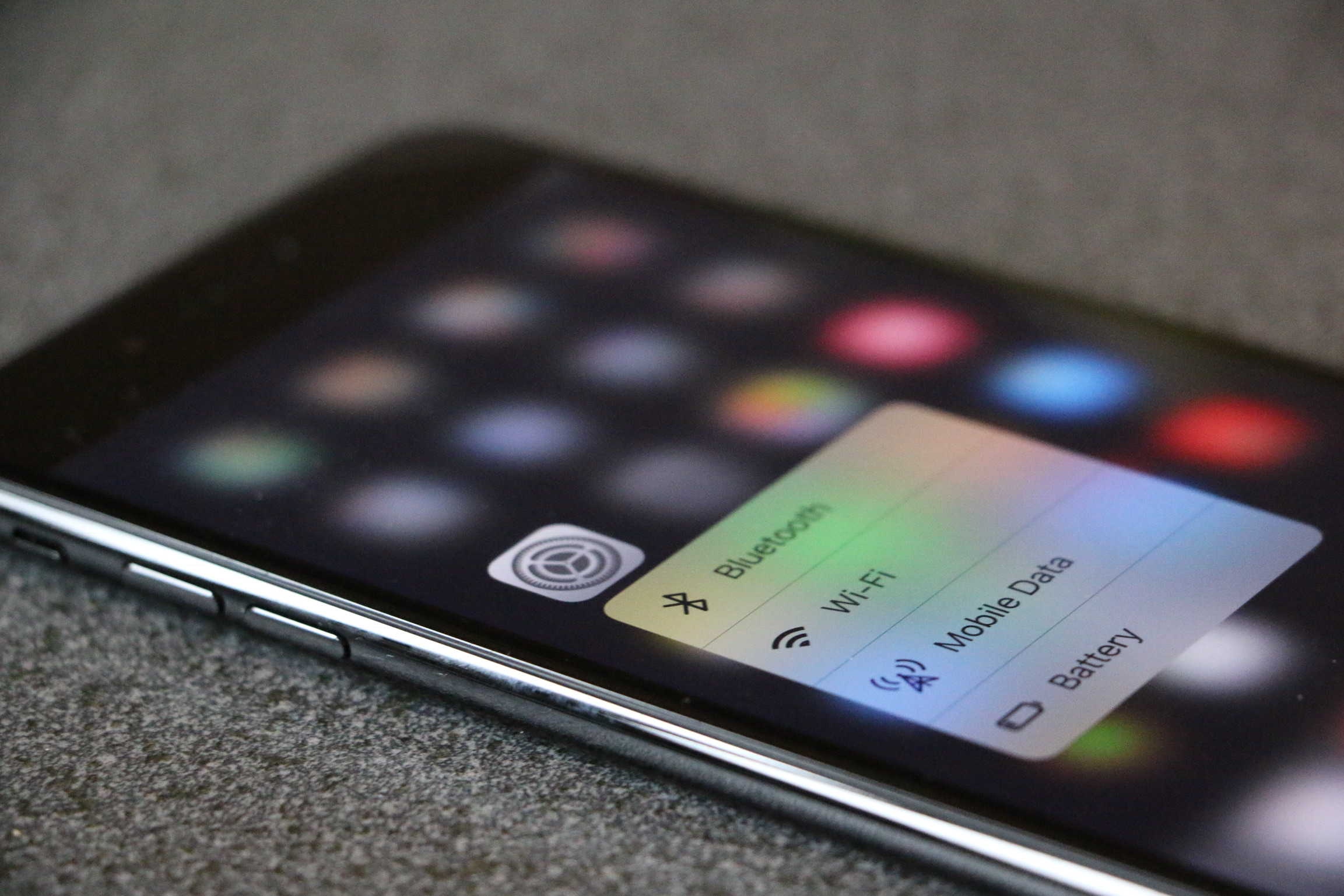
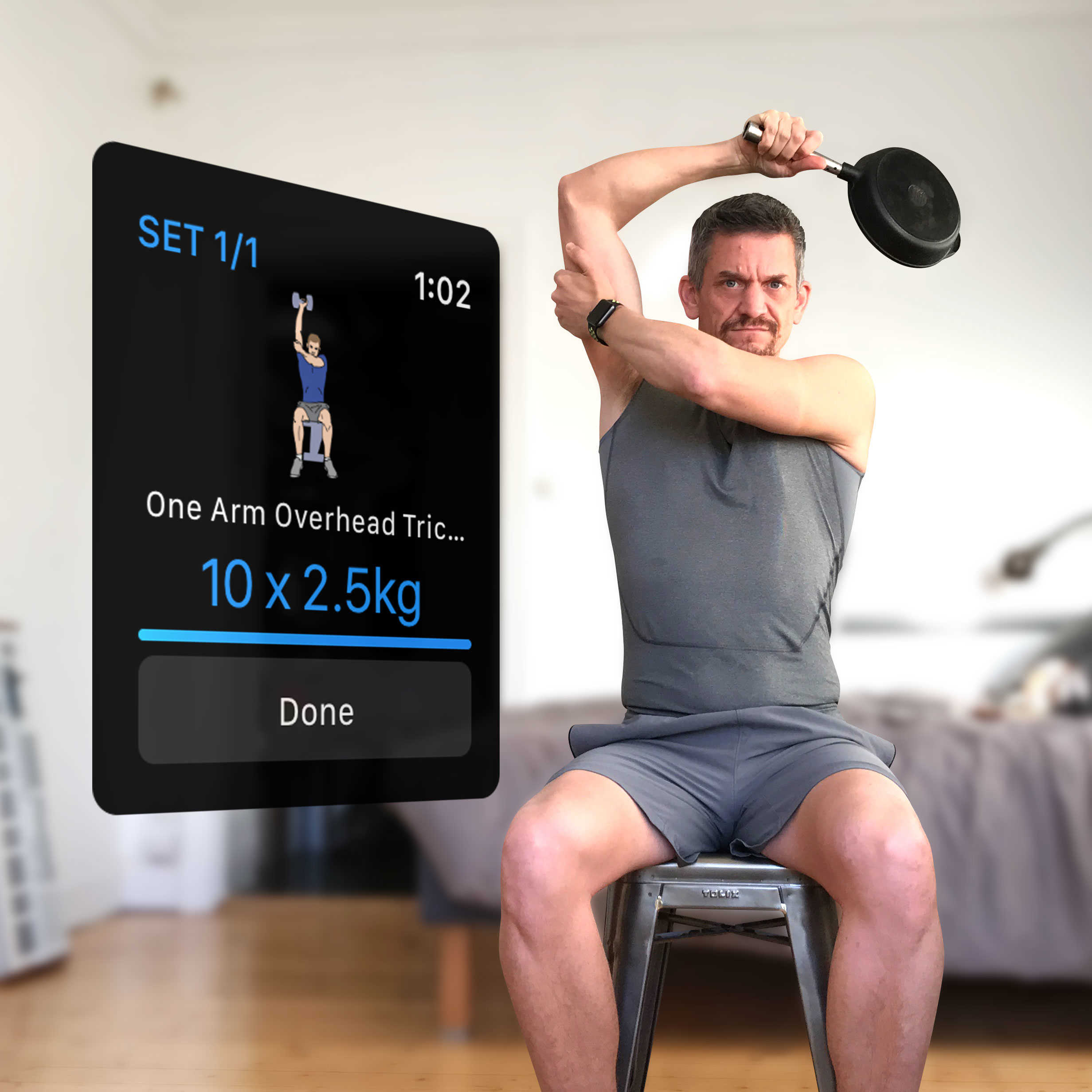
All you need is your iPhone, plus your Apple Watch if you have one, and some everyday objects you’ll find around your home or office. No gym membership required. It’s a great way to get started on your fitness journey, and it only takes 10 minutes a day.

Stay strong in 2017 with CultFit Home Workout, Week 2

By •

Kill it with a skillet in Week 2 of our CultFit Home Workout.
Photo: Graham Bower/Cult of Mac

CultFit Home Workout If you got started on your 2017 New Year’s resolution last week with our CultFit Home Workout, we’re here to help you keep up the good work with Week 2. (If you missed it, it’s still not to late to start with Week 1).

All you need is your iPhone, plus your Apple Watch if you have one, and some everyday objects you’ll find around your home or office. No gym membership required. It’s a great way to get started with your fitness journey, and it only takes 10 minutes a day.

Popular photo app sends your data straight to China

By •

19836-20908-meitu1jpg-l
It's not as bad as you think.
Photo: Meitu

A photography app that has become incredibly popular in recent weeks after adding an anime makeover feature has been sending user data back to its developer in China.

Meitu carries out checks to establish if an iOS device is jailbroken and collects information about its carrier before passing it onto Xiamen Meitu Technology. It’s thought the company could be selling the information to marketing agencies for targeted ads.

Protect your iPhone with an InvisibleShield and get $100 if it breaks

By •

Cult of Mac buyback
Still dropping your iPhone? Get an InvisibleShield.
Photo: Warren R.M. Stuart/Flickr CC

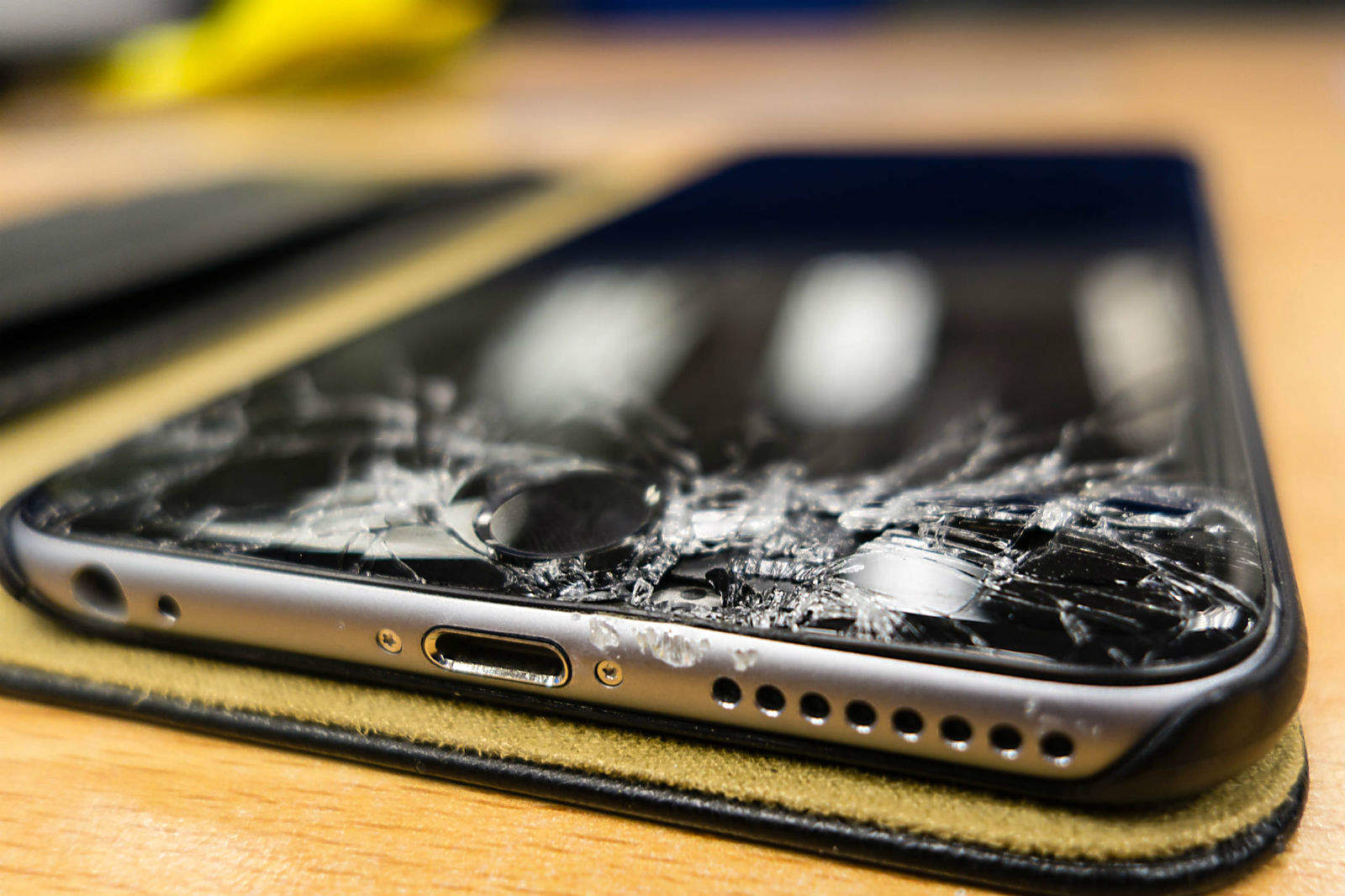
Applying a screen protector to your iPhone might prevent it from getting scratched, but it won’t keep it from shattering. That’s why InvisibleShield protectors are now available with a coverage plan that pays you $100 towards your repair bill if your display gets broken.

Forgetful? This iOS app will jog your memory

By •

Dontforget
The iOS app that gently asks, "Aren't you forgetting something?"
Photo: Layman Lab

In the old days, a piece of string tied around a finger served as a reminder. You just couldn’t forget what the string was for in the first place.

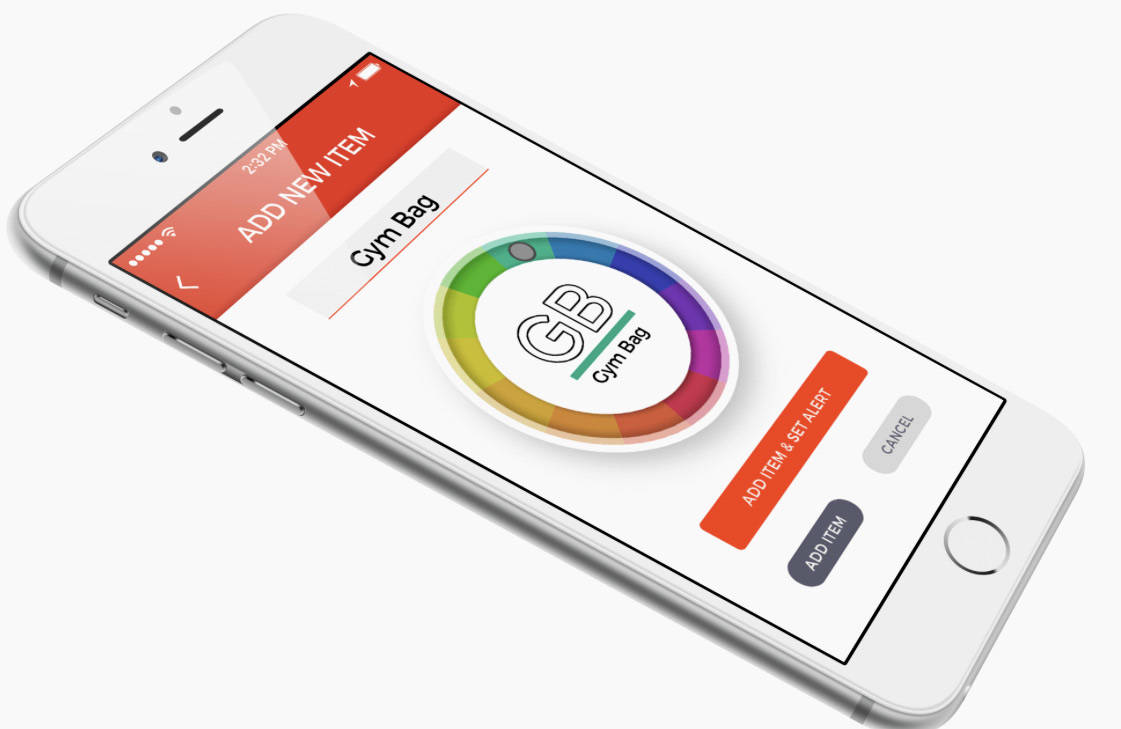
Today, there’s a better way to use your fingers to remember your keys, passport and other personal items with the iOS app Don’t Leave It! Type items into the app you can’t be without and an alert will go off should a certain distance separate you from that particular item.

Kodak smartphone still shooting for photographers

By •

Kodak Ektra smartphone
The Kodak Ektra is a camera with a smartphone built in.
Photo: Kodak

It was a pretty bold move for the pioneering but fading photography icon Kodak to launch a smartphone dedicated to serious photographers one month after Apple’s release of the highly anticipated iPhone 7 Plus.

The Android handset was released in Europe and Australia and some lackluster reviews soon followed. But Kodak and its partner in smartphones, Bullitt, still have high hopes in putting the Kodak Ektra in the hands of more photographers.

Simple text message crashes almost any iPhone

By •

iPhone-text-glitch
Three characters is all it takes to freeze your iPhone.
Photo: EverythingApplePro

Apple makes iOS more secure with almost every update it rolls out, but there’s always a glitch somewhere that slips through the net.

The latest is a bug in iMessage that allows any iPhone running iOS 10 to iOS 10.1.1 to be crashed with a simple text message.

Former employee explains how Tim Cook made Apple boring

By •

LOVELOUD
Tim Cook wants to keep peace at Apple.
Photo: Jim Merithew/Cult of Mac

Tim Cook’s kinder, gentler management style is the biggest reason why 2016 was one of the most boring years for Apple in recent memory, according to a former employee of the company.

Steve Jobs was notorious for inciting conflict and competition between top employees, which him a controversial leader but also birthed some of the most iconic tech products ever (iMac, iPod and iPhone). After Cook took over, he worked to eliminate conflict within Cupertino’s walls and made employees less passionate, claims ex-Apple employee Bob Burrough.

Is iPhone Apple’s most significant product to date? [Friday Night Fights]

By •

wood
Can you think of anything more important to Apple?
Photo: Ste Smith/Cult of Mac

The iPhone celebrated its tenth anniversary this week, and it’s hard to imagine where Apple would be today without it. It is by far the company’s most successful product, but is it also its most significant to date?

Friday Night Fights bugApple revolutionized a number of product industries with the Mac, iPod, iTunes, and iPad — all of which have been incredibly successful at some point. It also pioneered new concepts with products like the Newton. Were any of these things more important to Apple than iPhone?

Join us in this week’s Friday Night Fight as we relive our first experiences with iPhone and discuss Apple’s most significant product releases.

Android creator plans new device to challenge iPhone

By •

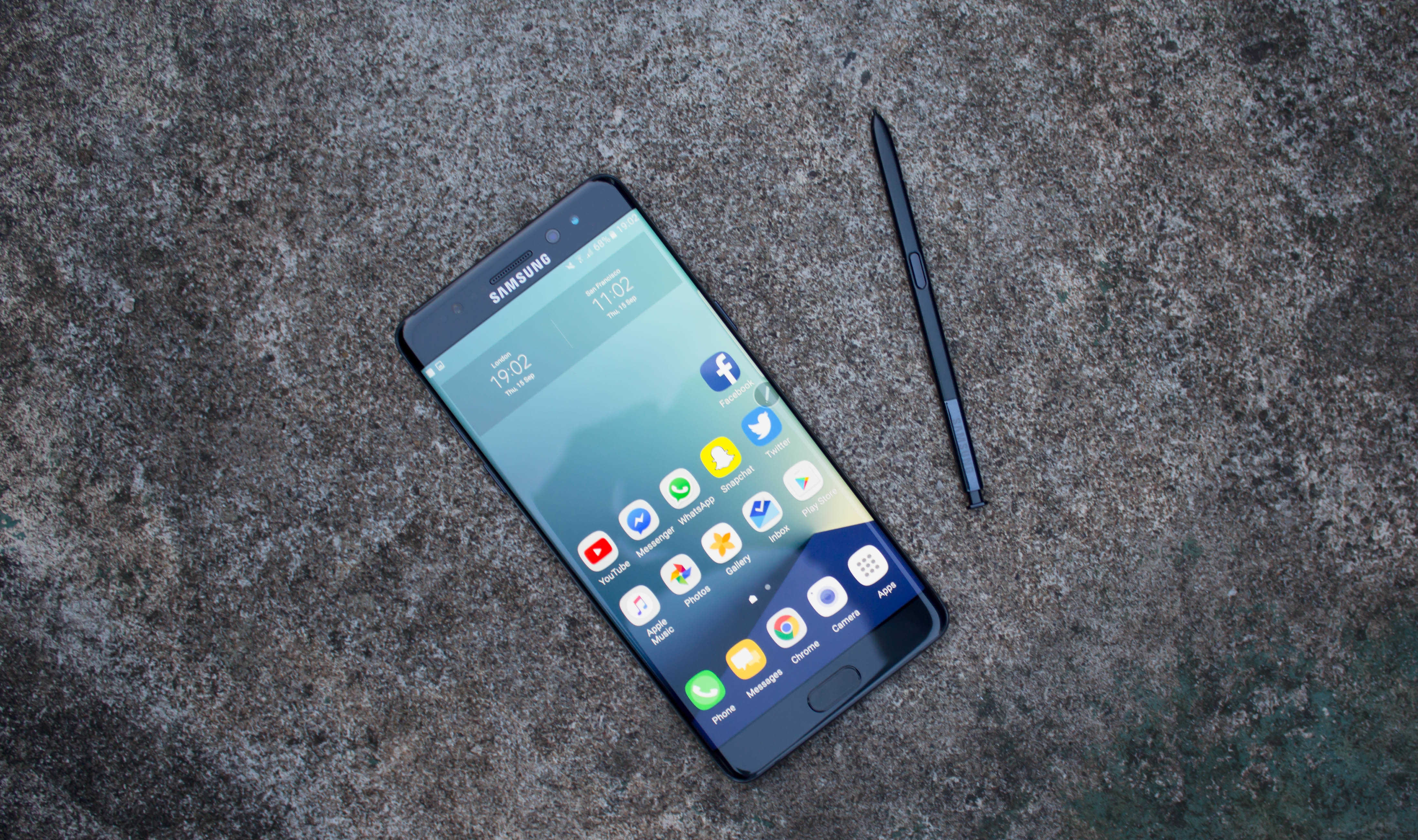
Galaxy Note 7
Samsung and other Android smartphone makers are about to get some new competition.
Photo: Killian Bell/Cult of Mac

Former Google VP Andy Rubin is in talks with carriers about selling a new smartphone he has created with his startup, Essential.

Rubin left Google two years ago after creating Android and the leading the team behind it for eight years. Now that he’s had time away from the search giant, Rubin is planning to take on the iPhone and Android handsets with a new type of smartphone that specializes in artificial intelligence.

Devs get fourth betas of macOS 10.12.3 and iOS 10.2.1

By •

iPhone 7
A new iOS beta is now available.
Photo: Ste Smith/Cult of Mac

Apple seeded two new beta builds to developers today, bringing a host of bug fixes and improvements to iOS 10.2.1 and macOS 10.12.3.

The new builds come just three days after Apple dropped its first batch of betas for 2017. Registered developers can now download iOS 10.2.1 beta 4 and macOS 10.12.3 beta 4 from Apple’s developer portal to take advantage of all the new features.