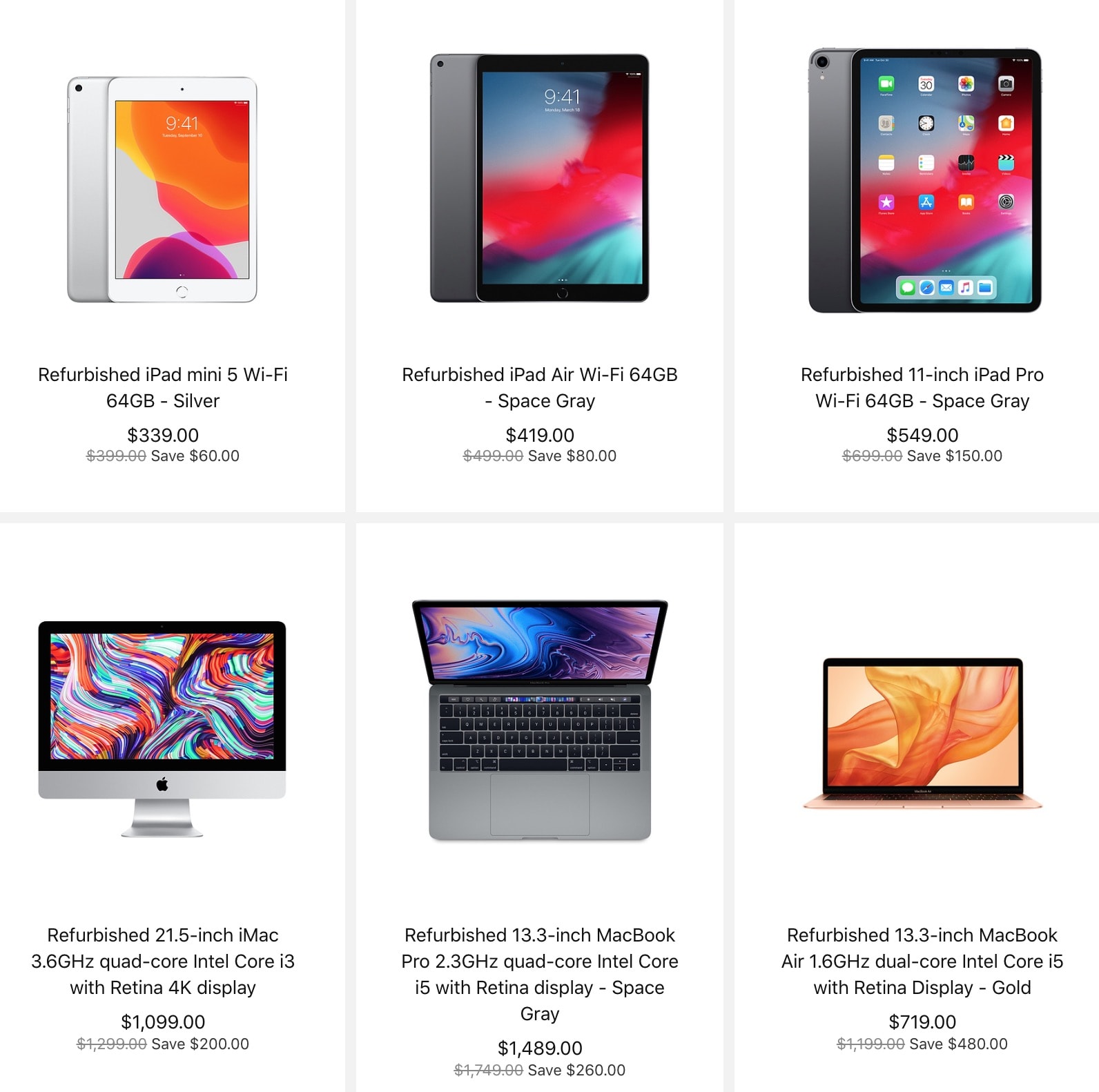
Apple Certified Refurbished units are one of the best deals you can get. Photo: Apple
Following new product announcements from Apple this morning — including new MacBook Air and iPad Pro models — Apple freshened its refurbished lineup online with various price drops ranging from new low prices on the MacBook Air to steep discounts on the 11-inch iPad Pro.
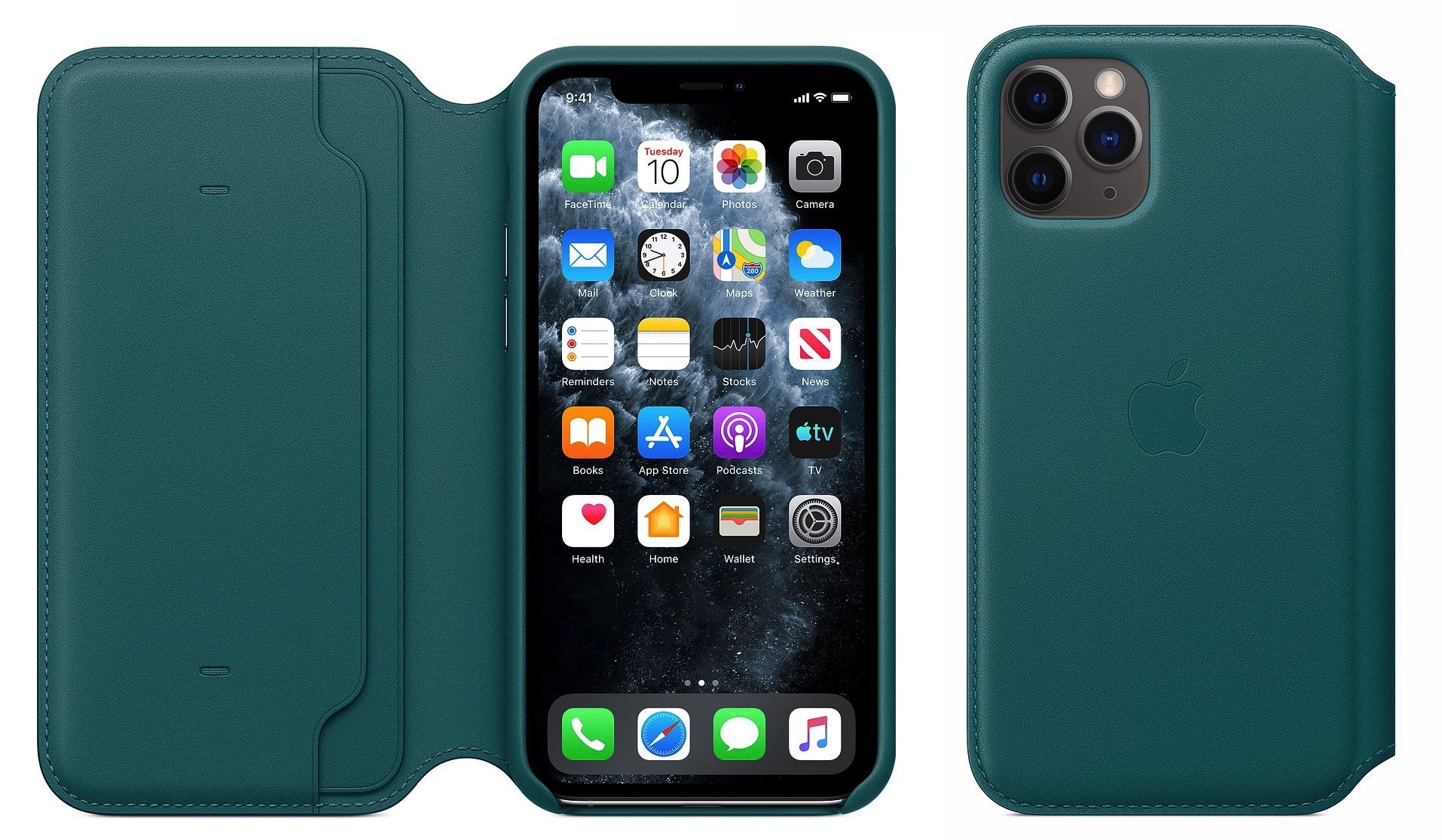
That's Peacock color, in case you were wondering! Photo: Apple
It might not be quite as big news as a new iPad Pro or MacBook Air, but Apple Wednesday unleashed a slew of new iPhone cases, Apple Watch bands, and iPad cases.
And all in seasonal spring colors, too. You know, just in case we forget what the outside world looks like while we’re all self-isolating!
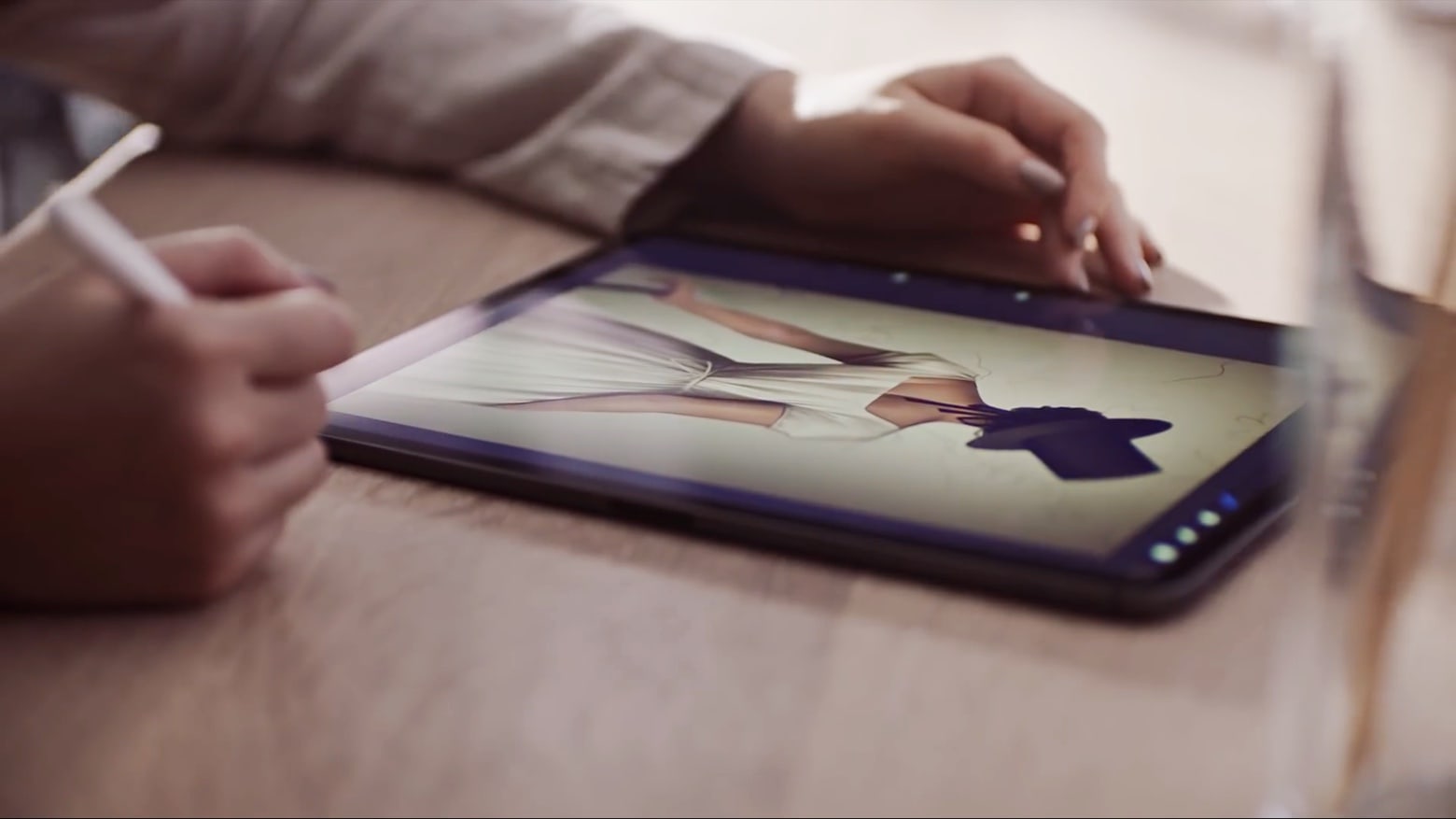
Are you excited about getting your hands on a new iPad? Photo: Apple
New 11-inch and 12.9-inch iPads look to be gearing up for release, according to information found in pre-release database filings.
An iPad with the model identifier A2229 was added to the Eurasian Economic Commission database Monday. This iPad database filing is necessary for devices to be sold in Russia and other countries. Meanwhile, listings for models including new 11-inch and 12.9-inch iPad Pros, were spotted in Chinese documentation later that day.
Unfortunately, Apple's not able to match demand with supply. Photo: Apple
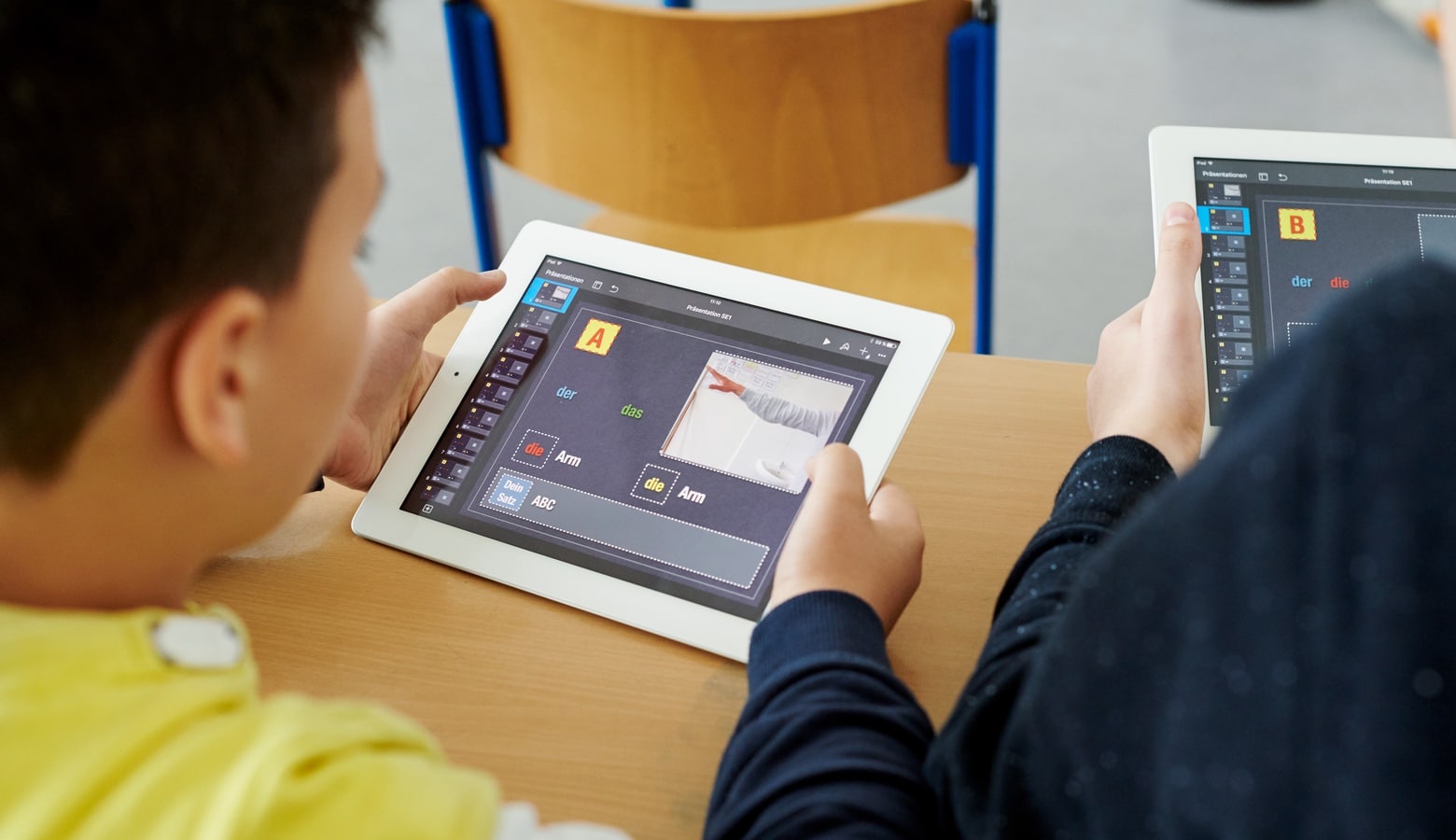
The spread of the COVID-19 novel coronavirus might have negatively impacted iPhone sales in China, but it may have also helped boost demand for iPads in the country.
According to a new report, iPads have experienced a surge in demand as families buy the tablets to carry out e-learning at home due to coronavirus-related school closures.
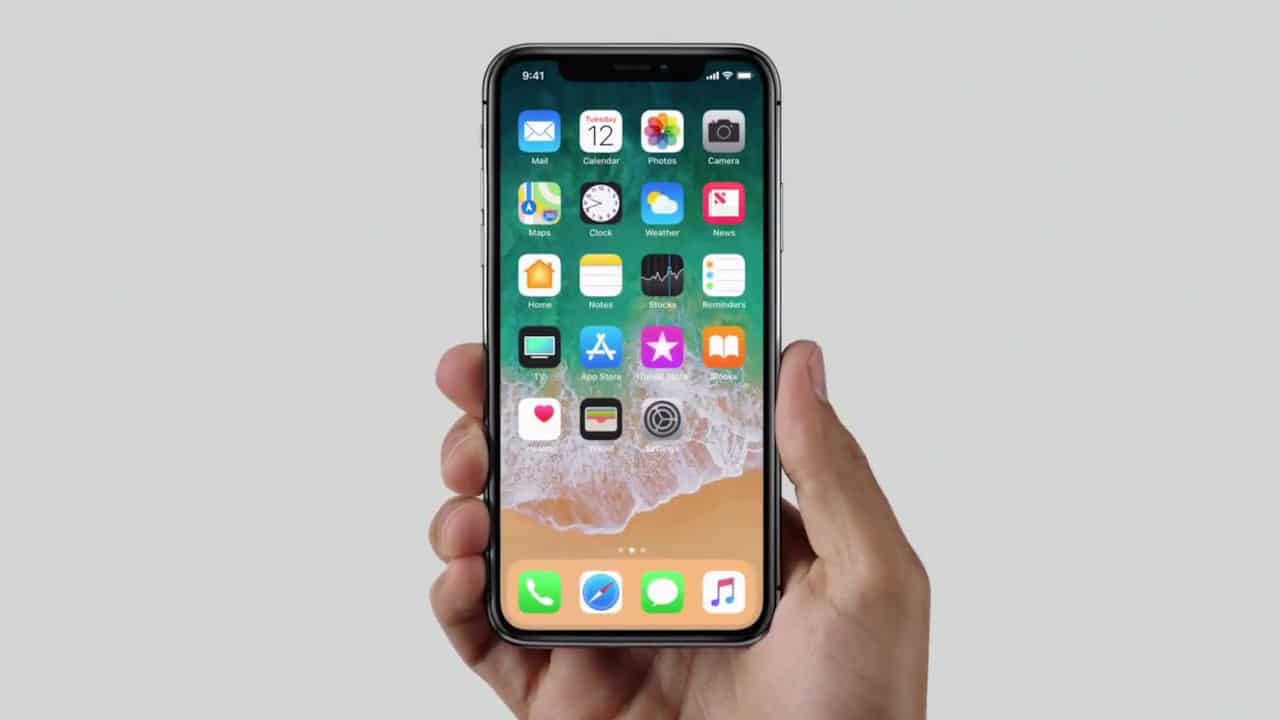
iOS 14's Home screen could be very different. Photo: Apple
iOS 14 will ship with a brand-new Home screen layout that allows users to arrange icons in a list, according to a new report. The view is expected to be customizable and will incorporate Siri Suggestions for making your most frequently used apps easier to access.
It could be the biggest change to the Home screen since the first version of iOS debuted with the original iPhone in 2007.
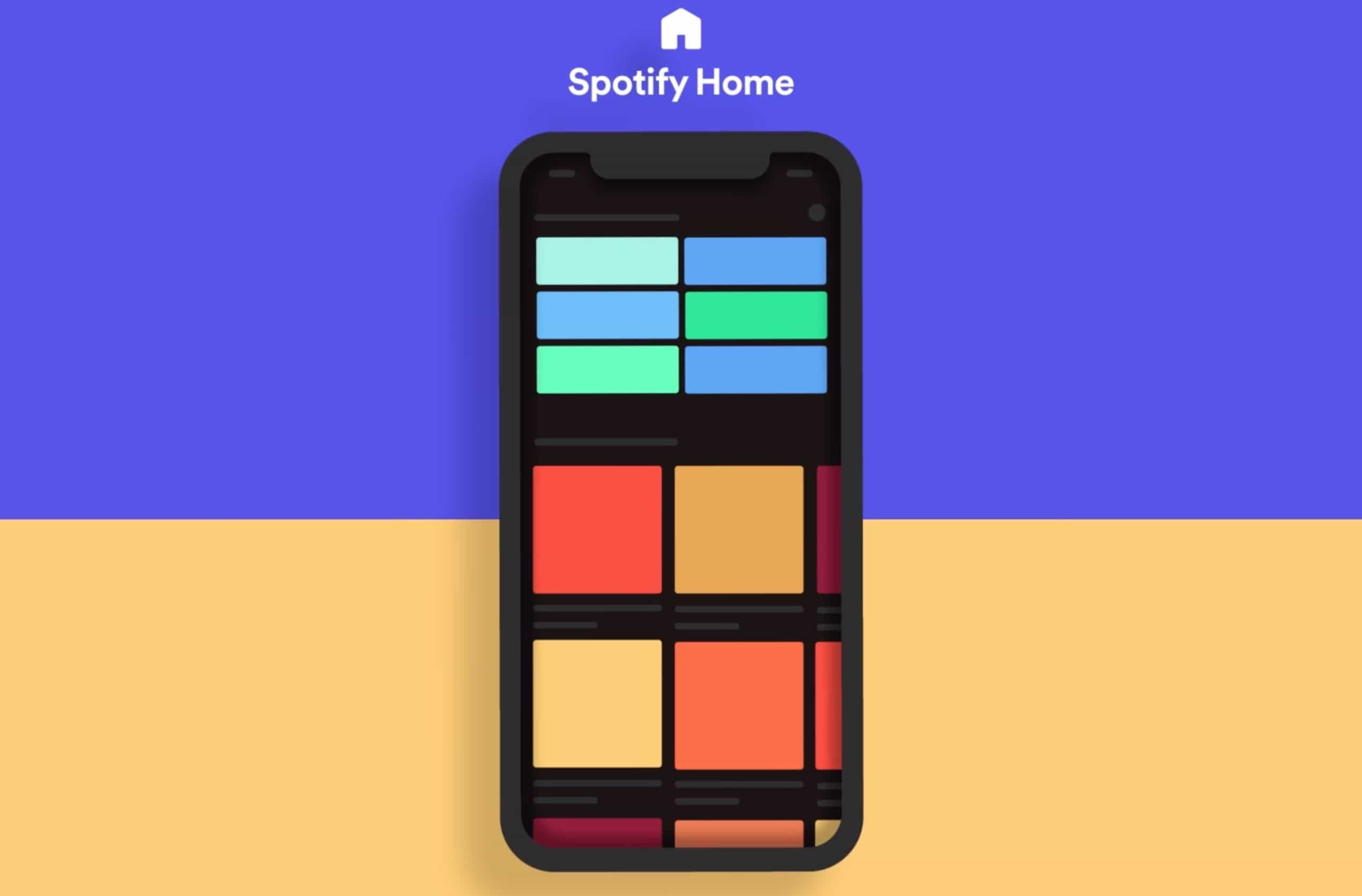
Spotify is making it a lot faster to find your favorite music or new things to listen to with a big update for its iOS app today.
The music streaming service revealed it overhauled the Home screen on its iPhone and iPad app, packing it with more content you love and better discovery and recommendation features that change throughout the day.
Exciting news for full-time iPad users. Photo: Apple
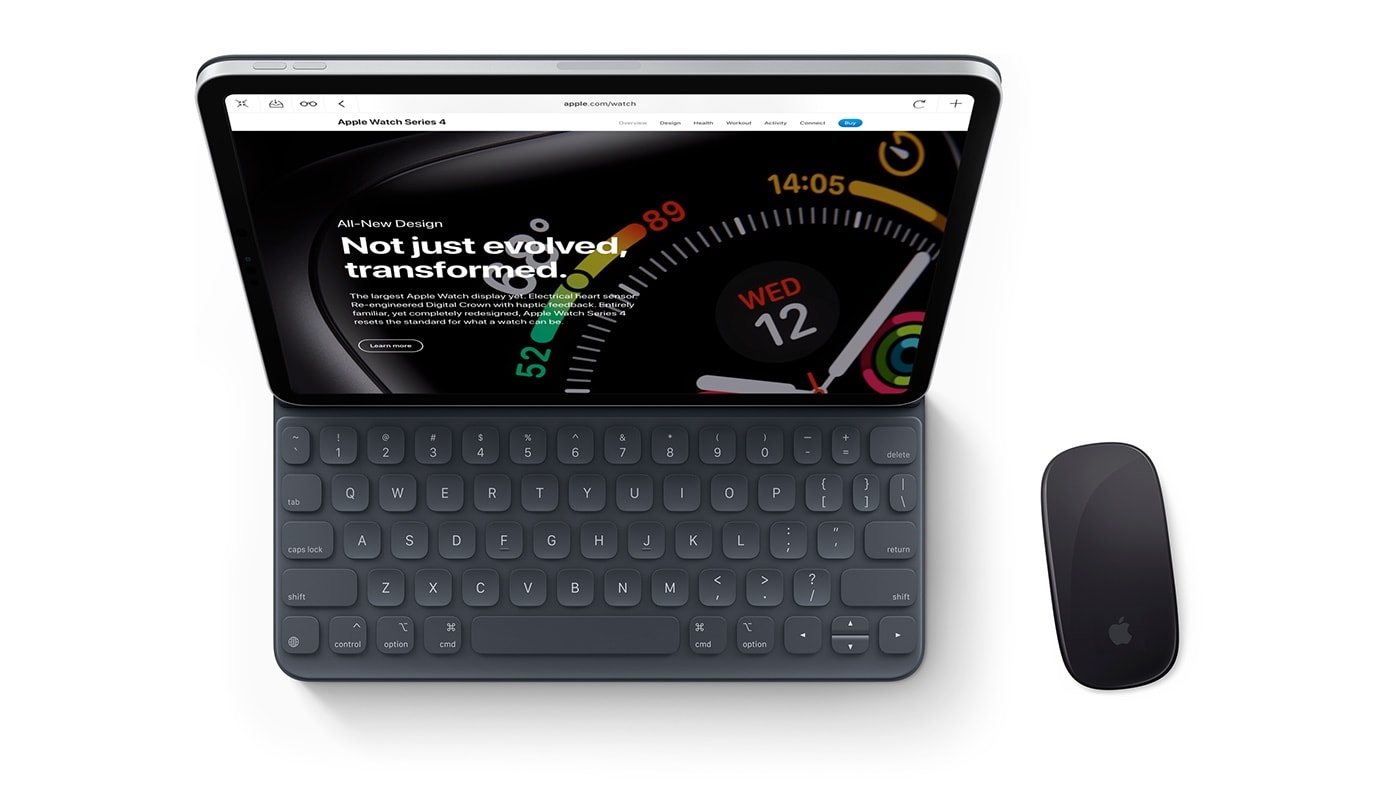
Apple is planning huge improvements to mouse support on iPhone and iPad for its iOS 14 update, a new report claims.
It is believed users will see more traditional cursor options — like those you’re used to seeing on desktops. Apple is also expected to add new gestures that will work alongside a new Smart Keyboard with built-in trackpad.
iPad multitasking, Split Screen and all that stuff, has been getting a bad rap recently, and rightly so. It’s a mess. But amidst this storm of iPad hatred, there’s one great feature that stays great: Slide Over. On the iPad, Slide Over lets you dock a mini, iPhone-size version of an app over on the right side of the screen. You can swipe this away to hide it, and swipe again to bring it back out.
That’s cool, and very handy (as we shall see in a moment). But even better is that you can dock a whole bunch of apps over there, ready to use, and then fan out the stack to help pick the one you want. Let’s take a look. You’re going to love this.
Don't let your iCloud Drive end up looking like this. Photo: lle dnuor/Unsplash
By default, Safari on iOS downloads all files to a folder in your iCloud. This means you can access those files from all your devices. But it also means those files fill up your iCloud Drive. Worse, every megabyte you download also gets uploaded back to iCloud, doubling your bandwidth usage.
Today we’ll see how to change the location of your Safari downloads folder in iOS 13.
The first jailbreak that works on Android. Photo: Stblr/Reddit
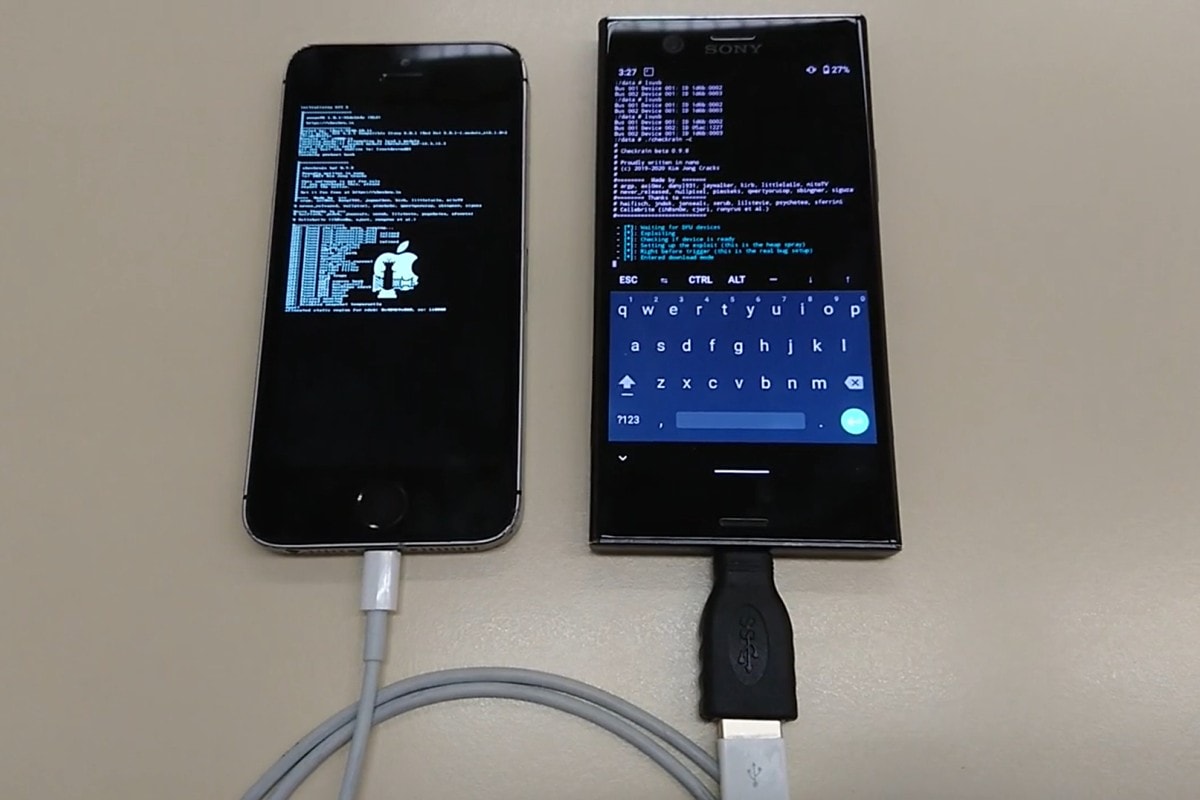
Checkra1n, the newest jailbreaking tool for iPhone, has some big advantages over its predecessors. It’s the first to successfully crack iOS 13. It works across system updates. And it’s the only one that lets you jailbreak your iPhone using an Android.
The incident took place in early February, although details are only being shared now. Photo: Ste Smith/Cult of Mac
Apple’s “Find My” app was used by police in Australia to track two men from the air in a dramatic police chase, following an iPad stolen during a home invasion.
The Sydney Morning Herald notes that 29-year-old Vaatoa Chang and 36-year-old Jonas Montealegre carried the iPad with them as they switched stolen cars. The pursuit, which took place February 4, lasted for two hours.
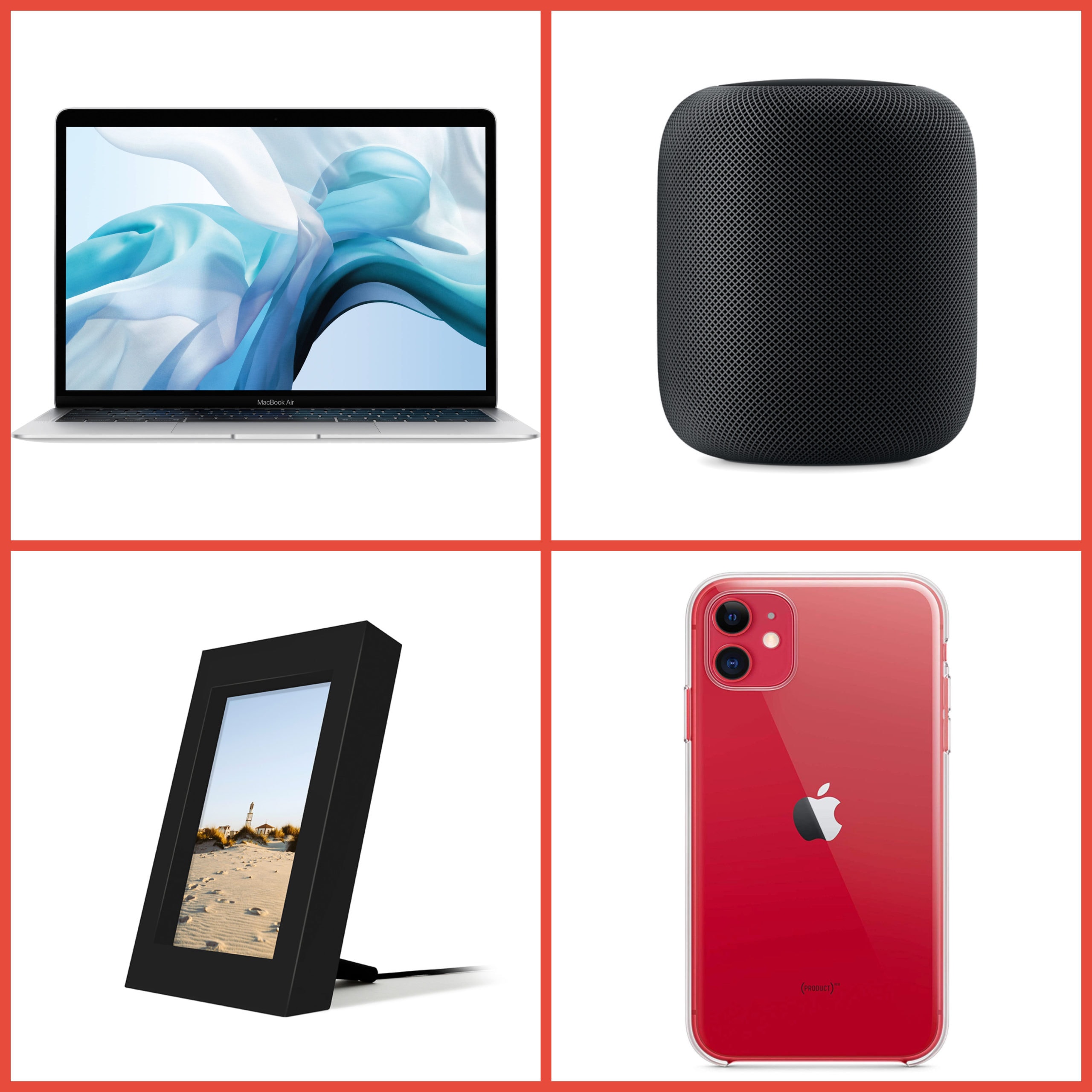
And get Apple's official Clear Case for iPhone 11 at 18% less. Photos: Apple, Twelve South
Apple’s brilliant HomePod speaker is back to its lowest price yet. Best Buy is matching its big Black Friday discount by slashing $100 off the usual price for a limited time only.
That’s just one of the awesome offers in today’s Deals & Steals roundup. Other highlights include:
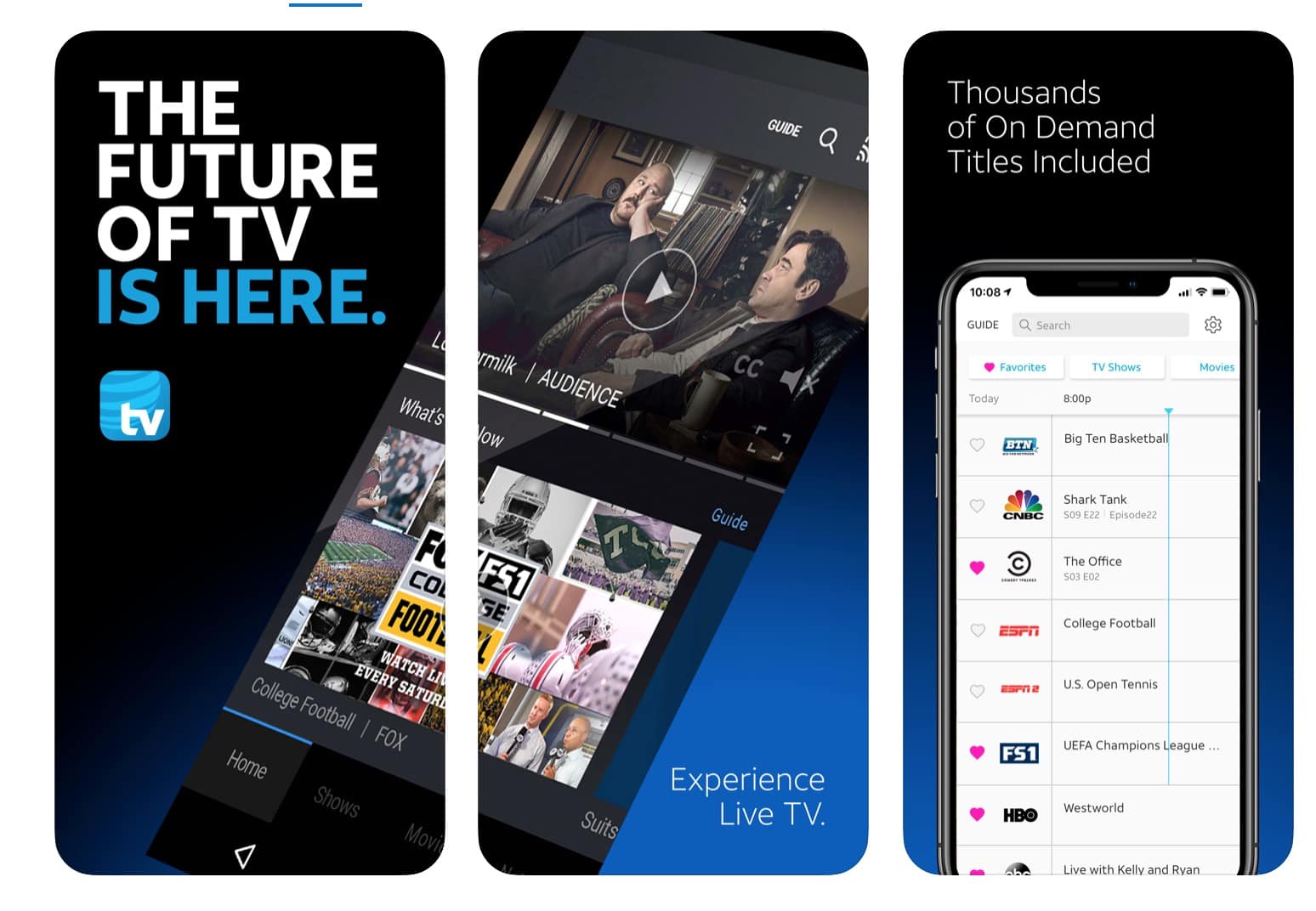
AT&T TV can be streamed from your iPhone. Photo: AT&T
AT&T’s latest cable replacement for cord-cutters, AT&T TV, launched nationwide today, replacing the streaming service DirecTV Now.
The carrier is offering big discounts to customers that sign a 24-month contract for AT&T TV which allows you to stream live sports, news, shows, and on-demand titles for a monthly fee. The only problem is it might not be much cheaper than your old cable bill.
Care packages sent to Apple employees stuck in China include cookies and chocolate. Oh yeah, and a free iPad. Photo: Weibo
Apple reportedly is sending care packages to its employees who are stranded in China by the COVID-19 coronavirus. And among the face masks, hand sanitizer and cookies is a slightly more expensive item: an iPad.
You might think you know a lot about the iPad, but ... Photo: Malvern Graphics/Cult of Mac
While the iPad was arguably the purest distillation of Steve Jobs’ computing philosophy, even dyed-in-the-wool Apple fans don’t know everything about the revolutionary tablet.
Whether you’re an Apple newbie who’s just learning the differences between the iPad Air and the iPad Pro or a longtime fan who calls Cupertino products by their code names, there’s always a bit more to find out.
Here are 10 things you (probably) don’t know about the iPad.
Apple's AirTags may be far more powerful than we thought...
This week on The CultCast: Apple’s first ARM-based Mac is headed our way — we’ll tell you what we know. Plus, Apple’s new AirTags tracking tiles will be unlike anything we’ve seen, and way more powerful than we thought. We discuss! And stay tuned — we’ll tell you the weird rule Apple makes big movies follow if they want to put iPhones or Macs on the silver screen.
Out thanks to Squarespace for supporting this episode. Easily create a beautiful website all by yourself, at Squarespace.com/cultcast, and use offer code CultCast at checkout for 10% off your first purchase.
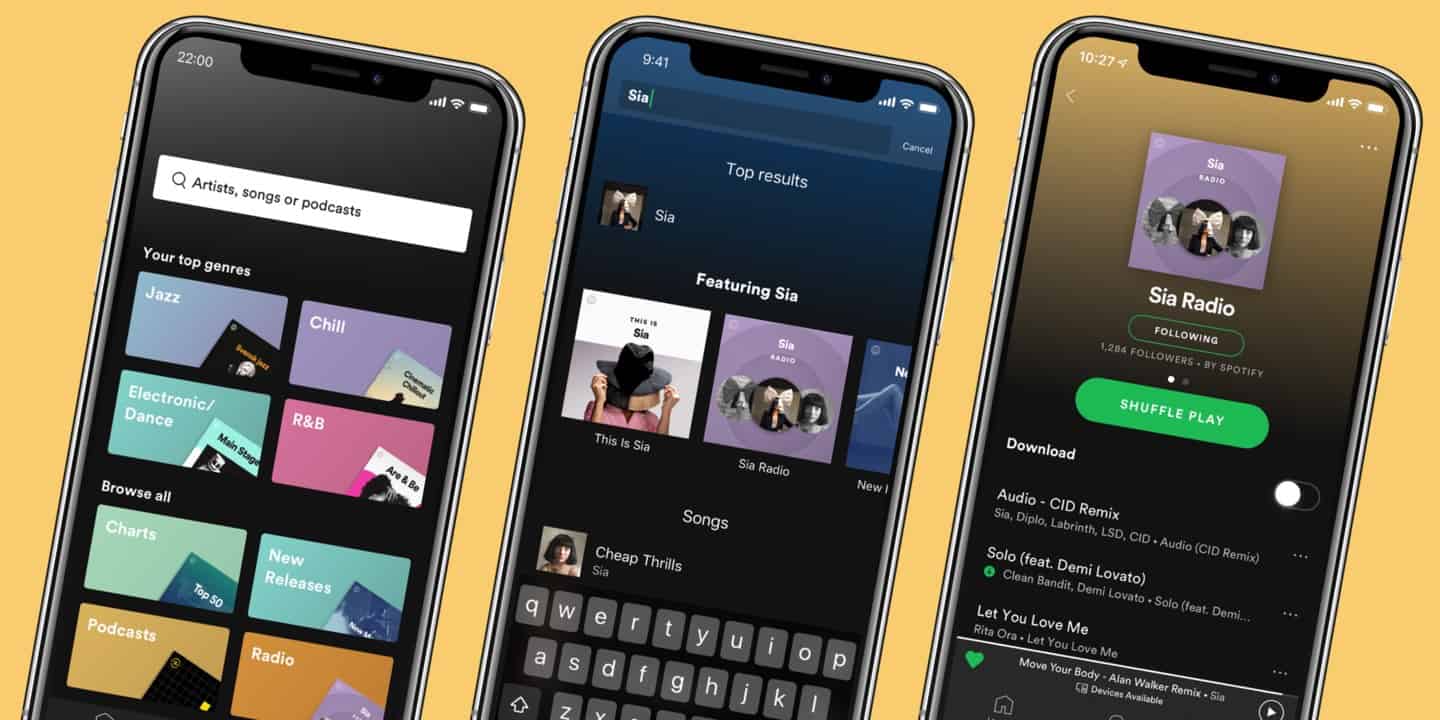
Spotify just pushed out a big update for iPhone. Photo: Spotify
Spotify is rolling out some big UI changes as part of its latest update for its iOS app.
The new UI tweaks bring a more streamlined experience to Apple Music’s biggest rival, including a universal ‘Shuffle Play’ button that combines the app’s two most-pressed icons into one button.
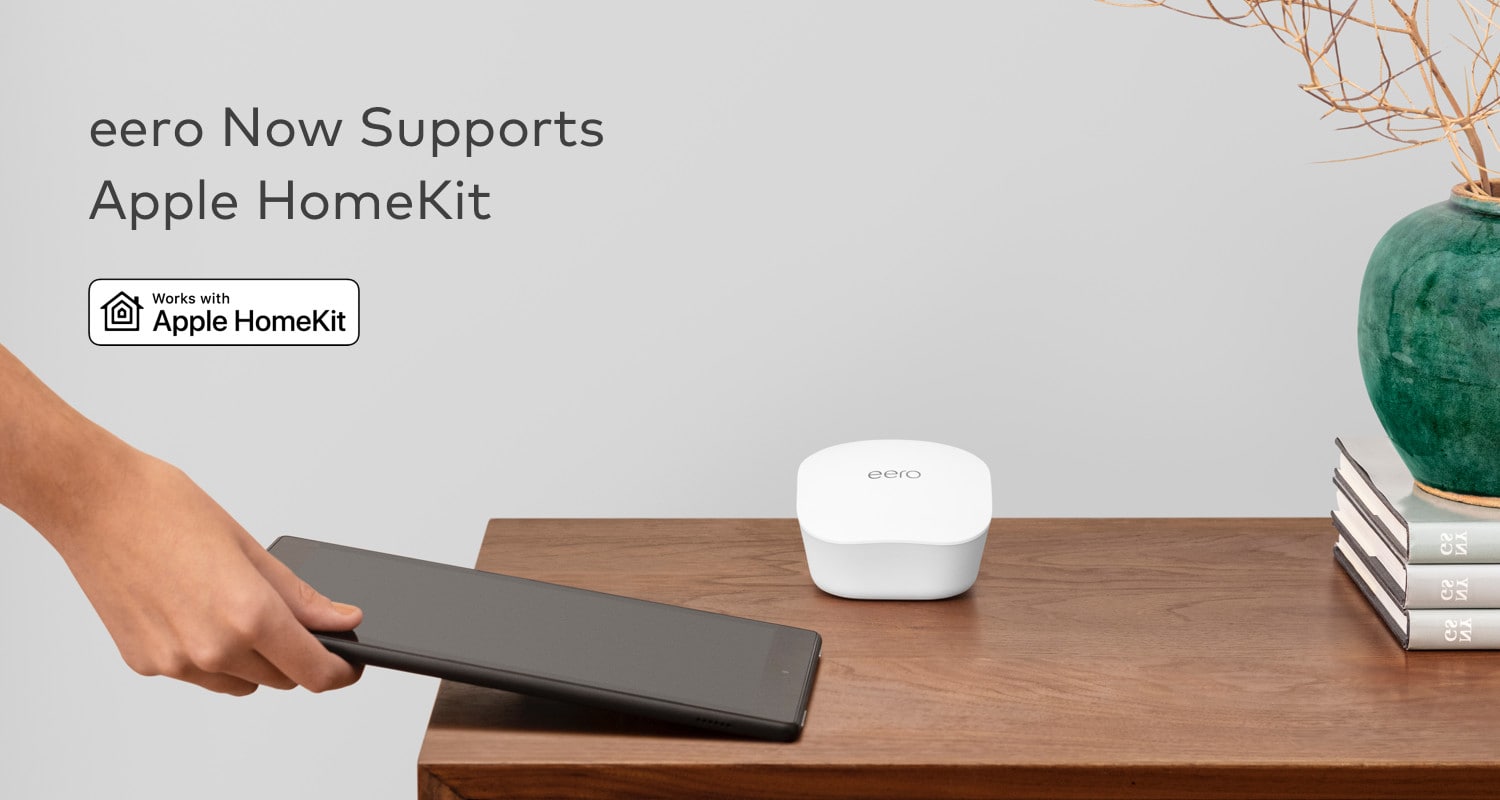
Some of the best mesh-routers on the market is finally adding support for Apple’s HomeKit.
Eero revealed today that its devices can now be added to the Home app on iPhone and iPad. The update allows you to control aspects of the eero routers remotely and also adds extra protections for other HomeKit accessories in your house.
You still need a Mac or PC for now. Photo: Cult of Mac
Apple’s mission to eliminate cables could take a big leap forward this year. New code in the iOS 13.4 beta suggests the company will finally give users the ability to restore iPhone and iPad software over-the-air.
The 'She Creates' sessions will be available all of March. Photo: Apple
Apple plans to celebrate International Women’s Day throughout the entire month of March with some special Today at Apple sessions that encourage women to explore their creativity.
The new ‘She Creates’ series of sessions will be available at Apple Stores from March 1 to March 31, giving visitors hands-on training for coding, photography, augmented reality and more.
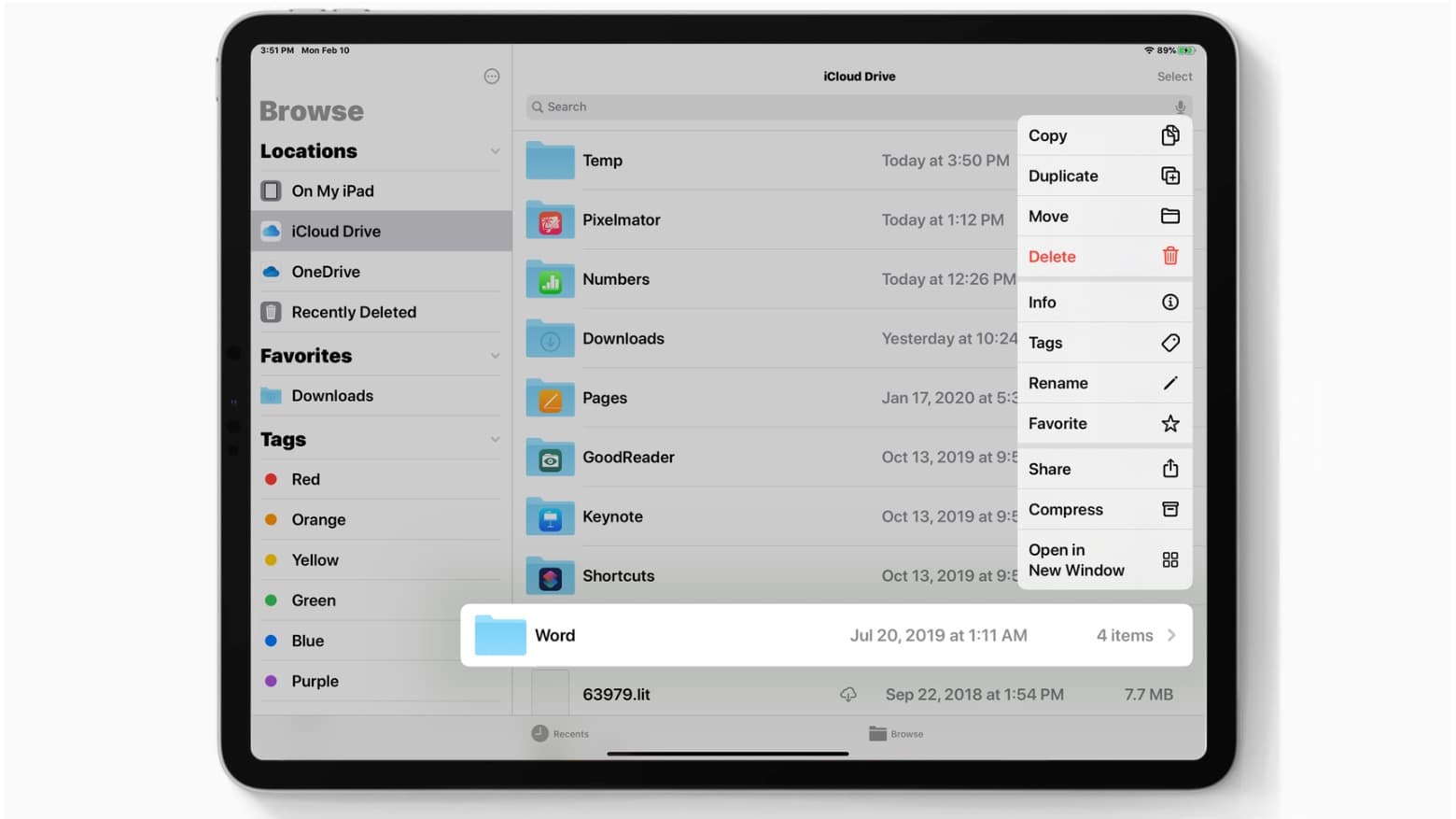
iCloud folder sharing finally arrives in iPadOS 13.4, and iOS 13.4 too. Photo: Ed Hardy/Cult of Mac
Apple seeded the second beta build of iOS 13.4 and iPadOS 13.4 to developers this morning bringing a bunch of bug fixes and some small new features to the iPhone and iPad.
Included among the changes are some more changes to the controversial toolbar in the Mail app. Apple also added some under-the-hood improvements and some changes to how location authorization works in apps.
Apple is shifting a portion of AirPods, iPad and Apple Watch production from China to Taiwan as the tech giant continues to deal with coronavirus-related delays in China.
The virus, called COVID-19, has forced Apple to diversity on the fly its China-reliant production model. Much of the country remains quarantined and restricted in travel, and Apple assembly and supply partners are unable to operate at full capacity.
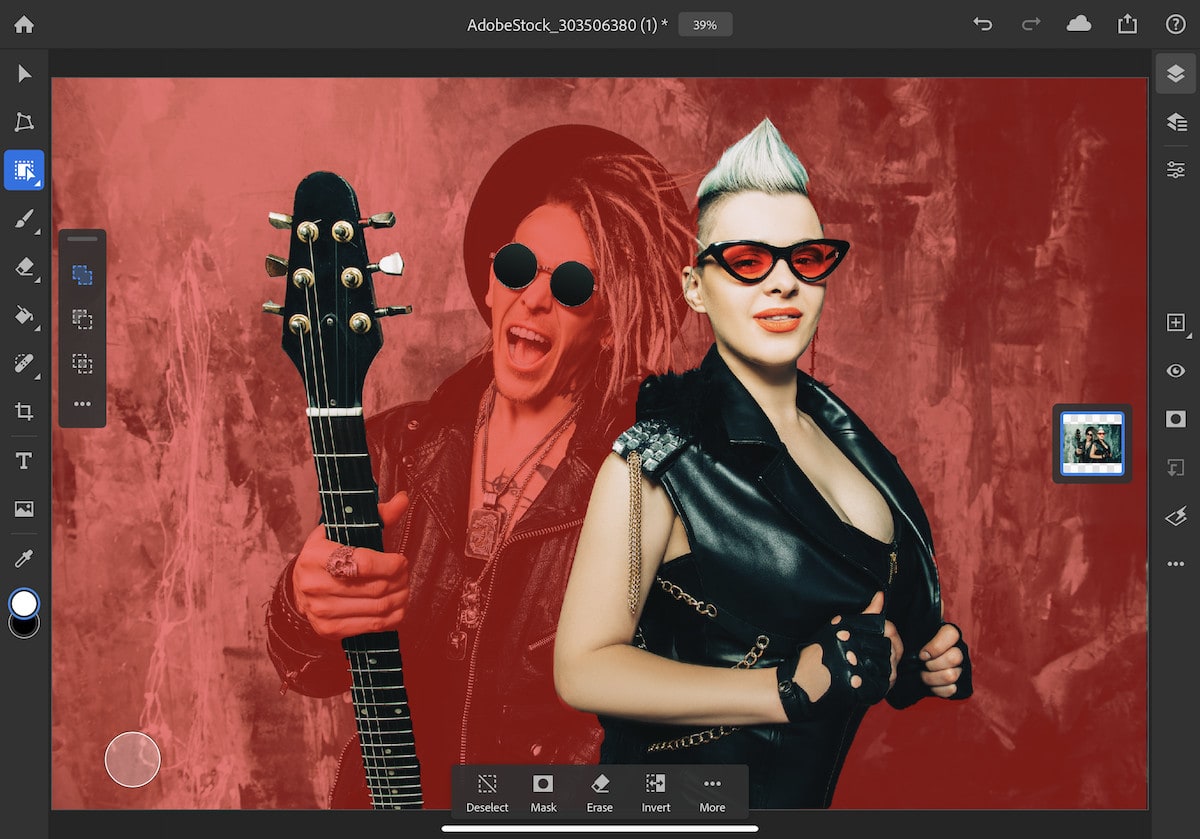
The new Object Selection tool works like magic. Photo: Adobe
Photoshop turns 30 today, and to celebrate this massive milestone, Adobe is rolling out some handy new tools for the iPad version of its app.
The latest update brings an Object Selection tool and Type settings. They help bring Photoshop for iPad a little bit closer to the desktop version, and they’re part of Adobe’s mission to deliver a “continuous stream” of new features.
There are some nice additions for Photoshop on desktop, too.