Is your internet connection fit for video streaming? Or is your service provider throttling you every time you attempt to watch your favorite movies and TV shows? It’s now easy to find out with just your iPhone.
We’ll show you how.
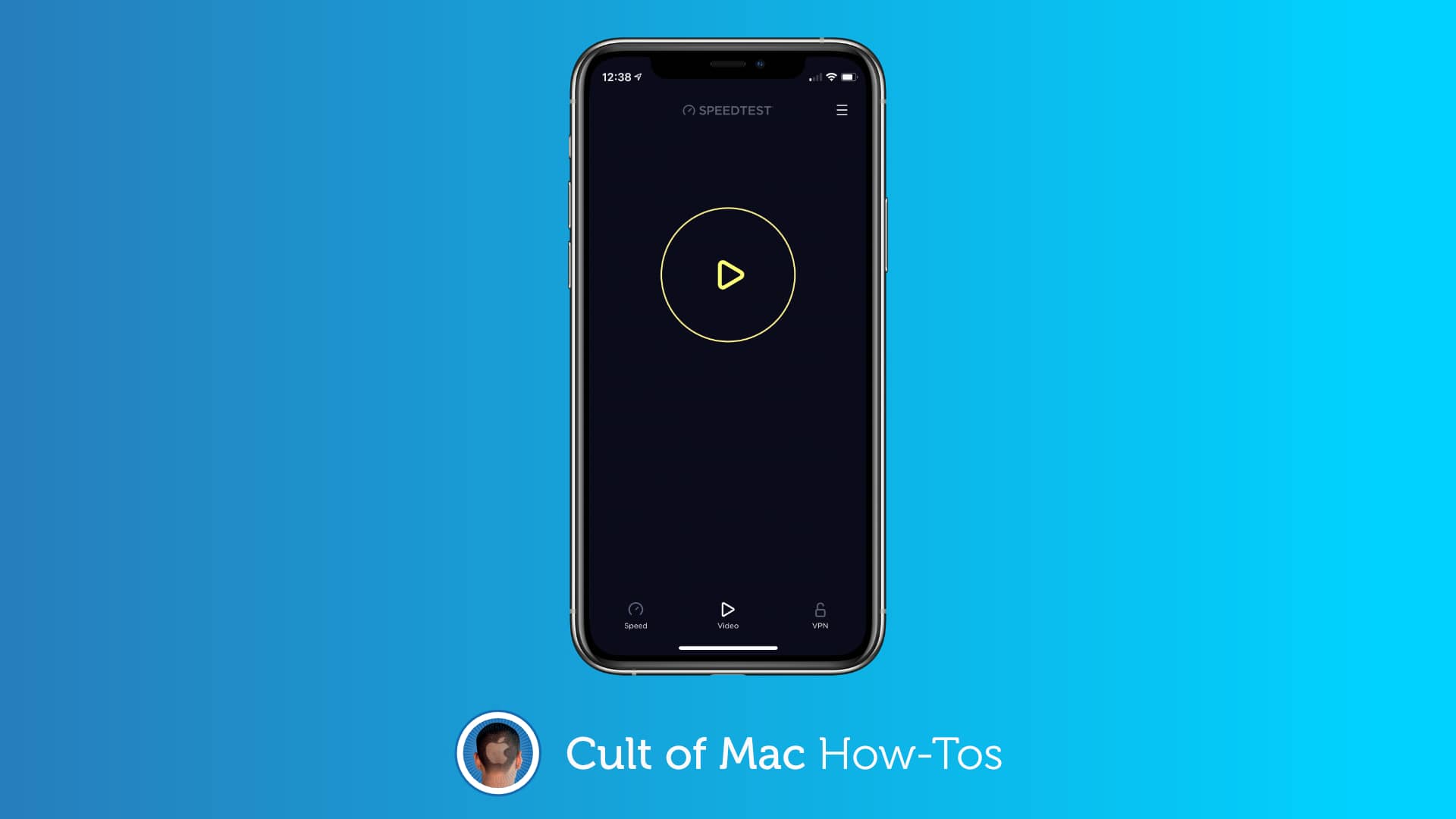
Is your internet connection fit for video streaming? Or is your service provider throttling you every time you attempt to watch your favorite movies and TV shows? It’s now easy to find out with just your iPhone.
We’ll show you how.


 Have you ever found yourself snapping multiple screenshots when you want to share or save an entire webpage on iPhone and iPad? There is an easier way — a neat trick to capture the whole thing in an instant.
We’ll show you how in this pro tip.
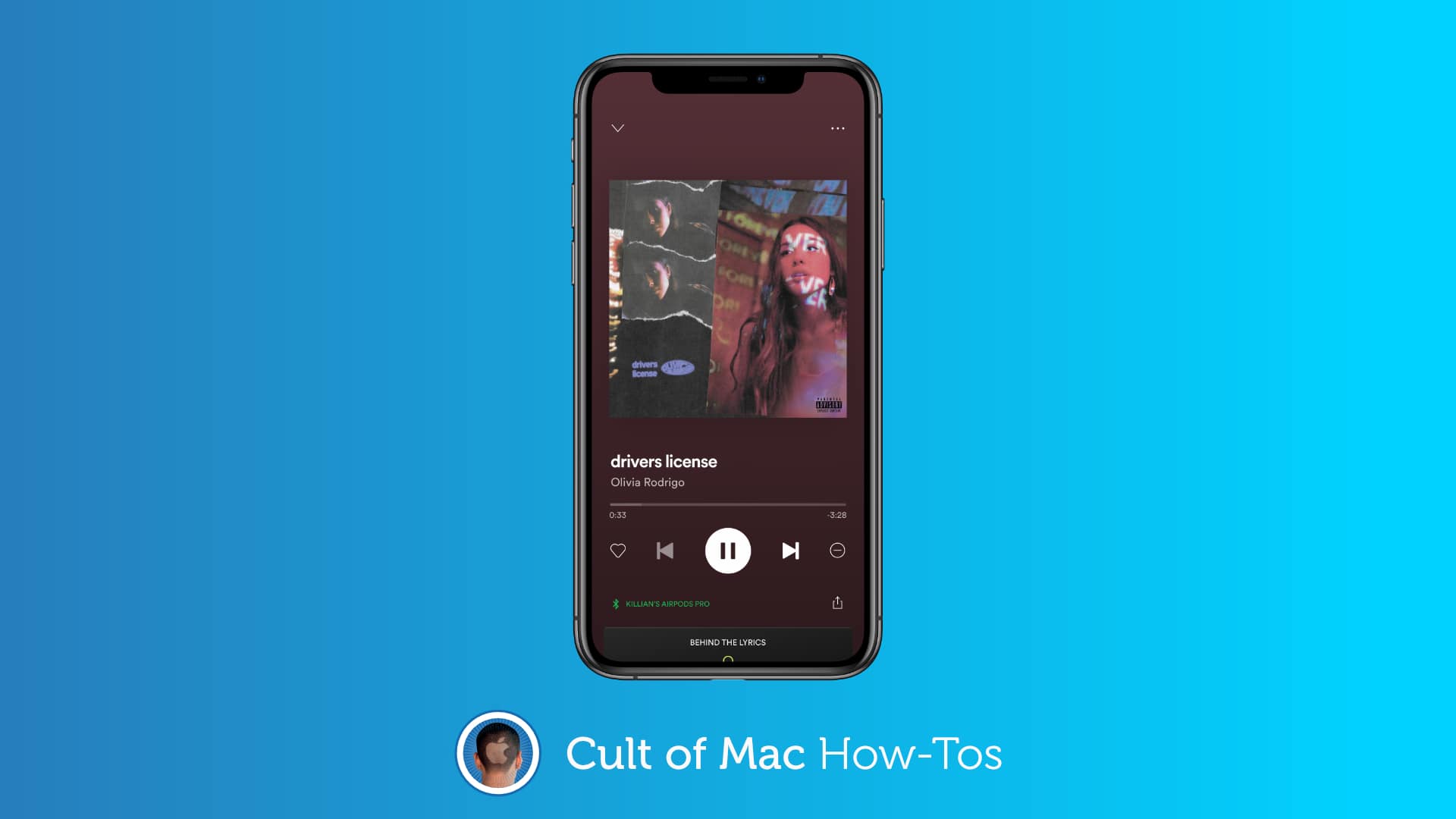
The recently released iOS 14.5 beta gives iPhone and iPad users the ability to change their default music player for the first time. Third-party apps like Spotify and Tidal are supported, and switching is super-simple.
We’ll show you how.

PlayStation 5 and Xbox Series S/X controllers can finally be used to play games on iPhone and iPad in Apple’s newest iOS and iPadOS 14.5 betas, seeded to developers on Monday.
We’ll show you how to set them up so that you’re ready to go as soon as iOS 14.5 rolls out to everyone.

This refurbished device post is presented by Australia-based reseller Phonebot.
Every year, millions of people around the world flock to stores and wait online for the biggest sales events of the year: end of financial year sales, Boxing Day deals and Black Friday. These beloved events have become synonymous with massive discounts. Retailers everywhere offer attractive sale prices on electronics, smartphones and a ton of other products.
For many retailers, the focus these days tends to be on electronics. So if you are in the market for a new smartphone, these sales events are an optimal time to get one. You can count on seeing some significant discounts on the latest refurbished Android and iPhone models in different storage options.

Every parent knows that one of the most effective ways to appease an unhappy child is to hand them an iPad. And with the brilliant Little Buddy case from Laut, it’s finally safe to do so.
The Little Buddy’s lightweight yet rugged design, made from impact-resistant EVA foam, makes an iPad easy to carry around, and prevents it from shattering into pieces when it inevitably gets dropped.
It’s compatible with a wide range of iPad models, and it’s a bargain at under $35.
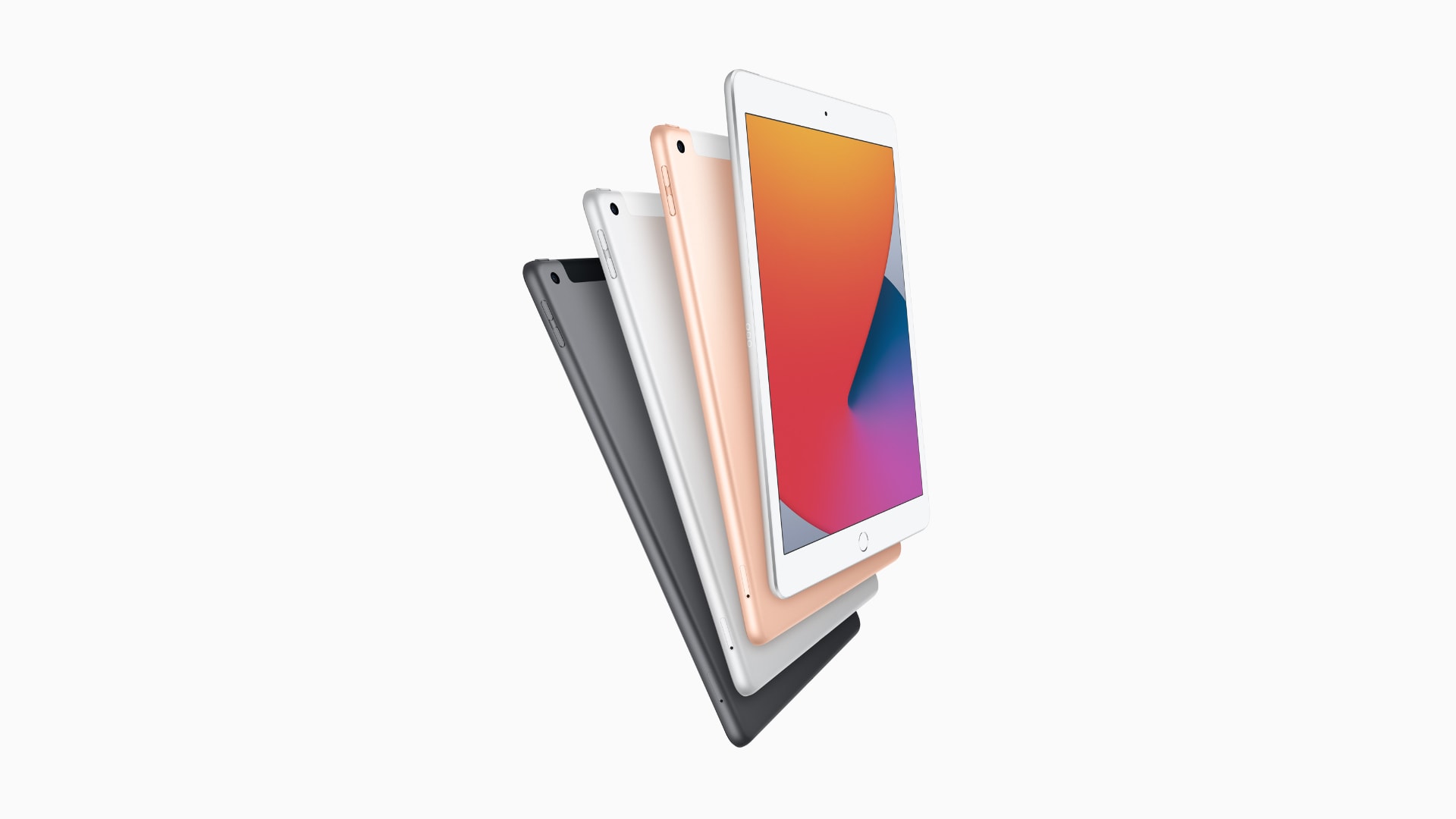
Pick up the best tablet money can buy for as little as $69.99 in Woot’s spectacular sale on iPad refurbs. There’s a huge range of models to choose from, and they’re all available at big discounts.
This sale is good for today only, so don’t miss out!
This post contains affiliate links. Cult of Mac may earn a commission when you use our links to buy items.
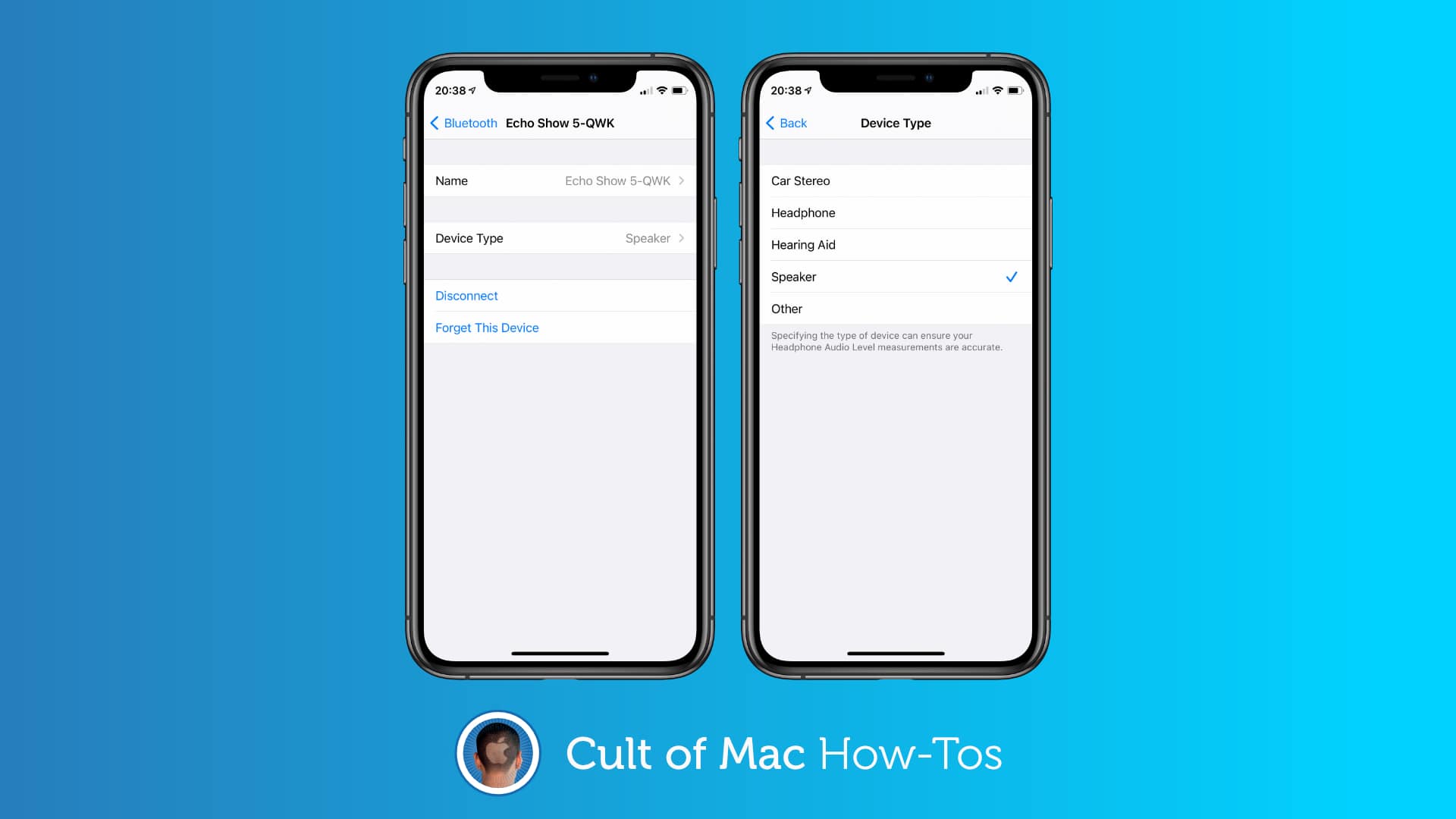
Apple’s new iOS 14.4 update, which rolled out to everyone Tuesday, gives us the ability to classify Bluetooth devices and accessories for the first time. Doing so helps make them work even better with iPhone and iPad.
We’ll explain why, and show you how to classify your connected Bluetooth devices in no time at all.
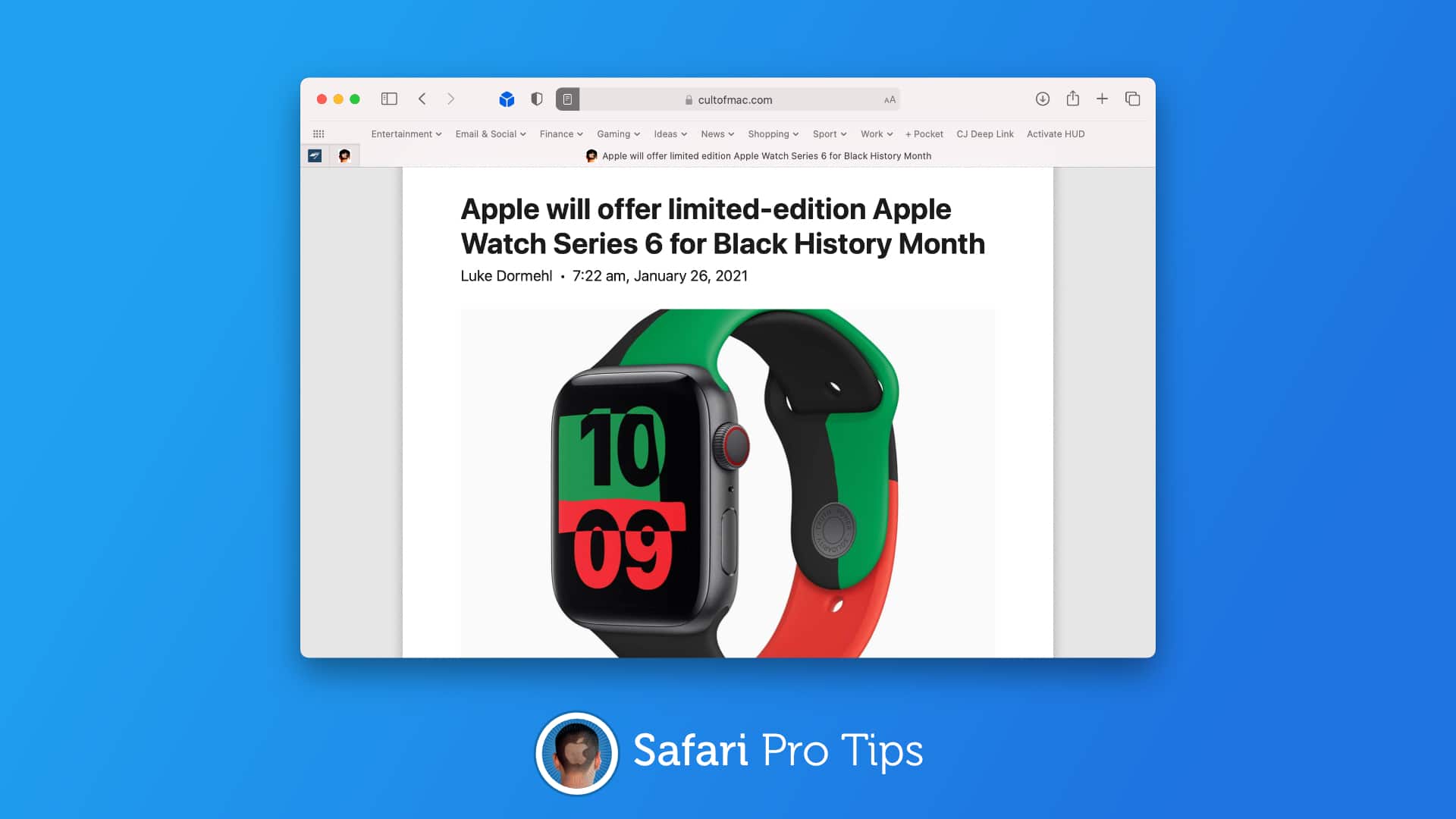
 We want to help you master Safari. Cult of Mac’s Safari Pro Tips series will show you how to make the most of Apple’s web browser on iOS and Mac.
Wouldn’t it be nice if you could strip out all the unnecessary bloat from your favorite websites so that they’re easier to read and faster to load? Well with Safari’s built-in Reader mode on Mac, iPhone, and iPad, you can.
What’s more, you can have Reader mode load automatically on every website you visit with a simple settings change. We’ll show you how in this Safari pro tip.
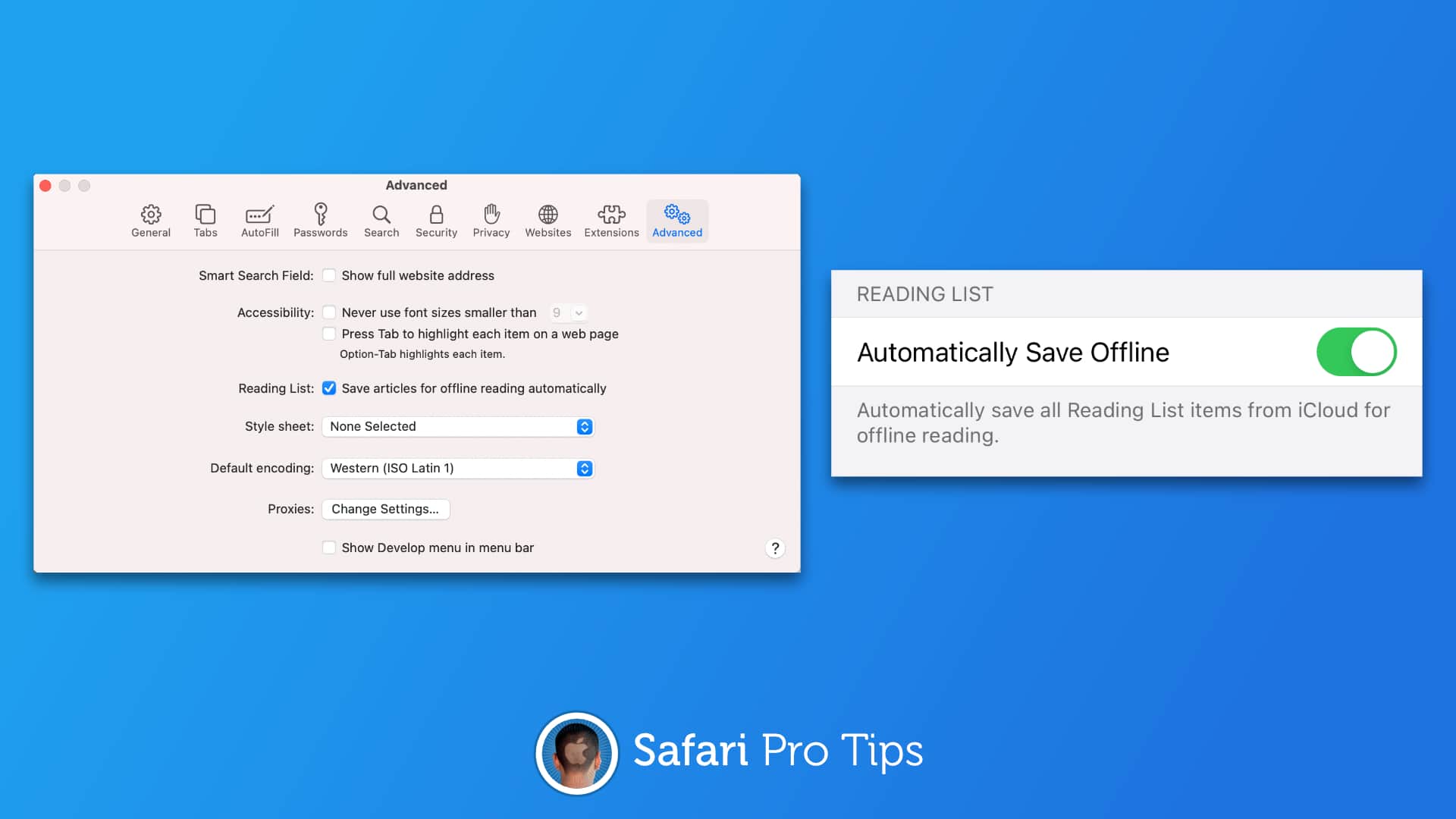
We want to help you master Safari. Cult of Mac’s Safari Pro Tips series will show you how to make the most of Apple’s web browser on iOS and Mac.
Need something to read on the go when you don’t have great data connectivity? Automatically save your Safari reading list to your iPhone, iPad, or Mac so that you can keep up with your favorite sites anytime, anywhere.
We’ll show you how in this Safari pro tip.
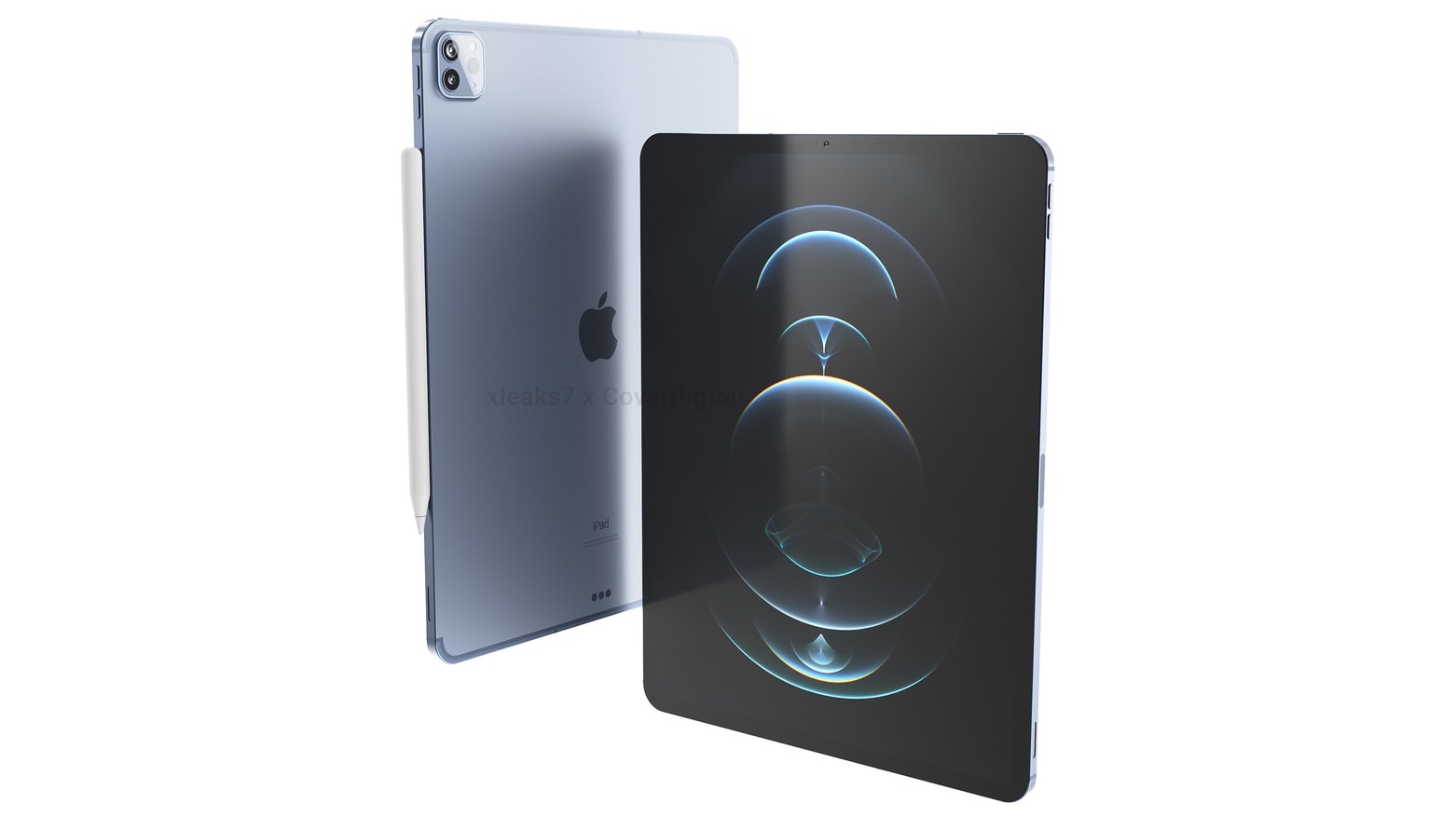
Apple will build even more magnets into the 2021 iPad Pro, according to a tipster. The same source also rendered images supposedly based on CAD drawings of the upcoming 12.9- and 11-inch versions.
Other changes rumored for Apple’s next top-tier tablet include an improved screen and optional 5G.
Foxconn is building a $270 million factory in Vietnam, likely in response to Apple’s desire to move some iPad and MacBook production out of China.
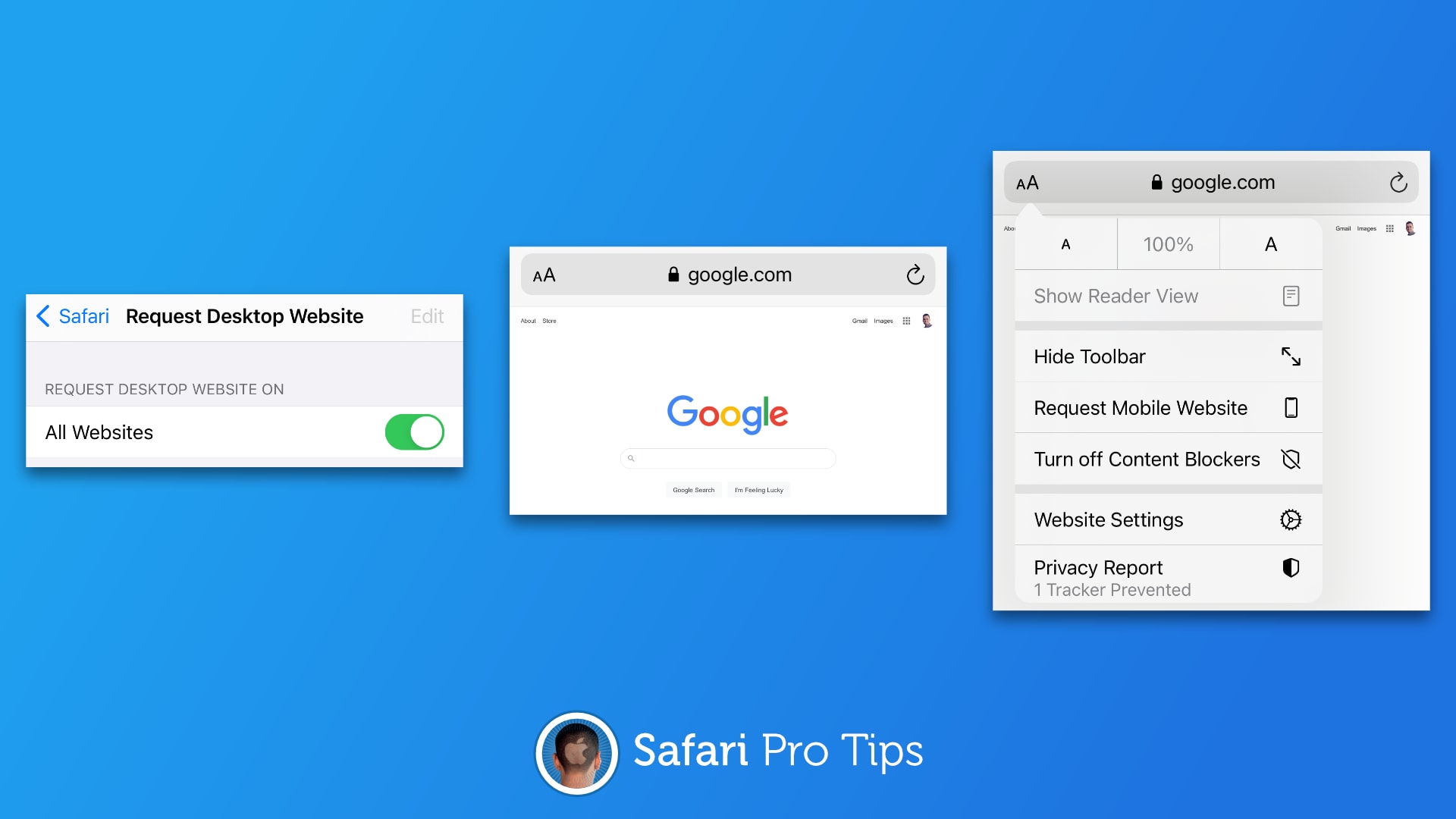
We want to help you master Safari. Cult of Mac’s Safari Pro Tips series will show you how to make the most of Apple’s web browser on iOS and Mac.
If you prefer an entirely unadulterated experience when browsing the web, you probably find yourself frequently loading websites in desktop mode in Safari on iPhone. But rather than having to enable this mode every time you visit a new site, you can have Safari fetch desktop websites automatically.
We’ll show you have to set it up in this Safari pro tip.
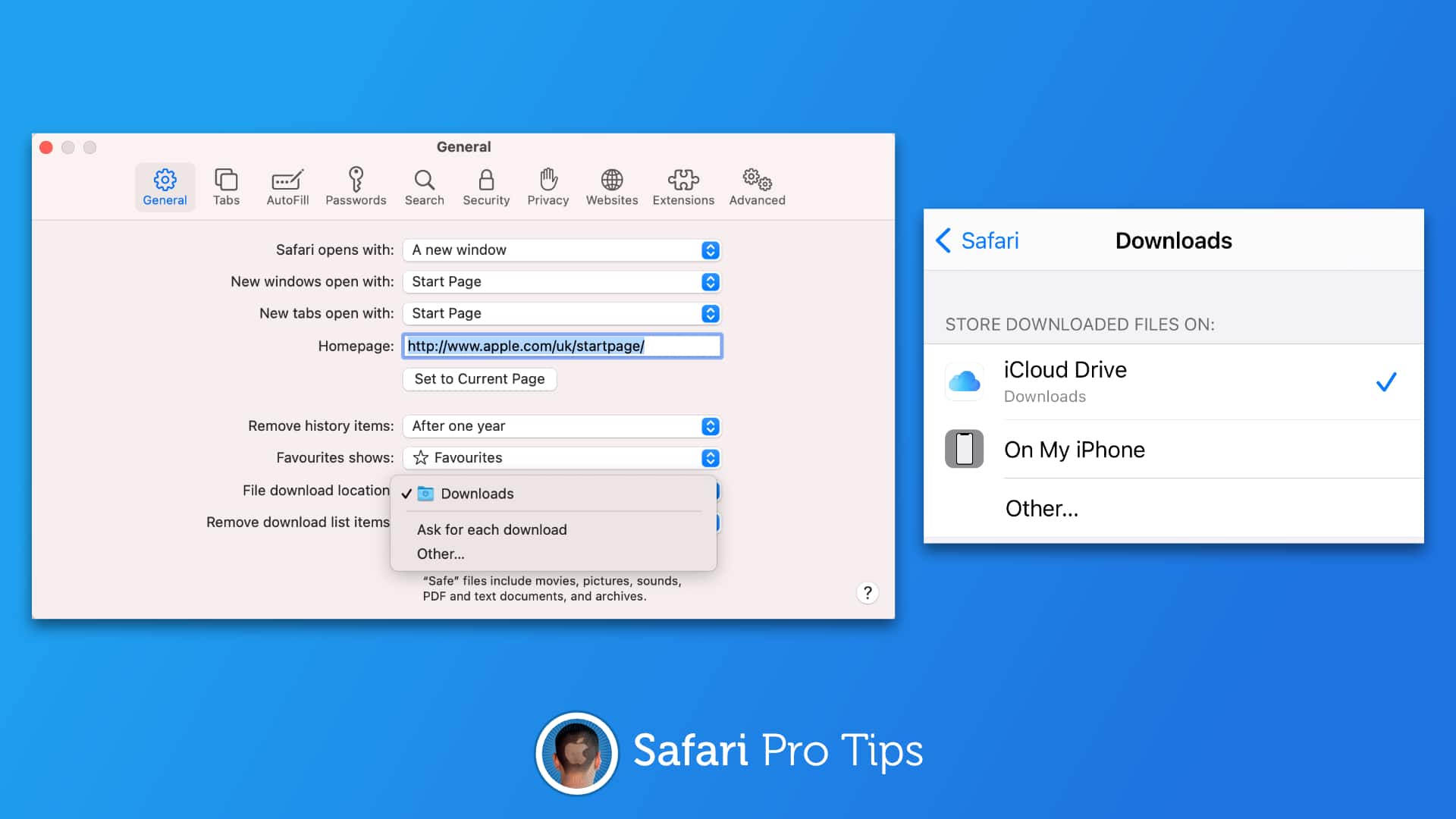
We want to help you master Safari. Cult of Mac’s Safari Pro Tips series will show you how to make the most of Apple’s web browser on iOS and Mac.
How many times have you downloaded something from the internet and then had to spend way too much time trying to figure out where it was saved? It’s probably a common occurrence — especially on iOS.
But did you know that you can tell Safari exactly where to save your downloads so that you never lose them? We’ll show you how in this Safari pro tip.

We want to help you master Safari. Cult of Mac’s Safari Pro Tips series will show you how to make the most of Apple’s web browser on iOS and Mac.
iOS, iPadOS, and macOS allow you to increase font sizes system-wide so that everything you do is easier to see. You can do a similar thing to make your favorite websites easier to read inside Safari.
We’ll show you how to use Page Zoom in this Safari pro tip.
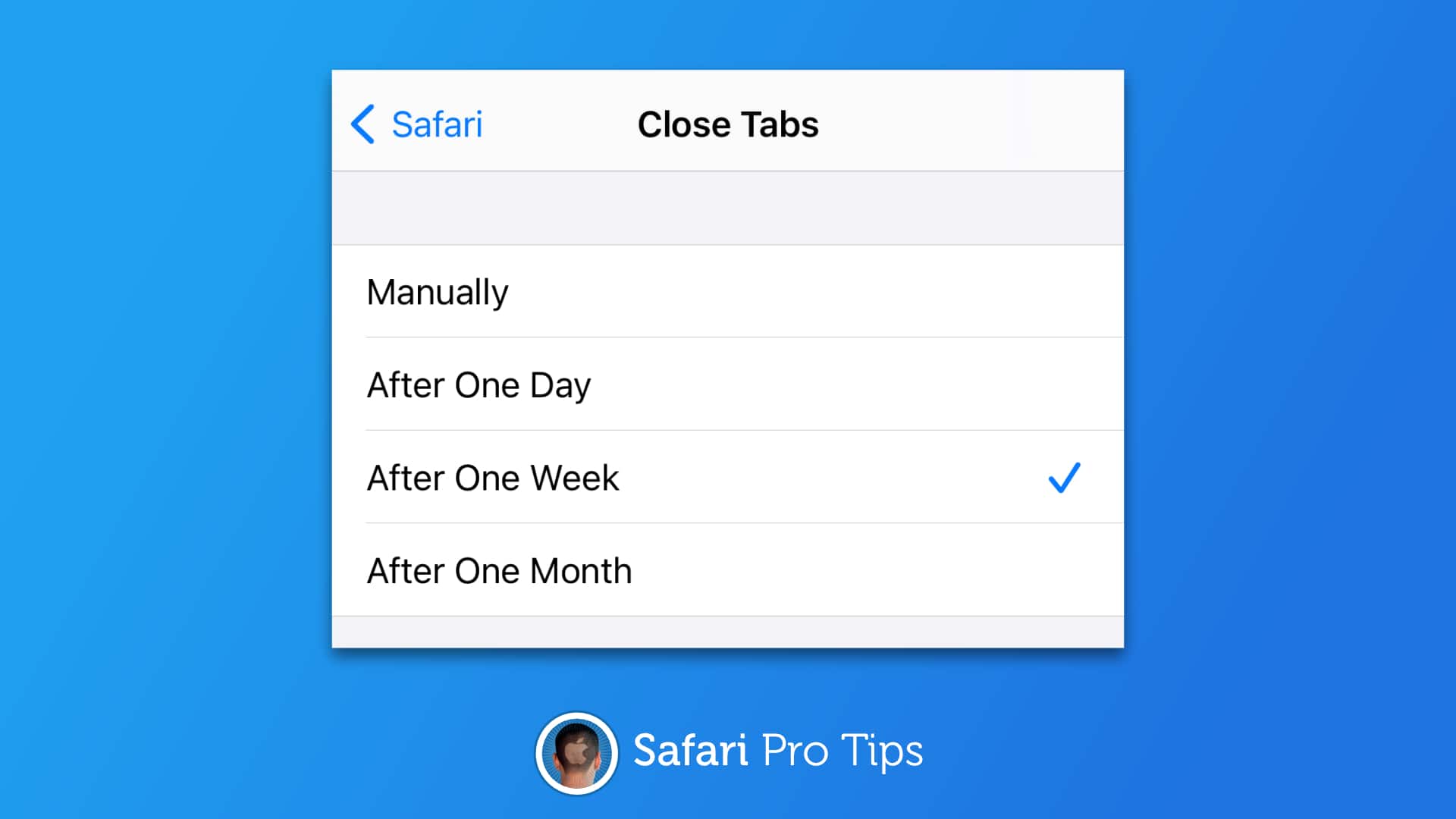
We want to help you master Safari. Cult of Mac’s Safari Pro Tips series will show you how to make the most of Apple’s web browser on iOS and Mac.
Are you an unwitting Safari tab hoarder? It’s easy to forget to close old tabs you no longer need — especially on iPhone, where the dozens of open tabs you’ve forgotten about aren’t always visible. But did you know that Safari can clear all your old tabs automatically after a certain period of time?
Find out how to set up automatic tab clearing in this Safari pro tip.
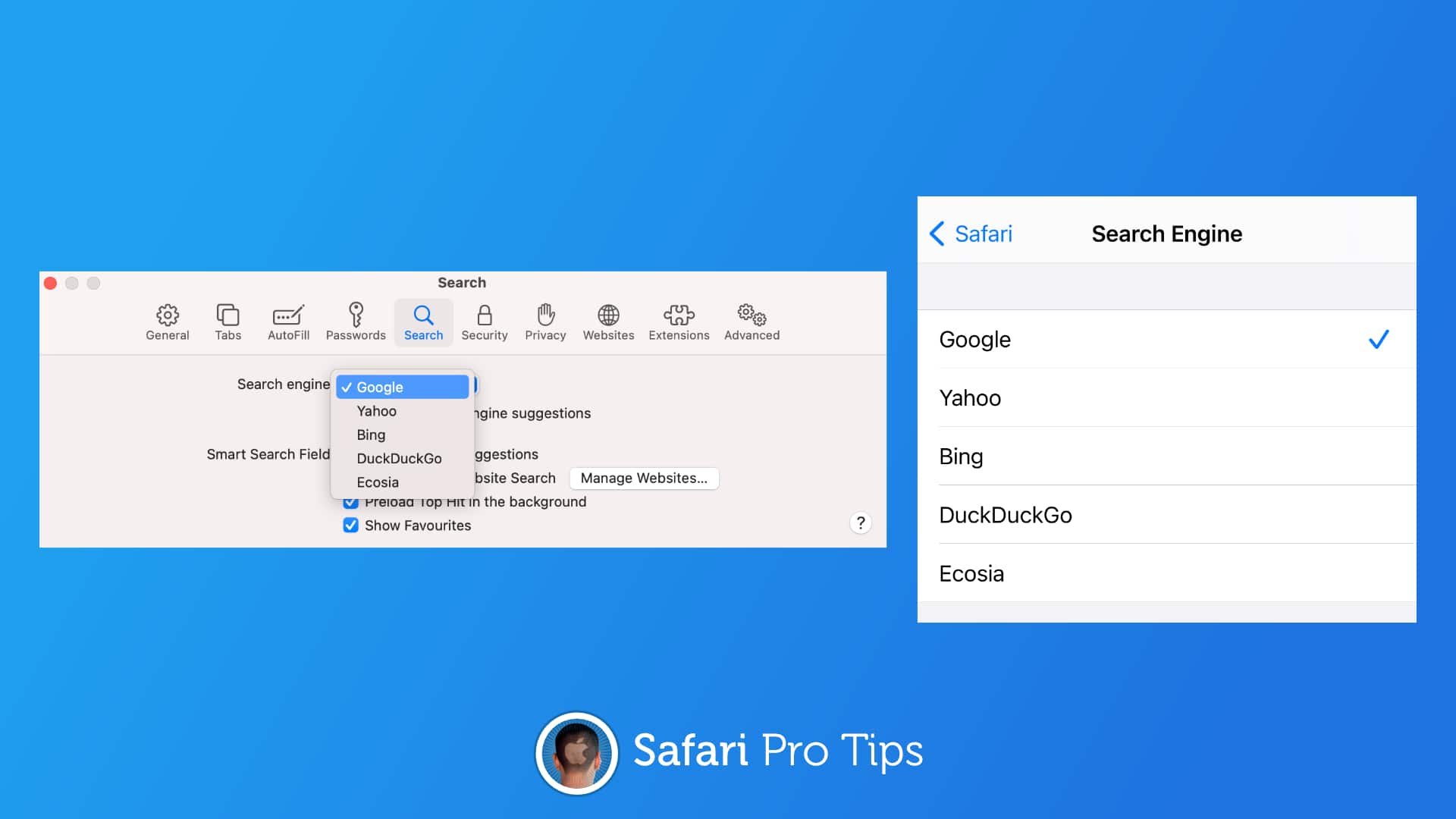
We want to help you master Safari. Cult of Mac’s Safari Pro Tips series will show you how to make the most of Apple’s web browser on iOS and Mac.
Google has long been the default search engine inside Safari, but it’s not your only option. With a simple settings change, you can find what you’re looking for with Yahoo, Bing, DuckDuckGo or Ecosia instead.
Find out how in this Safari pro tip.

 Eyeware Beam, an iOS app that uses the iPhone’s TrueDepth camera setup as a peripheral for eye-tracking or head-tracking on the PC, is among the offerings at this year’s CES.
The annual tech convention, which runs today through Thursday, is a virtual event this year, due to the COVID-19 pandemic. That won’t stop startups and big electronics companies from showing off some seriously impressive tech, however.
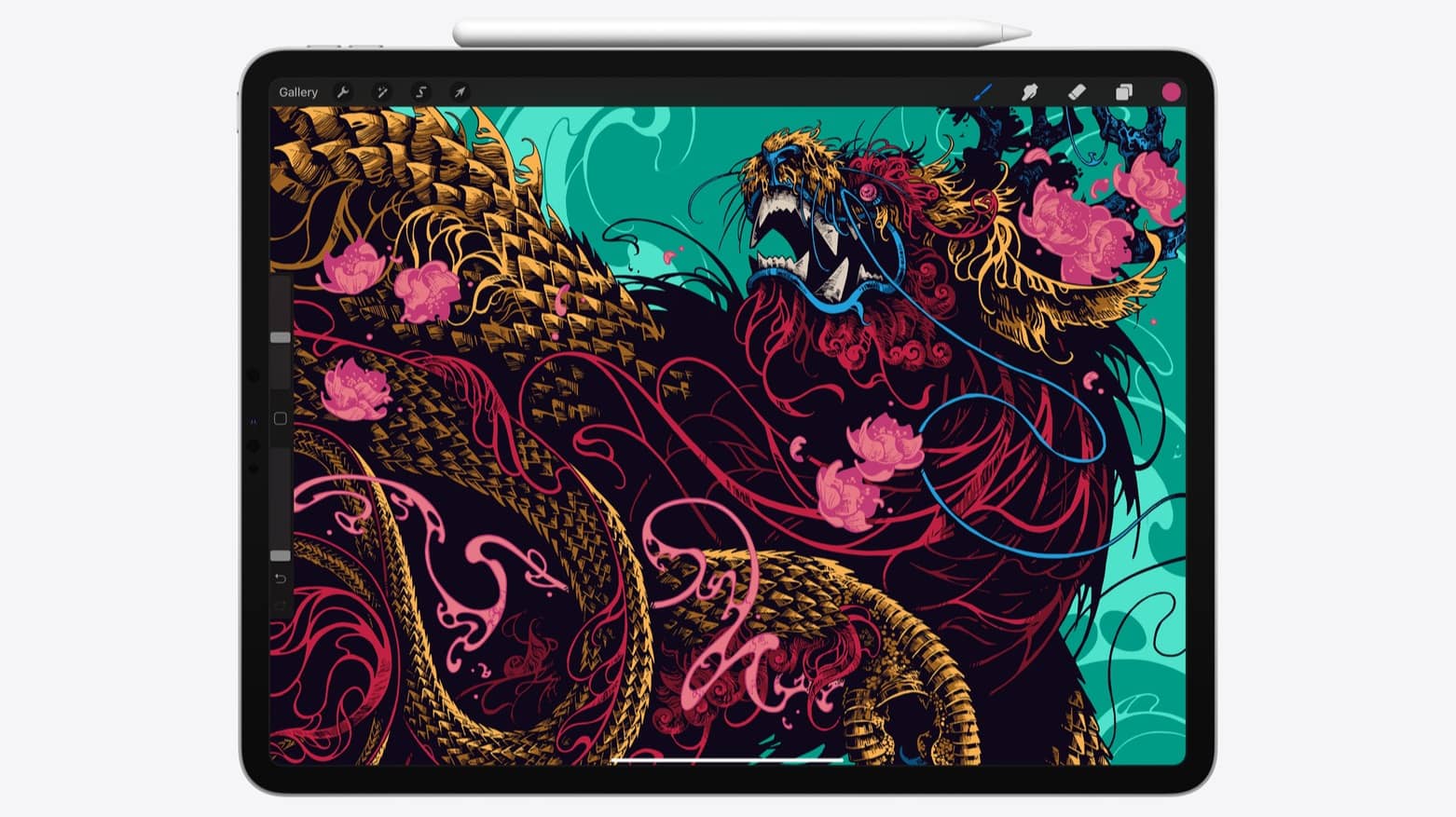
Sorry, 11-inch iPad Pro — no mini-LED display for you. The new type of screen will reportedly be in Apple’s largest top-tier tablet for 2021 but not the smaller version.
In addition, there are supposedly changes to the speakers and camera hump in this high-end tablet that’s expected in early spring.
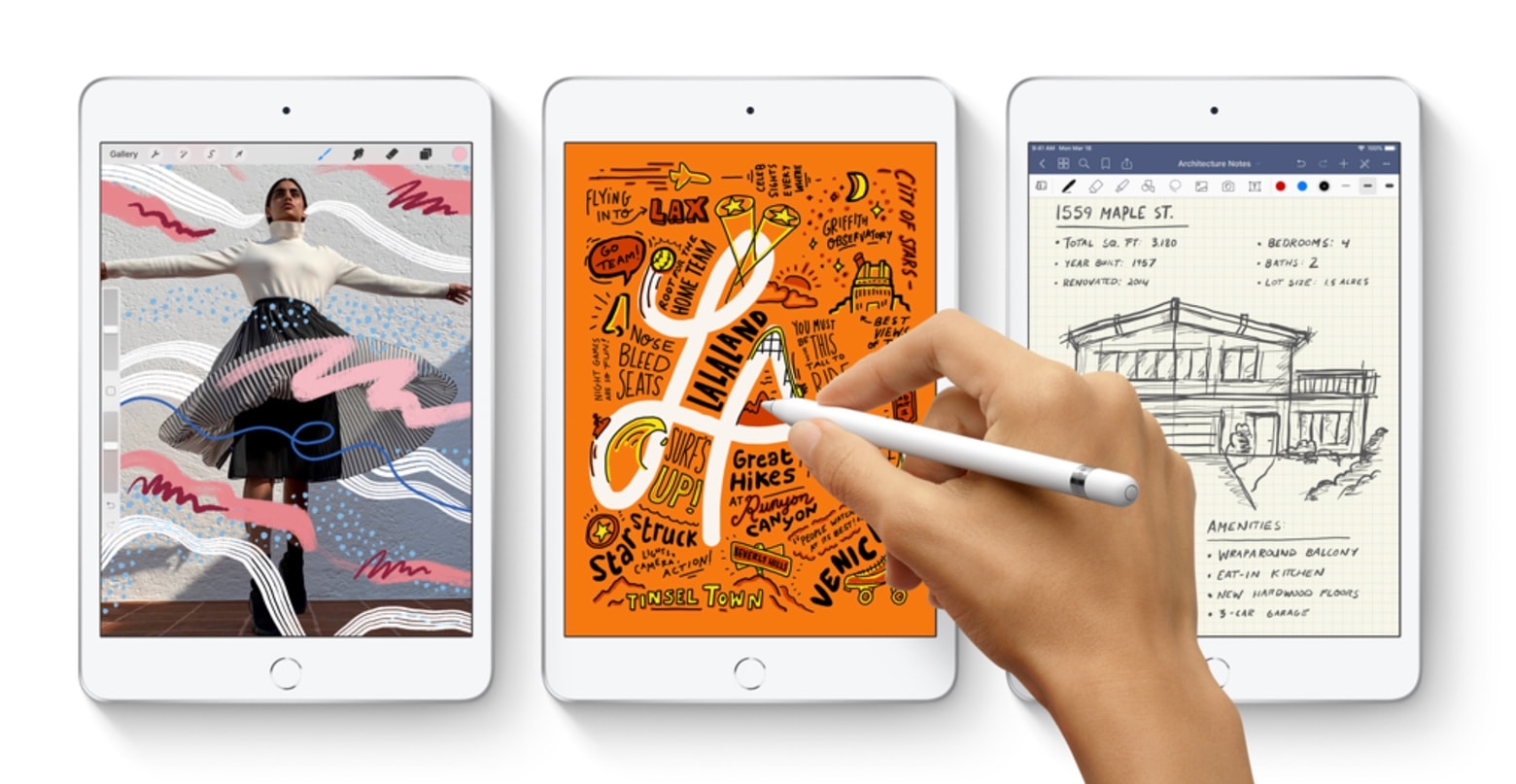
The next iPad mini could be a bit less mini. Apple reportedly will expand the tablet from a 7.9-inch screen to an 8.4-inch one in the version coming in Q1 2021.
If true, the change would hardly be unprecedented. Apple has enlarged the displays in all other iPad models in recent years.
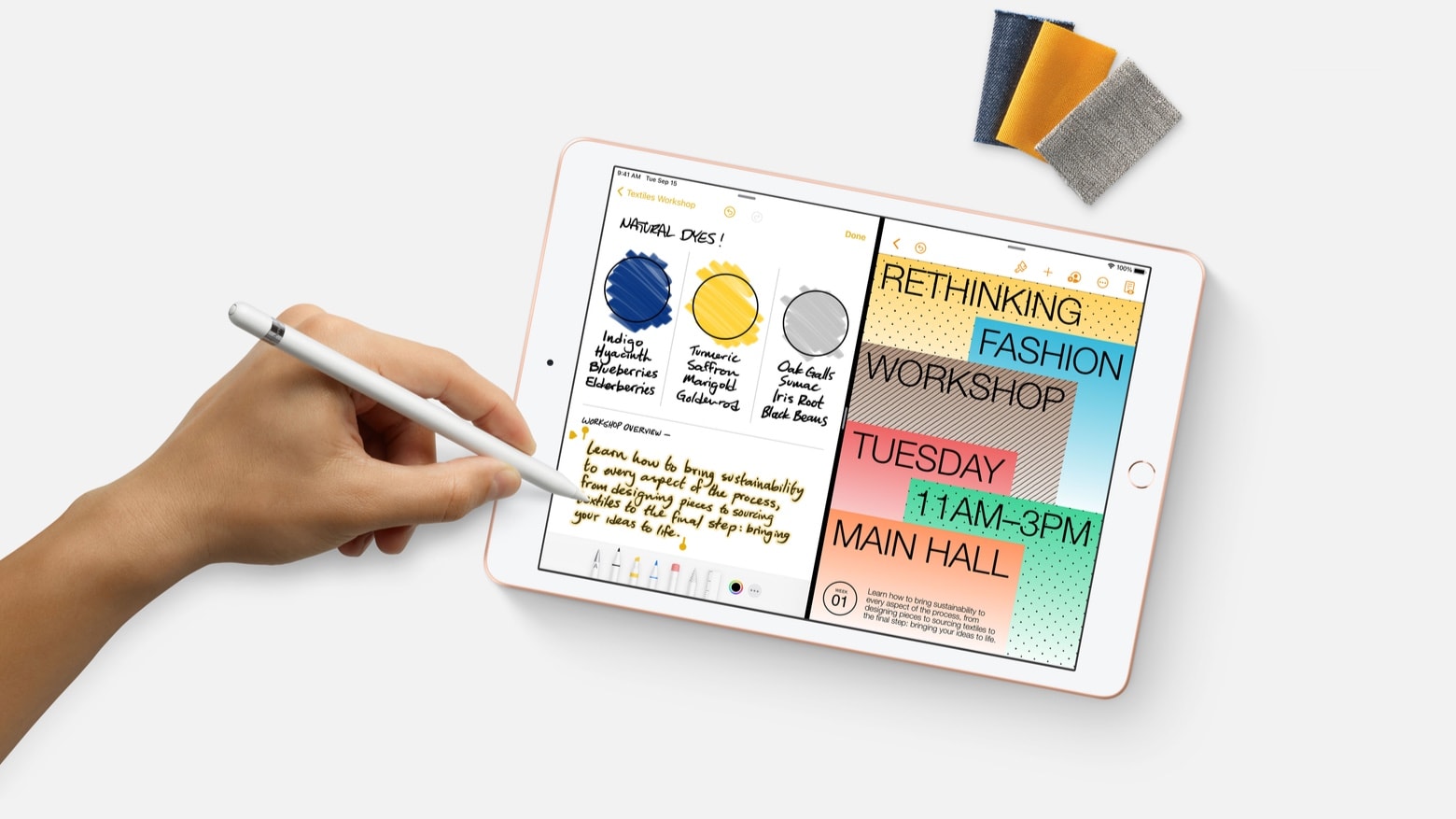
The 2021 iPad is apparently going on a diet. The 9th generation of Apple’s basic tablet will reportedly be slimmer and lighter than the current version.
But the same unconfirmed report says Apple doesn’t plan to change the size of the 2021 iPad Pro models.
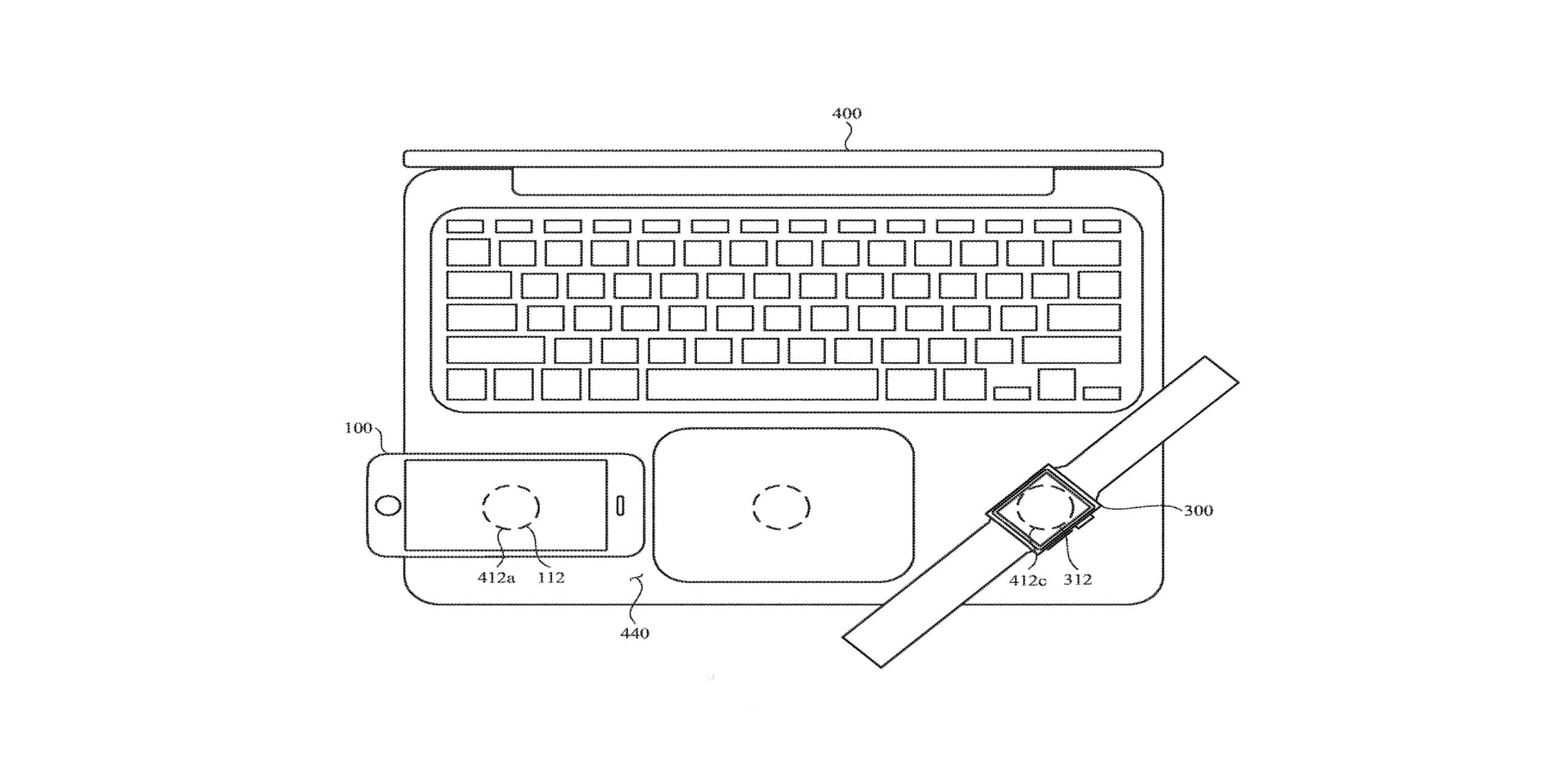
You might someday be able to recharge an iPhone just by putting it down on your laptop. MacBook wireless charging an idea with obvious advantages … but real drawbacks, too.
It’s definitely something Apple has been looking into. On Tuesday, the company received a patent for a scheme to build wireless chargers into notebooks, tablets and handsets so they could charge each other (or an Apple Watch).
Those eager for the next iPad Pro might not have long to wait. The first Apple tablet with a gorgeous mini-LED display will launch before the end of March, according to an unconfirmed report.
If true, it’ll mean the 2020 iPad Pro will have an unusually short product run.

Apple broke new ground in 2020, and will build on that in many ways in 2021. It should be a really significant year for Mac. And iPad and Apple Watch are expected to get important new features as well.
Plus, this could be the year a product Apple has been quietly developing finally breaks out.
Apple’s developers are surely already thinking about iPadOS 15, and will almost certainly unveil it in June 2021. Considering iPadOS 14 was thin on exciting new features, it’s easy to look ahead. Here are some suggestions from a heavy iPad user of what the devs should have on their to-do list.