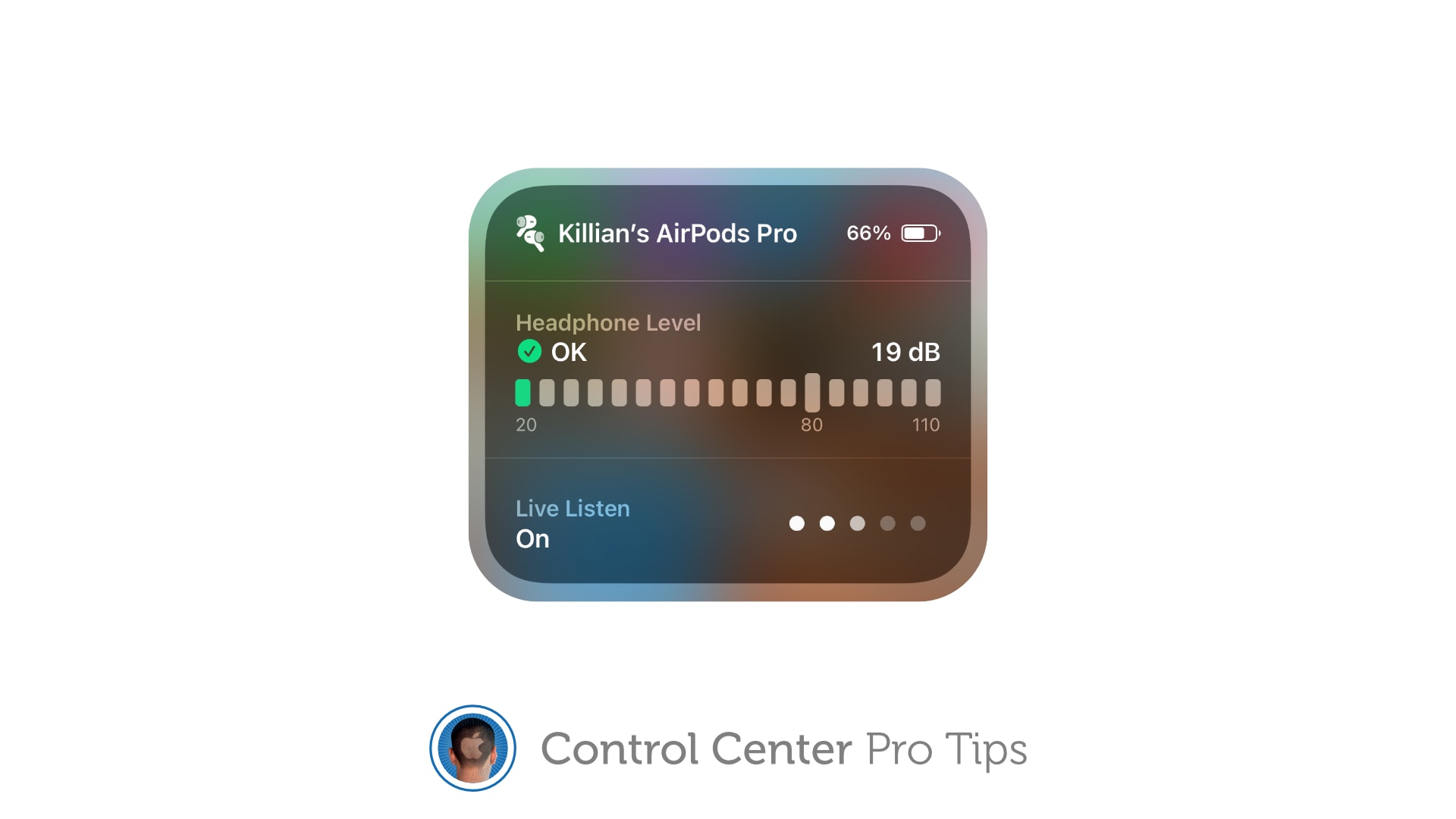
Make it easier to hear other people in a crowded room. Image: Killian Bell/Cult of Mac
We want to help you master Control Center, one of the most powerful and underutilized features on Apple devices. Cult of Mac’sControl Center Pro Tips series will show you how to make the most of this useful toolbox on iPhone, iPad, Apple Watch and Mac.
Activate Live Listen for AirPods and Powerbeats headphones inside Control Center to make it easier to hear other people in a noisy environment. The feature is built into iPhone and iPad and easy to use.
Demand for iPad and all tablets remains robust. Screenshot: Apple
iPad shipments increased a whopping 75% during the first quarter of the year over same period of 2020, according a market analysis firm. It’s the result of people needing computers to work and learn from home as the pandemic drags on.
Other tablet makers saw strong Q1 2021 growth as well, but iPad continues to dominate the market.
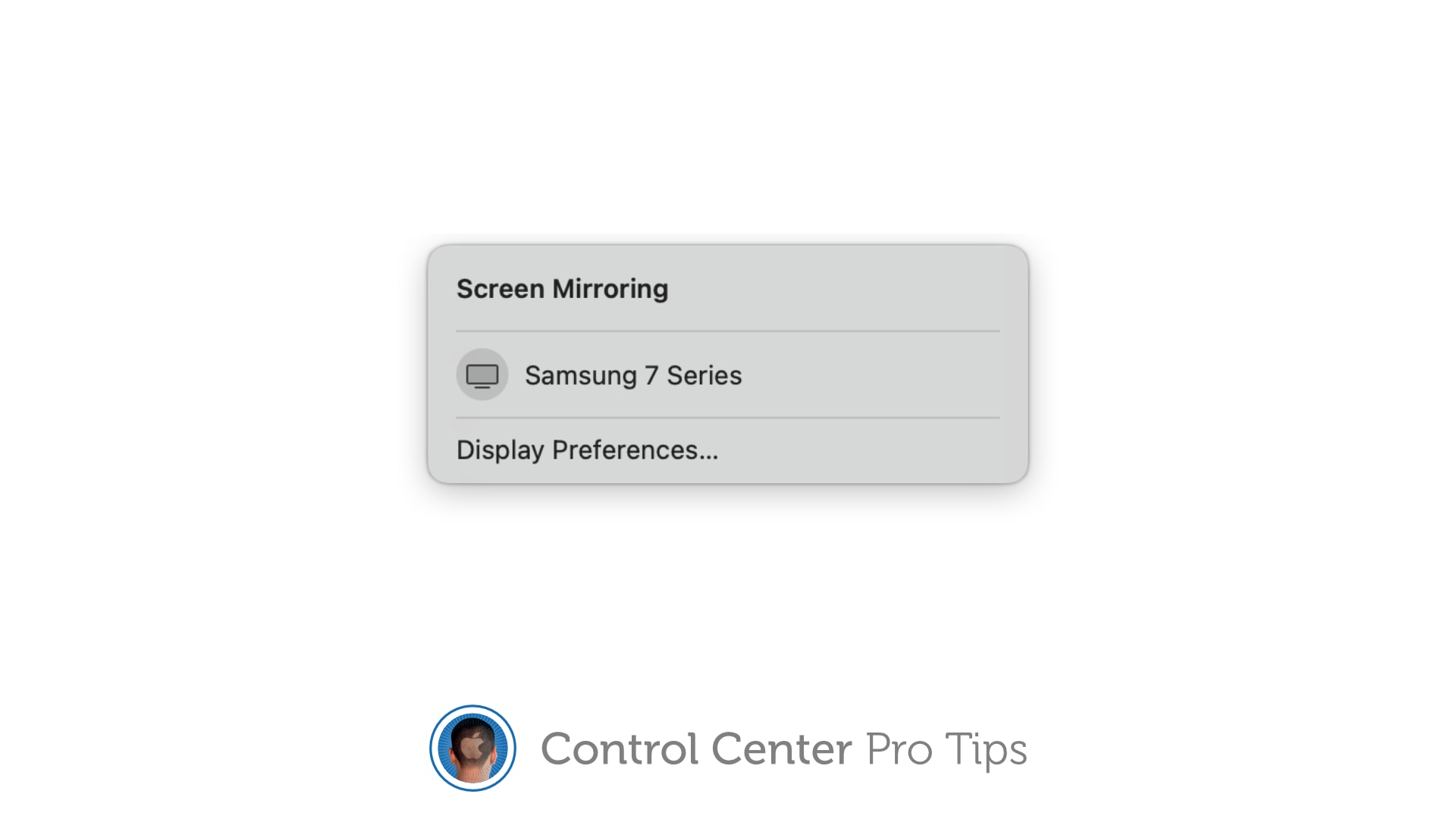
Stream your screen to Apple TV or a smart TV with AirPlay 2 support. Image: Killian Bell/Cult of Mac
We want to help you master Control Center, one of the most powerful and underutilized features on Apple devices. Cult of Mac’sControl Center Pro Tips series will show you how to make the most of this useful toolbox on iPhone, iPad, Apple Watch and Mac.
The handy screen mirroring feature built into iPhone, iPad, and Mac allows you to stream video or your device’s screen to Apple TV or an external display with AirPlay 2 support. And you can enable it in an instant by using the screen mirroring button in Control Center.
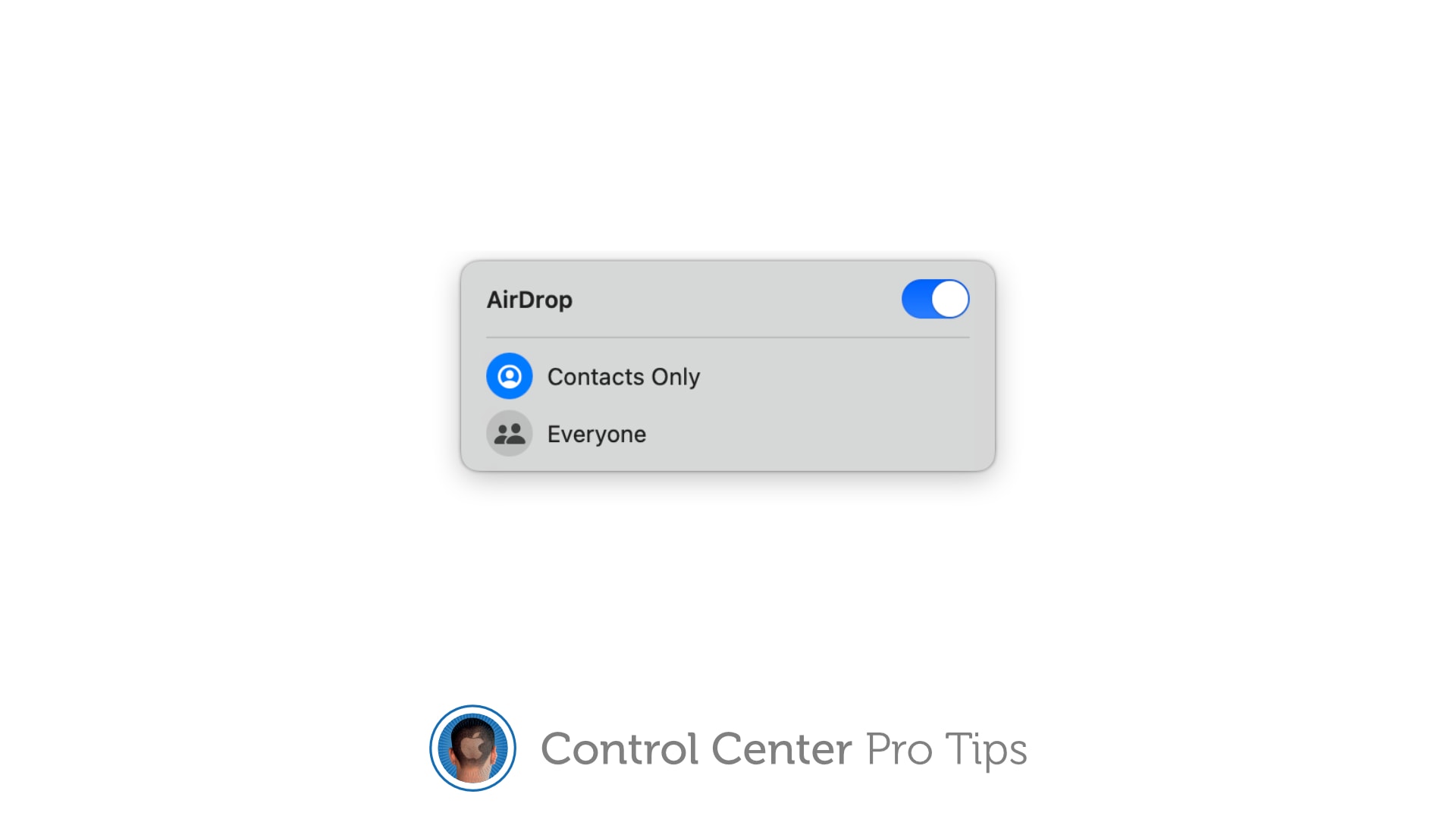
There's no need to fiddle around inside the Settings app. Image: Killian Bell/Cult of Mac
We want to help you master Control Center, one of the most powerful and underutilized features on Apple devices. Cult of Mac’sControl Center Pro Tips series will show you how to make the most of this useful toolbox on iPhone, iPad, Apple Watch and Mac.
Want to quickly activate AirDrop, or deactivate it to avoid unwanted requests? There’s no need to mess around inside the Settings app or System Preferences; the toggle you need is baked into Control Center.
It’s enabled by default on iPhone, iPad, and Mac and can be quickly accessed when you need it. We’ll show you how.
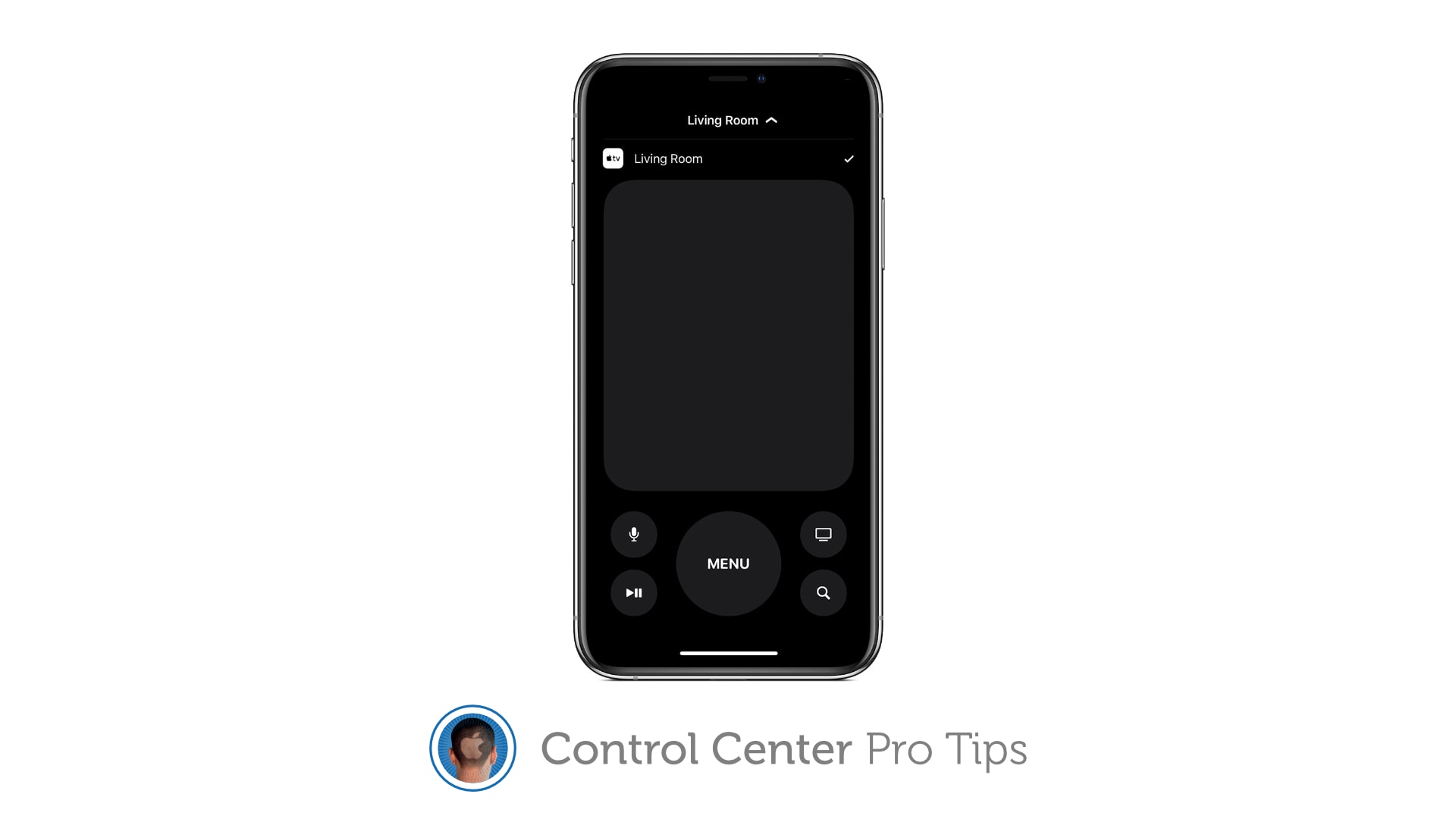
Your iPhone or iPad can replace your Apple TV remote completely. Image: Killian Bell/Cult of Mac
We want to help you master Control Center, one of the most powerful and underutilized features on Apple devices. Cult of Mac’sControl Center Pro Tips series will show you how to make the most of this useful toolbox on iPhone, iPad, Apple Watch and Mac.
Lost your Apple TV’s Siri Remote? Control your set-top box using Control Center on your iPhone or iPad instead. It’s super-simple to set up and you get all the buttons you need for complete control.
Sales of new M1 Macs powered Apple to yet another record-smashing quarter. Photo: Wes Hicks/Unsplash CC
Apple did it again. It just announced a quarter where it didn’t just beat everyone’s expectations, it blew them away. The Mac had a phenomenal quarter, and so did iPhone and iPad.
But you don’t have to bury yourself in spreadsheets to get the lowdown on what it all means. Just read on.
Get a better view in the dark. Image: Killian Bell/Cult of Mac
We want to help you master Control Center, one of the most powerful and underutilized features on Apple devices. Cult of Mac’sControl Center Pro Tips series will show you how to make the most of this useful toolbox on iPhone, iPad, Apple Watch and Mac.
Searching for something in a dark room? You can turn your iPhone, iPad and even your Apple Watch into a flashlight with just one tap inside Control Center. We’ll show you how.
Don't miss the chance to save important info. Image: Killian Bell/Cult of Mac
We want to help you master Control Center, one of the most powerful and underutilized features on Apple devices. Cult of Mac’sControl Center Pro Tips series will show you how to make the most of this useful toolbox on iPhone, iPad, Apple Watch and Mac.
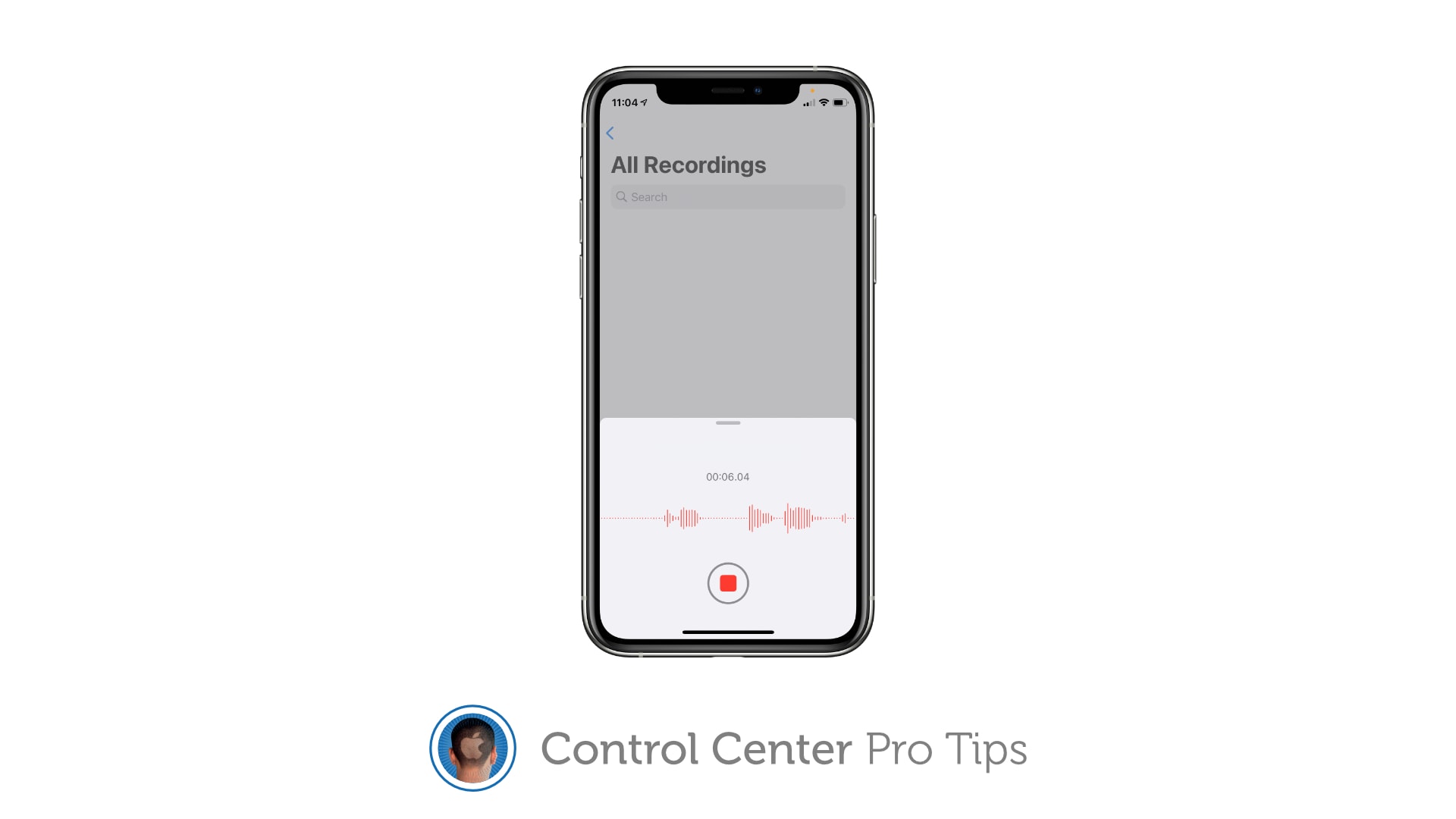
Did you know you can quickly capture a voice memo or audio recording with a simple Control Center shortcut? It’ll save you having to hunt down the Voice Memos app, or from having to place another unnecessary icon on your Home screen that you might not need every single day.
Managing wireless devices can be easy with Control Center. Image: Killian Bell/Cult of Mac
We want to help you master Control Center, one of the most powerful and underutilized features on Apple devices. Cult of Mac’sControl Center Pro Tips series will show you how to make the most of this useful toolbox on iPhone, iPad, Apple Watch and Mac.
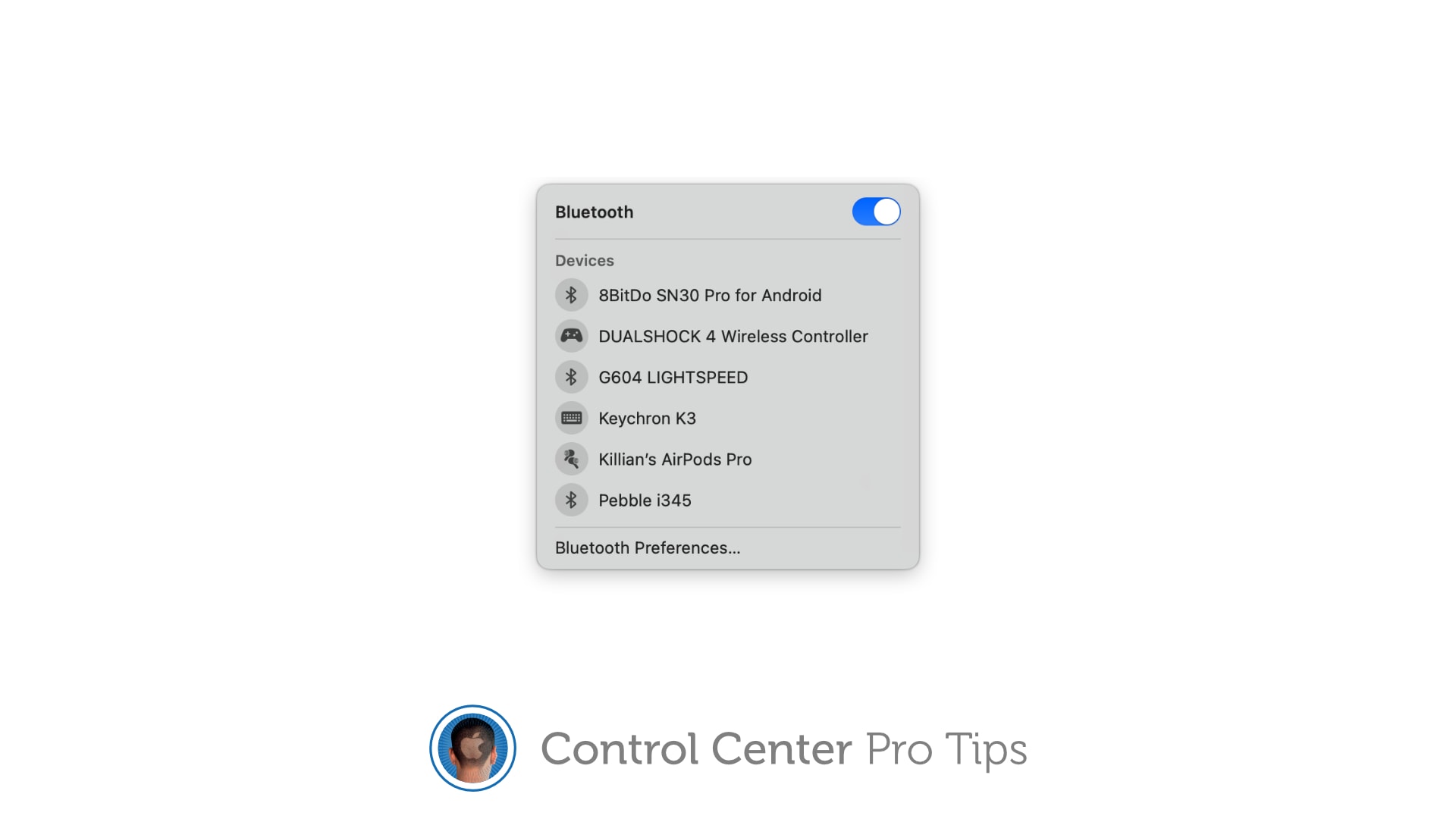
Quickly connect to Bluetooth devices by using Control Center on iPhone, iPad, and Mac. You won’t need to fiddle around inside Settings or System Preferences — just a couple of taps is all it takes to start pairing.
The quickest, easiest way to silence your device. Image: Killian Bell/Cult of Mac
We want to help you master Control Center, one of the most powerful and underutilized features on Apple devices. Cult of Mac’s Control Center Pro Tips series will show you how to make the most of this useful toolbox on iPhone, iPad, Apple Watch and Mac.
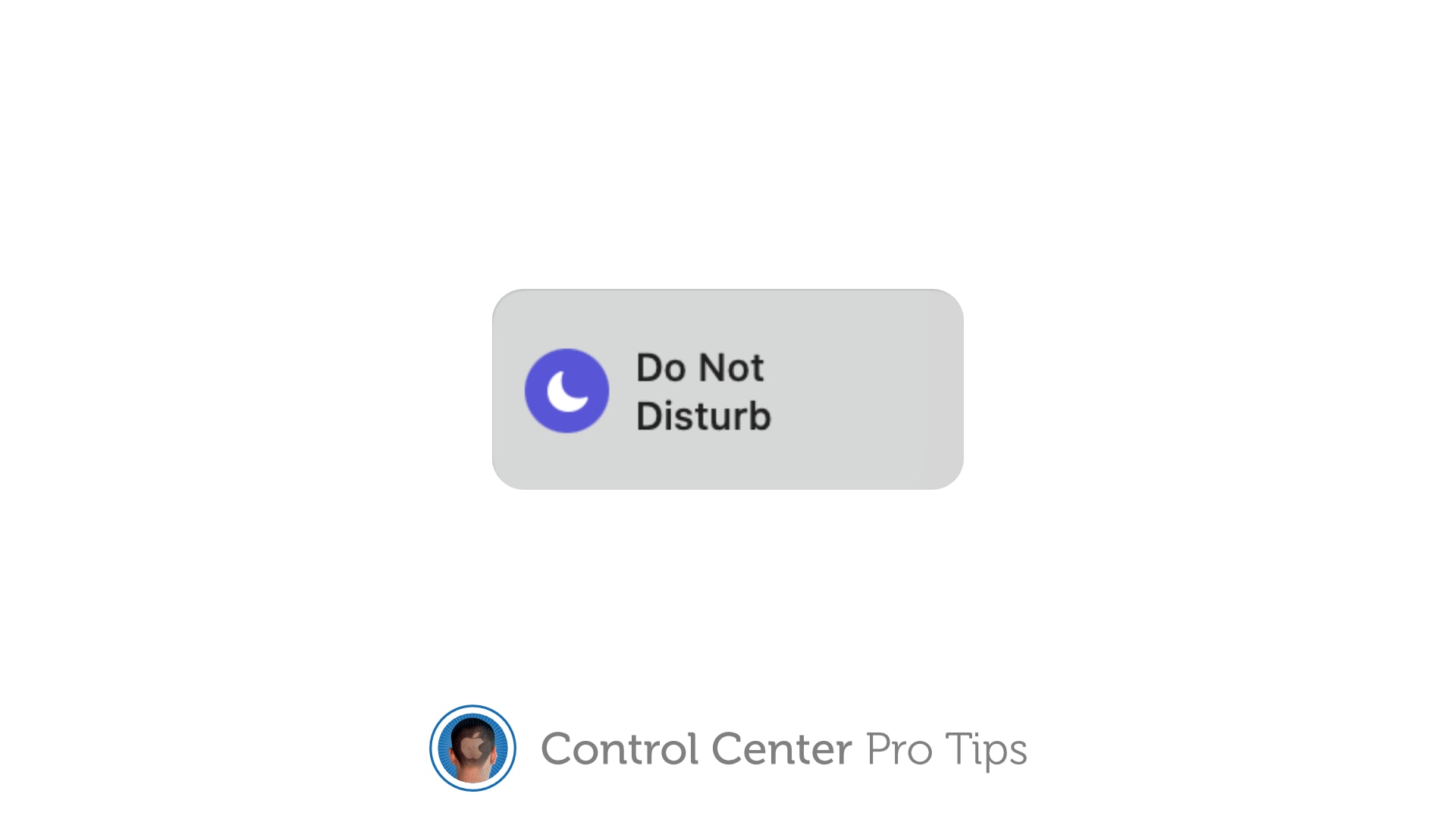
Heading into an important meeting and need your iPhone to keep quiet? Don’t worry about turning off your device or messing around inside the Settings app; toggle Do Not Disturb mode with one tap in Control Center.
Don't waste your time inside System Preferences. Image: Killian Bell/Cult of Mac
We want to help you master Control Center, one of the most powerful and underutilized features on Apple devices. Cult of Mac’s Control Center Pro Tips series will show you how to make the most of this useful toolbox on iPhone, iPad, Apple Watch and Mac.
Need to disable True Tone on your iPhone, iPad, or Mac? You could open the Settings app and dig around inside there for a few minutes until you find what you need. Or you could toggle the feature in an instant right inside Control Center.
Enable Low Power Mode to get you through a long day. Image: Killian Bell/Cult of Mac
We want to help you master Control Center, one of the most powerful and underutilized features on Apple devices. Cult of Mac’s Control Center Pro Tips series will show you how to make the most of this useful toolbox on iPhone, iPad, Apple Watch and Mac.
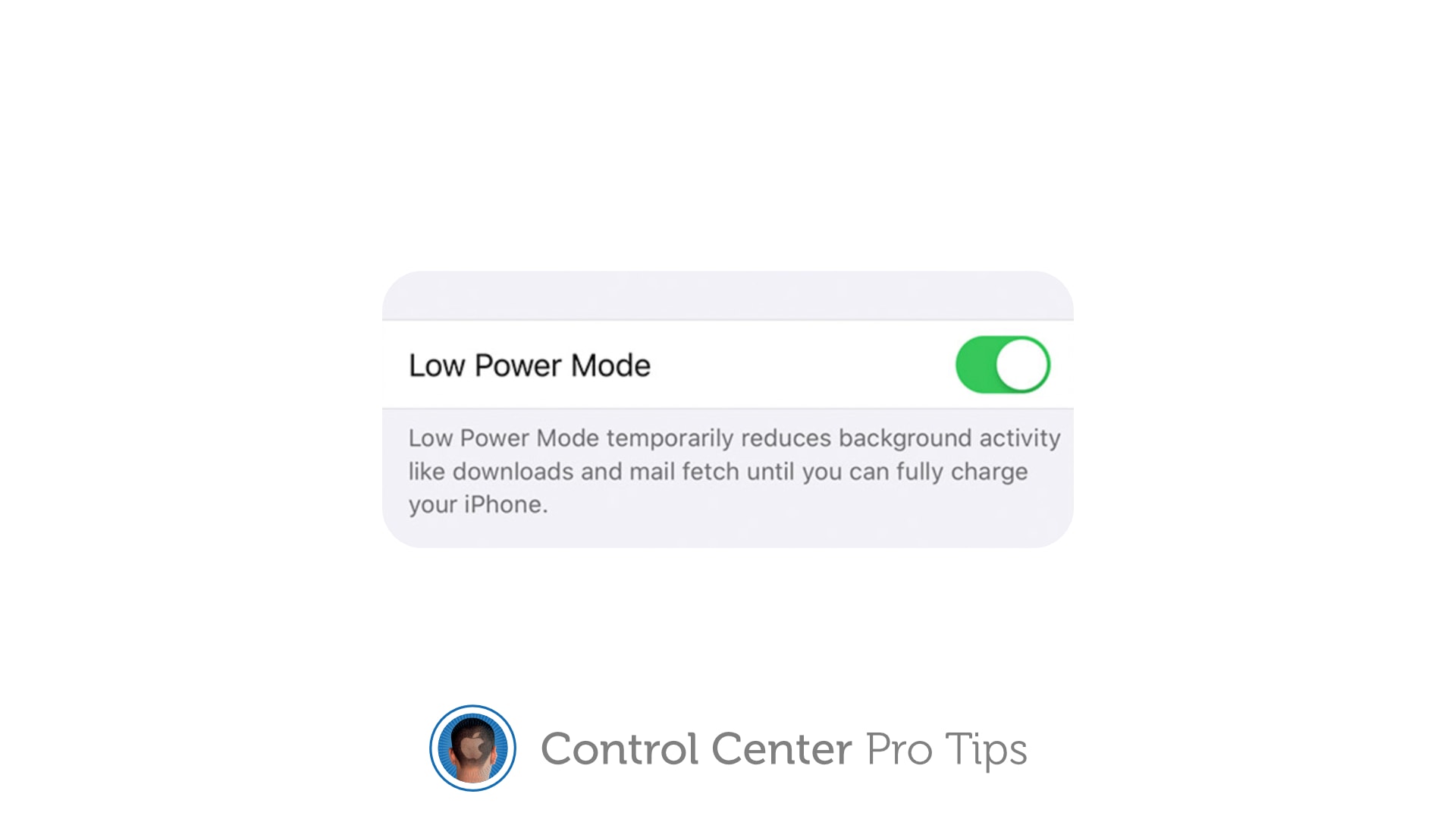
Worried your iPhone or iPad battery isn’t going to last you all day? Activate Low Power Mode inside Control Center to minimize how much energy your device is consuming when it’s not being used. It’s super-simple to use, won’t get in your way, and it makes a big difference.
We’ll show you how and explain a similar feature — Power Reserve — that you can activate on Apple Watch.
There's no need to dig around inside the Settings app. Image: Killian Bell/Cult of Mac
We want to help you master Control Center, one of the most powerful and underutilized features on Apple devices. Cult of Mac’s Control Center Pro Tips series will show you how to make the most of this useful toolbox on iPhone, iPad, Apple Watch and Mac.
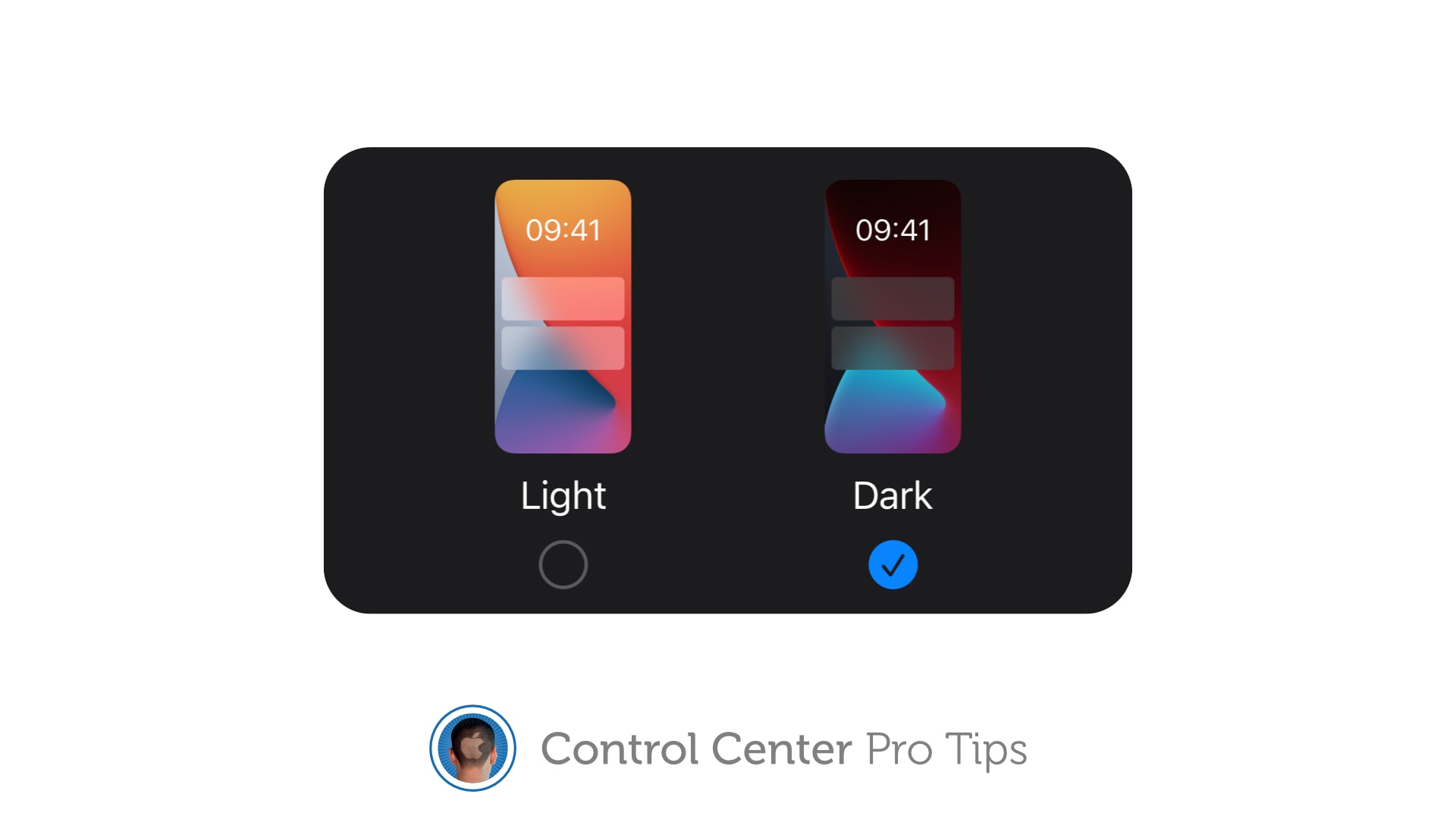
There’s no need to dig around inside the Settings app to activate Dark Mode on your iPhone, iPad or Mac. Simply add the Dark Mode button to Control Center and you can quickly toggle it on or off in just a tap.
We’ll show you how in this Control Center pro tip.
The dedicated Code Scanner app is ready when you need it.
We want to help you master Control Center, one of the most powerful and underutilized features on Apple devices. Cult of Mac’s Control Center Pro Tips series will show you how to make the most of this useful toolbox on iPhone, iPad, Apple Watch and Mac.
Need to scan a QR code in a jiffy? Add a handy code reader to Control Center on iPhone and iPad that’s quick and easy to find in just a swipe. We’ll show you how.
And follow along with real-time lyrics. Image: Killian Bell/Cult of Mac
We want to help you master Control Center, one of the most powerful and underutilized features on Apple devices. Cult of Mac’s Control Center Pro Tips series will show you how to make the most of this useful toolbox on iPhone, iPad, Apple Watch and Mac.
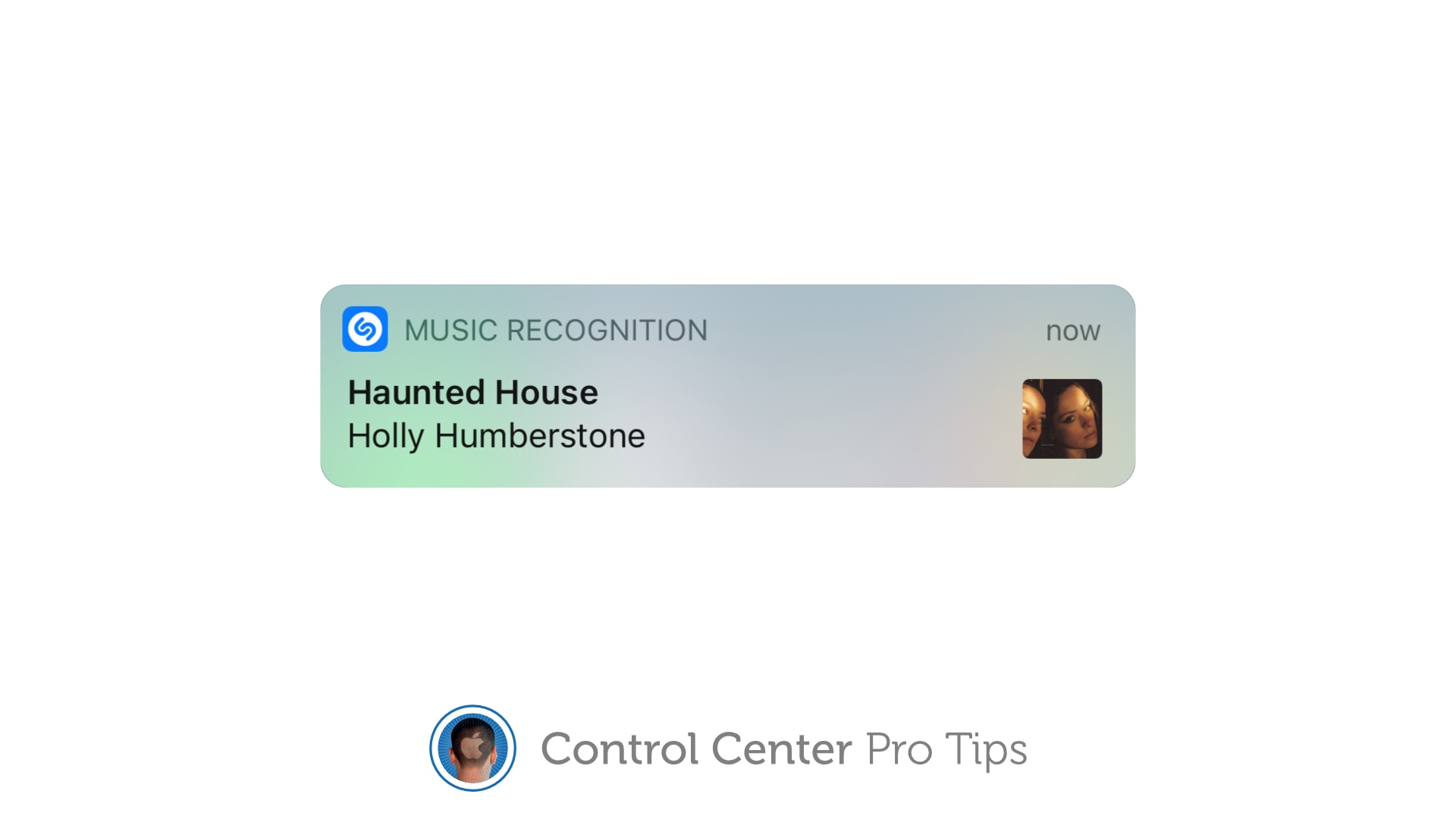
When you’re listening to a song you dig, but you have no idea of its name or the artist who recorded it, you can use Control Center on your iPhone or iPad to identify the track in an instant.
It’s the simplest way to invoke Shazam, the powerful music-recognition tool built into iOS, aside from asking Siri to name that tune (which you probably don’t want to do in certain situations). We’ll show you how.
Don't squint to read text on your iPhone and iPad. Image: Killian Bell/Cult of Mac
We want to help you master Control Center, one of the most powerful and underutilized features on Apple devices. Cult of Mac’sControl Center Pro Tips series will show you how to make the most of this useful toolbox on iPhone, iPad, Apple Watch and Mac.
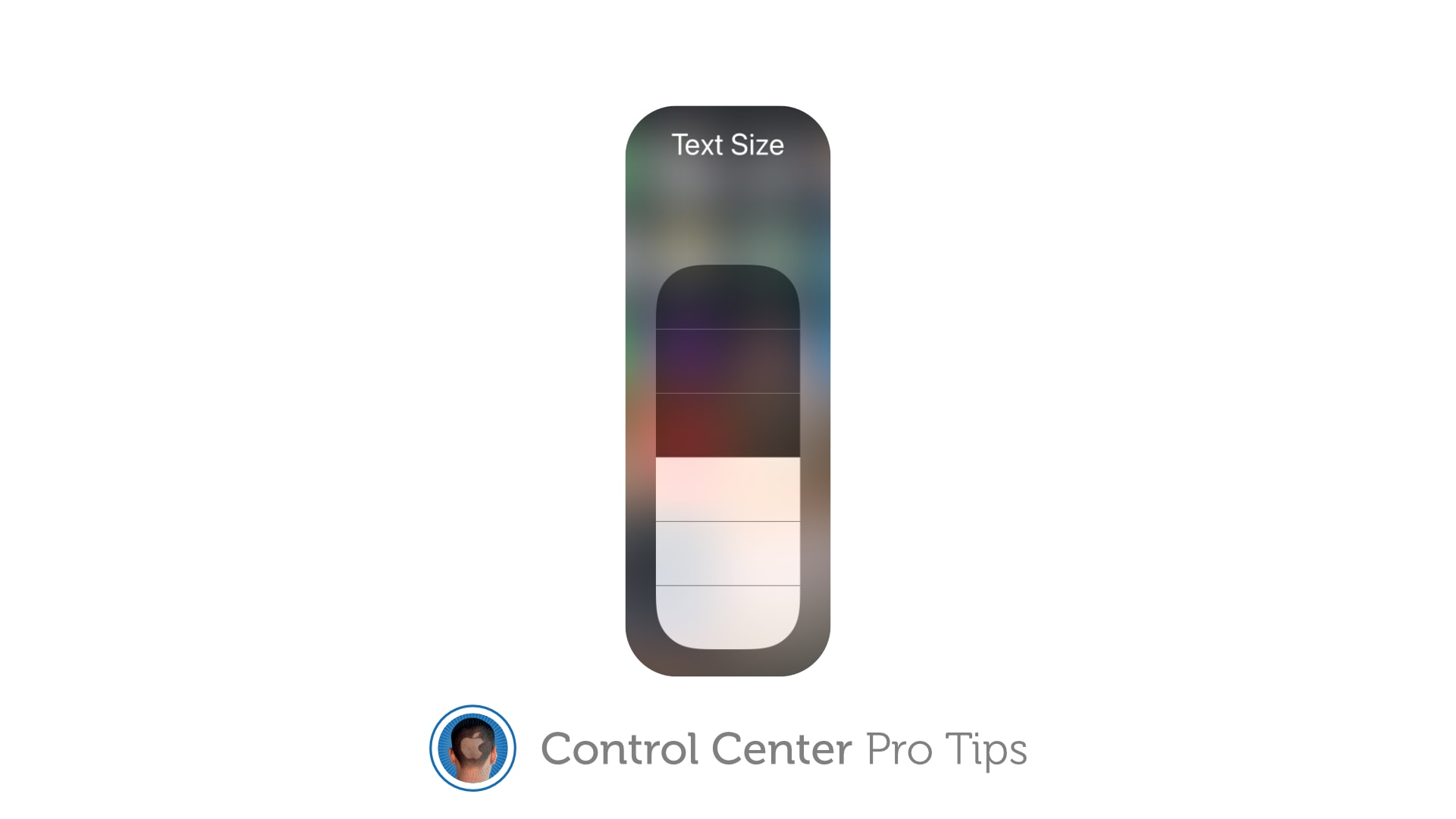
Left your reading glasses at home? Switch system text sizes on the fly using Control Center to make text messages, emails, websites, and more easier to read on iPhone and iPad. We’ll show you how.
Capture sweet gameplays, top tips, and more. Image: Killian Bell/Cult of Mac
We want to help you master Control Center, one of the most powerful and underutilized features on Apple devices. Cult of Mac’sControl Center Pro Tips series will show you how to make the most of this useful toolbox on iPhone, iPad, Apple Watch and Mac.
Want to capture what’s happening on the screen of your iPhone or iPad. Apple’s built-in screen recording feature makes that incredibly easy, and you can activate it with just one tap inside Control Center.
The quick and easy way to change connections. Image: Killian Bell/Cult of Mac
We want to help you master Control Center, one of the most powerful and underutilized features on Apple devices. Cult of Mac’sControl Center Pro Tips series will show you how to make the most of this useful toolbox on iPhone, iPad, Apple Watch and Mac.
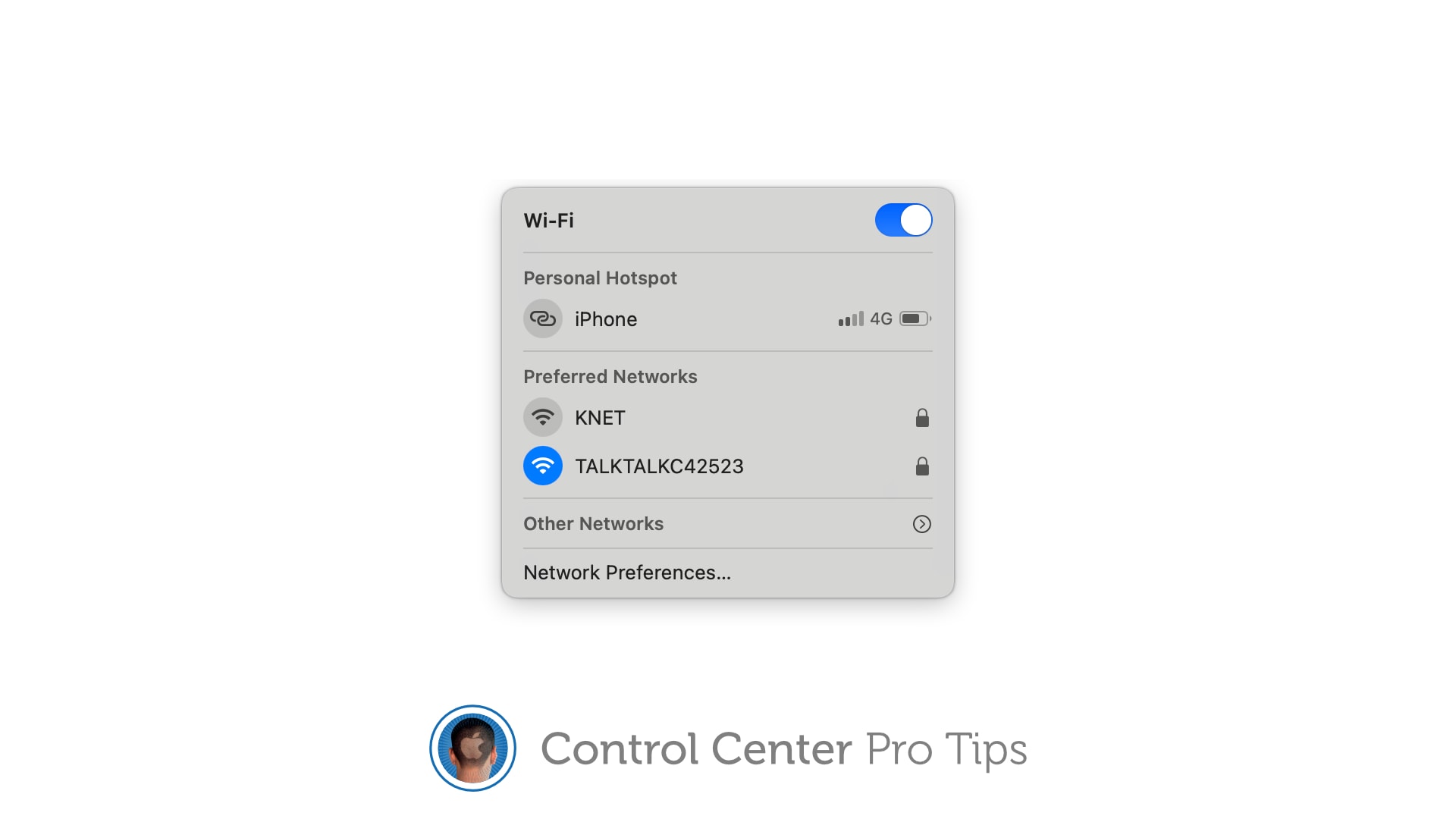
There’s no need to mess around inside System Preferences or the Settings app when you want to change Wi-Fi networks. Open Control Center on your Apple device and make the switch in a snap.
We’ll show you how on iPhone, iPad, Apple Watch, and Mac.
With a little bit of tweaking, Control Center can be a lot more useful. Image: Killian Bell/Cult of Mac
We want to help you master Control Center, one of the most powerful and underutilized features on Apple devices. Cult of Mac’sControl Center Pro Tips series will show you how to make the most of this useful toolbox on iPhone, iPad, Apple Watch and Mac.
On iPhone, iPad, Apple Watch and Mac, the Control Center puts vital tools at your fingertips. And while most people probably are familiar with some preset options, like Airplane Mode and Do Not Disturb, a world of customization awaits anyone willing to spend a few minutes digging deeper into this underutilized tool set.
All week long, we’ll show you how to get the most out of Control Center — and thus squeeze even more sweet utility out of your Apple devices. With this series of quick and simple Control Center tips, we’ll show you how to add useful buttons that make common tasks easier than ever.
No bigger than a USB flash drive, this high-speed portable SSD works with all your Apple gear thanks to its USB-C, Lightning and USB-A connectors. It weighs just 17 grams, making it the ultimate data storage device for travelers, digital nomads or anyone else who needs massive backup in a tiny size. Find out more about Rapid SSD.
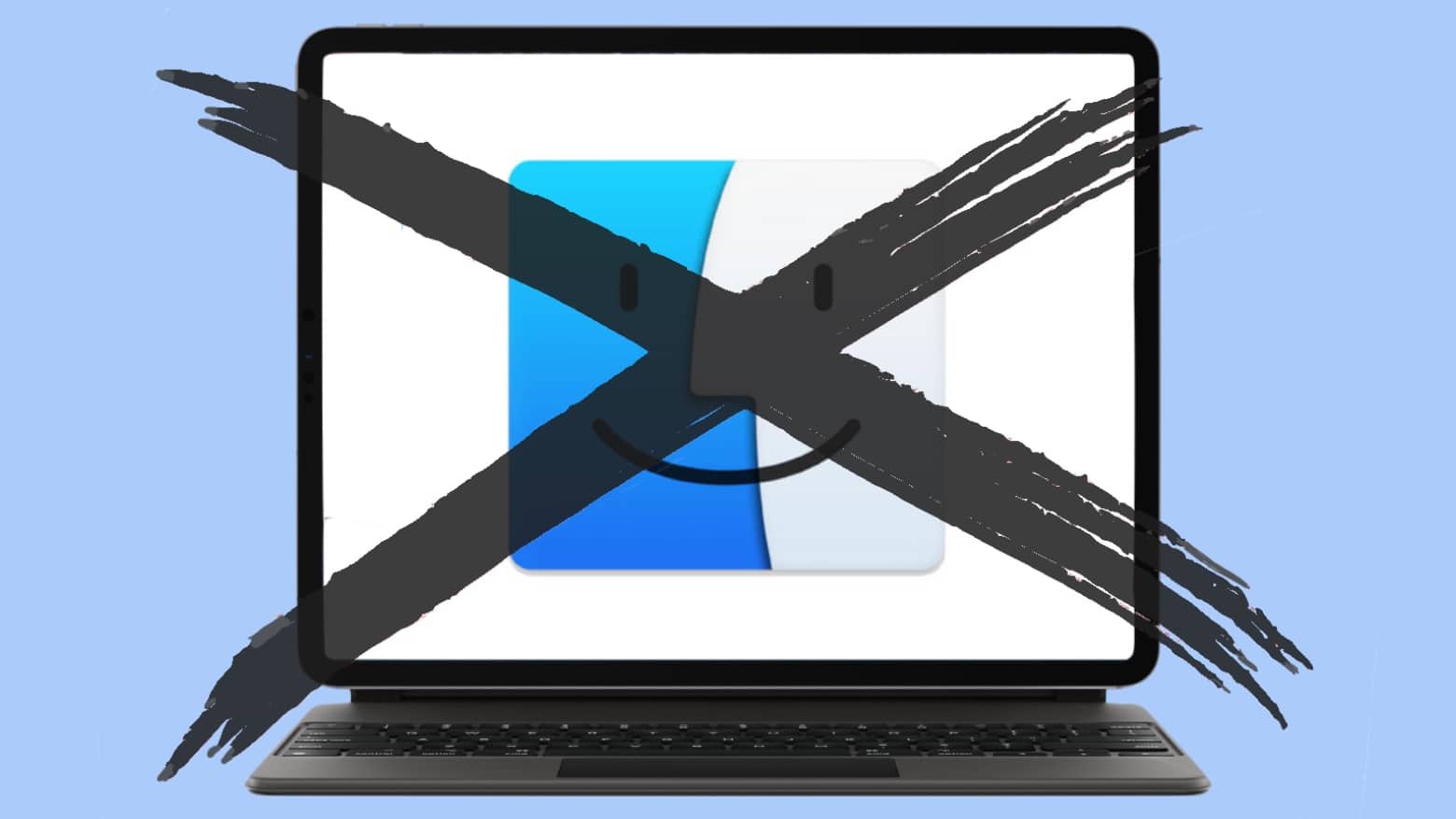
Two Apple executives threw cold water on the idea of an iPad running macOS. Photo: Cult of Mac
The M1 Mac processor in the recently-revealed 2021 iPad Pro forced Apple to reiterate that it’s not planning to combine macOS and iPadOS. According to two top-level executives, the company is producing the best Mac and the best iPad it can make. Not a mashup of them.
Xcode is just one of the Mac applications that should be available for iPad now that it has an M1 processor. Photo: Cult of Mac
The Apple M1 processor in the 2021 iPad Pro could make it the most productive tablet ever. But only if Apple takes the logical next step and lets iPads run Mac apps.
M1-powered Macs can run iPadOS applications. The reverse should be true.
The Brydge 12.9 Max+ turns your iPad Pro into a clamshell laptop. Photo: Brydge
The Brydge 12.9 Max+ is a magnetic clip-on keyboard for the largest iPad Pro models. It includes a sizable trackpad, and a design that mimics a clamshell laptop.
It uses some of the features of the popular Apple Magic Keyboard, but goes in a different direction.
The 2021 iPad Pro offers can be configured with a whopping 16GB of RAM. Yes, 16GB. Photo: Apple
The just-announced 2021 iPad Pro packs at least 8GB of RAM and can be configured with 16GB. The days when Apple’s tablets got an anemic amount of RAM are over.
There’s so much, Apple stopped hiding the amount. It now proudly announces how much RAM is in its latest professional-grade tablets.
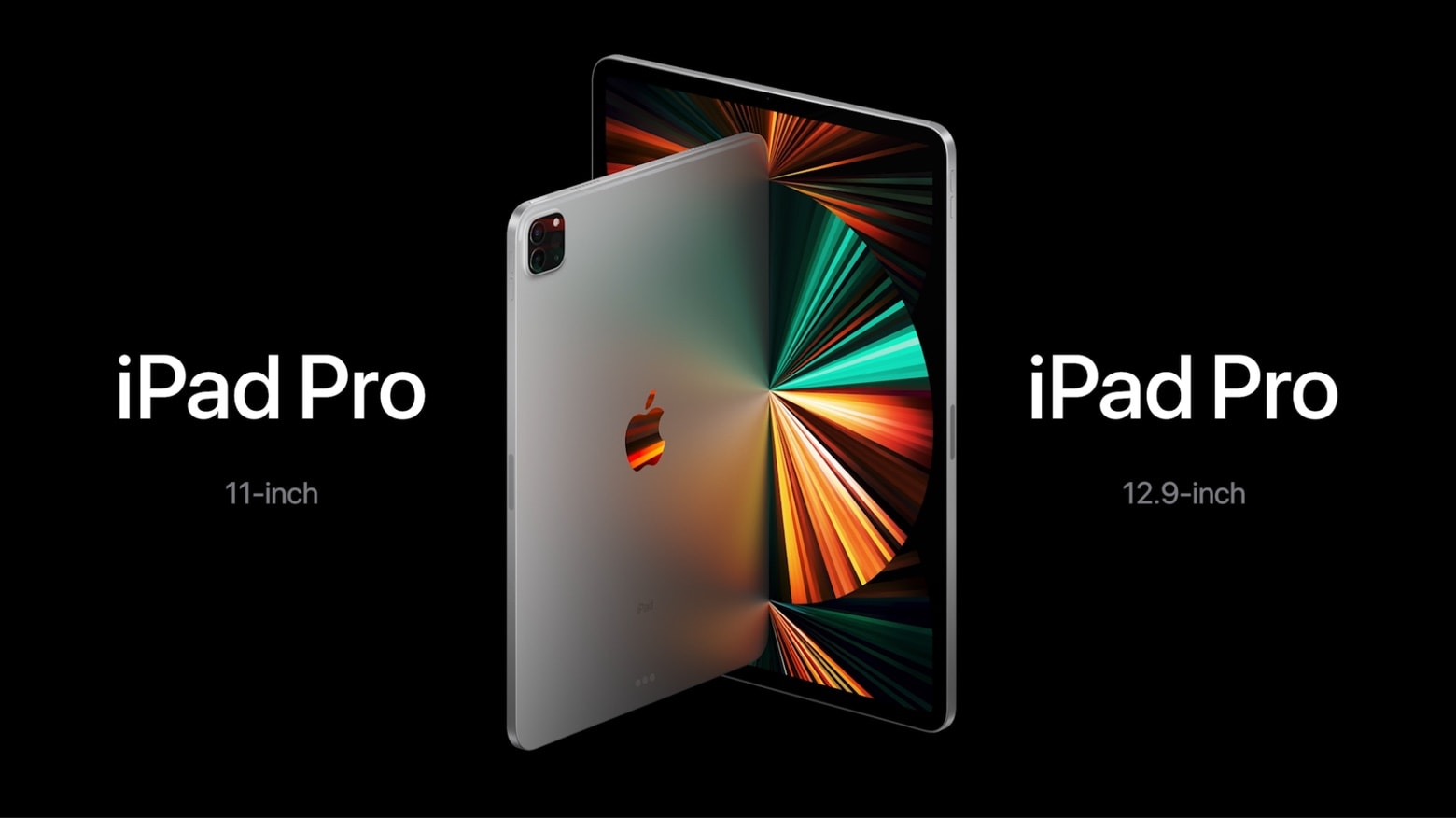
2021 iPad Pro makes huge strides forward in its processor, screen, port, storage and RAM. Photo: Apple
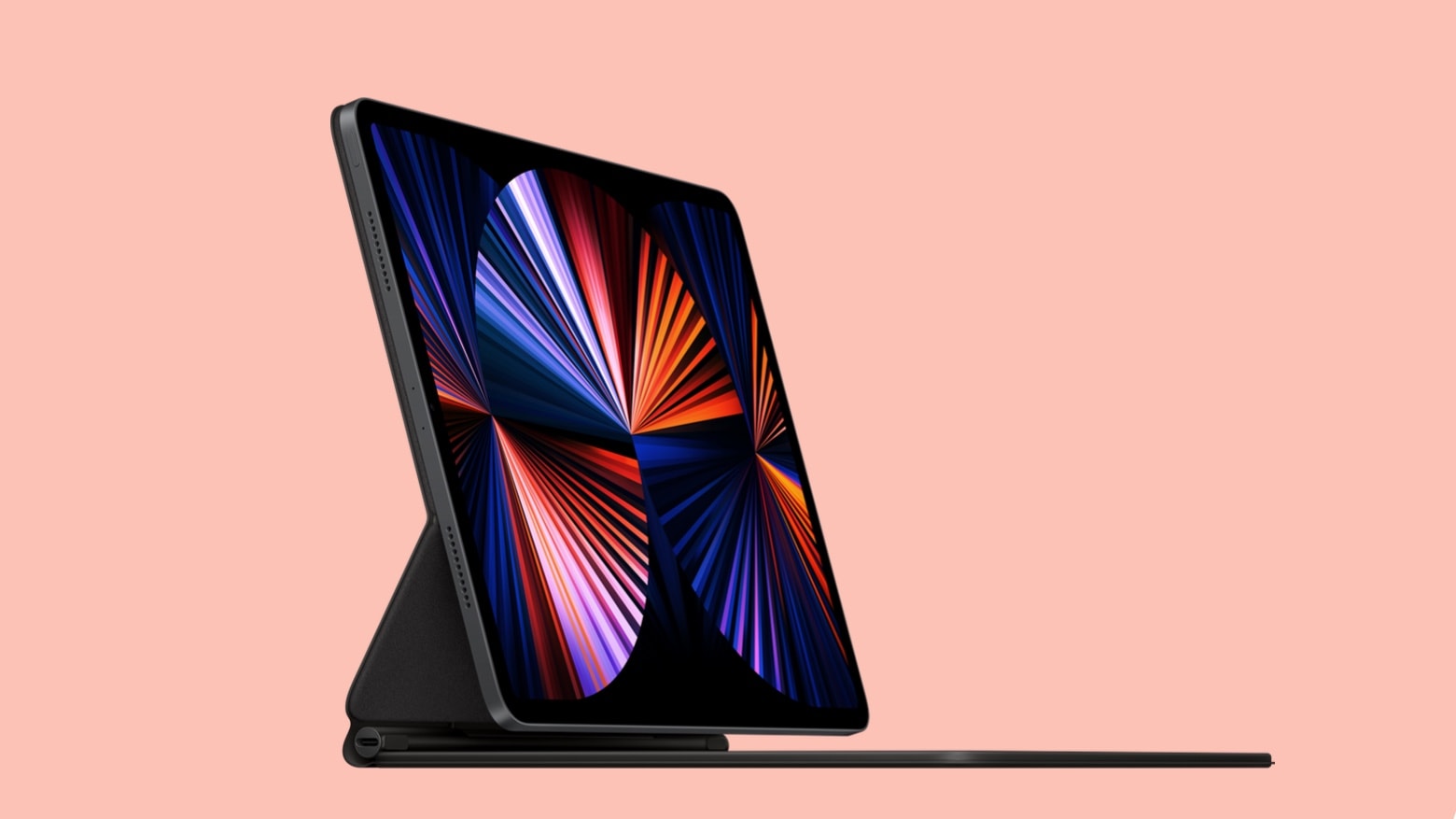
The 2021 iPad Pro is built around an Apple M1 processor that brings a tremendous speed boost. And the USB-C has been upgraded with Thunderbolt, leading to faster connections to external drives. Plus, there’s a version with 5G.
But the latest top-tier iPadOS tablet more than fast — it looks great too. The 12.9-inch version includes a mini-LED display that both improves the look and uses less power.
Find out what Apple has in store for us in the coming months. Image: Apple
Update: Now that Apple’s Spring Loaded event is history, you can watch (or rewatch) it at the YouTube link below.
Apple’s next big event is just hours away, and it promises to be a big one for fans of iPad, AirPods and more. It will be an online-only affair, like other recent Apple events, and you’ll be able to watch it live almost anywhere.
Find out how before the “Spring Loaded” event begins in just a few hours.
 We want to help you master Control Center, one of the most powerful and underutilized features on Apple devices. Cult of Mac’s Control Center Pro Tips series will show you how to make the most of this useful toolbox on iPhone, iPad, Apple Watch and Mac.