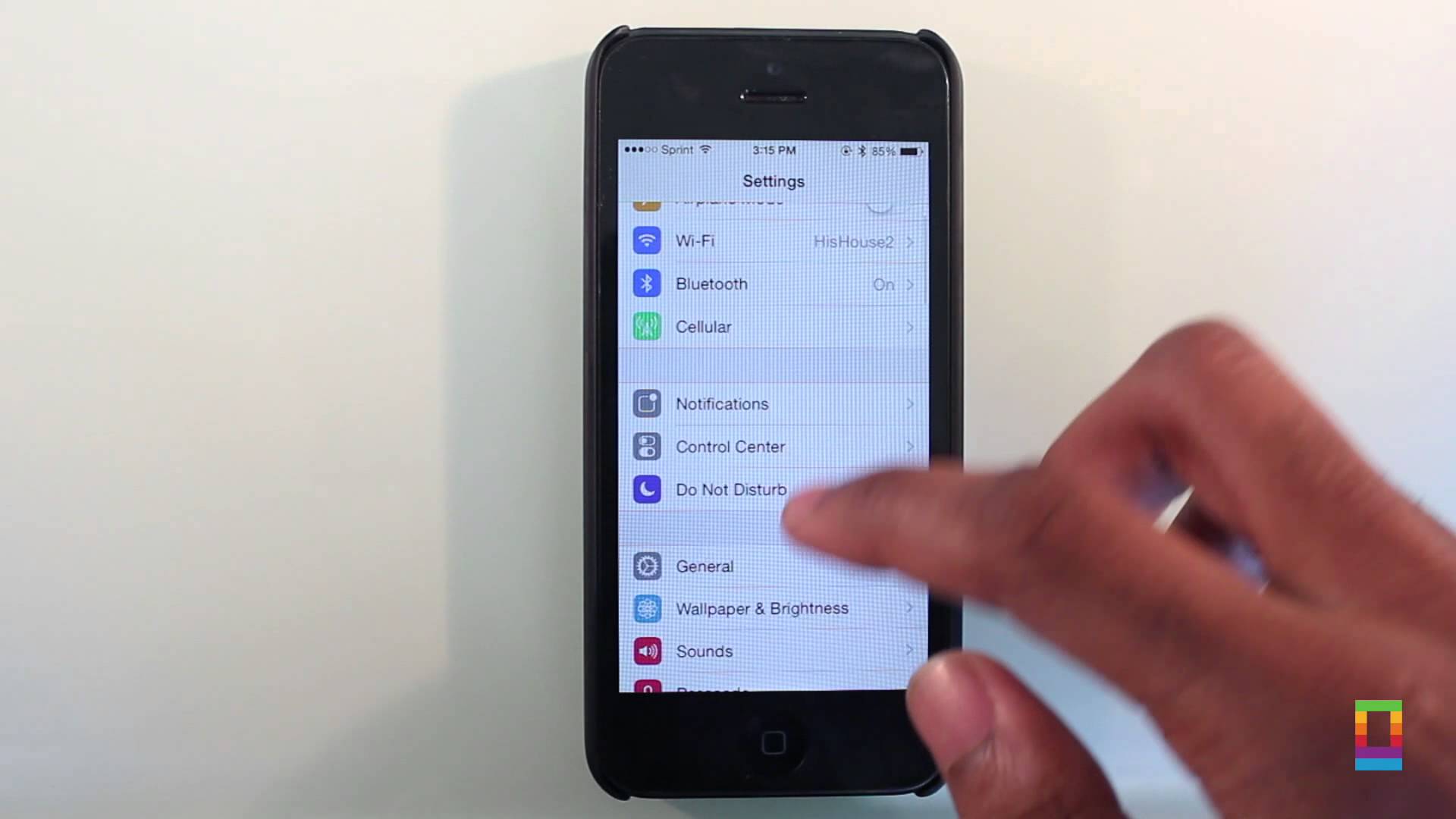
iPhones and iPads are remarkably simple to use. And yet they are also incredibly powerful — and incredibly complicated — devices. Sometimes getting them to do exactly what you want isn’t as straightforward as you might like.
In today’s video, we show you five basic iOS tips that will make using your mobile Apple devices much easier. Edit documents, keep snoops at bay and more by using these easy and effective tips that every iOS owner should know.
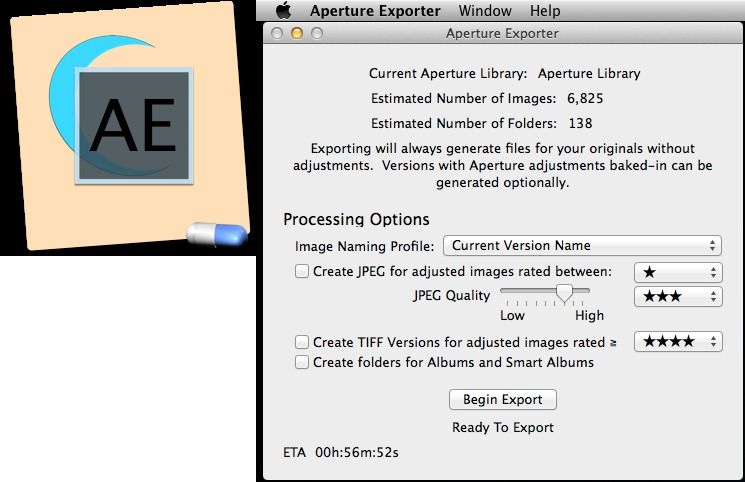
Aperture Exporter is a free tool for those fleeing Aperture after Apple shut it down. It’s a beta, but that’s cool because you can still use Aperture for now while you wait for the final version. Aperture Exporter will mirror your collections as folders, save the original files with XMP metadata sidecar files, and even retain your ratings, comments and other metadata. What you won’t get is your image edits, but that’s because Lightroom and Aperture are so different. Free
According to forensic scientist Jonathan Zdziarski, quite possibly: Several undocumented services run regularly in the background on over 600 million iOS devices, which could be sending data to Apple.
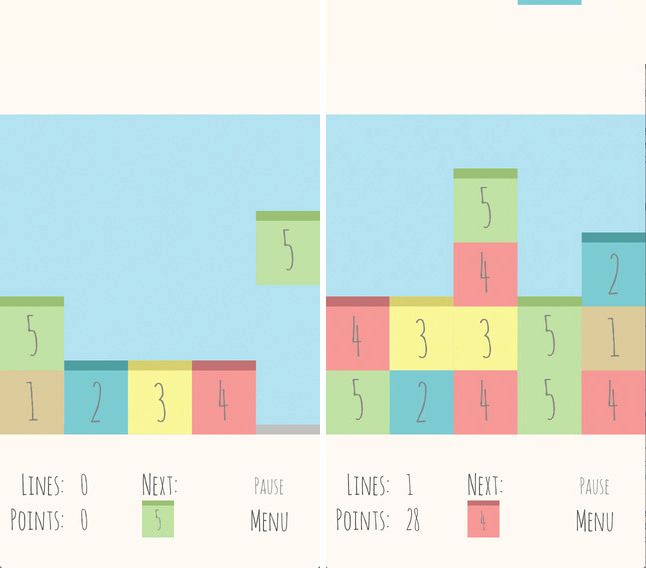
A good mobile puzzle game is always welcome, and if you’re looking for something to augment your TwoDots and Threes games, developer Ricardo Fonseca is hoping he has something for you.
Called Dropu, his new iOS game is — as Fonseca describes it — what would happen “if Tetris and Sudoku had a baby.” As with Tetris, blocks fall from the sky and it’s your job as player to make sequences of them in order to clear lines.
Apple today announced the eighth annual iTunes Festival in London with a whole bunch of massive acts already confirmed. Those lucky enough to bag tickets will see the likes of Pharrell Williams, Maroon 5, Kylie, Sam Smith, and Blondie.
In what has been a great year for iOS gaming, Monument Valley stands head and shoulders above most of its competition. Part M.C. Escher and part Fez, the game lets you journey through a surrealist world full of optical illusions and hidden paths — all the while avoiding and outsmarting the sinister Crow people.
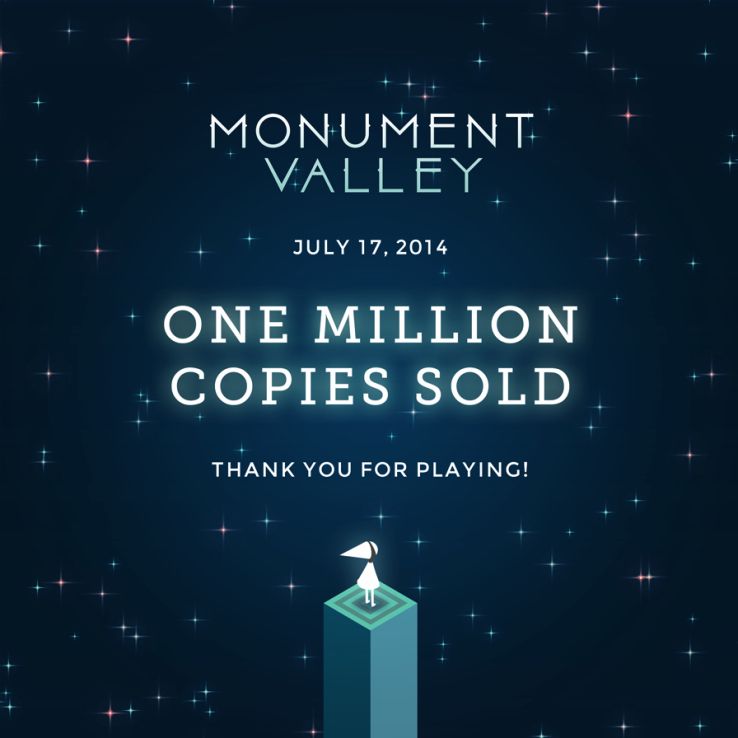
It’s great, compelling fun — and apparently we’re far from the only people to think that, since developers Ustwo announced late last week that their game has now been downloaded in excess of 1 million times.
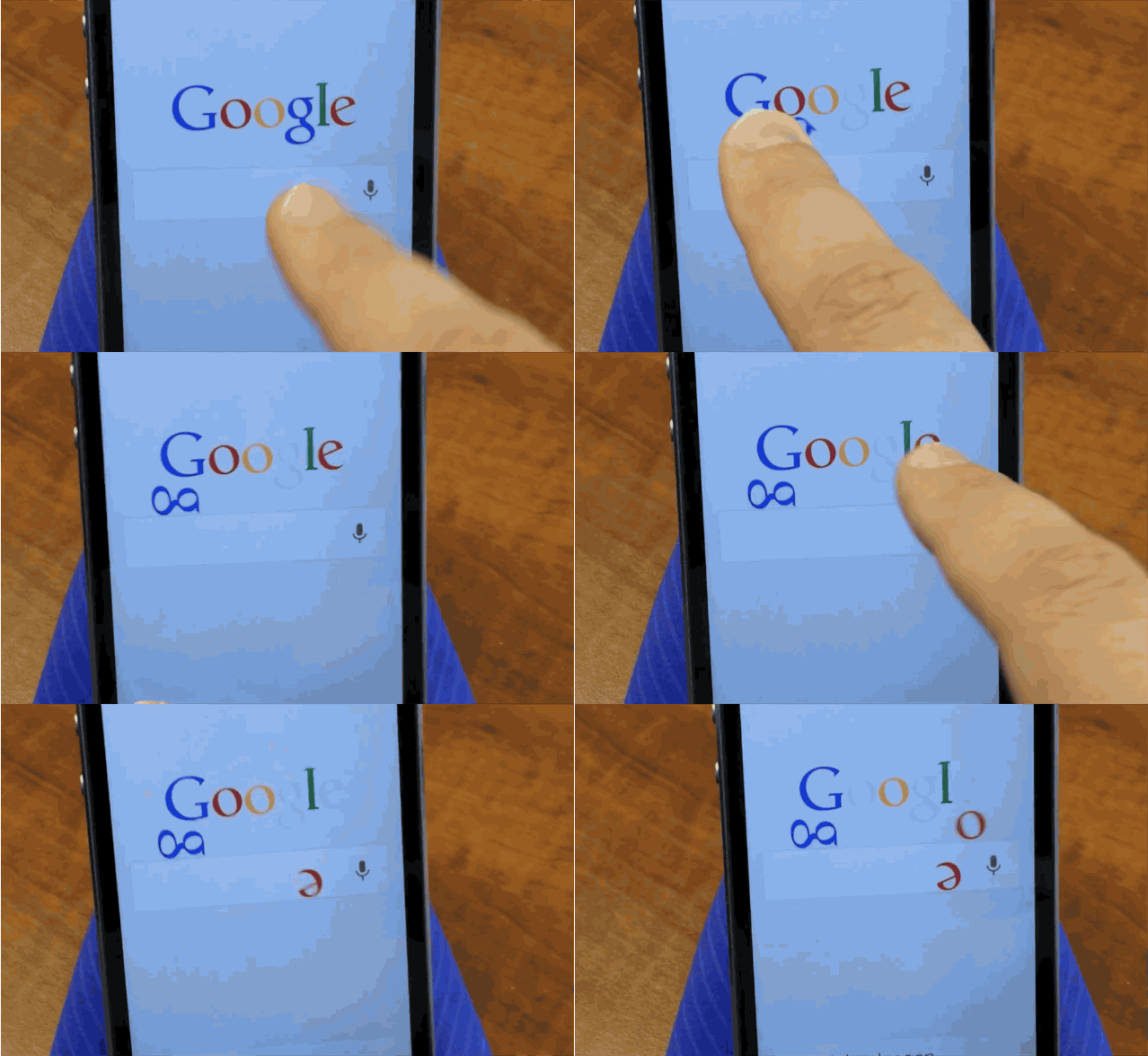
Google Search for iOS has got a new Easter that allows Android-hatin’ fanboys – or anyone else who just likes destroying things – to tear apart the GOOG’s childish logo, one letter at a time.
To find the Google Search easter egg just open the app to the main search screen and you’ll be able to drag, flick and drop letters from the Google logo anywhere on the screen. Titling right and left makes the letters float or fall based on your tilt, and if you want to restore order, each letter can be put back in its proper place.
If your app still has the Nelson Mandela logo you’ll have to wait for an update, but in the meantime, checkout the easter egg in action in the quick video below:
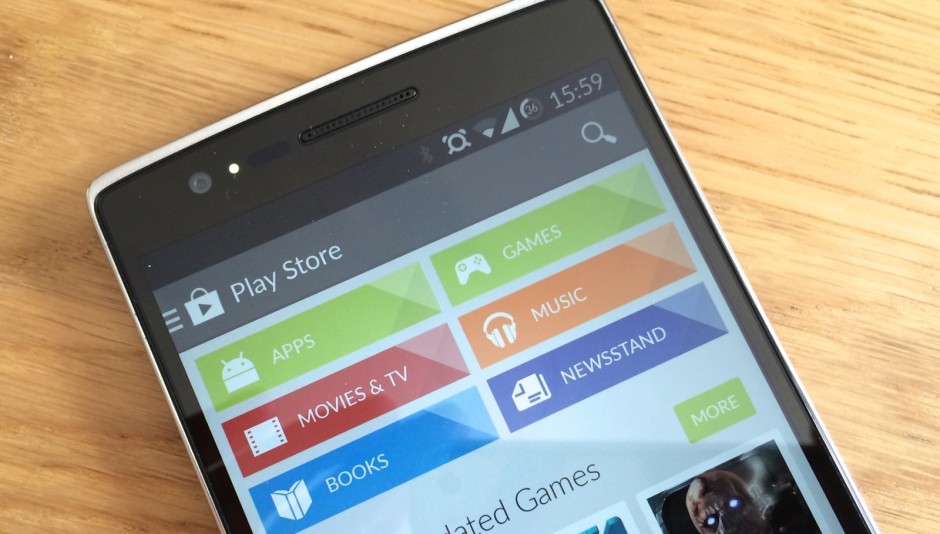
While Android has a significantly larger user base, iOS has always been the more profitable platform for app developers. That’s expected to change over the next three years, however. One analyst believes that by 2018, Google Play will bring in more revenue than the App Store for the first time ever.
The European Commission has issued some words to Google and Apple about both companies’ steps to ensure children don’t rack up huge amounts of money on in-app purchases without their parents’ permission.
In a statement released by the Commission on Friday, Google is praised for a series of changes that will be put in effect by the end of September — while Apple finds itself on the receiving end of some harsh criticism.
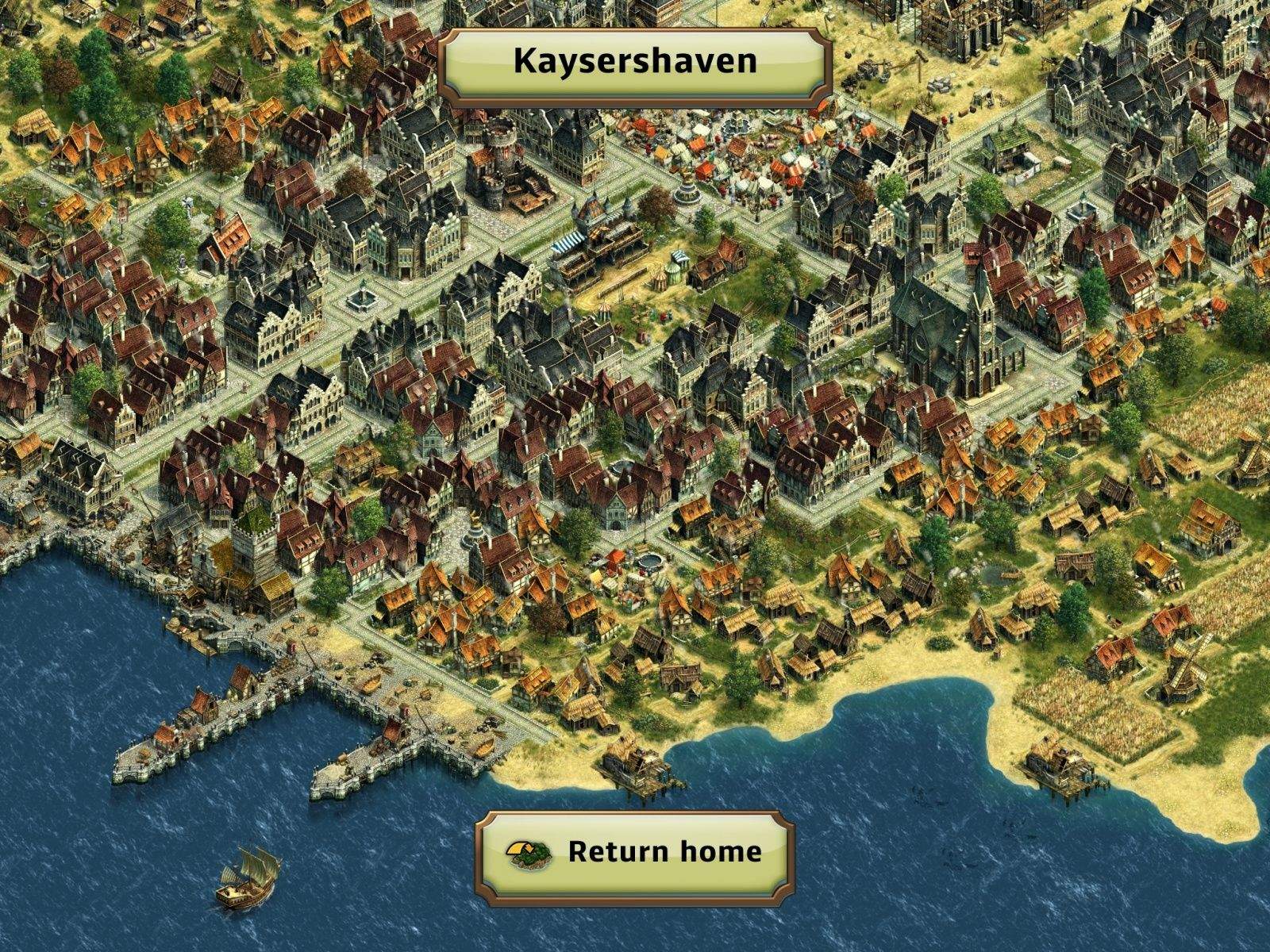
Fans of strategy simulation games can rejoice at the news that the popular Anno series — which first arrived on PC back in 1998 and has continued as a successful franchise to the present day — has landed on iPad.
Called Anno: Build an Empire, the games starts with you colonizing an uninhabited island, which you harvest for resources, before building your way up to a fully-fledged, bonafide civilization — featuring various colonized islands under your control.
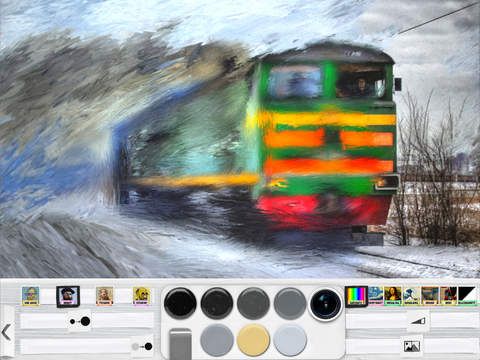
Psykopaint is as close to working on a real painting as you'll get on your iPad.
There are some incredibly clever examples of people painting masterpieces using their iPad, but a new 3-D painting app called Psykopaint is promising to provide the most authentic painting experience yet.
Psykopaint gives you an astonishing variety of materials and options to work with: ranging from different textures and opacities of paint types, to a selection of papers and canvases, each with their own absorption rates, textures, and amount of grain. You can paint freestyle, or choose to work within an accepted artistic style like Impressionism and Impasto — courtesy of custom brushes that imitate the brushstrokes of artists like Monet, Van Gogh, and Gauguin.
In short, it’s the closest thing you’ll get to feeling like a real artist.
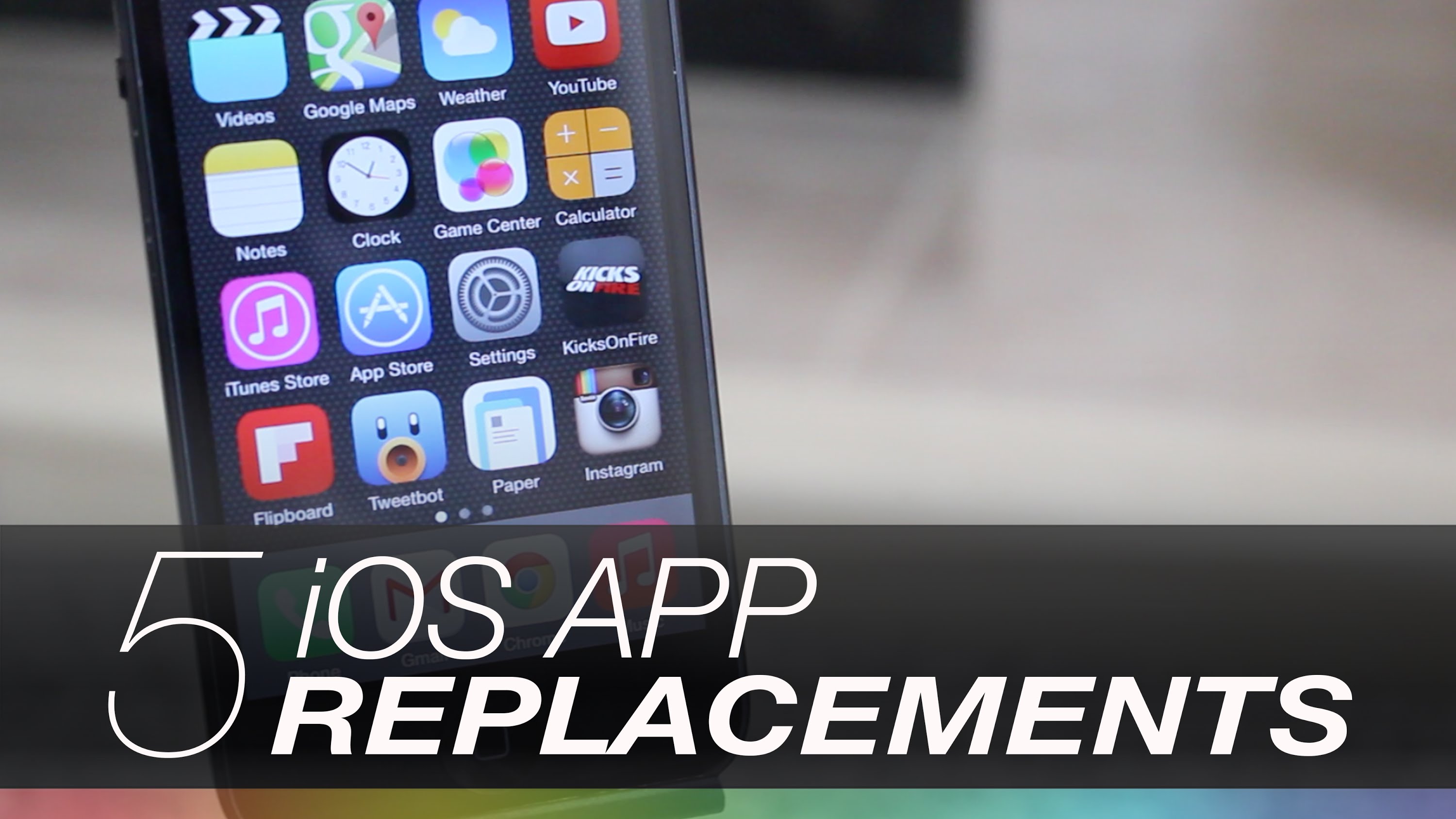
The iPhone comes preloaded with many stock applications, but not all are as powerful as you wish they’d be. Luckily there are tons of developers pushing new apps into the App Store, and many of their creations upstage the stock iOS applications.
In today’s video we take a look at five iOS apps that can easily replace baked-in Apple apps and enhance your iPhone experience. Look at weather in more detail, refresh your music player and more with these powerful apps.
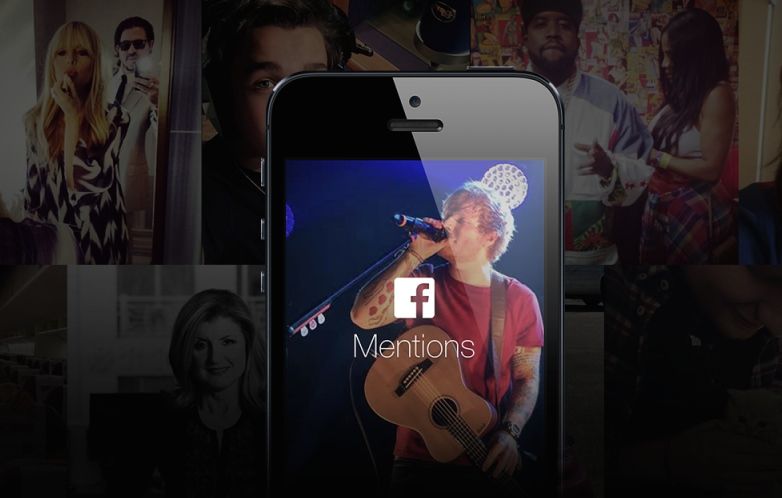
Facebook’s ‘make a bunch of apps and see which ones stick’ strategy for mobile has unleashed a new app for the iPhone this morning, and it’s supposed to make interacting with famous people on Mark Zuckerburg’s social network easier than ever, but you’re probably not cool enough to use it.
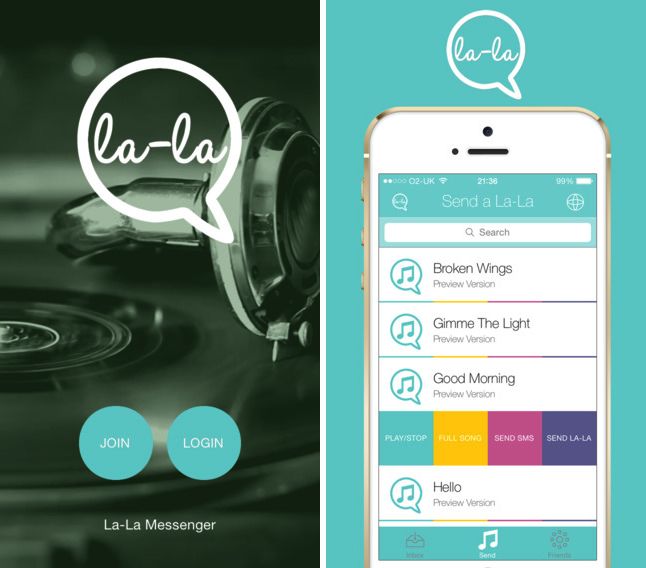
One of the latest is La-La Messenger, which promises users the possibility of conducting entire conversations out of song snippets. A greeting, for instance, might be “Hello” by Lionel Richie, while “the world is a dark place if this is the future of communication” could be Sean Paul’s “Gimme the Light.”
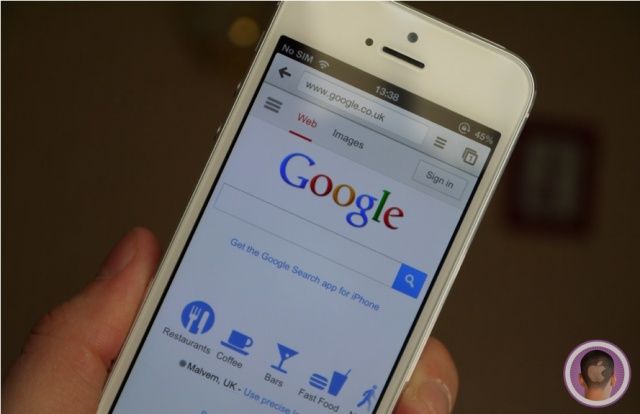
Apple has been waging a fierce war against Flash ever since the iPhone debuted without the power to run Adobe’s battery hungry, multimedia software. Finally, seven years into the battle, Google is adding another blow by flagging Flash content in mobile search results with a warning that sites might not work properly.
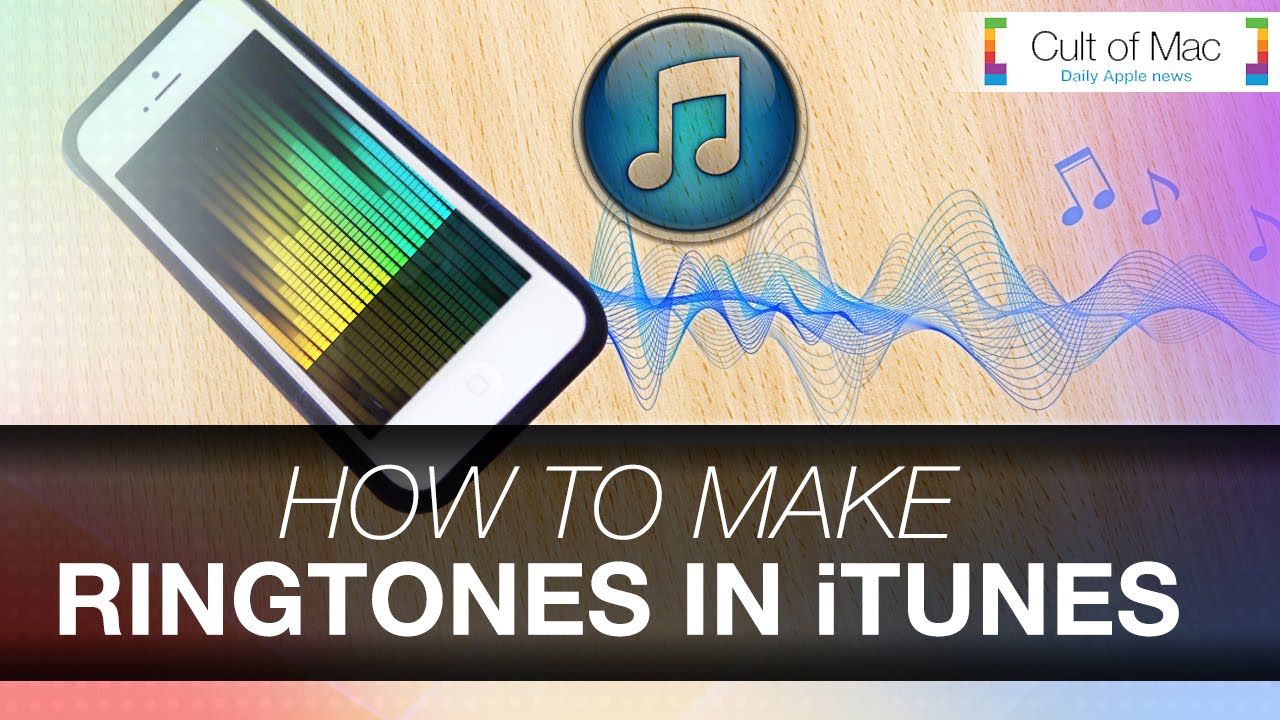
With so many people in the world having iPhones with the same ringtones, hearing a ringer go off can be irritating and confusing. The iTunes Store sells ringtones, but they can become quite expensive if you like switching things up a lot.
In today’s video, we show you how to solve this annoying problem by creating your own free ringtones in iTunes. Just follow these simple steps to separate yourself from the crowd instantly.
iOS users have proven they have an uncanny ability to waste obscene amount of coin on silly in-app purchases, and the latest tech-titan to cash in on all that spending is none other than reality star Kim Kardashian.
Kim launched her first iOS game at the end of June to surprisingly great reviews, but the bigger surprise is the mountain of cash Kardashian and developers Glu Mobile are about to make off of all the fans flocking to download a piece of Kim’s Hollywood life.
Earlier today we reported on how Apple’s new iTunes Pass feature hints at Apple’s interest in mobile payments. However, Apple’s not the only company interested in this area.
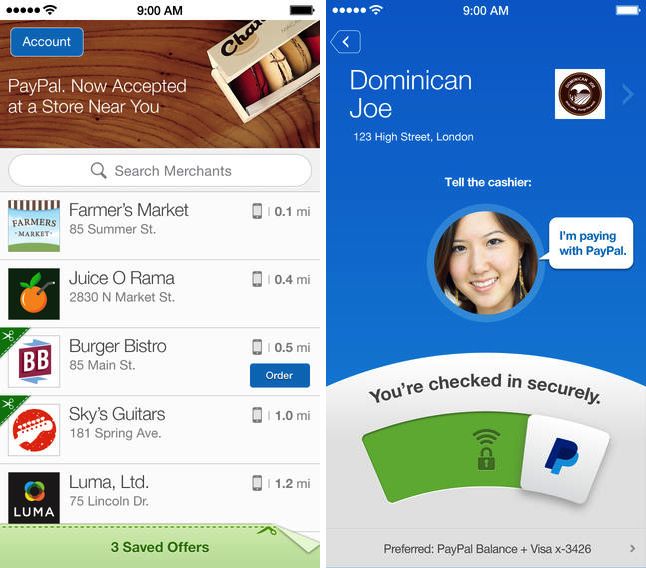
Last night, PayPal updated its iOS client with one important new feature, allowing it to support loyalty cards. That means that PayPal’s app can become your one-stop-shop for payments and checkins for some of your favorite stores, including Starbucks, CVS, and others.
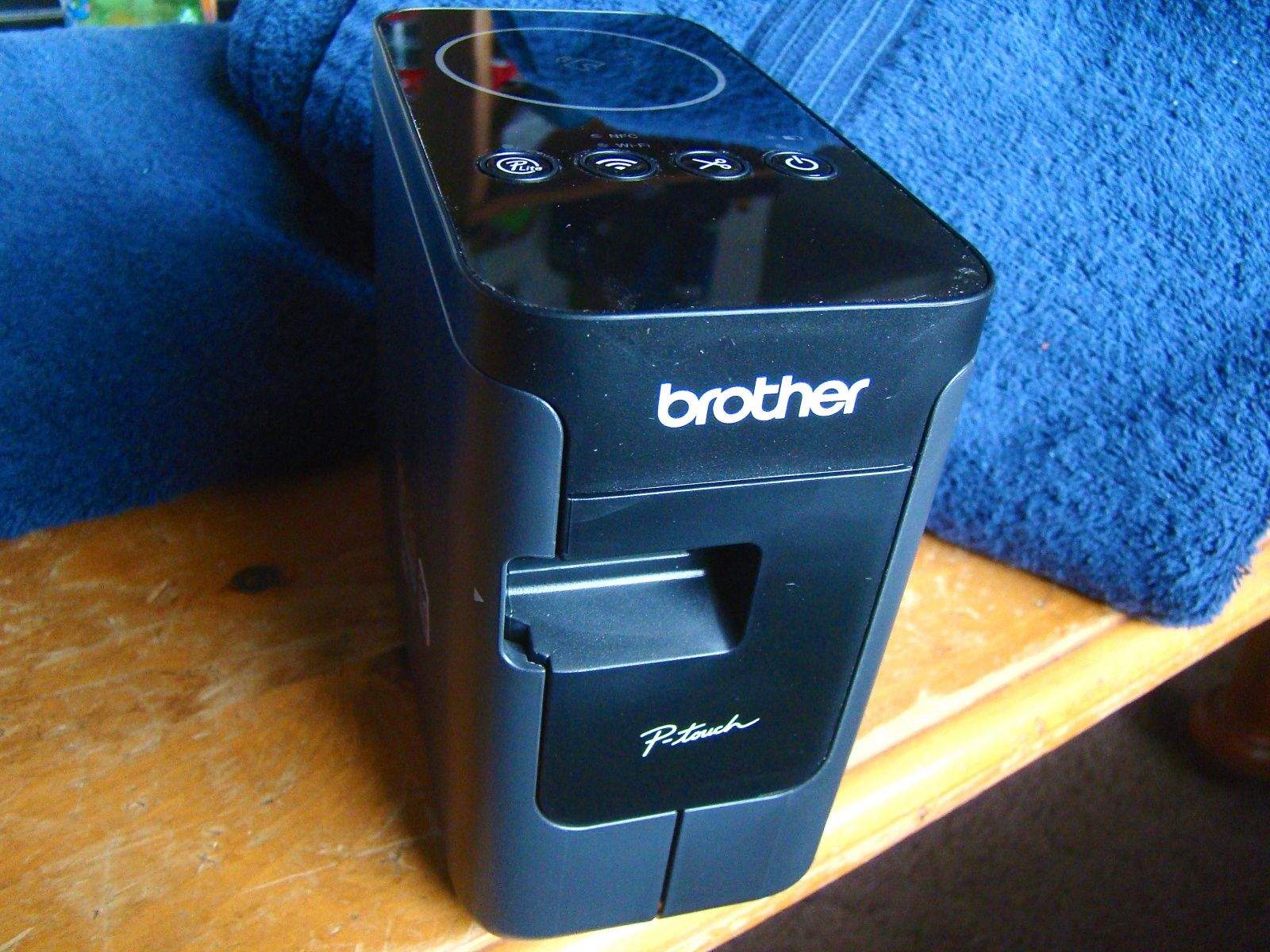
The Brother P-Touch P750W label printer works like a charm. Photo: Rob LeFebvre/Cult of Mac
When I was a kid, we used to label everything: toys, boxes, file folders. My parents used one of those manual rotary label dispensers, the kind you had to squeeze hard enough to make each individual letter poke up through the hard plastic label tape. It was a good day when my brother and I got to use the label maker to title our shelves, toys and books (“Rob’s Stuff” was a common theme).
These days, printing labels is a lot easier thanks to computers and label printers like the ones from Dymo and Brother. Typically, you’ve got to connect these to a Mac or PC, and then use special software to send labels to the label printer.
The Brother P-Touch P750W (printer makers really need to work on their model names) is a label printer that can connect to your computer via USB, sure, but also connect either to your existing Wi-Fi network or create its own Wi-Fi 802.11 b/g/n network to print labels from any device, including iPhones, iPads, Android devices, Windows PCs and Macs.
Yeah, I’ve already labeled some shelves around the house. Old habits, it appears, die hard.
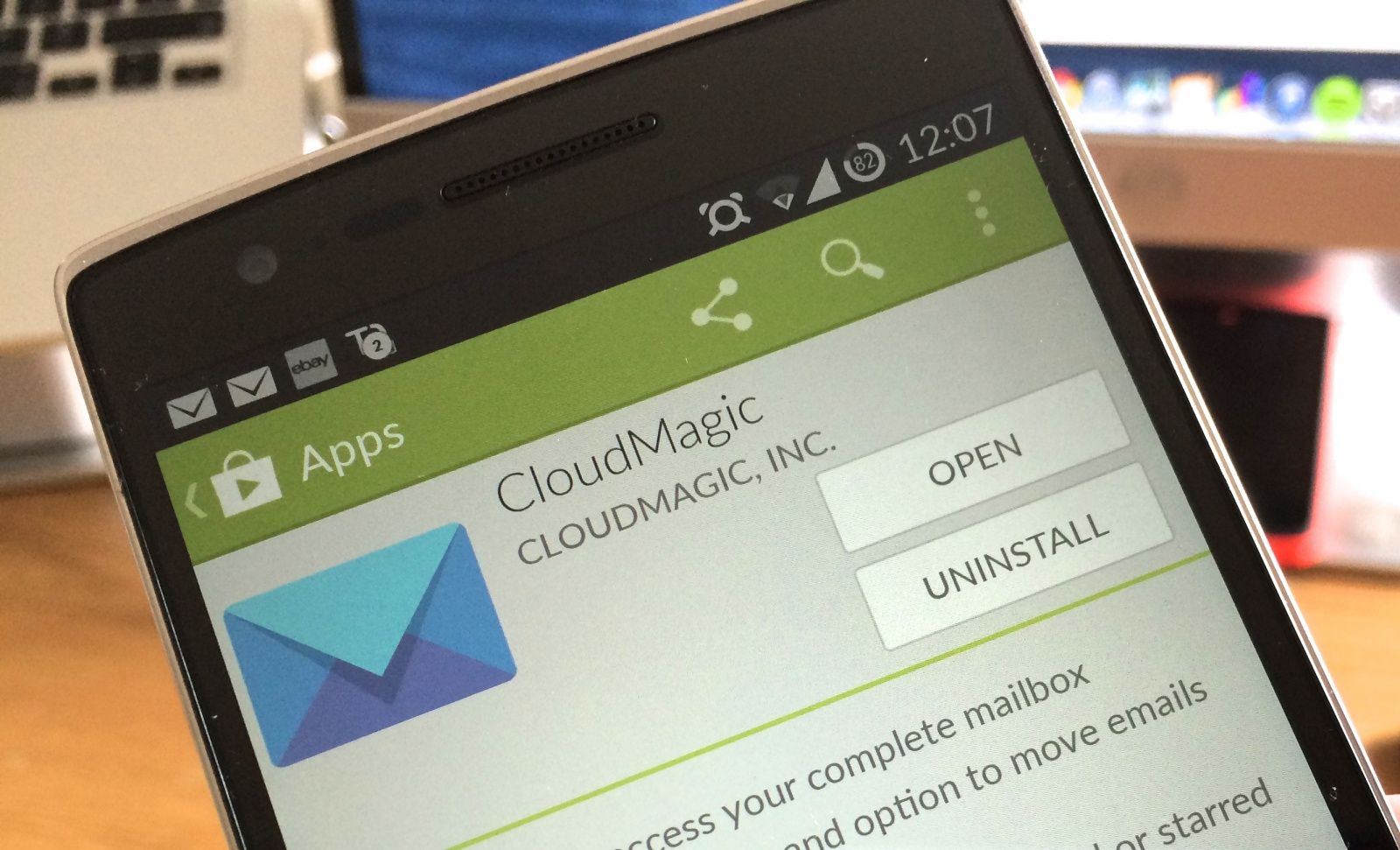
CloudMagic, the best third-party email client for mobile, just got even better thanks to a major new update that’s available right now on Android and iOS. In addition to adding quick filters for things like unread and starred messages, the release brings customizable alert tones, account nicknames, access to spam folders, and lots more.
When Yo, an app which lets you send out one word messages (hint: they all read “yo!”), hit the App Store and raised $1 million in the process, it seemed that messaging apps had reached their minimalist bottom.
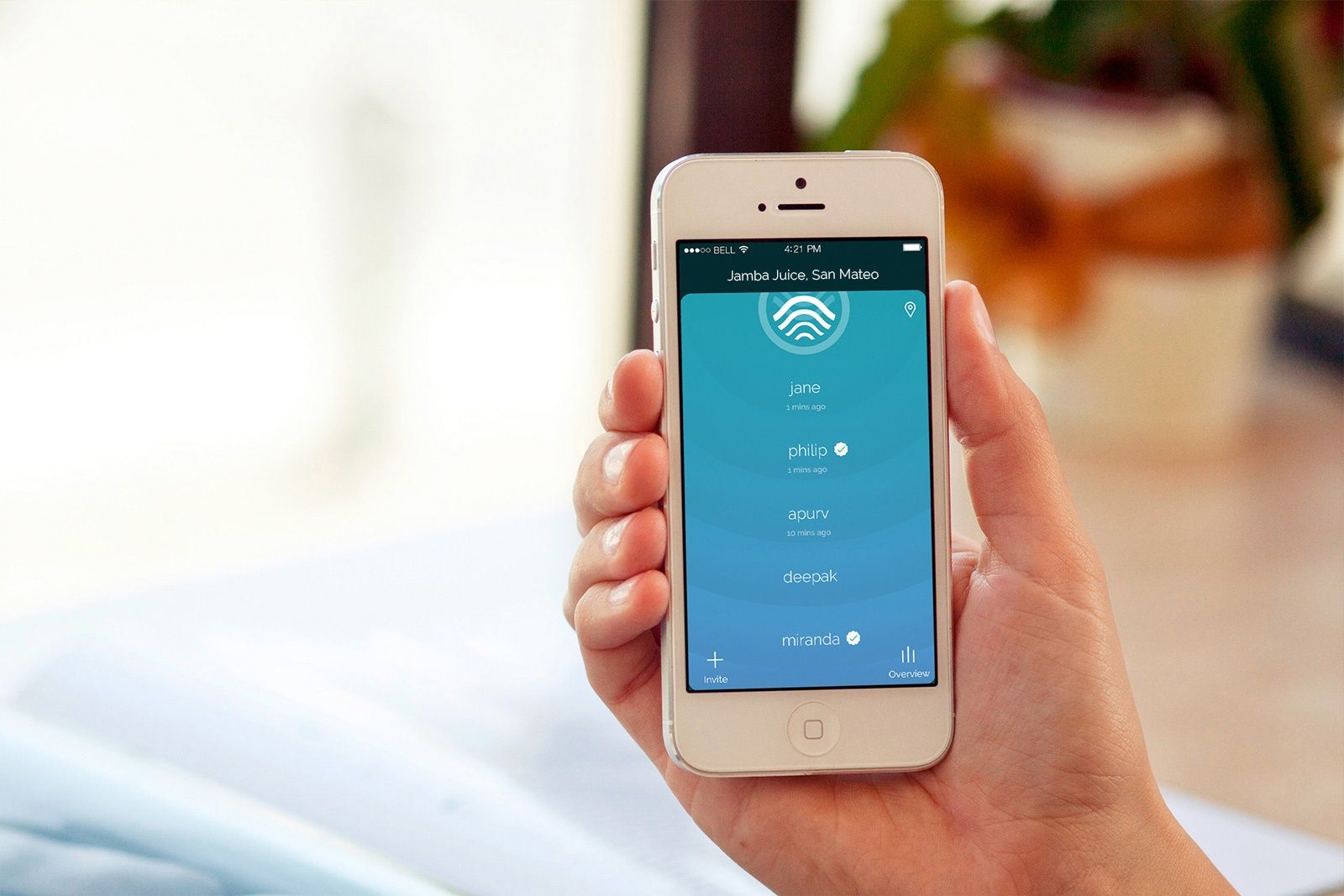
Not so, according to the makers of TAP: a new check-in app looking to snatch Yo’s status as the world’s fastest messaging app. TAP lets you broadcast your location to friends by simply tapping twice on your phone, without even having to unlock it. The location update lasts just ten minutes before disappearing — making this something along the lines of the “Snapchat for Location.”
Spend any time watching trailers for new iOS games, and quickly you’ll find that one merges into the other: all stock music, quick gameplay snapshots, and (if the title’s any good) a stream of title cards reading things like “Brilliant” and “You’ve Never Seen Anything Like This Before.”
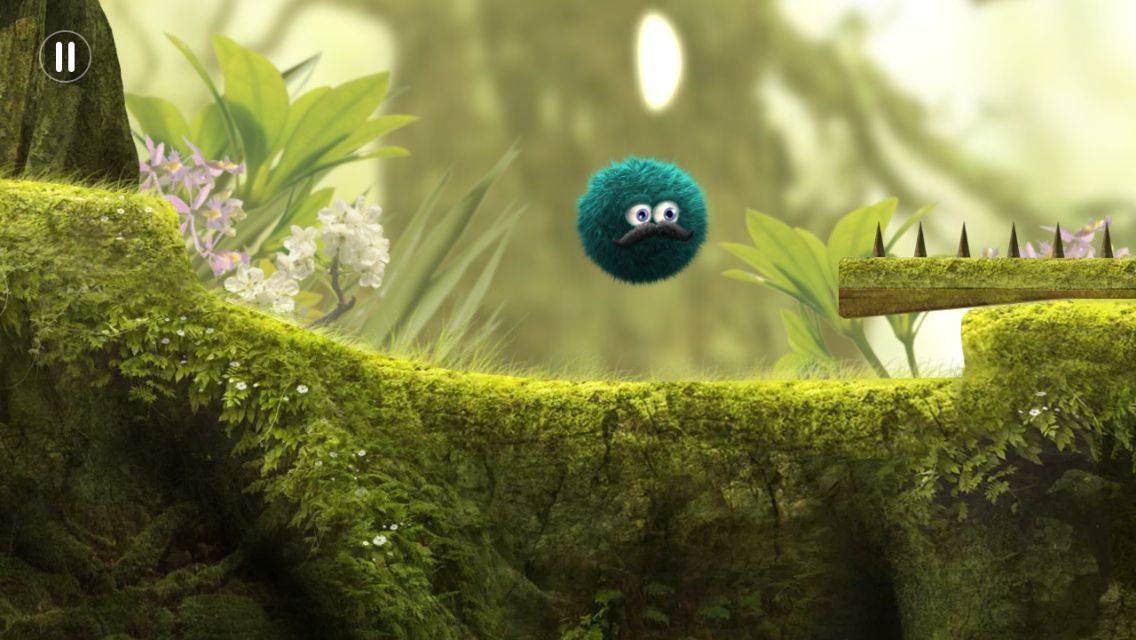
Inventive platformer Leo’s Fortune has just received a new trailer and, wouldn’t you know it, it’s every bit as original as you’d hope for from the recipient of a 2014 Apple Design Award. In fact, dare we say it, it’s worth watching even if iOS gaming isn’t really your bag.
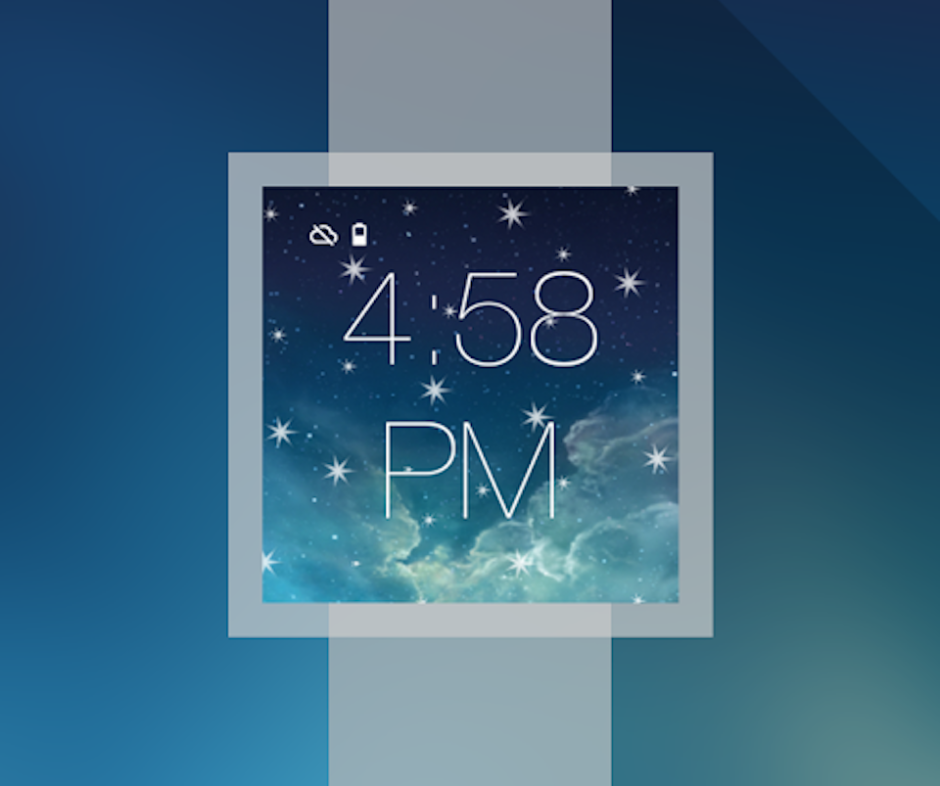
Apple sure is making us wait for the iWatch, and if recent rumors are to be believed, that wait isn’t about to end any time soon. If you’ve decided to spend your cash on an LG G Watch or Samsung Gear Live instead, then why not add a touch of iOS to it yourself with the free iWatch theme for Android Wear.
Games like Monument Valley have managed to be both popular hits and critical darlings.
As you can see from the exclusive “making of” feature I wrote a few months back, I’m a massive fan of Monument Valley, the surrealistic M.C. Escher-inspired iOS puzzle game that rocked the App Store earlier this year.
A recent winner of Apple’s Design Awards at WWDC, Monument Valley is a triumph of isometric design, in which you guide a white-clad princess through a series of impossible structures in a game Apple describes as “akin to a walk through a museum or listening to a music album.”
While the game was already a bargain at $3.99, it’s just been the recipient of a slashed pricetag — meaning that you can now pick it up for the bargain price of $1.99.
The latest iOS 8 beta serves up many minor tweaks that put a friendly, usable face on the major improvements at the heart of the mobile operating system. In today’s video, we take a quick look at iOS 8 beta 3. We’ll show you the latest upgrades to the software to give you an idea what to expect to see on your own device this fall, when Apple releases iOS 8 to the public.