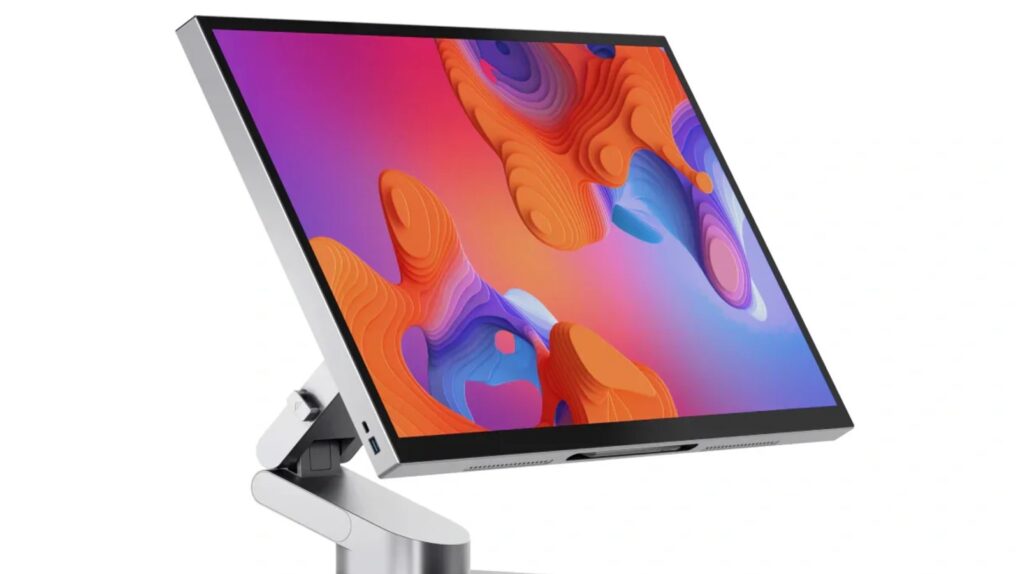
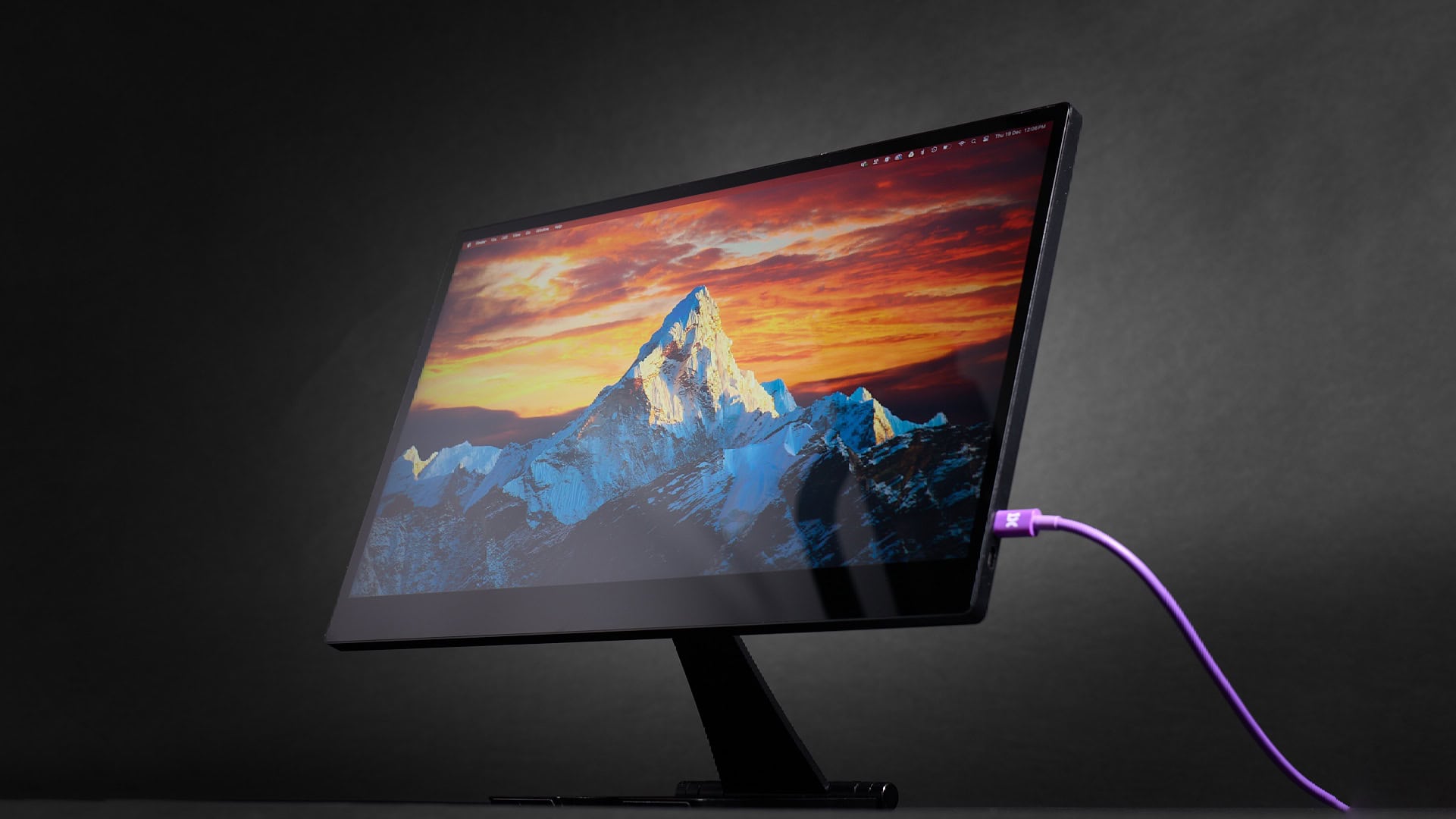
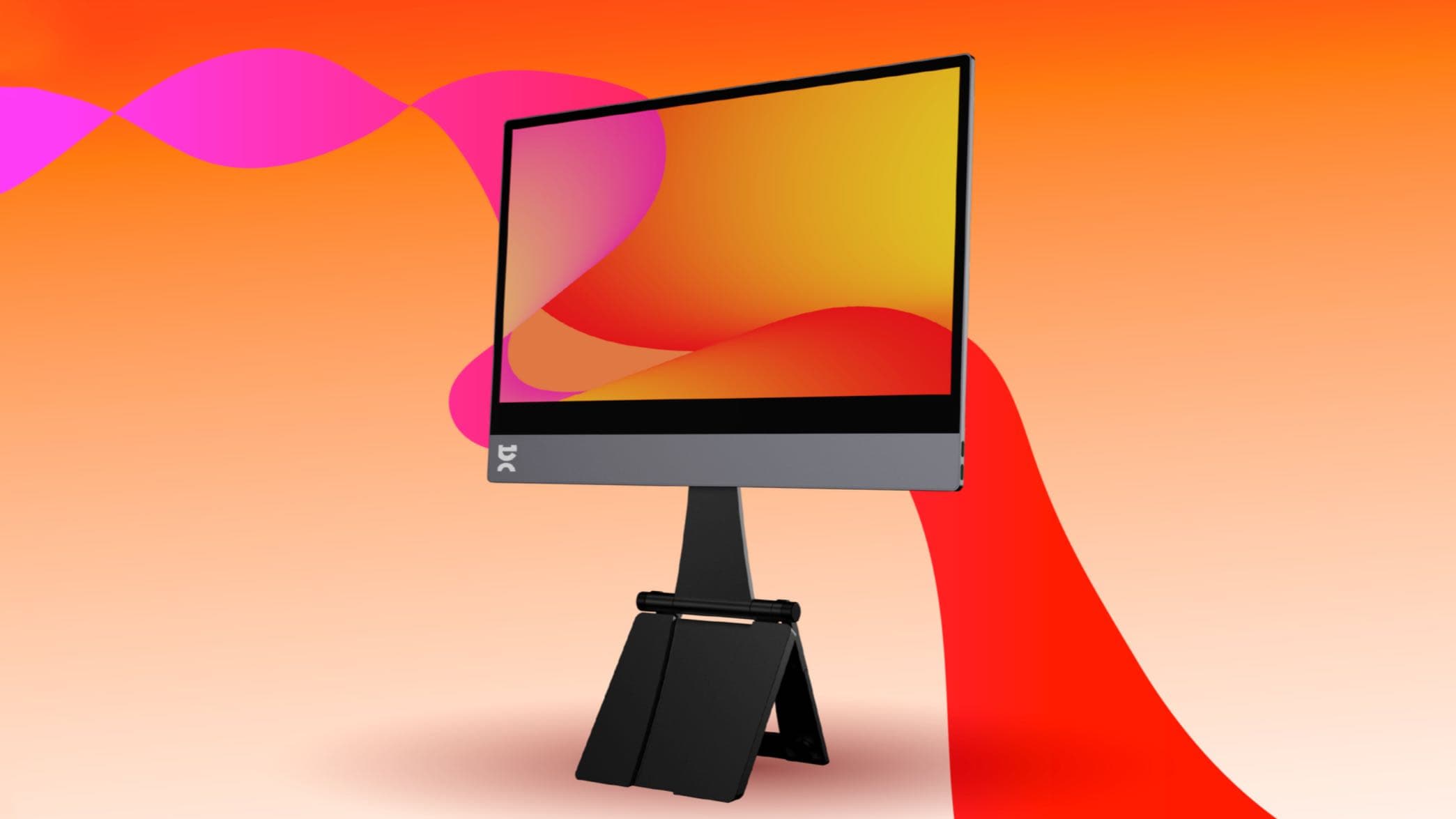
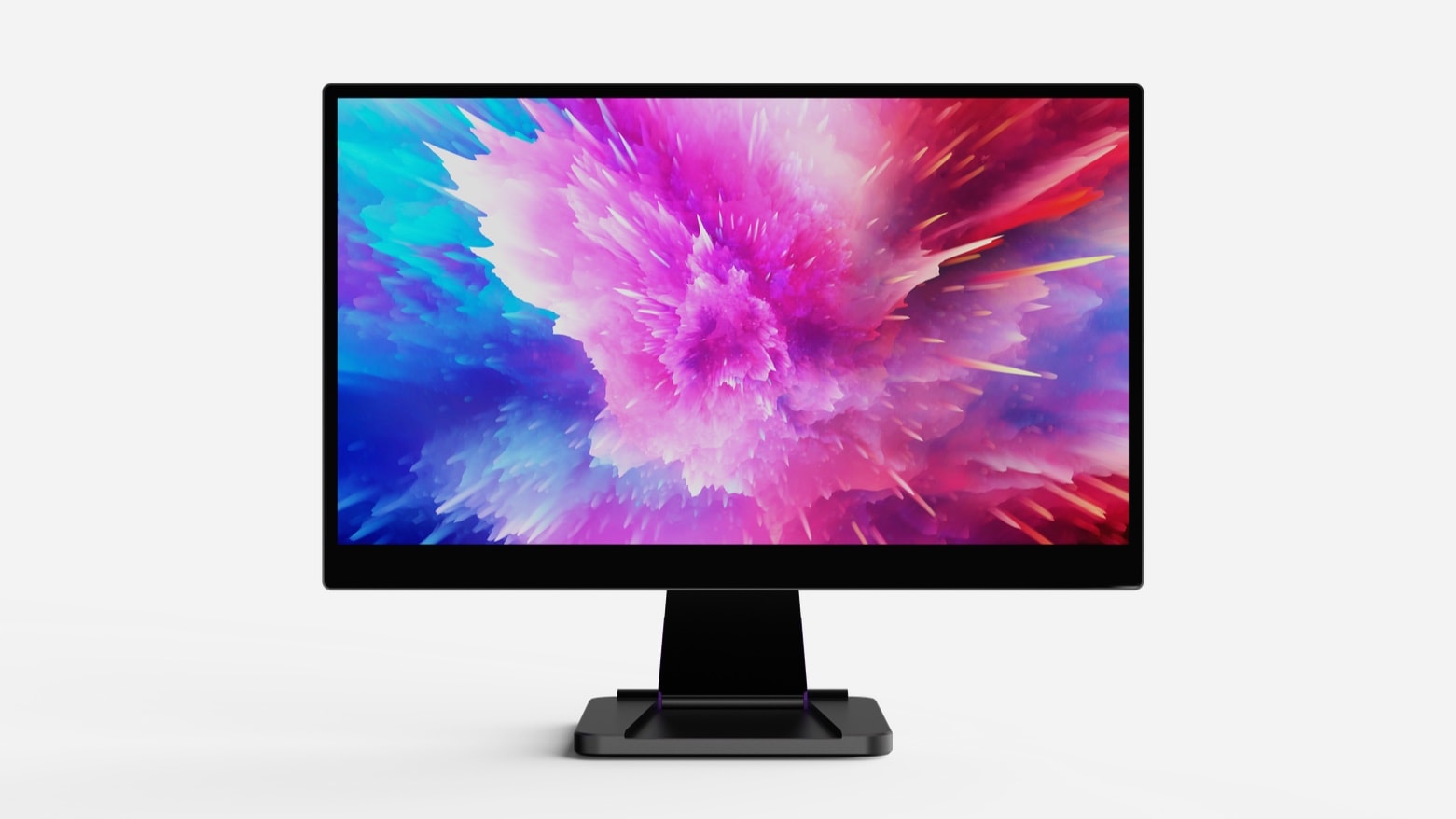
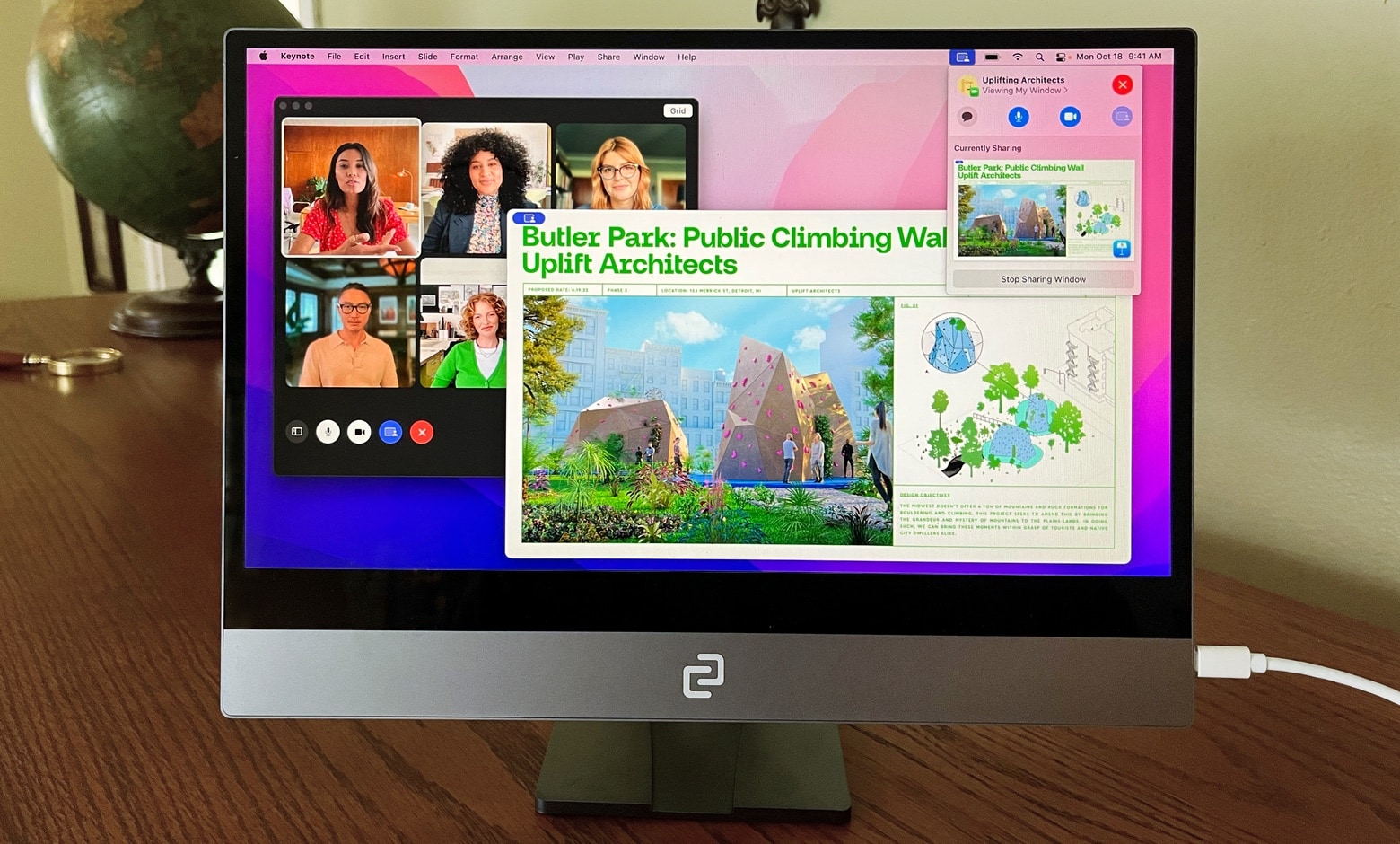
espresso Display 15 with with Stand+ Photo: espresso Displays
The espresso Display 15, an ultra-thin 15-inch monitor, launched Tuesday. It boasts an aerospace aluminum casing, not the usual plastic, but a lower price than previous high-end portable displays from this company. It gets power and data from a MacBook or iPad via a single USB-C connection.
It’s paired with Stand+, an ergonomic stand with a surprising trick.
★★★★☆
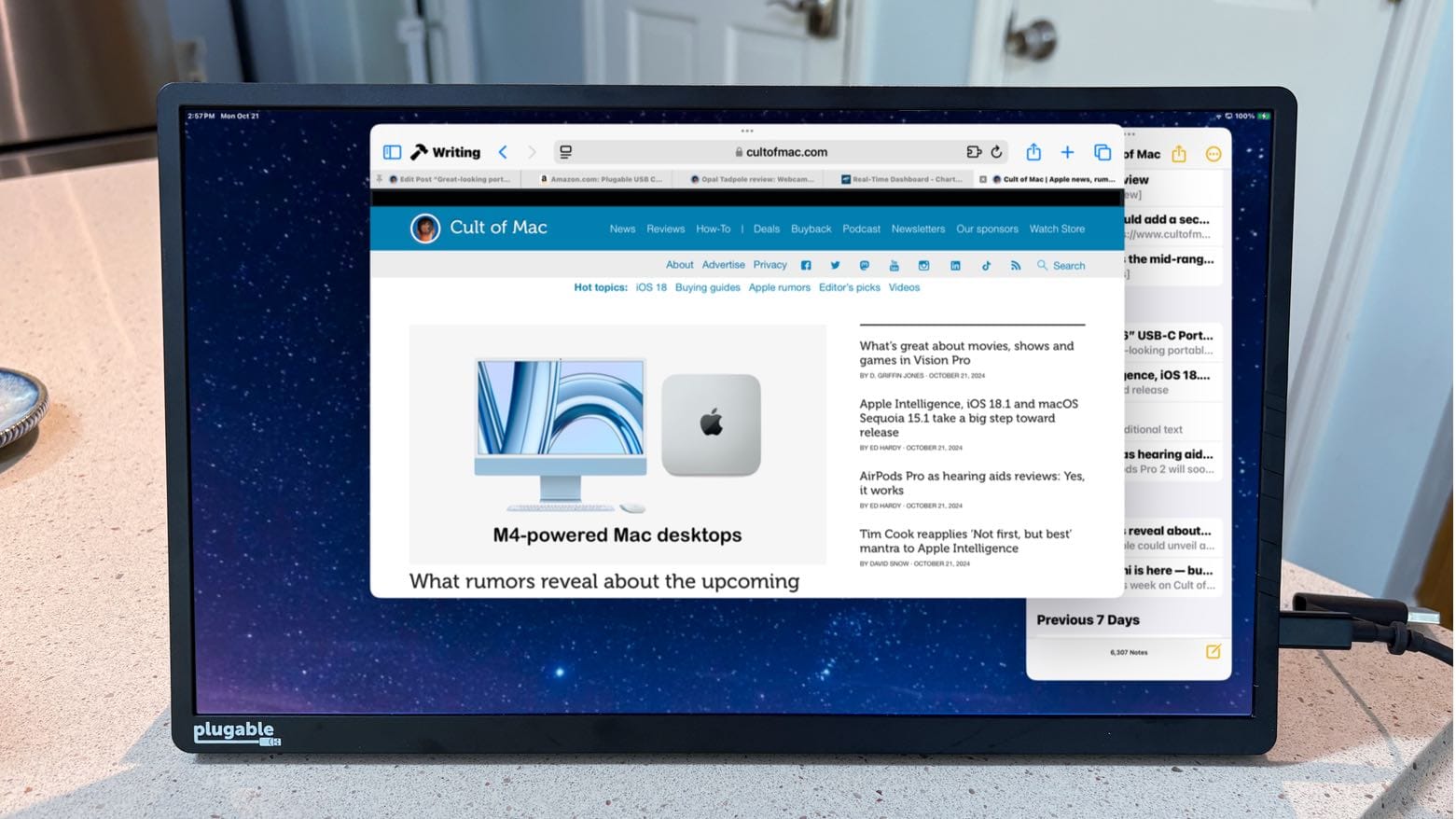
You might not need a USB-C hub if you use this great-looking portable monitor. Photo: Ed Hardy/Cult of Mac
The Plugable 15.6” USB-C Portable Display connects to MacBook or iPad to add more screen space, but that’s only the start: it’s also a hub with a pair of high-speed USB-C ports available for external drives, a keyboard, etc.
As a person who regularly works outside of the office with an iPad Pro, I’m more than qualified to test this accessory for road warriors who are perpetually short of USB-C ports. Here’s why I love it.
Plugable's new external display can be your on-the-go USB-C hub, too. Photo: Plugable
The Plugable 15.6” USB-C Portable Display connects to MacBook or iPad to add more screen space and a hub: it includes a pair of high-speed USB-C ports.
It’s intended for those who need to get loads of work done while on the go, whether from a hotel room or a coffee shop.
A screenshot from a video posted on X shows the transparent display in action. Photo: Dave Snelling, @snellingD on X
Samsung showed off three transparent microLED displays at its First Look event Sunday just ahead of CES 2024 in Las Vegas, according to reports. Two of them are tinted, but the totally clear one can have an especially hologram-like effect.
Don’t get too excited, though. With no availability or pricing information available yet, it might be a while before even any rich people you know can buy these.
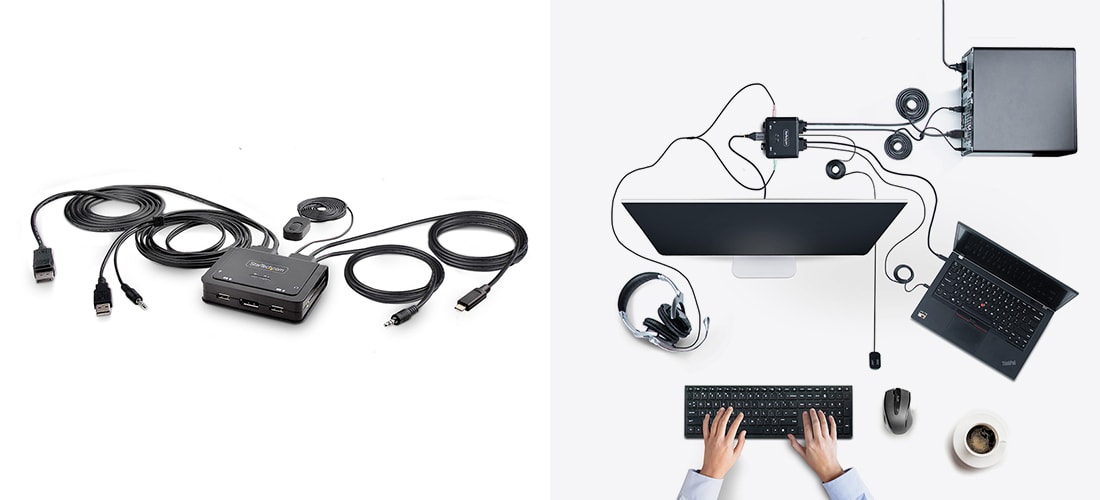
The built-in cables make the KVM switch look a little complicated, but you can handle it. Photo: StarTech.com
In Cult of Mac‘s Setups coverage, we often come across users wondering on social media about how to easily switch between personal and work computers using the same display, keyboard and other peripherals. A solid solution is a KVM switch, and StarTech rolled out five new ones recently.
The devices’ compact designs could suit home setups — especially elaborate ones that folks are proud enough of to flaunt online.
This 17.6-inch touchscreen and stand are ready to travel with your MacBook. Photo: espresso Displays
The Espresso 17 Pro answers the demand for a high-end portable monitor for MacBooks. It sports a 17.3-inch display at a 4K resolution, but it comes in a sleek package ready for on-the-go use. (Update: For a detailed Espresso 17 Pro review, check out our in-depth analysis of its features and performance.)
Beyond increasing the user’s workspace, the display includes a touchscreen for digital artists looking to add this capability to their Mac.
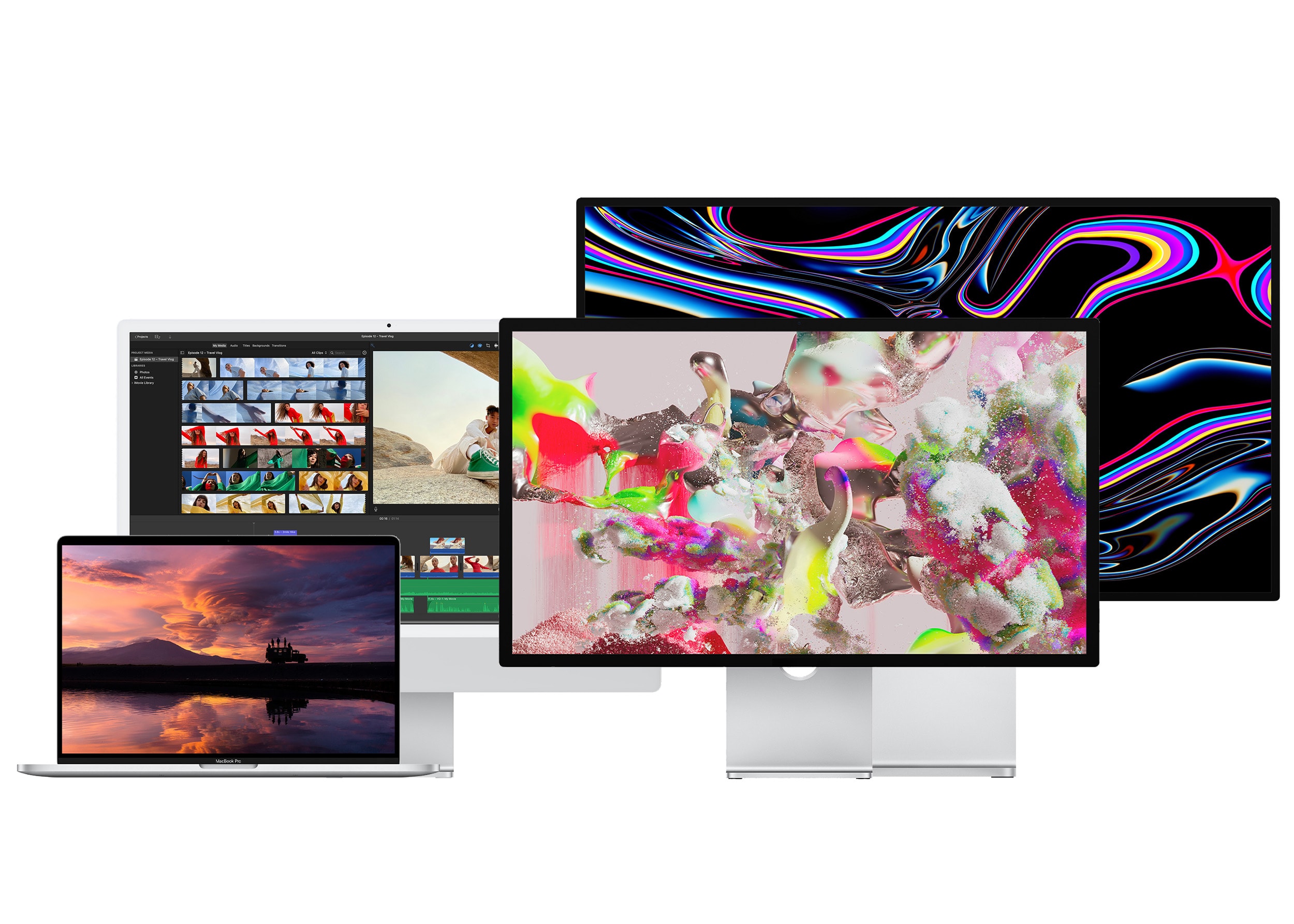
From left to right: The 16-inch MacBook Pro, the 24-inch iMac, the Studio Display and Pro Display XDR. Photo: Apple
If you’ve shelled out hundreds or thousands of dollars on a new computer, you’ll want the best monitor for your Mac to go along with it. There are many different kinds to choose from.
Macs and MacBooks play nicely with Retina displays, which have twice the pixel density and four times the resolution. But they can also be quite pricey — while there are new third-party options that are half the price of Apple’s, the cheapest is still around $800. You can choose from standard 27-inch displays, ultrawide panels with acres of screen space, or even small monitors ideal for a crowded dorm room desk.
Here’s a display buying guide to help you find an appropriate monitor to go with your Mac.
An enhanced version of the Apple Studio Display won’t launch until the first part of 2023, according to a very reliable source of insider info. It supposedly will have much in common with Apple’s current version, but with a mini-LED screen in place of the standard LCD.
This is the third time unconfirmed reports have indicated the product release has been pushed back.
HP's new display, coming soon, offers IPS Black contrast and speedy Thunderbolt 4 connections. Photo: HP
HP rolled out a new 4K monitor at its Amplify Executive Forum Thursday, calling it “the world’s first IPS Black display with Thunderbolt 4 technology.”
The HP Z32k G3 4K USB-C Display, “coming soon” at an unspecified price, should appeal to creators and product developers, the company said.
That’s because it will offer strong color accuracy and high contrast in addition to the speed and versatility of Thunderbolt 4 connectivity.
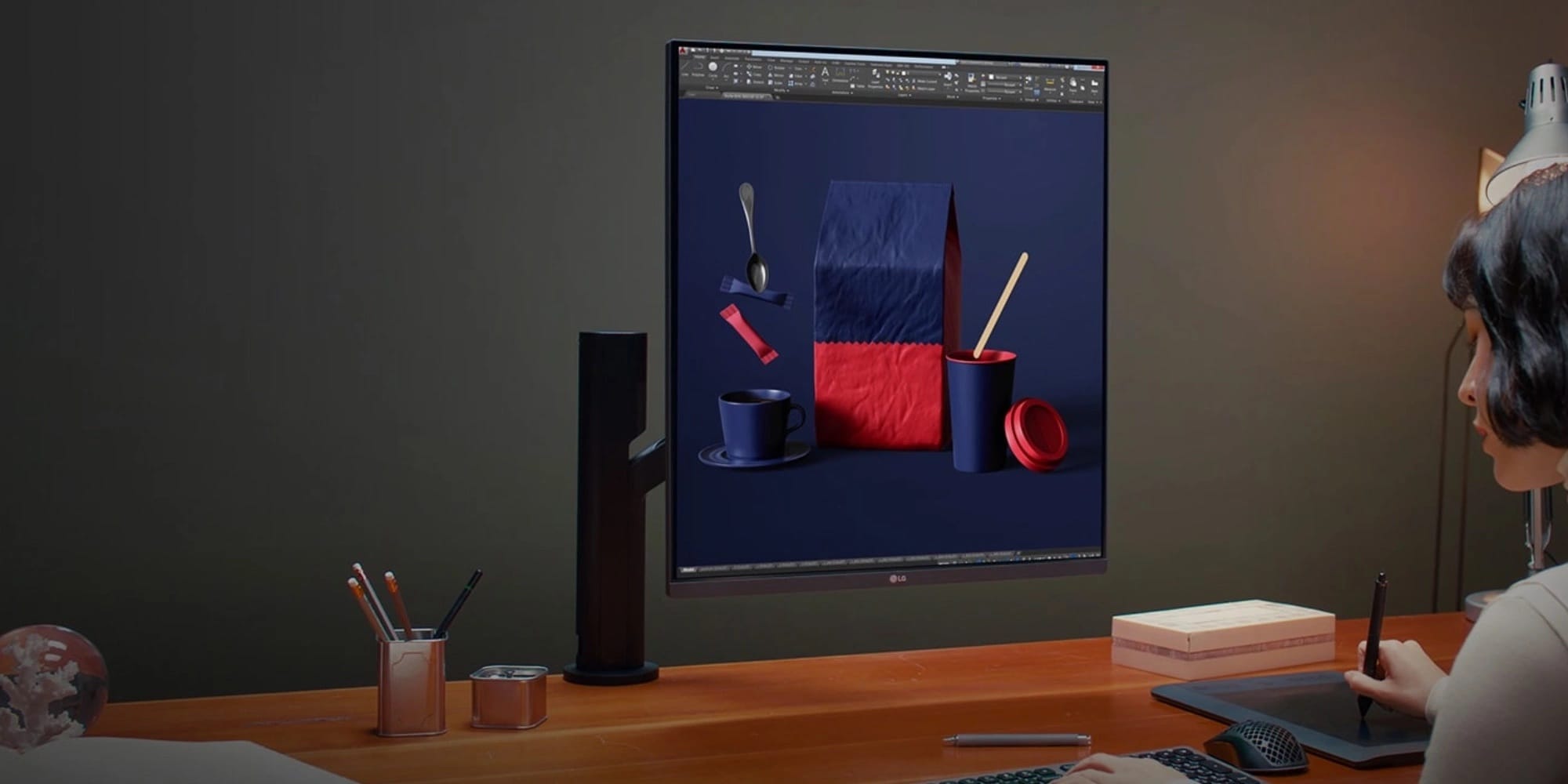
That 16:18 aspect ratio looks odd but could be great for multitasking. Photo: LG
LG’s new DualUp Monitor with Ergo is a 28-inch panel with a 16:18 aspect ratio — tall and nearly square. The seemingly unique display features 90W USB-C passthrough charging and more.
Essentially, it’s like two stacked 1440p monitors in one display. And it could be a multitasking powerhouse.
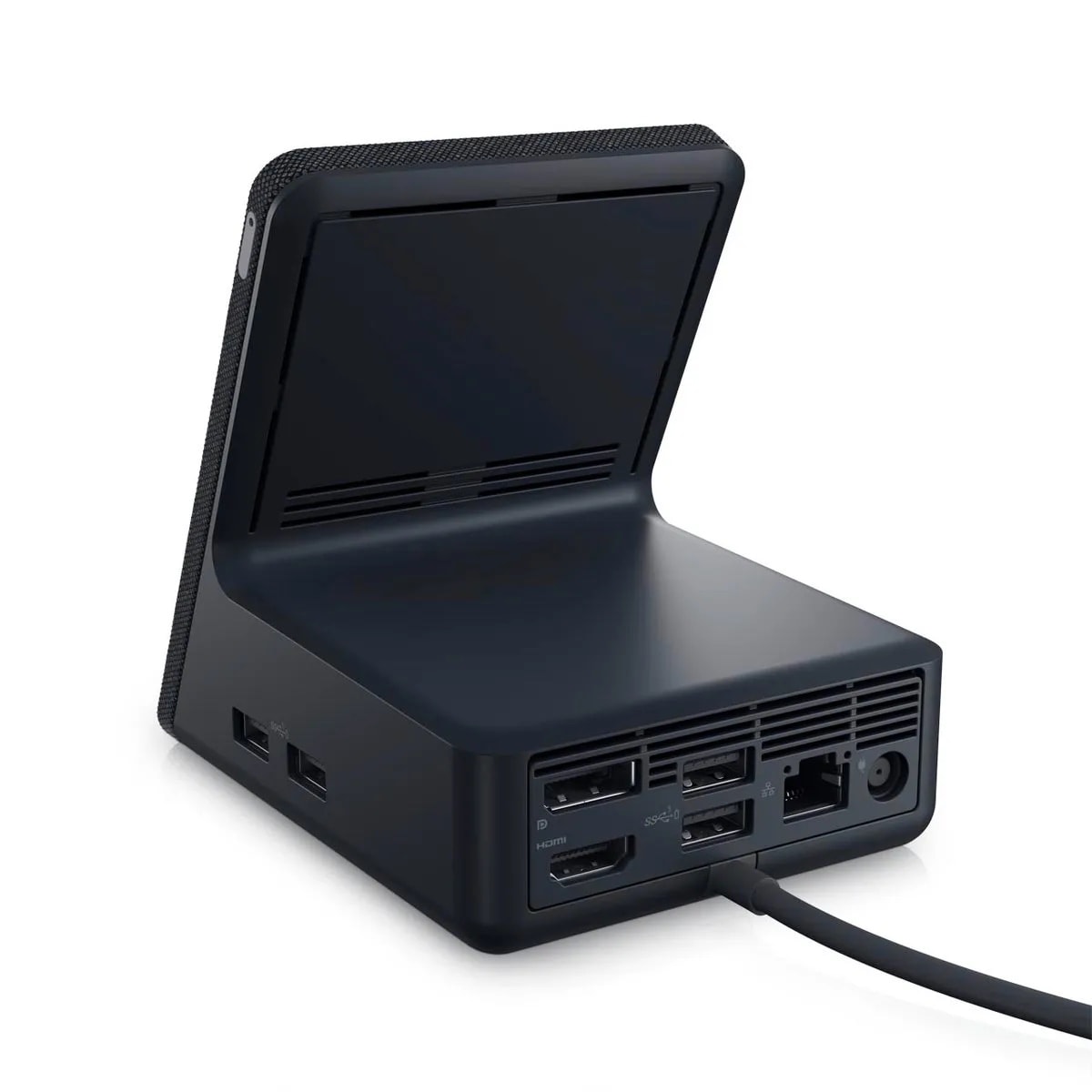
Hook your laptop up to peripherals while you charge your phone and earbuds. Photo: Dell
The compact new Dell Dual Charge Dock is the first laptop docking station to offer a Qi-standard wireless charging stand for smartphones and smart headphones, the company said. And it supports dual 4K monitors, making it a solid choice for home and hybrid offices.
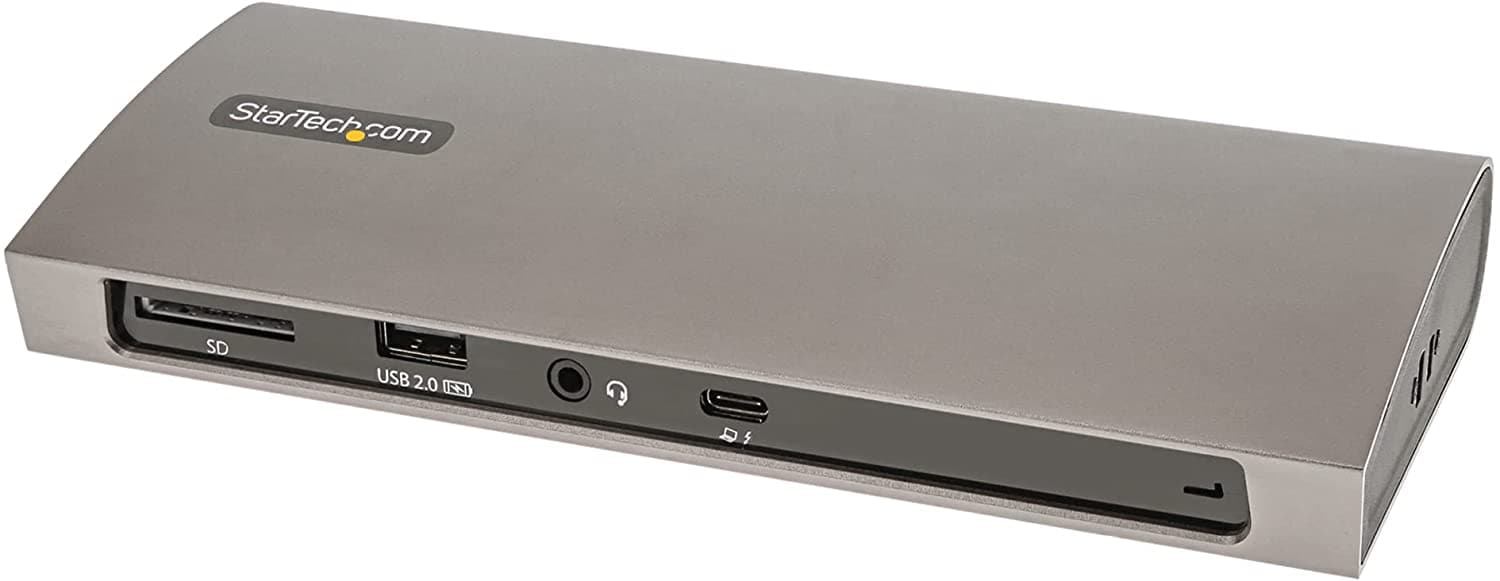
StarTech.com's capable new Thunderbolt 4 docking station can broaden your laptop's horizons. Photo: StarTech.com
With Thunderbolt 4 connectivity becoming more and more common in new laptop computers, including various Macs, you may be in the market for a worthy docking station. After all, small, lightweight laptops don’t always have all the ports you need. So it’s a good thing StarTech.com recently released its TB4CDock for Mac and Windows. If you also need an apple sd card reader along with a docking station, consider checking out this 6-port hub from Zagg.
The Thunderbolt 4 station bristles with the ports you need to turn your laptop into a desktop, or close to it.

The Espresso Display V2 is a gorgeous external display that’s also a touchscreen. Photo: Ed Hardy/Cult of Mac
Although Apple refuses to make a touchscreen Mac, the Espresso Display V2 is ready to fill in the gap. There are 15.6-inch and 13.3-inch versions of the very slim external display, and both support touch and an optional stylus.
I tested the screen with a MacBook and iPad to see how well it performs in ordinary use. And I also tried out the stylus as well as the stand for desktop use and the case for taking the display on the go.
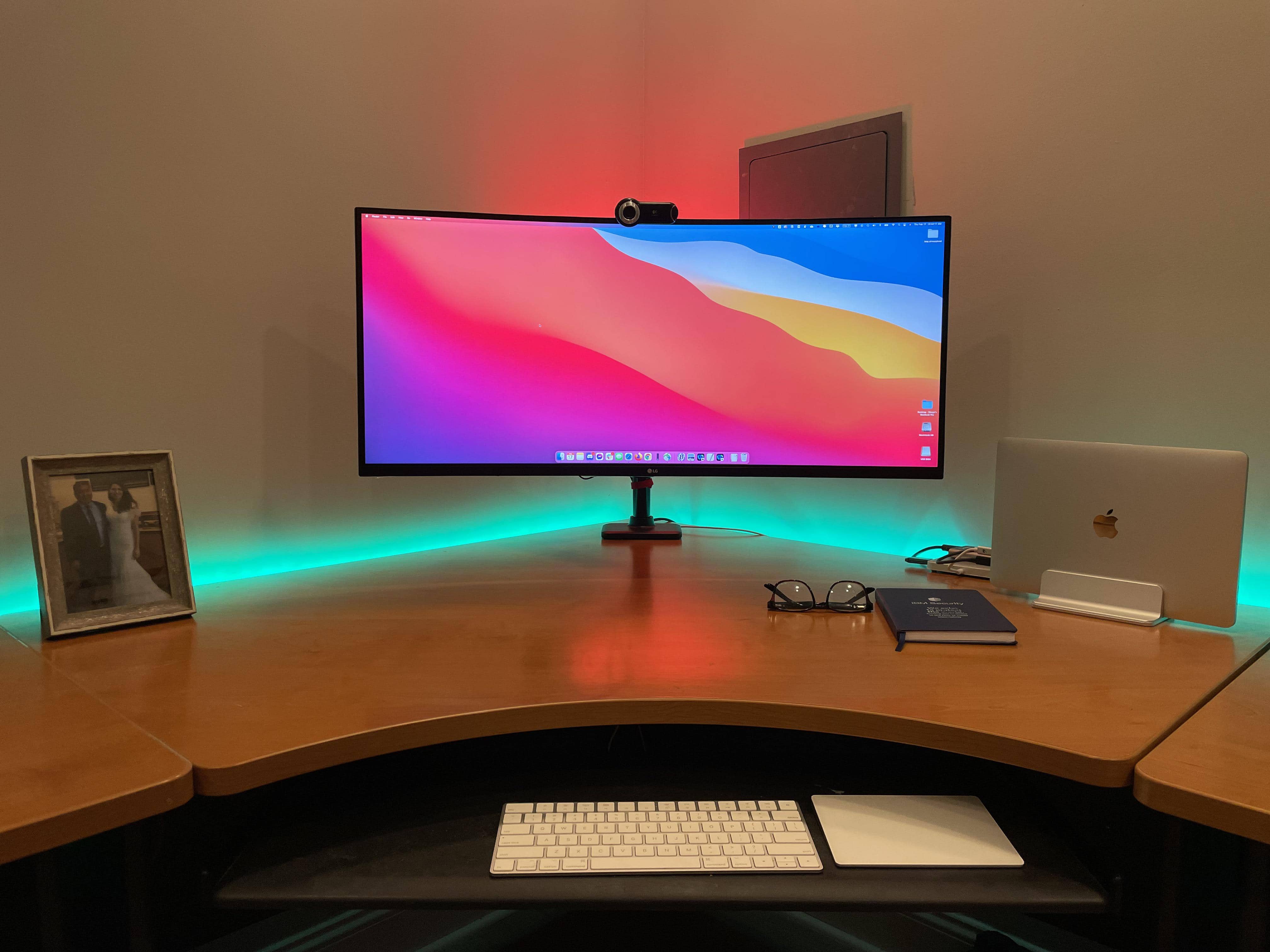
Would you put a 28-inch 4K monitor on top of this 35-inch display, or next to it? Photo: [email protected]
When you see a computer setup with two monitors stacked on top of each other, what do you think? Maybe something like … doesn’t the person have to crane their neck to look at the top one? Isn’t it uncomfortable? Where does the webcam go? What’s wrong with side-by-side, maybe with one in portrait (vertical) mode instead of landscape?
The person behind today’s featured setup is confronting those very questions on the way to deciding a common multi-display conundrum: to stack or not to stack? That is the question.
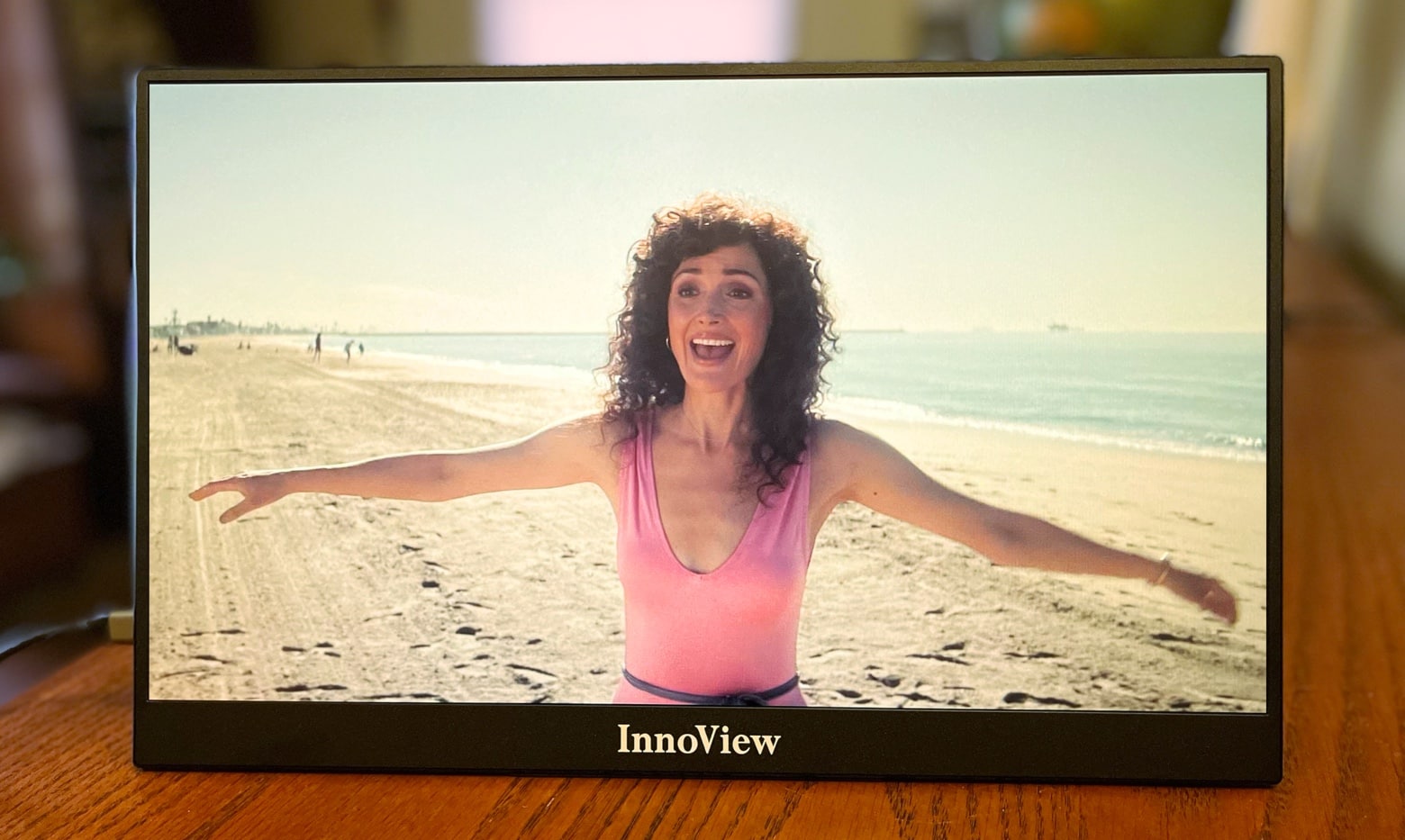
The InnoView Portable Monitor is ideal for work, school, gaming or video. Photo: Ed Hardy/Cult of Mac
The InnoView 15.6-inch Portable Monitor might be everything you’re looking for in a second screen for your MacBook. First off, it’s beautiful. And it’s very slim and lightweight. Plus it works with a wide variety of devices: Mac, iPad, even iPhone with the right adapter.
I used InnoView’s on-the-go display for both work and entertainment. Here’s all the many ways it impressed me. And its one flaw.
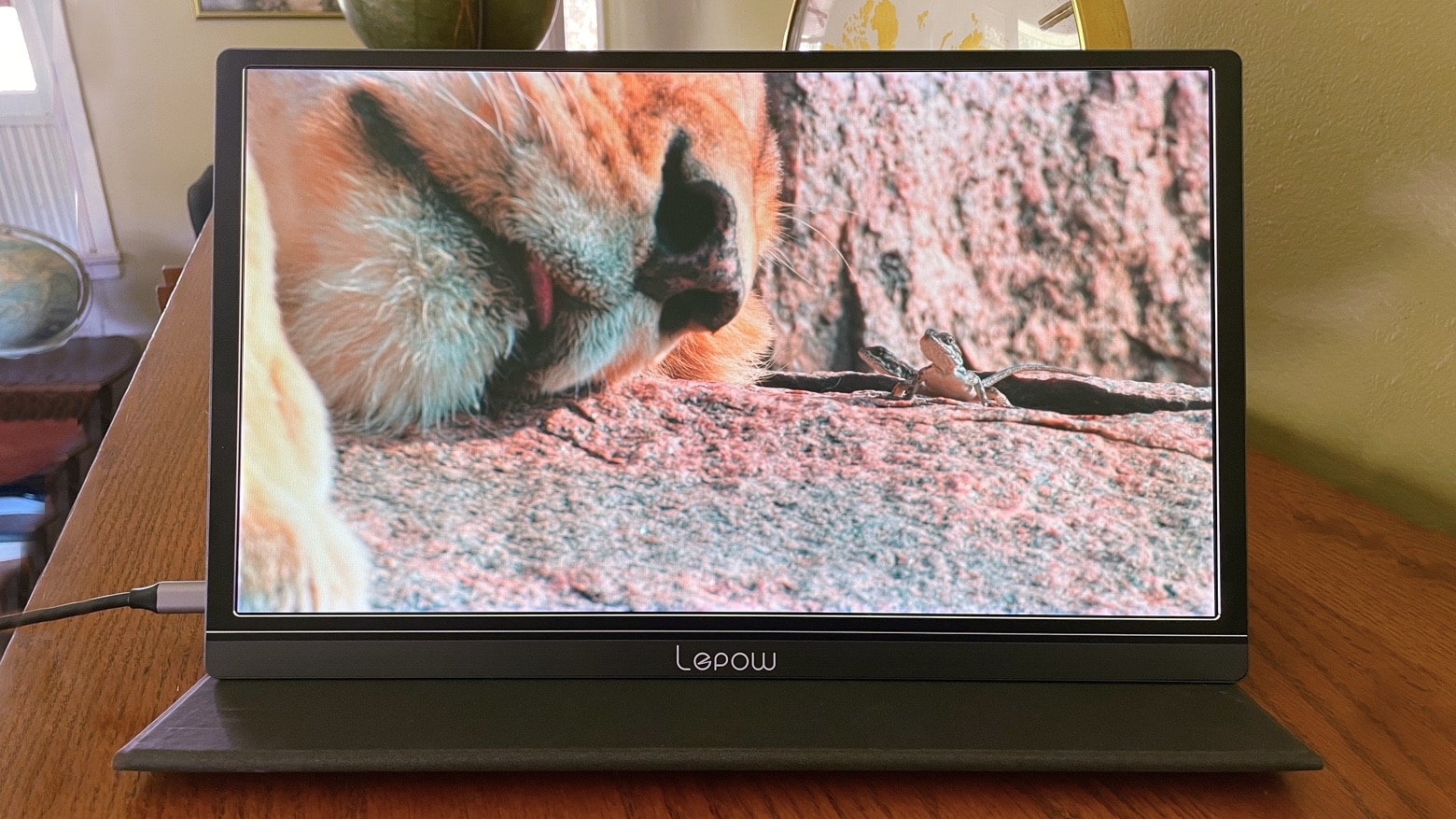
Whether for work or entertainment, the Lepow Z1-Gamut makes a fine MacBook companion. Photo: Ed Hardy/Cult of Mac
The Lepow Z1-Gamut external display adds 15.6 inches of extra space to your computer for work or school. And it’s portable, so it can be folded away when not needed. The screen connects easily to a Mac or iPad, and costs under $200.
Tweak your Mac's display with macOS' amazing accessibility options. Photo: Wesson Wang/Unsplash
Just like iOS, the Mac has some great features hidden inside the accessibility section of the System Preferences (aka. Settings) app. Today we’re going to see how to tweak the Mac’s display to make it easier to use, for anyone. You can adjust the colours, make page elements easier to see, and even turn everything B&W. Let’s see what’s what.
For a non-Apple design, the UltraFine 5K is pretty fine. Photo: Apple
LG’s UltraFine 5K monitor is back in the Apple Store, and it’s even better than before. Or at least it does more than before. The 27-inch, Retina-quality monitor now works with the iPad Pro as well as the Mac, so you could use it as a single screen for all your devices.
Apple supplier Japan Display is on the verge of finalizing a $729 million bailout after renegotiating its debts.
Apple has agreed to wait for money owed after it fronted the cost of a new Japan Display plant four years ago. Another client has agreed to halve the “pace of repayment,” according to reports.
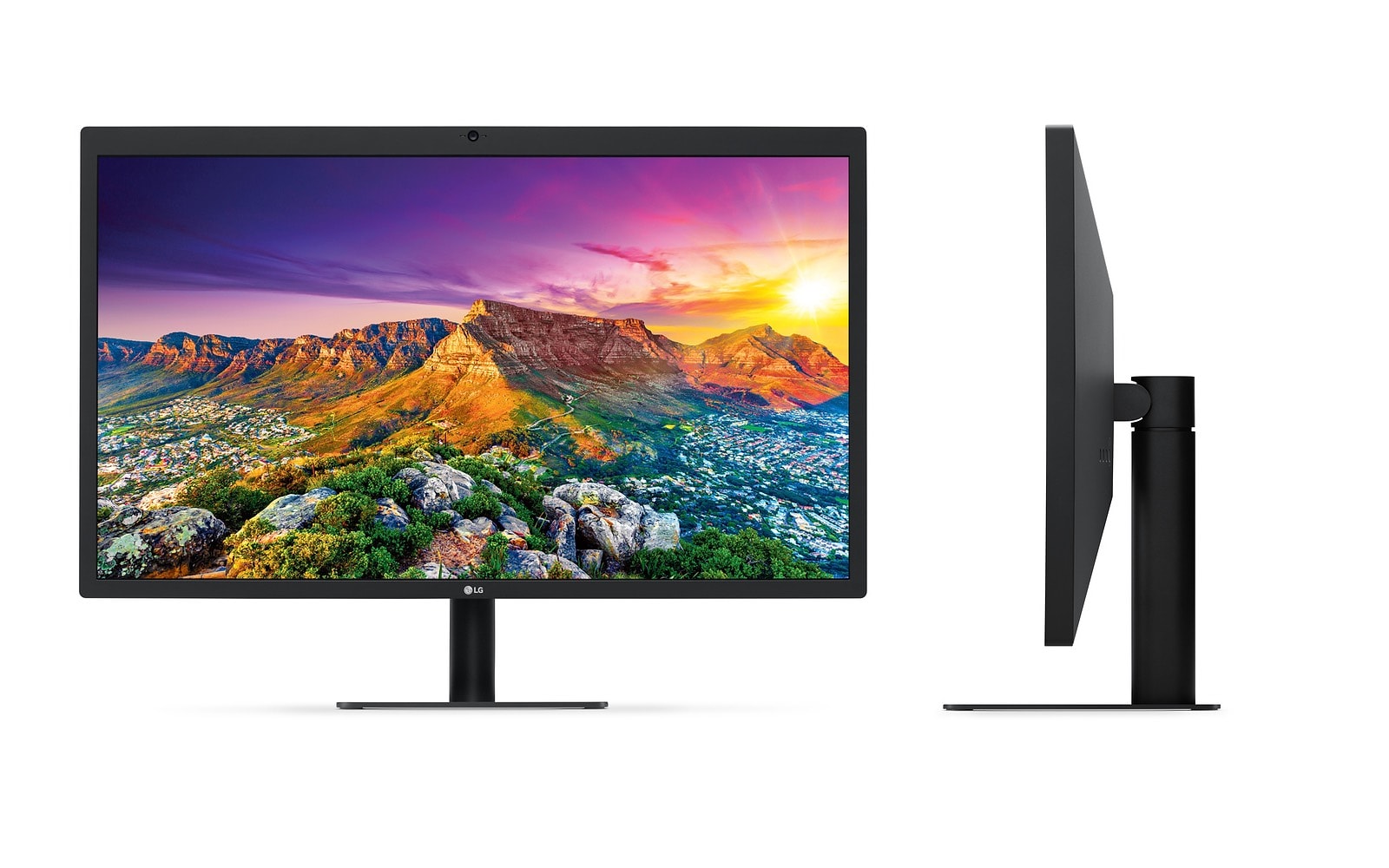
We may have reached the end of the line for the LG UltraFine 5K display. According to Apple’s online store, the monitor is officially “sold out.”
This follows Apple’s discontinuation of the LG UltraFine 4K display last month. While there’s a slim chance that stocks will be replenished, it’s likely that Apple is phasing out the monitors altogether. Possibly to get ready for its own upcoming next-gen display.
Samsung’s new Galaxy S9 has blown away the display experts at DisplayMate. You’ll have to wait a few more weeks to see if for your self, but Galaxy S9 matches or broke the record for display performance records, earning it DisplayMate’s highest rating ever.
Despite its recent switch to Super Retina, Apple is continuing to explore new types of display. Photo: Ste Smith/Cult of Mac
Apple is reportedly downsizing the R&D team that it currently has developing micro LED display products in Taiwan, due to production issues.
A previous report from earlier this year said that Apple was producing a small number of trial micro LED screens during the second half of 2017 to evaluate whether or not these might be a good fit for future devices.
Apple and LG teamed up to make this gorgeous display. Photo: LG
LG Display plans to take on Samsung in the battle to be Apple’s number one supplier of OLED display panels.
According to a new report, LG will invest $13.5 billion into the production of OLED screens over the next few three years in order to make a stronger play in the smartphone display market.