Mobile menu toggle

Lewis Wallace - page 16

In praise of Apple Pencil [Cult of Mac Magazine 364]

By

Apple Pencil is not just for artists anymore.
Cover: Leander Kahney/Cult of Mac

Cult of Mac’s Ian Fuchs says new features in iPadOS 14 make the Apple Pencil an indispensable tool — even for people who aren’t artists.

That’s the cover story in this week’s free issue of Cult of Mac Magazine. Download it now for that story, plus the latest Apple news, leaks, how-tos and reviews. (In case you hadn’t noticed, Apple’s battle with Fortnite dev Epic Games is getting nasty.)

Too many Chrome tabs open? Tame browser chaos with tab groups.

By

Use Google Chrome Tab Groups to declutter your browser.
If you've got too many tabs open in Chrome, you can declutter things with the new Tab Groups feature.
Photo: Luca Bravo/Unsplash CC

Hey there, all you tab hoarders: Google Chrome just gave you a handy tool to bring some order to the nightmare lurking at the top of your web browser. A new Chrome feature lets you group tabs together with custom names to tame the chaos.

Unfortunately, it’s not completely obvious how to get in on the tab-grouping action. Here’s how to make it work for you.

Level Touch smart lock turns your fingertip into a key

By

The new Level Touch smart lock opens with a touch -- and other ways, too.
Photo: Level Home

Level Home’s second HomeKit-compatible smart lock lets you use your fingertip as a key. But you won’t even really need that finger tap to open your door. The new lock, called the Level Touch, offers a variety of entry methods — including fully automatic (triggered by your smartphone’s Bluetooth connection when you arrive home).

“With Level Touch, keys are optional,” the company said in a press release Tuesday unveiling the new device. “You can enter and exit in any way that is most convenient for you, with the touch of a finger, using your voice or even an included programmable keycard. All of this while maintaining the highest level of residential security of any smart lock to date.”

Judge protects Unreal Engine during Epic Games’ battle with Apple [Updated]

By

In the legal battle between Apple and Epic Games, which one is Thanos?
Image: Whelsko/Flickr CC

In an order issued Monday night, a U.S. district judge blocked Apple from revoking Epic Games’ developer accounts as the legal battle between the two companies moves toward trial.

The move protects Unreal Engine, Epic’s software suite that is widely used by other game developers, from becoming collateral damage in the high-profile legal battle.

New ways to manage HomeKit cams and settle disputes [Awesome Apps of the Week]

By

The best new apps and updates of the week.
From meetings and home automation to dispute resolution, these apps make things easier.
Image: Cult of Mac
Awesome Apps

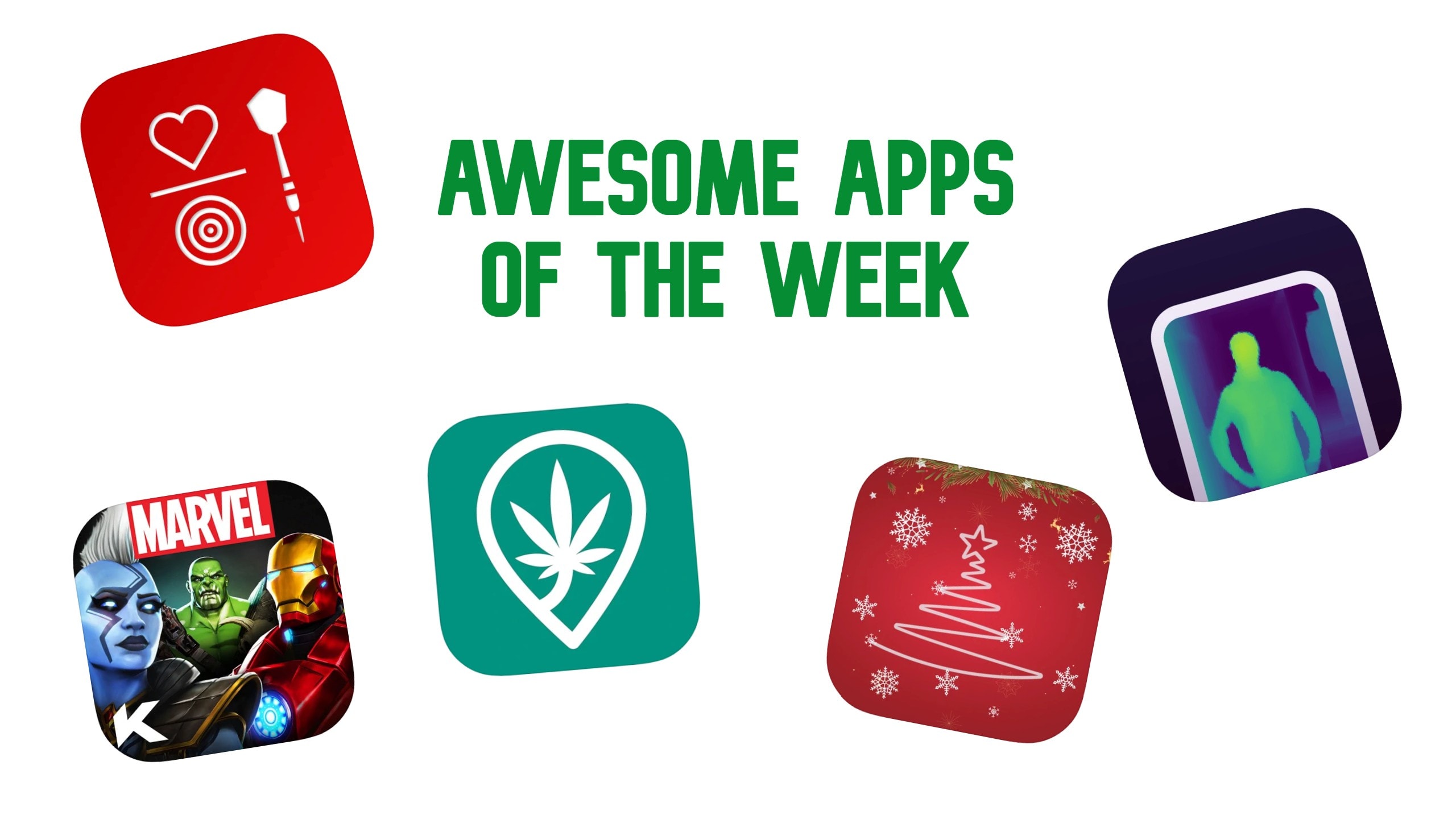
You can get a comprehensive overview of all your HomeKit cams with Eve’s latest app update. And if you spot neighbors doing something fishy on your property, you can use Jury to settle the dispute virtually rather than taking them to court (or throwing fists like a barbarian).

Those are just two of the featured apps in our roundup of the week’s best new apps and updates.

For Apple, $2 trillion might be just the start [Cult of Mac Magazine 363]

By

Apple hits $2 trillion market cap and doesn't look back.
How high can AAPL stock go?
Cover: Leander Kahney/Cult of Mac

Apple’s brain-melting march beyond a $2 trillion market cap might be just the start. Find out how high AAPL stock might go (and why all this success might have Apple fans tired of winning).

Plus, we’ve got more Apple rumors, this time concerning a potential cheaper Apple Watch and more! And Epic Games unleashes yet another creative salvo in its battle royale with Apple. (Surprise, surprise — Cupertino fires back in court.)

You can read all these stories, plus plenty of Apple how-tos and product reviews, in this week’s free issue of Cult of Mac Magazine. Download it now!

Get Logitech’s unique (and totally not annoying) wireless charger for just $19.99

By

New Logitech Powered wireless charger for iPhone eliminates the heartbreaking nudge.
This is a unbeatable deal on a great iPhone charger.
Photo: Leander Kahney/Cult of Mac

This Logitech Powered charger is a fantastic way to top off your iPhone. Its unique design lets you slide your phone in vertically or horizontally, so you can watch videos, take FaceTime calls or do whatever it is you do while you juice up your device.

As Cult of Mac wrote in its review when the product launched, this snow-white stunner does away with one of the most annoying problems associated with wireless charging. And if you act fast, you can get this high-end charger for less than $20.

Ted Lasso scores second season on Apple TV+

By

Jason Sudeikis plays a clueless college football coach in the Apple TV+ comedy series
Jason Sudeikas shoots! He scores!
Photo: Apple TV+

Ted Lasso, the Apple TV+ comedy about a clueless American football coach who lands a job in Britain leading a team that plays that other kind of football, will come back for a second season, Apple said Wednesday.

Jason Sudeikas plays the lead in the show, which debuted on Apple TV+ last week. We’re only three episodes in to season 1, but so far, it looks like a winner. (Don’t take my word for it. Read the Cult of Mac review: Ted Lasso’s heart is too big to bench.)

10 ways to make Apple Watch even better [Cult of Mac Magazine 362]

By

We love Apple Watch the way it is. And we can't wait for Cupertino to make it even better with Apple Watch Series 6.
We love Apple Watch the way it is. And we can't wait for Cupertino to make it even better.
Cover: Killian Bell/Cult of Mac

When Apple Watch Series 6 arrives — early next month, if history and this week’s leak are any indication — what new features will it bring?

As usual, Cupertino’s pretty locked down. But we hope we’ll get some or all of the bells and whistles in this week’s cover story: What do you add to the smartwatch that has everything? It’s our wish list for Apple Watch Series 6.

Read it in this week’s free issue of Cult of Mac Magazine or get the links below. (There’s plenty of other Apple news, reviews and how-tos in it as well.).

We might know exactly when iPhone 12 will arrive

By

An iPhone 12 concept video shows off lots of color options.
If you want an iPhone 12 Pro, you might be waiting longer than you'd like.
Photo: Terquosive Labs

Apple will hold an iPhone 12 event the week of October 12, with the device shipping a week later, according to up-and-coming leaker Jon Prosser. The iPhone 12 Pro would land the following month, he said.

Without citing a source (obviously), he tweeted his “new, adjusted Apple dates” Wednesday afternoon.

Apple updates iOS, iPadOS and macOS to fix some very particular problems

By

iOS 13.6 Developer Beta 2 replaces version 13.5.5
Today brings minor updates for iPhone, iPad and Mac users.
Photo: Ed Hardy/Cult of Mac

Apple released updates for iOS, iPadOS and macOS on Wednesday that fix a variety of small problems. These aren’t big changes, but if you’ve got one of the problems outlined in the release notes, they should prove quite welcome indeed.

Here’s how Apple describes today’s updates — iOS 13.6.1 (and the iPad equivalent) and macOS Catalina 10.15.6 supplemental update:

Cameras rule in this picture-perfect workspace [Setups]

By

This camera-focused setup is easy on the eyes.
This camera-centric setup is easy on the eyes.
Photo: Brandon Remler

This standup setup is definitely ready for its close-up. Artfully outfitted by Fujifilm North America salesman Brandon Remler, it sports a pair of laptops. But the real focus falls on Remler’s array of cameras, both film and digital.

“I do primarily use digital,” Remler told Cult of Mac in an email. “I did film for 20 years and it has a great feel and experience.  Now moved on to Fujifilm GFX system. Gfx100 or Gfx50 — as well as our other Fujifilm x series (have one of everything so it’s not fair ;-).”

Apple TV+ signs first-look deal with Martin Scorsese

By

Martin Scorsese is the latest star to land at Apple TV+, this time thanks to a deal with his Sikelia Productions.
Martin Scorsese is the latest star to land at Apple TV+.
Photo: Thomas Hawk/Flickr CC

The next Goodfellas or Taxi Driver might be an Apple Original. Cupertino signed Martin Scorcese’s Sikelia Productions to a first-look deal that will see him direct and produce films and TV shows for Apple TV+.

It’s the latest high-profile pact signed by Apple execs as they seek to corner the market on the world’s most talented visual creators. The company continues to hustle, buying big-name properties and signing directors, actors, producers and other top Hollywood talent to exclusive deals.

Apple previously signed multiyear deals with Ridley Scott, Leonardo DiCaprio, Alfonso Cuarón, Julia Louis-Dreyfus and Idris Elba. Snagging Scorsese adds another top-shelf visual storyteller to the mix.

Parallels Desktop 16 for Mac takes Windows to macOS Big Sur

By

Running Windows on a Mac with Parallels Desktop just got better. Again.
Running Windows on a Mac just got better. Again.
Image: Parallels

Parallels Desktop 16 for Mac launched Tuesday, bringing new features and performance enhancements that mean the virtualization software delivers the “ultimate Windows-on-Mac experience,” the company said.

The update also preps the popular software for the upcoming release of macOS Big Sur. That required a major effort from Parallels’ engineers.

“We had to re-engineer all of the (kernel extensions) that we would need from scratch to work with the new macOS kext that’s integrated into the product,” said John Uppendahl, Parallels’ VP of global communications, during an online briefing about the software. “And to give you context, that alone took 25 man-years of engineering work.”

Phil Schiller’s greatest hits! [Cult of Mac Magazine 361]

By

10 reasons we'll miss Pete Schiller.
Here's why we love this longtime Apple exec.
Cover: Killian Bell/Cult of Mac

We’re all going to miss Phil Schiller now that he’s stepped down from his role as Apple’s marketing chief. He was a close friend of Steve Jobs, and he played a major role in Cupertino for decades.

To be clear, he’s not leaving Apple entirely. Instead, he became an Apple Fellow (and he’ll run the App Store and Apple Events). Still, it’s a big change for Cupertino. In tribute to an Apple OG, let’s take a trip down memory lane and relive Phil Schiller’s greatest hits.

That post is just one of the good reads you’ll find in this week’s free issue of Cult of Mac Magazine. Download it now and get all the week’s top Apple news, reviews and how-tos in an easy-to-read package.

This shoestring iPad Pro setup is both flexible and frugal [Setups]

By

This might be the most unusual iPad Pro stand yet.
Photos: Craig Smith

For law teacher Craig Smith, working from home meant improvising. And the inexpensive but effective DIY setup he concocted throws together a couple of strange Apple bedfellows: He uses a vintage PowerBook G4 to elevate his main computer, an 11-inch iPad Pro.

“I needed a little more room to spread out and not feel claustrophobic,” Smith told Cult of Mac. “So, I moved my setup to the dining room table that seats six, as I have little need these days to use it as a spot to actually dine.”

That’s when he got creative with ergonomics and pressed his vintage PowerBook into service as an iPad stand.

It’s time to get back in shape with Apple Watch [Cult of Mac Magazine 360]

By

Time to get back in the game! Here's how to get back in shape with Apple Watch.
Time to get back in the game!
Cover: Leander Kahney/Cult of Mac

If you put your fitness goals on the back burner due to the COVID-19 pandemic, it’s time to turn up the heat. And if you own an Apple Watch, the wonderful wearable is your ultimate post-lockdown fitness pal.

These tips will help you get back in shape, post-lockdown, with a little help from your friend. Find out how in this week’s free issue of Cult of Mac Magazine. Download it now to read on your iOS device, or follow the links below to read this week’s top Apple news, how-tos and reviews in your browser.

This week, you’ll get the scoop on another surprisingly good Apple earnings call. Plus, a full rundown of Tim Cook’s relatively painless appearance during a congressional antitrust hearing.

Apple says new iPhones likely won’t land until October this year

By

iPhone 12 might mix iPhone 11 and iPad Pro designs
We're going to be waiting a little bit longer than usual for this year's iPhones.
Photo: Ben Geskin

The 2020 iPhones likely won’t arrive until October at the earliest, Apple said during Thursday’s earnings call.

“Last year we started selling new iPhones in late September,” said Apple CFO Luca Maestri. “This year, we project supply to be available a few weeks later.”

Apple stock will split 4-to-1

By

AAPL
Get ready for another stock split, Apple investors!
Photo: Buster Hein/Cult of Mac

Apple’s board of directors has approved a four-to-one stock split, the company said Thursday. AAPL stock, which closed Thursday at $384.76, should go for around $100 a share when the split occurs in late August.

The news, revealed in Apple’s blowout Q3 2020 earnings report, means investors with one share at close of business on Aug. 24 will be given three additional shares trading at one-fourth the price. It’s basically a psychological move that makes Apple stock seem more affordable.

Tim Cook says Apple treats devs fairly in ‘street fight for market share’

By

Tim Cook answers questions about App Store business practices during the House Judiciary antitrust subcommittee hearing.
Tim Cook answers questions about App Store business practices.
Photo: C-SPAN

Apple CEO Tim Cook defended App Store business practices and said his company treats all software developers equally as he faced questioning Wednesday in front of the House Judiciary antitrust subcommittee.

Cook said it’s in Apple’s best interest to treat devs fairly. The company wants the best and brightest to write iOS apps, he said, because killer software proves essential for a company engaged in a “street fight for market share in the smartphone business.”

Dimpy Bhalotia’s iPhone photos will blow you away [Cult of Mac Magazine 359]

By

Award-winning iPhone photographer Dimpy Bhalotia shares some of her secrets for capturing the perfect moment.
The award-winning iPhone photog shares some of her secrets for capturing the perfect moment.
Cover: Leander Kahney/Cult of Mac

Dimpy Bhalotia’s captivating pictures racked up big wins at this week’s prestigious iPhone Photography Awards. Find out how she does it — and how you can take better pictures with your iPhone — in this week’s issue of Cult of Mac Magazine. The free iOS mag was built for reading on your iPad or iPhone.

Grab it now and get your weekend reading squared away. We filled it with how-tos for all your Apple gear and reviews of things like new podcast Apple News Today. Plus, you’ll get your fill of Apple news (like Cupertino’s big commitment to go 100% carbon neutral).

Download it now. Or hit the links below to read the stories in your browser.

How to lock down Facebook Messenger with Face ID or Touch ID

By

Add Face ID or Touch ID to Facebook Messenger for maximum security.
Take this simple precaution to keep your chats private.
Photo: Lewis Wallace/Cult of Mac

Facebook Messenger’s new App Lock feature lets you add an extra layer of security to the popular chat app. iPhone and iPad users can switch on Face ID or Touch ID so they never need to worry about anybody seeing their messages.

The previously rumored feature, which Facebook rolled out for iOS devices Wednesday, is easy to enable. Plus, you can tweak a setting to make sure App Lock works ideally for you. Here’s all you need to do to turn on Face ID or Touch ID for Facebook Messenger.

Apple News Today is an Apple News+ promo disguised as a peppy news podcast [Review]

By

Apple News Today review: A daily news podcast with zero partisan rage.
Apple News Today is a news podcast with zero partisan rage.
Photo: Lewis Wallace/Cult of Mac

Apple News Today, the breezy new podcast showcasing the day’s top news stories, sounds perfectly peppy and polished. Maybe too perfectly polished, in fact — you won’t find a single rough edge on this slickly produced daily news report, which Apple unleashed last week with iOS 13.6. You will endure no energized, partisan rants, either. These straight-down-the-middle reports won’t get your blood boiling while you make your morning coffee or tea. If you’re tired of partisanship, this is the antidote.

What you will find in the weekday audio show is steady promotion of the Apple News app, and of Apple News+, the company’s reportedly struggling subscription news service. This upbeat and earnest free daily news briefing basically functions as a Trojan horse for getting in the ears of potential Apple News+ subscribers.

Yes, you can run Windows XP and Mac OS X on an iPad or iPhone [Cult of Mac Magazine 358]

By

It's actually fairly simple to get Mac OS X or Windows XP running on an iPhone or iPad.
It's actually fairly simple to get this software running on an iOS device.
Cover: Leander Kahney/Cult of Mac

If you’ve always dreamed of running a Windows or Mac operating system on iPhone or iPad, this is your lucky day. We’ve got how-tos that show you how to run Windows XP or Mac OS X on an iOS device. It turns out it’s not that difficult — and it doesn’t require a jailbreak!

If you’re not up for a weekend project like that, don’t worry. We’ve got plenty of other good reading in this week’s free issue of Cult of Mac Magazine. Download it now and enjoy all the week’s top stories on your iPad or iPhone.

It’s got plenty of Apple news, including info on iOS 13.6 and the other software updates Apple released this week.

iOS 13.6 brings expanded Apple News features and other cool stuff

By

Apple News layers on new features in iOS 13.6.
Photo: Apple

Apple released iOS 13.6 Wednesday, boosting its Apple News offering and bringing other new features to iPhone and iPad.

As expected, the company added audio versions of key stories from Apple News+, the paid version of its news aggregation service. Apple also added a new daily audio show called Apple News Today, which is available in the free version of the Apple News app.

In addition, the company beefed up its list of organizations pumping news content into the service. However, the Apple News audio features will only be available to U.S. users, the company said.