Mobile menu toggle

D. Griffin Jones - page 22

4 must-have productivity apps for Mac

By

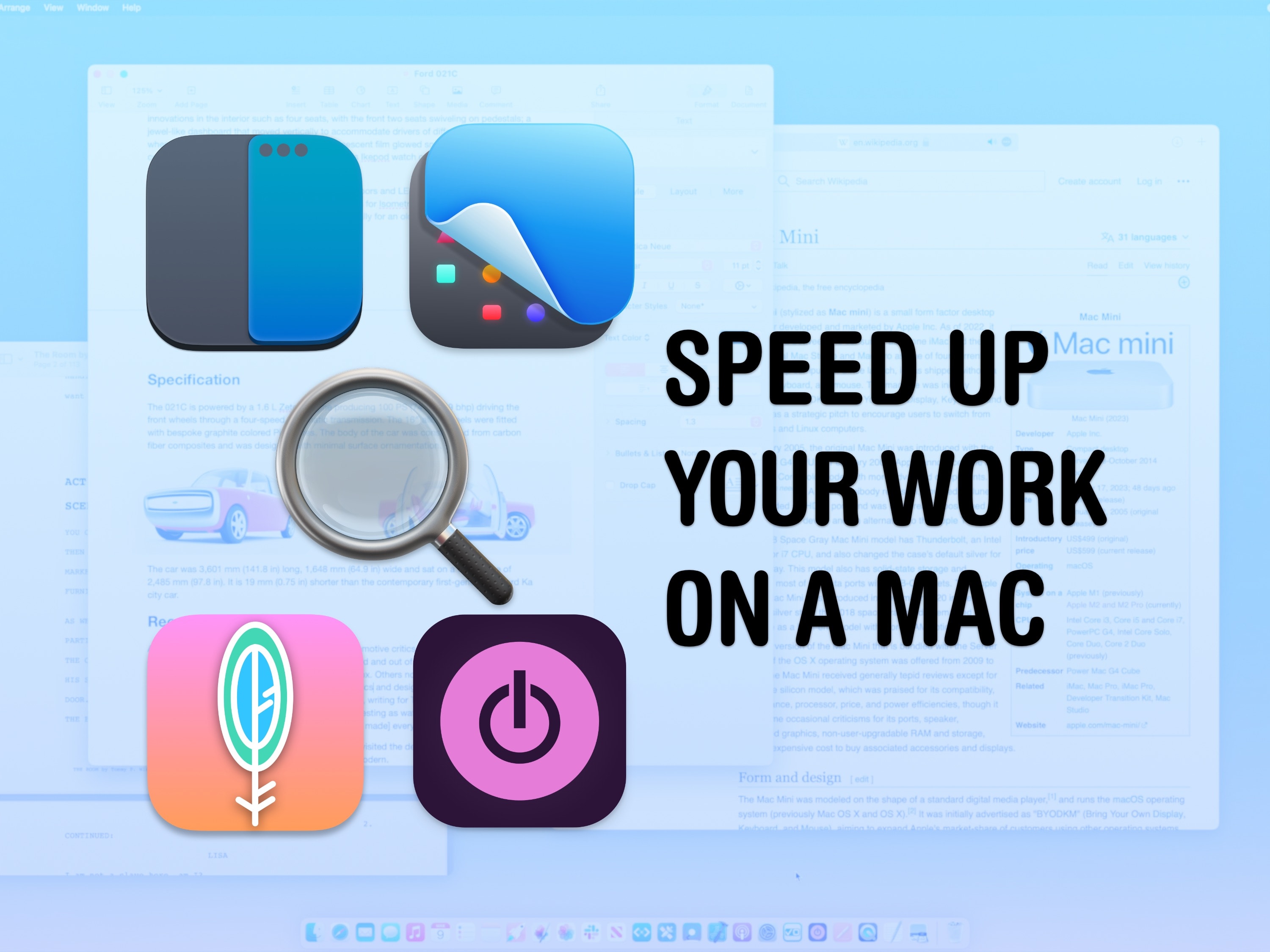
Speed up your work on a Mac
These apps (and system features) will help you work faster.
Image: D. Griffin Jones/Cult of Mac

I’m going to show you five ways you can instantly boost your productivity on your Mac. You might not have thought your Mac was capable of these advanced features. But in my opinion, the Mac’s reputation for being un-customizable is misunderstood. Four of these tips depend on third-party productivity apps that will add radical new system features to your Mac.

I’ll show you how to get instant window snapping on the Mac, powerful screenshot and recording tools, a clever clipboard manager that should be built into macOS, a simple tip for opening apps faster, and a smart time-tracking tool that’ll keep you productive.

Correction: Linux will not run on Apple silicon

By

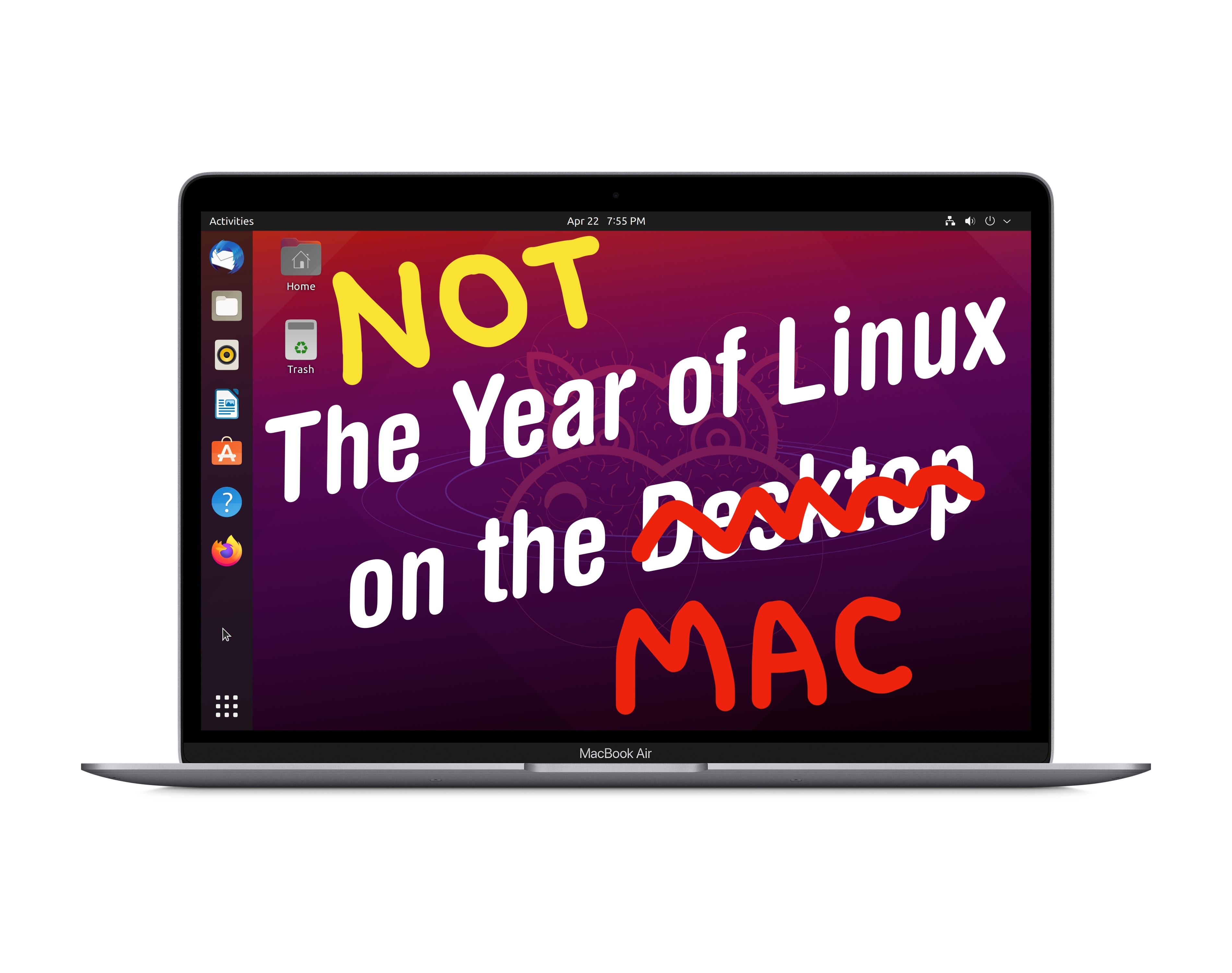
NOT the year of Linux on the Mac.
Linux on the desktop has been foiled once again.
Image: PantheraLeo/Wikimedia Commons/D. Griffin Jones/Cult of Mac

Last week, I wrote a story incorrectly concluding that a full Linux desktop environment would soon run on Macs with Apple silicon. This was a misunderstanding of the facts.

While some of the work in the Asahi Linux project has been worked into Linux Kernel 6.2, and while Linux 6.2 will be adopted by the next major versions of Ubuntu and Fedora, this does not mean that Apple silicon Macs will be able to boot into these desktop environments.

HomePod 2: Does it sound better or worse than the original?

By

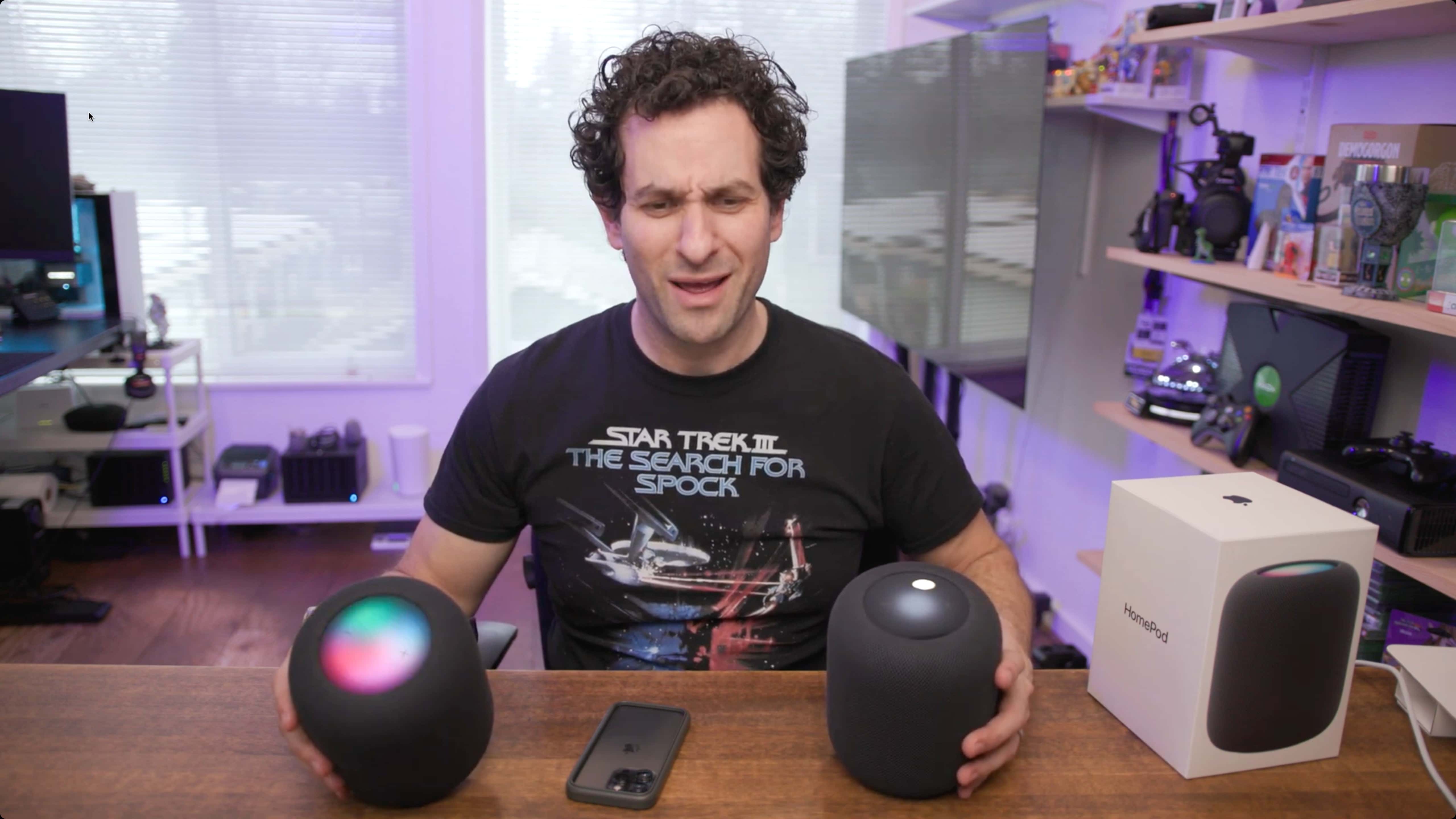
Erfon Elijah comparing the new HomePod (left) to the original (right).
Erfon puts the new HomePod (left) head to head with the original (right). And I must say, I love the shirt.
Photo: Erfon Elijah

The CultCast host Erfon Elijah finally got our hands on the coveted HomePod 2 speakers. He put the 2023 model head-to-head with the 2018 model the way it’s meant to be enjoyed: in a stereo pair.

The new HomePod comes loaded with new features: smart home connectivity, a brighter top panel, a U1 chip, temperature and humidity sensors … but the big question is, how does it sound?

iMessage is coming to Windows … kind of

By

iMessage and notifications in Phone Link on Windows 11
No blue or green bubbles… iMessage on Windows brings with it gray bubbles.
Screenshot: Windows Insider Blog

People never thought it would happen. People didn’t think it was possible. But in an update to Windows 11, you will be able to send and receive iMessages and manage your notifications through a PC.

This update comes through the Windows Insider program, which offers users prerelease versions of the desktop operating system for beta testing and software development. Microsoft ships updates to Windows annually in the fall, so this feature may arrive for everyone later this year.

Pokémon Sleep will gamify your slumber, starting this summer

By

Rest your very best! Pokémon Sleep.
Speculation of the game being abandoned has been put to rest.
Image: The Pokémon Company

After a long wait, Pokémon Sleep will finally become a reality this summer. The game will combine sleep tracking with the enduringly popular collect-a-thon game series. And, while the smash-hit mobile game Pokémon Go promotes outdoor exercise, Pokémon Sleep will reward users for getting a full night of shut-eye.

The game, for iPhone and Android devices, is being developed by Japanese game studio Select Button in partnership with Niantic, the developer of Pokémon Go.

4 tips for making life easier on Mastodon

By

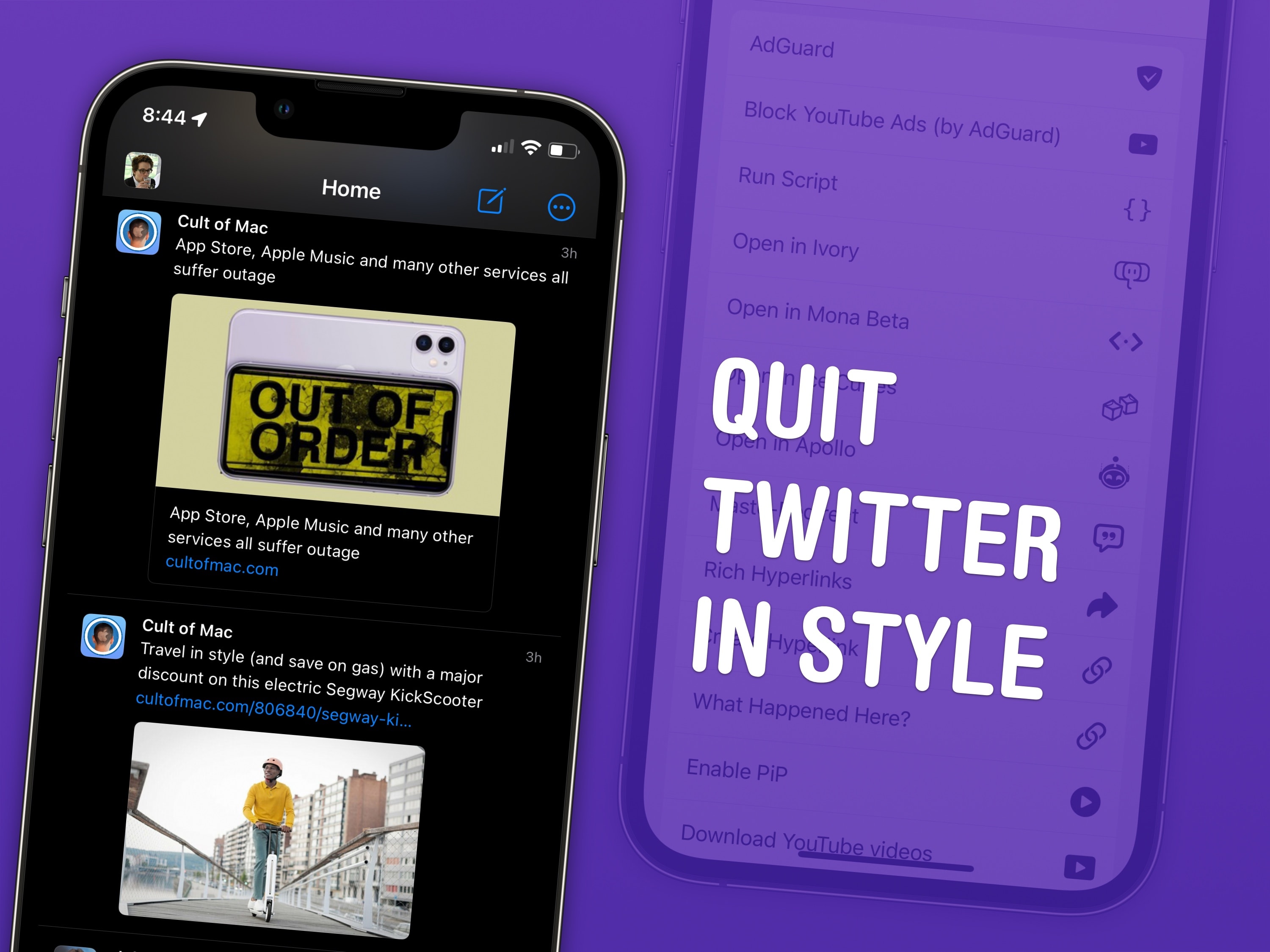
Quit Twitter in style
Moving to Mastodon is made easier with these top tips.
Image: D. Griffin Jones/Cult of Mac

I have four top tips for Mastodon users after spending a few months on the hot new social media platform. There’s a healthy community of Apple writers, developers, creators and fans — even Phil Schiller — who have all jumped ship from Twitter.

I’ve previously written a detailed guide to getting started. I’ll start with some brief advice on picking an instance and move on to the pro tips I’ve picked up.

Add your COVID-19 vaccine card to Apple Wallet

By

Leave the card at home
Maybe, just maybe, you can use Apple Wallet.
Image: Rwendland/Wikimedia Commons/D. Griffin Jones/Cult of Mac

Add your COVID-19 vaccine card to Apple Wallet on your iPhone, and you can leave your physical card safe at home. Some places may require proof of vaccination to enter, like international airports, concert venues and cruise ships.

If your health care provider can share data with the Apple Health app, and if digital cards are considered valid proof of vaccination where you’re going, and if the stars are in the right place, too, you just might be able to go all-in on Apple Wallet. Let me show you how.

Shift Happens: Book about keyboard history now 400% funded on Kickstarter

By

Shift Happens: A Book About Keyboards
This beautifully designed two-volume book delves deep into keyboard history.
Image: Marcin Wichary/D. Griffin Jones/Cult of Mac

Shift Happens, a book about keyboards, is now 400% funded on Kickstarter. This makes it the second-most funded non-fiction book ever on the crowdfunding site. The book, by designer/writer Marcin Wichary, “tells the story of keyboards like no book ever before, covering 150 years from the early typewriters to the pixellated keyboards in our pockets,” according to the project website.

Shift Happens is available on Kickstarter until March 9. Donate $150 and you can get the two-volume hardcover set inside a slipcase.

Linux is now officially supported on Apple silicon [Correction: No it’s not]

By

The Year of Linux on the Mac
Everyone’s third-favorite desktop operating system comes to the Mac.
Image: PantheraLeo/Wikimedia Commons/D. Griffin Jones/Cult of Mac

Correction: This story was based on a misunderstanding of the facts. We published a correction to set the matter straight. Read that instead of the story below.

Linux has officially added support for Apple silicon in its latest release. Ubuntu and Fedora, two of the most popular distributions of Linux, will soon be integrating this feature.

While it’s still early for Apple silicon support, and not all computers with M-series chips will work, this is a significant milestone for Linux users. Computer scientists, programmers and hobbyists have not yet been able to fully take advantage of Apple’s powerful new hardware.

Don’t forget to update the software on your MagSafe cable

By

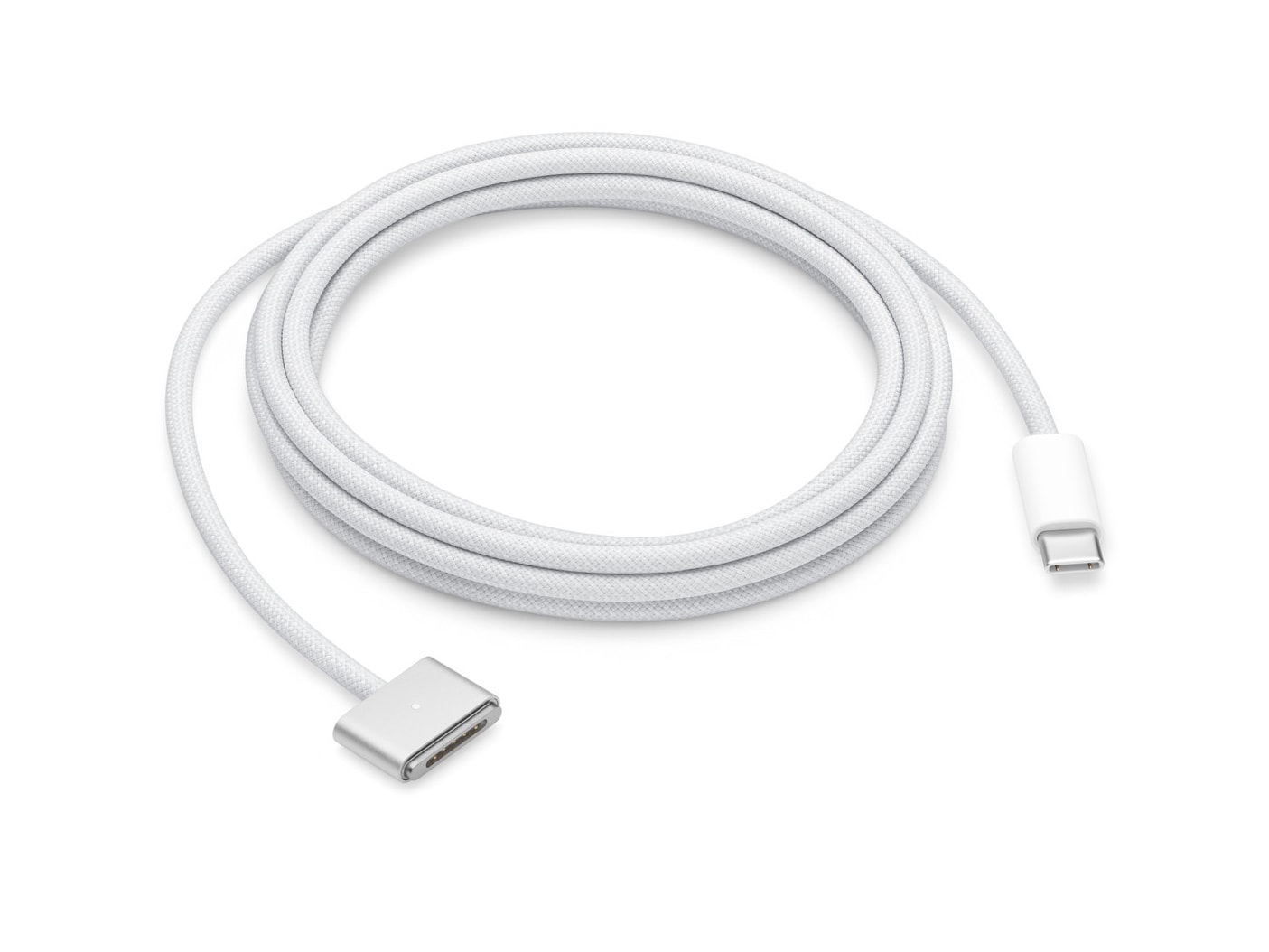
Official product photo of the renowned USB-C to MagSafe 3 Cable (2 m)
Photo: Apple

Apple issued an important software update recently — and we’re not talking for iPhone, Mac, iPad or Apple Watch. It’s 2023, so it’s for something way more esoteric: a power cable.

Yes, the USB-C to MagSafe 3 Cable comes with a tiny computer inside of it that needs software updates, for some inscrutable reason.

Only loyal Apple customers can use Apple Pay Later

By

iPhone using Apple Pay Later
Apple Pay Later: For the rest rich of us.
Image: Apple

In order to be approved for Apple Pay Later, the company’s own buy now, pay later service, individuals will need to be loyal Apple customers. The service has strict hoops you need to jump through: Apple will check your spending at Apple Stores, purchases and subscriptions on the App Store, Apple Cash payments, Apple Pay history and more.

Even if you work for Apple, you may only be approved for a $1,000 loan. The feature continues to undergo internal testing after being delayed since September, according to Bloomberg.

Find out what’s killing your iPhone battery

By

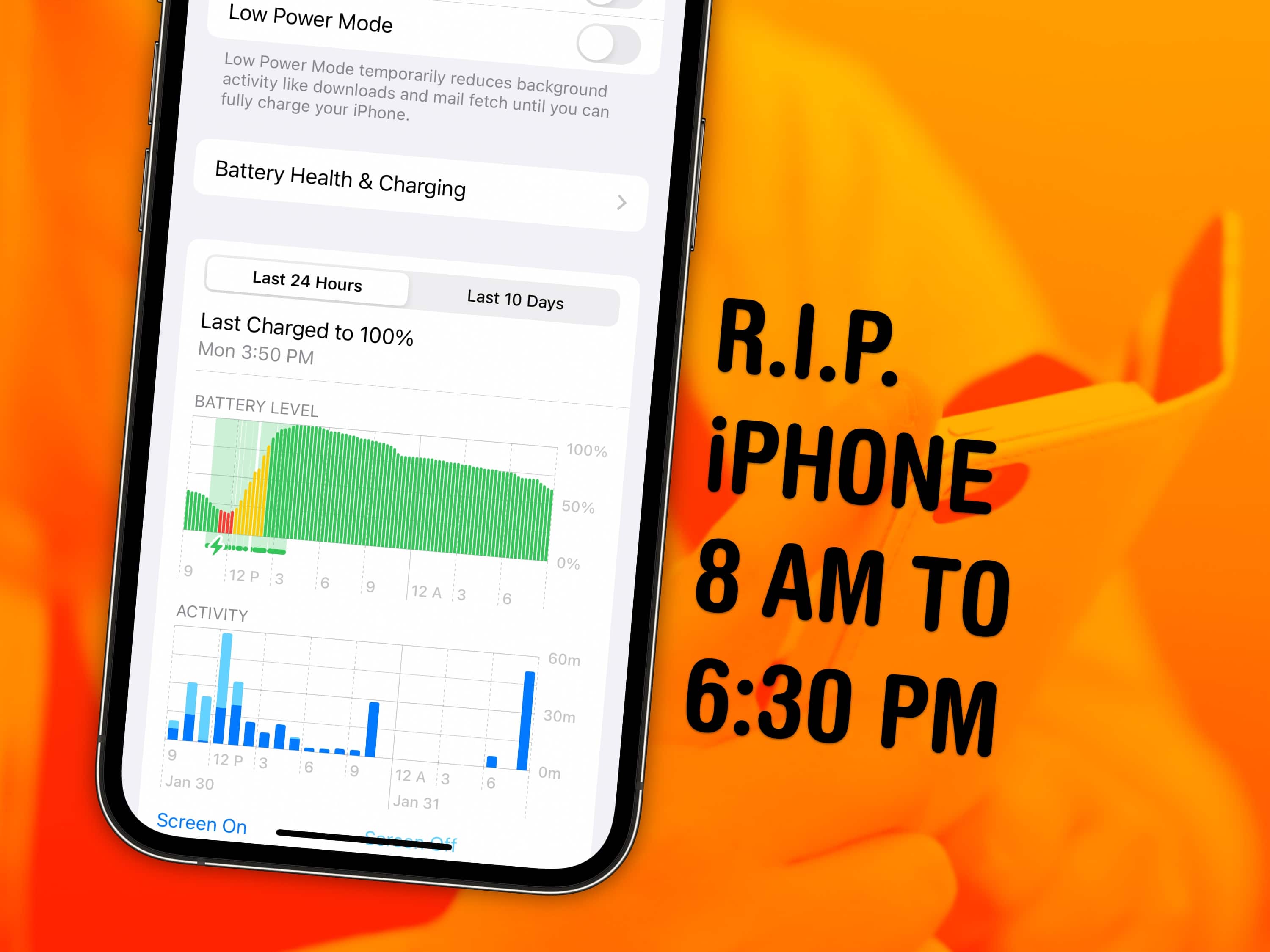
R.I.P. iPhone, 8 AM to 6:30 PM
R.I.P. iPhone, who died tragically just a few hours before the end of the day.
Image: Jonatan Svensson Glad/Wikimedia Commons/D. Griffin Jones/Cult of Mac

iPhone battery dying faster than you’d like? You can see exactly what’s using up your iPhone battery in the Settings app. It will show you which apps use more power than others, what services run in the background, and what drains your battery most over the course of the week.

If you suspect your phone doesn’t last as long as it used to, or notice that it’s charging very slowly, this will help you diagnose the problem.

Keep reading to find out whether you should quit all your iPhone apps when you’re done using them (you shouldn’t) and how you can keep apps and email from running in the background.

How to add your medical records and vaccine card to Apple Health

By

Get your records all in one place
Import your medical history and vaccine card to your iPhone.
Image: Public Domain/D. Griffin Jones/Cult of Mac

A lot of healthcare providers have terrible websites. Apple’s Health app, on the other hand, is very well organized and intuitive to use. You can add your medical records to the Apple Health app for easy access to all your health history, medications, test results and data. If your healthcare provider supports this feature, it’s incredibly convenient having all your information in one place. Once it’s in the Health app, you can easily add medication reminders and share your information with doctors, close family members and friends.

I’ve juggled between a few healthcare providers and I’ve never found one with a comprehensible, user-friendly website. If you have the right healthcare provider, and the stars are in the right place too, you should be able to connect them.

Translate text anywhere on your iPhone

By

Translate anything, anywhere (all at once?)
You don’t need any other apps or websites to translate text on your phone.
Image: Adrian Grycuk/Wikimedia Commons/D. Griffin Jones/Cult of Mac

You can instantly translate text anywhere on your iPhone and Mac. You don’t need to futz around retyping or copying text into a Google Translate tab — you can select text and get translations from 11 languages wherever you are.

It’s extremely fast and it works everywhere: not just text on the web, in email and in apps; but also inside pictures, videos and directly from the camera, too. Let me show you how it works.

Apple execs reveal what went wrong with Intel

By

Vice President of Platform Architecture and Hardware Technologies at Apple, Tim Millet, standing in the Apple chip lab.
Tim Millet, Apple's vice president of platform architecture and hardware technologies, introduces the new MacBook Pro with M2 Pro and M2 Max chips.
Photo: Apple

What pulled Apple away from Intel? In a new interview, Apple executives Tim Millet and Bob Borchers reveal why the company shifted to making its own Mac chips.

Plus, they shed light on what they’re doing to make the Mac a gaming platform once again, how the Apple silicon architecture can make it happen, and when the best time is to buy a new Mac.

Forget Instagram glamour — celebrate the banality of daily life with BeReal

By

Embrace the pointless
It’s not the worst idea for a social network I’ve heard of, but that’s not a tall order.
Image: BeReal/D. Griffin Jones/Cult of Mac

How do you use BeReal, one of the top new social media apps? It’s simple: You and your friends get one (and only one) opportunity to post a picture a day, all at the same time. You can see what everyone’s up to in this small slice of the day.

It’s a social media app like no other. Let me walk you through what it’s like to create an account and use BeReal.

Apple surpasses 2 billion active devices

By

A Mac, iPhone and iPad with the words
Apple continues to woo new users and passes another milestone: 2 billion active devices as of February 2023.
Photo: Oleg Ivanov/Unsplash License

Apple’s installed base now exceeds 2 billion active devices, CEO Tim Cook said during Thursday’s earnings call. Although revenue in Apple’s first quarter fell $6.7 billion short of last year’s, the continued growth helped the company achieve what Cook called “a truly incredible milestone.”

What to check before you power on an old Macintosh

By

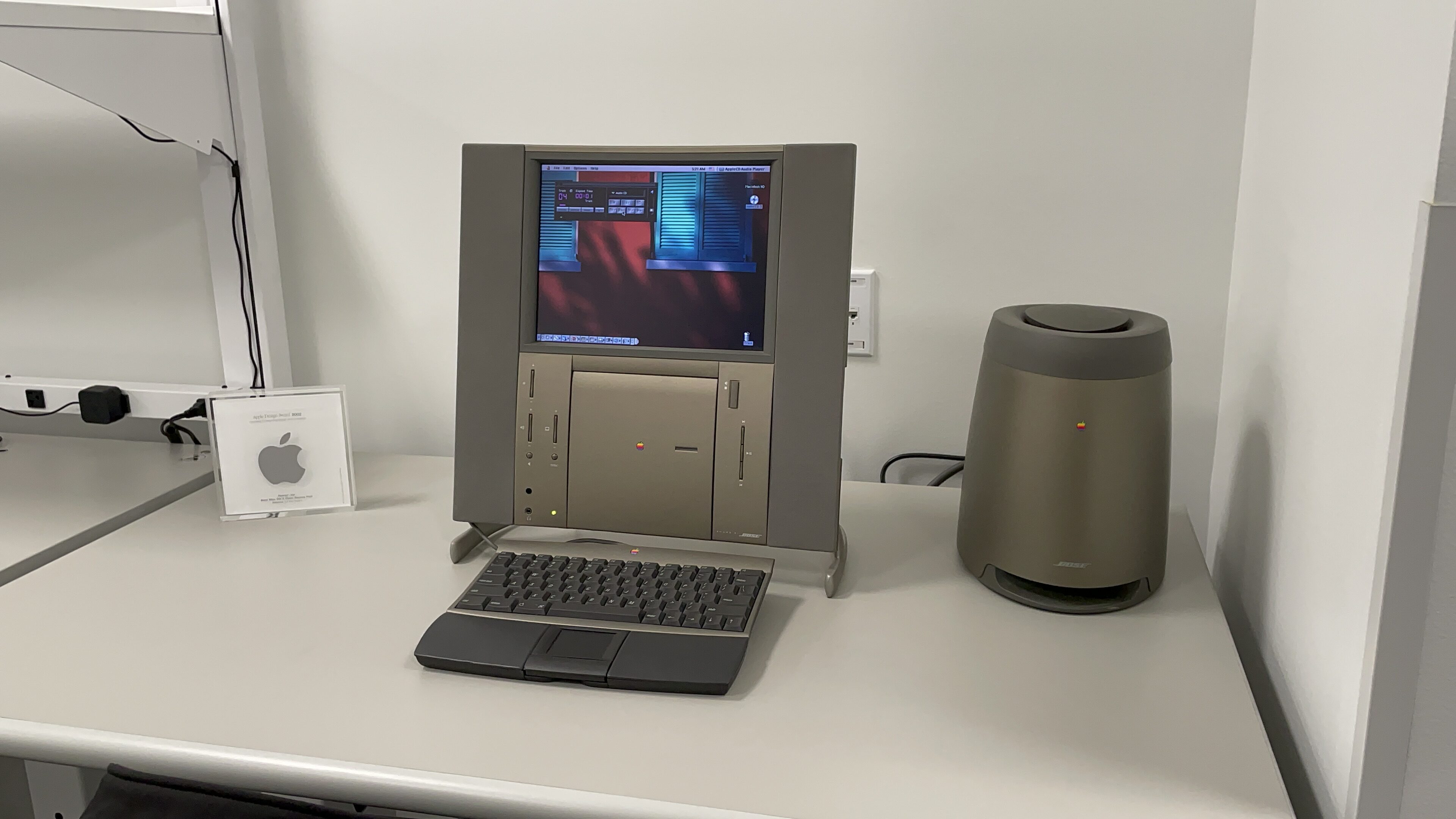
An unexpected find in this room was a Twentieth Anniversary Macintosh.
Hold up, you don’t want to ruin a rare Twentieth Anniversary Macintosh — take some precautions first.
Photo: D. Griffin Jones/Cult of Mac

When you pick up a classic Macintosh (or a vintage computer of any kind) that hasn’t been used in a while, you need to check it out before plugging it in and turning it on. Capacitors on old motherboards fail and leak over time; you DO NOT want to run power to a computer if this has happened; you could easily fry the motherboard.

Collecting old computers is a lot of fun. You can use old versions of Mac OS in emulators online, but it’s nothing compared to the experience of setting up a heavy machine on your desk, hearing the fans and disk drives whir to life and watching a fuzzy CRT display fade in from black. If you’re new to this (rather expensive) hobby, you can also check out my earlier piece on how to get started — what to look for, what to watch out for and where to shop.

So, you are the new custodian of a classic computer. What should you do before you power it on for the first time?

No, Apple isn’t spying on the files in your Mac

By

MacBook Pro with cryptographic nonsense on the display
Is Apple spying on your private files? Betteridge’s Law prevails once again.
Photo: mikemacmarketing/Wikimedia Commons

Claims that Apple is phoning home to analyze every image on your Mac have been proven false. Jeffrey Paul, security researcher and consultant, claimed early last week that his Mac was sending small bits of data to Apple every time he clicked on an image on his computer.

After Paul’s claims caused a bit of a stir, researchers got to the bottom of what was actually happening. Not only did they conclude the network activity was innocent — it was caused by a bug that’s already been patched in the latest macOS update.

Should you buy the new MacBook Pro or Mac mini?

By

Should you upgrade?
Should you upgrade to the new MacBook Pro, Mac mini or HomePod?
Image: D. Griffin Jones/Cult of Mac

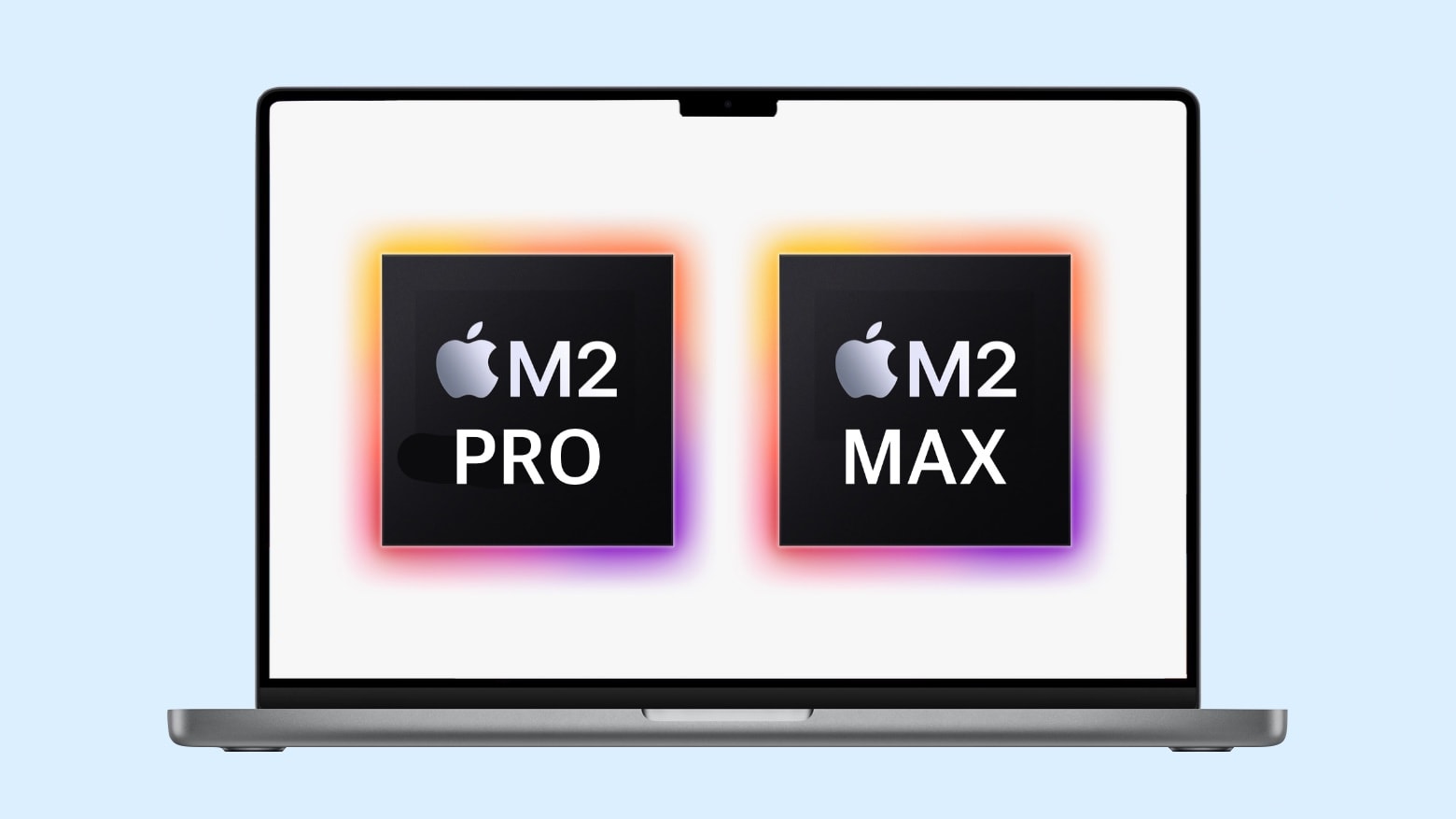
The new Mac mini and the high-end MacBook Pro are the first Macs to receive Apple’s powerful new M2 Pro and Max chips. But should you upgrade to the new MacBook Pro (or Mac mini) or not?

That depends on what Mac you already have. Our charts and video will walk you through the decision-making process if you’re considering buying a new Mac. (Bonus: We also break down the pros and cons of the new HomePod versus the original and the HomePod mini.)

Here’s everything the Apple Watch buttons do

By

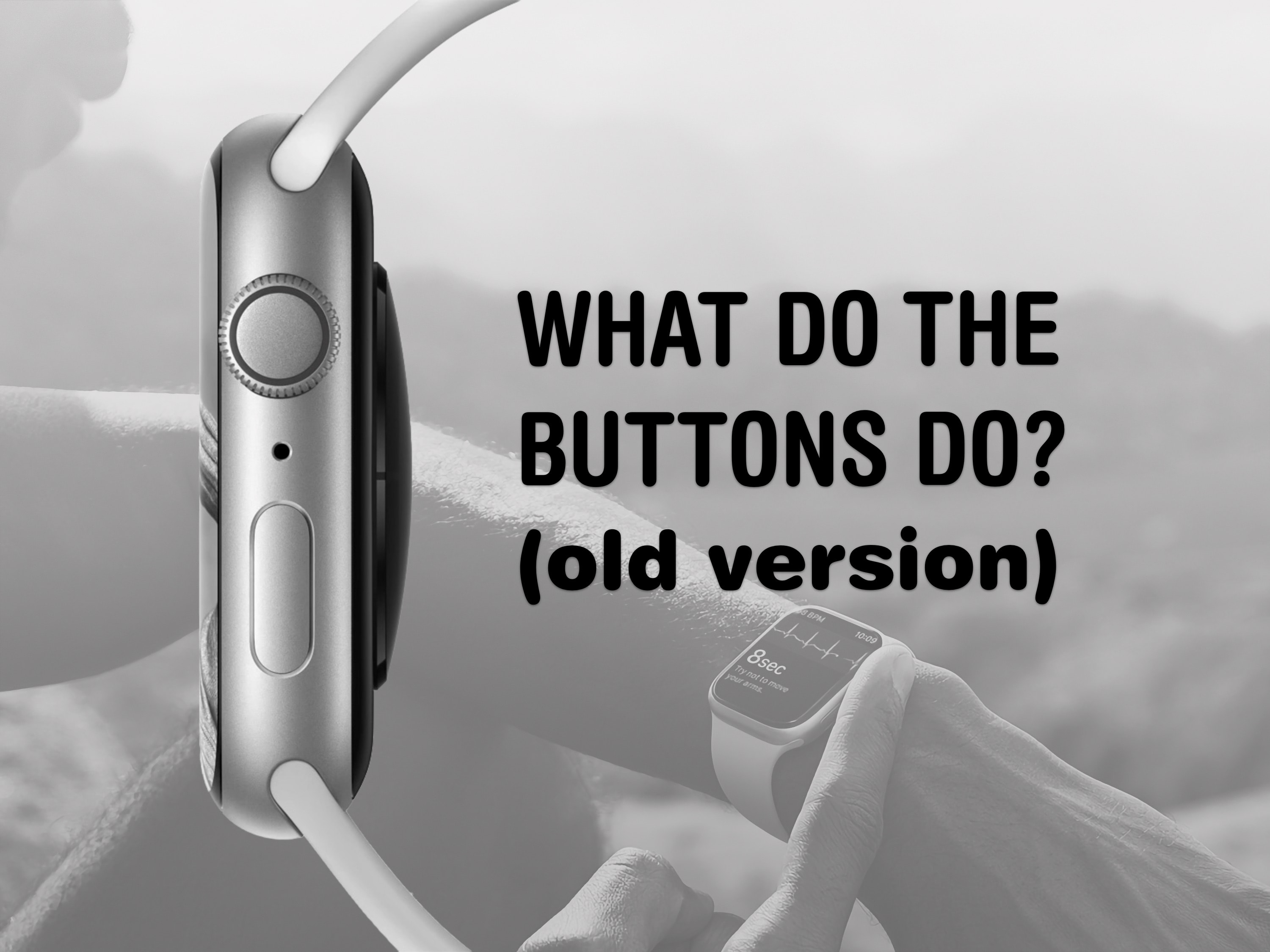
What Do The Buttons Do? (old version)
The buttons on the Apple Watch switch apps, activate Apple Pay, open Siri and more.
Image: Apple/D. Griffin Jones/Cult of Mac

The Apple Watch borrows a lot from the iPhone, but the biggest difference between them is down to the extra buttons. They each do different things whether you click, double-click or hold them down. What do the Apple Watch buttons do?

This guide was written before watchOS 10 changed and moved a lot of these features. See our updated guide if you’re confused why your Watch suddenly works differently.

Apple releases new watch band, wallpaper and more for Black History Month

By

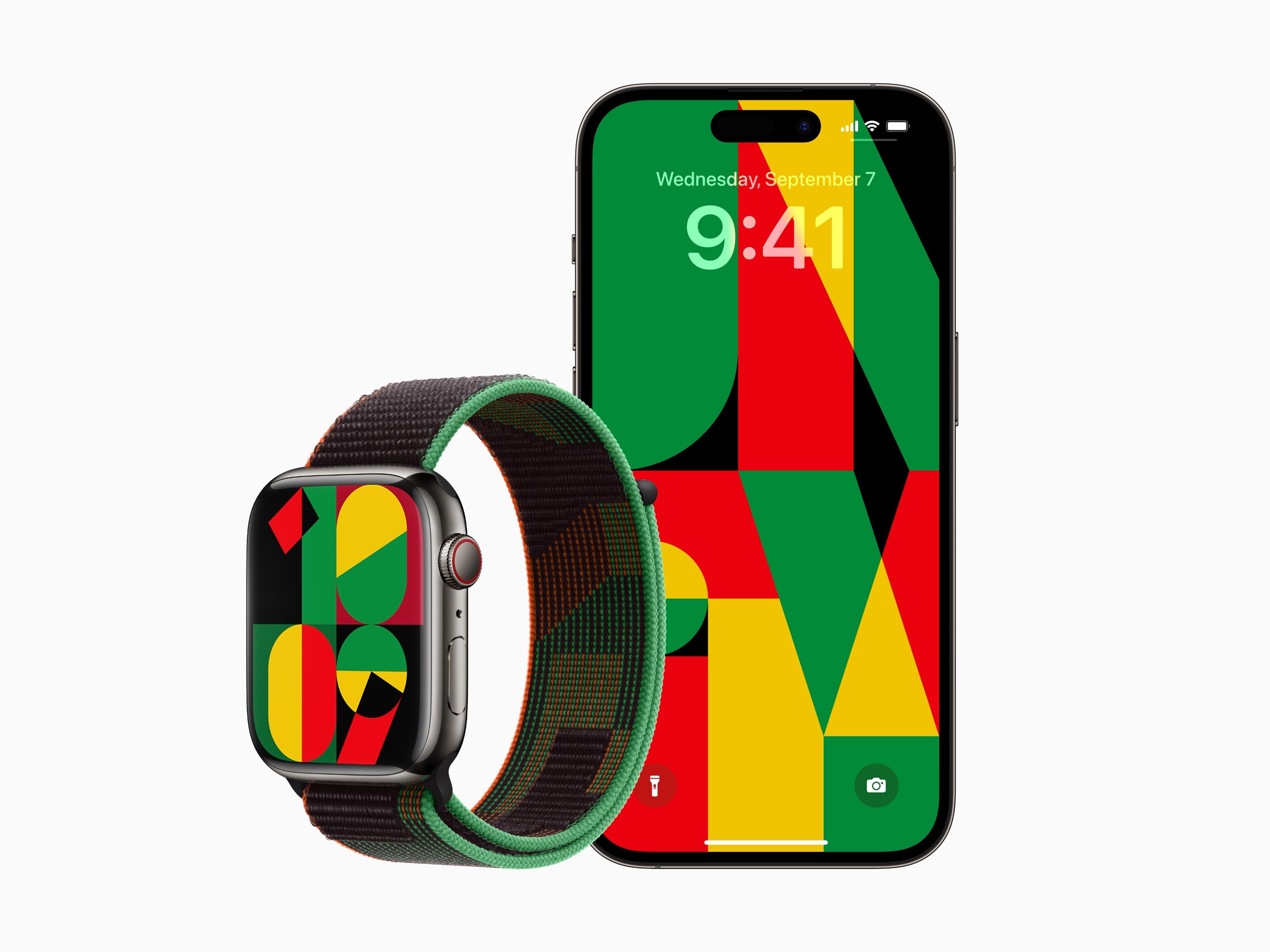
Apple Watch with Unity watch face and band alongside iPhone with Unity wallpaper
Apple’s 2023 Unity watch band, watch face and wallpaper have a really cool geometric pattern using Pan-African colors.
Photo: Apple

Apple has released a special new Apple Watch band, watch face and iPhone wallpaper celebrating Black History Month. Apple has done this every February in 2021 and 2022.

The Black Unity Sport Loop is available today in the online store and in “select Apple Store locations beginning January 24” Apple said in its press release. It will cost $49, the same price as other Sport Loop bands. The watch face and iPhone background will be released in a software update next week.

Listen to Apple’s AI-generated audiobooks

By

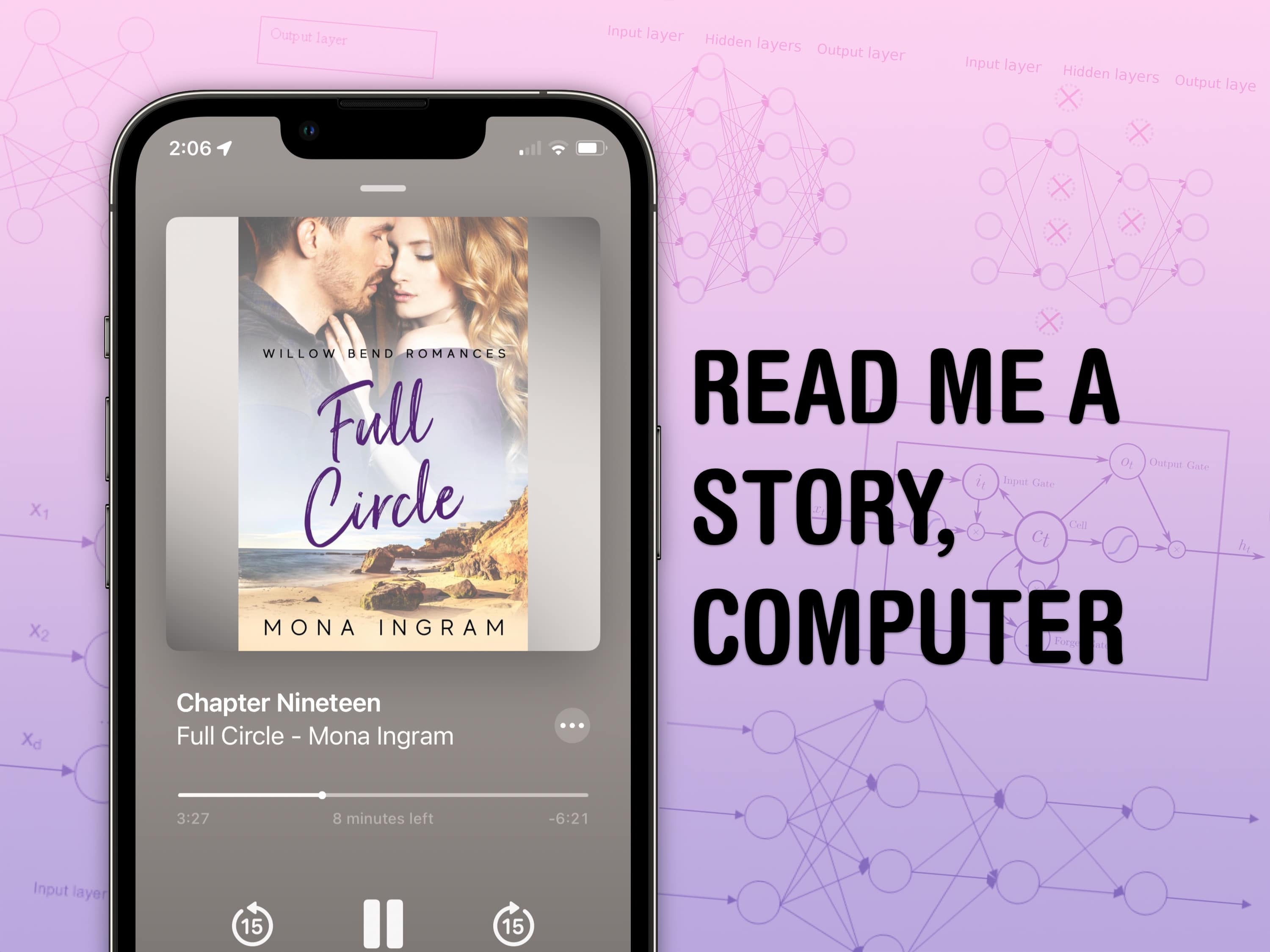
Read Me A Story, Computer
Listen to romance novels with a soothing robot voice.
Image: D. Griffin Jones/Cult of Mac/Mads Dyrmann/John Salatas/Anna Schroeder/Wikimedia Commons

It’s annoying when a book you want to read doesn’t have an audiobook version — they’re great while you’re driving, doing dishes or folding laundry. Apple is now offering authors AI-generated audiobooks of their work. Novels you otherwise wouldn’t be able to hear, you can now find in the Apple Books app. Let me show you how you can find and listen to them if you’re curious.

Apple launches powerful new Mac mini at a lower cost

By

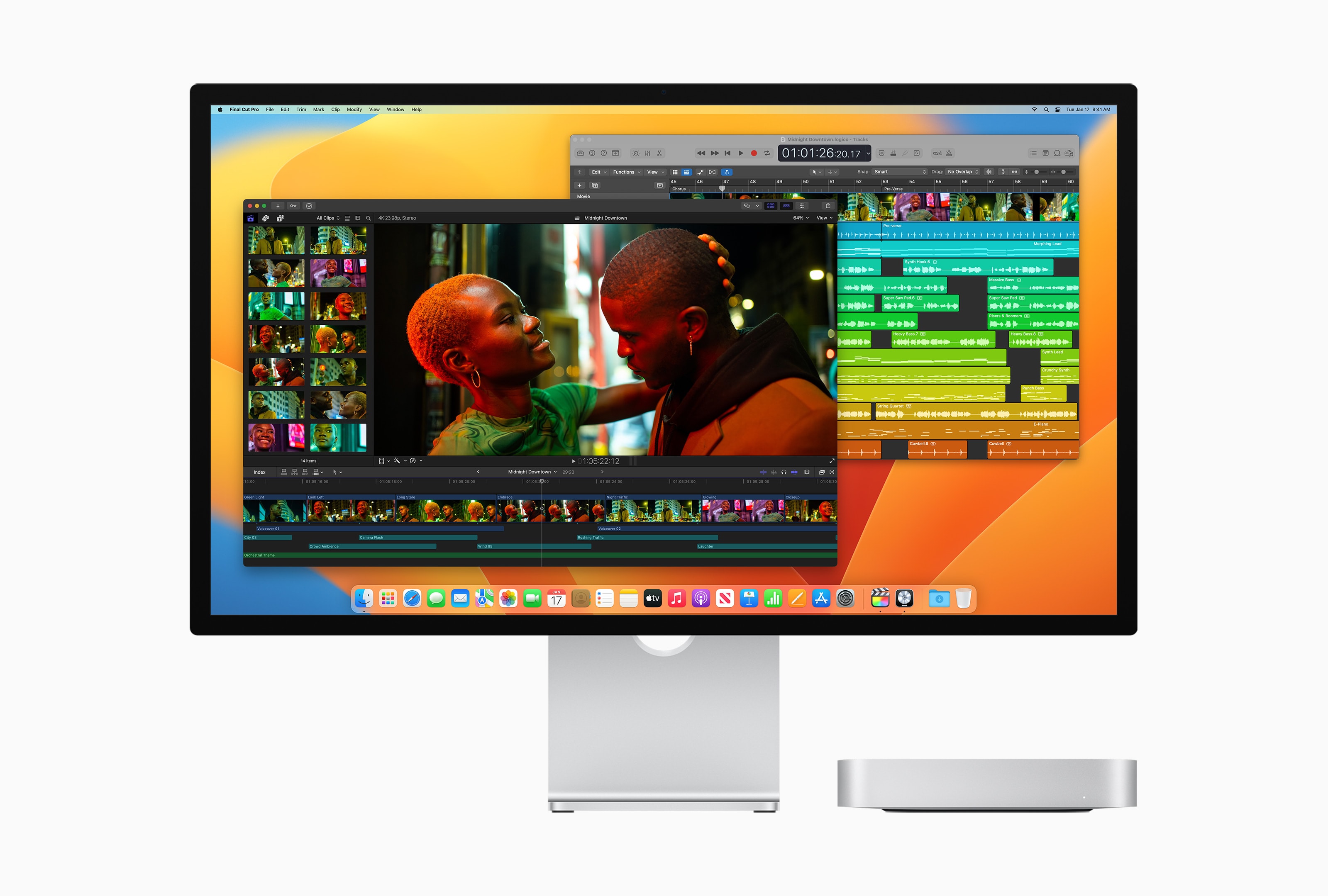
Mac Mini with Studio Display editing video in Final Cut and editing audio in Logic Pro.
“With its powerful media engine with ProRes acceleration, Mac mini with M2 Pro delivers unbelievably fast video processing.”
Photo: Apple

Apple launched a new Mac mini Tuesday, an upgraded model that uses the M2 chip seen last summer in the MacBook Air and MacBook Pro. A higher-end version runs on the brand-new M2 Pro chip, which also powers the new 14-inch and 16-inch MacBook Pros, also introduced today.

“Bringing even more performance and a lower starting price, Mac mini with M2 is a tremendous value,” said Greg Joswiak, Apple’s senior vice president of worldwide marketing, in a press release. “And for users who need powerful pro performance, Mac mini with M2 Pro is unlike any other desktop in its class.”

The computers are available to preorder today and will arrive January 24.

Multiple missing Macs might be unmasked tomorrow

By

What we're expecting from 2022 MacBook Pro with M2 Pro or M2 Max
The new MacBook Pros could be coming in hot tomorrow.
Image: Ed Hardy/Cult of Mac

Update: This prediction came 100% true. Apple took the wraps off a pair of Macs on January 17. Don’t miss Cult of Mac‘s full coverage:


Rumors suggest Apple is preparing for a quiet release of new Mac computers as early as Tuesday. These will include updates to the 14-inch and 16-inch MacBook Pro models in addition to the Mac mini. The updates reportedly will be minor, bringing the new M2 chips to the computers.

There won’t be an Apple event — the company will announce the new computers by press release, if the rumors prove correct.