There are all kinds of little tricks developers can use to try to get their app to gain some recognition in the App Store, but Matt Henderson inadvertently discovered that naming your app ‘Butt Crack’ can reap unfathomable rewards.
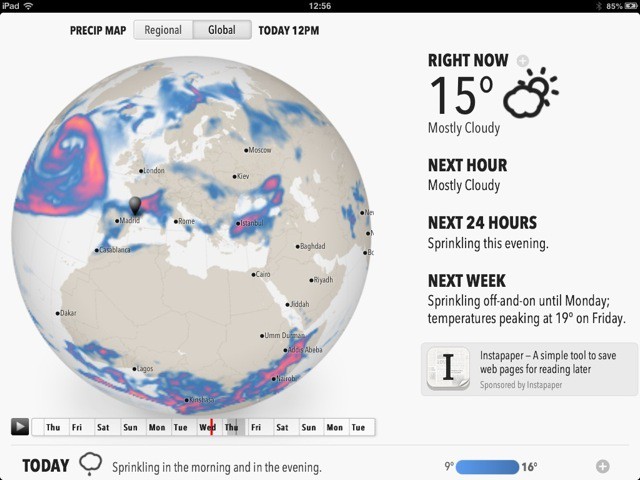
Remember the app Dark Sky? If you’re outside the U.S., what you’ll remember is the frustration of not being able to use its amazing real-time rain warnings, which would literally tell you when it would rain on your location in the next hour or so.
Now, the developers of Dark Sky have come out with Forecast, which works anywhere in the world, and will run on Android, iOS, the desktop, anywhere. How? It’s a web app.
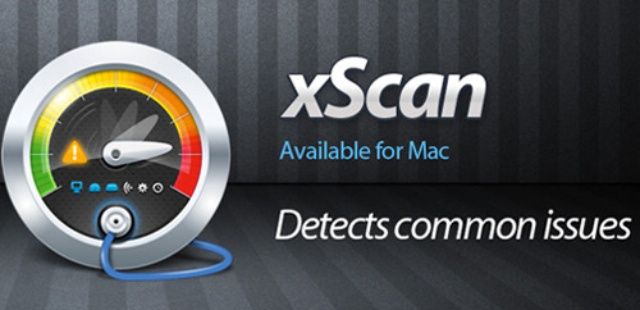
Your Mac is a finely tuned, intricate machine. Just like a car, every aspect of your Mac plays a crucial role in its overall performance. This Cult of Mac Deals offer is for an app that will help keep your Mac running in tip-top shape. That’s because we’re featuring xScan – the same software many professionals use to diagnose technical issues with Mac operating systems.
xScan has been specifically designed to help you monitor the behavior and health of your Mac in a simple and straightforward manner. Consider it lifetime health insurance for your Mac – and Cult of Mac Deals has it for only $10.
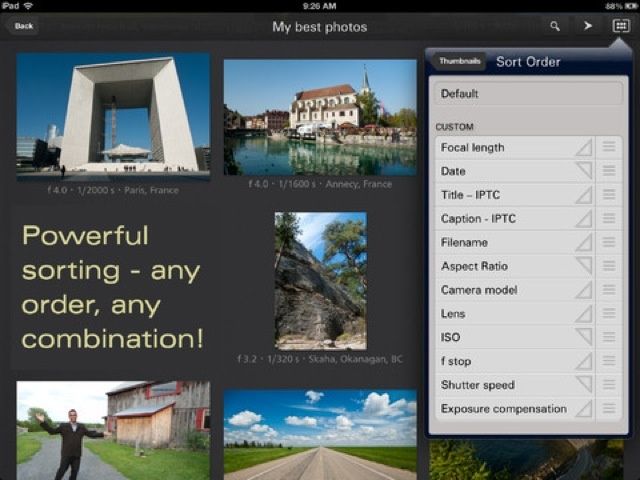
The iPad is great for photographers, but the built-in Photos app sucks. You can’t change the viewing order. Making albums and moving photos is a multi-tap pain in the ass, and navigating is confusing even for the experienced user.
That’s where Focus Point comes in. It’s a photo-viewing app that’s been around for a while, but the latest update adds enough new goodies to make it worth a look.
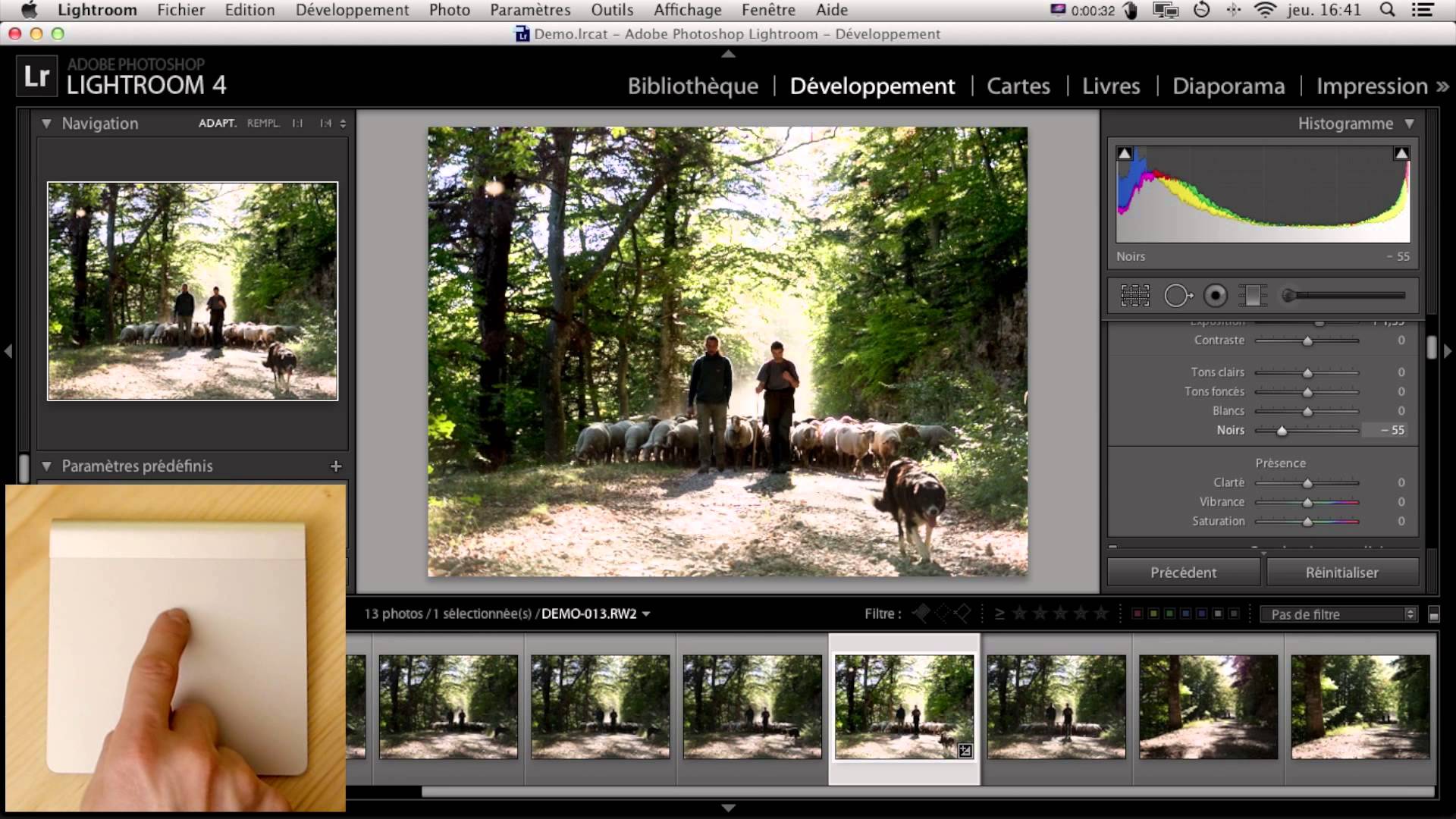
The Touch is a cool-looking new way to control Adobe Lightroom, either using your Magic trackpad or your iPad. It’s a small app that runs alongside Lightroom (or Final Cut Pro X) and lets you control it using all manner of gestures, taps, and swipes, letting you focus less on which slider to grab and more on looking at the image itself.
A picture is worth… $1. That’s what Printic will charge you for a single, Polaroid-shaped print, sent to your (or anyone else’s) door and ordered from the easy comfort of your own iPhone.
Digital Negative is a new iPhone app which promises to save photos in Adobe’s DNG format. That is, it promises RAW images from your iPhone’s sensor. Leaving aside the debate of whether or not this is a good idea (more on that in a second), can an App Store app really get access to the raw, unprocessed data from the sensor? The answer is no, but to the developer’s credit, it goes just about as far as is possible.
Soulver is pretty much the best calculator app on the Mac and iOS, mostly because it doesn’t tie itself to the UI of old pushbutton calculators. But Llumino will probably win the award for the best-looking calculator app in the App Store, coming on like a 1970s flashing disco floor and, uh, a pushbutton calculator.
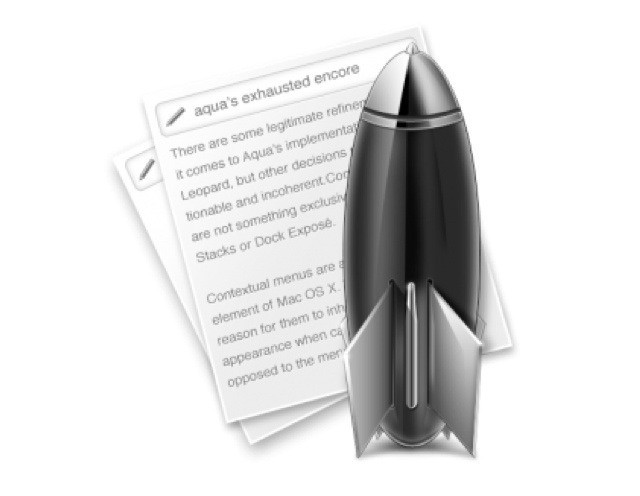
Anyone who is serious about taking notes doesn’t use Apple’s Reminders app. Or at least, they don’t use it to store endless snippets of information (Reminder is fantastic for shopping lists, though). Note nerds use nvALT (OS X), the tricked-out version of Notational Velocity customized by Brett “I just built this. Again” Terpstra, in combination with Dropbox or Simplenote (iOS).
And Brett’s latest version, 2.2, is near enough release that you may as well grab it and use it. Hell, Brett himself says that it’s “more stable than 2.1 is right now.”
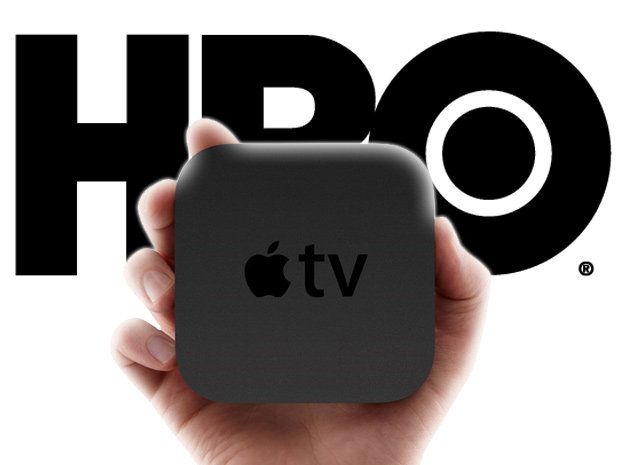
HBO Go is one of the best TV apps for the iPad. You can stream episodes of shows like Girls and Game of Thrones to your iPad whenever you’re craving some drama. The only problem is you have a cable subscription with HBO to access the app.
While HBO isn’t ready to ditch the subscription model altogether just yet, but the company’s CEO indicated this week that they might make the app available to cord cutters that pay for broadband Internet.
If you had asked me yesterday what I thought a “couch player” might be, I would have guessed that it was some stoner kid sat at home in his parents living room, checking the price of Glocks online and listening to bad hip hop.
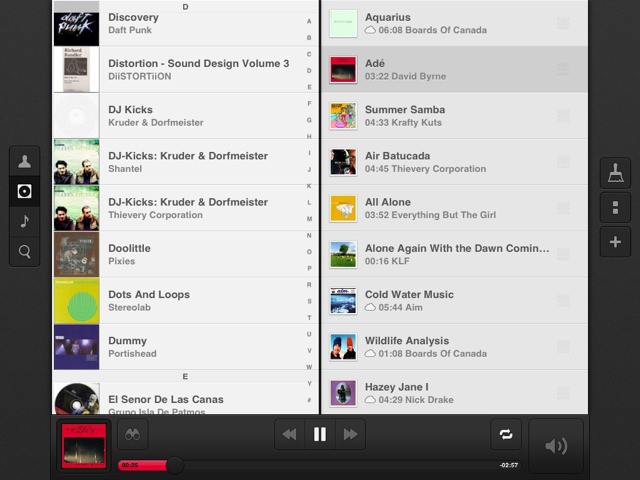
But that was yesterday. If you asked me right now, I’d tell your that Couch Player is an awesome new music player for the iPad.
The Bikespike is a GPS-enabled cellular device which lets you track your bike. And while you can use it as an iPhone-connected bike computer, complete with speed, calorie and location stats, its main purpose is as a security device.
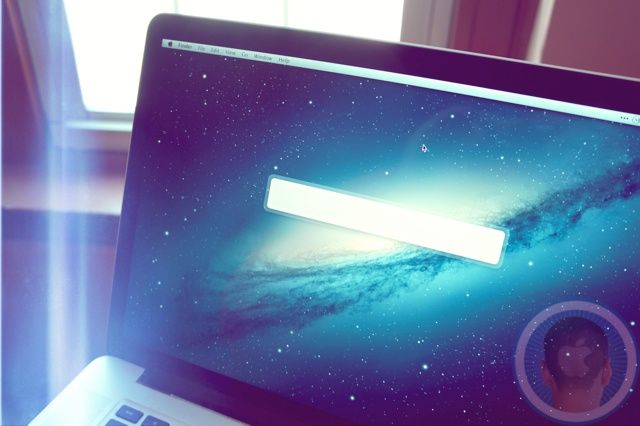
There's a lot you can do with this tiny launch bar.
Alfred is a great shortcut and productivity tool for the Mac that received a huge update last week. In case you don’t know, Alfred allows you to quickly perform tasks with a series of keyboard shortcuts. If you’ve used similar tools like Quicksilver or LaunchBar, then you already have an understanding of how Alfred fundamentally works.
Over the past couple of years, Alfred has matured from a little app launcher into a full-fleged base station for getting things done on the Mac. Alfred 2.0 is a huge step forward with additional features like customizable themes, but the biggest addition is undoubtedly workflows. You can, for instance, hit a keyboard shortcut, type in the name of a new movie, and have related browser windows from IMDB, YouTube and Rotten Tomatoes instantly pop up.
Alfred has built up a community of users who have created some pretty cool Alfred 2.0 workflows you can download and use for free. Whether you’re a coder or a complete novice, it’s easy to get started with workflows and take control of your Mac.
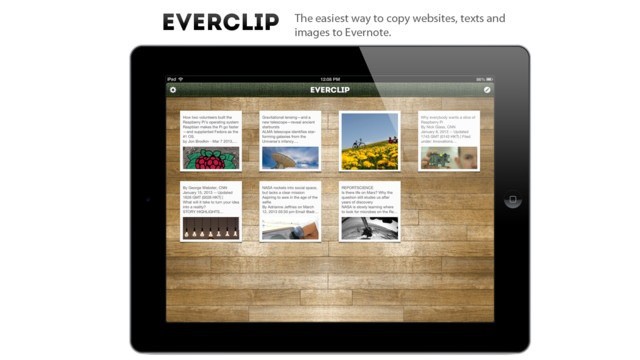
Everclip is one of the most used apps on my iPad, despite being iPhone-only. Until now, that is. Along with an update to the regular iPhone Everclip, there’s now an iPad version. No, it’s not universal and yes, it’ll cost you another $6, but if you’re an Everclip fan, you really won’t care.
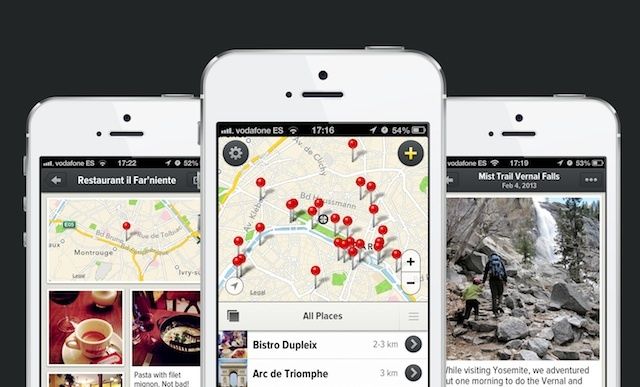
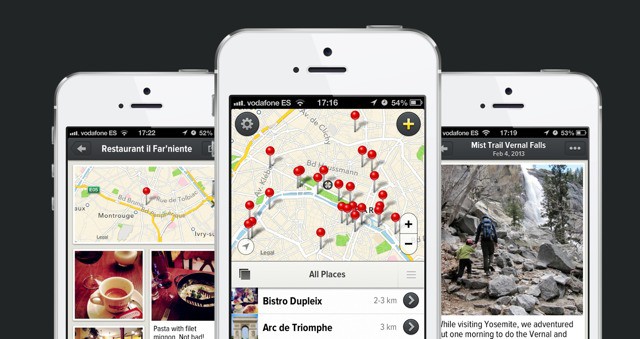
Rego is an app that answers the question “How do I remember this place?” It’s a question partially addressed by Foursquare’s check-ins, and also by Evernote’s location-aware notes. But Rego goes further than both, letting you save places you’ve been to, places you find, and places you have never even seen.
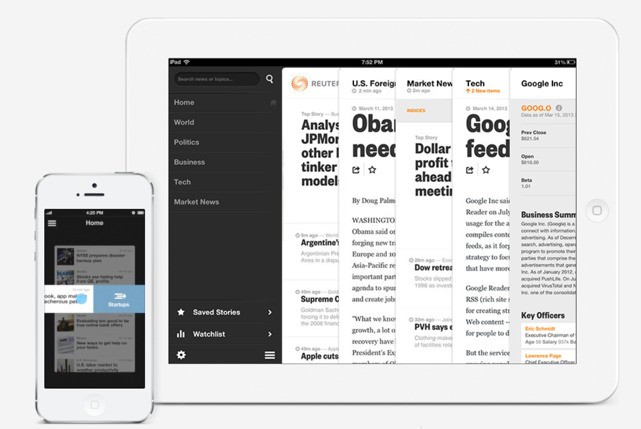
Did you wake up this morning thinking that what you really need is a new, hard-to-navigate news app for your iPhone or iPad? Then you’re in luck: Reuters has announced just that. It’s called “Reuters,” and it mixes the seriousness of news with the fun of frustrating gestures.
Looking for an alternative to Google Reader? The might I suggest Skimr, a rather minimal web app which will let you read your feeds right there in the browser. It shows your feeds in a big, bright and beautiful single-column list, and when you open a feed it shows you the articles in a similarly cruft-free view.
It’s just about perfect, as long as you don’t have more than a few feeds.
Tap Tap See is a camera app for blind people. Sure, any partially or non-sighted person could just snap bad, out-of-focus pictures of their shoes, or of the backs of their friends heads, with any camera app. But only Tap Tap See will then say to them, out loud, “Shoes,” or “Head.”
You see, Tap Tap See is like a sighted assistant that never grow tired of you asking “what’s that?”
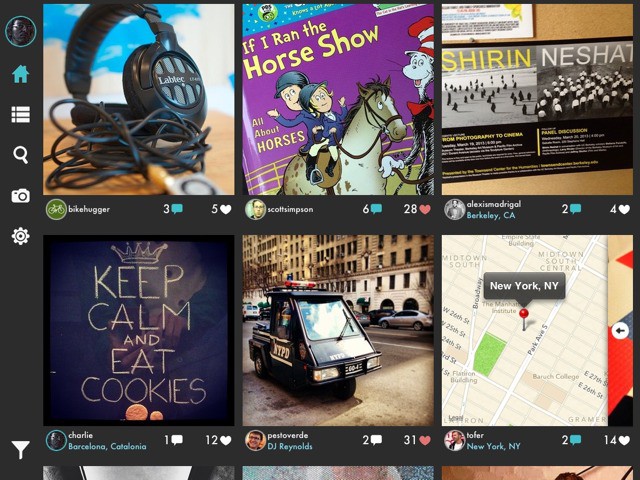
Gramatica is just about the nicest Instagram-browser app I have yet seen. It’s essential on the iPad mini, on which the official Instagram app looks hideous thanks to the mini’s refusal to display Retina assets. And on the iPhone it’s even better than the Instagram app, thanks to its full-width pictures and fantastic gestural controls.
If you ever tried to explain Instapaper (or any other read-later app) to a “straight” (non-nerd) friend or family member, you’ll know why Apple added a reading list to Safari. Even without the terrible experience of adding a javascript bookmarklet to Mobile Safari, Instapaper requires way too many steps: save page; remember to open Instapaper before the internet goes off to load that saved page; remember to read.
Safari, on the other hand, just saves the page inside Safari. That’s it.
And so Amazon is now simplifying Instapaper’s Send to Kindle feature, allowing you to send a web page to your Kindle with one click.
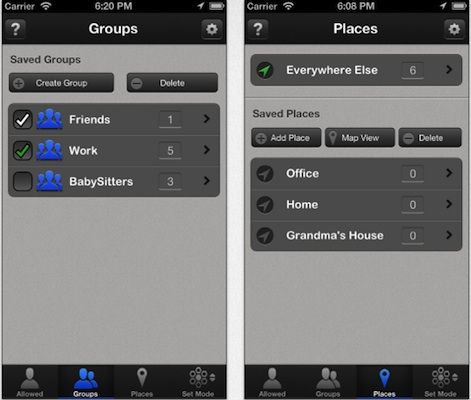
Call Bliss is an app with its own, industrial-strength take on the iPhone’s newish Do Not Disturb feature. It takes Apple’s basic concept — blocking calls with the flick of a switch, or only letting through calls from selected contacts — and infuses it with management features and more powerful options. And now the app adds two more tricks.
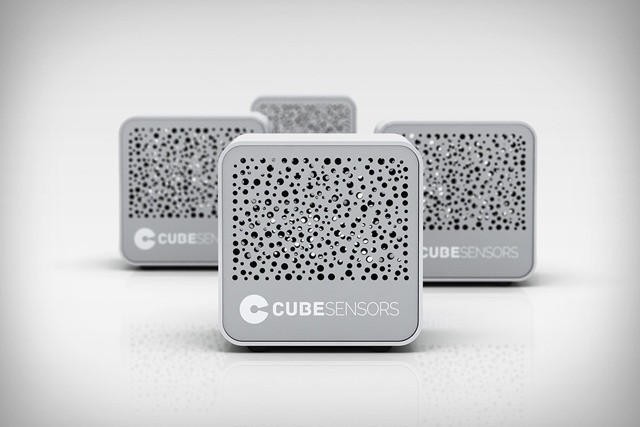
Say hello to CubeSensors, sensitive little cubes that detect pretty much everything and tattle to your iPhone about it. The cubes are internet-connected, so you can get their information anywhere, any time.
According to those dandruff-shouldered, bad-breathed “experts” at camera clubs the world over, converging verticals in a photograph are “bad.” Converging verticals are the effect you see when you tip your camera back to capture to top of a building and the verticals appear to point towards each other instead of straight up.
Amazingly, these “experts” never complain about converging horizontals.
So if you are planning on entering a competition at your local camera club, and there will be buildings involved in your pictures, then you might want to take a look at Perspective Correct, an app to — you guessed it — correct perspective.
Mailbox might be getting all the e-mail press these days, but there’s a long line to get in, and it looks terrible on the iPad. Incredimail isn’t anything like Mailbox, but neither is it like any other e-mail client. Think of it as something like Flipboard fro you e-mail and you” get the idea.
Loren Brichter is a legend amongst iOS developers. The 28 year old developer is the creator of Tweetie, which eventually became the official Twitter app. He’s the guy behind fan favorite word game Letterpress. He’s the creator of ‘Pull To Refresh’, cell swipe and slide-out panels that have become synonymous features in mobile app development. Yet few people who aren’t app and design junkies even know who he is.