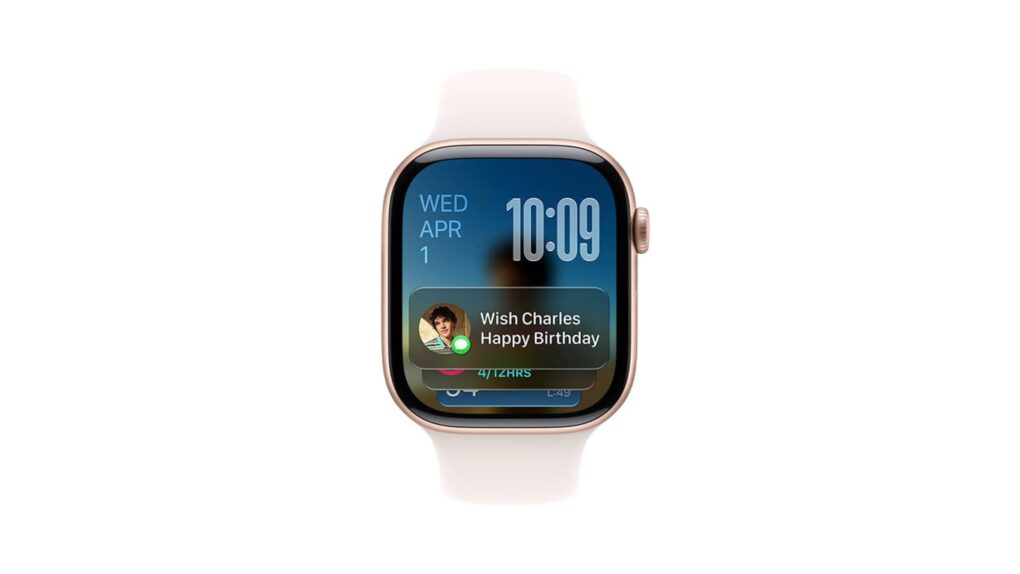
The hidden watchOS 27 Readiness app may point to a bigger health push for Apple Watch. Photo: Apple
The watchOS 27 Readiness app could be the Apple Watch’s most interesting new feature. It’s still hiding in unreleased beta code, with no interface in sight. But clues suggest it could reshape how your wrist tracks recovery.
The Readiness app is just one of the many finds recently pulled from watchOS 27’s code. Beta references also point toward deeper strength-training data and a possible storage bump for future Apple Watch models.
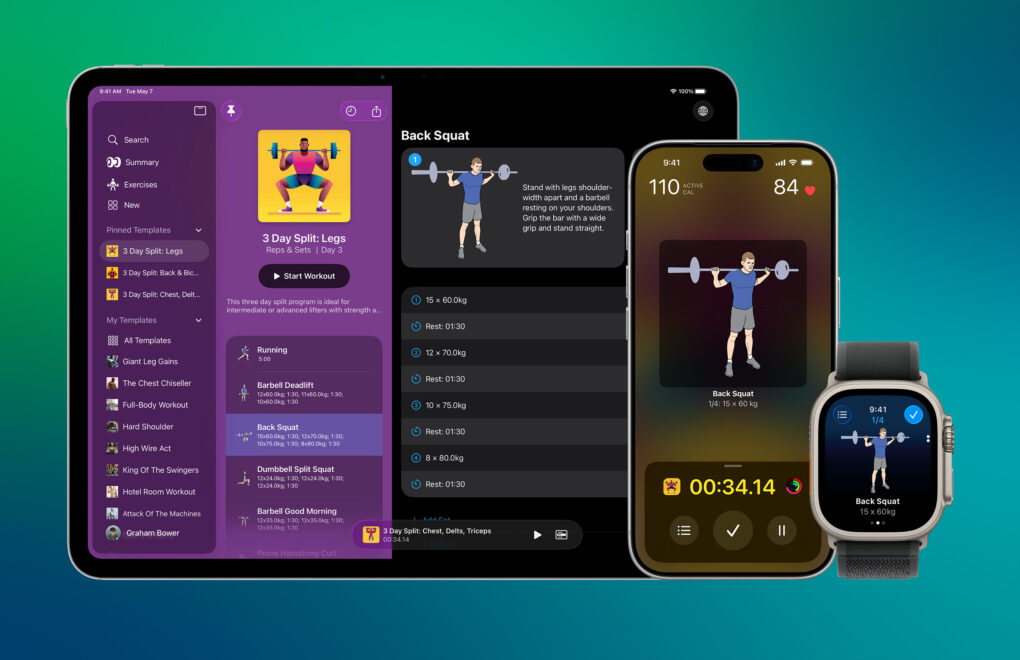
Reps & Sets is a strength-training app for iPad, iPhone and Apple Watch. Photo: Graham Bower
Last year, WWDC25 inspired me to rewrite my strength-training app Reps & Sets in Swift so it could take advantage of Apple’s latest frameworks, like Foundation Models and Image Playground. It was a massive undertaking, even with the help of today’s AI-powered coding tools.
Many of my users are Cult of Mac readers, and you’ve had no shortage of ideas for improving the app. I’m a solo indie developer. So, over the last five months, in my spare time, I’ve been steadily implementing your ideas. Reps & Sets now includes Apple Intelligence workout summaries, Live Activities, custom exercise photography, a fully standalone Apple Watch app and much more. And it’s still completely free.
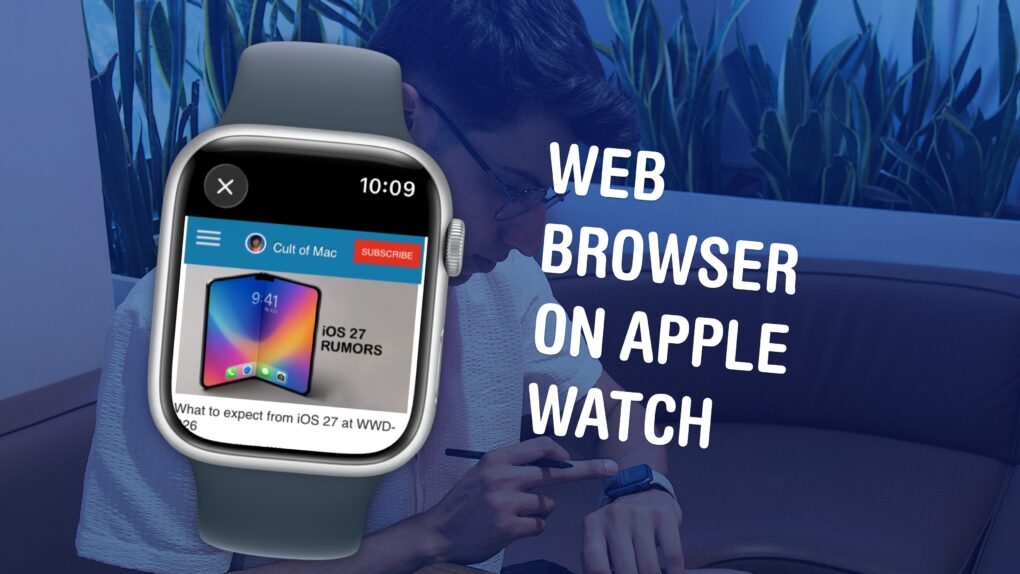
Believe it or not, there’s a mini Safari hiding in your Apple Watch. Image: D. Griffin Jones/Cult of Mac
Your Apple Watch has a web browser built-in, although it’s somewhat hidden. While Apple doesn’t have a full Safari app for the watch, you can still open links from Messages — so you can text yourself as a hack to browse the web. Or, you can install the μBrowser app for a dedicated user experience with bookmarks and even complications.
Admittedly, it’s not a fantastic experience. The screen is less than two inches tall, so many pages don’t render properly. It’s not especially speedy, either. If your watch is within range of your iPhone, it’ll use the slow Bluetooth connection with your iPhone as a relay instead of connecting to the Wi-Fi network directly, in order to save power.
But having a web browser on your Apple Watch occasionally comes in handy, especially if you have a cellular model and left your phone at home.
Letterpad was one of the first games we got to see on Apple Watch. Photo: NimbleBit
January 21, 2015: Months before the first Apple Watch goes on sale, users get a glimpse at what playing games might look like on the smartwatch. Thanks to Apple making the WatchKit API available to third parties, game developer NimbleBit releases a mockup of Letterpad, its simple, work-in-progress word game.
Suddenly, we get a peculiar desire to play games on our wrist that we haven’t had since the days of the Nintendo Game & Watch three decades earlier.
Reps & Sets works on iPad, iPhone, and Apple Watch.
Reps & Sets 26 is a brand-new strength training app designed exclusively for iPhone, iPad and Apple Watch. It was developed by a long-time Cult of Mac contributor: me, Graham Bower.
Reps & Sets 26 isn’t just another generic cross-platform fitness app. I made it Apple-exclusive, to take full advantage of the latest OS 26 technologies like CloudKit, SwiftUI and HealthKit, to deliver a truly native experience. And right now, it’s a free download. Perfect timing for your New Year’s resolutions. Get Reps & Sets 26 now, and get ripped in 2026.
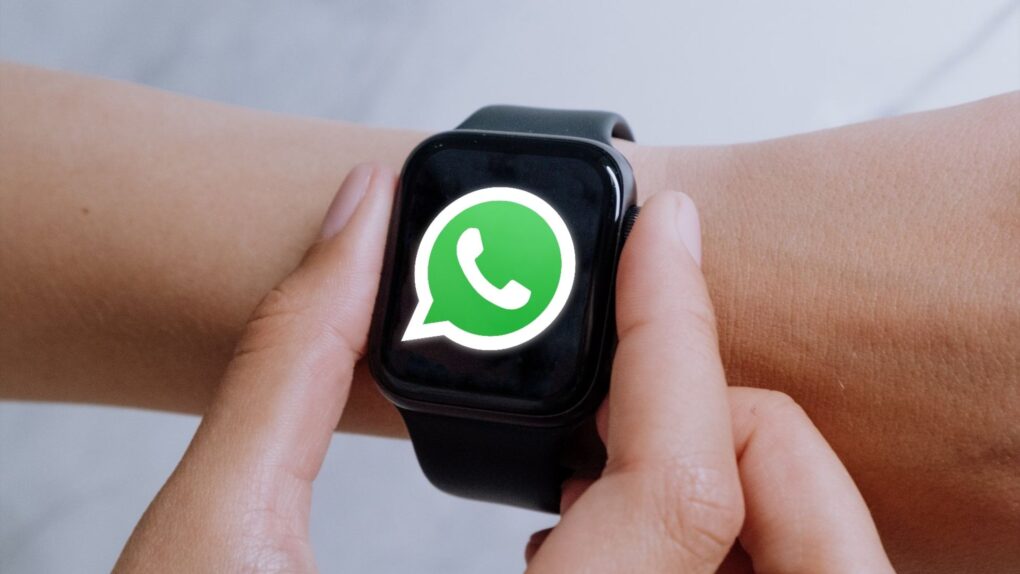
WhatsApp on Apple Watch is finally happening Mockup: Rajesh Pandey/CultOfMac
A decade after the first Apple Watch came out, WhatsApp is testing a dedicated app for the smartwatch. This would make replying to messages, viewing existing conversations, and sharing voice notes easier.
Currently, Apple Watch users can only respond to unread WhatsApp messages through the notification center. There’s no way to do anything else.
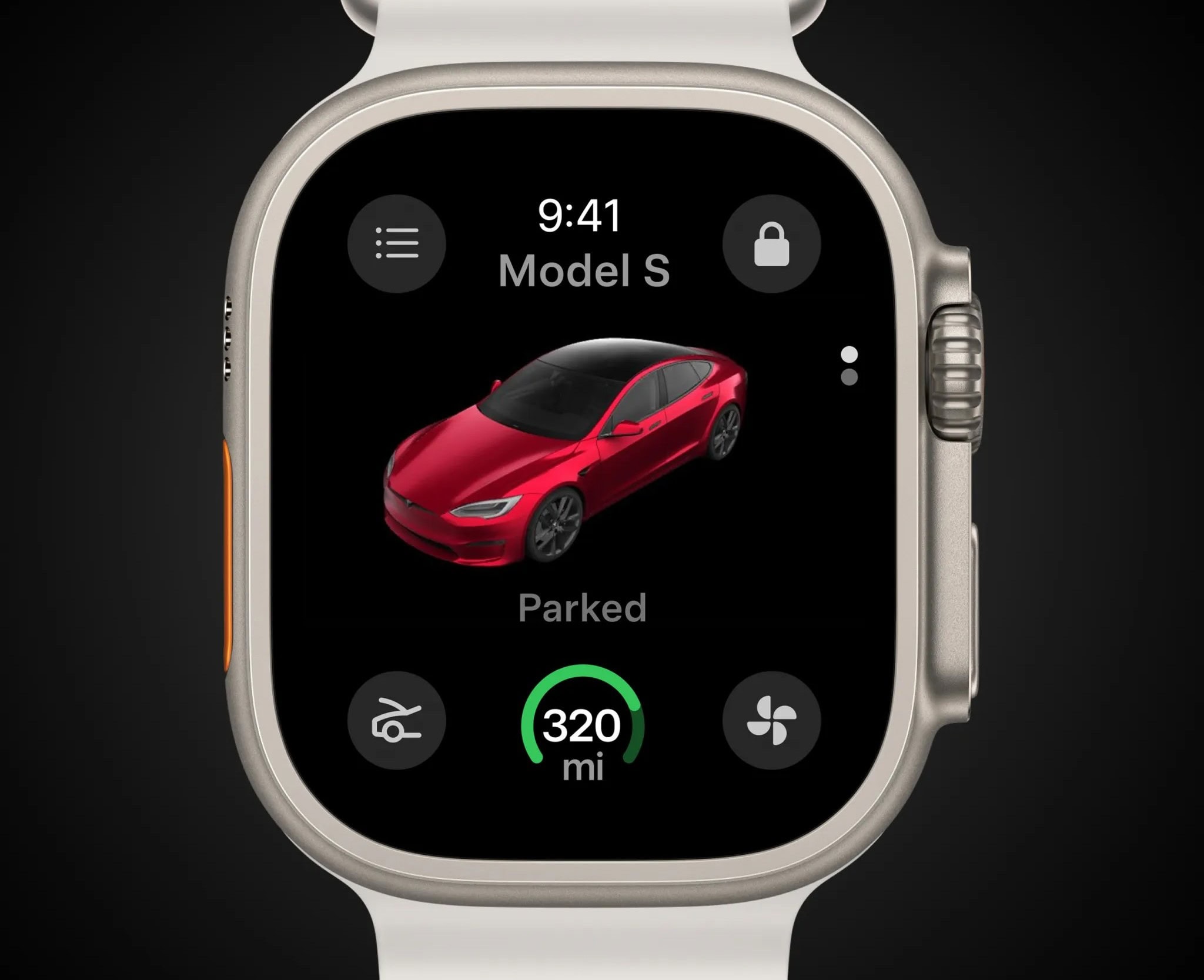
Tesla's rendering shows how the app will look on your Apple Watch display. Photo: Tesla
Tesla is rolling out a significant holiday software update, headlined by the launch of its first Tesla Apple Watch app. The new app, long expected and finally available next week, will allow owners of Tesla electric cars and trucks to use their Apple Watch as a digital key to lock and unlock their vehicles. That eliminates the need to carry a smartphone (at least for that reason).
Users can also view battery charge levels, control climate settings, and remotely open the front trunk (“frunk”) directly from their wrist.
There are SO MANY weather apps to choose from, but these are the best free ones. Image: D. Griffin Jones/Cult of Mac
In a world with about 10,000 weather apps — that’s an actual estimate, not a huge exaggeration — how do you choose the best free weather app for iPhone or iPad that you can trust and that includes the features you want most? It’s not easy. But a mix of full-featured free weather apps (most with premium versions) and specialty apps can cover all the bases for you.
We’ll go over some of the best weather apps below, whether you just want to avoid getting wet or if you’re a total weather freak who can’t get enough data, visual or otherwise.
This week’s Awesome Apps include Lego Bricktales, Speech to Text, Text to Speech and Vinegar. Photo: Midjourney
In this week’s Awesome Apps roundup, we have a way to play Legos without the mess, an app that’ll read aloud almost anything, 700 workouts on your Apple Watch, and the best Safari extension ever.
Time to get ripped with SmartGym 7 for Apple Watch. Or at least fit. Photo: SmartGym
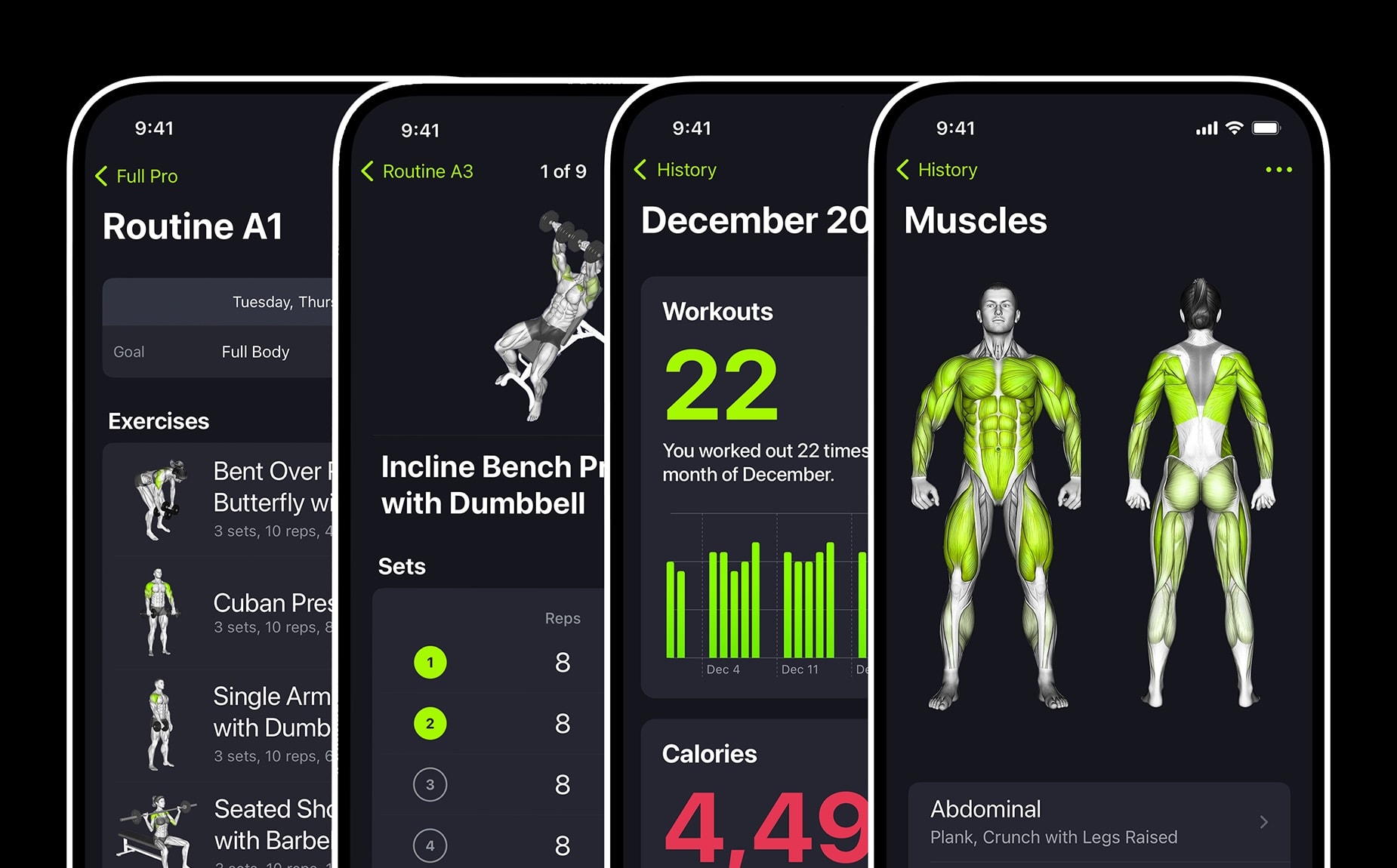
The SmartGym app is already well-loved by Apple Watch users, and its recent update adds more than 70 new workouts and loads of convenient new functionality.
And it’s considered so good it’s currently up against two other finalist apps to win the App Store Award for Apple Watch App of the Year.
App Store award winners are going to get a physical plaque from Apple. Photo: Apple
Apple crowned 16 apps and games as winners of its 2022 App Store Awards for “making a profound cultural impact.” The App Store’s editorial team honored apps and games on five platforms: iPhone, iPad, Mac, Apple Watch and Apple TV.
This time around, the company also selected five “Cultural Impact winners that have made a lasting impact on people’s lives and influenced culture,” Apple said in a press release Tuesday.
NightWare uses sensors built into Apple Watch to detect a nightmare then vibrates to pull the wearer out without waking them. Photo: Apple
Veterans with post-traumatic stress disorder can be tortured by their nightmares. NightWare running on Apple Watch can pull the wearer out of their horrible dream without waking them up.
It’s the first product developed specifically to treat nightmares to be cleared by the FDA.
This year's Trend of the Year is "Connection." Photo: Apple
Carrot Weather, LumaFusion, and Apple Arcade hit Fantasian are some of the titles recognized in the 2021 App Store Awards, announced on Thursday.
Apple also identified “Connection” as the Trend of the Year, thanks to games like Among Us! and apps like Bumble, which “brought people together in meaningful ways — while meeting social, personal, and professional needs.”
Grab the newest update now. Image: Killian Bell/Cult of Mac
The latest update to the Apple Store app adds a brand-new “lists” feature that makes it easier to keep track of all the things you want.
You can then share and discuss your lists with in-store Specialists, Apple says — then get a recap of your conversation sent to the app so it’s easy to find later. Lists also make it faster to buy what you want when you’re ready to check out.
These apps are out of this world. Image: Cult of Mac
Space: the final frontier. And kinda sorta the theme of this week’s roundup of new and updated apps.
We’ve got an app that brings Star Trek, NASA and Tetris faces to Apple Watch. A free iOS game that will get arcade fans flashing back to Asteroids. And an audio app for women that blends erotica, meditation and ASMR for a trip deep into inner space.
I’m not sure how Godzilla and Kong fit into the space theme, but they crash onto the scene as well. (If only we had SpaceGodzilla.) Three … two … one …
With this audio workout app, you can pursue your fitness goals absolutely anywhere. Photo: Jenny Hill/Unsplash CC
It’s time for a new year, and a new you! There’s no better way to get your heart pumping and your Apple Watch working to its full potential than with innovative fitness app Auro. And right now, a one-year subscription is on sale at 50% off.
Photos, music, watches, and math. Photo: Cult of Mac
This week we edit photos using the iPad’s trackpad, solve math problems with a Mac keyboard shortcut, add dynamic complications to our watches with Watchsmith, and more.
Use Watchsmith to set up a schedule for when Apple Watch complications appear. Photo: Ed Hardy/Cult of Mac
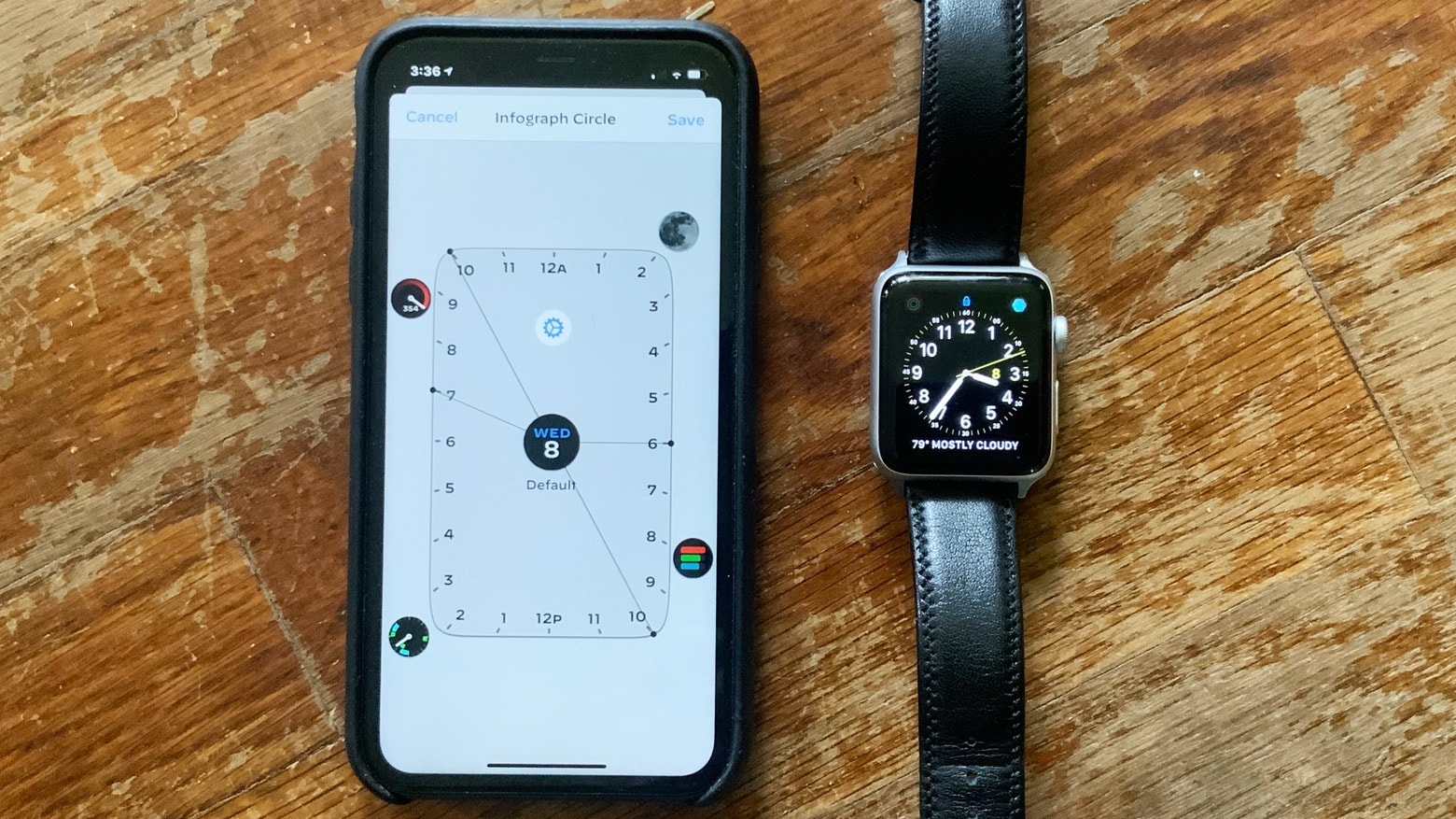
Watchsmith takes the complications on Apple Watch faces and makes them even smarter. With this new application, these informative little icons can swap themselves out for others depending on what time of day it is.
Download the newest update today. Photo: Killian Bell/Cult of Mac
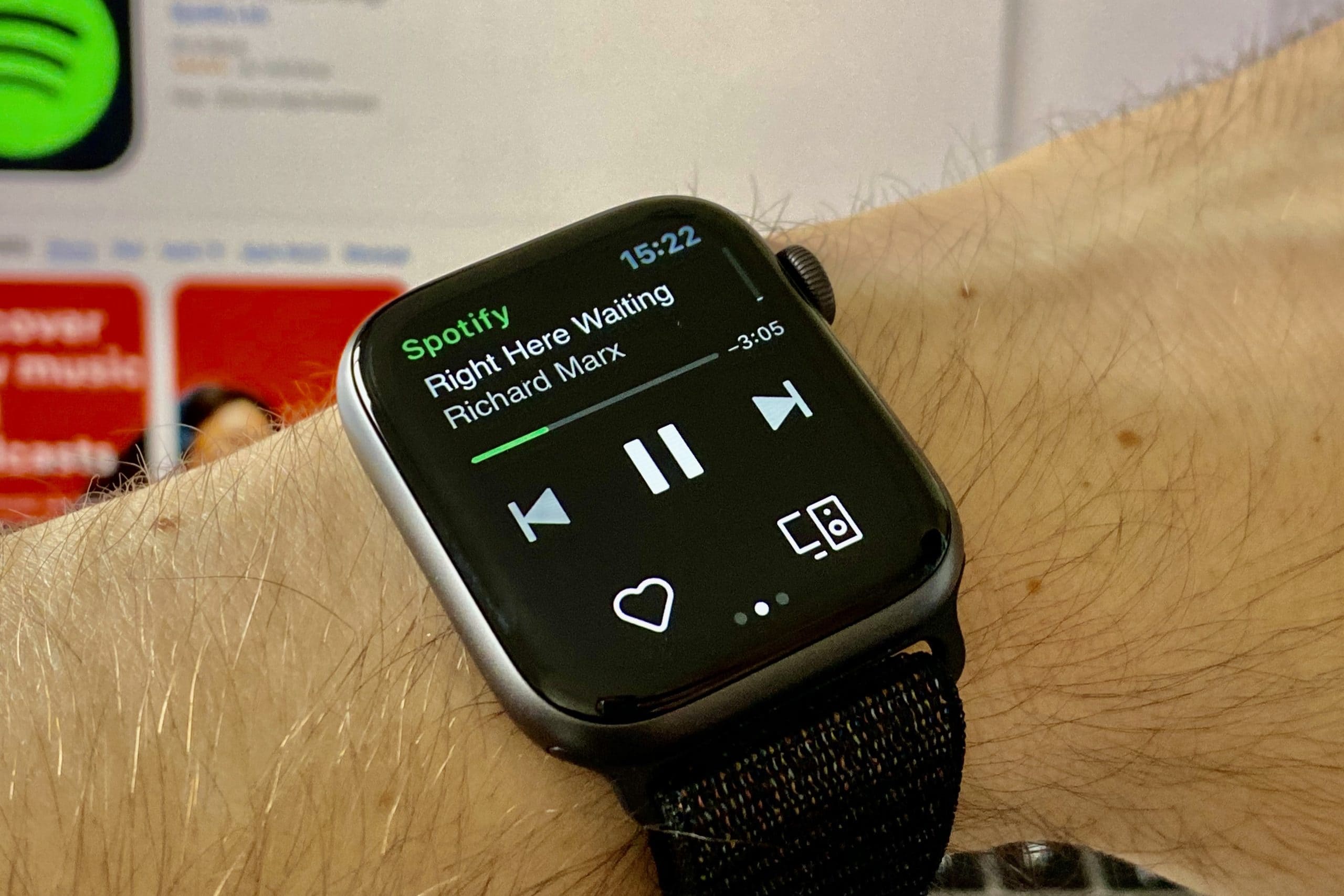
Spotify’s newest update on iOS, out Thursday, lets users control their music using Siri on Apple Watch. Simply add “on Spotify” to the end of your voice commands to play your favorites artists, albums, playlists, and more.
It could be one of many new faces. Photo: Ian Fuchs/Cult of Mac
The newest update to Pandora for Apple Watch gives you the ability to stream music without being connected to your iPhone.
The feature takes advantage of changes made in watchOS 6, which rolled out last fall, that allow third-party apps to stream audio on Apple Watch. Of course, you’ll need a device with LTE connectivity to enjoy it.
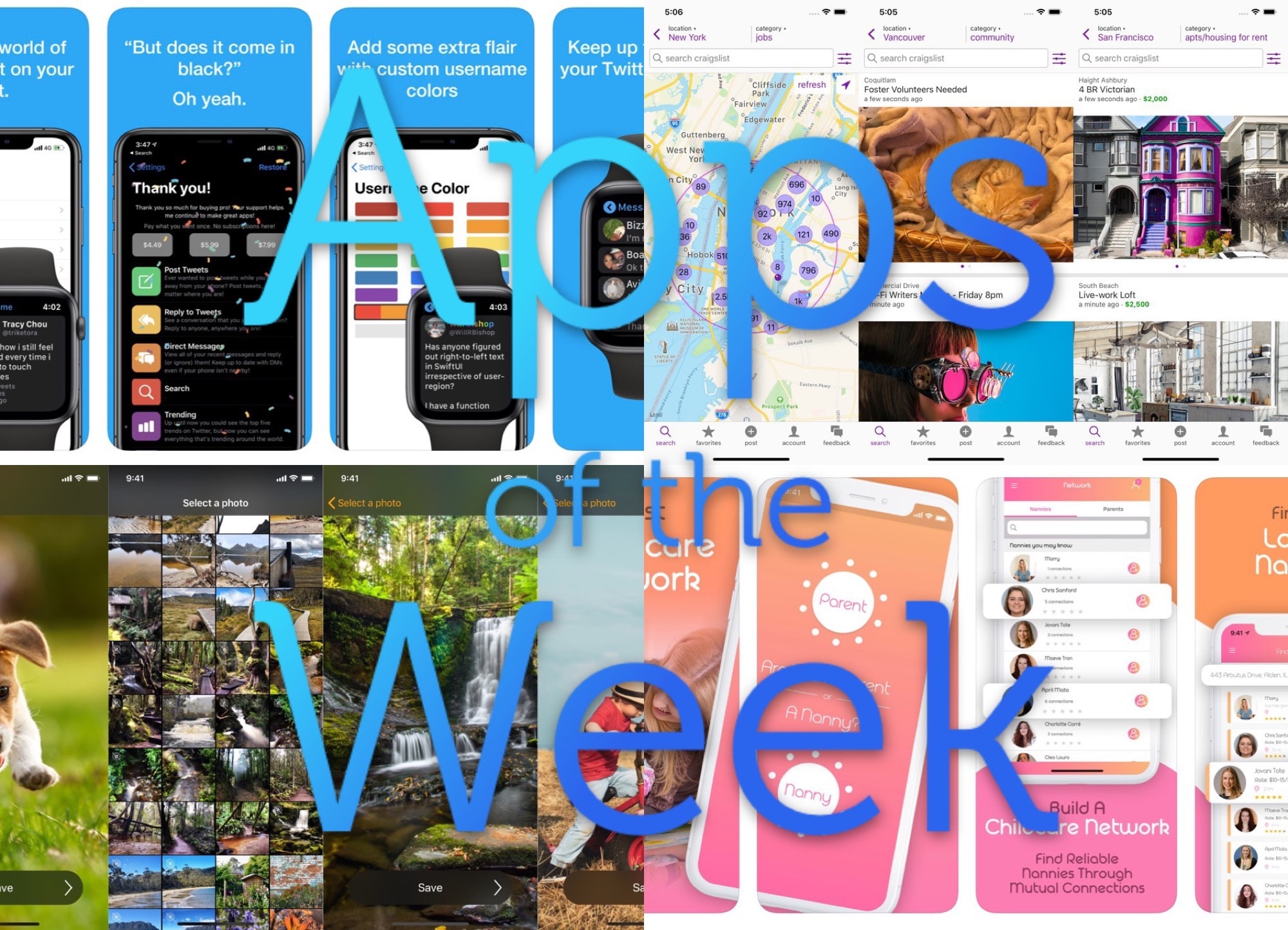
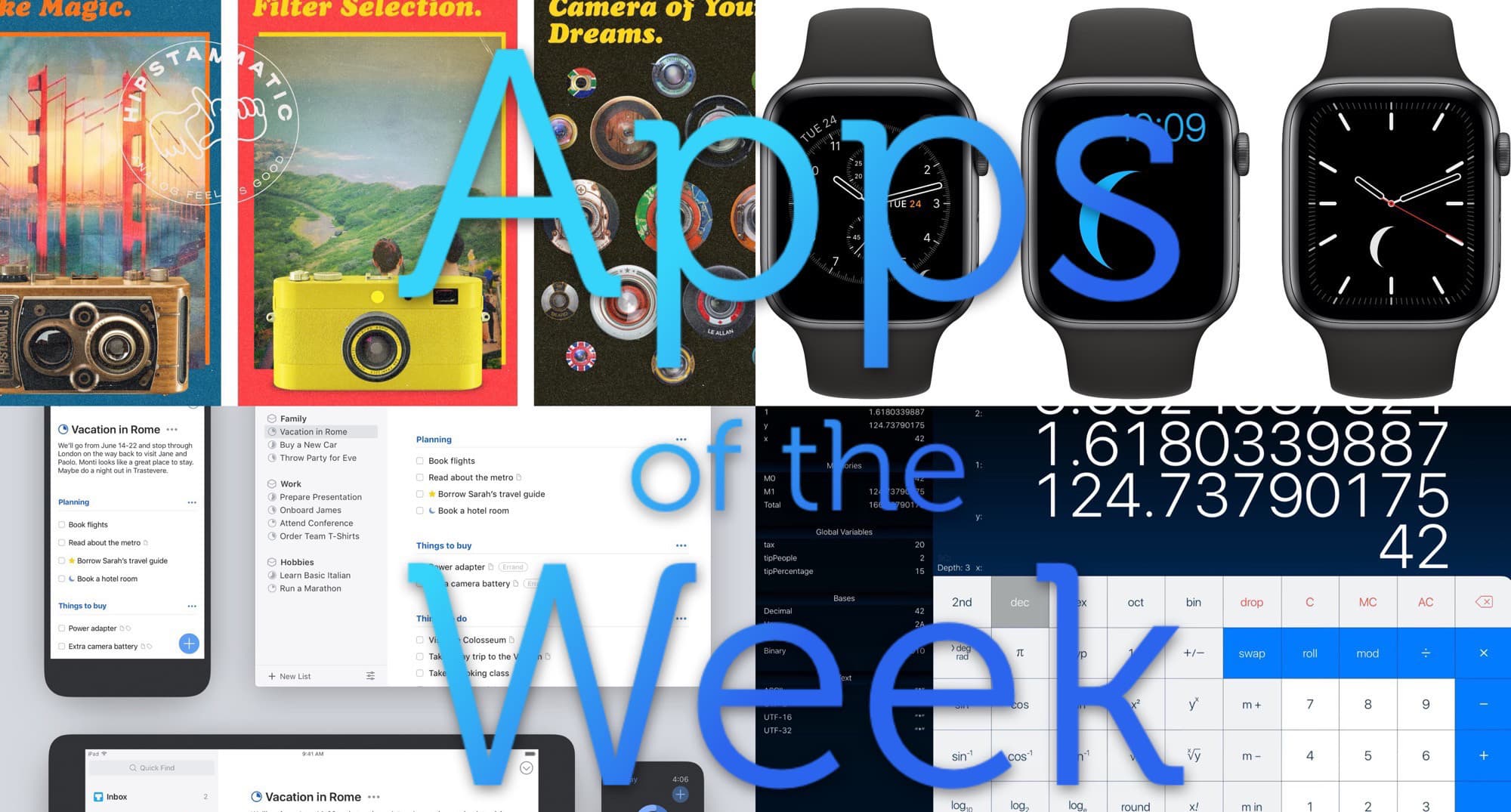
Apps, apps! Come and get your apps! Photo: Cult of Mac
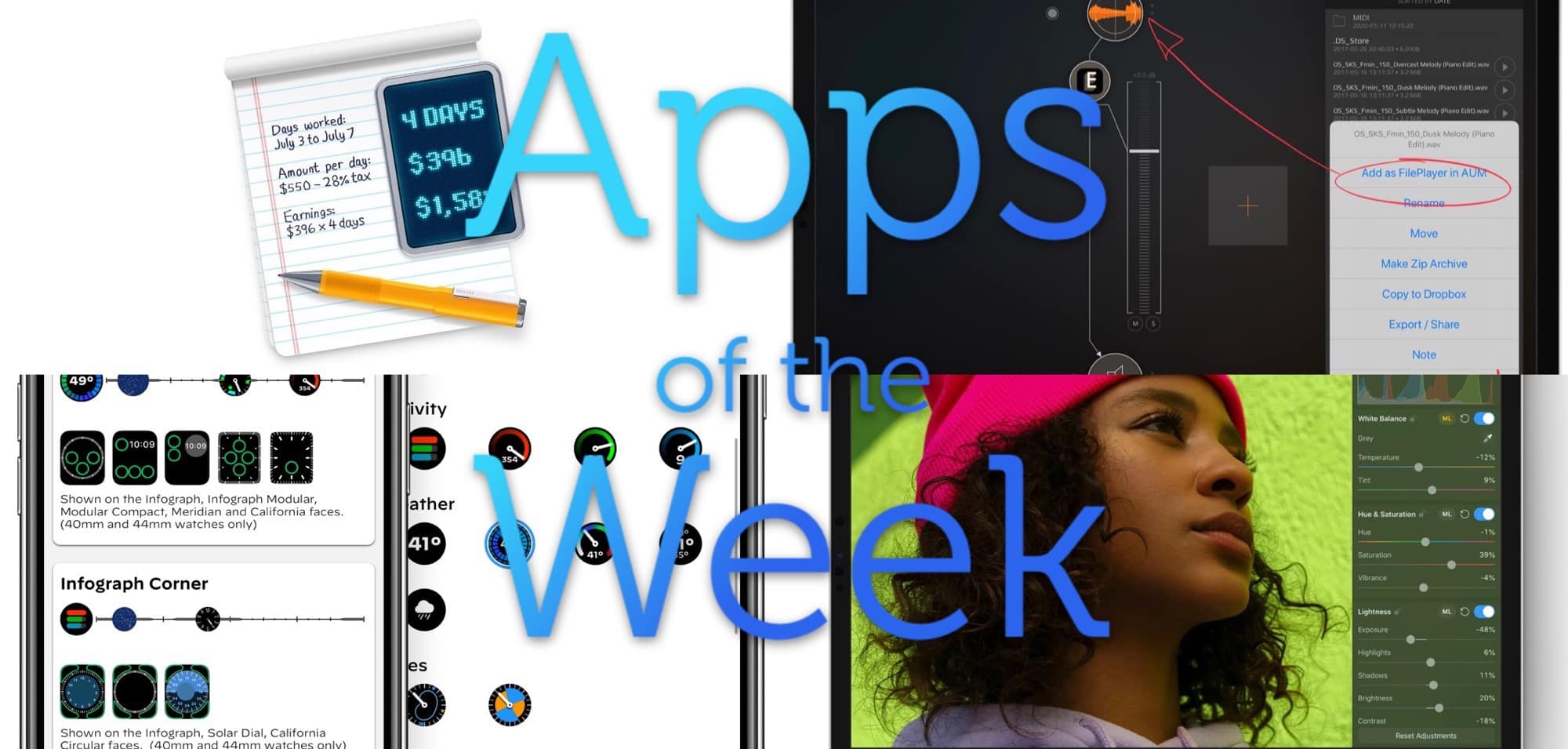
This week we enjoy lots of new iOS 13 updates and a new super-accurate moon-phase complication for the Apple Watch. Then we add things up with the most comprehensive calculator ever made, and exhume the body of hipster photo app Hipstamatic.
Nothing makes it onto an Apple App Store without a human looking at it. That takes less time than you might think. Photo: Apple
With close to two million applications in its software stores, Apple reportedly doesn’t have much time to devote to testing most new submissions. Details leaking out about the process show that a typical app either gets approved or blocked in 5 or 10 minutes.
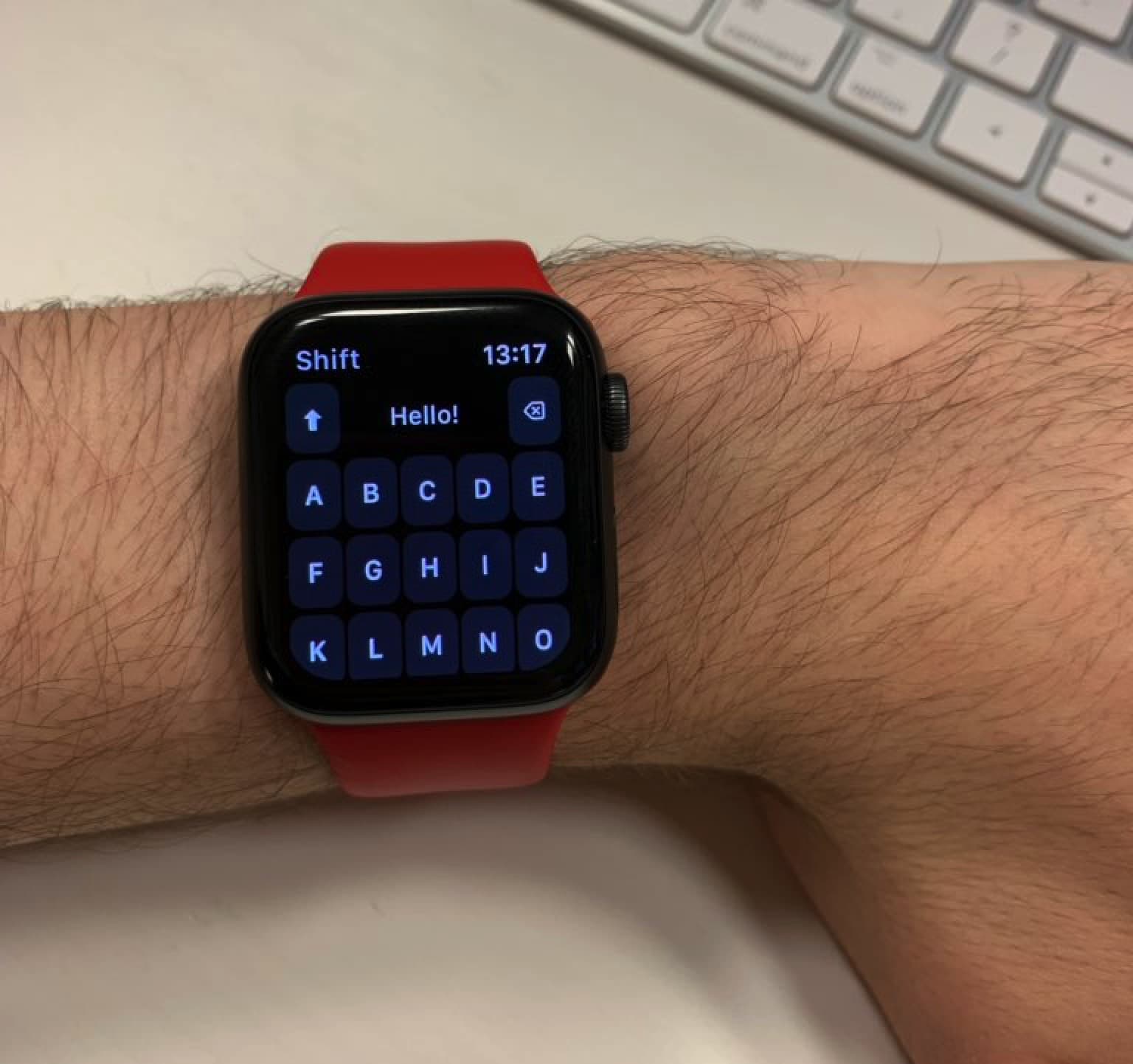
Right now, the easiest way to write messages on Apple Watch is using voice control or Apple’s recommended responses. But one intrepid developer wants to go back to the past by adding a keyboard to Apple’s wearable device.
His app, Shift Keyboard, just launched in the App Store. Developer Adam Foot spoke with Cult of Mac to try and sell us on the idea.

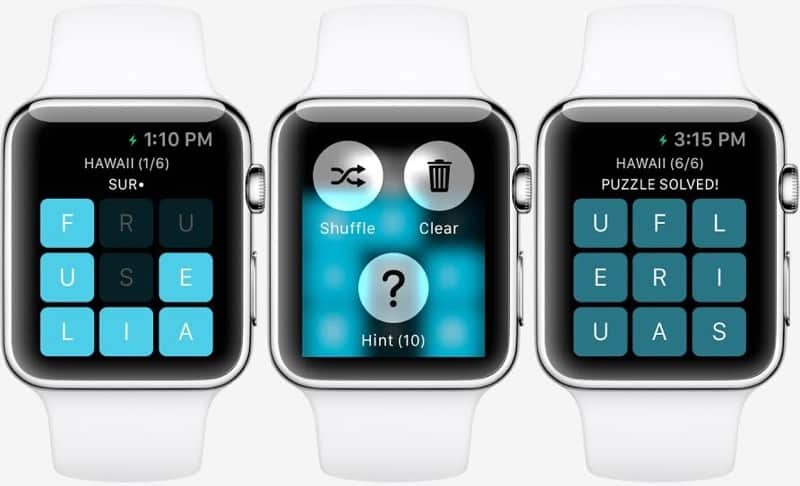
 January 21, 2015: Months before the first Apple Watch goes on sale, users get a glimpse at what playing games might look like on the smartwatch. Thanks to Apple making the WatchKit API available to third parties, game developer NimbleBit releases a mockup of Letterpad, its simple, work-in-progress word game.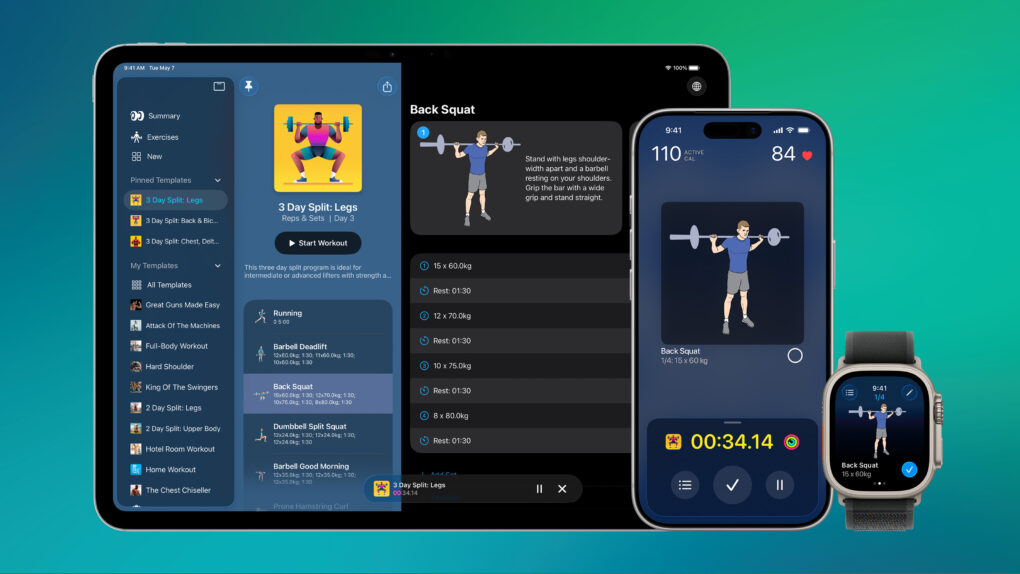





![Blast off with space games and female erotica [Awesome Apps of the Week]](https://www.cultofmac.com/wp-content/uploads/2021/05/Guided-by-Glow.jpg "Blast off with space games and female erotica [Awesome Apps of the Week]")