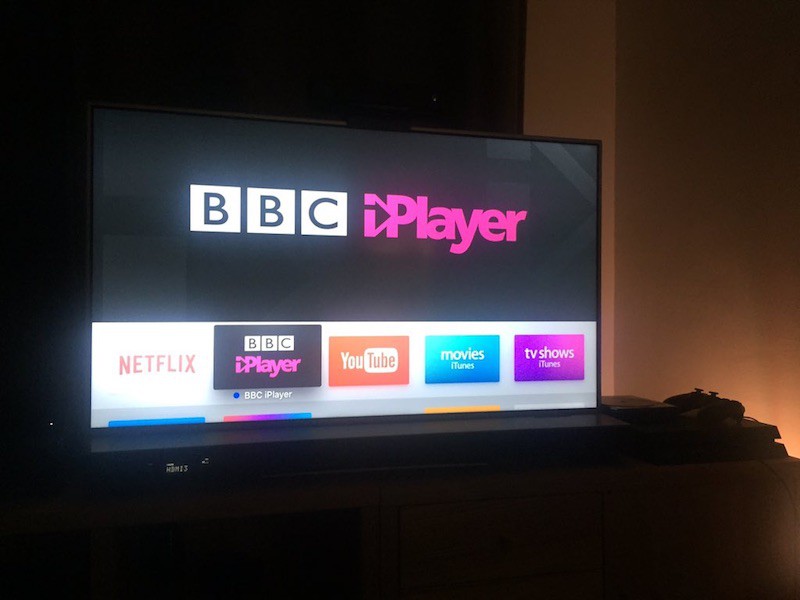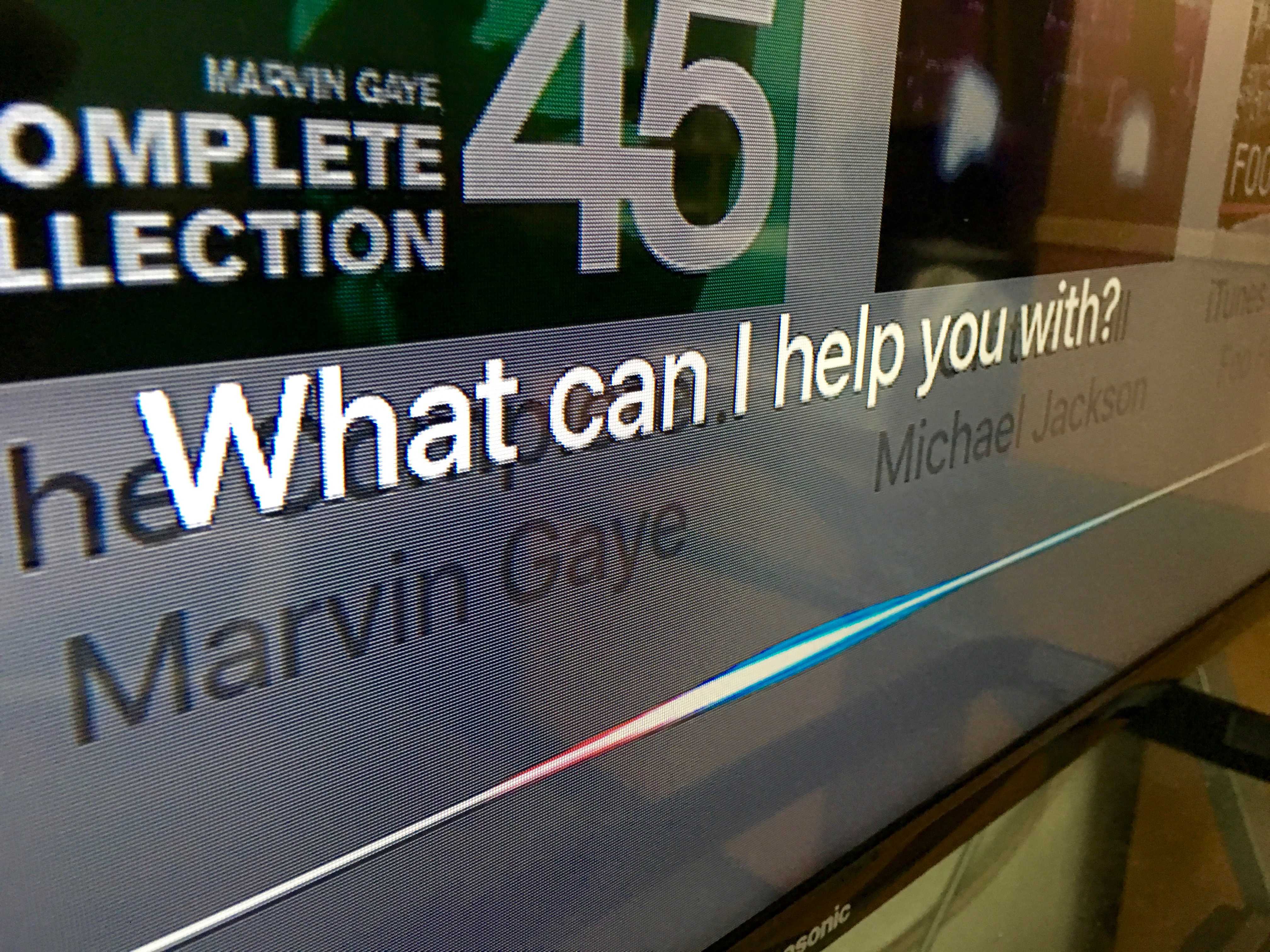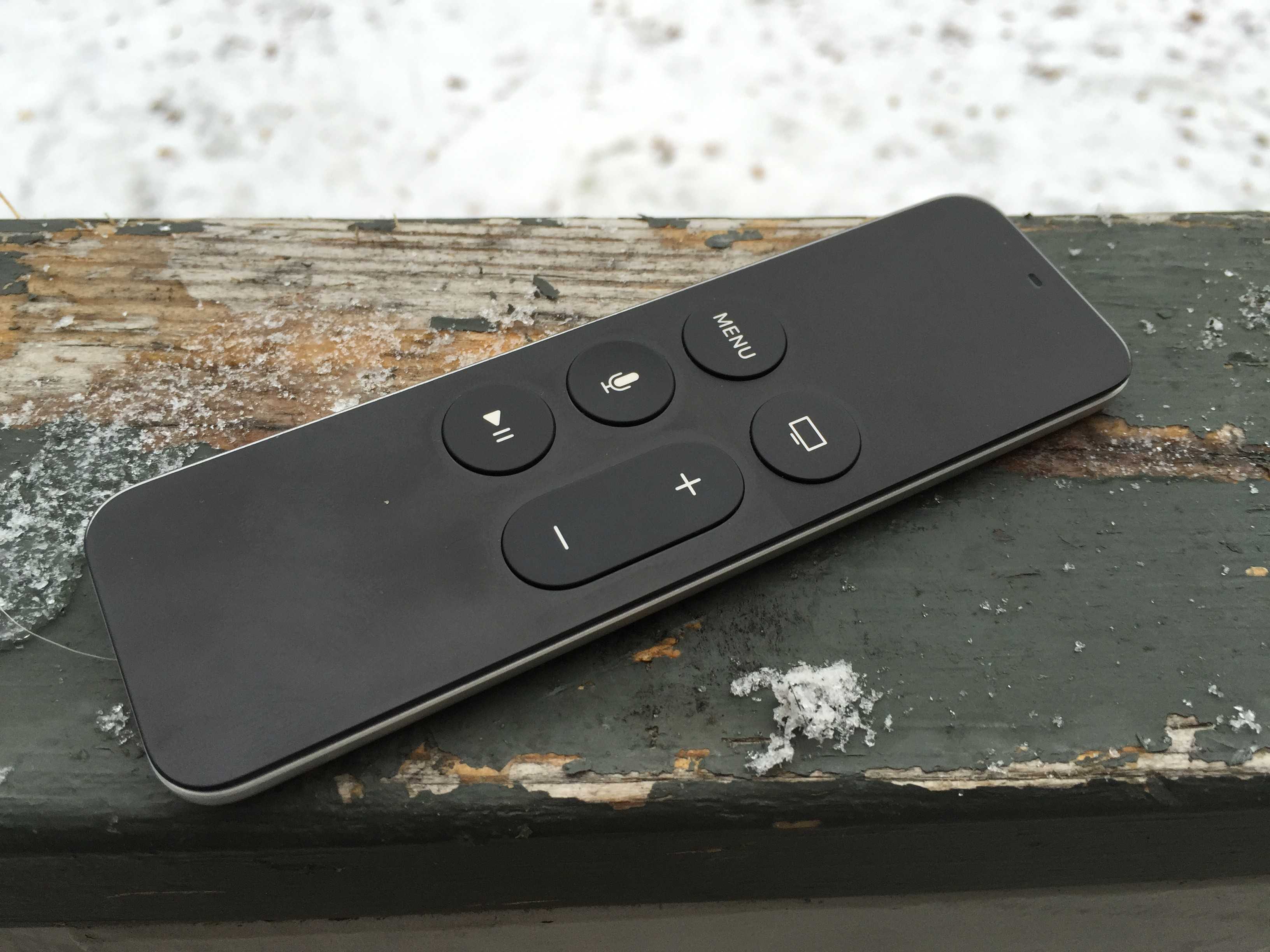
Streaming Steam games on Apple TV? Yes please. Photo: Jim Merithew/Cult of Mac
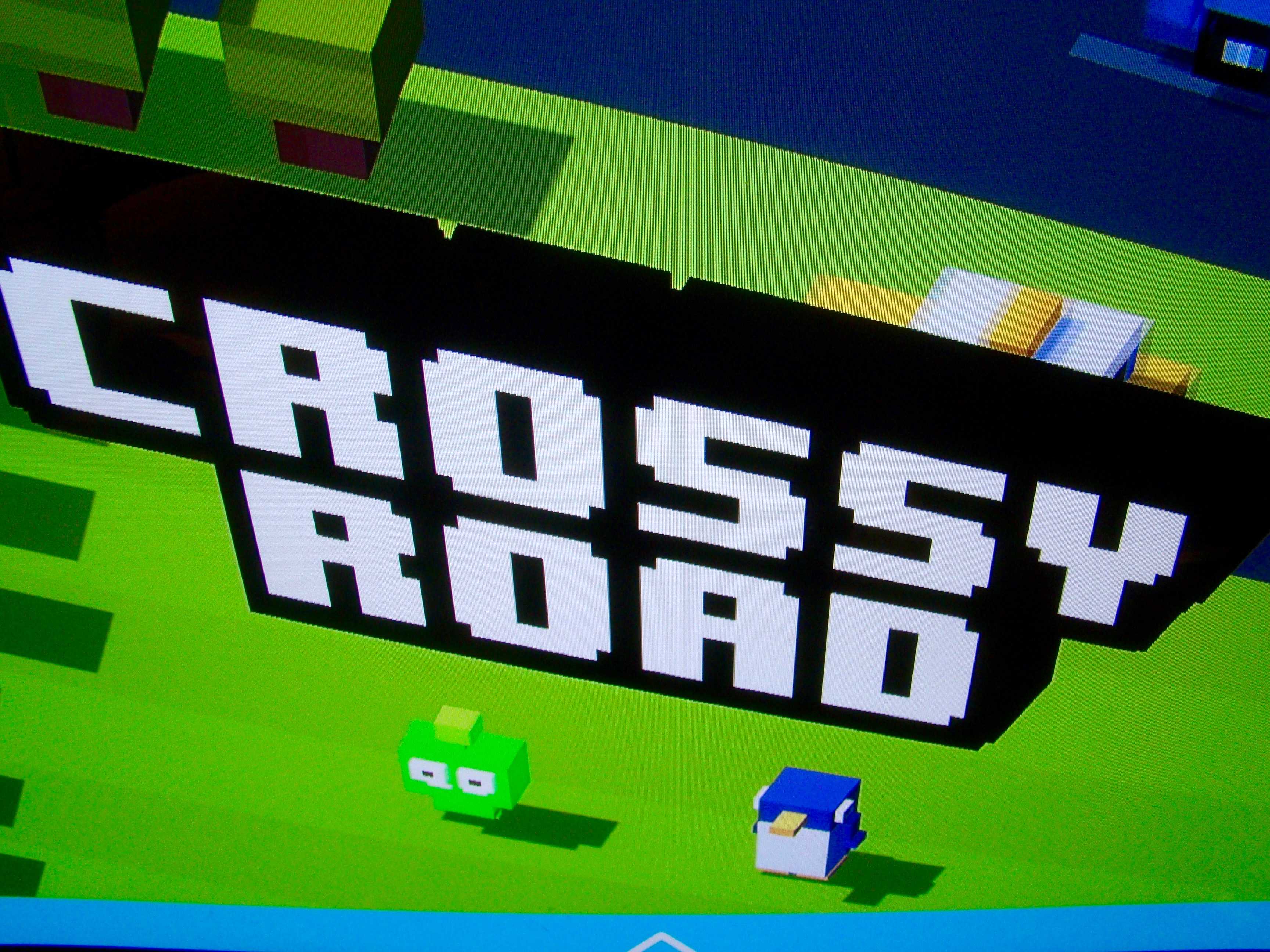
If you’re hoping to stream games from Steam to your new Apple TV, developer Kevin Smith (no, not the Clerks guy) has shown it is possible by modifying the Moonlight iOS project — which lets users stream Steam games from a desktop computer to their iOS device — so that it works with tvOS.
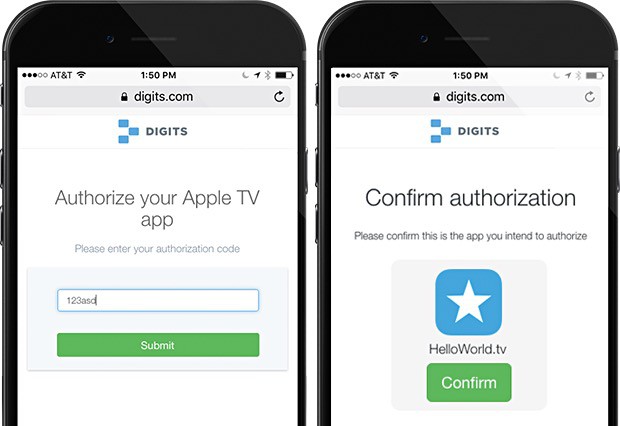
Apple TV needs a better way to login to stuff. Photo: Twitter/Digits
Logging into any service on Apple TV is a pain. The text-entry field is one long line, and if you’ve got a particularly lengthy username or password for apps on the Apple TV, entering them can take much longer than it should.
Twitter-owned Digits is offering its own take on a solution with an SDK that tvOS developers can implement in their apps and let users type in a short string of numbers and letters that they get from their iPhone, rather than the full-on username and password combination.
This could solve the problem altogether, and it’s not much more tricky than using an app for Two-Step Authentication, which we all do now, anyway (or should).
Apple TV 4 brings iOS apps to the big screen. Photo: Apple
Amazon’s Instant Video service has one of the best libraries in the world, but if you’re an Apple user, it has a crucial weakness: the only way to get it on Apple TV is to AirPlay it from an iOS or OS X device.
AirPlaying can be unreliable at times and you can’t use certain apps without cutting off your Amazon stream. That could change in just a few weeks though, according to an Amazon employee who let it slip that the company is working on an app for the new Apple TV.
Are you pleased with what Apple delivered this year? Photo: Ste Smith/Cult of Mac
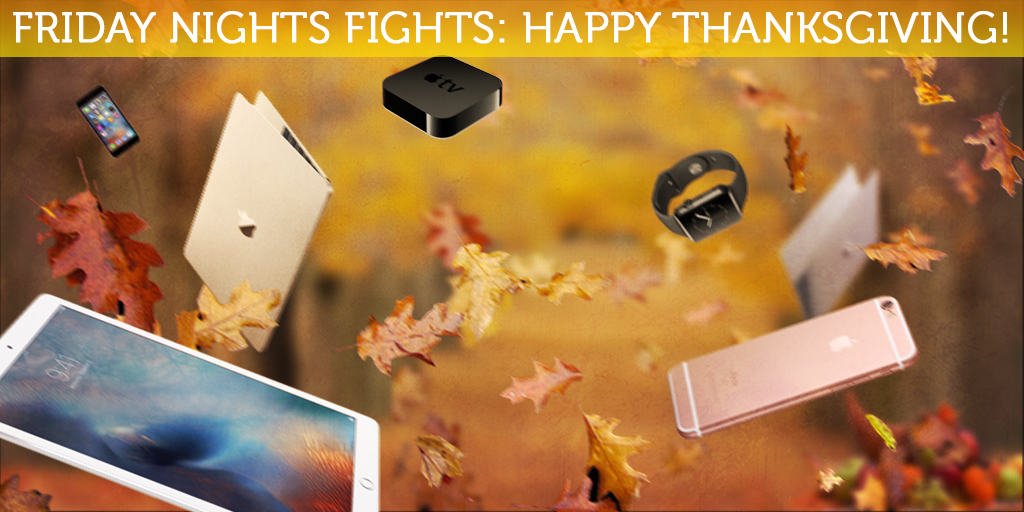
You might be sick of the sight of Turkey by now, but you can’t spend enough time being thankful. The big question we have is: Should we be thankful to Apple for the lineup it has delivered in 2015, or was this a year to forget?
Apple certainly hasn’t been slow this year; we’ve had the Apple Watch, Apple Music, iPhone 6s with new technologies like 3D Touch, the new Apple TV, and the giant iPad Pro. But will any of these things stand out as smash-hits in a decade?
Join us in this week’s Friday Night Fight between Cult of Androidand Cult of Mac as we battle it out over these questions and more!
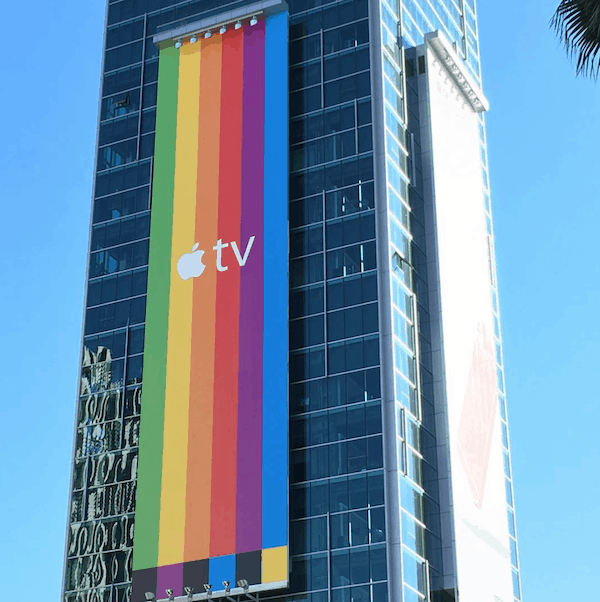
If any more proof was needed that Apple TV is no longer being considered a “hobby,” check out the massive new billboard ad campaign that has been rolling out for the new fourth-generation Apple TV refresh.
Cleverly playing on a color bars motif which references both the old school Apple logo (with colors fastidiously picked out by Steve Jobs, to boot!) and a television test pattern, the billboards can be seen in both landscape and portrait orientation around the U.S.
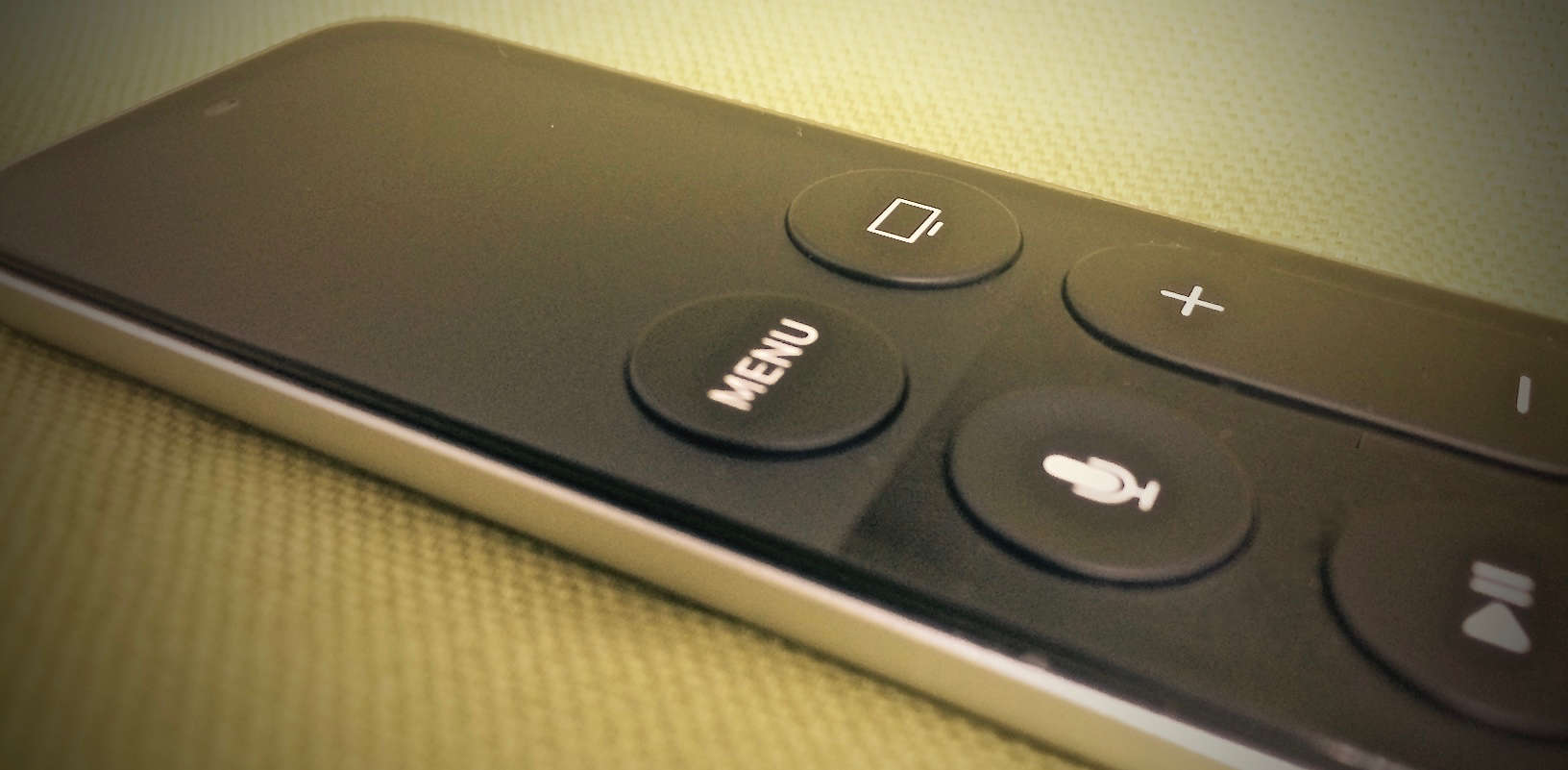
Apple would have called it the "Fix all of your mistakes" button, but "Menu" was easier to print. Photo: Evan Killham/Cult of Mac
The new Apple TV’s Siri Remote is great, except for all of those times that it isn’t.
We’ve run afoul of the remote’s touchpad a few times; it’s fine for navigating (and less fine for entering passwords), but sometimes it does its job too well. For example, we can’t even count the number of times we’ve been watching a movie and accidentally nudged the pad, sending our show scrubbing all willy-nilly into the past or future.
It’s pretty annoying, but luckily, Apple thought so, too, so it gave us a couple ways to fix that mistake when it happens. The company could have just disabled the touchpad while things were playing, but we’re not engineers.
Apple's betting it's impossible to say no to that face. Photo: ABC
Apple TV owners can watch ABC on their streaming boxes (with a subscription), and the company isn’t afraid to exploit the undying, platonic love between a bear and a frog to make that fact known.
The latest Apple TV ad showcases the Watch ABC app, which lets existing cable subscribers watch full episodes and live broadcasts of the network’s programming, including The Muppets. The puppet-driven show features prominently in the new, 15-second spot which went live today.
Apple TV might get exclusive TV shows. Photo: Apple
The new Apple TV is all about apps and games, so it makes sense that there are five new ads from Apple on its YouTube channel that are all about specific games and apps.
Check out the videos below for streaming media apps like Netflix and HBO, along with a trio of gaming titles, including Apple TV ads for Asphalt 8 from Gameloft, mega-hit casual Crossy Road from Hipster Whale, and Disney Infinity 3.0 Edition: Star Wars from the House of Mouse.
Keep your kids from watching, buying, or playing anything you don't want them to on Apple TV. Photo: Jim Merithew/Cult of Mac
Not every Apple TV is in a household full of self-realized adults. Apple knows this and has set up some restrictions, similar to the parental controls on iOS.
That way, you can make sure that your kids aren’t purchasing anything (or playing/watching anything) without your consent.
Apple is giving developers the lowdown on tvOS. Photo: Apple
Developers didn’t get any in-depth coding knowledge for tvOS at WWDC this year, but Apple is making up for it by launching the Apple TV Tech Talks tour that will bring technical information on building and designing great Apple TV apps to developers around the globe.
Registration for the Apple TV Tech Talks opened today with the first event scheduled for December 7th in Toronto, with other events taking place across the globe until February 3rd 2016.
Careful with that new Apple TV remote, mister! Photo: Drstover
This week: the new Apple TV remote is unnervingly easy to break; home-buttonless iPhone 7s; the UK wants your Apple devices to be less secure; and we pitch our favorite new Apple TV apps!
Our thanks to Lynda for supporting this episode. Lynda is like the Apple Music of online education, with over 3000 expert-taught video courses you can stream straight to computer or mobile device. Learn how to use Logic’s new super powerful Alchemy synth, or develop Mac apps for OS X—learn all you want for free for 10 days at lynda.com/cultcast.
Wonky Menu button? Try this weird trick. Photo: Rob LeFebvre/Cult of Mac
Like all well-designed products from the Apple mothership, the new Apple TV’s remote, also known as the Siri remote, looks simple but contains a surprising amount of depth.
Sure, you might know that one press on the Menu button will take you back one screen, but what about all the other secret moves (like how to restart your Apple TV with the buttons)?
Luckily, we’re here to help you discover allthe secretsof the Siri remote. Today, let’s look at the buttons and their hidden features.
tvOS changes the default scrubbing behavior of your Siri Remote, and we couldn't be more glad. Photo: Rob LeFebvre/Cult of Mac
Your Apple TV remote is an amazing little device that lets you manage your big TV exerience. There are quite a few little settings you may have missed, though, when you started up your new Apple TV.
You can adjust and tweak your way through the Apple TV settings to make the most of your time with the remote, including monitoring its battery, adjusting accessibility options, and — yes — even figuring out what Siri commands you can use.
The new Apple TV remote is a thing of beauty. It’s got six simple buttons, it’s rechargeable and it features a beautifully simple touchpad at the top to swipe across menus, app icons and letters to enter passwords.
But the simple joy of using the touchpad is very Apple-like. There are hidden secrets to the surface uses, with
Here’s how to get the most out of your Apple TV remote touchpad.
tvOS 9.1 beta 1 is out. Photo: Leander Kahney/Cult of Mac
Apple has released its first beta for tvOS 9.1 to developers this morning, marking the first big software update in the pipeline for the fourth generation Apple TV that launched last Friday.
The smaller one is way better. Photo: Rob LeFebvre/Cult of Mac
The new Apple TV remote is a wondrous touch- and motion-enabled trackpad with a few simple buttons that lets you do everything on your new black hockey puck of joy, including playing games, swiping through apps, and, well, playing and pausing your movies and TV shows.
What happens when you lose it somewhere in the depths of your couch, though? The iPhone Remote app no longer works with the new Apple TV, and unless you have an Apple Store nearby, you’re gonna want to have a backup plan in place.
Might as well take a couple of minutes and set up your regular old TV remote to work with Apple TV, right?
The first known casualty of the new Apple TV is this dropped remote. Photo: right2pandaarms/Reddit
The tech accessories industry had better get to work on coming up with a protective case for a new Apple product that appears to be fragile – the remote control for Apple TV.
The above remote fell onto a tiled floor from a person’s lap and shattered. It does not work, costing the owner an extra $79 to replace it (nope, he did not purchase Apple Care).
From N.E.S. to iOS: Nintendo is coming to your iPhone. Photo: Howard Phillips
This week: Apple just had their best year ever, and it’s hard to fathom how much cold hard cash they made—we’ll put it in perspective. Plus: Nintendo’s first iOS game confuses us; the new Apple TV isn’t quite the revolution Apple promised; and stick around for a spooky new Get to Know Ur Cultist… if you DARE.
Our thanks to Squarespace for supporting this episode. Build a beautiful website quick at Squarespace.com, and enter offer code CultCast at checkout to get 10% off.
We've got your Apple TV review right here, baby, yeah. Screen: Stephen Smith/Cult of Mac
It’s finally here! The Apple TV we’ve all been waiting for should be arriving in homes across the world today. We’ve got our review of the cute little black box, plus a ton more, including the biggest takeaways from Apple’s recent earnings call, how Google is facing its own Bendgate issues, 10 delightful new iOS games from the month of October, and how to get those gorgeous Apple TV screensavers right on your Mac.
All that, plus the usual plethora of news, reveiws, and how-tos, and you’ve got yourself a hot new free issue of Cult of Mac Magazine. Be sure to download our fantastic app today.
Have you got yours yet? Photo: Ste Smith/Cult of Mac
The new Apple TV is here, and there’s no doubt it’s the best set-top box we’ve seen from Cupertino, with powerful new hardware and the tvOS operating system, Siri integration — and most importantly, support for third-party apps and games.
If you’re into movies and TV shows, or playing the greatest iOS games on your big screen, the new Apple TV is probably at the top of your wish-list if you haven’t already bought one. But how does it compare to the other products Apple has launched this year? Is it better than the rest?
Join us in this week’s Friday Night Fight between Cult of Android and Cult of Mac as we battle it out over that very question!
Ultra HD is finally coming to Apple TV. Photo: Jim Merithew/Cult of Mac
If you didn’t pre-order the new Apple TV earlier this week, there’s still a chance to get the new TV box before other Apple fans even receive their shipments.
Apple didn’t announce what day the Apple TV would be available at retail locations, but it appears that Apple Stores across the US have the new Apple TV in stock starting today.
The Apple TV is capable of supporting stereoscopic 3D apps on 3D-capable televisions, according to longtime Apple game developers Pangea Software.
So when can we expect the first wave of 3D Apple TV games? The answer to that question is “right now,” since Pangea has revealed that five of its titles already take advantage of the technology.
Daniel Radcliffe in Horns from iPhone to TV. Photo: Rob LeFebvre/Cult of Mac
If you’ve got an Apple TV, you’ve got a ready way to get any videos from your iPhone or iPad onto your big screen.
While we all wait for the latest version of Apple’s famous “hobby,” why not watch a video or two on our current Apple TV, right from our iOS device of choice.
Here’s how to AirPlay videos from your iPhone to your giant TV.