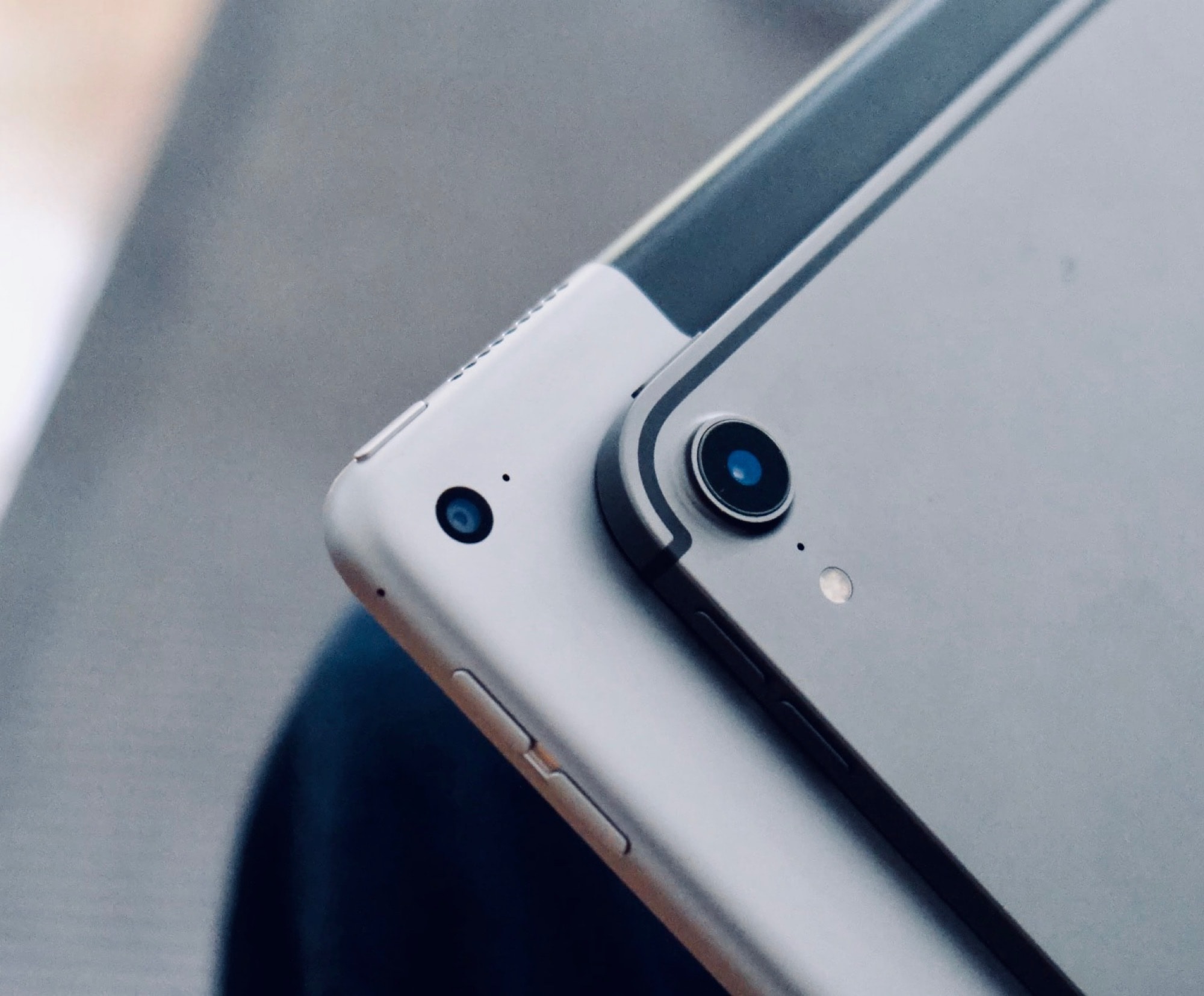
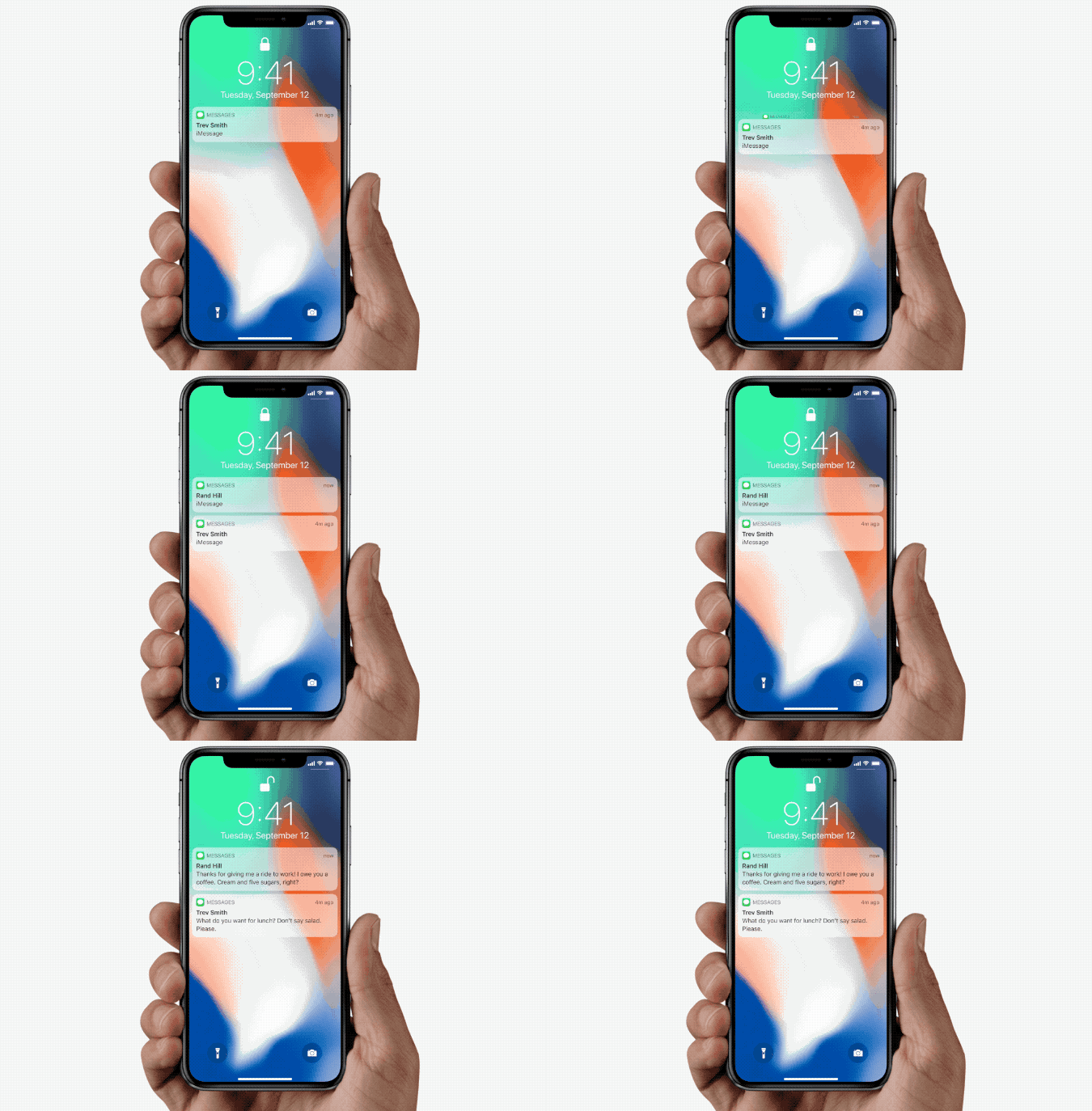
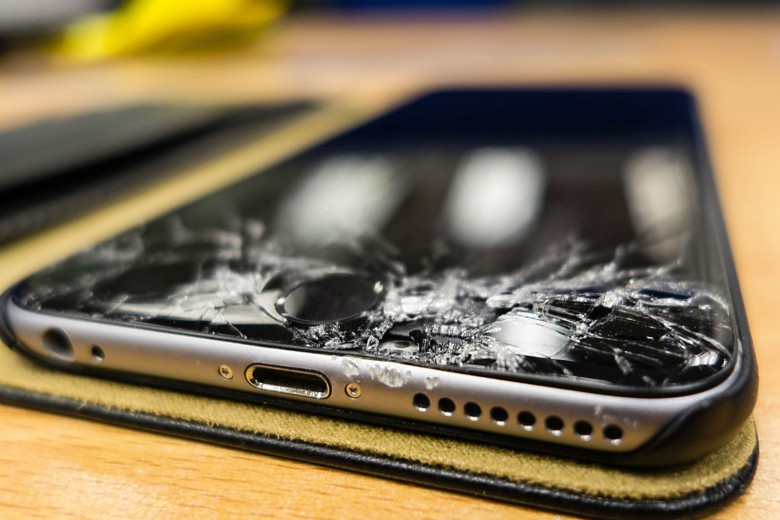
This iPhone is mostly locked up after getting hit with the iOS 27 freeze bug. Photo: Ed Hardy/Cult of Mac
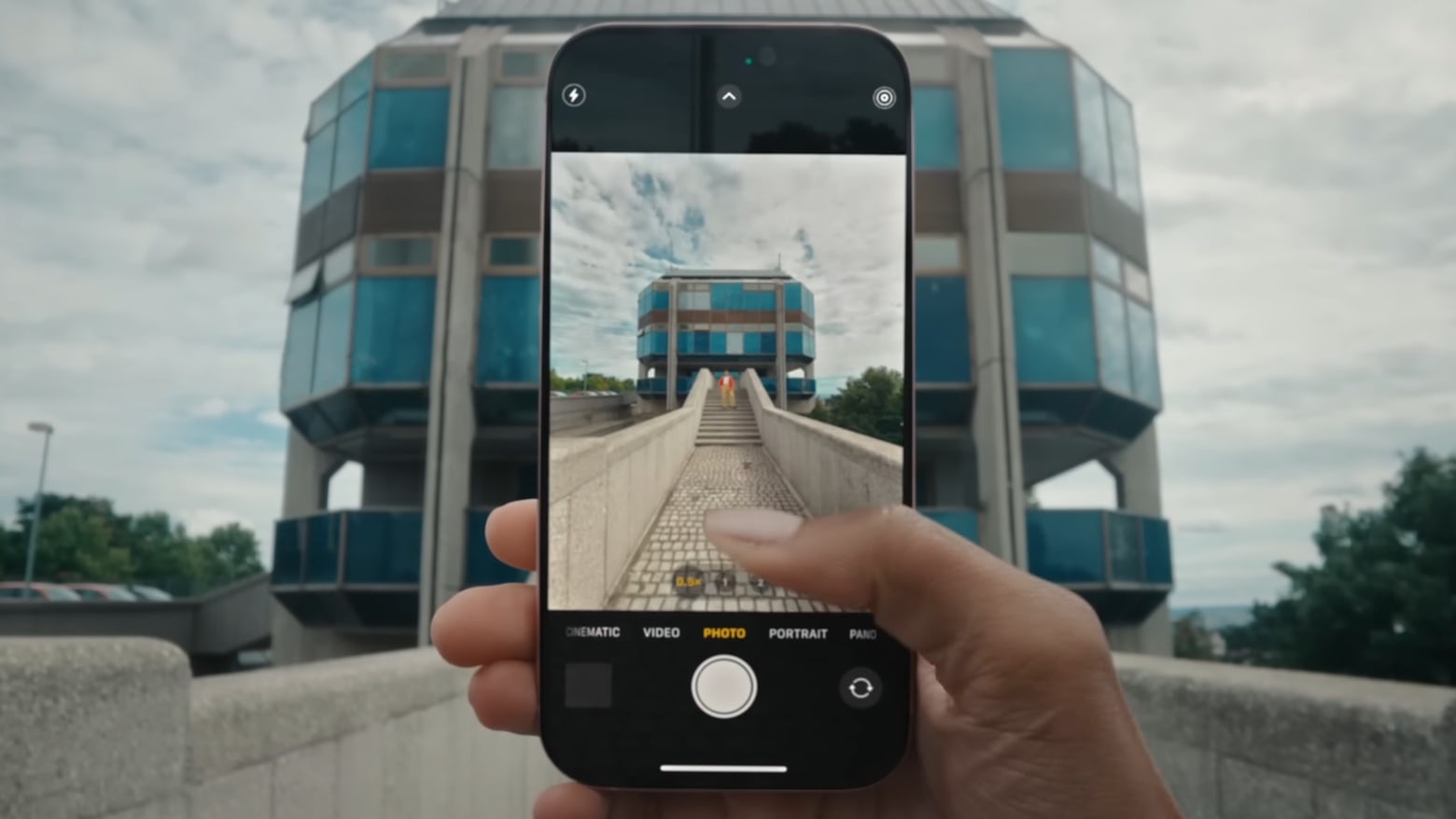
Word of a new iOS 27 freeze bug is spreading fast across social media. It can lock up your iPhone’s home screen with nothing more than a few quick swipes.
The glitch has already turned into a prank between friends. It’s completely harmless, but can make your iPhone feel dead until you know the fix.
Turns out there is such a things as too many bug bounty reports going to Apple. Photo: Pexels CC
Apple decided to cap the number of bug bounty reports a researcher can have open at once. The move follows a flood of AI-generated “slop” that overwhelmed Apple’s internal security team this year.
But the cap almost backfired. A small Italian security firm had found a serious macOS flaw using ChatGPT, but they couldn’t report it because their group had already hit its new limit.
There are unspoken rules and tricks to getting your bug reports fixed. Image: D. Griffin Jones/Cult of Mac
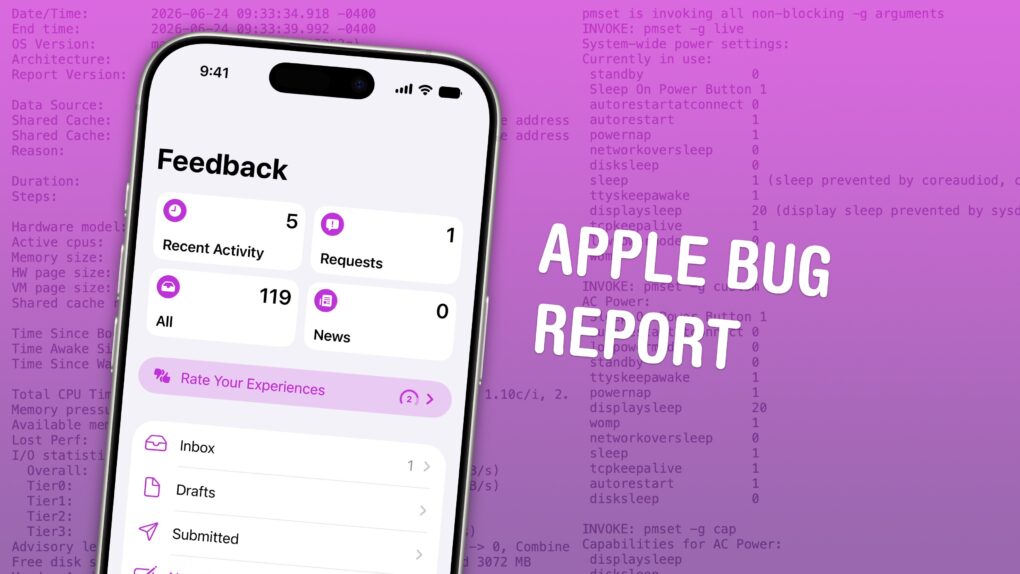
June is the best time of year to give feedback to Apple on betas for iPhone, Mac, iPad and Apple Watch. Just after the company releases the initial betas of its upcoming software updates, this is when Apple engineers have the most time to address bugs and make changes. And that makes this the optimal time to file an Apple bug report.
It won’t be long before Apple engineers’ task lists fill up through the fall, when the new software will be released. After that, teams are rearranged to make the sprint toward the next year’s updates. So if you have any input, you’d best make yourself heard now.
How do you file a bug report or send in feedback to Apple? Apple made a tool called Feedback Assistant that will guide you through the process. It’s available if you’re running a developer or a public beta of iOS, macOS, iPadOS and visionOS. Here’s how.
December 10, 2012: Apple fixes an early Apple Maps error that caused several motorists in Victoria, Australia, to become stranded in the remote Murray-Sunset National Park.
Previously, the egregious Apple Maps glitch showed the town of Mildura nearly 45 miles from its actual location.
In the aftermath, Victoria police describe Apple’s navigation app as “potentially life-threatening.” That’s pretty much the opposite of “it just works.”
Apple's about to drop the hammer on bloat and glitches. Image: Cult of Mac
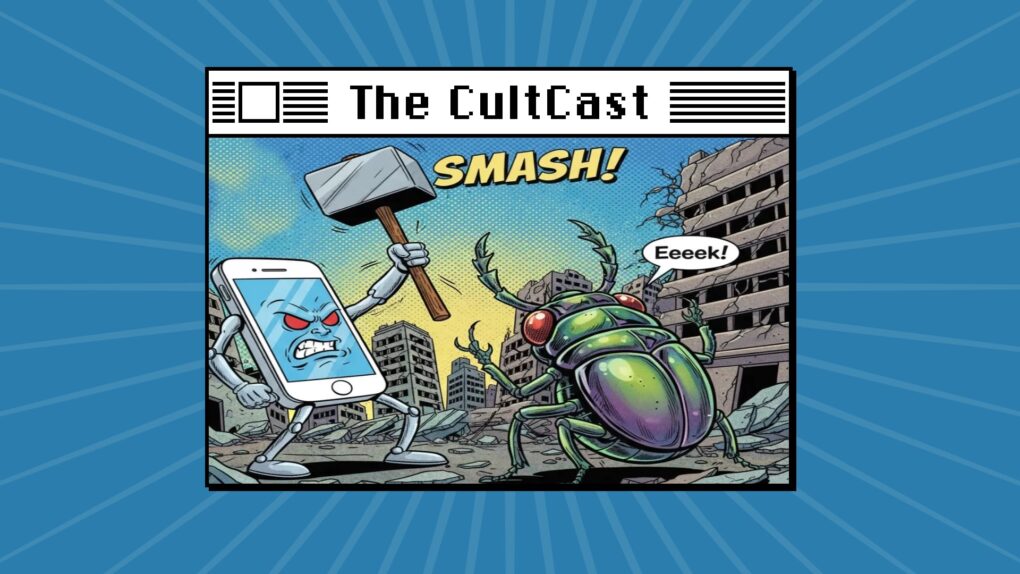
This week on Cult of Mac’s podcast: Apple reportedly plans to focus on squashing bugs in iOS 27 and the rest of next year’s new operating systems. Sounds like Snow Leopard redux … and we couldn’t be happier. New features be damned!
Also on The CultCast:
Android devices get a delicious dose of AirDrop.
As usual, Apple’s Black Friday deals don’t knock us out. But plenty of other big discounts do. We discuss some of the best sales we’ve seen.
Griffin shows how you can give your Mac a makeover in macOS Tahoe. The new customization options look rad — and functional!
And finally, Griffin reviews the ViewSonic VP2788-5K, a Mac-ready, 27-inch 5K monitor with great features (and a regrettable name).
Listen to this week’s episode of The CultCast in the Podcasts app or your favorite podcast app. (Be sure to subscribe and leave us a review if you like it!) Or watch the video live stream, embedded below.
Old photos that resurfaced on your iPhone due to a bug were not seen by anyone else. Screenshot: Apple
Apple provided more details Thursday about a nasty iOS 17.5 bug that resurfaced old and deleted photos for some iPhone users. Since the software glitch resurfaced photos from as far back as 2010, some people theorized that iCloud Photos secretly stored their deleted images.
However, Apple shot down such theories in its explanation. (The company rolled out iOS 17.5.1 on Tuesday to patch the bug.)
Apple Watch ghost touch issues are more widespread than initially believed. Photo: D. Griffith Jones/Cult of Mac
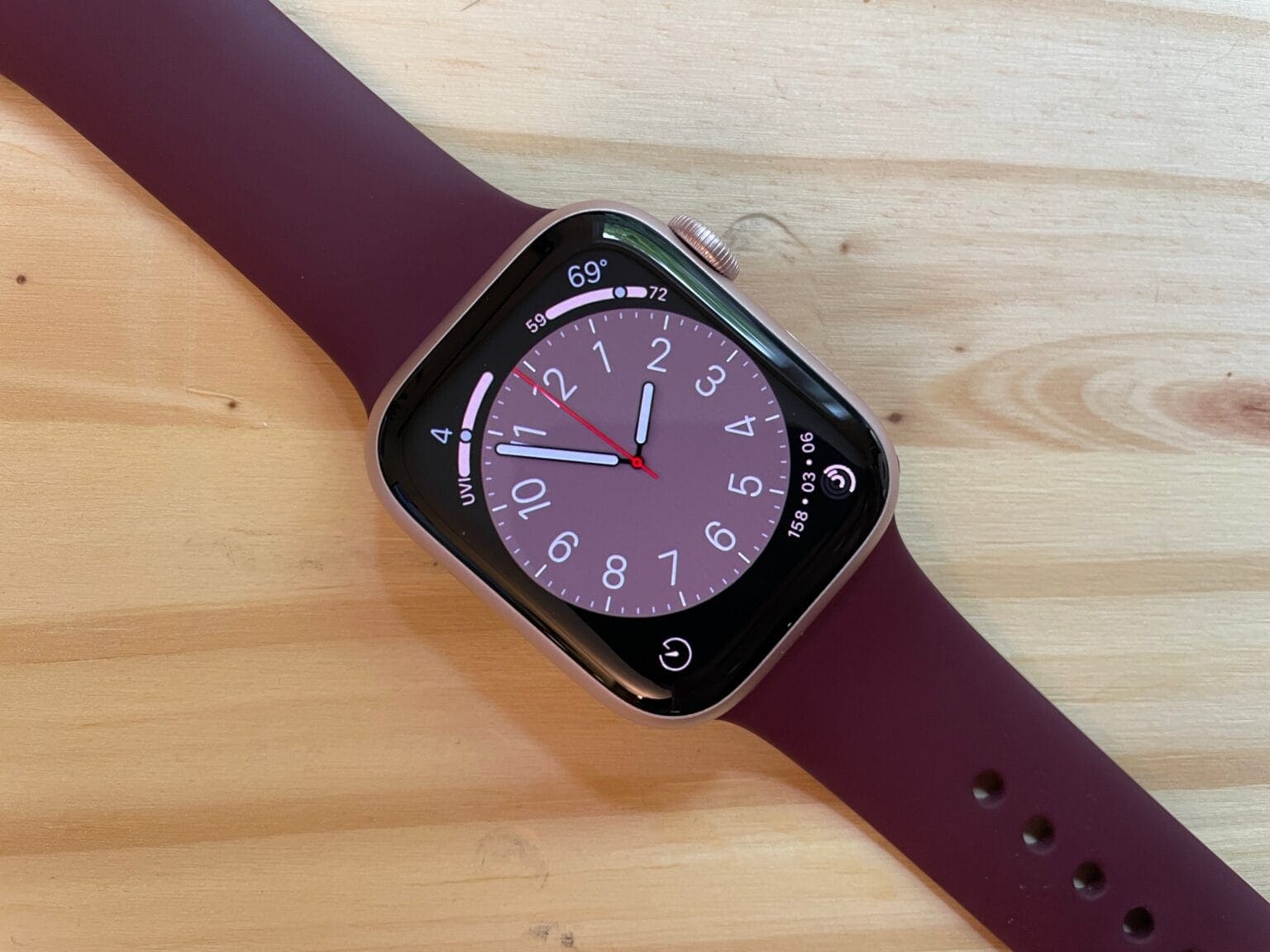
Experiencing “ghost touch” problems on your Apple Watch, where the device responds to finger taps that never happened? You are not alone. Although the bug was initially limited to the Apple Watch Series 9 and Ultra 2, it appears to affect some older models, too.
Apple informed its service providers not to replace Apple Watch models plagued by the ghost touch bug. Instead, it has provided a temporary solution while the company works on a permanent software fix.
We have a date for WWDC24, and we know what's on the agenda! Image: Cult of Mac
This week on Cult of Mac’s podcast: Now that Apple set a date for WWDC24, it’s time for the speculation to begin. Artificial intelligence undoubtedly will be on the agenda. But what will Apple’s AI push look like?
Join us for a whirlwind discussion.
Also on The CultCast:
Sounds like iOS 18 will give iPhone owners even more control over their Home Screens.
A flaw in Apple’s M-series processors sounds downright disturbing.
Apple’s got a trick up its sleeve to keep you from annoying iPhone upgrades.
And the Department of Justice’s antitrust lawsuit against Apple makes some truly ludicrous claims.
Listen to this week’s episode of The CultCast in the Podcasts app or your favorite podcast app. (Be sure to subscribe and leave us a review if you like it!) Or watch the video live stream, embedded below.
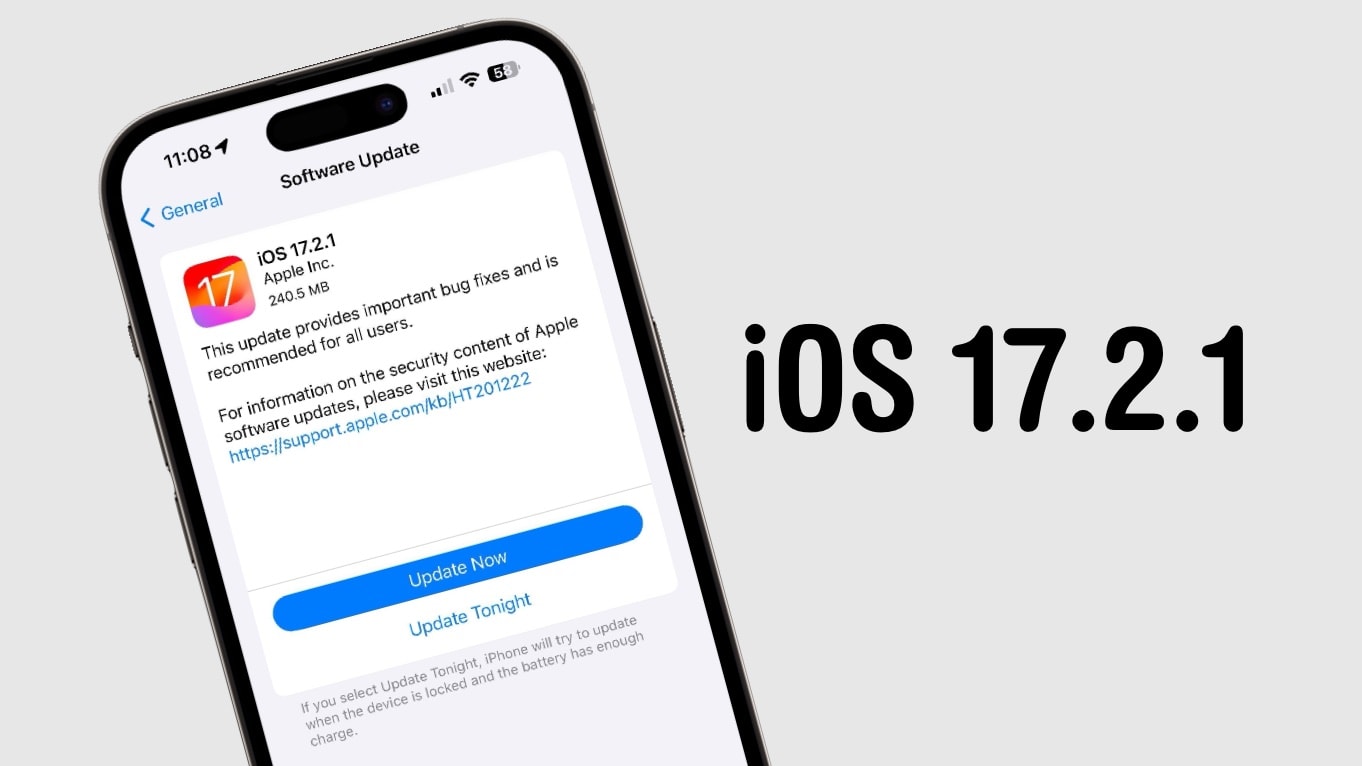
Take a couple minutes and install iOS 17.2.1. Your iPhone will be free of some bugs. Image: Cult of Mac
iPhone users can now install iOS 17.2.1. And macOS Sonoma 14.2.1 is out as well. These are minor bug fix updates, though. The changes are so small Apple didn’t bother to describe them.
These are the only updates introduced Tuesday. There’s no iPadOS version, nor one for Apple Watch. And no new betas, either.
Blame Uber and Asphalt 9 for your iPhone 15 Pro running hot. Photo: Apple
Apple confirmed Saturday that iPhone 15 Pro overheating problems are not due to the new A17 Pro chip that powers the device. An iOS 17 bug and some third-party apps are the culprits.
The company plans to roll out a software update to address the situation soon. It is also working with third-party developers on this issue.
But we don't yet know when we'll get it. Screenshot: Cult of Mac
Apple has prepared a fix for a Safari 15 bug that allows websites to view your browsing habits and Google account details. And, because it’s a bug in WebKit — Apple’s browser engine used by Safari and third-party apps in the App Store — it affects virtually all iOS and iPadOS browsers, including Chrome and Brave.
Unfortunately, Apple’s patch won’t be available until the company rolls out new macOS, iOS and iPadOS updates. There’s currently no word on when that might be. Apple is in the process of beta testing new software updates, but it may be too late for the fix to be implemented into those before they are made available to all.
"Why are you ignoring me?" Photo: Ste Smith/Cult of Mac
Some iPhone and iPad users are being plagued by a Messages bug that causes read receipts to be sent even when they are disabled. The problem seems to affect devices running iOS 15 or later.
There is no permanent fix for the issue yet, but there is one thing you can do that may eliminate the problem for a short time.
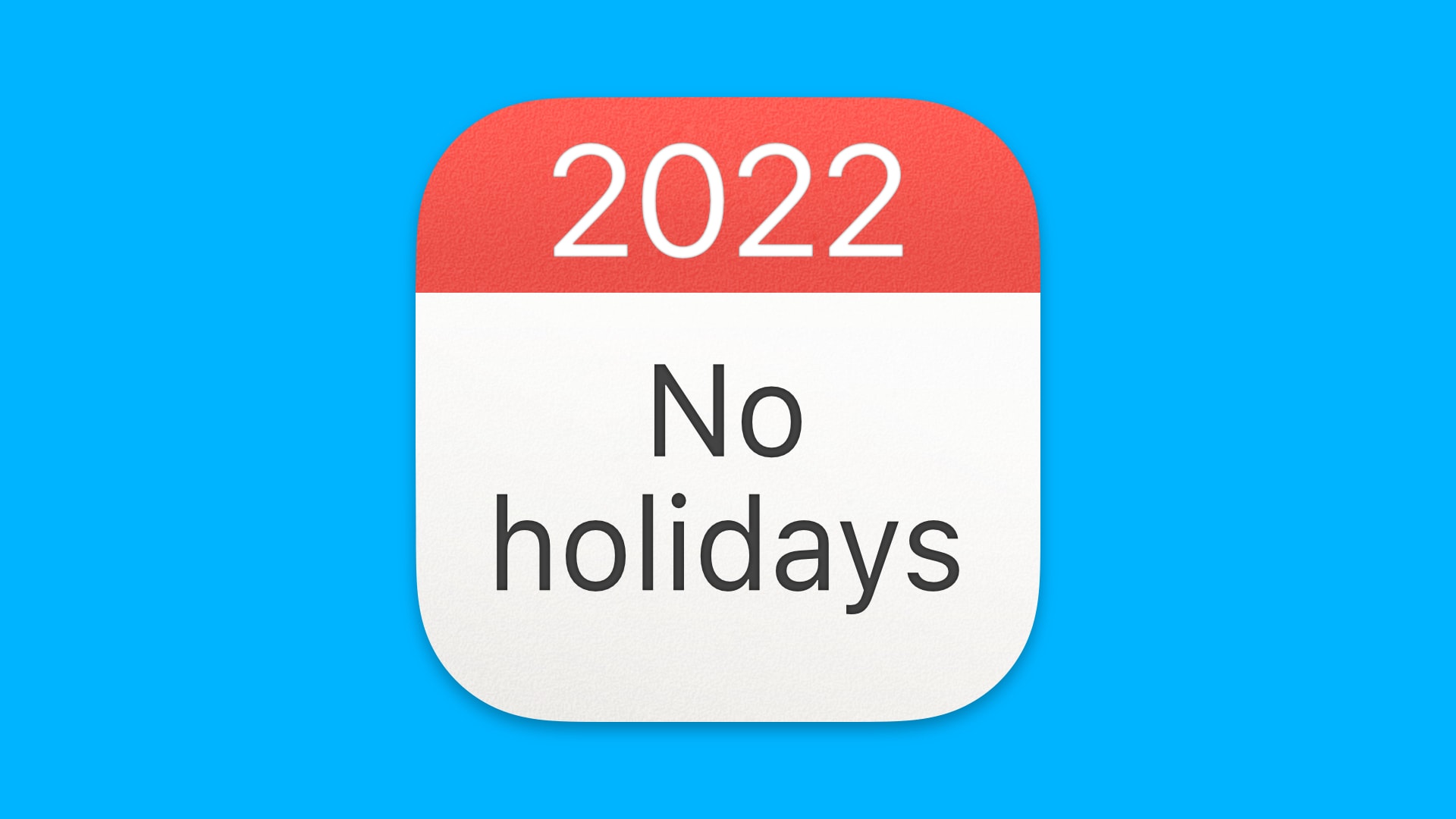
No days off in 2022? Blame Apple. Image: Killian Bell/Cult of Mac
iPhone’s built-in Calendar app has an ongoing bug that prevents 2022 holidays from appearing in a number of countries, including the United Kingdom.
The problem first cropped up in mid-2021, but iPhone owners assumed the holidays would appear as the new year drew closer. Almost a week into 2022, a large number of users remain unable to see them.
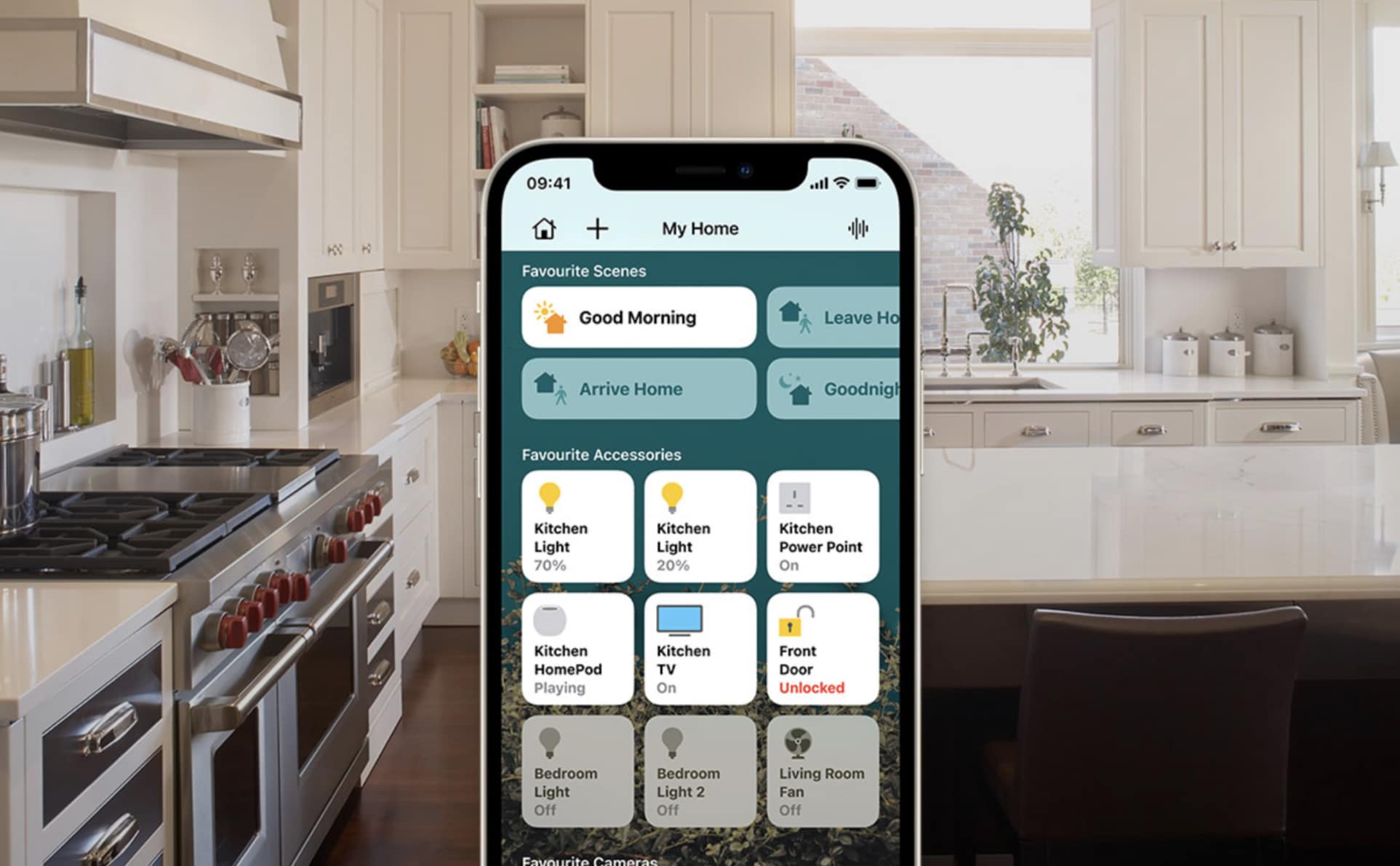
A newly discovered HomeKit bug can render unsuspecting iPhone and iPad users with a completely unresponsive device. All it takes is for a smart home gadget to be given a super-long name.
Once the bug affects an iOS or iPadOS device, the gadget will continually freeze and restart itself. The only way to fix it is to factory reset the iPhone or iPad — and avoid logging into your iCloud account.
Apple added an Escape button, but broke the speakers. Photo: Charlie Sorrel/Cult of Mac
The new 16-inch MacBook Pro ships with a serious problem. If you listen to sound — any sound — through its speakers, they can click. It sounds like a stuttery, glitchy crackle. You can hear it when the Mac makes an alert sound, or when you listen to music. The problem is not limited to the new 16-inch MacBook Pro, either. It’s a long-standing bug that affected previous models as well.
The good news is that there’s a workaround. The problem isn’t the speakers. They work fine. It’s the operating system. More specifically, it’s the sample rate of the audio device. Here’s how to fix the clicking speakers on your brand new MacBook Pro.
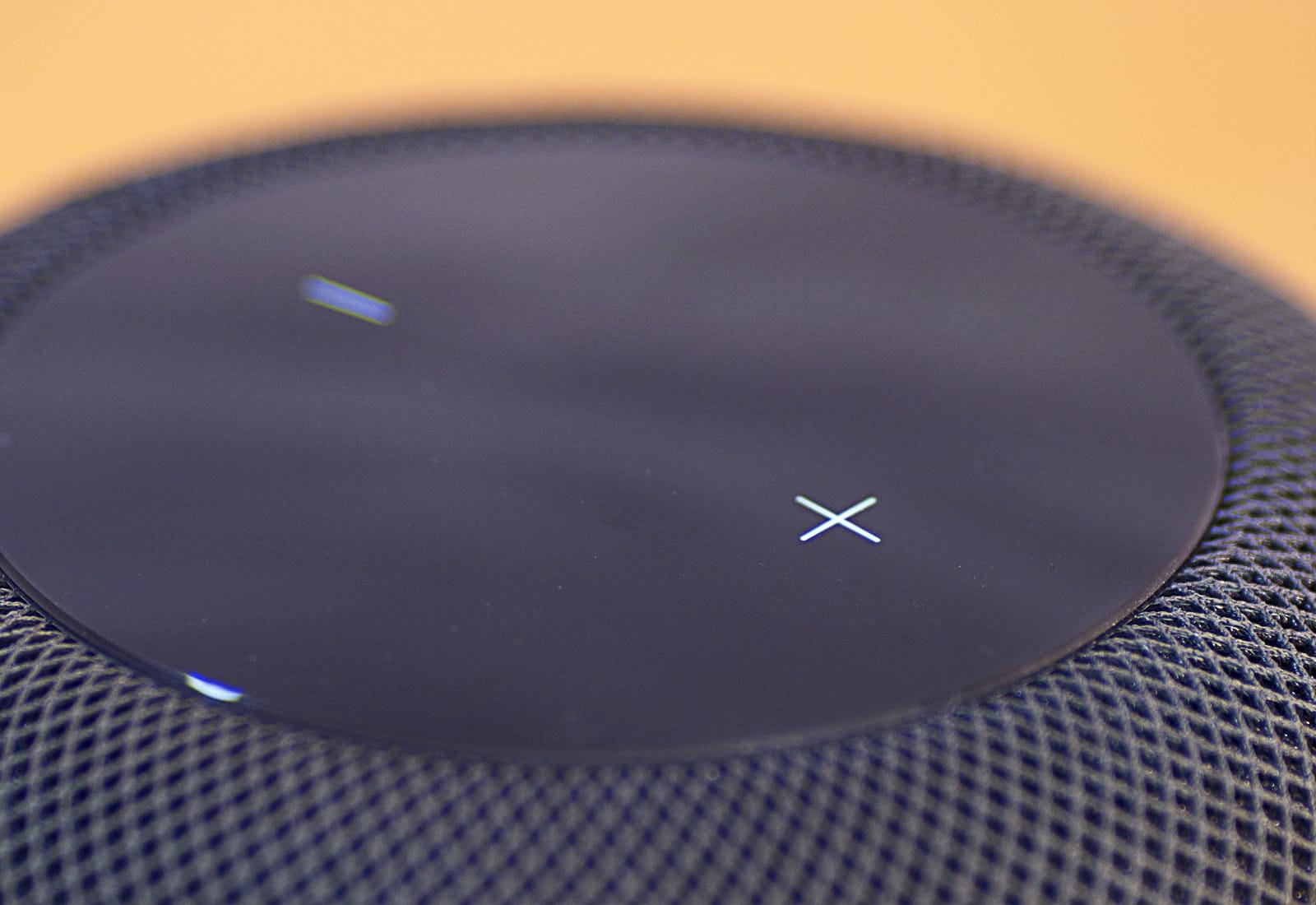
You might want to think twice about rushing to update your HomePod. Photo: Ste Smith/Cult of Mac
For some HomePod owners, the latest software update really was a killer upgrade. Loads of irritated people say the update bricked their HomePods.
New HomePod features like voice recognition for multiple users and the ability to send messages and make calls might sound awesome. But having your smart speaker go belly up sucks out loud. If you previously turned on automatic HomePod updates, you might want to flip the switch and wait until Apple gets to the bottom of the problem.
Update: Apple pulled Monday’s HomePod update after owners reported unresponsive devices. If you managed to successfully update your HomePod, you should be careful. An updated Apple support document warns that you should not reset your smart speaker for any reason. You also should not attempt to remove your HomePod from the Home app.
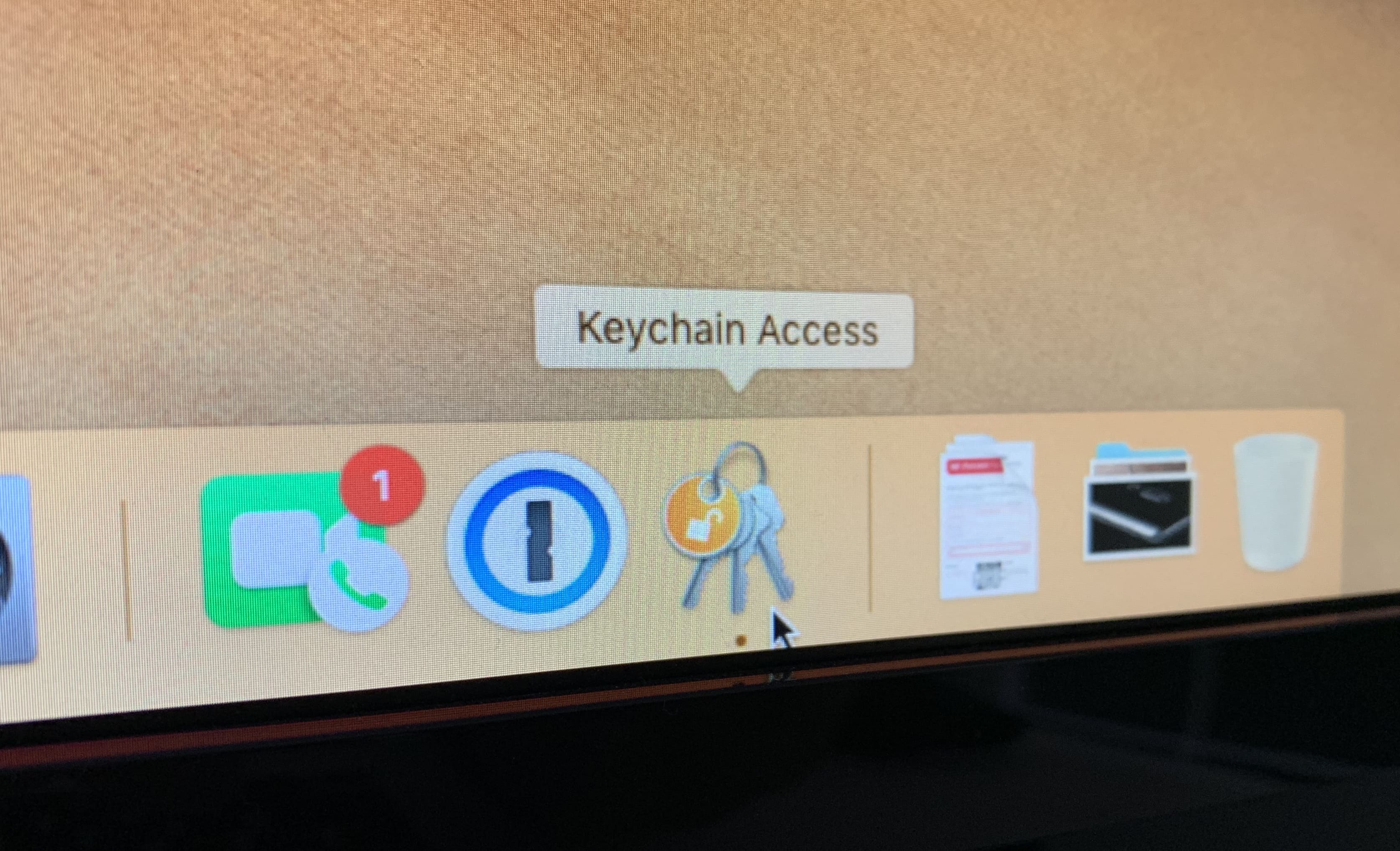
Apple still won't cough up a reward. Photo: Killian Bell/Cult of Mac
A new flaw discovered in macOS Mojave puts your sensitive Keychain data at risk.
One security researcher has demonstrated an exploit that could allow anyone to access saved usernames and passwords without administrator access. He won’t share the details with Apple, however, because there is no reward on offer.
Smart speakers are microphones that other people can listen to. Photo: Charlie Sorrel/Cult of Mac
You know the Apple FaceTime bug that everyone’s going crazy about? It’s a huge screwup, for sure, but at least we know it’s just a bug. Being able to call someone and eavesdrop on their conversations without them knowing is clearly a privacy nightmare, which is why Apple disabled Group FaceTime until it can issue a proper fix.
Amazon, on the other hand, offers silent eavesdropping as a feature for its Echo speakers. It’s called Drop In, and if you’ve enabled it, you should probably turn it off.
Musicians should stick to their old iPads for now. Photo: Andrea Nepori
If you bought the new iPad Pro for making music, then you probably already discovered that it’s almost useless for the purpose. I just hope you didn’t sell your old iPad yet. The problem, which is so widespread that it probably affects all of the new 2018 iPad Pro models, causes the CPU to spike, and sound to crackle whenever you use more than a couple of music apps together.
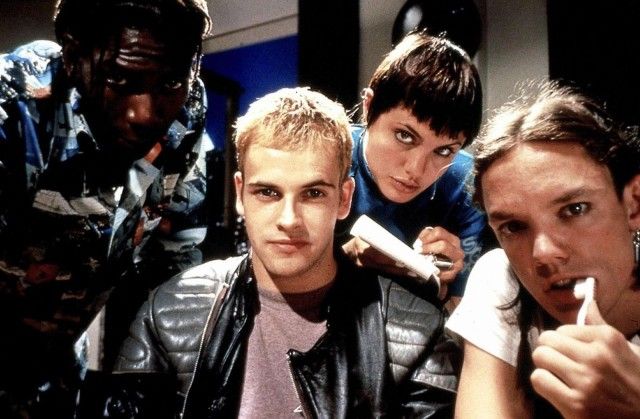
If only real online pranksters were like these guys! Photo: Hackers, United Artists
A security researcher discovered a new Safari vulnerability capable of crashing your Apple device. The vulnerability exists in the WebKit engine used to render pages in Apple’s web browser.
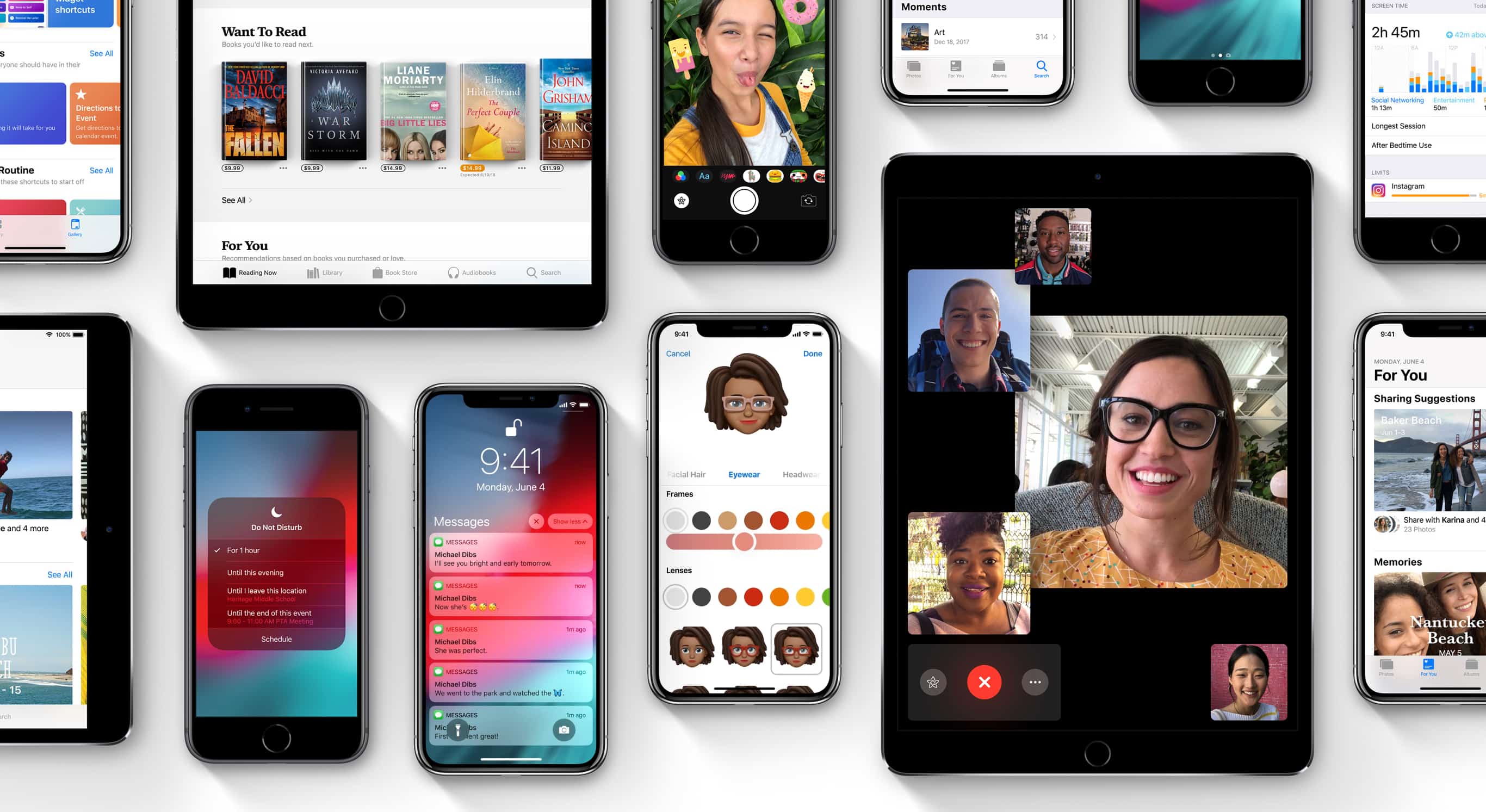
iOS 12 will bring loads of new features, but not until Apple gets it throughly debugged. Photo: Apple
The latest early-release version of iOS 12 was made available to developers today — but it disappeared shortly afterward.
This afternoon’s release of iOS 12 beta 7 was met with widespread complaints that it runs slowly. Apple seems to have pulled the OTA version within an hour or so.
Apple knows that it has a problem with the newly discovered iOS bug which blocks access to messaging apps — and it promises you won’t have to wait until iOS 11.3 for a solution.
According to Apple, although the beta version of iOS 11.3 fixes the issue, it is planning to release an update prior to this that will address the problem. In other words, watch out for an iOS 11.2.6 very, very soon. (We’re guessing that a few Cupertino engineers are suddenly cancelling their weekend plans!)
The latest iOS bug can crash iPhones that receive a text message containing an Indian character. Photo: Warren R.M. Stuart/Flickr CC
A newly discovered iOS 11 bug lets a text message containing a specific character crash iPhones. It can also block access to Messages, WhatsApp, Facebook Messenger, Outlook for iOS and Gmail — in a way that can be challenging to reverse.
The character in question is from the Indian language character set of Telugu. When a message containing the character is received, iOS Springboard crashes and the aforementioned messaging apps will no longer open.



 December 10, 2012: Apple fixes an early Apple Maps error that caused several motorists in Victoria, Australia, to become stranded in the remote Murray-Sunset National Park.