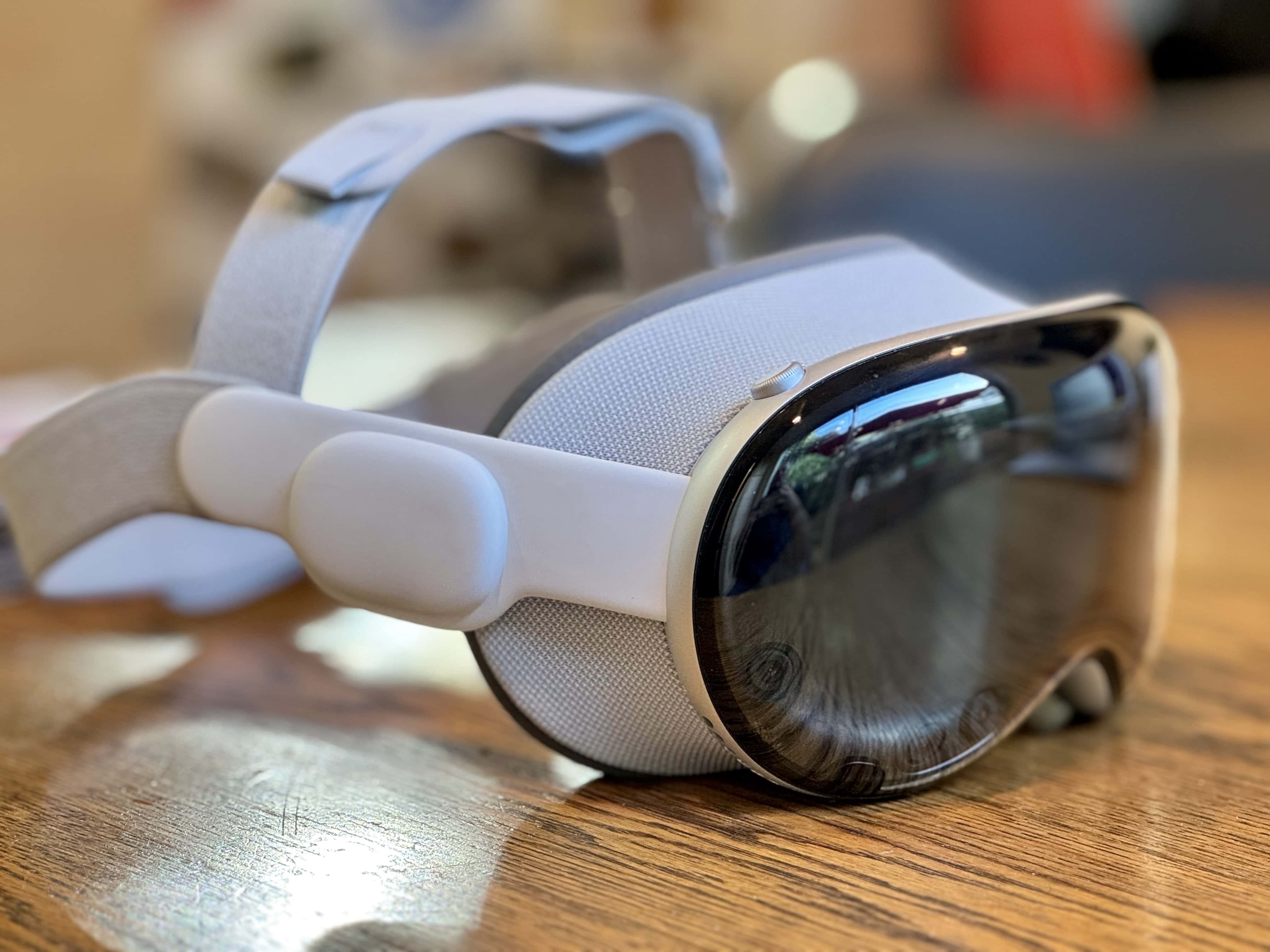
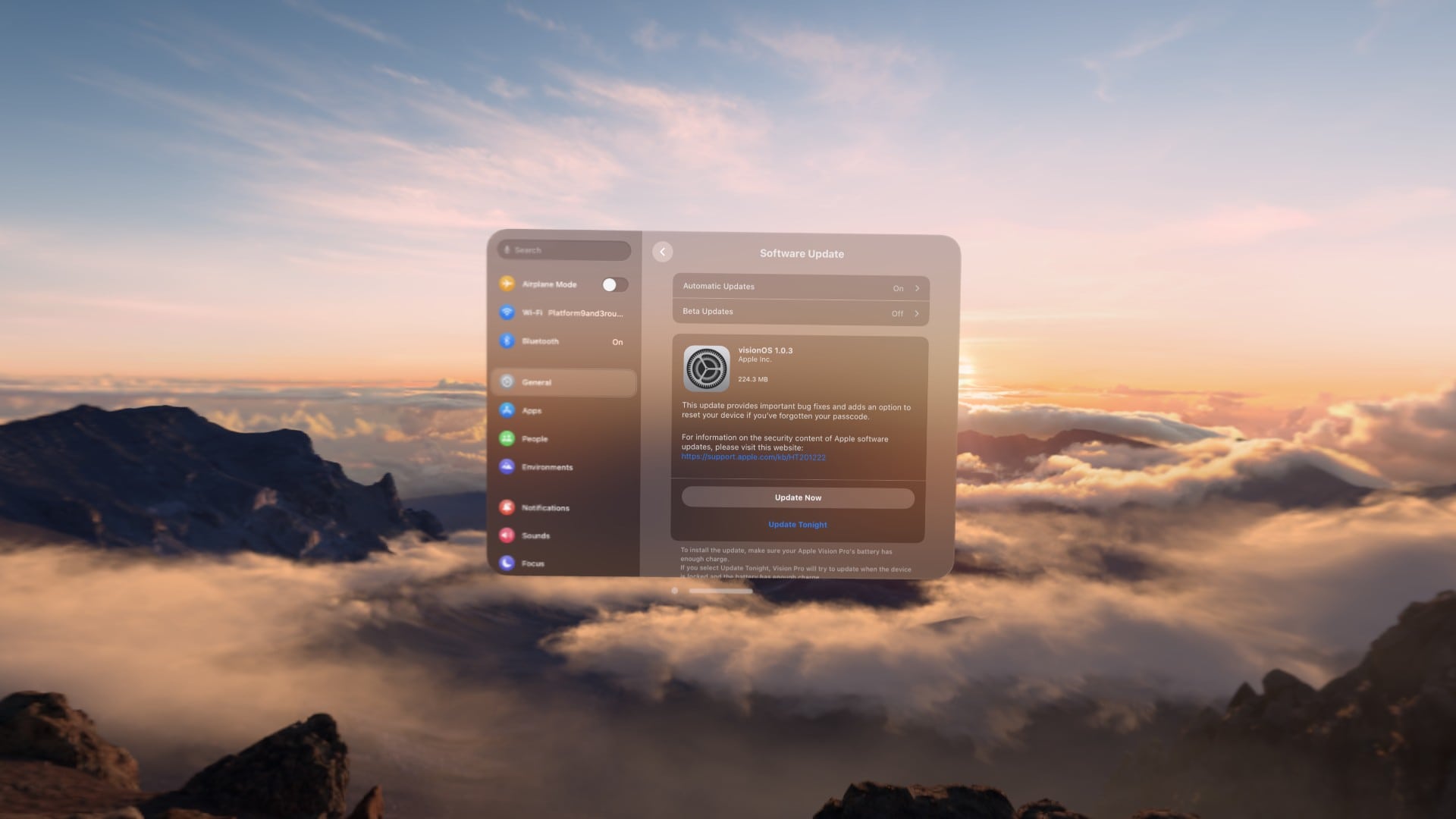
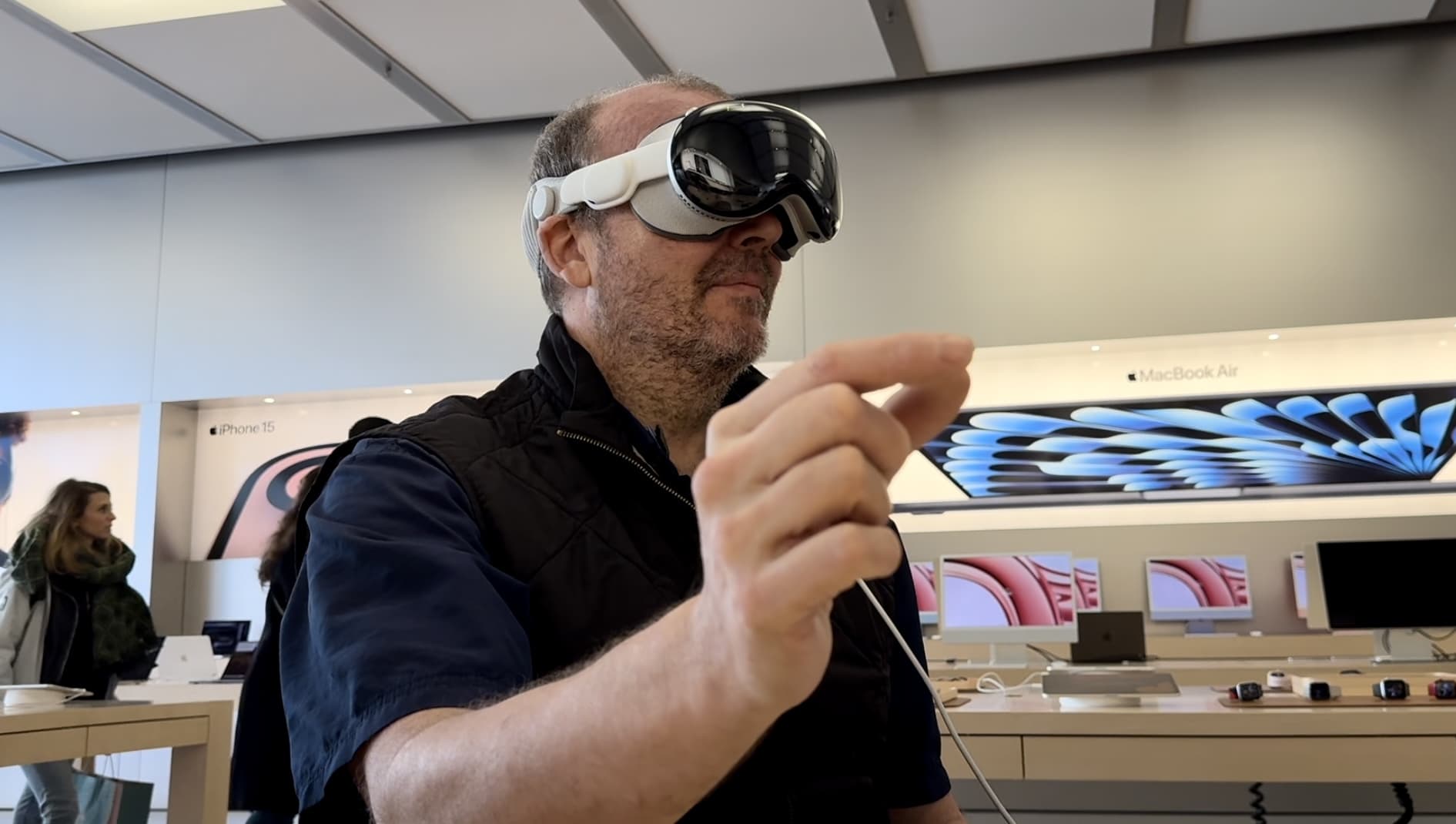
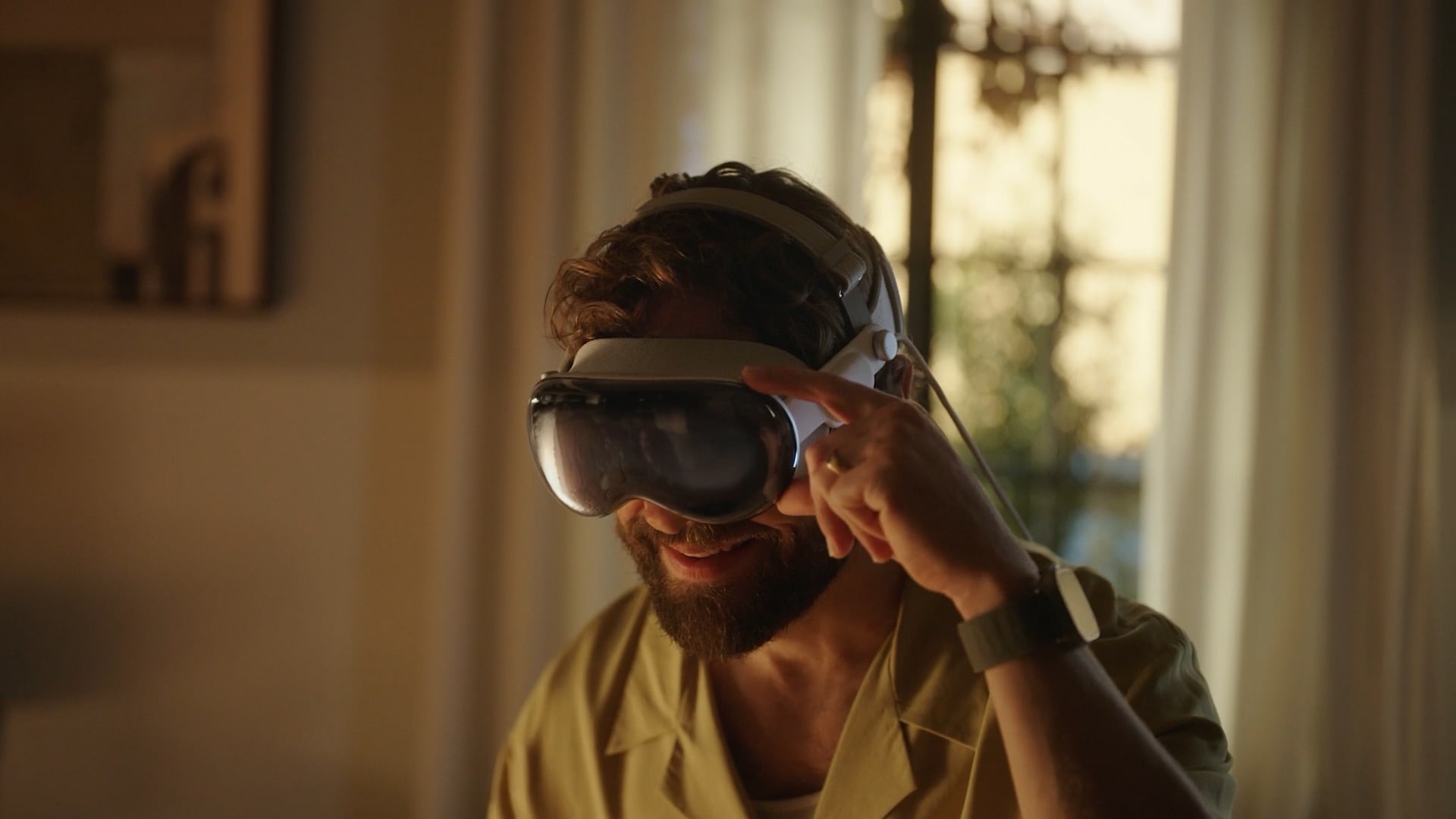
Apple's headset is still a work in progress. Photo: Lyle Kahney/Cult of Mac
Apple insiders think the Vision Pro is at least four generations away from reaching its “ideal form.” Apple still needs to do a lot of work behind the scenes before the headset can potentially become as popular as an iPhone or Mac.
While the first-gen headset has issues, it is an impressive first try from Apple.
Erfon has some thoughts about the Vision Pro. Photo: Cult of Mac
This week on Cult of Mac’s podcast: After spending a few days with Apple’s headset, Erfon and Griffin are ready to unleash their initial Vision Pro reviews. They’ve got some gushing praise, some mild concerns and some unmitigated gripes.
Also on The CultCast:
A sad Vision Pro “demo” shows why you should never try the headset with your glasses on. Book a real Apple demo instead!
The technology in Apple’s headset is astonishing. So are the immersive experiences. But is all that enough to justify the price?
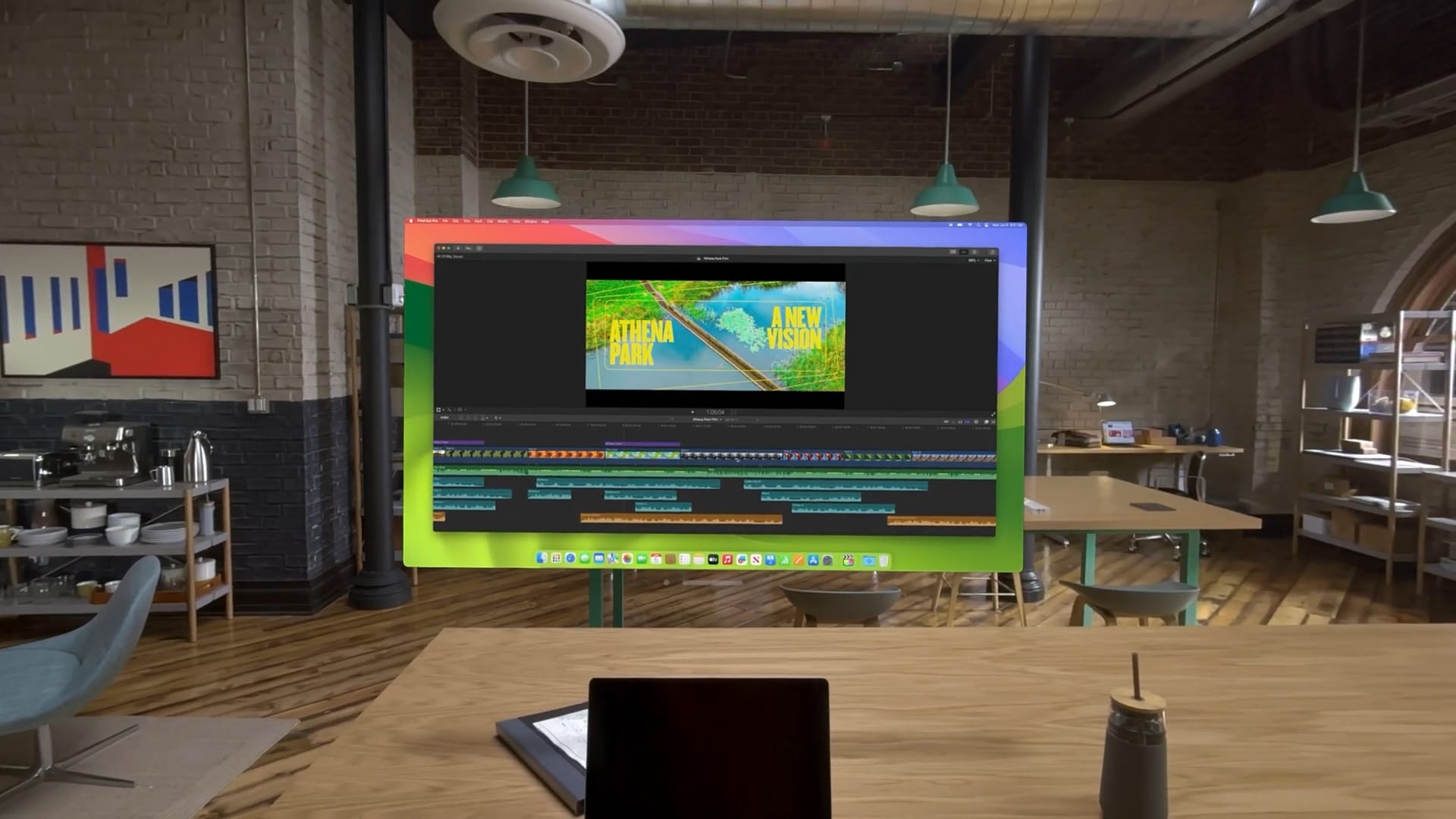
Griffin talks about doing actual work while wearing Vision Pro.
Erfon reveals his grand plan for a new podcast called CultCast Off Topic.
Listen to this week’s episode of The CultCast in the Podcasts app or your favorite podcast app. (Be sure to subscribe and leave us a review if you like it!) Or watch the video live stream, embedded below.
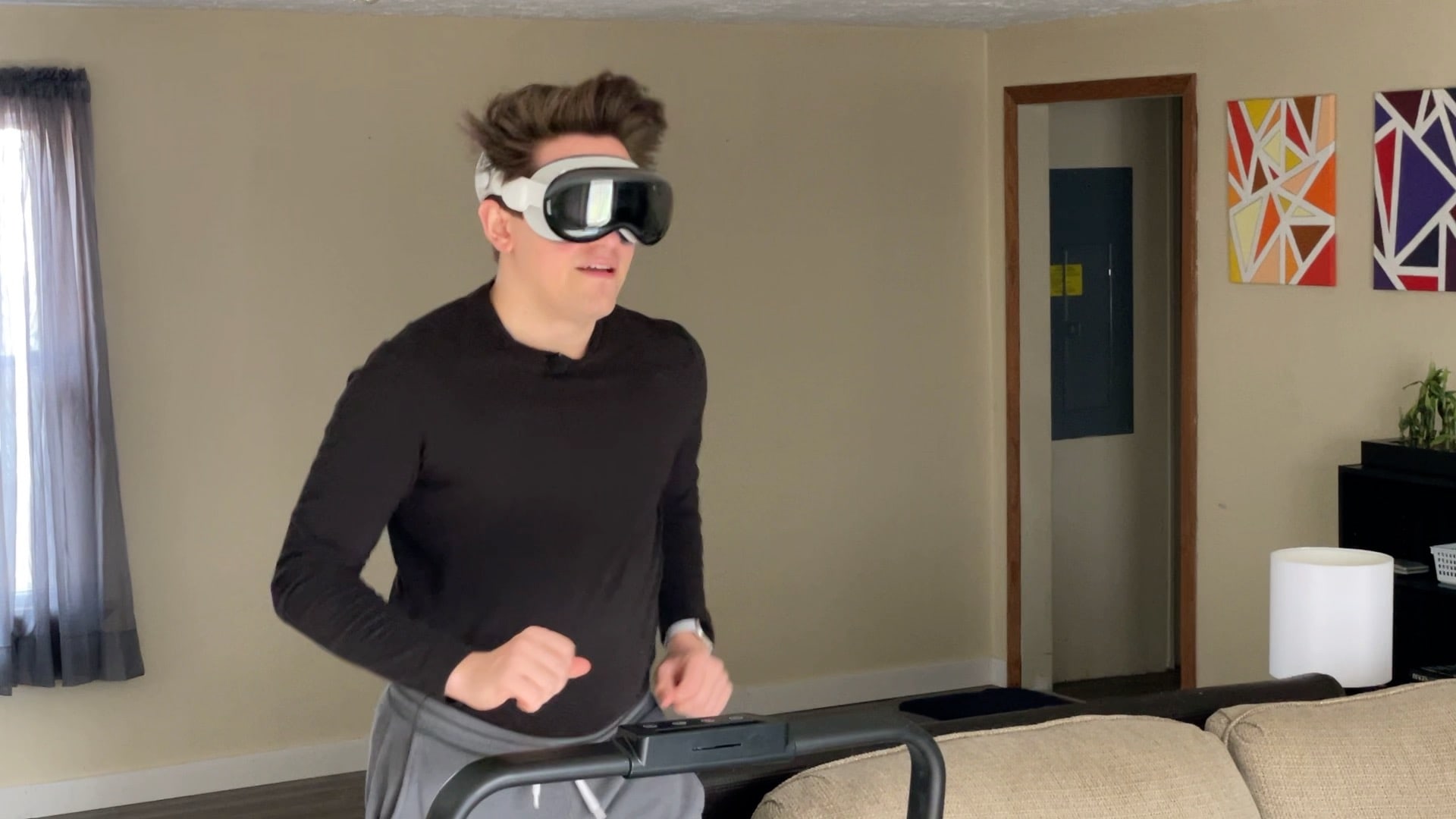
Is this the future of working out? Probably not. Photo: D. Griffin Jones/Cult of Mac
People have been spotted wearing Apple’s Vision Pro headset at gyms. I was curious whether they had unlocked a secret killer feature or whether they were bearing through aches and pains just to show off. What’s it really like working out wearing a Vision Pro?
To find out, I hopped on a treadmill, lifted some weights and did some crunches while wearing the headset to discover the pros and cons of wearing a Vision Pro while working out. Check out our latest YouTube video to see what it’s like first-person.
The overall experience proved unsurprisingly mixed — with one very surprising drawback.
FaceTime on Vision Pro puts people around the room in your space. Photo: Apple
Making a FaceTime call in Vision Pro is a bit more involved than on iPhone or Mac. After all, you have a computer strapped onto your face, which is not typical with other devices.
Step 0, of course, is setting up your Persona — the dynamic, digital version of yourself that Vision Pro uses for FaceTime calls. If you didn’t create a Persona during the Vision Pro setup process, or your Persona looks less fantastic than you’d like, we wrote a separate explainer for you: How to create your Persona in Vision Pro (or make it better).
Once your Persona is set, here’s how to FaceTime in Vision Pro.
Click both top buttons to take a screenshot. Photo: D. Griffin Jones/Cult of Mac
You can take a screenshot or a screen recording on Vision Pro, just like on an iPhone or a Mac. The screenshot is saved as an image file, and is easy to view in Photos or share.
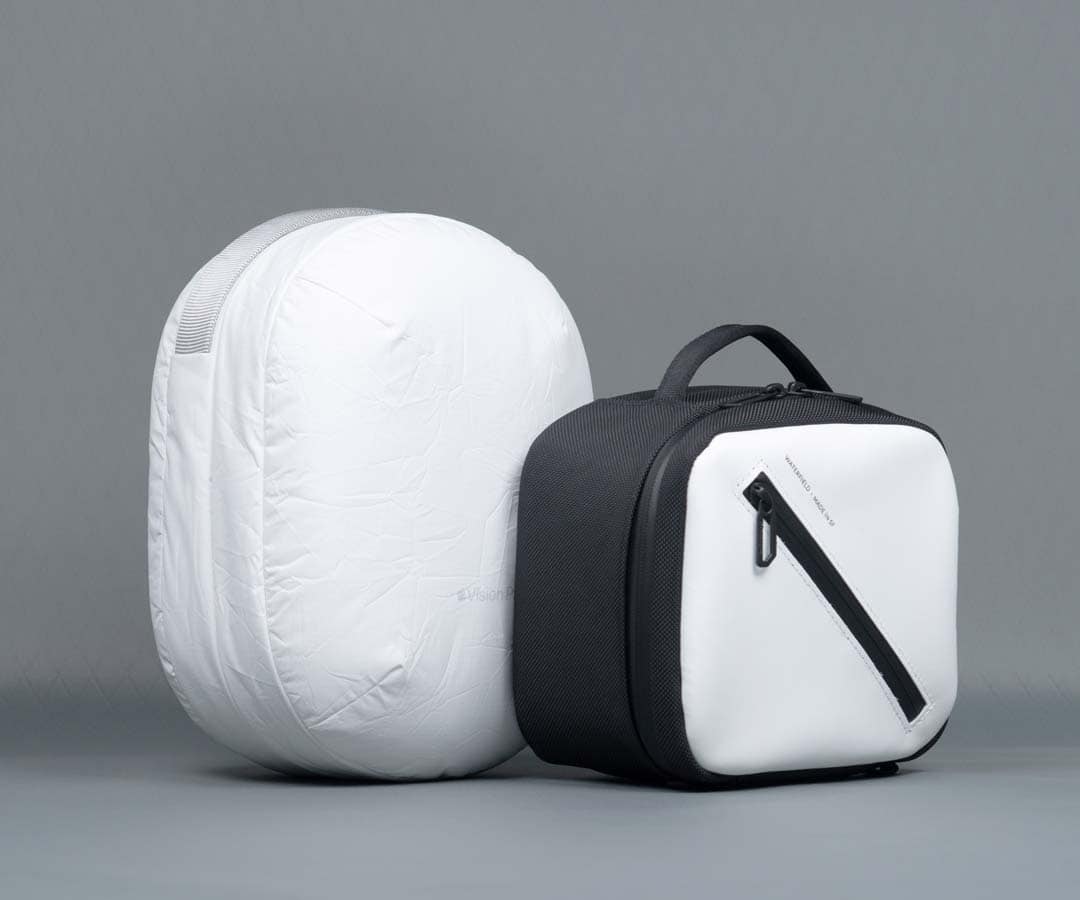
WaterField's new Vision Pro carrying case is more compact than Apple's Travel Case, and it comes in more design choices. Photo: WaterField Designs
Apple offers a $199 Travel Case as an accessory for its new Vision Pro spatial computing headset, but Waterfield Designs just came out with a much smaller and more portable one — the Vision Pro Shield Case.
The first production run of WaterField’s cool new case is already sold out, but you can order it now and it will ship on February 29, the company said.
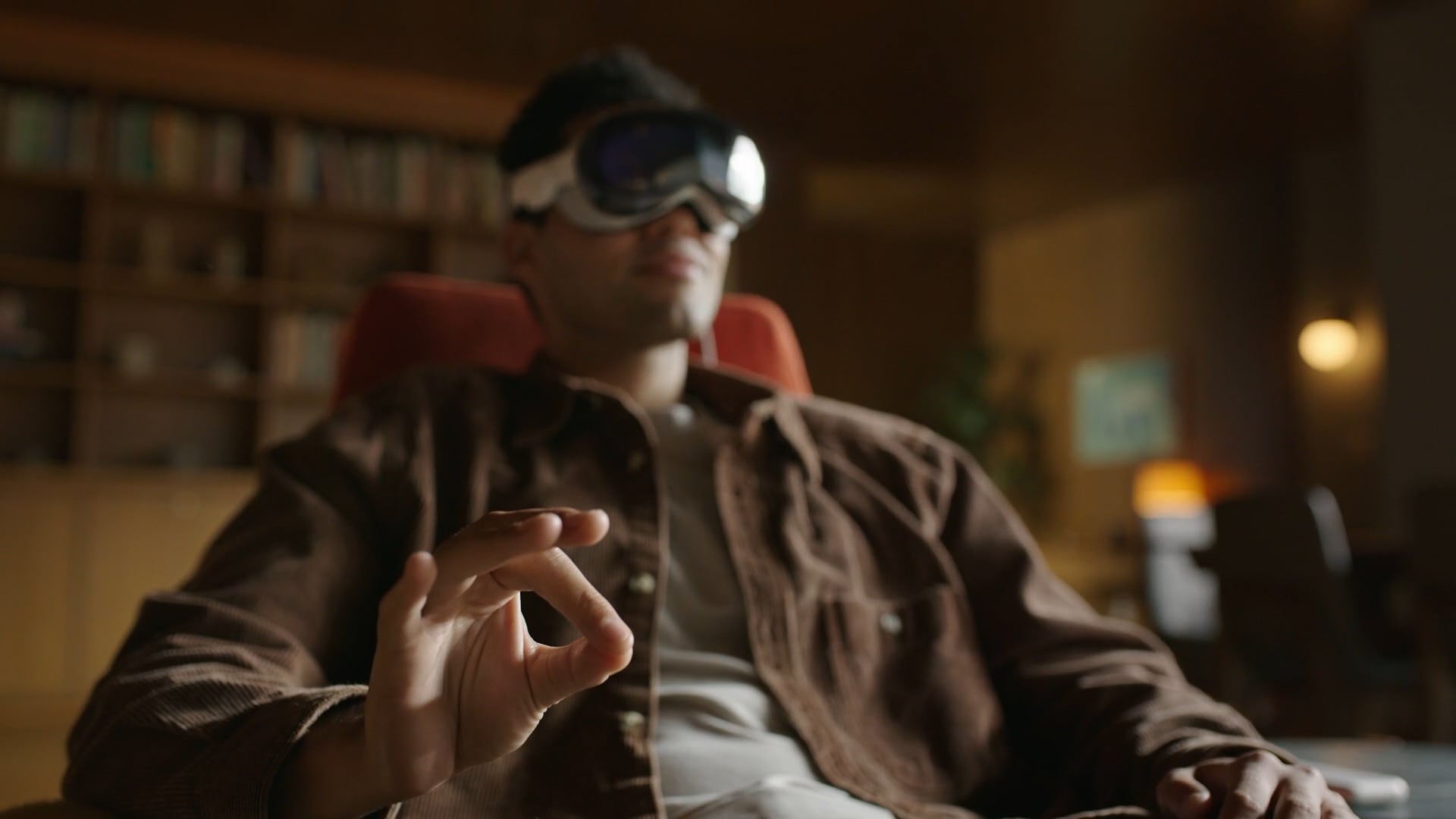
Tap your fingers to select in Vision Pro. Photo: Apple
Apple Vision Pro is controlled by just five simple gestures you do with your hands. The Vision Pro gestures even work in the dark!
If you’re going to try on someone’s Vision Pro, or you’re lucky enough to buy one yourself, here’s how to use what Apple calls “the most advanced personal electronics device ever.”
While Vision Pro takes a physical form resembling ski goggles, the whole idea is that, unlike with a MacBook or iPhone, you don’t have a screen, keyboard, mouse or trackpad to interact with. It’s an invisible computer. Apple has a bunch of breakthrough gestures to make it work — here’s how to use them.
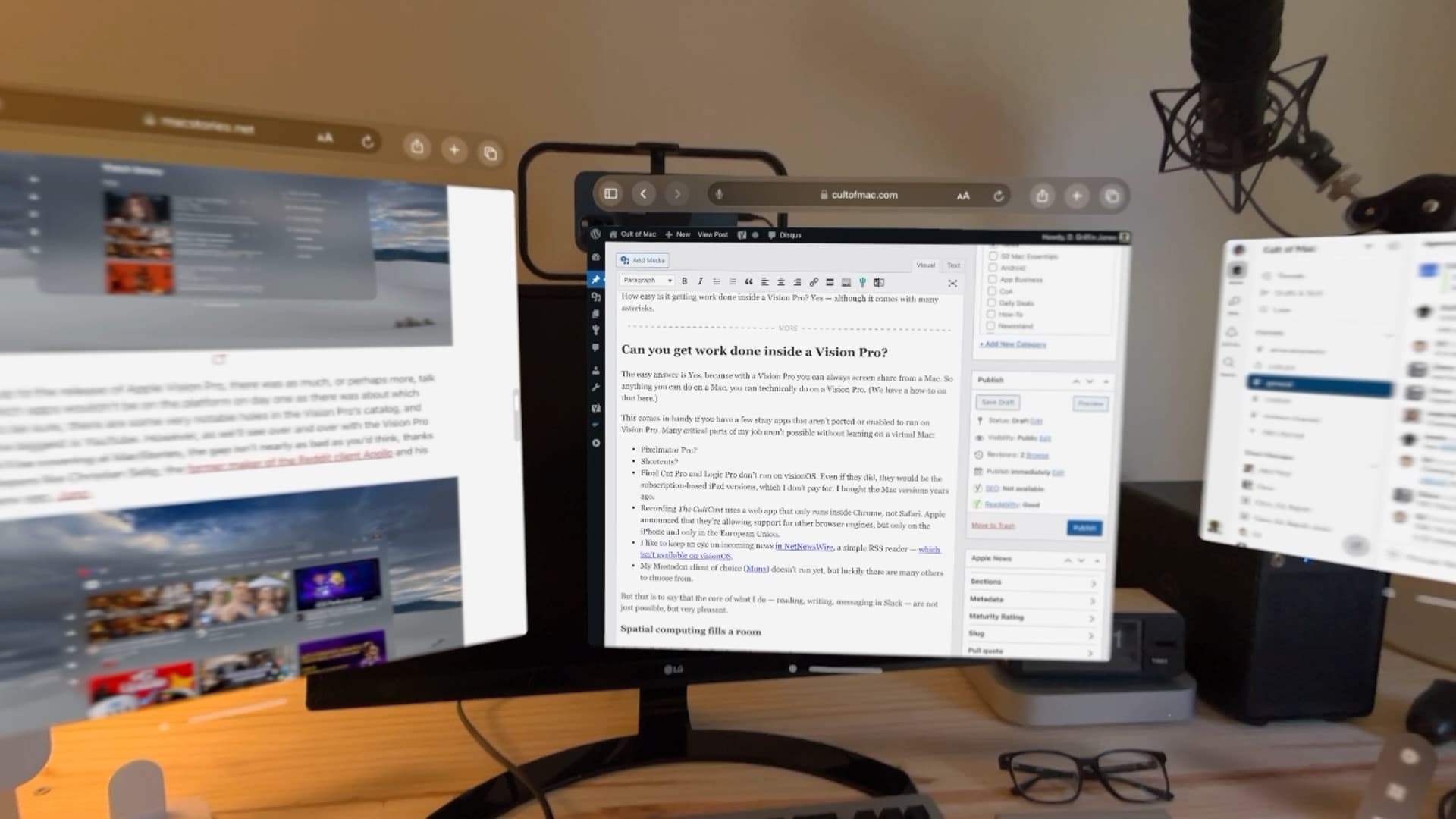
After a few days of testing, here’s what I noticed after trying to work on a Vision Pro. Photo: D. Griffin Jones/Cult of Mac
Can you get real work done inside a Vision Pro? Yes — although it comes with many asterisks.
It’s closely correlated to how much work you can do entirely on the web without specialized apps, although the virtual Mac display can smooth that down a bit. Surprisingly, typing in Vision Pro is great.
Working on Vision Pro has its annoyances, quirks and limitations, but I think Apple has built a very solid foundation here for a version-one product.
Capturing incredibly immersive spatial photos and videos starts with a click of the Vision Pro's top button to launch the Capture app. Photo: Apple
Spatial photos and videos look incredibly lifelike in full 3D while wearing an Apple Vision Pro headset. But how do you take photos with Vision Pro? It might be confusing at first since there’s no Camera app in the headset. Instead, Vision Pro uses a new Capture app.
But don’t worry. Any photos or videos you take with Vision Pro will sync to your Photos library. And they’re fully compatible with your other Apple devices, although you’ll only see them there in a boring two dimensions, like it’s still 2023. Yawn.
See a floating, virtual Mac display alongside your other visionOS apps. Photo: Apple
Screen sharing from your Mac to Vision Pro is a great way to work inside the headset while using your Mac’s keyboard and trackpad. You can enlarge your Mac’s screen to enormous size, and surround it with apps that work inside Vision Pro.
It’s called Mac Virtual Display. Unfortunately, it’s limited to only one Mac screen. But set up right, it can be the ultimate big screen setup — without the actual big screens.
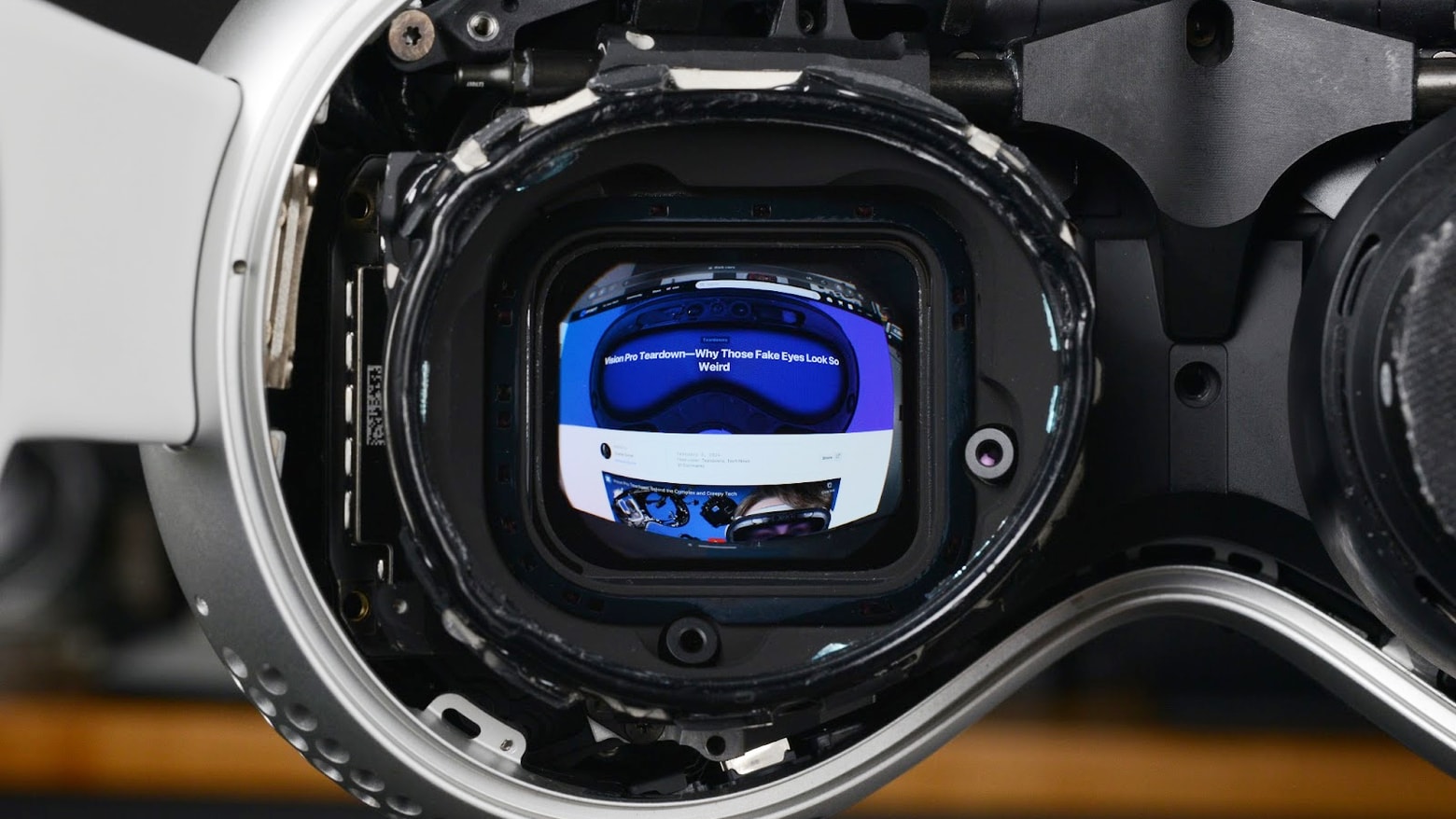
The centerpiece of Vision Pro are its amazing display screens. Photo: iFixit
iFixit’s Apple Vision Pro teardown continues, now with a focus on the headset’s incredibly high-resolution displays. As the experts point out, “You can fit ~54 Vision Pro pixels into a single iPhone pixel.”
However, the screen looks to the viewer like it’s a lower resolution than an iPhone.
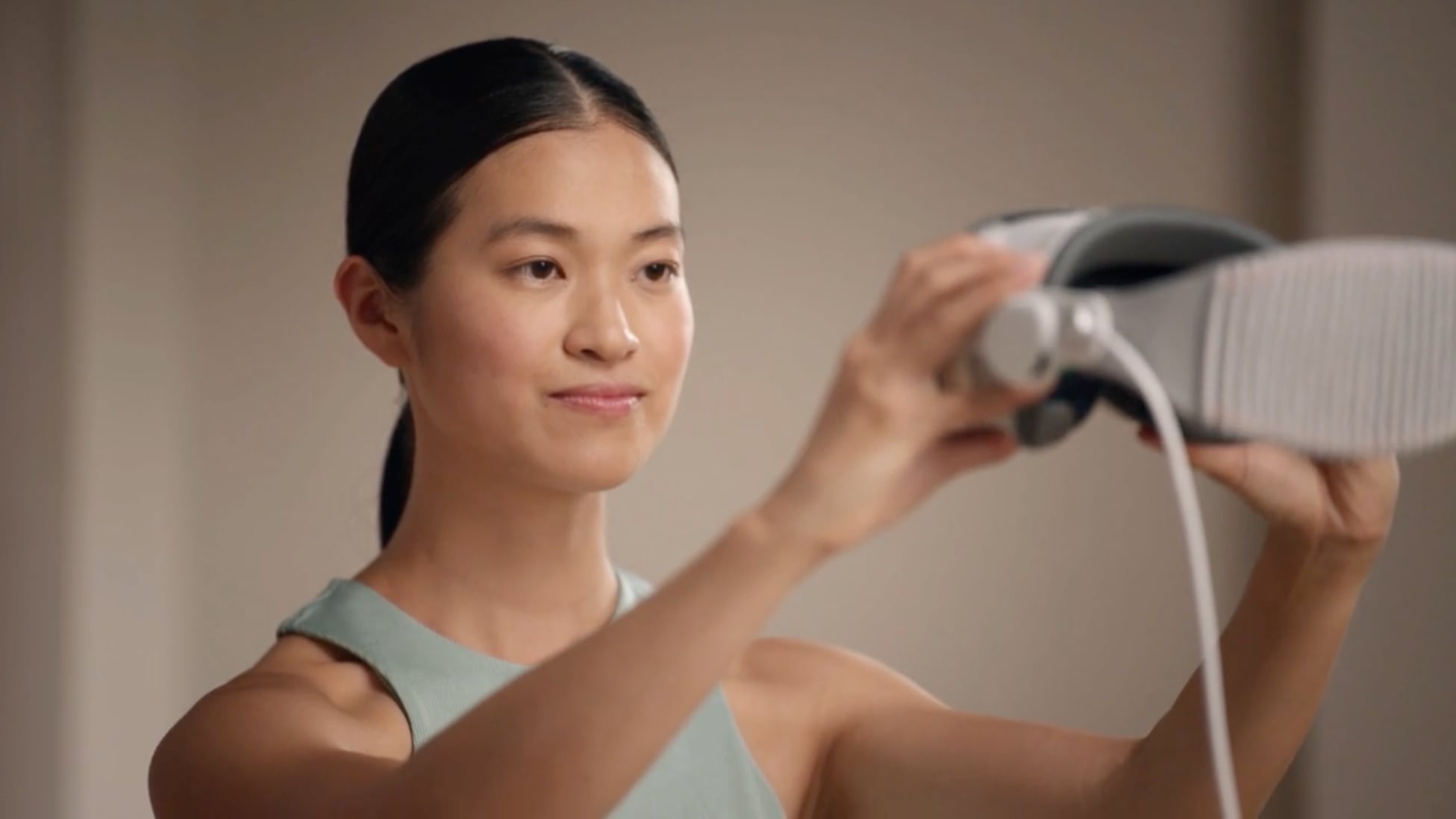
You need to hold the Vision Pro in front of your face to capture your Persona. Photo: Apple
The Vision Pro Persona is a 3D representation of yourself that will appear to others in FaceTime calls. It also fuels the EyeSight feature, which shows a ghostly 3D version of your eyes on the outside of the headset to make the device seem less isolating.
Many people criticize the Personas for looking unnatural, so the feature very much deserves its beta label. However, there are some things you can do to create a better one. If you didn’t create a Vision Pro Persona while setting up your headset, or want to redo it to make yours look a little less uncanny, I’ll show you how to do it at any time.
Click and hold the top button to turn it on. Photo: D. Griffin Jones/Cult of Mac
How do you force restart Apple Vision Pro? All computers lock up from time to time — even spatial computers you wear on your face. You don’t want to keep it on if it’s locking up; that could lead to a nasty head injury!
Apparently this is what film editing looks like now. Photo: Jon M. Cho
A filmmaker stuck at home during LA’s recent epic rainfall, unable to go to his editing room, said he used Evercast on an Apple Vision Pro to edit an entire feature film with another remote editor. He said he found the experience of Vision Pro video editing revelatory.
“I need to repeat this out loud,” director Jon M. Chu wrote Monday on X. “I was in it for HOURS editing on a virtual giant screen (the size of a real movie screen) a major motion picture from the comfort of my house. With no headache. I can’t tell you what a revelation this was.”
His post on X got 252,000 views and garnered a reply from a co-founder of collaborative video editing platform Evercast.
★★★★☆
Vision Pro is amazing, but I can't recommend you get one. Photo: Leander Kahney/Cult of Mac
Apple Vision Pro is the most amazing technology I’ve experienced in my life. Thanks to the headset’s intuitive interface, it’s as close to mind reading as you can get.
It’s given me magical, highly emotive experiences I haven’t felt with any other technology. Immersive 360-degree videos make you feel like you are actually there — it’s a cliche, but it’s true.
I’m absolutely, unabashedly delighted with Vision Pro. But would I recommend you get one?
Vision Pro gets the teardown treatment. Photo: iFixit
An Apple Vision Pro teardown shows the complicated combination of screens, cameras and other high-end components inside the $3,499 headset. The hardware required just to produce the creepy (and much-maligned) EyeSight feature is somewhat staggering.
Like other Apple products, getting inside the Vision Pro is not easy. You will need a heat gun, a prying tool, multiple screwdrivers and lots of patience.
Apple’s new Vision Pro headset is but a day old, but already it’s been spotted in public in several amusing situations.
Here’s what folks have been up to with their new Vision Pros in the wild. Some users, likeJames Addictive, love Apple Vision Pro for its immersive experience.
Unboxing the Vision Pro. Photo: Lyle Kahney/Cult of Mac
Steve Jobs designed the Apple unboxing experience as a careful process of introducing the customer to an unfamiliar product. And the Vision Pro unboxing is no different.
You don’t just rip the product from its box like a kid at Christmas! You carefully unpack it, examining each component as you go. The idea is to gradually show the customer the parts of the product and give them an idea of how they work together. An Apple unboxing is a very carefully thought-out process and ritual.
And, as you’d expect, the Vision Pro unboxing proceeds just as Apple intended. The new spatial computing headset is sleek, premium and very luxurious. This is no Fisher-Price View-Master.
And as for Vision Pro first impressions after using the headset for a few hours? I was originally skeptical of AR headsets after using a Meta Quest 3 and not liking it much at all. But I’m now a zealous convert. I may never take this thing off!
This week on Cult of Mac’s podcast: A new round of Apple Vision Pro reviews gives us greater insight into what to expect from the high-priced headset. Is it utterly mind-blowing? Clunky and weird? So addictive that we’re doomed to a flat life in the boring 2D world when we take it off? Some might compare the experience to a sci-fi vision, much likeJames Cameron’s addictive Apple Vision Pro experience.
Sounds like all of the above!
Also on The CultCast:
A rundown of new features coming soon to iOS 17.
A respected analyst says iPhone can’t compete without these two key features … but at least one of them is nowhere in sight!
Is that an unreleased iPad in a Vision Pro cover story?
We’re giving away two rugged and waterproof Apple Watch bands from Lululook for all you sporty types.
Listen to this week’s episode of The CultCast in the Podcasts app or your favorite podcast app. (Be sure to subscribe and leave us a review if you like it!) Or watch the video live stream, embedded below.
The store demo of Apple Vision Pro is wonderful. I urge you to get one. Photo: Lyle Kahney/Cult of Mac
SAN FRANCISCO — I demoed the Vision Pro at the Apple Store here on Chestnut Street. It’s the most impressive tech product I’ve ever seen. It makes the iPhone seem like a primitive stone tablet. It’s amazingly intuitive, works literally like magic, and is incredibly emotional. It’s unlike anything I’ve ever experienced.
You don’t have to buy a Vision Pro, but you absolutely must go to a store and get a free demo. We put together a video (below) that will show you what to expect from your Vision Pro demo.
Ready to get your mind blown? Check out these Vision Pro apps and demos first. Image: Apple
If you’re gonna spend $3,500 on a face-hugging computer, you’ll want to get your money’s worth of mind-blowing experiences. For that, you’ll need the best Vision Pro apps available on day one.
Here are some of the coolest apps, concepts and use cases we’ve seen so far:
Disney+ has 42 movies in stunning 3D for you to experience on Vision Pro. Photo: Disney
Now that Apple’s Vision Pro is out, Disney let everyone know Friday exactly which 3D films are available to watch on the headset. There are 42 different Disney+ 3D movies on Vision Pro at launch. The mix includes Star Wars and Marvel movies, as well as Disney’s celebrated animated fare.
And because of the immersive qualities of Vision Pro experiences like Environments, watching these 3D flicks could be pretty mind-blowing.
Vision Pro is now available in the US. Screenshot: Apple
A couple of weeks after Vision Pro’s preorders went live, the headset is now available for sale through Apple’s retail stores in the US.
If you could not get your preorder, grab the $3,499 mixed-reality headset from your nearest Apple store today. And if you preordered on time, your unit should arrive later today.
Also, if you didn’t feel comfortable laying down that kind of cash for a face-hugging computer without trying it first, you can book an online demo at an Apple Store — but it’s likely to be difficult to book a session. Apple’s booking system appears to be overwhelmed, and big crowds are mobbing Apple’s stores.
Apple eked out a win thanks to strong iPhone sales last quarter. But not everything was rosy. Photo: Karl Baron/Flickr CC/Modified by Cult of Mac
Apple’s holiday quarter financial results offer good news for investors. iPhone is doing great! And CEO Tim Cook talked about AI. But there’s rotten news coming out of China.
We pored over the results, and listened to the call Apple executives held Thursday with Wall Street analysts, so you don’t have to. Here’s the information you ought to know.