iOS 18.2.1 went out Monday with the intent of removing bugs that snuck into the earlier version of the iPhone operating system. Apple also released an iPadOS equivalent.
Apple recommends both to anyone who installed the previous versions.
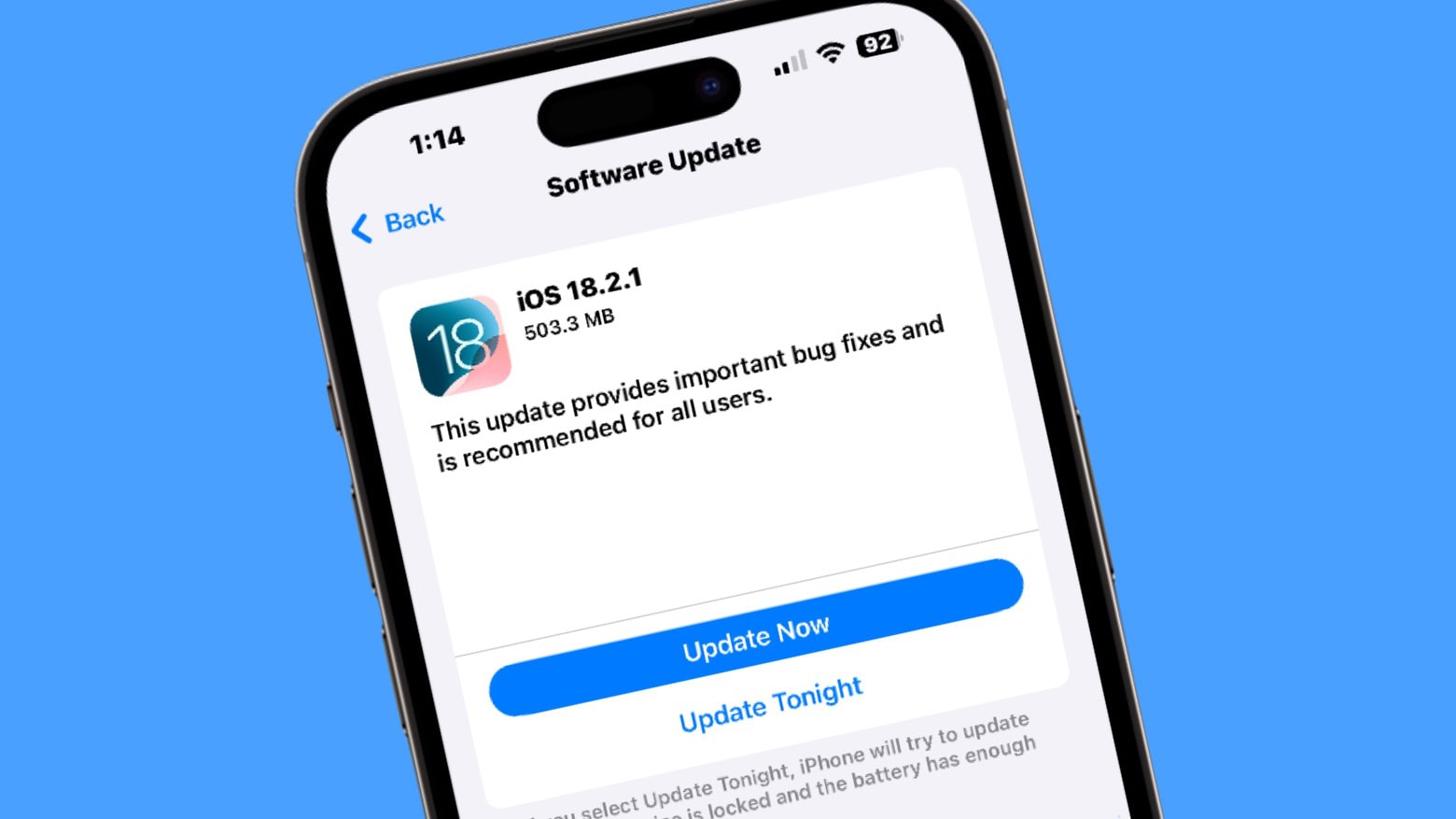
iOS 18.2.1 went out Monday with the intent of removing bugs that snuck into the earlier version of the iPhone operating system. Apple also released an iPadOS equivalent.
Apple recommends both to anyone who installed the previous versions.

There are so many Apple TV+ shows to look forward to in 2025! There are new seasons of some of the streamer’s best shows coming, along with new series and even a cool-looking film or two. Get ready for dramas, comedies and lots of sci-fi.
Cult of Mac writers picked the Apple TV+ shows we’re most excited about in the coming year. Keep reading or watch our video to fill out your Up Next queue early.
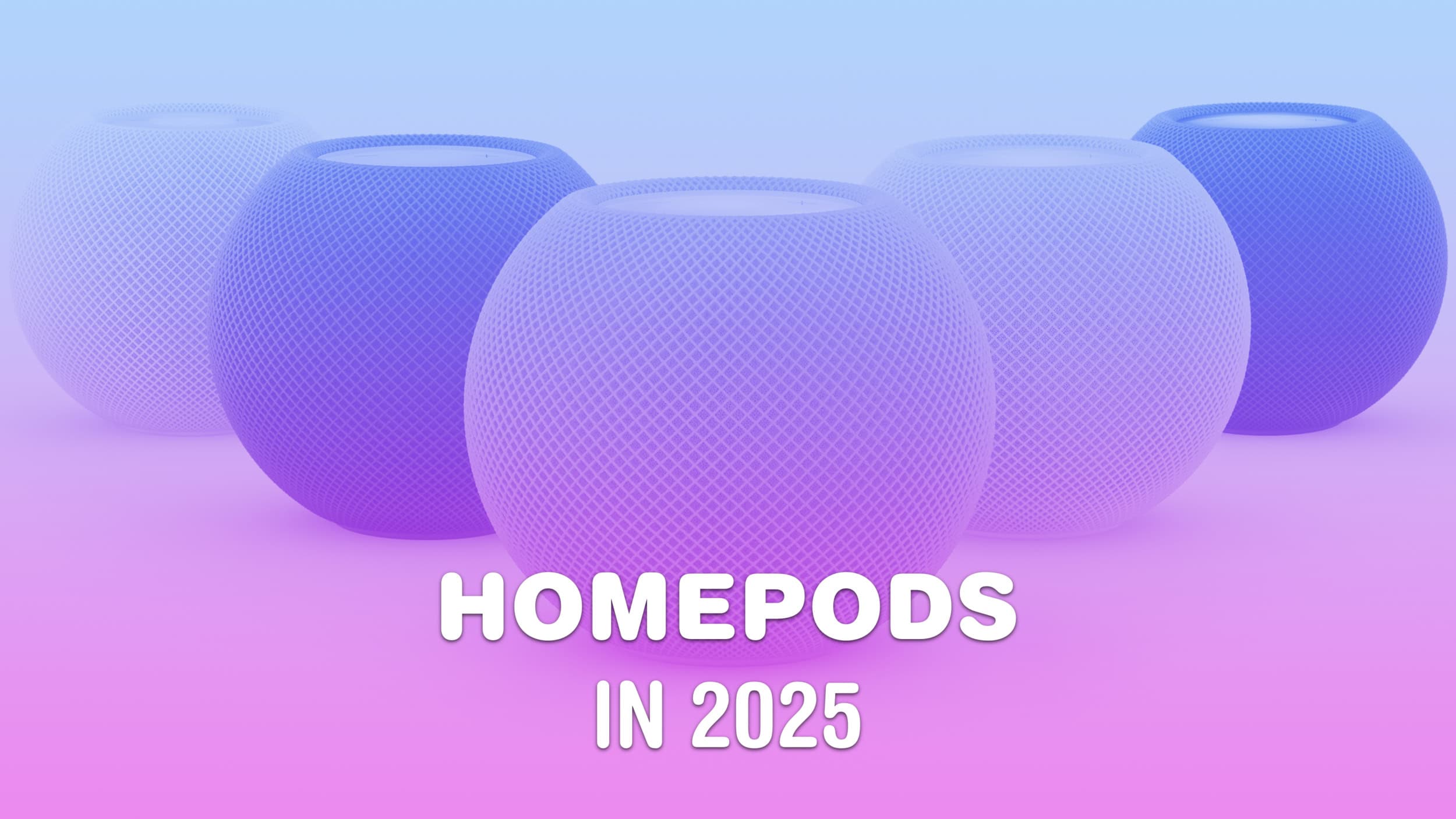
Apple’s significant expansion of its smart home lineup in 2025 should include new HomePod and HomePod mini models. The company plans to introduce both a display-equipped HomePod and a refreshed HomePod mini amid a renewed focus on the smart home market.
As usual, you can expect Apple to emphasize quality audio as well as airtight security. Here’s what to expect from HomePod and HomePod mini in 2025.
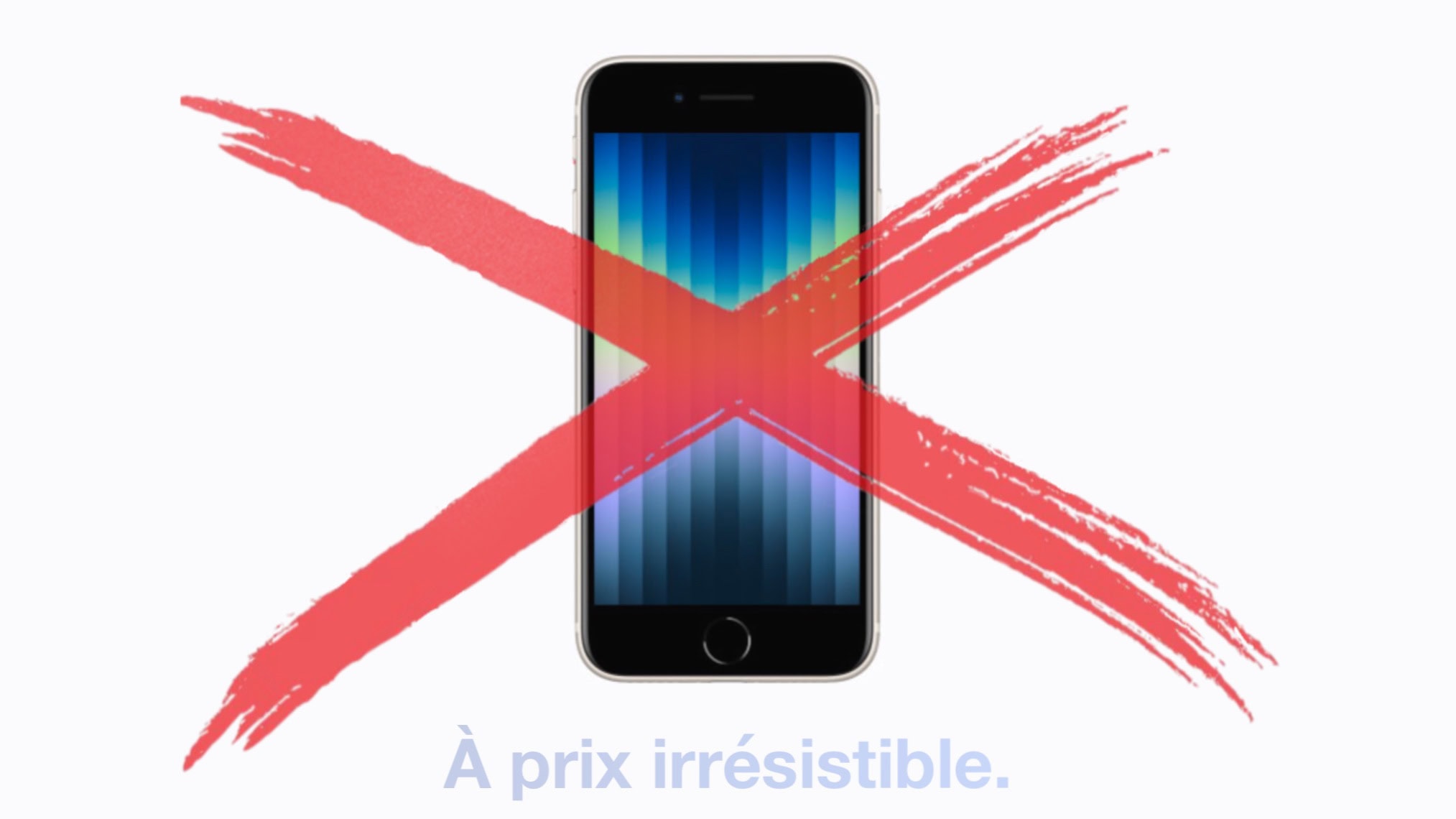
It’s no longer possible to buy an iPhone 14 or iPhone SE 3 from Apple in the EU. And many of Apple’s older accessories also disappeared from the company’s shelves in the European Union, too.
It’s all a result of a EU law that, as of Saturday, banned the sale of handsets with proprietary charging ports. Apple was a primary focus of the legislation.
2025 should be an Ultra year for the Apple Watch. In an unusual move, Apple only launched the Apple Watch Series 10 this year. It kept the Ultra 2 around, only releasing a new black titanium colorway. If you’re curious about the latest Apple Watch rumors, there’s plenty of speculation about what’s coming next.
But next year won’t be all about Apple’s most expensive smartwatch. For more budget-conscious customers, the third-gen Apple Watch SE should arrive in 2025.

You unwrapped a shiny new iPad for Christmas or Hanukkah — congratulations! — and now you need a case for it. I’ve tested a bunch of these and have recommendations for the best iPad cases.
These protect your computer from life’s little mishaps. But you can also get an iPad case with a built-in keyboard and trackpad to upgrade your table to a ultralight laptop.
2025 will finally bring the much-anticipated 11th-generation iPad, a version of the budget tablet with a faster processor capable of accessing the latest Apple Intelligence features.
In addition, expect faster iPad Pro and iPad Air models in 2025 — one sooner than might be expected.
AirPods Pro 3 keep generating buzz as we approach the launch of Apple’s next-generation premium wireless earbuds. Here’s what to expect from AirPods Pro 3, which probably will arrive in early 2025.
While the current AirPods Pro 2 model dominates the market two years after launch, rumors say its successor will bring substantial improvements and new features. Unfortunately, you probably shouldn’t expect changes to the recently updated AirPods 4 and AirPods Max in 2025. We could see updated earbuds or headphones from Apple subsidiary Beats, though.
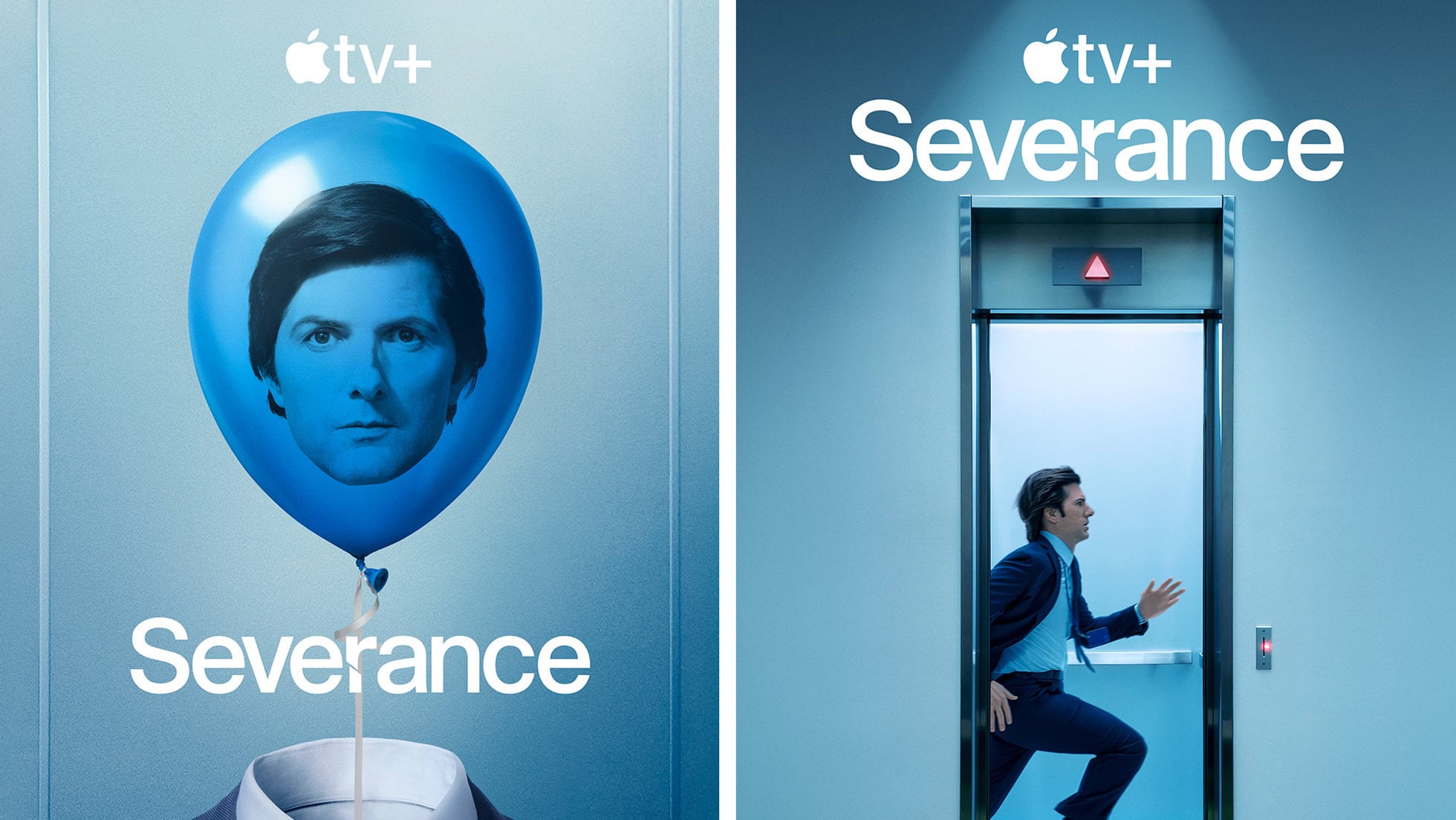
Watching the new Severance season two trailer, below — and the new sneak peek at the first eight minutes of episode one Apple TV+ dropped Monday — my excitement for the new episodes became one with my grim determination to watch the entire first season again before the undoubtedly bizarre new scenes of workplace hell start streaming on January 17, 2025.
Never before have I force-marched myself through a whole TV series season as a matter of preparation. But this funny-yet-unnerving workplace psycho-thriller deserves and demands it. If you’re preparing for season three and catching up on all things Apple, you might also want to check out how to activate Apple AirTag—and while you’re at it, read up on Apple TV+ renewing Severance for a third season.
Update: As a twisted sort of holiday gift, Apple TV+ posted a sneak peek at the first eight minutes of Severance season two on Monday, December 23. It’s safe to say the main character is very much on the run through Lumon Industries sterile yet deeply alienating hallways until he comes face to face with a team of direct reports he doesn’t recognize. And he ends up with more questions than answers in a one-on-one with Mr. Milchik. Watch the sneak peek at the link above and the trailer below.
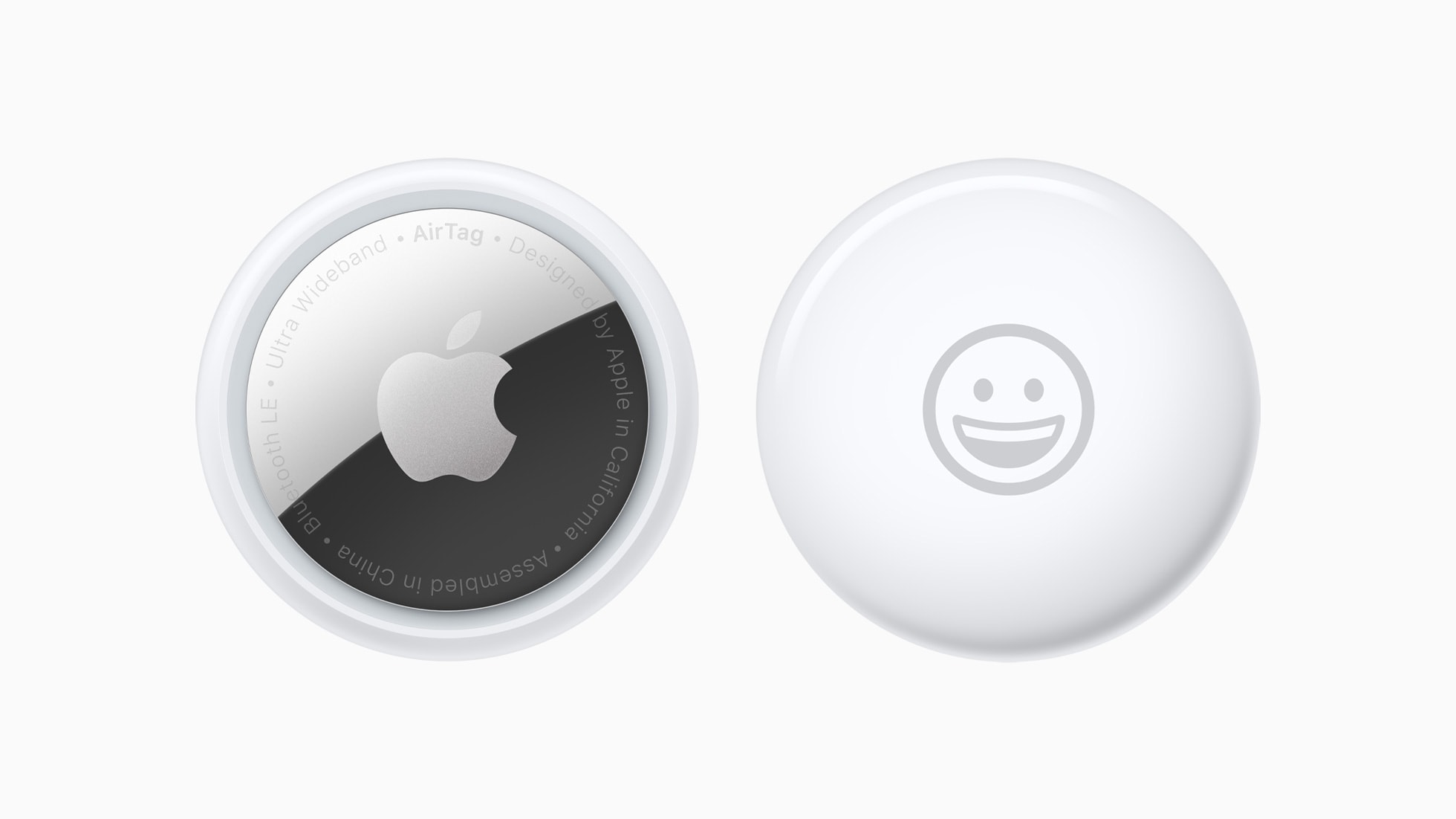
When Apple launched the AirTag, you could link the tracking tags to only one person. Luckily, Apple expanded that. Now you can share an AirTag with up to five other people, so each one can see where it is.
Here’s how to share an AirTag with family members or friends.
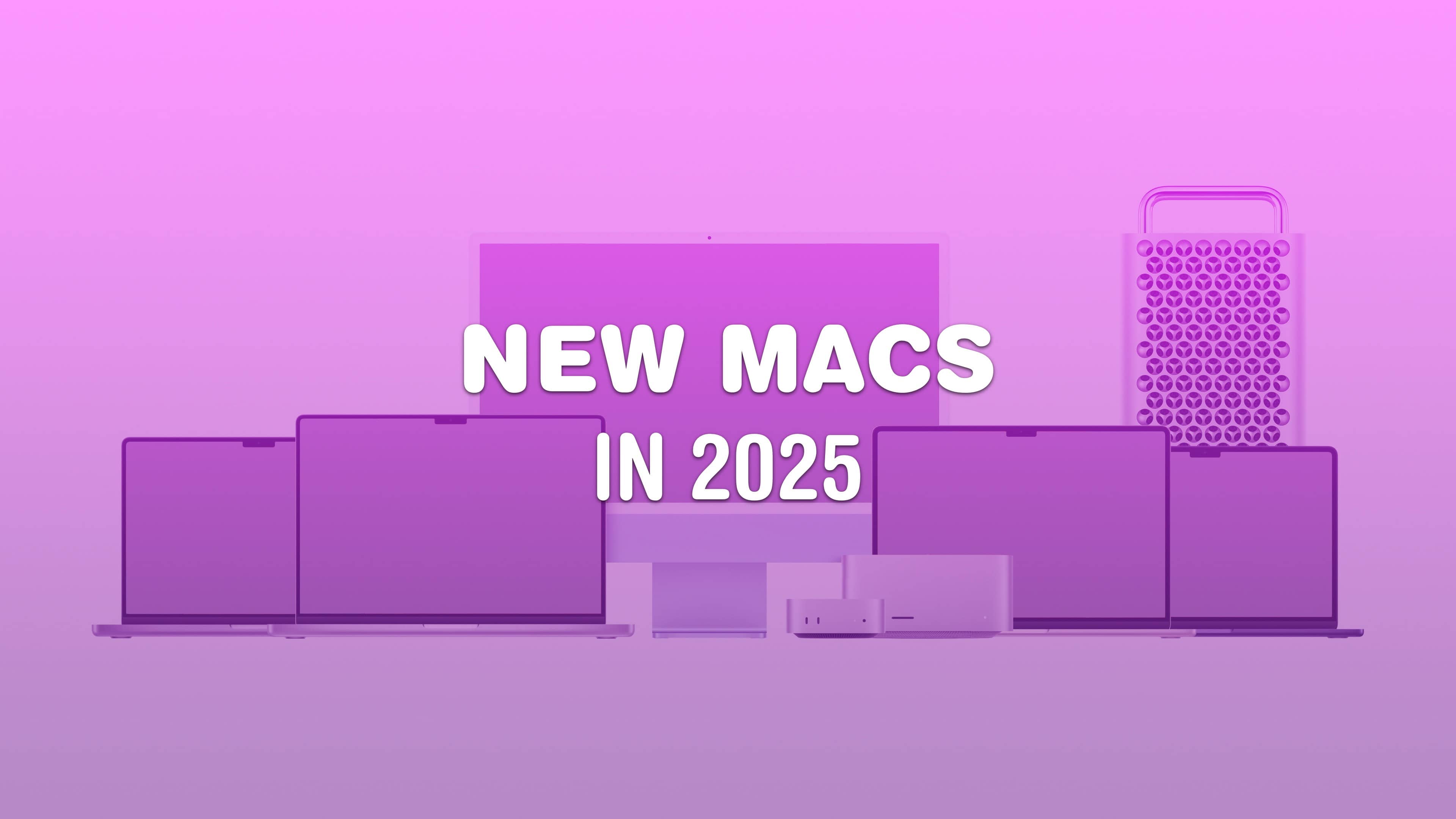
What does Apple have planned for the Mac in 2025? For the last couple of years, Apple’s been killing it with its desktop and laptop computers. The chips scream, the industrial design has never been better, and the Mac lineup is undoubtedly the best in Apple’s history. Just look at the amazing new Mac mini.
But can Apple keep up the pace next year?

A little-known feature in macOS lets you share your Mac’s screen to someone else’s Mac directly from the Messages app — no third-party apps or downloads required. It’s great if you need to give tech support to a far-off family member in a pinch. Often, you just need to see what’s happening instead of counting on what your dear old father is trying to describe over the phone.
Get him to share his Mac’s screen with you, and you likely can solve his problem quickly. Even better, it’s not complicated setting up screen sharing on a Mac like it is on a PC. It takes only a few clicks in the Messages app. Let me show you all around this awesome hidden feature.
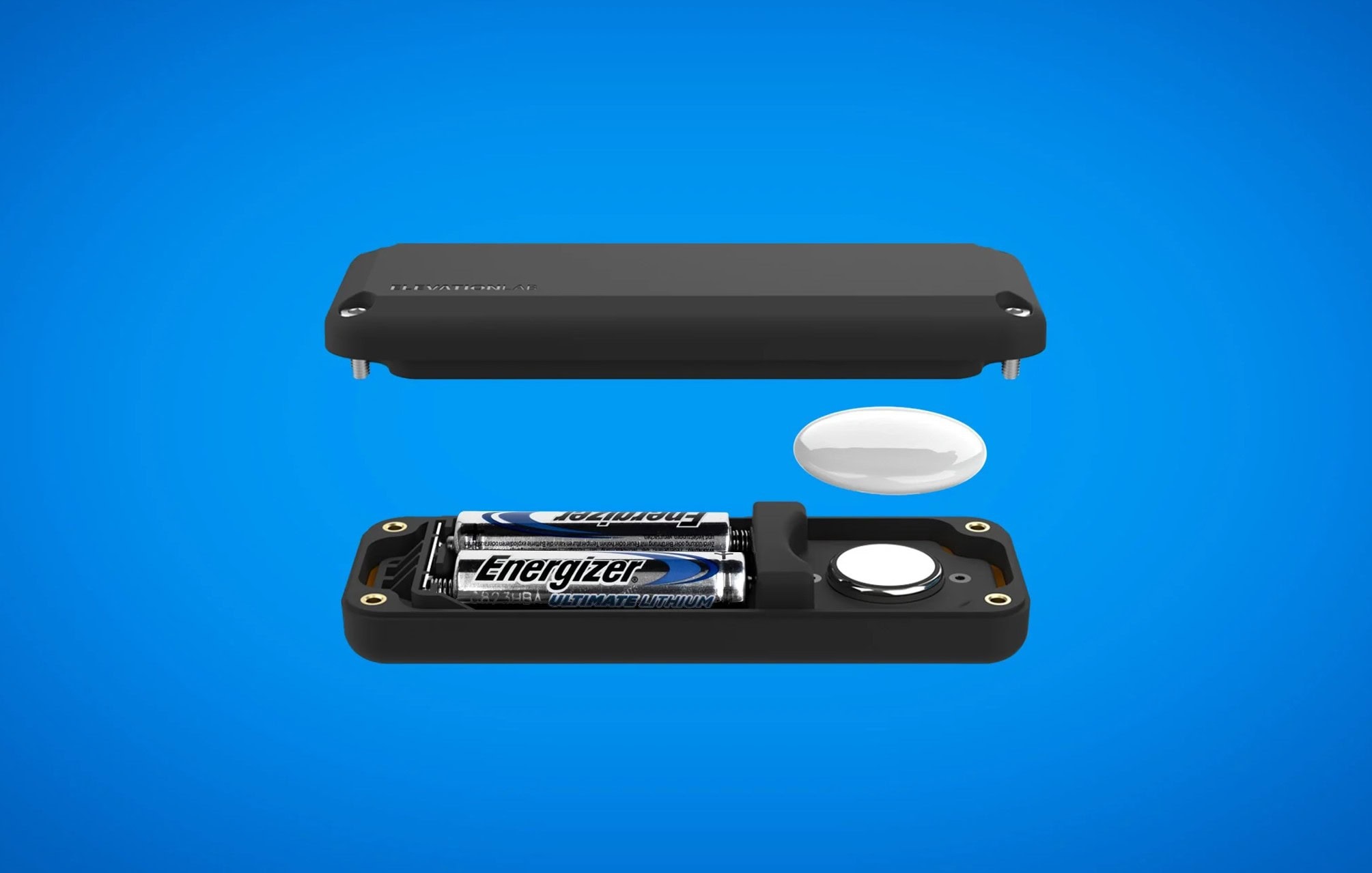
Want to extend your AirTag’s battery life to 10 years and keep the tracker dry and concealed? Well, that’s easy to do with ElevationLab’s innovative new TimeCapsule AirTag battery case. The weatherproof case keeps an AirTag safe and sound — and frees you from swapping out the Apple tracking tag’s coin-shaped batteries every year.

Being able to see your iPhone battery percentage right in the status bar is incredibly useful. You can keep an eye on it throughout the day if you’re getting low and need to top up.
The standard battery icon gives you a rough idea of where your iPhone stands. But instantly seeing the exact battery percentage number can give you peace of mind. It’s useful seeing the precise number without pulling down Control Center or checking a battery widget, wherever you are.
For those of you with real battery anxiety, you can even add a widget to your Lock Screen and Home Screen. I’ll show you how.
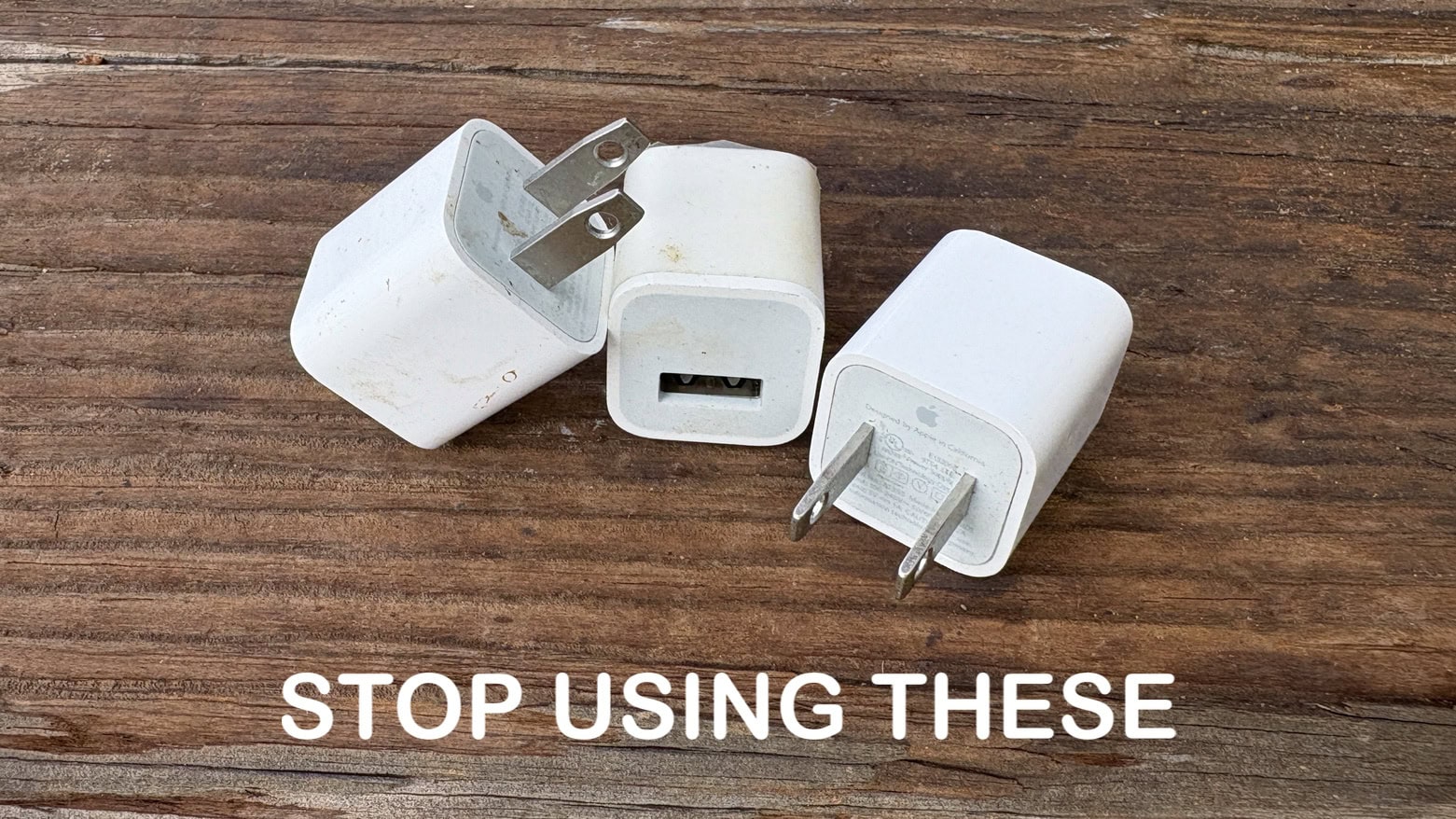
There are plenty of old iPhone wall chargers still out there very slowly powering up handsets. Fortunately, iOS 18.2 made it quick and easy to tell if it’s time to trash your old, slow iPhone charger.
The best iPhone chargers give your handset a big boost in as little as half an hour. Older ones take all sodding day. You don’t have to put up with slow charges if you don’t want to.

Tired of the endless loop of doom scrolling? Let’s flip the script and embark on an adventure of self-discovery. Instead of squandering your free moments on X or Bluesky, you can transform them into opportunities for growth. How, you ask? Well, get ready for a deal that will unleash your inner genius — with Headway’s inspiring book summaries.
Think of Headway Premium as your new gateway to enlightenment. It puts a treasure trove of popular reads right at your fingertips, neatly tucked into an app that’s bursting with knowledge. Right now, a lifetime subscription to Headway Premium is going for the unbelievable price of just $59.99, a savings of 80%.
It can be hard figuring out what advice will actually save your iPhone battery life and what’s basically tech superstition. What settings can you easily change that make the biggest impact without ruining your phone?
Low Power Mode is the obvious setting, a single switch that pulls all kinds of levers behind the scenes. Turning down your brightness as far as you can is another easy trick. But how about quitting apps? Does it make any difference? What about the always-on display? Should you turn it off?
Here are the 10 things you can do to save iPhone battery life — and help your iPhone battery thrive over the long term, too.
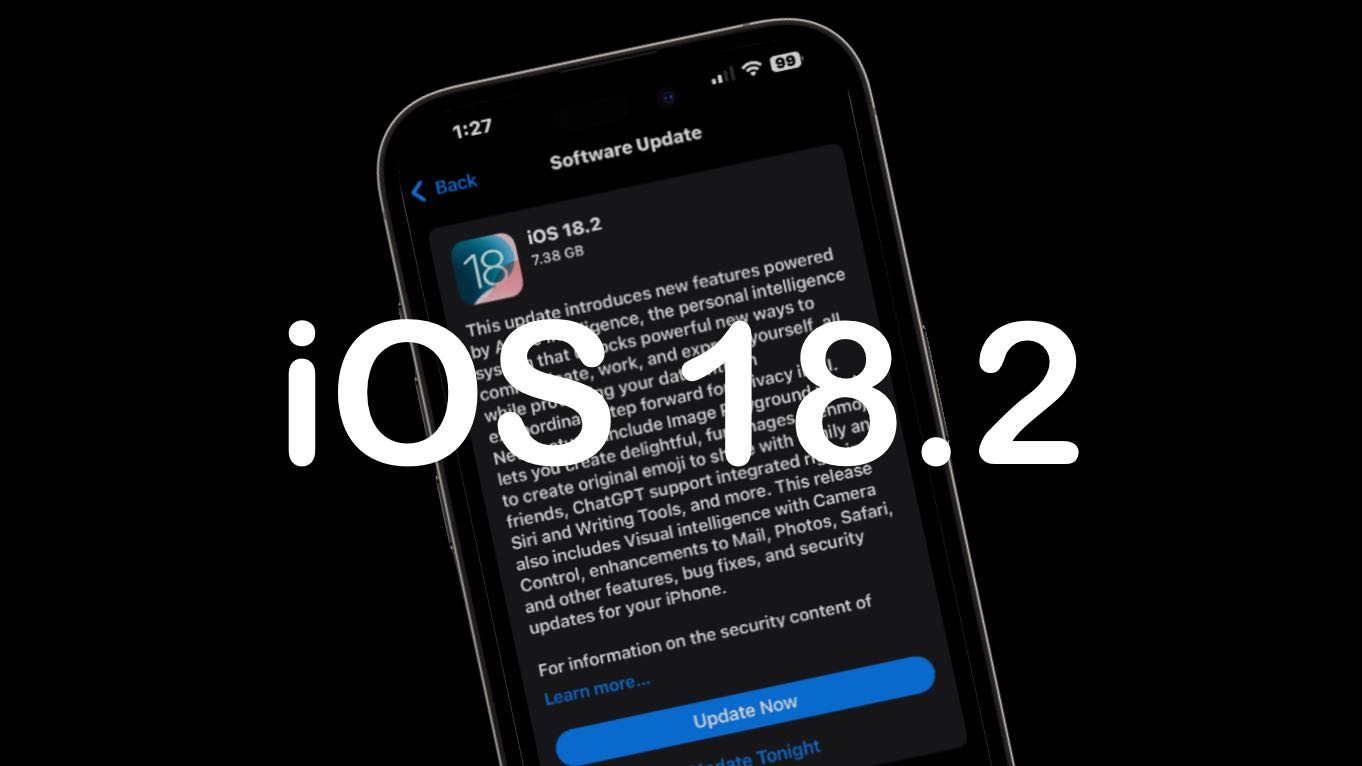
The iOS 18.2, iPadOS 18.2 and macOS Sequoia 15.2 release date is here. They bring in the second wave of Apple Intelligence features, including Genmoji, the Image Playground, optional ChatGPT integration and more.
watchOS 11.2, tvOS 18.2 and visionOS 2.2 also went out, though these don’t include any AI features.
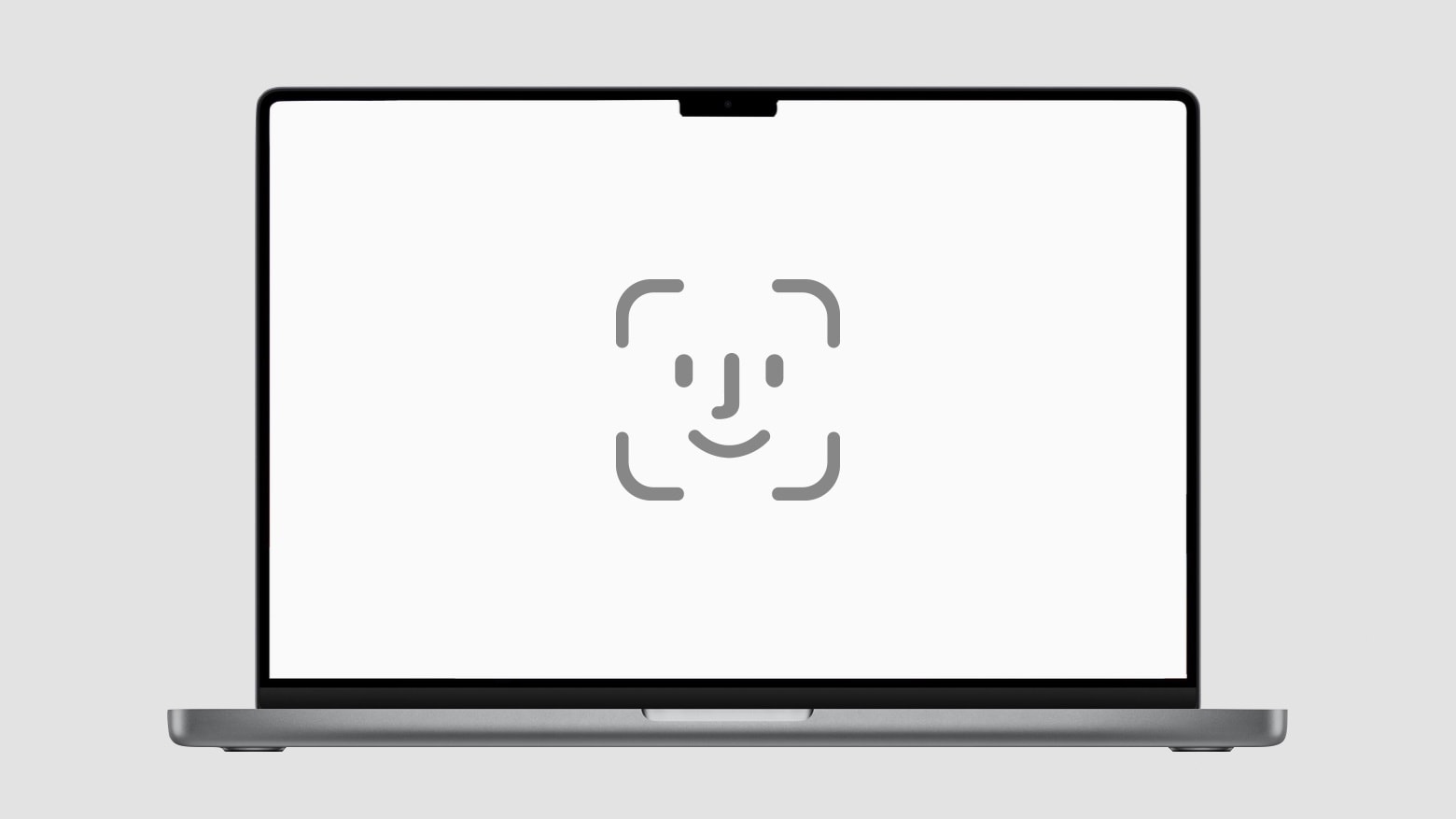
Another generation of MacBook Pros recently launched without Face ID, meaning Apple once again missed an opportunity to make its premier laptops easier to use. Adding the facial-recognition authentication system seems like a no-brainer, since it would enable Mac users to unlock their computers simply by looking at them.
Instead, MacBooks continue to depend on Touch ID, even though multiple reasons make Face ID a far superior security option. And Apple’s excuse for sticking with its fingerprint sensor is lame.
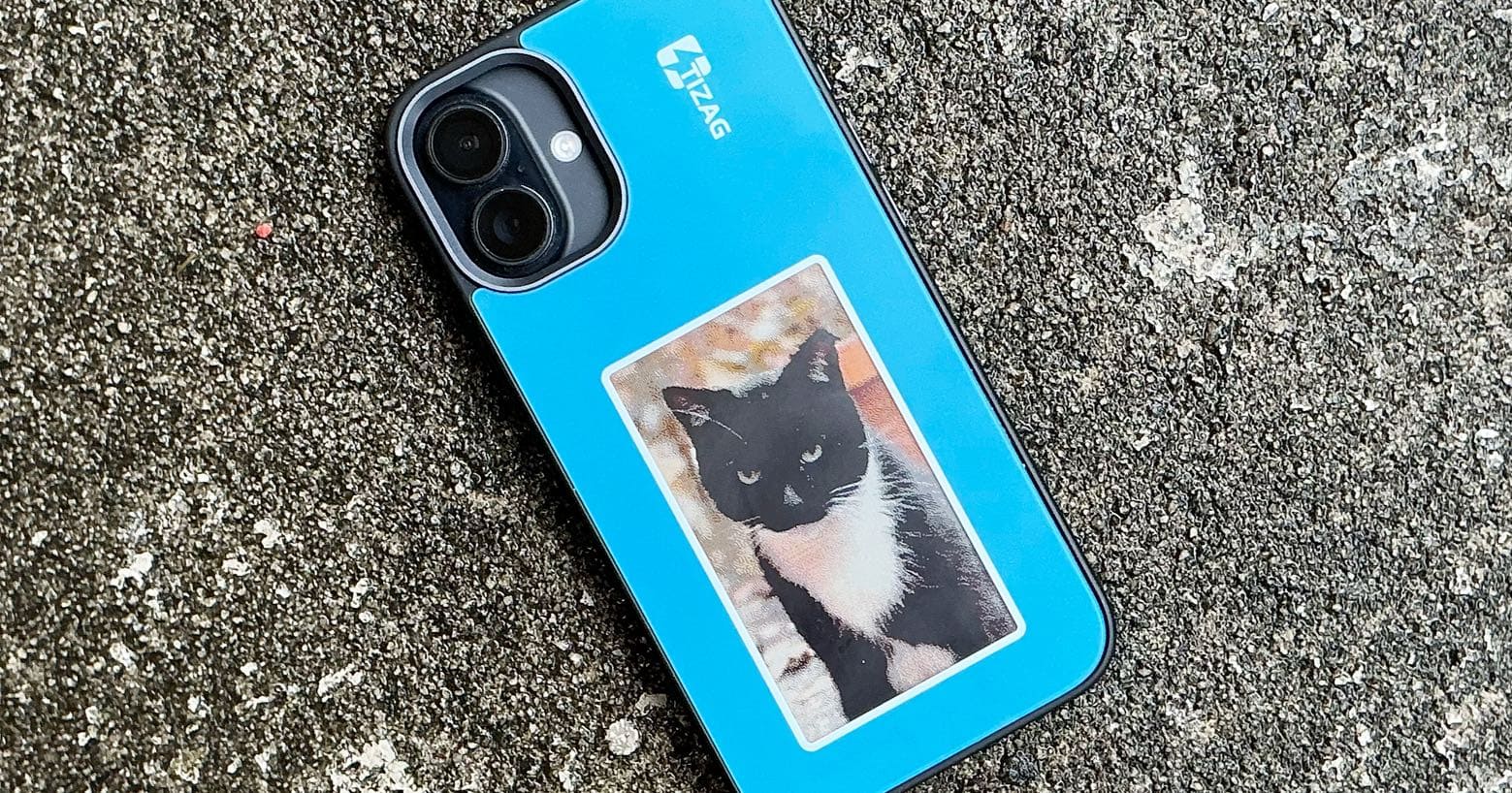 ★★★★☆
The Tizag Digital Canvas iPhone Case makes cases with single pictures obsolete. It includes a screen you can update with new images whenever you want, and so offers almost endless personalization.
It won’t drain your phone’s battery, but the case does protect your device when you’re on the go.
I tested the case, and I really like it, despite some screen limitations.
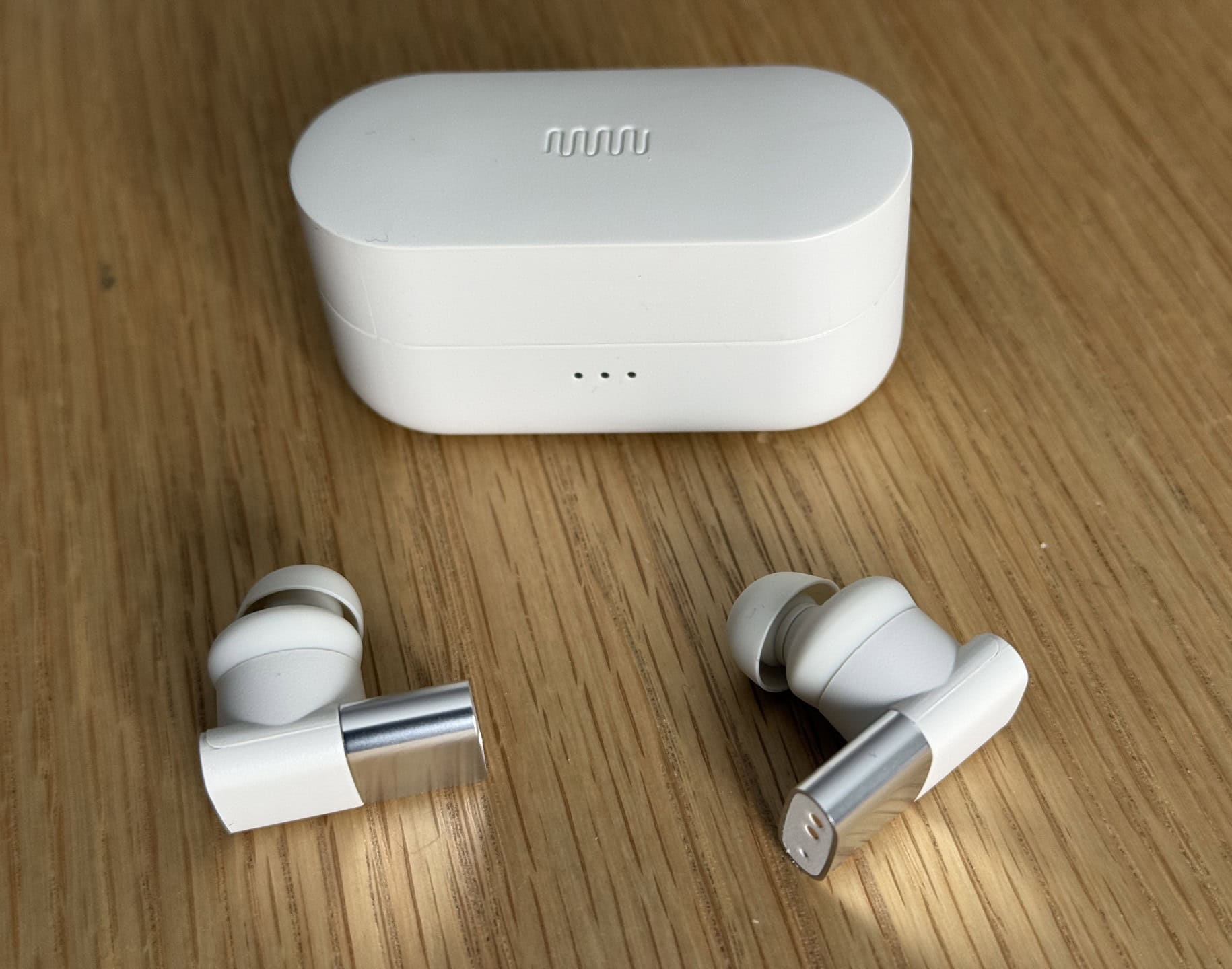 ★★★☆☆
Over about a week of testing for this Status Audio Between 3ANC earbuds review, I found the distinctive buds to be a product of intriguing contrasts — ambitious in some areas while falling short in others. Currently priced at $179 (recently reduced from $199 and $249 before that), the earbuds try to compete with industry leaders like AirPods Pro 2 through a unique triple-driver design and striking looks. In fact, these earbuds even claim in ads to have a “subwoofer” for the low end. But while Between 3ANC buds boast good sound, I found overall performance results somewhat mixed.

iOS 18.2 drops a huge number of new features onto the iPhone. The second major iOS 18 update, available now, expands the capabilities of Apple Intelligence — and adds plenty of goodies for everyone else, too.
Keep reading or watch our video on the new features awaiting iPhone owners in iOS 18.2.
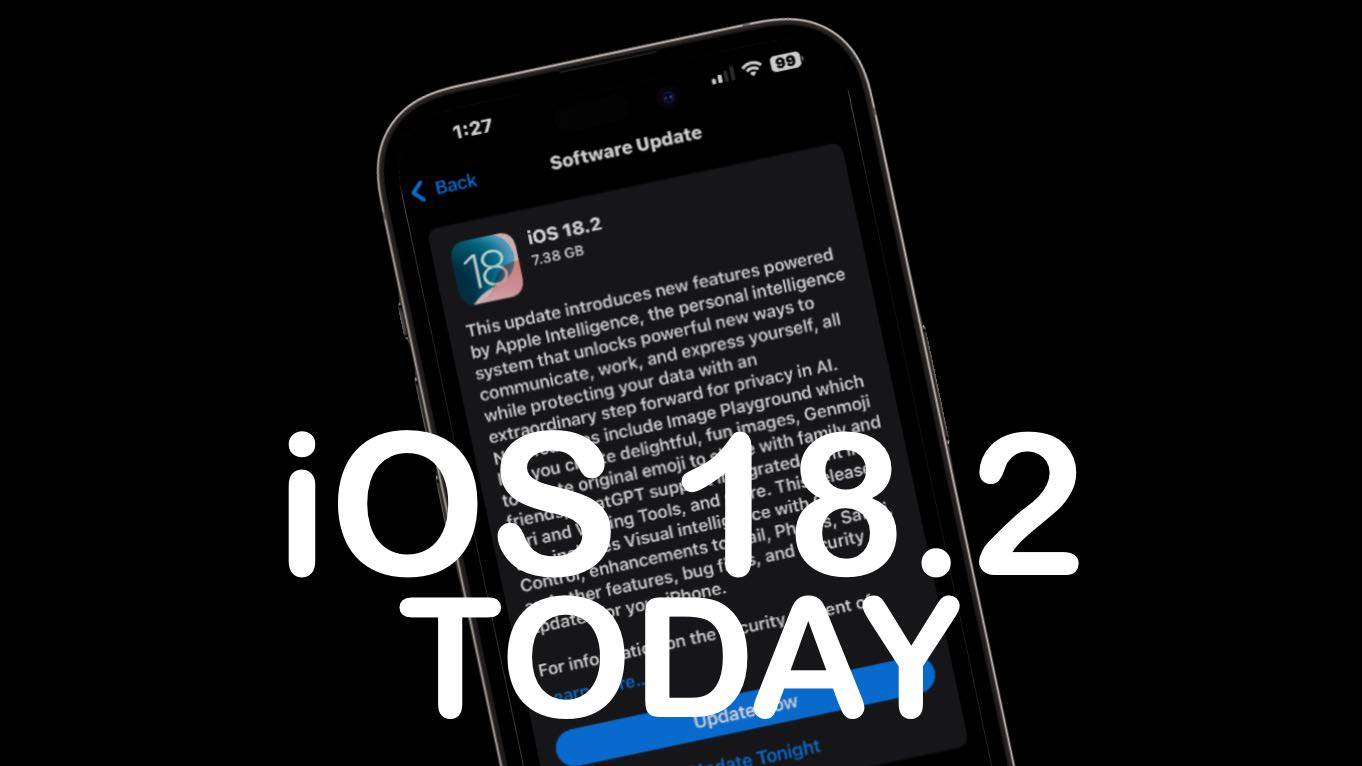
iOS 18.2 will go out to iPhones everywhere next week, but you don’t need to wait. It’s possible to go ahead and install the iOS 18.2 release candidate — the final version before Apple pushes it to the public — this weekend. That way you’ll have time to play around with the AI-powered Image Playground and other new Apple Intelligence features.
Getting iOS 18.2 now doesn’t require doing anything dodgy or risky. You’ll download the final version of the upgrade straight from Apple … just a little earlier than scheduled.
With Thursday’s introduction of the release candidates for iOS 18.2, iPadOS 18.2 and macOS Sequoia 15.2, we’re likely a week away from the debut of the second wave of Apple Intelligence features, including Genmoji, the Image Playground and more.
Release candidates for watchOS 11.2, tvOS 18.2 and visionOS 2.2 also went out.
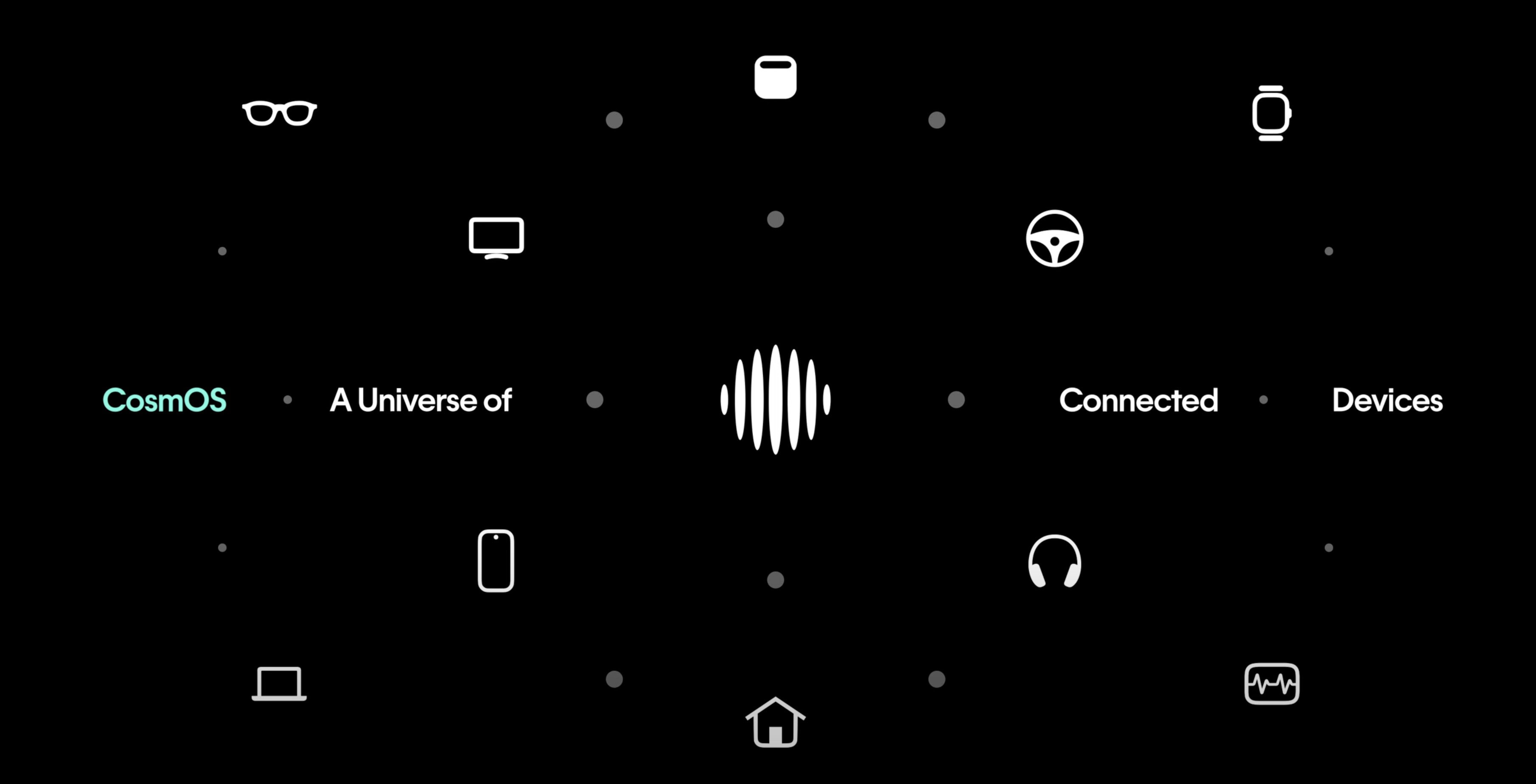
After the disappointing launch of its Ai Pin wearable device, San Francisco-based tech company Humane shifts its focus to CosmOS. It’s a new AI-powered operating system that promises to revolutionize how users rely on artificial intelligence to interact with their smart devices, including Apple’s. The Humane AI Pin struggled to deliver on its promises, prompting the company to pivot toward software-driven innovation.
That might remind folks of Steve Jobs’ long-ago move from Apple to NeXT, which ended up dropping hardware entirely and focusing on software.
Humane demonstrated CosmOS running across multiple platforms including car entertainment systems, smart speakers, TVs and smartphones in a new video Wednesday. The system aims to provide functionality similar to AI assistants like Siri, but appears more advanced, enabling complex, context-aware interactions across various devices.