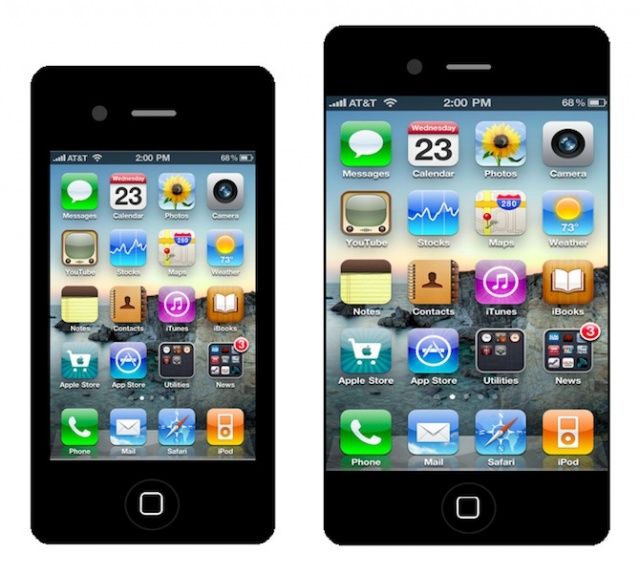
While competing smartphone manufacturers are producing devices in a whole host of different sizes, Apple’s iPhone has had only two screen sizes in its six-year history. But according to four sources with knowledge of Apple’s plans, who have been speaking to Reuters, the Cupertino company is “considering” iPhones with 4.7-inch and 5.7-inch displays.
It is also said to be working on a cheaper iPhone that will come in a range of different colors.
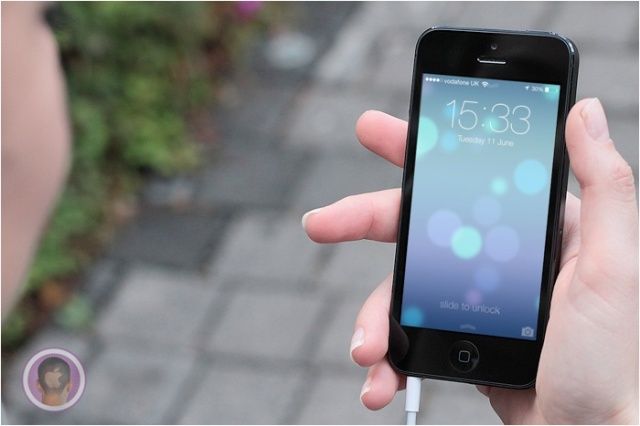
iOS 7 has been released in beta form to those who have paid for a developer account with Apple, but the rest of the general public will have to wait. Apple plans to ship iOS 7 to the world later this fall, so for now you’re limited to seeing screenshots online and the occasional GIF.
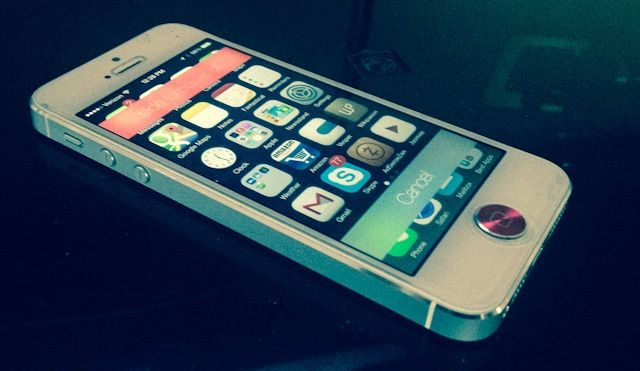
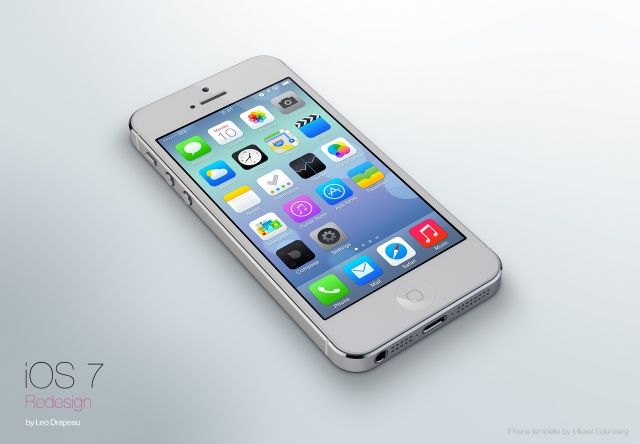
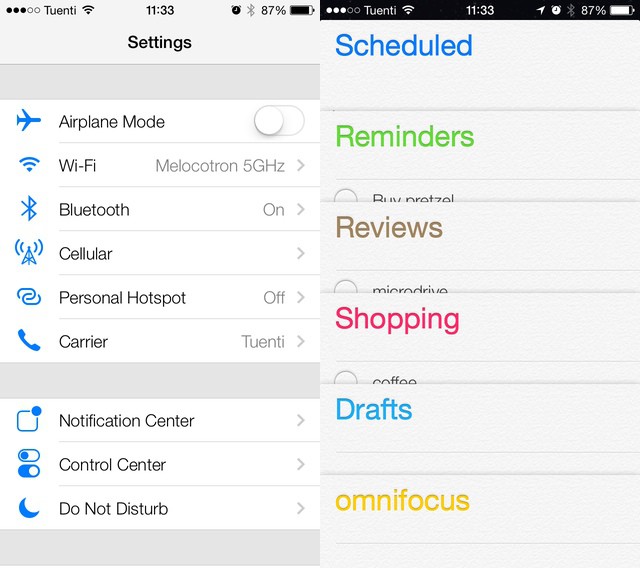
Unless you have a jailbroken iPhone, that is. Here’s how to create iOS 7 on iOS 6.
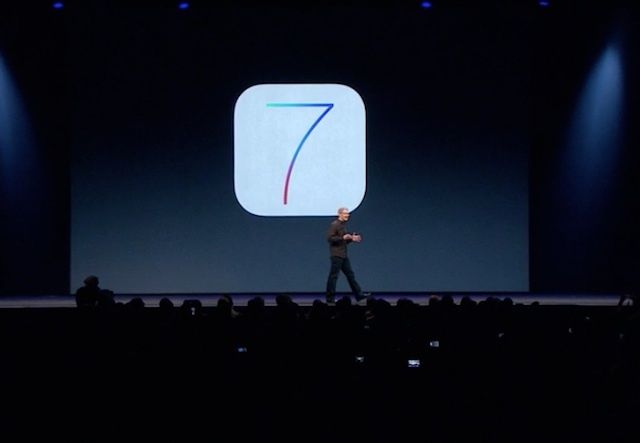
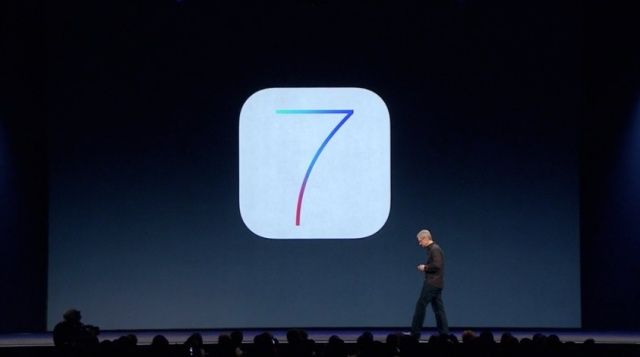
“Apple made this?” That’s the first thing I asked myself when iOS 7 was unveiled to the world at WWDC on Monday. It’s so different from anything Apple has ever done design wise that it’s hard to wrap your head around as a longtime fan of the company.
If you’re still in shock at the randomness and general weirdness of iOS 7 like I am, this tidbit of info helps clear things up: Apple’s own designers weren’t in charge of creating the OS’s icons. A new report reveals the disjointed process that Jony Ive led behind the scenes to create iOS 7 at Apple.
But if you went ahead and did it anyway, and now you’re looking for a way back, look no further. Despite what Apple says, iOS 7 can be downgraded to iOS 6 — and it’s pretty simple. Here’s how to do it in just two steps.
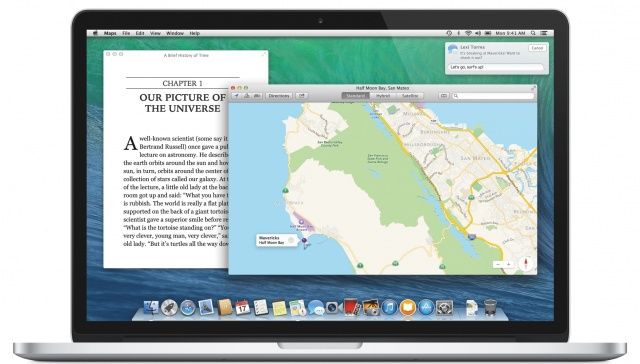
One thing’s for sure: once you have iOS 7 installed, OS X Mavericks sticks out like a sore thumb. iOS 7 is where Apple’s software design is headed, and OS X Mavericks is what Apple’s software design aesthetic is fleeing from.
Clearly, OS X Mavericks was left alone this year because Apple couldn’t concentrate on two design overhauls at once. Instead, Ive & Co. simply satisfied themselves with stripping out some of OS X’s more Forstallian flourishes, like the Corinthian leather and gray linen textures.
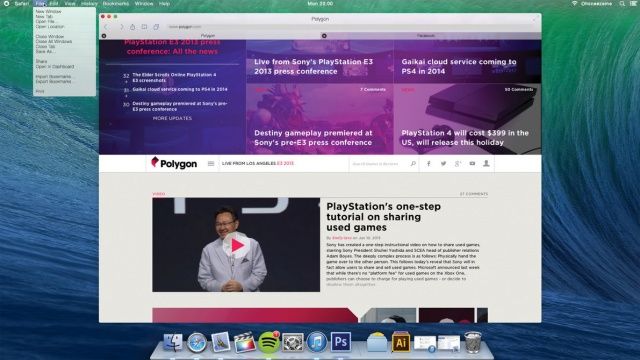
But what about next year? What would OS X 10.10 look like if brought in line with the design of iOS 7? DeviantArt user Ohsneezeme‘s concept, while not perfect — he hasn’t touched the icons or the dock — is a strong guess.
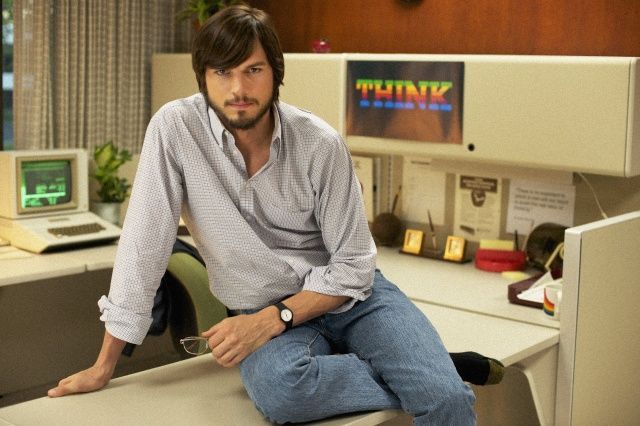
Ashton Kutcher played Steve Jobs in 2013 biopic. Photo: Jobs movie
The delayed Steve Jobs biopic starring Ashton Kutcher and Josh Gadd will finally hit cinemas this August. Entitled JOBS, the movie was originally set for release back in April, but distributor Open Road Films put it on hold so that it could spend more time on marketing.
Apple announced during its WWDC keynote that iOS 7 will finally bring support for third-party game controllers, and the Cupertino company has followed that up with a new set of guidelines which detail a standard for iOS and OS X game controllers.
The document is designed to ensure all game developers are working with the same specifications, so no matter who your favorite title was built by, it should be compatible with your controller.
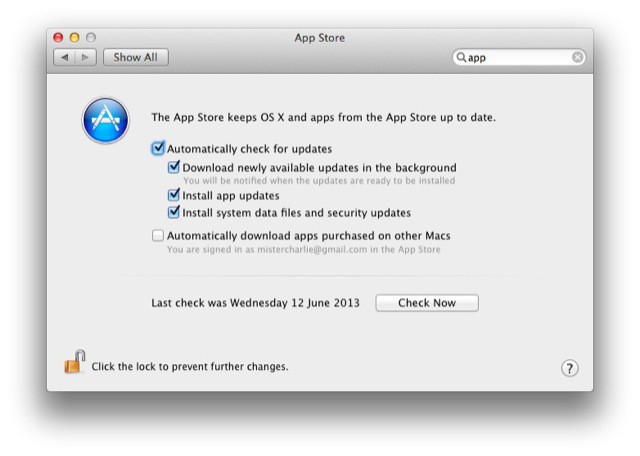
Auto background app updating isn’t just for iOS 7 — a brand new pane in System Preferences has been added to take care of App Store update settings. The big news? Auto updates in the background.
A lot of innovative ideas for iOS get introduced in the jailbreak community. Hackers and developers tinker around with Apple’s software and create new ways to access settings or multitask. And then Apple comes along and kills (or sherlocks) those ideas with its own take in a future iOS release. It happens every year without fail. 2013 and iOS 7 are no different.
Here are some popular jailbreak tweaks that Apple has rendered obsolete with iOS 7:
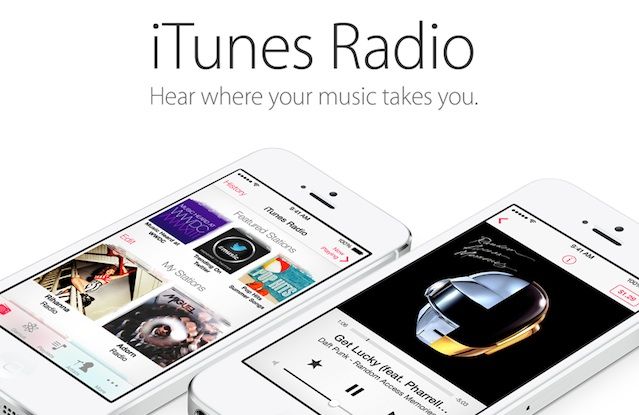
Apple finally announced its long-rumored iTunes Radio service yesterday at WWDC, and even though it doesn’t officially launch until this fall, we’ve been taking it for a spin in the iOS 7 beta. Initially, iTunes Radio has left us fairly impressed, except for one huge omission: all the curse words are missing.
When you stream music via iTunes Radio stations, all songs with profane lyrics are streamed in an edited edition, even on user-created stations. We’re not just talking about radio edits where more family appropriate lyrics are dubbed in. Nope, iTunes Radio just strips out the whole word so you’re left with awkward gaps in the song as your favorite artist chokes out a horrific blast of profanity.
During our time playing with iTunes Radio we haven’t come across a single explicit track that isn’t censored, so if you love to bath in the crass lyrics of hiphop’s greatest living legends, you’re out of luck.
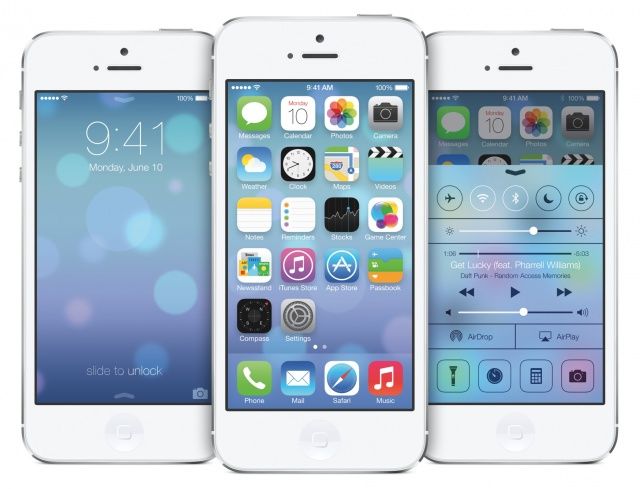
In the words of Apple itself, iOS 7 is the biggest change to their mobile operating system since the introduction of the original iPhone back in 2007. It’s more functional then ever, it’s prettier than ever: it’s the very definition of digital design purified and clarified down to the very basics of form merged with function.
Understandably, that means that many people are tempted to install it on their devices, either by forking over $99 for an Apple developer account or paying five or ten bucks to someone online to register your UDID for you.
We know it’s hard to wait, but you really shouldn’t do it. Here’s why.
Although it’s not quite the overhaul we’re seeing in iOS 7, OS X 10.9 Mavericks is an exciting new update to OS X that crams a lot of new features into the Mac operating system, including Maps, iBooks, iCloud Keychain, a new Safari, a more powerful Finder with tabbed windows and tagging, better Notifications, far improved battery life support, and much, much more.
We’re still delving into Maverick and spotting the best features. Here’s everything new we’ve spotted so far, and we’ll be updating this post with more screenshots of the new shiny in OS X Mavericks.
I’ve given iOS 7 a lot of hate this morning — just because I hate its icons — so I thought it was about time I showed it some love. It may not look the best, but the next-generation of iOS is packed full of awesome new features that should greatly improve the user experience.
A lot of those were detailed during Apple’s keynote at WWDC yesterday, but some got left out. So here’s ten awesome features in iOS 7 that didn’t get a mention at the event.
I’ve already written up my thoughts on iOS 7’s new look, and particularly its new icons. But I’m interested in how you feel about it. Am I the only one who thinks Apple took a step in the wrong direction when it was designed certain aspects of its next-generation mobile operating system?
Shared Photos Stream in iOS 7 are turning out to be a much bigger deal than I first thought. After playing with them for a few hours it’s clear that they might actually be Apple’s first successful social network. Why? It’s all down to a little “Activity” tab inside the newly-named “Shared Streams.”
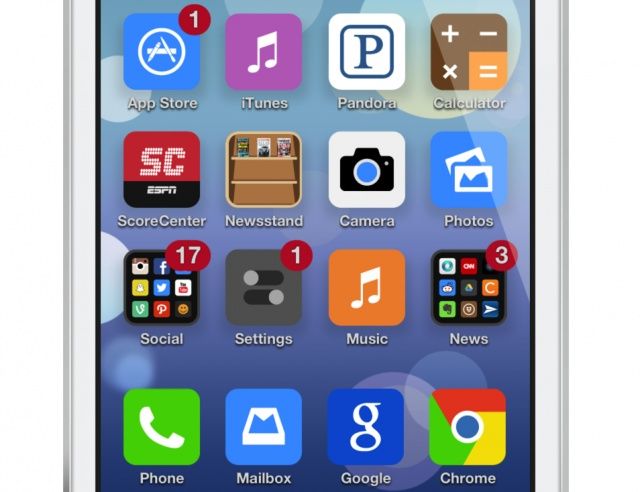
Okay, so not everyone thinks Apple has ruined iOS with its newfound support of flat icons and whacky, eye-stinging colors. In fact, some iOS users love the new look. But many think it’s a gut-wrenching mess. In fact, some hate it so much that they’ve taken some time to fix it.
User interface designers have taken to Dribbble to showcase their own iOS 7 concepts, and I think you’ll agree that they’re a welcome improvement.
You know what I’m hearing a lot of today? “Whine whine whine. Don’t like the icons. This really is kind of a mess.” And this, from our very own chatroom: “It hurts the eyes,” and “The hideousness of this is blowing my mind.”
It seems that a lot of people don’t like the look of iOS 7. But you know what? I love it. Sure, some of those icons are a little garish, but in iOS 6, all of the native Apple icons were hideous. And whatever you want to say about the new look, you have to admit that it is now way more consistent.
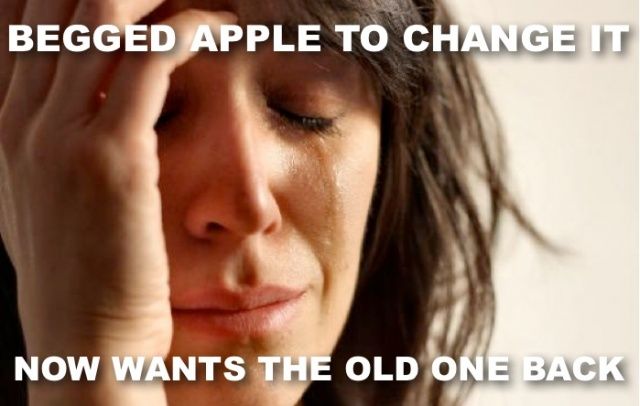
It’s our own fault. We all asked Apple to dramatically change the look and feel of the iOS operating system, which, until yesterday, remained largely unchanged since the introduction of the original iPhone back in 2007. And we all complained when it didn’t do that with iOS 6 this time last year.
But I can’t help but feel the Cupertino company is now punishing us for all those requests, and all that complaining we did before about its skeuomorphic designs.
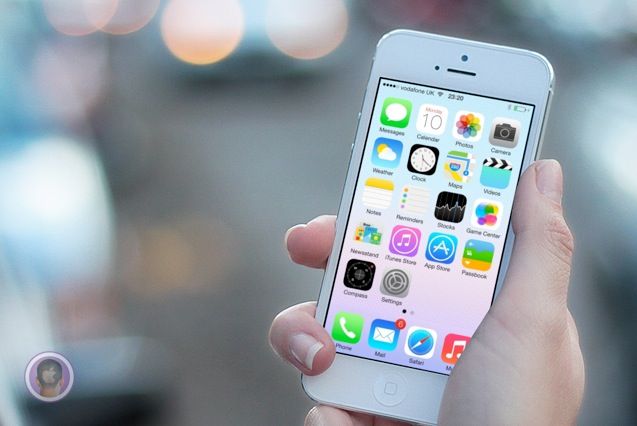
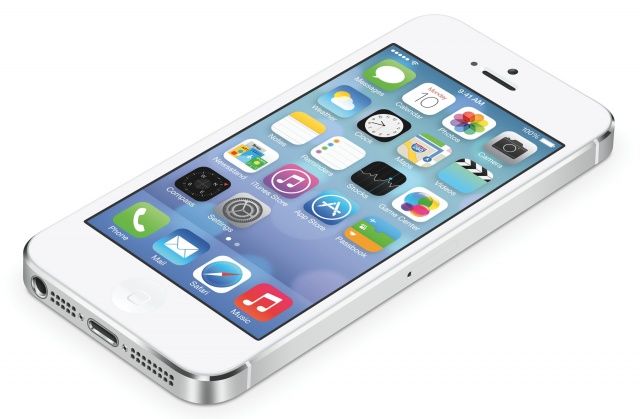
When it comes to design, iOS 7 is vastly different to its predecessors. It still functions in much the same way — though there are some new features you’ll need to get used to — but it looks completely different. As soon as you power it up for the first time the minimalistic feel is staring back at you, but it isn’t until you’ve completed the setup process and arrived at your home screen that you want to vomit in your own lap.
Apple just finished its WWDC keynote and holy crap, there is a ton of new stuff coming to iOS 7 and OS X. A radical looking Mac Pro was also showed off alongside some MacBook Airs with all-day battery life.
To help save you some time, here’s a list of everything new Apple introduced today at WWDC 2013 that we’ll be updating throughout the day as new info become available.
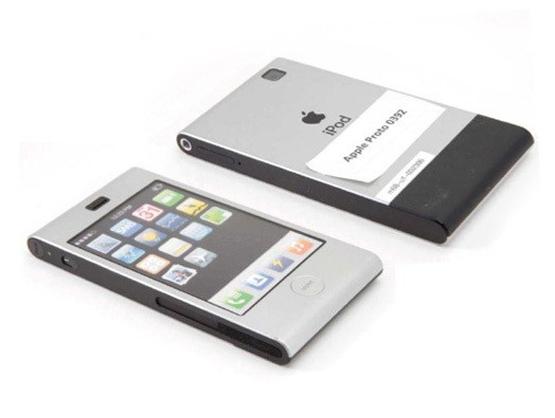
Want proof that Scott Forstall blocked Jony Ive’s vision for iOS? Here’s an early prototype for the iPhone, made in 2005 by Jony Ive’s industrial design lab. On the back it says “iPod” because it was based in the design of the old aluminum iPod Mini. Remember that dinosaur? But check out the icons on screen. Look familiar? The icons on the prototype’s screen look just like iOS 7!
The first betas for iOS 7 and OS X Mavericks and are now available for registered developers to download in Apple’s Dev Center. The iOS 7 beta is only available for iPhone models and the iPod touch. Apple has said that an iPad version will be coming in a few weeks.
OS X Mavericks is available as well for Mac developers. The Xcode 5 developer preview is available with support for iOS 7 and OS X Mavericks. Apple has released an iOS 7 beta for the Apple TV as well. Lastly, there’s a new beta of the Find My iPhone app with support for the new security features Apple has in iOS 7.
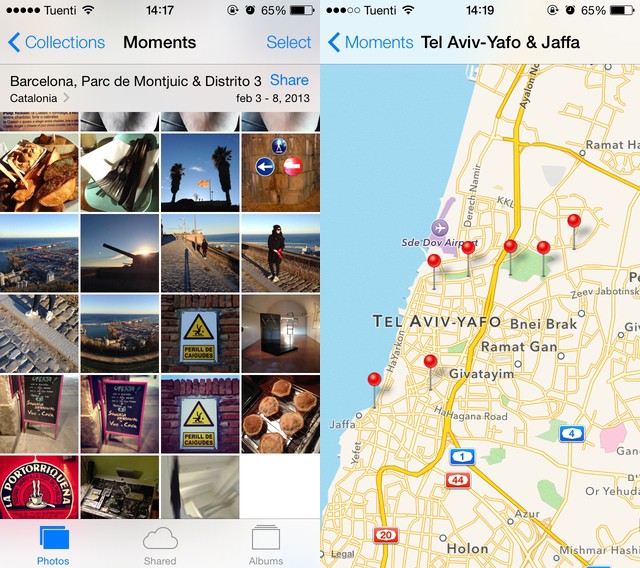
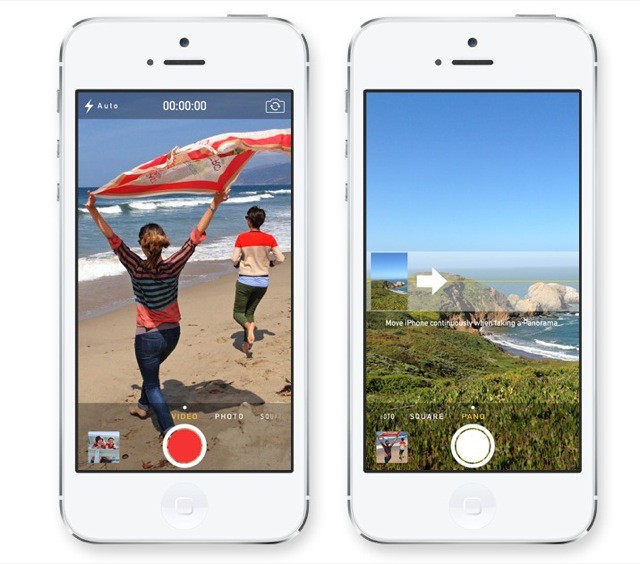
IOS 7 looks fantastic, and the good news is that photographers haven’t been left out of the updates. There’s new stuff in both the Camera app as well as Photos: a neat combination of flashy new features and great little fixes that will make both apps what they probably should have been to begin with.
After unveiling the radically redesigned iOS 7 and some of its marquee features, Apple announced availability info at WWDC. Developers will be able to get their hands on the first beta of iOS 7 later today, and the public release will happen later this year.
Apple typically issues several betas to developers in the months leading up to a new iPhone announcement. Expect that to happen again this year.
iOS 7 will run on the iPhone 4 and up, iPad 2 and up, and the 5th gen iPod touch.
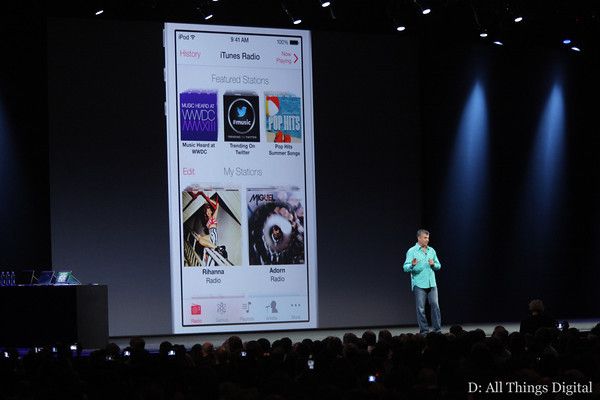
The rumors were right. Apple has unveiled iTunes Radio (previously dubbed ‘iRadio” by the rumor mill) in the iOS 7 Music app. The service works a lot like Pandora. You can create stations based on artists you like and share what you’re listening to over social networks.
There are featured stations as well as the collection you create based on your own tastes. iTunes Radio is built into iOS 7, the Apple TV, and an upcoming version of iTunes.
The service is free with ads, and if you have an iTunes Match subscription, there are no ads.