Almost from the start, iPad users have begged and pleaded with Apple to add a missing feature: split-screen multitasking.
Split-screen multitasking is the ability to run two or more apps simultaneously, side by side, just like you can on a desktop computer. But iOS, of course, is the antithesis of traditional multitasking. You can have only one app on the screen at a time.
That may be about to change. Apple is rumored to be adding multitasking to the iPad in iOS 8, which is expected to be shown to developers at next month’s Worldwide Developer’s Conference.
With split screen multitasking, you could write a paper in Pages on the left while researching in Safari on the right. You may even be able to drag and drop items between the two apps, like photos or chunks of text.
For some, this would be nirvana. Better multitasking would turbocharge the iPad, especially for work, right?.
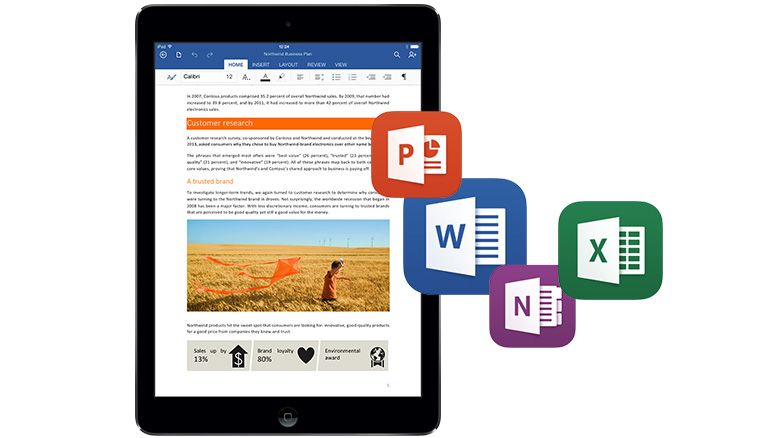
Microsoft loves to crow about the Surface 2 tablet’s ability to multitask, which in Redmond’s eyes makes the tablet appear more suited for work than watching cat videos. Some iPad users have been lobbying for it for years. The feature has been the subject of plenty UI mockups, design videos, and jailbreak tweaks.
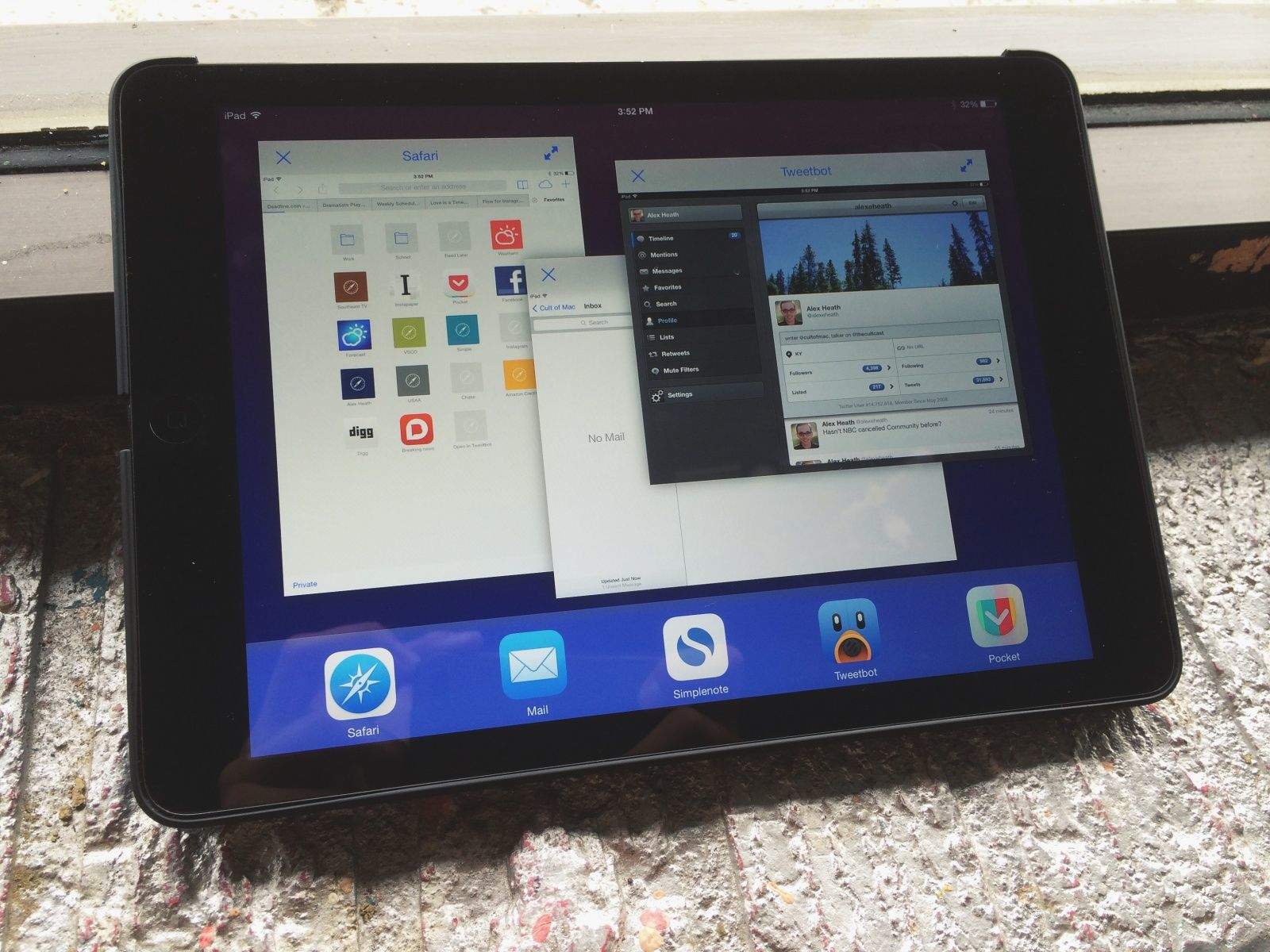
My iPad Air is jailbroken, and for the last week I’ve been using a new jailbreak tweak called OS Experience, which allows me to have split-screen multitasking.
I’ve tried using it as part of my daily workflow. And what I found was surprising.