Mobile menu toggle

Top stories - page 681

Pro Tip: Turn your finger into an eraser on iPad

By

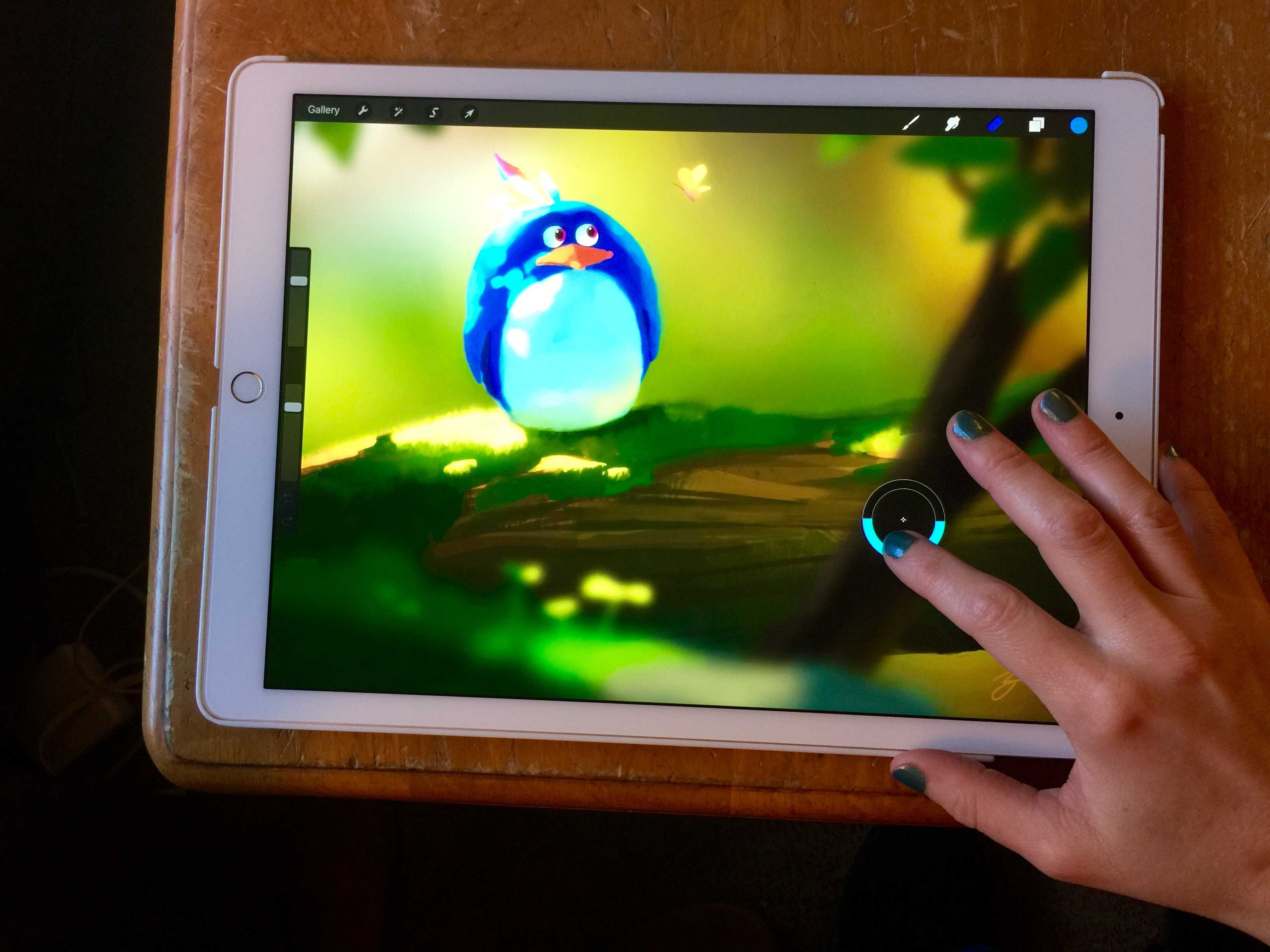
Erase with the touch of your finger.
Photo: Rob LeFebvre/Cult of Mac

Pro_Tip_Cult_of_Mac The iPad Pro has become a huge favorite of illustrators and artists all over the place, and as these talented individuals get their Apple Pencils, they’re starting to see the joy of drawing directly on Apple’s massive and powerful tablet.

Thing is, the Apple Pencil doesn’t have an eraser on the end of it, unlike competitor artistic styluses (including 53’s own Pencil stylus, which features a big, soft eraser on the end opposite the drawing part).

Luckily, if you’re using an app like Savage Interactive’s Procreate, you can tweak things to make your finger do the magic eraser job.

3 touchy tech topics to avoid at holiday dinners

By

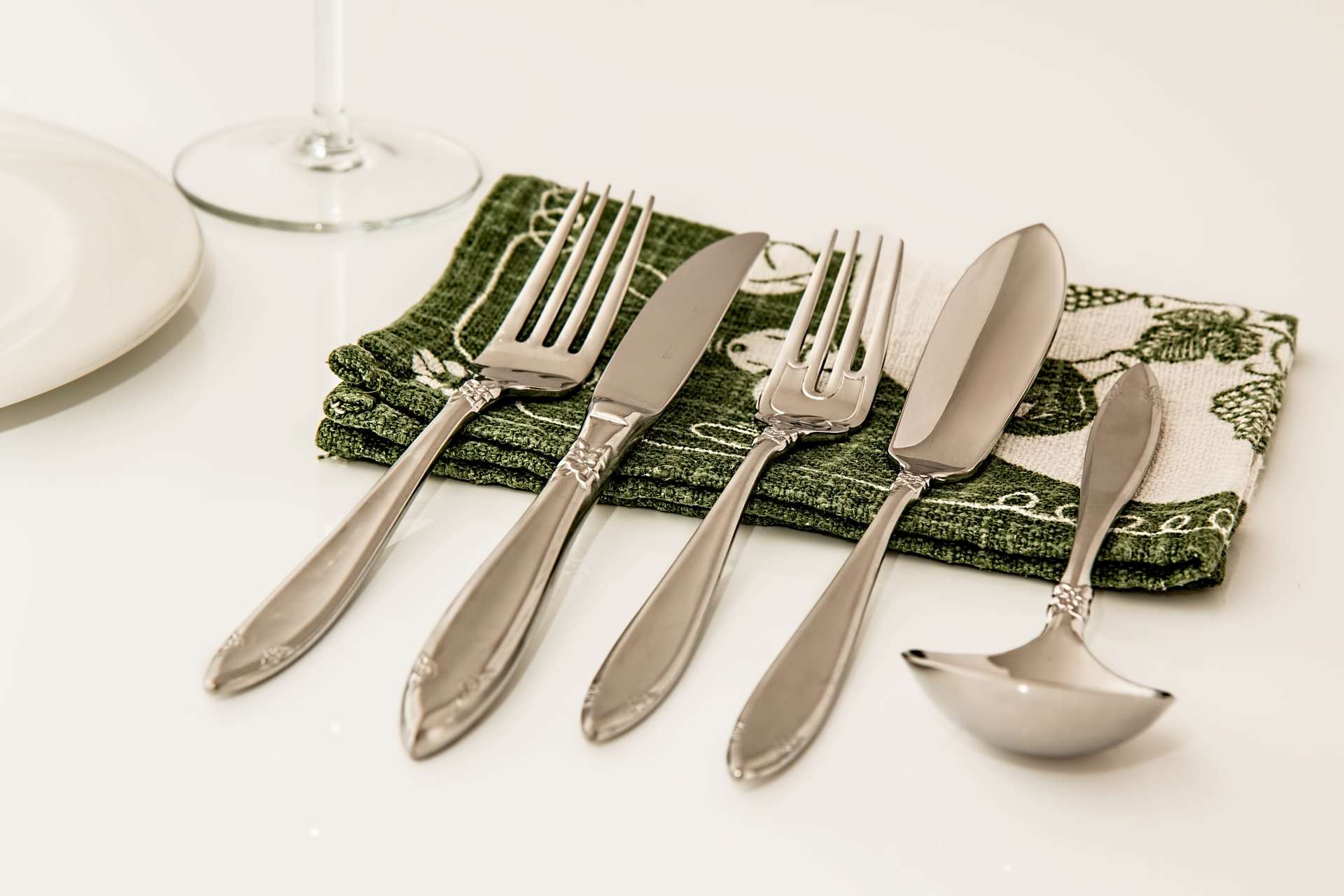
Place Setting Pixabay
Which fork does one use for seppuku, again? Someone get Miss Manners on this.
Photo: Steve Buissinne/Pixabay

The ever-expanding holiday season is upon us once again, and Cult of Mac wants to help make your obligatory family dinners the least awkward they can be.

We know that a certain amount of discomfort is unavoidable. Kids might have tantrums, Grinches might get a bit too much “holiday spirit,” or some cousin with a beef might have been waiting for everyone to be in the same room before they announce how they really feel about Grandma.

Family drama aside, we have a few tips for conversation tech topics to avoid during dinner to keep everyone as happy and un-yelled-at as possible. It was a big year for tech, but some topics are best left in Internet forums and the comments of your favorite Apple blog.

Pro Tip: Quick way to find stores that take Apple Pay

By

Apple in talks to bring Apple Pay to Israel
Photo: Jim Merithew/Cult of Mac

Pro Tip Cult of Mac bugApple Pay is showing up in more places these days, but if you live in a town like mine, it can be hard to know exactly where those places are.

Want to know whether that hip restaurant down the street or your local pharmacy supports Apple Pay before you get there? Here’s a super easy trick using either your iPhone or your Mac.

Speed test puts every iPad ever made under the gun

By

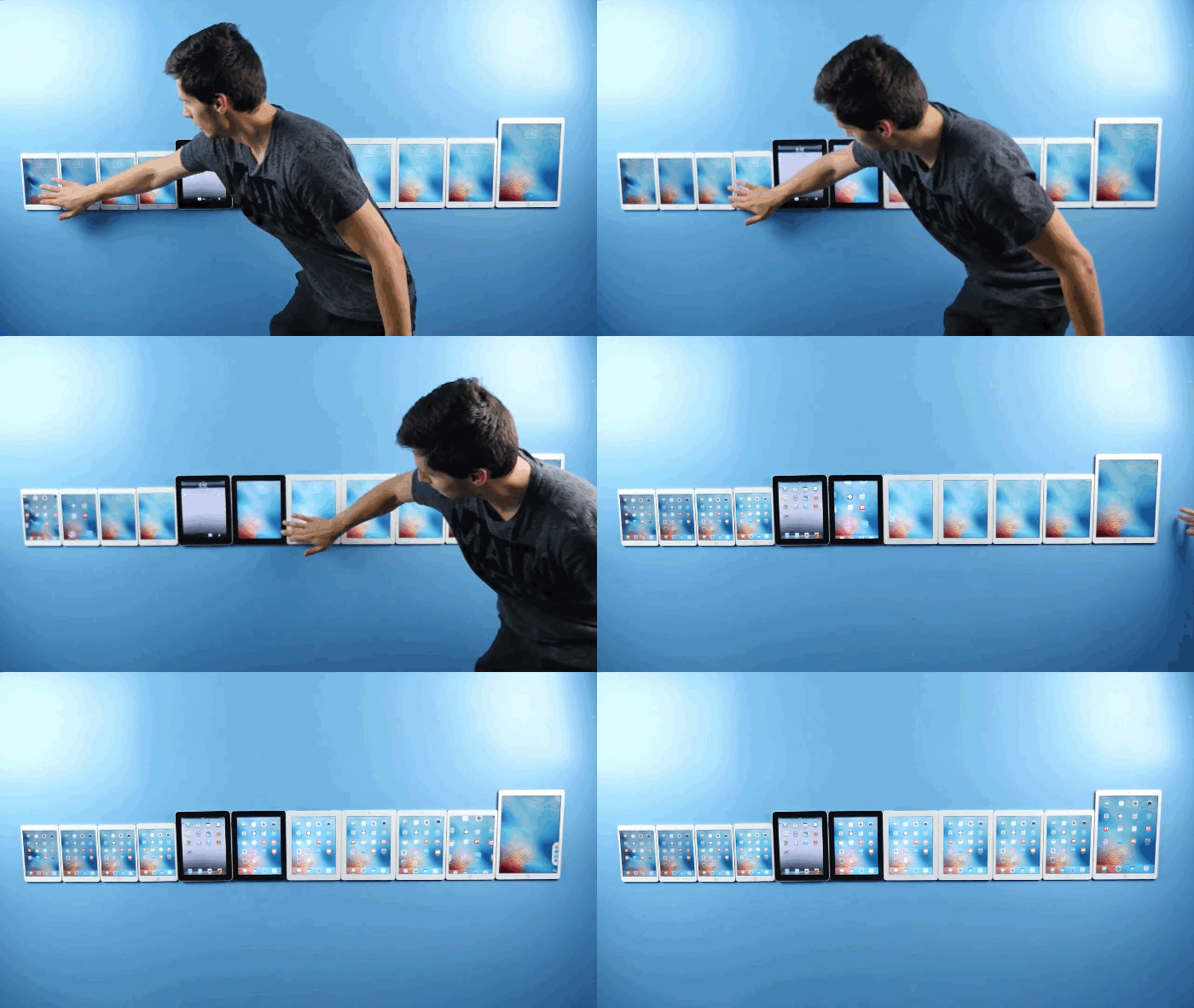
Ready, set, unlock!
Ready, set, unlock!
Photo: EverythingApplePro/YouTube

The iPad lineup has seen a ton of changes since Apple introduced its first tablet in 2010. Not only have the form factors evolved ever so slightly, but the internal components have pushed the product line from a cool reading/gaming device into a powerhouse machine that can replace your laptop.

To see just how much iPad has progressed, EverythingApplePro created a speed test using every iPad ever made. It’s no surprise that the iPad Pro comes out on top, but the original iPad off a shocker by beating some of its successors.

Check it out:

Dropbox is giving up on Mailbox and Carousel

By

dropbox-is-giving-up-on-mailbox-and-carousel-2-image-cultofandroidcomwp-contentuploads201404mailbox-android-c0_standard_10200-jpg
One of the nicest email clients on mobile is dead. Photo: Dropbox

Dropbox has announced that it is killing its Carousel and Mailbox apps in early 2016.

The company says it will use what it has learned from these products to improve its core Dropbox service, and to increase its focus on Paper, the tool that allows you to create new documents and collaborate on them in real-time in the cloud.

Data is everything, now learn to master it as a developer [Deals]

By

original_2948_DatabaseDevBundle_MF

Photo: Cult of Mac Deals

Understanding and working with data is key to how organizations large and small make and measure their impact. Mastering data can give you new insights and make you an invaluable asset to any team. If you’re intimidated by the thought of big numbers and spreadsheets, this massively discounted collection of lessons will give you the solid grounding you need to work with data like a maestro, covering the essentials of extracting, managing, and analyzing data. It’s a comprehensive bundle of lessons going for just $39 at Cult of Mac Deals.

Slash might be iOS’s most powerful keyboard, and it’s free

By

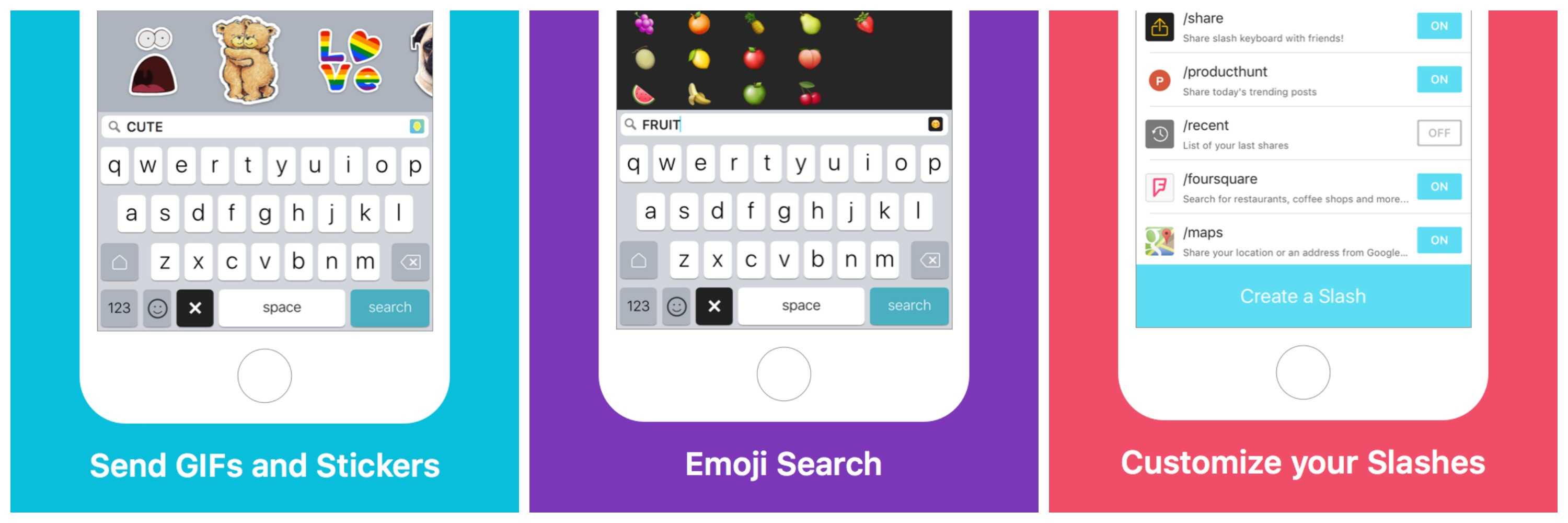
Slash Keyboard makes it easy to add GIFs, emojis and just about anything else to your messages.
Photo: Slash Keyboard

I’m not usually a big fan of third-party iOS keyboards because they’re often clumsy and perform worse than iOS’s default keyboard. But I like Slash Keyboard. It’s fast, it’s accurate, and it allows you to search for and insert nearly anything on the web – GIFs, stickers, YouTube videos, Foursquare locations, you name it — into an email or text message, without once changing screens.

iPad was 2015’s most popular Twitter tech hashtag

By

iPad mini 4
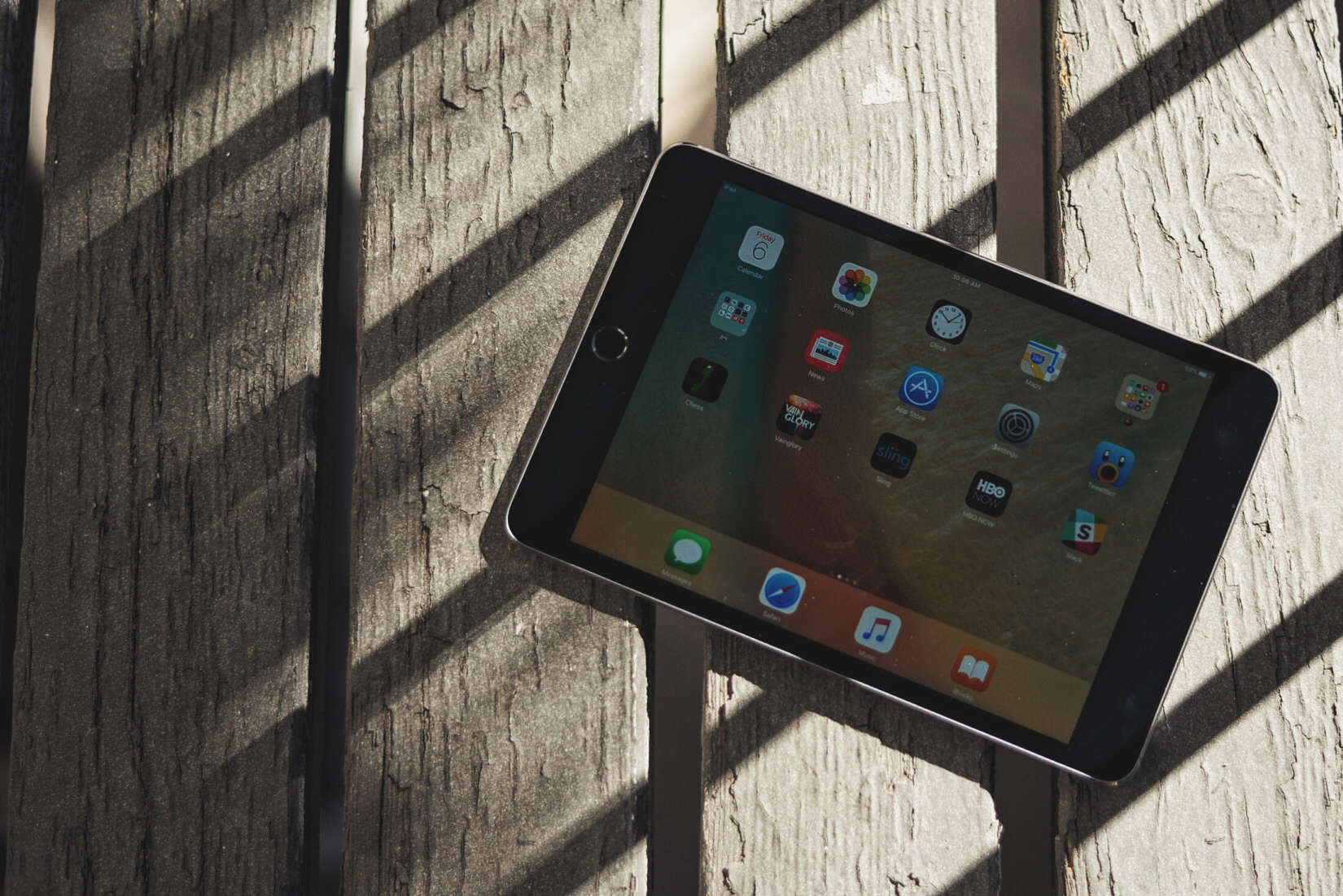
We're talking about iPads more than ever.
Photo: Buster Hein/Cult of Mac

Given its slowing sales and the continued record smashing of its iPhone brethren, it’s easy to think of the iPad as the “also ran” of Apple’s iOS devices.

In fact, people continue to talk about the iPad an enormous amount — more than any other topic in tech, if you believe Twitter’s freshly-released list of 2015’s top trending topics.

Top Apple analyst believes a 4-inch iPhone isn’t worth Apple’s time

By

Will the iPhone 6c be a flop like the 5c?
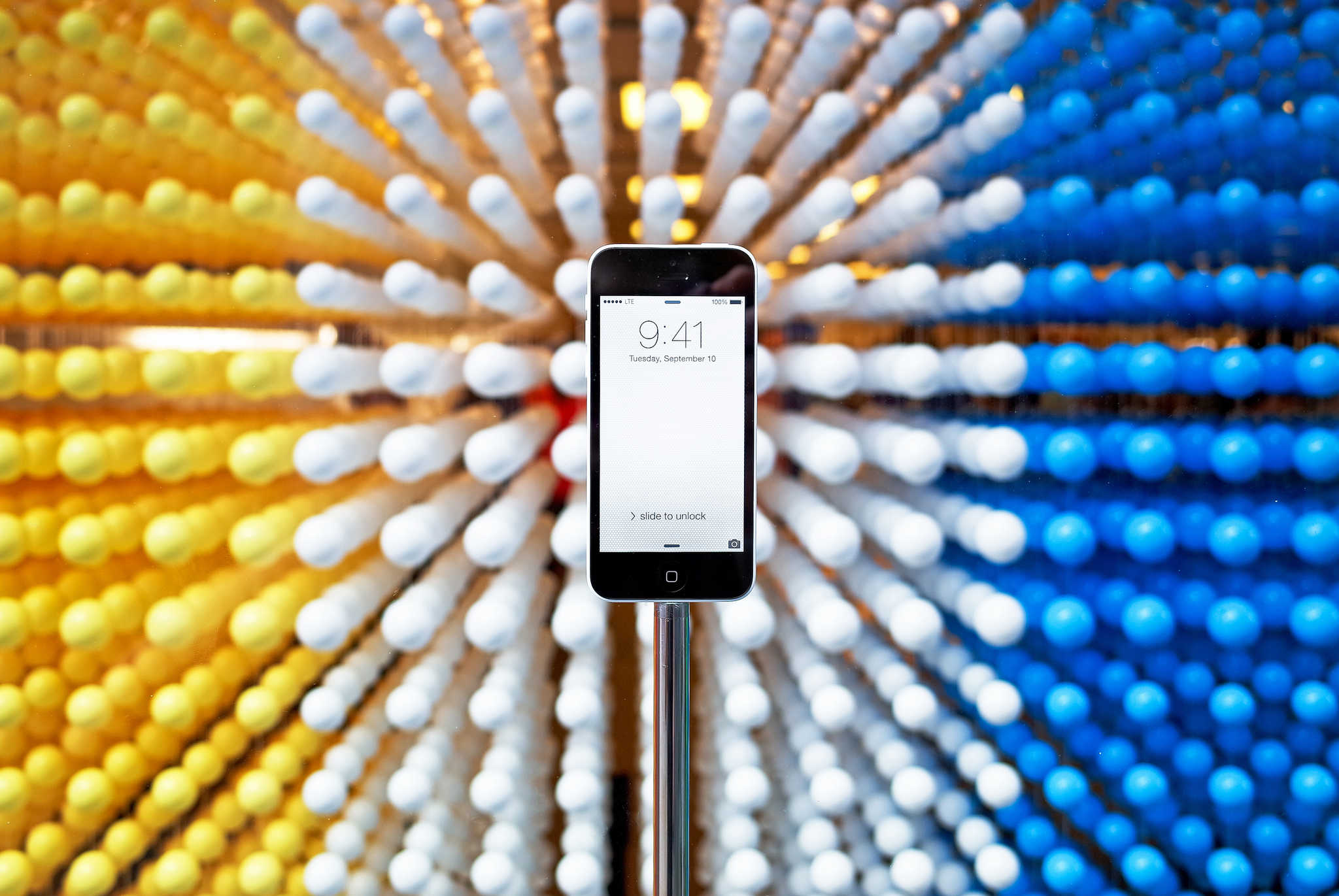
Would the 4-inch iPhone be a waste of time?
Photo: Gadgetmac/Flickr

We’ve heard plenty of conflicting reports about when we should expect a new smaller, 4-inch iPhone “c” from Apple, but Piper Jaffray’s resident Apple analyst Gene Munster suggests that Cupertino would be wasting its time by releasing a sequel to 2013’s iPhone 5c.

Why? Because, Munster claims, customers don’t really want smaller handsets at all.

PhotoPanda, Groove Planet and other awesome apps of the week

By

If you're appy and you know it, check our list!
Photo: Cult of Mac

From a photography app with a difference to a math training app with human curation and a fantastic classic iOS puzzle game going free, we’ve sifted through this week’s most exciting apps to bring you the ones you absolutely need to download now.

Check out our picks below. Trust us, this is the way you want to spend Sunday!

This micro drone turns flight on its head, literally [Deals]

By

The Micro Drone 2.0+ is easy to use, durable, and can fly right side up or upside down.
Photo: Cult of Mac Deals

Drones are becoming so common and easy to use that they’re almost impossible to break. Take the Micro Drone 2.0+ with HD-Camera: Inverted Flight Edition — just toss the thing into the air and it’ll automatically right itself, no matter the angle. Want to fly it upside down? It’s cool with that, in fact that’s what it’s built for. It’s an acrobat of a drone that’ll make your jaw drop, and so will the price, just $99.99 at Cult of Mac Deals.

Magic Flute bike pump is a magical tool you shouldn’t ride without

By

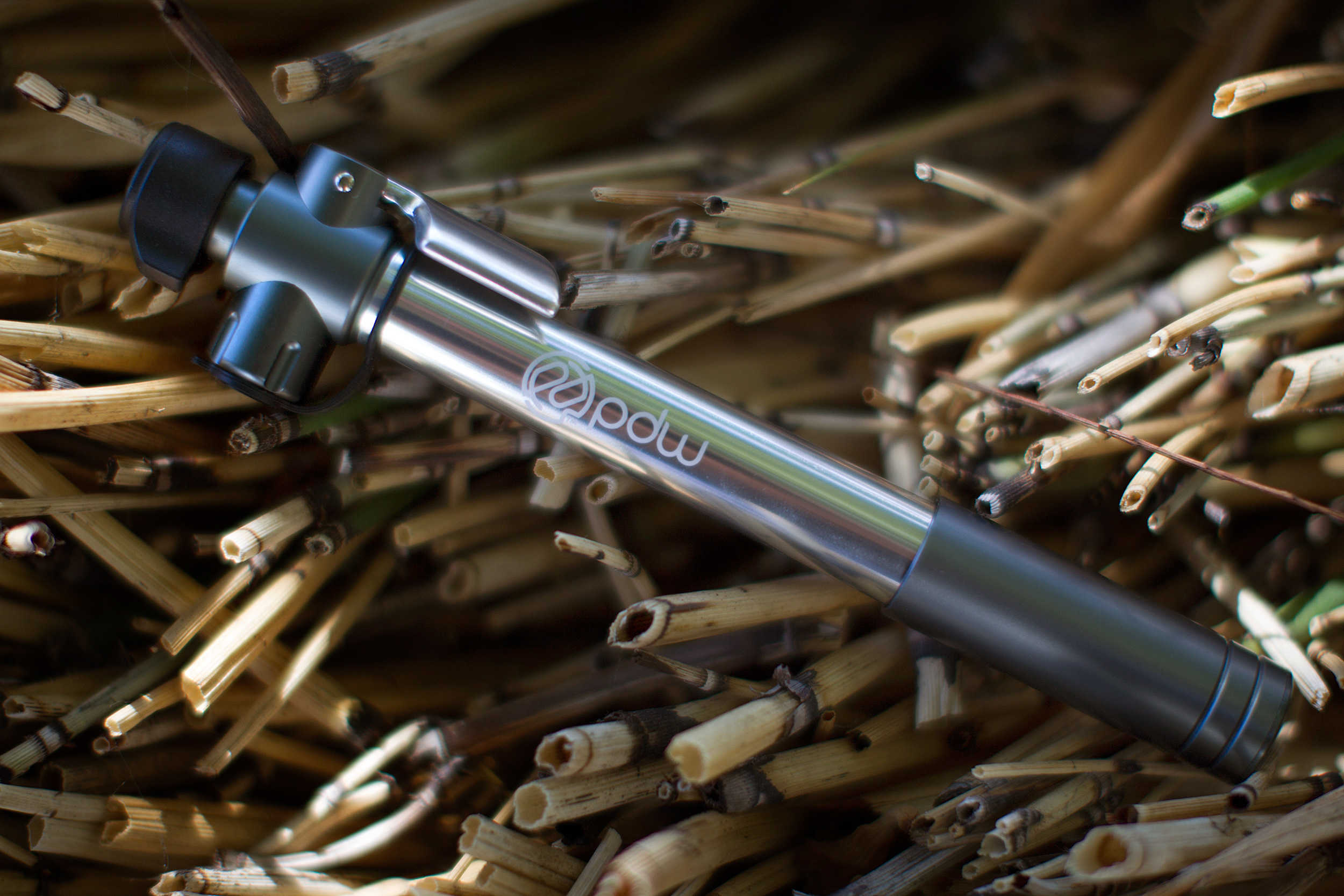
The Magic Flute bike pump is as gorgeous as it is practical.
Photo: Jim Merithew/Cult of Mac

Best List: Magic Flute bike pump by Portland Design Works

The magic of the Magic Flute is its ability to do two things with equal aplomb.

On the one hand, it is a solidly built hand pump that lets you fill your bike tire the old-fashioned way. On the other, it is a handy CO2 cartridge adapter that lets you fill your tire quickly without the need for elbow grease.

How Apple out-innovates the competition, this week on The CultCast

By

Just how did those Apple whiz kids get so darn creative?
Photo: Library of Congress

Though Apple spends far less on research and development than the competition, they out-innovate them all. How? Catch the discussion on this episode of The CultCast. Plus: iPhone 7 may ditch the beloved headphone jack; Amazon Video is coming to Apple TV; the holiday accessory that could be eroding your WiFi signal; and with the year drawing to a close, we choose we our favorite Apple device of 2015!

Our thanks to Lynda for supporting this episode. Lynda is like the Apple Music of online education, with over 3000 expert-taught video courses you can stream straight to computer or mobile device. Learn how to use Logic’s new super powerful Alchemy synth, or develop Mac apps for OS X—learn all you want for free for 10 days at lynda.com/cultcast.

How to choose the right running app for you

By

And the winner is… find out which running app offers the most features
Photo: Graham Bower / Cult of Mac

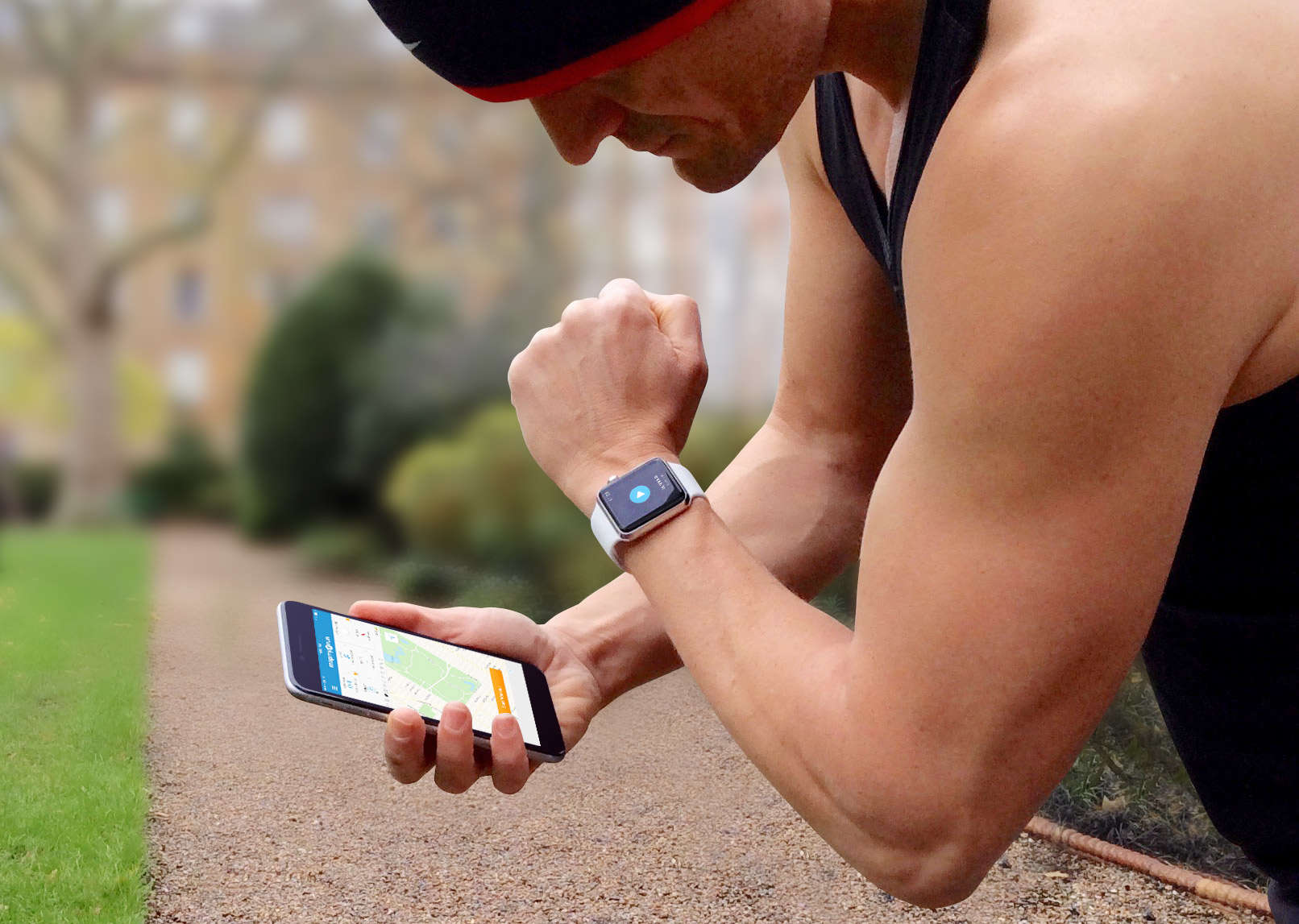
There are so many iPhone apps for runners, it’s hard to decide which one to use. Should you go for a familiar brand like Nike, or a specialist like Runkeeper?

Ultimately, all running apps do pretty much the same thing: They use GPS to track how far and how fast you run. But when you take a closer look, their features and prices vary considerably. So I’ve done the leg work for you, to help you find the right running app faster.

Beats Music subscriber, your time is almost up

By

apple-is-killing-beats-music-this-month-image-cultofandroidcomwp-contentuploads201511beatsmusic_ios_combo-jpg
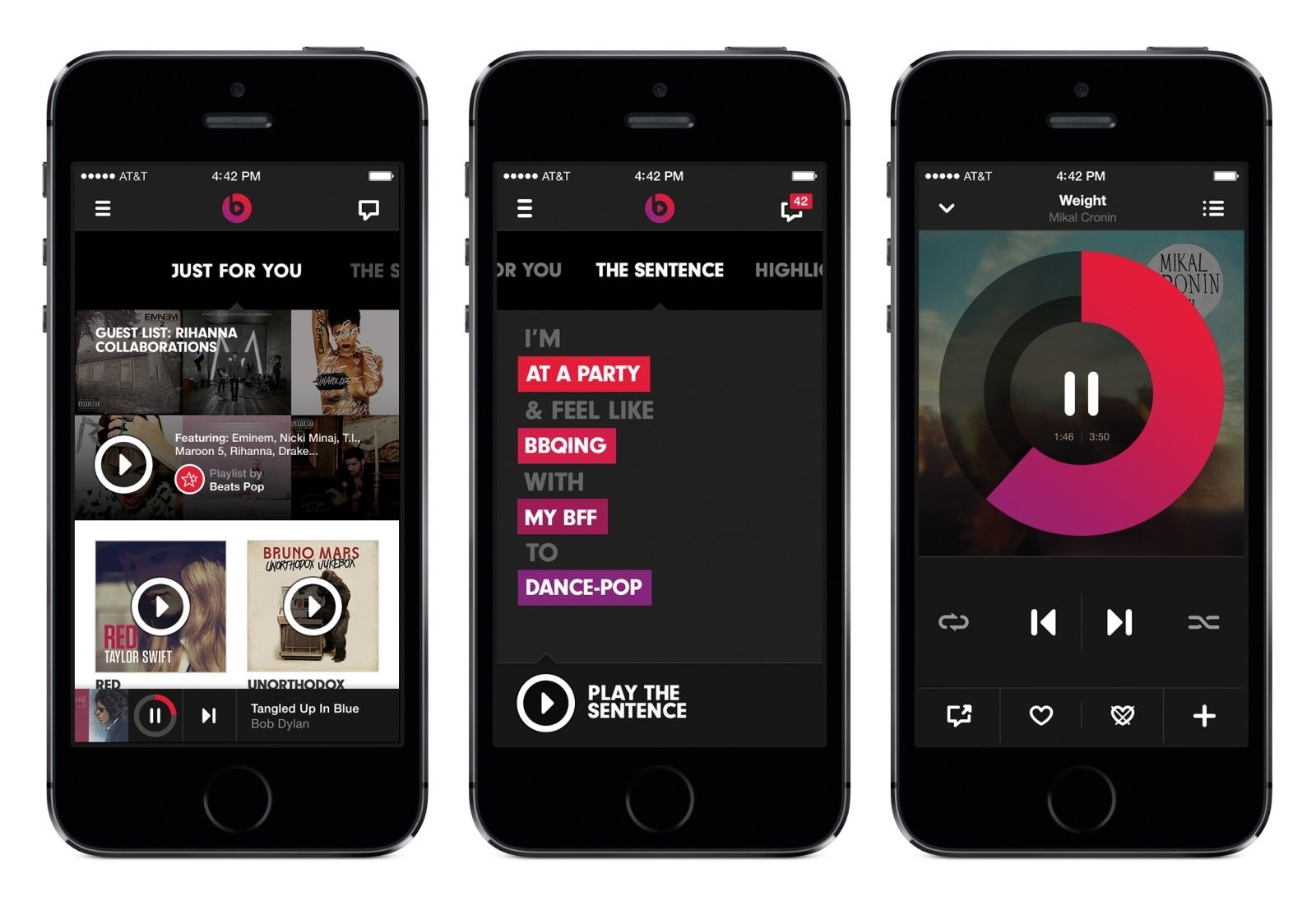
Apple is getting rid of your data next month.
Photo: Apple

If you’re still subscribed to Beats Music instead of Apple Music, your days are numbered. Until January 19, you have the opportunity to save all of your playlists and migrate your account data over to Apple Music if you wish to do so. But after that, Apple will discard of your current data.

Will Apple alienate iPhone fans by ditching the headphone jack?

By

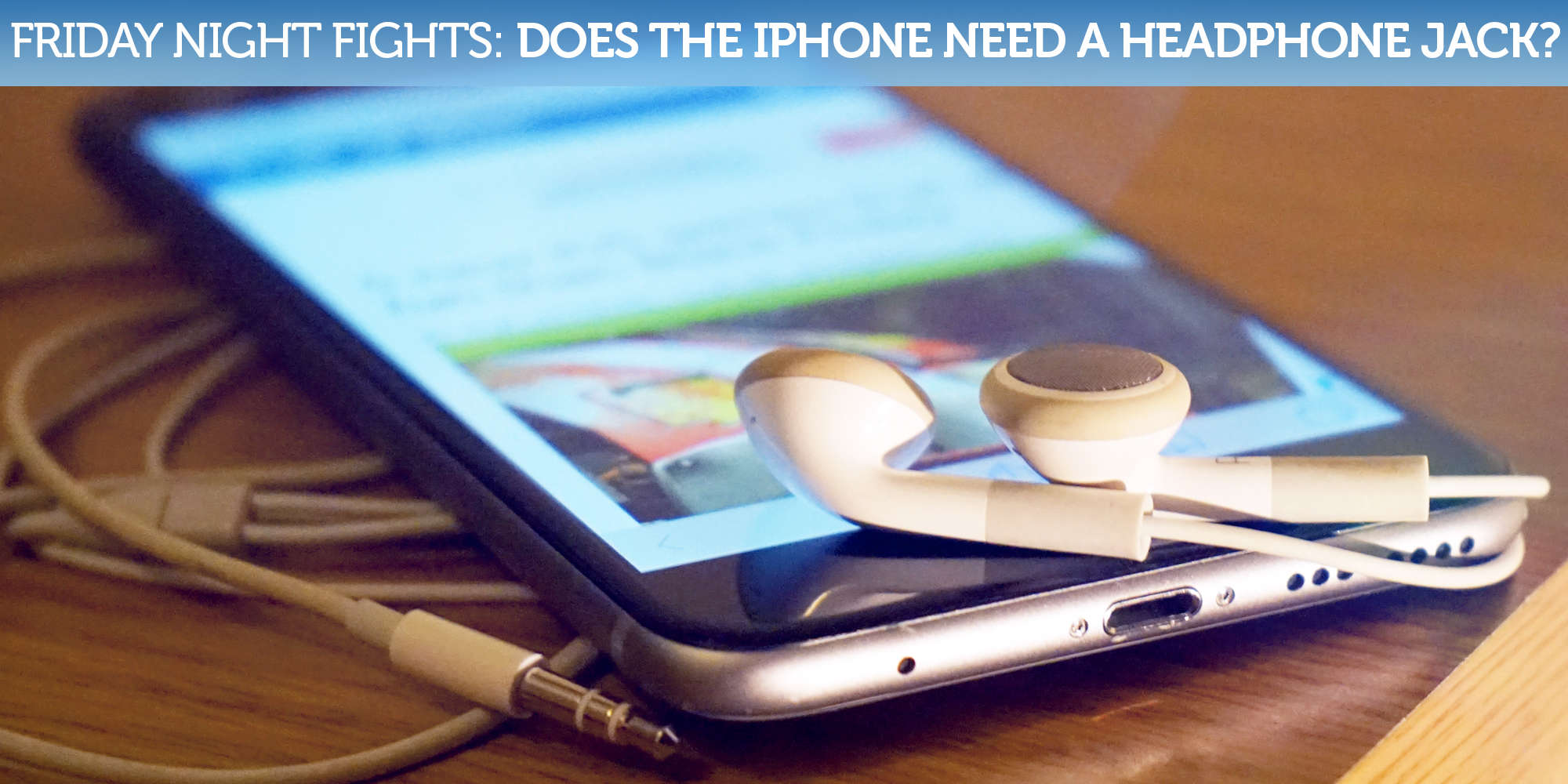
FNF2
Apple could be about to kill another technology.
Photo: Ste Smith/Cult of Mac

Apple has famously killed popular technologies when it believes they’re past their best — and it could be gearing up to kill one more. According to recent rumors, next year’s iPhone 7 will ship without the 3.5mm headphone jack in favor of a thinner form factor.

Friday-Night-Fights-bug-2Understandably, a lot of fans are unhappy about that prospect, which would mean all our existing headphones wouldn’t be compatible with the next iPhone — at least not without a (pricey) adapter. But could it be a move that pays off in the long run? Are there pros that outweigh the cons?

Join us in this week’s Friday Night Fight between Cult of Android and Cult of Mac as we battle it out over these questions and more!

5 new iOS games that are more fun than Black Friday

By

5 best ios games

Photo: Stephen Smith/Cult of Mac

It’s hard to find the best games out there. Every month, there’s a list as long as, well, a really long list of games on iOS that you might like but might actually suck.

Even the sheer volume of the vaunted Editor’s Choice picks can get overwhelming.

That’s why we’re here — to give you a leg up in finding just the right number of the very best new iOS games you can find on the App Store, without all the weeding you’d need to do just to find them on your own.

Here are our five favorite games from the month of November.

Bumps and spills won’t harm this rugged, water-resistant Bluetooth speaker

By

A little water won't hurt GoGroove's rugged BlueSync RGD speaker.
Photo: Rob LeFebvre/Cult of Mac

Best List: BlueSync RGD Bluetooth speaker by GoGroove

There are those of you who like to take risks. Face it, you love living on the edge, taking your precious electronics into dusty, dirty and even wet locations.

If your dream is to play tunes at high volume while you raft Class V rapids, rappel down a sheer cliff face or just take a shower, GoGroove has you covered.

The BlueSync RGD is a super-rugged, water-resistant Bluetooth speaker that will go with you anywhere and deal with almost all the dangers you can throw at it, all for a wallet-friendly price.

Affordable camera might bring virtual reality to the masses

By

LucidCam hopes to turn the novelty of Virtual Reality into an affordable reality for the average consumer.
Photo: LucidCam

Han Jin was looking through the eyes of the robot and could see the future. But the story doesn’t end well for the robot.

Jin’s view, with his colleagues’ support, put robot building on hold. The team changed direction, using the robot’s seeing mechanism to develop a Virtual Reality camera that could be put in the hands of regular folks.

Get an iPhone 6 and a year of unlimited talk-and-text for less than half price [Deals]

By

iphone 6
The iPhone 6 is still a great device.
Photo: Apple

Whenever the new iPhone comes out, scores of us start eyeing our contracts and working out the math hoping it’ll be worth the jump. This deal from FreedomPop takes the pressure off, offering a certified pre-owned iPhone 6 and a year of premium wireless service, including 500 megabytes of LTE data every month, without any contract nonsense or cancellation fees. And the kicker? The whole package is $549.

Google’s new app transforms phones into VR cameras

By

googles-new-app-transforms-phones-into-vr-cameras-image-cultofandroidcomwp-contentuploads201512Google-Cardboard-Camera-simulation-gif
Google Cardboard Camera simulation
Like this, but you’re wearing a big thing on your face.

Google has unleashed a free app that will let anyone with an Android phone take panoramic videos and record sound. Later, you’ll be able to use your virtual-reality headset of choice to relive those moments in 3-D.

The app is called Cardboard Camera, after Google’s own build-it-yourself VR goggles, and it’s available now in the Google Play app store.

Embedded iPad helps artist really get into his work

By

Skype for iPad
Above: art supplies.
Photo: Skype

A painting by artist Jorge Pardo is taking work away from bull-slinging gallery explainers.

The piece, which is currently showing at Art Basel in Miami, depicts an impressionist version of the artist on a slide at a water park. It comes from a photograph his daughter took and looks really cool, but that’s not the most interesting part of the work.

That honor belongs to the iPad set into the lower-right corner of the piece that can let anyone who walks by connect to Pardo via Skype.