Mobile menu toggle

Top stories - page 663

Smartwatches don’t have to cost stupid money [Deals]

By

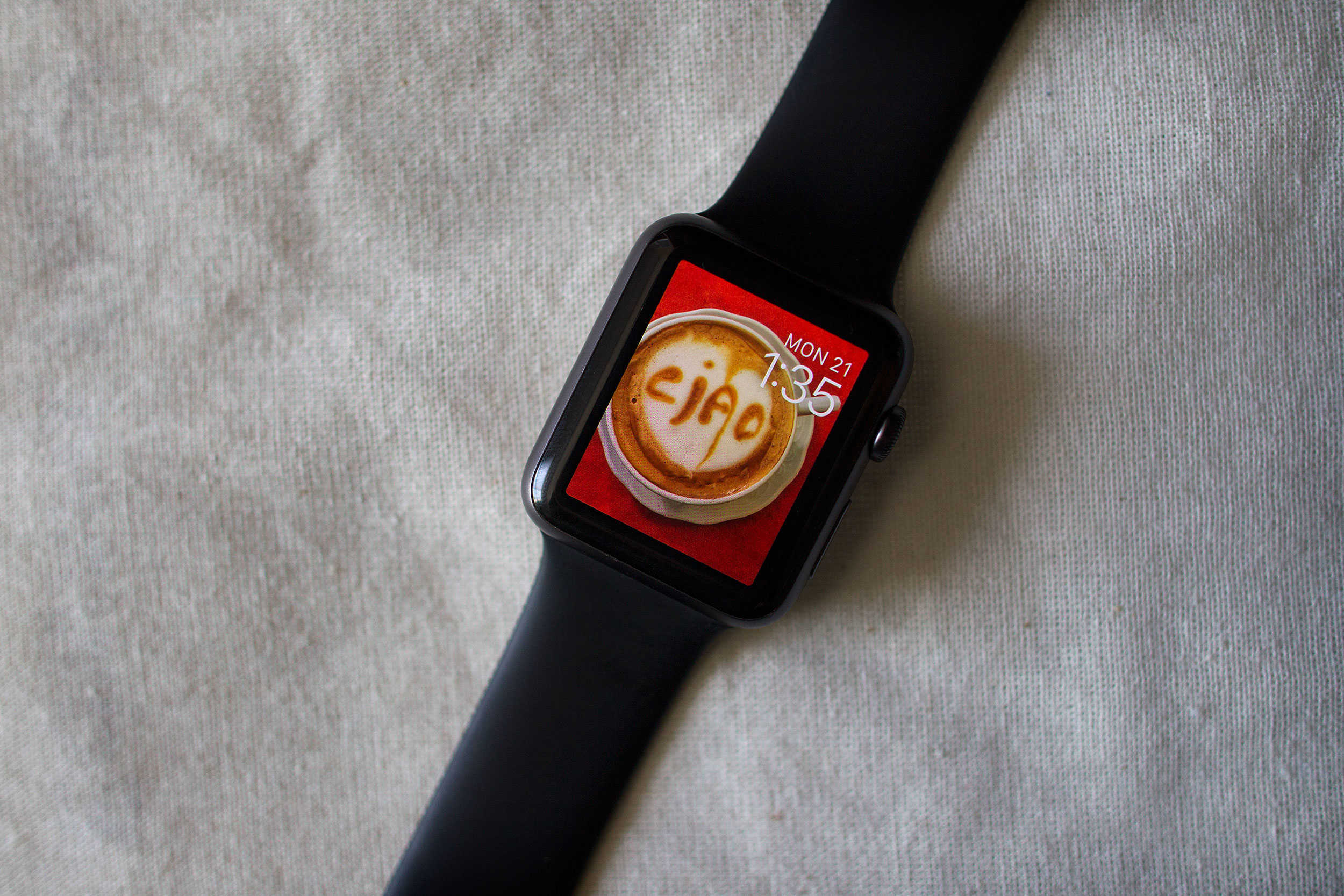
The Martian is a smartwatch with all the features you want but at a price you can afford.
Photo: Cult of Mac Deals
If you wear a watch, it’s probably not a smart one. That’s probably because the current generation of smartwatches are prohibitively expensive, and the cheap ones aren’t worth the plastic they’re printed on. Martian Notifier Smartwatch shows that’s not how it has to be, it’s a slick, feature rich wrist piece that you can get for just $35.99.

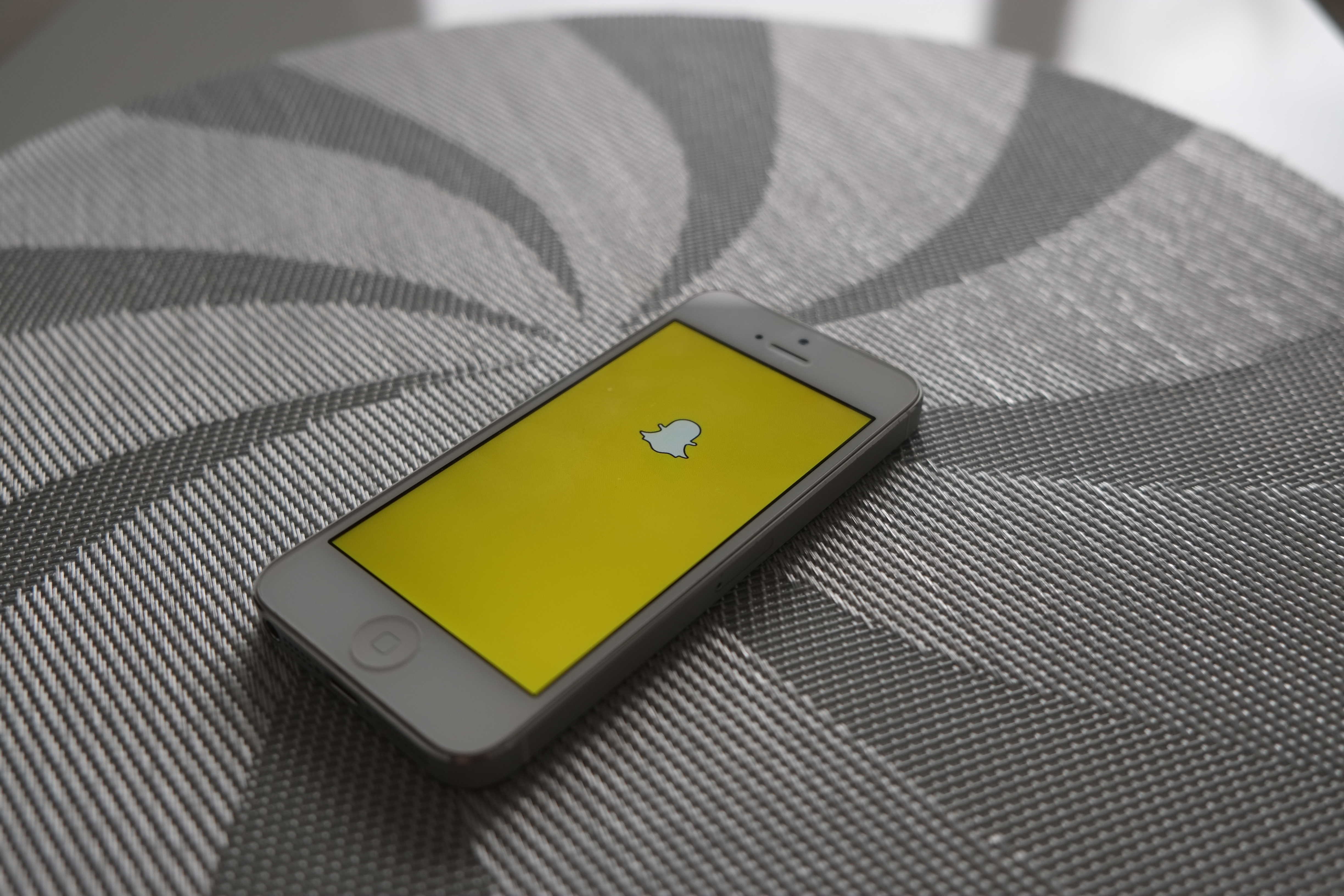
How to save Snapchats without your friends knowing

By

You can totally outsmart Snapchat's screenshot notifications.
Photo: Adam Przezdziek/FlickrCC

Snapchat — love it or hate it, chances are you’re using it to playfully stay in touch with your friends and family via real-time photo updates of your best duck face selfies.

One of the ubiquitous app’s features is that your images disappear within a set amount of time, letting you be creative, silly or racy as you see fit without worry about those images sticking around or getting posted to the ‘net.

Savvy users, however, know that they can take a screenshot of any Snapchat and save it to their Camera Roll. Snapchat countered by letting the person you’re connected with know when you try to sneak a screenshot of their photo.

If, however, you’re looking to work around this new “feature,” there’s a simple trick that lets you save Snapchats without your friends knowing.

Best clipboard manager apps for iPhone and iPad

By

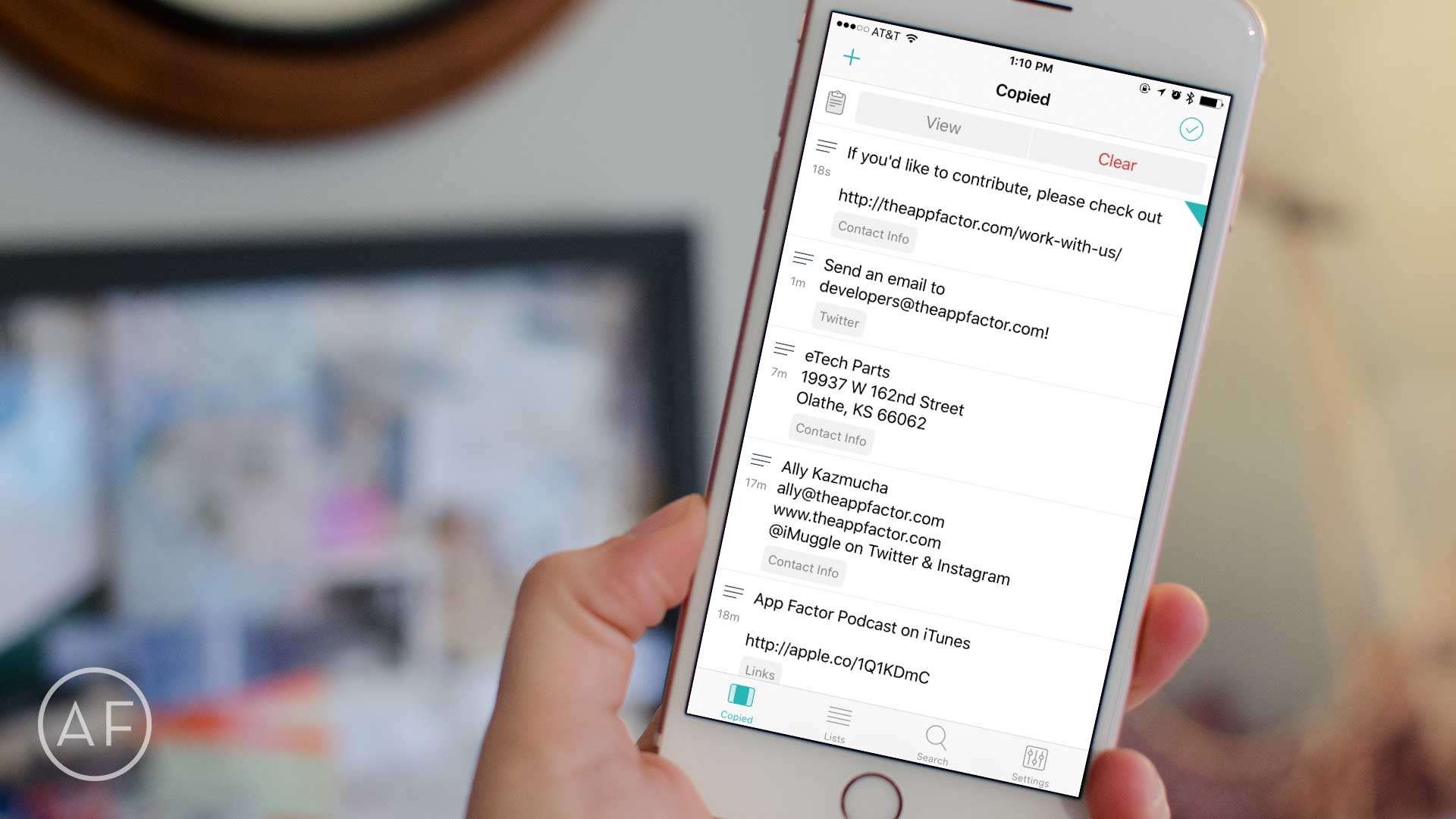
Typing out the same strings of text over and over? Let these clipboard management apps make your life a lot easier.
Photo: Ally Kazmucha/The App Factor

app-factor-logo-thumbnailDo you frequently find yourself repeating the same blocks of text in emails? Or maybe you send certain sets of data, contact information or links on a regular basis. Text snippet and clipboard apps are lifesavers for anyone that finds themselves doing this. Many of them can not only capture and save from the clipboard, but make your most frequently used selections available in just a swipe.

These are currently my favorites when it comes to clipboard and text snippet apps, and why I’d recommend them.

Killer ski jacket takes you from slopes to chalet

By

Helly Hansen updates its resort jacket.
Photo: Jim Merithew/Cult of Mac

Best List: Helly Hansen Alpha 2.0 Jacket

This jacket delivers comfort, no matter the conditions.

They call it the “Classic Resort Jacket,” and if this means I can hit the frontside corduroy, and the backside snow bowl, and also sip hot toddies in the lodge without ever worrying about maintaining or regulating my temperature, then they nailed it.

Qualcomm’s new Snapdragon chip still can’t beat last year’s iPhone

By

qualcomms-new-snapdragon-chip-still-cant-beat-last-years-iphone-image-cultofandroidcomwp-contentuploads201602Apple-A9-png
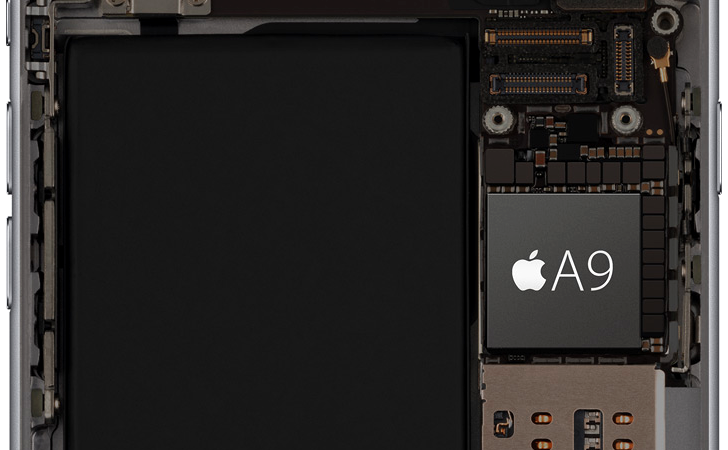
There's a lot of magic in that A9 chip. Photo: Apple
There’s a lot of magic in that A9 chip. Photo: Apple

Many of this year’s high-end Androids will come with Qualcomm’s latest Snapdragon 820 processor. It’s up to twice as fast as the Snapdragon 810 that powered many of last year’s flagships — but it still can’t beat the iPhone 6s.

According to tests carried out on GFXBench, Apple’s A9 processor outperforms Qualcomm’s best alternative — despite slower clock speeds and fewer cores.

Poor security leaves popular Mac apps open to attack

By

MacBook Pro
Protect your Mac.
Photo: Apple

When it comes to your Mac apps, there’s reason to fear a so-called man in the middle.

A security engineer is reporting several apps vulnerable to malicious coding through Sparkle, the third-party software framework apps use to receive updates. Some of the apps identified include versions of Camtasia, VLC, uTorrent, Sketch and DuetDisplay.

Instantly add gigs of capacity to your iPhone or iPad [Deals]

By

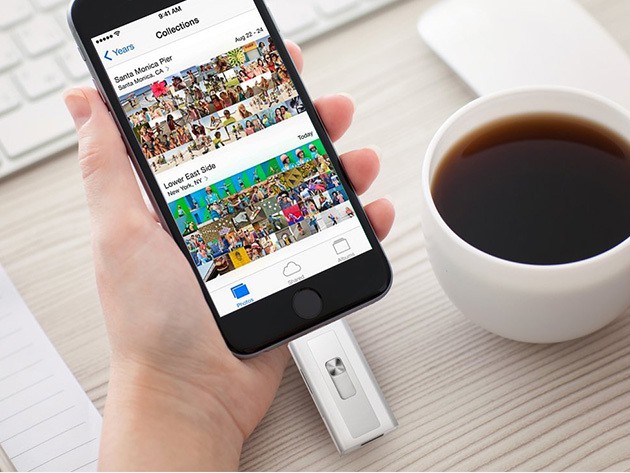
Add up to 128 gigs of Micro SD storage directly to your iDevice via Lightning or USB 3.0.

A gig sure isn’t what it used to be. Give it a few months and that capacious new iPhone of yours is going to be busting at the seams from too many bytes. Thankfully you don’t have to get a new phone, go on a data diet or even look to the cloud for help, just add up to 128 gigs of extra storage with Xtra’s Lightning Flash Drive. Right now you can get one for just $71.99, including a 16GB micro SD card.

Everything you need to know about iOS’ crippling ‘Error 53’

By

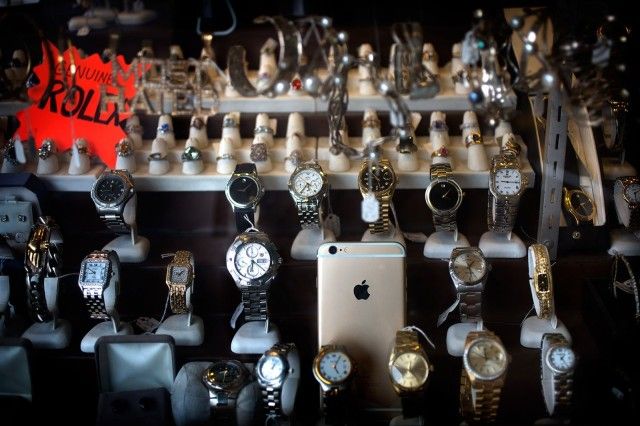
Error 53 makes gold iPhone  worth s***.
The dreaded "Error 53" can turn an iPhone into a shiny brick.
Photo: Jim Merithew/Cult of Mac

Apple is in the midst of an all-new controversy, thanks to the mysterious “Error 53” message that is bricking iPhones without warning.

The problem can hit DIY types or anybody who has ever had a Touch ID sensor (or other iPhone hardware) replaced by a repair shop not authorized by Apple. When they update iOS, the device locks down, displaying the cryptic Error 53 message and rendering the iPhone virtually worthless.

Apple says Error 53 is actually a security feature of iOS 9 that keeps your personal information secure, but customers aren’t convinced. Cult of Mac talked to iPhone repair and and parts experts to find out what exactly is going on. The truth is that Error 53 has plagued many iPhone owners, not just those who have replaced Touch ID — and it’s not totally clear why.

Best ergonomic accessories for Mac owners

By

Work behind a Mac all day? Be sure you're protecting your back, neck, and feet with these accessories.
Photo: Luke Chesser/Unsplash

app-factor-logo-thumbnailSitting, or standing, in the correct position while working behind a Mac, or any computer, is incredibly important to your overall health — and ergonomic accessories can help. As I’ve come to learn over the past year, incorrect posture and bad ergonomics can result in back, neck and even foot injuries.

When I started struggling with neck and shoulder tightness, I never thought how I was working could be to blame, but after some back and forth with my doctors, the root of the problem had everything to do with my posture and how I was sitting and standing, particularly while working on my iMac or MacBook.

How to get the most out of Siri on your Apple TV

By

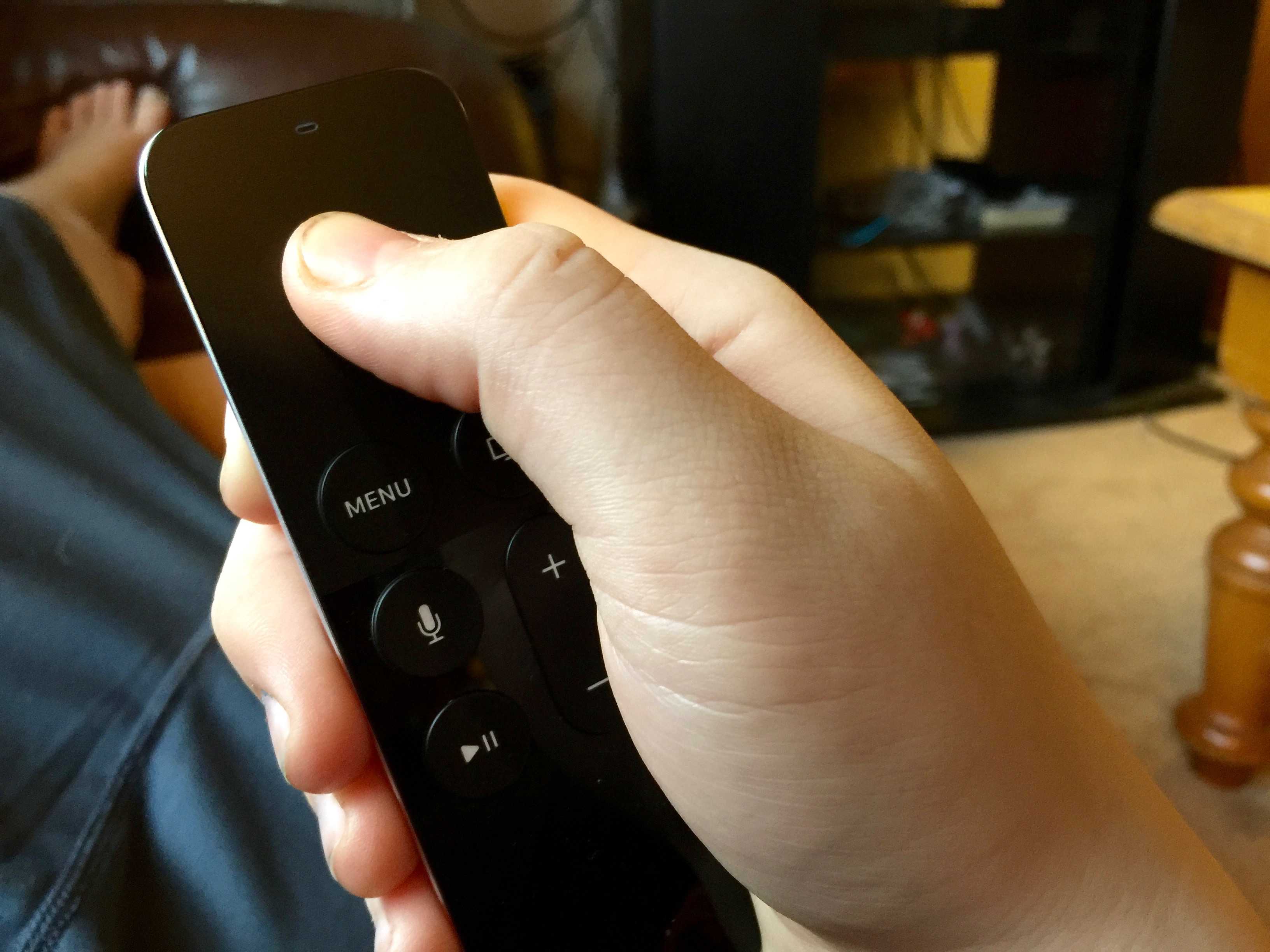
tvOS changes the default scrubbing behavior of your Siri Remote, and we couldn't be more glad.
Photo: Rob LeFebvre/Cult of Mac

Use the power of your voice to watch TV. That’s not something out of Star Trek, but the promise of Siri on the fourth-generation Apple TV.

Beyond basic commands to find your favorite TV shows and movies, you might not know how much Siri can actually do for you. But using Siri Apple TV voice commands will unlock loads of helpful features, including reading onscreen labels, getting more in-depth info about whatever you’re watching, navigating various screens, and even playing music on demand.

And it’s bound to get better yet, as the new tvOS beta is bringing Siri dictation to search fields and the App Store.

Here’s how to get the most out of Siri on your Apple TV.

With a little puck, you won’t miss 3.5mm jack on iPhone

By

If you need a place to plug in . . .
Photo: Sean Nelson

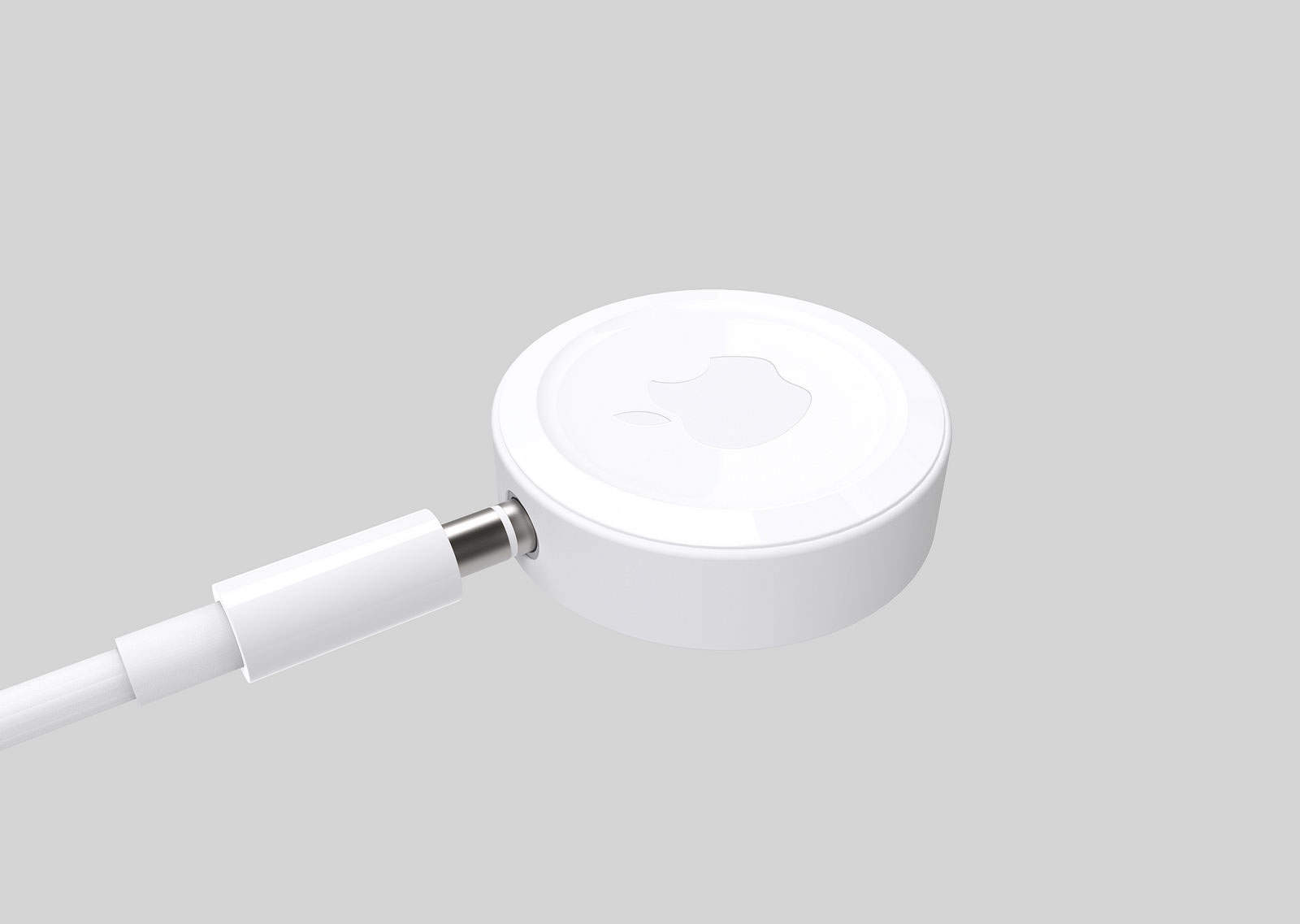
Your next iPhone probably won’t have a headphone jack, and Sean Nelson is telling you to get over it. But he says so gently by offering iPhone fans a glimpse of what a jackless future might look like.

The industrial design student has drawn up one way Apple or any other third-party company might bridge the 3.5mm gap with a small Bluetooth headphone puck. Under Nelson’s concept, our soon-to-be-outdated headphones would plug into a small, clip-on disk.

Gordy’s gorgeous strap will keep your camera in the loop

By

20160130_gordy-strap_0011
Slip your hand into this handcrafted camera strap for secure snapping.
Photo: Jim Merithew/Cult of Mac

Best List: Gordy’s Camera Straps

Considering my Sony RX100 cost about 40 times more than a garden variety point-and-shoot camera, I’d expect it to come with a quality strap. But it does not. It comes with a shoelace attached to a string.

I wanted a strap I could securely attach to the tiny ring, let hang out from my bicycle jersey pocket, and slip my hand through for easy access.

While sifting through Sony camera internet forums, I discovered Gordy’s. And I’m ecstatic I did.

Firewatch could be the prettiest mystery you play this year

By

firewatch-could-be-the-prettiest-mystery-you-play-this-year-image-cultofandroidcomwp-contentuploads201602Firewatch-png
Firewatch is already raising the bar for 2016. Photo: Campo Santo

If you’ve forgotten why it’s great to be a gamer, you just have to take one look at Firewatch.

The first-person mystery set in the Wyoming wilderness is a visual masterpiece that’s being praised by just about everyone — and you can get it today on Mac, PC, Linux, and PlayStation 4.

Building a website takes tools and skills, here’s how to get both [Deals]

By

Become fluent in one of the most fundamental languages underpinning the Internet itself.
Photo: Cult of Mac Deals
Leaving your mark on the Internet shouldn’t just extend to the comments section. But to build useful, beautiful things online you need the skillset and the toolset, whether languages like JavaScript and HTML, or publishing platforms like WordPress and Photoshop. All of that and more is covered in this collection of web development bundles.

Take a look:

Android creator will offer free dashcams in exchange for drive data

By

Andy Rubin
Andy Rubin allegedly dated a colleague at Google.
Photo: Google
Andy Rubin wants more eyes on the road. Photo: Google

Andy Rubin, who co-founded Android before leaving Google in 2014, is building dashboard cameras that he wants to give away for free. But in exchange for an extra eye on the road, Rubin wants you to give up all the data your dashcam collects.

Apple could face class-action lawsuit over ‘Error 53’

By

touchid
Unauthorized repairs could brick your iPhone.
Photo: Apple

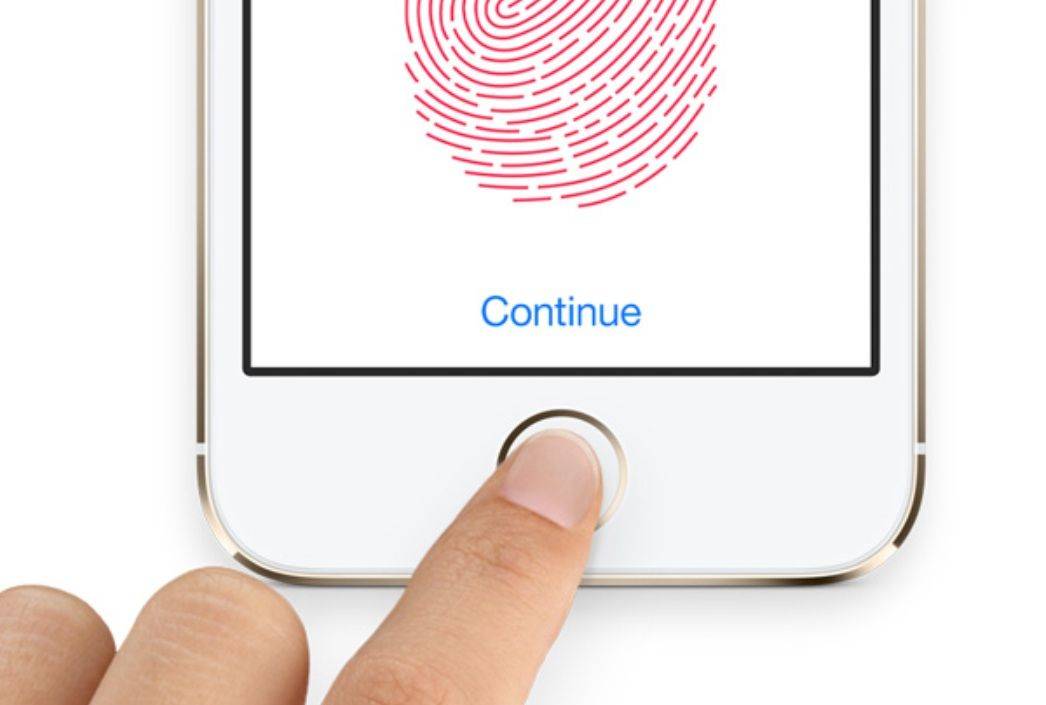
A U.S. law firm is considering filing a class-action lawsuit against Apple for the “Error 53” security measure that permanently disables iPhones that have been fixed by unauthorized repair shops instead of Apple’s Genius Bar.

Controversy surrounding the Error 53 message erupted last week after it was found that repairs involving Touch ID can potentially brick iPhones without any warning. Apple insists Error 53 is a feature of iOS, but many have pointed out that the company appears to be using it as a tool to keep iPhone users from getting their devices repaired by anyone but Apple Stores.

Putin’s Internet czar wants more taxes from Apple

By

German Klimenko wants Apple and other U.S. tech companies to pay more taxes.
Photo: iPhones.ru

Russia’s new internet czar loves his Apple devices. Google the name German Klimenko and up pops a series of pictures, many of him either at a MacBook or using an iPhone.

But that doesn’t stop the tough-talking, Cold War-minded Klimenko from wanting to suck more tax-generated revenue out of Cupertino and other American technology companies.

Duplicate-zapping app will shape up your contacts list

By

Finding and merging duplicate contacts has never been this easy.
Photo: Rob LeFebvre/Cult of Mac

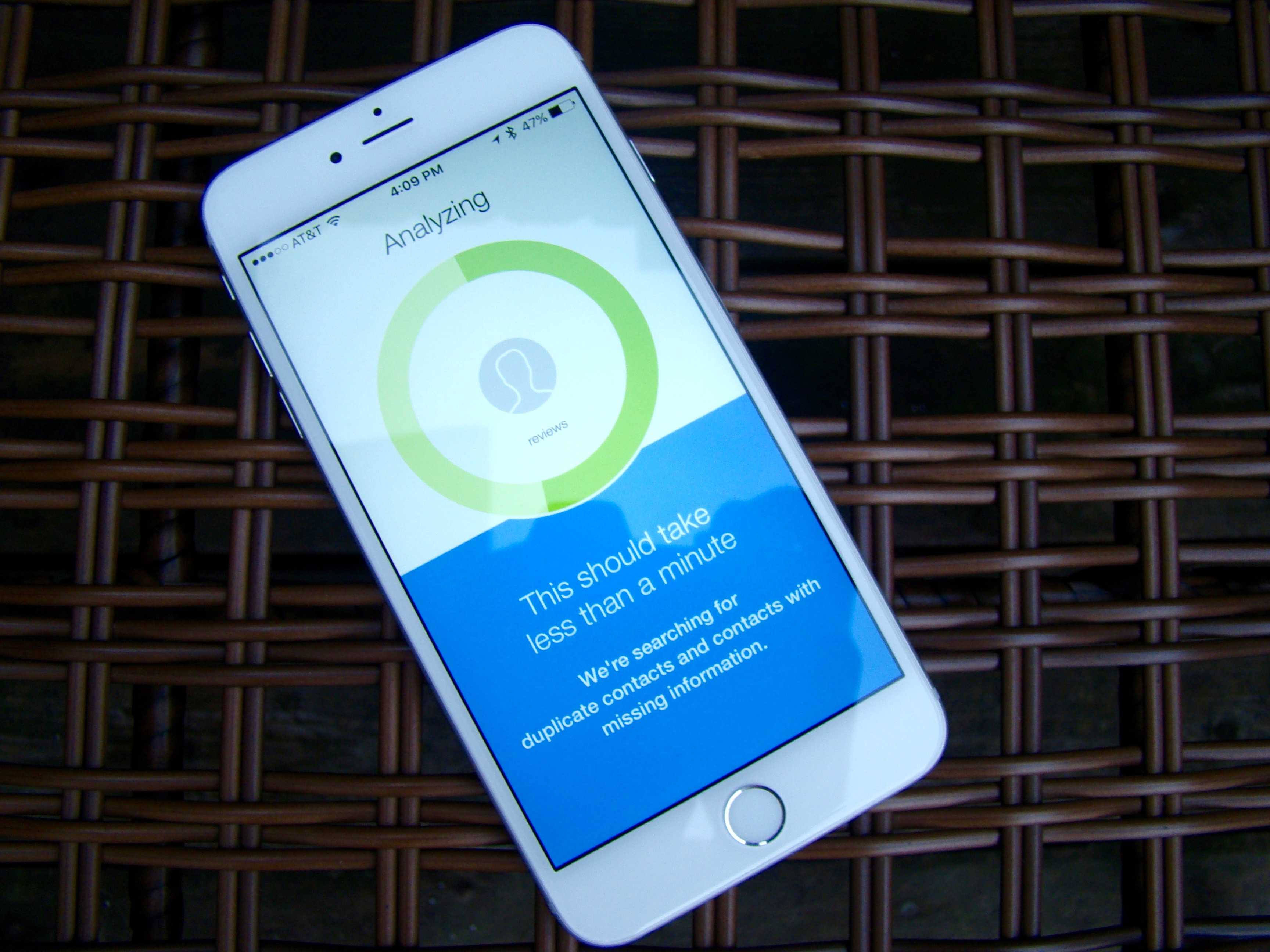
If you want to clean up your contacts list so you can better utilize the power of keeping track of people’s contact info on your iPhone, you’ll need to clean it up.

My contacts list has always been a mess. I’ve kept a running list, saved to various services and such, since my first iPhone in 2007.

It’s annoying enough that I went looking for an app that will destroy all the crazy duplicates I have on my iPhone. When I found an app called Cleanup Duplicate Contacts, I took it for a spin and found out how easy it really is.

Here’s how it works.

Smartphones with 7-day battery life coming sooner than you think

By

iphone-charging-battery-lightning-cable
Charging up every night will be a thing of the past.
Photo: freestocks.org/Flickr CC

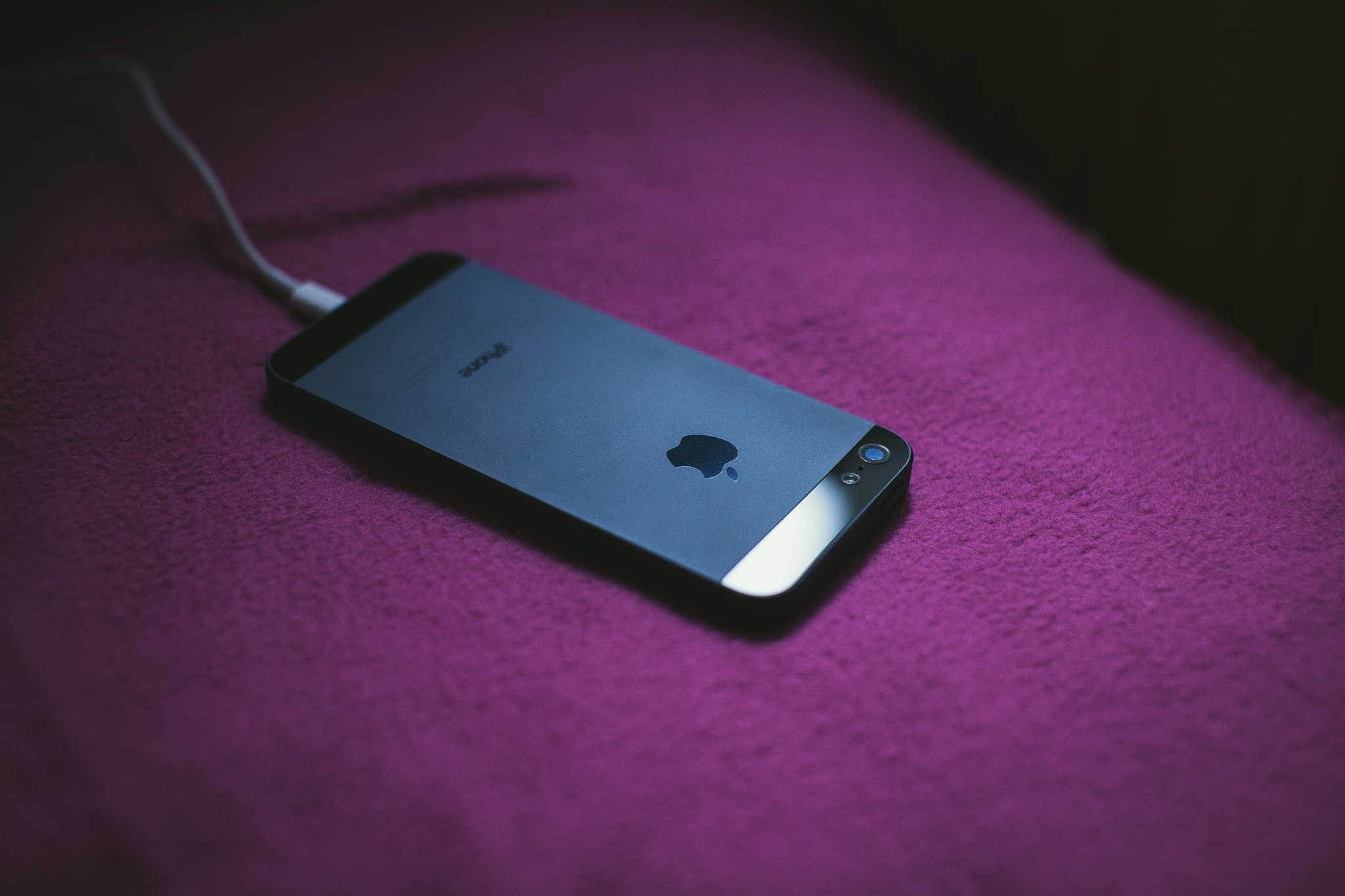
Intelligent Energy is a company with a mission: It wants to get fuel-cell battery technology in smartphones everywhere to dramatically improve battery life. Today, it signed a joint development agreement with an anonymous smartphone manufacturer to put that plan into action. The two will work together on embedded fuel-cell technology, which would be capable of delivering a staggering seven days of battery life to smartphones.

How to capture long exposures and light trails with your iPhone

By

A decent tripod and a few great apps can help you capture stunning light trails, motion blur, and low light photos.
A decent tripod and a few great apps can help you capture stunning light trails, motion blur, and low-light photos.
Photo: Ally Kazmucha/The App Factor

app-factor-logo-thumbnailLong-exposure photography lets you capture light trails, motion blur and better low-light shots. While the iPhone’s built-in Camera app doesn’t let you control shutter speed and light sensitivity, lots of apps do. Slow Shutter Cam is my favorite — here’s how I’ve used it to capture long exposures with nothing but my iPhone 6 and a tripod.

Priority Bicycles drop the chain for a ‘maintenance-free’ ride

By

Priority makes owning a bike simple.
Photo: Buster Hein/Cult of Mac

Best List: Priority Bicycles Classic Diamond frame bike

When it comes to bicycles I am profoundly inept. Riding is fine. Just don’t ask me to fix it when it breaks.

My assembly and maintenance skills are so bad, the last time I reviewed a bike I put a critical piece on the wrong side and didn’t realize my error for weeks until someone finally pointed it out in pics.

So when the folks at Priority Bicycles told me they have a bike that pretty much never ever needs repairs, I couldn’t wait to saddle up and see how well it rides.

Tim Cook gets sacked by Twitter for blurry Super Bowl photo

By

Twitter is not impressed with Tim Cook's photography skills.
Photo: Tim CookTwitter

Apple didn’t shell out for a super-expensive Super Bowl commercial last night, but CEO Tim Cook still managed to bring tons of attention to the iPhone — just not in the way he intended.

Celebrating the Bronco’s ugly victory over the Panthers last night, Cook tweeted a picture of the post-game festivities from the 20 yard line. It’s a position millions of people would’ve died to be in, but the only thing Twitter seemed to care about was how horribly blurry Tim’s photo turned out, leading to a flood of “shot on iPhone” jokes.