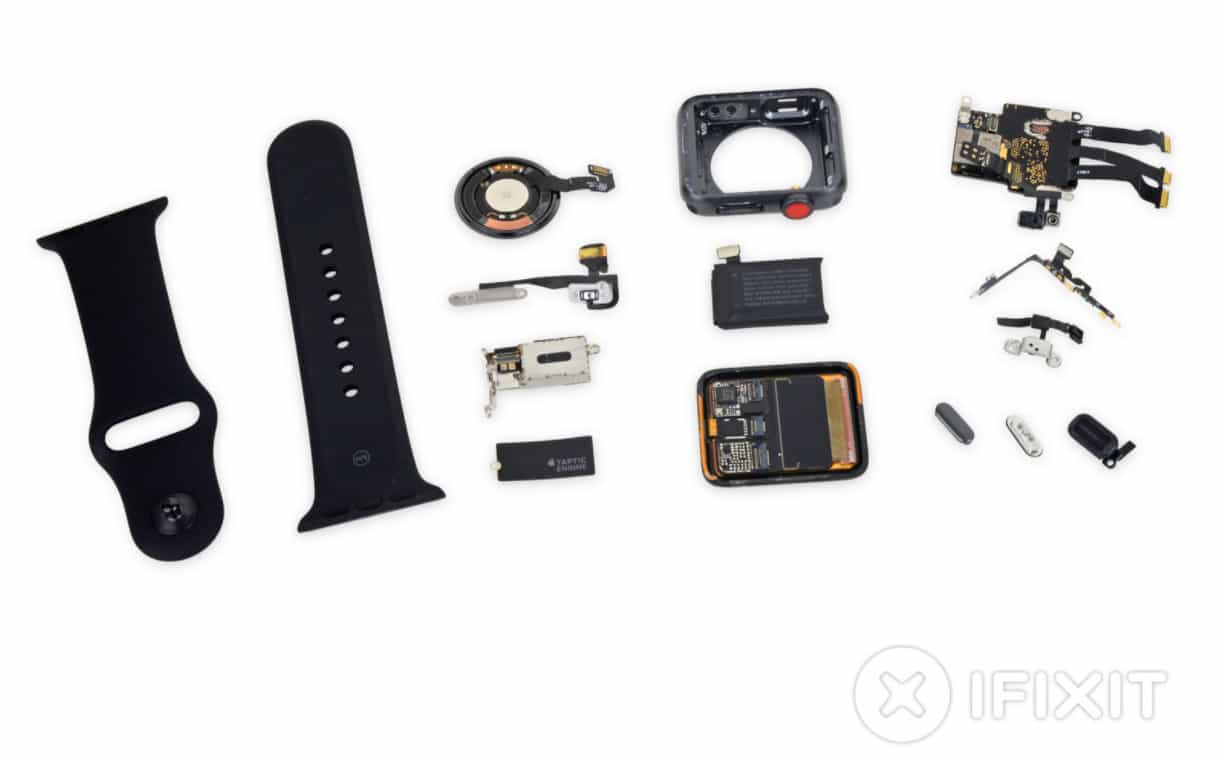
Everything that goes into an Apple Watch Series 3. Photo: iFixit
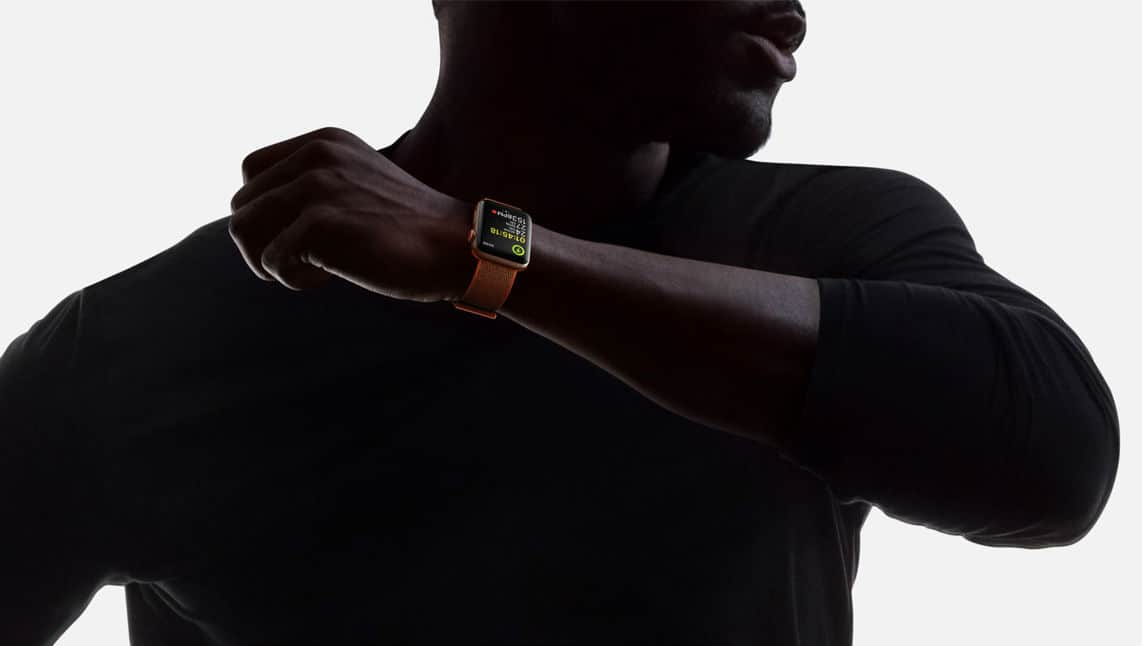
Apple Watch Series 3 may look identical to its predecessors on the outside, but it’s a different beast under the hood, with powerful new hardware, new chips, and LTE connectivity.
A customary teardown by iFixit has also revealed a bigger battery, and one very minor design alteration to make room for new components.
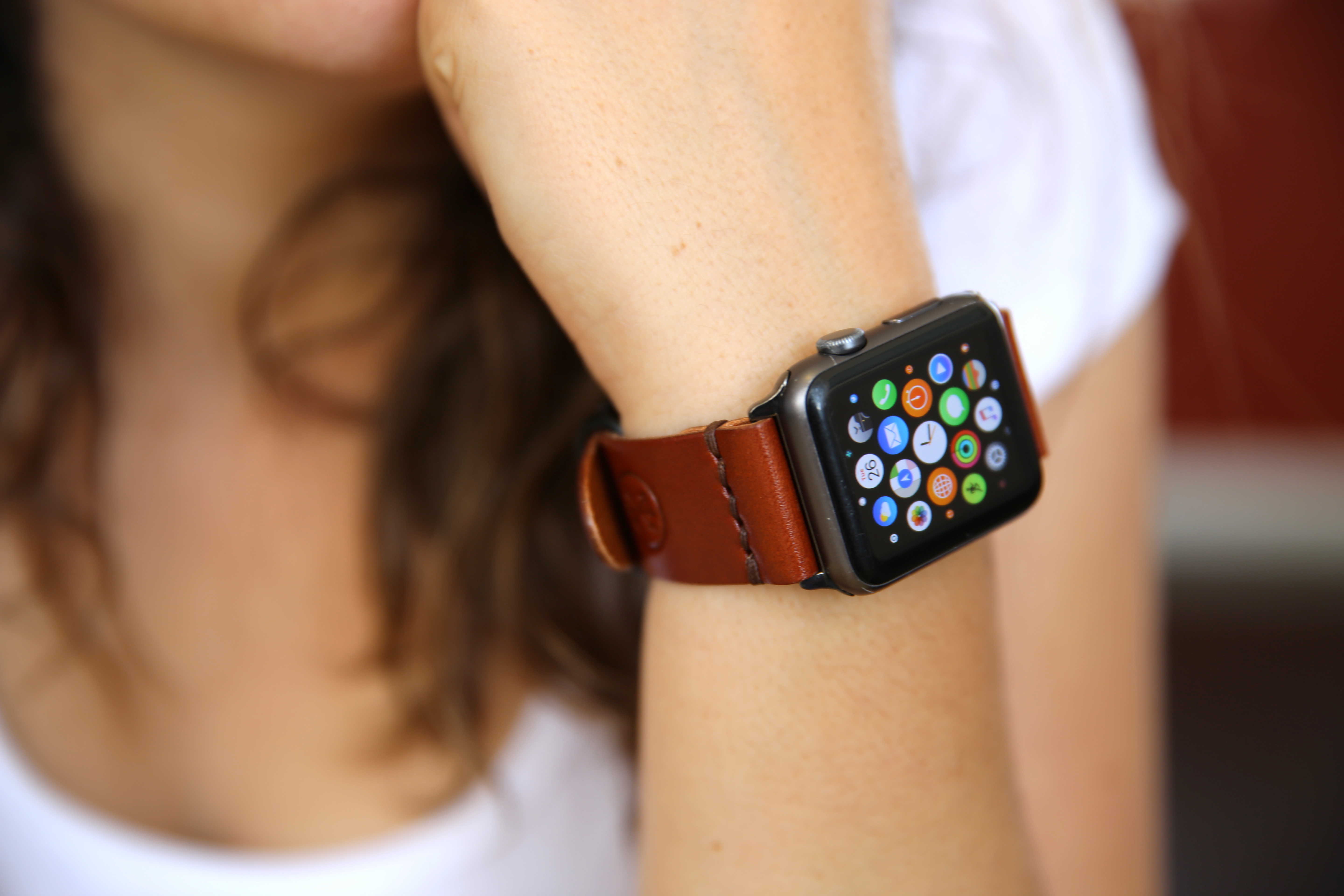
Cult of Mac will buy your old Apple Watch, and we pay top dollar. Photo: Lyle Kahney/Cult of Mac
If you just got a new Apple Watch Series 3 (or are about to), you should think about trading in your old watch.
Cult of Mac has a popular gadget buyback program that pays more for used Apple Watches than competing trade-in services, and it’s a lot easier and safer than Craigslist or eBay.
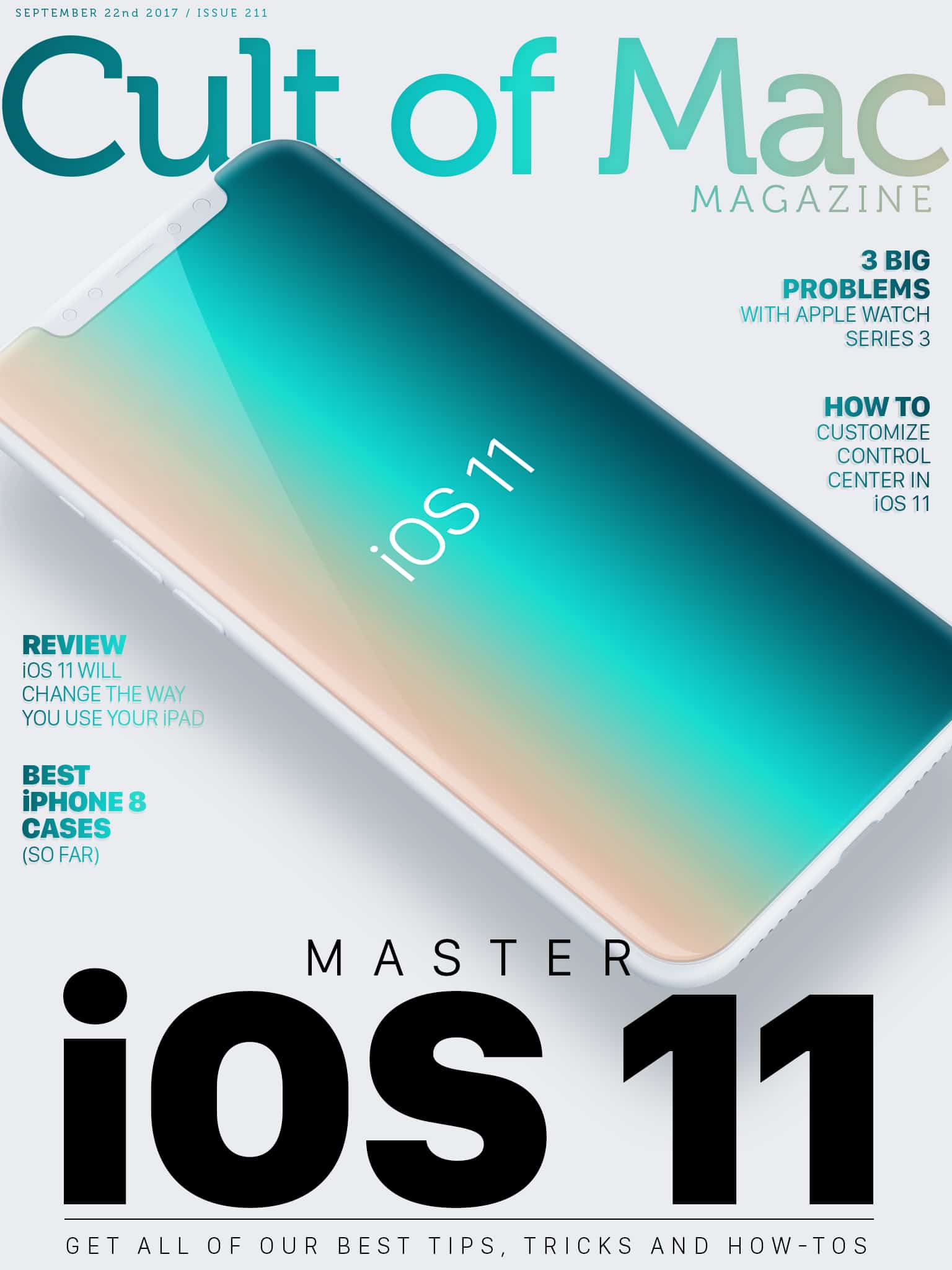
Apple’s latest mobile operating system brings tons of great new features. From multitasking to drag-and-drop functionality, iOS 11 will turbocharge your device. Find out how to make the most of your iPhone or iPad in this week’s Cult of Mac Magazine with our roundup of the best iOS 11 tips and how-tos.
In this week’s issue, you’ll find those stories and more. Get the latest on on how iOS 11 will change the way you use your iPad. Check out our roundups of the best new cases for your iPhone 8 and iPhone 8 Plus as well as the best straps to outfit your new Apple Watch Series 3. Get your free subscription to Cult of Mac Magazine from iTunes. Or read on for this week’s top stories.
'Appy weekend everyone! Photo: Ste Smith/Cult of Mac
Apple’s ARKit takes center stage in this week’s “Awesome Apps” roundup — with two impressive demos of iOS 11’s new augmented reality platform that, hopefully, will help convince you that AR is every bit as revolutionary as Tim Cook thinks it is.
In addition, we’ve picked a great open world universe game that’s sure to go down as one of the year’s best iOS titles, and a new entry in a beloved series of legal games (yes, really!). Check out our choices below.
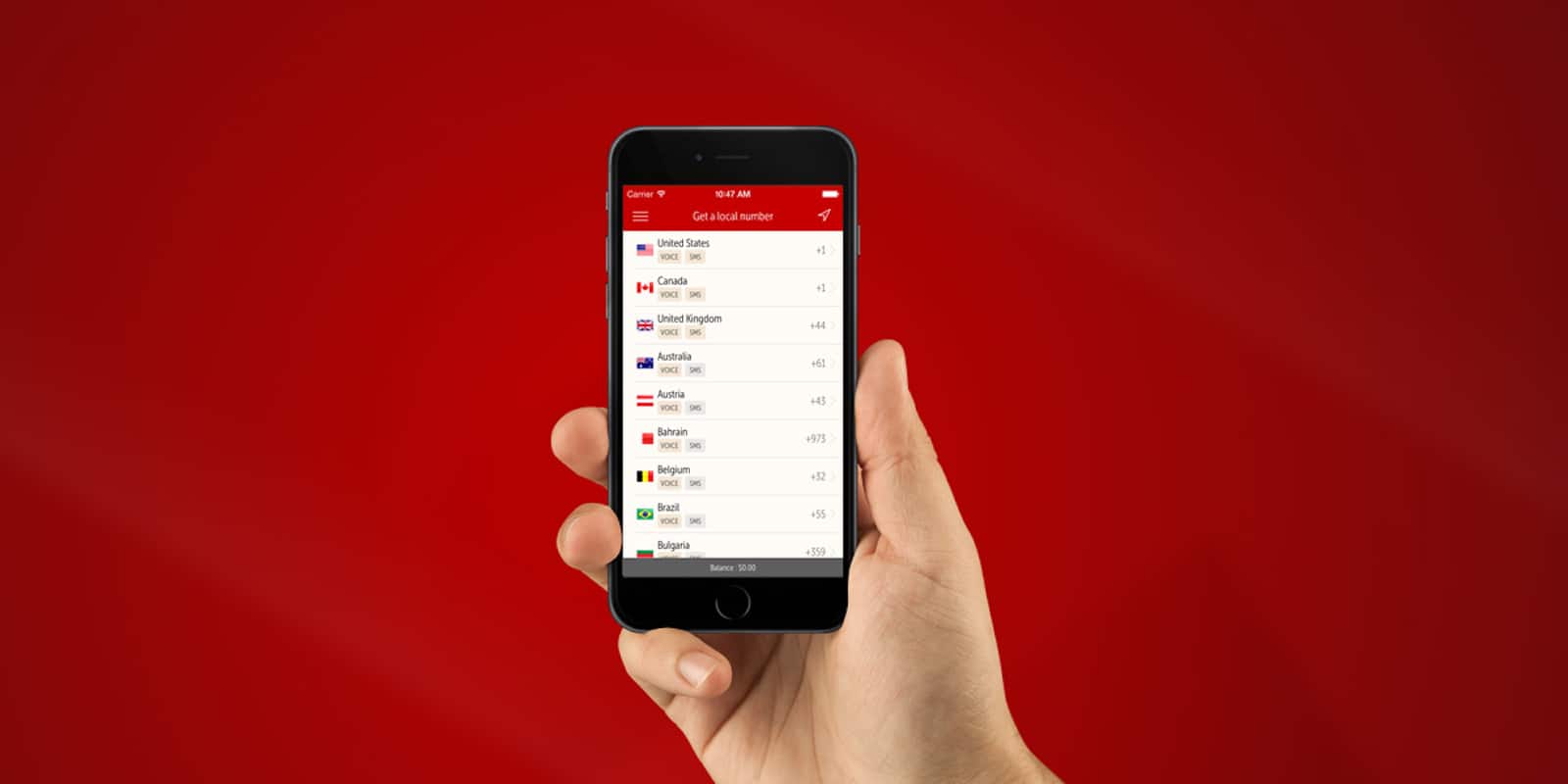
Whether it's for avoiding clingy Tinder dates or staying safe from shady Craigslist sellers, having a second phone number is handy. Photo: Cult of Mac Deals
There are lots of reasons you might want to have a secondary phone number. Maybe you’re dealing with a shady Craigslist seller. Or a clingy Tinder match, or just need to separate your personal and business contacts. Thankfully, it doesn’t take opening up a whole new phone contract.
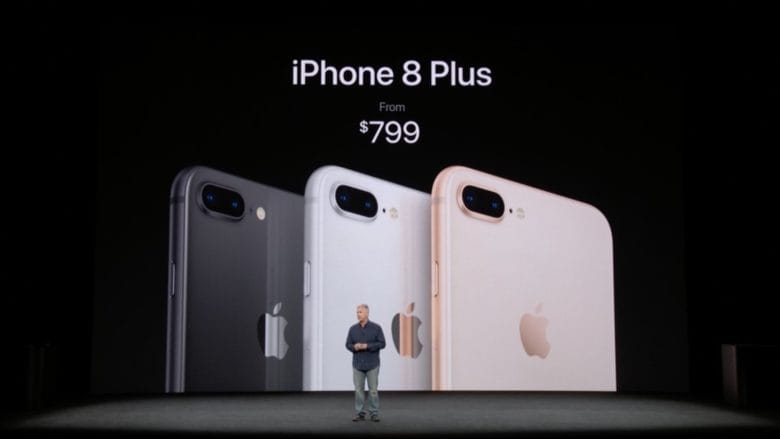
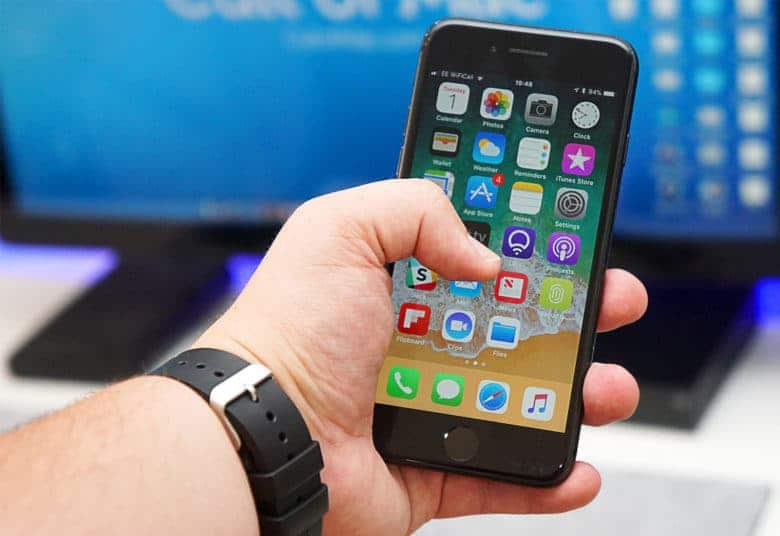
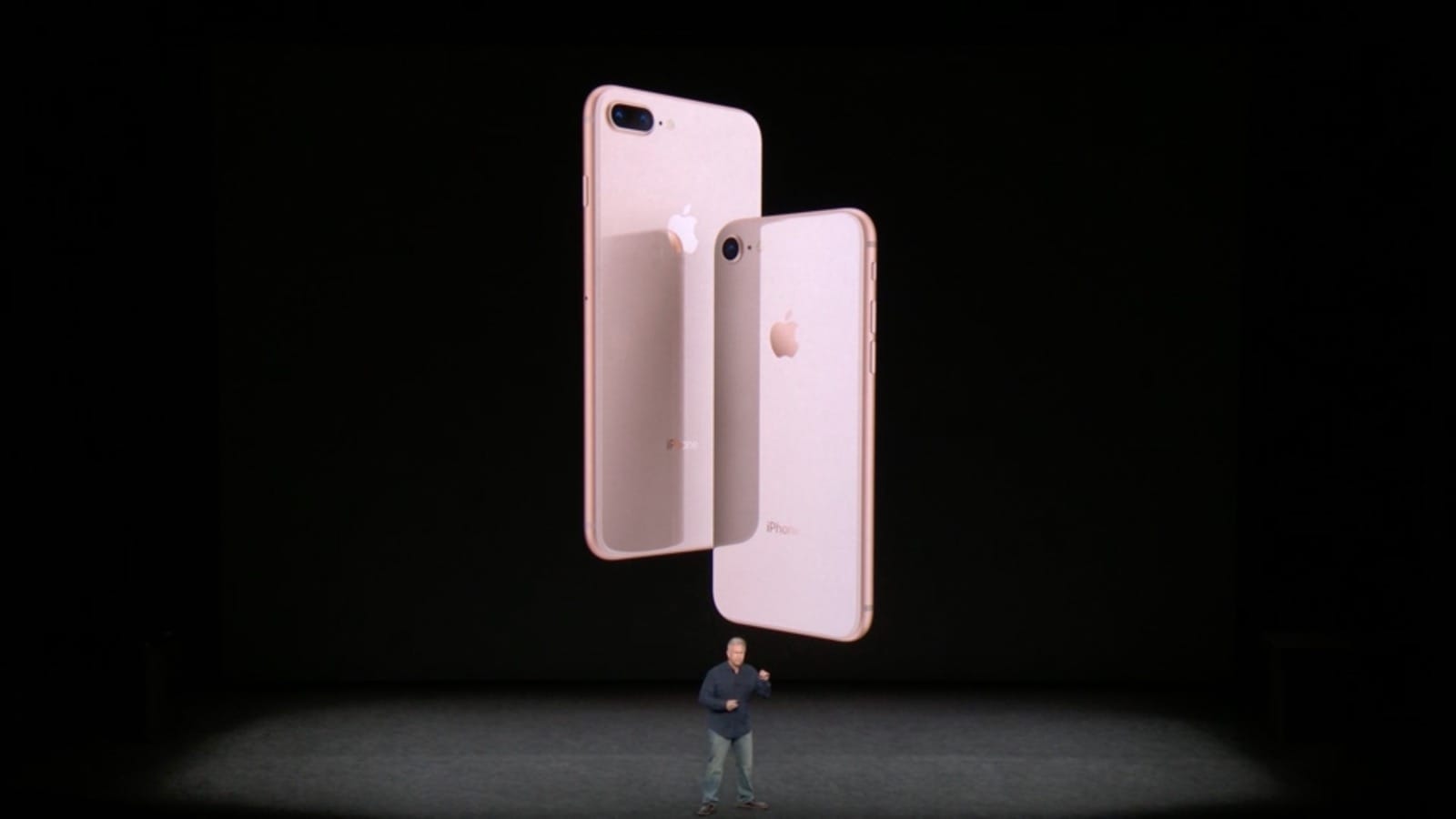
The iPhone 8 and 8 Plus bring good, but nonessential, updates. Photo: Apple
The iPhone 8 was always going to be stuck in a tough spot: It’s a marginal upgrade that lands the same year that Apple introduced the iPhone X, the biggest refresh since 2014’s iPhone 6.
Now that review embargoes have lifted, Apple’s favorite tech journalists are busting out their iPhone 8 reviews. Are the iPhone 8 or 8 Plus worth shelling out for? Check out our iPhone 8 review roundup below.
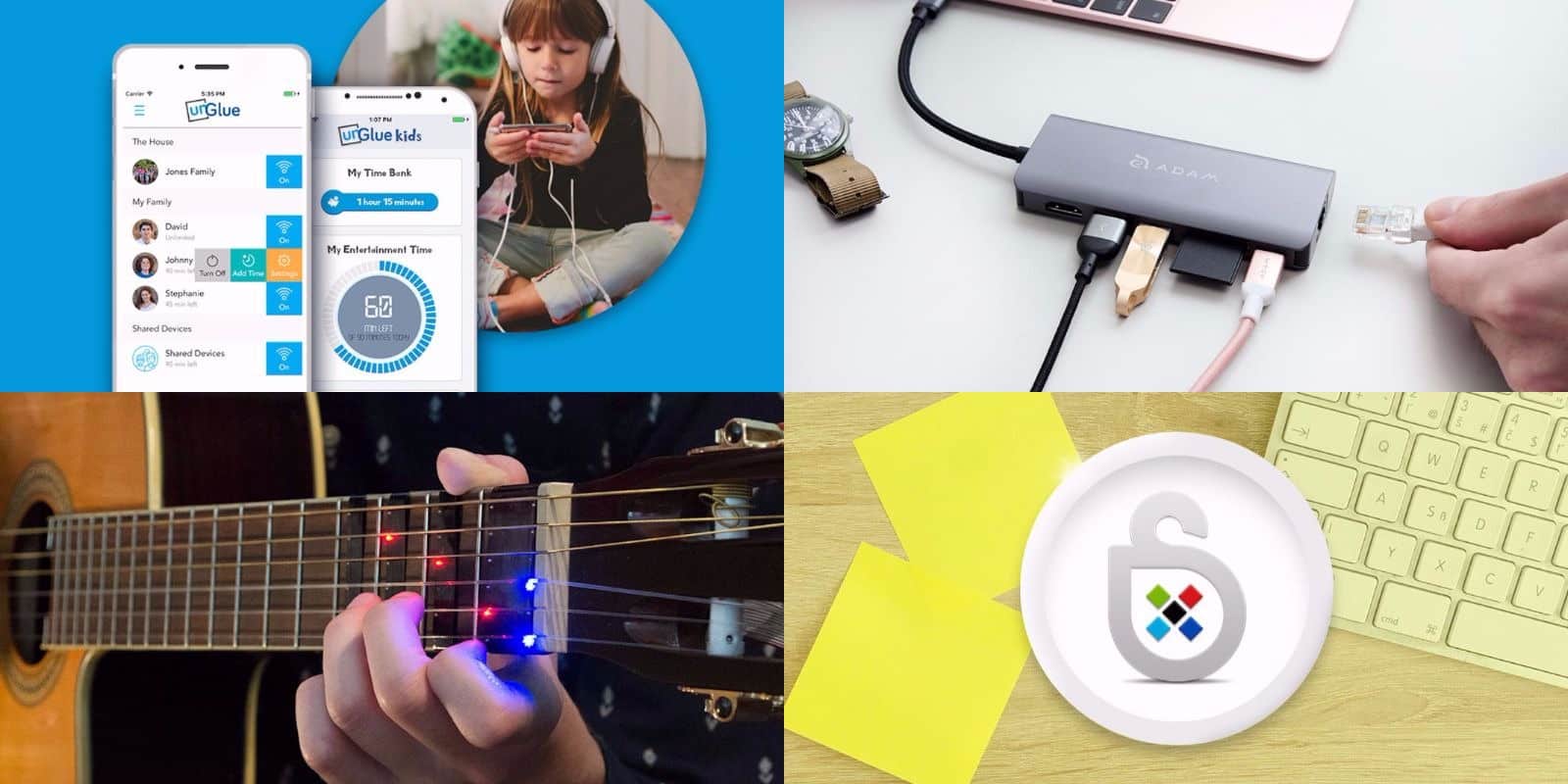
This week's best new deals include an app for keeping kids on the straight and narrow online, and lots more. Photo: Cult of Mac Deals
Fall is about to drop, and with the new season comes a bunch of great new deals at the Cult of Mac Store. This week, we’ve got a sleek 6-port USB-C hub and a lifetime subscription to Sticky Password. Additionally, we’ve got an amazing glowing guitar instruction tool, and an app for teaching kids more healthy online habits. Everything’s on sale at big discounts, read on for more details:
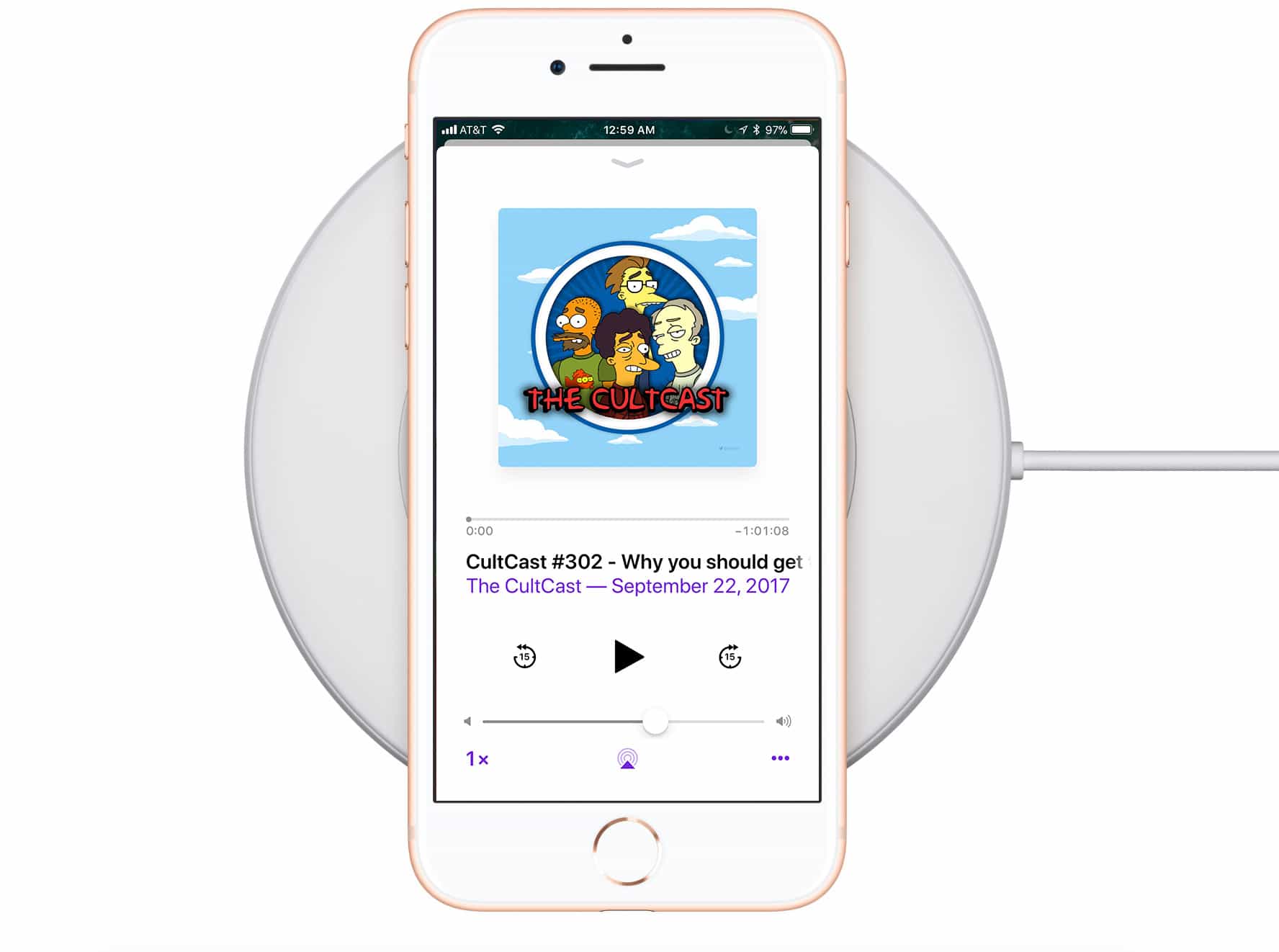
This week on The CultCast: iPhone 8 reviews are in! We’ll tell you what everyone loves about the 8, and why you should get one over the X (but probably won’t). Plus: We round up reviews for Apple Watch series 3, and argue over which model is best. And stick around for what we don’t like about iPhone X; Apple’s A11 chip hits a surprising benchmark; tests show iPhone 8 wireless charging is abysmally slow; Apple quietly hikes their iDevice prices; and we’ll tell you all the best AR apps you need to try.
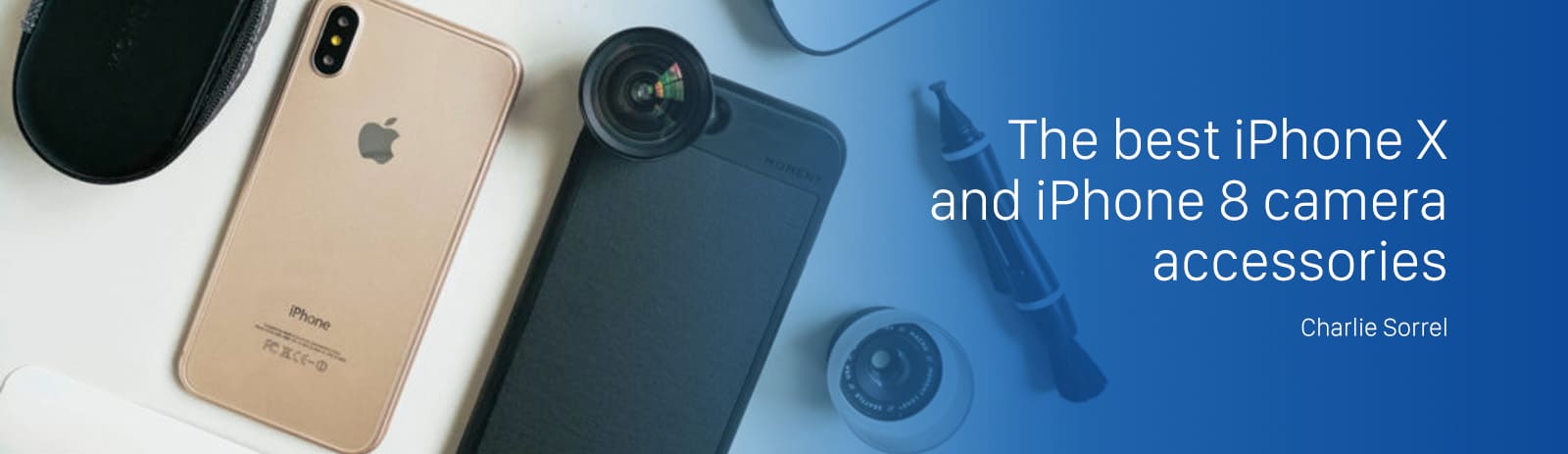
The new iPhone 8 and X cameras are incredible. These accessories make them even better. Photo: Moment
The iPhone’s camera is good enough that it can be most people’s only camera — including professional photographers. The iPhone is a multi-purpose computer, though, not just a camera, so it can sometimes do with a little help when it comes to ergonomics, or to adding a little extra reach with a telephoto lens. These are the iPhone 8 camera gizmos you should buy:
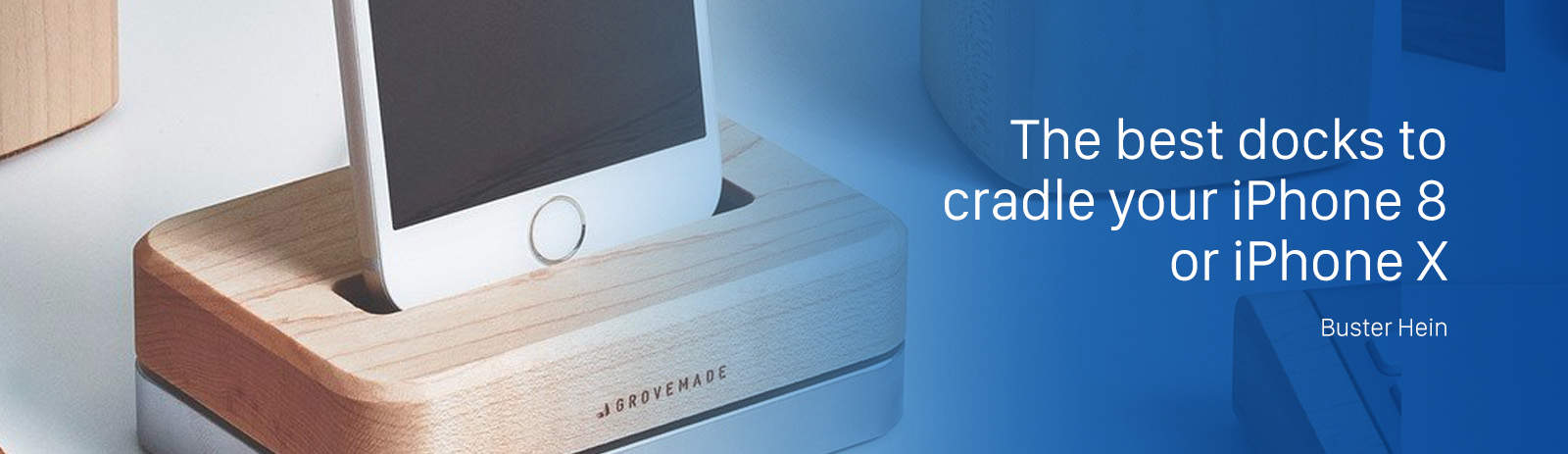
Your new iPhone deserves a dock that's equally as beautiful. Photo: Grovemade/Cult of Mac
Apple’s new iPhones are its most beautiful yet. And as such, they deserve to be docked in nothing but the finest cradles ever crafted.
Find the perfect dock can be a bit of challenge considering there are a dizzying array of options to choose from. Not all docks are created equal though, so we’ve rounded up the best options for users of all budgets.
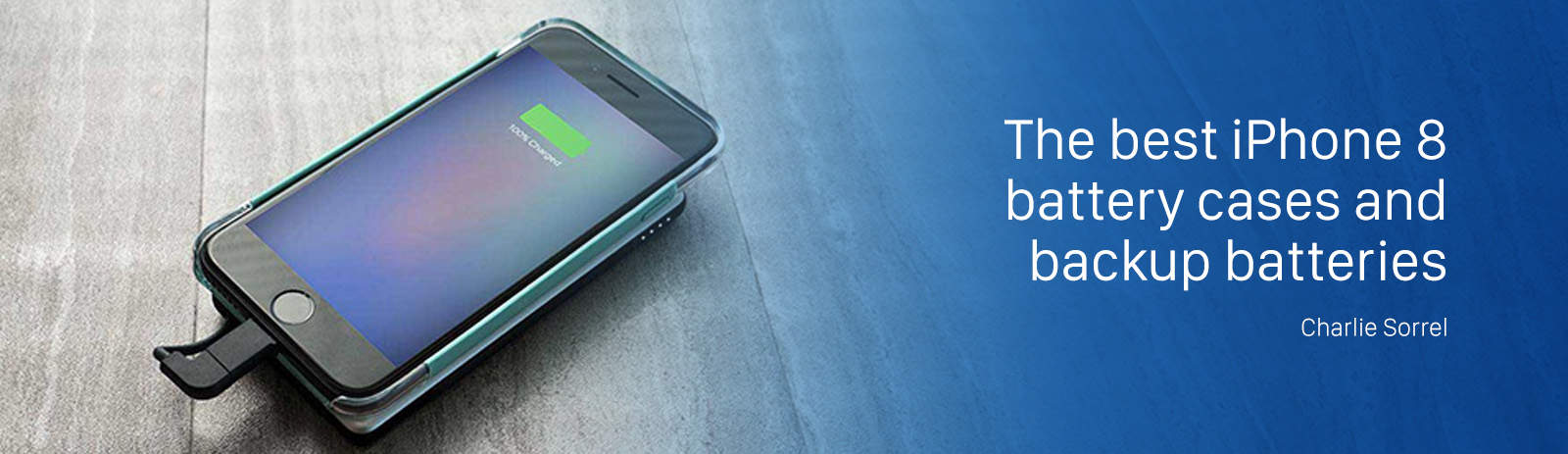
Even the giant plus-sized iPhones run out of juice eventually, and that goes for the new iPhone 8 as much as any iPhone before it. You could carry a charger with you and spend the day hunting for available wall-sockets, but these days that’s as lame as using dodgy free Wi-Fi instead of reliable and fast LTE. Instead, you should take some backup power with you. There are two options: battery cases, great for really heavy phone users who always run out of power before lunch, and a spare battery with a USB cable that can charge your iPhone, or any device, but stays in the bottom of your bag until it’s needed.
Let’s take a look at the options. There’s also one very cool surprise feature in one of our picks that “wireless” charging fans are going to love.
The camera on the iPhone 8 Plus gets a "best-ever" grade from DxOMark Labs. Photo: Apple
The cameras onboard the iPhone 8 and 8 Plus are the “best-performing” smartphone cameras ever tested, according to a report by DxOMark Labs.
Both iPhones surpassed what DxO once declared the best, the Google Pixel. The 8 Plus scored a 94, two points higher than its single-camera sibling. The Pixel and the HTC U11 both rated a 90 while the iPhone 7 Plus and iPhone 7 scored an 88 and 85 respectively.
Share the workload with collaborative working in Microsoft Office. Photo: Cult of Mac
No matter what kind of office you work in, chances are it’s running on Microsoft Office. Excel, Word, PowerPoint, Outlook and beyond. These are the apps that any job that involves a keyboard or screen will have to learn. So it’s one of the most useful software to master.
The iPhone 8 and iPhone 8 Plus may cost as much as the top-end iPhone X, but that certainly doesn’t mean you don’t want to protect your new iPhone.
You’ll find a range of cases on the market. Ultra-thin “skins” will to protect your iPhone 8 from scratches without changing its appearance much. Heavy-duty armor will save it from concrete smashes. And wallet-style cases let get organized. Here are our top picks for the iPhone 8/8 Plus cases you need to know about.
iOS 11 introduces 'offloading,' a way to delete an app without deleting its data. Here's how to manually offload and reinstall any app on your iPhone or iPad Photo: Ste Smith/Cult of Mac
iOS 11 can automatically delete apps when space gets tight on your iPhone or iPad. It’s called offloading, and only the app itself gets removed.
All the app’s data is saved. That way, if you reinstall the app in the future, it will be like you never deleted it. Wouldn’t it be great if you could choose to offload apps yourself, instead of deleting them? Well, good news, because you can totally do that. Here’s how.
In iOS 10 and earlier, if you don’t like the order of your photos in an album, then tough luck. In iOS 11, though, you can rearrange photos as easily as dragging them into a new spot. It’s just like rearranging pictures in a real photo album, only without all that futzing with sticky cellophane corners.
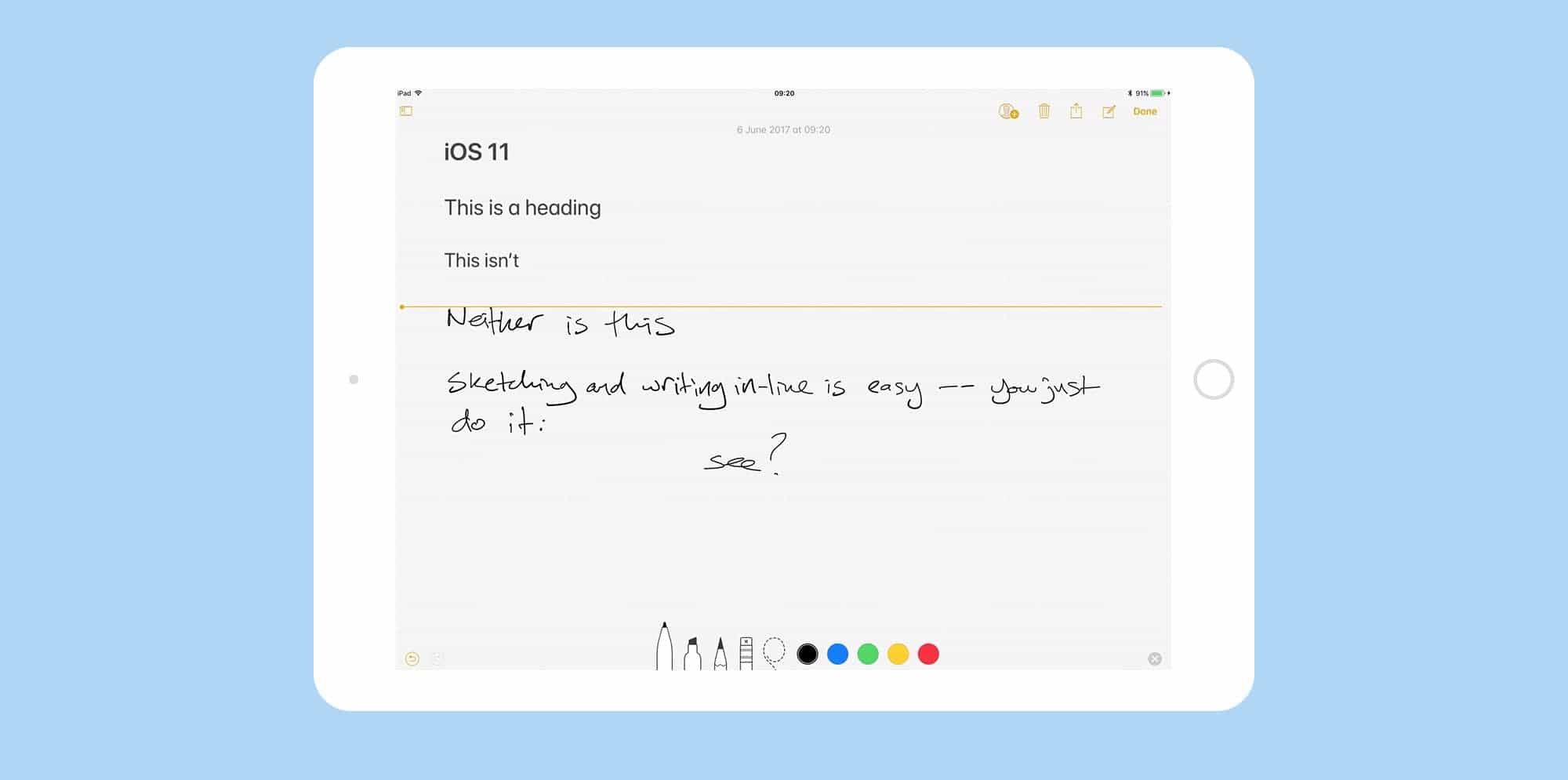
Notes app behaves more like a piece of paper than ever in iOS 11. Photo: Cult of Mac
Up until now, if you wanted to do fancy formatting with the iOS Notes app, you had to dust off your Mac to do it. Now, with the iOS 11 Notes update, you no longer need to boot up a desktop computer just to switch a note to a monospaced font, or add a table. You can do it all on your iPhone or iPad. And this is in addition to the great new in-line sketch features and document scanner that headline this update.
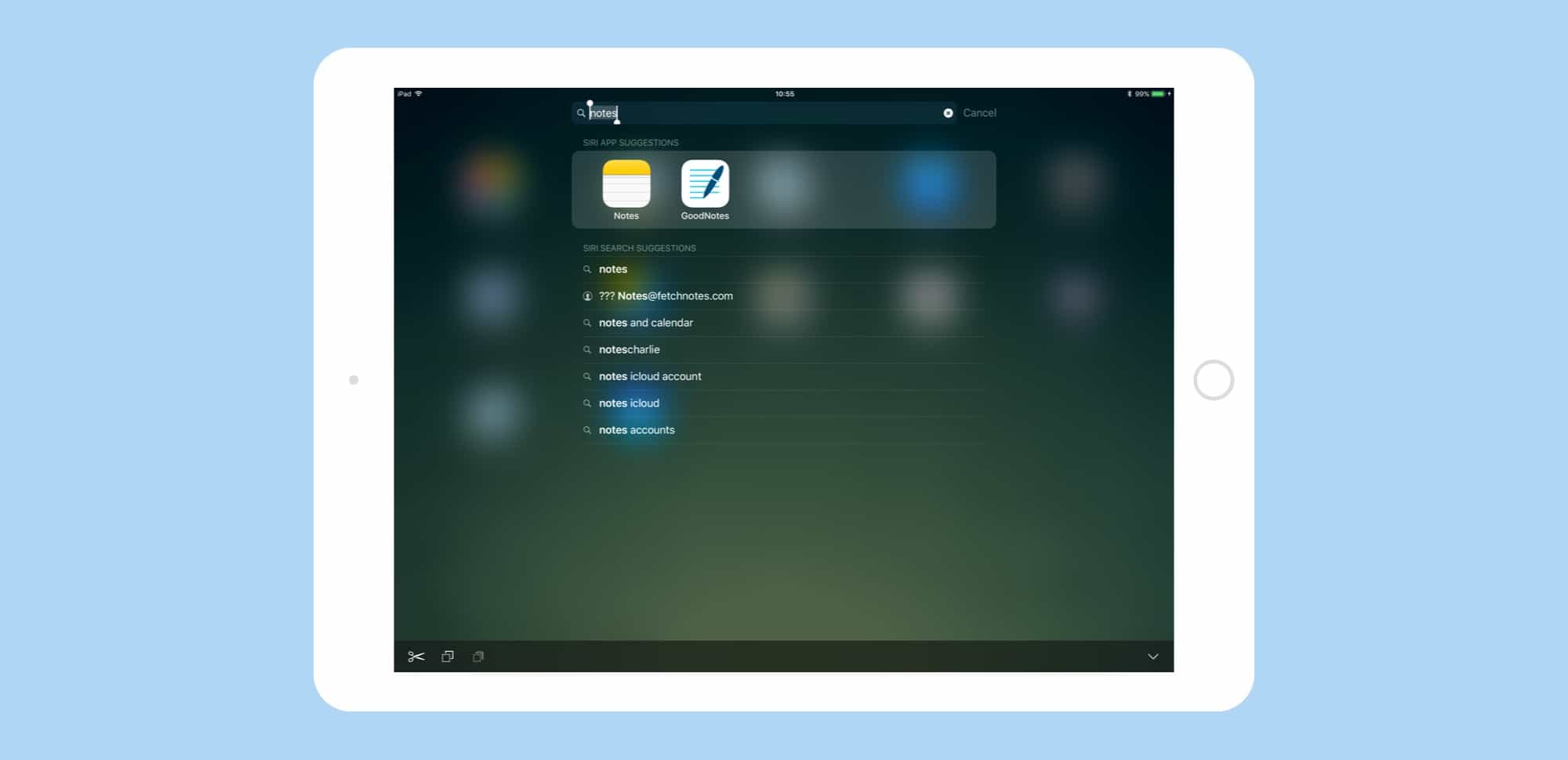
Spotlight in iOS 11 is a power-users dream, letting you find anything -- whether on the web on on your device -- fast. Photo: Cult of Mac
Spotlight search gets a big overhaul in iOS 11. The Spotlight updates in iOS 11 don’t seem quite as spectacular as the iPad’s new Dock, or drag-and-drop, but the small tweaks make the search tool a lot more useful.
Now you can search both your iPad and the web, similar to how you conduct a search in Safari. If you ever used Launchbar, Alfred or Quicksilver on the Mac, the new iOS 11 Spotlight will feel familiar.
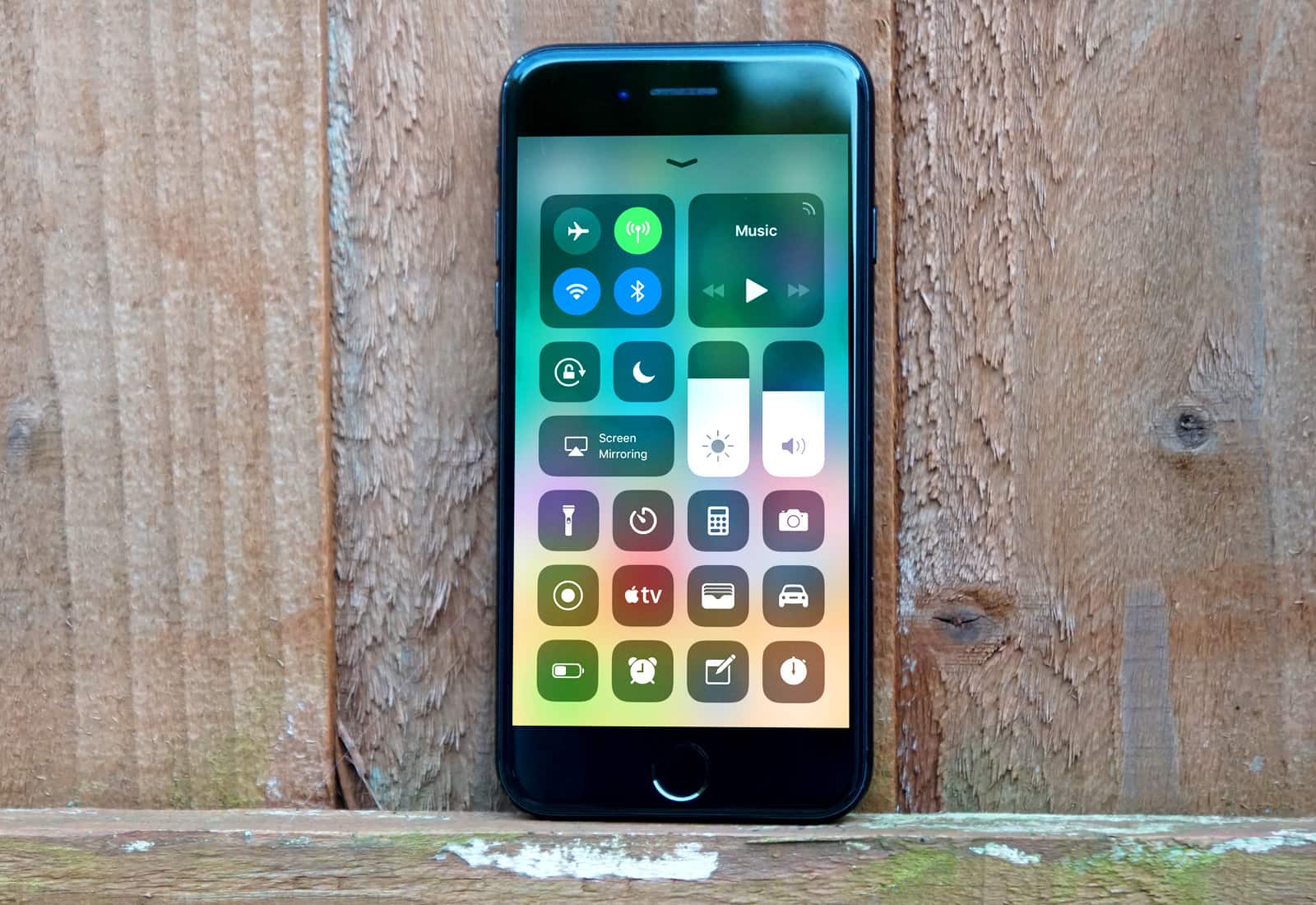
The new Control Center is just one of many great new iOS 11 features. Photo: Ste Smith/Cult of Mac
Over the past two months, Cult of Mac scoured the iOS 11 betas to collect tips and tricks for Apple’s latest mobile operating system. We’ve covered everything, from the iPad’s amazing new Dock and Drag-and-Drop to the iPhone’s new lifesaving Do Not Disturb While Driving.
We’ve created this iOS 11 guide, which we will update going forward, so you can easily find links to our best iOS 11 tips and how-tos. Read on for more on the radically improved Notes app, iOS 11’s powerful new camera features and more.
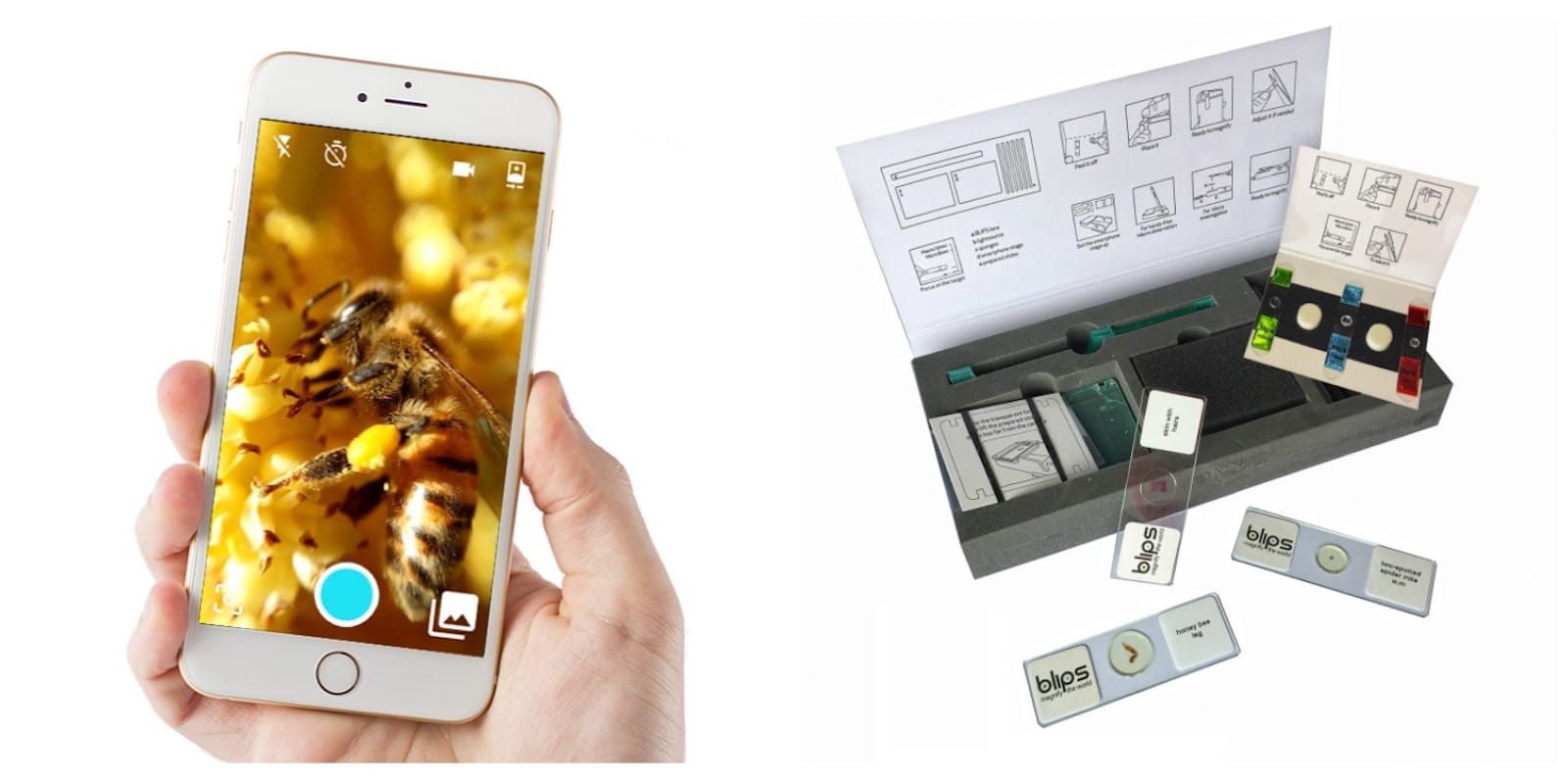
These simple stick-on macro lenses turn your iPhone into a mobile microscope. Photo: Cult of Mac Deals
It’s a great big old world out there, but let’s face it there are enough photos of the Eiffel Tower. Meanwhile, there’s an entire universe in every park, garden, or living room at the small scale. Unfortunately, your iPhone isn’t really equipped to photograph it.
More iPhone buyers selected a newer phone, like the iPhone 8, than when the iPhone 7 line was new. Photo: Apple
Apple has begun shipping early orders for iPhone 8, Apple Watch Series 3, and Apple TV 4K.
All three devices make their official debut tomorrow, September 22 — one week after they were made available to pre-order. If you haven’t already claimed yours, you’ll now have to wait at least three weeks for it to ship from the Apple online store.
There's still work to be done to perfect Apple Watch. Photo: Apple
The Apple Watch has come a long way from the first model. With each update, Apple adds important missing ingredients, like GPS, a faster processor, cellular and an altimeter.
So has Apple Watch finally reached its true potential? Cupertino certainly thinks so. Apple COO Jeff Williams described Series 3 with cellular as “the ultimate expression of Apple Watch” at last week’s special event.
But three big problems still remain (not including the cellular connectivity glitch Apple is scrambling to fix ahead of this Friday’s ship date).
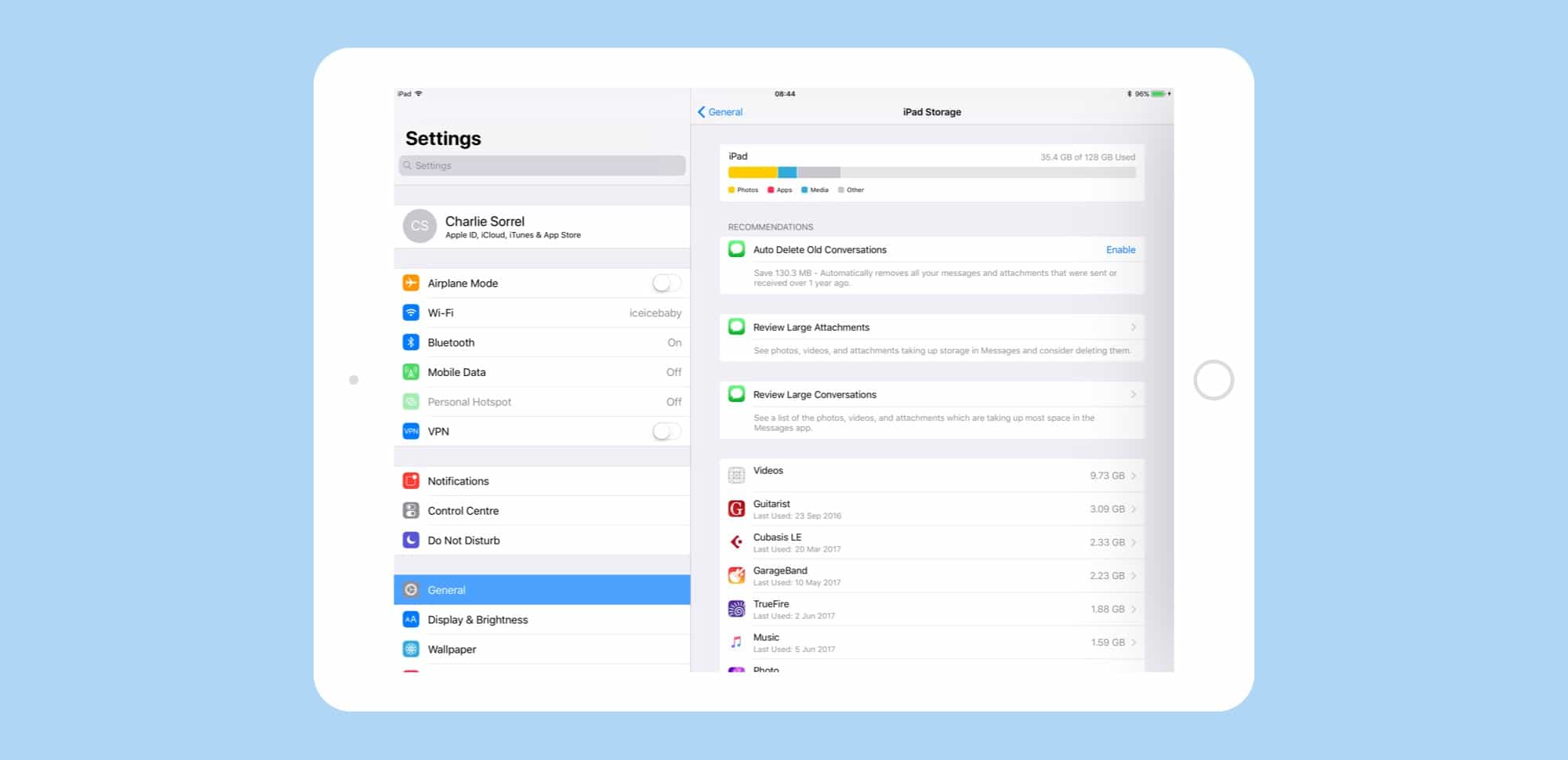
New features in iOS 11 make it easier to avoid the dreaded "Storage Almost Full" message. Screenshot: Cult of Mac
Running out of storage space on your iPhone or iPad is a total drag. It slows down your device and can make it impossible to download files or perform other essential tasks.
With iOS 11, Apple takes some serious steps to free up space on iOS devices. Here’s a quick look at how Apple will ease the pain when iOS 11 lands this fall, with instructions for taking advantage of the new features.
iMessage gets a bunch of new space-saving features in iOS 11 beta. Photo: Cult of Mac
Maybe, if you opt for one of the new 512GB iPads, you won’t have to worry about storage space. But for everyone else, iOS 11 has you covered. Now, under a new section in settings, you can whittle down the storage used by the iMessage app, weeding out old conversations, revealing oversized attachments, and even check to see which conversations are taking up the most space.
Drawing on pictures is easier in iOS 11 Notes. Photo: Cult of Mac/Leonardo Da Vinci
The new iOS 11 Notes app is already far better than the previous version, but this one new feature might tip you over the edge. Now you can draw on pictures with your Apple Pencil, just by tapping on them.
Previously, images and sketches lived side by side, but could never meet. Now, with the power to scrawl directly onto images, you can do all kinds of things. Example: I keep a blank sheet of guitar tab notation paper in the Files app, then drag it to a note and start writing on top of my template. That’s just one use. Another might be to draw mustaches on pictures of your workmates.