Mobile menu toggle

Top stories - page 535

How to add quick keyboard shortcuts for emojis on Mac and iOS
By

emoji text replacements
Adding shortcuts for your favorite Emoji is easy.
Photo: Cult of Mac
If you use emojis, the iOS keyboard is fantastic. It suggests emojis for you as you type words, and you can insert them into your messages with a tap. But what about the Mac? How can you add emojis with the keyboard on the desktop? And how can you force iOS to remember shortcuts for your favorite emoji on the iPhone and iPad? The answer to both is Text Replacement, which is built into both macOS and iOS.

There’s a serious security flaw in Wi-Fi and we’re all at risk

By

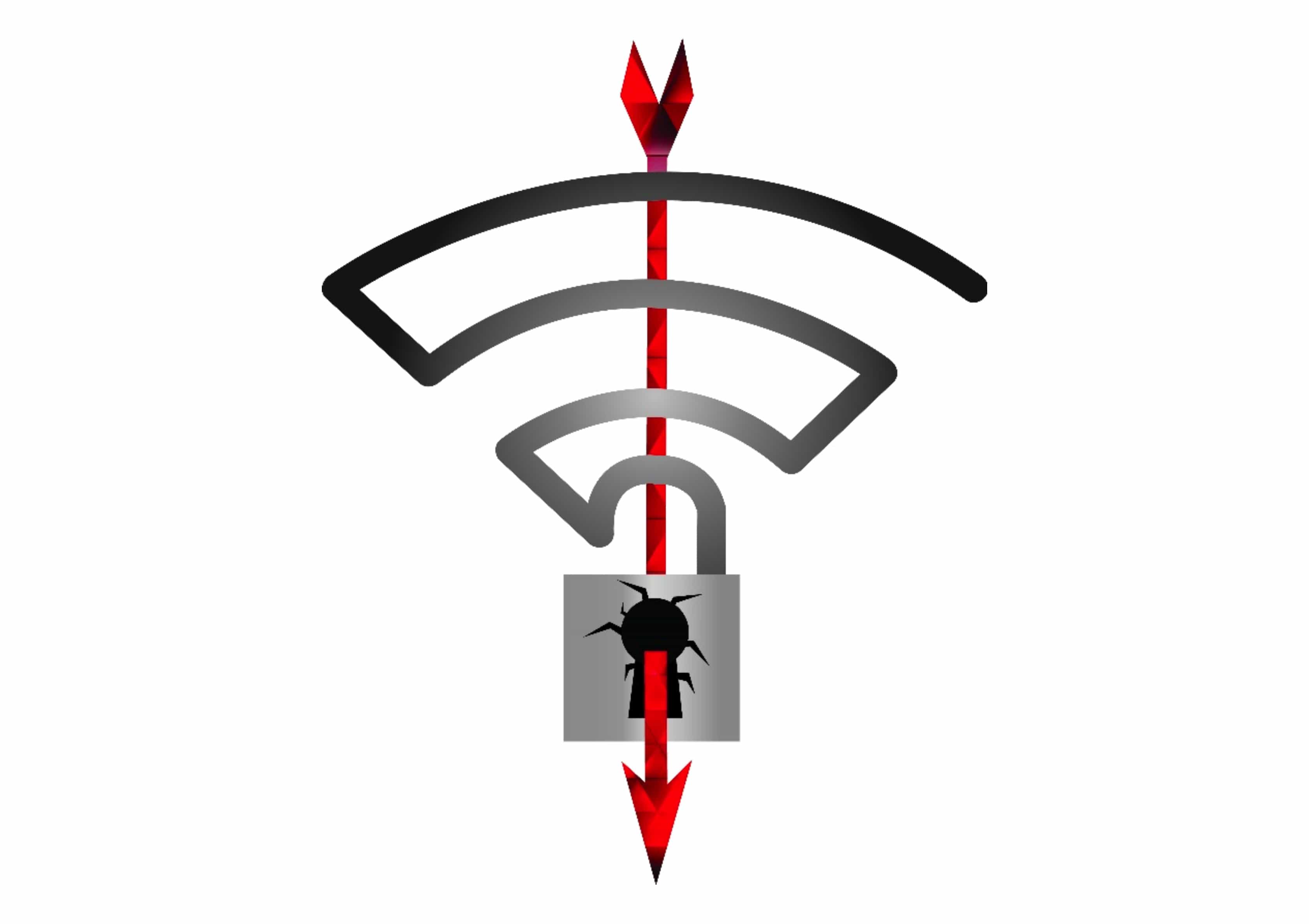
KRACK Wi-Fi attack
Beware the KRACK attack.
Photo: Mathy Vanhoef

A major security flaw has been discovered in Wi-Fi and we’re all at risk.

Researchers discovered the weakness in WPA2, the protocol that secures all modern Wi-Fi networks. Any modern device with a wireless connection could be open to a KRACK attack that would expose information like credit card numbers, passwords, messages and more.

How to use external storage with Files app on iPad or iPhone

By

FileBrowser toshiba flashair
You can even browse wireless SD cards from Files app.
Photo: Charlie Sorrel/Cult of Mac

Did you ever hold your iPhone in one hand, and a USB hard drive in the other, and look back and forth between them, muttering “Why, oh why?” Well, today we have good news for you. You still can’t hook them together with a wire, but with one app you can browse all kinds of external storage devices right from iOS’s Files app.

Hard drive hooked up to your Time Capsule? Check. USB storage connected to your fancy router? Check. Home network storage devices that work great but have really hideous iOS apps to access them? Check. With this tip, you can put any of these in your Files app’s sidebar using the excellent FileBrowser app. You might not be able to plug a USB-C drive into your 2018 iPad Pro, but until Apple relents on that score, this is the next best thing.

Google Opinion Rewards, The Talos Principle, and other awesome apps

By

Awesome Apps
'Appy weekend everyone!
Photo: Ste Smith/Cult of Mac

A Google app which lets you earn real money for basically no work is just one of the picks we’ve made for this week’s “Awesome Apps of the Week” roundup.

In addition, we’ve got a great artificial intelligence-themed puzzle game, a nifty email app update, and a camera app which lets you double the number of videos you can store on your iOS device. Check out our selections for the week’s most notable apps below.

These rugged headphones conduct sound through bone [Deals]

By

These bone-conduction headphones might be the future of personal audio.
Photo: Cult of Mac Deals
There are all sorts of cool headphones out there. Headsets feature Bluetooth, noise-cancellation, with designs that are over-ear, in-ear, wireless, water-poof, and so on. These headphones from FresheTech feature most of those features, plus one you don’t see very often: bone conduction.

Streamline your keyring, passwords, and lots more [Week’s Best Deals]

By

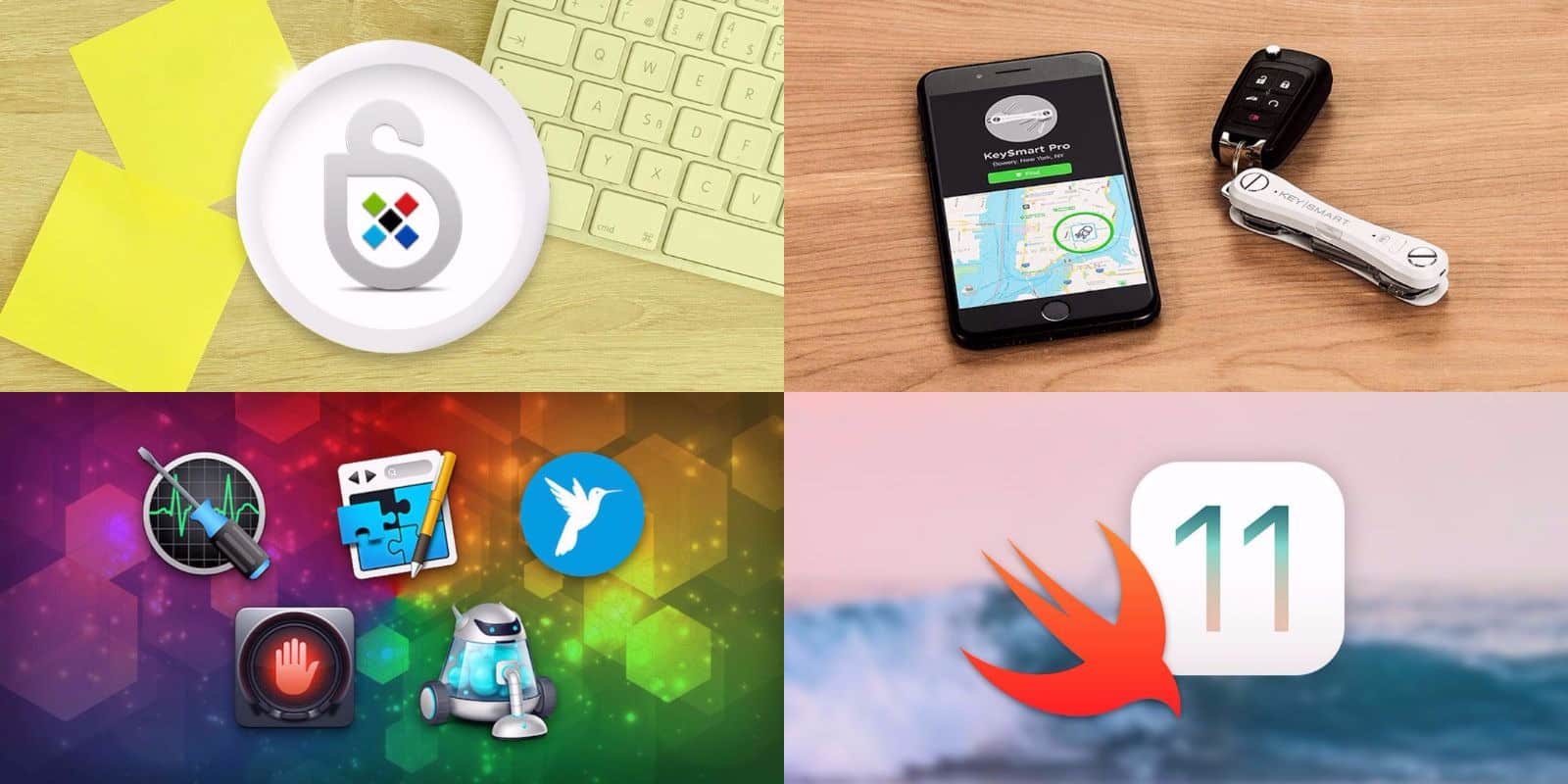
This week's best deals include a 21st century key keeper, top shelf apps, and more.
Photo: Cult of Mac Deals

Another week, another round of great deals on top shelf gear, apps, and learning resources. This time, we’ve got a bundle of 5 premium Mac apps, and a keyring designed to never be lost. Additionally, we’ve got a powerful password manager and comprehensive course in iOS 11 development. Read on for more details:

Cult of Mac Magazine: Why you shouldn’t trust every Apple ID prompt, and more

By

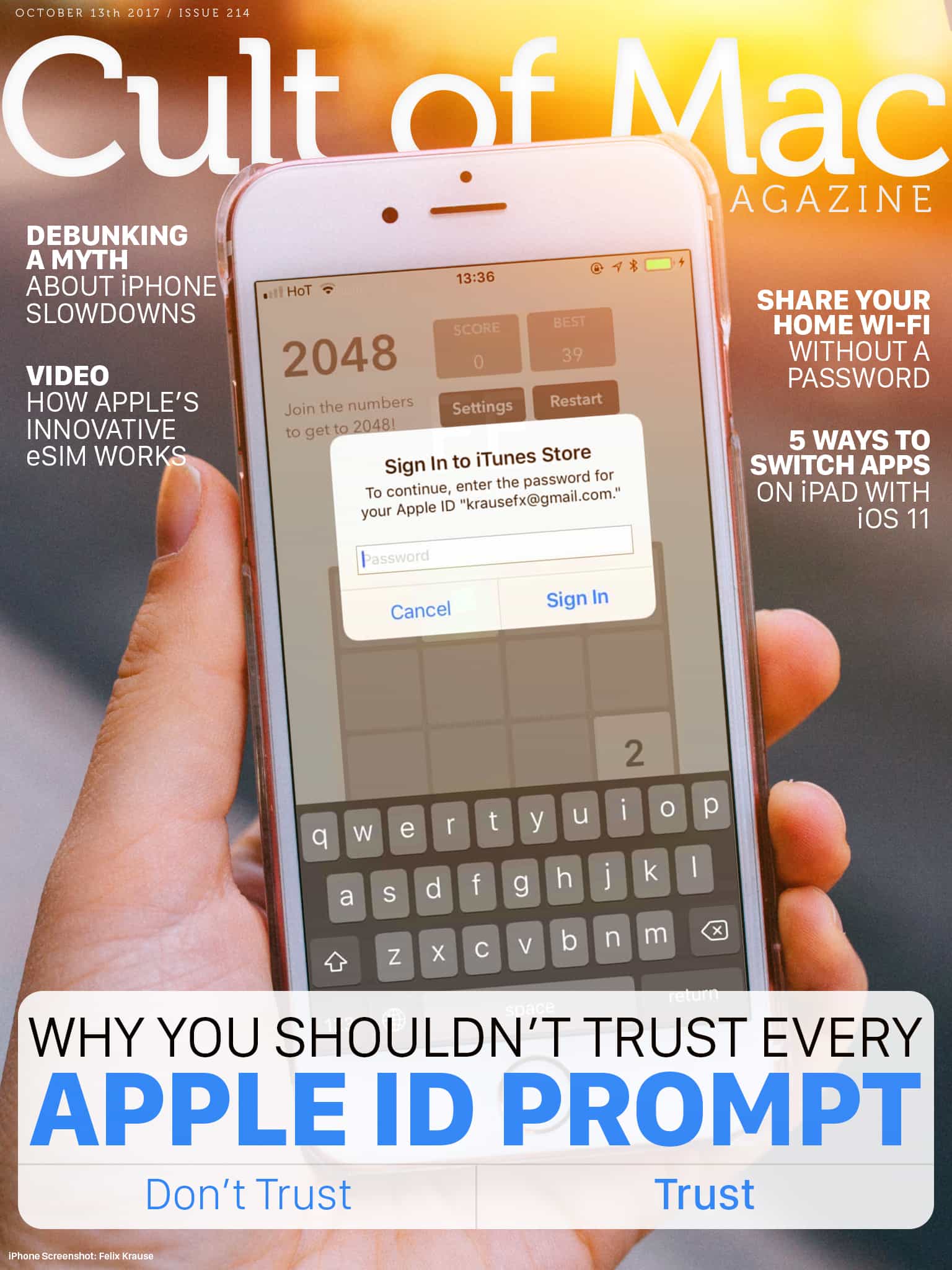
cover
Although the popup will look exactly the same, it could be a phishing attempt. It’s incredibly easy for developers to implement popups.
Photo: Ste Smith/Cult of Mac

It’s not uncommon to see a random popup that asks you to “Sign In to iTunes Store” on iOS. They sometimes appear unexpectedly, but they’re usually genuine. There is a chance that the app’s developer is phishing for your Apple ID password. We’ll show you an easy trick to distinguish legit popups from phishing attempts.

In this week’s issue, you’ll find that story and more. Find out Apple Watch Series 3’s innovative eSIM works. Check out five ways to quickly switch apps on iPad with iOS 11. Don’t miss your last chance to win an a free iPhone 8, and more. Get your free subscription to Cult of Mac Magazine from iTunes. Or read on for this week’s top stories.

Apple Watch saves man from pulmonary embolism

By

Apple Watch
Apple Watch Series 3 doesn't like visiting hospitals.
Photo: Ste Smith/Cult of Mac

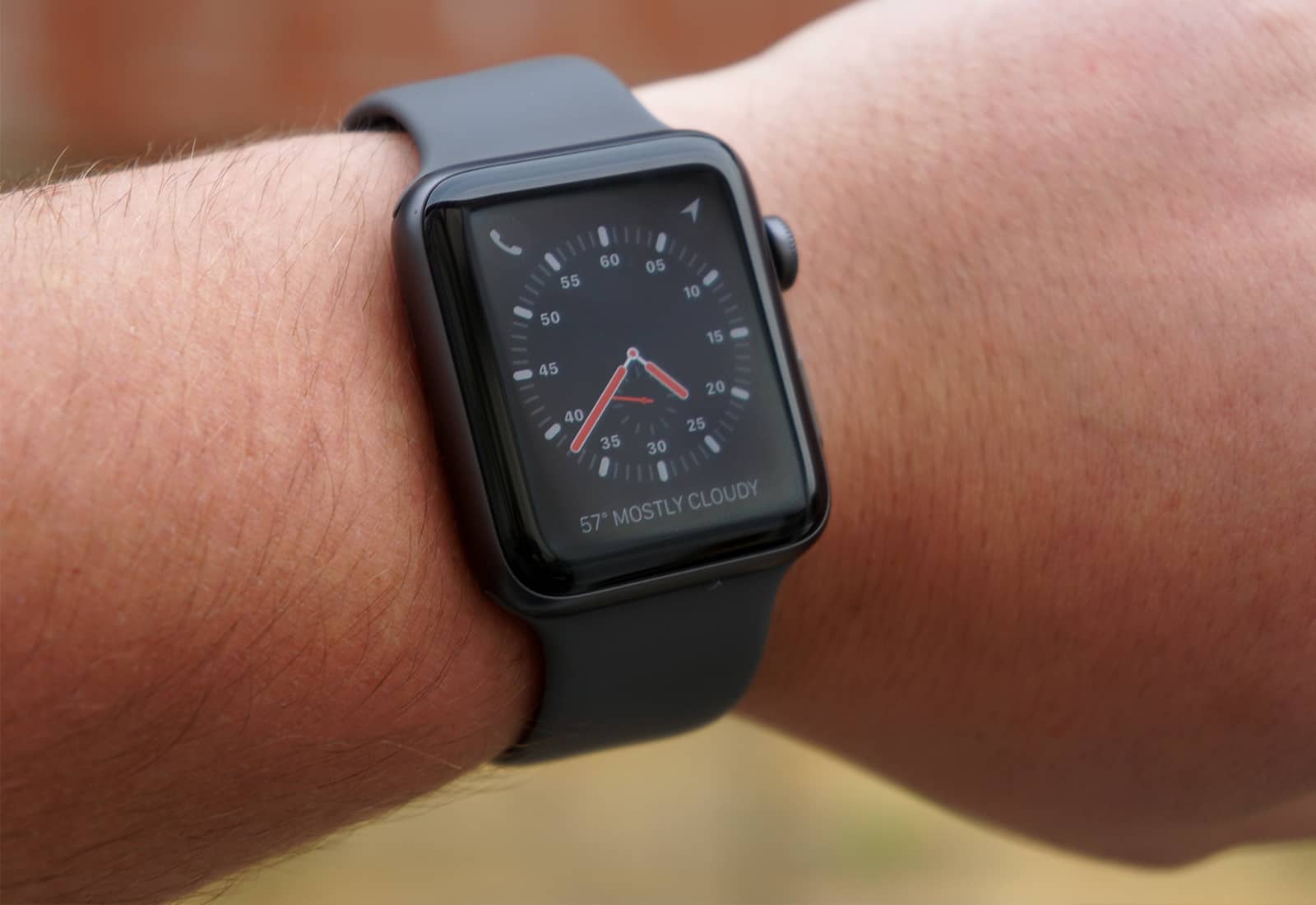
Wearing an Apple Watch has become the difference between life and death for a New York man who never expected that buying one could save his life.

James Green, a 28-year-old from Brooklyn, describes himself as a serial data tracker. When he bought the original Apple Watch two years ago, he picked it up mostly for the notifications and tracking bike rides. Now, thanks to a heart-tracking app, it’s become a big part of his health story.

This thumb drive for Mac and iPhone works like a data lifeboat [Deals]

By

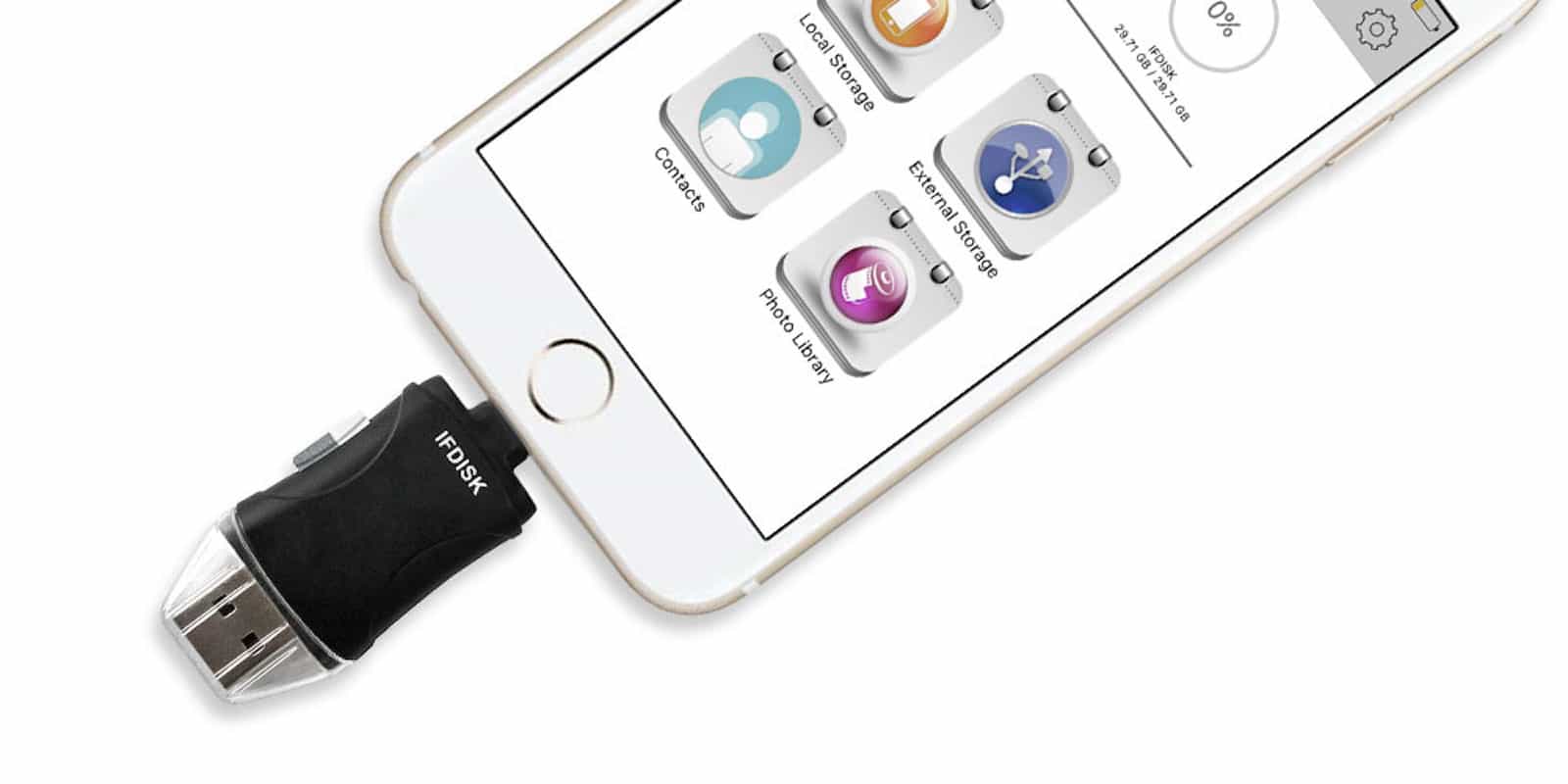
This thumb drive works as a bridge between your Mac, iOS devices, and SD storage.
Photo: Cult of Mac Deals
Having a thumb drive on hand can be useful for all sorts of things. From keeping and moving backups of documents, photos or other files, to security uses like keys, passwords and cryptocurrency storage. Of course the thumb drive you use for your USB-connected Mac isn’t likely to work with your Lightning-connected iPhone.

Amazon is about to ruin its best Kindle model

By

new Kindle oasis
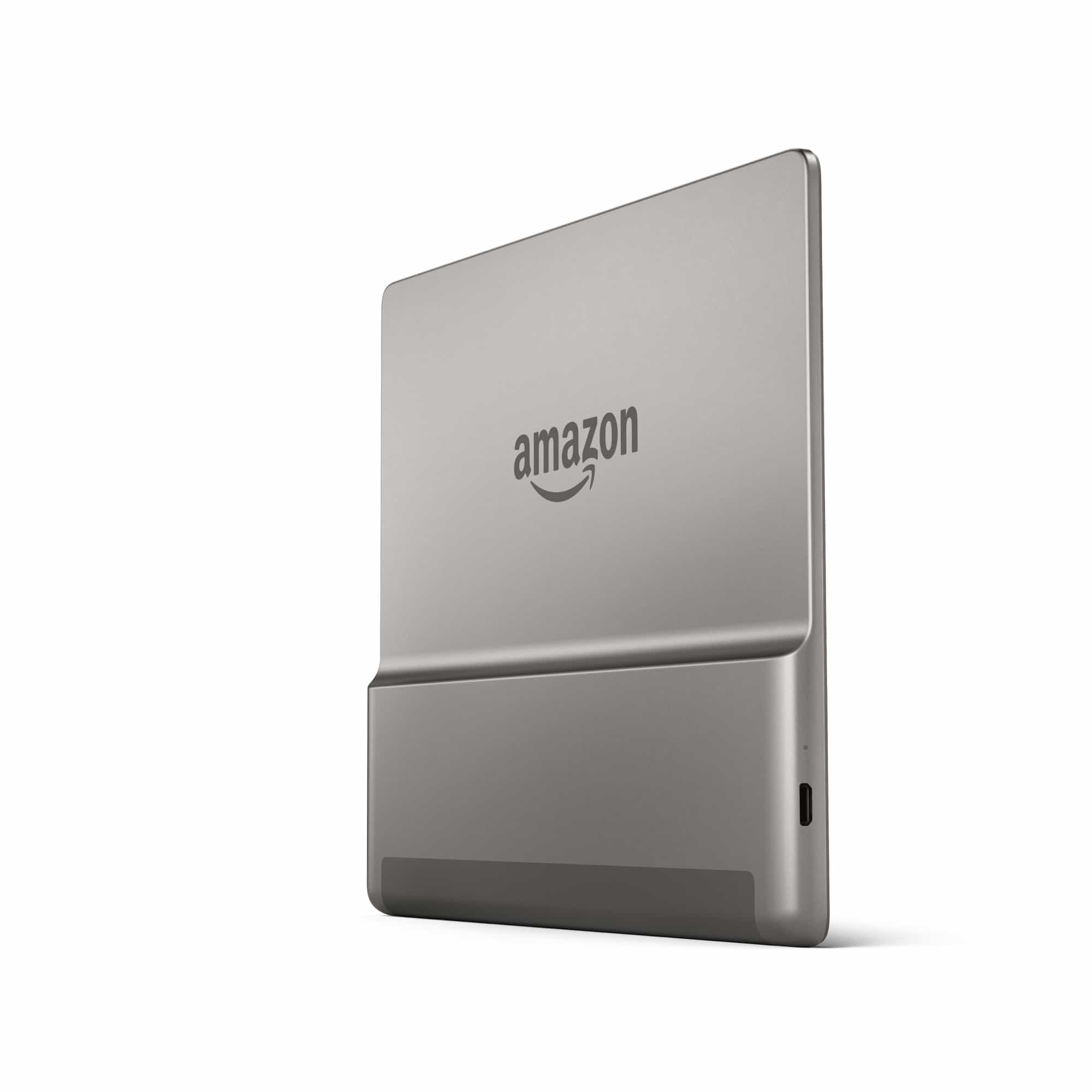
That hot unibody is 50% heavier than the old model.
Photo: Amazon

The new Kindle Oasis was just launched, and it looks amazing. It has the same super-slim form as the current Oasis, along with the asymmetric shape and hardware page-change buttons, only now it also has a bigger 7-inch screen, better battery life, and it is waterproof. It’s even cheaper than the current model.

Luckily, this new Oasis doesn’t go on sale until the end of October, so you still have a few weeks to buy the old one while you still can.

How to use Spark’s amazing advanced email features

By

spark header
Spark works everywhere.
Photo: Readdle

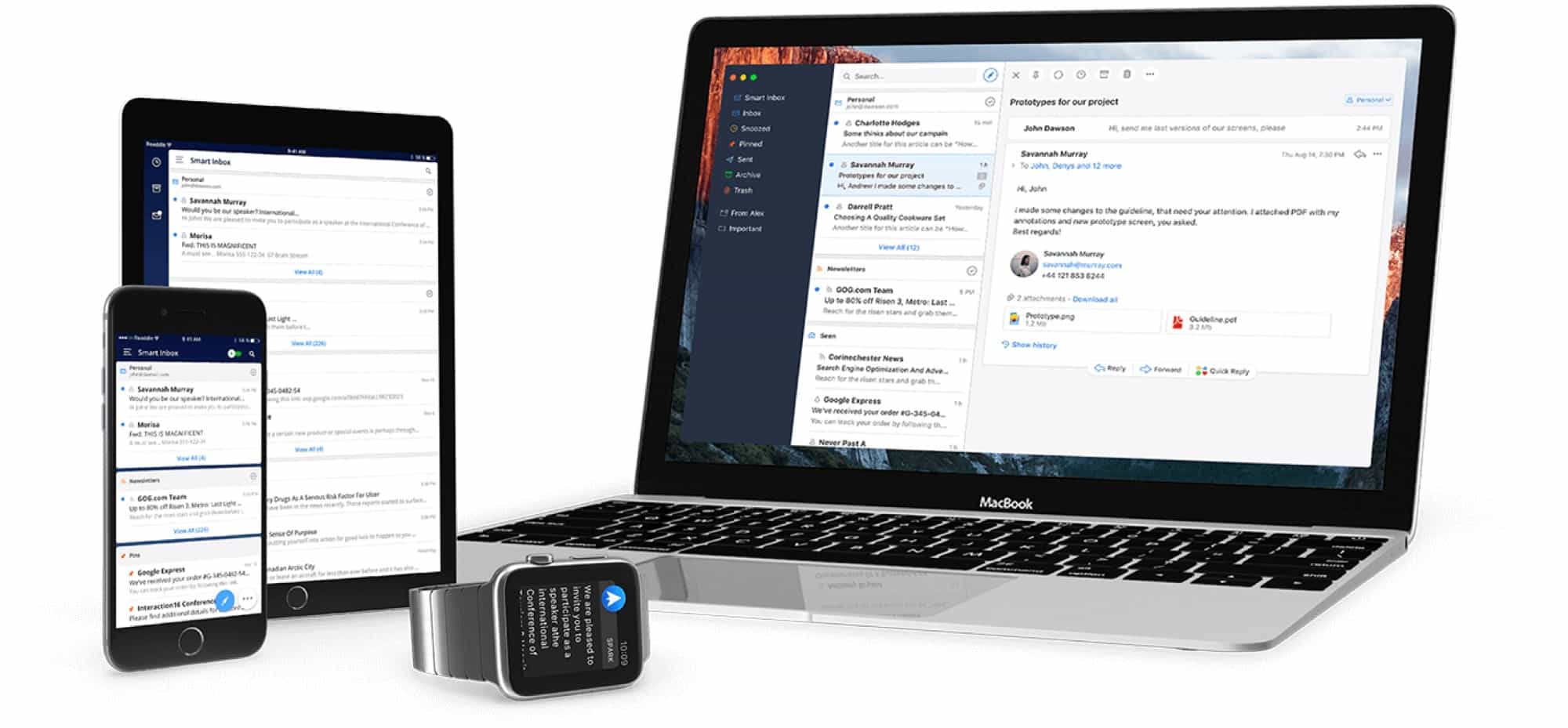
Apple’s own Mail app is pretty amazing in iOS 11 and macOS High Sierra, and is more than good enough for most people. But Cult of Mac readers aren’t “most people,” and that’s where Readdle’s Spark comes in. If you’re looking for more features, like scheduled sending, automatic follow-ups, and integrations with third-party apps and services, then Spark is the place to look. Today we’ll look at how to use these great new features.

iPhone X supply still plagued by TrueDepth sensor delays

By

iphone x
Your iPhone X is on its way. Now make sure you're prepared.
Photo: Apple

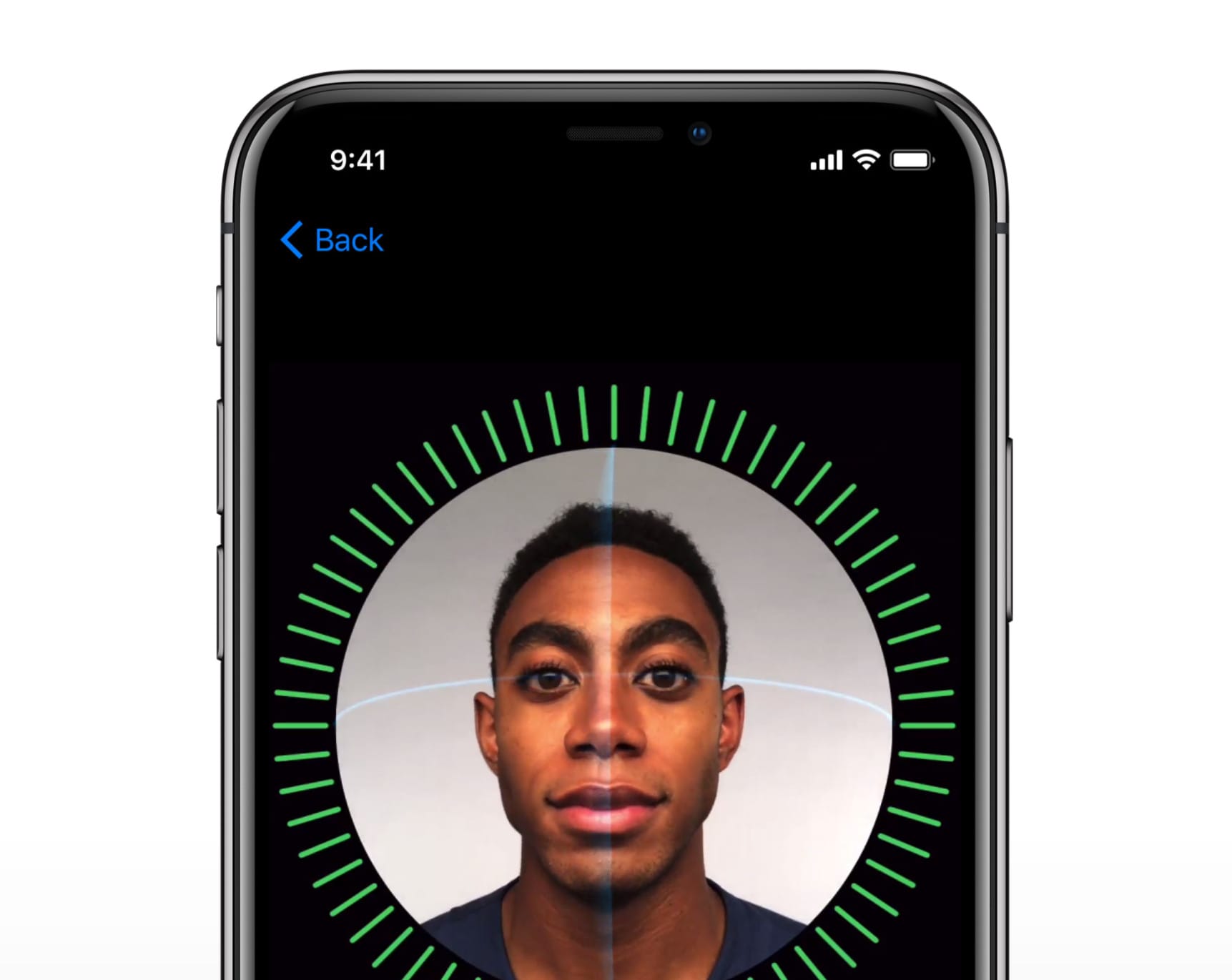
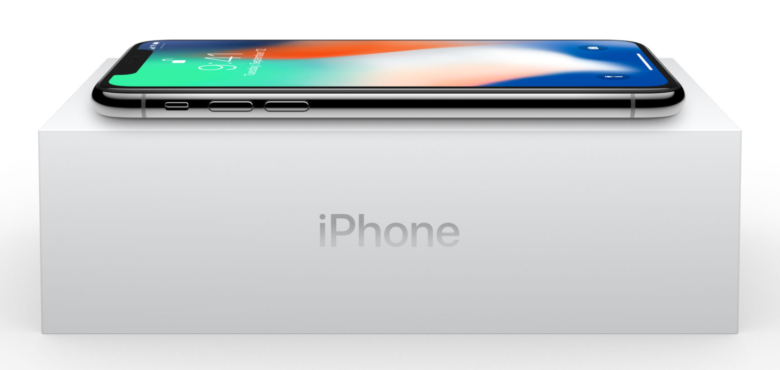
iPhone X supply is still being plagued by manufacturing issues.

Some analysts have slashed supply forecasts even further due to the problems faced by TrueDepth sensor makers. It looks like Apple’s hottest handset will be even harder to obtain than originally anticipated.

iPhone X makes apps look horrible … for now

By

iPhone X wild
This photo of iPhone X highlights an ugly problem.
Photo: EddiOS42/Reddit

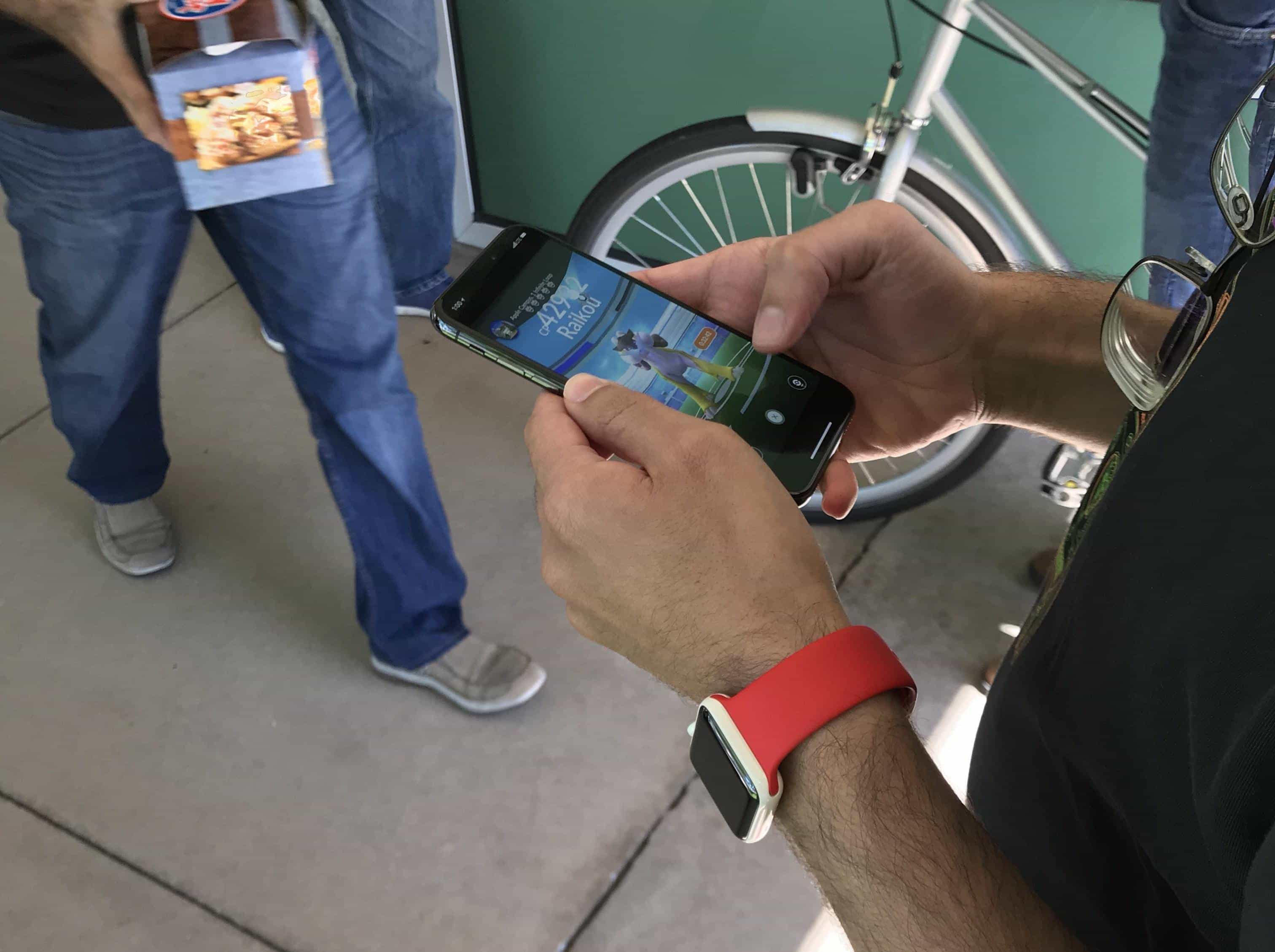
The edge-to-edge display on iPhone X is going to make everything we do look spectacular. That’s what Apple tells us, at least. But the truth is, a lot of your favorite apps are going to look downright horrible when you first start using one.

This picture of an iPhone X in the wild highlights an ugly problem Apple’s new smartphone will face when it makes its big debut next month.

This dongle fixes the jackless iPhone 7 for good

By

amazon lightning iphone 7 dongle
Amazon is getting in on the iPhone dongle game.
Photo: Amazon

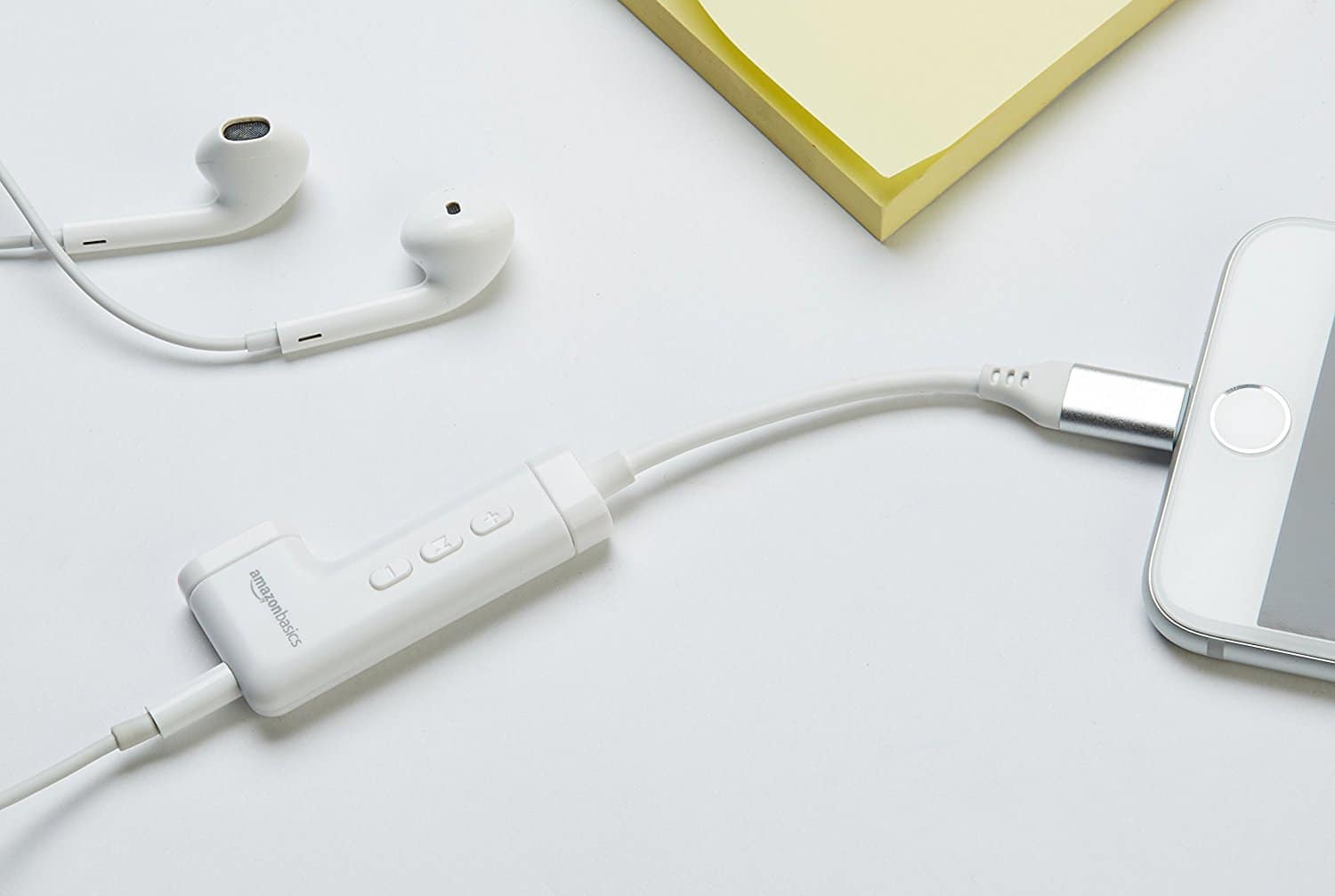
Apple’s obsession with lopping ports off its devices has spawned a whole industry of dangling dongles. Every time Apple removes hole to slim down an iPhone or a MacBook, or to make space for a bigger battery, somebody else fills that gap with an external widget that does the exact same thing, only messier and more expensive.

The latest in this dongle parade is the AmazonBasics Lightning to 3.5mm Headphone Jack Audio Adapter with Remote and Lightning Charging Port, a product whose name tells you almost everything you need to know.

How to find the hidden printing options in Preview app

By

Printing a PDF isn't what it used to be.
Photo: Thad Zajdowicz/Flickr CC

Today’s tip is a simple one which might help some of you from going nuts trying to find hidden pricing options on your Mac. Did you ever try to print a PDF in Safari? Usually when you click on a PDF link in the browser, Safari opens it up right there. This seems great if you want to quickly print the PDF, but you should stop right there. Safari’s printing sheet, the one that opens up when you hit Command-P to print, is a cut down version of the regular one.

Even worse, the missing features are exactly the ones you’ll want to use if printing a PDF — especially if you’re printing tickets, or boarding passes.

Don’t fall for free iPhone scams on social media

By

Free iPhone scam
No, Apple won't give you a free iPhone for likes.
Photo: ZeroFOX

iPhone 8 is now on sale and iPhone X is right around the corner, so every Apple fan wants to upgrade. Scammers are taking advantage of this by promising free handsets on social media sites like Facebook and Instagram, but believing what you read could prove dangerous.

This small sensor gives your iPhone an eye for color [Deals]

By

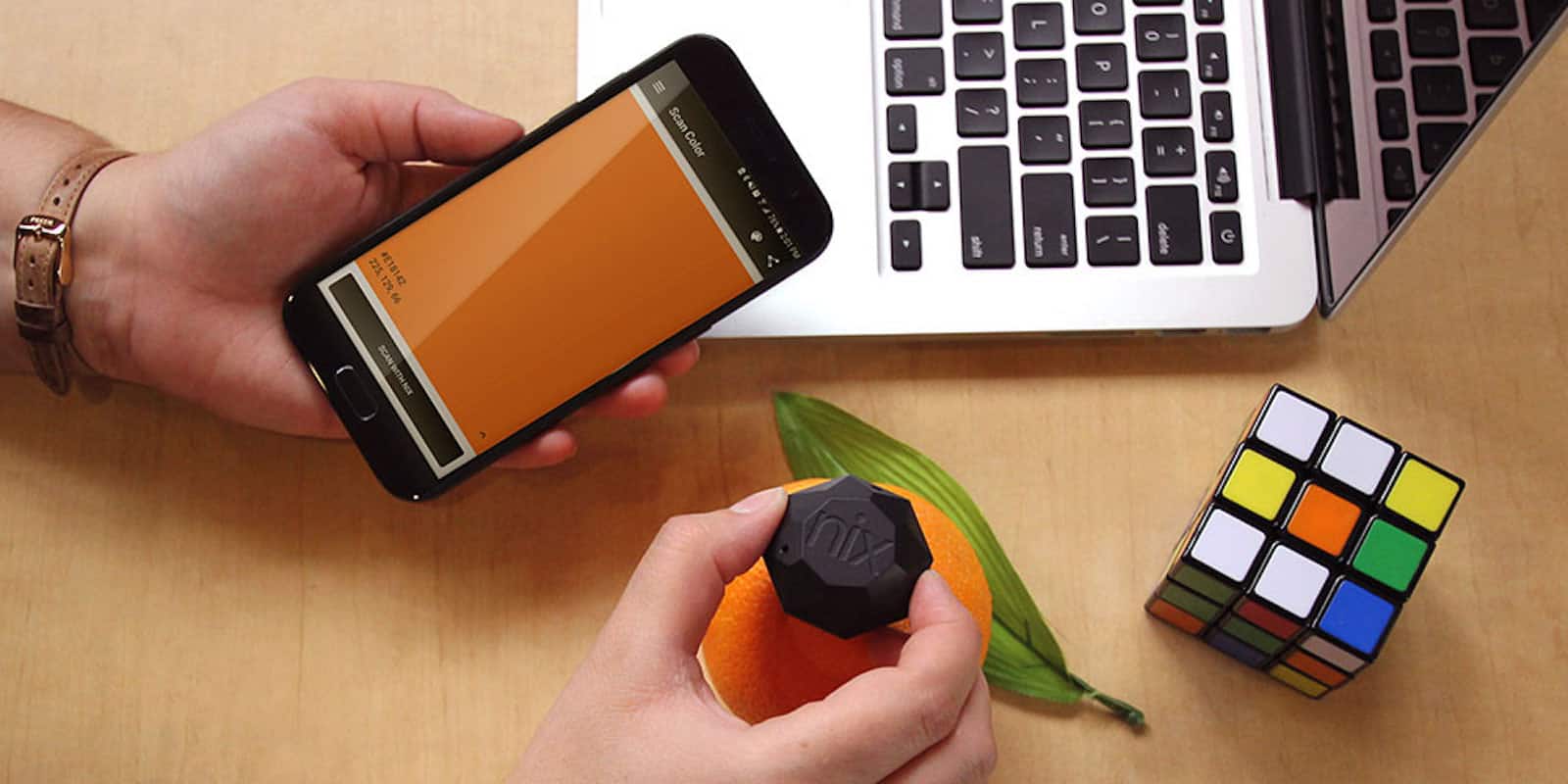
This keychain-sized sensor can tell you the precise color, for liquid and digital paint.
Photo: Cult of Mac Deals

Getting the color you see in the world to match the color on your brush can be tough. Whether you’re painting on canvas or designing on the computer, working with exactly matched colors takes a trained eye. And sometimes, it takes a handful of color swatches. Unless of course you’ve memorized the color hex code system (and let’s be honest: you haven’t).

Why you shouldn’t trust Apple ID prompts in third-party apps

By

Not all Apple ID prompts are created equal.
Photo: Jan Vašek/Pixabay CC

It’s not uncommon to see a random popup that asks you to “Sign In to iTunes Store” on iOS. They sometimes appear unexpectedly, but they’re usually genuine. However, one developer is warning users not to enter their password when the popup appears in third-party apps.

There is a chance that the app’s developer is phishing for your Apple ID password. Luckily, there’s an easy trick to distinguish legit popups from phishing attempts.

How does Apple Watch’s innovative eSIM work?

By

Apple watch series 3
The Apple Watch's cellular connectivity is the big new feature. But how does it work?
Photo: Ste Smith/Cult of Mac

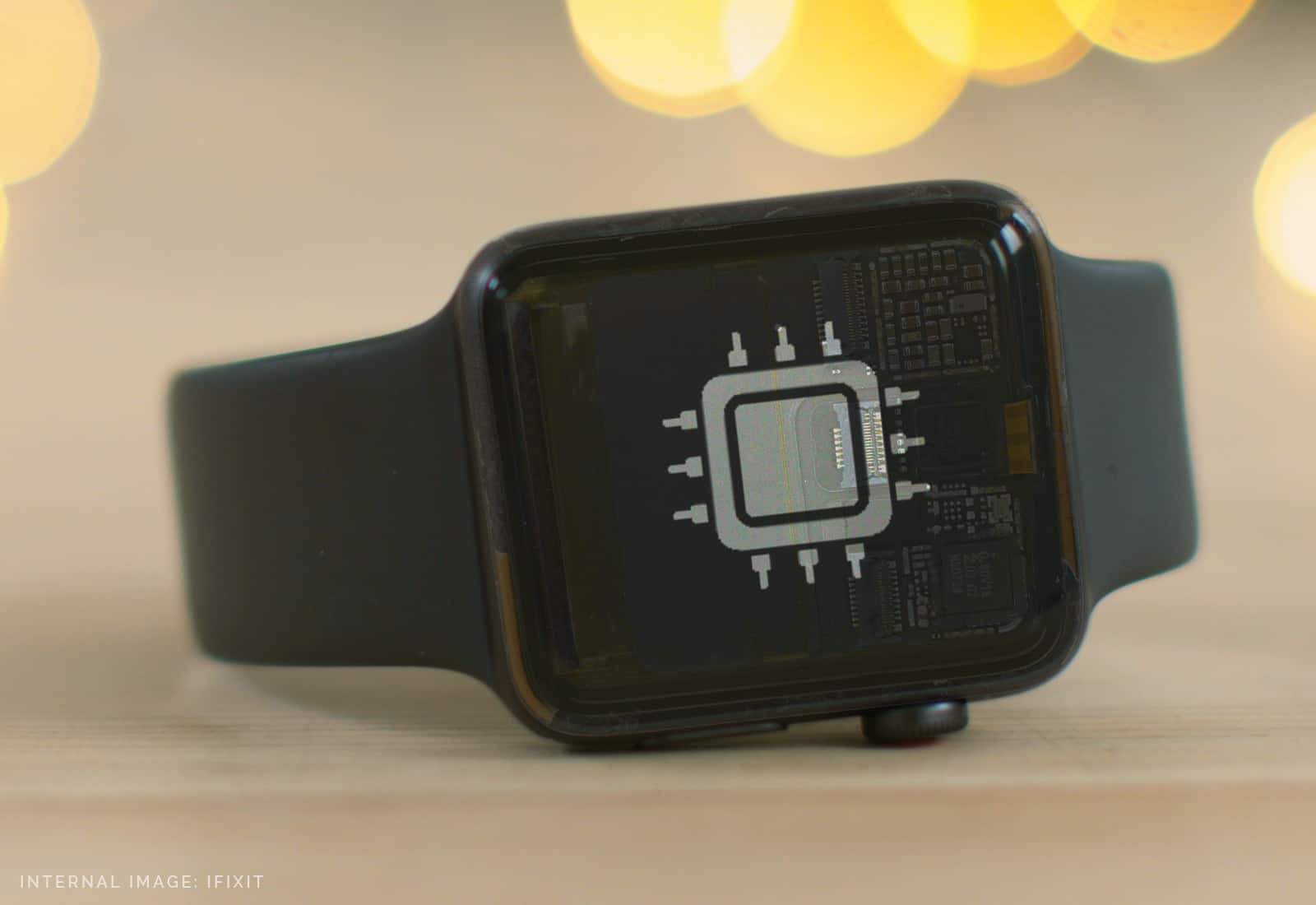
Apple Watch Series 3 is Apple’s best smartwatch yet. It’s faster, packed full of new features in watchOS 4, and it boasts amazing new cellular connectivity (if you pay more for the LTE model). This is all made possible with a built-in antenna, a UMTS radio, and an eSIM. But how does it work?

Check out the video below to find out.

Tim Cook: Don’t expect a standalone AR headset anytime soon

By

Tim Cook
ARKit is as big as the App Store and Multitouch, Tim Cook says.
Photo: Jim Merithew/Cult of Mac

Apple’s augmented technology platform ARKit is going to be as big as the App Store and multitouch, but the technology’s not yet there to make a standalone AR headset.

Those are the biggest takeaways from a wide-ranging interview Apple CEO Tim Cook gave to the U.K.’s Independent newspaper as part of his trip to Europe this week. The interview also covered his love of the military, and why Apple shouldn’t stay silent on issues it disagrees with.